Flash Drives For Laptops And MacBooks
Find flash drives for laptops and MacBooks to transfer files, back up documents, and keep photos close at hand. Browse portable USB storage and compare capacity, connector type, and transfer speed to suit your needs. Check whether your device uses USB-A or USB-C ports and confirm operating system compatibility before choosing a drive.



FAQ
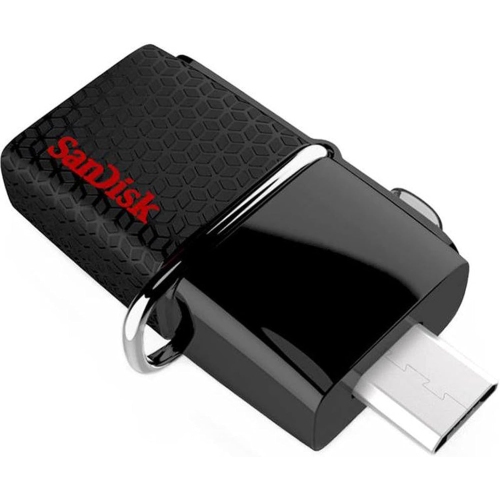
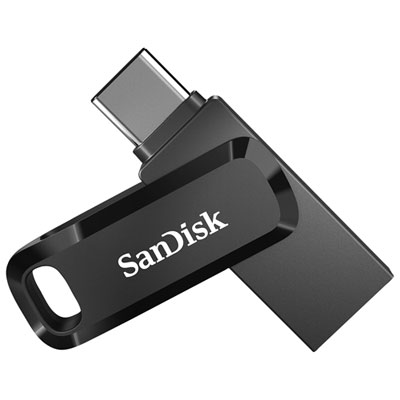
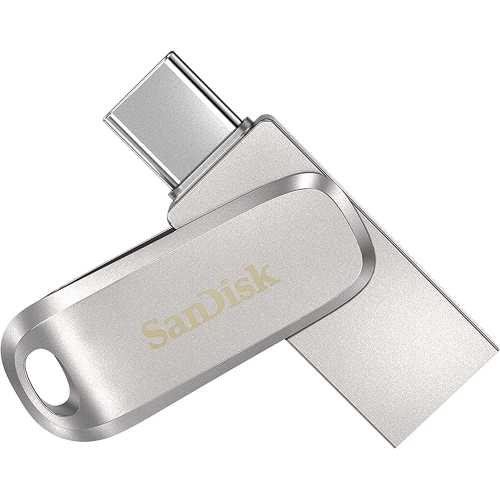
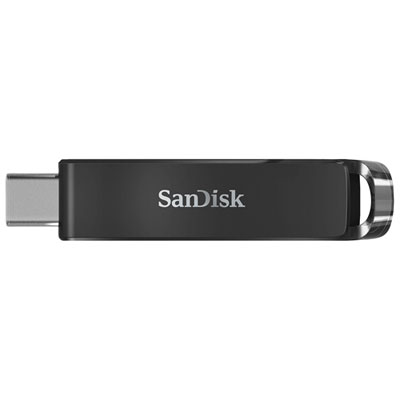
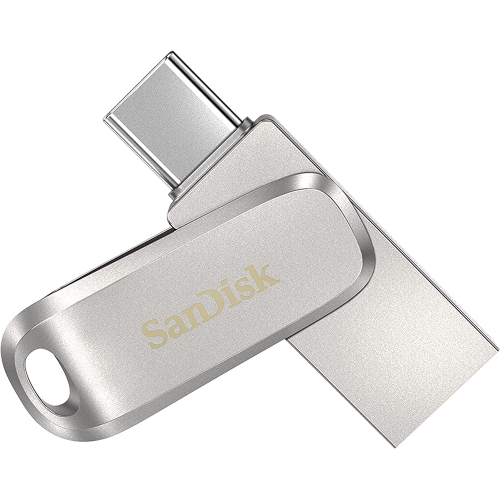
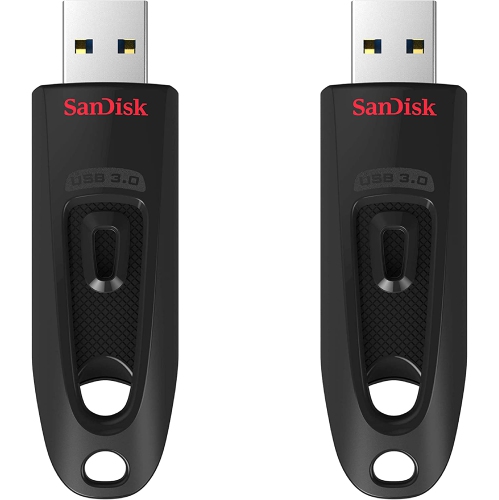
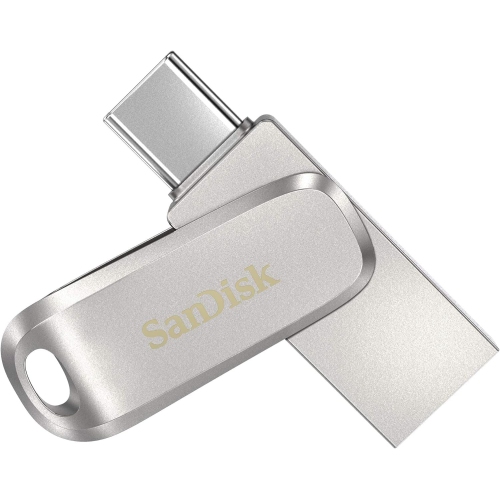
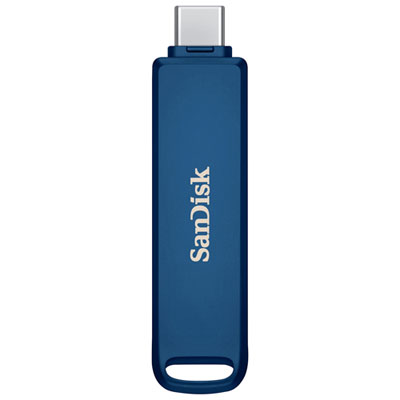
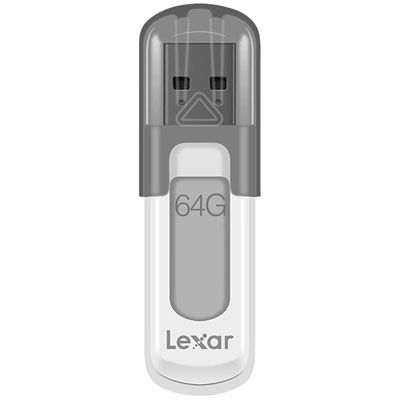
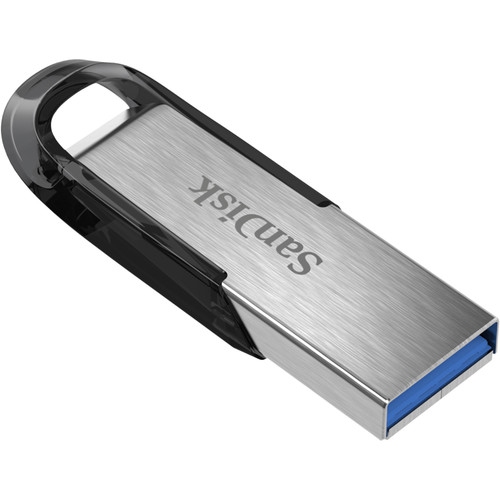
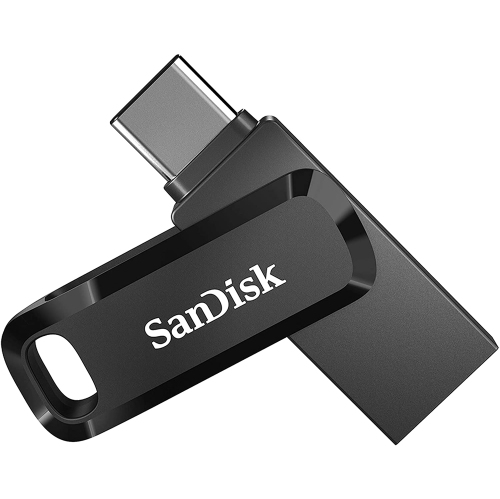
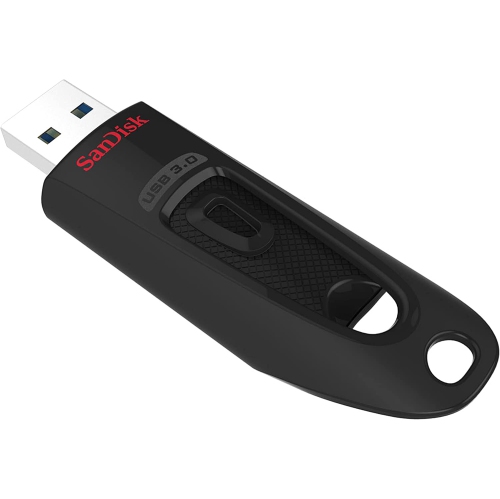
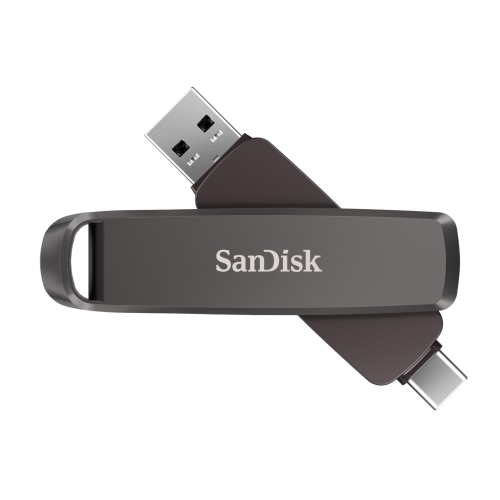
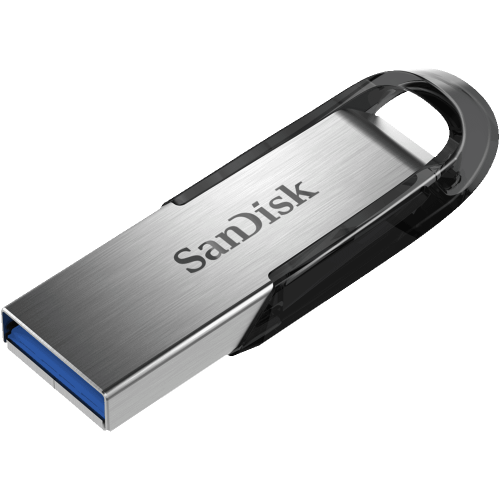
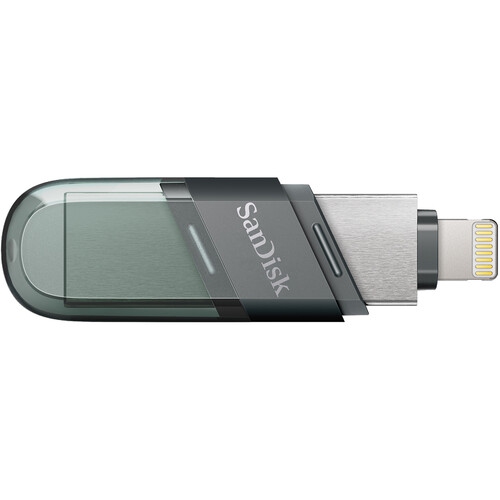
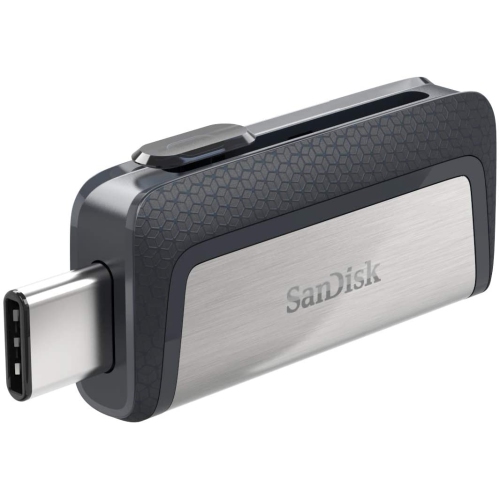
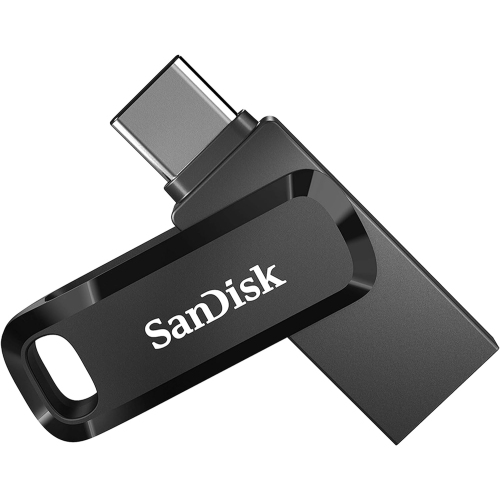
Choose a flash drive with a connector that matches your computer’s ports. USB-A flash drives connect to rectangular USB-A ports, while USB-C flash drives connect to oval USB-C ports, including compatible Thunderbolt ports on MacBooks. A dual-connector flash drive includes both USB-A and USB-C connections.
Yes. A flash drive formatted as exFAT can be read and written to by both Windows and macOS. Other formats may have limitations: macOS generally reads NTFS drives but does not write to them without additional software, while Windows does not natively support APFS.
Most flash drives do not need additional software for basic file transfers. Once connected, a compatible drive usually appears in File Explorer on Windows or Finder on macOS. Optional features on some drives may require software that supports your operating system.
Yes. You can connect a flash drive through a compatible USB hub, dock or adapter that supports data transfer. For example, a USB-C to USB-A adapter lets you connect a USB-A flash drive to a MacBook with USB-C ports.
The connector, such as USB-A or USB-C, describes the physical connection. The USB standard, such as USB 2.0 or USB 3.2, describes its data-transfer capabilities. A USB-C connector alone does not indicate the drive’s transfer speed; the drive, computer port and any adapter all affect the connection.
Top selling and popular products
Discover more categories related to Flash Drives For Laptops And MacBooks
Some products may be subject to Environmental Handling Fees (EHF) depending on your province. Learn more about EHFs.