Fully Modular Power Supplies
Discover the ultimate in customization and efficiency with fully modular power supplies, perfect for building your dream PC setup. These versatile power solutions offer unparalleled flexibility, allowing you to tailor your system's cabling to meet your specific needs while maintaining a clean and organized build. Whether you're a seasoned builder or a first-time enthusiast, fully modular power supplies provide the adaptability and performance required to power high-demand components seamlessly. Explore our selection to find the ideal fit for your next project, ensuring optimal performance and a clutter-free aesthetic.
Sort
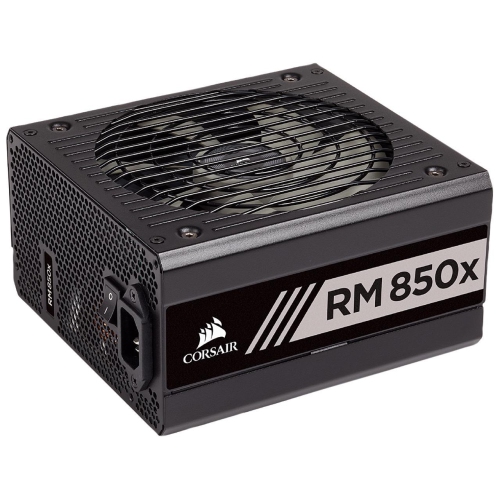
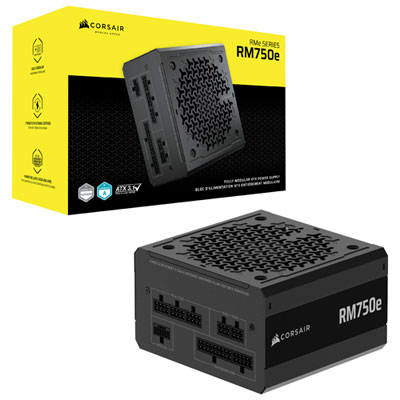
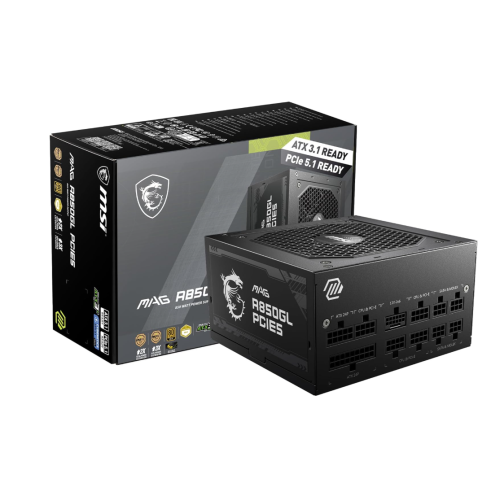
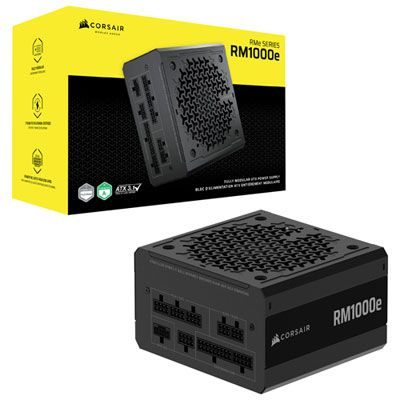
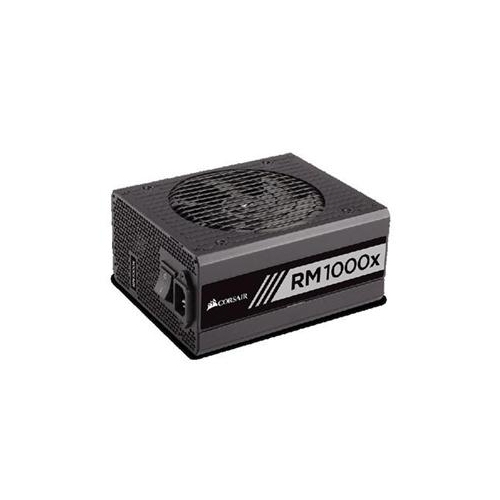
Flexible cable management for easier PC building and upgrades
Fully modular power supplies give PC builders complete control over the cables connected to their system. Unlike non-modular power supplies, which have every cable permanently attached, or semi-modular models, which keep a few essential wires fixed in place, a fully modular power supply allows every cable to be removed from the power supply housing. You connect only the cables your computer needs for its motherboard, processor, graphics card, storage drives, cooling system, and accessories. This design can make a new build easier to organize, particularly when working inside a compact case or threading cables through tight routing channels. It also helps create a cleaner interior, with fewer unused wires gathered behind the motherboard tray or tucked beneath the power supply shroud. A tidy layout can make it easier to identify components, add storage, inspect connections, and complete future upgrades. For anyone assembling a gaming computer, workstation, home media system, or high-performance desktop, the ability to plan the cable layout around the actual hardware can be a meaningful advantage. Fully modular power supplies are also useful when replacing an older power supply, since the unit can be removed without pulling a large bundle of attached cables through the case. Always replace the cables with those supplied for the new power supply. Modular cables are not universally wired the same way, even when the connectors appear to fit, and using an incompatible cable can damage computer components.
Choosing the right fully modular power supply begins with matching its output to the complete computer rather than focusing only on the graphics card. Check the recommended power rating for the graphics card and processor, then account for the motherboard, memory, storage drives, cooling fans, pumps, lighting, USB accessories, and future upgrades. A little additional capacity can provide useful flexibility, especially for a performance-focused system or a computer that may receive a more powerful graphics card later. At the same time, a much higher rating does not automatically improve performance, so the best choice balances capacity, system requirements, available space, and budget. Confirm the physical format before purchasing. Most desktop computers use an ATX power supply, while smaller cases may require a shorter or different form factor. Measure the available space around the power supply bay and check whether the case has room for cable connectors and bends. Connector selection is equally important: look for the motherboard connection, processor power connections, graphics card connections, SATA connections for storage and hubs, and any newer high-power graphics connections required by the system. Newer standards, including ATX 3.1 and compatible graphics power connections, can be helpful for modern builds because they are designed with current component demands in mind. Read the included cable list carefully and compare it with the ports on the planned components. A fully modular design provides flexibility, but it does not replace careful compatibility checks. Look for clearly labelled ports, well-made cable insulation, appropriate cable lengths, and enough separate connections to avoid awkward routing or overloading a single cable. A modular power supply with a practical selection of cables can save time during installation and make the finished computer look more deliberate and easier to maintain.
Power supply performance also involves protection, sound levels, build quality, and long-term convenience. Look for features designed to help guard the computer against issues such as over-power, over-voltage, under-voltage, short circuits, and excessive temperature. An efficiency certification can provide a useful way to compare how a power supply handles incoming electricity, while a quiet fan profile may be especially appealing for a bedroom computer, shared office, recording space, or living-room setup. The fan may remain off or run slowly during lighter workloads on some models, then increase speed as the system draws more power. Consider how the computer will be used: a basic desktop for schoolwork and browsing has different needs from a gaming computer running demanding titles, a workstation rendering video, or a system handling large creative projects. Fully modular power supplies can make thoughtful gifts for someone building their first desktop, upgrading a gaming setup, or learning computer assembly, since the detachable cables make the installation process feel more manageable and leave room for the recipient to choose a neat layout. They can also suit experienced builders who regularly change graphics cards, add drives, or move components between cases. For a quieter or more carefully planned setup, compare Efficient Power Supplies alongside fully modular options. Before installation, switch off and unplug the computer, confirm the power supply is suitable for the case and components, and route each cable with gentle bends rather than sharp folds. Secure loose cables away from fans, confirm that every connector is fully seated, and keep unused modular cables stored in a labelled bag for future upgrades. During the cooler months, when a desktop may see longer gaming sessions, study periods, or indoor creative work, these small details can help create a dependable computer that is easier to upgrade, troubleshoot, and enjoy.
Choosing the right fully modular power supply begins with matching its output to the complete computer rather than focusing only on the graphics card. Check the recommended power rating for the graphics card and processor, then account for the motherboard, memory, storage drives, cooling fans, pumps, lighting, USB accessories, and future upgrades. A little additional capacity can provide useful flexibility, especially for a performance-focused system or a computer that may receive a more powerful graphics card later. At the same time, a much higher rating does not automatically improve performance, so the best choice balances capacity, system requirements, available space, and budget. Confirm the physical format before purchasing. Most desktop computers use an ATX power supply, while smaller cases may require a shorter or different form factor. Measure the available space around the power supply bay and check whether the case has room for cable connectors and bends. Connector selection is equally important: look for the motherboard connection, processor power connections, graphics card connections, SATA connections for storage and hubs, and any newer high-power graphics connections required by the system. Newer standards, including ATX 3.1 and compatible graphics power connections, can be helpful for modern builds because they are designed with current component demands in mind. Read the included cable list carefully and compare it with the ports on the planned components. A fully modular design provides flexibility, but it does not replace careful compatibility checks. Look for clearly labelled ports, well-made cable insulation, appropriate cable lengths, and enough separate connections to avoid awkward routing or overloading a single cable. A modular power supply with a practical selection of cables can save time during installation and make the finished computer look more deliberate and easier to maintain.
Power supply performance also involves protection, sound levels, build quality, and long-term convenience. Look for features designed to help guard the computer against issues such as over-power, over-voltage, under-voltage, short circuits, and excessive temperature. An efficiency certification can provide a useful way to compare how a power supply handles incoming electricity, while a quiet fan profile may be especially appealing for a bedroom computer, shared office, recording space, or living-room setup. The fan may remain off or run slowly during lighter workloads on some models, then increase speed as the system draws more power. Consider how the computer will be used: a basic desktop for schoolwork and browsing has different needs from a gaming computer running demanding titles, a workstation rendering video, or a system handling large creative projects. Fully modular power supplies can make thoughtful gifts for someone building their first desktop, upgrading a gaming setup, or learning computer assembly, since the detachable cables make the installation process feel more manageable and leave room for the recipient to choose a neat layout. They can also suit experienced builders who regularly change graphics cards, add drives, or move components between cases. For a quieter or more carefully planned setup, compare Efficient Power Supplies alongside fully modular options. Before installation, switch off and unplug the computer, confirm the power supply is suitable for the case and components, and route each cable with gentle bends rather than sharp folds. Secure loose cables away from fans, confirm that every connector is fully seated, and keep unused modular cables stored in a labelled bag for future upgrades. During the cooler months, when a desktop may see longer gaming sessions, study periods, or indoor creative work, these small details can help create a dependable computer that is easier to upgrade, troubleshoot, and enjoy.
Top selling and popular products
-
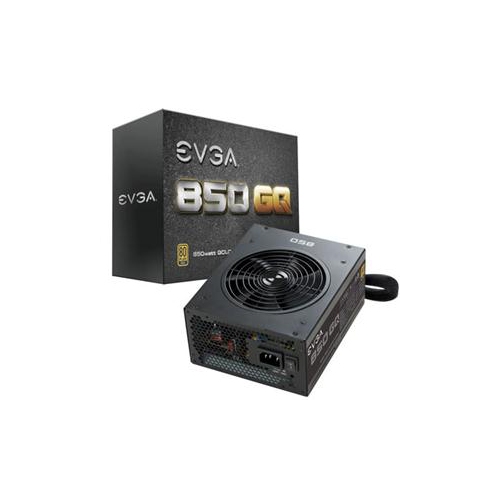 Your price for this item is $279.68
 -
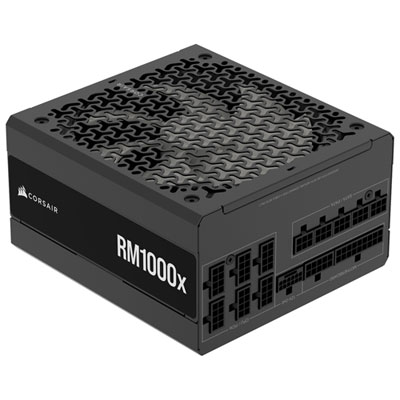 Your price for this item is $234.98
 -
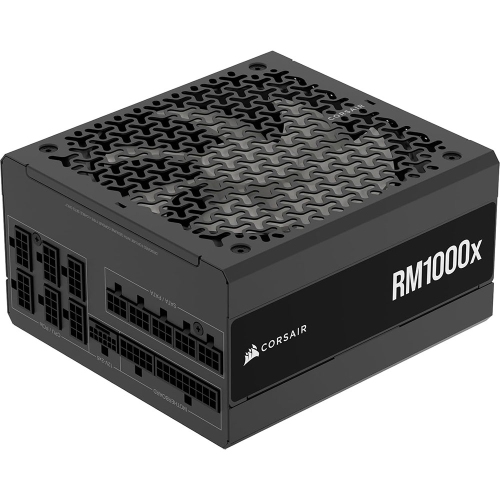 Your price for this item is $294.99
 -
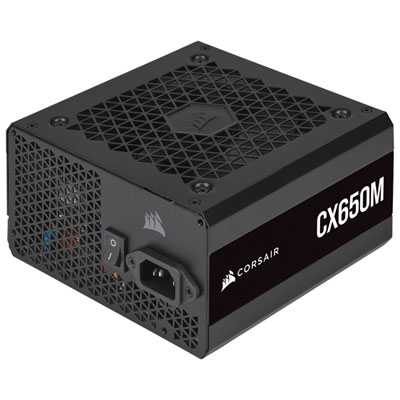 Your price for this item is $99.95
 -
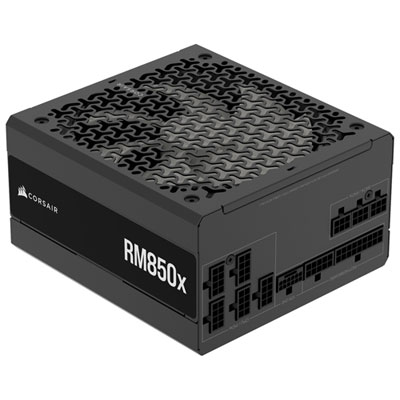 Your price for this item is $209.99
 -
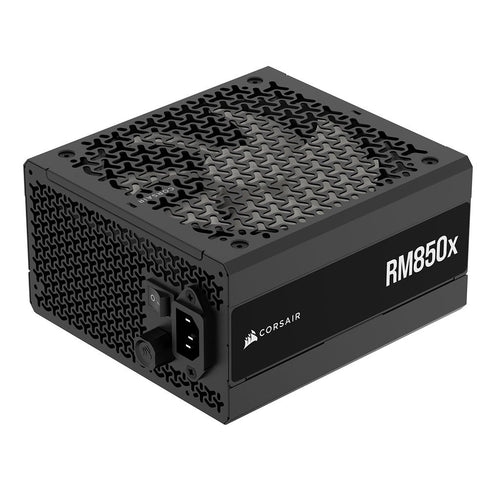 Your price for this item is $199.99
 -
 Your price for this item is $60.47
 -
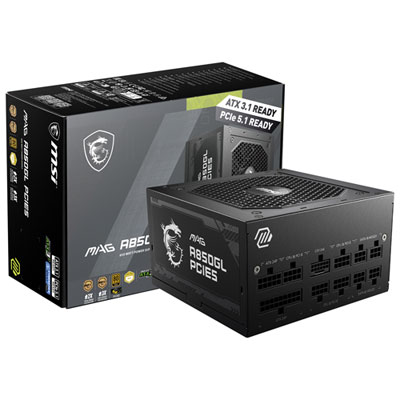 Your price for this item is $144.98
Discover more categories related to Fully Modular Power Supplies
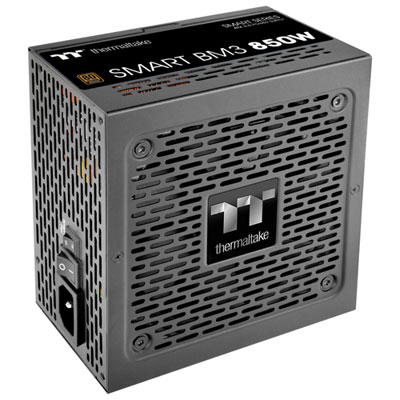
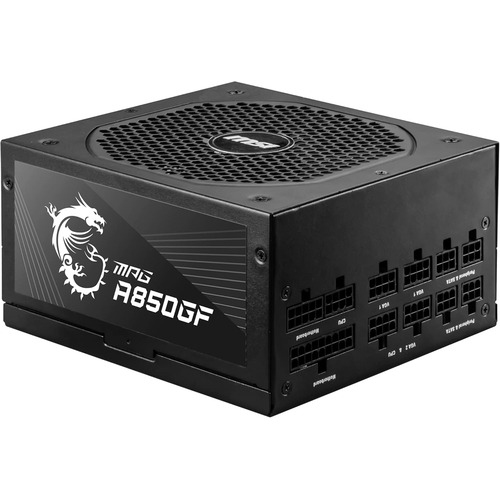
Top Collections:
Pokemon Centers, Kindle Devices, Best Budget Office Chairs, Apple iPhones 16, Canon G7X Cameras, iPhone 15 Apple, Alarm Clock, Refurbished Apple Laptops, Flip Phones, Best Laptops for Writers
Some products may be subject to Environmental Handling Fees
(EHF) depending on your province.
Learn more about EHFs.