Efficient Power Supplies
Looking to upgrade your power supply? Look no further than our collection of efficient power supplies. Designed to deliver reliable and stable power to your electronics, these power supplies are built with cutting-edge technology to maximize energy efficiency. Whether you're a gamer, a professional, or a casual user, our range of efficient power supplies will ensure that your devices receive the power they need while minimizing energy consumption. Say goodbye to wasteful energy usage and hello to a more sustainable and cost-effective solution. Shop now and experience the benefits of an efficient power supply for yourself.
Sort
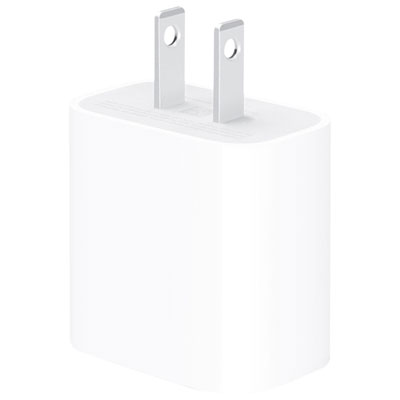
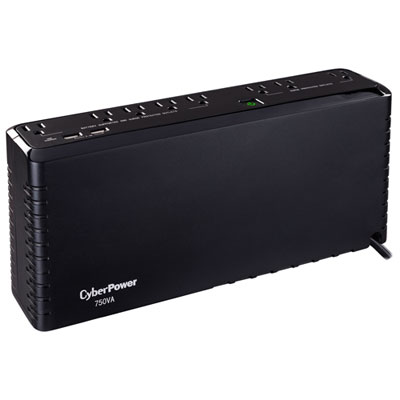

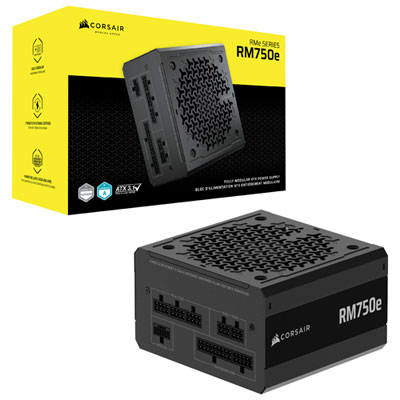
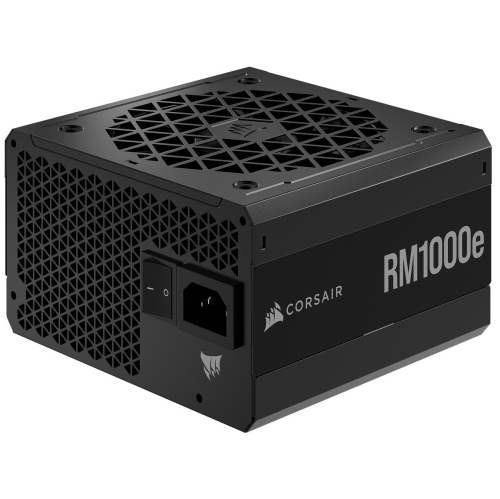
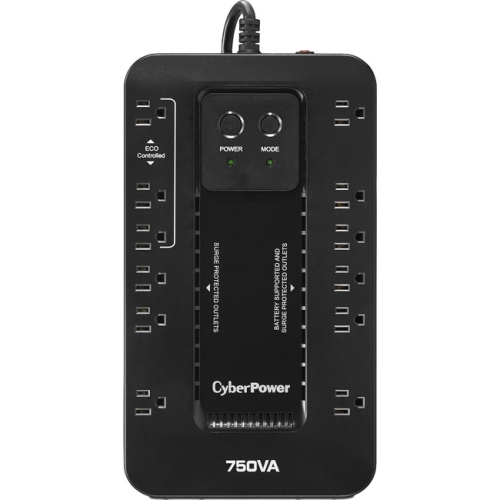

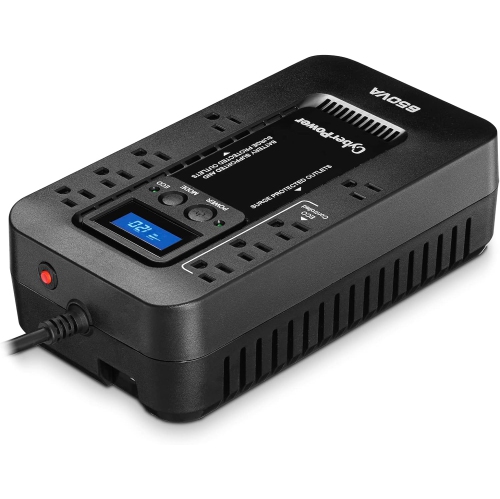
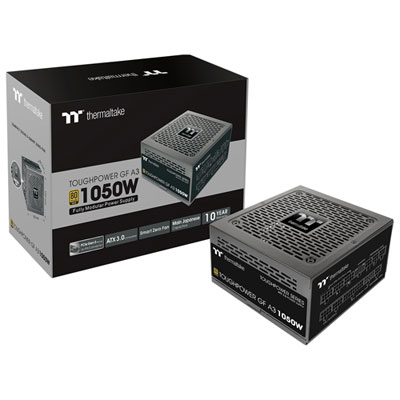
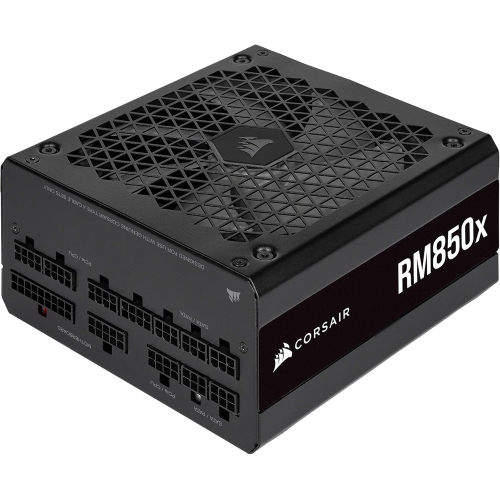
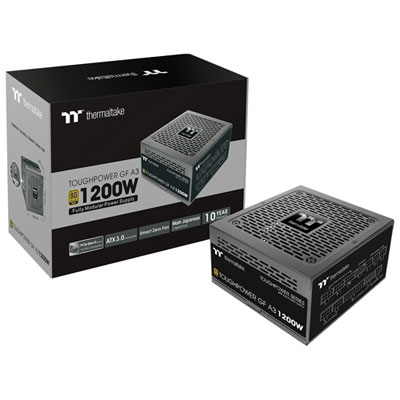
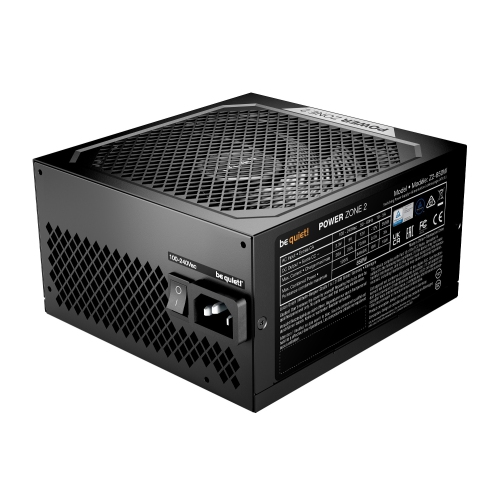
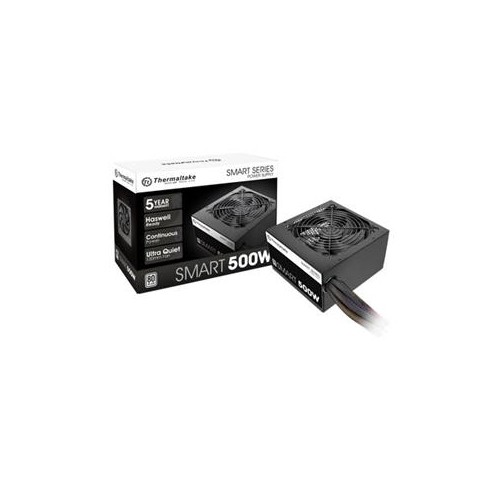
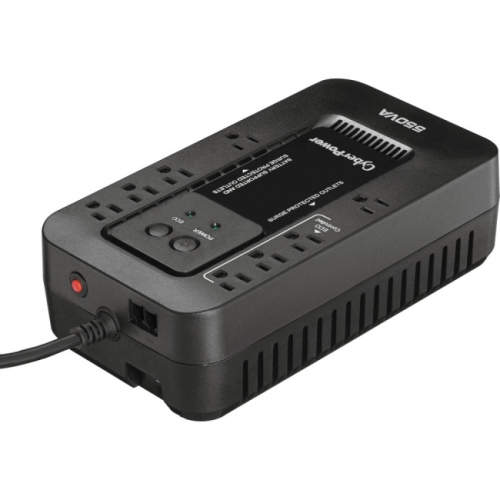
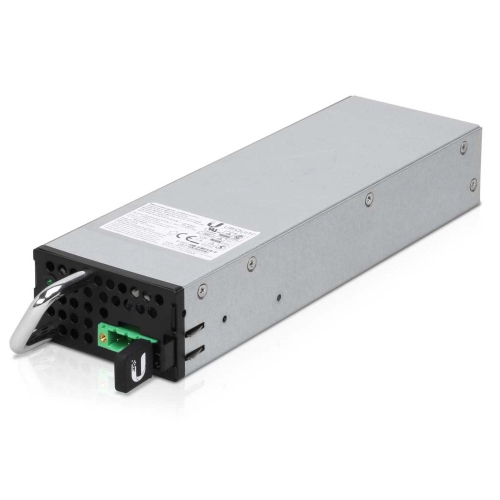
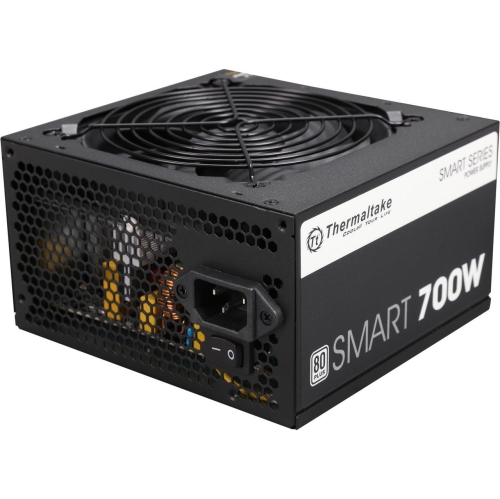
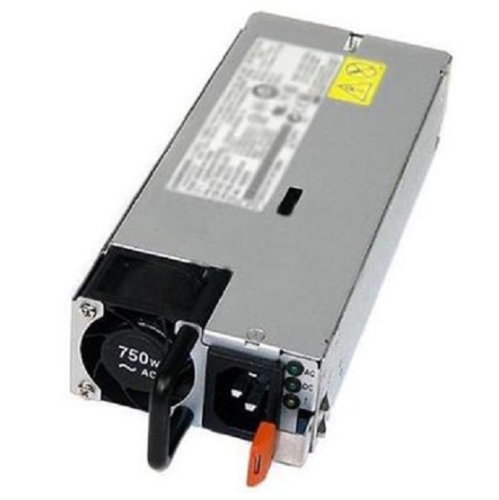
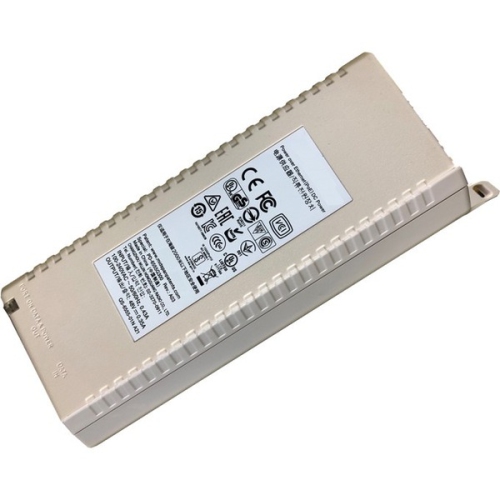
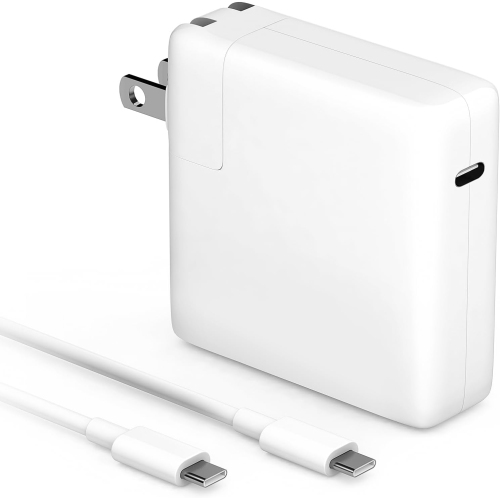
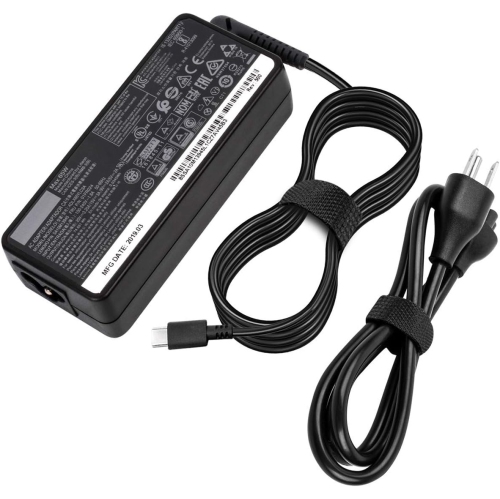
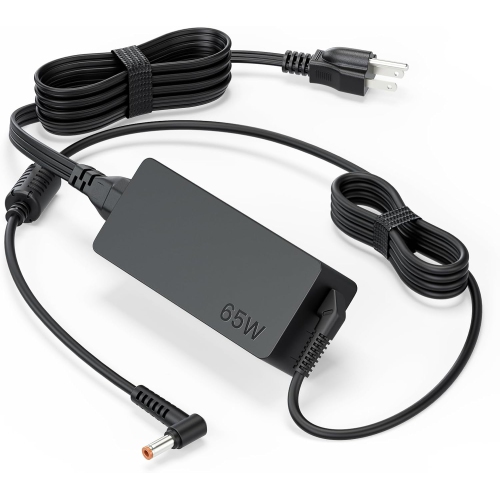

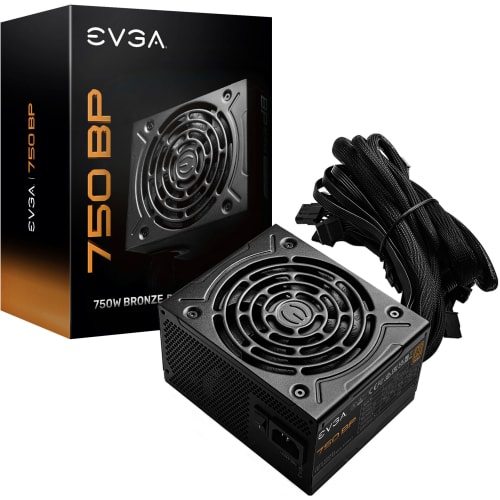
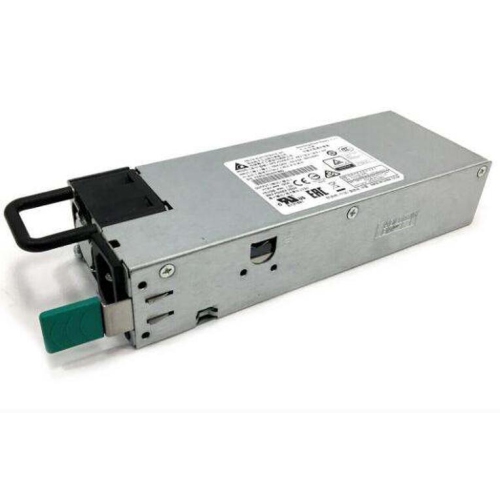

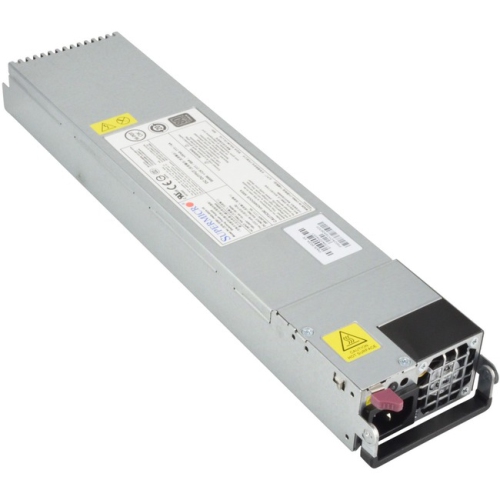
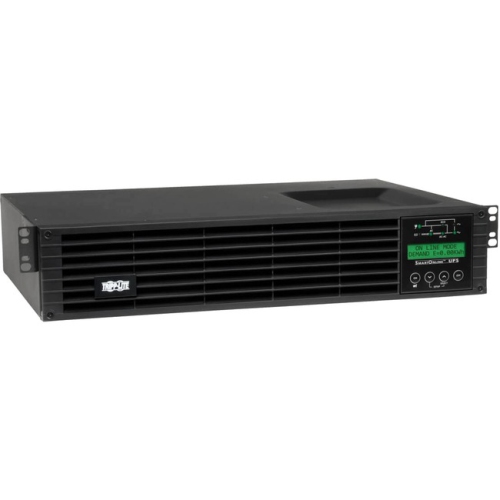

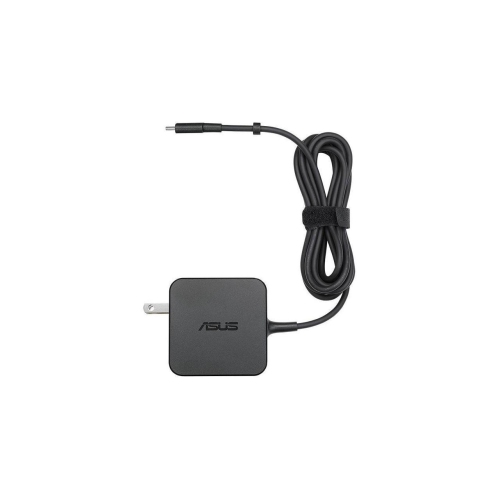
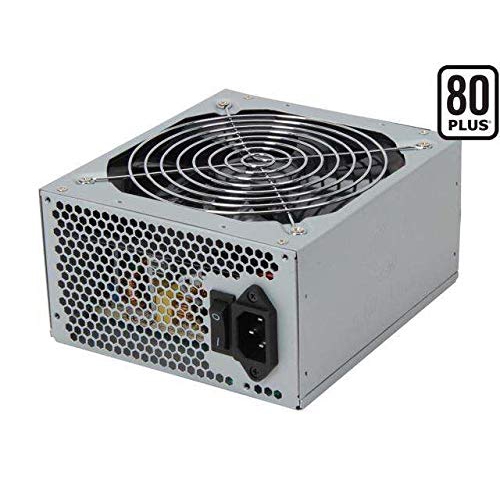
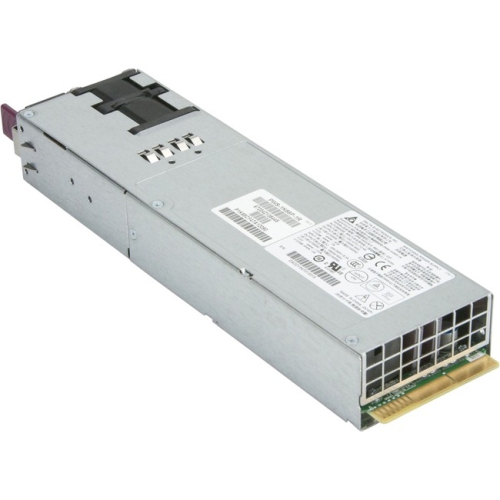
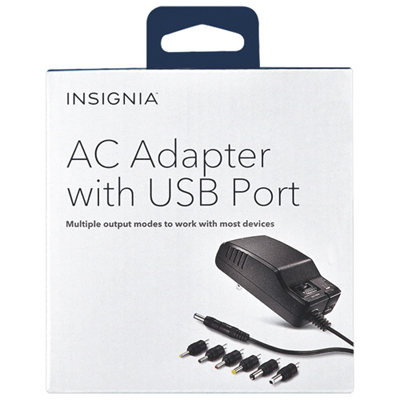
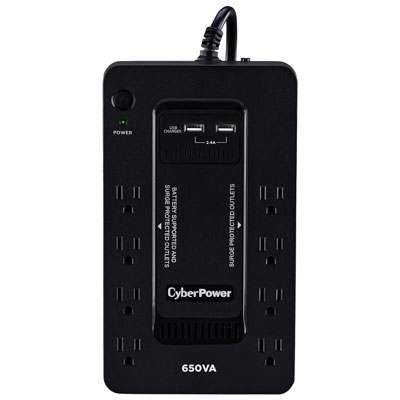
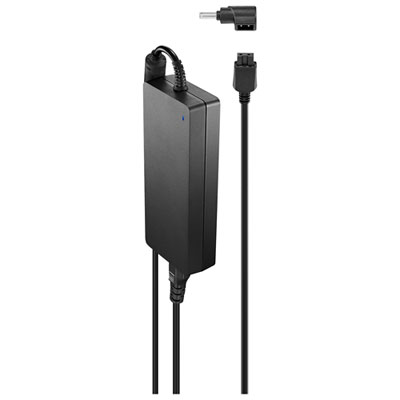
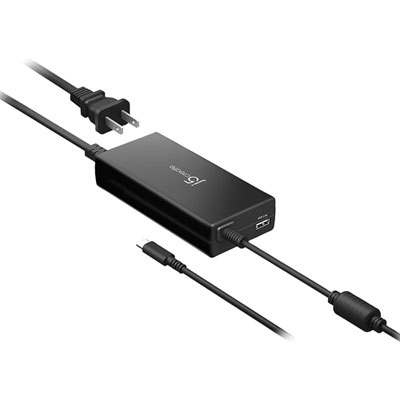
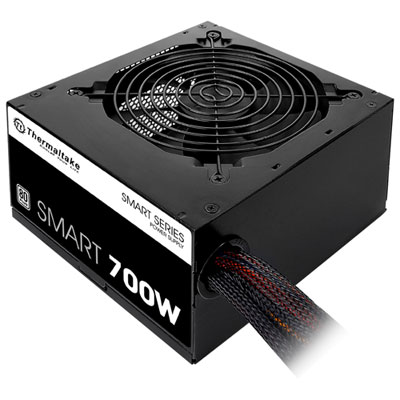
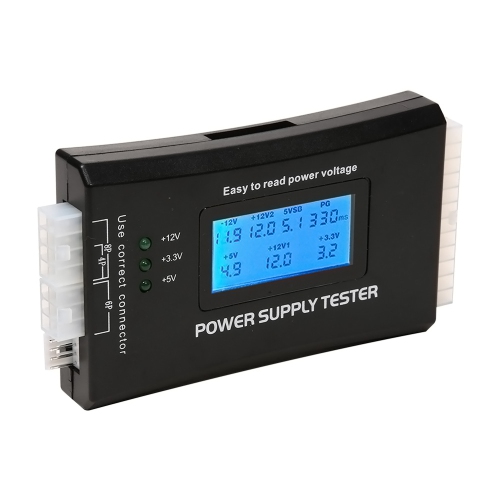
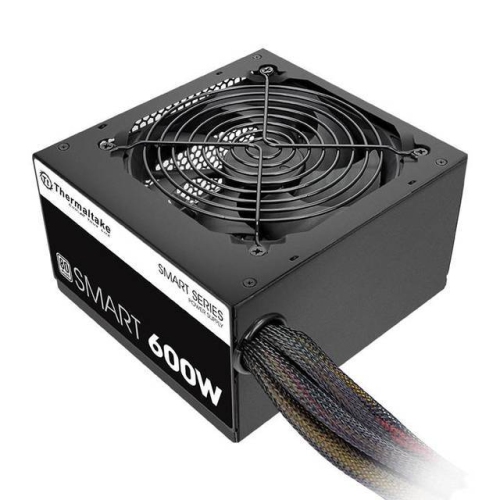
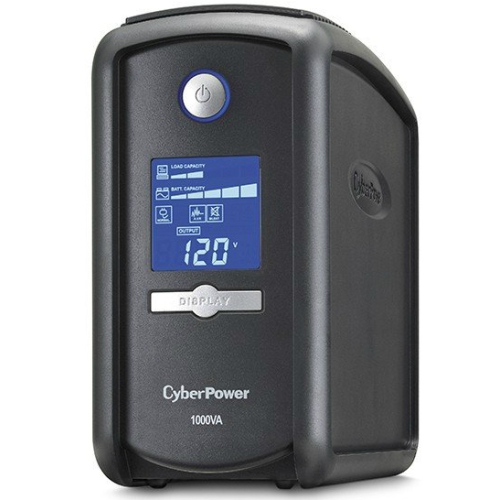
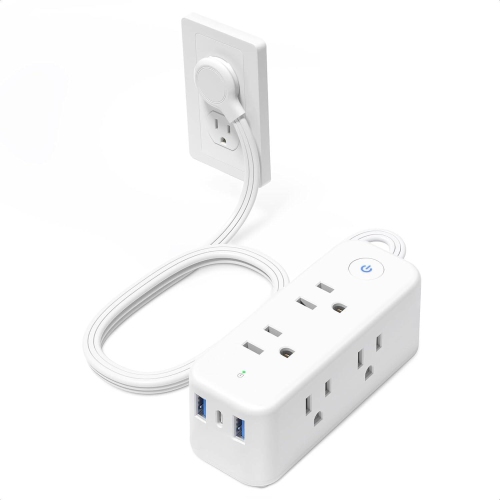
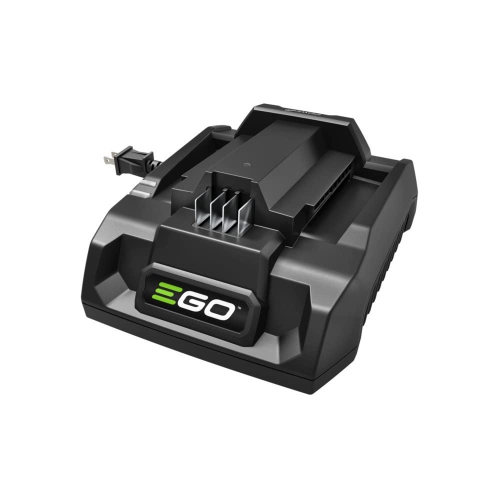
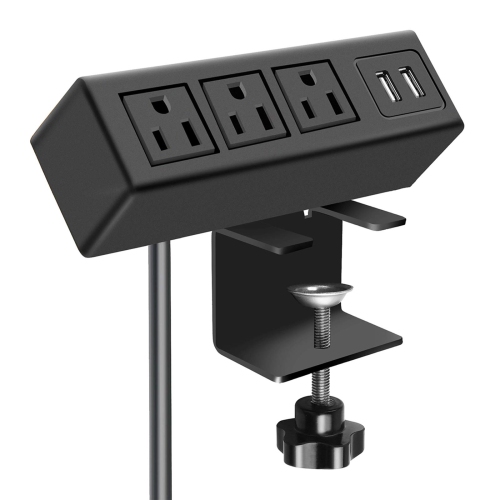

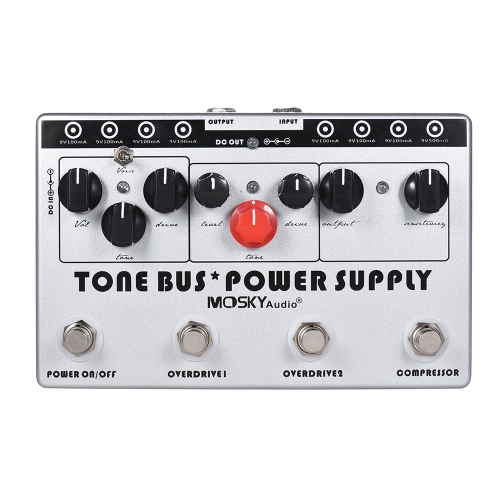
How efficiency, wattage, and compatibility shape PSU performance
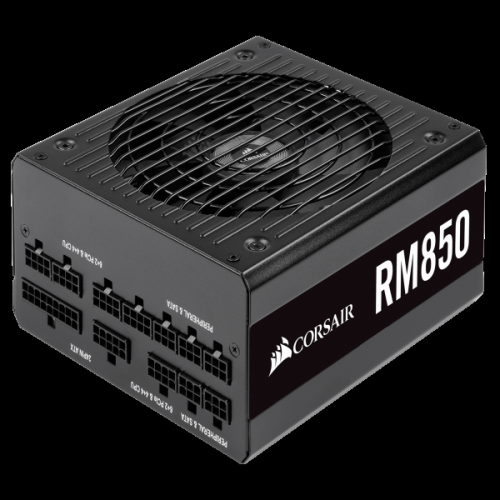
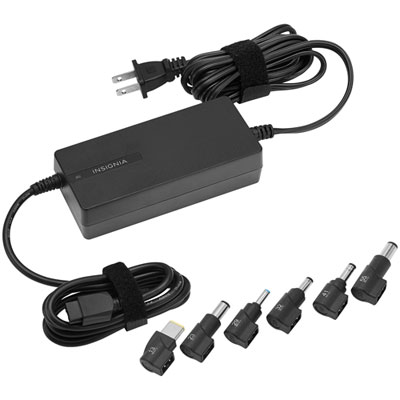
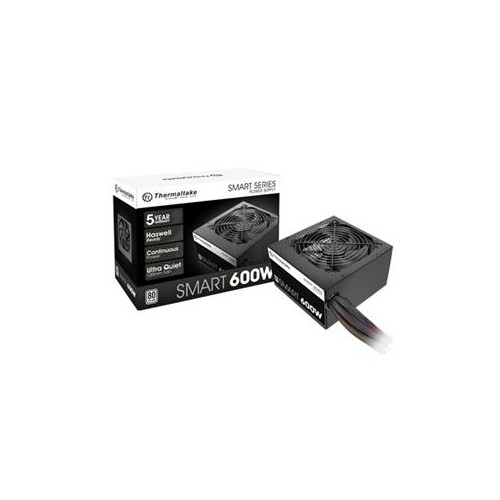
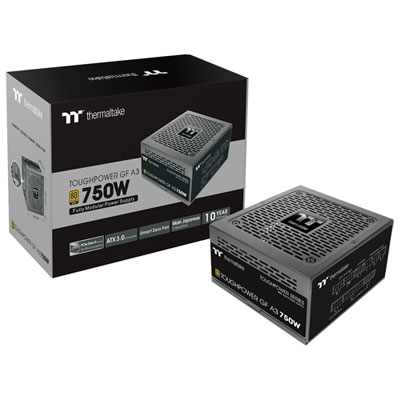
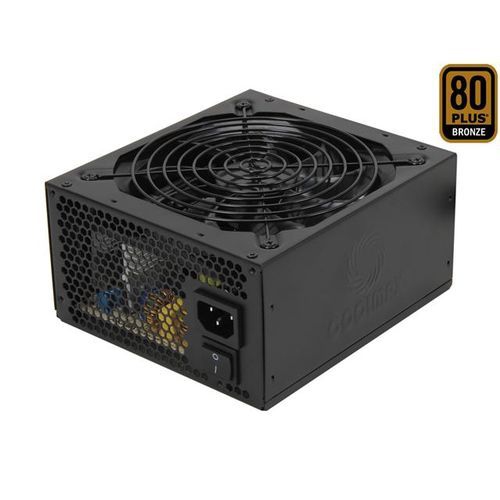
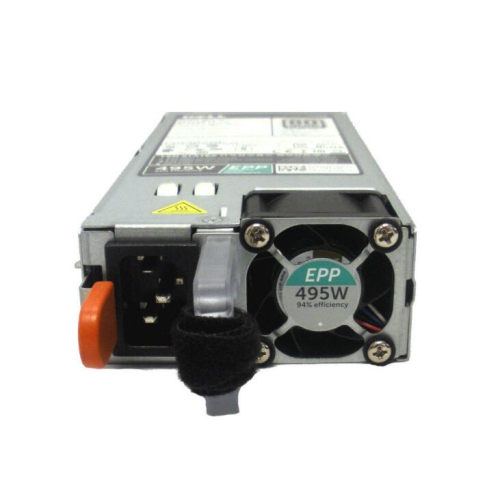
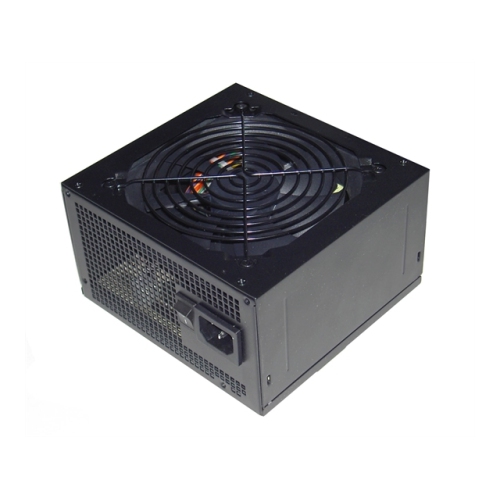
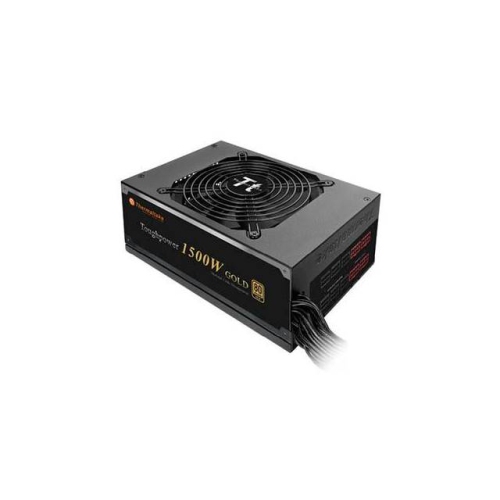
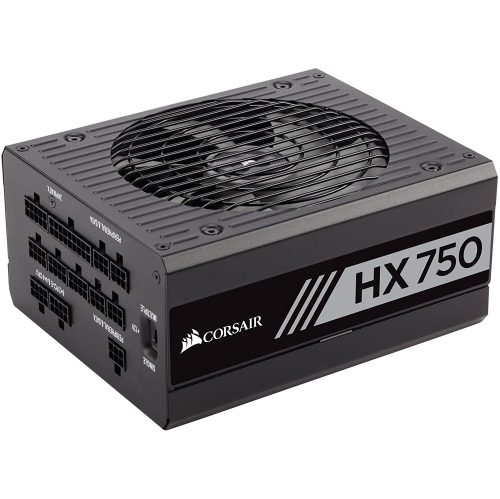
Efficient power supplies are an important part of a dependable desktop computer, whether you are building a new system, replacing an ageing unit, or upgrading a computer that has gained more demanding components over time. A power supply unit, commonly called a PSU, converts the alternating current (AC) from a wall outlet into the direct current (DC) required by the motherboard, processor, graphics card, storage drives, cooling fans, and accessories inside your PC. During that conversion, some energy is released as heat. A more efficient PSU performs this task with less waste, which can help reduce heat inside the case, support steadier operation, and limit how often the cooling fan needs to work hard. Efficiency is commonly expressed through ratings such as 80 PLUS Bronze, Gold, Platinum, and Titanium. In general terms, Bronze models reach about 85% efficiency at a 50% load, Gold models about 90%, Platinum models about 92%, and Titanium models about 94%, although actual performance varies according to the load placed on the unit. Cybenetics is another certification system that evaluates efficiency across several load points and may also provide fan-noise measurements. These ratings are useful starting points, but they should be considered alongside the rest of your computer’s requirements rather than treated as a complete measure of performance. A PSU that matches your system well can run in a comfortable range where it delivers power efficiently without constantly operating near its limit. For many desktop computers, the practical sweet spot is roughly 50% to 75% of the unit’s rated capacity during typical use, leaving room for short bursts of activity and future upgrades.
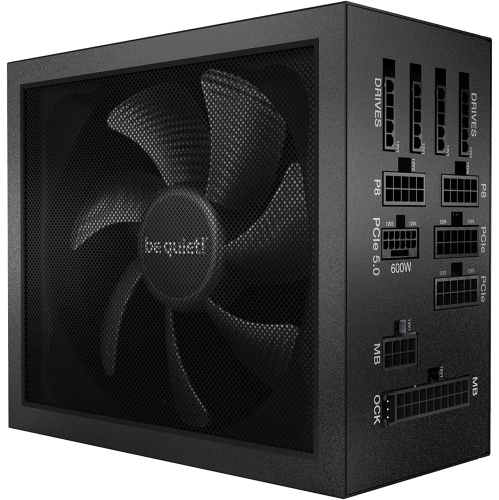
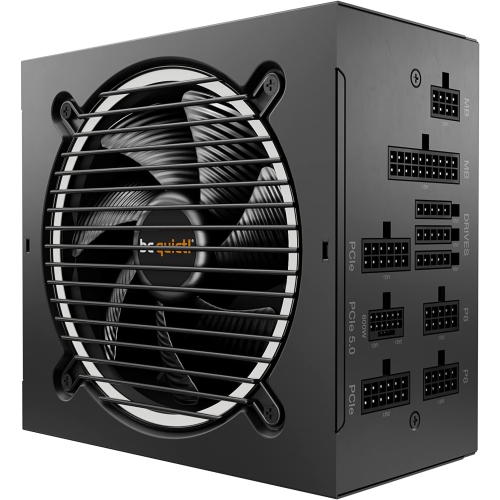
Choosing the right wattage begins with the components installed in your computer and the way you expect to use it. A straightforward home or office PC with integrated graphics, a processor, a few USB accessories, and one or two storage drives may need considerably less power than a gaming or creative workstation with a dedicated graphics card, a higher-performance processor, multiple drives, liquid cooling, or several expansion cards. The graphics card often has a major effect on the recommended capacity, so check its stated power requirements and any guidance from the component manufacturer. It is also wise to account for the processor, cooling system, drives, memory, case fans, lighting, and devices that draw power through the motherboard or USB ports. A little headroom is helpful for start-up demands, component upgrades, and periods of sustained activity, but choosing an unnecessarily large PSU does not automatically make a computer more efficient. Efficiency ratings are measured at different load levels, and very light loads can behave differently from the conditions used for certification. For example, a high Titanium rating does not by itself guarantee exceptional efficiency when a computer is idling at only 20W to 50W; the detailed specifications and test information can provide a clearer picture. Look for the connections your build needs, including the main motherboard connection, processor power connection, graphics-card connectors, SATA connections for storage, and any newer high-power graphics connections. Modular cabling can make installation neater by allowing you to connect only the cables required, while non-modular designs may suit simpler builds where all available cables will be used. Dimensions matter as well: confirm that the PSU will fit the case and that the location of the fan and cable outlets will not interfere with other components. Buyers assembling a first PC often appreciate clearly labelled cables and accessible documentation, while experienced builders may place greater emphasis on compact sizing, connector layout, warranty coverage, fan control, and long-term compatibility.
Efficient power supplies can suit a broad range of users, from students setting up a desktop for schoolwork to gamers looking for reliable performance during long sessions, photographers and video editors working with large files, and small-office users who depend on a computer throughout the day. They can also be a practical gift for someone planning a PC upgrade, although it is best to confirm the recipient’s case size, component list, wattage needs, and connector requirements before purchasing. A PSU is not a universal accessory in the way a keyboard or mouse may be; compatibility is essential, and the wrong capacity or cable arrangement can create unnecessary installation challenges. For a home office, efficient operation may be especially appealing when a computer remains on for extended periods, while a gaming setup may benefit from a unit that manages heat and fan activity more comfortably when the graphics card is under load. Users who prefer a calmer workspace can also explore Quiet Power Supplies, particularly when the computer sits beside a desk, in a bedroom, or in a shared room. When comparing options, consider efficiency certification, rated wattage, peak versus continuous output, cooling design, fan-stop or low-speed modes, protection features, cable configuration, physical dimensions, and the type and number of available connectors. Protective features may include safeguards against over-voltage, under-voltage, over-current, short circuits, and excessive temperature. Before installation, shut down and unplug the computer, follow the case and PSU instructions, and use only the cables intended for that unit; modular cables from another power supply may not share the same wiring. A properly matched, efficiently designed PSU provides the steady foundation that allows every other component in a desktop computer to do its job, whether that means opening documents on a quiet afternoon, rendering a project late into the evening, or powering through demanding work during the cooler months.
Choosing the right wattage begins with the components installed in your computer and the way you expect to use it. A straightforward home or office PC with integrated graphics, a processor, a few USB accessories, and one or two storage drives may need considerably less power than a gaming or creative workstation with a dedicated graphics card, a higher-performance processor, multiple drives, liquid cooling, or several expansion cards. The graphics card often has a major effect on the recommended capacity, so check its stated power requirements and any guidance from the component manufacturer. It is also wise to account for the processor, cooling system, drives, memory, case fans, lighting, and devices that draw power through the motherboard or USB ports. A little headroom is helpful for start-up demands, component upgrades, and periods of sustained activity, but choosing an unnecessarily large PSU does not automatically make a computer more efficient. Efficiency ratings are measured at different load levels, and very light loads can behave differently from the conditions used for certification. For example, a high Titanium rating does not by itself guarantee exceptional efficiency when a computer is idling at only 20W to 50W; the detailed specifications and test information can provide a clearer picture. Look for the connections your build needs, including the main motherboard connection, processor power connection, graphics-card connectors, SATA connections for storage, and any newer high-power graphics connections. Modular cabling can make installation neater by allowing you to connect only the cables required, while non-modular designs may suit simpler builds where all available cables will be used. Dimensions matter as well: confirm that the PSU will fit the case and that the location of the fan and cable outlets will not interfere with other components. Buyers assembling a first PC often appreciate clearly labelled cables and accessible documentation, while experienced builders may place greater emphasis on compact sizing, connector layout, warranty coverage, fan control, and long-term compatibility.
Efficient power supplies can suit a broad range of users, from students setting up a desktop for schoolwork to gamers looking for reliable performance during long sessions, photographers and video editors working with large files, and small-office users who depend on a computer throughout the day. They can also be a practical gift for someone planning a PC upgrade, although it is best to confirm the recipient’s case size, component list, wattage needs, and connector requirements before purchasing. A PSU is not a universal accessory in the way a keyboard or mouse may be; compatibility is essential, and the wrong capacity or cable arrangement can create unnecessary installation challenges. For a home office, efficient operation may be especially appealing when a computer remains on for extended periods, while a gaming setup may benefit from a unit that manages heat and fan activity more comfortably when the graphics card is under load. Users who prefer a calmer workspace can also explore Quiet Power Supplies, particularly when the computer sits beside a desk, in a bedroom, or in a shared room. When comparing options, consider efficiency certification, rated wattage, peak versus continuous output, cooling design, fan-stop or low-speed modes, protection features, cable configuration, physical dimensions, and the type and number of available connectors. Protective features may include safeguards against over-voltage, under-voltage, over-current, short circuits, and excessive temperature. Before installation, shut down and unplug the computer, follow the case and PSU instructions, and use only the cables intended for that unit; modular cables from another power supply may not share the same wiring. A properly matched, efficiently designed PSU provides the steady foundation that allows every other component in a desktop computer to do its job, whether that means opening documents on a quiet afternoon, rendering a project late into the evening, or powering through demanding work during the cooler months.
Top selling and popular products
-
 Your price for this item is $279.68
 -
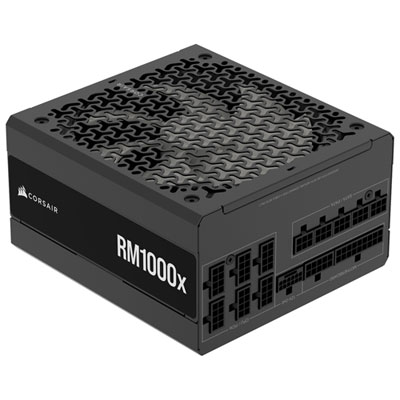 Your price for this item is $234.98
 -
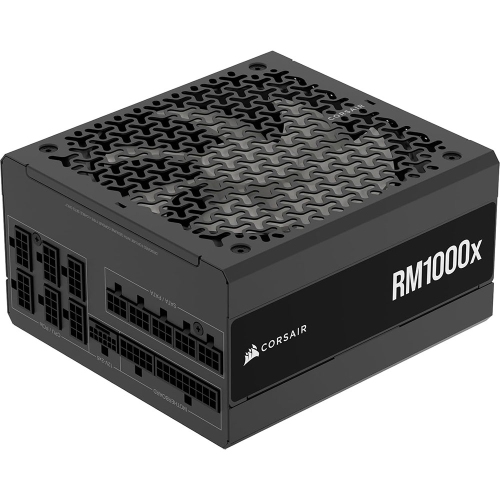 Your price for this item is $294.99
 -
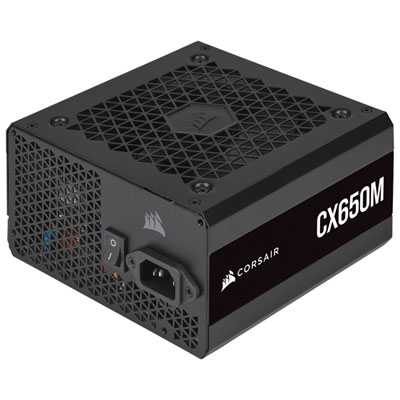 Your price for this item is $99.95
 -
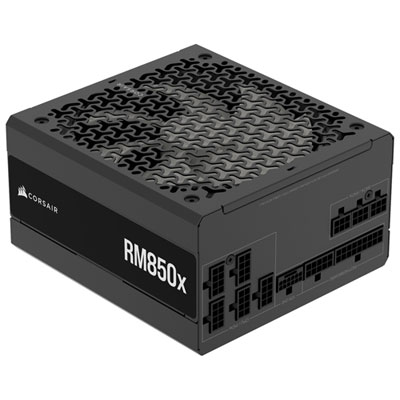 Your price for this item is $209.99
 -
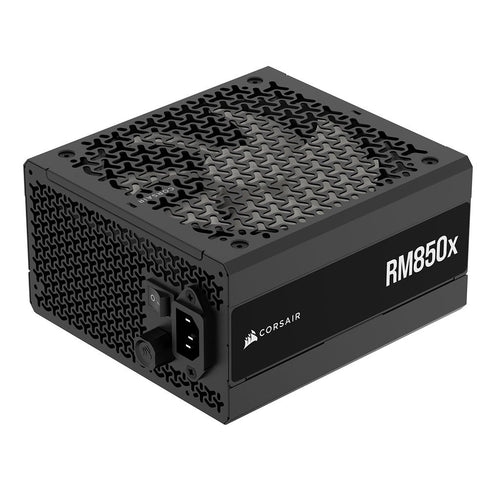 Your price for this item is $199.99
 -
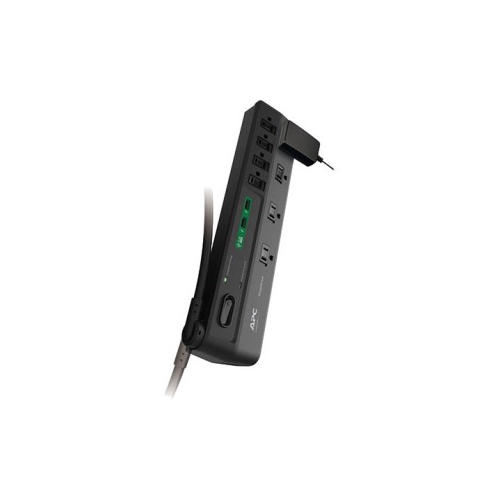 Your price for this item is $60.47
 -
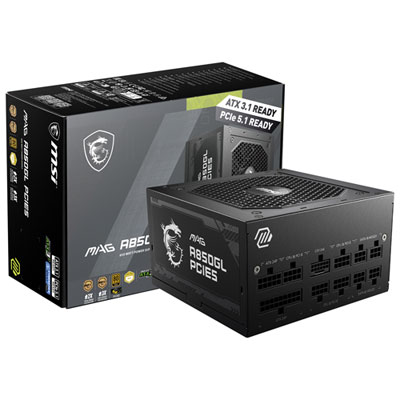 Your price for this item is $144.98
Discover more categories related to Efficient Power Supplies
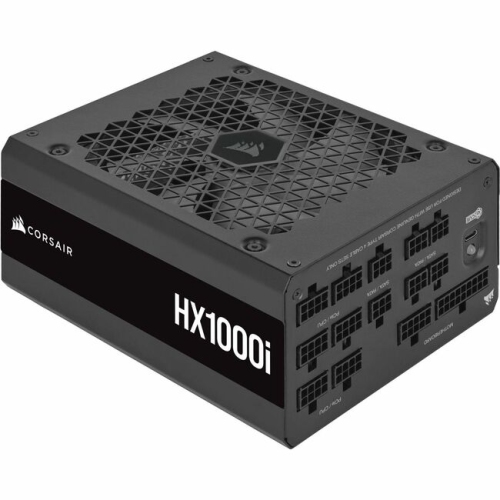
Top Collections:
Pokemon Centers, Kindle Devices, Best Budget Office Chairs, Apple iPhones 16, Canon G7X Cameras, iPhone 15 Apple, Alarm Clock, Refurbished Apple Laptops, Flip Phones, Best Laptops for Writers
Some products may be subject to Environmental Handling Fees
(EHF) depending on your province.
Learn more about EHFs.