Gaming PCs With NVIDIA Graphics Cards
Gaming PCs With NVIDIA Graphics Cards deliver the performance and visuals that gamers crave. Whether you're diving into fast-paced action or exploring immersive virtual worlds, these powerful systems are designed to keep up with your favorite titles. Find the right Gaming PC With NVIDIA Graphics Cards to match your style of play and enjoy seamless gaming experiences at home or on the go. Explore a variety of options to upgrade your setup and take your gaming sessions to the next level.
Sort
Why smooth gameplay takes more than powerful graphics
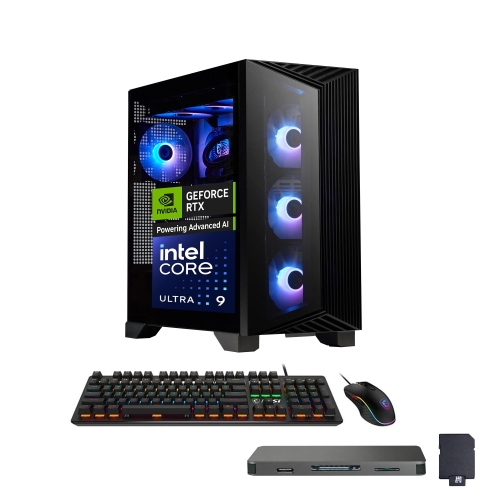
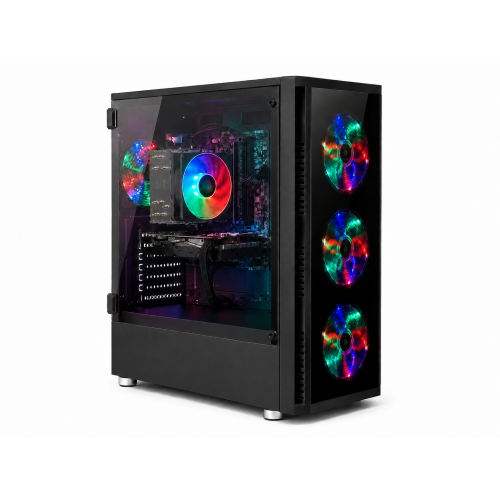
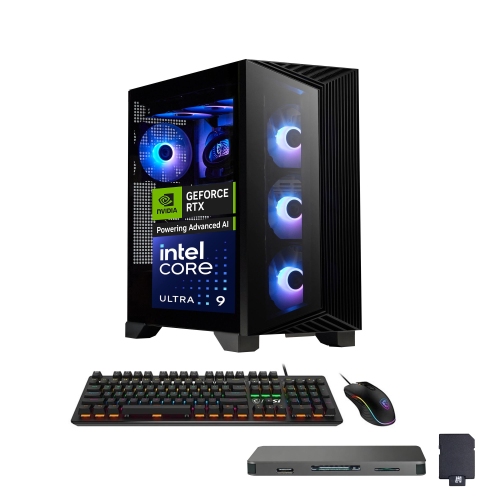
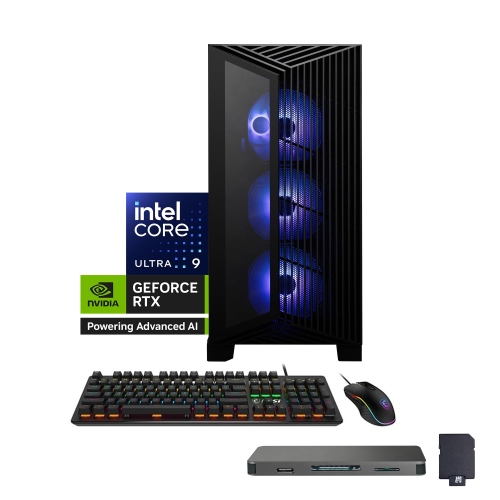
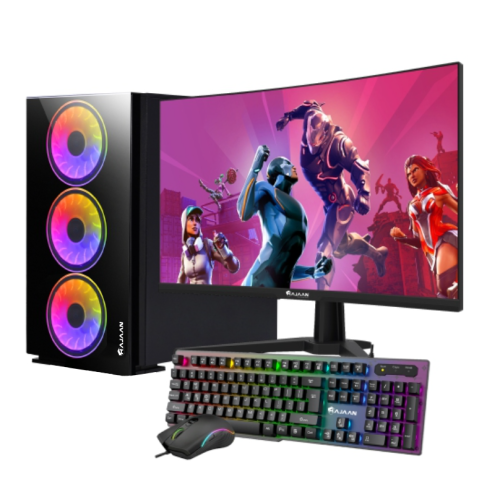
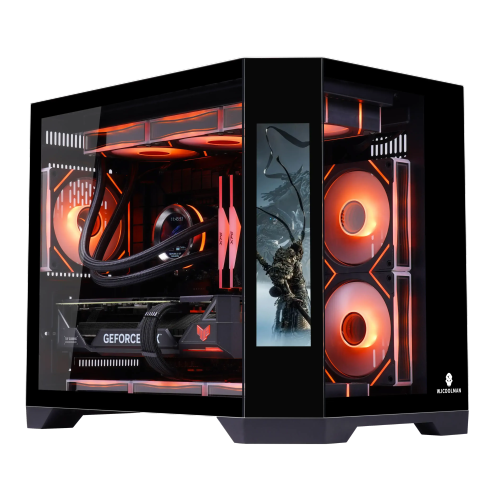
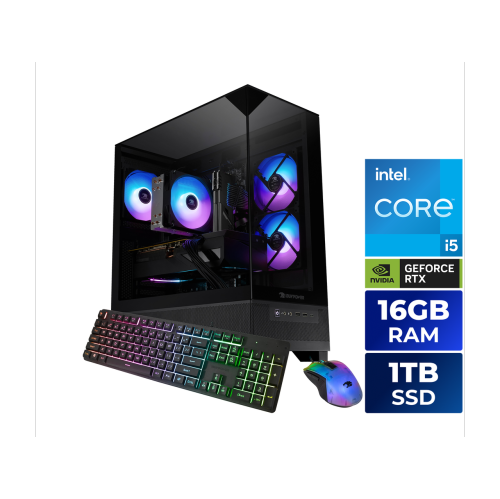
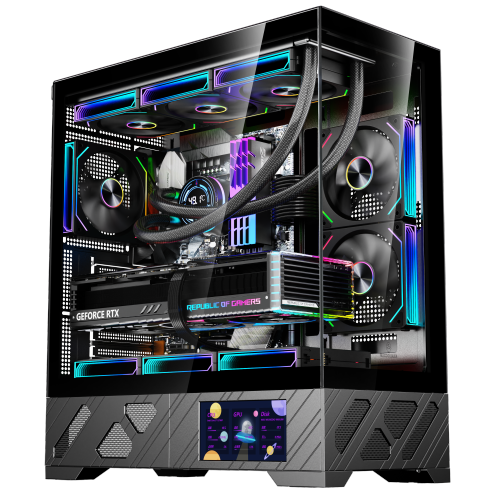
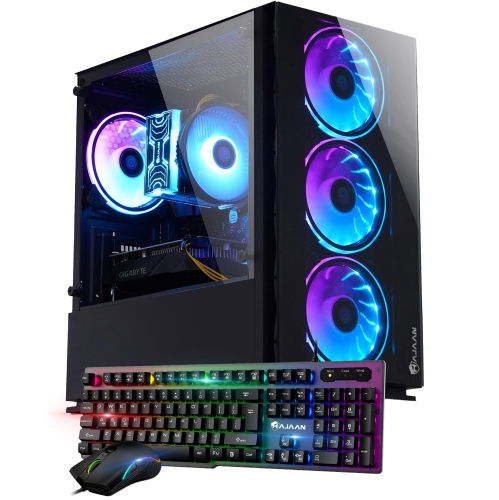
Gaming PCs with dedicated graphics cards bring together the processing power, memory, and cooling needed to turn demanding games into detailed, responsive experiences. Unlike integrated graphics, which share system resources with the processor, a dedicated graphics card has its own graphics processor and video memory to handle tasks such as rendering textures, lighting, shadows, and animation. That distinction matters when a busy multiplayer match fills the screen with movement or a sprawling role-playing game reveals distant buildings, reflective water, and richly textured terrain. The right balance of hardware depends on the games being played and the display connected to the computer. A system intended for 1080p competitive gaming has different demands from one driving a 4K monitor with detailed visual settings. Higher resolutions generally place more work on the graphics card, while high frame-rate gaming can also depend heavily on processor performance. Ray tracing adds more realistic lighting, reflections, and shadows in supported games, although enabling it can reduce frame rates. Compatible cards may offer AI-assisted upscaling, which renders a game at a lower internal resolution and reconstructs the image for the display, helping improve performance with varying effects on image quality. Frame generation can add intermediate frames in supported titles, but it does not replace the responsiveness provided by a strong underlying frame rate. Feature support varies by graphics card generation and game, so these capabilities are not interchangeable across every gaming PC. Video memory matters, too: high-resolution textures, detailed game worlds, and certain creative applications can require more of it. For someone moving from a general-purpose computer to a dedicated gaming desktop, the difference may be as noticeable in steadier motion and fewer interruptions as it is in sharper detail. These systems suit casual players, competitive gamers, simulation enthusiasts, and households looking for a computer that can move between entertainment, schoolwork, and creative projects.
A capable graphics card works best as part of a balanced system rather than as the only standout specification. The processor manages game logic, physics, and many background tasks, making it important for strategy games with large numbers of units, complex simulations, and play sessions that run alongside voice chat or broadcasting software. System memory gives those applications room to operate together. For many modern gaming setups, 16GB of RAM is a practical starting point, while 32GB provides more headroom for heavier multitasking, demanding games, mods, and creative work. Memory type and upgrade options depend on the motherboard; different memory generations are not interchangeable. Storage shapes everyday use in a different way. An NVMe solid-state drive helps shorten startup times, game loading, and file transfers, though it does not guarantee higher frame rates. A 1TB drive can accommodate a useful mix of games and applications, but large installations, recorded gameplay, and project files can fill that space quickly. Additional drive slots can make future expansion simpler, provided the case and motherboard support them. Display connections deserve equal attention because the monitor, cable, and graphics output all need to support the intended resolution and refresh rate. A high-refresh-rate monitor can show more frames per second, but the computer still needs to produce those frames at the chosen settings. Connecting the monitor to the dedicated graphics card’s outputs, rather than relying on the motherboard’s display ports, is also important for a typical desktop gaming setup. Practical connections round out the experience: front-facing USB ports keep a headset or controller within easy reach, wired networking offers a dependable connection, and built-in Wi-Fi adds placement flexibility where running a cable is inconvenient. Players who also edit video, create 3D artwork, or stream may benefit from supported graphics acceleration and hardware video encoding. Results depend on the application, its settings, and the particular hardware, making overall system compatibility more meaningful than any single headline specification.
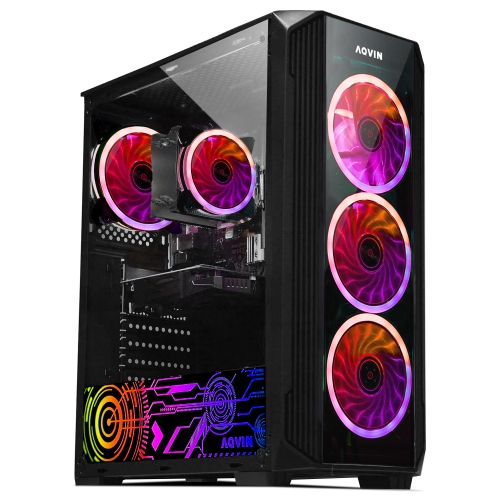
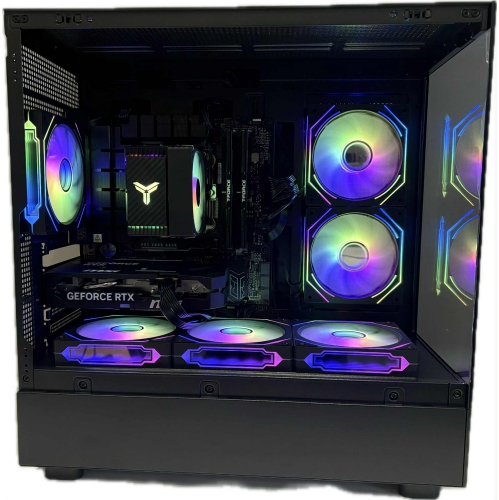
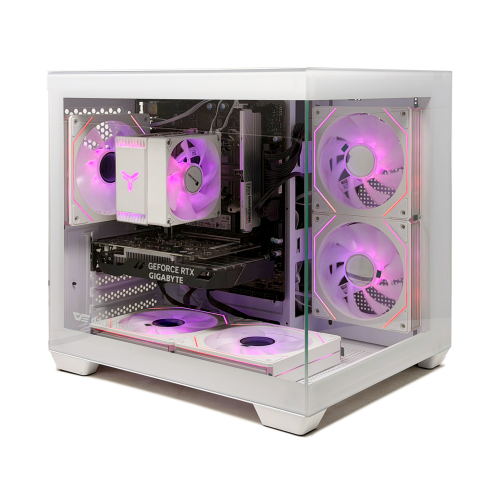
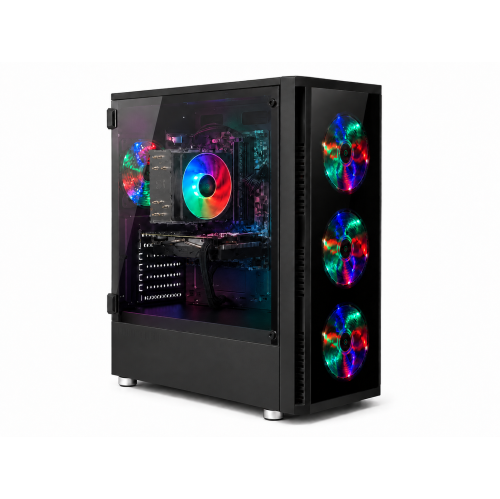
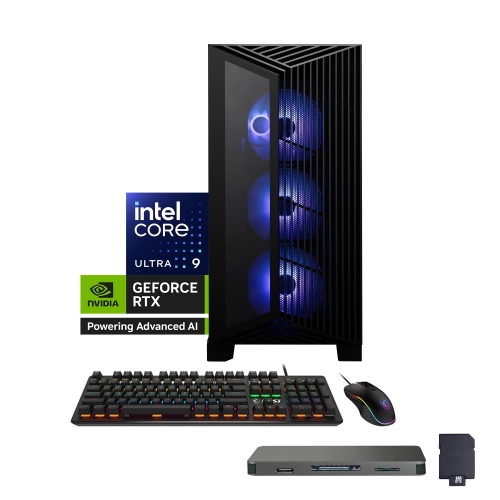
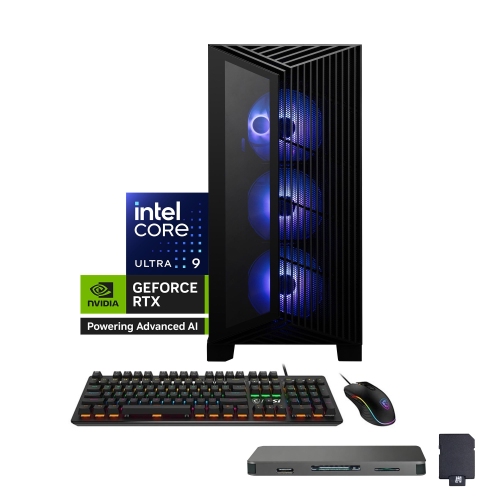
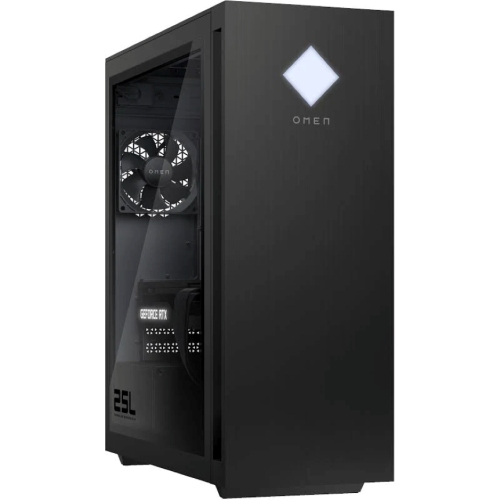
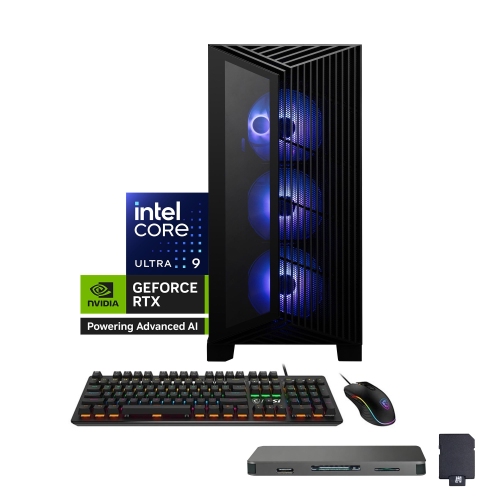
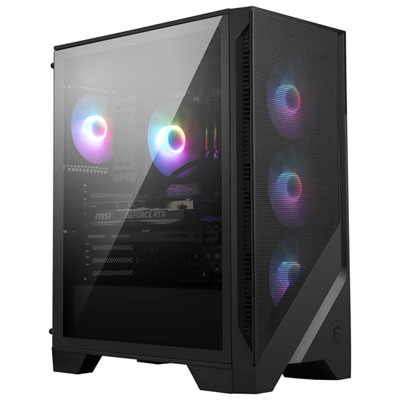
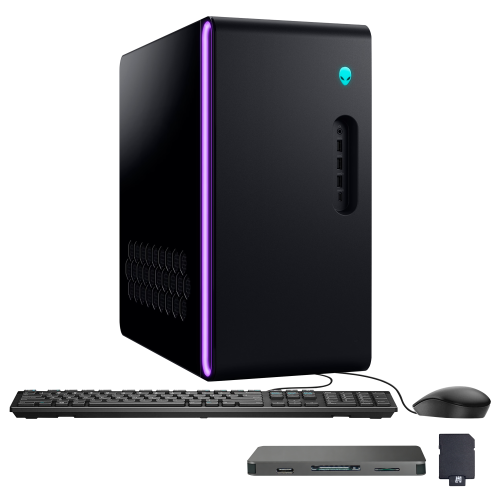
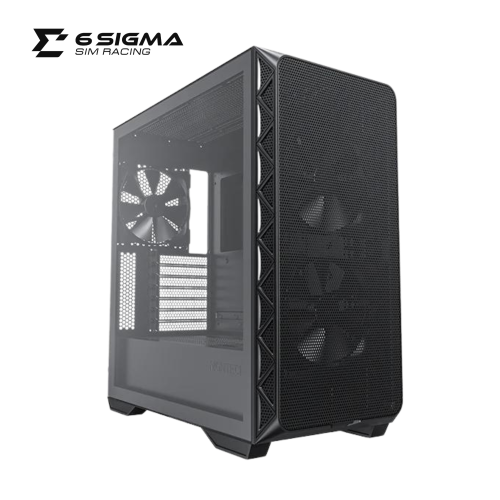
The physical design of a gaming desktop affects how comfortably it fits into daily life and how straightforward it is to maintain. Cases commonly combine a steel frame with plastic trim, mesh panels, or tempered glass, with each construction serving a different purpose. Mesh sections support airflow, while glass panels show internal components and lighting but add weight and require careful handling. A compact tower can suit a smaller desk area, although its tighter layout may leave less room for a longer graphics card, extra storage, or larger cooling hardware. A roomier case can offer easier access for cleaning and upgrades, but it still needs enough clearance around its intake and exhaust vents. Keeping a tower off thick carpet and away from enclosed furniture helps avoid obstructing airflow. Cooling design also affects sound: fan size, fan settings, component workload, and case ventilation all influence how noticeable a computer is during a quiet dialogue scene or a voice call. Both air and liquid cooling can be effective when properly matched to the system; the presence of liquid cooling alone does not guarantee quieter operation or better gaming performance. Long-term care includes cleaning accessible dust filters, keeping vents clear, and following the manufacturer’s maintenance instructions with the computer powered down and unplugged. Upgrade potential rests on details such as power-supply capacity, power connectors, motherboard compatibility, and physical clearance. For owners considering a future graphics upgrade, High Performance Gaming Graphics Cards provide another way to explore that component separately from a complete desktop. A gaming PC can also make a thoughtful gift for an enthusiastic player or aspiring creator when their favourite games, existing monitor, workspace, and accessibility needs are understood. Whether it becomes the centre of a competitive setup or a shared household computer, a well-matched system brings together smooth play, practical connections, manageable maintenance, and room for the activities that matter most to its user.
A capable graphics card works best as part of a balanced system rather than as the only standout specification. The processor manages game logic, physics, and many background tasks, making it important for strategy games with large numbers of units, complex simulations, and play sessions that run alongside voice chat or broadcasting software. System memory gives those applications room to operate together. For many modern gaming setups, 16GB of RAM is a practical starting point, while 32GB provides more headroom for heavier multitasking, demanding games, mods, and creative work. Memory type and upgrade options depend on the motherboard; different memory generations are not interchangeable. Storage shapes everyday use in a different way. An NVMe solid-state drive helps shorten startup times, game loading, and file transfers, though it does not guarantee higher frame rates. A 1TB drive can accommodate a useful mix of games and applications, but large installations, recorded gameplay, and project files can fill that space quickly. Additional drive slots can make future expansion simpler, provided the case and motherboard support them. Display connections deserve equal attention because the monitor, cable, and graphics output all need to support the intended resolution and refresh rate. A high-refresh-rate monitor can show more frames per second, but the computer still needs to produce those frames at the chosen settings. Connecting the monitor to the dedicated graphics card’s outputs, rather than relying on the motherboard’s display ports, is also important for a typical desktop gaming setup. Practical connections round out the experience: front-facing USB ports keep a headset or controller within easy reach, wired networking offers a dependable connection, and built-in Wi-Fi adds placement flexibility where running a cable is inconvenient. Players who also edit video, create 3D artwork, or stream may benefit from supported graphics acceleration and hardware video encoding. Results depend on the application, its settings, and the particular hardware, making overall system compatibility more meaningful than any single headline specification.
The physical design of a gaming desktop affects how comfortably it fits into daily life and how straightforward it is to maintain. Cases commonly combine a steel frame with plastic trim, mesh panels, or tempered glass, with each construction serving a different purpose. Mesh sections support airflow, while glass panels show internal components and lighting but add weight and require careful handling. A compact tower can suit a smaller desk area, although its tighter layout may leave less room for a longer graphics card, extra storage, or larger cooling hardware. A roomier case can offer easier access for cleaning and upgrades, but it still needs enough clearance around its intake and exhaust vents. Keeping a tower off thick carpet and away from enclosed furniture helps avoid obstructing airflow. Cooling design also affects sound: fan size, fan settings, component workload, and case ventilation all influence how noticeable a computer is during a quiet dialogue scene or a voice call. Both air and liquid cooling can be effective when properly matched to the system; the presence of liquid cooling alone does not guarantee quieter operation or better gaming performance. Long-term care includes cleaning accessible dust filters, keeping vents clear, and following the manufacturer’s maintenance instructions with the computer powered down and unplugged. Upgrade potential rests on details such as power-supply capacity, power connectors, motherboard compatibility, and physical clearance. For owners considering a future graphics upgrade, High Performance Gaming Graphics Cards provide another way to explore that component separately from a complete desktop. A gaming PC can also make a thoughtful gift for an enthusiastic player or aspiring creator when their favourite games, existing monitor, workspace, and accessibility needs are understood. Whether it becomes the centre of a competitive setup or a shared household computer, a well-matched system brings together smooth play, practical connections, manageable maintenance, and room for the activities that matter most to its user.
Top selling and popular products
-
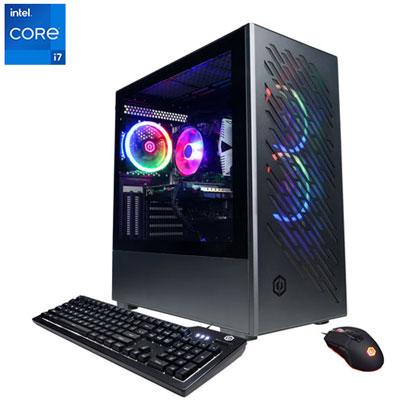 Your price for this item is $1969.99
 -
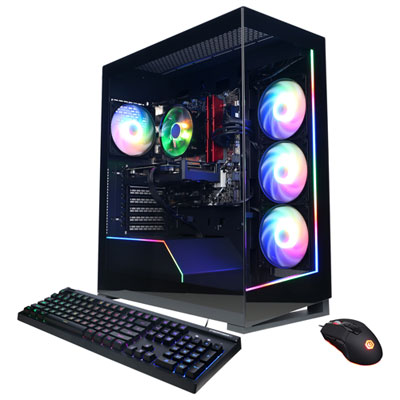 Your price for this item is $1059.99
 -
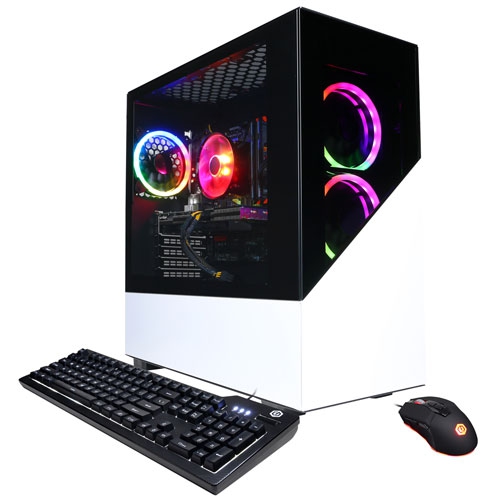 Your price for this item is $1274.97
 -
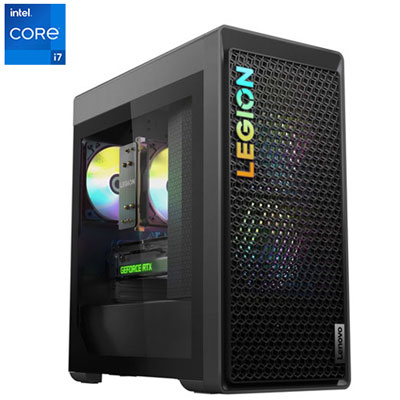 Your price for this item is $2499.95
 -
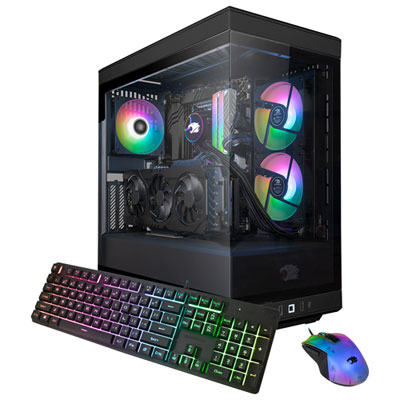 Your price for this item is $2309.99
 -
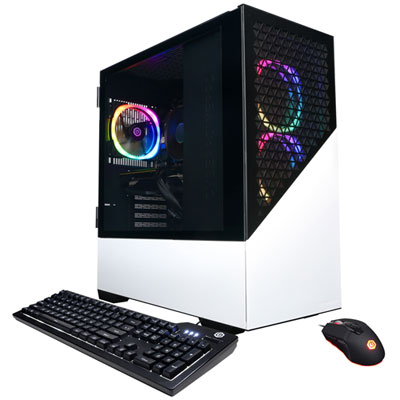 Your price for this item is $1669.99
 -
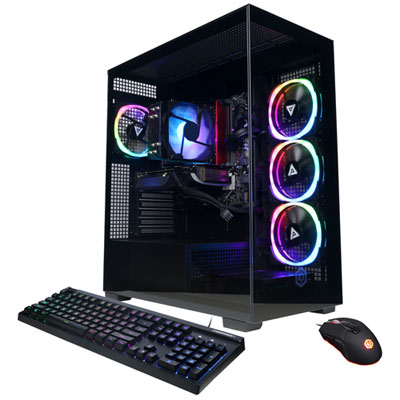 Your price for this item is $1839.99
 -
 Your price for this item is $3499.99
Discover more categories related to Gaming PCs With NVIDIA Graphics Cards
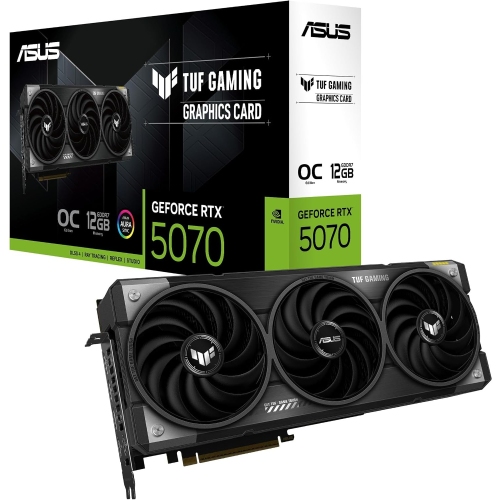
Top Collections:
Pokemon Centers, Best Cameras for Sports Photography, Kindle Devices, Samsung Galaxy Phones, Canon G7X Cameras, Pokémon 30th Celebration Cards, Refurbished Apple Laptops, iPhone 15 Apple, Laptops for Students, Budget Smartphones
Some products may be subject to Environmental Handling Fees
(EHF) depending on your province.
Learn more about EHFs.