Good Desktops for Video Editing
Looking to dive into the world of video editing? You've come to the right place. When it comes to tackling complex tasks like video editing, having a powerful desktop computer is essential. Whether you're a professional videographer or an aspiring content creator, investing in a reliable desktop that can handle the demands of video editing is crucial. With advanced processors, ample storage space, and top-notch graphics capabilities, these desktops provide the performance and speed needed to bring your creative visions to life. In this guide, we'll explore the key features to look for when choosing a desktop for video editing, helping you make an informed decision that fits your needs and budget.
Sort
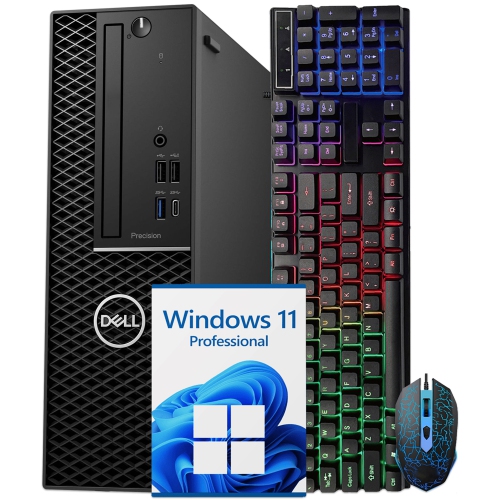
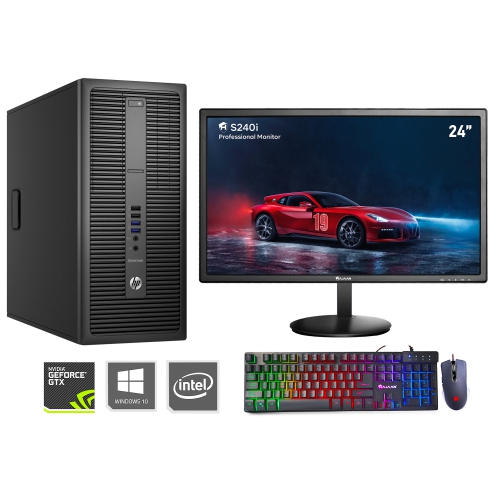
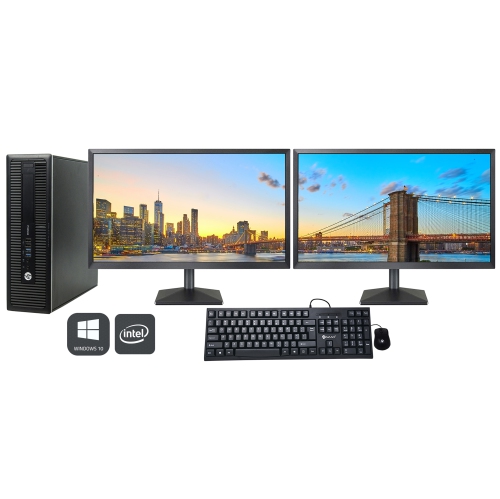
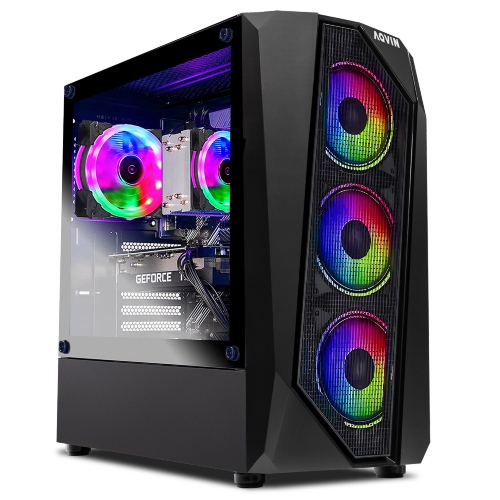
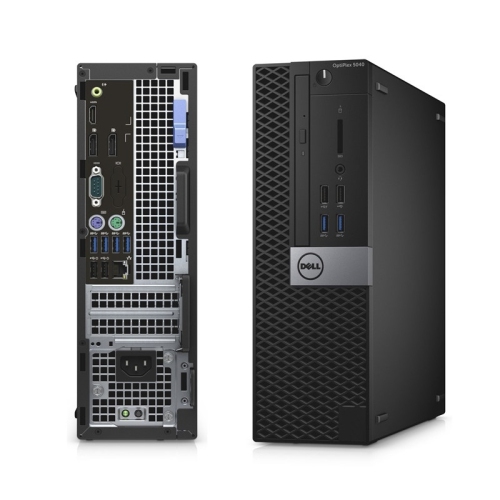
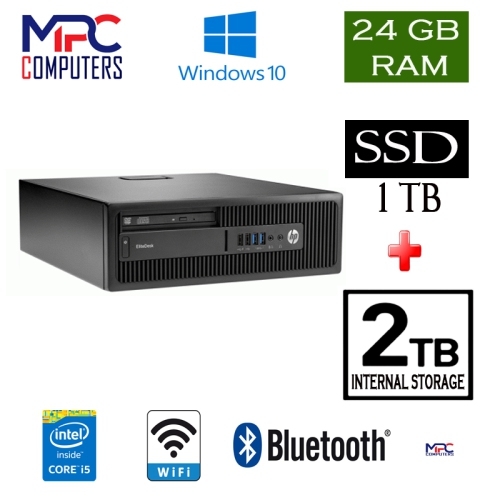
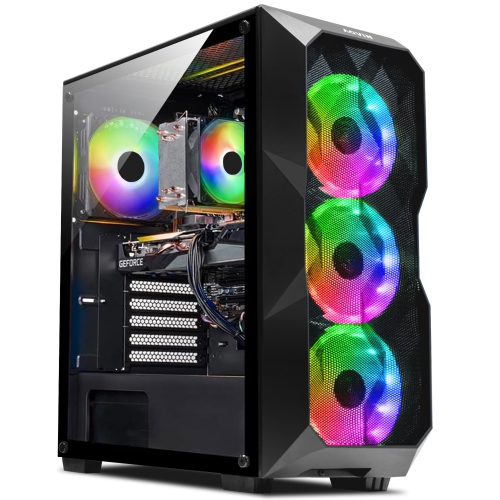
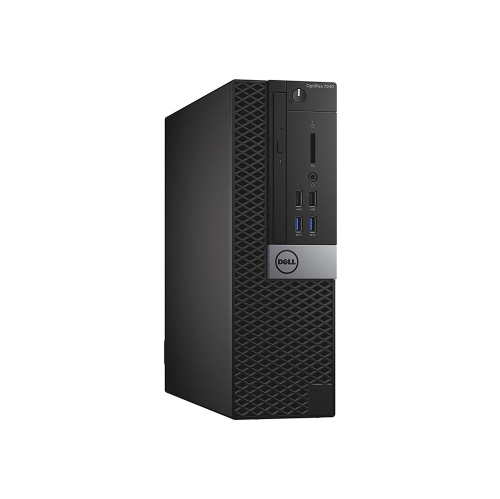
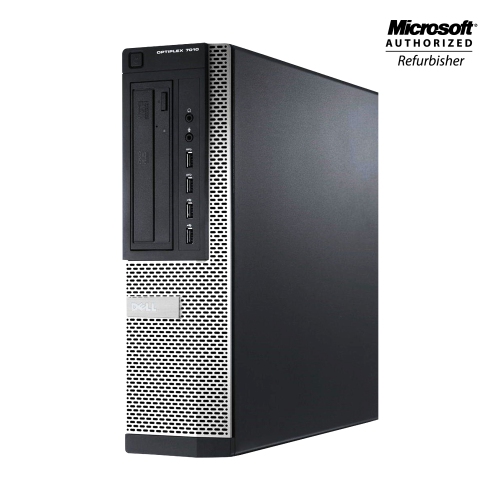
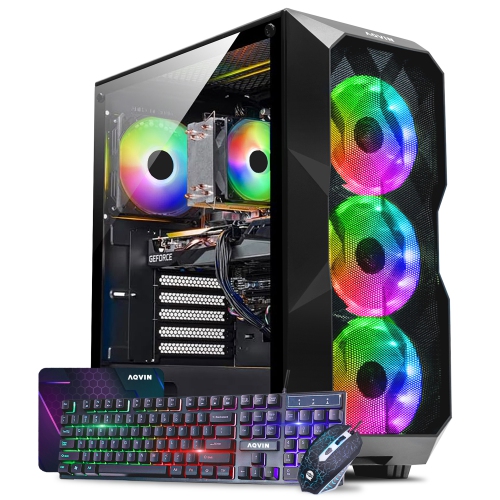

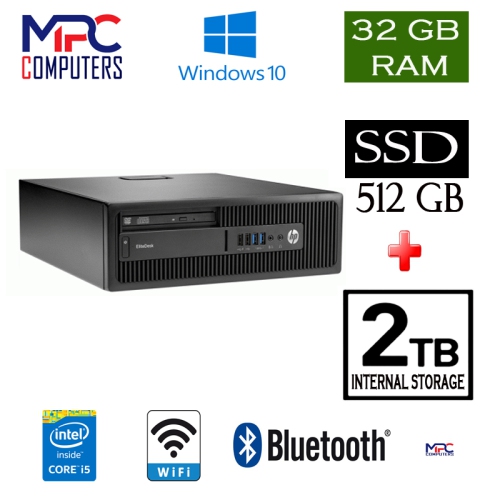
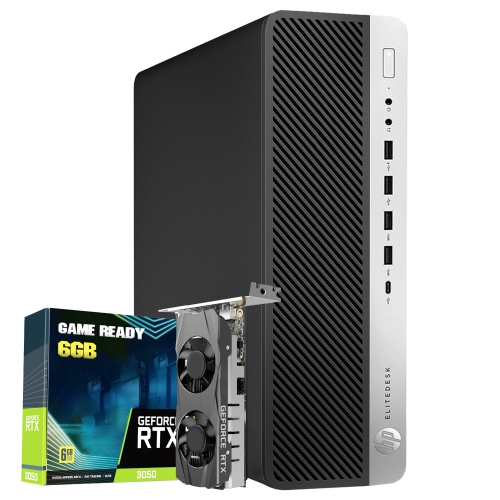
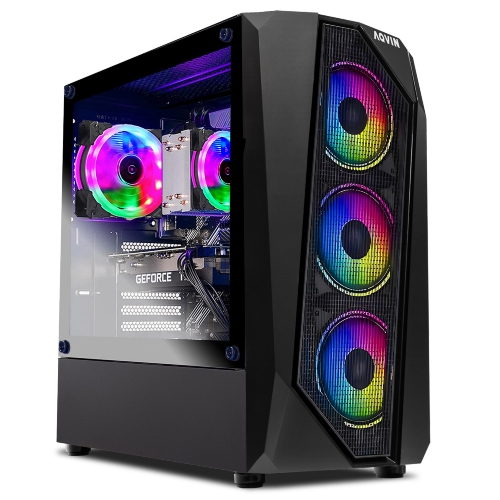
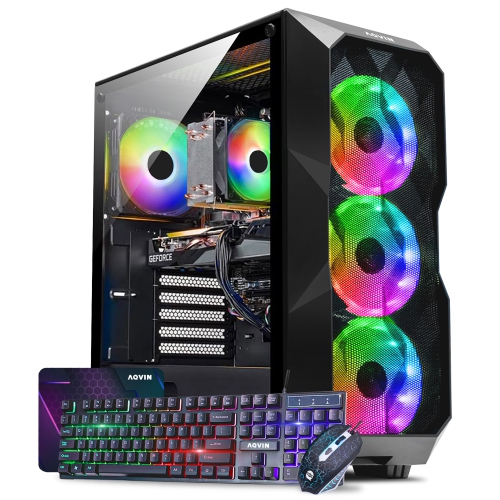
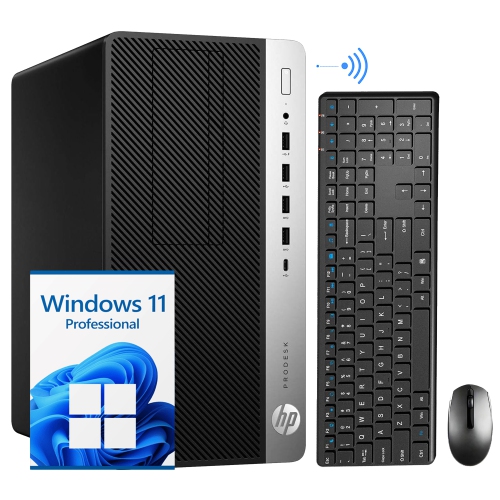
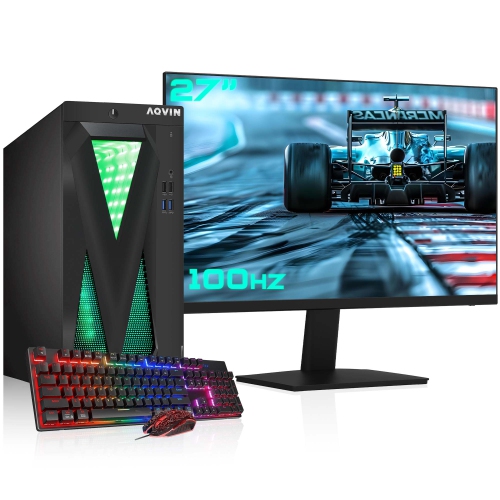
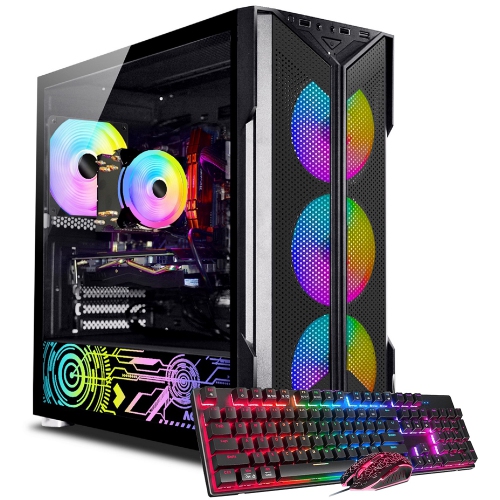
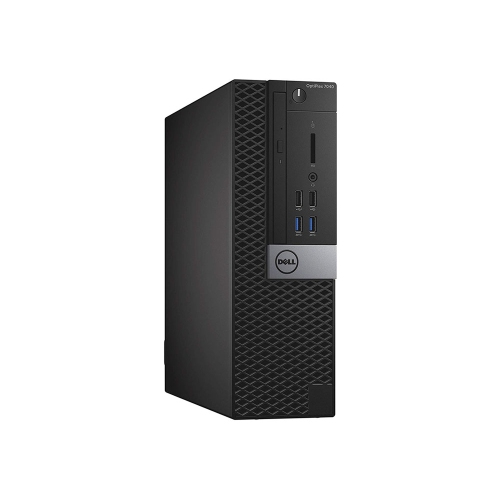
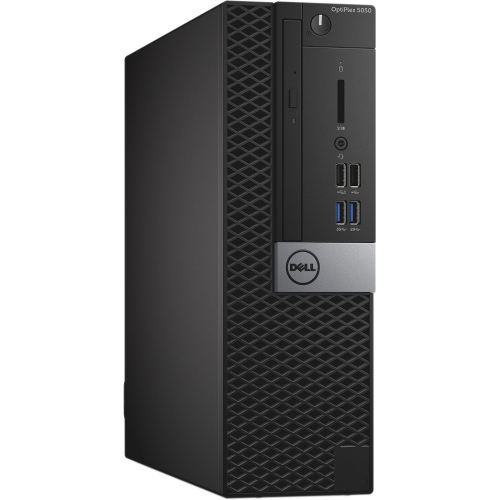
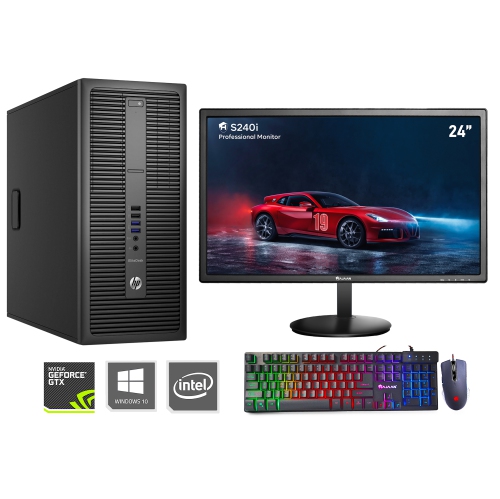
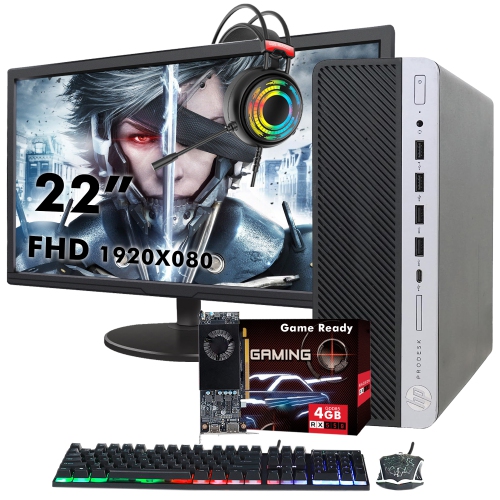
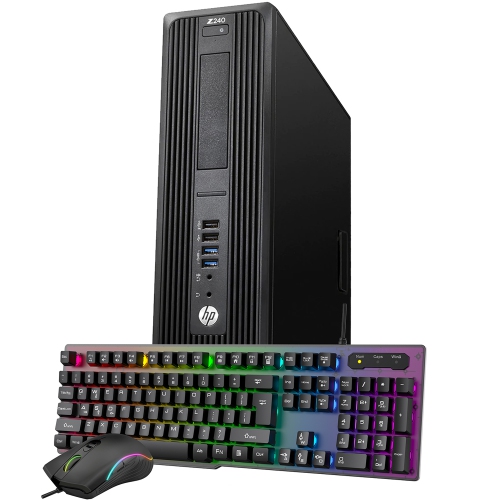
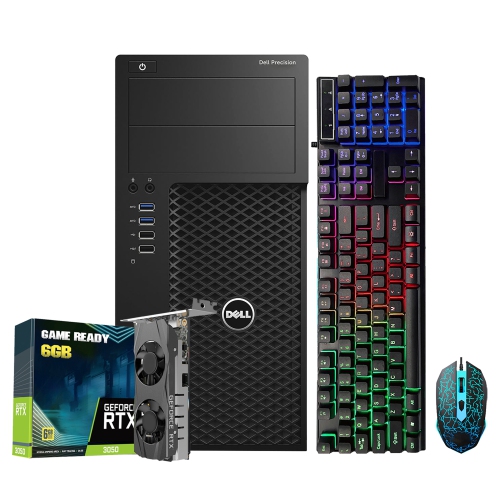
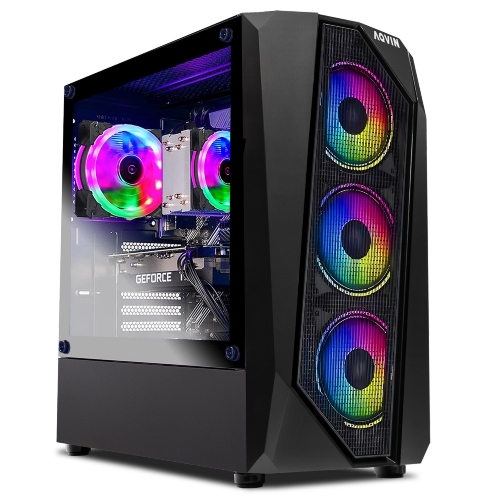
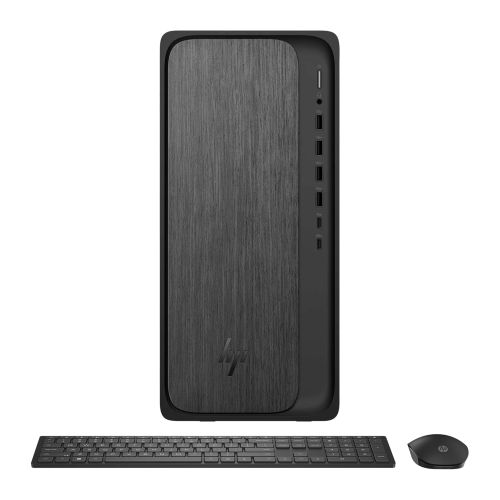
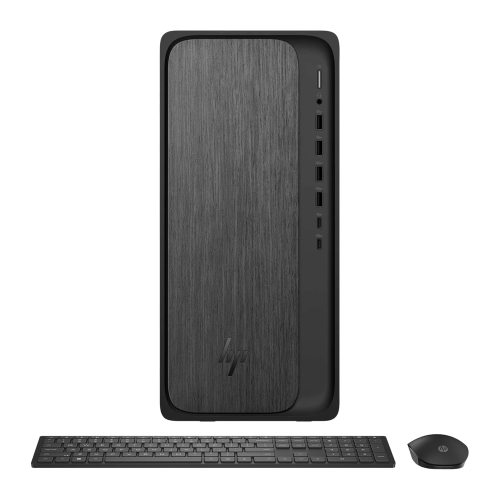
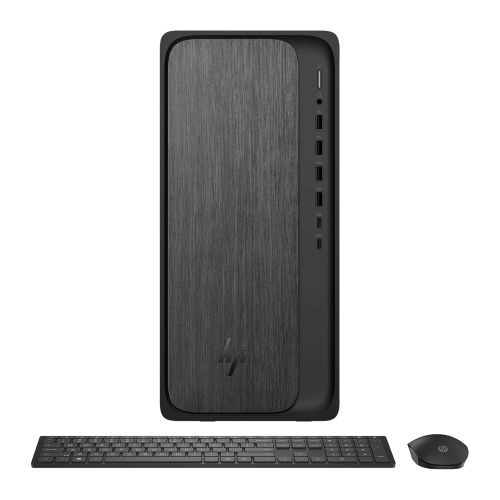
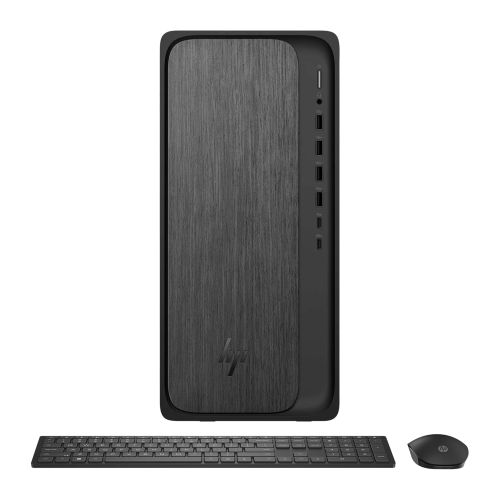
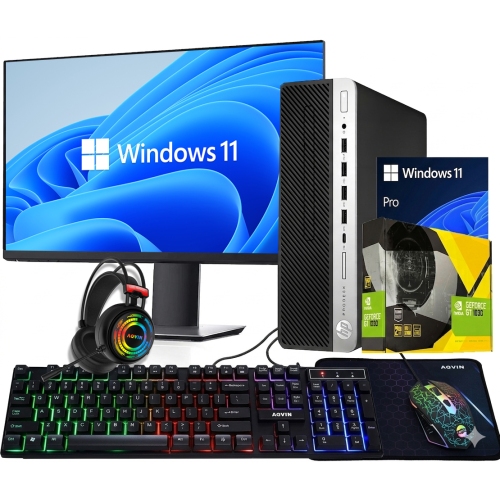
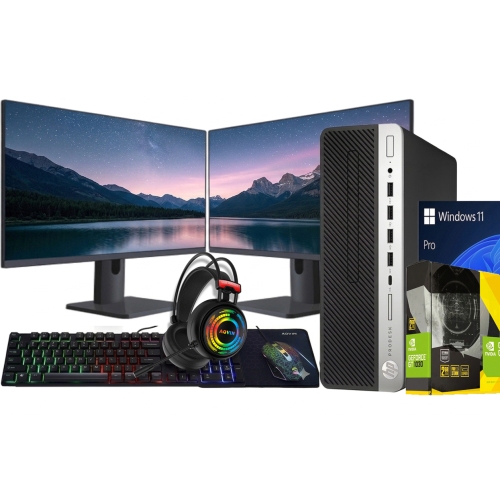
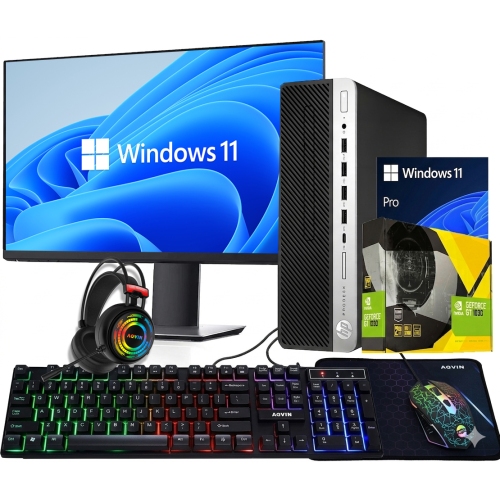
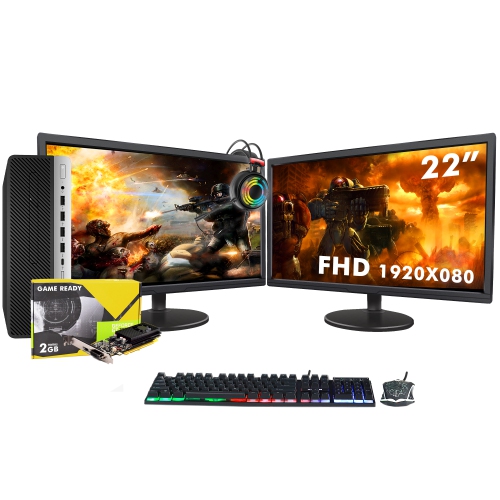
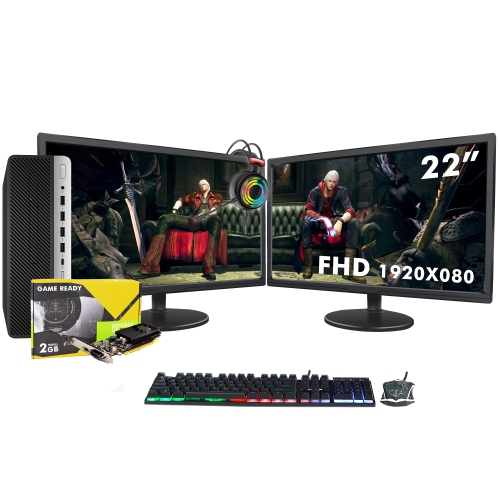
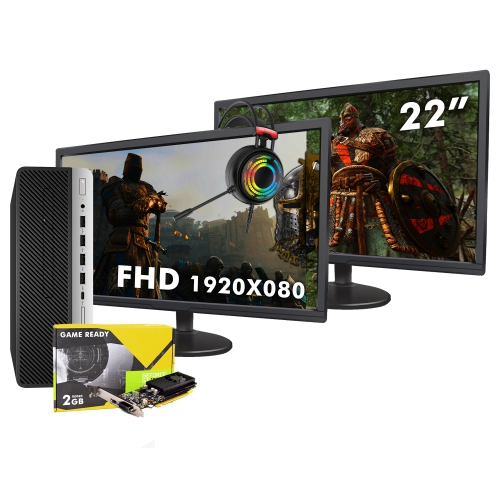
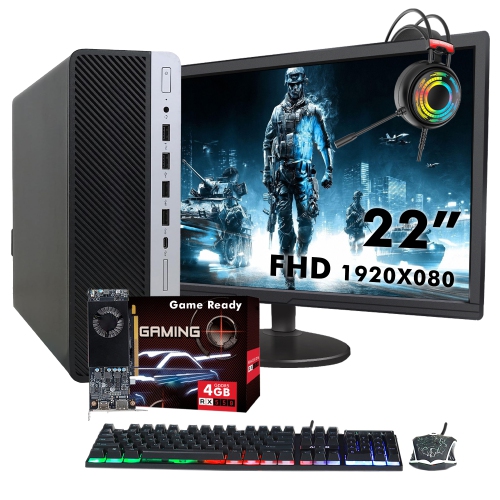


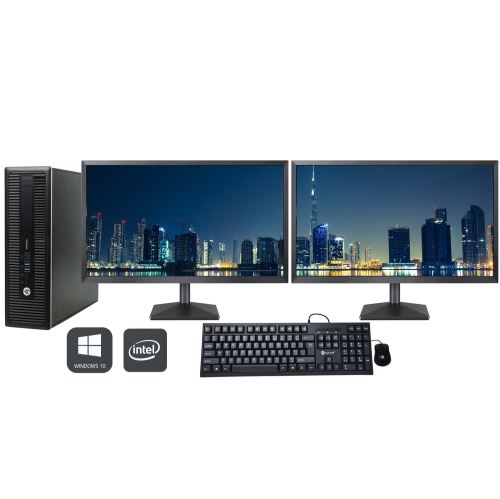
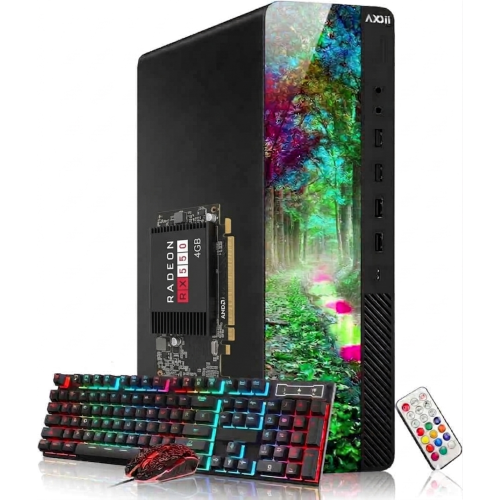
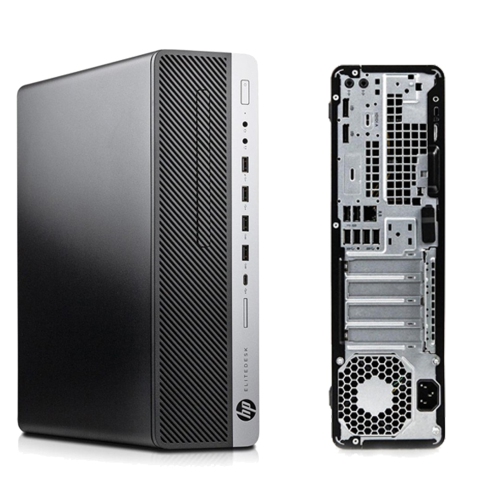
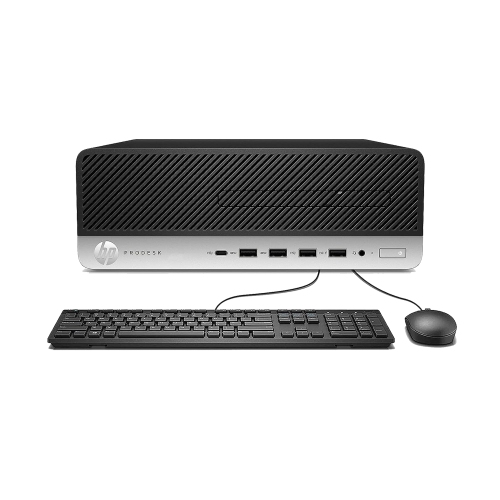
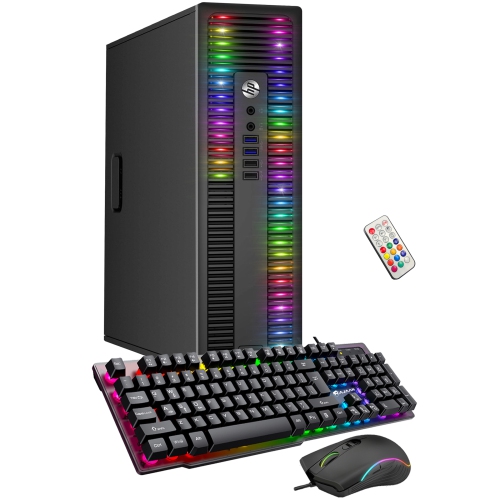
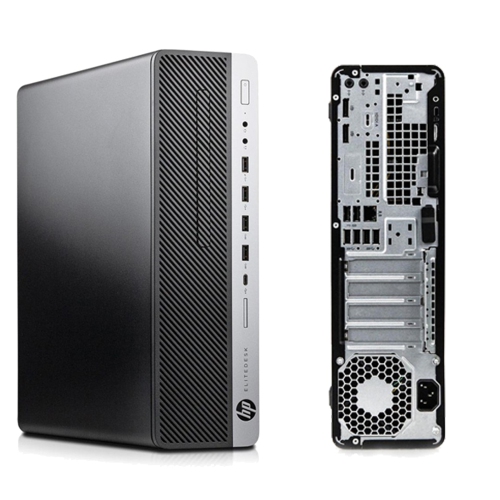
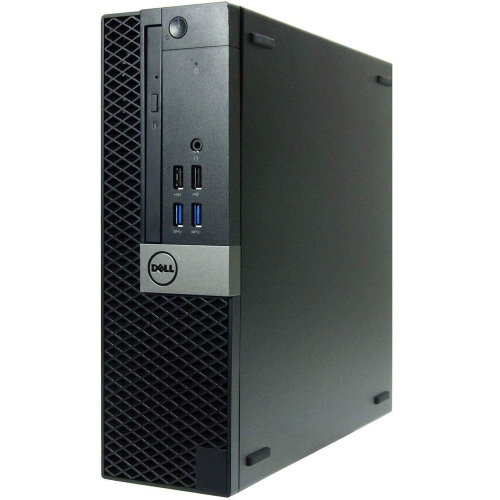
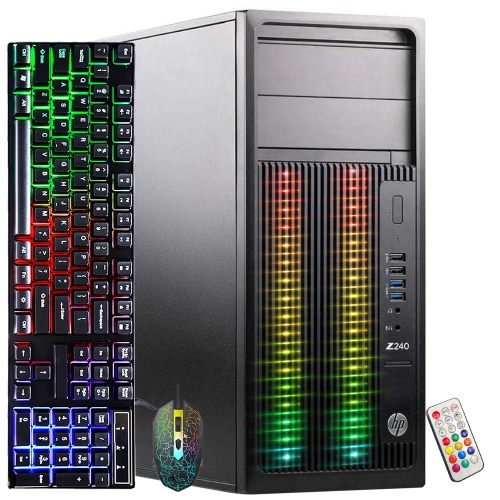
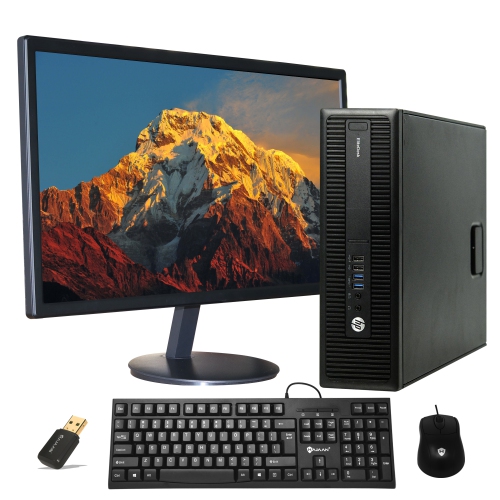
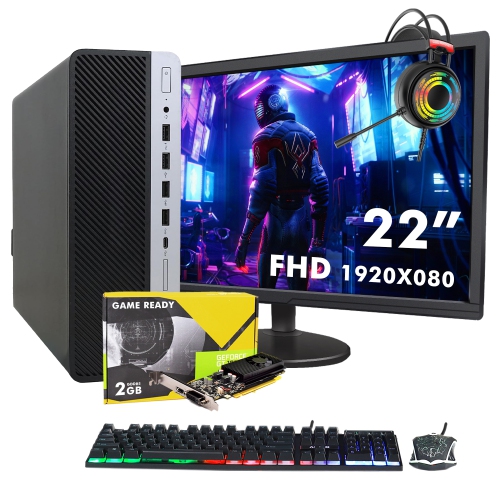
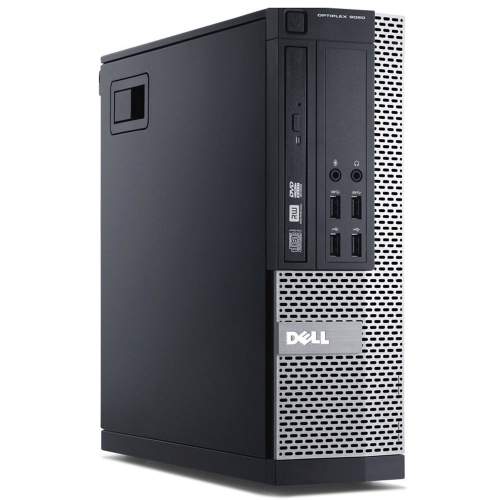
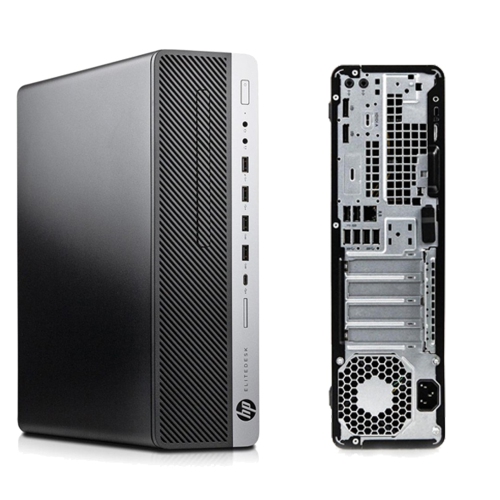
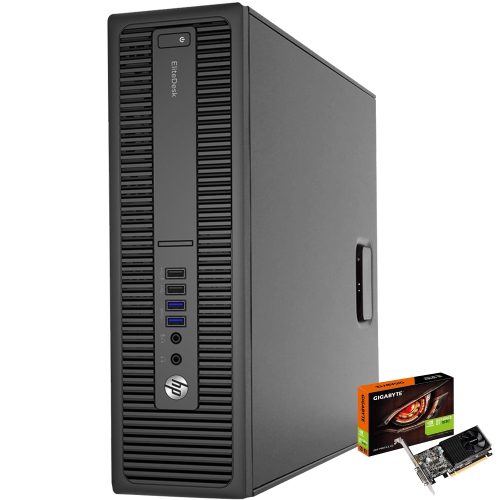
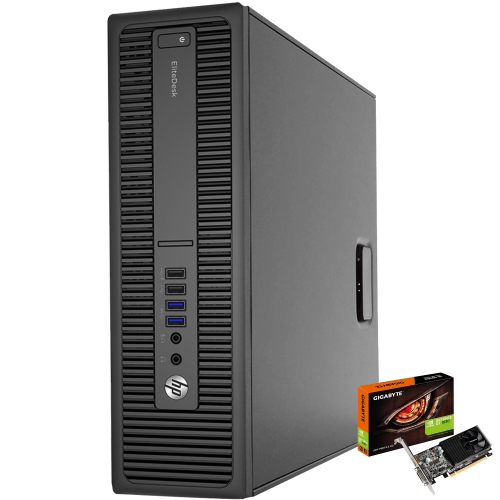
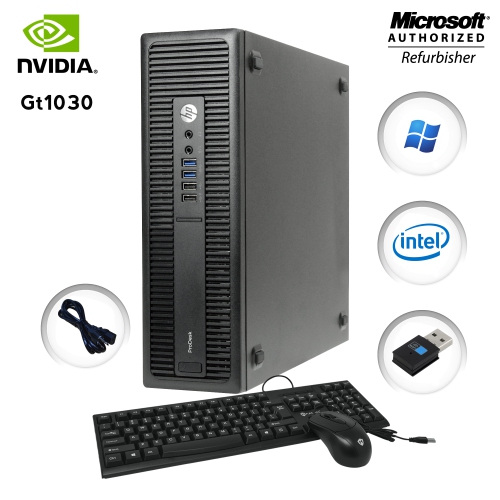
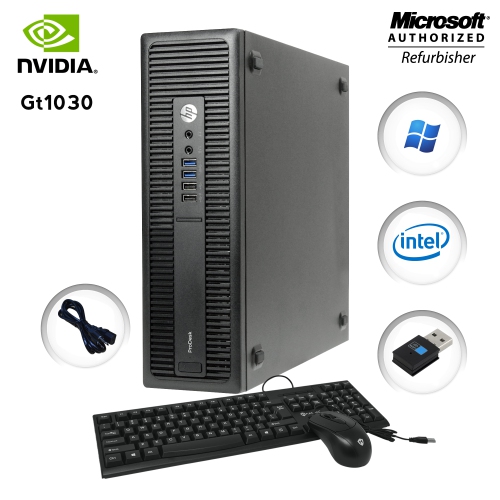
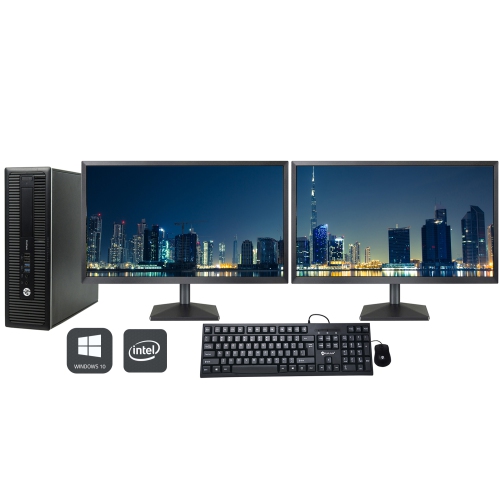
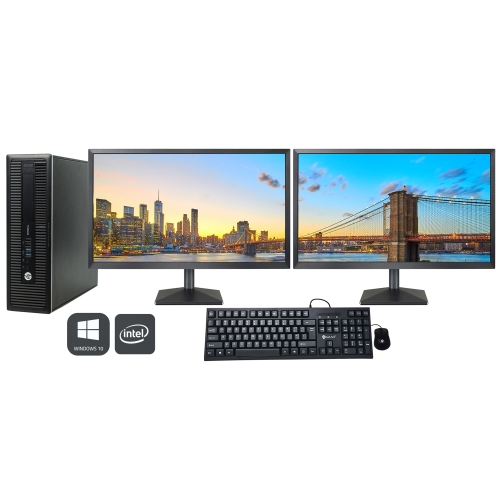
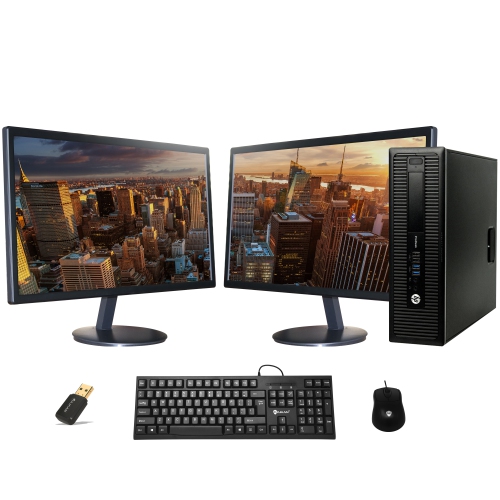
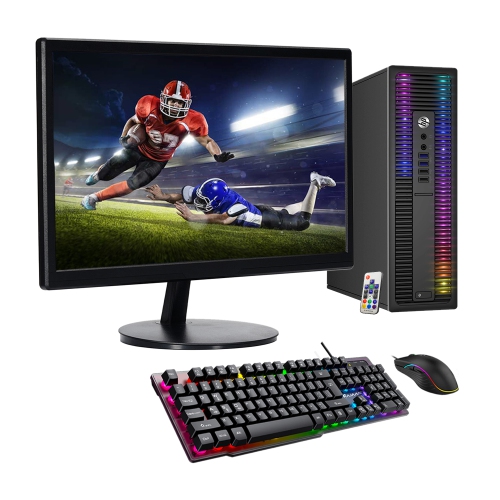

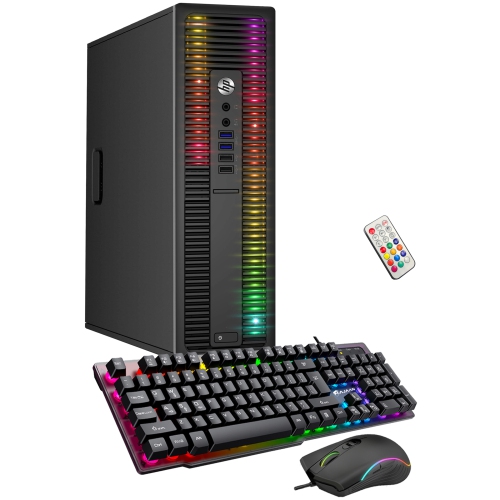
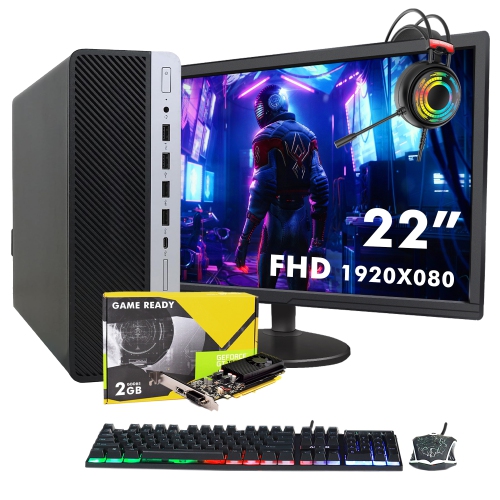
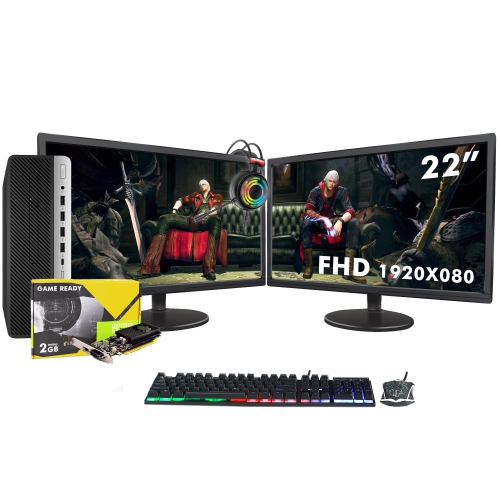
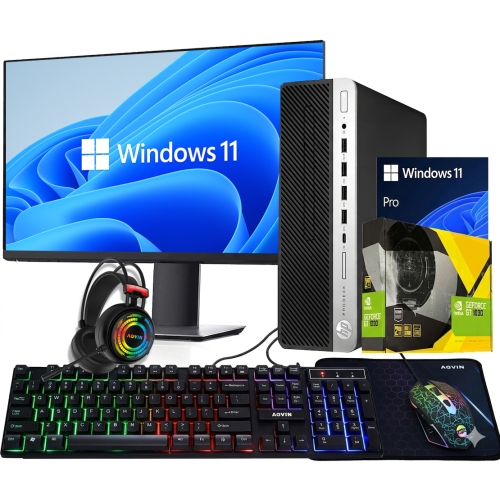
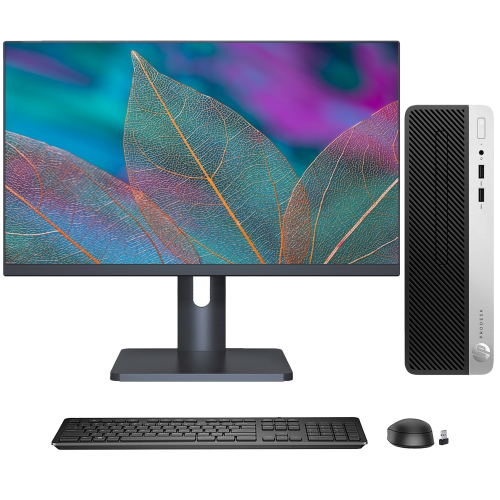
The right hardware keeps demanding edits moving smoothly
Good desktops for video editing give creators the processing power, graphics capability, memory, and storage speed needed to move from raw footage to a finished project without constant interruptions. Unlike a basic home computer, a video-editing desktop is built to handle several demanding tasks at once: importing high-resolution clips, generating previews, applying colour corrections, mixing audio, adding transitions, and exporting a polished file for sharing or delivery. A strong starting point is a modern multi-core processor with enough performance for timeline calculations, video decoding, and background tasks. More cores can be especially helpful when working with long-form projects, multiple camera angles, layered effects, or footage recorded in demanding formats. A dedicated graphics card also plays an important role, particularly for GPU-accelerated effects, colour grading, motion graphics, and faster rendering. Look for a desktop with a capable discrete graphics card and sufficient video memory for the resolution and complexity of the work. For many 4K projects, 32GB of RAM provides a practical baseline, while 64GB or more can make a noticeable difference for large timelines, advanced effects, high-resolution source files, and professional applications running side by side. Editors working with 8K footage, three-dimensional elements, or extensive compositing may benefit from even more memory. Fast solid-state storage is another essential consideration. An SSD can help the computer start quickly, open applications with less delay, and keep project files, preview renders, and media caches moving smoothly. A desktop with separate storage locations for the operating system and applications, active project files, and media cache can offer a more organized workflow and help preserve useful space. It is also worth checking the total storage capacity, since high-resolution video files can fill a drive surprisingly quickly. A few hours of camera footage, especially when recorded at a high bitrate, can occupy hundreds of gigabytes before proxies, audio files, graphics, and exported versions are added.
The best choice depends on the type of editing you do and how you prefer to work. Someone creating short clips for social media may be comfortable with a more compact desktop, while a freelance editor handling client projects may appreciate extra processing headroom, generous memory, multiple high-speed storage options, and room for future upgrades. A tower with accessible internal components can be a practical fit for users who expect to add storage, increase memory, or install a more powerful graphics card later. A compact desktop can make sense for a smaller studio, shared family workspace, or apartment where desk space is limited, provided it still offers the ports, cooling, and performance needed for the intended workload. Pay close attention to connectivity as well. Multiple USB ports, fast external storage support, high-speed networking, and connections for more than one display can simplify a busy editing station. Editors often work more comfortably with a large primary monitor alongside a second screen for bins, audio controls, project folders, or colour tools. Quiet cooling is also valuable; fans that become distracting during a long voice-over session or concentrated edit can quickly affect the atmosphere of a workspace. Look for a well-ventilated design with dependable cooling and enough power capacity for its internal components. Software compatibility should be considered before purchase, since editing applications vary in how they use processor cores, graphics acceleration, memory, and media formats. Check the recommended specifications for the applications you use most, then choose a desktop with some headroom rather than matching the minimum requirements exactly. That extra capacity can help a computer remain responsive as projects become more ambitious, footage quality improves, or new creative tools are added. A useful way to picture the difference is a late-afternoon editing session with a full memory card on the desk, a timeline covered in cuts, and several layers of audio and graphics waiting to be refined. A desktop with the right hardware lets you concentrate on the rhythm of the story instead of watching a progress bar interrupt every adjustment.
Good desktops for video editing can be a thoughtful gift for a student learning production, a creator building a portfolio, a family member recording travel memories, or an experienced editor ready to replace an aging computer. They can support a wide range of projects, from assembling personal footage and school presentations to producing interviews, tutorials, short films, event highlights, and commercial content. When choosing one as a gift, it helps to consider the recipient’s existing equipment and habits. A person who already uses a calibrated display, external drives, card readers, microphones, or professional cameras may value a desktop with plentiful ports and fast expansion options. Someone setting up a first editing station may prefer a complete, straightforward system that leaves room in the budget for a monitor, keyboard, mouse, speakers, backup storage, and memory cards. Storage planning is especially important for anyone building a growing library of footage. An external drive or network storage solution can keep completed projects and original recordings accessible without crowding the main working drive, while regular backups provide added protection against accidental deletion or drive failure. It is also helpful to think about the kind of footage the editor handles most often. Standard high-definition files generally place less demand on hardware, whereas 4K, 10-bit, high-frame-rate, RAW, and 8K footage benefit from stronger processing, graphics, and memory specifications. Proxy workflows can make heavier files easier to edit, but a more capable desktop can reduce the need to create proxies and may shorten export times. The surrounding workspace matters as well: stable wired networking can help with shared media, a reliable power setup can prevent disruptions, and a desk with enough room for displays and external drives can keep the creative process comfortable during longer sessions. For related creative work such as retouching still images, preparing thumbnails, or designing title cards, explore Desktops for Photo Editing. By matching processor performance, graphics capability, memory, storage, expandability, and connectivity to the editor’s actual projects, it becomes easier to find a dependable desktop that feels responsive during everyday cuts and remains capable as skills, files, and creative ambitions grow.
The best choice depends on the type of editing you do and how you prefer to work. Someone creating short clips for social media may be comfortable with a more compact desktop, while a freelance editor handling client projects may appreciate extra processing headroom, generous memory, multiple high-speed storage options, and room for future upgrades. A tower with accessible internal components can be a practical fit for users who expect to add storage, increase memory, or install a more powerful graphics card later. A compact desktop can make sense for a smaller studio, shared family workspace, or apartment where desk space is limited, provided it still offers the ports, cooling, and performance needed for the intended workload. Pay close attention to connectivity as well. Multiple USB ports, fast external storage support, high-speed networking, and connections for more than one display can simplify a busy editing station. Editors often work more comfortably with a large primary monitor alongside a second screen for bins, audio controls, project folders, or colour tools. Quiet cooling is also valuable; fans that become distracting during a long voice-over session or concentrated edit can quickly affect the atmosphere of a workspace. Look for a well-ventilated design with dependable cooling and enough power capacity for its internal components. Software compatibility should be considered before purchase, since editing applications vary in how they use processor cores, graphics acceleration, memory, and media formats. Check the recommended specifications for the applications you use most, then choose a desktop with some headroom rather than matching the minimum requirements exactly. That extra capacity can help a computer remain responsive as projects become more ambitious, footage quality improves, or new creative tools are added. A useful way to picture the difference is a late-afternoon editing session with a full memory card on the desk, a timeline covered in cuts, and several layers of audio and graphics waiting to be refined. A desktop with the right hardware lets you concentrate on the rhythm of the story instead of watching a progress bar interrupt every adjustment.
Good desktops for video editing can be a thoughtful gift for a student learning production, a creator building a portfolio, a family member recording travel memories, or an experienced editor ready to replace an aging computer. They can support a wide range of projects, from assembling personal footage and school presentations to producing interviews, tutorials, short films, event highlights, and commercial content. When choosing one as a gift, it helps to consider the recipient’s existing equipment and habits. A person who already uses a calibrated display, external drives, card readers, microphones, or professional cameras may value a desktop with plentiful ports and fast expansion options. Someone setting up a first editing station may prefer a complete, straightforward system that leaves room in the budget for a monitor, keyboard, mouse, speakers, backup storage, and memory cards. Storage planning is especially important for anyone building a growing library of footage. An external drive or network storage solution can keep completed projects and original recordings accessible without crowding the main working drive, while regular backups provide added protection against accidental deletion or drive failure. It is also helpful to think about the kind of footage the editor handles most often. Standard high-definition files generally place less demand on hardware, whereas 4K, 10-bit, high-frame-rate, RAW, and 8K footage benefit from stronger processing, graphics, and memory specifications. Proxy workflows can make heavier files easier to edit, but a more capable desktop can reduce the need to create proxies and may shorten export times. The surrounding workspace matters as well: stable wired networking can help with shared media, a reliable power setup can prevent disruptions, and a desk with enough room for displays and external drives can keep the creative process comfortable during longer sessions. For related creative work such as retouching still images, preparing thumbnails, or designing title cards, explore Desktops for Photo Editing. By matching processor performance, graphics capability, memory, storage, expandability, and connectivity to the editor’s actual projects, it becomes easier to find a dependable desktop that feels responsive during everyday cuts and remains capable as skills, files, and creative ambitions grow.
Top selling and popular products
-
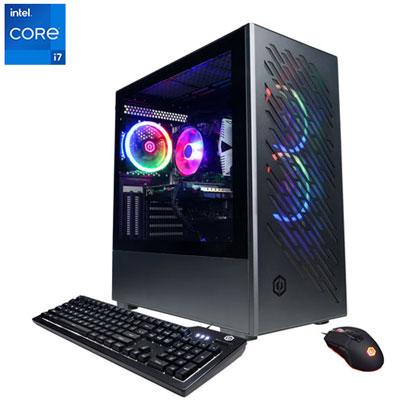 Your price for this item is $1969.99
 -
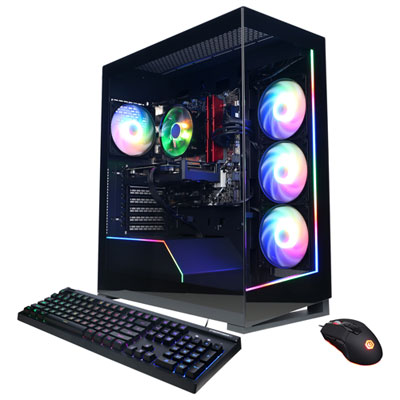 Your price for this item is $1059.99
 -
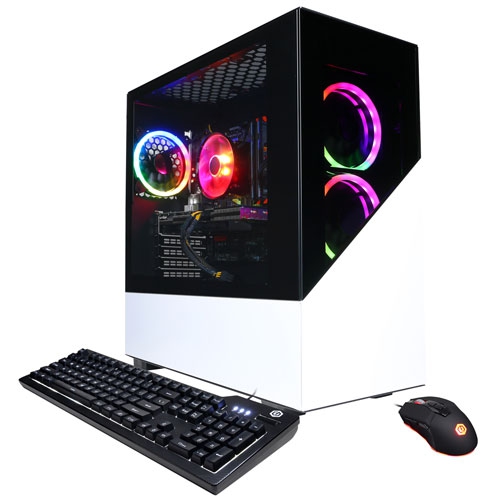 Your price for this item is $1274.97
 -
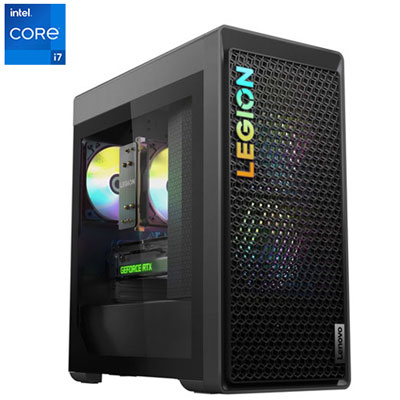 Your price for this item is $2499.95
 -
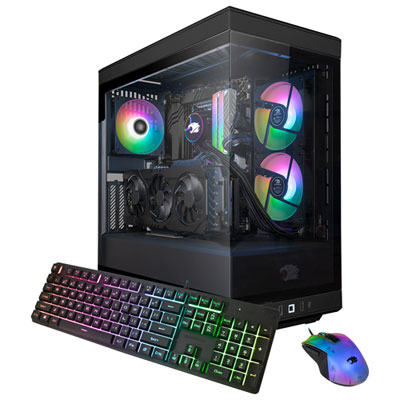 Your price for this item is $2309.99
 -
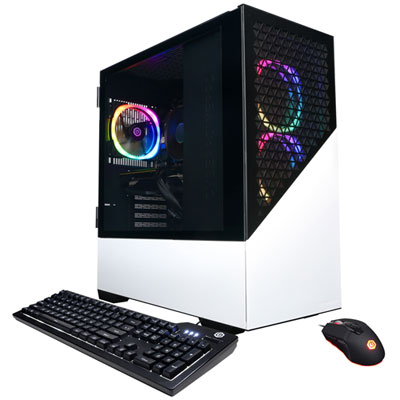 Your price for this item is $1669.99
 -
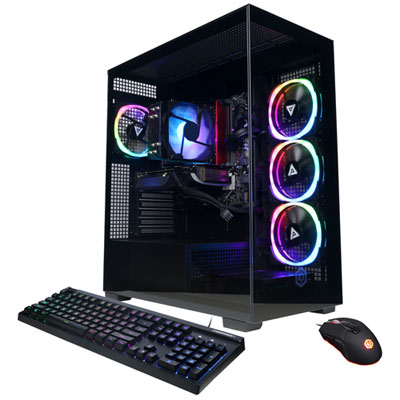 Your price for this item is $1839.99
 -
 Your price for this item is $2399.99
Discover more categories related to Good Desktops for Video Editing

Top Collections:
Pokemon Centers, Kindle Devices, Best Budget Office Chairs, Apple iPhones 16, Best Laptops for Writers, iPhone 15 Apple, Canon G7X Cameras, Refurbished Apple Laptops, Alarm Clock, Motorola Razr Phones
Some products may be subject to Environmental Handling Fees
(EHF) depending on your province.
Learn more about EHFs.