Good Laptops for Video Editing
Video editing is a processor-intensive task, and the more powerful your computer is, the faster it will run. If you're looking to edit videos on your laptop, here are some of the best laptops for video editing.
Sort


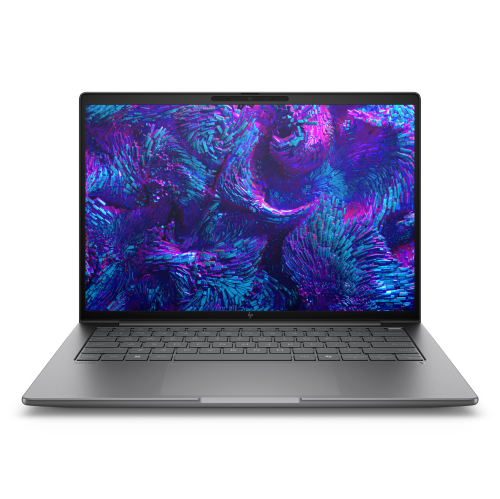
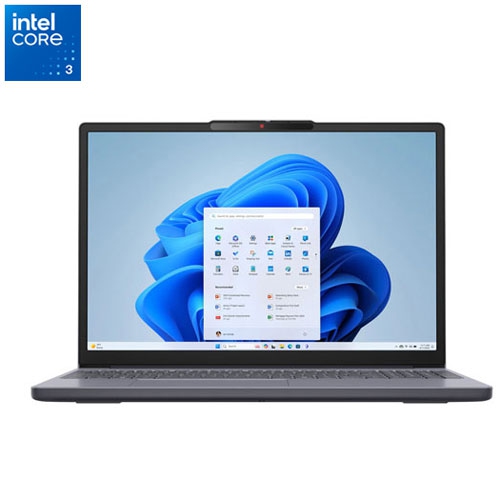
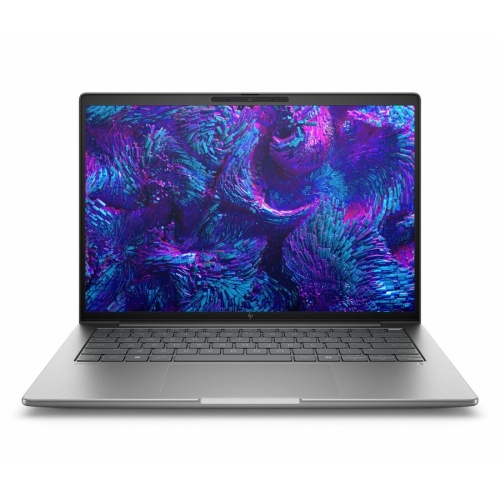
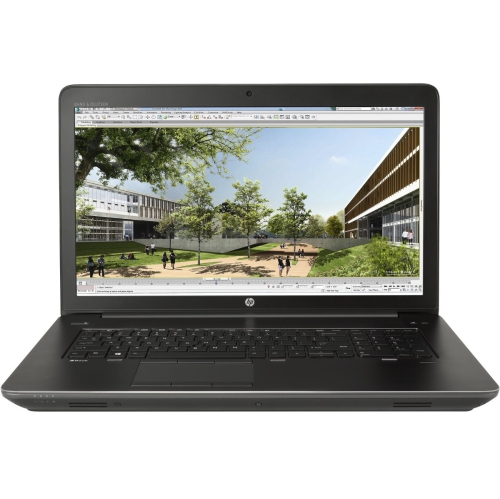
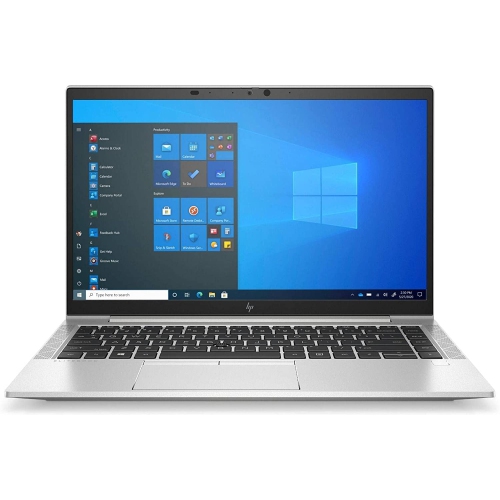
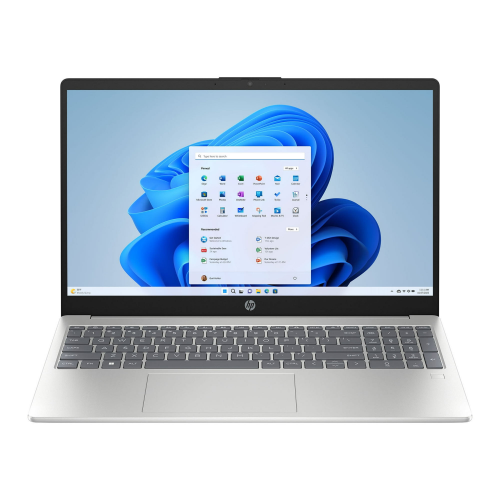
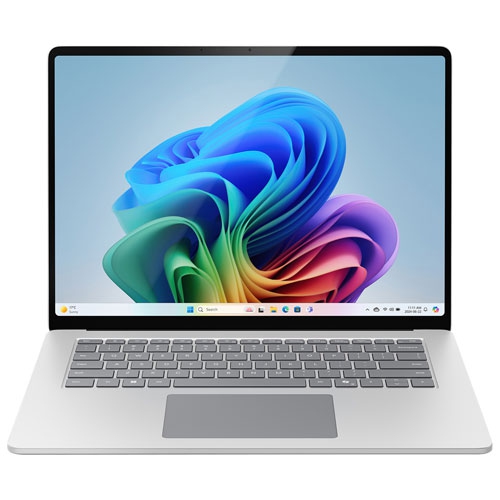
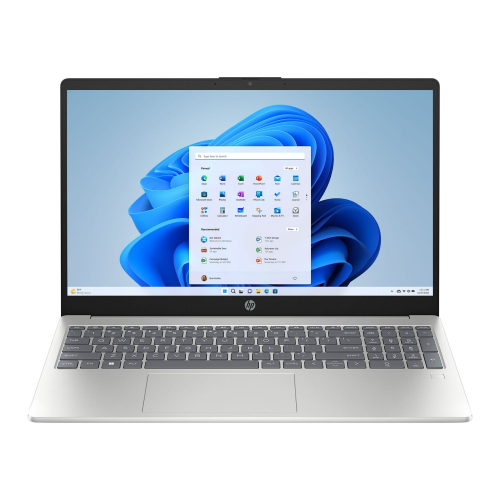
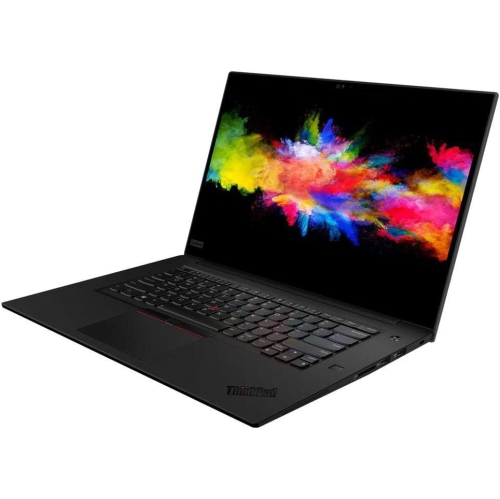
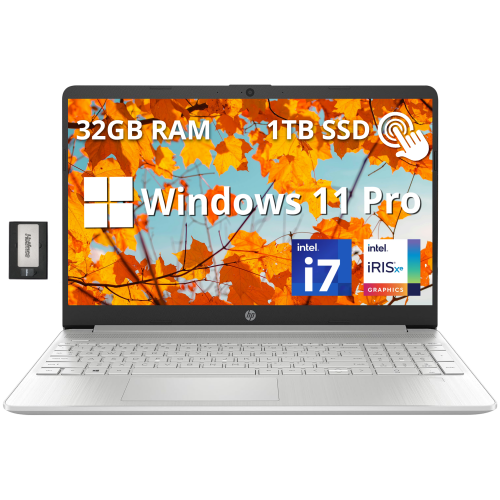
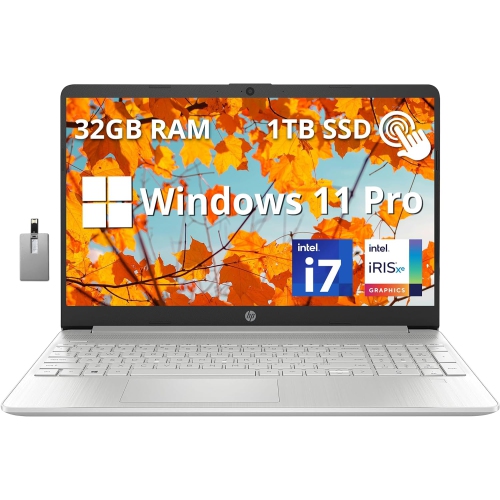
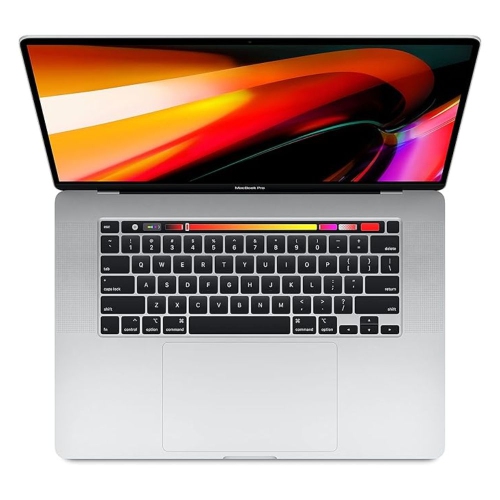
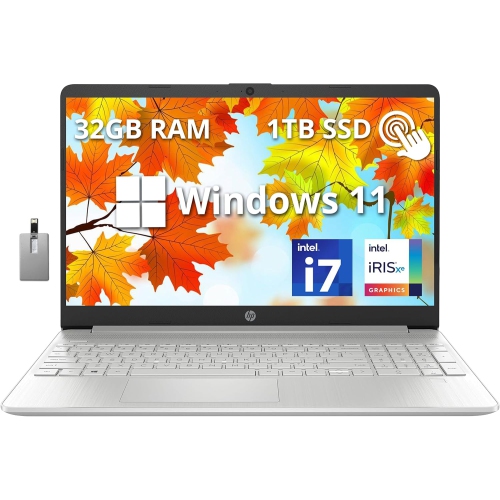
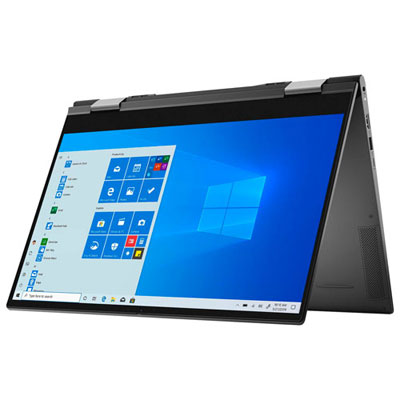
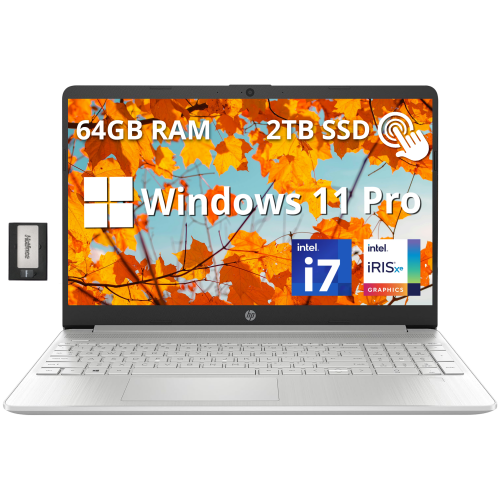

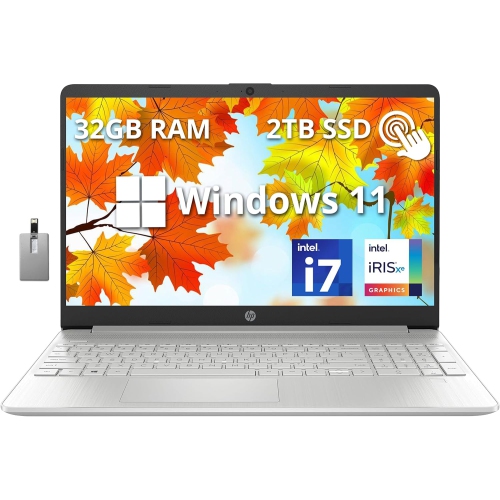
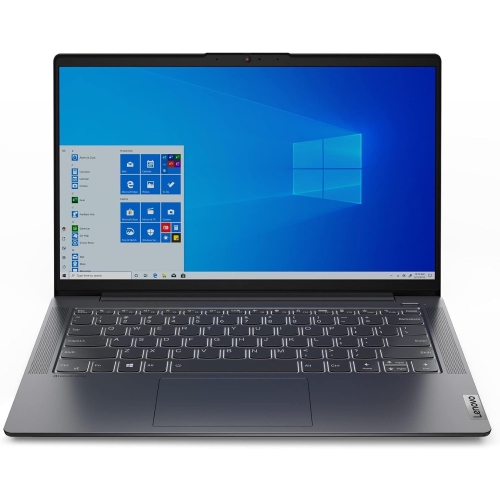
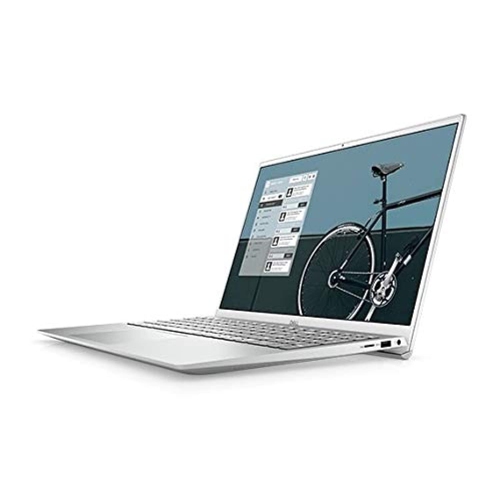
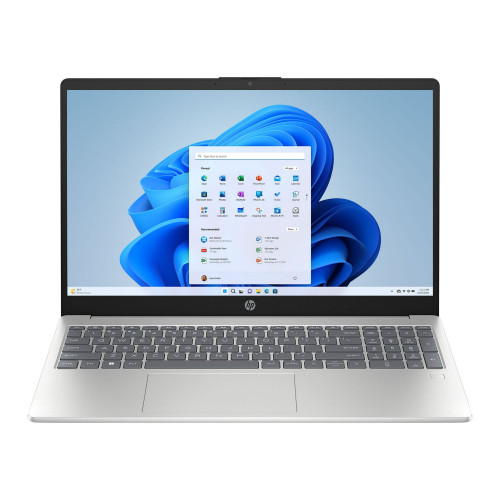
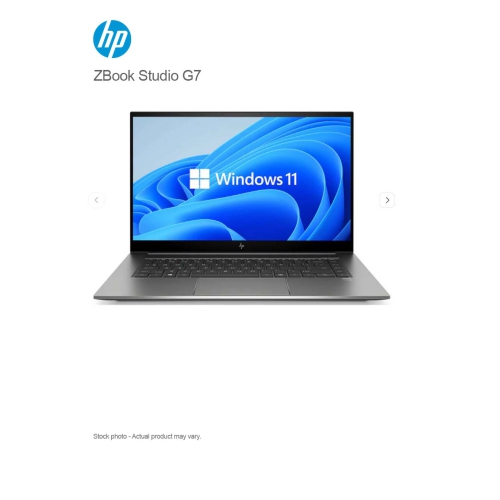
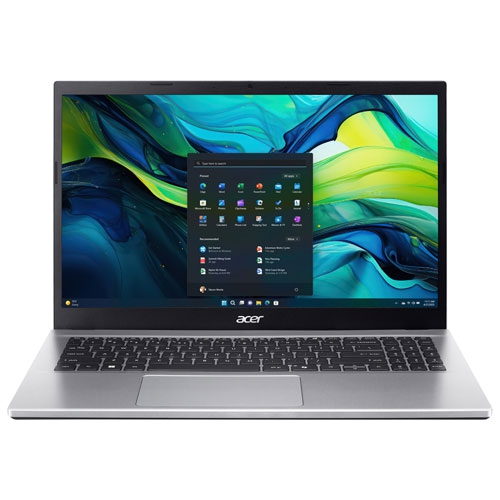
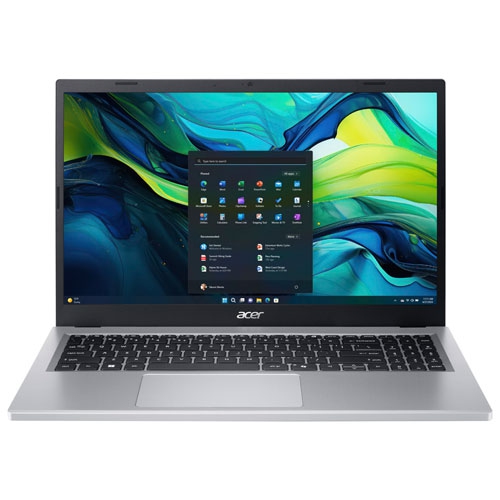
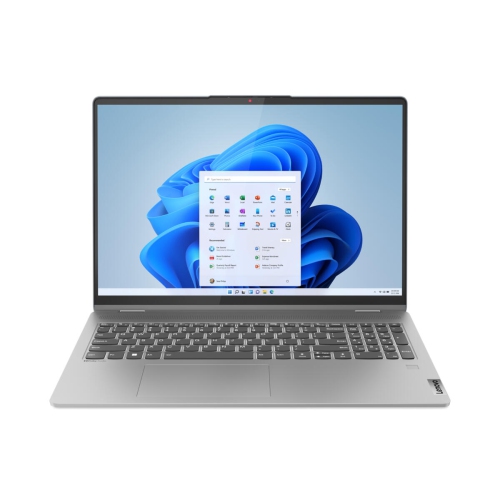
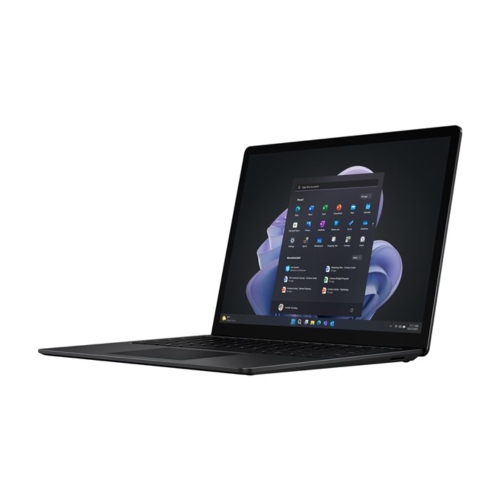
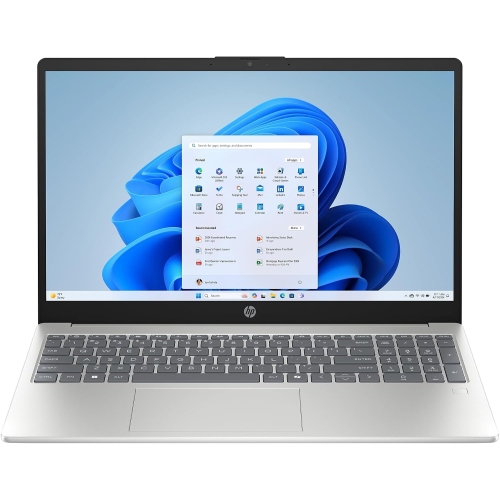
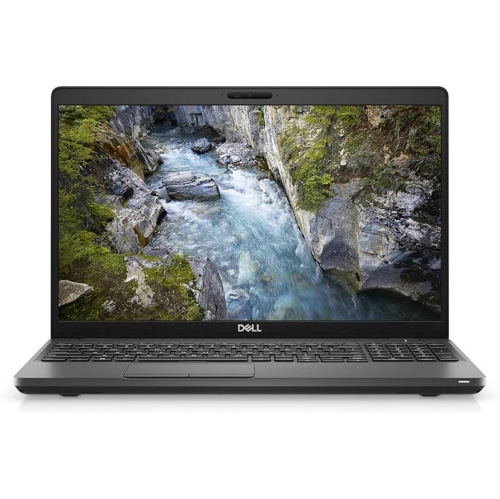
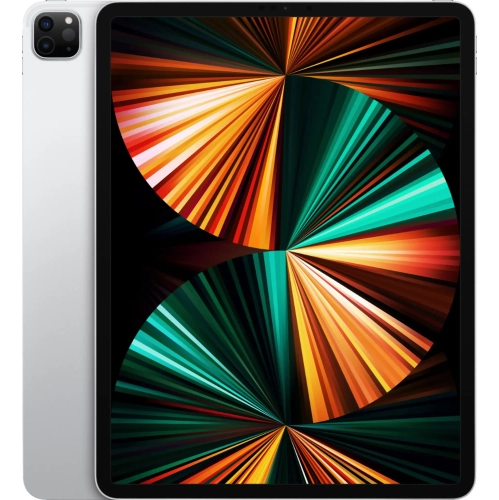

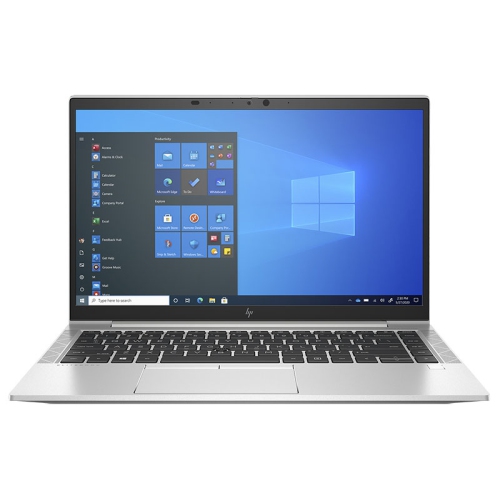
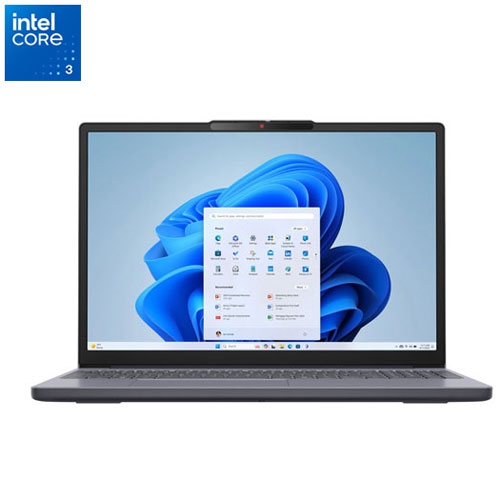
The hardware behind smoother editing from footage to final export
A good laptop for video editing brings together the processing power, graphics performance, display quality, and storage needed to move smoothly from camera files to a finished project. Unlike a laptop intended mainly for web browsing or documents, a video editing laptop must handle several demanding tasks at once: decoding high-resolution footage, previewing multiple layers, applying colour adjustments, running transitions and effects, and exporting a final file in a format suitable for sharing or publishing. A modern multi-core processor is an important starting point, with higher-tier processors offering more headroom for complex timelines, multicamera projects, motion graphics, and background tasks. At least 16GB of RAM is a practical baseline for many editing projects, while 32GB or more can be a worthwhile choice for 4K, 6K, or higher-resolution footage, long timelines, and demanding applications. A dedicated graphics processor can accelerate rendering, playback, effects, and exports, particularly in software that is designed to use GPU power. Fast solid-state storage also makes a noticeable difference when opening large project files, transferring footage, loading applications, and scrubbing through a timeline. Since video files can fill a drive quickly, 1TB of storage or more gives creators useful working space, although an external drive or other backup solution may still be helpful for archived footage and completed projects. Browse the selection of Shop Laptops for Video Editing to compare laptops suited to different editing workloads, budgets, and creative routines.
Display quality matters just as much as internal performance when a laptop is used for video editing. A sharp screen makes it easier to inspect fine details, while accurate colour reproduction helps creators make more confident decisions about skin tones, shadows, highlights, and the overall mood of a scene. A larger screen provides more room for a preview window, timeline, audio controls, and editing panels, while a compact screen can be easier to carry between a home office, classroom, studio, or filming location. High-resolution panels can show more detail in 4K footage, and OLED displays may provide rich contrast and deep blacks that are useful when reviewing cinematic content, although the best display choice depends on the software, project type, and preferred working style. Brightness and viewing angles are also worth considering for editors who work in changing spaces, such as a sunlit room, a shared workspace, or an outdoor location between shots. Port selection can be equally important. HDMI, USB-C, USB-A, memory card support, and headphone connections can reduce the need for adapters when importing footage, connecting an external monitor, transferring files, or monitoring audio. Battery life is helpful for mobile editing, but intensive rendering and exporting can draw more power than everyday tasks, so a capable charger and a comfortable keyboard are valuable parts of the overall experience. A laptop that stays responsive while footage is being copied or an export is running can make a long afternoon of editing feel far less interrupted. For creators who work with audio, fan noise and speaker quality may also influence the experience, especially when trimming dialogue, aligning music, or checking a rough mix without headphones.
These laptops can suit a wide range of users, from students learning the foundations of editing to experienced creators producing polished content for clients, audiences, or personal projects. A photography enthusiast may use one to turn still images and short clips into travel films, while a family member may create a graduation montage, a wedding video, or a collection of memories from a special trip. Content creators, videographers, educators, small business owners, and social media teams can benefit from a machine that shortens the time between recording footage and publishing a finished video. For someone who edits on location, a portable design, dependable battery, bright display, and strong wireless connectivity can be especially useful. For a creator who works primarily at a desk, screen size, cooling, expandability, and connection options may take priority over the lightest possible build. The software used should guide the purchase as well. Applications differ in their operating system requirements, preferred processor architecture, GPU acceleration, and memory needs, so checking compatibility before choosing a laptop is a sensible step. It is also helpful to consider the resolution and format of the footage captured most often: 1080p clips generally place fewer demands on hardware than 4K or higher-resolution files, while high frame rates, raw footage, layered effects, colour grading, and multicamera editing can increase the workload considerably. A laptop with extra performance can provide useful flexibility as projects become more ambitious, but the right choice does not need to be the most powerful option available. Matching the processor, memory, graphics, display, storage, and portability to the way the laptop will actually be used can create a balanced setup for editing at home, preparing class assignments, building a portfolio, or giving a creative gift that supports years of storytelling.
Display quality matters just as much as internal performance when a laptop is used for video editing. A sharp screen makes it easier to inspect fine details, while accurate colour reproduction helps creators make more confident decisions about skin tones, shadows, highlights, and the overall mood of a scene. A larger screen provides more room for a preview window, timeline, audio controls, and editing panels, while a compact screen can be easier to carry between a home office, classroom, studio, or filming location. High-resolution panels can show more detail in 4K footage, and OLED displays may provide rich contrast and deep blacks that are useful when reviewing cinematic content, although the best display choice depends on the software, project type, and preferred working style. Brightness and viewing angles are also worth considering for editors who work in changing spaces, such as a sunlit room, a shared workspace, or an outdoor location between shots. Port selection can be equally important. HDMI, USB-C, USB-A, memory card support, and headphone connections can reduce the need for adapters when importing footage, connecting an external monitor, transferring files, or monitoring audio. Battery life is helpful for mobile editing, but intensive rendering and exporting can draw more power than everyday tasks, so a capable charger and a comfortable keyboard are valuable parts of the overall experience. A laptop that stays responsive while footage is being copied or an export is running can make a long afternoon of editing feel far less interrupted. For creators who work with audio, fan noise and speaker quality may also influence the experience, especially when trimming dialogue, aligning music, or checking a rough mix without headphones.
These laptops can suit a wide range of users, from students learning the foundations of editing to experienced creators producing polished content for clients, audiences, or personal projects. A photography enthusiast may use one to turn still images and short clips into travel films, while a family member may create a graduation montage, a wedding video, or a collection of memories from a special trip. Content creators, videographers, educators, small business owners, and social media teams can benefit from a machine that shortens the time between recording footage and publishing a finished video. For someone who edits on location, a portable design, dependable battery, bright display, and strong wireless connectivity can be especially useful. For a creator who works primarily at a desk, screen size, cooling, expandability, and connection options may take priority over the lightest possible build. The software used should guide the purchase as well. Applications differ in their operating system requirements, preferred processor architecture, GPU acceleration, and memory needs, so checking compatibility before choosing a laptop is a sensible step. It is also helpful to consider the resolution and format of the footage captured most often: 1080p clips generally place fewer demands on hardware than 4K or higher-resolution files, while high frame rates, raw footage, layered effects, colour grading, and multicamera editing can increase the workload considerably. A laptop with extra performance can provide useful flexibility as projects become more ambitious, but the right choice does not need to be the most powerful option available. Matching the processor, memory, graphics, display, storage, and portability to the way the laptop will actually be used can create a balanced setup for editing at home, preparing class assignments, building a portfolio, or giving a creative gift that supports years of storytelling.
Top selling and popular products
-
 Your price for this item is $449
 -
 Your price for this item is $3099
 -
 Your price for this item is $664.05
 -
 Your price for this item is $599.68
 -
 Your price for this item is $259
 -
 Your price for this item is $418.98
 -
 Your price for this item is $999.95
 -
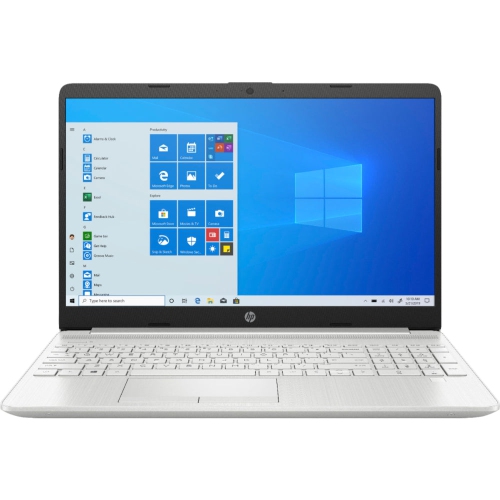 Your price for this item is $489
Discover more categories related to Good Laptops for Video Editing


Top Collections:
Pokemon Centers, Budget 4K TVs, Best Budget Office Chairs, Kindle Devices, Canon G7X Cameras, Apple iPhones 16, iPhone 15 Apple, Laptops for Business Work, Xiaomi Phones, Flip Phones
Some products may be subject to Environmental Handling Fees
(EHF) depending on your province.
Learn more about EHFs.