Graphic Design Desktop Computers
Graphic Design Desktop Computers provide the power and performance needed to bring creative visions to life. Perfect for artists, illustrators, and digital creators, these desktops are designed to handle demanding graphic design applications with ease. Whether you're working on detailed illustrations, photo editing, or 3D modeling, Graphic Design Desktop Computers offer the reliability and speed required for professional results. Explore a variety of options to find the ideal system that matches your workflow and enhances your creative projects.
Sort
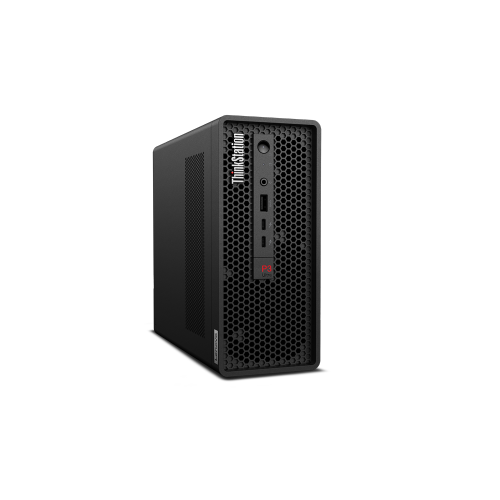
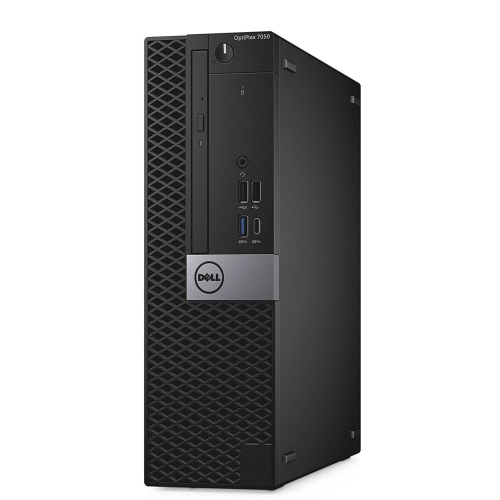
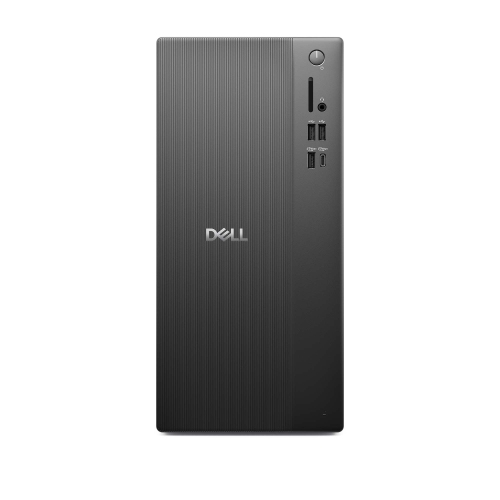
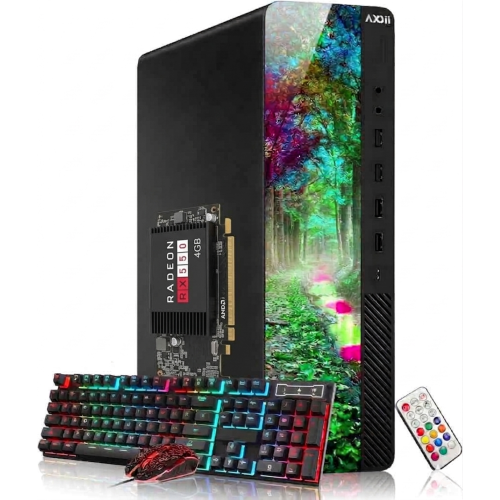
What matters most for a smoother design workflow
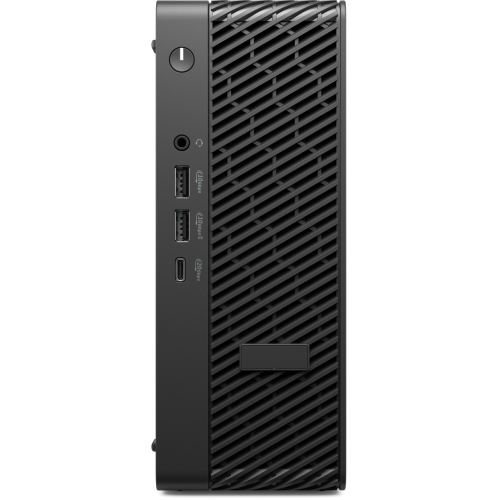
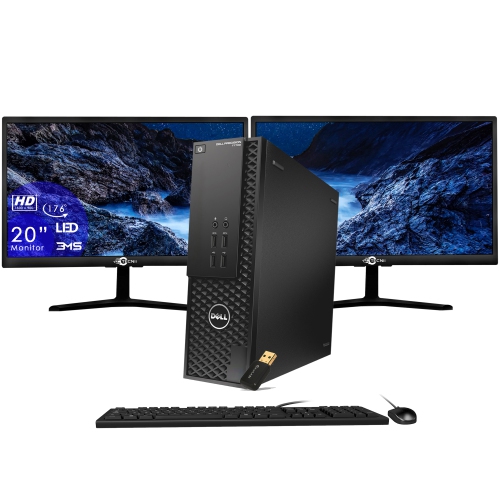
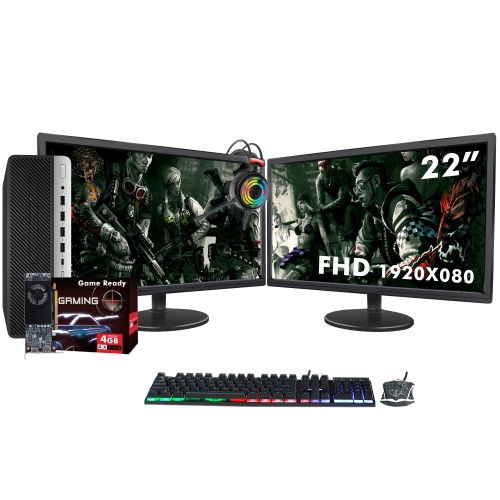
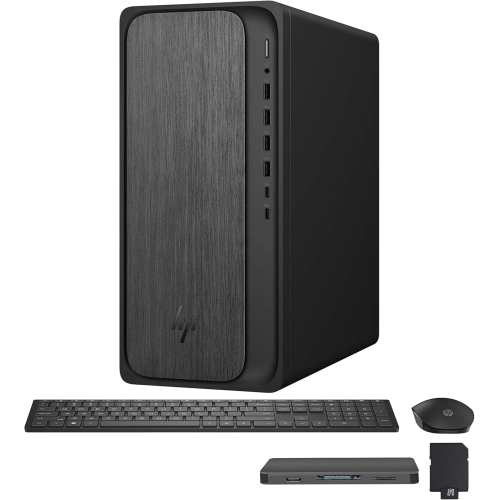
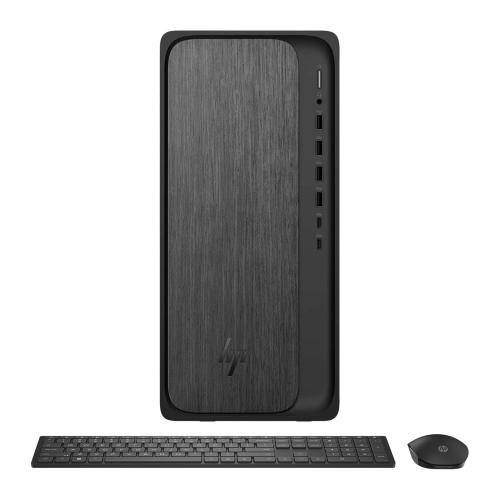
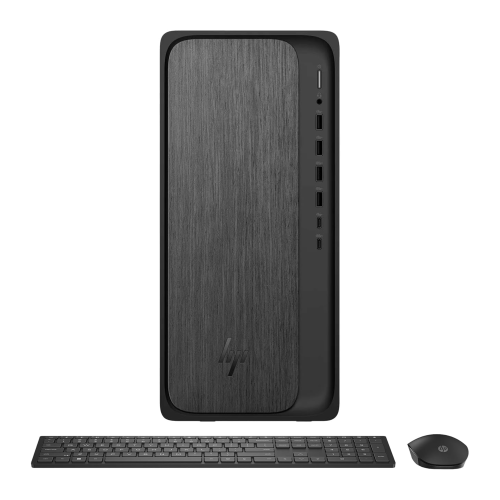
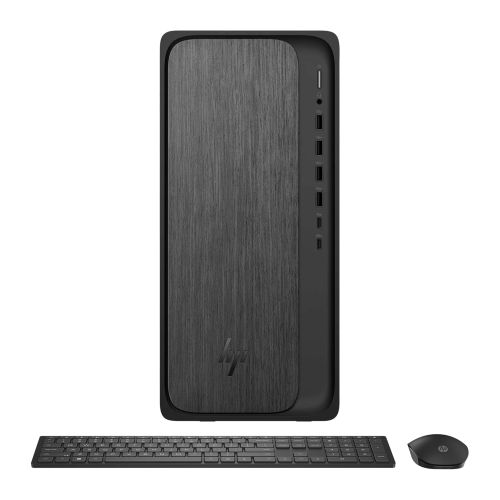
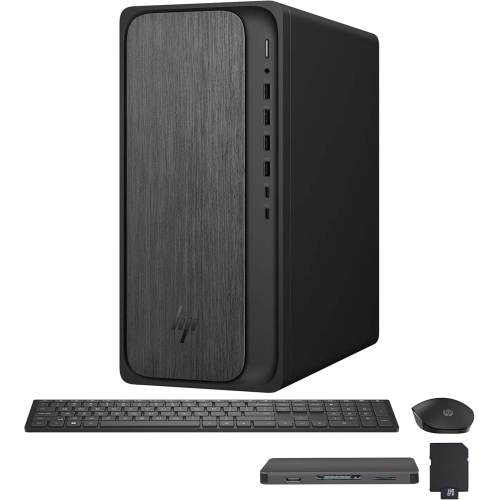
Graphic design desktop computers are built for more than everyday browsing, email, and document work. They are intended for detailed visual projects that may involve large image files, layered illustrations, page layouts, typography, animation, video, and multiple creative applications open at the same time. A capable desktop can make the design process feel more fluid, whether you are adjusting a photograph, refining a logo, preparing artwork for print, or reviewing a high-resolution presentation. When choosing a computer for graphic design, begin with the processor, since it affects how quickly applications open, filters apply, files export, and several tasks run together. A current-generation processor with multiple performance cores is a strong starting point for designers who move between image editing, vector drawing, web research, and communication tools throughout the day. Memory is equally important: 16GB can support many common projects, while 32GB or more is a practical choice for large layered files, high-resolution photography, motion graphics, and heavier multitasking. Fast solid-state storage helps reduce boot and load times, and a capacity of 512GB or 1TB gives you useful room for applications, working files, fonts, resources, and project archives. Designers who work with extensive photo libraries or video assets may also appreciate additional internal storage or a convenient external drive connection. For a focused starting point, explore Good Graphic Design Computers and compare configurations according to the type of work you do most often.
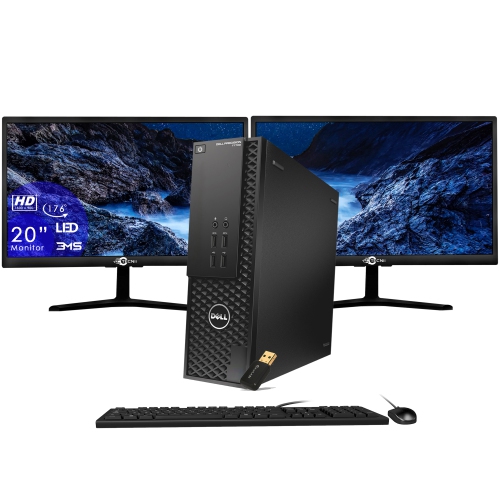
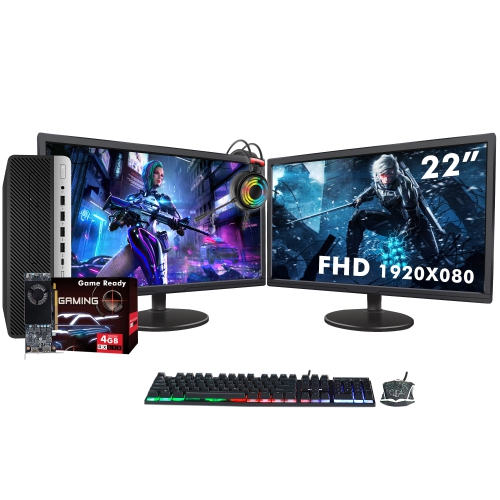
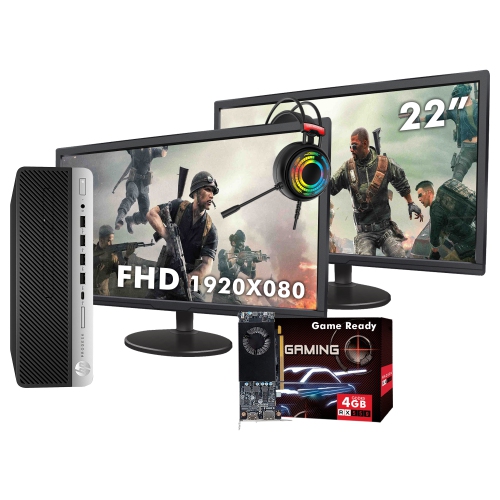
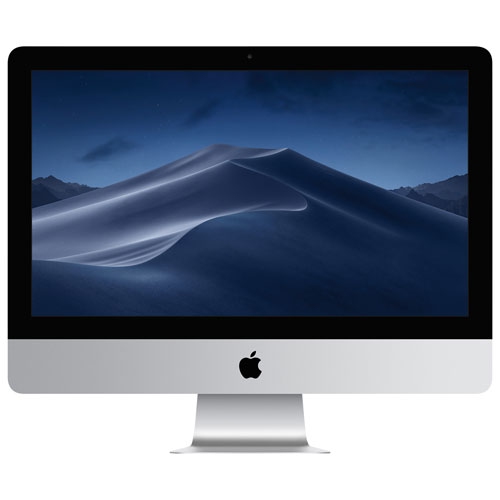
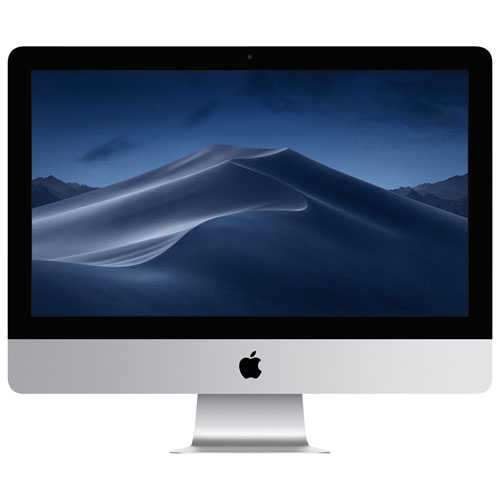
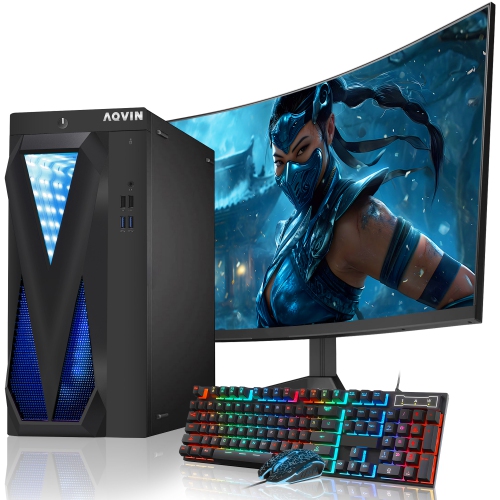
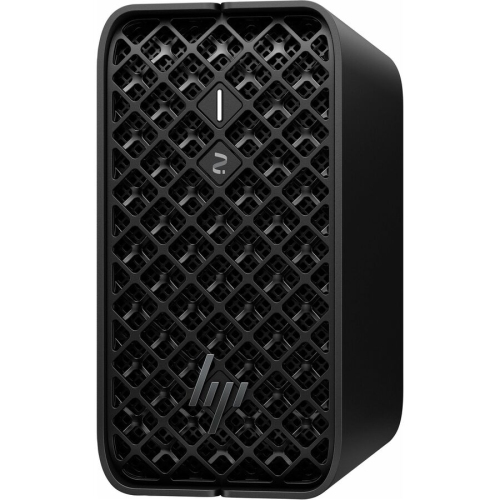
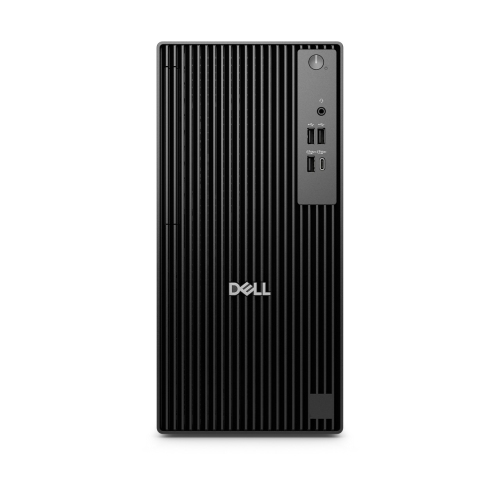
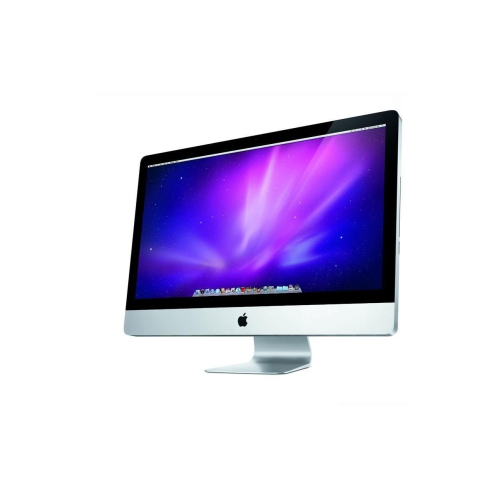
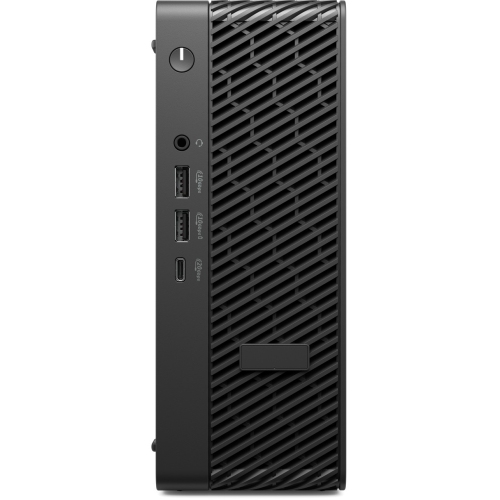
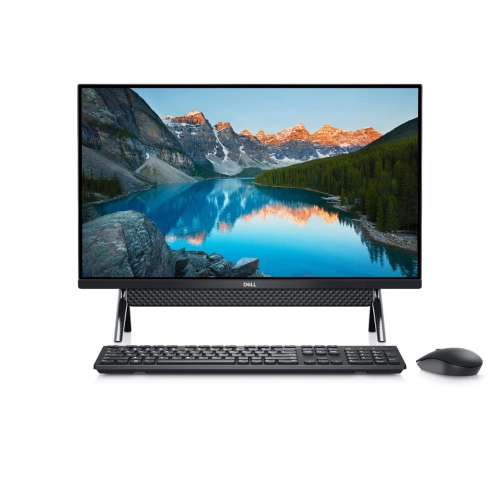
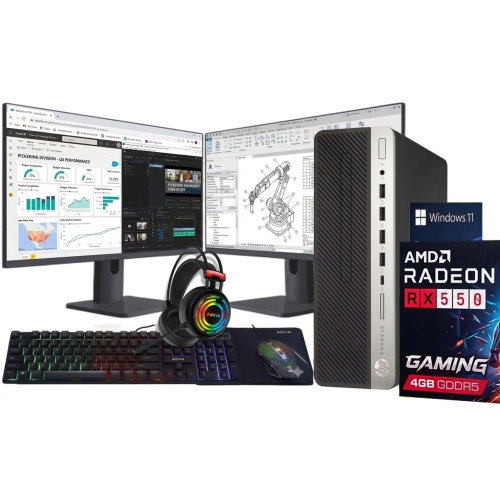
Graphics performance can make a noticeable difference when working on detailed artwork, three-dimensional scenes, effects, or high-resolution displays. A dedicated graphics processor with its own video memory can help accelerate rendering and visual previews, particularly when projects include complex effects, many layers, or large canvases. Integrated graphics may be suitable for introductory design work, school assignments, social media graphics, and lighter photo editing, but more demanding creative workflows often benefit from a dedicated graphics card with at least 4GB to 8GB of video memory. The monitor deserves just as much attention as the computer itself. Look for a sharp display with accurate, consistent colour, a comfortable viewing size, and enough workspace to keep panels, reference images, and the canvas visible together. A 27-inch screen can provide a spacious design surface, while a dual-monitor setup can separate the artwork from tools and reference material. If you prepare files for print, colour accuracy and a wide colour gamut are especially useful, since the shades on screen should provide a reliable indication of the finished work. Connectivity also matters: USB ports, high-speed display connections, networking, and memory card support can simplify the process of moving photographs, connecting drawing accessories, attaching storage, or adding a second screen. A compact desktop paired with a separate monitor can suit a tidy home office or small studio, while an all-in-one design offers a clean workspace with the display and computer integrated together. A traditional tower may be the better fit for people who want powerful graphics, extra storage, quieter cooling, or the flexibility to upgrade selected components as their skills and project requirements grow.
These computers can serve students learning design fundamentals, freelancers building a portfolio, photographers organizing and retouching a collection, illustrators developing original artwork, content creators producing visual campaigns, and experienced professionals managing demanding client work. They can also be a thoughtful gift for a creative family member heading into a design programme, setting up a home studio, or turning a long-standing interest into a regular practice. Before choosing a configuration, consider the software you expect to use, the file sizes you typically handle, and how much room you need for future projects. Someone making posters and digital invitations may be well served by a responsive processor, 16GB of memory, a fast SSD, and a good-quality display. A designer working with extensive layers, raw photographs, animation, or 3D tools may prefer 32GB or more of memory, a larger solid-state drive, and a dedicated graphics processor. It is also worth checking the computer’s dimensions, cooling system, upgrade options, keyboard and mouse compatibility, and warranty coverage, especially when the desktop will be central to paid work. During the cooler months, a comfortable, well-organized workspace can make long creative sessions more enjoyable, with space for a drawing tablet, reference books, external storage, and a dependable backup routine. The right graphic design desktop computer should feel responsive without becoming a distraction, leaving you free to concentrate on the details that bring an idea to life—from the first rough sketch and carefully chosen typeface to the final polished file ready to share, present, or send for production.
Graphics performance can make a noticeable difference when working on detailed artwork, three-dimensional scenes, effects, or high-resolution displays. A dedicated graphics processor with its own video memory can help accelerate rendering and visual previews, particularly when projects include complex effects, many layers, or large canvases. Integrated graphics may be suitable for introductory design work, school assignments, social media graphics, and lighter photo editing, but more demanding creative workflows often benefit from a dedicated graphics card with at least 4GB to 8GB of video memory. The monitor deserves just as much attention as the computer itself. Look for a sharp display with accurate, consistent colour, a comfortable viewing size, and enough workspace to keep panels, reference images, and the canvas visible together. A 27-inch screen can provide a spacious design surface, while a dual-monitor setup can separate the artwork from tools and reference material. If you prepare files for print, colour accuracy and a wide colour gamut are especially useful, since the shades on screen should provide a reliable indication of the finished work. Connectivity also matters: USB ports, high-speed display connections, networking, and memory card support can simplify the process of moving photographs, connecting drawing accessories, attaching storage, or adding a second screen. A compact desktop paired with a separate monitor can suit a tidy home office or small studio, while an all-in-one design offers a clean workspace with the display and computer integrated together. A traditional tower may be the better fit for people who want powerful graphics, extra storage, quieter cooling, or the flexibility to upgrade selected components as their skills and project requirements grow.
These computers can serve students learning design fundamentals, freelancers building a portfolio, photographers organizing and retouching a collection, illustrators developing original artwork, content creators producing visual campaigns, and experienced professionals managing demanding client work. They can also be a thoughtful gift for a creative family member heading into a design programme, setting up a home studio, or turning a long-standing interest into a regular practice. Before choosing a configuration, consider the software you expect to use, the file sizes you typically handle, and how much room you need for future projects. Someone making posters and digital invitations may be well served by a responsive processor, 16GB of memory, a fast SSD, and a good-quality display. A designer working with extensive layers, raw photographs, animation, or 3D tools may prefer 32GB or more of memory, a larger solid-state drive, and a dedicated graphics processor. It is also worth checking the computer’s dimensions, cooling system, upgrade options, keyboard and mouse compatibility, and warranty coverage, especially when the desktop will be central to paid work. During the cooler months, a comfortable, well-organized workspace can make long creative sessions more enjoyable, with space for a drawing tablet, reference books, external storage, and a dependable backup routine. The right graphic design desktop computer should feel responsive without becoming a distraction, leaving you free to concentrate on the details that bring an idea to life—from the first rough sketch and carefully chosen typeface to the final polished file ready to share, present, or send for production.
Top selling and popular products
-
 Your price for this item is $1599
 -
 Your price for this item is $1629.79
 -
 Your price for this item is $1999.99
 -
 Your price for this item is $1459.79
 -
 Your price for this item is $879
 -
 Your price for this item is $1199.99
 -
 Your price for this item is $1839
 -
 Your price for this item is $879
Discover more categories related to Graphic Design Desktop Computers


Top Collections:
Pokemon Centers, Kindle Devices, Best Budget Office Chairs, Apple iPhones 16, Best Laptops for Writers, iPhone 15 Apple, Canon G7X Cameras, Refurbished Apple Laptops, Alarm Clock, Motorola Razr Phones
Some products may be subject to Environmental Handling Fees
(EHF) depending on your province.
Learn more about EHFs.