Graphics Cards for 1080p Gaming
Graphics Cards for 1080p Gaming deliver smooth, responsive gameplay and vivid visuals for your favorite titles. Whether you’re building a new system or upgrading your current setup, finding the right graphics card can make all the difference in your gaming experience. Explore a wide selection designed to meet the demands of today’s most popular games at Full HD resolution, ensuring you get the performance you need for immersive play. Discover options that fit your budget and performance goals with Graphics Cards for 1080p Gaming.
Sort
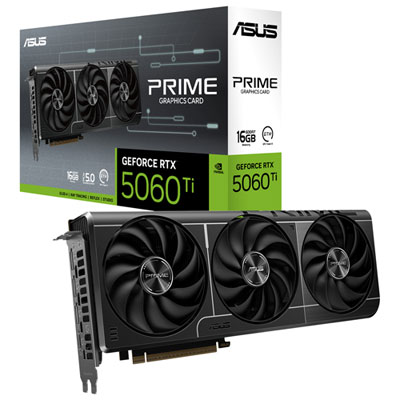
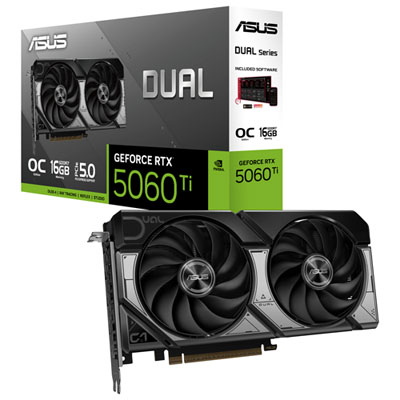
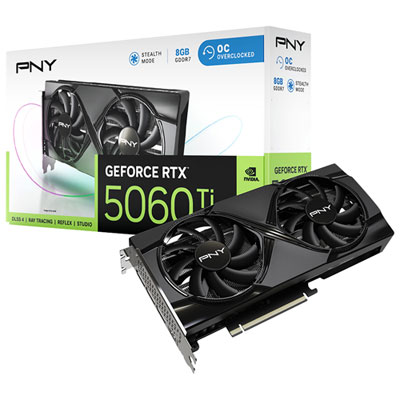
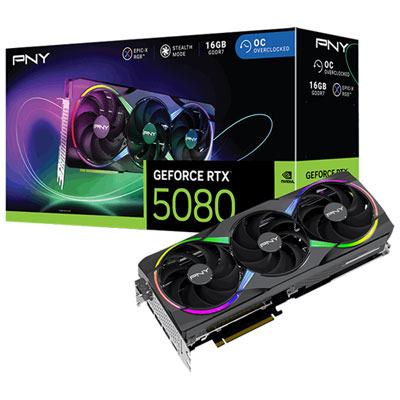
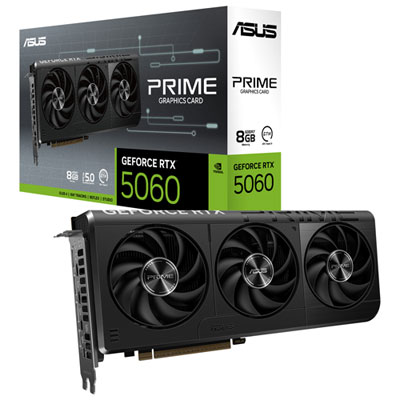
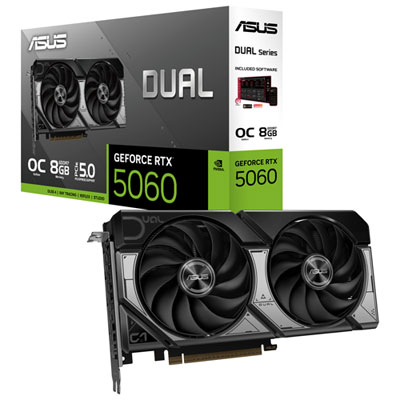
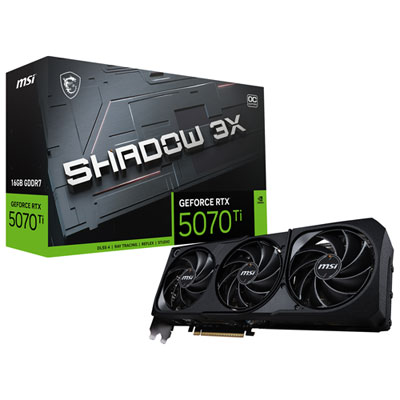
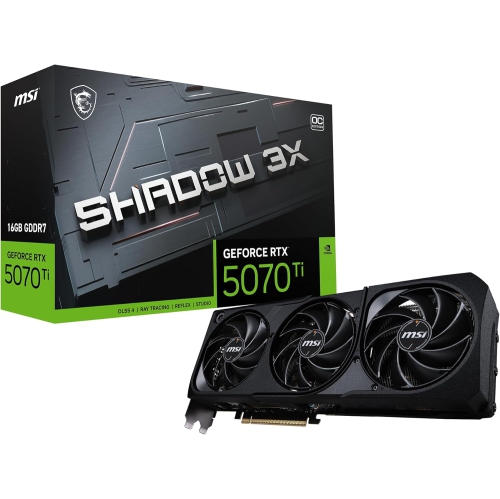
Smooth gameplay depends on more than resolution
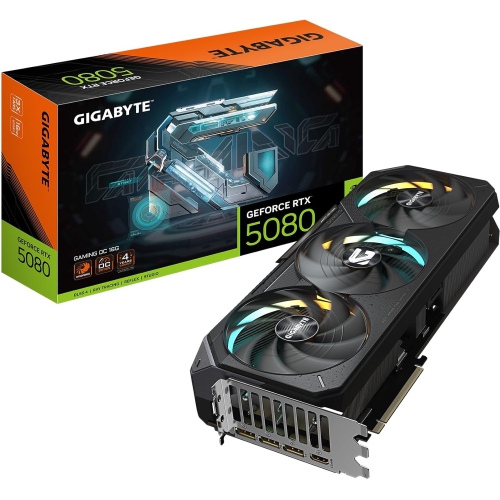
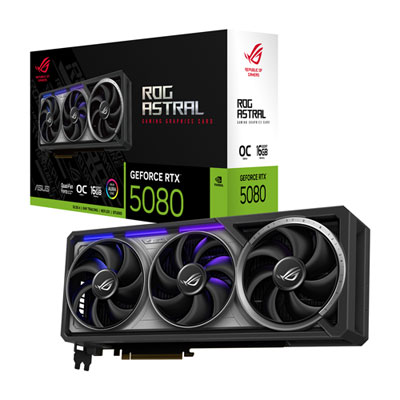
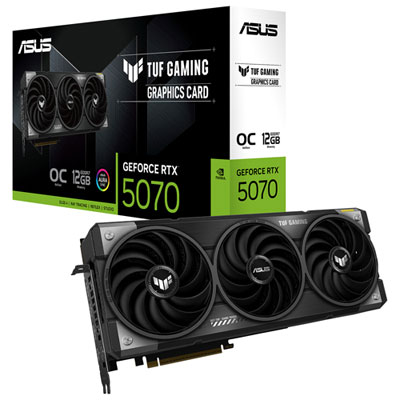
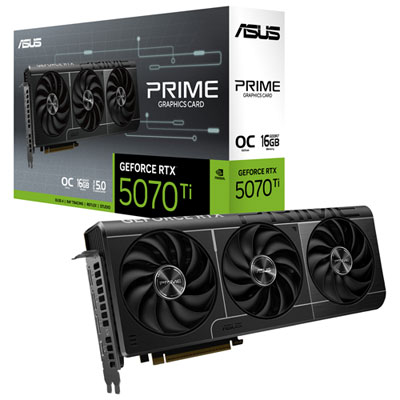
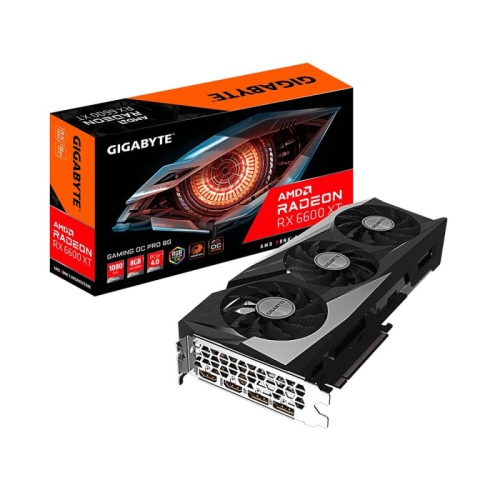
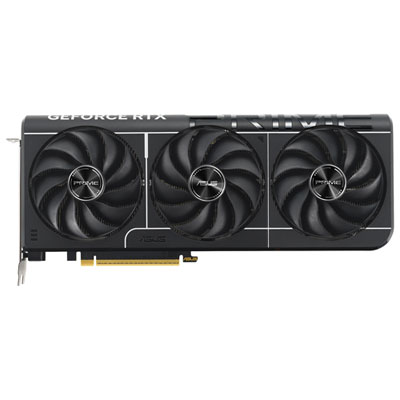
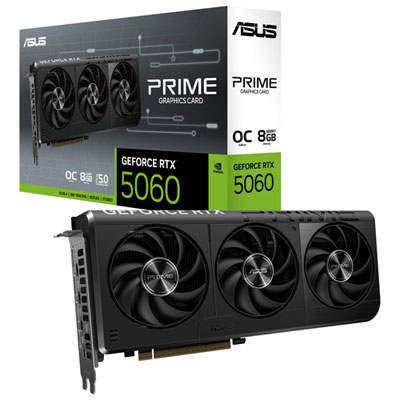
Graphics cards for 1080p gaming render games at 1920 × 1080 pixels, a Full HD resolution that suits everything from fast multiplayer matches to richly detailed adventures. The best fit balances performance in the games being played, the monitor’s refresh rate, graphics memory, and compatibility with the rest of the computer. For someone playing story-driven games on a 60 Hz display, steady frame delivery with detailed textures may matter more than reaching exceptionally high frame rates. A competitive player using a 144 Hz or 240 Hz monitor has a different priority: generating enough frames to make good use of that display’s refresh rate, often with demanding visual effects reduced. Neither experience depends on resolution alone. A crowded city scene, a battlefield filled with smoke, or a heavily modified game can place very different demands on the same graphics card. Performance comparisons are most useful when they reflect the actual game, graphics preset, and rendering settings involved, rather than a single headline frame rate. Average frames per second describe overall speed, while frame-time consistency and one-percent-low results help reveal the brief slowdowns that can interrupt an otherwise fluid match. For many desktop players, this makes 1080p a practical target for a balanced system: it allows room to prioritize responsiveness, image quality, or a mix of both without the rendering demands of higher resolutions. These cards suit first gaming PC builds, upgrades to compatible desktops, and shared home computers that handle games alongside everyday tasks. A graphics card can also make a thoughtful gift for a PC gaming enthusiast, provided the recipient’s case, power supply, and display connections are known beforehand. Within the broader selection of Gaming Graphics Cards, cards suited to Full HD play serve a wide range of uses, from short online sessions with friends to lengthy single-player campaigns with detailed landscapes and cinematic lighting.
Graphics memory, also called VRAM, gives a graphics card space for textures, frame buffers, and other data needed to draw each scene. At 1080p, 8 GB can be sufficient for many games, although some demanding releases, high-resolution texture packs, and extensive modifications benefit from more capacity. Configurations with 12 GB or 16 GB can offer additional memory headroom, but capacity alone does not establish which card is faster. The graphics processor’s architecture, memory bandwidth, and performance in relevant games all matter. Running out of VRAM may contribute to stuttering or require lower texture settings, while additional unused memory does not automatically increase frame rates. Lighting features also affect the experience. Ray tracing can add more realistic reflections, shadows, or indirect lighting in supported games, but its performance demands vary considerably by implementation and settings. Players who prefer high frame rates may favour conventional rendering, while those drawn to reflective streets or carefully lit interiors may accept lower frame rates for those effects. Upscaling provides another way to balance detail and speed by reconstructing an image from a lower internal resolution. At a 1080p output, aggressive upscaling can make fine details look softer, so image quality matters alongside any performance gain. Frame generation can insert additional frames in supported games, improving the appearance of motion, but it does not replace a responsive base frame rate or make input response equivalent to the displayed frame count. Compatibility with each feature depends on the card, the game, and sometimes the software version. The rest of the system remains important, too: a processor that cannot keep up with a busy simulation or a high-frame-rate multiplayer match can limit the benefit of a graphics upgrade. Enough system memory and suitable storage help support the overall experience, although neither substitutes for graphics processing capability. For players who also stream or capture gameplay, hardware video encoding and support for the intended recording software are useful considerations alongside gaming performance.
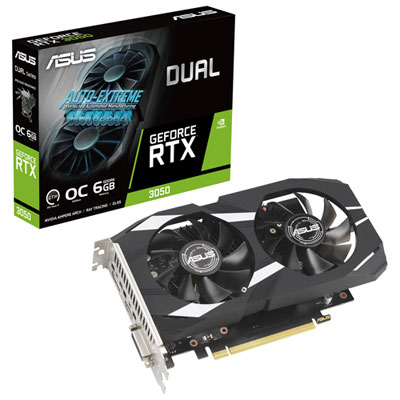
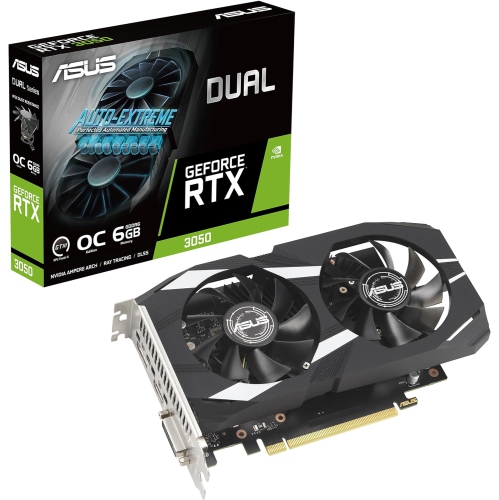
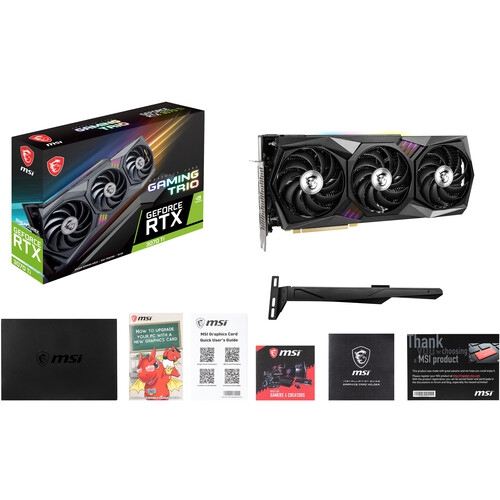
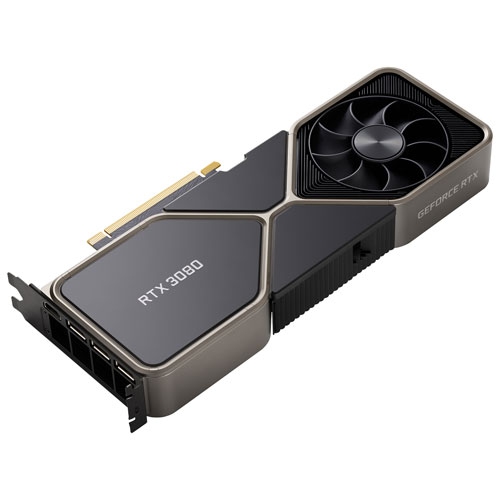
Physical fit and cooling design distinguish graphics cards that might otherwise appear similar on a specification sheet. Most desktop gaming cards use a printed circuit board, a metal mounting bracket, a heatsink, and one or more fans, often enclosed by a protective shroud. Aluminium fins and copper heatpipes are common cooling materials, while some designs use other arrangements to move heat away from the processor and memory. A metal backplate can add rigidity, but its presence alone is not a guarantee of better cooling or durability. Card length, height, and thickness all need to suit the case, with clearance for front-mounted fans, drive cages, side panels, and power cables. A card described as occupying more than two expansion slots may also block neighbouring connections, which matters in a compact desktop with other add-in hardware. Larger coolers can offer quieter operation under some loads, but fan design, power use, and case airflow influence the result. A quiet gaming space benefits from considering fan behaviour during both light desktop work and sustained play. Power compatibility involves more than the supply’s stated wattage: the required connectors, the needs of the complete system, and the card manufacturer’s guidance all deserve attention. Display outputs should match the monitor and support the intended resolution and refresh rate through a suitable cable; an HDMI or DisplayPort connection does not, by itself, guarantee every display mode. Desktop graphics cards generally require a suitable motherboard expansion slot and cannot simply be installed inside a typical laptop. Once installed, a card benefits from unobstructed airflow, securely connected cables, and occasional dust removal following the hardware manufacturer’s care instructions, with the computer shut down and disconnected from power. Heavier cards may need a support bracket to reduce strain on the slot. Driver updates can address game compatibility and known issues, while sensible graphics settings help maintain the desired balance of clarity and responsiveness. Matching those practical details to the intended games makes a 1080p graphics card a well-integrated part of the computer rather than an isolated specification upgrade.
Graphics memory, also called VRAM, gives a graphics card space for textures, frame buffers, and other data needed to draw each scene. At 1080p, 8 GB can be sufficient for many games, although some demanding releases, high-resolution texture packs, and extensive modifications benefit from more capacity. Configurations with 12 GB or 16 GB can offer additional memory headroom, but capacity alone does not establish which card is faster. The graphics processor’s architecture, memory bandwidth, and performance in relevant games all matter. Running out of VRAM may contribute to stuttering or require lower texture settings, while additional unused memory does not automatically increase frame rates. Lighting features also affect the experience. Ray tracing can add more realistic reflections, shadows, or indirect lighting in supported games, but its performance demands vary considerably by implementation and settings. Players who prefer high frame rates may favour conventional rendering, while those drawn to reflective streets or carefully lit interiors may accept lower frame rates for those effects. Upscaling provides another way to balance detail and speed by reconstructing an image from a lower internal resolution. At a 1080p output, aggressive upscaling can make fine details look softer, so image quality matters alongside any performance gain. Frame generation can insert additional frames in supported games, improving the appearance of motion, but it does not replace a responsive base frame rate or make input response equivalent to the displayed frame count. Compatibility with each feature depends on the card, the game, and sometimes the software version. The rest of the system remains important, too: a processor that cannot keep up with a busy simulation or a high-frame-rate multiplayer match can limit the benefit of a graphics upgrade. Enough system memory and suitable storage help support the overall experience, although neither substitutes for graphics processing capability. For players who also stream or capture gameplay, hardware video encoding and support for the intended recording software are useful considerations alongside gaming performance.
Physical fit and cooling design distinguish graphics cards that might otherwise appear similar on a specification sheet. Most desktop gaming cards use a printed circuit board, a metal mounting bracket, a heatsink, and one or more fans, often enclosed by a protective shroud. Aluminium fins and copper heatpipes are common cooling materials, while some designs use other arrangements to move heat away from the processor and memory. A metal backplate can add rigidity, but its presence alone is not a guarantee of better cooling or durability. Card length, height, and thickness all need to suit the case, with clearance for front-mounted fans, drive cages, side panels, and power cables. A card described as occupying more than two expansion slots may also block neighbouring connections, which matters in a compact desktop with other add-in hardware. Larger coolers can offer quieter operation under some loads, but fan design, power use, and case airflow influence the result. A quiet gaming space benefits from considering fan behaviour during both light desktop work and sustained play. Power compatibility involves more than the supply’s stated wattage: the required connectors, the needs of the complete system, and the card manufacturer’s guidance all deserve attention. Display outputs should match the monitor and support the intended resolution and refresh rate through a suitable cable; an HDMI or DisplayPort connection does not, by itself, guarantee every display mode. Desktop graphics cards generally require a suitable motherboard expansion slot and cannot simply be installed inside a typical laptop. Once installed, a card benefits from unobstructed airflow, securely connected cables, and occasional dust removal following the hardware manufacturer’s care instructions, with the computer shut down and disconnected from power. Heavier cards may need a support bracket to reduce strain on the slot. Driver updates can address game compatibility and known issues, while sensible graphics settings help maintain the desired balance of clarity and responsiveness. Matching those practical details to the intended games makes a 1080p graphics card a well-integrated part of the computer rather than an isolated specification upgrade.
Top selling and popular products
-
 Your price for this item is $1399.99
 -
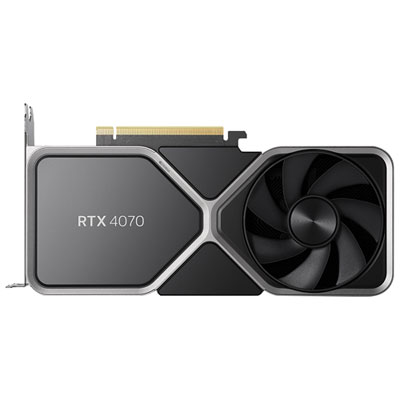 Your price for this item is $739.99
 -
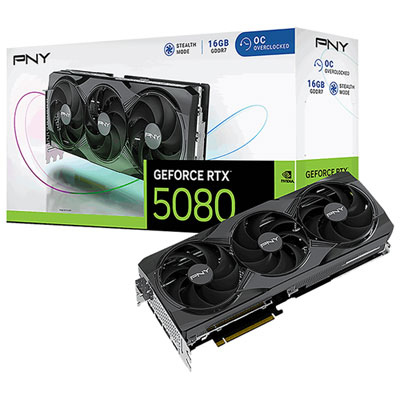 Your price for this item is $2399.99
 -
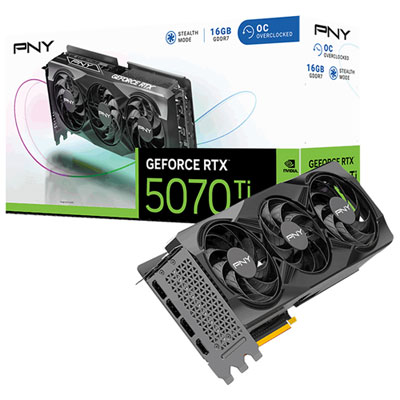 Your price for this item is $1769.99
 -
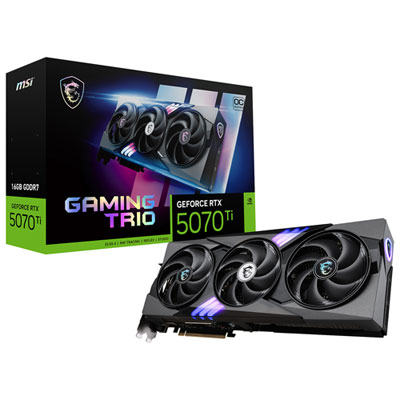 Your price for this item is $1799.99
 -
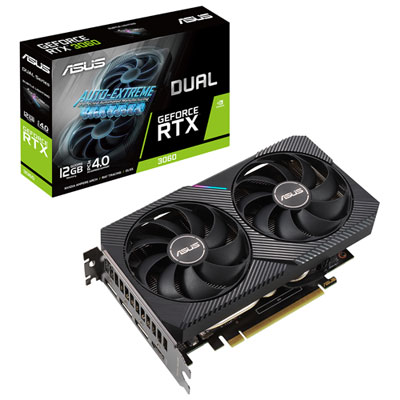 Your price for this item is $699.99
 -
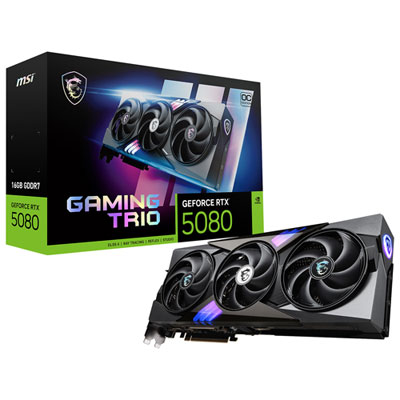 Your price for this item is $2749.99
 -
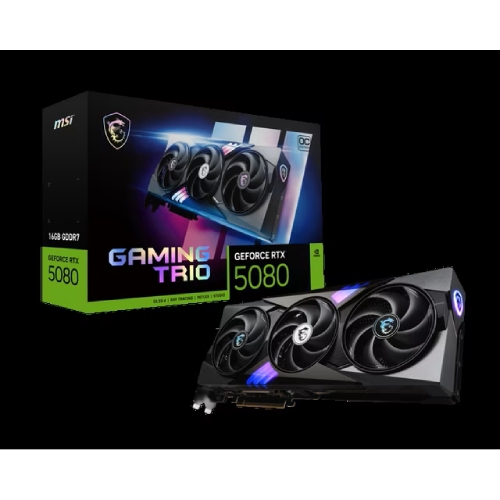 Your price for this item is $5699.99
Discover more categories related to Graphics Cards for 1080p Gaming
Top Collections:
Pokemon Centers, Kindle Devices, Best Budget Office Chairs, Apple iPhones 16, Best Laptops for Writers, iPhone 15 Apple, Canon G7X Cameras, Refurbished Apple Laptops, Alarm Clock, Motorola Razr Phones
Some products may be subject to Environmental Handling Fees
(EHF) depending on your province.
Learn more about EHFs.