HDMI-To-VGA Adapters for Mac Mini
HDMI-To-VGA Adapter For Mac Mini solutions make it easy to connect your device to a wider range of monitors, projectors, and displays. Whether you're setting up a workstation, presenting in a meeting, or expanding your screen for multitasking, these adapters offer reliable compatibility between your Mac Mini and VGA-equipped devices. Discover options designed to deliver seamless connectivity for both professional and personal use, helping you get the most out of your setup.
Sort
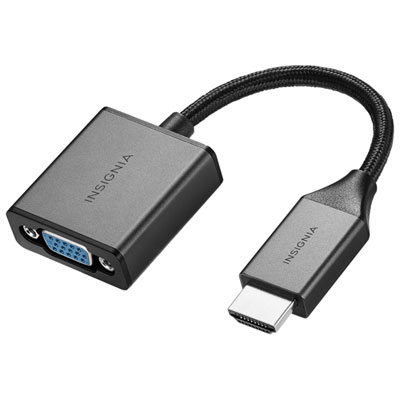
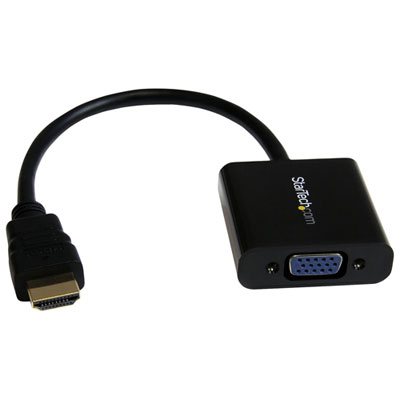
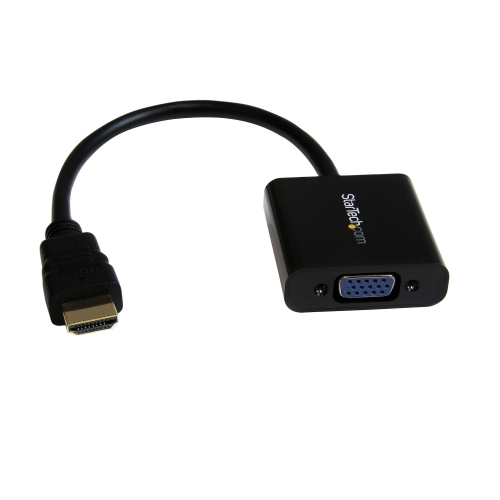
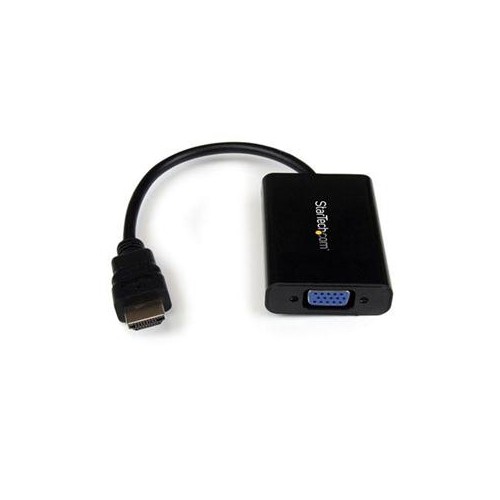
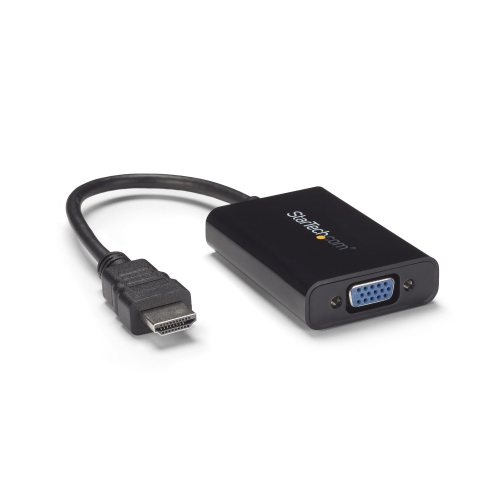
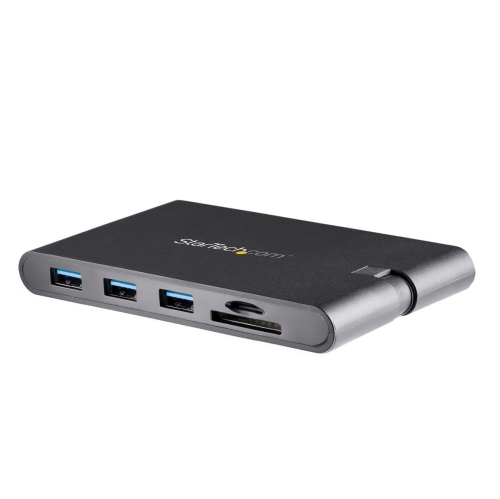
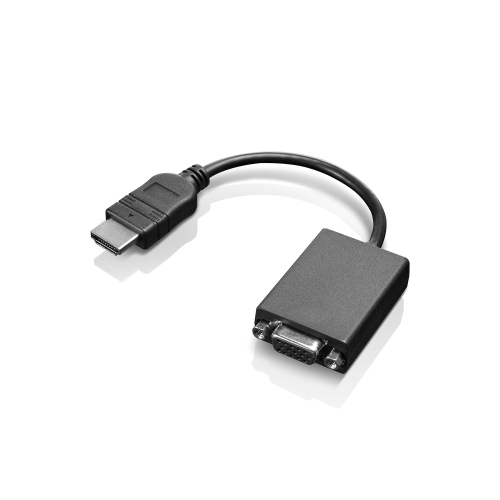
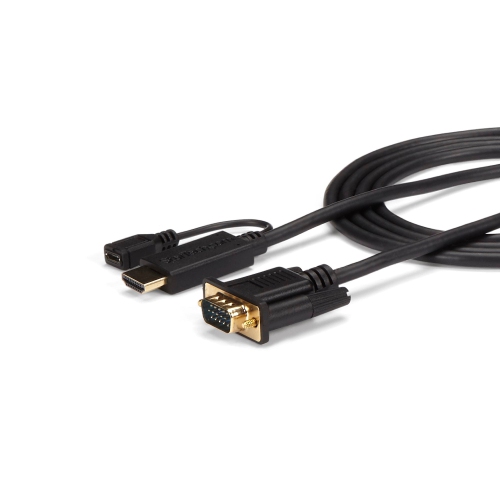
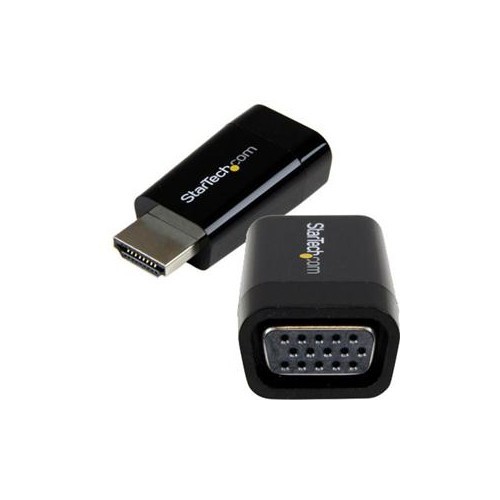
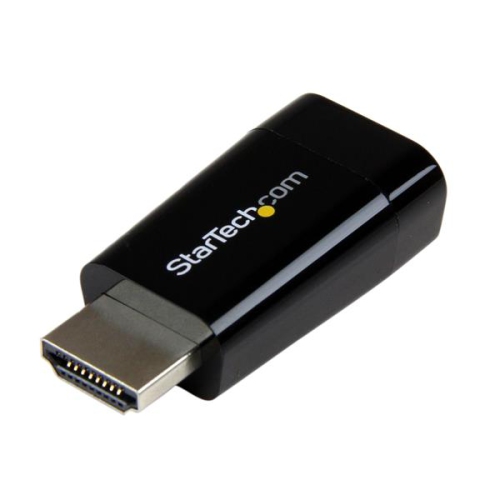
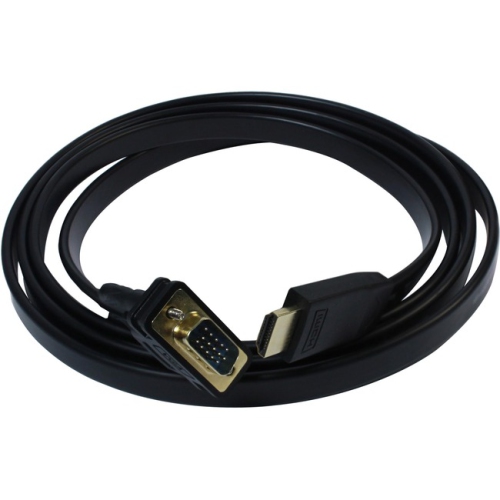
![BENFEI HDMI to VGA 6 Feet Cable, [Uni-Directional] HDMI Computer to VGA Monitor Cable [Male to Male]](https://multimedia.bbycastatic.ca/multimedia/products/500x500/173/17359/17359813.jpeg)
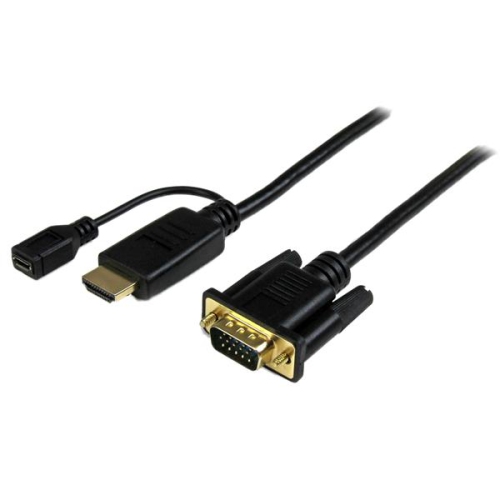
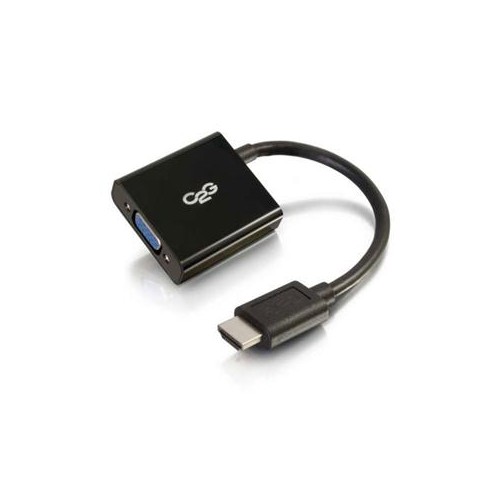
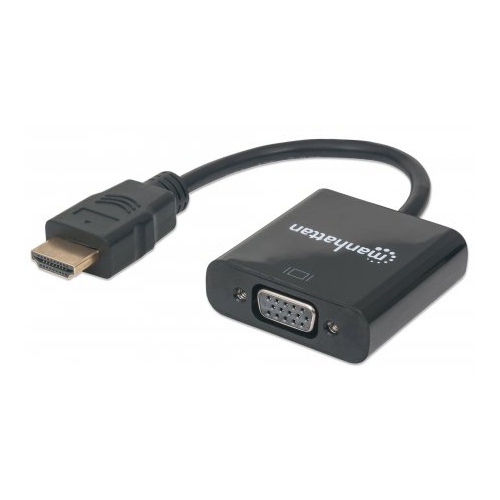
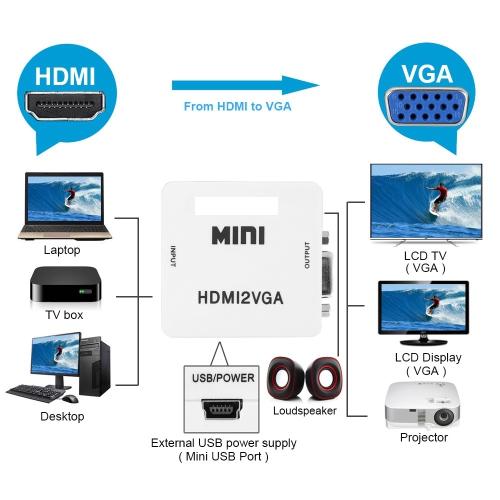
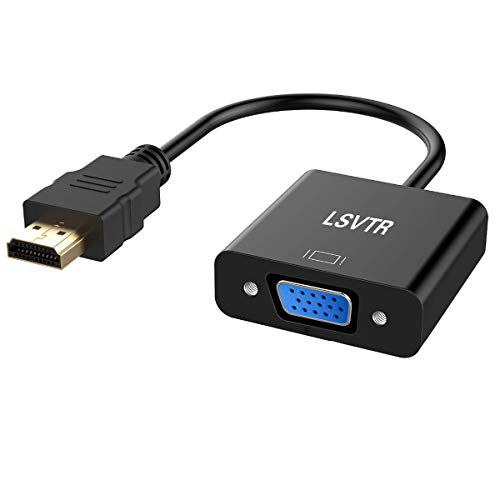
![VULTIC HDMI to VGA Adapter, 1080P Plated [HDMI to VGA] HDtv Male to Female Active Video Converter Short Cable In Gold](https://multimedia.bbycastatic.ca/multimedia/products/500x500/148/14859/14859795.jpg)
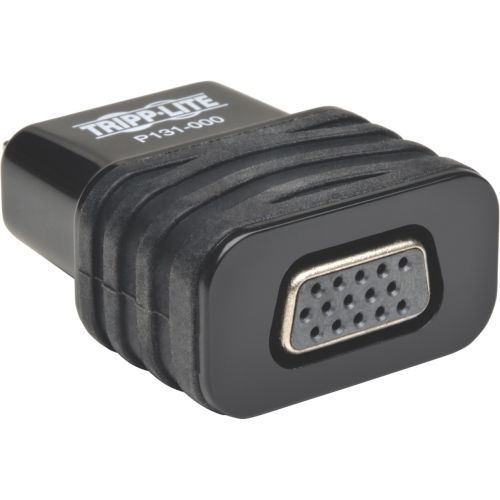
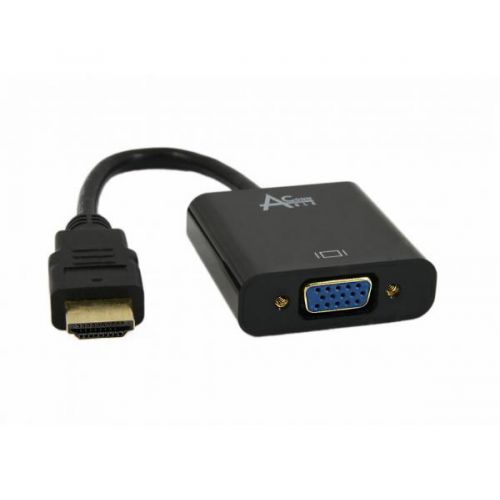
Reliable connections between Mac Mini and VGA displays
As more people refresh their home offices or set up workstations for creative projects, HDMI-to-VGA adapters for Mac Mini have become a practical solution for connecting modern computers to legacy displays. Whether you’re a designer working with an older projector, an educator preparing for hybrid teaching in classrooms with existing VGA infrastructure, or a student making the most of hand-me-down monitors, these adapters seamlessly bridge the gap between the latest Mac Mini models and trusted VGA displays. During the early summer through early fall, when students return home for breaks or professionals set up temporary workspaces in cottages and cabins, the need to connect to whatever monitor is available becomes especially relevant. HDMI-to-VGA adapters are also a practical addition for those setting up outdoor movie nights or community presentations, where portable projectors and older screens are often in use. Gifting one of these adapters is a thoughtful gesture for anyone who has recently upgraded their Mac Mini but still relies on tried-and-true VGA monitors or projectors, making it easier for them to stay connected and productive without needing to invest in entirely new equipment.
When choosing an HDMI-to-VGA adapter for your Mac Mini, there are a few important factors to consider to ensure a smooth and reliable connection. The quality of the adapter’s build can make a significant difference, especially if you plan to connect and disconnect it often or carry it in a laptop bag for meetings and presentations. Look for adapters with sturdy connectors and reinforced cables to withstand frequent use. Some adapters also include additional features such as audio output, which can be useful if your display setup requires sound alongside video—especially relevant for multimedia presentations or streaming movie nights as the weather warms. Compatibility is key, so it’s important to confirm that the adapter supports the resolution and refresh rate you need, particularly if you’re working with high-definition content or collaborating on graphic design projects. For those who travel between offices or classrooms, compact and lightweight designs are ideal, making it easy to adapt to any available display without adding bulk to your tech kit. If you’re outfitting a shared workspace or preparing a tech toolkit for family members heading off to university, having a few HDMI-to-VGA adapters on hand can save time and prevent headaches when connecting to various monitors and projectors.
For anyone who uses both Mac Mini and MacBook devices, it’s worth exploring a wider range of connectivity solutions to keep your workflow flexible across different environments. If you find yourself regularly switching between desktop and laptop setups, or working in spaces with a mix of modern and legacy displays, you may want to check out the selection of MacBook HDMI Adapters to complement your HDMI-to-VGA adapter. This way, you’re prepared for any scenario, whether you’re presenting at a conference, collaborating in a shared office, or simply streaming your favourite shows on a bigger screen as the evenings get cooler. With the right adapter, your Mac Mini can easily connect to a wide variety of displays, helping you make the most of your technology investments and ensuring a smooth, reliable experience throughout the changing seasons.
When choosing an HDMI-to-VGA adapter for your Mac Mini, there are a few important factors to consider to ensure a smooth and reliable connection. The quality of the adapter’s build can make a significant difference, especially if you plan to connect and disconnect it often or carry it in a laptop bag for meetings and presentations. Look for adapters with sturdy connectors and reinforced cables to withstand frequent use. Some adapters also include additional features such as audio output, which can be useful if your display setup requires sound alongside video—especially relevant for multimedia presentations or streaming movie nights as the weather warms. Compatibility is key, so it’s important to confirm that the adapter supports the resolution and refresh rate you need, particularly if you’re working with high-definition content or collaborating on graphic design projects. For those who travel between offices or classrooms, compact and lightweight designs are ideal, making it easy to adapt to any available display without adding bulk to your tech kit. If you’re outfitting a shared workspace or preparing a tech toolkit for family members heading off to university, having a few HDMI-to-VGA adapters on hand can save time and prevent headaches when connecting to various monitors and projectors.
For anyone who uses both Mac Mini and MacBook devices, it’s worth exploring a wider range of connectivity solutions to keep your workflow flexible across different environments. If you find yourself regularly switching between desktop and laptop setups, or working in spaces with a mix of modern and legacy displays, you may want to check out the selection of MacBook HDMI Adapters to complement your HDMI-to-VGA adapter. This way, you’re prepared for any scenario, whether you’re presenting at a conference, collaborating in a shared office, or simply streaming your favourite shows on a bigger screen as the evenings get cooler. With the right adapter, your Mac Mini can easily connect to a wide variety of displays, helping you make the most of your technology investments and ensuring a smooth, reliable experience throughout the changing seasons.
Top selling and popular products
-
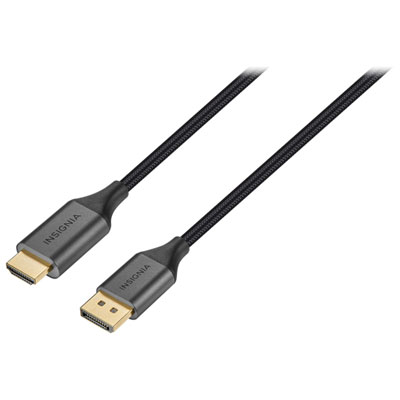 Your price for this item is $39.95
 -
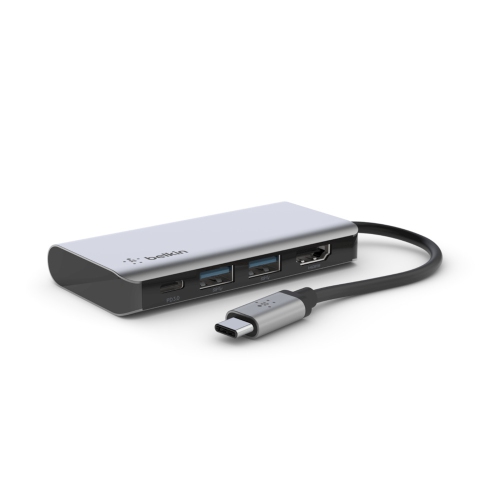 Your price for this item is $62.99
 -
 Your price for this item is $29.95
 -
 Your price for this item is $14.99
 -
 Your price for this item is $29.99
 -
 Your price for this item is $39.99
 -
 Your price for this item is $29.99
 -
 Your price for this item is $24.97
Discover more categories related to HDMI-To-VGA Adapters for Mac Mini
Top Collections:
Pokemon Centers, Kindle Devices, Best Budget Office Chairs, Apple iPhones 16, Best Laptops for Writers, iPhone 15 Apple, Canon G7X Cameras, Refurbished Apple Laptops, Alarm Clock, Motorola Razr Phones
Some products may be subject to Environmental Handling Fees
(EHF) depending on your province.
Learn more about EHFs.