MacBook HDMI Adapters
If you're looking to connect your MacBook to an external display or projector, look no further than this selection of HDMI adapters for MacBooks. These handy accessories allow you to easily connect your MacBook to a variety of HDMI-enabled devices, providing you with the flexibility and convenience to stream videos, give presentations, or simply enjoy a larger-screen experience. With a range of options available, you'll find the perfect HDMI adapter to suit your needs and enhance your MacBook's versatility. Transform your MacBook into a powerful workstation with this collection of HDMI adapters designed specifically for MacBook users.
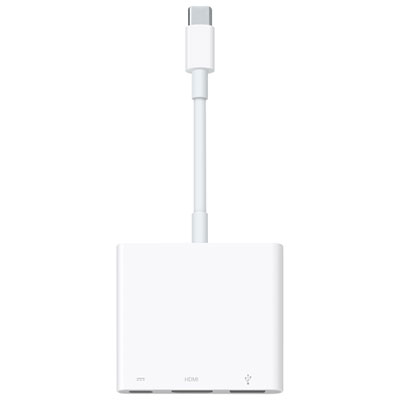
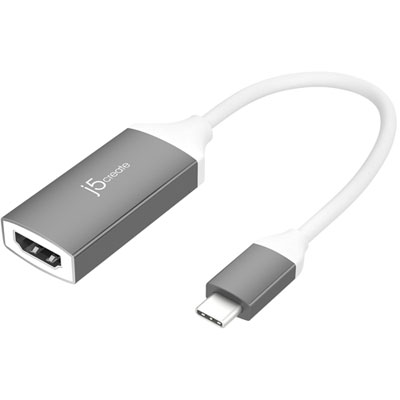
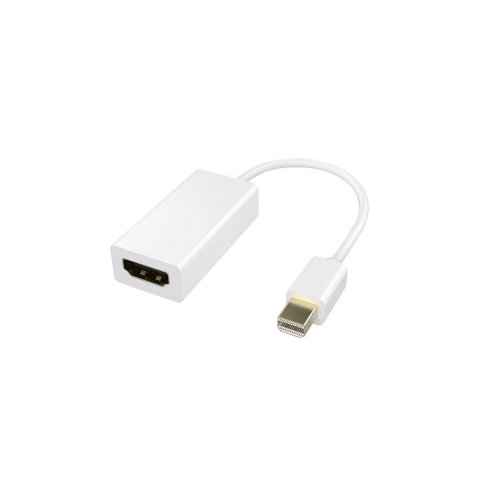
Simple bigger-screen connections for work, study, and entertainment
Whether you’re setting up a home workspace, preparing for presentations, or enhancing your entertainment options, MacBook HDMI adapters offer a simple and effective way to connect your MacBook Air or MacBook Pro to external displays. These adapters are especially useful for students heading back to school, professionals working from multiple locations, or anyone who enjoys streaming movies and shows on a larger screen. As the weather warms and outdoor movie nights or group gaming sessions become more popular, having a reliable HDMI adapter can help bring everyone together around a big-screen experience. From simple USB-C to HDMI cables that provide a direct connection, to versatile multiport hubs that add USB-A, USB-C power delivery, and SD card slots alongside HDMI, there’s a solution for every need. Many adapters support 4K resolution at 60Hz, ensuring a crisp, smooth picture whether you’re editing photos, giving a presentation, or catching up on your favourite series. For those who value portability, compact designs slip easily into any laptop bag, making them ideal for travel, business trips, or study sessions at the library.
Choosing the right MacBook HDMI adapter depends on how you plan to use it. If you often multitask with multiple devices, a multiport hub can turn your MacBook into a full desktop workstation, letting you connect a monitor, mouse, keyboard, and external storage all at once. On the other hand, a straightforward USB-C to HDMI adapter is perfect for quick connections at home, in the office, or on the go. When shopping, look for adapters that advertise support for 4K at 60Hz to ensure the best possible display quality—especially if you’re working with high-resolution monitors or want to avoid lag during video playback. Compatibility is also key, so check that your MacBook model features USB-C or Thunderbolt 3, 4, or 5 ports, as these are required for most modern adapters. Plug-and-play functionality means setup is fast and hassle-free; just connect the adapter, select the HDMI input on your TV or monitor, and you’re ready to go. These adapters also make thoughtful gifts for students, remote workers, or anyone upgrading their tech setup, offering a practical way to boost productivity or enjoy entertainment across seasons. For those with Thunderbolt-equipped devices seeking even more options, explore the range of Thunderbolt To Hdmi Adapters for additional connectivity solutions.
Choosing the right MacBook HDMI adapter depends on how you plan to use it. If you often multitask with multiple devices, a multiport hub can turn your MacBook into a full desktop workstation, letting you connect a monitor, mouse, keyboard, and external storage all at once. On the other hand, a straightforward USB-C to HDMI adapter is perfect for quick connections at home, in the office, or on the go. When shopping, look for adapters that advertise support for 4K at 60Hz to ensure the best possible display quality—especially if you’re working with high-resolution monitors or want to avoid lag during video playback. Compatibility is also key, so check that your MacBook model features USB-C or Thunderbolt 3, 4, or 5 ports, as these are required for most modern adapters. Plug-and-play functionality means setup is fast and hassle-free; just connect the adapter, select the HDMI input on your TV or monitor, and you’re ready to go. These adapters also make thoughtful gifts for students, remote workers, or anyone upgrading their tech setup, offering a practical way to boost productivity or enjoy entertainment across seasons. For those with Thunderbolt-equipped devices seeking even more options, explore the range of Thunderbolt To Hdmi Adapters for additional connectivity solutions.
Top selling and popular products
-
 Your price for this item is $49.99
 -
 Your price for this item is $65.99
 -
 Your price for this item is $19.98
 -
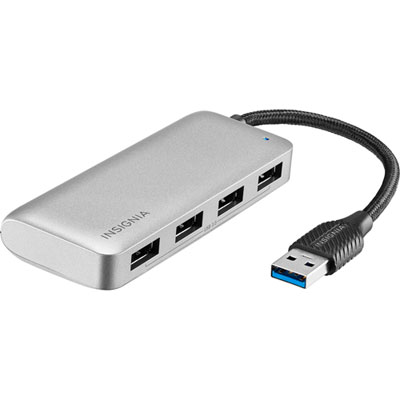 Your price for this item is $29.99
 -
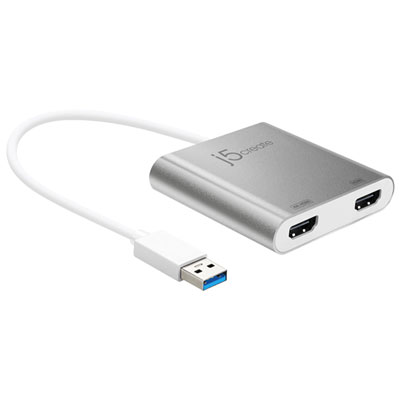 Your price for this item is $99.99
 -
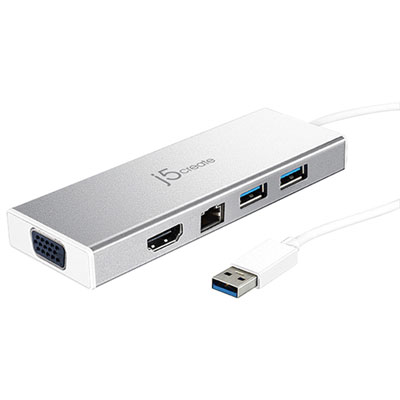 Your price for this item is $79.99
 -
 Your price for this item is $19.99
 -
 Your price for this item is $104.99
Discover more categories related to MacBook HDMI Adapters

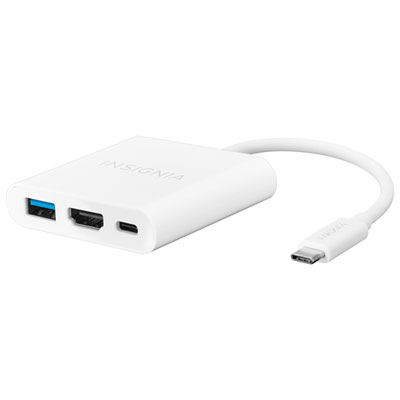
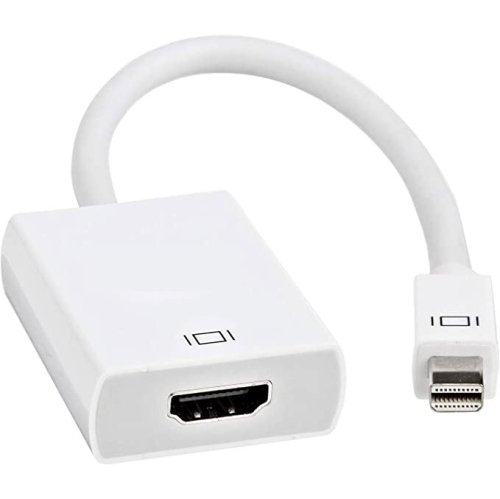
Top Collections:
Pokemon Centers, Kindle Devices, Best Budget Office Chairs, Apple iPhones 16, Best Laptops for Writers, iPhone 15 Apple, Canon G7X Cameras, Refurbished Apple Laptops, Alarm Clock, Motorola Razr Phones
Some products may be subject to Environmental Handling Fees
(EHF) depending on your province.
Learn more about EHFs.