High Capacity Dvd R Discs
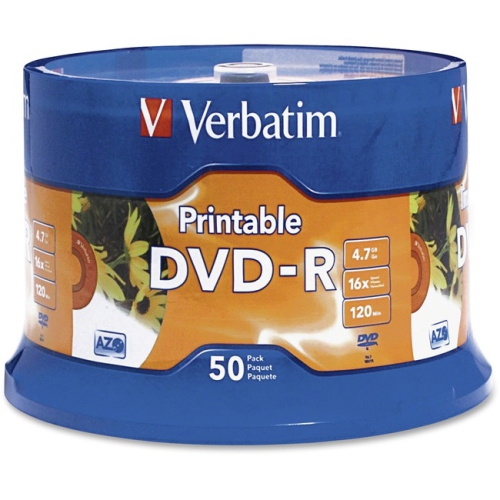
High capacity DVD R discs offer a reliable solution for storing, backing up, and sharing large amounts of data, videos, music, and photos. Whether you need to archive important files or create custom media collections, these versatile discs are designed to handle your most demanding storage needs. Explore the selection of high capacity DVD R discs to find the right option for your home, office, or creative projects.
Sort
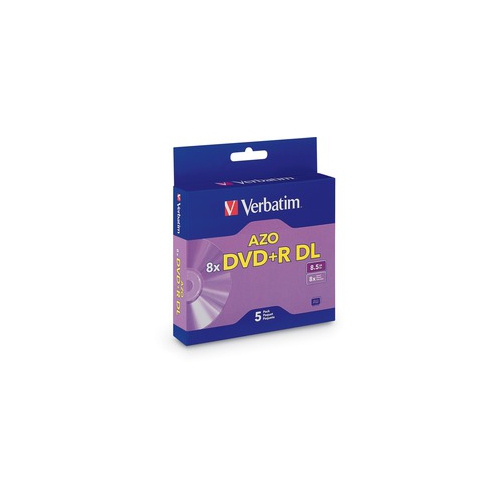
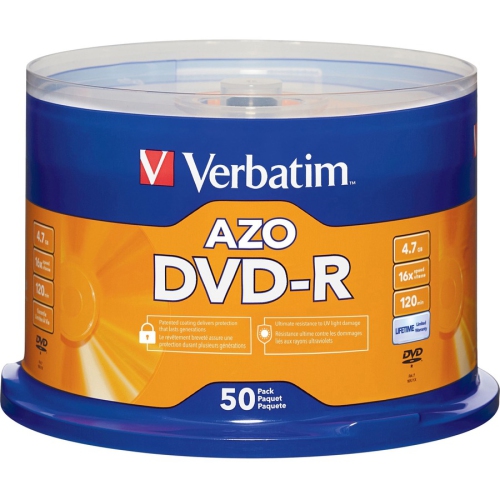
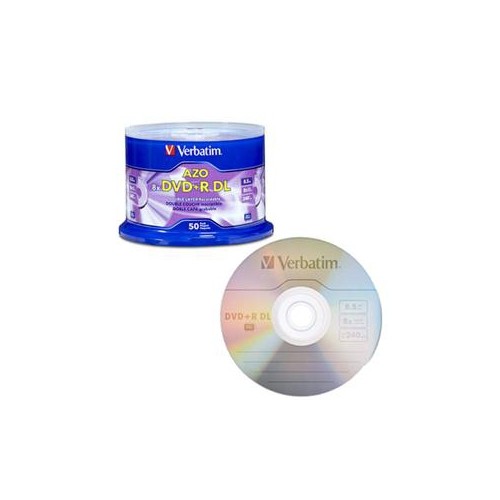
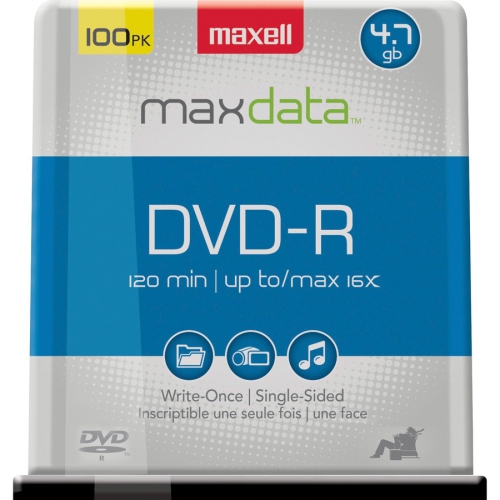
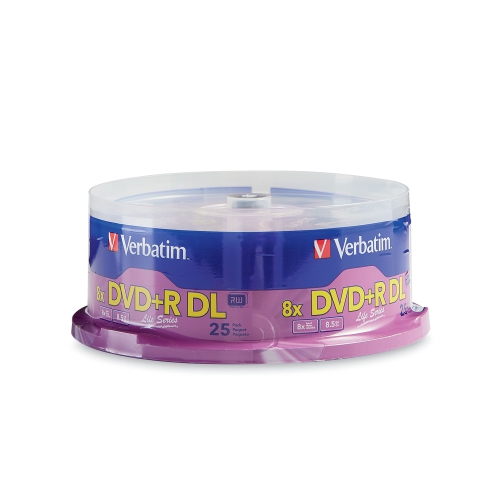
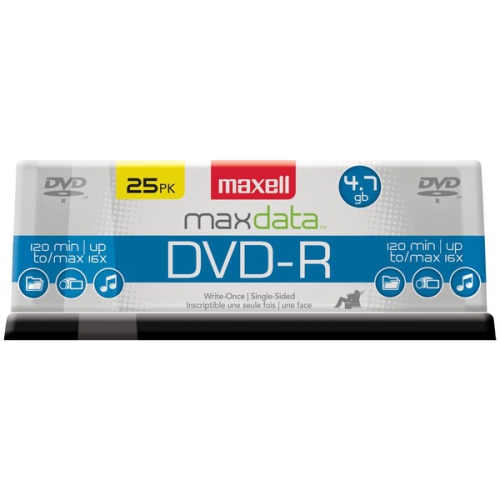
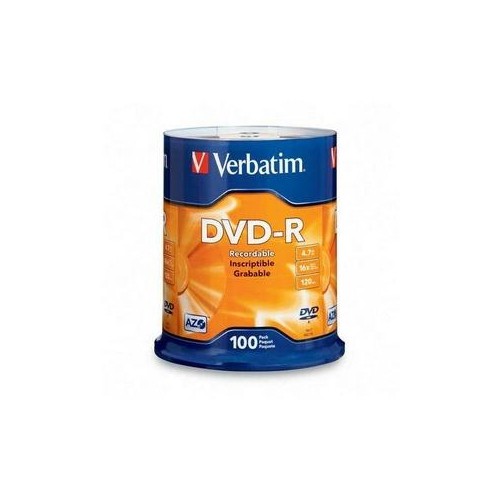
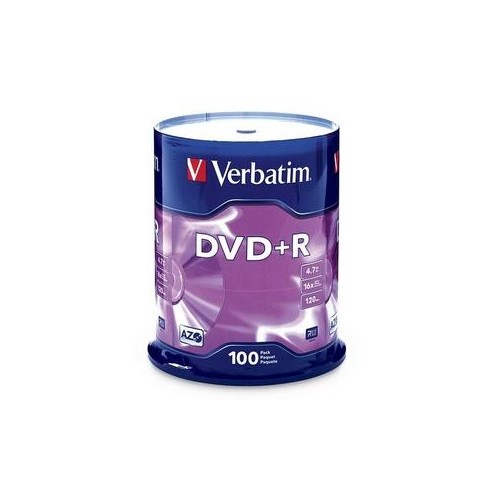

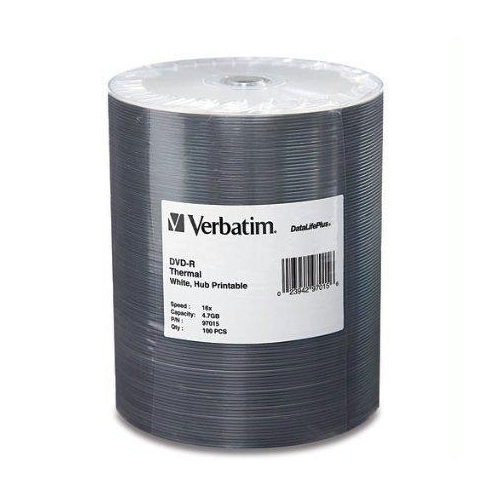
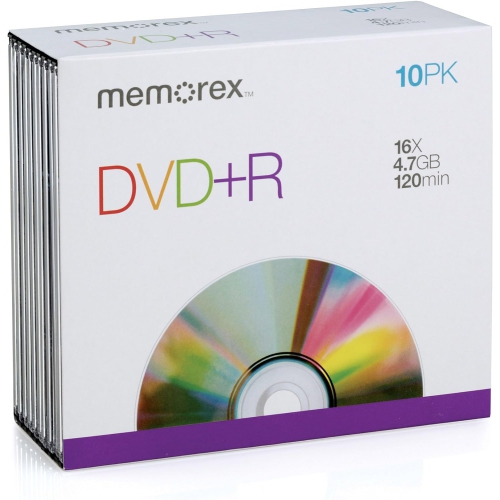
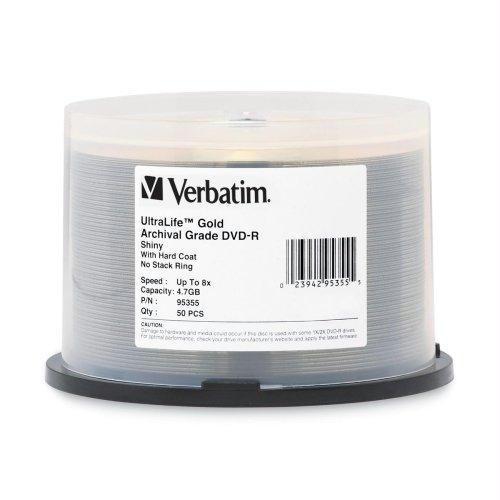
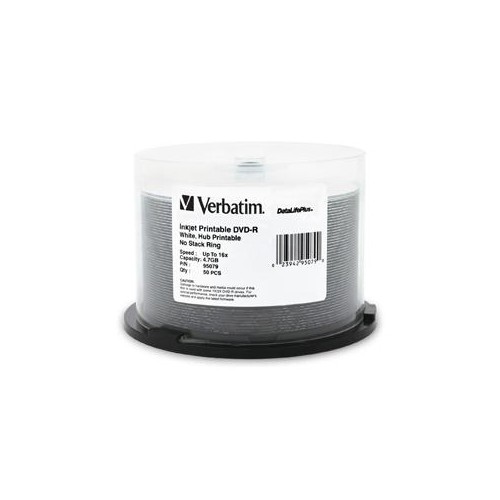
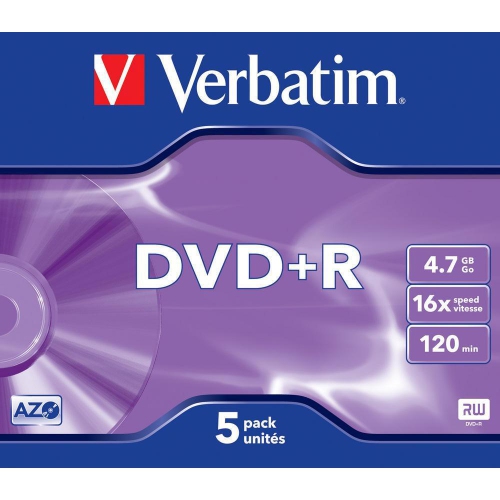
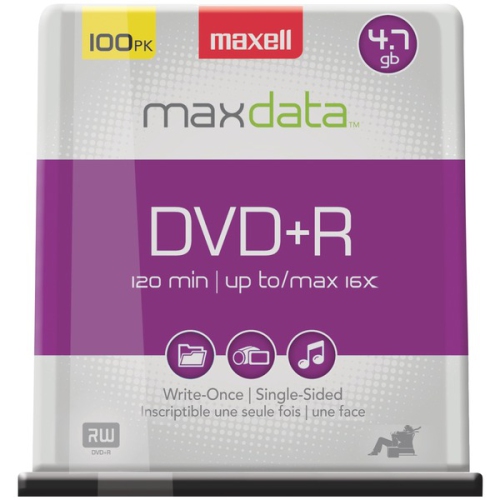

Understanding DVD-R capacity for longer recordings and backups
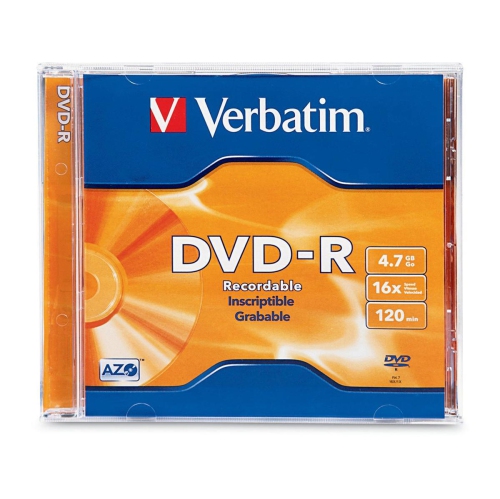
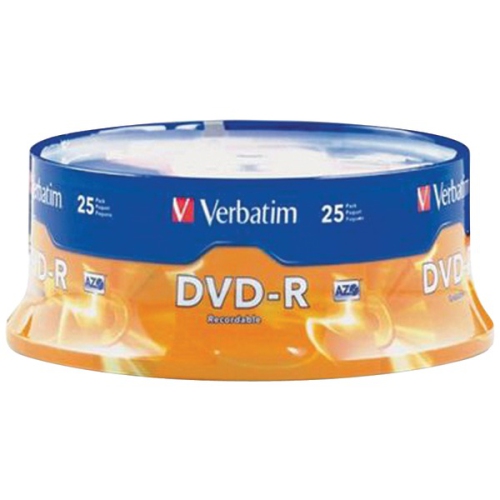
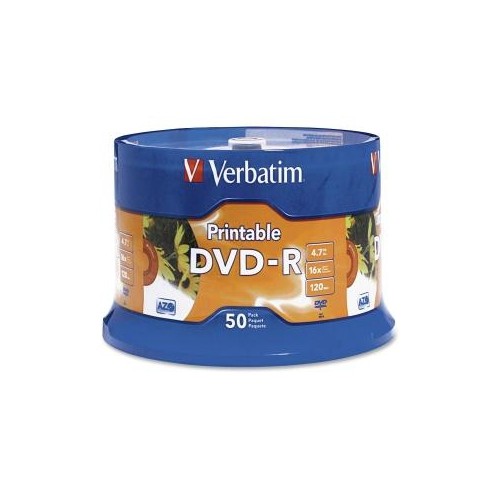
High capacity DVD-R discs provide a practical way to record more content on physical media while keeping the familiar DVD format. For most consumers, the largest widely available single-sided recordable DVD option is DVD-R DL, also called dual-layer DVD-R, with up to 8.5 GB of storage. A dual-layer disc records data on two writable layers on one side, so it can hold considerably more than a standard single-layer DVD-R, which typically stores up to 4.7 GB. Depending on the recording settings, 8.5 GB can accommodate approximately four hours of standard-definition video, although the exact running time varies with picture quality, audio settings, and the software or recorder being used. Double-sided single-layer media, sometimes described as DVD-10, can offer up to 9.4 GB in total, but the disc must be turned over to access the second side. This format can be useful when physical capacity matters more than uninterrupted playback, while dual-layer media is often more convenient for a long recording that needs to remain on one side. High capacity DVD-R discs can be used for home videos, family photo slideshows, archived presentations, music collections, computer backups, and other files that benefit from a tangible copy. They may appeal to households organizing years of memories, students submitting media projects, small offices keeping offline copies of documents, or anyone who prefers a labelled disc that can be stored in a case and revisited without relying on an internet connection. They can also make a thoughtful practical gift for someone digitizing old camcorder footage or assembling recordings for relatives, particularly when the recipient enjoys maintaining a physical library of personal media.
Choosing the right capacity begins with the content you plan to record and the equipment available to read or write it. Check that the computer’s optical drive, external DVD writer, or standalone recorder supports DVD-R DL if you plan to use dual-layer discs; some older drives support only standard single-layer media, and a disc that is physically compatible may still require updated recording software or firmware. Playback equipment matters as well. A disc recorded on a computer may not work in every living-room DVD player unless it is created in a supported video format and finalized correctly. For video, recording at a lower compression level generally uses more space but preserves clearer detail, while higher compression can fit more hours on the disc at the expense of image quality. For data, compare the total file size with the disc’s stated capacity and leave room for the file system and recording process. It is also worth checking whether the software displays capacity in decimal or binary units, since the available space shown on a computer may look slightly different from the printed capacity. A reliable workflow includes sorting files before recording, using clear folder names, and verifying the finished disc after the session has completed. When preserving photographs, scan or organize the original files at the quality you want to keep rather than relying only on a compressed slideshow. Those creating a dedicated collection of images can also explore Photo DVD R media for projects centred on pictures. High capacity discs are especially helpful for long-form video, but they are not a substitute for maintaining more than one copy of important files. For irreplaceable family recordings or records, keep the original files in another location and treat the disc as one accessible, physical copy.
Storage and handling have a noticeable effect on how well recorded media remains usable over time. Hold each disc by its outer edge or centre opening, avoid touching the recording surface, and write only on the designated label area with a marker intended for optical media. Adhesive labels can become loose or unbalanced, which may affect rotation in some drives. Keep discs in individual cases or a suitable storage wallet rather than leaving them loose in a drawer, where dust and scratches can accumulate. A cool, dry, consistently shaded cupboard is preferable to a place exposed to direct sunlight, heat, or changing humidity, such as a vehicle, attic, or damp basement. Before recording a large batch, test one disc with the drive and playback equipment you intend to use. This small check can prevent a stack of finished discs from needing to be recreated because a particular recorder does not recognize the media type. When sharing home movies, travel footage, school performances, or seasonal family gatherings, consider including a simple title and recording date on the case so the contents are easy to identify later. As the weather cools and more time is spent indoors, these discs can support quiet organizing projects, from sorting years of photographs to preparing a collection of videos for relatives. Their value is straightforward: they provide extra room compared with standard DVD-R media, keep longer recordings together, and offer a familiar format for people who still appreciate having their memories and files in hand.
Choosing the right capacity begins with the content you plan to record and the equipment available to read or write it. Check that the computer’s optical drive, external DVD writer, or standalone recorder supports DVD-R DL if you plan to use dual-layer discs; some older drives support only standard single-layer media, and a disc that is physically compatible may still require updated recording software or firmware. Playback equipment matters as well. A disc recorded on a computer may not work in every living-room DVD player unless it is created in a supported video format and finalized correctly. For video, recording at a lower compression level generally uses more space but preserves clearer detail, while higher compression can fit more hours on the disc at the expense of image quality. For data, compare the total file size with the disc’s stated capacity and leave room for the file system and recording process. It is also worth checking whether the software displays capacity in decimal or binary units, since the available space shown on a computer may look slightly different from the printed capacity. A reliable workflow includes sorting files before recording, using clear folder names, and verifying the finished disc after the session has completed. When preserving photographs, scan or organize the original files at the quality you want to keep rather than relying only on a compressed slideshow. Those creating a dedicated collection of images can also explore Photo DVD R media for projects centred on pictures. High capacity discs are especially helpful for long-form video, but they are not a substitute for maintaining more than one copy of important files. For irreplaceable family recordings or records, keep the original files in another location and treat the disc as one accessible, physical copy.
Storage and handling have a noticeable effect on how well recorded media remains usable over time. Hold each disc by its outer edge or centre opening, avoid touching the recording surface, and write only on the designated label area with a marker intended for optical media. Adhesive labels can become loose or unbalanced, which may affect rotation in some drives. Keep discs in individual cases or a suitable storage wallet rather than leaving them loose in a drawer, where dust and scratches can accumulate. A cool, dry, consistently shaded cupboard is preferable to a place exposed to direct sunlight, heat, or changing humidity, such as a vehicle, attic, or damp basement. Before recording a large batch, test one disc with the drive and playback equipment you intend to use. This small check can prevent a stack of finished discs from needing to be recreated because a particular recorder does not recognize the media type. When sharing home movies, travel footage, school performances, or seasonal family gatherings, consider including a simple title and recording date on the case so the contents are easy to identify later. As the weather cools and more time is spent indoors, these discs can support quiet organizing projects, from sorting years of photographs to preparing a collection of videos for relatives. Their value is straightforward: they provide extra room compared with standard DVD-R media, keep longer recordings together, and offer a familiar format for people who still appreciate having their memories and files in hand.
Top selling and popular products
-
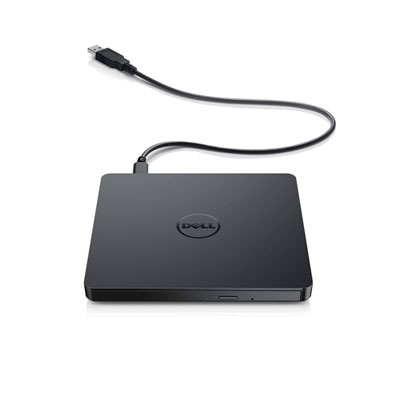 Your price for this item is $49.99
 -
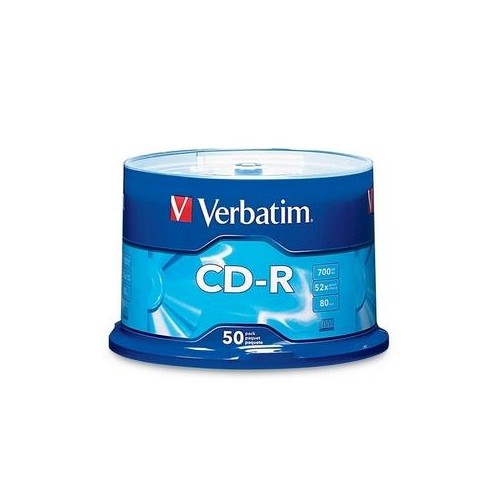 Your price for this item is $37.68
 -
 Your price for this item is $89
 -
 Your price for this item is $50.68
 -
 Your price for this item is $65
 -
 Your price for this item is $53
 -
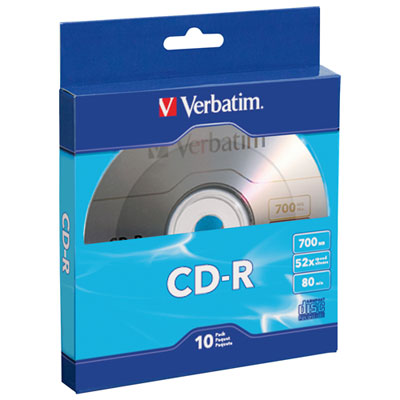 Your price for this item is $11.99
 -
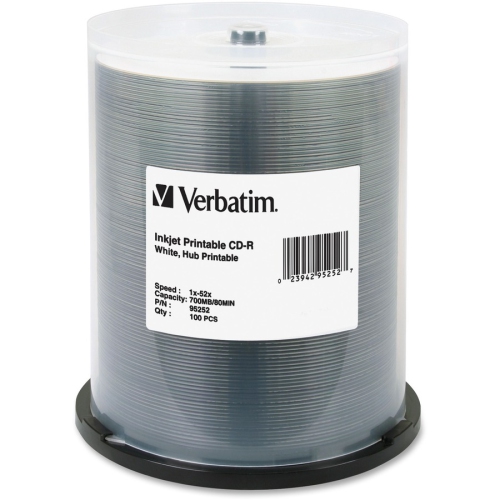 Your price for this item is $65.68
Discover more categories related to High Capacity Dvd R Discs
Top Collections:
Pokemon Centers, Kindle Devices, Best Budget Office Chairs, Canon G7X Cameras, Apple iPhones 16, Samsung Galaxy Phones, Refurbished Apple Laptops, Laptops for Students, iPhone 15 Apple, Budget Smartphones
Some products may be subject to Environmental Handling Fees
(EHF) depending on your province.
Learn more about EHFs.