Recordable DVD R Discs
Looking to store your favorite movies, music, or important data? Look no further than our wide selection of recordable DVD-R discs. With their ample storage capacity and reliable performance, these discs are perfect for archiving your digital content. Whether you're a film enthusiast looking to create your own movie collection or a professional needing to back up important files, our recordable DVD-R discs offer the perfect solution. Shop our range of quality options and find the perfect disc to meet your needs.
Sort




![VERBATIM [10 Pack ] 43556 DVD+R Color Slim Pack 5](https://multimedia.bbycastatic.ca/multimedia/products/500x500/158/15865/15865438.jpeg)
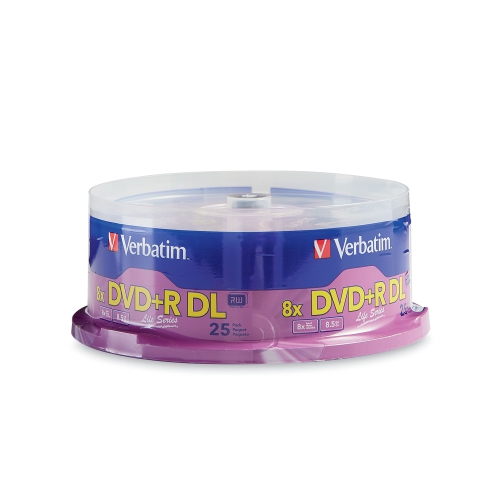
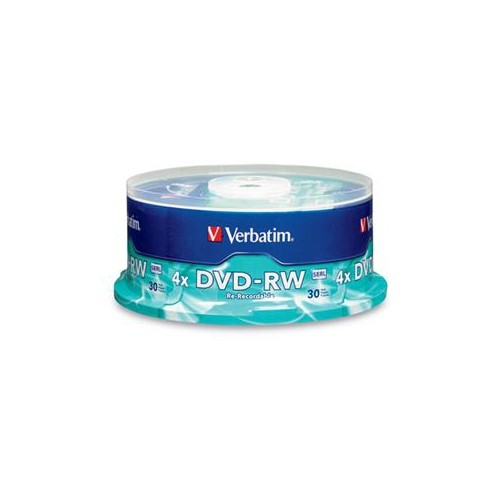
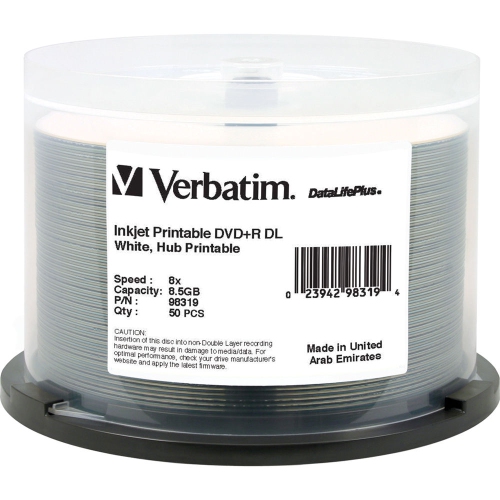
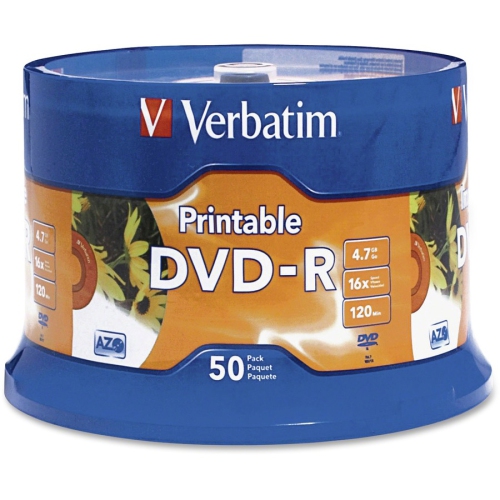
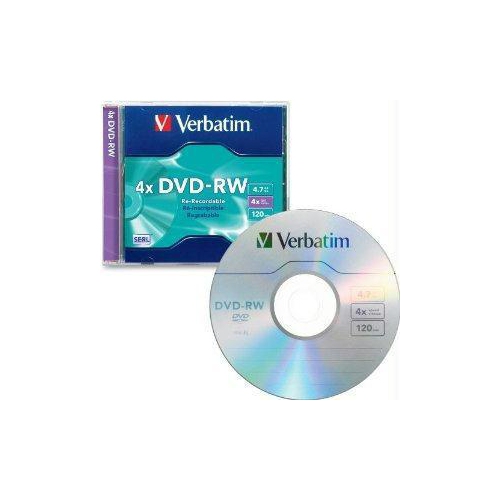
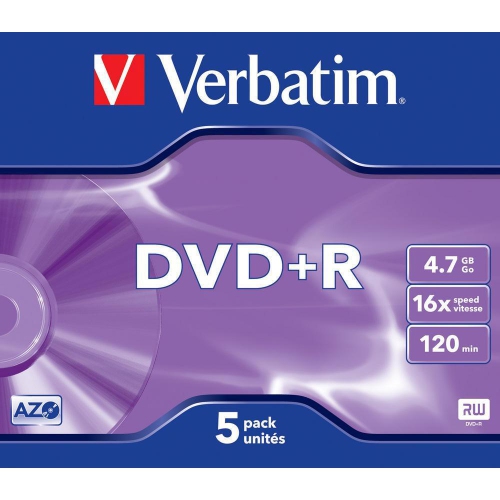
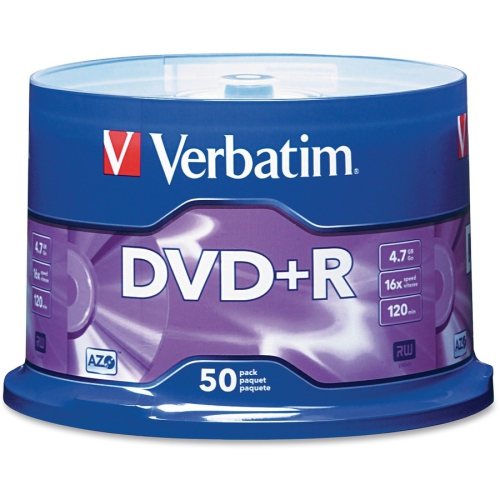
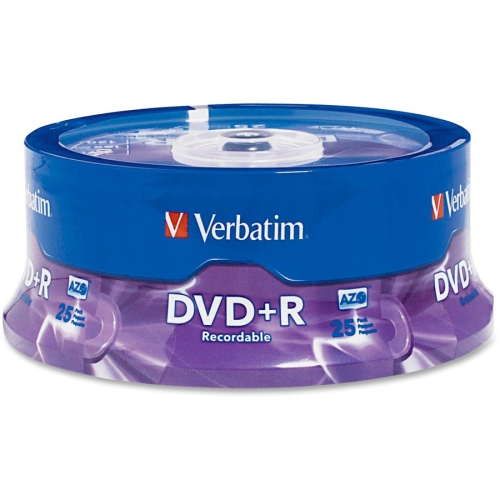
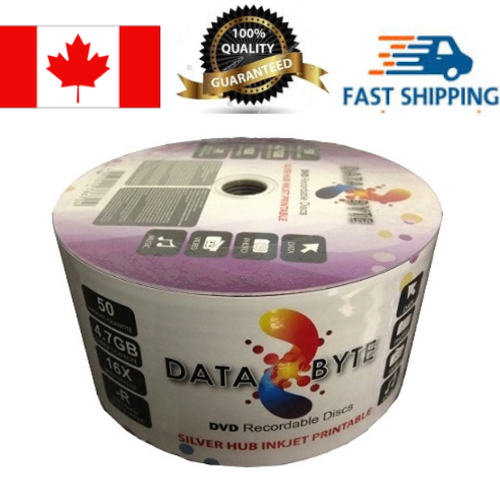
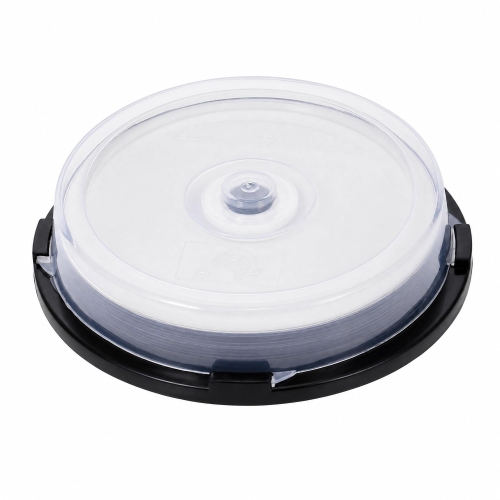
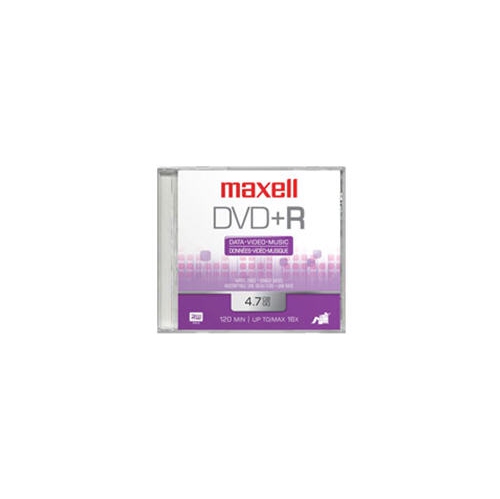
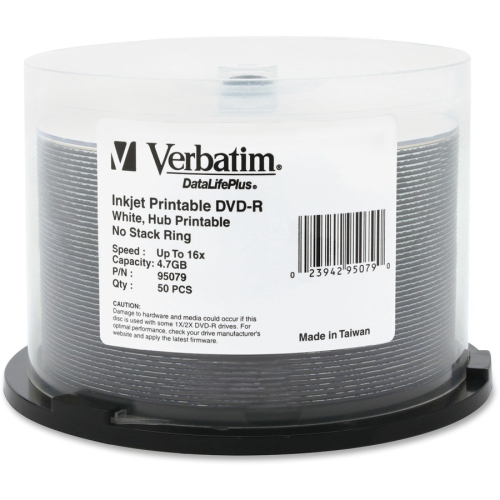
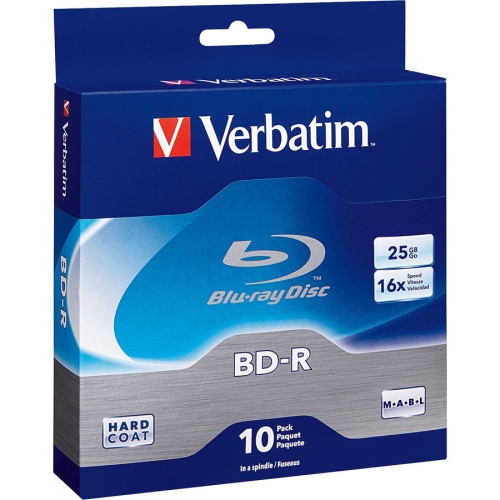
Permanent physical storage for videos, photos and files
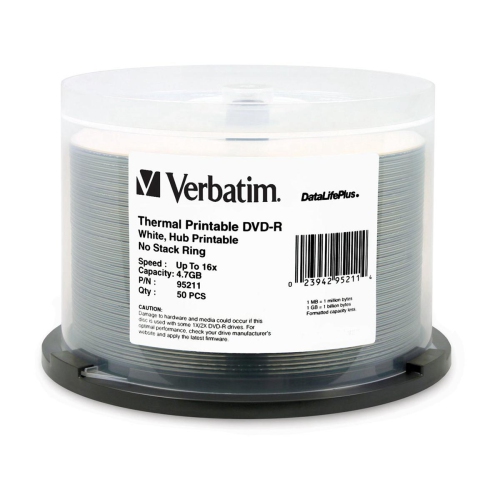
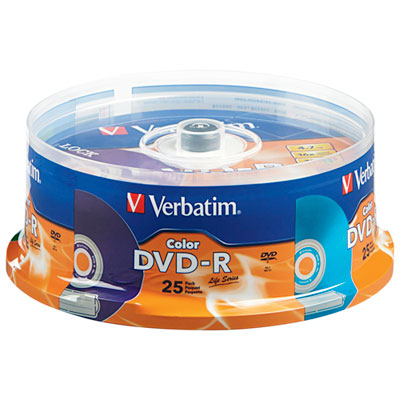
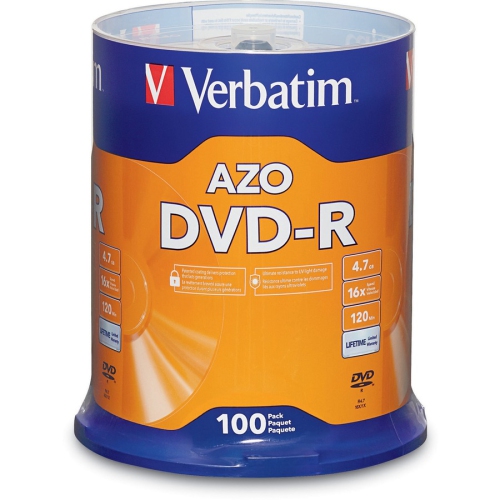
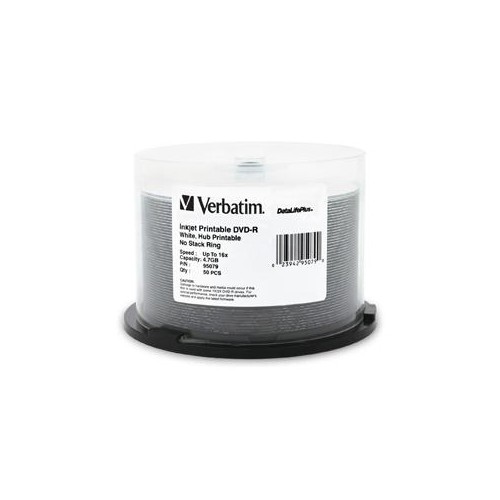
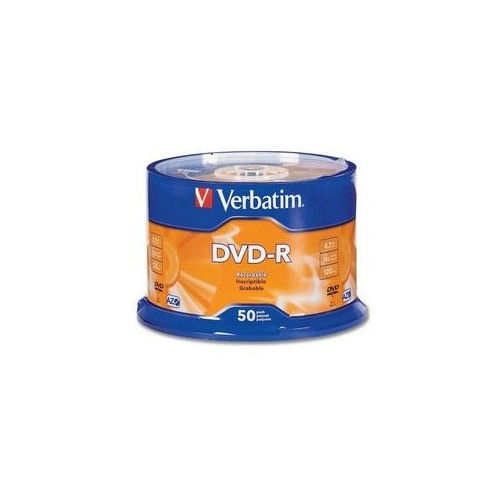
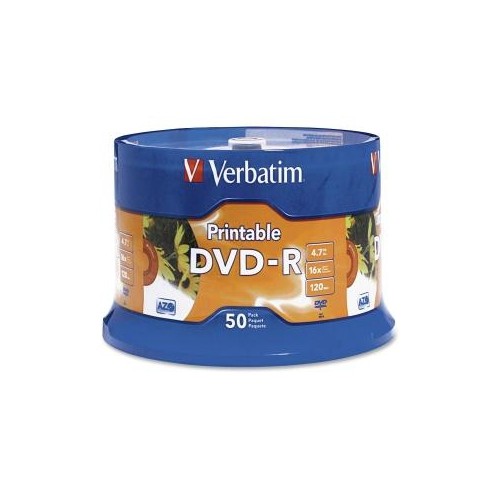
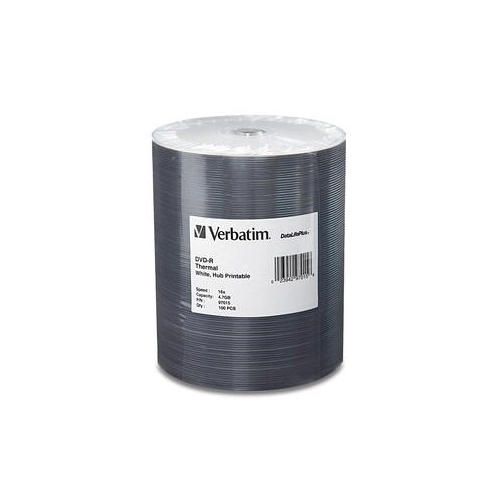
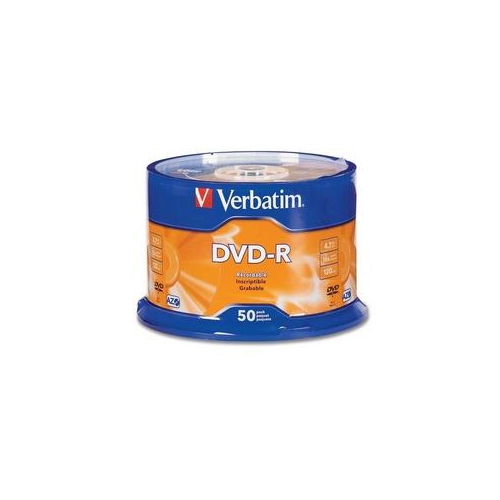
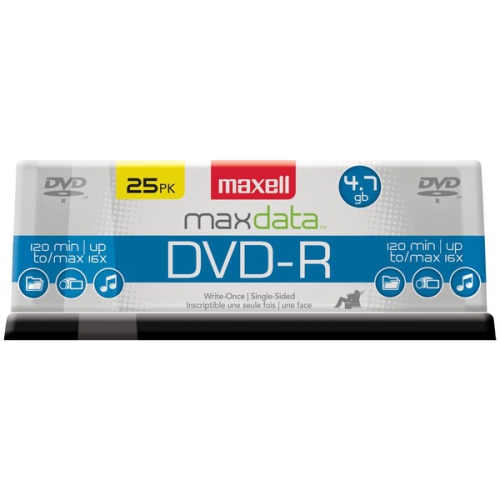
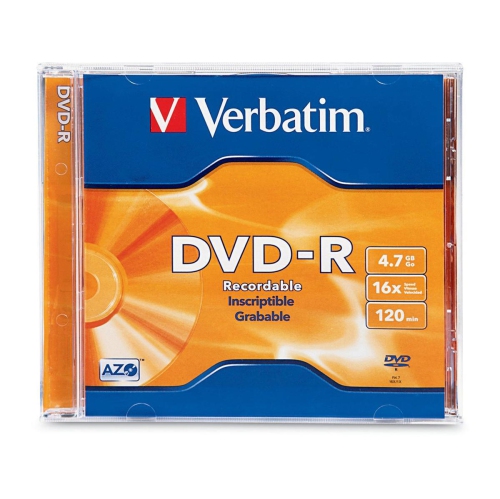
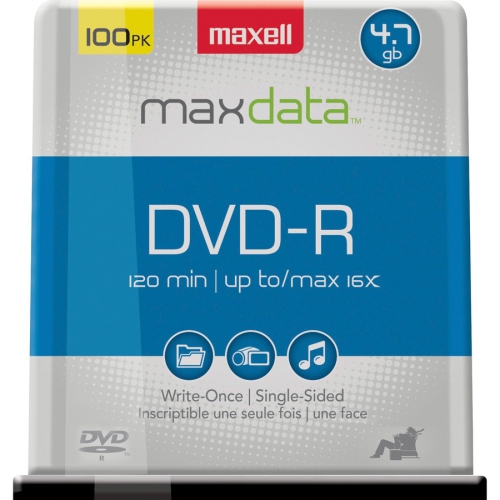
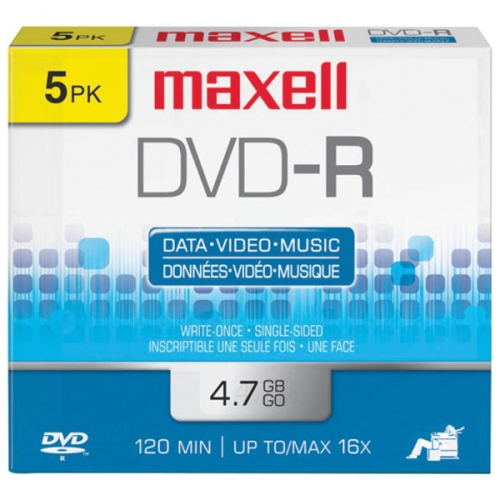
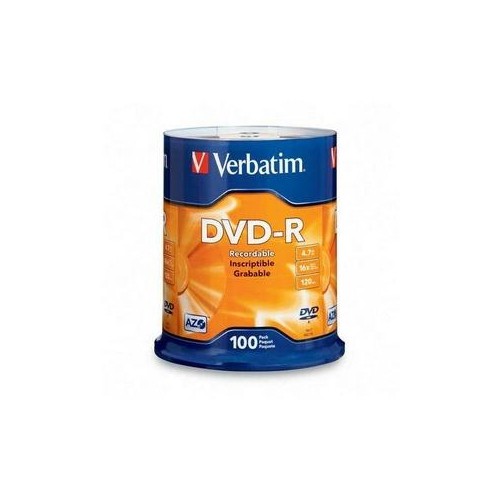
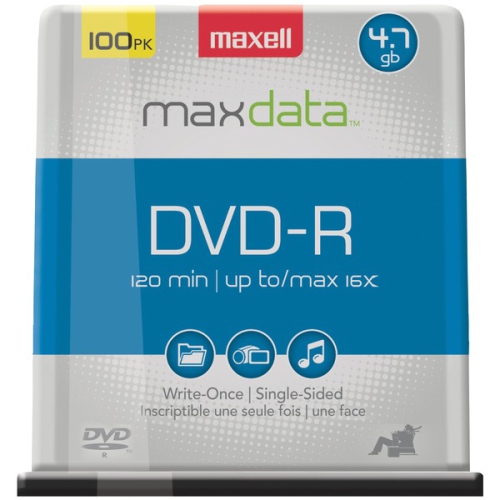
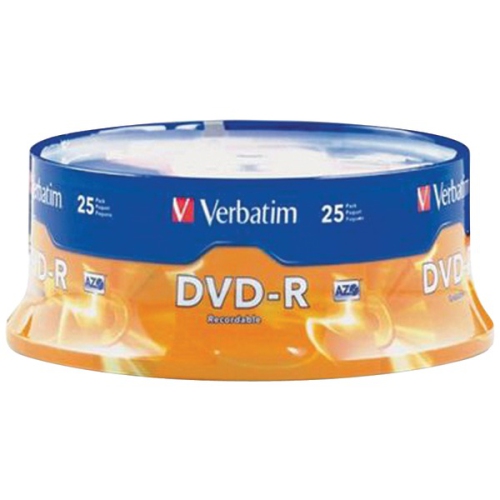
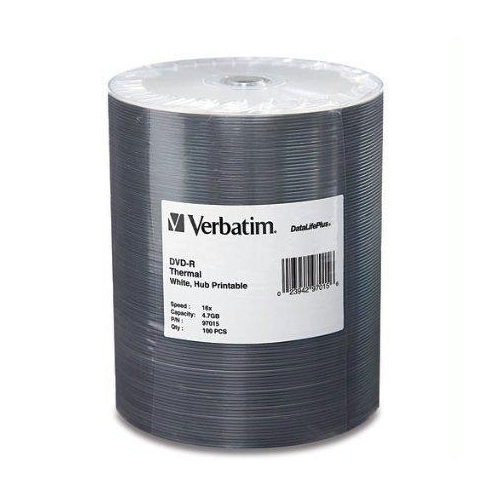
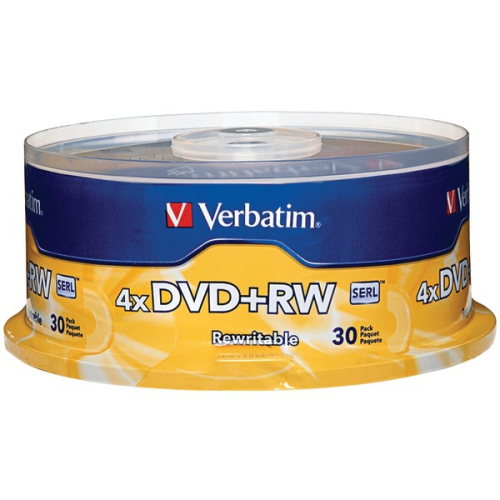
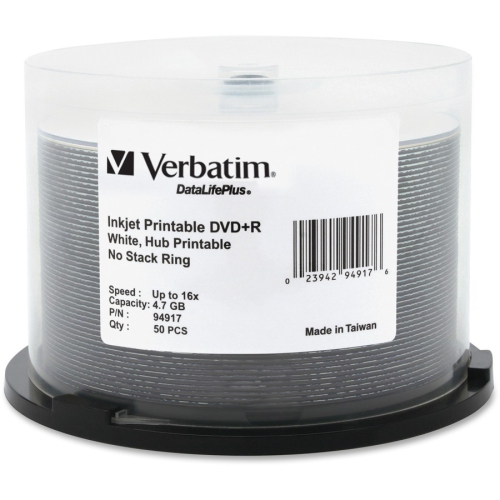
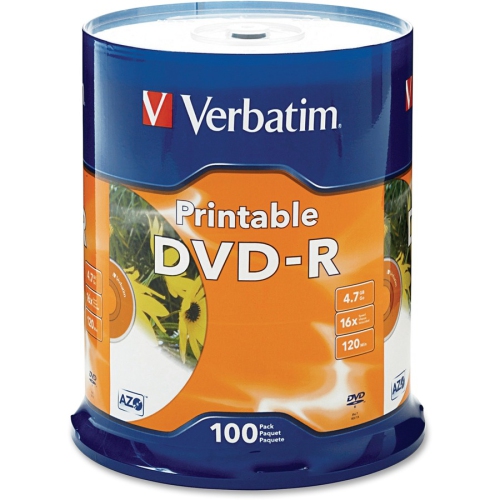
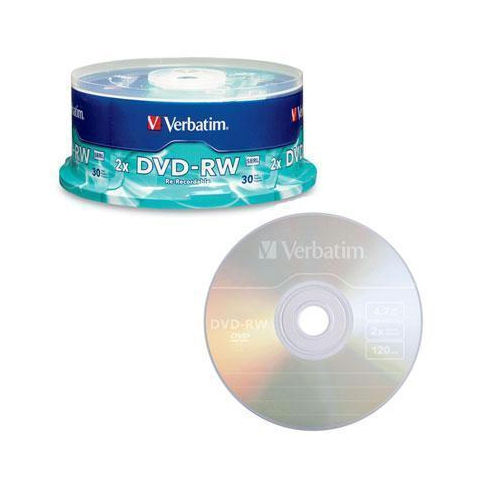
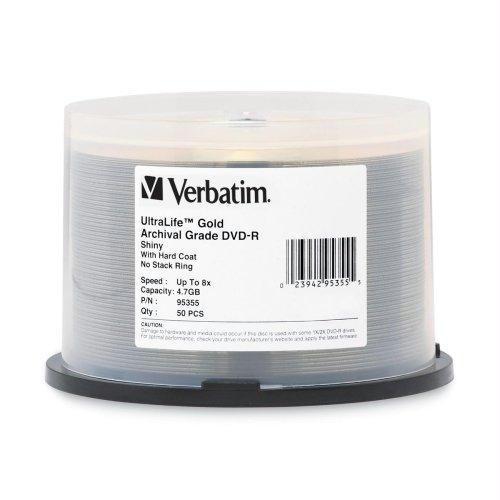
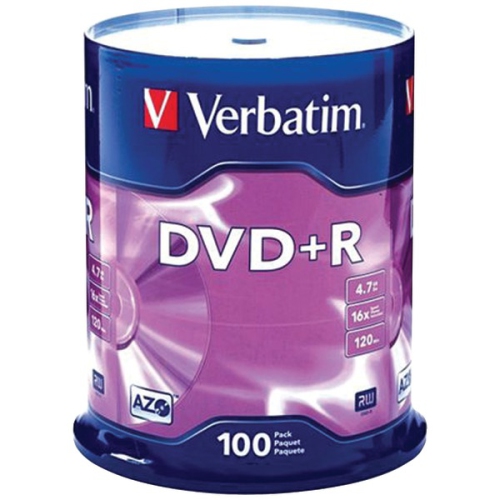
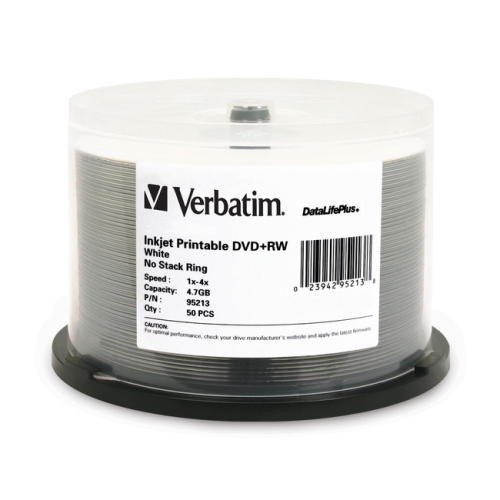
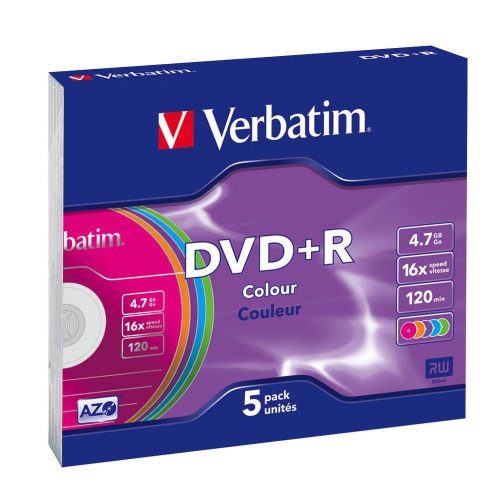
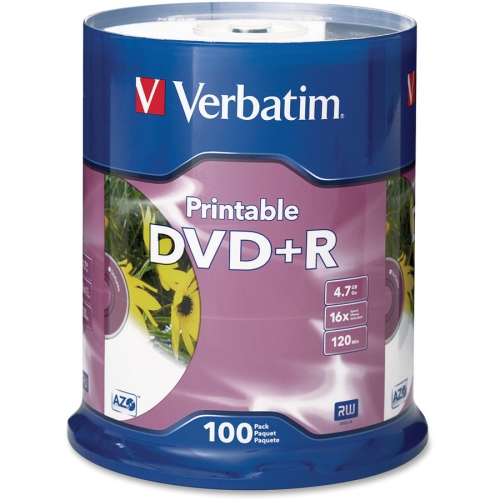
Recordable DVD-R discs provide a straightforward way to save and share digital files in a physical format. Each standard single-layer disc holds up to 4.7 GB of data, which is approximately 120 minutes of standard-definition video, although the actual recording time can vary depending on the video quality and recording settings selected. The “R” in DVD-R indicates that the disc is recordable once: after files or video have been burned and the session has been finalized, the information cannot be erased or overwritten. This makes DVD-R media useful for creating a permanent copy of home videos, photo slideshows, music collections, documents, installation files and other data that you want to preserve in a compact, easy-to-label format. A DVD-R disc can also be helpful when sharing files with someone who may not use cloud storage or when you want a physical backup that can be stored separately from your computer. During the cooler months, many people spend time sorting through family photographs, transferring older camcorder footage or organizing important household records, and a stack of blank discs can make that process more manageable. For broader options, the selection of Recording Discs can include several formats and capacities for different recording equipment and storage needs.
When choosing recordable DVD-R discs, begin by considering the type and amount of content you plan to save. A standard 4.7 GB disc is suited to a collection of documents, a moderate number of photographs or a typical standard-definition video project. If you are archiving several large folders, creating multiple copies or recording lengthy footage, a larger spindle or multipack can be more convenient than buying individual discs. Pack sizes also make sense for households that regularly burn discs, schools and community groups preparing presentations, or anyone transferring a library of older recordings. Recording speed is another specification worth checking. Many DVD-R discs support speeds up to 16x, and a full disc may burn in roughly five minutes under suitable conditions, although the actual time depends on the computer, optical drive, software, file size and selected speed. Using the highest listed speed is not always necessary; a moderate setting may be preferable when creating an important archive or when working with an older drive. For dependable results, use a compatible DVD writer, keep the disc surface free from fingerprints and dust, and avoid interrupting the computer while the recording is in progress. It is also wise to confirm that the software is set to DVD-R rather than another format, especially when a project is intended for playback on a particular home DVD player. Once the burn is complete, finalizing the disc is important for broad playback compatibility, since some players and drives cannot read an unfinished recording.
DVD-R media can suit a wide range of practical and personal projects. Someone digitizing family videos may use discs to give copies to relatives who enjoy watching recordings on a television rather than a computer. A student can submit a video assignment, presentation or portfolio in a familiar physical format, while a small organization can distribute event photos, training material or recorded performances without requiring recipients to sign in to an online service. They can also be useful for photographers, musicians and hobbyists who want to hand someone a physical collection with a handwritten label and a clear sense of what is inside. As a gift, a set of blank DVD-R discs is most appropriate for a person who owns a DVD burner and still enjoys creating home media, preserving memories or maintaining offline records; pairing the discs with a marker designed for optical media and a protective storage case can make the gift more practical. Before purchasing, check the specifications of the equipment that will be used to record and play the discs, including whether it supports DVD-R media, the maximum writing speed and the type of video format required. Remember that DVD-R discs are not rewritable, so reviewing the file list and playback settings before burning can help prevent mistakes. After recording, label each disc with the date and contents, store it in a case away from heat, moisture and direct light, and keep important material in more than one location. With the right preparation, recordable DVD-R discs offer an accessible, tangible way to keep videos, photographs and files organized for sharing and future reference.
When choosing recordable DVD-R discs, begin by considering the type and amount of content you plan to save. A standard 4.7 GB disc is suited to a collection of documents, a moderate number of photographs or a typical standard-definition video project. If you are archiving several large folders, creating multiple copies or recording lengthy footage, a larger spindle or multipack can be more convenient than buying individual discs. Pack sizes also make sense for households that regularly burn discs, schools and community groups preparing presentations, or anyone transferring a library of older recordings. Recording speed is another specification worth checking. Many DVD-R discs support speeds up to 16x, and a full disc may burn in roughly five minutes under suitable conditions, although the actual time depends on the computer, optical drive, software, file size and selected speed. Using the highest listed speed is not always necessary; a moderate setting may be preferable when creating an important archive or when working with an older drive. For dependable results, use a compatible DVD writer, keep the disc surface free from fingerprints and dust, and avoid interrupting the computer while the recording is in progress. It is also wise to confirm that the software is set to DVD-R rather than another format, especially when a project is intended for playback on a particular home DVD player. Once the burn is complete, finalizing the disc is important for broad playback compatibility, since some players and drives cannot read an unfinished recording.
DVD-R media can suit a wide range of practical and personal projects. Someone digitizing family videos may use discs to give copies to relatives who enjoy watching recordings on a television rather than a computer. A student can submit a video assignment, presentation or portfolio in a familiar physical format, while a small organization can distribute event photos, training material or recorded performances without requiring recipients to sign in to an online service. They can also be useful for photographers, musicians and hobbyists who want to hand someone a physical collection with a handwritten label and a clear sense of what is inside. As a gift, a set of blank DVD-R discs is most appropriate for a person who owns a DVD burner and still enjoys creating home media, preserving memories or maintaining offline records; pairing the discs with a marker designed for optical media and a protective storage case can make the gift more practical. Before purchasing, check the specifications of the equipment that will be used to record and play the discs, including whether it supports DVD-R media, the maximum writing speed and the type of video format required. Remember that DVD-R discs are not rewritable, so reviewing the file list and playback settings before burning can help prevent mistakes. After recording, label each disc with the date and contents, store it in a case away from heat, moisture and direct light, and keep important material in more than one location. With the right preparation, recordable DVD-R discs offer an accessible, tangible way to keep videos, photographs and files organized for sharing and future reference.
Top selling and popular products
-
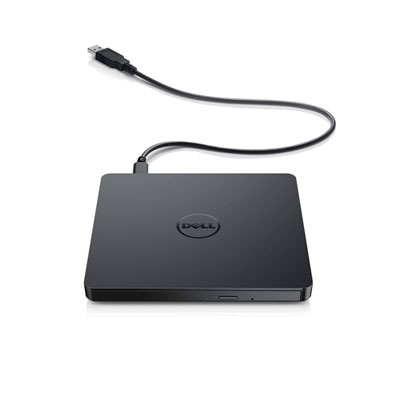 Your price for this item is $49.99
 -
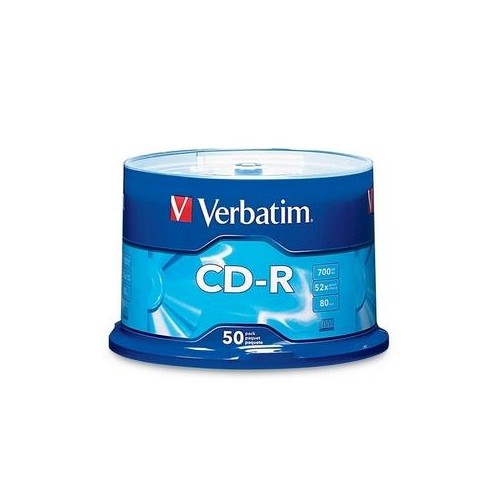 Your price for this item is $37.68
 -
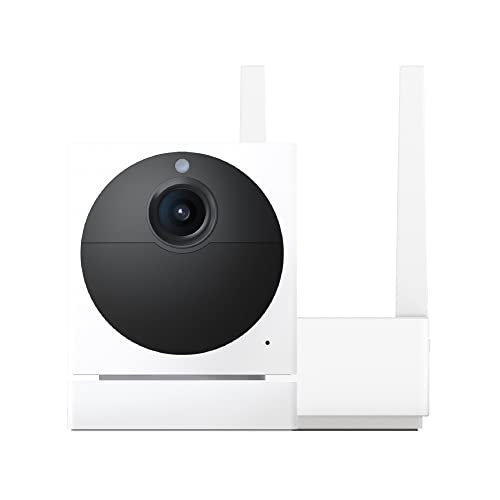 Your price for this item is $89
 -
 Your price for this item is $50.68
 -
 Your price for this item is $65
 -
 Your price for this item is $53
 -
 Your price for this item is $11.99
 -
 Your price for this item is $65.68
Discover more categories related to Recordable DVD R Discs
Top Collections:
Pokemon Centers, Kindle Devices, Best Budget Office Chairs, Canon G7X Cameras, Apple iPhones 16, Samsung Galaxy Phones, Refurbished Apple Laptops, Laptops for Students, iPhone 15 Apple, Budget Smartphones
Some products may be subject to Environmental Handling Fees
(EHF) depending on your province.
Learn more about EHFs.