High-Performance Gaming Monitors
High-performance gaming monitors deliver the clarity, speed, and precision that serious gamers demand. Engineered to elevate your gaming experience, these monitors help you stay ahead in every session, whether you're exploring vast open worlds or competing in fast-paced matches. Discover a wide selection of high-performance gaming monitors designed to enhance visuals and responsiveness, so you can immerse yourself fully and play at your best.
Sort


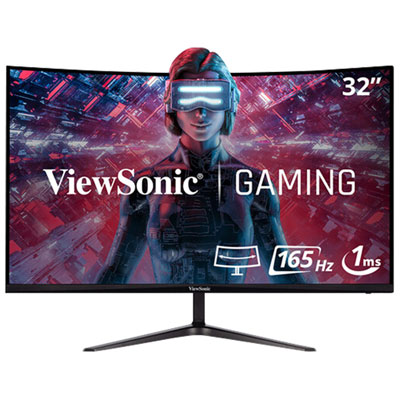
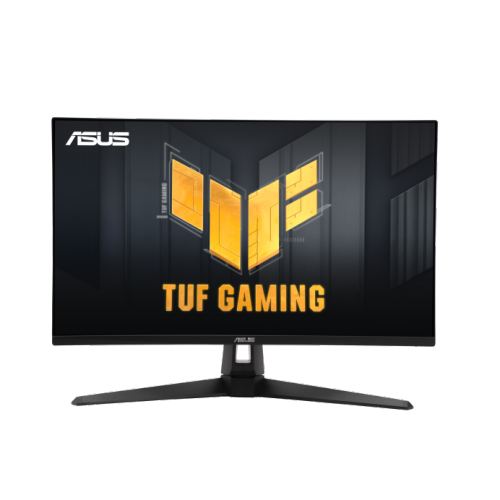
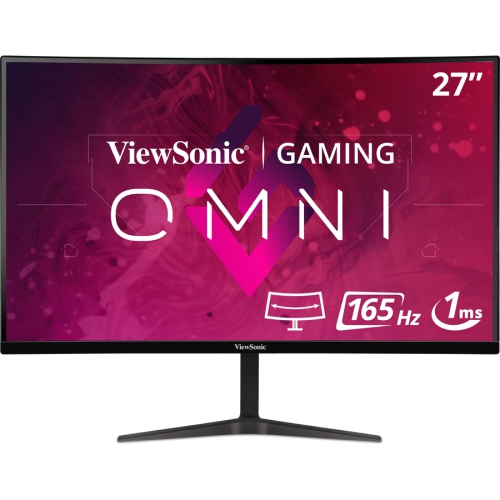
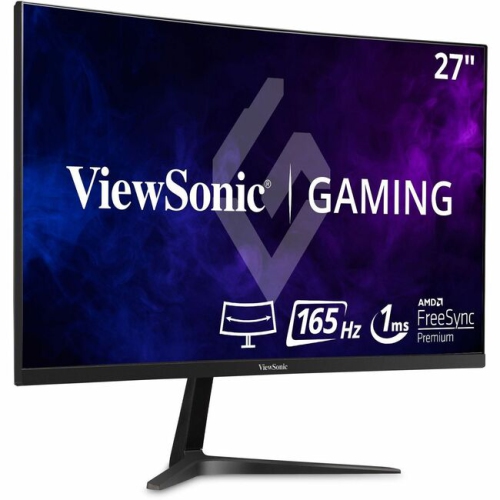
![VIEWSONIC Omni 27" 1080P HD Led Gaming Monitor (Vx2718-P-Mhd) - Freesync Premium - 165Hz [Employee of bestbuy] Best monitor that is to buy in the market as of now](https://multimedia.bbycastatic.ca/multimedia/products/500x500/156/15611/15611278.jpeg)
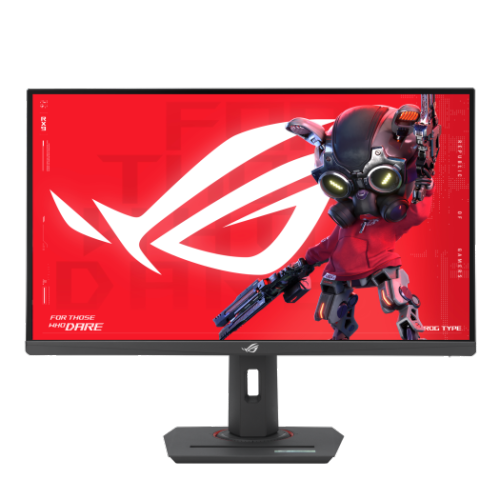
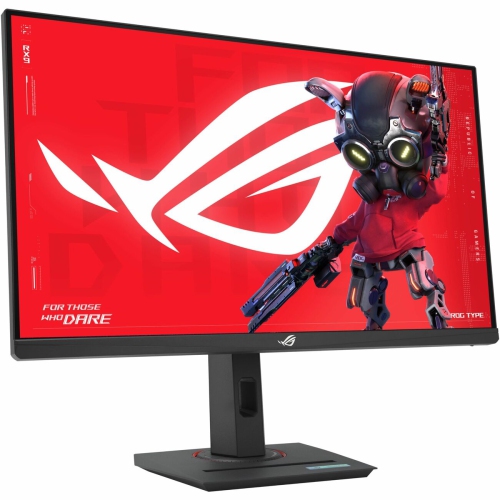
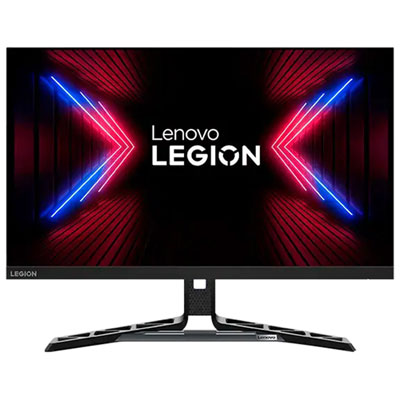
Sharper detail and smoother motion start with the right balance
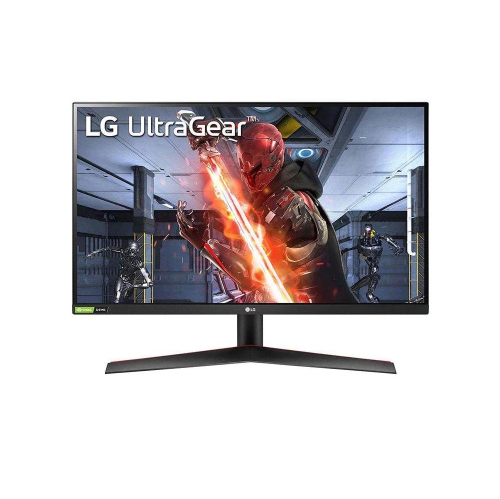
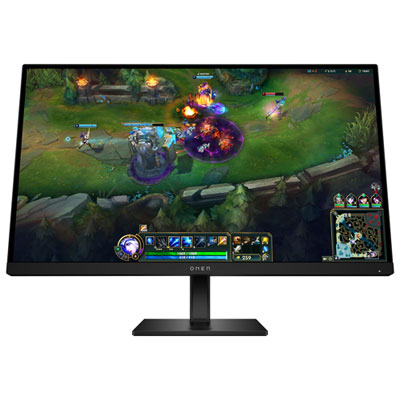
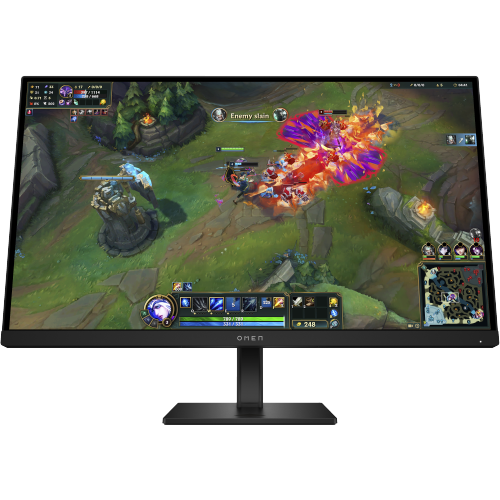
High-performance gaming monitors are designed for players who want fast, detailed and responsive visuals across competitive matches, cinematic single-player adventures and everything in between. The most important specifications work together: resolution determines how sharp the image appears, refresh rate affects how smoothly motion is displayed, and response time helps reduce visible ghosting when objects move rapidly across the screen. A 4K UHD monitor can bring out fine details in expansive game worlds, from distant scenery to small interface text, while a refresh rate of 240Hz can make quick camera movements and rapid action feel remarkably fluid when paired with a computer capable of producing enough frames per second. Response times as low as 0.03 ms are commonly associated with premium OLED gaming displays, helping keep fast-moving scenes crisp. OLED and QD-OLED panels are also valued for deep blacks, strong contrast and vibrant colour, which can make dark corridors, glowing effects and high-contrast environments more immersive. When comparing high-performance gaming monitors, consider the balance between your graphics card, the games you play and the type of experience you prefer. A powerful gaming computer may be well suited to a 4K display with a high refresh rate, while a system focused on esports may benefit more from prioritizing refresh rate and response time at a resolution it can drive consistently. Adaptive sync compatibility can help reduce screen tearing and stuttering by coordinating the monitor’s refresh rate with the graphics card’s output. Look for useful connections such as HDMI, DisplayPort and USB ports, and check whether the monitor includes USB-C with power delivery if you plan to connect a compatible laptop or simplify your desktop setup.
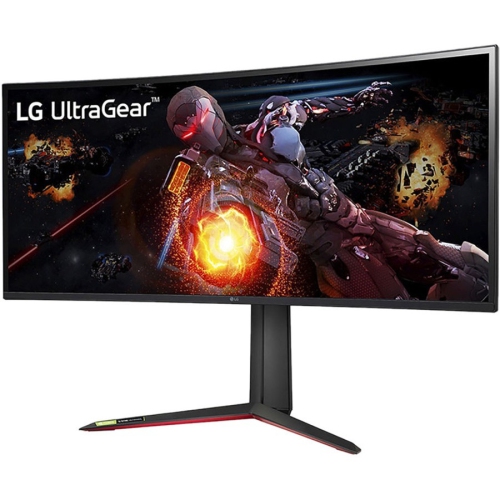
Screen size and shape have a noticeable effect on how a monitor fits into your room and how games feel during play. A 27-inch display can offer a sharp, focused view without taking over a smaller desk, while a 32-inch screen gives 4K content more room to breathe and can be comfortable for detailed creative work, streaming and everyday computing. Ultrawide monitors extend the viewing area horizontally, which can add immersion in racing games, flight simulators and open-world titles while also giving multitaskers space for several windows. Curved panels can help bring the edges of a wide display into your field of view, although the ideal curve depends on your seating distance, desk depth and personal preference. Pay attention to the monitor stand as well: height adjustment, tilt, swivel and pivot options make it easier to position the top of the screen at a comfortable level, especially during long gaming sessions. VESA mounting support can provide additional flexibility with a monitor arm or wall mount. HDR support, wide colour coverage and strong peak brightness can improve compatible games and video content, but these features vary by panel and should be considered alongside room lighting. A darkened room may highlight OLED contrast, whereas a bright space may call for a display with sufficient brightness and effective glare handling. Players who alternate between a desktop and a gaming laptop may appreciate built-in speakers, a headphone output, a KVM switch or USB-C connectivity. Those who stream, edit videos or create digital content can also benefit from accurate colour modes and a high-resolution panel that makes fine timelines, menus and text easier to inspect. For a setup that includes more than one display, compare bezel width, stand footprint and connection requirements before arranging the screens.
High-performance gaming monitors can be a meaningful upgrade for PC players, aspiring streamers, students who use one desk for study and entertainment, or anyone building a more capable home workstation. They can also make a thoughtful gift for a gamer who has recently upgraded a graphics card, moved to a larger desk or started exploring visually demanding titles. Before choosing, review the computer’s graphics card outputs and maximum supported resolution and refresh rate, then confirm that the required cable is included or available. Remember that a 240Hz monitor does not automatically make every game run at 240 frames per second; the computer, game settings and selected resolution all influence actual performance. Features such as variable refresh rate, low-latency modes and customizable picture presets can help tailor the display to competitive play, console gaming, movies or general use. For shoppers who want a balance between sharp detail and smooth movement without moving all the way to 4K, QHD Gaming Monitors can be another option to consider. Think about the games that occupy most of your time, the distance between your chair and screen, and whether the monitor will also be used for work or creative projects during the cooler months. A carefully matched display can make aiming feel more immediate, landscapes look richer and long evening sessions more comfortable, while giving your desk a clear, capable centrepiece for gaming and everyday computing.
Screen size and shape have a noticeable effect on how a monitor fits into your room and how games feel during play. A 27-inch display can offer a sharp, focused view without taking over a smaller desk, while a 32-inch screen gives 4K content more room to breathe and can be comfortable for detailed creative work, streaming and everyday computing. Ultrawide monitors extend the viewing area horizontally, which can add immersion in racing games, flight simulators and open-world titles while also giving multitaskers space for several windows. Curved panels can help bring the edges of a wide display into your field of view, although the ideal curve depends on your seating distance, desk depth and personal preference. Pay attention to the monitor stand as well: height adjustment, tilt, swivel and pivot options make it easier to position the top of the screen at a comfortable level, especially during long gaming sessions. VESA mounting support can provide additional flexibility with a monitor arm or wall mount. HDR support, wide colour coverage and strong peak brightness can improve compatible games and video content, but these features vary by panel and should be considered alongside room lighting. A darkened room may highlight OLED contrast, whereas a bright space may call for a display with sufficient brightness and effective glare handling. Players who alternate between a desktop and a gaming laptop may appreciate built-in speakers, a headphone output, a KVM switch or USB-C connectivity. Those who stream, edit videos or create digital content can also benefit from accurate colour modes and a high-resolution panel that makes fine timelines, menus and text easier to inspect. For a setup that includes more than one display, compare bezel width, stand footprint and connection requirements before arranging the screens.
High-performance gaming monitors can be a meaningful upgrade for PC players, aspiring streamers, students who use one desk for study and entertainment, or anyone building a more capable home workstation. They can also make a thoughtful gift for a gamer who has recently upgraded a graphics card, moved to a larger desk or started exploring visually demanding titles. Before choosing, review the computer’s graphics card outputs and maximum supported resolution and refresh rate, then confirm that the required cable is included or available. Remember that a 240Hz monitor does not automatically make every game run at 240 frames per second; the computer, game settings and selected resolution all influence actual performance. Features such as variable refresh rate, low-latency modes and customizable picture presets can help tailor the display to competitive play, console gaming, movies or general use. For shoppers who want a balance between sharp detail and smooth movement without moving all the way to 4K, QHD Gaming Monitors can be another option to consider. Think about the games that occupy most of your time, the distance between your chair and screen, and whether the monitor will also be used for work or creative projects during the cooler months. A carefully matched display can make aiming feel more immediate, landscapes look richer and long evening sessions more comfortable, while giving your desk a clear, capable centrepiece for gaming and everyday computing.
Top selling and popular products
-
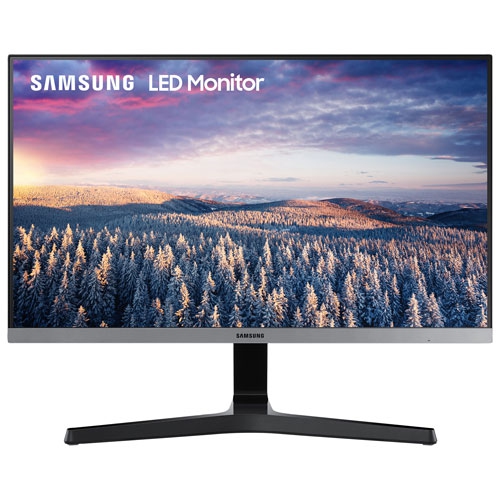 Your price for this item is $279.97
 -
 Your price for this item is $275
 -
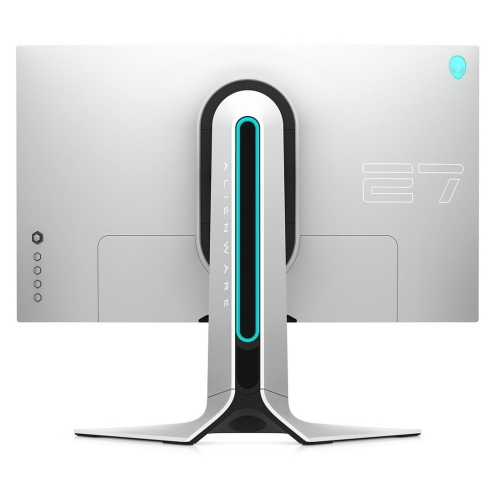 Your price for this item is $299
 -
 Your price for this item is $559.68
 -
 Your price for this item is $209.99
 -
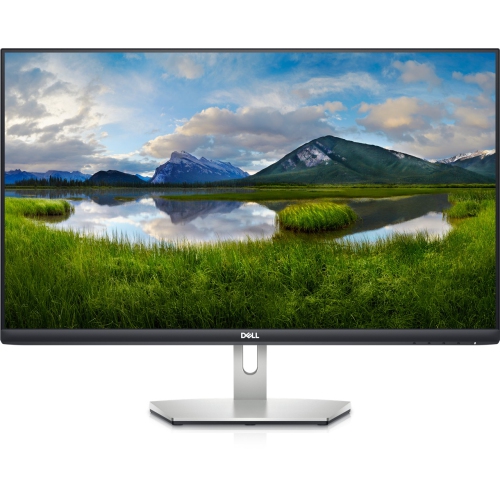 Your price for this item is $239.99
 -
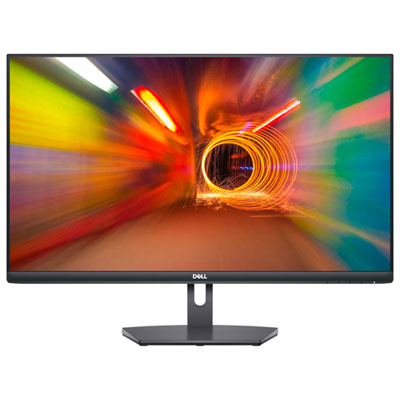 Your price for this item is $179.95
 -
 Your price for this item is $3299.99
Discover more categories related to High-Performance Gaming Monitors

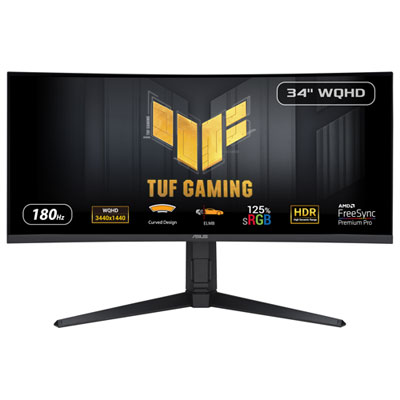
Top Collections:
Pokemon Centers, Kindle Devices, Best Budget Office Chairs, Apple iPhones 16, Best Laptops for Writers, iPhone 15 Apple, Canon G7X Cameras, Refurbished Apple Laptops, Alarm Clock, Motorola Razr Phones
Some products may be subject to Environmental Handling Fees
(EHF) depending on your province.
Learn more about EHFs.