QHD Gaming Monitors
Upgrade your gaming experience with our selection of QHD Gaming Monitors. Immerse yourself in stunning visuals and enjoy crystal-clear graphics with these high-performance monitors designed for gamers who demand precision and speed. Whether you're a casual player or a competitive gamer, our QHD monitors offer sharp image quality, smooth gameplay, and advanced features to take your gaming sessions to the next level. Discover the perfect balance of resolution, refresh rate, and response time for an unparalleled gaming experience.
Sort
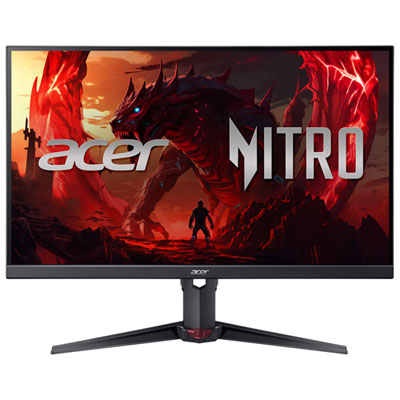
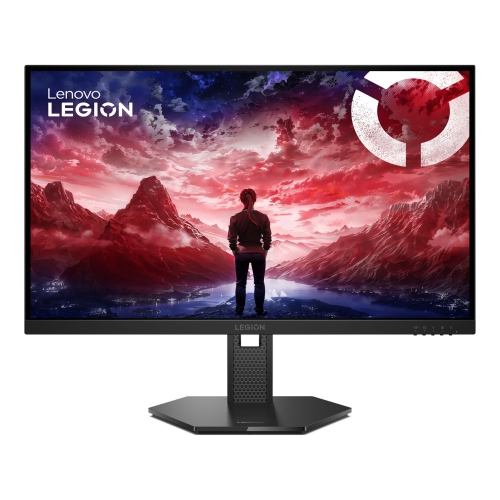


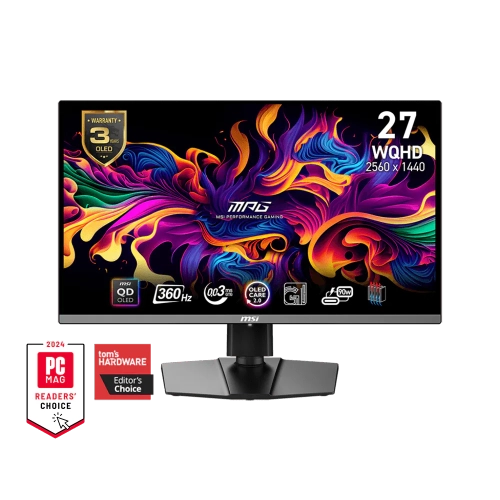
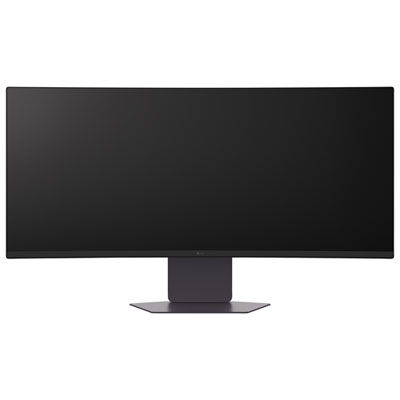
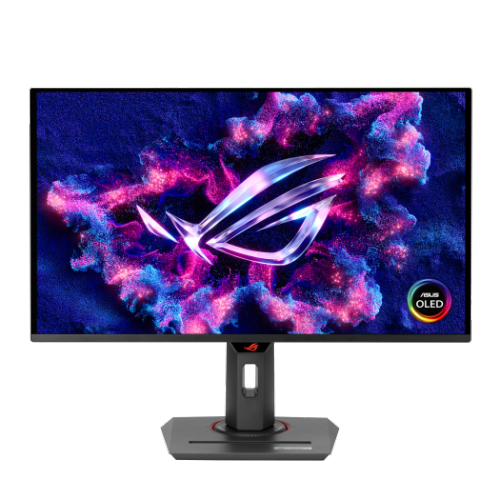
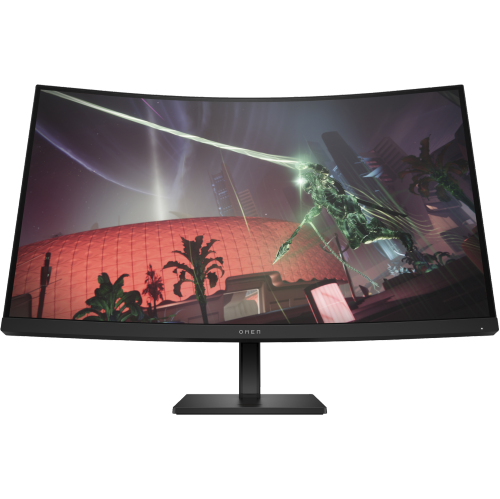
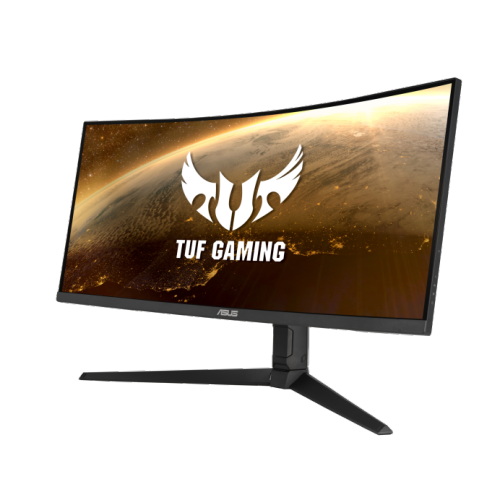
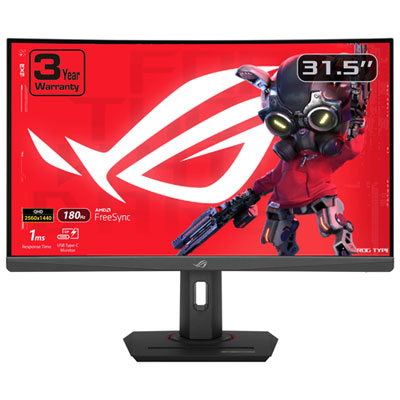
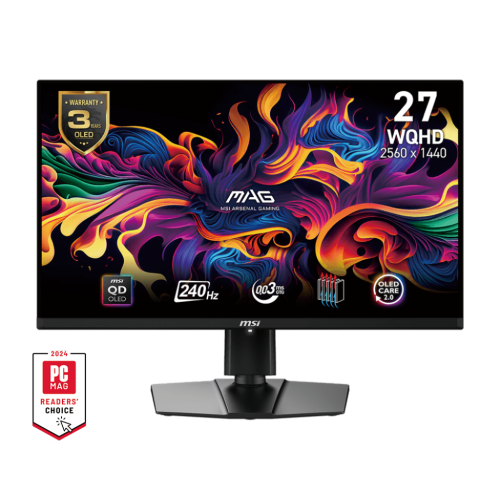
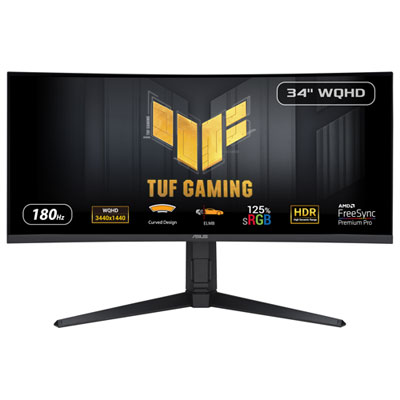
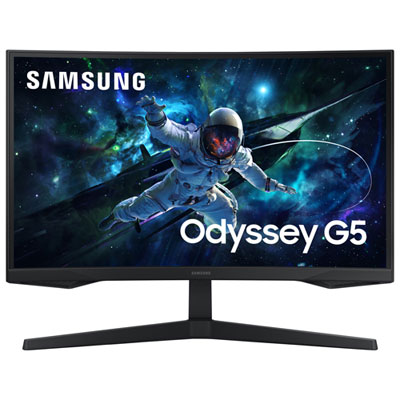

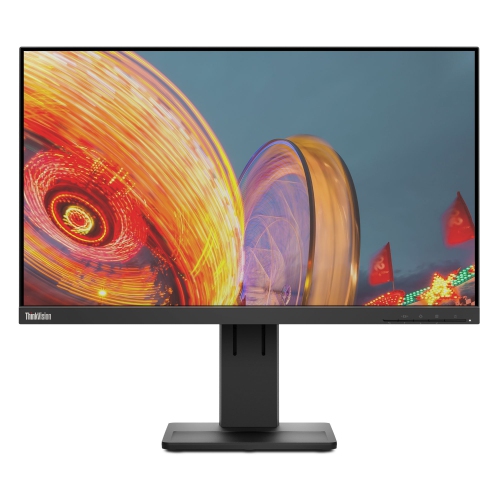
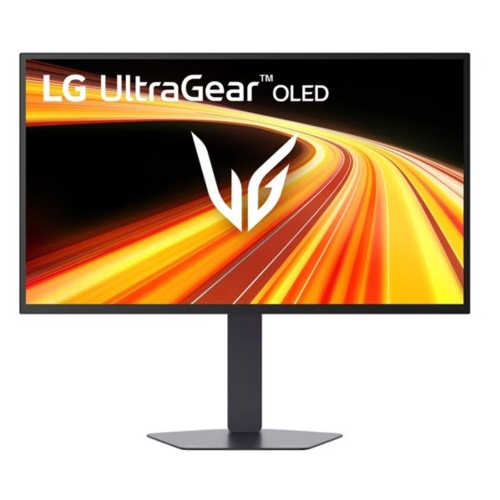
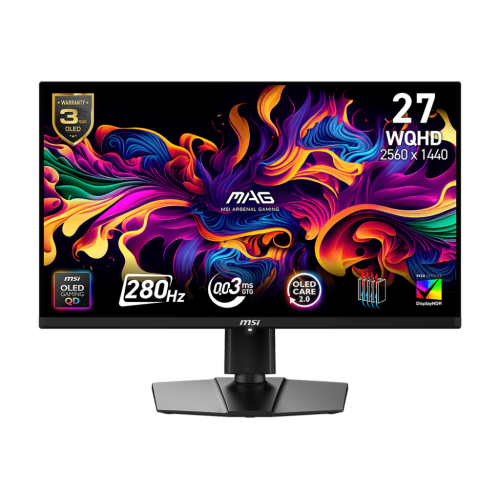
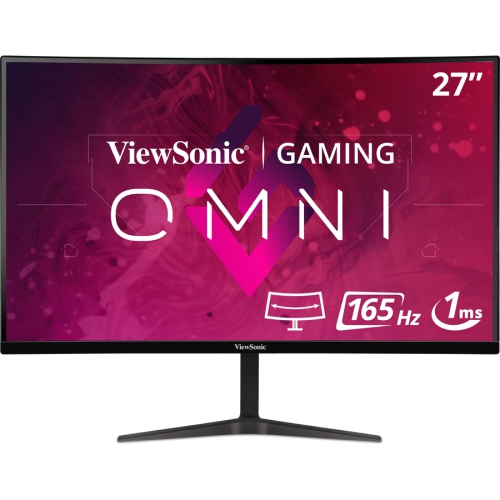
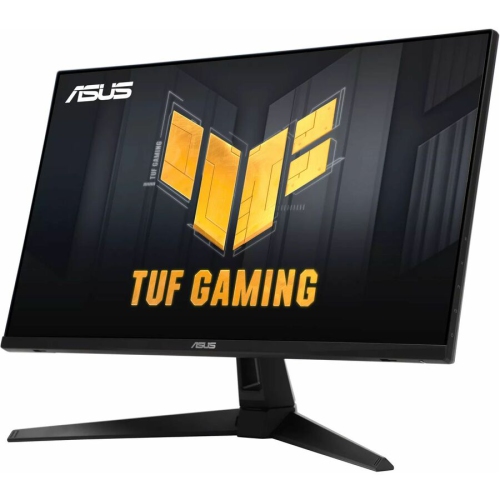
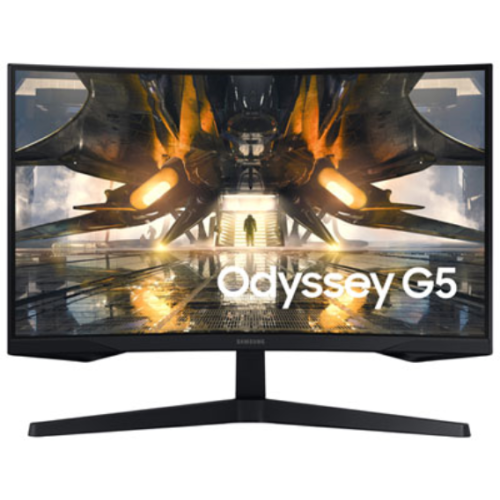
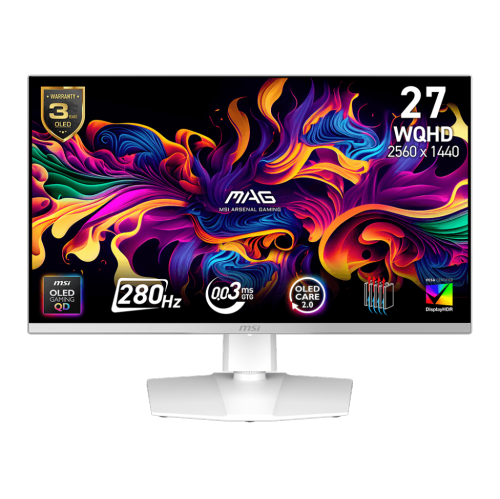
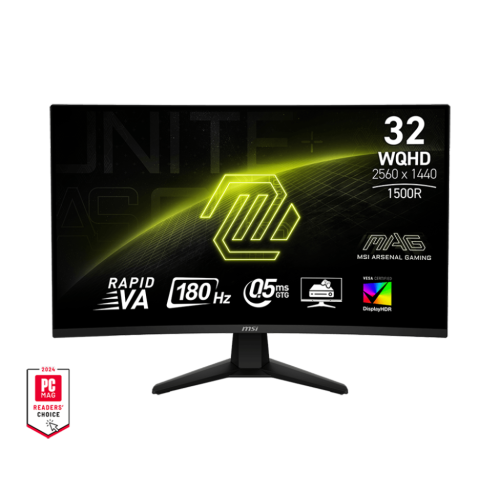
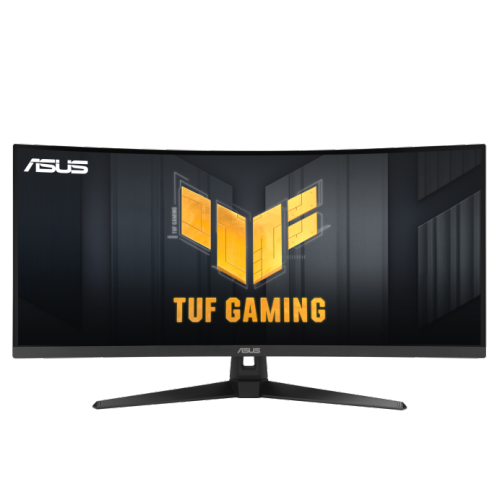
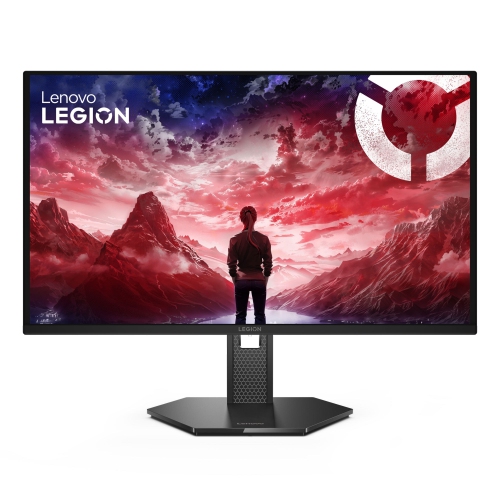
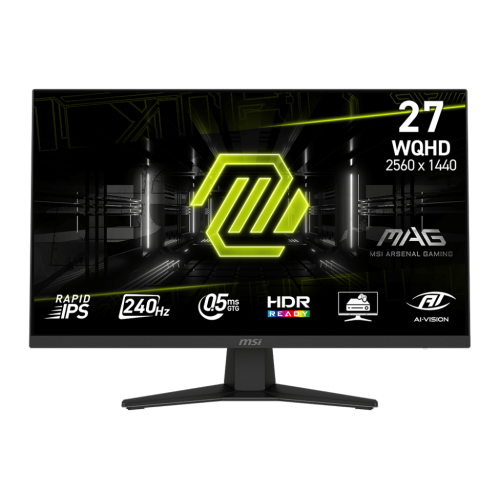
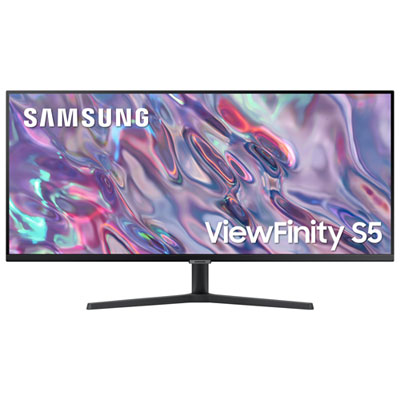
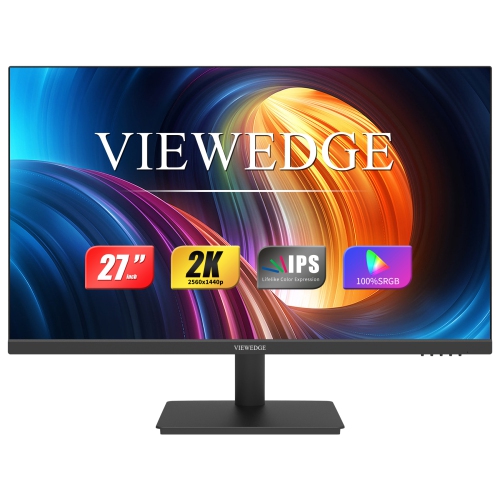
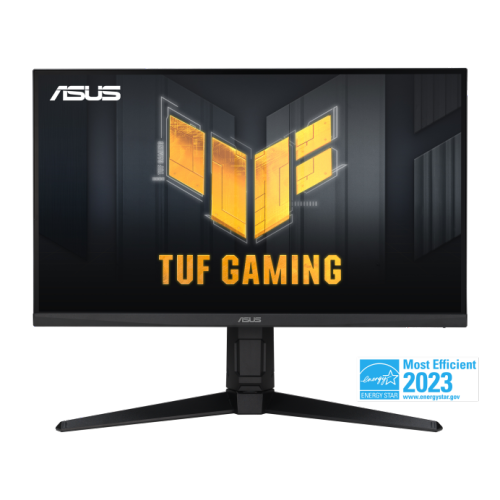
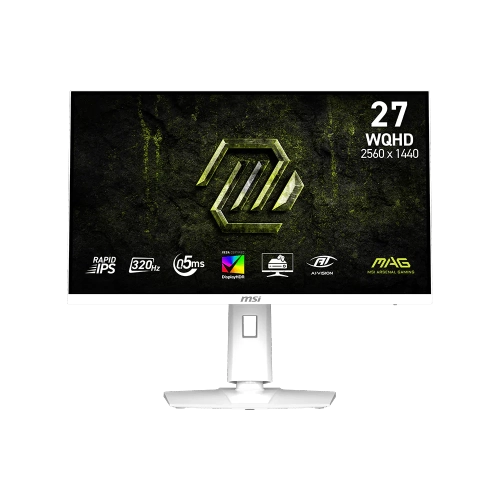
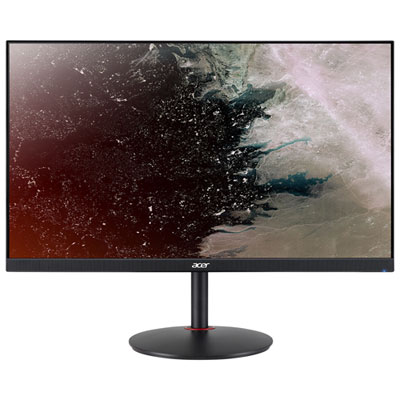
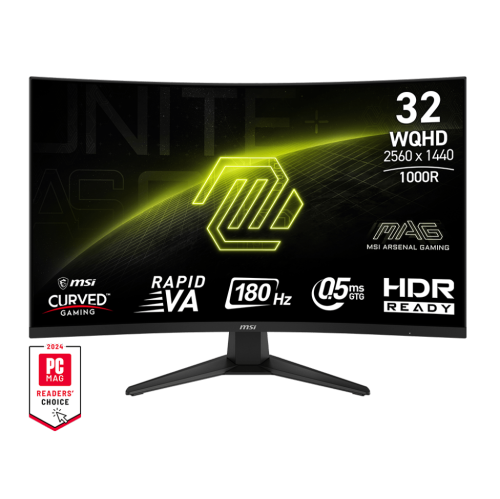
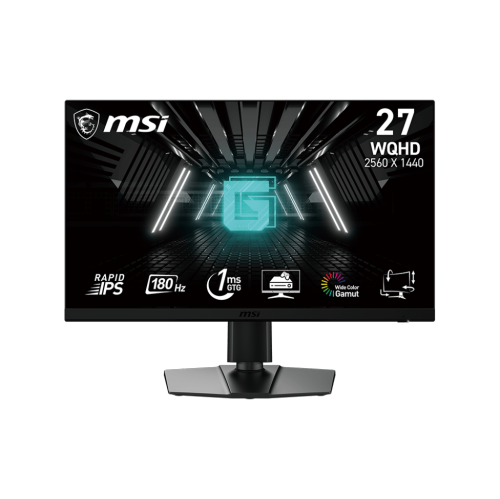
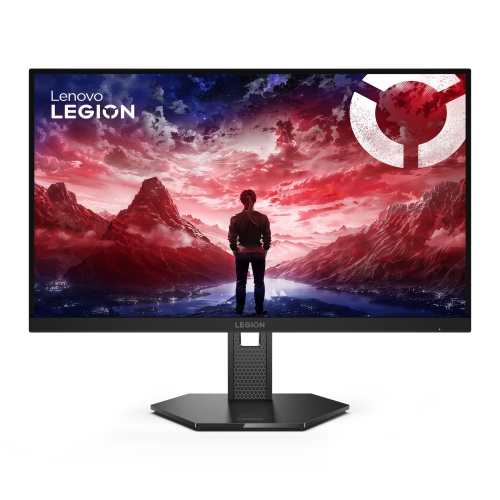
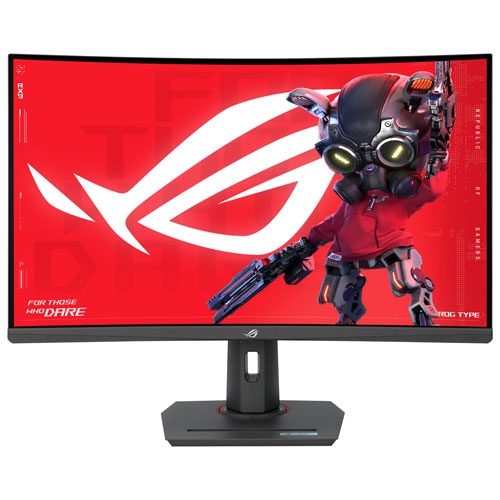
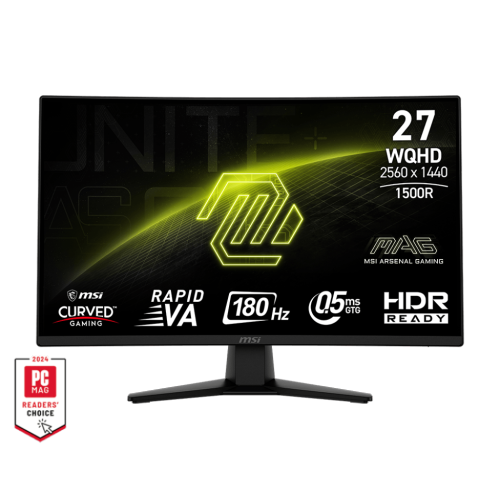
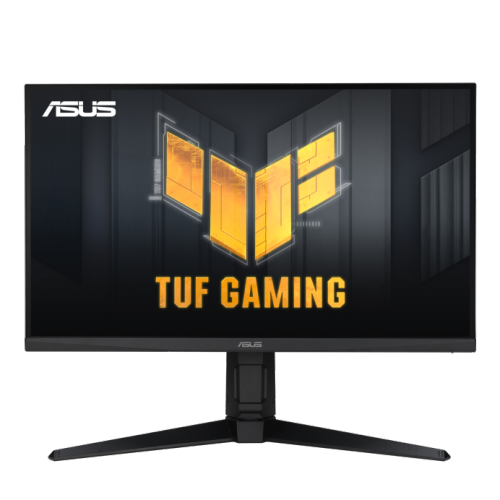
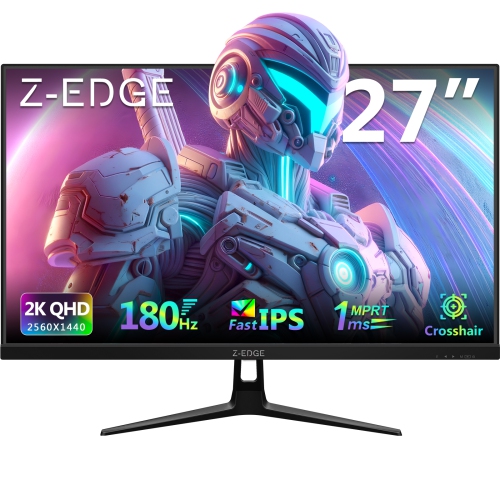
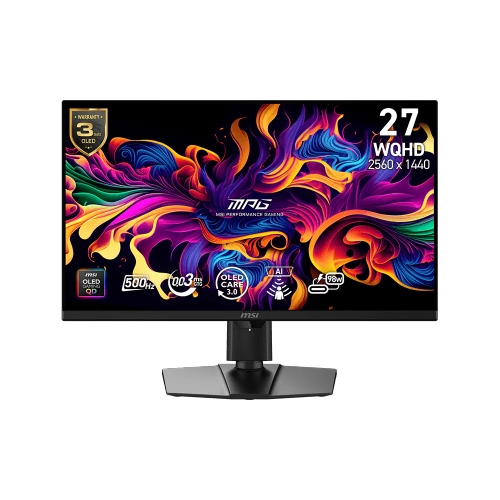
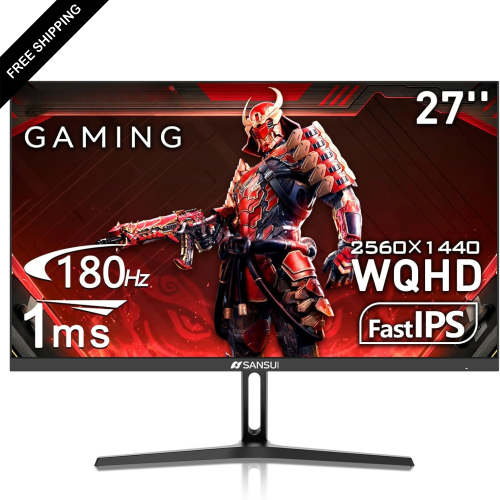
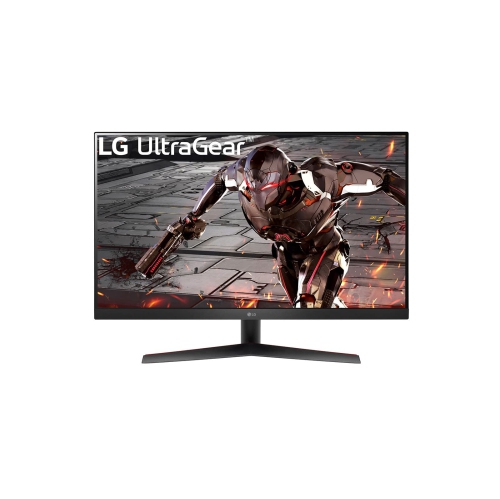
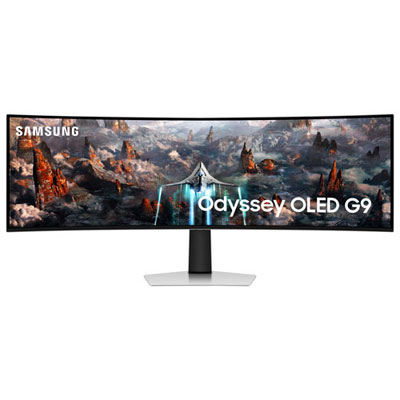
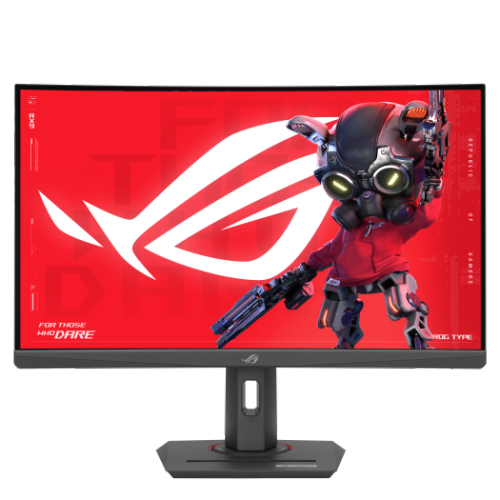
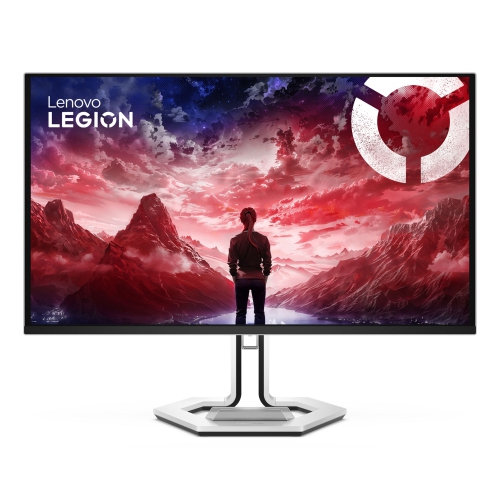
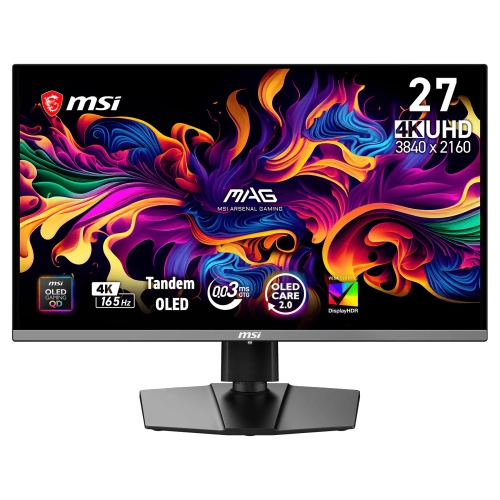
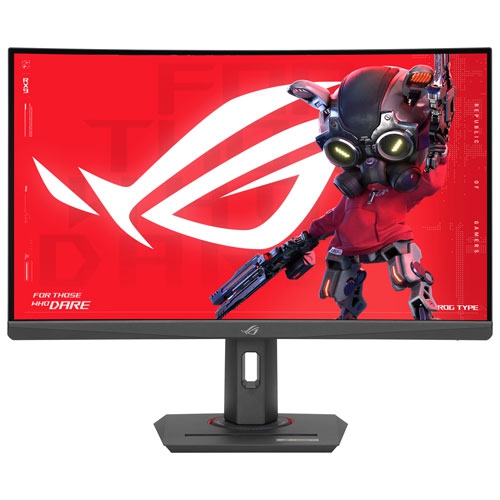
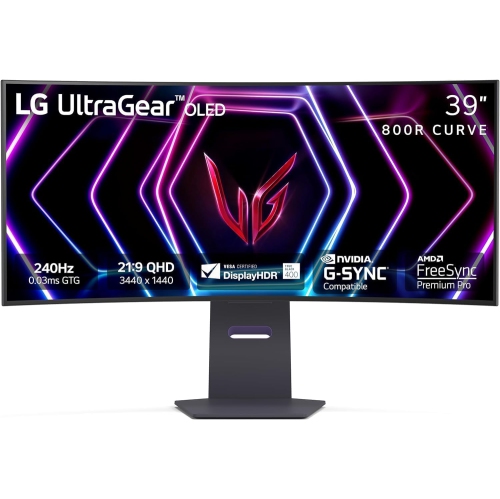
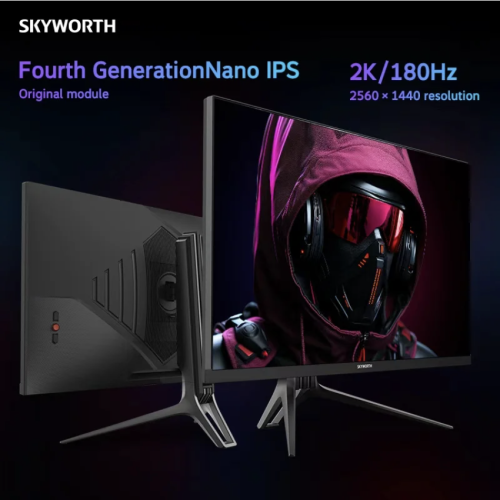
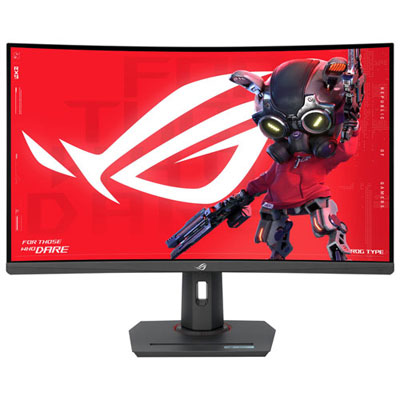
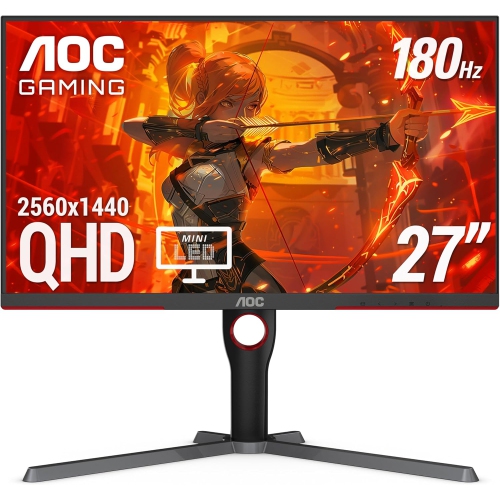
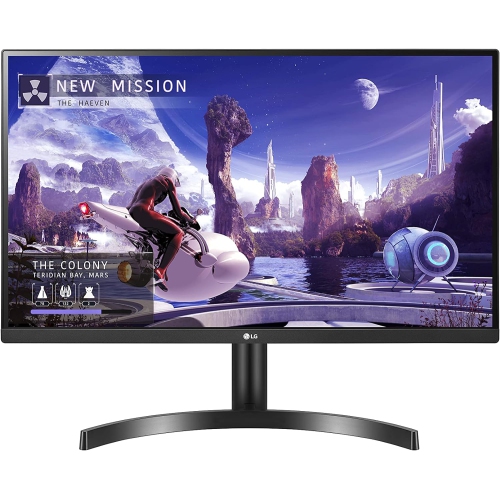
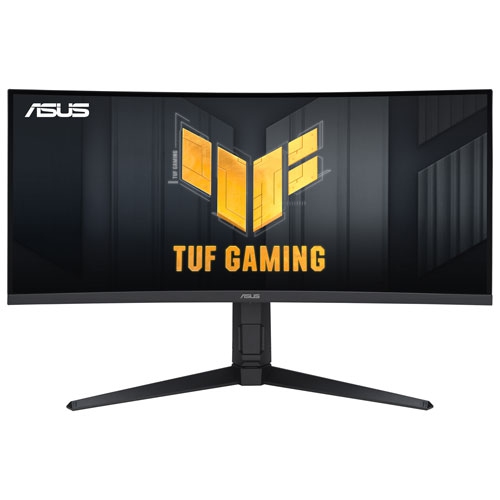
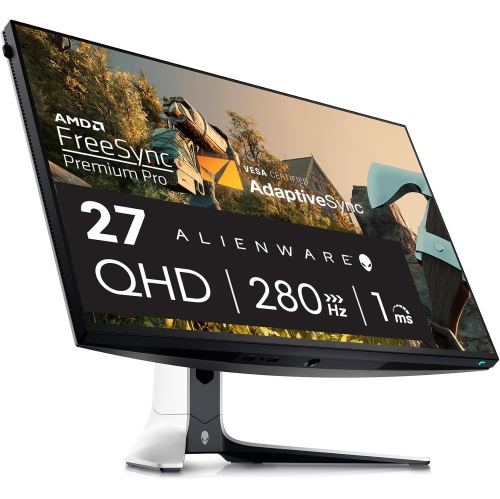
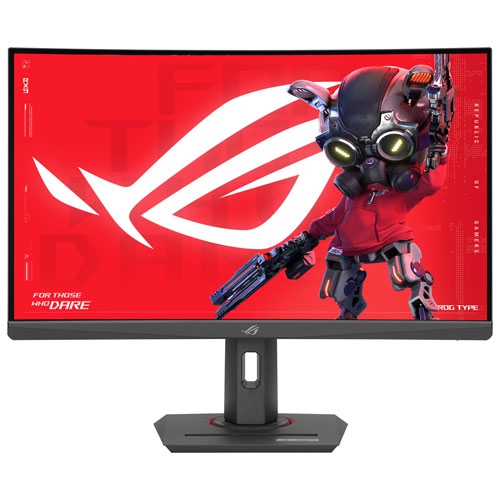
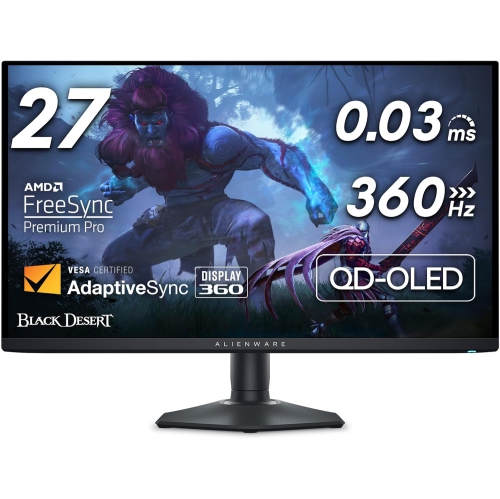
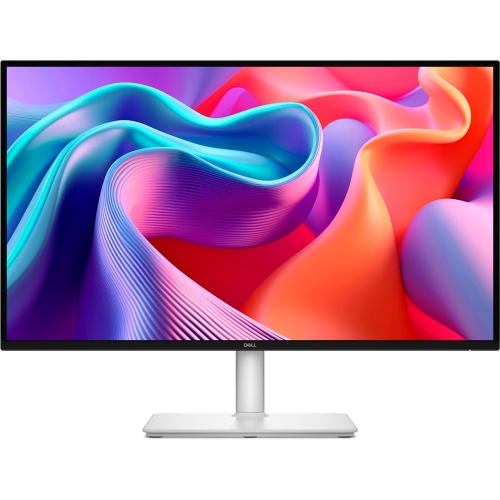
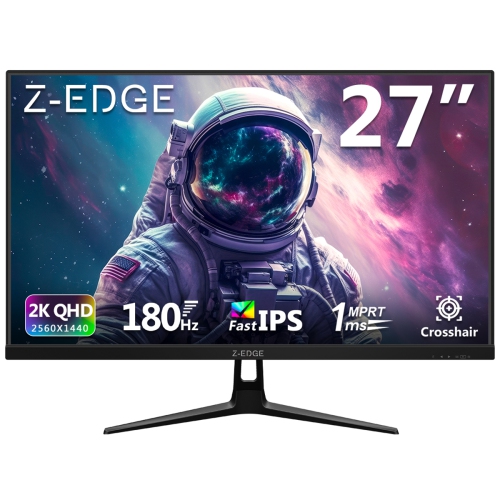
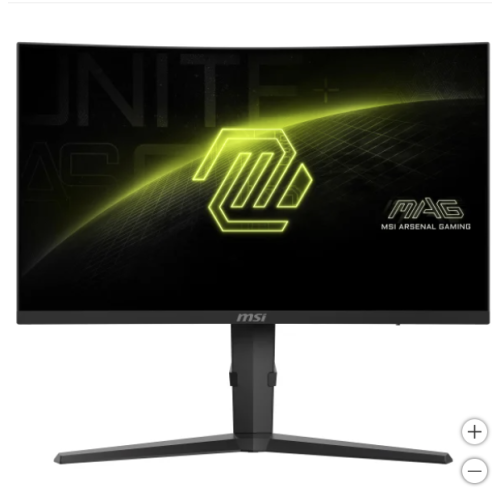
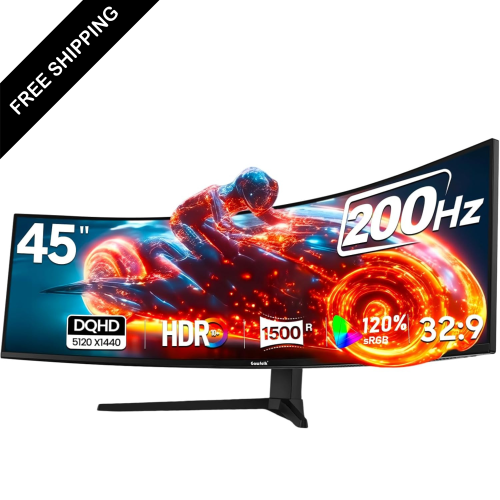
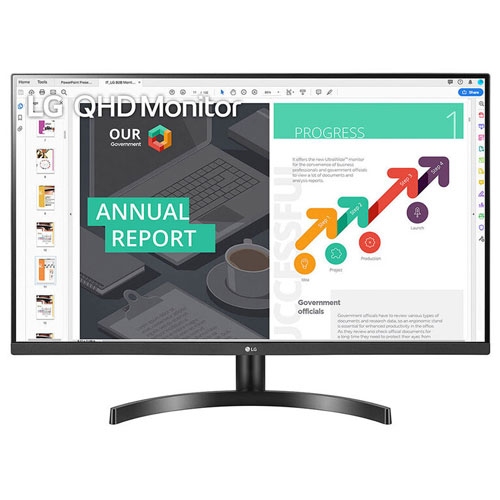
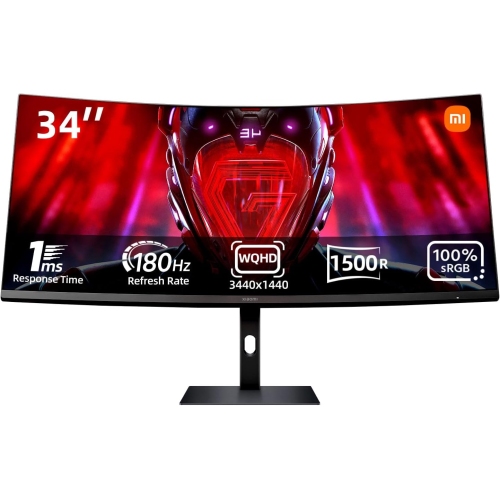

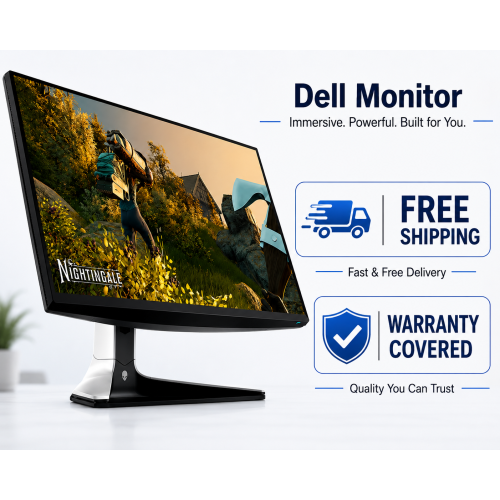
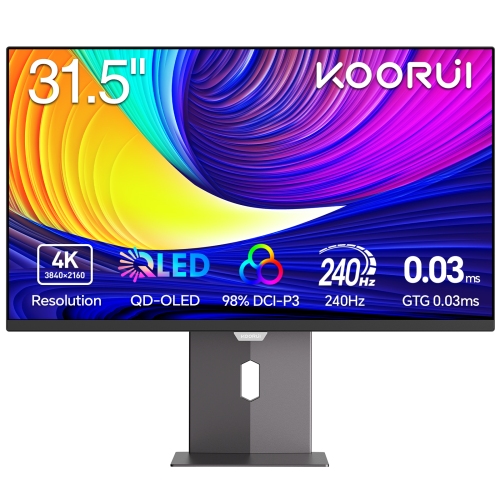
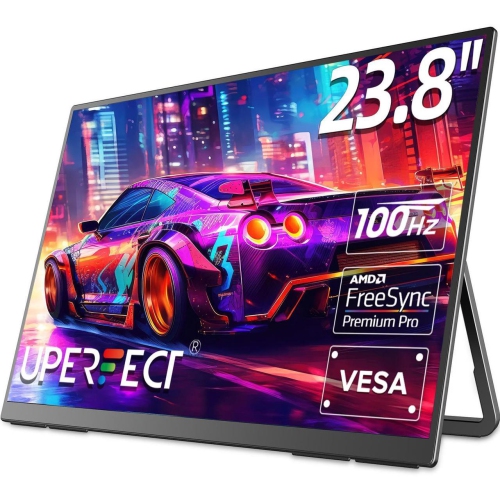
Sharper gameplay and versatile performance for every setup
QHD gaming monitors deliver a useful balance between image detail and gaming performance. Also called 1440p monitors, they typically display 2560 x 1440 resolution, giving games a noticeably sharper picture than Full HD without demanding the same level of graphics processing as many 4K displays. That extra detail can make distant objects easier to identify, reveal more texture in open-world environments, and give desktop workspaces additional room for windows, chats, and creative tools. A 27-inch screen is a popular size for QHD because the resolution looks crisp at a comfortable desk distance, while larger screens can create a more immersive view for racing, role-playing, and adventure games. When choosing among QHD gaming monitors, consider the capabilities of the computer or console that will drive the display. A capable graphics card can take greater advantage of higher refresh rates and advanced visual settings, while a more modest system may benefit from adjusting in-game quality to maintain smooth performance. A monitor with a refresh rate of 144Hz or higher can make camera movement, aiming, and fast action feel fluid compared with a standard 60Hz display. Competitive players may prefer 180Hz, 240Hz, or faster options, while casual players and people who use the screen for streaming, homework, or general computing may find 144Hz or 165Hz more than sufficient. Response time is another specification worth checking, particularly for quick multiplayer games. A low response time can help reduce visible smearing behind moving objects, and it works alongside a high refresh rate to create a more responsive experience.
Panel technology affects the appearance and feel of a QHD gaming monitor. IPS panels are known for vibrant colour reproduction and broad viewing angles, making them a practical choice for gaming, photo work, watching films, and sharing a screen with someone nearby. Fast VA panels can produce strong contrast and deep-looking blacks, which suits atmospheric games, dim scenes, and evening play sessions, while curved VA displays can add a sense of wraparound immersion when viewed from a central position. OLED panels offer exceptionally deep blacks, rich contrast, and very fast pixel response, helping bright highlights stand out against dark game worlds. Each panel type has its own strengths, so the right fit depends on whether colour, contrast, speed, or overall versatility matters most in the setup. Adaptive sync is also an important feature. Support for technologies such as AMD FreeSync or NVIDIA G-Sync compatibility helps coordinate the monitor’s refresh rate with the graphics card, which can reduce screen tearing and stuttering when frame rates change. Connectivity should match the rest of the system as well. HDMI and DisplayPort are common choices for computers and consoles, and some monitors include USB hubs, USB-C video support, or built-in audio connections that help keep a desk organized. Check the supported resolution and refresh rate for each input, since the available performance can vary between ports and cables. Ergonomics matter during long sessions: height adjustment, tilt, swivel, and a rotating stand can help position the screen comfortably, while VESA mount support makes it easier to use an arm or multi-monitor arrangement. A matte screen finish can help manage reflections near windows or lamps, and built-in speakers may be convenient for everyday audio even when a headset or dedicated speakers are preferred for gaming.
QHD gaming monitors can suit a wide range of players, from someone building a first dedicated gaming station to an experienced PC gamer upgrading from an older display. They can also be a thoughtful gift for a student, streamer, esports enthusiast, or family member who spends time gaming and working at the same desk. A screen with smooth motion and accurate colour can make weekend gaming sessions more enjoyable, support online classes and research during the day, and provide a sharper canvas for editing clips, designing graphics, or browsing multiple pages at once. During the warmer part of the year, a monitor can refresh a home office or bedroom setup without requiring a complete room makeover; through the cooler months, its wider workspace can be especially useful for indoor hobbies, multiplayer gatherings, and entertainment. Before selecting a display, measure the desk and viewing distance, consider whether the screen will be used flat or in a multi-monitor layout, and make sure the stand will fit the available space. Think about the games played most often as well: high refresh rates are especially valuable for racing, shooters, sports, and fighting games, while contrast and colour can have a greater impact in cinematic adventures and strategy titles. Console players should confirm compatibility with their system’s supported resolution and refresh rate, and PC players should compare the monitor’s features with their graphics card. For more display options that prioritize speed, resolution, and gaming-focused features, explore High-Performance Gaming Monitors. A well-matched QHD display can become the centre of a comfortable setup, bringing clearer landscapes, smoother movement, and more usable screen space to the hours spent playing, creating, and connecting.
Panel technology affects the appearance and feel of a QHD gaming monitor. IPS panels are known for vibrant colour reproduction and broad viewing angles, making them a practical choice for gaming, photo work, watching films, and sharing a screen with someone nearby. Fast VA panels can produce strong contrast and deep-looking blacks, which suits atmospheric games, dim scenes, and evening play sessions, while curved VA displays can add a sense of wraparound immersion when viewed from a central position. OLED panels offer exceptionally deep blacks, rich contrast, and very fast pixel response, helping bright highlights stand out against dark game worlds. Each panel type has its own strengths, so the right fit depends on whether colour, contrast, speed, or overall versatility matters most in the setup. Adaptive sync is also an important feature. Support for technologies such as AMD FreeSync or NVIDIA G-Sync compatibility helps coordinate the monitor’s refresh rate with the graphics card, which can reduce screen tearing and stuttering when frame rates change. Connectivity should match the rest of the system as well. HDMI and DisplayPort are common choices for computers and consoles, and some monitors include USB hubs, USB-C video support, or built-in audio connections that help keep a desk organized. Check the supported resolution and refresh rate for each input, since the available performance can vary between ports and cables. Ergonomics matter during long sessions: height adjustment, tilt, swivel, and a rotating stand can help position the screen comfortably, while VESA mount support makes it easier to use an arm or multi-monitor arrangement. A matte screen finish can help manage reflections near windows or lamps, and built-in speakers may be convenient for everyday audio even when a headset or dedicated speakers are preferred for gaming.
QHD gaming monitors can suit a wide range of players, from someone building a first dedicated gaming station to an experienced PC gamer upgrading from an older display. They can also be a thoughtful gift for a student, streamer, esports enthusiast, or family member who spends time gaming and working at the same desk. A screen with smooth motion and accurate colour can make weekend gaming sessions more enjoyable, support online classes and research during the day, and provide a sharper canvas for editing clips, designing graphics, or browsing multiple pages at once. During the warmer part of the year, a monitor can refresh a home office or bedroom setup without requiring a complete room makeover; through the cooler months, its wider workspace can be especially useful for indoor hobbies, multiplayer gatherings, and entertainment. Before selecting a display, measure the desk and viewing distance, consider whether the screen will be used flat or in a multi-monitor layout, and make sure the stand will fit the available space. Think about the games played most often as well: high refresh rates are especially valuable for racing, shooters, sports, and fighting games, while contrast and colour can have a greater impact in cinematic adventures and strategy titles. Console players should confirm compatibility with their system’s supported resolution and refresh rate, and PC players should compare the monitor’s features with their graphics card. For more display options that prioritize speed, resolution, and gaming-focused features, explore High-Performance Gaming Monitors. A well-matched QHD display can become the centre of a comfortable setup, bringing clearer landscapes, smoother movement, and more usable screen space to the hours spent playing, creating, and connecting.
Top selling and popular products
-
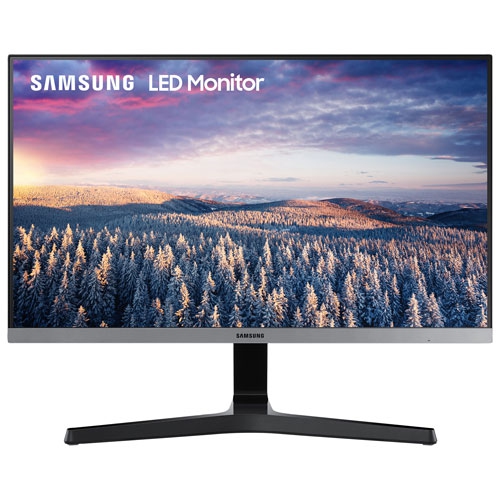 Your price for this item is $279.97
 -
 Your price for this item is $275
 -
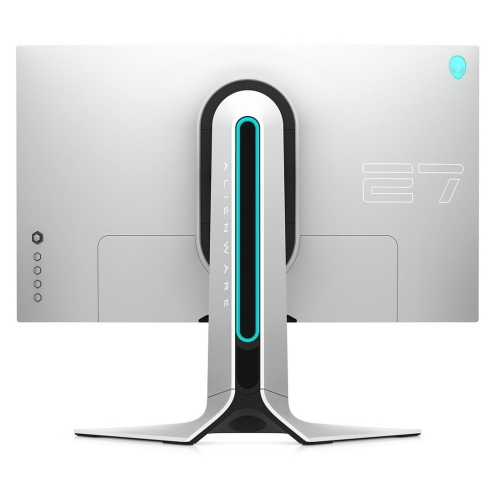 Your price for this item is $299
 -
 Your price for this item is $559.68
 -
 Your price for this item is $209.99
 -
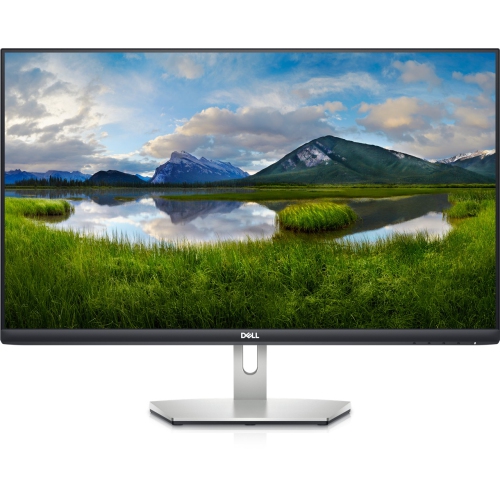 Your price for this item is $239.99
 -
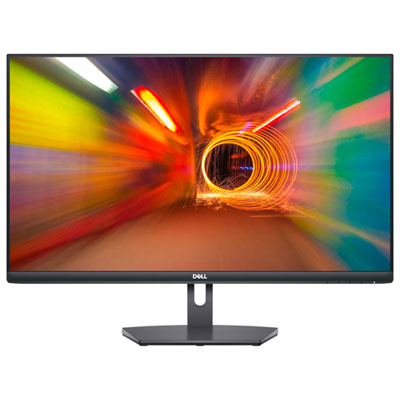 Your price for this item is $179.95
 -
 Your price for this item is $3299.99
Discover more categories related to QHD Gaming Monitors


Top Collections:
Pokemon Centers, Kindle Devices, Best Budget Office Chairs, Apple iPhones 16, Best Laptops for Writers, iPhone 15 Apple, Canon G7X Cameras, Refurbished Apple Laptops, Alarm Clock, Motorola Razr Phones
Some products may be subject to Environmental Handling Fees
(EHF) depending on your province.
Learn more about EHFs.