High Performance Laptop Batteries
High performance laptop batteries are essential for anyone who relies on their device for work, school, or entertainment. Designed to keep your laptop running smoothly during long hours of use, these batteries offer reliable power when you need it most. Whether you’re upgrading your current battery or replacing an old one, choosing the right high performance laptop battery can help you stay productive and connected wherever you go. Explore a wide selection to find the perfect match for your laptop and enjoy uninterrupted computing on the move.
Sort
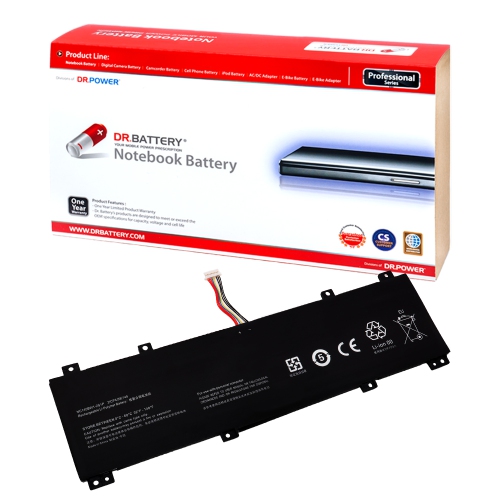
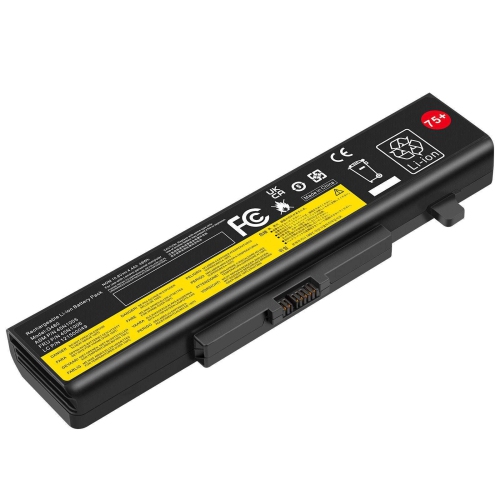
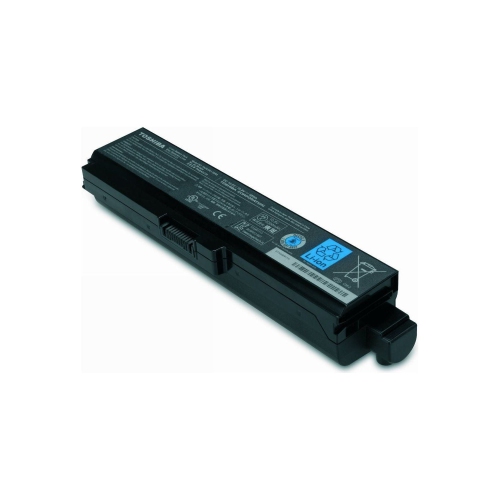
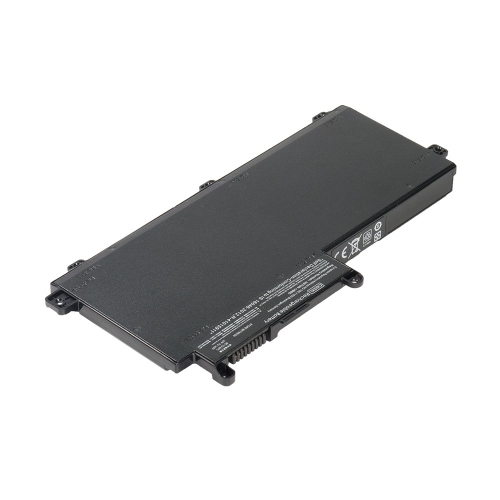
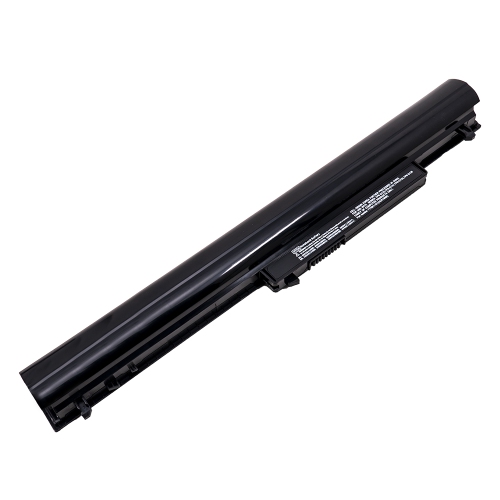
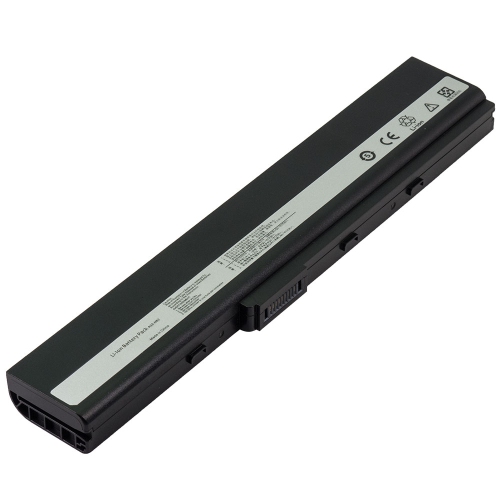
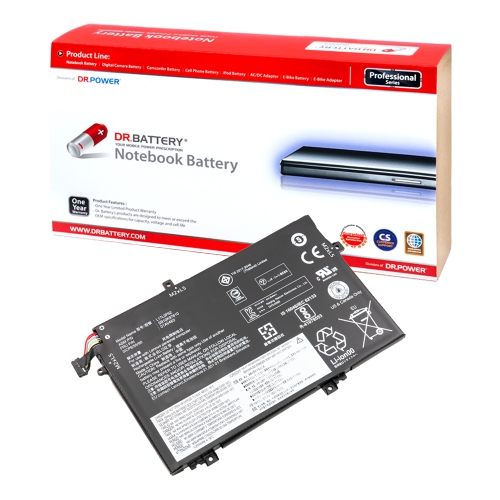
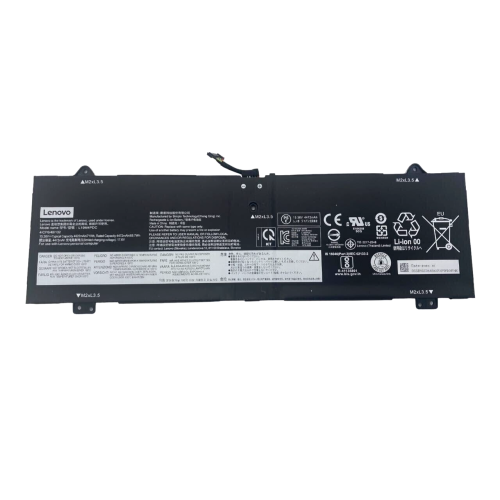
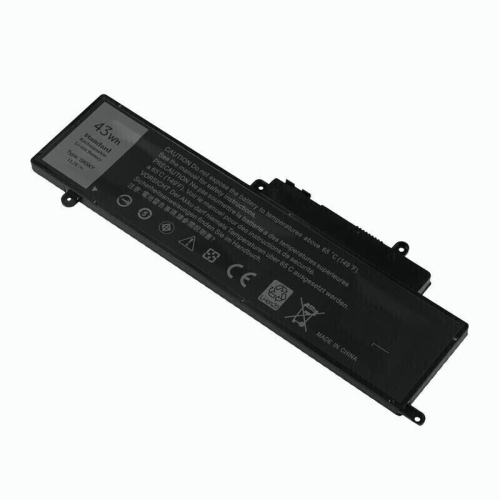
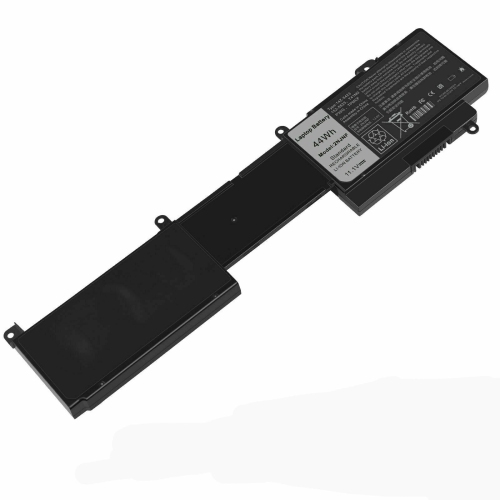
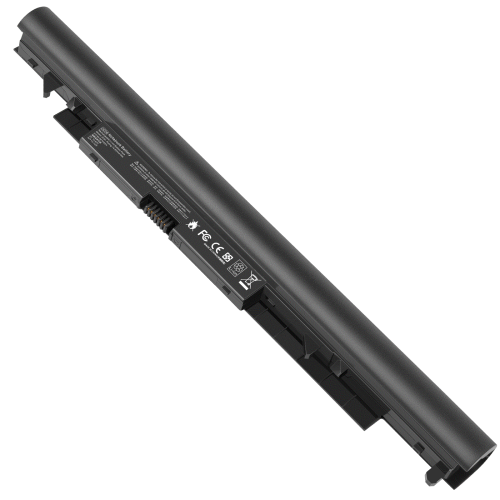
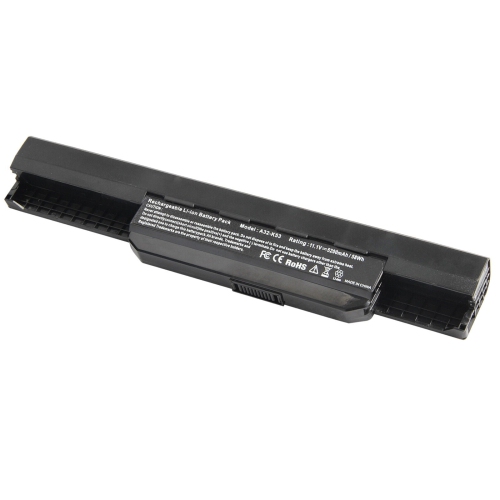
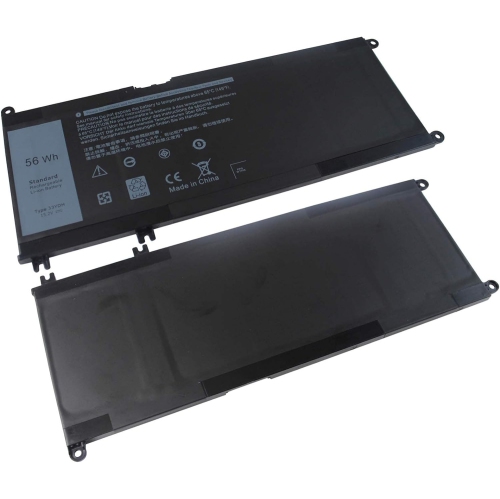
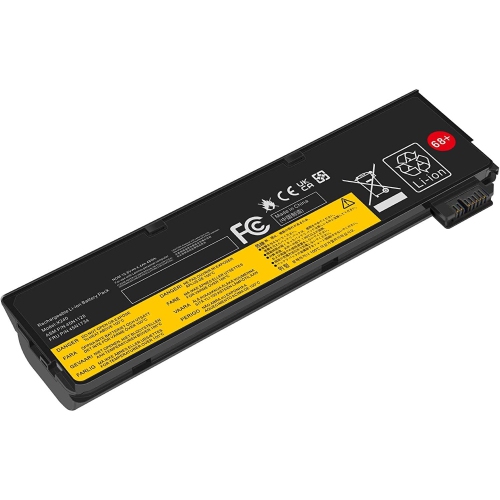
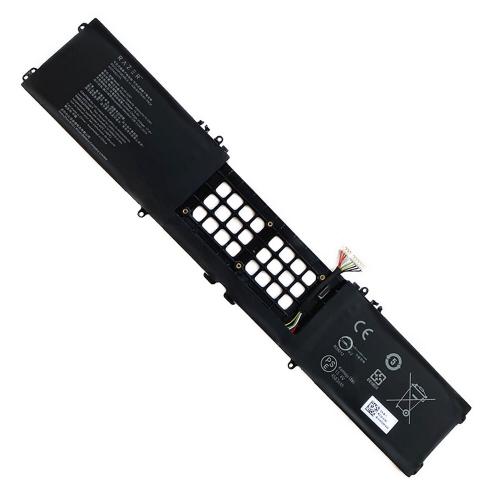
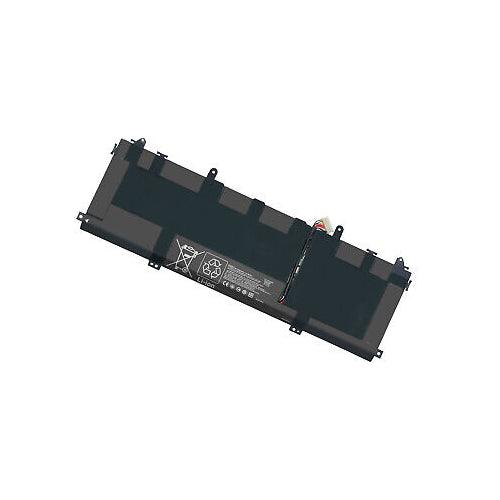
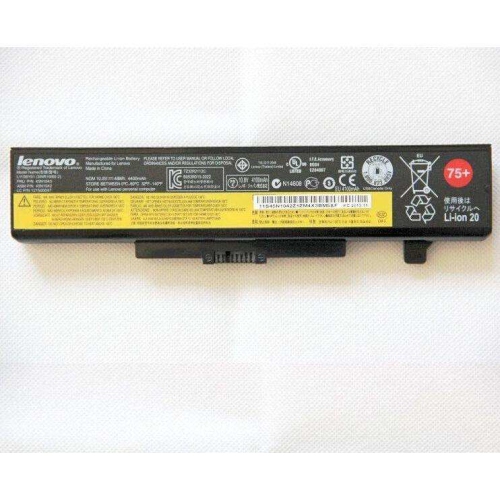
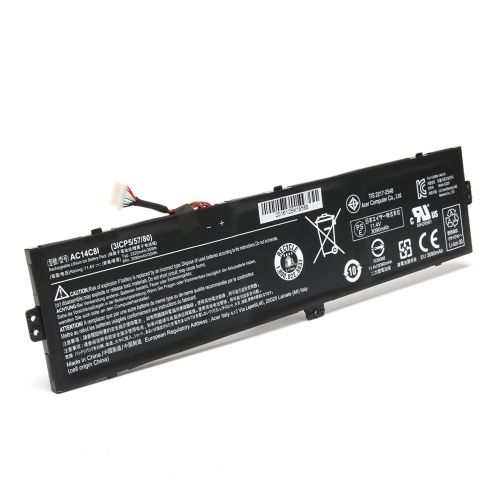
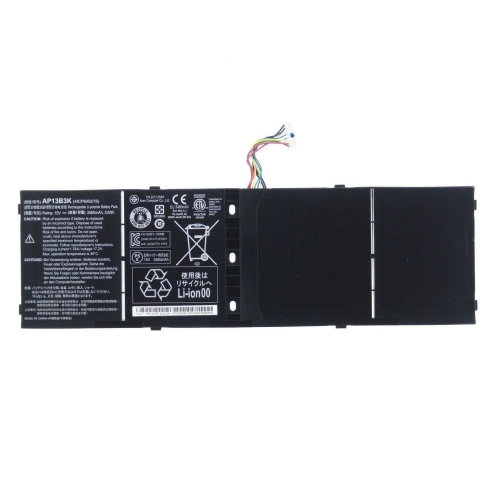
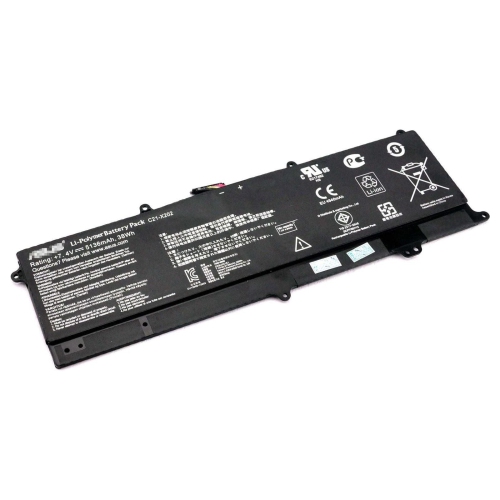
What matters when replacing a laptop battery
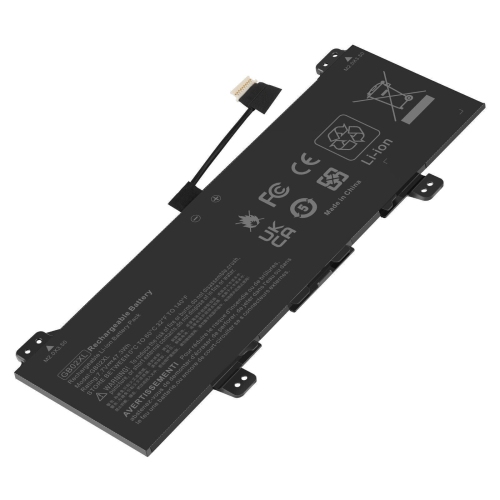
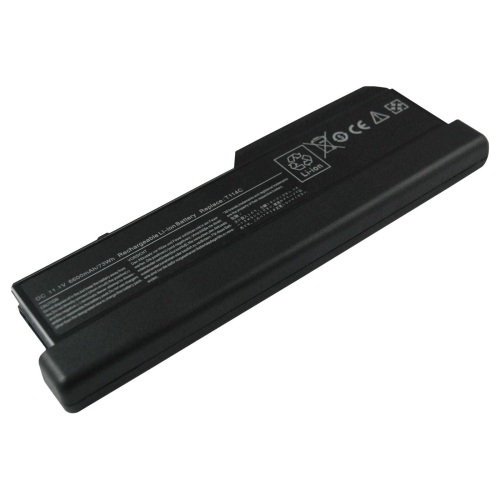
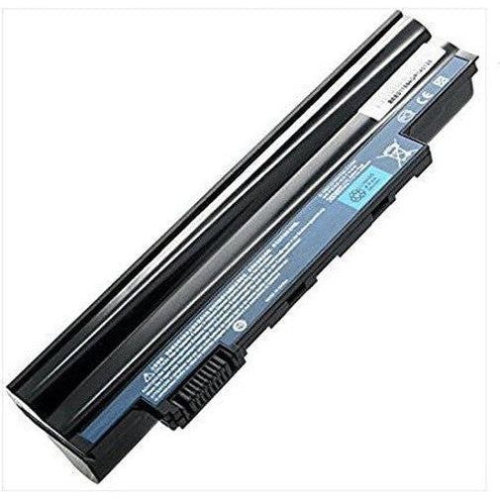
High-performance laptop batteries are designed to help restore dependable unplugged use when an older battery no longer lasts through a class, meeting, workday, or trip. They may be useful for students moving between lectures, professionals working from cafés or shared offices, travellers spending long stretches away from an outlet, and anyone who relies on a laptop for creative, technical, or business tasks. A replacement battery can also be a practical gift for someone who uses their computer every day, especially when their laptop still meets their needs but its original battery drains quickly or shuts down without warning. When browsing High Performance Batteries, start by checking the exact laptop manufacturer, series, model number, and battery part number. Similar-looking batteries are not necessarily interchangeable, and a battery made for one configuration may not fit another version of the same laptop. Compatibility information should also confirm the required voltage, connector layout, physical dimensions, mounting points, and whether the battery is internal or removable. Taking a few minutes to compare these details with the information printed on the existing battery or listed in the laptop’s system settings can help prevent an inconvenient return and make installation much more straightforward.
Capacity is another important consideration when comparing laptop batteries. Watt-hours, shown as Wh or sometimes expressed through voltage and amp-hour ratings, provide a useful indication of how much energy a battery can store. In general, a higher Wh rating may offer longer runtime, although actual performance depends on the laptop’s processor, display, brightness, wireless connections, applications, battery age, and power settings. A laptop used for video editing, 3D design, gaming, programming, or large spreadsheets can consume power faster than one used mainly for note-taking or web browsing. Cell count can also appear in product descriptions, with three-cell, four-cell, or other configurations available for different laptop designs. The battery must still meet the computer’s electrical and physical requirements, so the largest capacity is not automatically the right choice. Replacement batteries may range from about $45 to $200 CAD, depending on compatibility, cell count, Wh capacity, construction, and whether the battery is an original-equipment part or an aftermarket alternative. Lower-priced options can suit shoppers looking for a practical replacement, while a higher-priced battery may be preferred when exact fit, documented specifications, or additional runtime are priorities. Look for clear details about rated capacity, voltage, model compatibility, included hardware, and installation requirements rather than comparing price alone.
Before installing a replacement, save important files, shut down the laptop completely, disconnect the charger, and work on a clean, dry surface with enough light to see small screws and connectors. Some batteries are designed for straightforward removal, while internal models may require the bottom cover to be opened and the connector to be handled carefully. If the laptop is still covered by a manufacturer or retailer warranty, or if the battery is swollen, damaged, unusually hot, or giving off an odour, professional service is the safer choice. A swollen battery should not be pressed, punctured, bent, or placed in regular household waste. After installation, the laptop may need time to recognize the new battery, and following the manufacturer’s charging and calibration instructions can help the system report the charge level accurately. For day-to-day use, reducing screen brightness when practical, closing demanding applications, keeping vents clear, and using balanced power settings can help make the available charge last longer. A high-performance replacement battery is especially useful during cooler months when work, study, and travel may involve changing locations throughout the day, from a home desk to a library table or a waiting area with limited access to power. With the correct model match and realistic expectations about capacity, it can give a dependable laptop a fresh lease on unplugged use without requiring the owner to replace the entire computer.
Capacity is another important consideration when comparing laptop batteries. Watt-hours, shown as Wh or sometimes expressed through voltage and amp-hour ratings, provide a useful indication of how much energy a battery can store. In general, a higher Wh rating may offer longer runtime, although actual performance depends on the laptop’s processor, display, brightness, wireless connections, applications, battery age, and power settings. A laptop used for video editing, 3D design, gaming, programming, or large spreadsheets can consume power faster than one used mainly for note-taking or web browsing. Cell count can also appear in product descriptions, with three-cell, four-cell, or other configurations available for different laptop designs. The battery must still meet the computer’s electrical and physical requirements, so the largest capacity is not automatically the right choice. Replacement batteries may range from about $45 to $200 CAD, depending on compatibility, cell count, Wh capacity, construction, and whether the battery is an original-equipment part or an aftermarket alternative. Lower-priced options can suit shoppers looking for a practical replacement, while a higher-priced battery may be preferred when exact fit, documented specifications, or additional runtime are priorities. Look for clear details about rated capacity, voltage, model compatibility, included hardware, and installation requirements rather than comparing price alone.
Before installing a replacement, save important files, shut down the laptop completely, disconnect the charger, and work on a clean, dry surface with enough light to see small screws and connectors. Some batteries are designed for straightforward removal, while internal models may require the bottom cover to be opened and the connector to be handled carefully. If the laptop is still covered by a manufacturer or retailer warranty, or if the battery is swollen, damaged, unusually hot, or giving off an odour, professional service is the safer choice. A swollen battery should not be pressed, punctured, bent, or placed in regular household waste. After installation, the laptop may need time to recognize the new battery, and following the manufacturer’s charging and calibration instructions can help the system report the charge level accurately. For day-to-day use, reducing screen brightness when practical, closing demanding applications, keeping vents clear, and using balanced power settings can help make the available charge last longer. A high-performance replacement battery is especially useful during cooler months when work, study, and travel may involve changing locations throughout the day, from a home desk to a library table or a waiting area with limited access to power. With the correct model match and realistic expectations about capacity, it can give a dependable laptop a fresh lease on unplugged use without requiring the owner to replace the entire computer.
Top selling and popular products
-
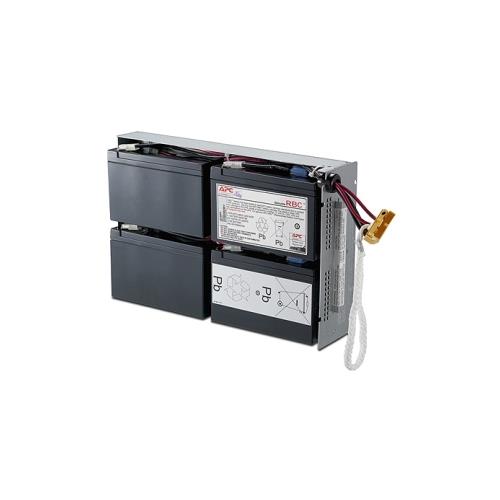 Your price for this item is $758.68
 -
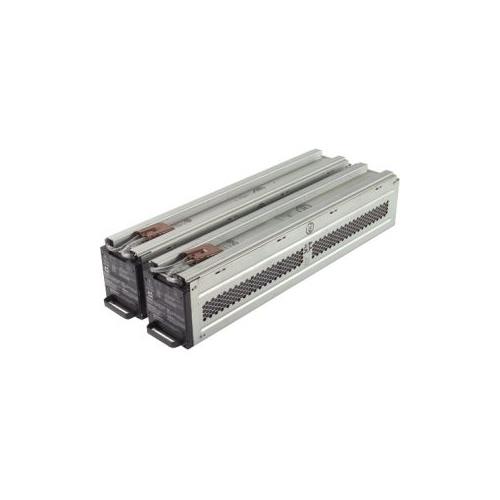 Your price for this item is $1116.98
 -
![DR. BATTERY Replacement for HP Probook 430 G6-5Pq40Ea G6-5Pq62Ea G6-5Pq75Ea L32407-541 L32407-Ac1 L32656-002 [11.55V / 40Wh]](https://multimedia.bbycastatic.ca/multimedia/products/500x500/154/15458/15458885.jpeg) Your price for this item is $69.99
Your price for this item is $69.99 -
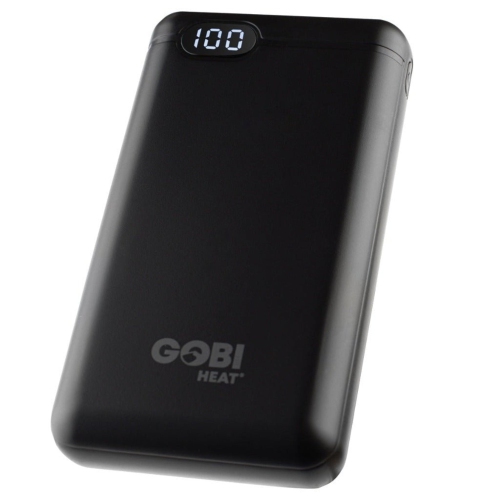 Your price for this item is $100
 -
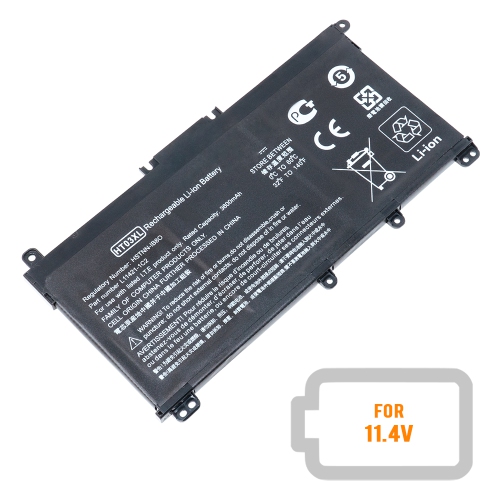 Your price for this item is $39.77
 -
 Your price for this item is $87.99
 -
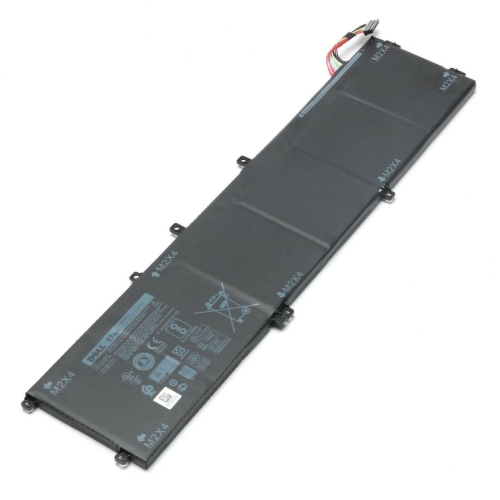 Your price for this item is $129.98
 -
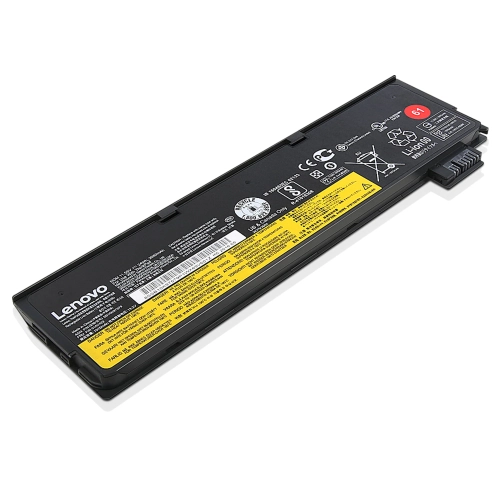 Your price for this item is $89.98
Discover more categories related to High Performance Laptop Batteries
Top Collections:
Pokemon Centers, Kindle Devices, Best Budget Office Chairs, Apple iPhones 16, Best Laptops for Writers, iPhone 15 Apple, Canon G7X Cameras, Refurbished Apple Laptops, Alarm Clock, Motorola Razr Phones
Some products may be subject to Environmental Handling Fees
(EHF) depending on your province.
Learn more about EHFs.