Replacement Batteries for Laptops
Power up your device and stay productive with replacement batteries for laptops. Whether you need a backup for travel, a solution for an aging battery, or simply want to extend the life of your laptop, finding the right replacement is essential. Explore a wide selection designed to fit various models and performance needs, making it easy to keep your laptop running smoothly wherever you go.
Sort






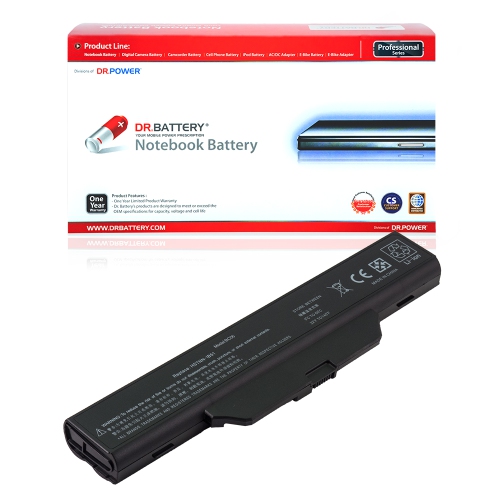
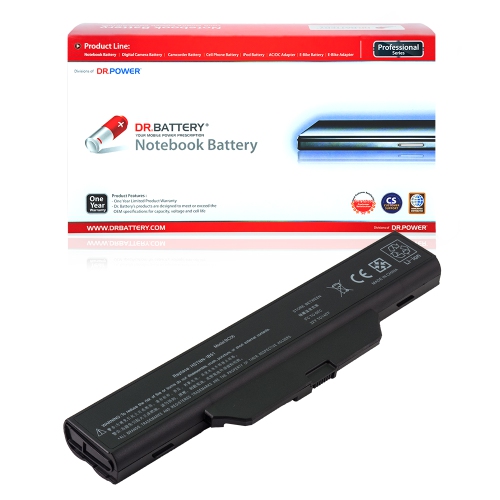


Why battery fit matters as much as capacity
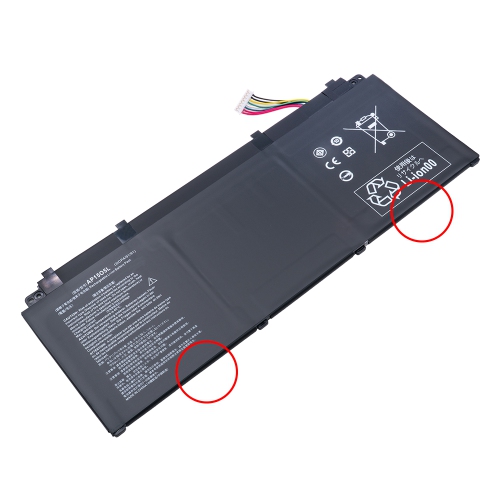
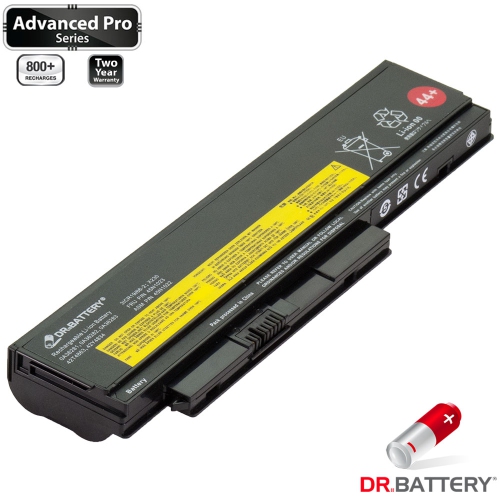
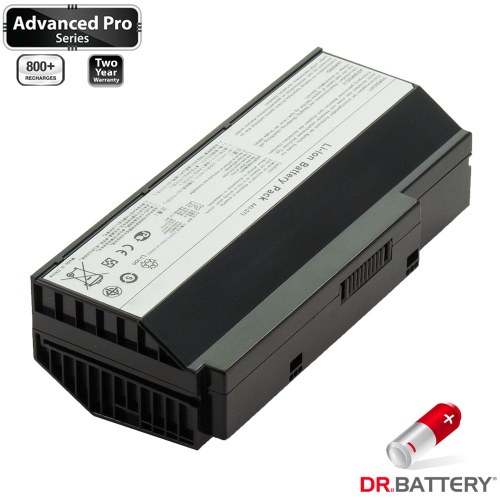
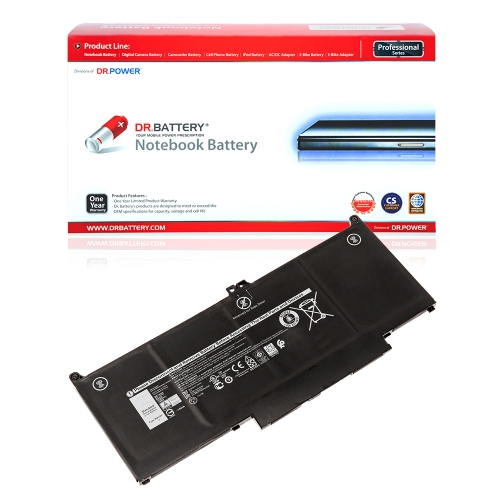
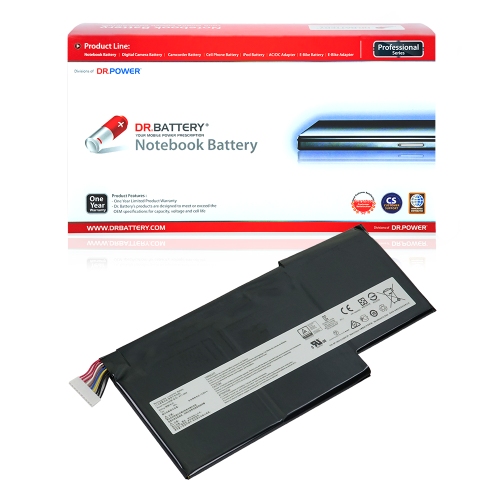
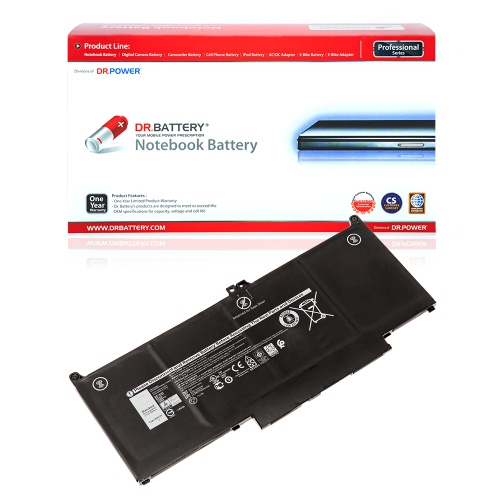
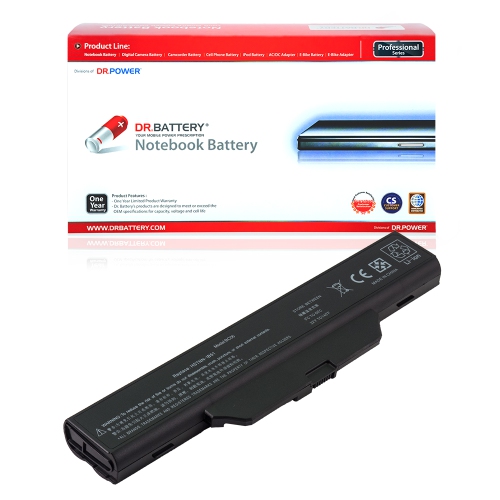
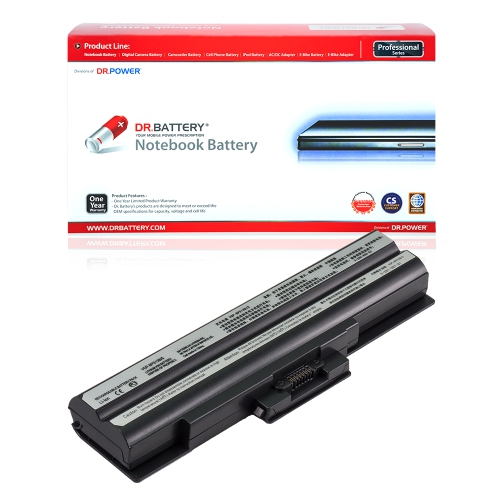
Replacement batteries for laptops are rechargeable power packs designed to replace an ageing or failed battery in a compatible notebook computer. They can help restore useful time away from a power outlet when the original battery no longer holds enough charge for everyday tasks. That can make a difference during a lecture, a video meeting in a shared workspace, or an afternoon spent moving between rooms without carrying a charger everywhere. Battery wear is gradual: a laptop that once lasted through several hours of writing and browsing may eventually need to stay plugged in for the same workload. A suitable replacement addresses the battery’s reduced capacity, although charging faults, software activity, and other hardware issues can also affect how long a laptop runs. Most laptop batteries use lithium-ion technology, including lithium-polymer pouch designs, with construction tailored to the computer’s chassis. Some are enclosed in a rigid casing that slides or clips into an accessible compartment; others are internal assemblies secured beneath the bottom cover. These designs are not interchangeable simply because their capacity ratings look similar. Physical dimensions, mounting points, connector shape, cable position, and electrical requirements all contribute to a proper fit. The complete laptop model number and a supported battery part number are more dependable references than screen size or the general appearance of the computer. Two notebooks that look almost identical can require different battery assemblies, particularly when they belong to different hardware generations. For a more focused selection, explore Replacement Batteries for Sony VAIO Laptops, while still matching the exact computer model and battery specifications. For students, remote workers, frequent travellers, and anyone who regularly uses a laptop away from a desk, that precise fit matters as much as the capacity printed on the label.
Capacity helps describe how much energy a replacement laptop battery can store, but the numbers need context. Watt-hours, usually shown as Wh, express stored energy and provide a useful basis for comparing batteries that are otherwise compatible. Milliamp-hours, or mAh, describe electrical charge; those figures should not be compared on their own when rated voltages differ. A higher number does not automatically mean that a battery will fit, charge correctly, or deliver a particular number of hours. The rated voltage, connector, charging requirements, and supported battery design must meet the laptop manufacturer’s specifications. Cell count is another descriptive detail rather than a stand-alone measure of quality or suitability. Some compatible extended-capacity designs have a larger casing or change how the laptop rests on a desk, which can affect sleeve fit and portability. For someone carrying a slim notebook between appointments, keeping its original dimensions may be more practical than choosing a larger pack. Someone working for longer stretches away from an outlet may place more importance on additional capacity, where a supported option exists. Actual runtime also depends on the computer itself and the work being done. Editing video, running graphics-intensive applications, using a bright display, and powering connected accessories can draw substantially more energy than reading documents or taking notes. A replacement battery does not increase processor speed or turn a demanding laptop into an all-day device. Clear compatibility information, identifiable manufacturer details, documented electrical specifications, and applicable safety certifications are more meaningful than broad promises about exceptionally long runtime. Warranty terms and installation documentation also help clarify the support attached to a battery. Durable construction includes more than a sturdy outer shell: well-assembled cells, secure connections, and appropriate protection circuitry all matter. Internal pouch-style batteries may have little rigid covering, making careful handling especially important before they are secured inside the computer.
Day-to-day care and correct installation influence how well a replacement battery performs over time. An externally accessible pack may be designed for straightforward replacement, while an internal assembly can involve delicate connectors, closely spaced components, and screws of different lengths. The laptop manufacturer’s service information determines the appropriate procedure, and professional installation is a sensible choice when access is complicated or the battery is attached with adhesive. A battery should never need to be forced into position, bent to clear a component, or connected through an improvised adapter. Once fitted, it should sit securely without lifting the laptop’s base or interfering with its cover. Swelling, a distorted casing, or a battery that pushes against the keyboard or trackpad calls for stopping use and charging, rather than treating the issue as ordinary loss of capacity. Damaged batteries should not be punctured, compressed, or handled as routine household waste; manufacturer guidance and local battery drop-off requirements can clarify safe handling. For normal use, a compatible charger and unobstructed laptop vents support reliable operation. Soft bedding and cushions can block airflow, so a firm surface is better suited to longer work sessions. There is generally no need to run a lithium-ion battery completely flat before recharging it, and repeated deep discharges can add unnecessary wear. Where the laptop includes a manufacturer-provided charge-limit setting, that feature may help reduce time spent at full charge during extended plugged-in use. A battery stored separately needs protection from crushing, moisture, and contact between exposed terminals and metal objects. Even with careful use, rechargeable batteries gradually lose capacity through age and charging cycles, so durability is best understood as dependable performance within the correct application rather than a promise of permanent capacity. A well-matched replacement supports the laptop’s intended role, whether that means dependable note-taking, everyday household tasks, or moving through a working day with fewer interruptions to find an outlet.
Capacity helps describe how much energy a replacement laptop battery can store, but the numbers need context. Watt-hours, usually shown as Wh, express stored energy and provide a useful basis for comparing batteries that are otherwise compatible. Milliamp-hours, or mAh, describe electrical charge; those figures should not be compared on their own when rated voltages differ. A higher number does not automatically mean that a battery will fit, charge correctly, or deliver a particular number of hours. The rated voltage, connector, charging requirements, and supported battery design must meet the laptop manufacturer’s specifications. Cell count is another descriptive detail rather than a stand-alone measure of quality or suitability. Some compatible extended-capacity designs have a larger casing or change how the laptop rests on a desk, which can affect sleeve fit and portability. For someone carrying a slim notebook between appointments, keeping its original dimensions may be more practical than choosing a larger pack. Someone working for longer stretches away from an outlet may place more importance on additional capacity, where a supported option exists. Actual runtime also depends on the computer itself and the work being done. Editing video, running graphics-intensive applications, using a bright display, and powering connected accessories can draw substantially more energy than reading documents or taking notes. A replacement battery does not increase processor speed or turn a demanding laptop into an all-day device. Clear compatibility information, identifiable manufacturer details, documented electrical specifications, and applicable safety certifications are more meaningful than broad promises about exceptionally long runtime. Warranty terms and installation documentation also help clarify the support attached to a battery. Durable construction includes more than a sturdy outer shell: well-assembled cells, secure connections, and appropriate protection circuitry all matter. Internal pouch-style batteries may have little rigid covering, making careful handling especially important before they are secured inside the computer.
Day-to-day care and correct installation influence how well a replacement battery performs over time. An externally accessible pack may be designed for straightforward replacement, while an internal assembly can involve delicate connectors, closely spaced components, and screws of different lengths. The laptop manufacturer’s service information determines the appropriate procedure, and professional installation is a sensible choice when access is complicated or the battery is attached with adhesive. A battery should never need to be forced into position, bent to clear a component, or connected through an improvised adapter. Once fitted, it should sit securely without lifting the laptop’s base or interfering with its cover. Swelling, a distorted casing, or a battery that pushes against the keyboard or trackpad calls for stopping use and charging, rather than treating the issue as ordinary loss of capacity. Damaged batteries should not be punctured, compressed, or handled as routine household waste; manufacturer guidance and local battery drop-off requirements can clarify safe handling. For normal use, a compatible charger and unobstructed laptop vents support reliable operation. Soft bedding and cushions can block airflow, so a firm surface is better suited to longer work sessions. There is generally no need to run a lithium-ion battery completely flat before recharging it, and repeated deep discharges can add unnecessary wear. Where the laptop includes a manufacturer-provided charge-limit setting, that feature may help reduce time spent at full charge during extended plugged-in use. A battery stored separately needs protection from crushing, moisture, and contact between exposed terminals and metal objects. Even with careful use, rechargeable batteries gradually lose capacity through age and charging cycles, so durability is best understood as dependable performance within the correct application rather than a promise of permanent capacity. A well-matched replacement supports the laptop’s intended role, whether that means dependable note-taking, everyday household tasks, or moving through a working day with fewer interruptions to find an outlet.
Top selling and popular products
-
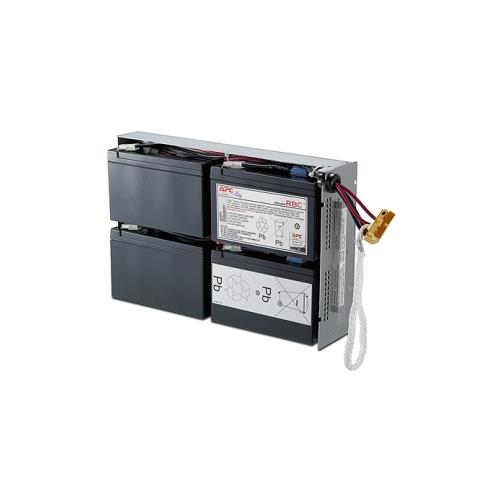 Your price for this item is $727.82
-
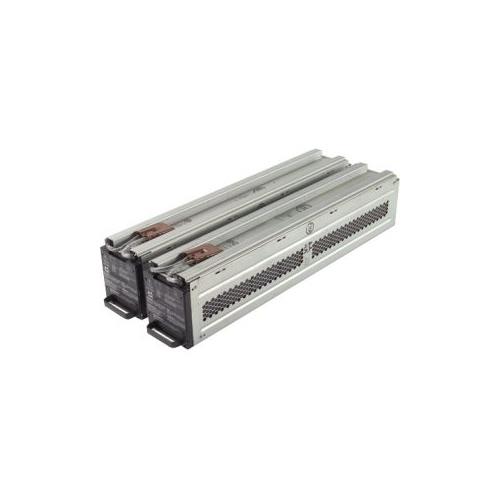 Your price for this item is $1116.68
-
 Your price for this item is $69.99
-
 Your price for this item is $100
-
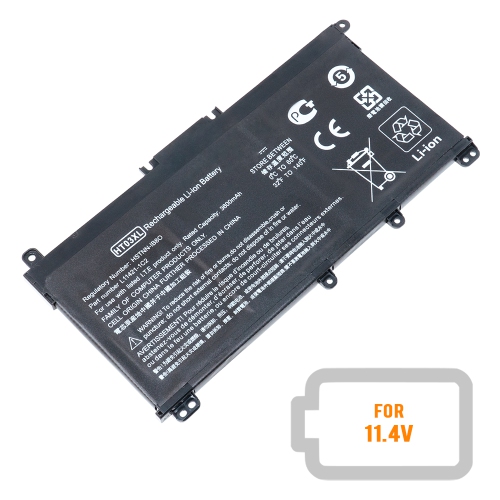 Your price for this item is $39.77
-
 Your price for this item is $87.99
-
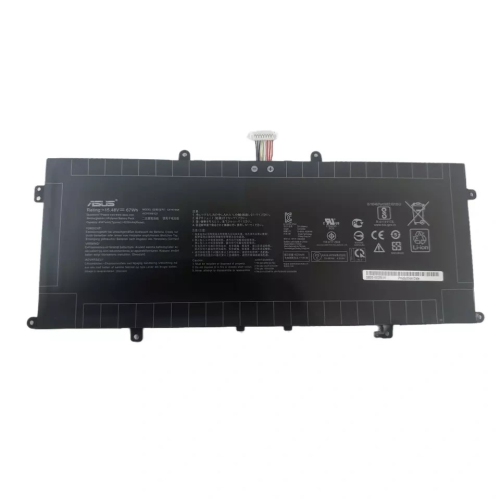 Your price for this item is $94.99
-
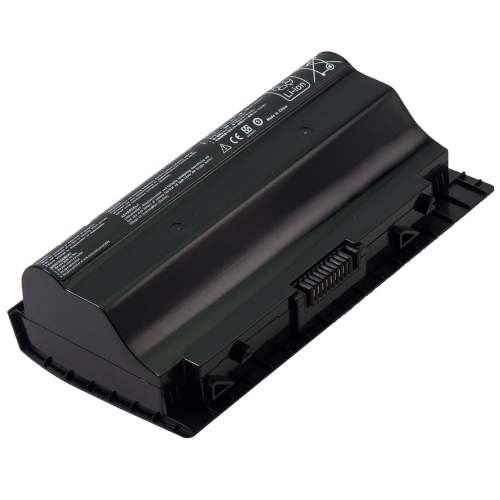 Your price for this item is $53.81
Discover more categories related to Replacement Batteries for Laptops


Top Collections:
Best Black Friday Deals This Year, Best Black Friday Deals On Electronics, Kindle Devices, Pokemon Centers, Best Black Friday Deals On Apple Products, Best Cameras for Sports Photography, Dyson Airwrap, Pokémon 30th Celebration Cards, Apple iPhone 17 Pro, Canon G7X Cameras
Some products may be subject to Environmental Handling Fees
(EHF) depending on your province.
Learn more about EHFs.