Home Cloud Servers
Home cloud servers offer a convenient solution for managing your digital files securely and accessing them from anywhere. With the ability to store, organize, and share your documents, photos, videos, and more, these compact servers bring the power of cloud technology right into your living space. Whether you're a tech enthusiast looking to expand your home setup or a busy professional in need of efficient file management, explore our range of home cloud servers to find the perfect fit for your needs.
Sort
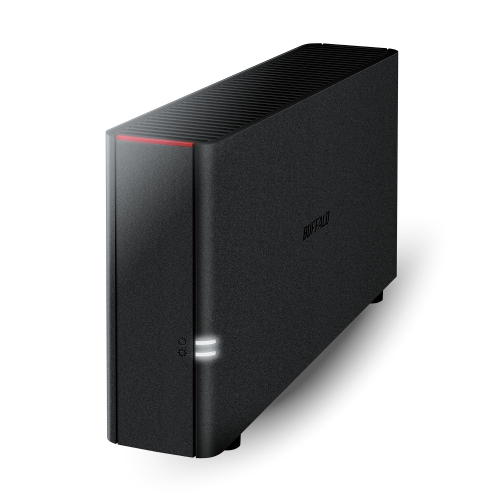
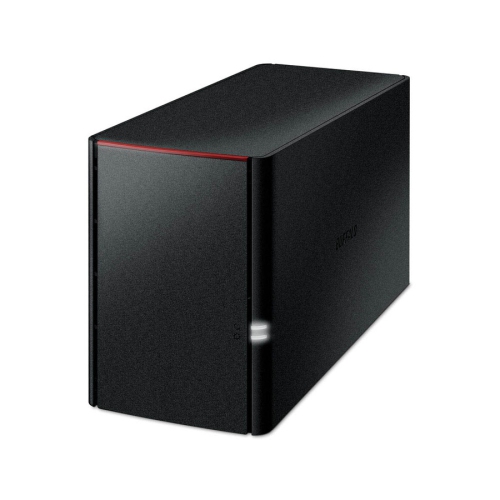
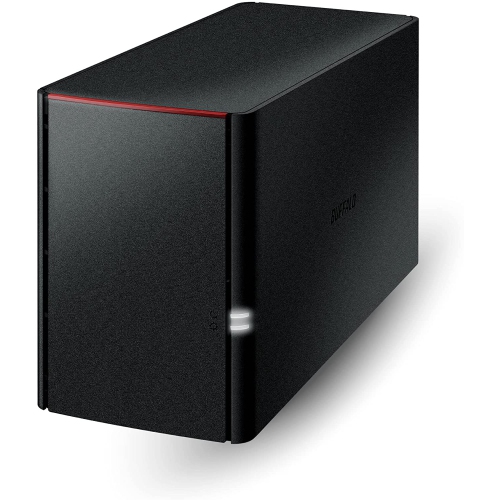
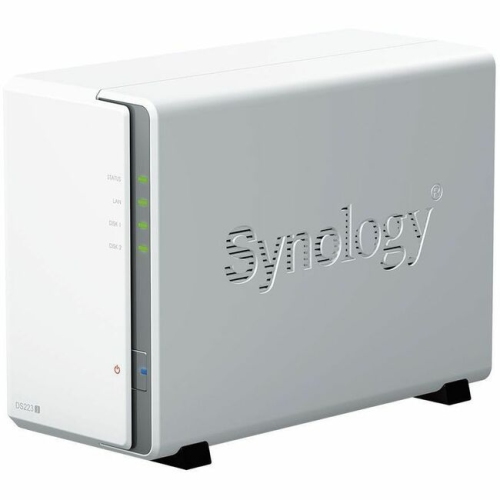
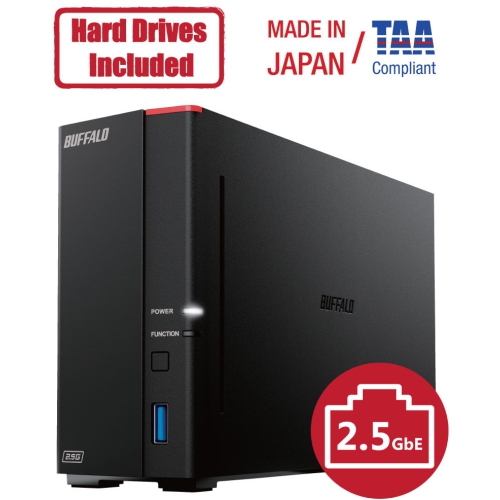
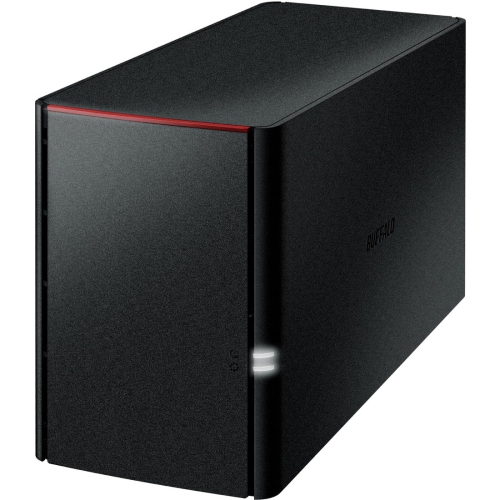
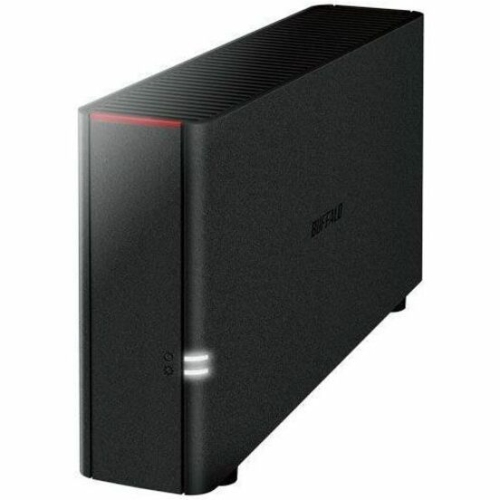
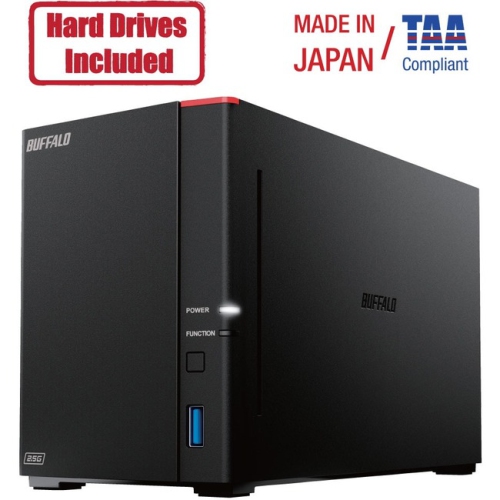
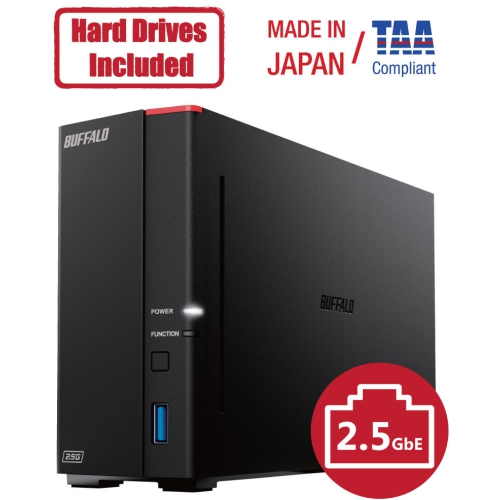
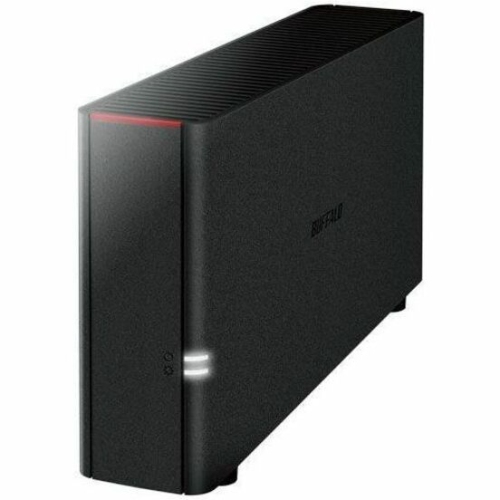
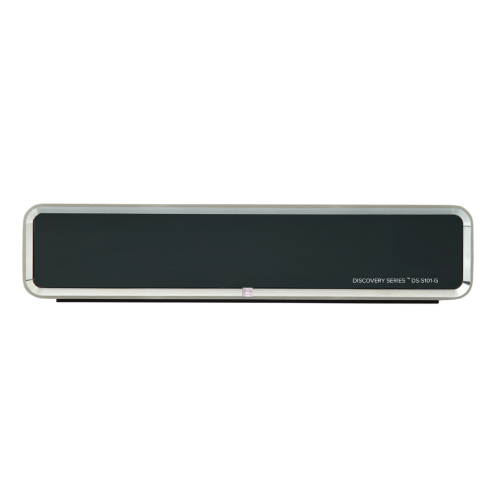
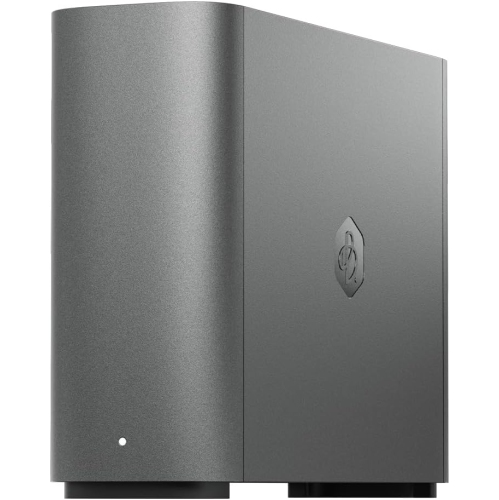
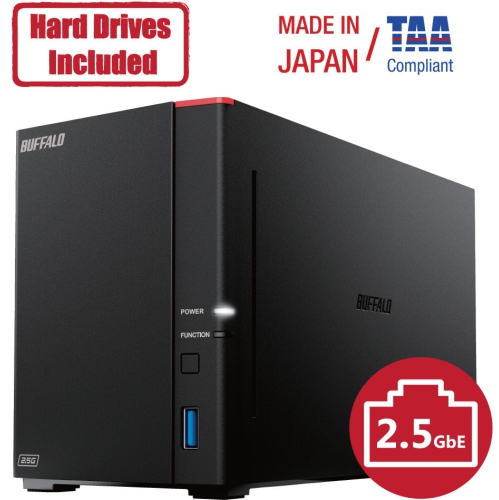
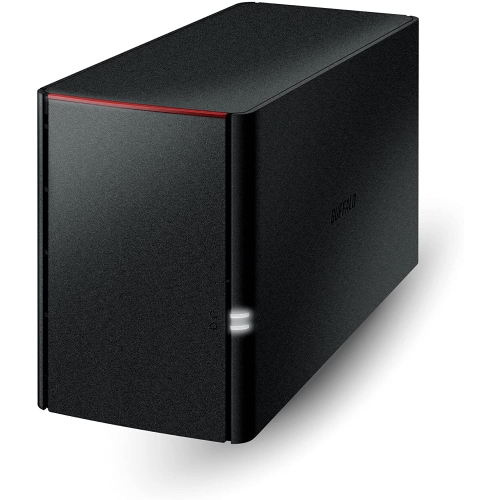
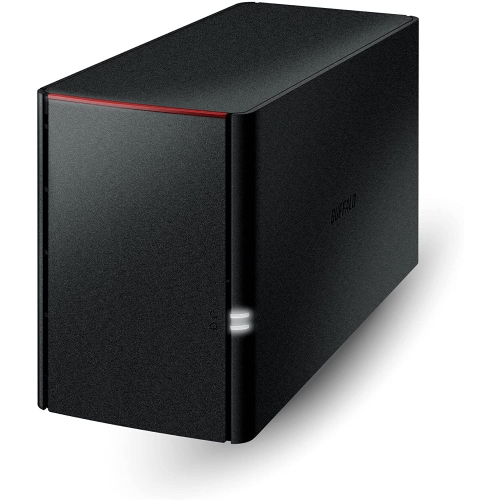

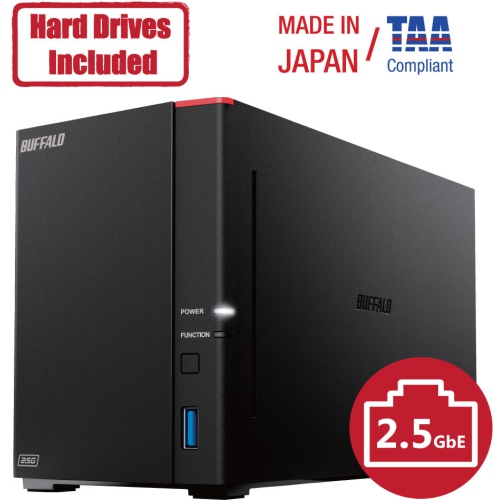
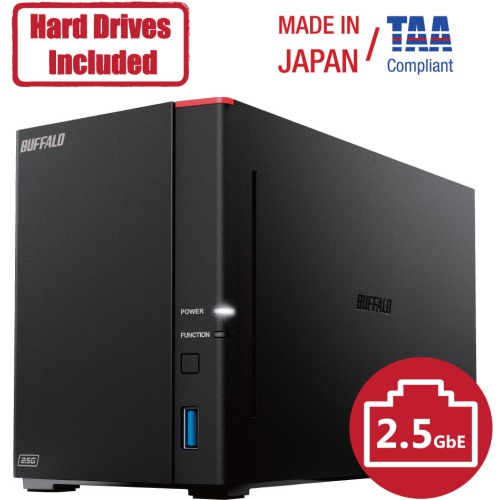
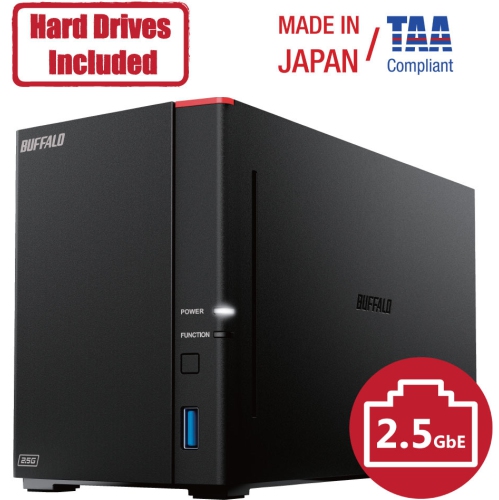
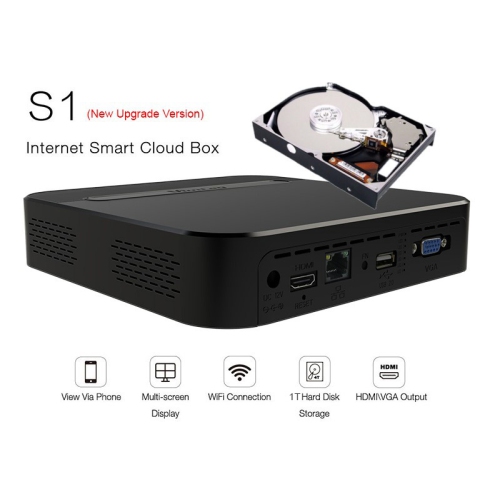
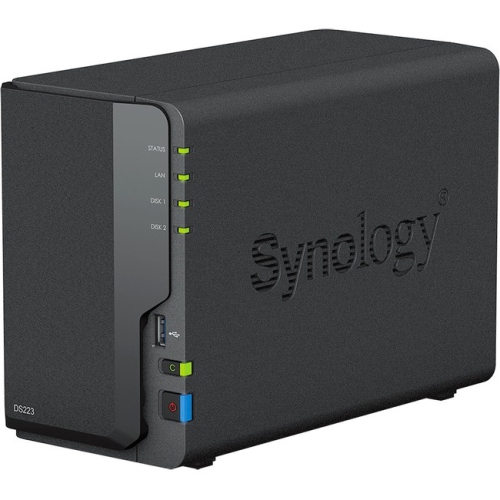
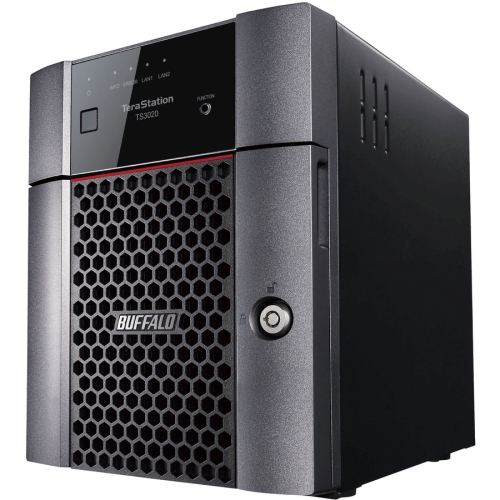
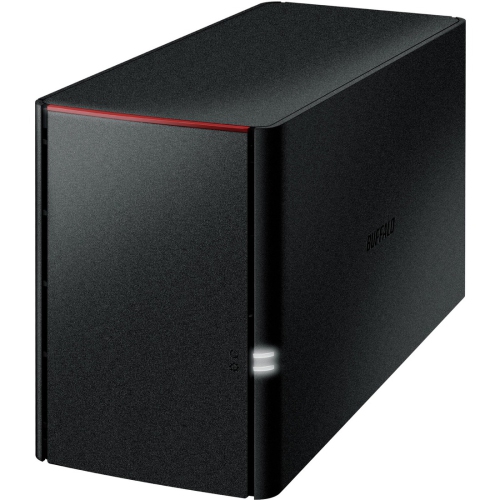
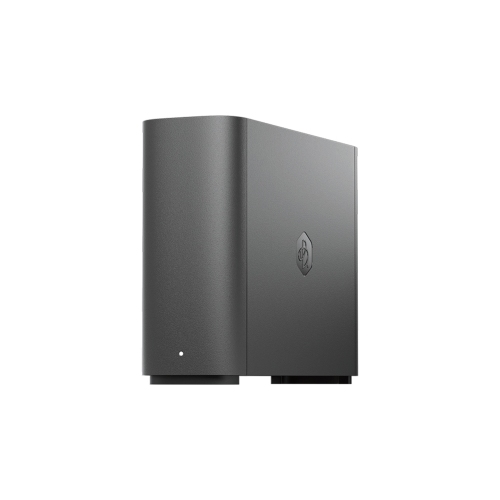
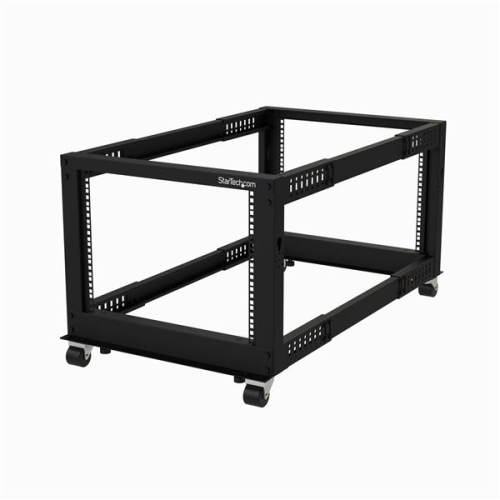


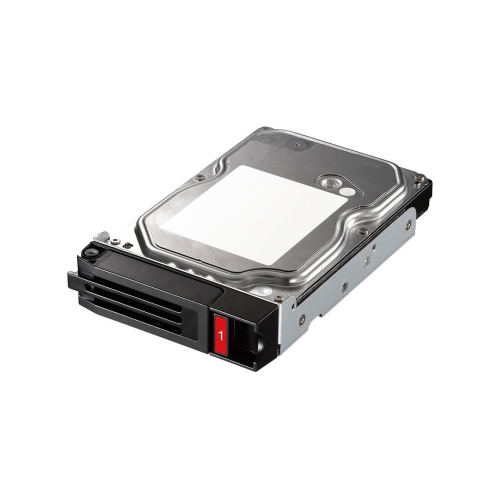


One private hub for files across your devices
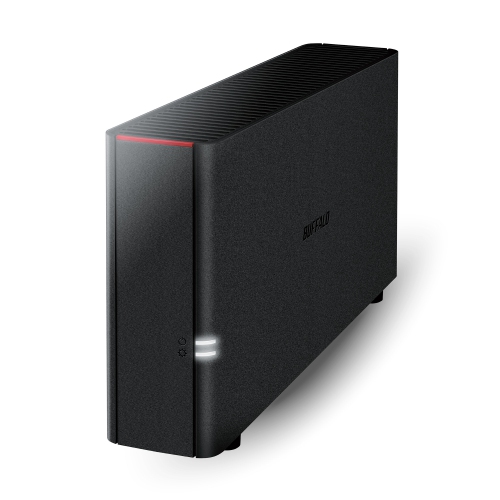
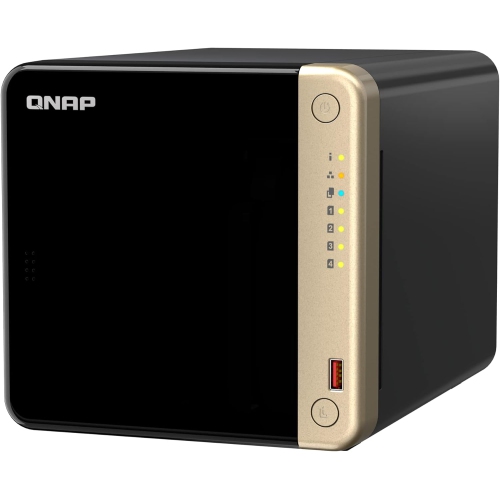
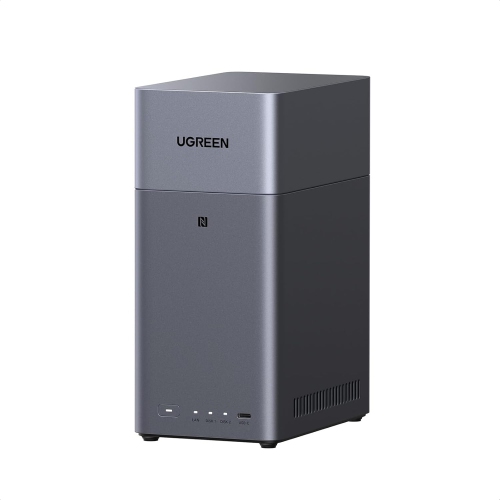
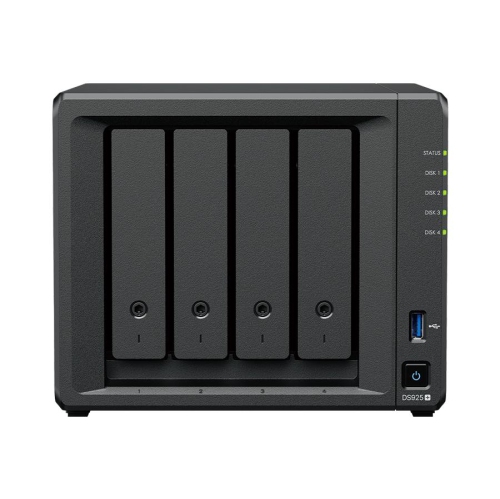
Home cloud servers are private storage systems designed to keep files, photos, videos, music, documents, and other digital content in your own home while making that content available across compatible devices. Unlike a standard external drive that usually needs to be plugged directly into a computer, a home cloud server connects to your home network so you can access stored content from a laptop, desktop computer, tablet, smartphone, smart TV, or other connected device. Depending on the setup, remote access can also let you reach selected files while away from home. These systems are often built around a network-attached storage (NAS) enclosure, a compact computer, or another dedicated device with one or more internal drive bays. Some arrive ready to configure with a simple interface, while others are intended for people who want to choose their own drives, operating system, apps, and security settings. A home cloud server can be useful for households that have accumulated years of family photos, downloaded media, schoolwork, tax records, creative projects, or work files across several devices. It can also bring order to a busy digital household: instead of searching through a phone, an aging laptop, and several USB drives, family members can organize shared folders in one central location. During the cooler months, when more time is often spent indoors sorting photos, setting up a media library, or completing projects at home, a private server can provide a convenient place to store and access those files.
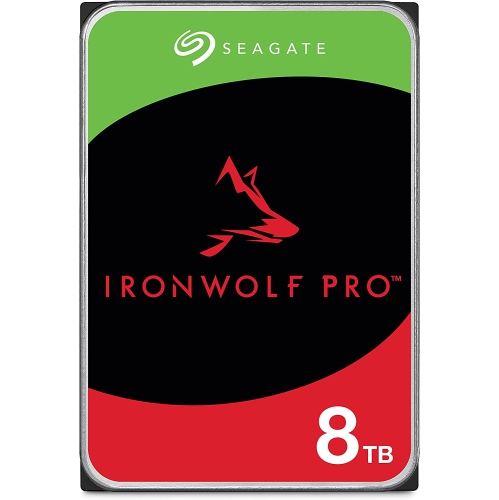
The right home cloud server depends on how much storage you need, how many people will use it, and how much control you want over the setup. Capacity is an important starting point. A person saving documents and phone photos may need considerably less space than a household archiving high-resolution videos, a photographer managing a large image library, or a media enthusiast storing extensive music and movie collections. Drive bays also matter. A single-bay system can be compact and straightforward, while a multi-bay system can support more storage and options for drive redundancy. Mirrored storage, often called RAID 1, keeps a duplicate copy of data on two drives if configured appropriately, which can help reduce disruption if one drive fails; however, it is not a substitute for a separate backup. Other storage arrangements can balance capacity, performance, and fault tolerance in different ways, so it is worth checking which configurations a server supports before choosing compatible drives. Hard disk drives can offer generous capacity for large libraries, while solid-state drives can provide fast, quiet performance for applications and frequently accessed files. Memory, processor performance, networking, and the number of simultaneous users can influence how quickly a server handles file transfers, photo indexing, media playback, and automated backups. Wired Ethernet is generally preferred for the server itself because it can provide a steadier connection than Wi-Fi, while Wi-Fi remains convenient for phones, tablets, and other client devices. Also consider the operating system and software ecosystem. Some home cloud servers use guided setup tools and mobile apps for simple file access, automatic photo uploads, and user management. More advanced platforms can support private cloud software, media servers, security tools, virtual machines, and other applications, but they may require more technical knowledge and regular maintenance. Shoppers comparing this category with other home computing options can also browse Cloud Computers when considering a compact computer-based approach.
Home cloud servers can serve different roles for different users. A family may use one to automatically collect photos from everyone’s phones, create shared folders for important documents, and stream personal media to compatible screens around the home. A student can keep assignments, research, and project files accessible from a desktop and laptop without carrying a drive between rooms. A photographer, musician, designer, or video creator may use a larger-capacity system to organize working files and keep an additional copy of completed projects. People who work from home can separate personal and work folders, set individual permissions, and maintain access to files even when several devices are in use. These systems can also make thoughtful gifts for someone moving into a new home, building a family photo archive, managing a small creative workspace, or looking for a more organized way to handle digital files. Before purchase, check whether storage drives are included, how many drive bays are available, the maximum supported capacity, and whether the system supports the apps and devices you already use. Review remote-access features carefully, since access from outside the home should be protected with strong passwords, current software, two-factor authentication where available, and individual user accounts rather than one shared login. Keep in mind that a home cloud server places responsibility for updates, permissions, drive health, and backups with the owner. If a drive, power supply, or network connection fails, access may be interrupted, and files can still be lost through accidental deletion, theft, fire, or other damage. A well-planned setup therefore includes a separate backup stored on another device or in another location, along with a surge protector or uninterruptible power supply when appropriate. With the right capacity, software, and backup plan, a home cloud server can become a dependable digital hub for everyday files, treasured memories, and the devices used throughout the home.
The right home cloud server depends on how much storage you need, how many people will use it, and how much control you want over the setup. Capacity is an important starting point. A person saving documents and phone photos may need considerably less space than a household archiving high-resolution videos, a photographer managing a large image library, or a media enthusiast storing extensive music and movie collections. Drive bays also matter. A single-bay system can be compact and straightforward, while a multi-bay system can support more storage and options for drive redundancy. Mirrored storage, often called RAID 1, keeps a duplicate copy of data on two drives if configured appropriately, which can help reduce disruption if one drive fails; however, it is not a substitute for a separate backup. Other storage arrangements can balance capacity, performance, and fault tolerance in different ways, so it is worth checking which configurations a server supports before choosing compatible drives. Hard disk drives can offer generous capacity for large libraries, while solid-state drives can provide fast, quiet performance for applications and frequently accessed files. Memory, processor performance, networking, and the number of simultaneous users can influence how quickly a server handles file transfers, photo indexing, media playback, and automated backups. Wired Ethernet is generally preferred for the server itself because it can provide a steadier connection than Wi-Fi, while Wi-Fi remains convenient for phones, tablets, and other client devices. Also consider the operating system and software ecosystem. Some home cloud servers use guided setup tools and mobile apps for simple file access, automatic photo uploads, and user management. More advanced platforms can support private cloud software, media servers, security tools, virtual machines, and other applications, but they may require more technical knowledge and regular maintenance. Shoppers comparing this category with other home computing options can also browse Cloud Computers when considering a compact computer-based approach.
Home cloud servers can serve different roles for different users. A family may use one to automatically collect photos from everyone’s phones, create shared folders for important documents, and stream personal media to compatible screens around the home. A student can keep assignments, research, and project files accessible from a desktop and laptop without carrying a drive between rooms. A photographer, musician, designer, or video creator may use a larger-capacity system to organize working files and keep an additional copy of completed projects. People who work from home can separate personal and work folders, set individual permissions, and maintain access to files even when several devices are in use. These systems can also make thoughtful gifts for someone moving into a new home, building a family photo archive, managing a small creative workspace, or looking for a more organized way to handle digital files. Before purchase, check whether storage drives are included, how many drive bays are available, the maximum supported capacity, and whether the system supports the apps and devices you already use. Review remote-access features carefully, since access from outside the home should be protected with strong passwords, current software, two-factor authentication where available, and individual user accounts rather than one shared login. Keep in mind that a home cloud server places responsibility for updates, permissions, drive health, and backups with the owner. If a drive, power supply, or network connection fails, access may be interrupted, and files can still be lost through accidental deletion, theft, fire, or other damage. A well-planned setup therefore includes a separate backup stored on another device or in another location, along with a surge protector or uninterruptible power supply when appropriate. With the right capacity, software, and backup plan, a home cloud server can become a dependable digital hub for everyday files, treasured memories, and the devices used throughout the home.
Top selling and popular products
-
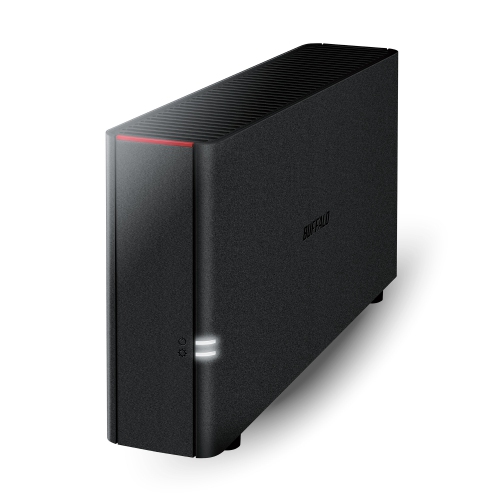 Your price for this item is $226.99
 -
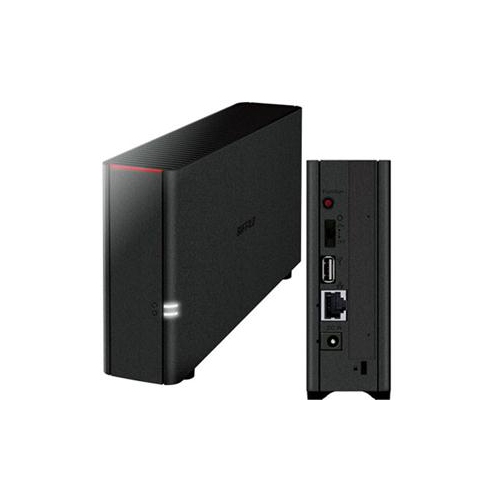 Your price for this item is $326.37
 -
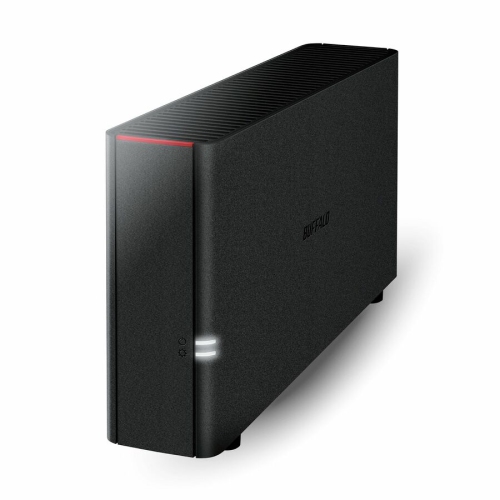 Your price for this item is $352.99
 -
 Your price for this item is $423.99
 -
 Your price for this item is $1059
 -
 Your price for this item is $579.54
 -
 Your price for this item is $293.99
 -
 Your price for this item is $1299.99
Discover more categories related to Home Cloud Servers
Top Collections:
Pokemon Centers, Kindle Devices, Best Budget Office Chairs, Apple iPhones 16, Best Laptops for Writers, iPhone 15 Apple, Canon G7X Cameras, Refurbished Apple Laptops, Alarm Clock, Motorola Razr Phones
Some products may be subject to Environmental Handling Fees
(EHF) depending on your province.
Learn more about EHFs.