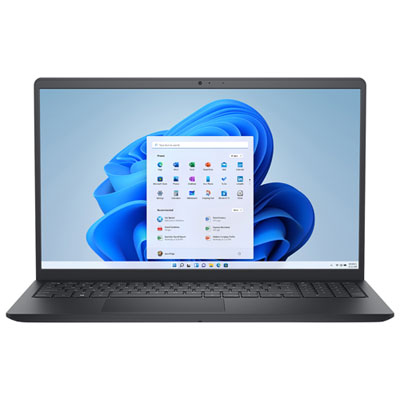
Home Office Laptop Computers With SSD Storage
Home office laptop computers with SSD storage offer a reliable solution for those looking to enhance productivity and efficiency in their workspace. These laptops are designed to meet the demands of remote work, providing quick access to files and smooth multitasking capabilities. Whether setting up a new home office or upgrading your current setup, explore a wide selection of home office laptop computers with SSD storage to find the right fit for your needs.
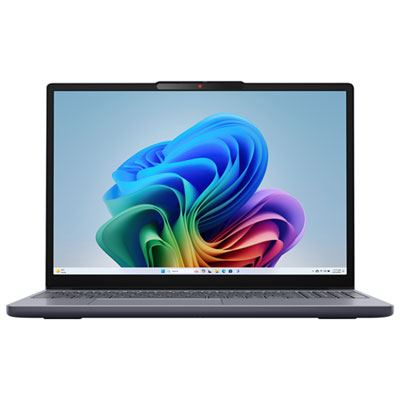
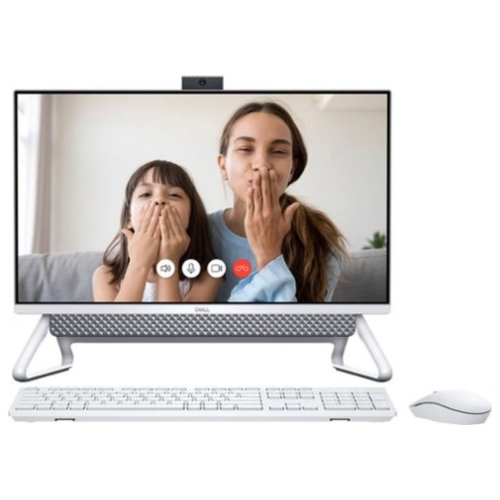
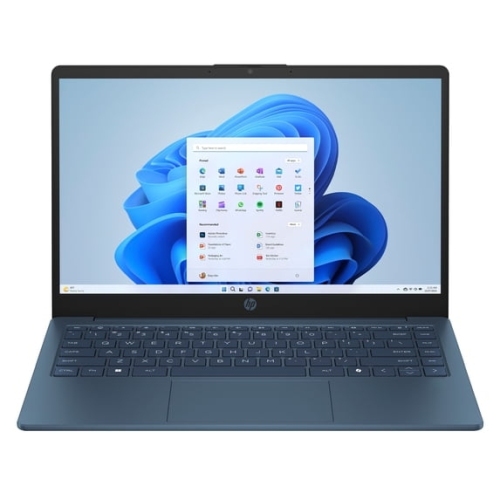
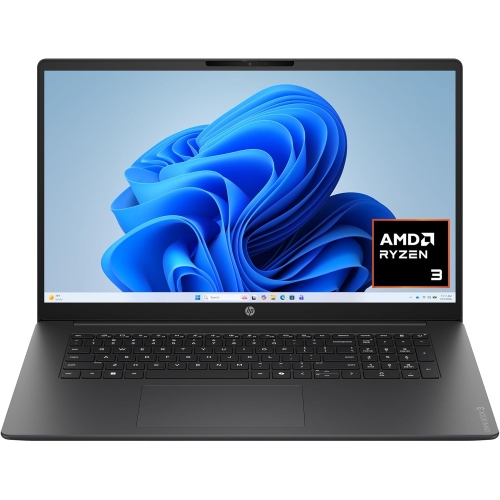

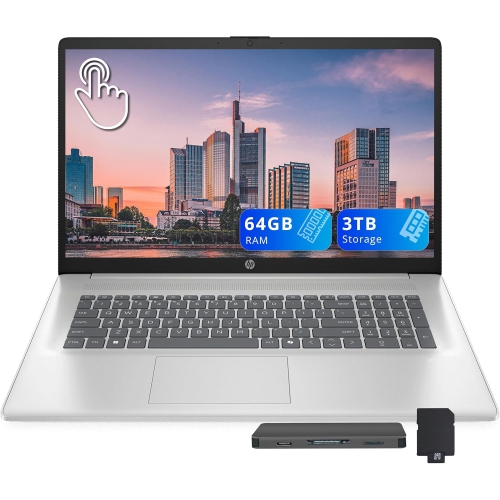
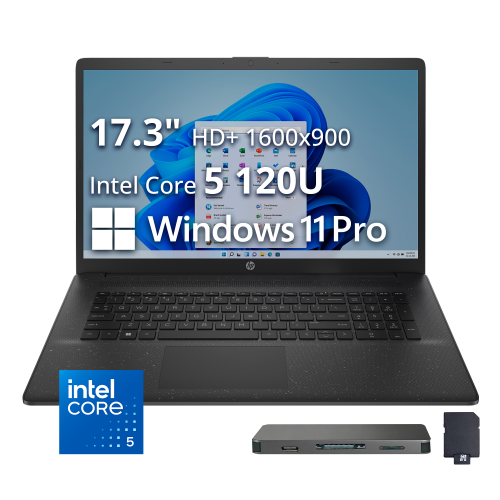
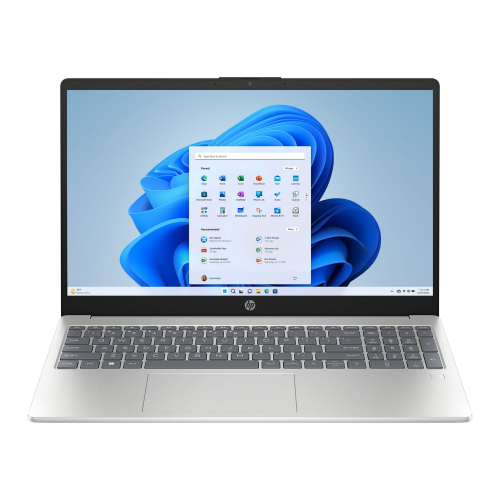

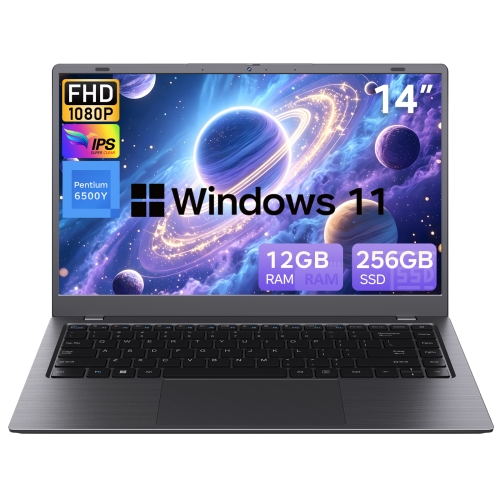
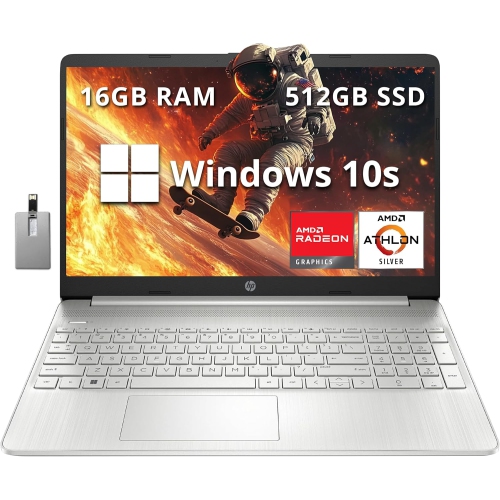
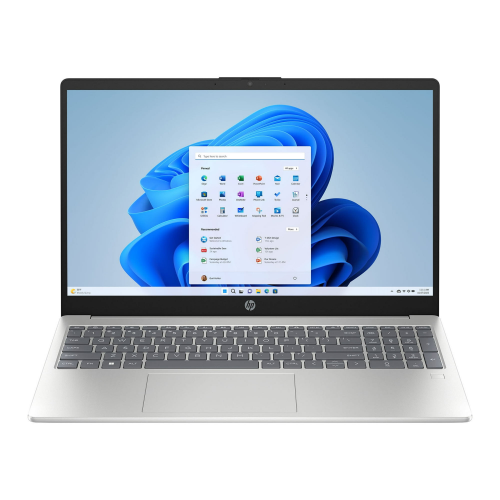

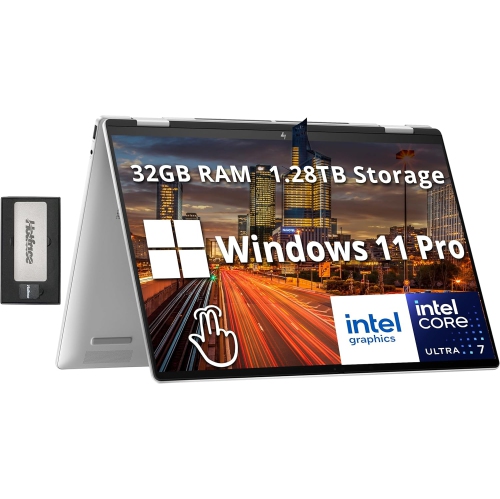
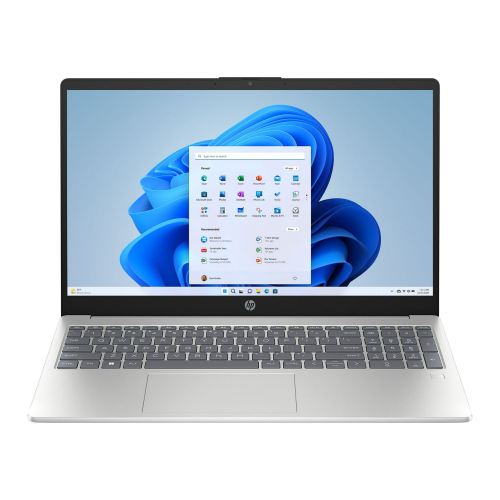
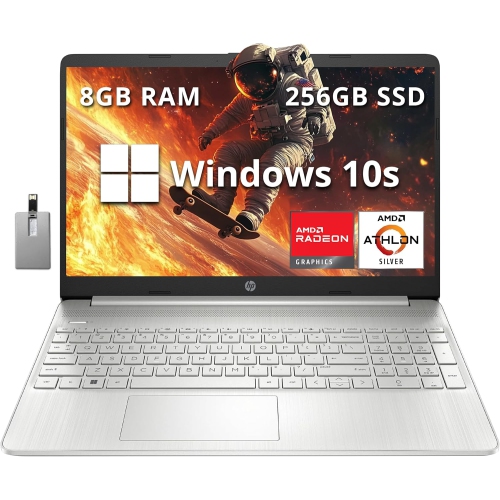
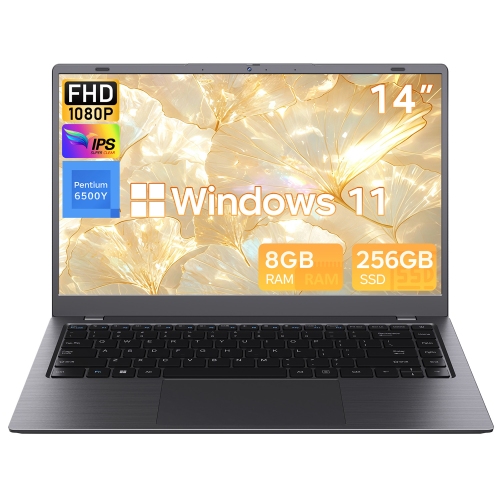

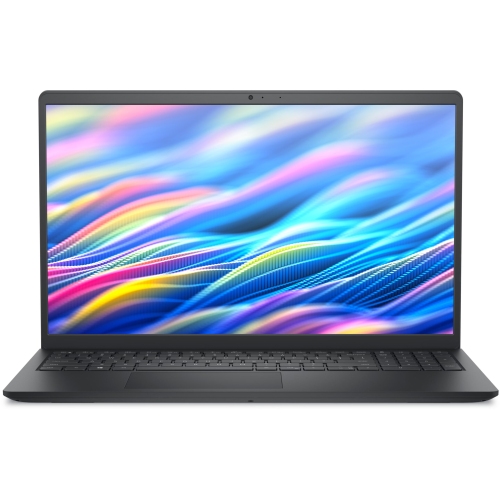
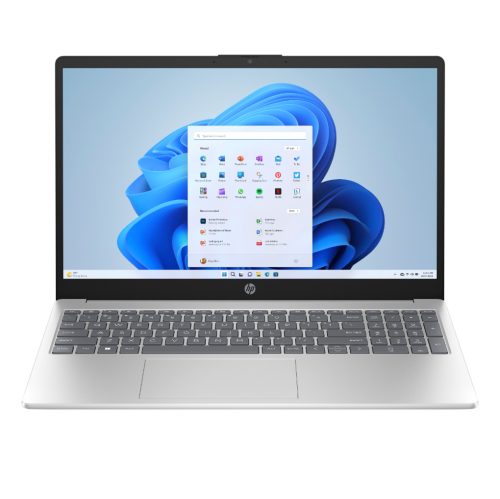

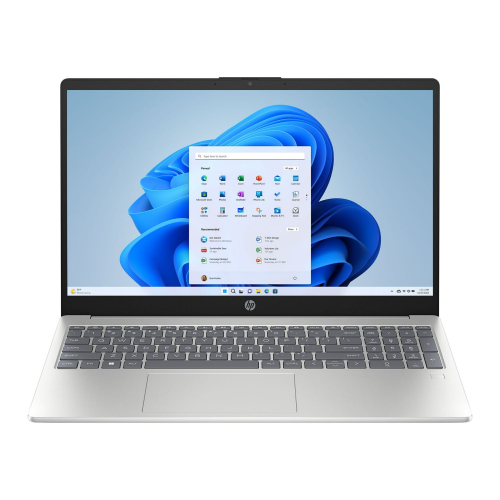
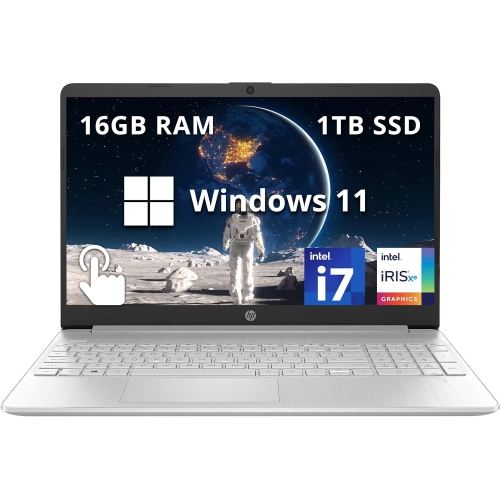
Faster workdays start with reliable SSD performance
These laptops are not just practical for professionals—they’re also a thoughtful gift for graduates, remote learners, or anyone embarking on a new chapter that requires reliable technology. Parents looking to support their children’s studies or young adults setting up their first apartment will find that a home office laptop with SSD storage fits a wide range of needs, from research and writing to video calls with classmates or colleagues. The durability of SSDs also makes these laptops a smart choice for households with pets or children, as they’re less susceptible to damage from bumps or accidental drops. As the back-to-school season approaches, many shoppers are exploring options that blend performance with portability, making it easier to transition from summer relaxation to fall productivity. For those planning ahead, our curated selection of Back To School Laptops With SSD Storage offers even more choices tailored to students and busy families.
Throughout the year, the versatility of home office laptops with SSD storage stands out. They’re ideal for creative professionals editing photos or videos, entrepreneurs running businesses from home, and anyone managing a busy household calendar. SSD technology also contributes to longer battery life, so you can stay unplugged longer during outdoor work sessions or when moving between rooms. Many users appreciate the peace of mind that comes with knowing their files are stored securely and can be accessed quickly, whether preparing a presentation, catching up on emails, or streaming a favourite show after hours. Investing in a laptop with SSD storage is a practical way to keep up with the demands of a dynamic home office, ensuring you’re ready for whatever the season brings—be it a burst of summer activity or the focused energy of a new school year.
FAQ
What are the benefits of choosing a laptop with SSD storage for a home office?
Laptops with SSD (Solid State Drive) storage offer faster boot times, quicker file access, and improved overall system performance compared to traditional hard drives. This makes them ideal for multitasking and productivity when working from home.
How does SSD storage impact the durability of a home office laptop?
SSD storage has no moving parts, making it more resistant to physical shock and less likely to fail due to drops or bumps. This enhances the reliability and longevity of your laptop for home office use.
Is it easy to upgrade SSD storage in home office laptops?
Many modern laptops allow for SSD upgrades, but the ease of upgrading depends on the specific model. Some laptops have accessible slots, while others may require professional assistance or may not be upgradable at all.
Do laptops with SSDs use less power than those with traditional hard drives?
Yes, SSDs generally consume less power than traditional hard drives. This can lead to longer battery life, which is beneficial for extended work sessions at home.
Are there any maintenance tips for laptops with SSD storage used in a home office?
To maintain optimal performance, keep your operating system and firmware updated, avoid filling the SSD to maximum capacity, and enable features like TRIM if supported. Regularly backing up important data is also recommended.
Top selling and popular products
-
 Your price for this item is $449
-
 Your price for this item is $3099
-
 Your price for this item is $1800.68
-
 Your price for this item is $664.05
-
 Your price for this item is $869.99
-
 Your price for this item is $2960.48
-
 Your price for this item is $499.68
-
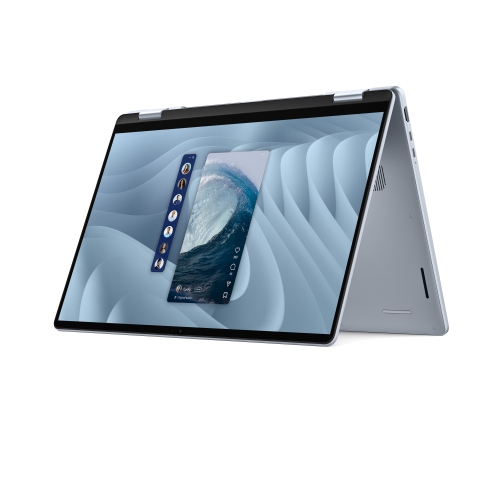 Your price for this item is $1951.79