HP Accessories
Elevate your computing experience with a diverse range of HP accessories designed to enhance productivity and streamline your tech setup. Whether you're looking to optimize your workspace, improve connectivity, or simply add a touch of personal style, these accessories offer versatile solutions tailored to meet your needs. From sleek peripherals that ensure seamless interaction with your devices to robust protection options that keep your gadgets safe on the go, you'll discover an array of products that blend functionality with modern design. Explore the possibilities and find the perfect additions to complement your HP devices today.
Sort
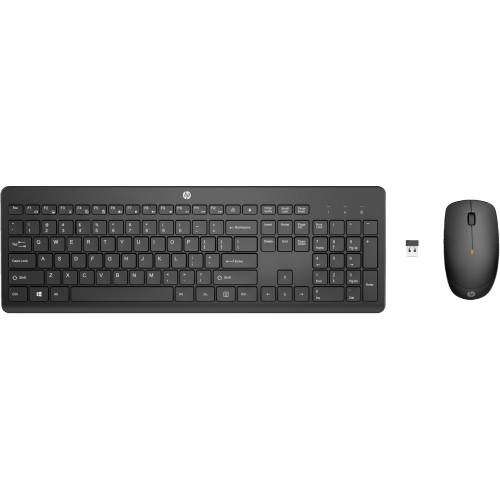
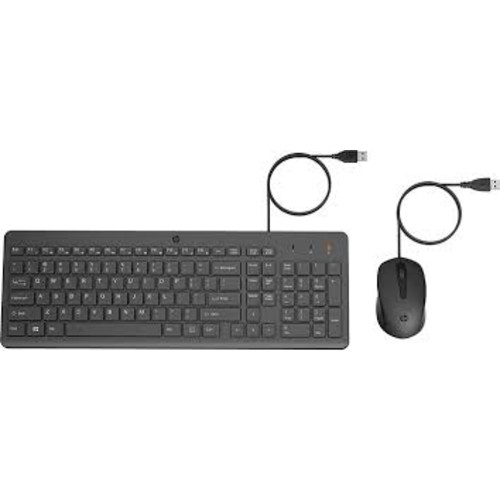
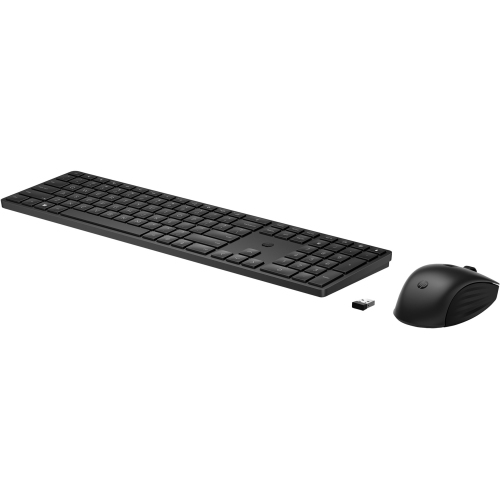
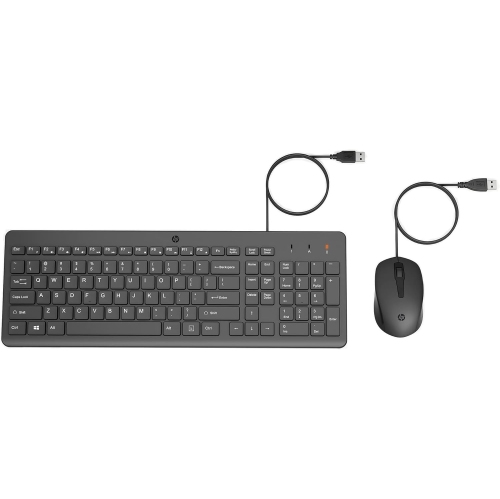
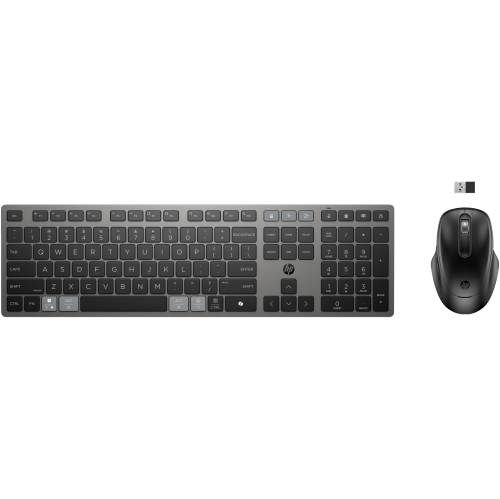
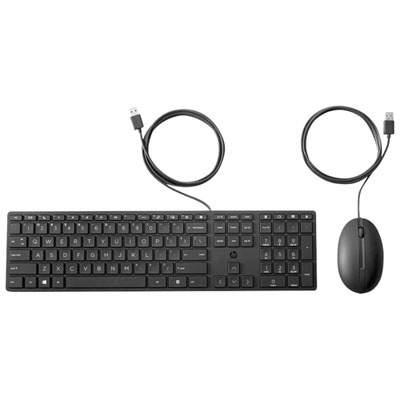
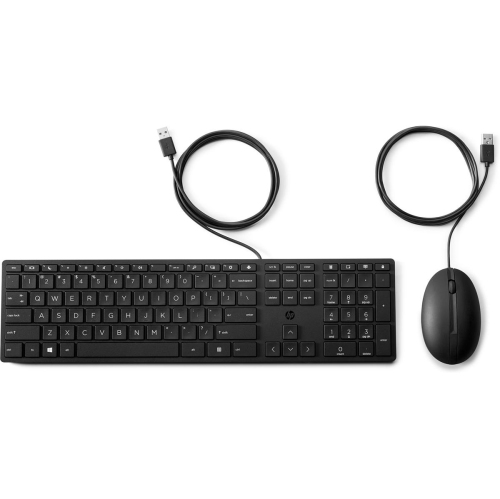
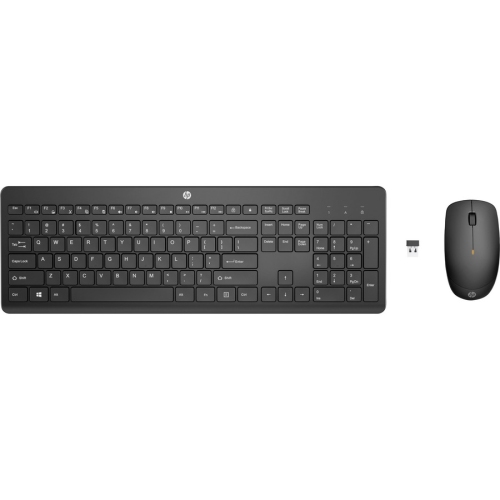
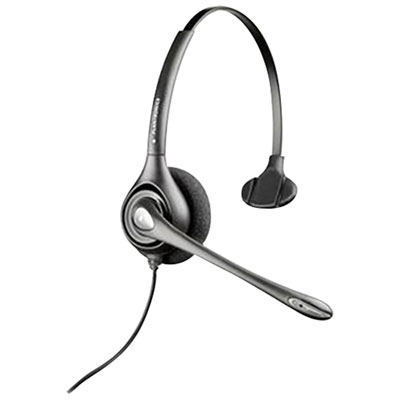
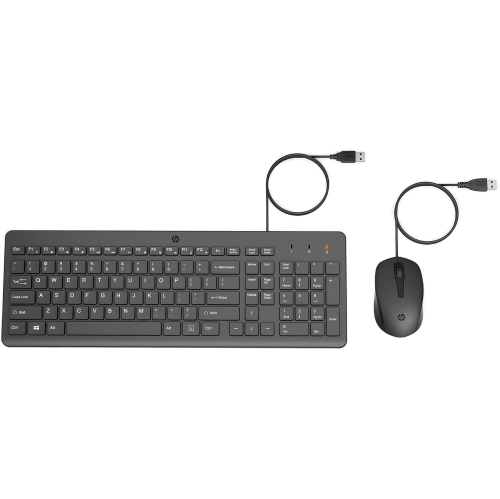
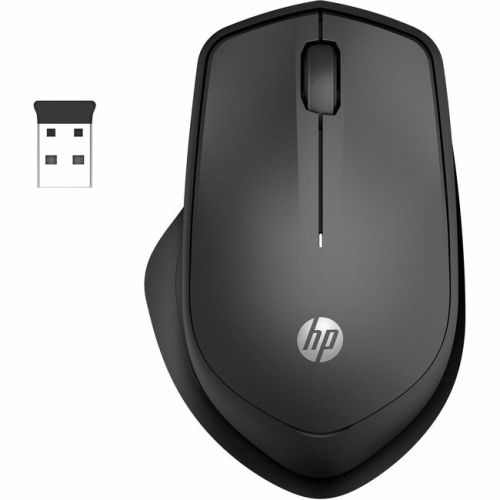
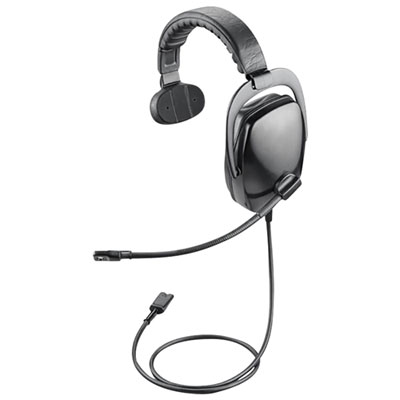
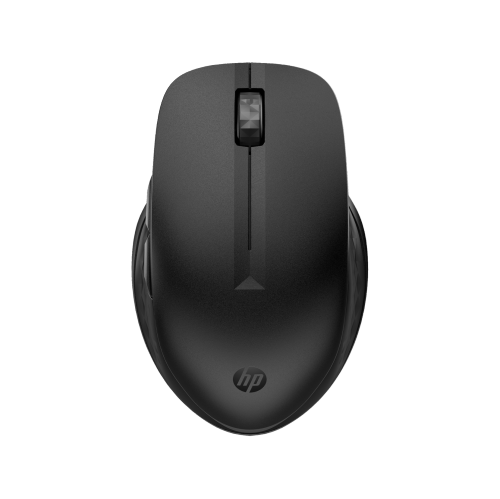
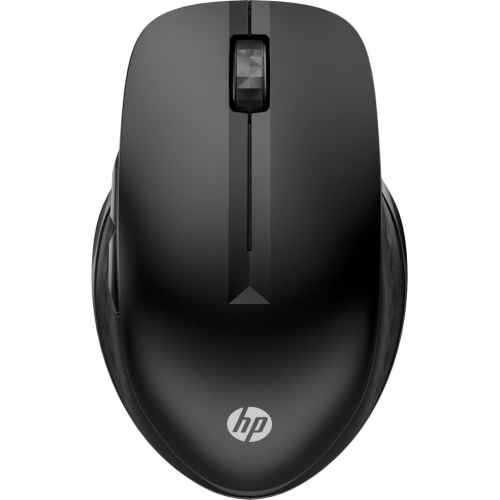
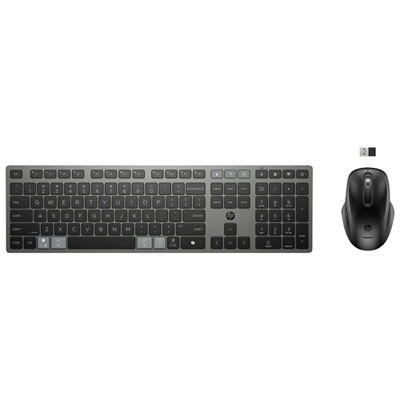
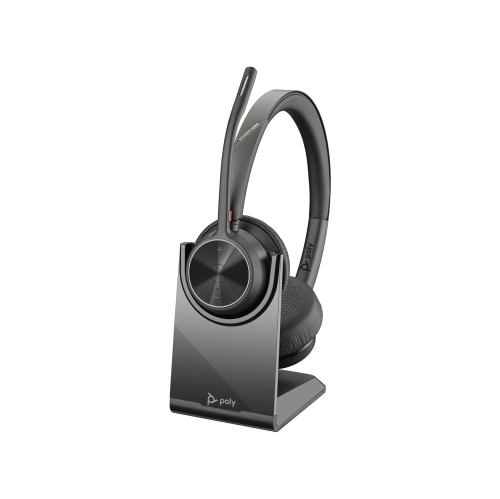
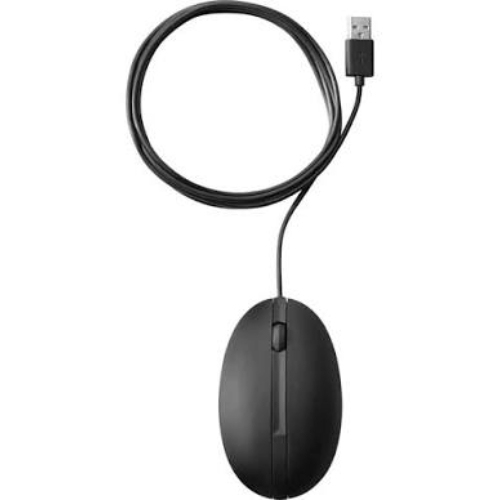
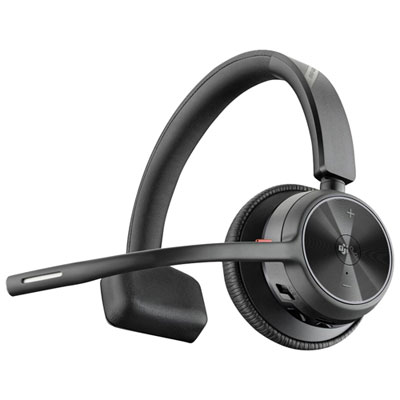

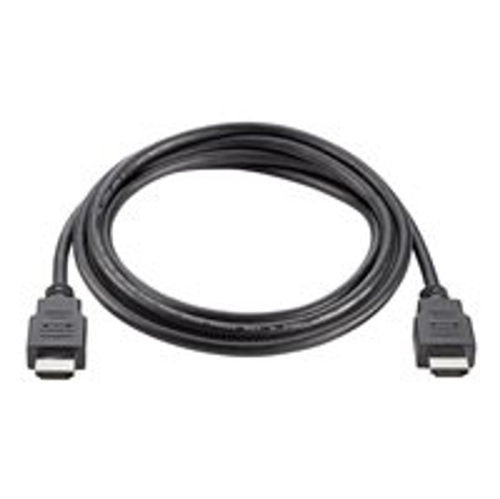
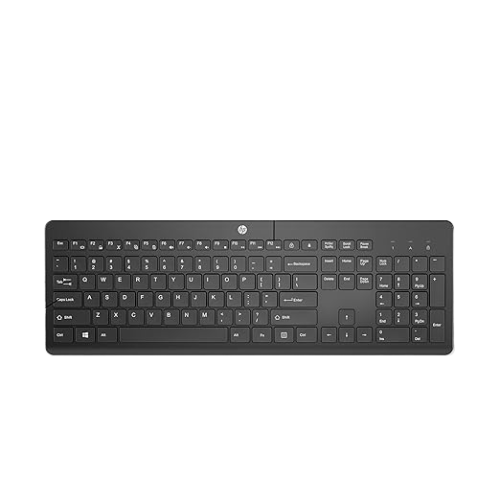
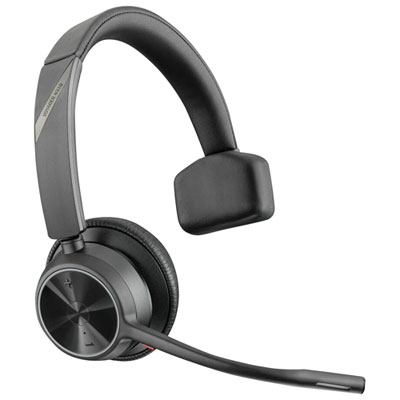
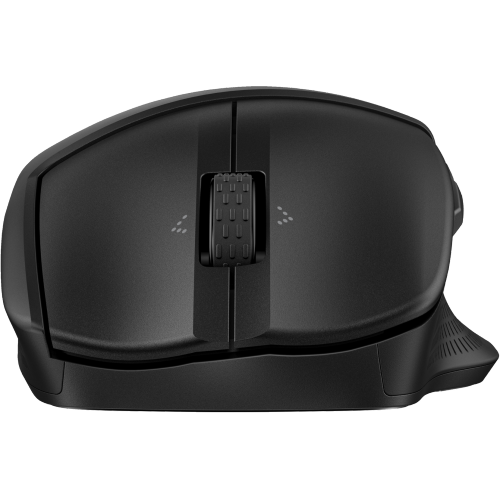
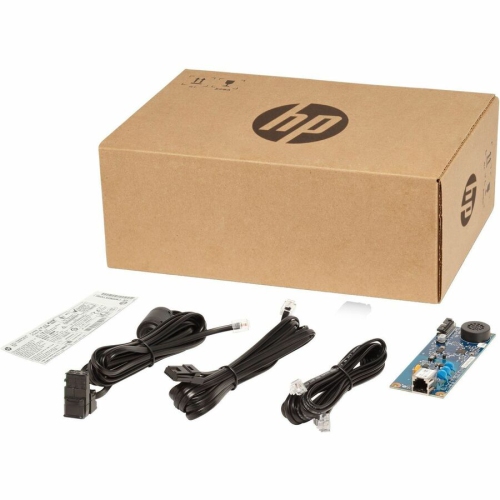
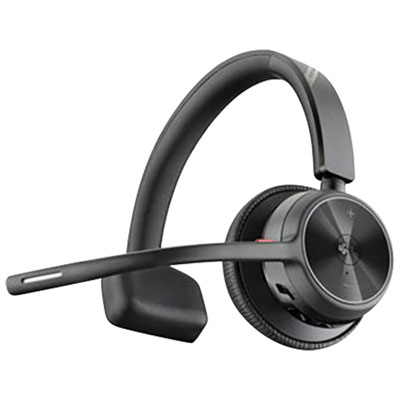
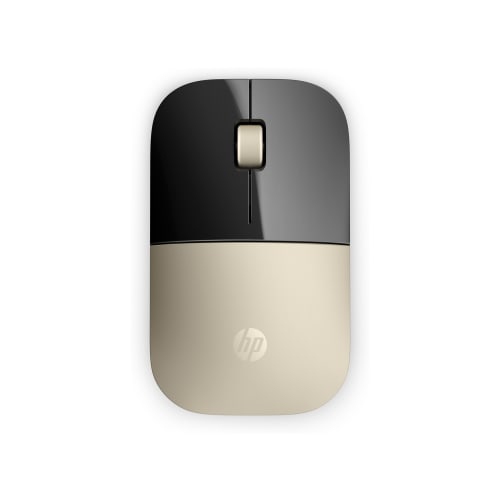
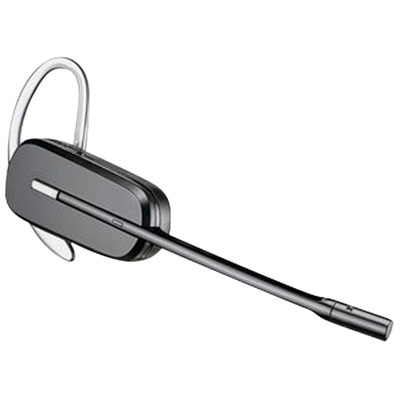
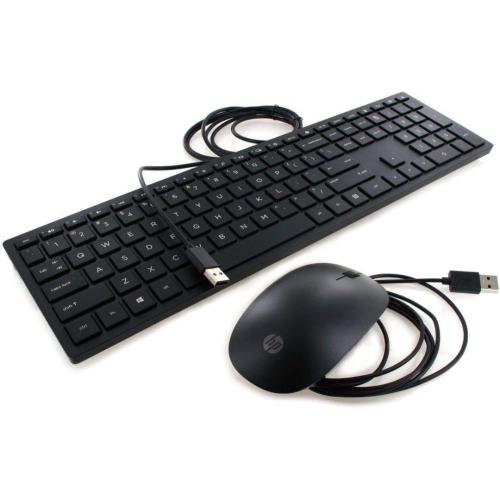
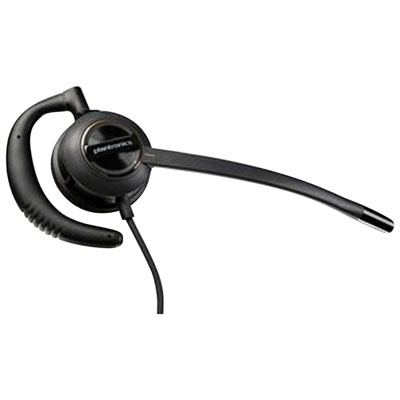
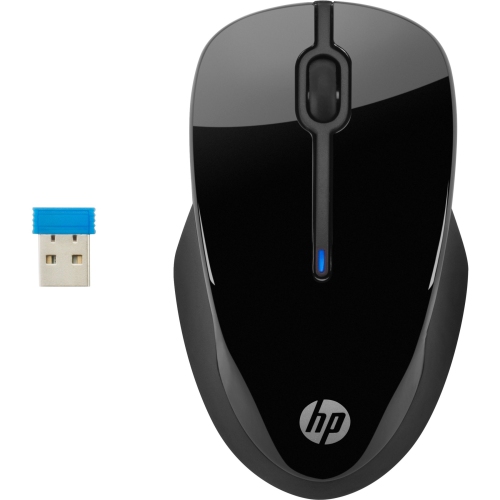
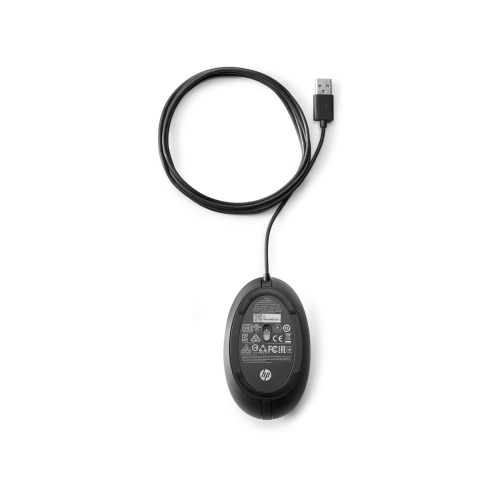
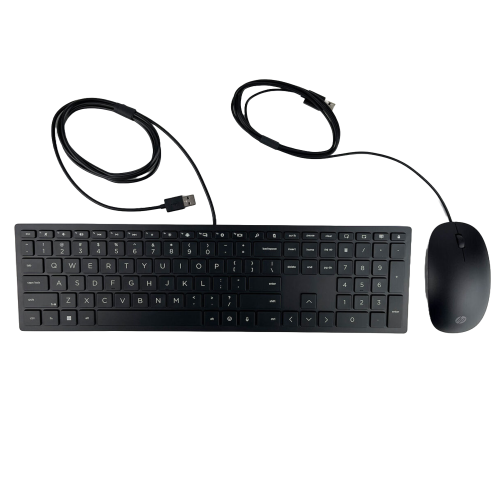
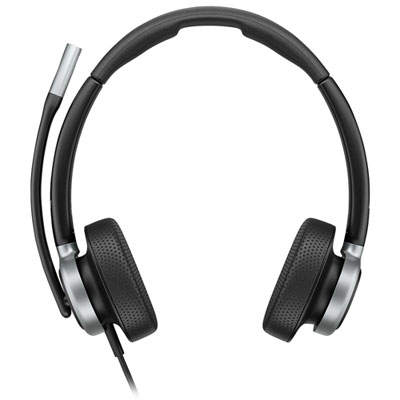
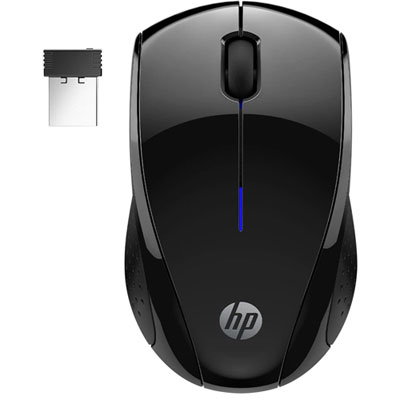

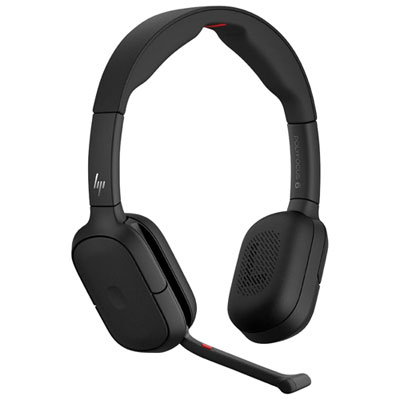
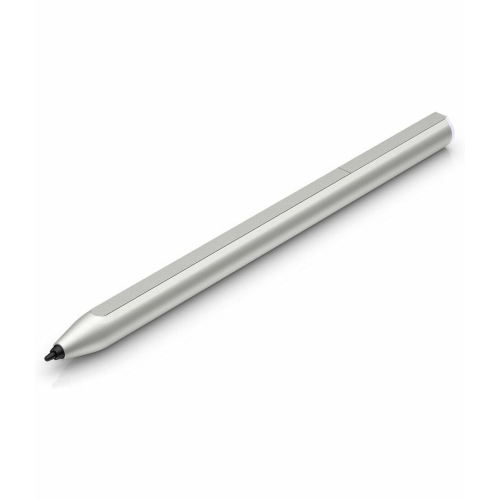
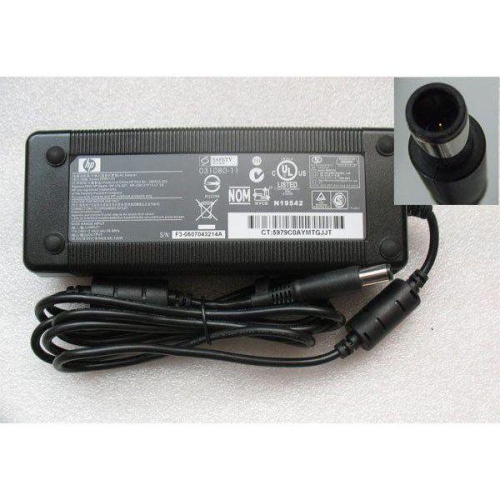
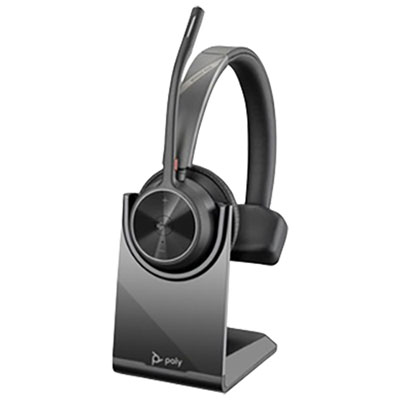
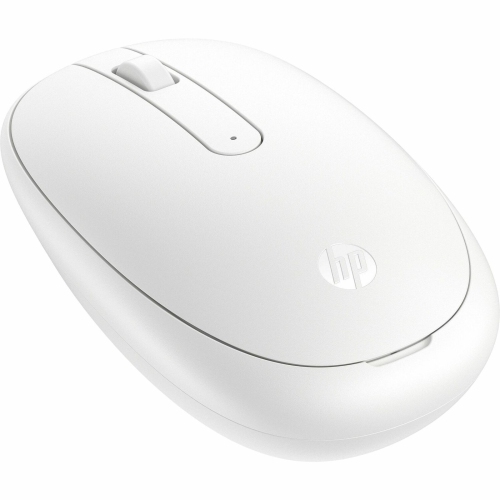
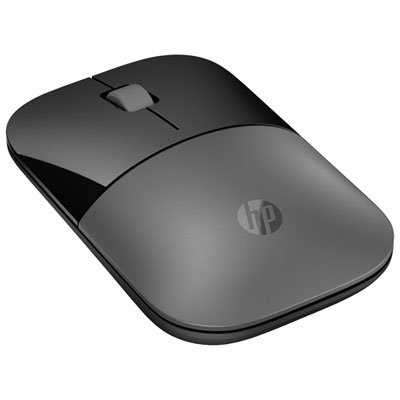
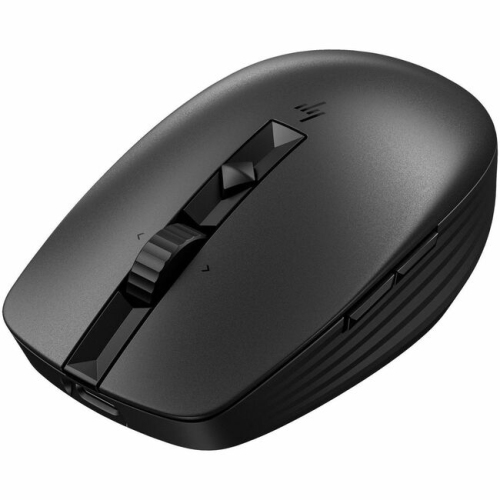

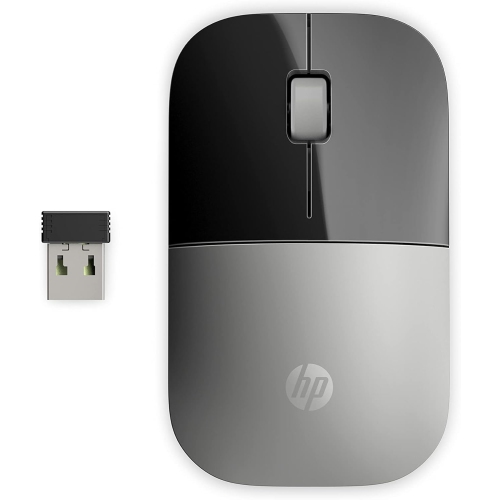
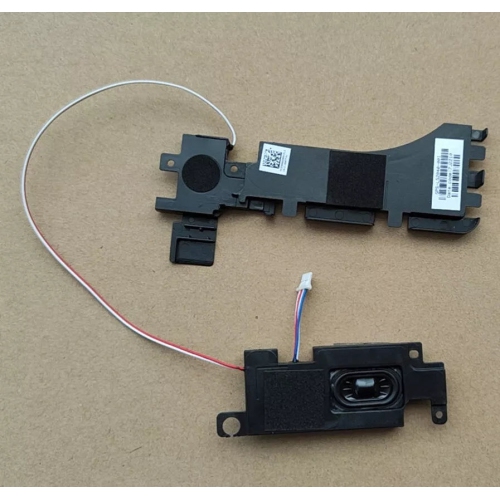
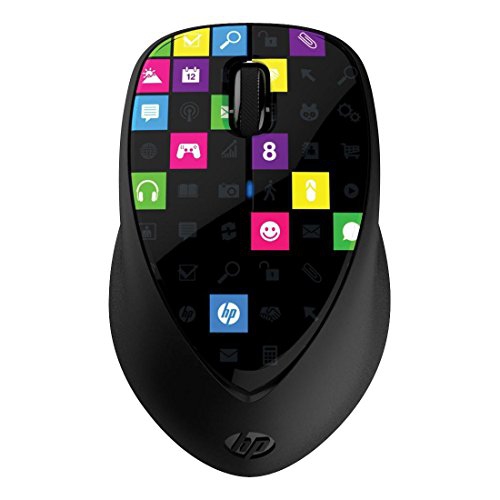
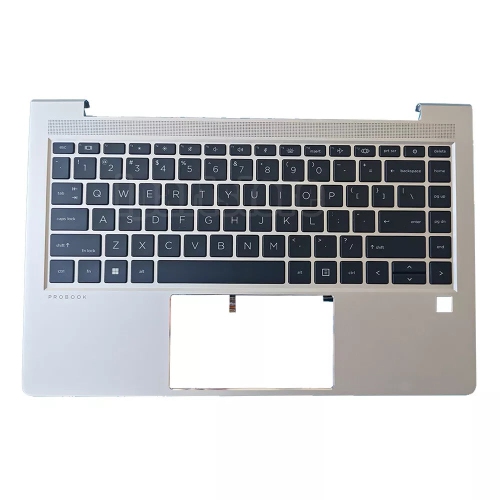
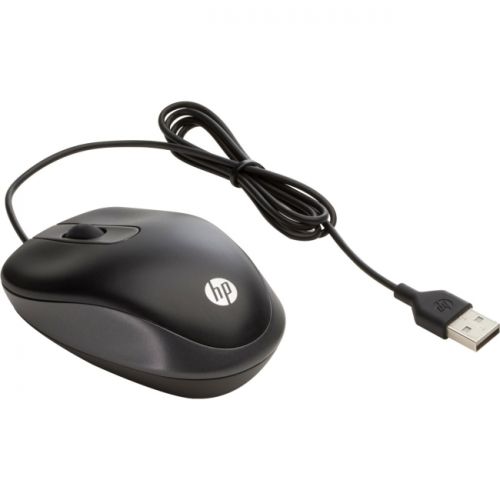

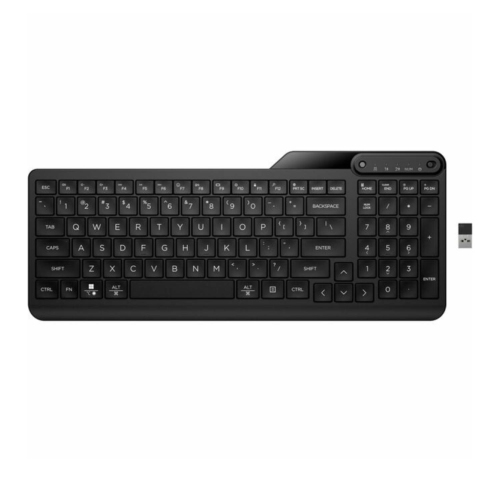
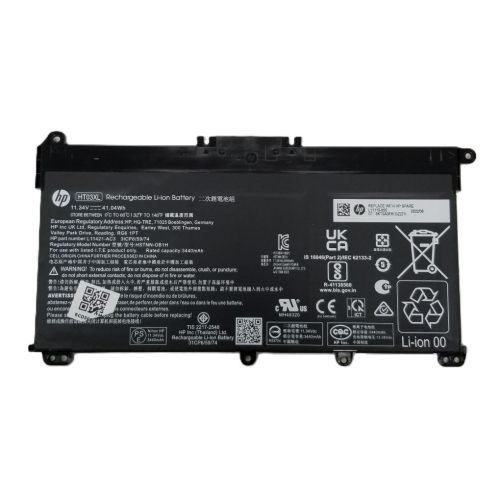
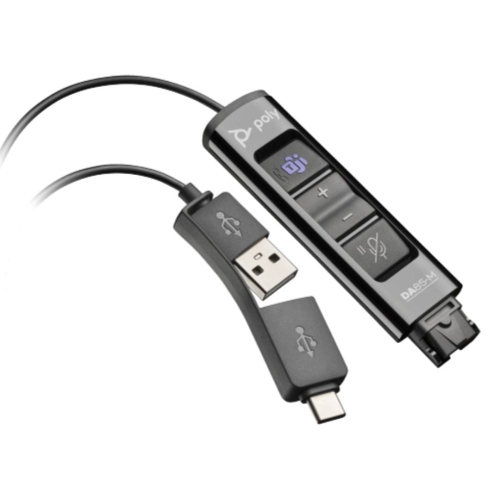
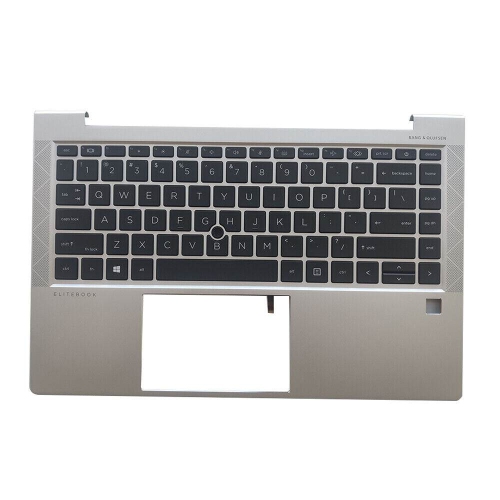
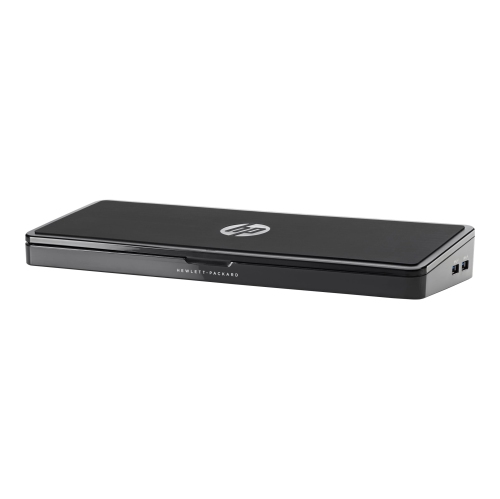
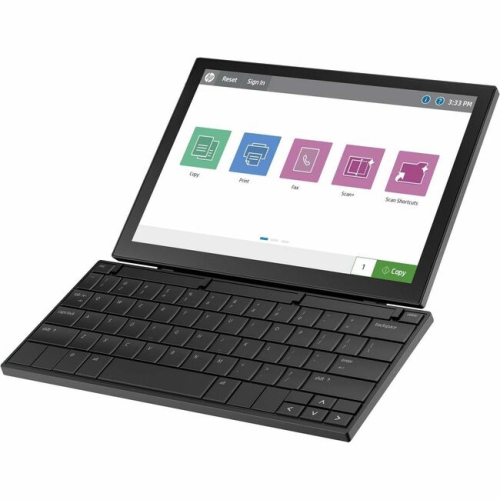
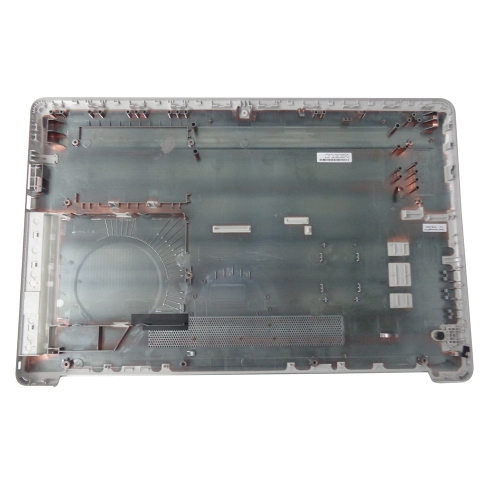
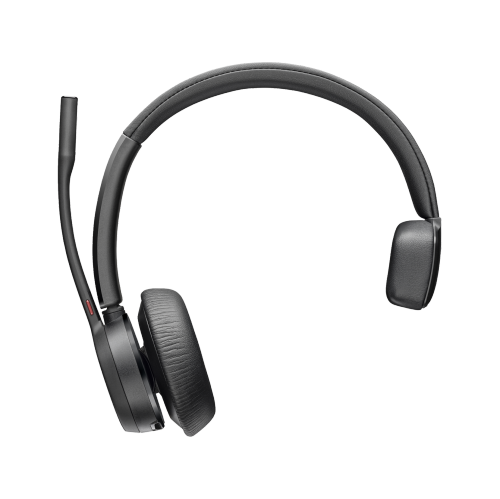
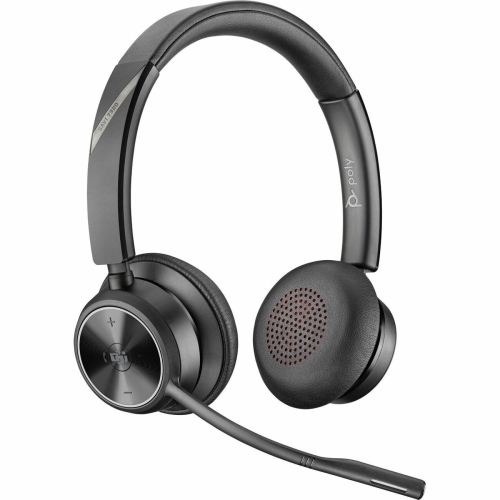
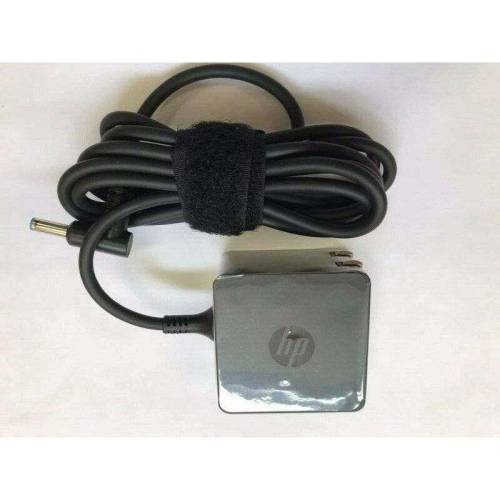
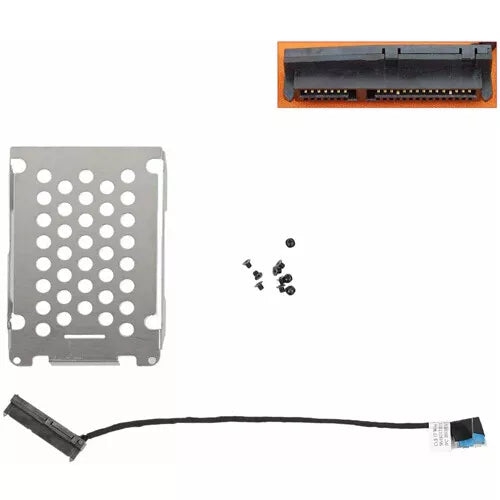
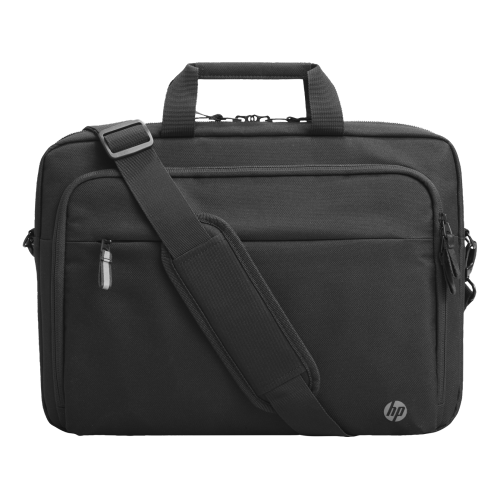
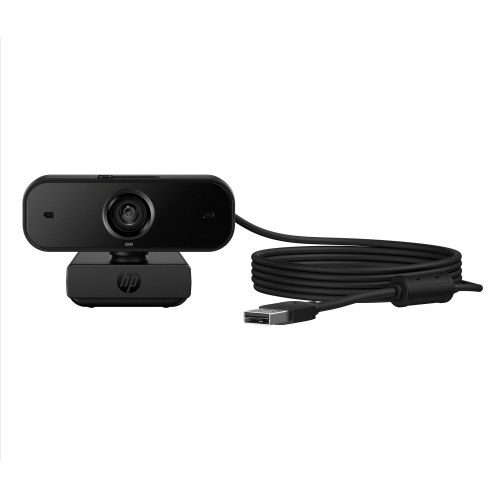
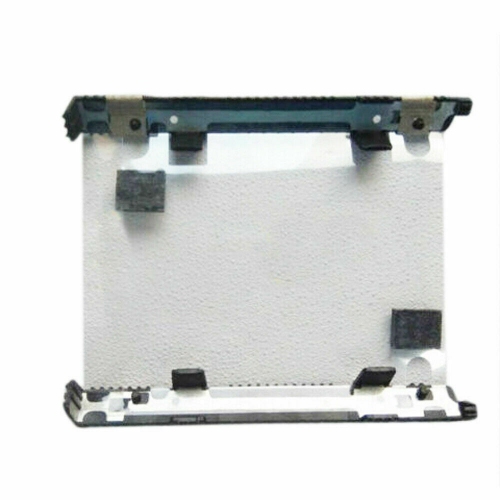
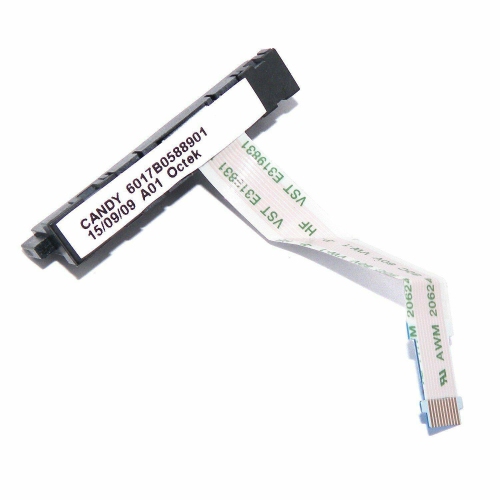
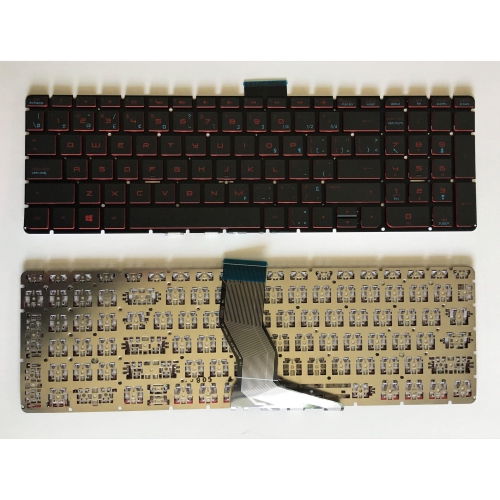
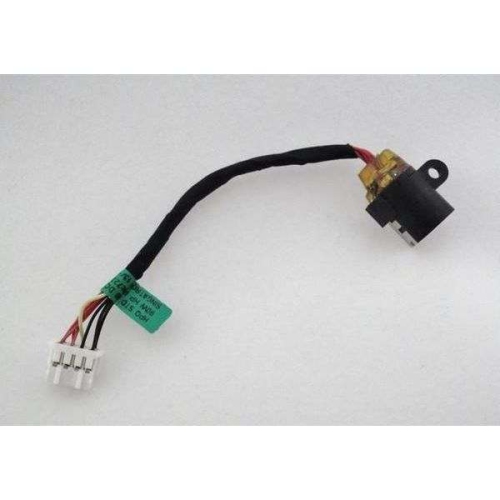
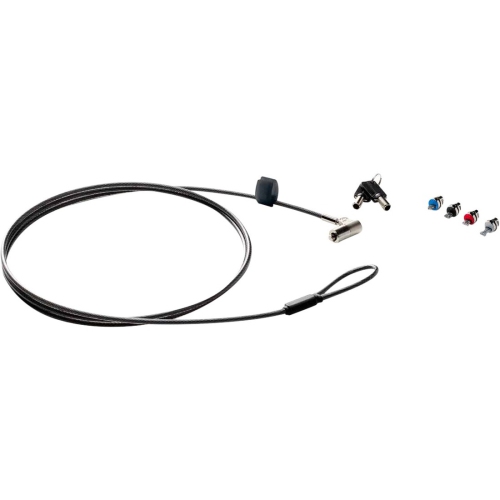
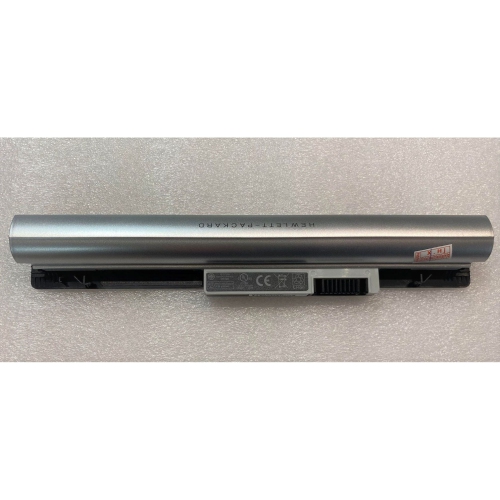
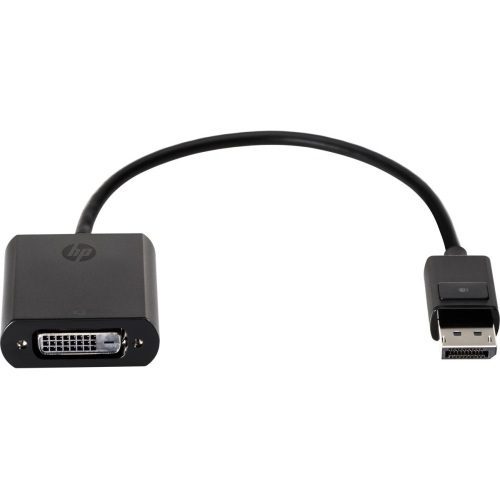
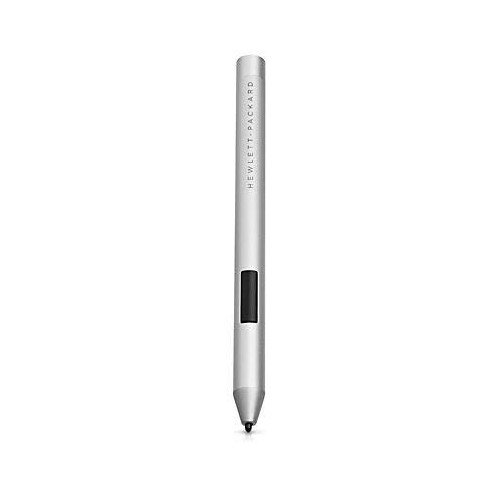
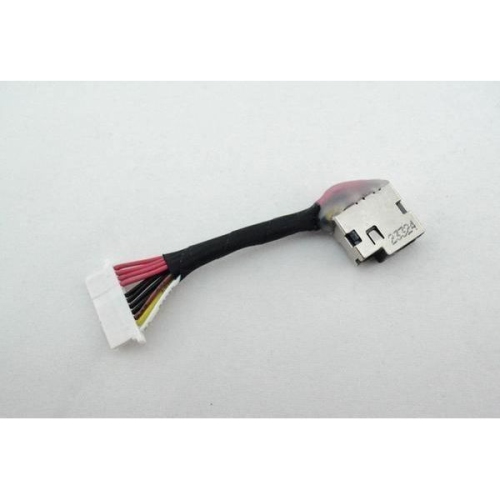
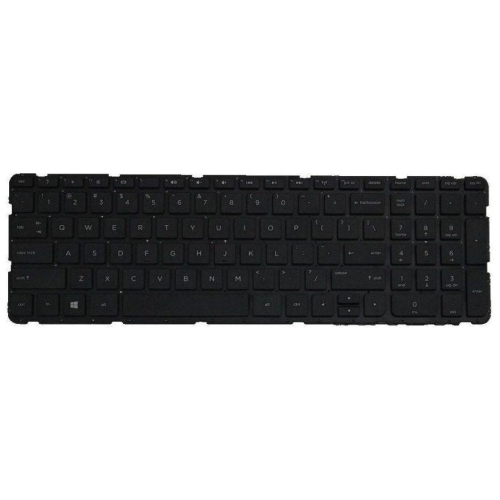
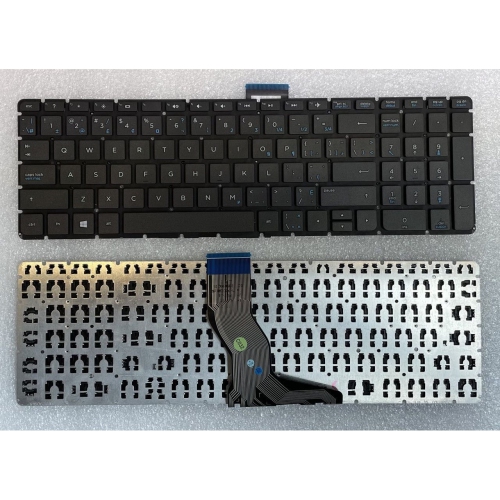
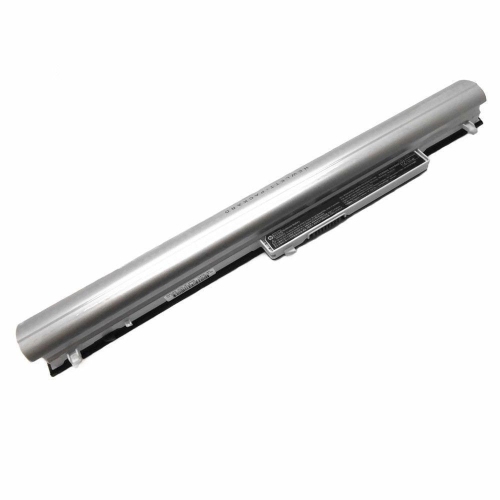
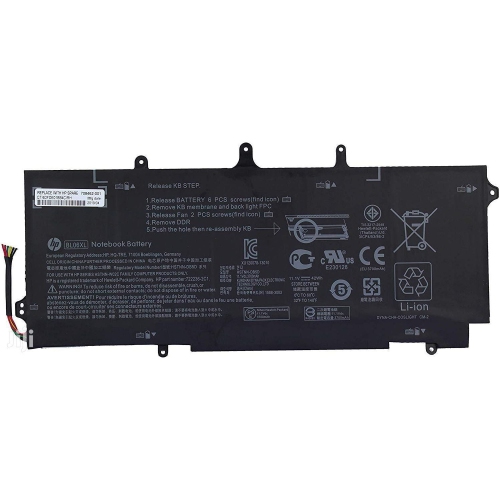
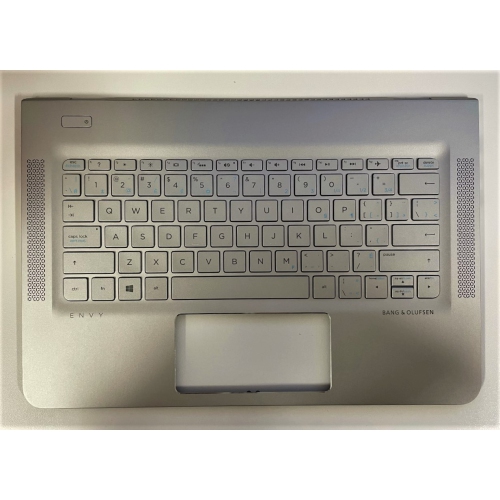
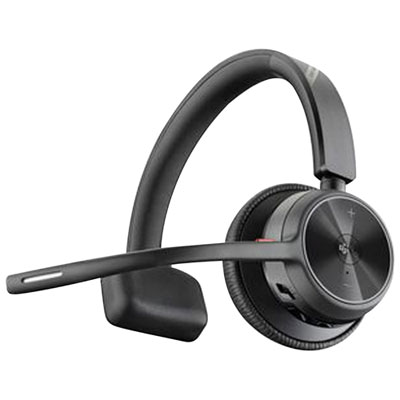
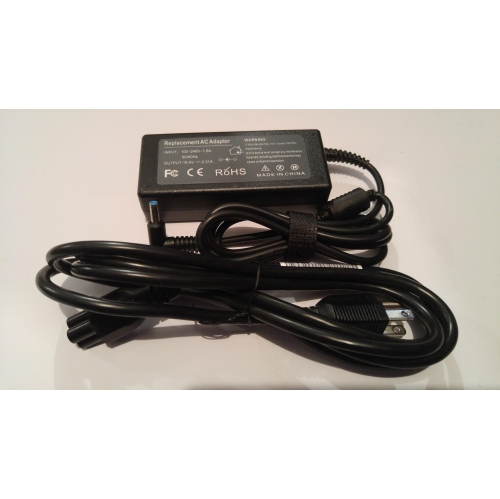
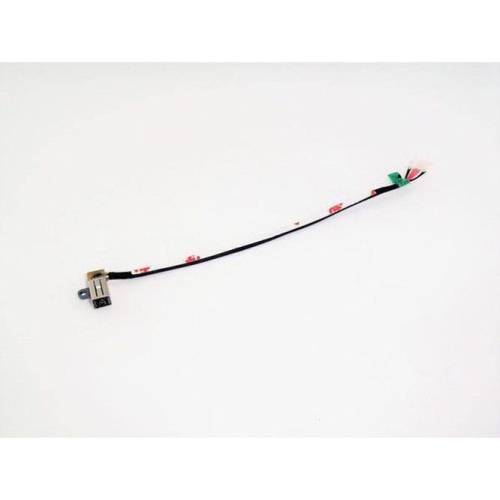
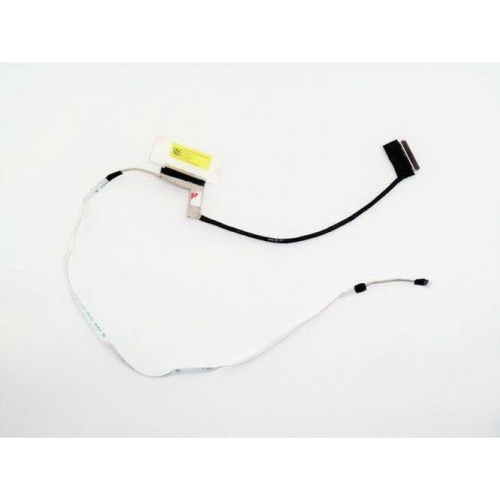
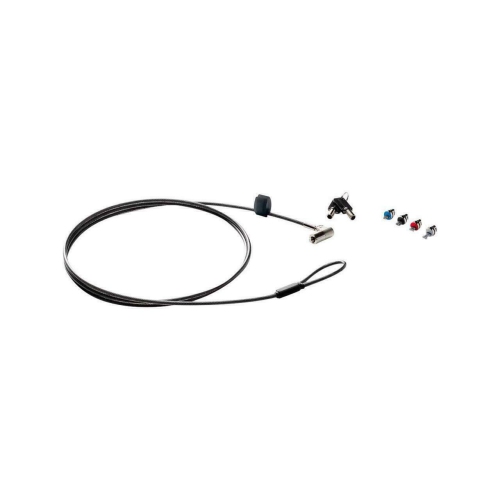
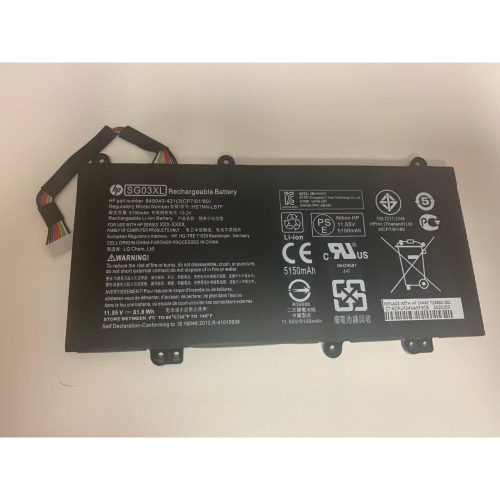

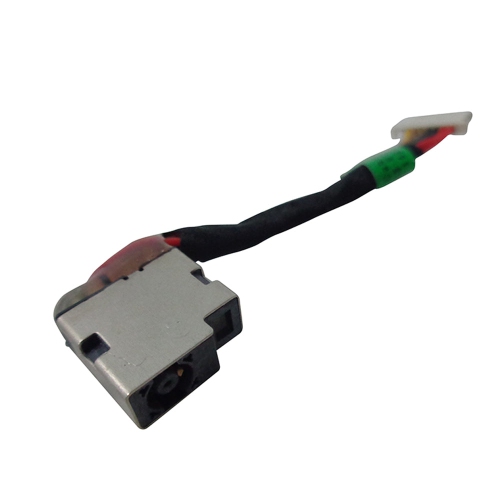

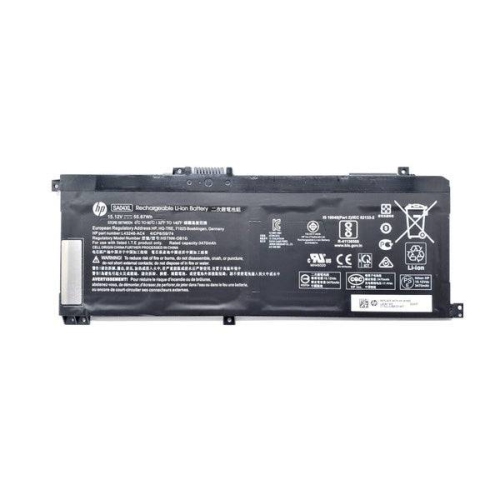
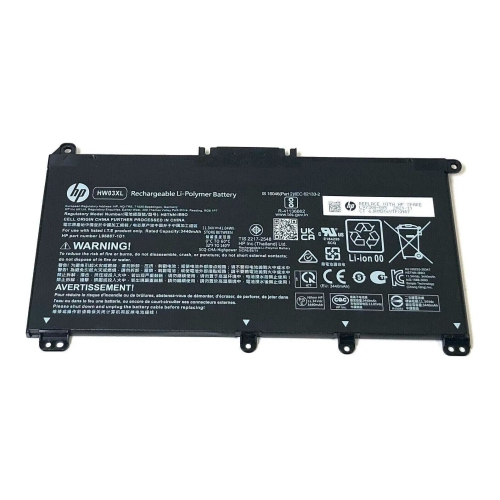
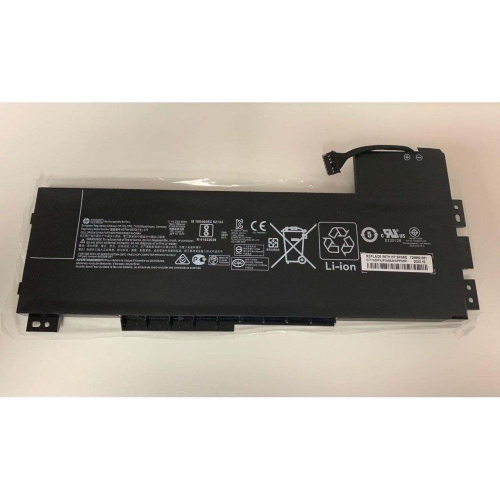
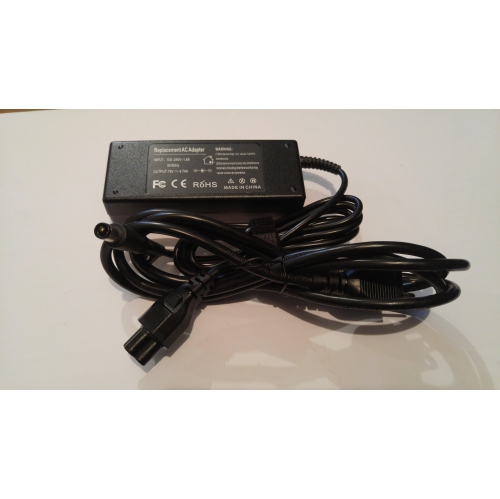
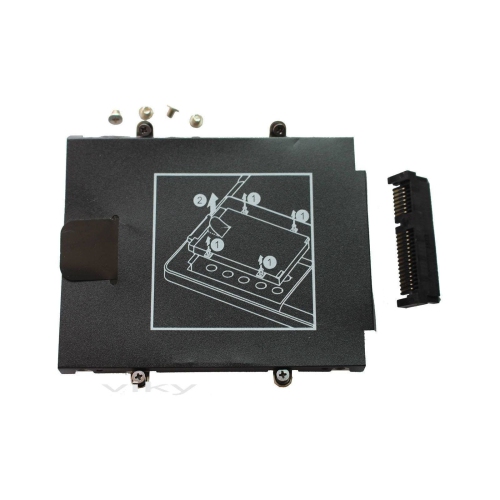
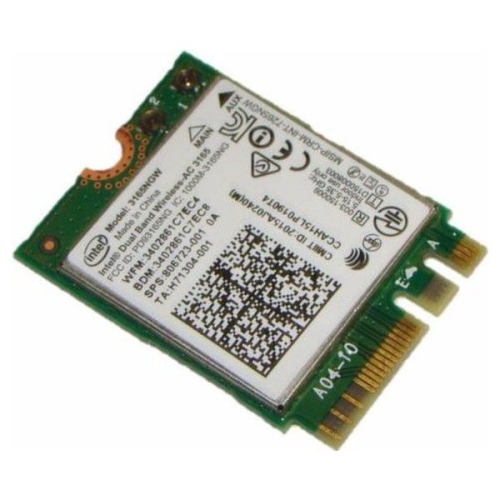
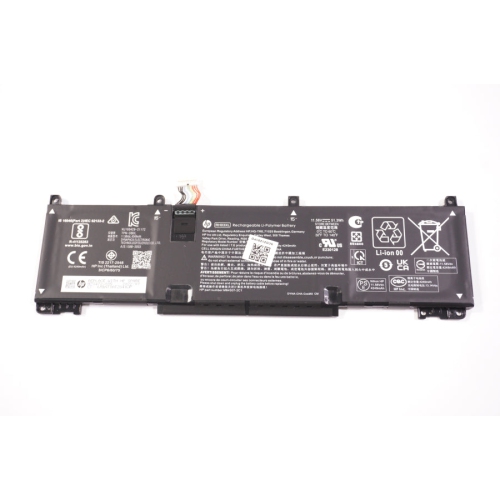
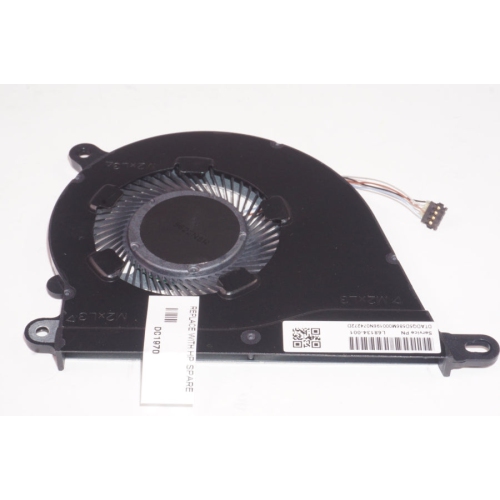
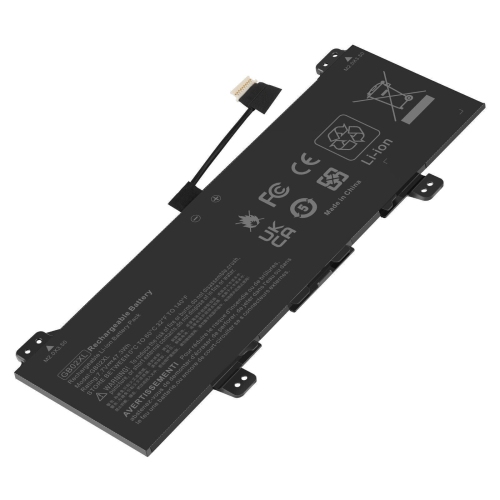
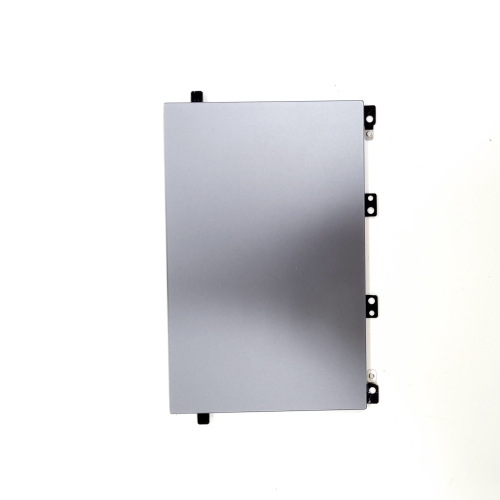
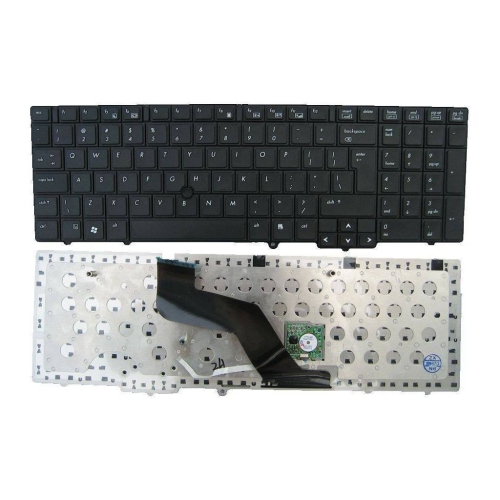
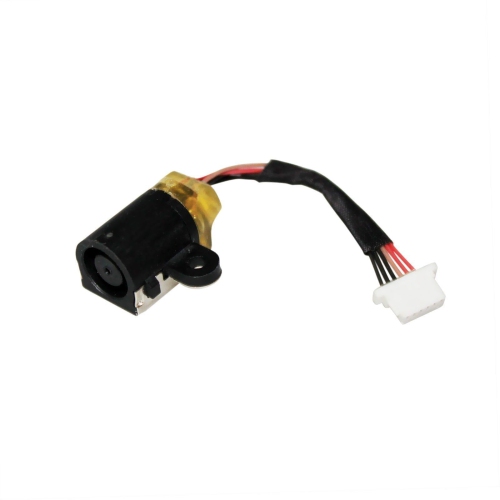

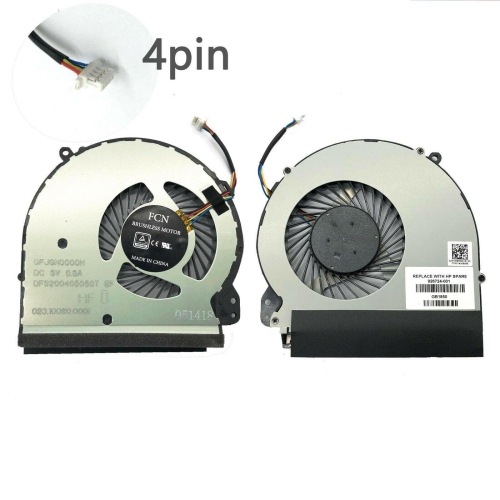
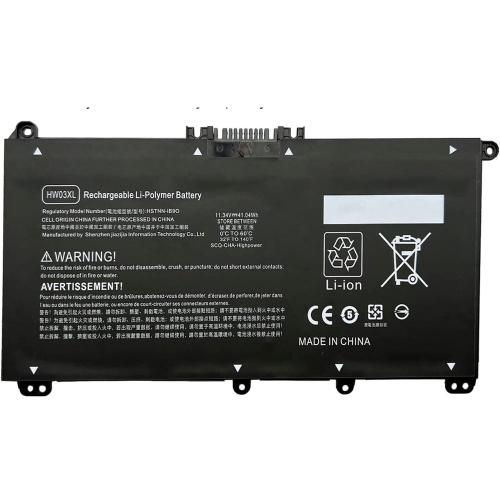
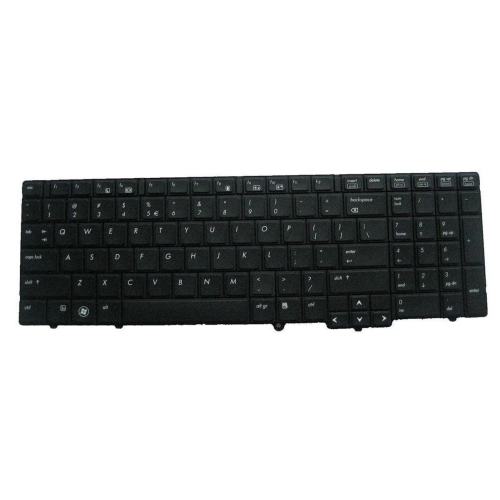
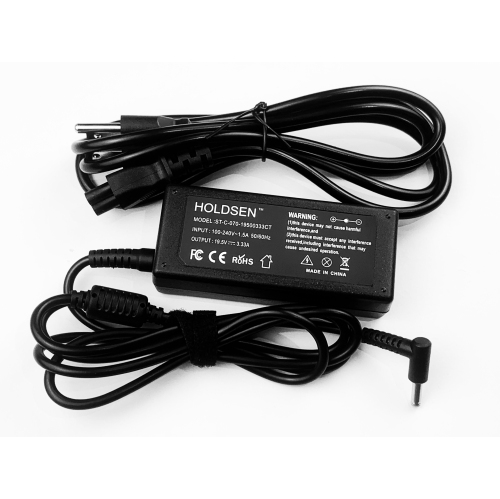
More comfortable, capable setups for work, study, and travel
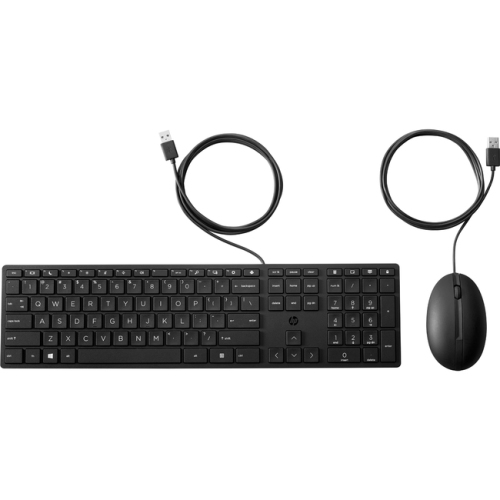
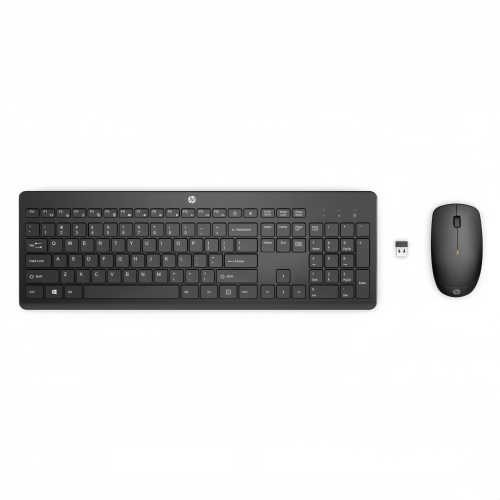
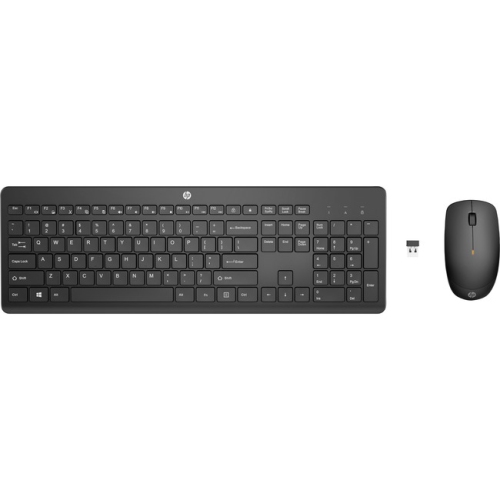
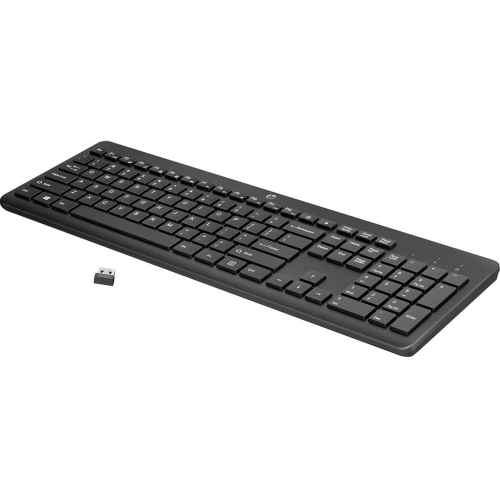
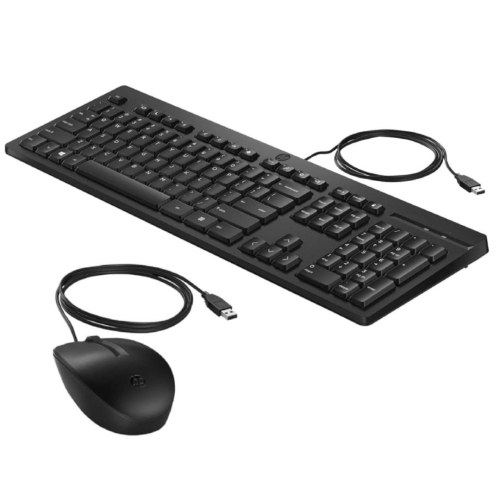
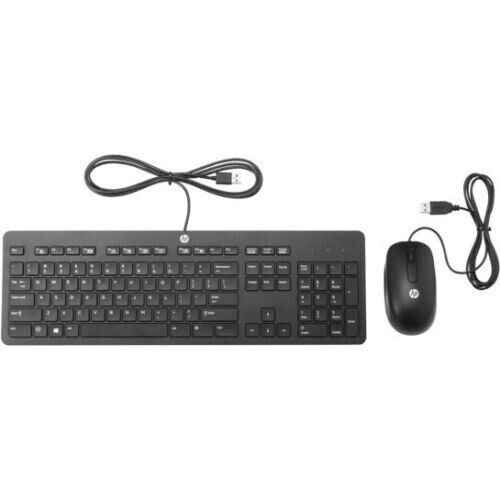
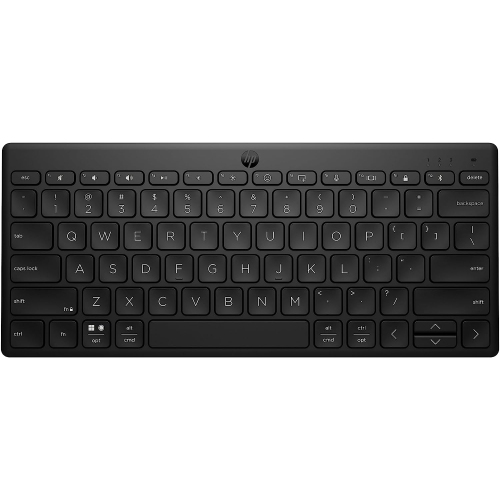
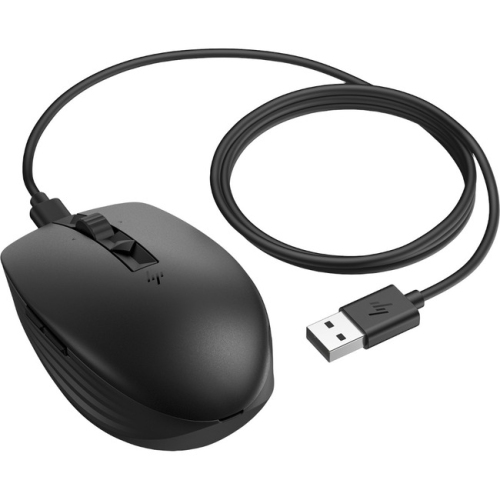
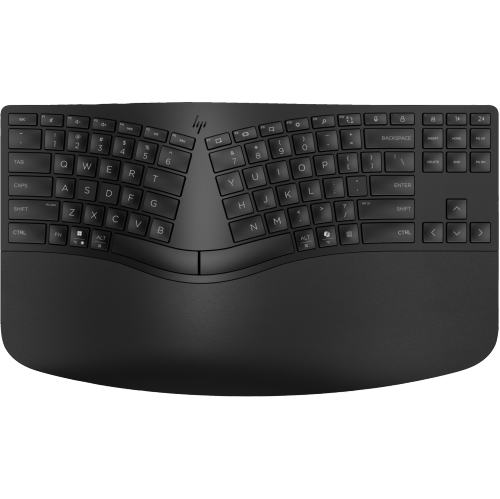
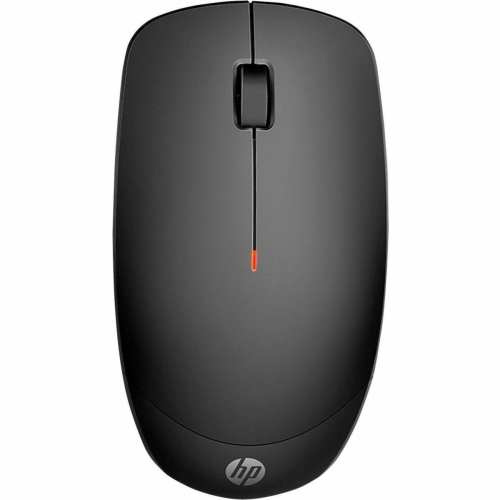
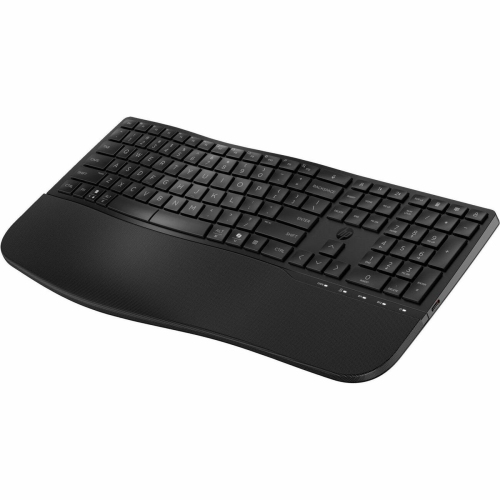
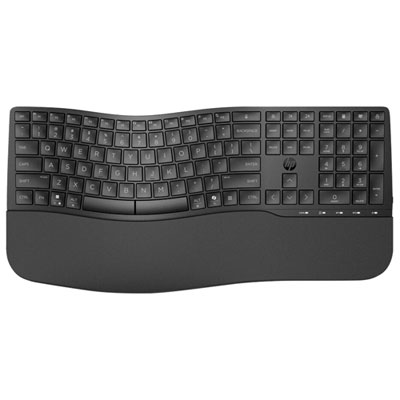
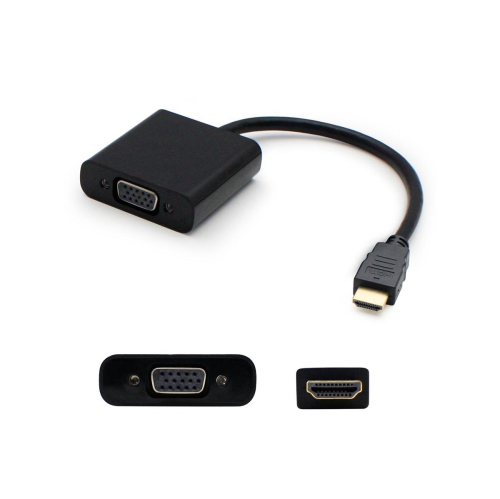
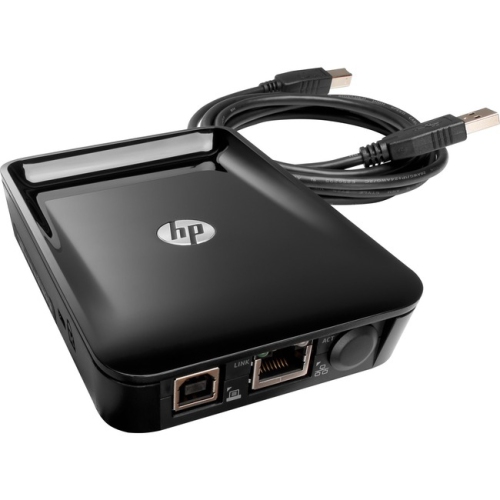
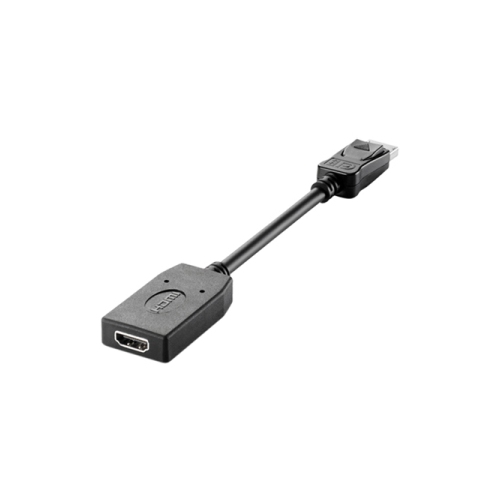
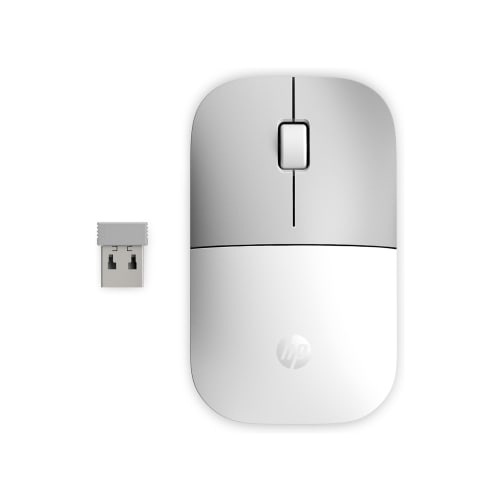
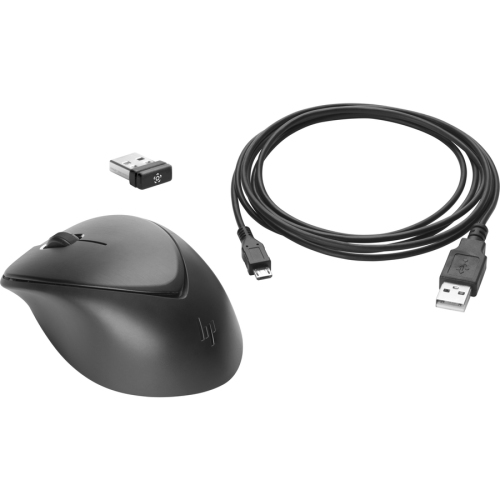
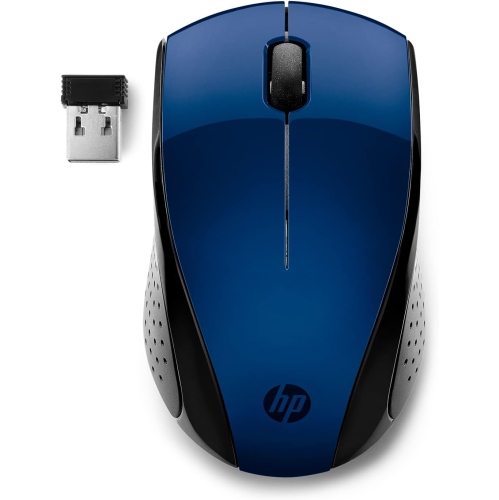
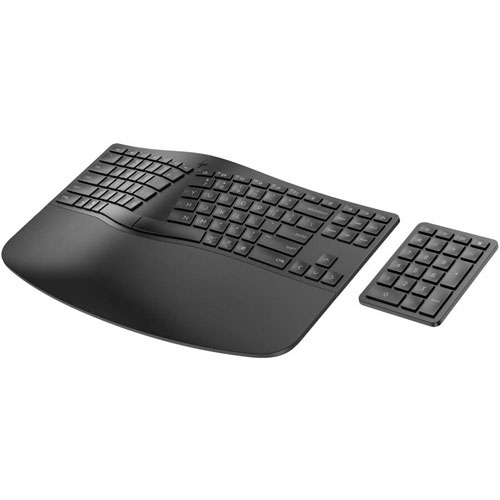
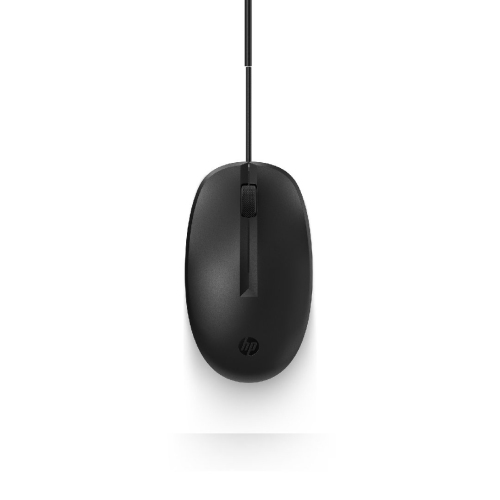
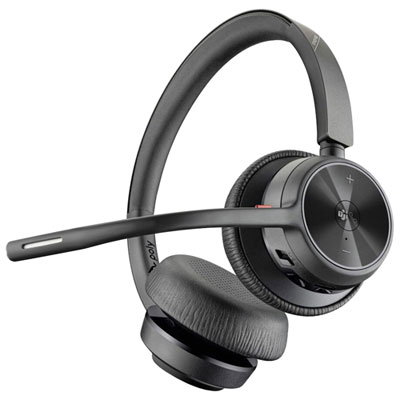
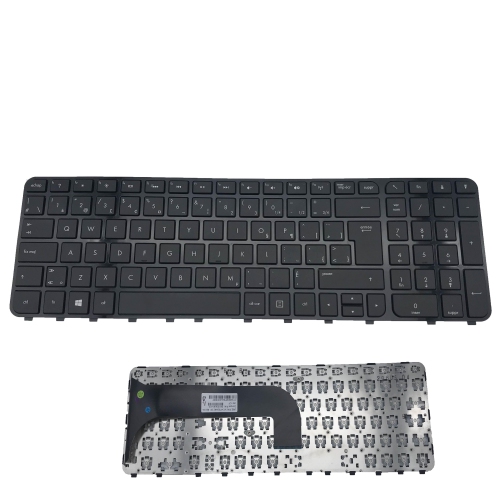
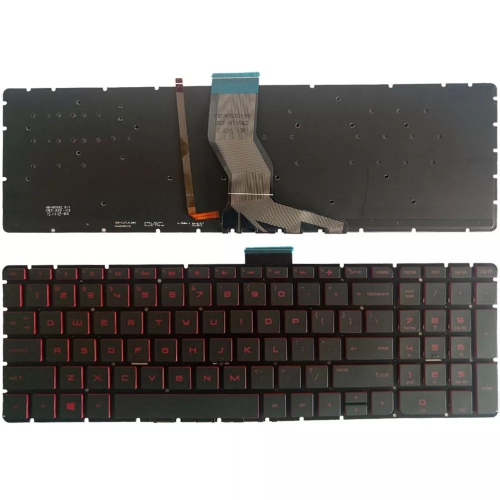
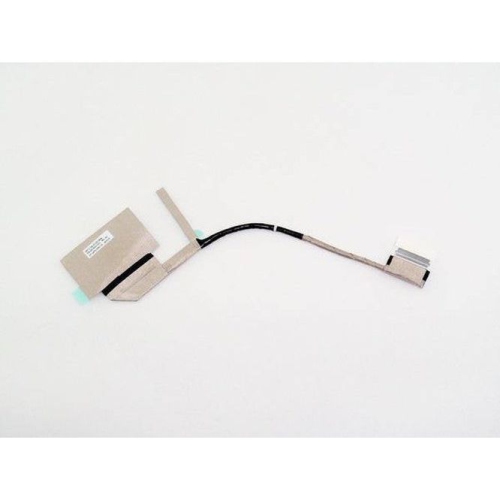
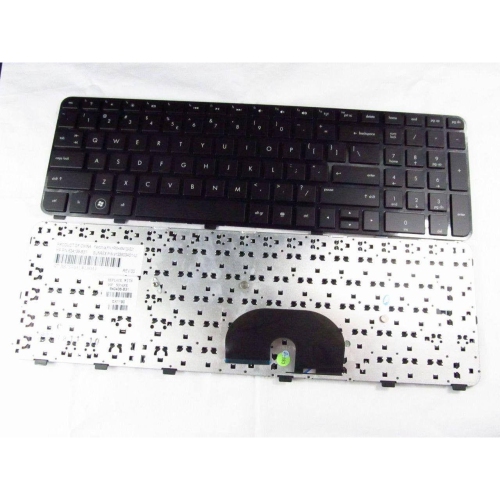
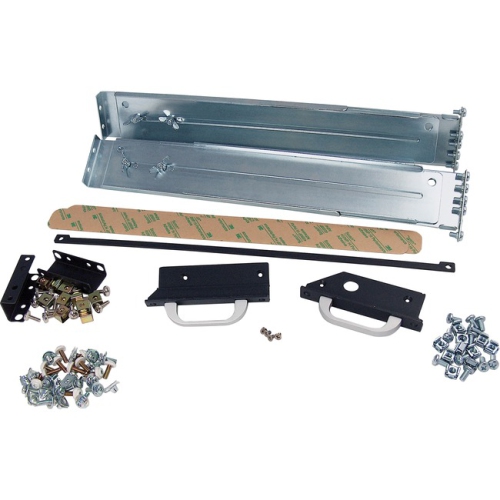
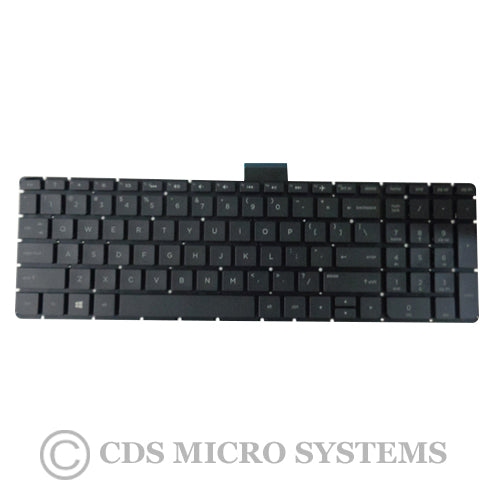
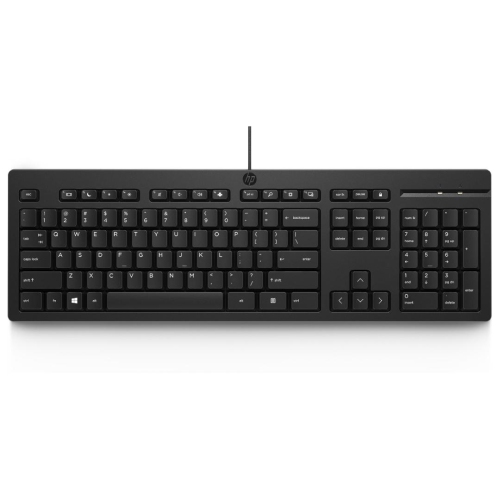
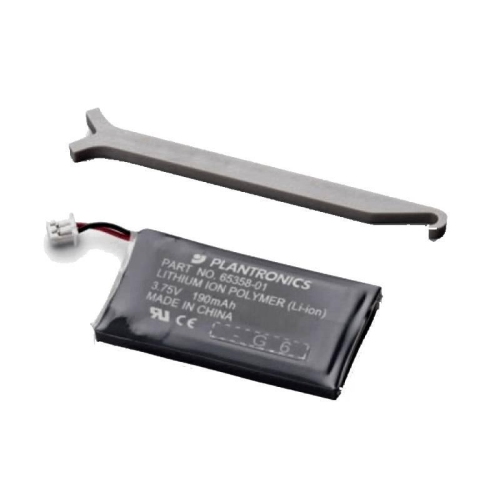
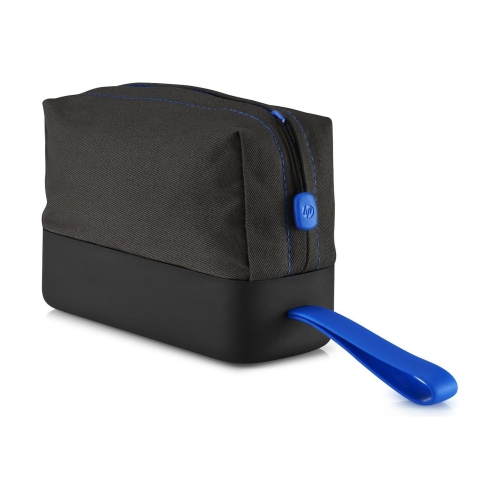
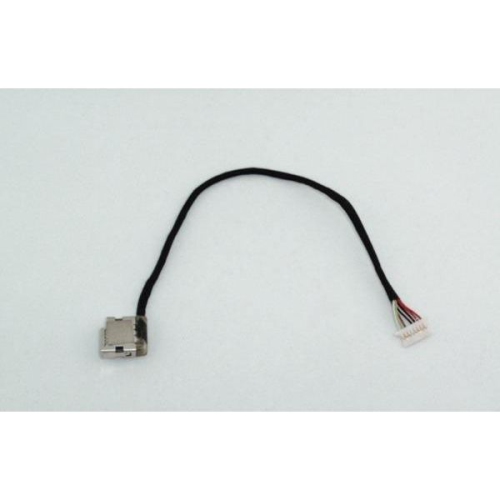
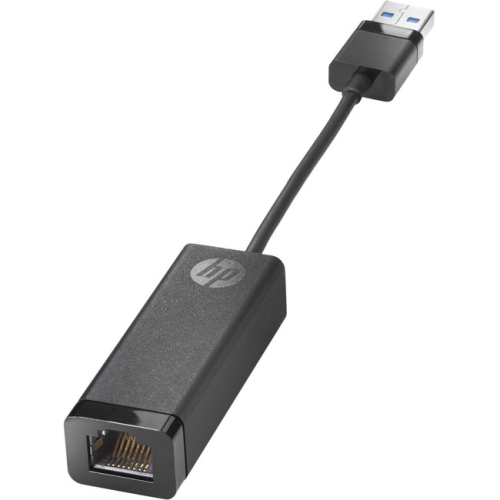
HP accessories can help create a more comfortable, capable computer setup at home, at work, in the classroom, or on the go. The right add-ons can make everyday tasks feel smoother, whether you are moving between meetings, preparing assignments, editing photos, joining video calls, or simply catching up on messages at the kitchen table. A mouse can offer more precise control than a trackpad, while a full-size or compact keyboard can make extended typing feel more natural. Wireless options help reduce cable clutter and make it easier to arrange a desk around your habits, whereas wired accessories can be a dependable choice for a permanent workstation. When browsing HP Laptop Accessories, begin by considering how the accessory will be used and which devices it needs to work with. Check connection types carefully, including USB-A, USB-C, Bluetooth, and other compatible interfaces, since newer laptops may rely on fewer built-in ports. It is also worth checking operating system compatibility, power requirements, supported display resolutions, and whether any necessary cables or adapters are included. These small details can make the difference between an accessory that works immediately and one that requires additional equipment. For a shared family computer, a simple keyboard and mouse combination may be all that is needed for browsing, schoolwork, and household administration. A home office may benefit from a docking station, external display connection, webcam, or headset that keeps calls clear while leaving the laptop ready to move when the workday ends. Students can appreciate lightweight accessories that fit easily into a backpack, while frequent travellers may prefer compact designs, wireless connections, and protective carrying solutions that keep equipment organised between destinations.
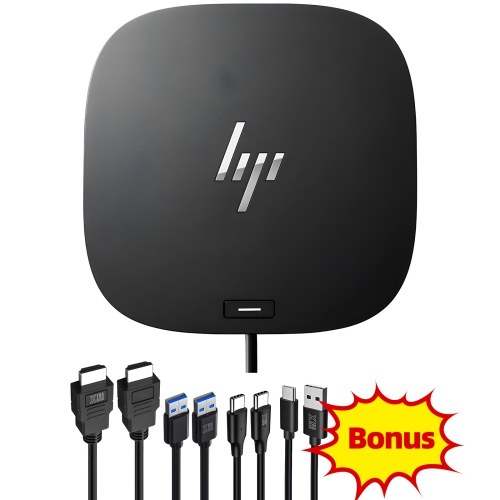
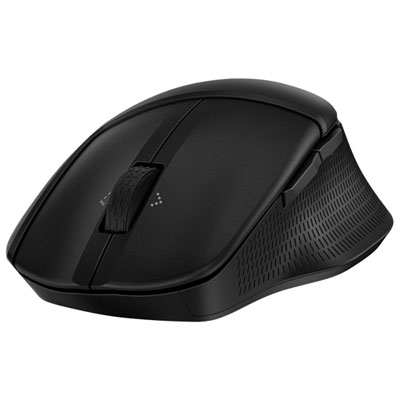
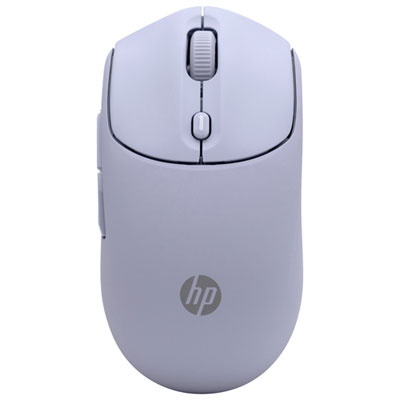
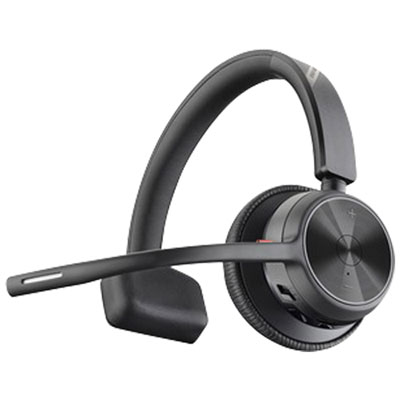
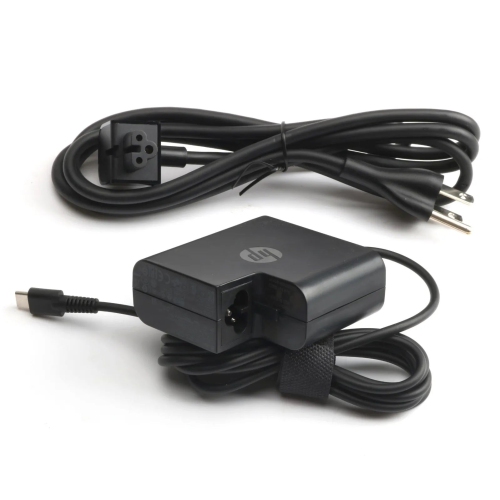
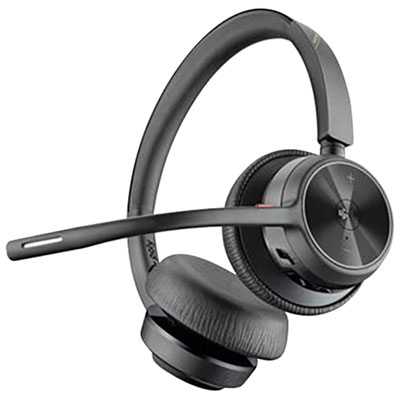
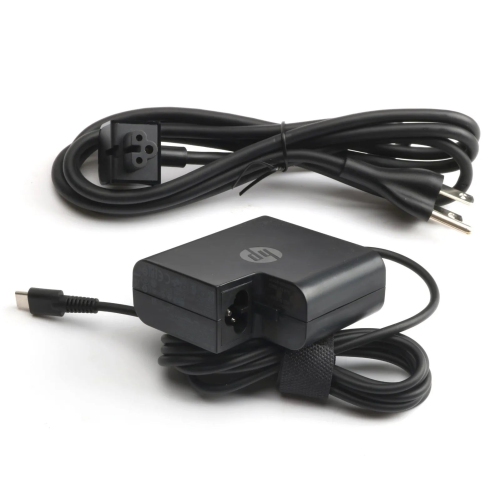
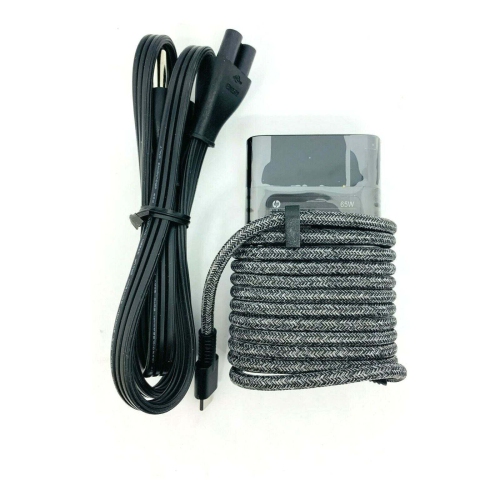
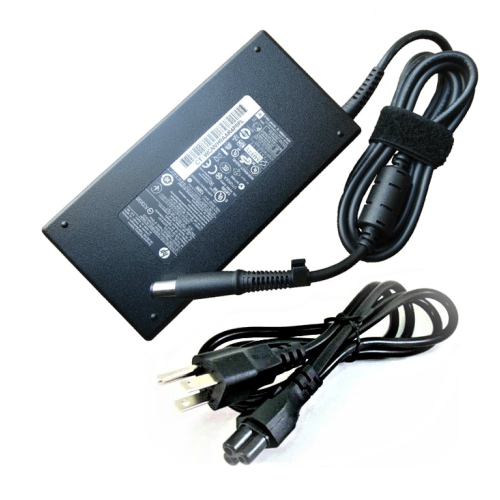
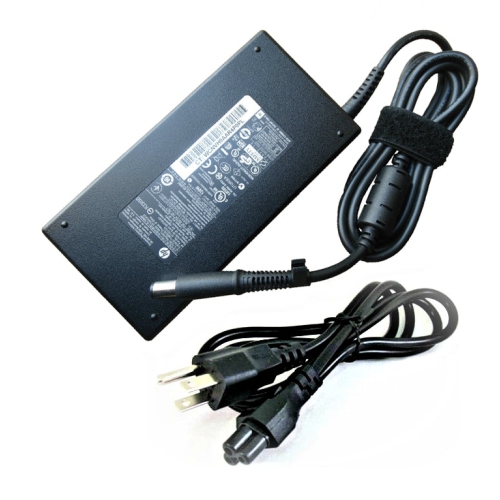
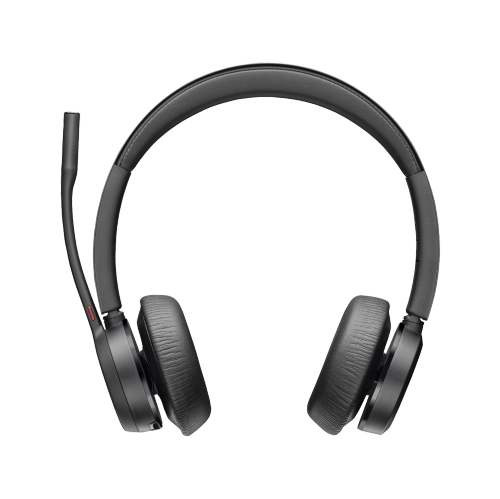
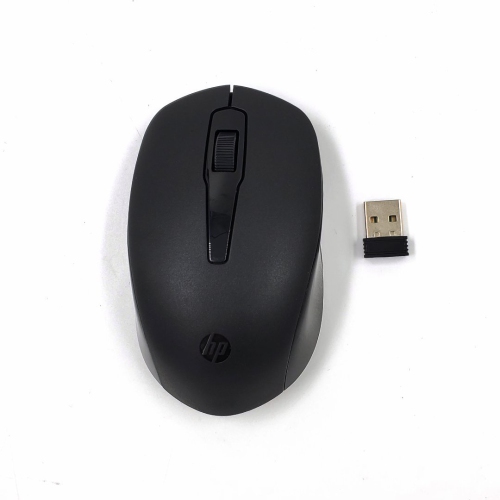
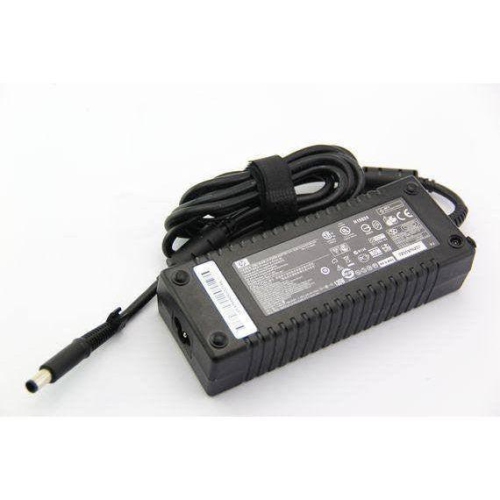
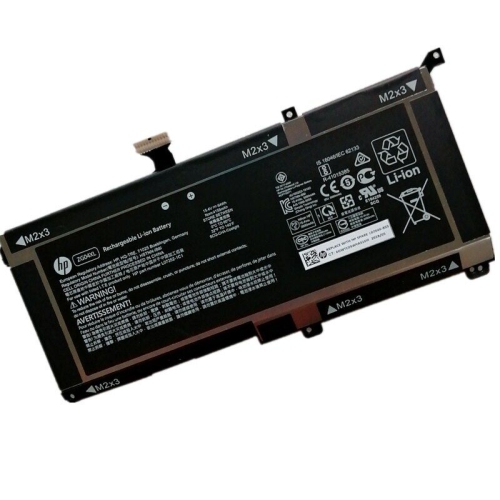
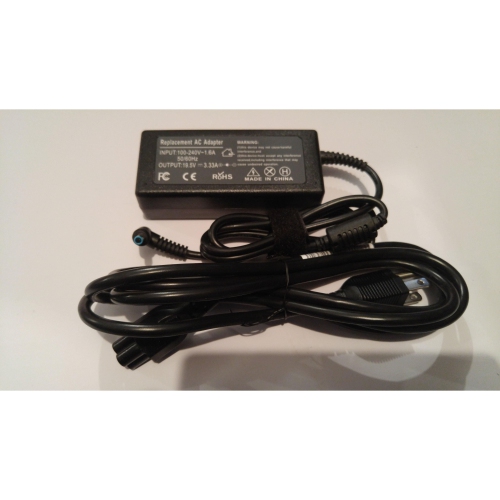
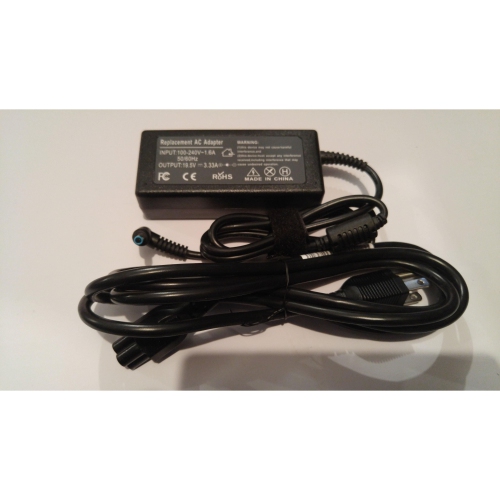
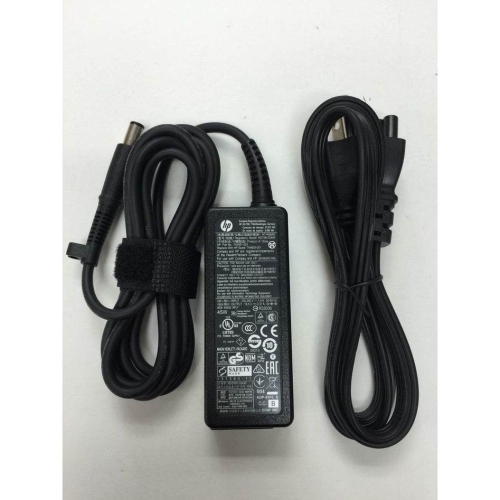
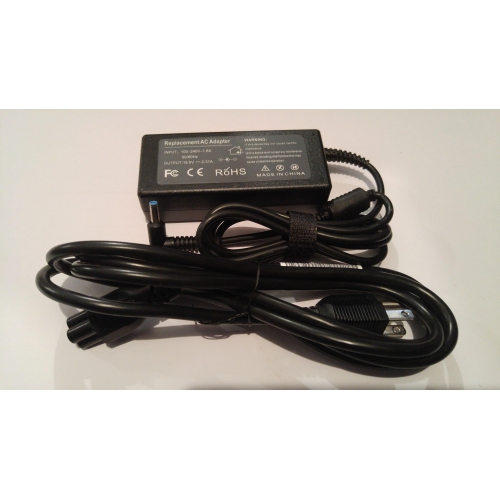
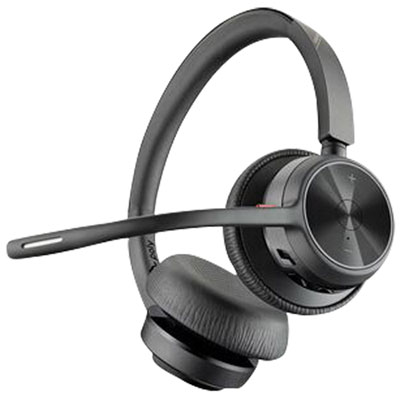
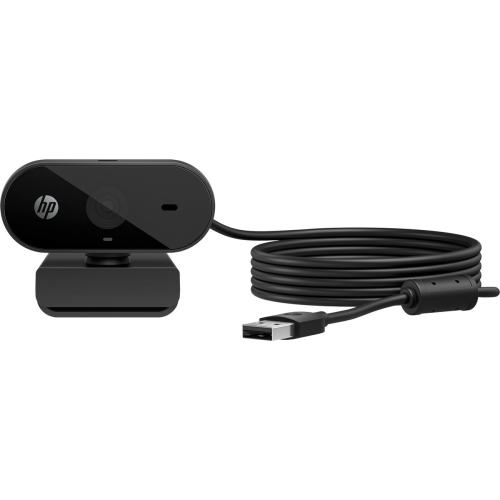
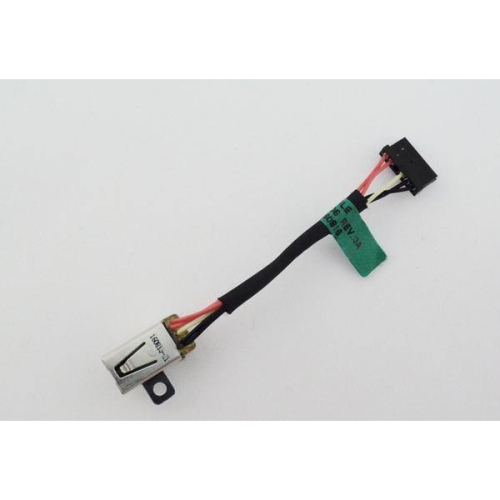
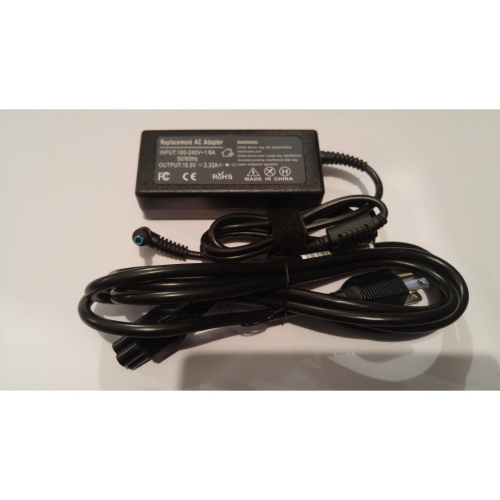
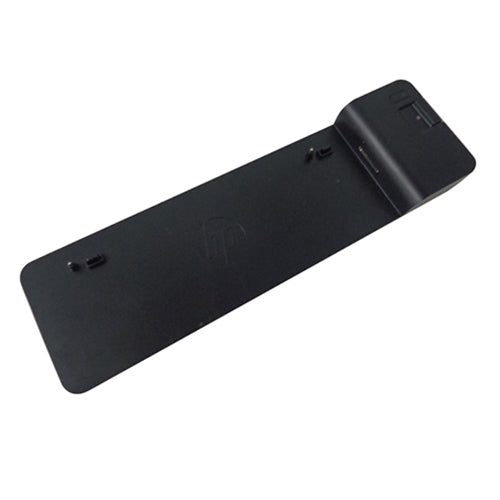
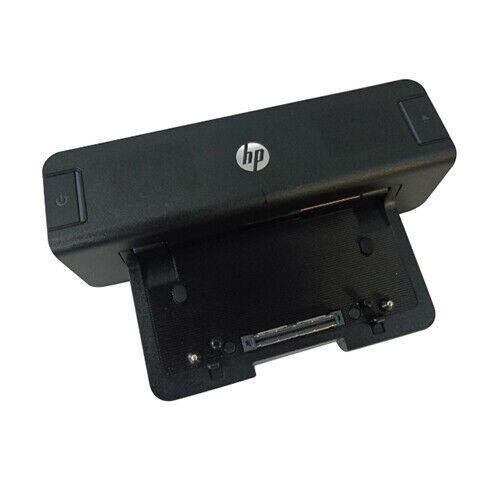
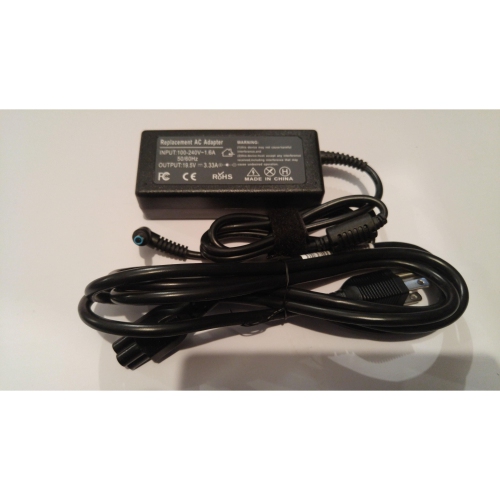
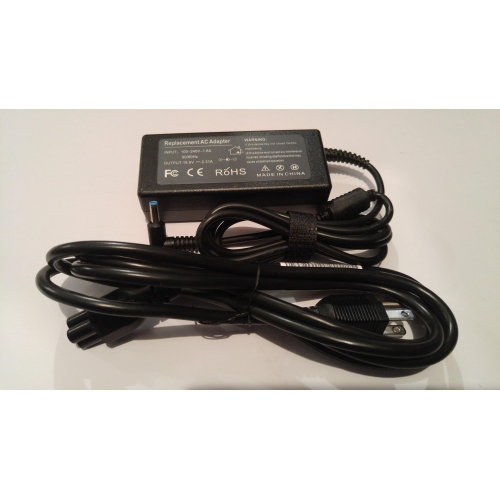
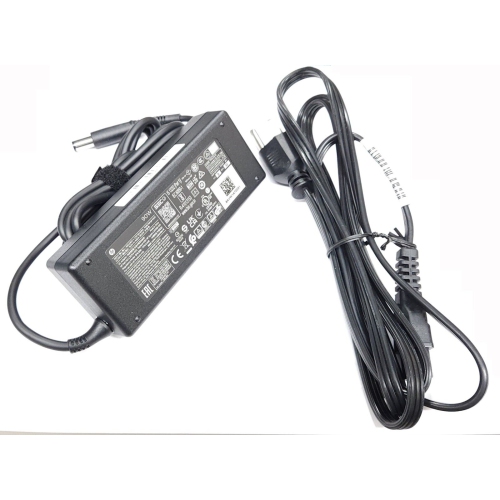
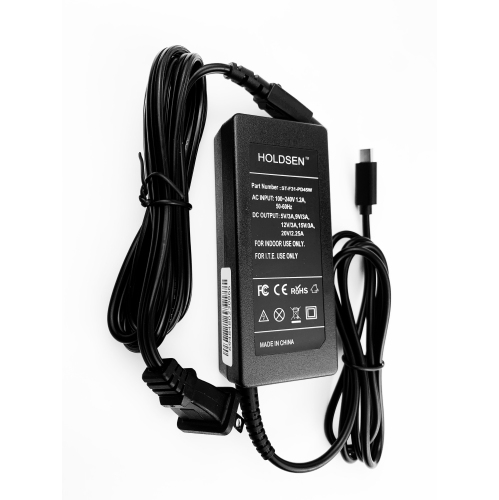
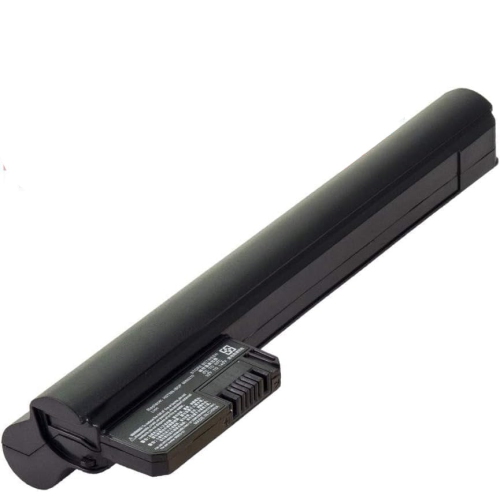
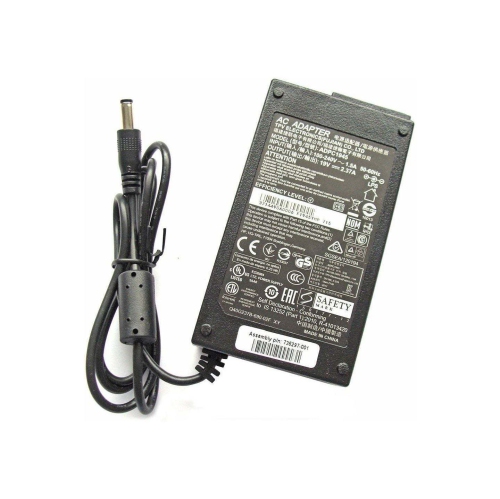
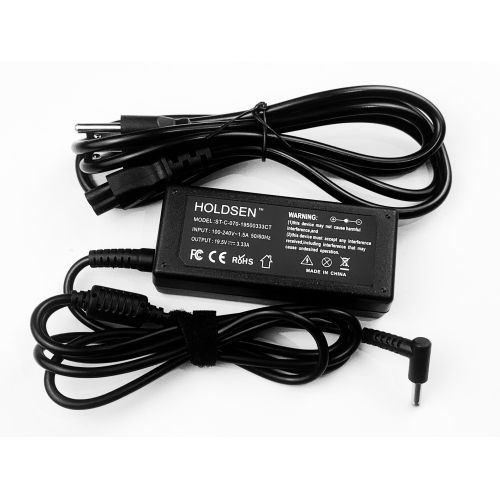
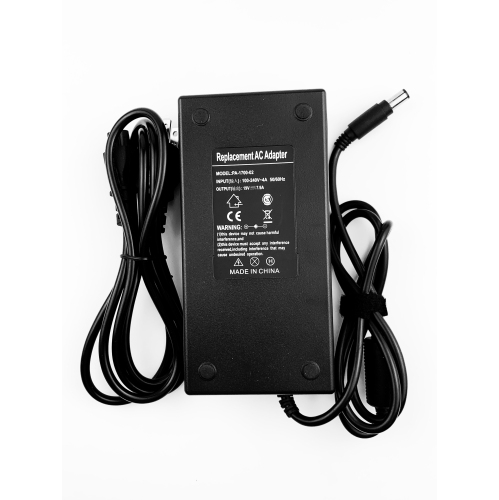
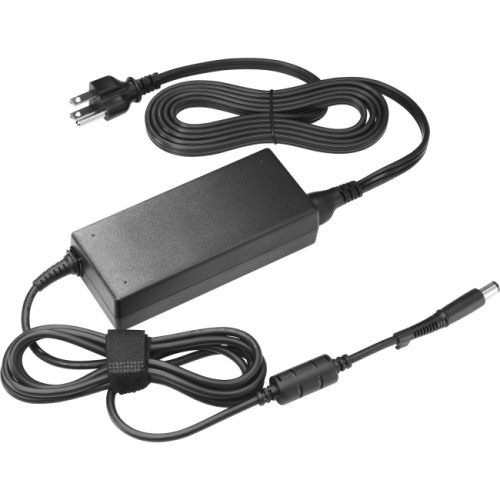
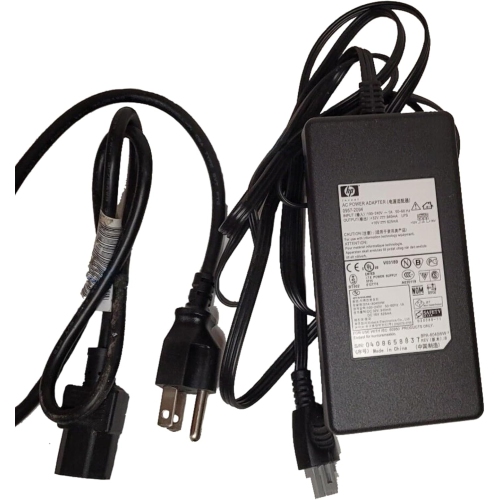
Computer accessories are often chosen for comfort as much as performance. If you spend long stretches at a desk, look for a keyboard with a layout that suits your typing style and a mouse that feels natural in your hand. A compact mouse can be convenient for smaller work surfaces or travel, while a larger design may provide a more substantial grip for all-day use. Adjustable features, responsive buttons, and a smooth tracking surface can help reduce the small frustrations that build up during repeated tasks, such as moving through spreadsheets or editing documents. A headset can be useful in an open-plan room, shared home, or busy household because it helps keep conversations private and makes it easier to concentrate. For video calls, consider the camera position, microphone quality, field of view, and lighting in the room; a dedicated webcam may offer a more flattering angle or clearer image than a built-in camera. A separate microphone can be helpful for presentations, lessons, streaming, and recorded content, particularly when the computer is positioned farther away. Docking stations and port replicators are practical for people who connect several devices at once. Rather than reaching behind a laptop for each cable, a dock can provide a central connection point for displays, storage, networking, keyboards, mice, and other peripherals. Before choosing one, count the ports you use, consider whether you need charging through the same connection, and confirm that the dock supports the number and type of monitors you plan to connect. Power accessories deserve the same attention. Replacement chargers and adapters should match the computer’s voltage, wattage, connector, and charging requirements. Using the correct specifications helps support reliable operation and avoids the inconvenience of discovering that a charger fits physically but does not provide the required power.
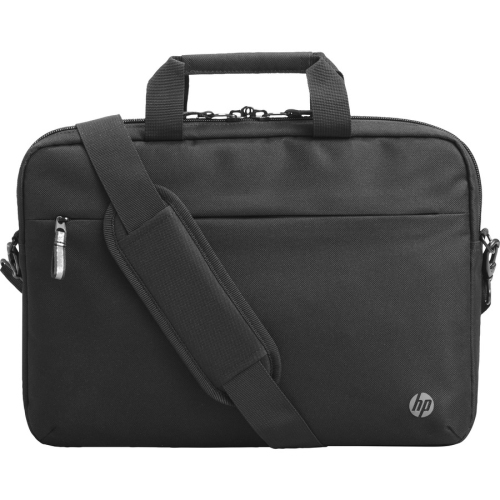
The best accessory is usually the one that fits naturally into a person’s routine. A remote worker might appreciate a neat desk setup that can switch from focused work to a relaxed evening without a maze of cables. A university student may value a sleeve or backpack with room for a laptop, charger, notebook, and headphones, especially when moving between lectures, libraries, and study spaces during the cooler months. Families can use an extra keyboard, mouse, or headset to create a dedicated learning area without taking over the main household workstation. Accessories can also make thoughtful gifts for graduates, new employees, students settling into residence, or anyone setting up a first home office. Gift shoppers can keep the recipient’s equipment and habits in mind: a traveller may need something light and portable, a creative user may benefit from dependable audio and video tools, and a person who works from a shared space may value privacy and noise control. For a straightforward gift, a comfortable mouse, compact keyboard, or protective carrying case is often easier to match than a highly specialised component. For a more complete setup, several compatible accessories can work together to support a particular routine, such as a keyboard and mouse for efficient navigation, a headset and webcam for communication, or a dock and charger for a flexible workstation. Keep cables, adapters, and dimensions in mind when comparing options, and allow enough room for the way the accessory will be stored when not in use. A well-chosen addition should feel less like another item on the desk and more like a natural extension of the computer, helping people stay organised, communicate clearly, and work comfortably through changing routines and busy days.
Computer accessories are often chosen for comfort as much as performance. If you spend long stretches at a desk, look for a keyboard with a layout that suits your typing style and a mouse that feels natural in your hand. A compact mouse can be convenient for smaller work surfaces or travel, while a larger design may provide a more substantial grip for all-day use. Adjustable features, responsive buttons, and a smooth tracking surface can help reduce the small frustrations that build up during repeated tasks, such as moving through spreadsheets or editing documents. A headset can be useful in an open-plan room, shared home, or busy household because it helps keep conversations private and makes it easier to concentrate. For video calls, consider the camera position, microphone quality, field of view, and lighting in the room; a dedicated webcam may offer a more flattering angle or clearer image than a built-in camera. A separate microphone can be helpful for presentations, lessons, streaming, and recorded content, particularly when the computer is positioned farther away. Docking stations and port replicators are practical for people who connect several devices at once. Rather than reaching behind a laptop for each cable, a dock can provide a central connection point for displays, storage, networking, keyboards, mice, and other peripherals. Before choosing one, count the ports you use, consider whether you need charging through the same connection, and confirm that the dock supports the number and type of monitors you plan to connect. Power accessories deserve the same attention. Replacement chargers and adapters should match the computer’s voltage, wattage, connector, and charging requirements. Using the correct specifications helps support reliable operation and avoids the inconvenience of discovering that a charger fits physically but does not provide the required power.
The best accessory is usually the one that fits naturally into a person’s routine. A remote worker might appreciate a neat desk setup that can switch from focused work to a relaxed evening without a maze of cables. A university student may value a sleeve or backpack with room for a laptop, charger, notebook, and headphones, especially when moving between lectures, libraries, and study spaces during the cooler months. Families can use an extra keyboard, mouse, or headset to create a dedicated learning area without taking over the main household workstation. Accessories can also make thoughtful gifts for graduates, new employees, students settling into residence, or anyone setting up a first home office. Gift shoppers can keep the recipient’s equipment and habits in mind: a traveller may need something light and portable, a creative user may benefit from dependable audio and video tools, and a person who works from a shared space may value privacy and noise control. For a straightforward gift, a comfortable mouse, compact keyboard, or protective carrying case is often easier to match than a highly specialised component. For a more complete setup, several compatible accessories can work together to support a particular routine, such as a keyboard and mouse for efficient navigation, a headset and webcam for communication, or a dock and charger for a flexible workstation. Keep cables, adapters, and dimensions in mind when comparing options, and allow enough room for the way the accessory will be stored when not in use. A well-chosen addition should feel less like another item on the desk and more like a natural extension of the computer, helping people stay organised, communicate clearly, and work comfortably through changing routines and busy days.
Top selling and popular products
-
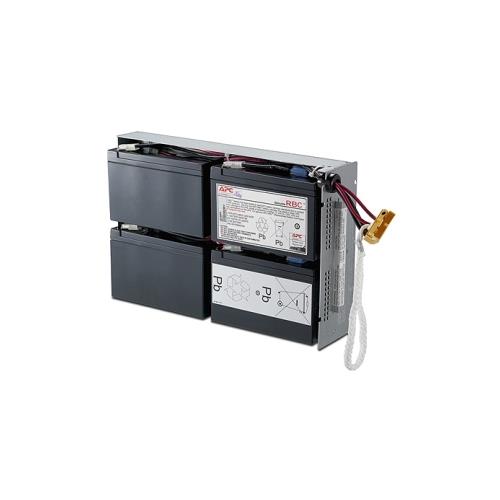 Your price for this item is $727.82
 -
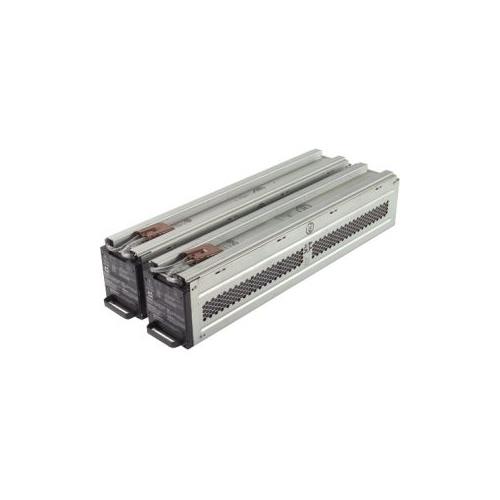 Your price for this item is $1116.68
 -
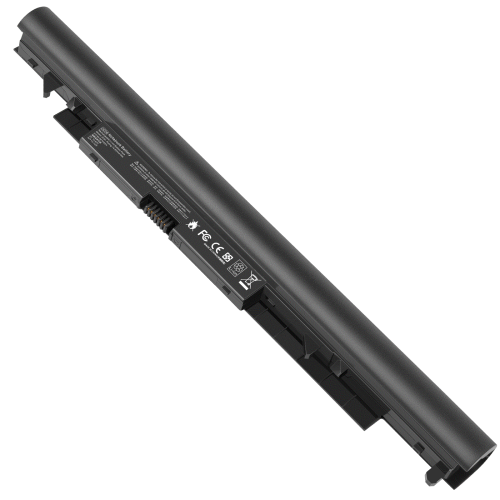
![DR. BATTERY Replacement for HP Probook 430 G6-5Pq40Ea G6-5Pq62Ea G6-5Pq75Ea L32407-541 L32407-Ac1 L32656-002 [11.55V / 40Wh]](https://multimedia.bbycastatic.ca/multimedia/products/500x500/154/15458/15458885.jpeg) Your price for this item is $69.99
Your price for this item is $69.99 -
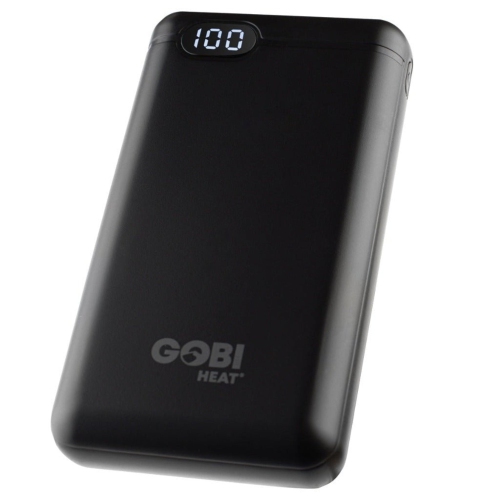 Your price for this item is $100
 -
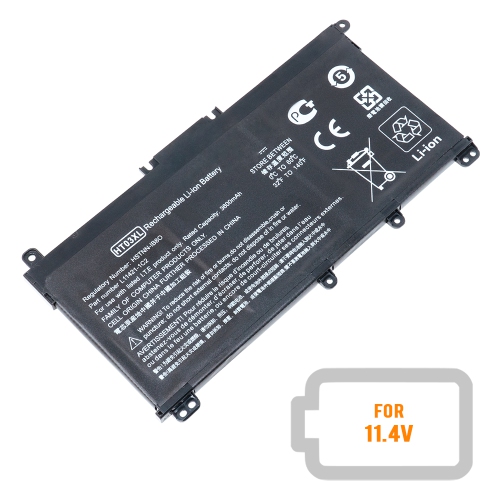 Your price for this item is $39.77
 -
 Your price for this item is $87.99
 -
 Your price for this item is $129
 -
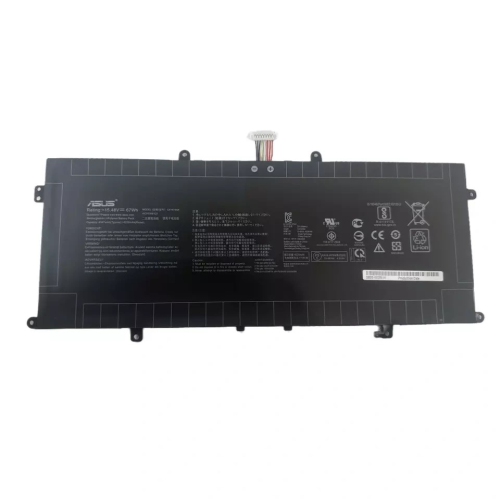 Your price for this item is $94.99
Discover more categories related to HP Accessories
Top Collections:
Pokemon Centers, Kindle Devices, Best Budget Office Chairs, Canon G7X Cameras, Apple iPhones 16, Samsung Galaxy Phones, Refurbished Apple Laptops, Laptops for Students, iPhone 15 Apple, Budget Smartphones
Some products may be subject to Environmental Handling Fees
(EHF) depending on your province.
Learn more about EHFs.