HP Mice
If you're looking for the perfect accessory to enhance your computer experience, this selection of mice offers precision, comfort, and style to meet your needs. Whether you're a gamer in need of a high-performance mouse, or a professional looking for ergonomic design, we have a wide range of options to choose from. Explore this collection to find the right mouse that will take your computing to the next level.
Sort
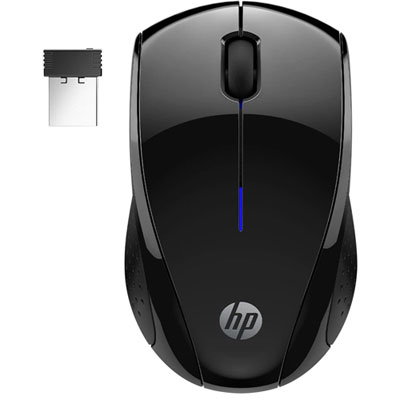
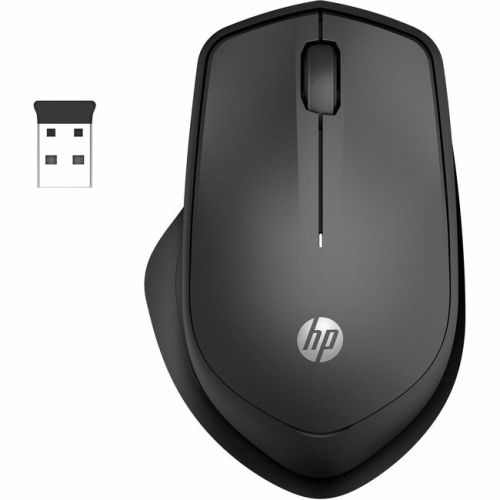

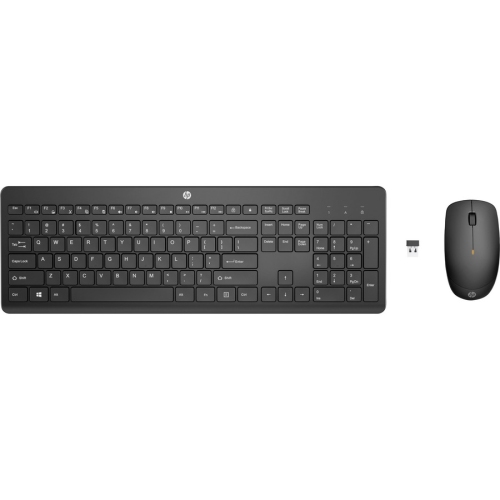
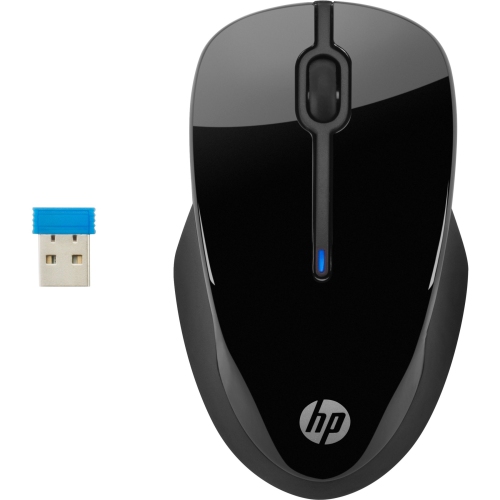
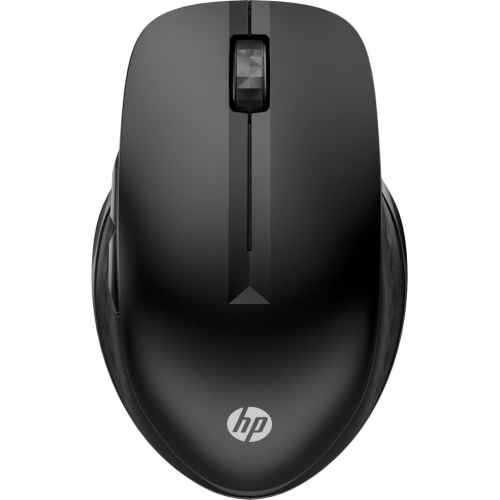
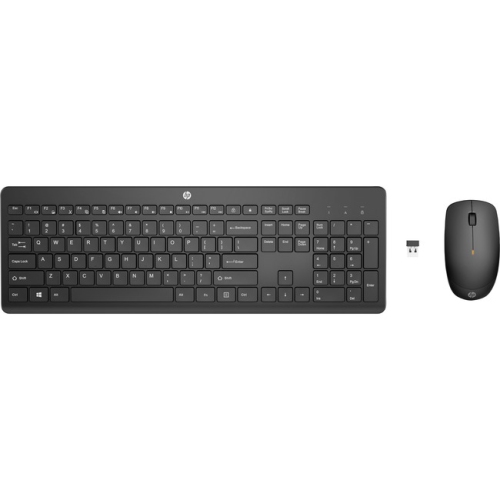
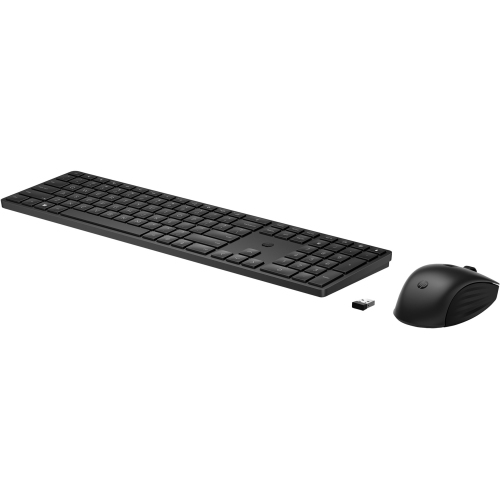
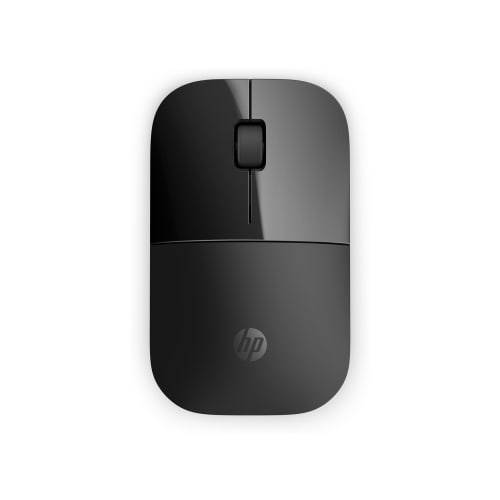
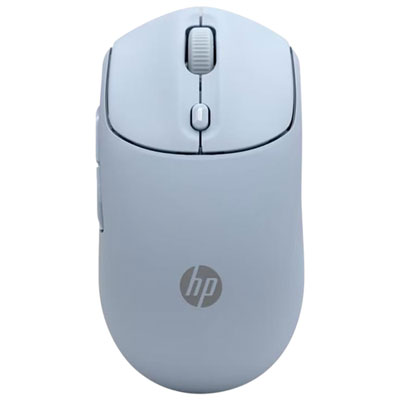
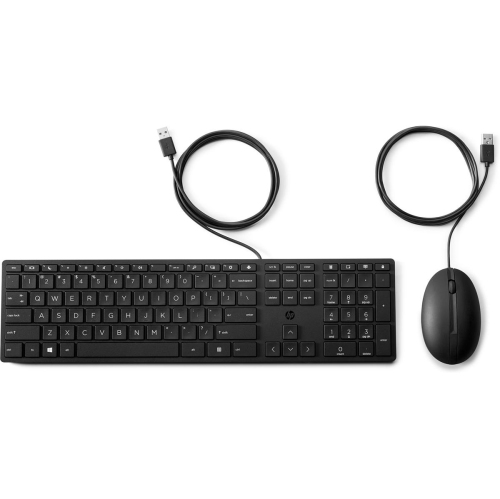
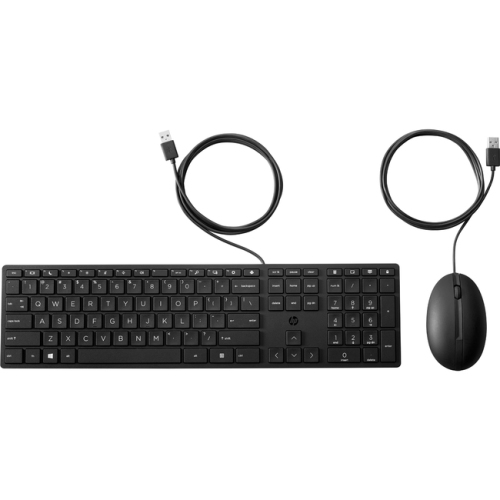
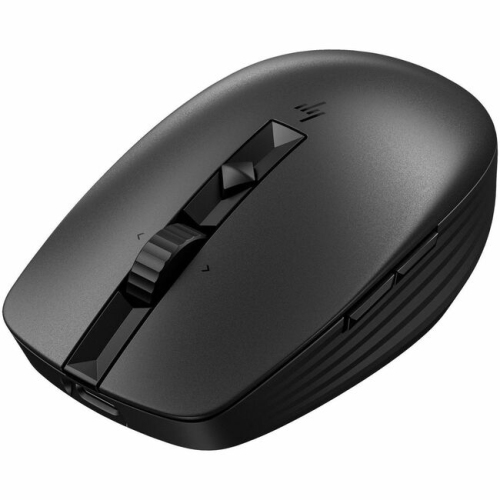
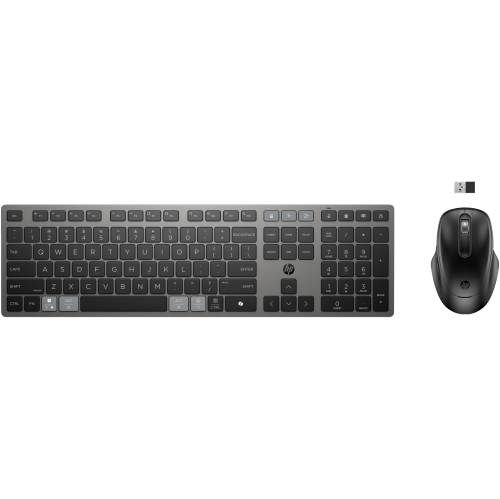
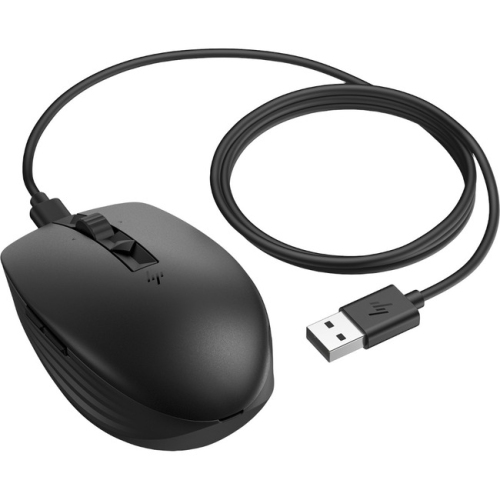
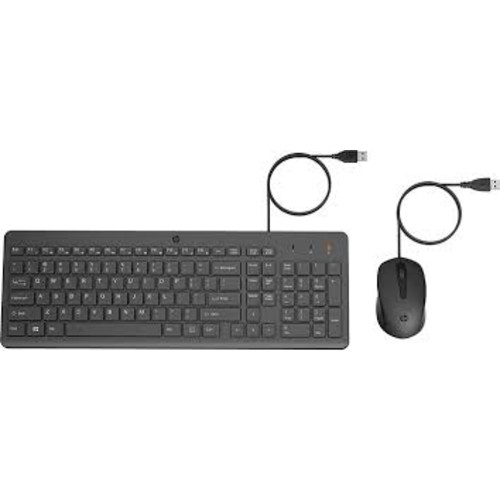
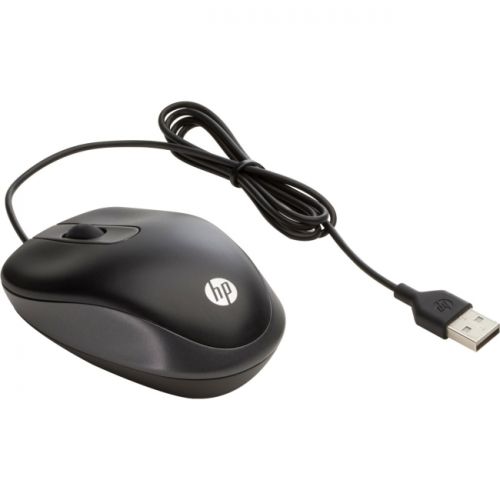
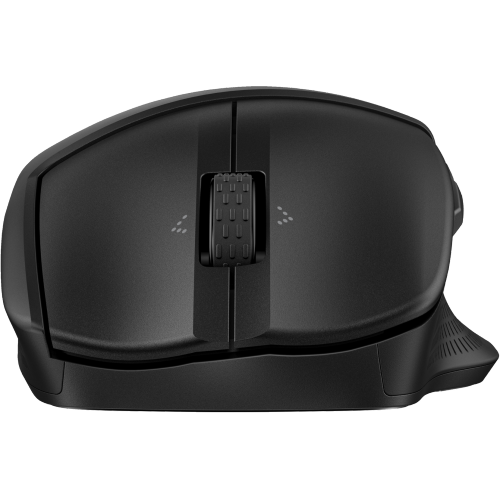
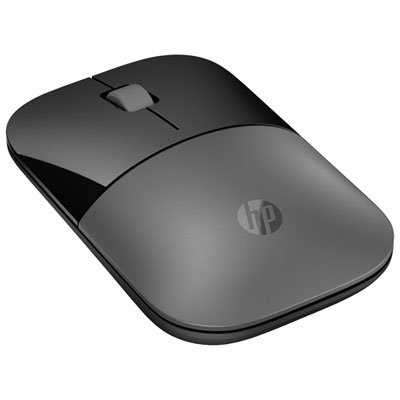

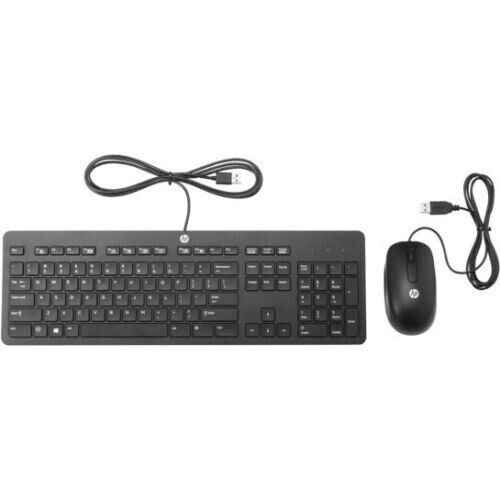
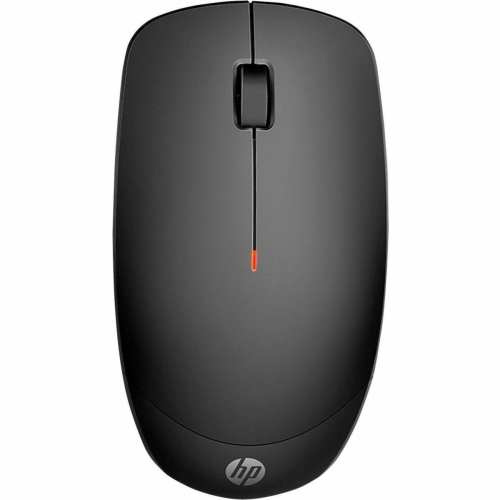
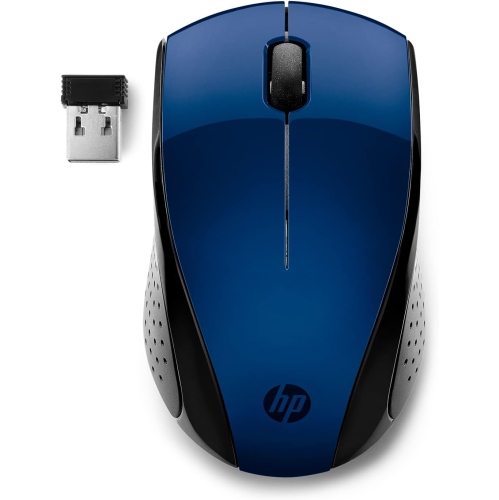
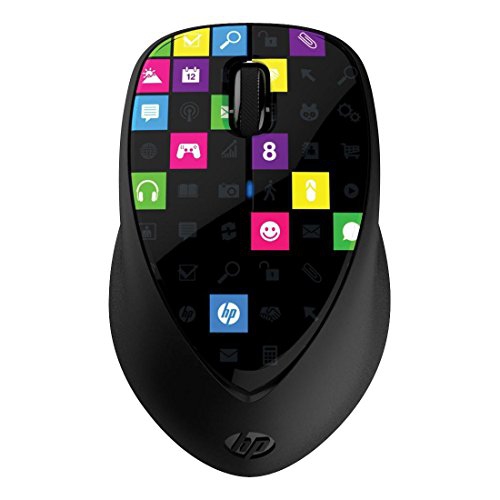
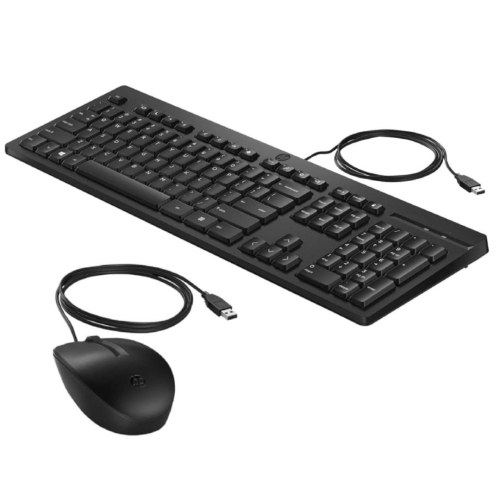
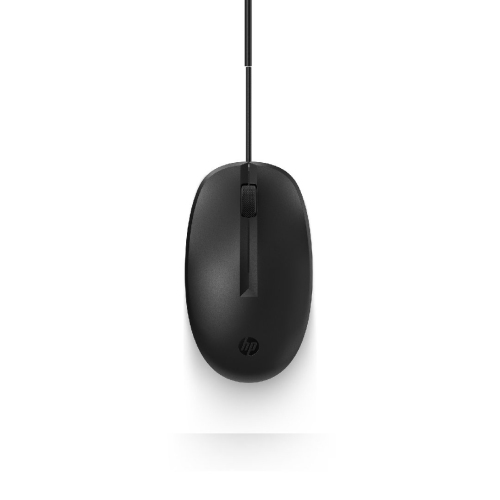
How mouse connections and comfort shape everyday use
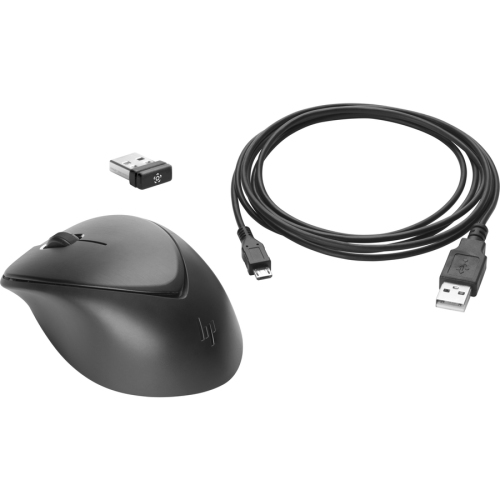
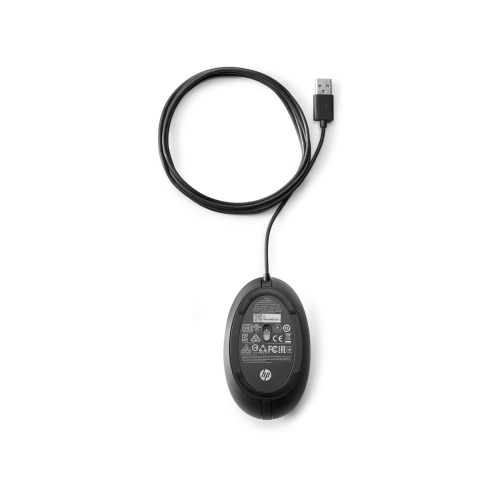
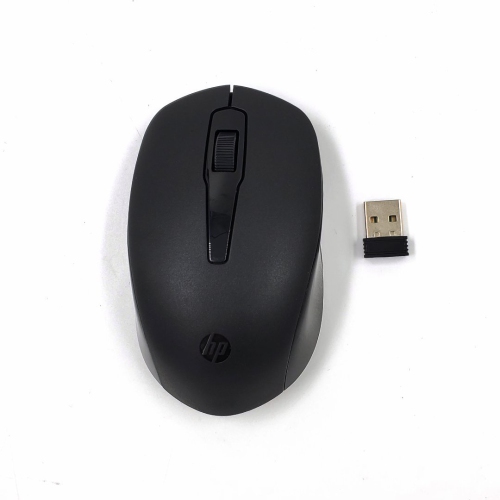
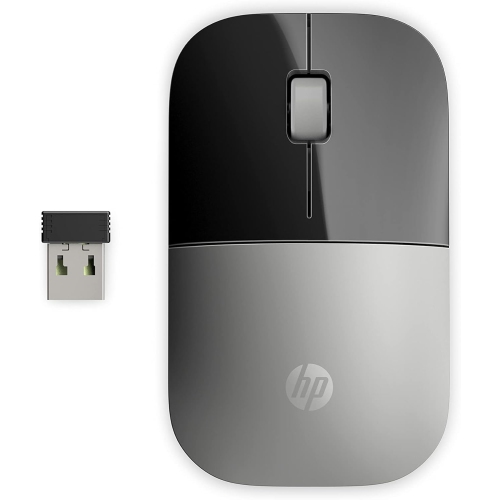
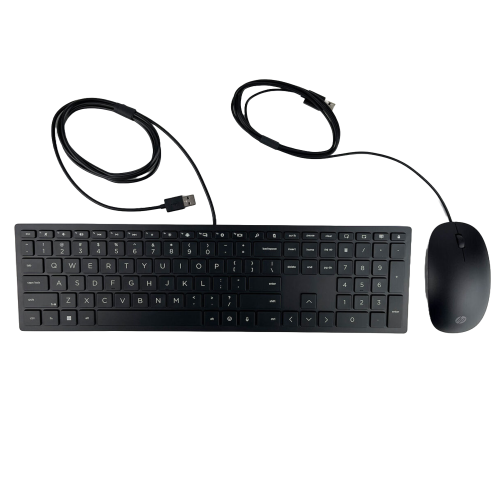
Computer mice bring precise, familiar control to everyday tasks, from selecting cells in a spreadsheet to arranging photos, navigating browser tabs, and editing a presentation. The main connection options are wired USB, wireless with a USB receiver, and Bluetooth, each suited to a different desk setup. A wired mouse draws power through its cable, making it a straightforward choice for a desktop workstation where dependable access matters more than portability. Basic pointer functions typically work without additional software on compatible computers, although advanced button settings may require an app. A wireless USB mouse communicates through a small receiver plugged into the computer, keeping the immediate work area free of a mouse cable while still using a USB port. Bluetooth mice pair directly with compatible computers, leaving ports free for storage drives, keyboards, and other accessories. Some mice support both Bluetooth and a USB receiver, while certain designs can retain pairings with multiple devices and switch between them. Those features can be useful when a work laptop and a personal computer share the same desk, but they vary by model. Compatibility depends on the computer’s operating system, supported wireless connections, and physical ports rather than its name alone. A USB-A receiver, for example, needs a matching port or a suitable adapter on a laptop with only USB-C connections. For a more focused selection, Wireless Mice for HP Pavilion brings together options for that laptop family. Wireless power arrangements also differ: some mice use replaceable batteries, while others have an internal rechargeable battery. Published battery-life estimates depend on usage, settings, and connection mode, so they are not a promise of identical results for every user. An accessible power switch, a battery indicator, and a storage slot for a removable receiver are practical details for a mouse that regularly moves between a desk and a laptop bag. Together, these connection and power choices help distinguish a mouse intended to stay at one workstation from one suited to daily travel.
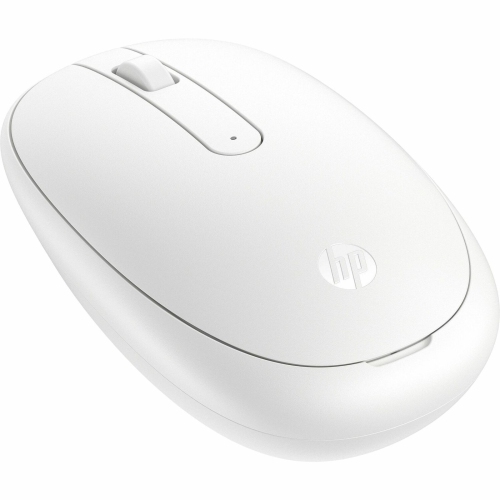
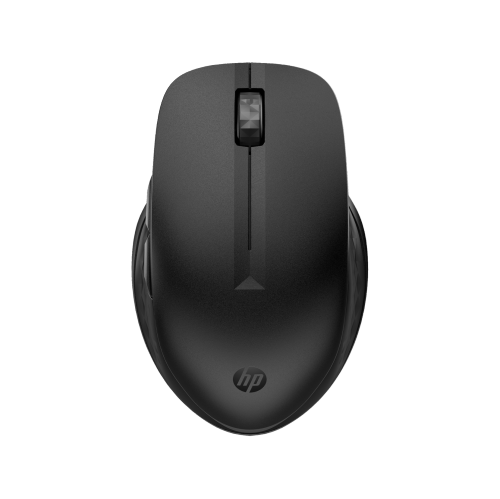
Shape and fit often have a greater effect on daily comfort than a long feature list. A full-size mouse can give the palm more support during extended document work, while a low-profile design takes up less room beside a laptop and slips more easily into an accessory pouch. Neither shape suits every hand. The height of the back, the width through the middle, and the placement of the main buttons all influence how naturally the fingers settle. Someone who rests much of their hand on the mouse may prefer a broader, rounded body; someone who steers mainly with their fingertips may favour a lighter, shorter design. Contoured shapes can provide a defined thumb rest, but a right-handed contour may not suit a left-handed user. Symmetrical bodies offer more flexibility, although side-button placement still deserves attention. Smooth plastic shells are easy to wipe clean, while textured panels and rubberized grips can add traction. Soft-touch finishes have a different feel from hard plastic and may show wear differently with frequent use. Colour and finish can complement a keyboard or laptop, but the contact surfaces matter more once the mouse is in use for several hours. Button feel is another everyday distinction: some clicks are crisp and pronounced, while quieter mechanisms reduce the repeated tapping heard during shared office work or study sessions. A quiet-click design is not necessarily silent, and its scroll wheel may still make an audible sound. Wheel resistance also changes the experience of moving through long web pages or detailed worksheets. Clearly defined scrolling steps can help with controlled movement, while additional scrolling functions, where supported, may make wide documents easier to navigate. Programmable side buttons can place frequently used actions within thumb reach, provided the required software supports the computer. These details are especially noticeable for students working through research notes, office workers moving between applications, and anyone who prefers a separate mouse to a laptop’s built-in touchpad.
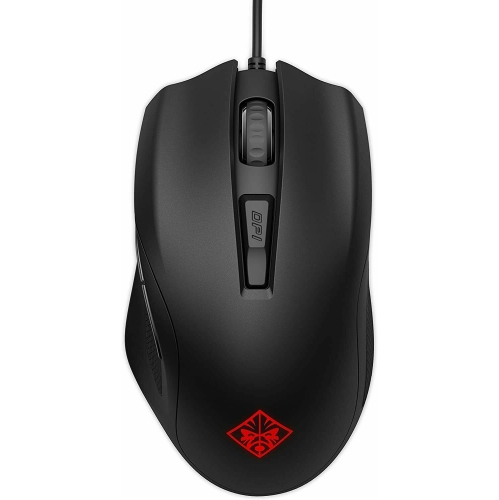
Tracking performance shapes how confidently a mouse moves the pointer across the screen. Sensitivity is commonly expressed in DPI, or dots per inch; a higher setting generally moves the pointer farther for the same physical movement, while a lower setting allows finer adjustments. Adjustable sensitivity can be useful when switching between a large display and a laptop screen, but a larger DPI figure alone does not establish better accuracy or comfort. Predictable tracking, manageable weight, and a shape that stays comfortable all matter during routine use. For detailed photo adjustments or careful selections in a spreadsheet, controlled movement can be more useful than a very fast pointer. Fast-paced games introduce different priorities, including response time, sensor performance, and button layout, so a general-purpose office mouse should not be assumed to offer gaming-focused features. The desk surface also affects results. Many optical sensors work well on a consistent, matte surface, while glass, glossy finishes, or strongly patterned materials can cause difficulties unless the sensor is designed for them. A mouse pad provides a more uniform tracking area and helps protect both the desk and the glide feet underneath the mouse. Simple care supports reliable operation: dust around the sensor opening, debris near the wheel, and residue on the underside can interfere with smooth movement. With the mouse disconnected or switched off, a soft cloth lightly dampened as permitted by the manufacturer can clean the shell; liquid should never be sprayed directly into openings. Charging ports, battery compartments, and receivers should stay dry, and cables should be stored without sharp bends or pressure at the connector. Durability depends on construction, handling, and use, not just the feel of the outer shell. A protective pouch can keep a travel mouse from rubbing against keys or loose accessories inside a bag. As a practical gift for a student, a new home-office user, or someone replacing a worn peripheral, a mouse is most useful when its connection, hand fit, and controls match the recipient’s everyday setup.
Shape and fit often have a greater effect on daily comfort than a long feature list. A full-size mouse can give the palm more support during extended document work, while a low-profile design takes up less room beside a laptop and slips more easily into an accessory pouch. Neither shape suits every hand. The height of the back, the width through the middle, and the placement of the main buttons all influence how naturally the fingers settle. Someone who rests much of their hand on the mouse may prefer a broader, rounded body; someone who steers mainly with their fingertips may favour a lighter, shorter design. Contoured shapes can provide a defined thumb rest, but a right-handed contour may not suit a left-handed user. Symmetrical bodies offer more flexibility, although side-button placement still deserves attention. Smooth plastic shells are easy to wipe clean, while textured panels and rubberized grips can add traction. Soft-touch finishes have a different feel from hard plastic and may show wear differently with frequent use. Colour and finish can complement a keyboard or laptop, but the contact surfaces matter more once the mouse is in use for several hours. Button feel is another everyday distinction: some clicks are crisp and pronounced, while quieter mechanisms reduce the repeated tapping heard during shared office work or study sessions. A quiet-click design is not necessarily silent, and its scroll wheel may still make an audible sound. Wheel resistance also changes the experience of moving through long web pages or detailed worksheets. Clearly defined scrolling steps can help with controlled movement, while additional scrolling functions, where supported, may make wide documents easier to navigate. Programmable side buttons can place frequently used actions within thumb reach, provided the required software supports the computer. These details are especially noticeable for students working through research notes, office workers moving between applications, and anyone who prefers a separate mouse to a laptop’s built-in touchpad.
Tracking performance shapes how confidently a mouse moves the pointer across the screen. Sensitivity is commonly expressed in DPI, or dots per inch; a higher setting generally moves the pointer farther for the same physical movement, while a lower setting allows finer adjustments. Adjustable sensitivity can be useful when switching between a large display and a laptop screen, but a larger DPI figure alone does not establish better accuracy or comfort. Predictable tracking, manageable weight, and a shape that stays comfortable all matter during routine use. For detailed photo adjustments or careful selections in a spreadsheet, controlled movement can be more useful than a very fast pointer. Fast-paced games introduce different priorities, including response time, sensor performance, and button layout, so a general-purpose office mouse should not be assumed to offer gaming-focused features. The desk surface also affects results. Many optical sensors work well on a consistent, matte surface, while glass, glossy finishes, or strongly patterned materials can cause difficulties unless the sensor is designed for them. A mouse pad provides a more uniform tracking area and helps protect both the desk and the glide feet underneath the mouse. Simple care supports reliable operation: dust around the sensor opening, debris near the wheel, and residue on the underside can interfere with smooth movement. With the mouse disconnected or switched off, a soft cloth lightly dampened as permitted by the manufacturer can clean the shell; liquid should never be sprayed directly into openings. Charging ports, battery compartments, and receivers should stay dry, and cables should be stored without sharp bends or pressure at the connector. Durability depends on construction, handling, and use, not just the feel of the outer shell. A protective pouch can keep a travel mouse from rubbing against keys or loose accessories inside a bag. As a practical gift for a student, a new home-office user, or someone replacing a worn peripheral, a mouse is most useful when its connection, hand fit, and controls match the recipient’s everyday setup.
Top selling and popular products
-
 Your price for this item is $29.99
 -
 Your price for this item is $50.44
 -
 Your price for this item is $39.99
 -
 Your price for this item is $49.99
 -
 Your price for this item is $159.95
 -
 Your price for this item is $44.68
 -
 Your price for this item is $44.68
 -
 Your price for this item is $31
Discover more categories related to HP Mice
Top Collections:
Pokemon Centers, Kindle Devices, Best Budget Office Chairs, Apple iPhones 16, Best Laptops for Writers, iPhone 15 Apple, Canon G7X Cameras, Refurbished Apple Laptops, Alarm Clock, Motorola Razr Phones
Some products may be subject to Environmental Handling Fees
(EHF) depending on your province.
Learn more about EHFs.