HP Chromebook Protective Cases
HP Chromebook is a great laptop for education, but it's not indestructible. If you're planning to take your Chromebook on the road with you, you'll want to protect it from bumps and scratches with a protective case. Here are some of the best options for protecting your Chromebook.
Sort
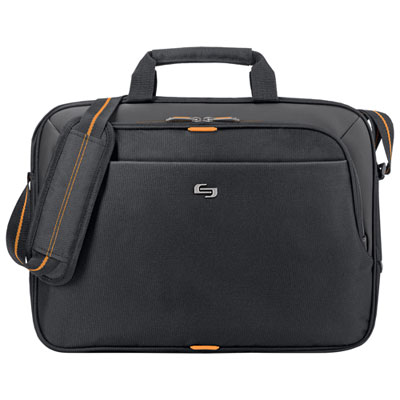
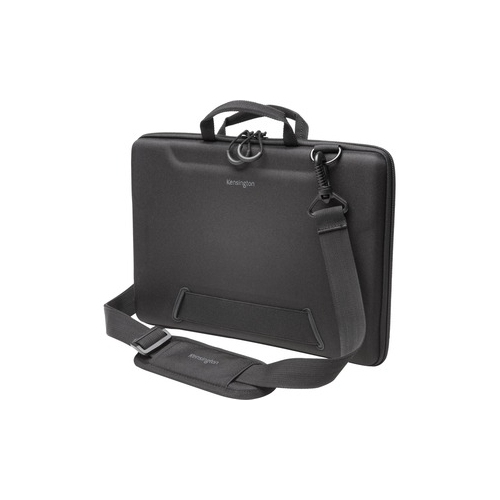
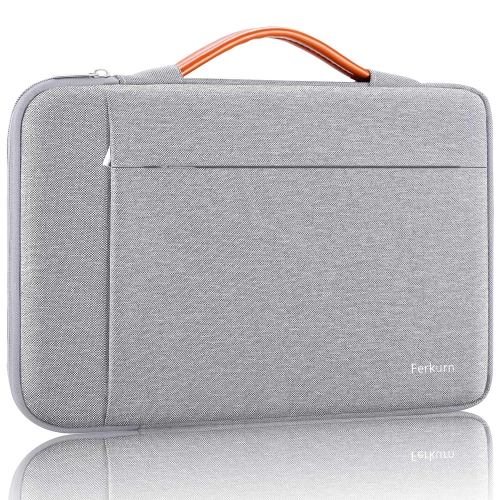
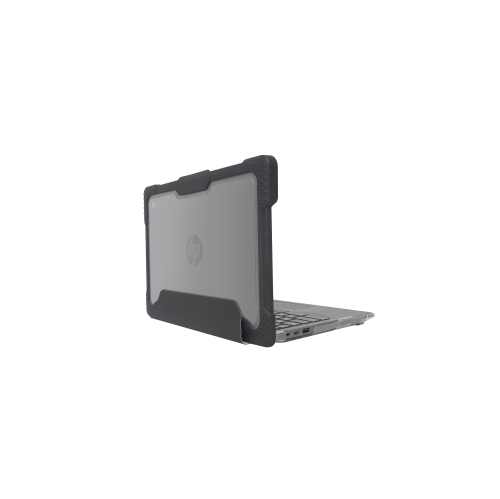
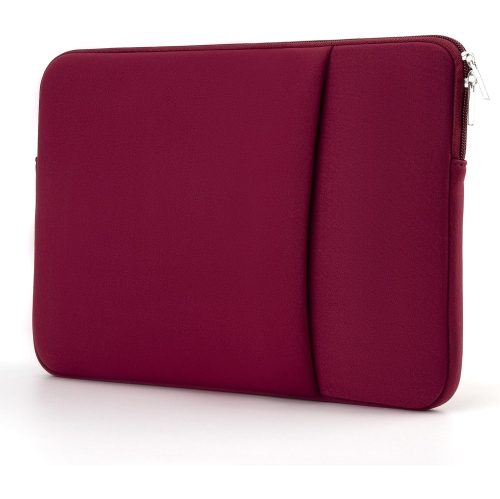
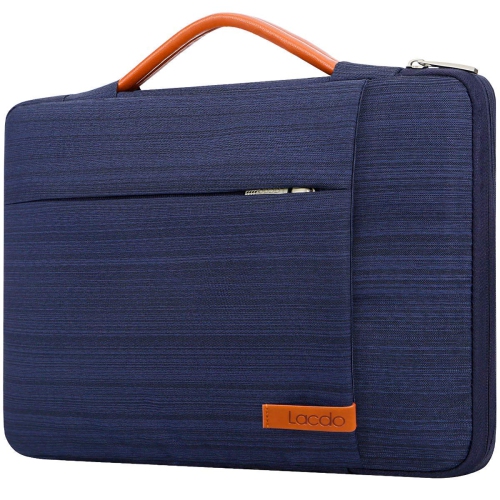

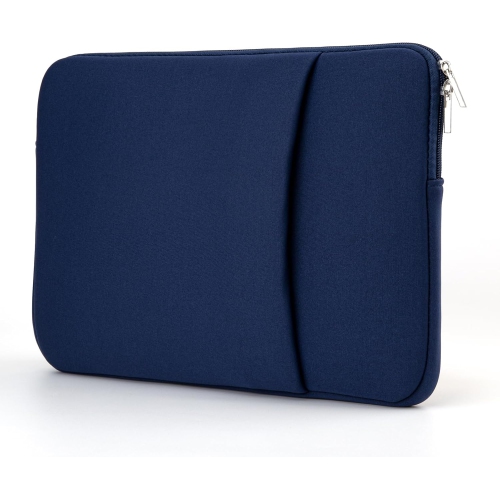
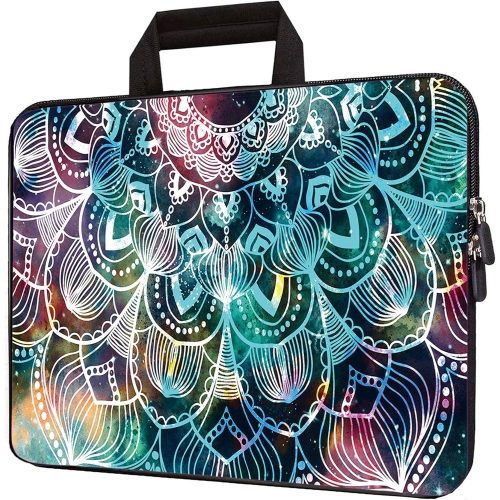
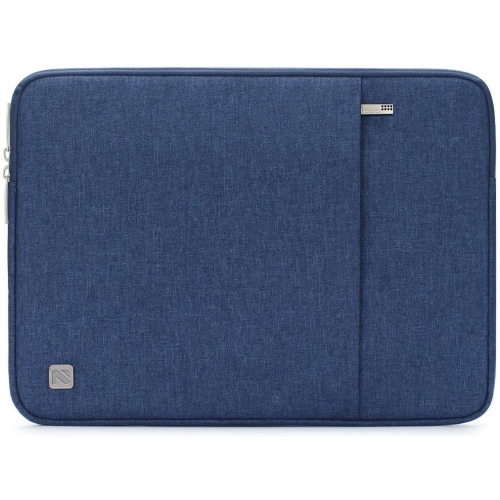
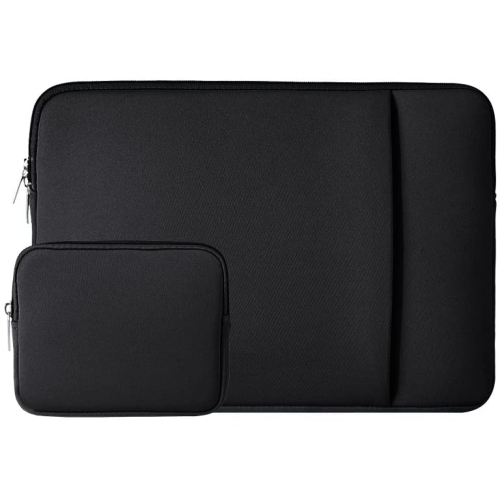

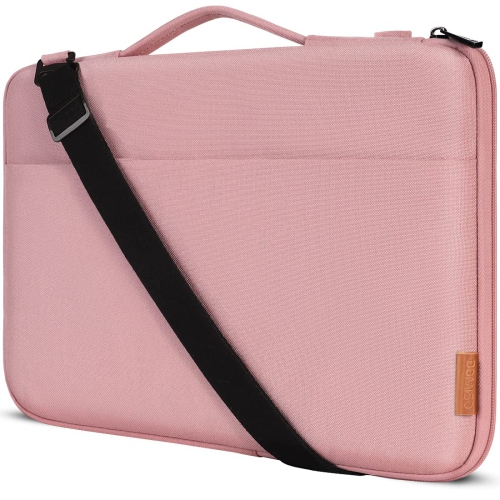
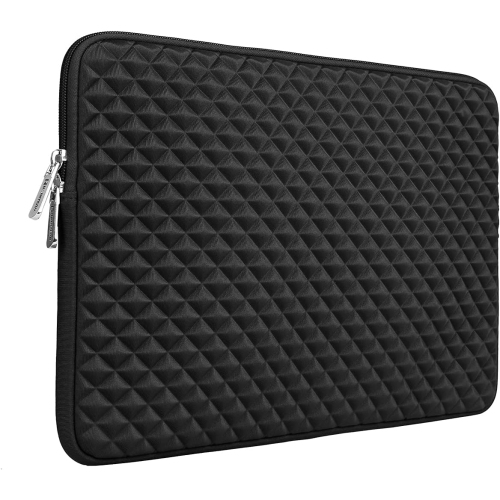
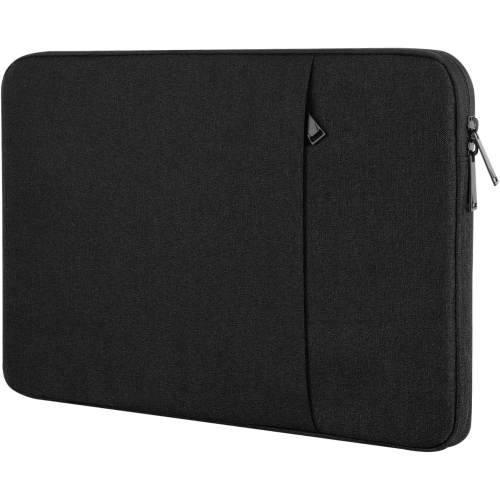
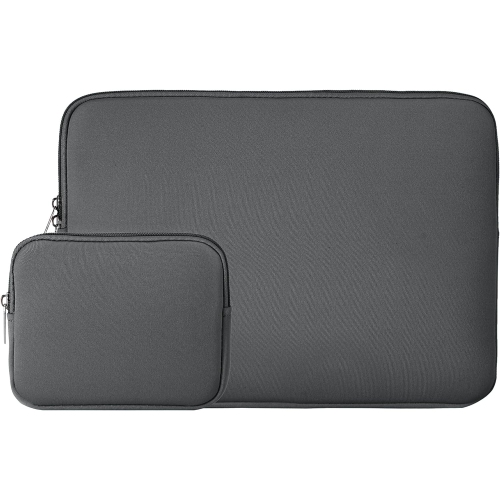
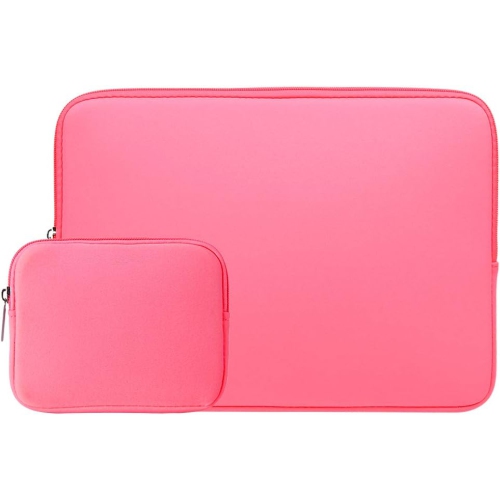
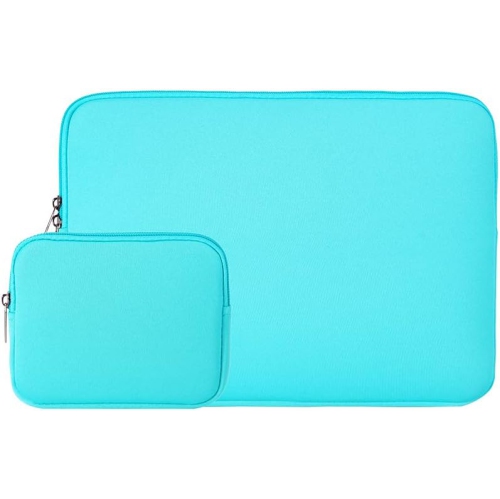
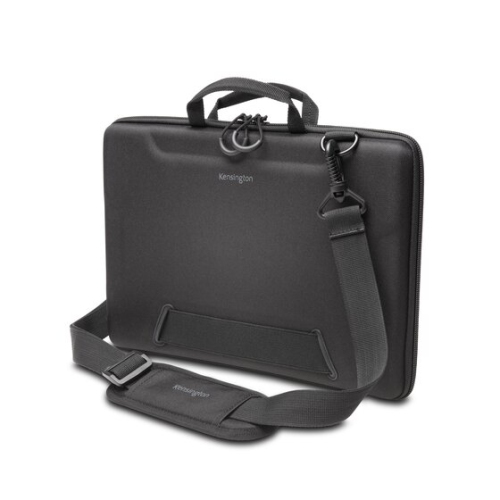
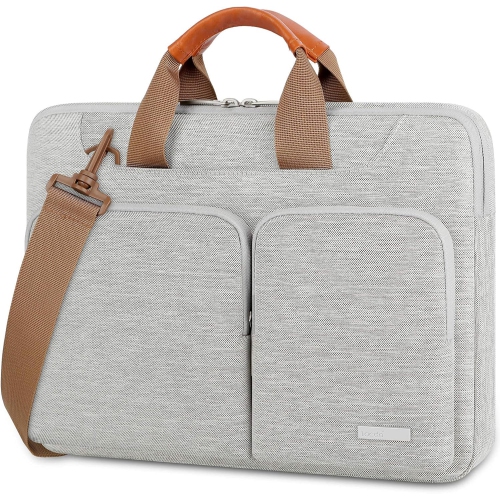
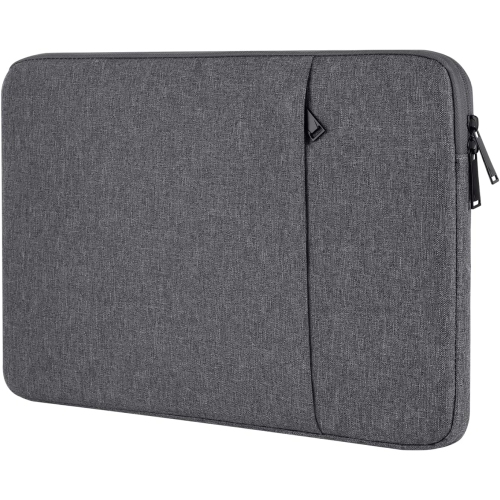
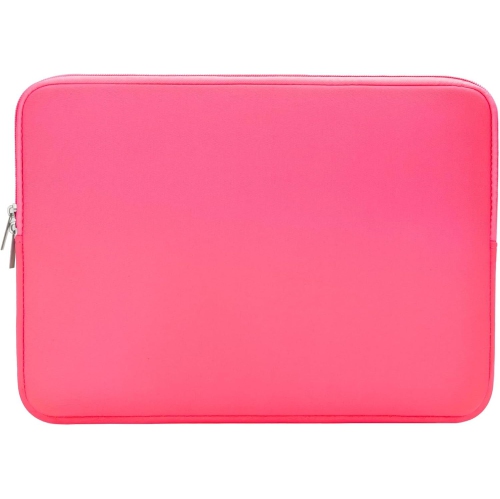
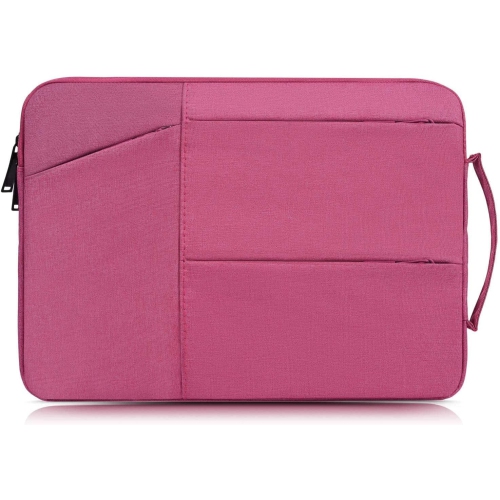
Protection that fits the Chromebook’s routine and exact model
Protective cases for HP Chromebooks help keep a compact laptop looking and working well through school days, commutes, travel, and everyday use at home. A Chromebook may spend much of its time on a desk, but it can also be carried between classrooms, tucked into a backpack, placed on a kitchen counter, or handed between family members. A suitable case adds a layer between the device and the small knocks, scuffs, dust, and pressure that can occur during those routines. For students, a protective case can help a Chromebook withstand the movement of a busy school day, from crowded lockers and full backpacks to shared tables and hurried pack-up periods. For adults, it can make a lightweight computer easier to carry between workspaces, libraries, cafés, and appointments. Families may also appreciate the added peace of mind when children use a Chromebook for homework, creative projects, or video calls. During the cooler months, a case can be especially useful when a device moves between heated indoor spaces and outdoor travel, where bags may be set down on damp surfaces or handled while wearing bulky coats and gloves. These cases can also make thoughtful gifts for students, remote learners, new graduates, and anyone receiving a Chromebook for school, work, or personal use. The most important first step is confirming compatibility. Chromebook cases are not universal, even when two computers have similar screen sizes or a similar appearance. Check the exact model number, product series, screen size, and the laptop’s width, depth, and height before choosing a case. The model number is usually printed on the underside of the Chromebook or shown in the device settings and original packaging. This information matters particularly for snap-on covers, which are shaped around the corners, ports, hinges, vents, keyboard area, and camera placement of a particular design. A case that seems close in size may interfere with the screen hinge, cover important ports, prevent the Chromebook from closing properly, or leave exposed areas unprotected. Taking a moment to compare the listed dimensions with the computer itself helps avoid an inconvenient return and makes it more likely that the case will fit securely from the start.
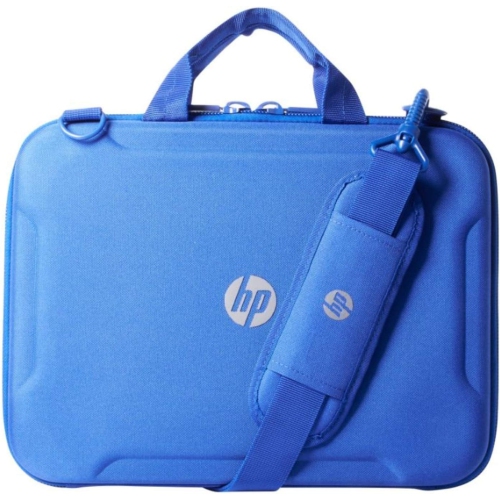
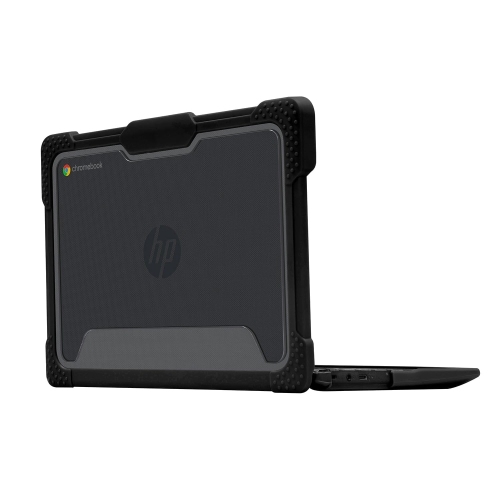
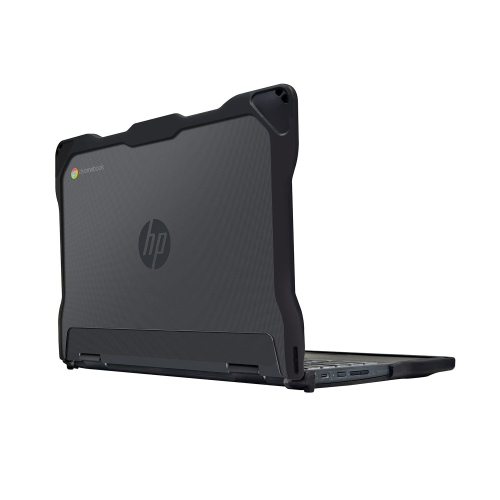
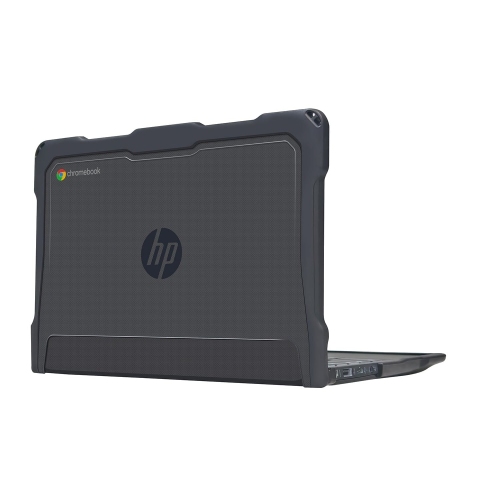
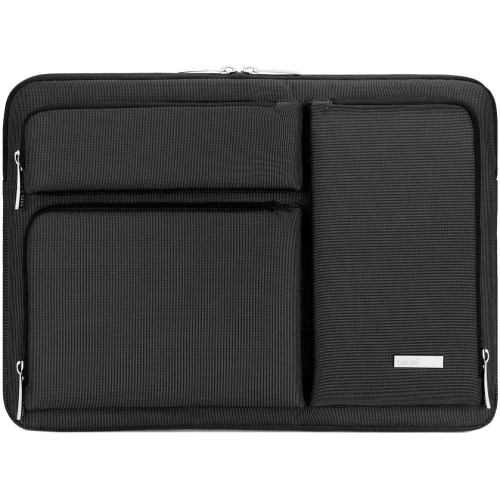
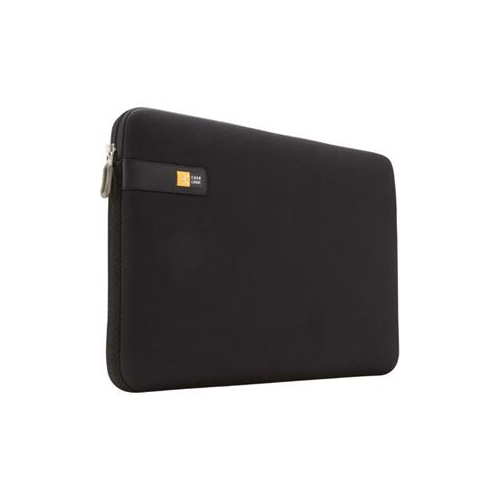
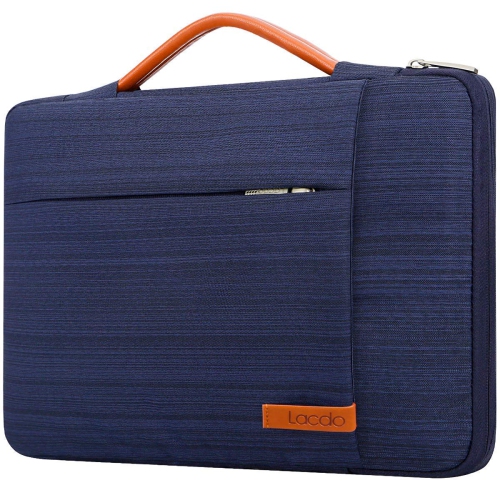
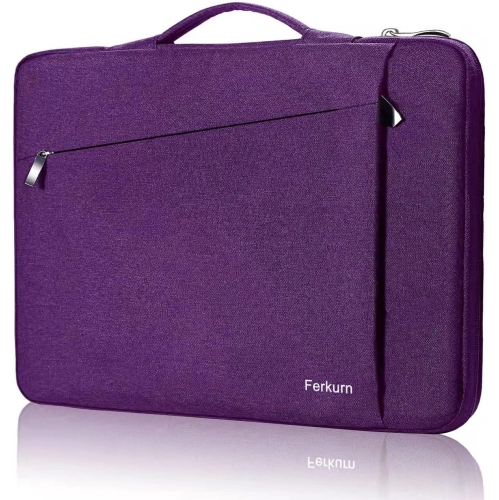
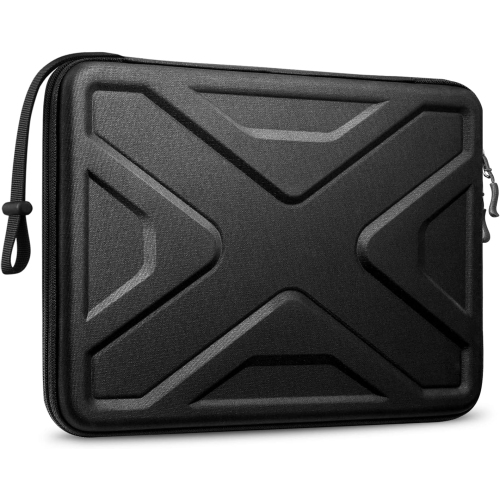
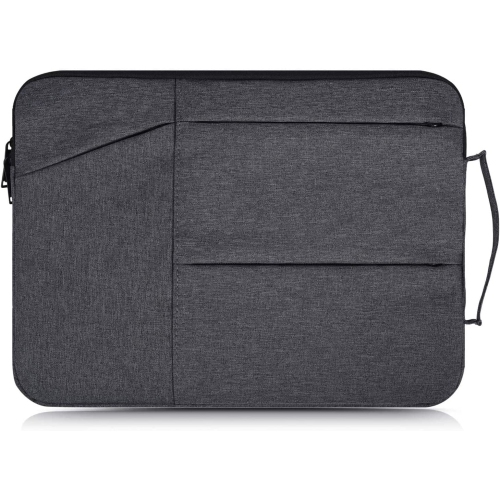
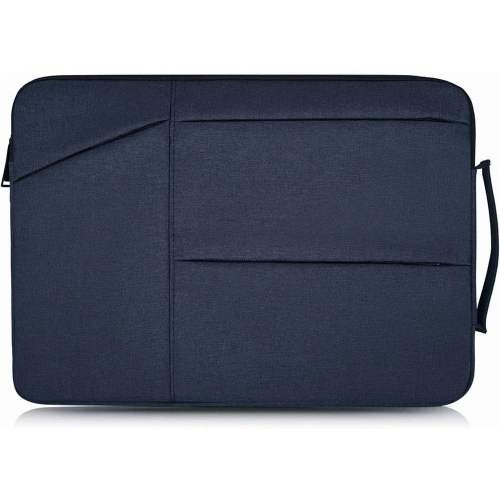
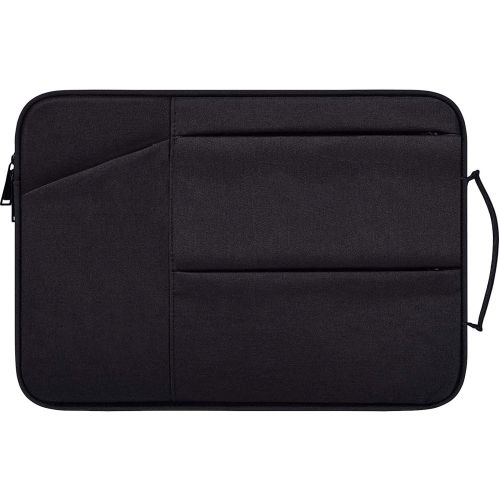
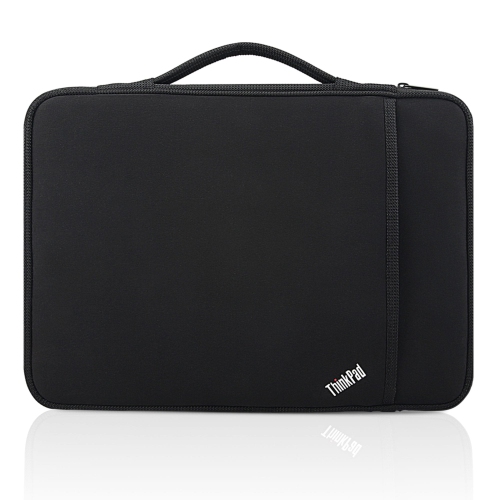
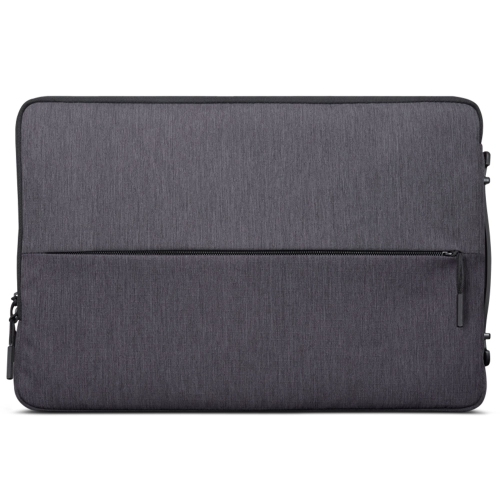
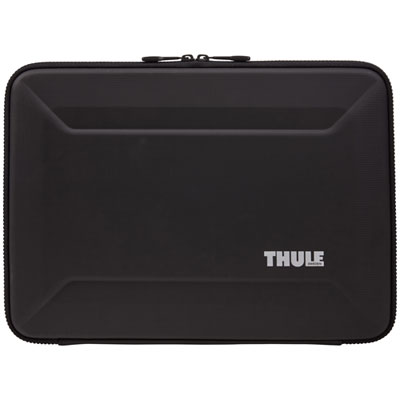
The right style depends on how the Chromebook is used and what kind of protection is most useful. Slim snap-on covers are designed to remain attached to the computer and can provide everyday defence against scratches, light bumps, and marks from being placed on desks or packed beside books. They are a practical choice for someone who wants protection without adding much bulk, especially when the Chromebook is carried in a backpack or stored in a fitted compartment. Look for a design that leaves essential ports, speakers, ventilation openings, and the camera accessible, while allowing the lid and hinges to move naturally. More rugged cases generally combine a firm outer structure with flexible or cushioned edges to help absorb the impact of accidental drops and knocks. These designs may be well suited to younger students, shared learning spaces, workshops, travel, or any routine where the computer is frequently moved and set down. A reinforced corner can be helpful because corners often take the first impact when a laptop slips from a chair or desk. A padded sleeve offers a different kind of convenience. Instead of remaining on the Chromebook, it surrounds the device during transport and can be removed when the computer is ready for use. Soft lining can help reduce contact with rough surfaces, while a secure zip or closure keeps the Chromebook from sliding out. Some sleeves include room for a charging cable, compact mouse, stylus, headphones, or a notebook, which can simplify a daily commute. If the Chromebook is placed inside another bag, check the sleeve’s outside dimensions as well as its interior measurements, since extra padding can make the overall footprint larger than expected. Water-resistant fabric may offer useful protection from light splashes or damp conditions, but it should not be treated as waterproof unless the manufacturer clearly states that it is. Consider how the case feels in hand, whether the closure is easy to use, and whether the added weight is comfortable for the person carrying it. A student walking between classes may prefer a lightweight cover, while a traveller may value a padded sleeve with a handle or extra storage. Someone who works primarily at home may only need basic scratch protection, whereas a Chromebook that rides in a crowded bag every day may benefit from thicker padding and reinforced edges.
A protective case works best when it complements careful handling rather than replacing it. Keep the Chromebook closed before placing it in a bag, avoid packing heavy books or accessories directly on top of it, and use a separate compartment when possible. Cables and chargers can press against the lid or screen, so storing them in a dedicated pocket or sleeve compartment can help prevent unwanted pressure. Regularly check the case for trapped grit, loose fasteners, worn edges, or damage that could affect the fit. For snap-on designs, make sure each section is fully seated and that no part is pressing against the screen bezel or hinge. For sleeves, choose an interior size that holds the Chromebook securely without requiring force when inserting or removing it. Convertible Chromebook users should also confirm whether the case accommodates the intended modes, such as tablet, tent, or stand positions. Some covers are designed for a particular hinge movement and may not be suitable for every configuration. If a Chromebook is shared among siblings or classmates, a visible colour, pattern, or luggage tag can make it easier to identify and reduce mix-ups. A sleeve with a small accessory compartment can keep the charging equipment together, while a basic cover may be preferable when the computer needs to remain slim and ready for use. Those comparing different Chromebook accessories can also browse Samsung Chromebook Cases for another example of how protective options vary by device family and fit. By matching the case style to the Chromebook’s exact measurements, daily routine, and level of handling, it becomes easier to choose protection that feels natural to use. The result is a more dependable setup for studying, working, streaming, browsing, and staying connected through changing routines and cooler days.
The right style depends on how the Chromebook is used and what kind of protection is most useful. Slim snap-on covers are designed to remain attached to the computer and can provide everyday defence against scratches, light bumps, and marks from being placed on desks or packed beside books. They are a practical choice for someone who wants protection without adding much bulk, especially when the Chromebook is carried in a backpack or stored in a fitted compartment. Look for a design that leaves essential ports, speakers, ventilation openings, and the camera accessible, while allowing the lid and hinges to move naturally. More rugged cases generally combine a firm outer structure with flexible or cushioned edges to help absorb the impact of accidental drops and knocks. These designs may be well suited to younger students, shared learning spaces, workshops, travel, or any routine where the computer is frequently moved and set down. A reinforced corner can be helpful because corners often take the first impact when a laptop slips from a chair or desk. A padded sleeve offers a different kind of convenience. Instead of remaining on the Chromebook, it surrounds the device during transport and can be removed when the computer is ready for use. Soft lining can help reduce contact with rough surfaces, while a secure zip or closure keeps the Chromebook from sliding out. Some sleeves include room for a charging cable, compact mouse, stylus, headphones, or a notebook, which can simplify a daily commute. If the Chromebook is placed inside another bag, check the sleeve’s outside dimensions as well as its interior measurements, since extra padding can make the overall footprint larger than expected. Water-resistant fabric may offer useful protection from light splashes or damp conditions, but it should not be treated as waterproof unless the manufacturer clearly states that it is. Consider how the case feels in hand, whether the closure is easy to use, and whether the added weight is comfortable for the person carrying it. A student walking between classes may prefer a lightweight cover, while a traveller may value a padded sleeve with a handle or extra storage. Someone who works primarily at home may only need basic scratch protection, whereas a Chromebook that rides in a crowded bag every day may benefit from thicker padding and reinforced edges.
A protective case works best when it complements careful handling rather than replacing it. Keep the Chromebook closed before placing it in a bag, avoid packing heavy books or accessories directly on top of it, and use a separate compartment when possible. Cables and chargers can press against the lid or screen, so storing them in a dedicated pocket or sleeve compartment can help prevent unwanted pressure. Regularly check the case for trapped grit, loose fasteners, worn edges, or damage that could affect the fit. For snap-on designs, make sure each section is fully seated and that no part is pressing against the screen bezel or hinge. For sleeves, choose an interior size that holds the Chromebook securely without requiring force when inserting or removing it. Convertible Chromebook users should also confirm whether the case accommodates the intended modes, such as tablet, tent, or stand positions. Some covers are designed for a particular hinge movement and may not be suitable for every configuration. If a Chromebook is shared among siblings or classmates, a visible colour, pattern, or luggage tag can make it easier to identify and reduce mix-ups. A sleeve with a small accessory compartment can keep the charging equipment together, while a basic cover may be preferable when the computer needs to remain slim and ready for use. Those comparing different Chromebook accessories can also browse Samsung Chromebook Cases for another example of how protective options vary by device family and fit. By matching the case style to the Chromebook’s exact measurements, daily routine, and level of handling, it becomes easier to choose protection that feels natural to use. The result is a more dependable setup for studying, working, streaming, browsing, and staying connected through changing routines and cooler days.
Top selling and popular products
-
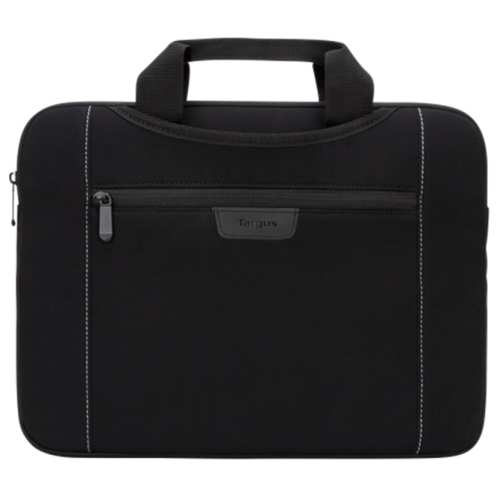 Your price for this item is $43.68
 -
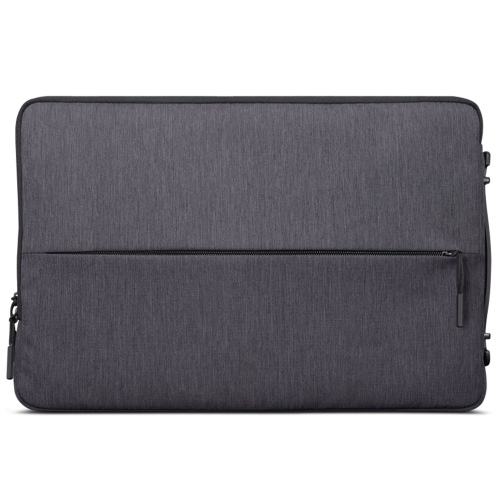 Your price for this item is $24.99
 -
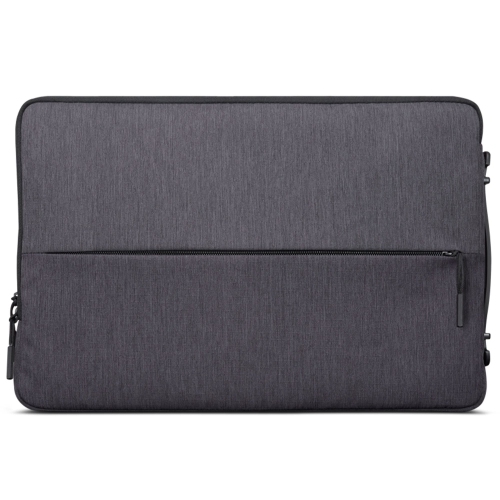 Your price for this item is $29.99
 -
 Your price for this item is $39.99
 -
 Your price for this item is $37
 -
 Your price for this item is $23.99
 -
 Your price for this item is $64.99
 -
 Your price for this item is $134.95
Discover more categories related to HP Chromebook Protective Cases
Top Collections:
Pokemon Centers, Best Budget Office Chairs, Budget 4K TVs, Kindle Devices, Best Laptops for Writers, Canon G7X Cameras, Apple iPhones 16, iPhone 15 Apple, Laptops for Business Work, Xiaomi Phones
Some products may be subject to Environmental Handling Fees
(EHF) depending on your province.
Learn more about EHFs.