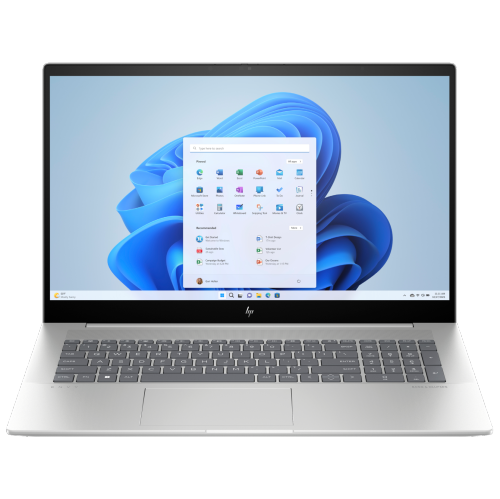
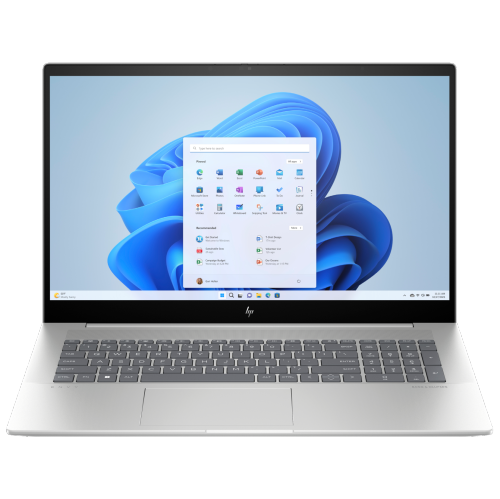
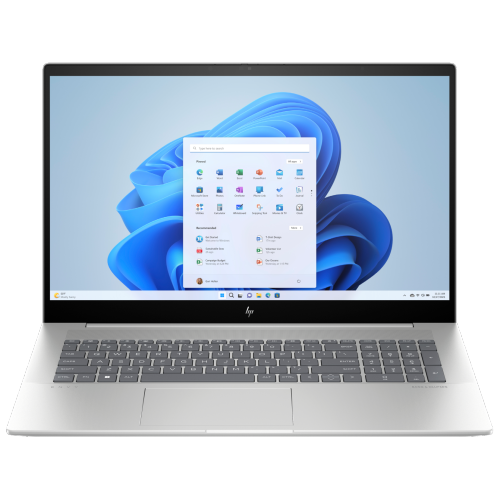
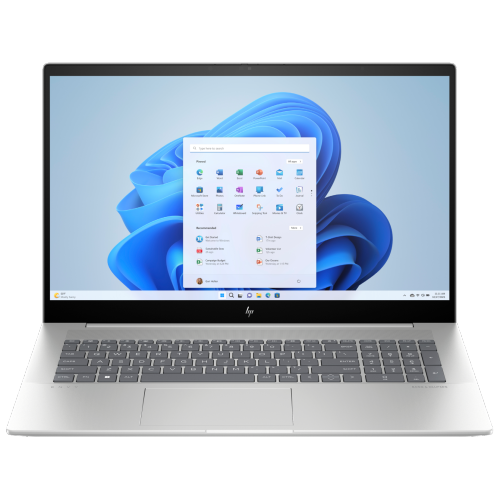
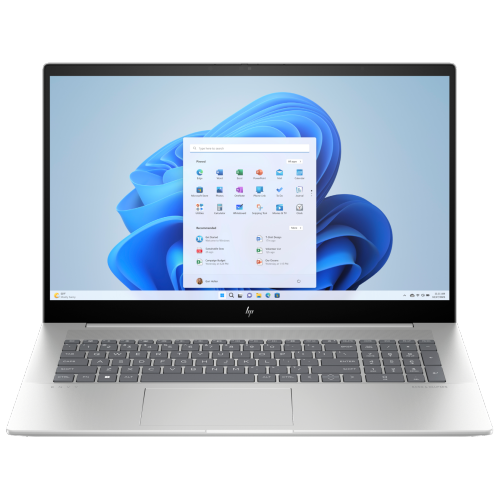
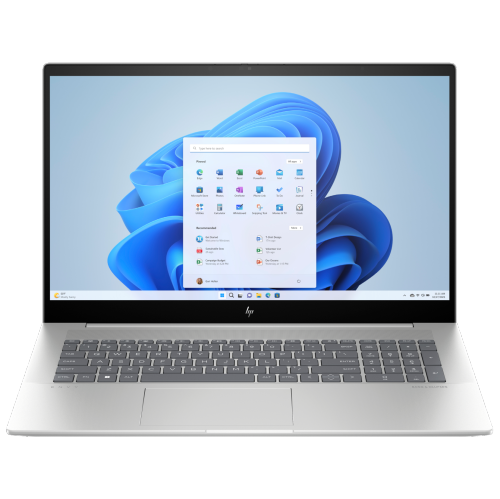
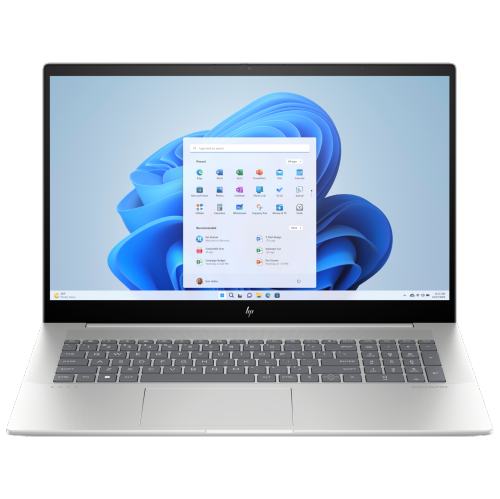
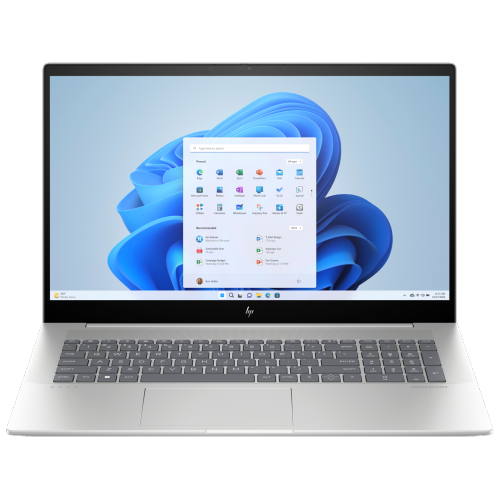
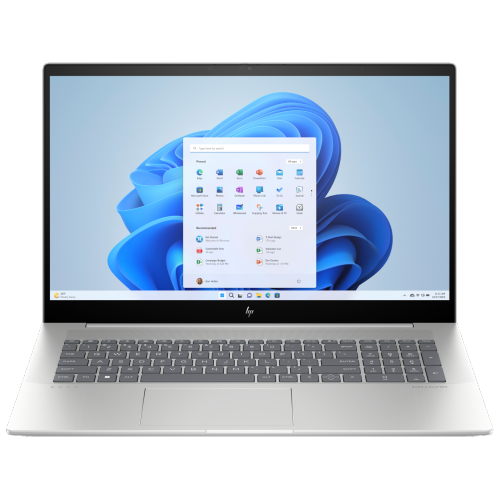
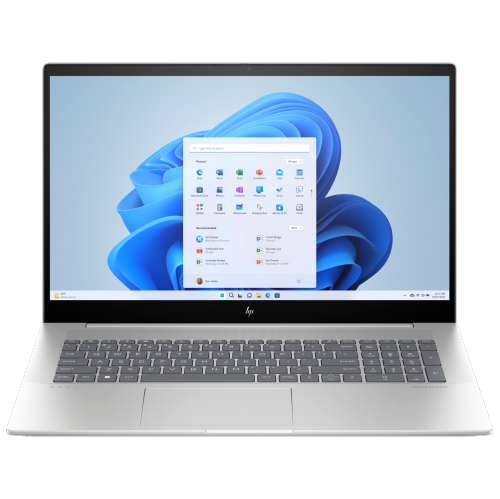
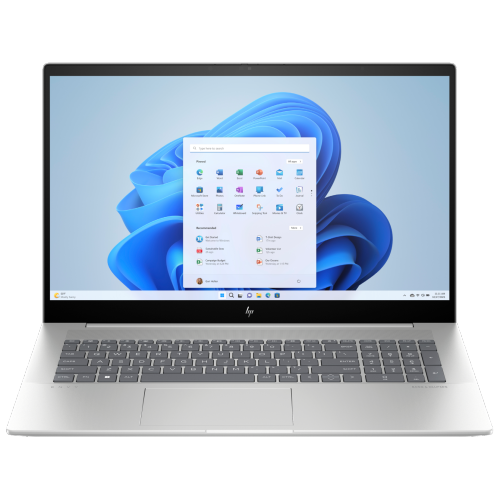
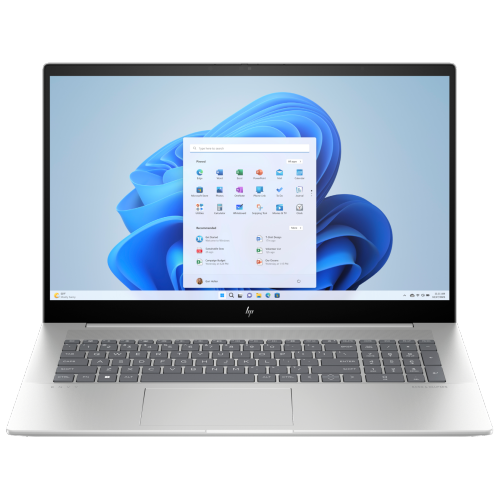
HP Envy 17
Discover the perfect blend of performance and style with the HP Envy 17. Designed for those who demand reliability and versatility, the HP Envy 17 offers an impressive computing experience for work, entertainment, and everyday tasks. Explore a range of models to find the ideal configuration that suits your needs, whether you’re creating, streaming, or staying productive on the go. Elevate your setup with the HP Envy 17 and enjoy seamless multitasking in a sleek, modern design.
Sort
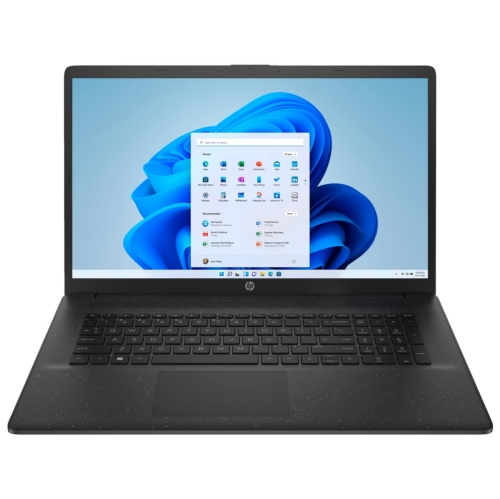
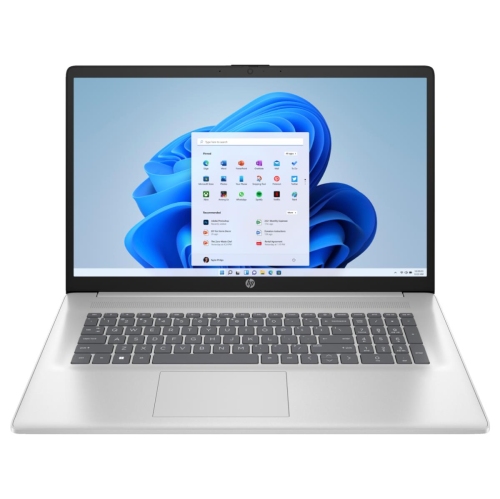
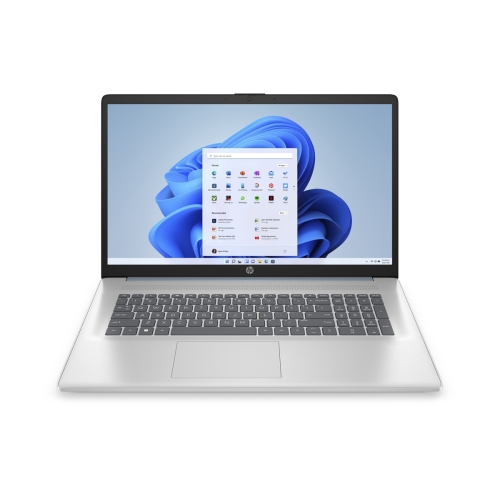
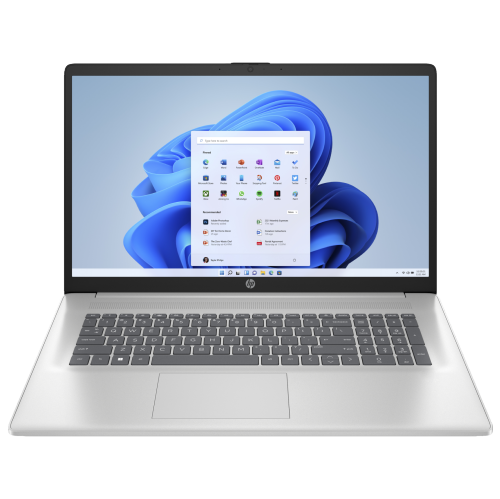
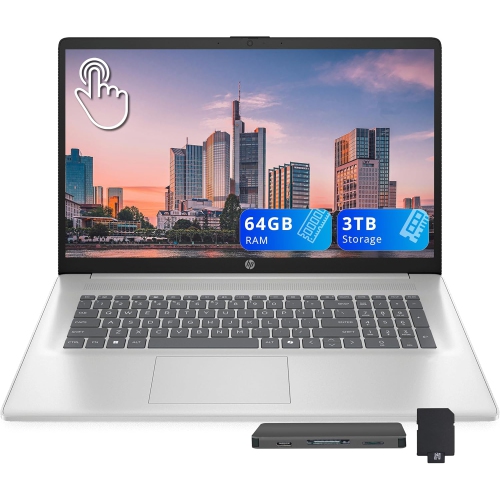
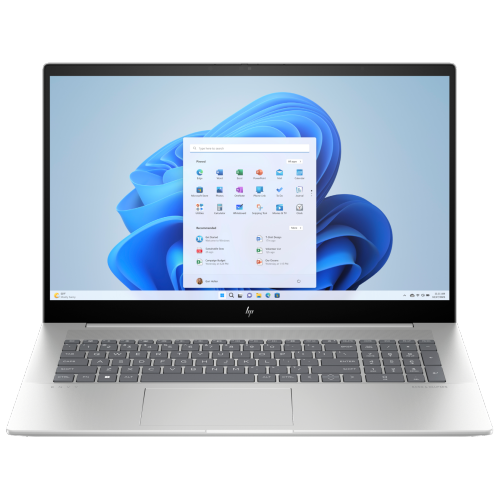
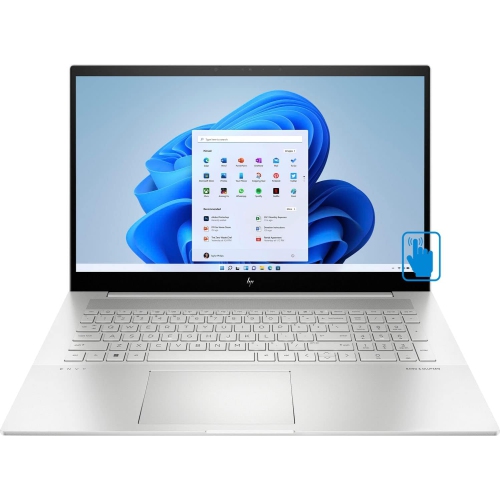

Desktop comfort with room for side-by-side work
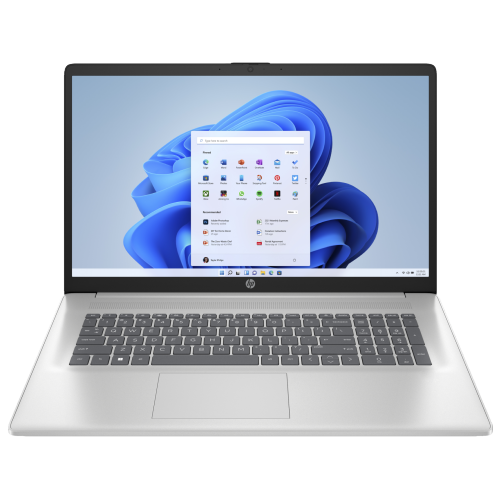
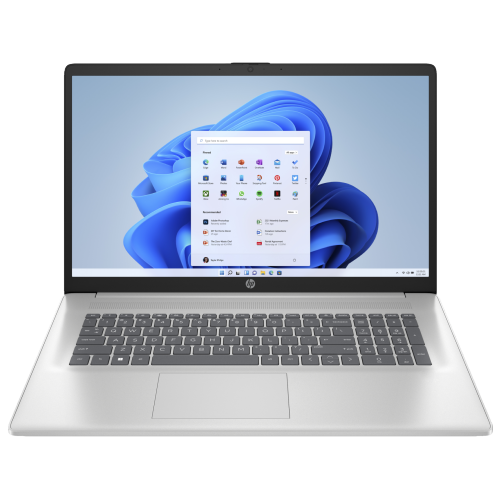
Large-screen 17-inch laptops bring much of the comfort of a desktop computer into a single, movable device, with room for detailed work, entertainment, and everyday multitasking. A 17.3-inch display can make a meaningful difference when a spreadsheet sits beside an email window, a research document stays open alongside lecture notes, or a photo fills the screen without hiding the editing controls. This size is particularly suited to a home office, study space, or shared household desk where the computer moves occasionally rather than travelling throughout the day. Screen size alone does not determine how much detail appears: resolution, display scaling, and application settings also affect the usable workspace. Full HD, typically 1920 × 1080 pixels, supports everyday documents, video calls, and streaming, while a higher-resolution panel can show finer detail in photographs and compatible video. Text size may need adjusting on a higher-resolution screen to keep menus and documents comfortable to read. An IPS panel generally maintains a more consistent image when viewed from different angles, which is useful when two people are looking at the same presentation. Touch input, where included, adds another way to scroll, select, and navigate, though a touchscreen does not automatically mean the laptop folds into a tablet or supports an active pen. For photo work and visual projects, colour coverage and brightness deserve attention alongside resolution; a sharp image is not necessarily an accurate one. Reflections matter, too, especially on a desk facing a window or beneath overhead lighting. Students working with several sources, professionals handling long documents, and households wanting a generous screen for films may all appreciate this format. As a gift for someone studying, working from home, or pursuing a creative hobby, a large-screen laptop is most useful when its size and capabilities match the recipient’s software, workspace, and daily routine.
Performance in a large-screen laptop depends on the configuration, not simply the size of the chassis or the processor family printed in its description. Processor generation, core design, cooling, memory, and graphics all influence how the computer feels when several tasks are running together. Everyday office work, web browsing, and video meetings generally place different demands on a system than exporting a long video or manipulating a complex design file. For many mixed-use routines, 16GB of memory provides practical room for multiple applications, while 32GB can offer more headroom for larger creative projects and heavier multitasking. The benefit depends on the software and workload, and memory upgrades should not be assumed: some laptops use soldered memory, while others have serviceable slots. Solid-state storage helps applications open promptly and makes everyday file access feel responsive. A 512GB drive may suit someone whose work is mainly documents and online services, whereas 1TB or more gives additional space for photo libraries, downloaded media, and project files. Usable capacity is lower than the stated drive capacity because formatting, the operating system, and installed software take up space. An external drive can extend storage, but important files still need a separate backup rather than a single copy. Integrated graphics can handle general productivity, streaming, and many lighter creative tasks; dedicated graphics may be more appropriate for demanding visual applications, supported rendering workloads, or games with higher requirements. Neither a large display nor a premium finish automatically makes a laptop a gaming machine. Compatibility with the intended applications, including their memory and graphics requirements, is a better measure of suitability. Long exports and other sustained tasks can also produce more fan noise than light browsing. Battery life varies with display brightness, resolution, processor load, and power settings, so a large-screen notebook used for intensive work often makes the most sense near an outlet. For a person moving between a desk and a dining table, that trade-off may matter less than having a comfortable screen and keyboard together.
The physical details of a 17-inch laptop shape its usefulness just as much as its internal components. A wider chassis may accommodate a numeric keypad, convenient for budgets, bookkeeping, and frequent number entry, but keyboard layouts vary and can shift the main typing area away from the centre of the screen. Key spacing, travel, touchpad placement, and backlighting all affect comfort during longer sessions. Metal construction can provide a firm, refined feel, while the hinge design and overall assembly also contribute to durability; no finish makes a laptop immune to dents, scratches, or damage from a fall. Fit is especially important with this size. A bag labelled for 17-inch laptops may not suit every chassis, so its internal dimensions need to match the computer’s width, depth, and thickness, with room for padding and the power adapter. At a desk, enough depth for the laptop and comfortable wrist placement helps prevent a crowded setup. A stand with an external keyboard and mouse can raise the display closer to eye level for extended work. Connections deserve the same practical attention: USB-A can support familiar accessories, HDMI can connect a compatible monitor or television, and a memory card reader can simplify transferring photographs. USB-C describes a connector shape rather than a guaranteed set of capabilities, so charging, video output, and high-speed data support depend on the particular port. Thunderbolt support, where specified, may expand docking and display options, subject to the laptop’s capabilities. Wi-Fi compatibility, webcam quality, microphone performance, and any camera privacy shutter also matter for regular video calls. Those comparing other large-screen laptop families can also explore Dell XPS 17 options, with attention to the exact specifications of each configuration. Routine care helps protect the investment: keep ventilation openings clear, use the computer on a firm surface rather than bedding, and shut it down before cleaning. A soft microfibre cloth and the manufacturer’s approved cleaning method help protect the display and finish, while a padded sleeve reduces scuffs during transport. These everyday details help a large-screen laptop remain a comfortable, dependable part of work and leisure.
Performance in a large-screen laptop depends on the configuration, not simply the size of the chassis or the processor family printed in its description. Processor generation, core design, cooling, memory, and graphics all influence how the computer feels when several tasks are running together. Everyday office work, web browsing, and video meetings generally place different demands on a system than exporting a long video or manipulating a complex design file. For many mixed-use routines, 16GB of memory provides practical room for multiple applications, while 32GB can offer more headroom for larger creative projects and heavier multitasking. The benefit depends on the software and workload, and memory upgrades should not be assumed: some laptops use soldered memory, while others have serviceable slots. Solid-state storage helps applications open promptly and makes everyday file access feel responsive. A 512GB drive may suit someone whose work is mainly documents and online services, whereas 1TB or more gives additional space for photo libraries, downloaded media, and project files. Usable capacity is lower than the stated drive capacity because formatting, the operating system, and installed software take up space. An external drive can extend storage, but important files still need a separate backup rather than a single copy. Integrated graphics can handle general productivity, streaming, and many lighter creative tasks; dedicated graphics may be more appropriate for demanding visual applications, supported rendering workloads, or games with higher requirements. Neither a large display nor a premium finish automatically makes a laptop a gaming machine. Compatibility with the intended applications, including their memory and graphics requirements, is a better measure of suitability. Long exports and other sustained tasks can also produce more fan noise than light browsing. Battery life varies with display brightness, resolution, processor load, and power settings, so a large-screen notebook used for intensive work often makes the most sense near an outlet. For a person moving between a desk and a dining table, that trade-off may matter less than having a comfortable screen and keyboard together.
The physical details of a 17-inch laptop shape its usefulness just as much as its internal components. A wider chassis may accommodate a numeric keypad, convenient for budgets, bookkeeping, and frequent number entry, but keyboard layouts vary and can shift the main typing area away from the centre of the screen. Key spacing, travel, touchpad placement, and backlighting all affect comfort during longer sessions. Metal construction can provide a firm, refined feel, while the hinge design and overall assembly also contribute to durability; no finish makes a laptop immune to dents, scratches, or damage from a fall. Fit is especially important with this size. A bag labelled for 17-inch laptops may not suit every chassis, so its internal dimensions need to match the computer’s width, depth, and thickness, with room for padding and the power adapter. At a desk, enough depth for the laptop and comfortable wrist placement helps prevent a crowded setup. A stand with an external keyboard and mouse can raise the display closer to eye level for extended work. Connections deserve the same practical attention: USB-A can support familiar accessories, HDMI can connect a compatible monitor or television, and a memory card reader can simplify transferring photographs. USB-C describes a connector shape rather than a guaranteed set of capabilities, so charging, video output, and high-speed data support depend on the particular port. Thunderbolt support, where specified, may expand docking and display options, subject to the laptop’s capabilities. Wi-Fi compatibility, webcam quality, microphone performance, and any camera privacy shutter also matter for regular video calls. Those comparing other large-screen laptop families can also explore Dell XPS 17 options, with attention to the exact specifications of each configuration. Routine care helps protect the investment: keep ventilation openings clear, use the computer on a firm surface rather than bedding, and shut it down before cleaning. A soft microfibre cloth and the manufacturer’s approved cleaning method help protect the display and finish, while a padded sleeve reduces scuffs during transport. These everyday details help a large-screen laptop remain a comfortable, dependable part of work and leisure.
Top selling and popular products
-
 Your price for this item is $449
 -
 Your price for this item is $3099
 -
 Your price for this item is $299.95
 -
 Your price for this item is $664.05
 -
 Your price for this item is $599.68
 -
 Your price for this item is $869.99
 -
 Your price for this item is $259
 -
 Your price for this item is $418.98
Discover more categories related to HP Envy 17
Top Collections:
Pokemon Centers, Kindle Devices, Best Budget Office Chairs, Apple iPhones 16, Best Laptops for Writers, iPhone 15 Apple, Canon G7X Cameras, Refurbished Apple Laptops, Alarm Clock, Motorola Razr Phones
Some products may be subject to Environmental Handling Fees
(EHF) depending on your province.
Learn more about EHFs.