HP Envy 65
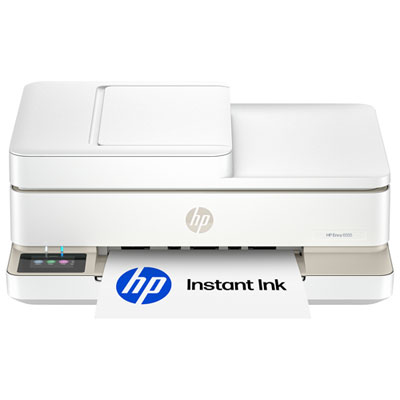
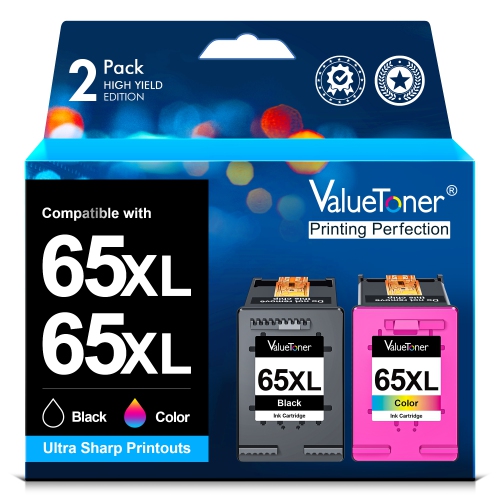
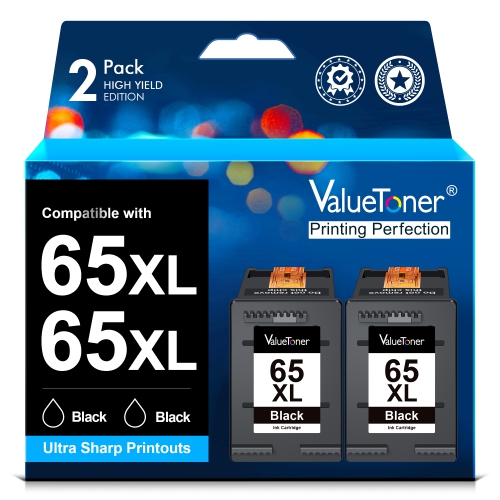
Browse HP ENVY 65 printer listings to find a model for your home printing needs. Compare the full model numbers, listed print, scan, and copy functions, and connection options, then check compatible ink and what’s included before choosing.


FAQ
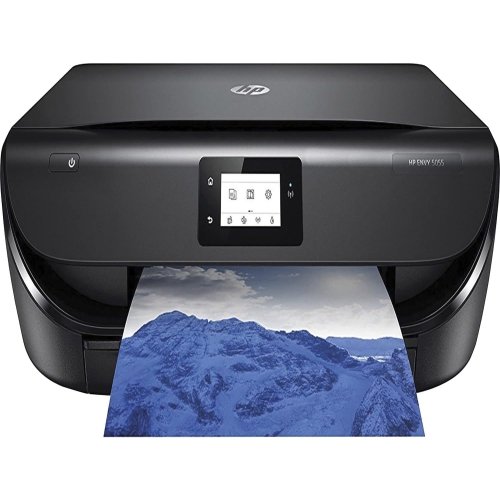
An all-in-one inkjet printer combines printing, scanning and copying in one device. Printers in the HP ENVY family commonly offer these functions, though features vary by model.
Setup typically involves selecting your Wi-Fi network through the printer’s controls or a compatible printer app and entering your network password. Check the printer’s documentation for supported network bands and setup instructions.
Many wireless inkjet printers support mobile printing through a compatible app, Apple AirPrint or Android printing services. Available options depend on the printer and your mobile device.
A flatbed scanner lets you place a document or photo directly on the scanner glass. An automatic document feeder feeds a stack of pages through for scanning or copying. Some all-in-one printers include both, while others have only a flatbed.
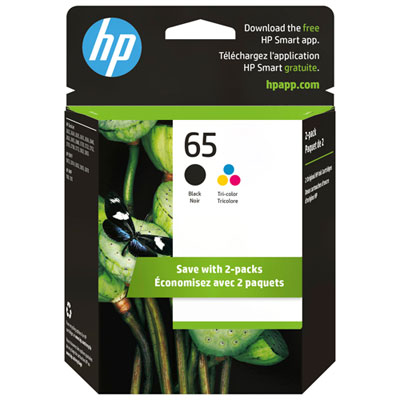
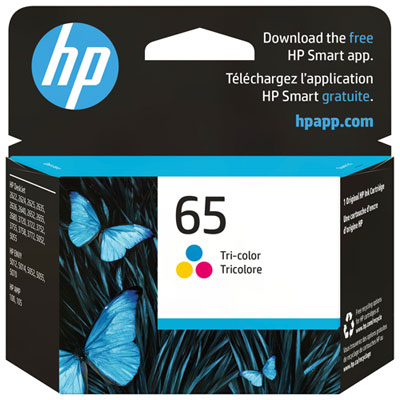
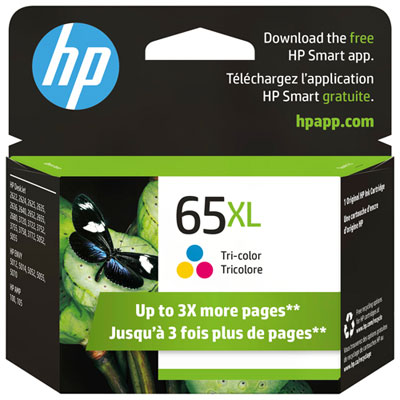
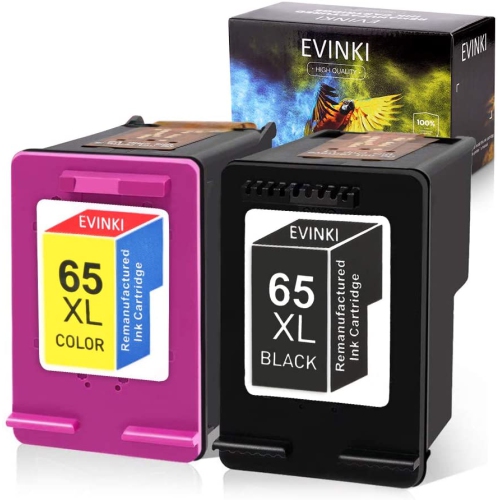
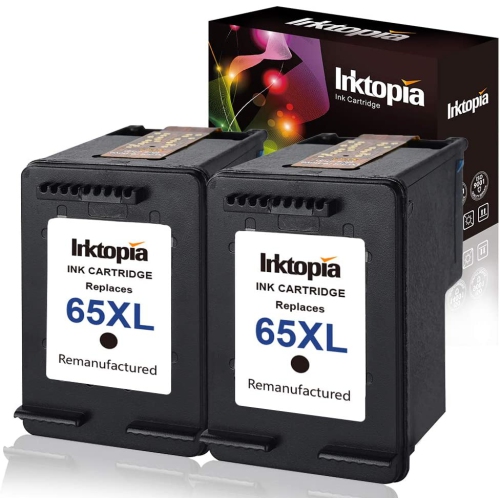
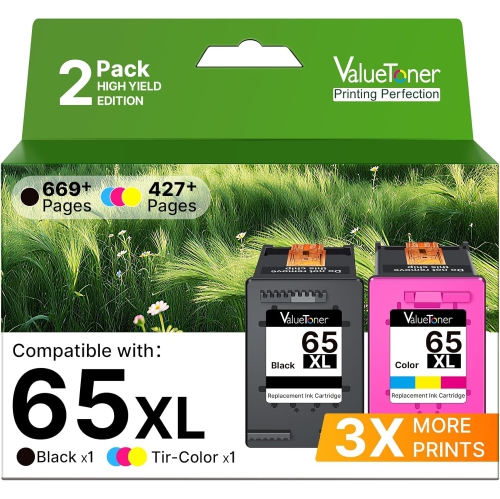
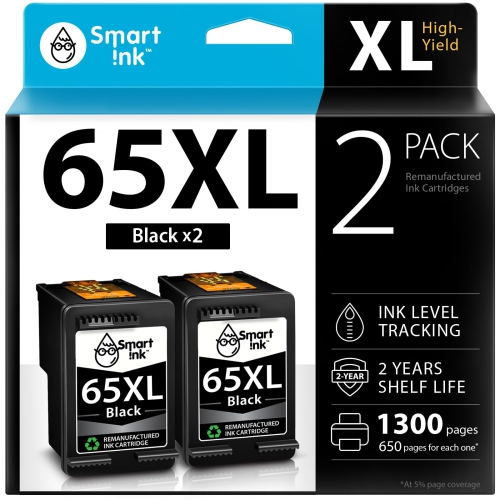
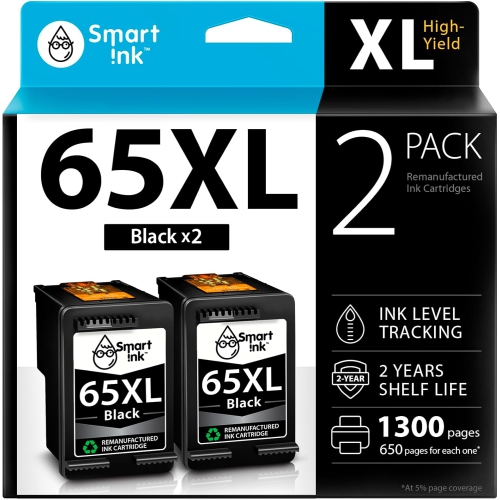
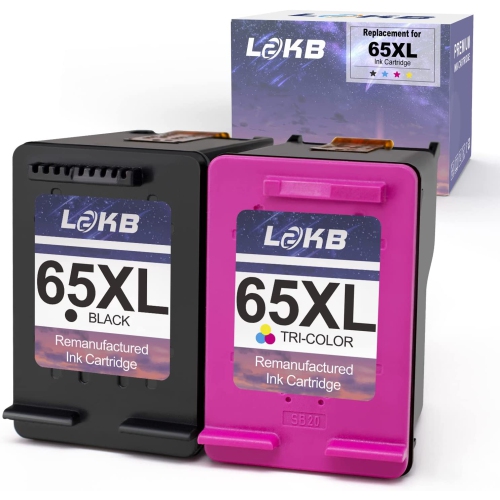
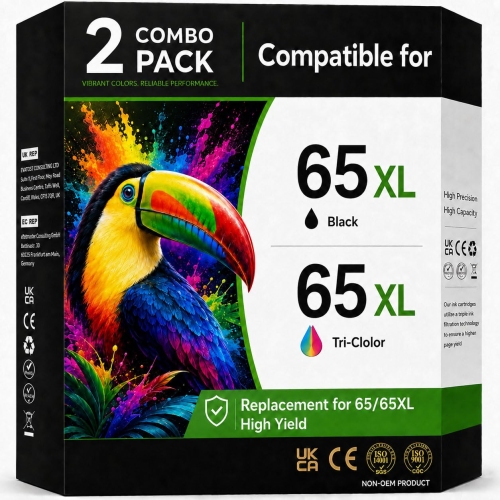
Find the printer’s full model name on its label or in its settings, then check the manufacturer’s cartridge compatibility information. Cartridge numbers may also appear on the installed cartridges or in the user guide. Similar printer names do not always use the same ink.
Top selling and popular products
Discover more categories related to HP Envy 65
Some products may be subject to Environmental Handling Fees (EHF) depending on your province. Learn more about EHFs.