HP Laptop Chargers
Find the perfect power solution for your device with our selection of hp laptop chargers. Whether you need a replacement or an extra charger for travel or work, there are options to fit a variety of models and needs. Keep your laptop powered up and ready to go with reliable charging accessories designed for efficiency and convenience. Explore the range of hp laptop chargers to ensure you stay connected wherever you are.
Sort

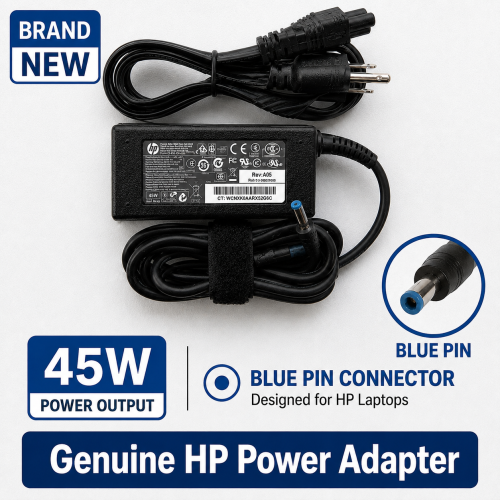
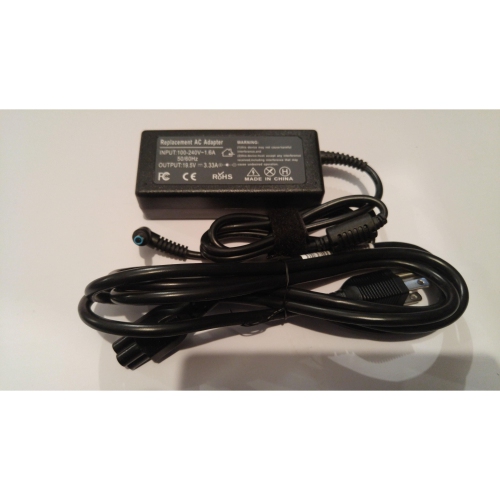


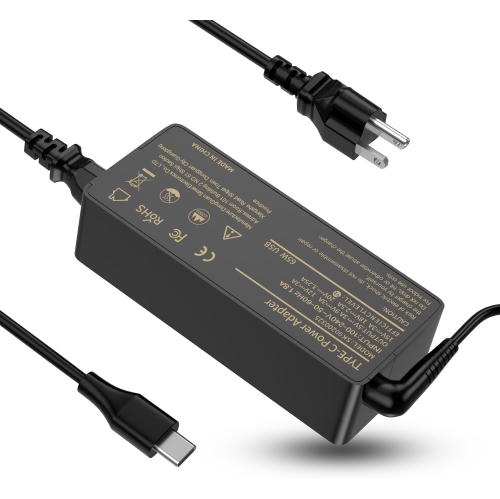
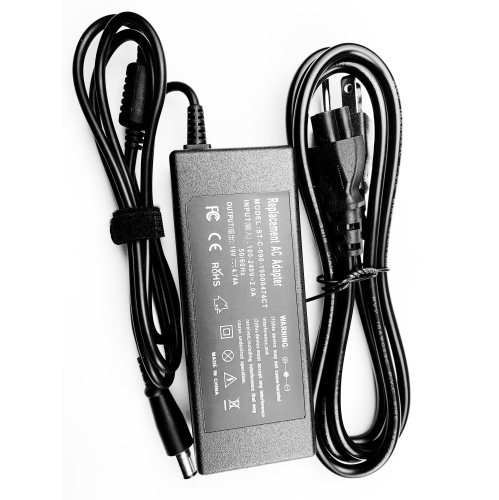
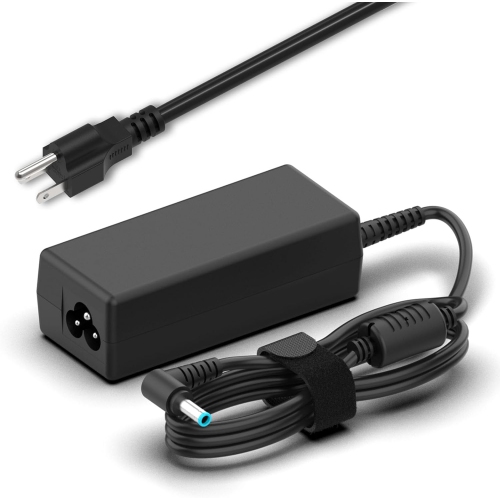
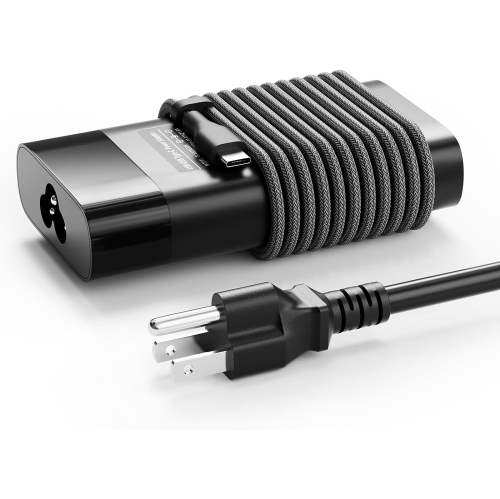

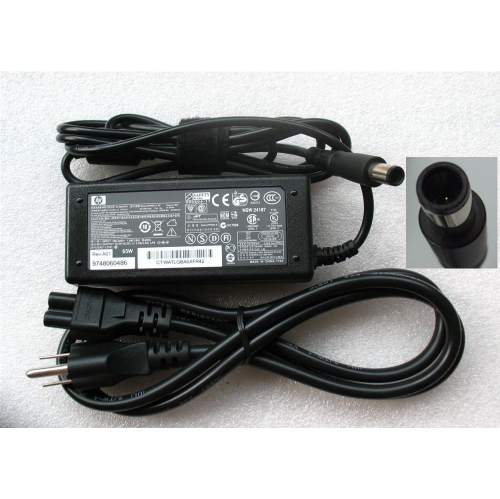
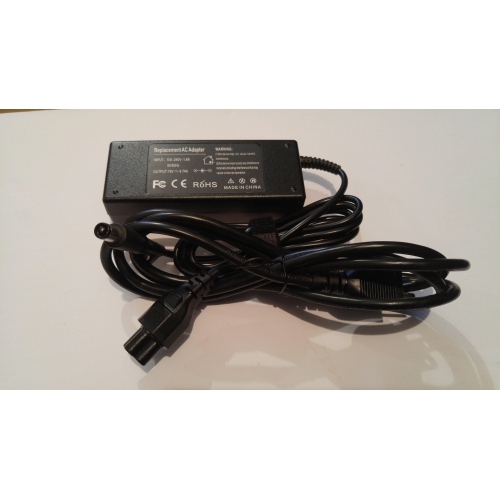
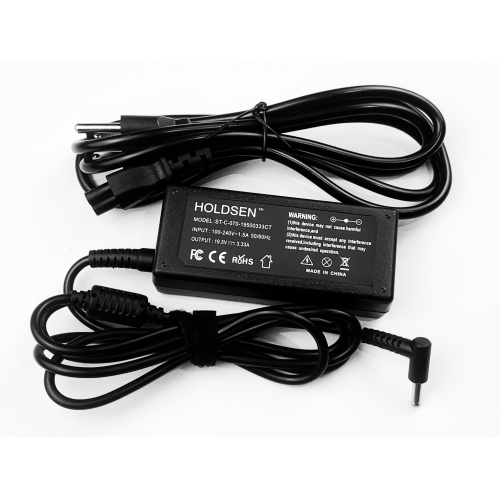
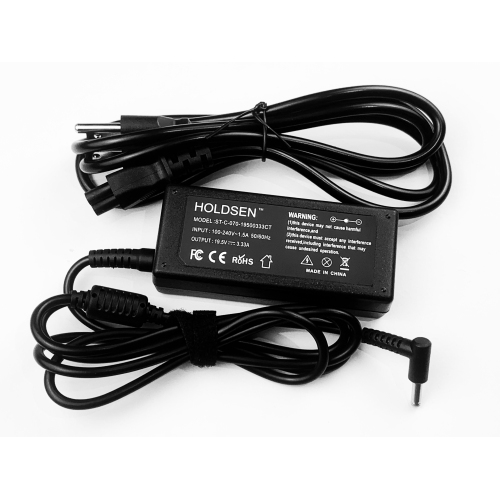
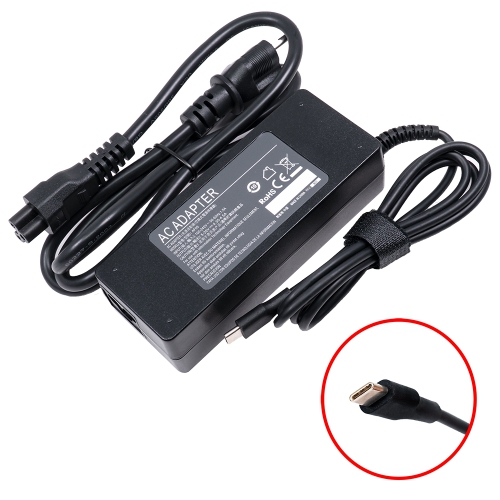

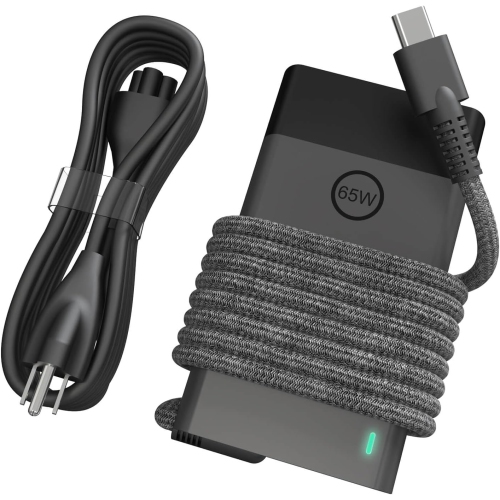

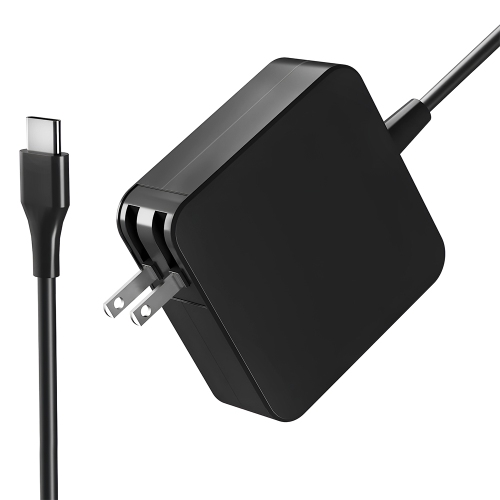

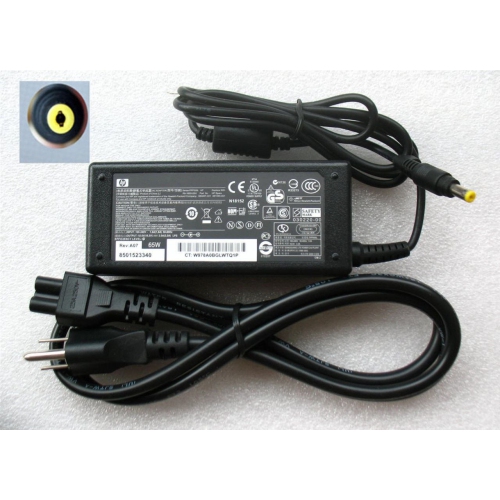
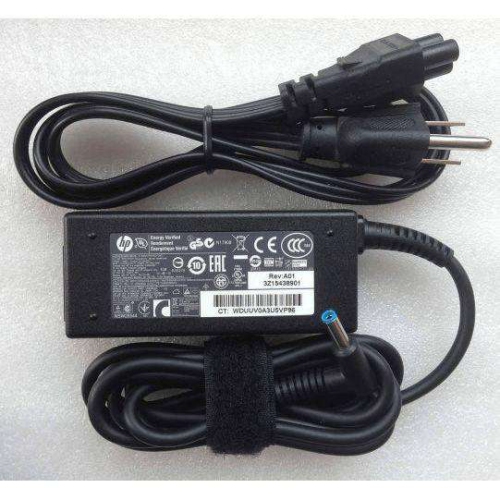

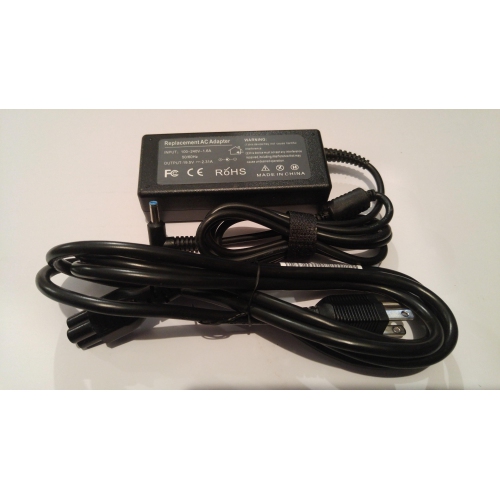
A matching plug is only part of reliable charging
Laptop chargers provide the power a notebook needs to recharge its battery and run through everyday tasks, from taking lecture notes to working with several applications open at a desk. A compatible replacement can restore a dependable connection when an original adapter is lost or damaged, while a second charger can stay at a workstation so there is one less cable to pack each morning. Compatibility depends on more than the shape of the plug: the laptop’s required power output, charging connection, and supported adapter specifications all matter. Those details are usually listed on the original power adapter or in the documentation for the exact laptop model. Charger wattage describes its rated power output, not a guarantee that every laptop will charge at that rate. Some lightweight notebooks use 45 W adapters, many everyday laptops use 65 W adapters, and more demanding systems may require 90 W or considerably higher output. The correct rating is the one specified for the computer, rather than a rating chosen solely by screen size or intended use. An adapter with insufficient output may charge slowly, trigger a power warning, or allow the battery to drain while the laptop is working hard. Connector types also vary. USB-C charging requires a laptop port that supports power input and a charger that supports the required USB Power Delivery profiles; a USB-C port used for data alone is not enough. Round barrel connectors need a precise match for tip dimensions, output voltage, polarity, and any identification features the laptop requires. Common barrel dimensions include 4.5 mm and 7.4 mm, but a matching diameter or plug colour does not establish compatibility on its own. For USB-C models, the cable must also support the required power level, particularly above 60 W. A higher-rated adapter is not automatically a better fit, although a properly compatible charger can provide more power capacity than the laptop draws. Matching the complete specifications helps keep a replacement focused on its main purpose: reliable power for the computer it is meant to serve.
The physical design of a laptop power adapter makes a noticeable difference when it travels between a desk, a classroom, and a bag. A compact wall charger takes up less room than a larger power brick, while an adapter with a separate AC cord can make it easier to reach an outlet beneath a desk without leaving the charger hanging from the socket. Cable length matters in familiar situations: a short lead may work well beside a desk outlet but feel restrictive at a shared study table, while a longer cord needs enough room to stay clear of chair wheels and walkways. Total reach includes both the cord from the outlet to the adapter and the lead from the adapter to the laptop, where the design uses separate sections. Wall-plug orientation can also affect whether neighbouring sockets remain accessible on a power bar. Most adapters combine an insulating outer housing with internal electronic components that convert household AC power into the DC power the laptop needs. Cable jackets and reinforced sections near the connectors help protect the wiring from routine handling, but repeated sharp bends can still weaken a lead over time. Some compact chargers use gallium nitride technology, which can allow a smaller design at a given power output; size alone does not establish compatibility, quality, or charging speed. For models with several charging ports, the stated total wattage may be shared between devices rather than delivered in full to every port at once. Charging a laptop and phone together can therefore change the power reaching the computer. Electrical safety certification recognized in Canada is another relevant consideration, alongside clear input and output markings. For travel, an adapter labelled for a suitable input-voltage range may work with different electrical supplies, but a plug adapter changes the plug shape rather than converting voltage. These practical differences matter whether the charger is carried daily, kept beside a home-office monitor, or tucked into a separate compartment for occasional trips.
Careful handling helps a laptop charger remain dependable without adding much effort to a daily routine. Coiling the cable loosely preserves flexibility better than winding it tightly around the power brick, especially where the cord meets the housing or connector. When disconnecting a charger, holding the plug rather than pulling the cable reduces strain on the wiring. A connector should enter its matching port without force; a loose fit, intermittent charging, or the need to hold the cable at an angle can indicate a damaged lead or port rather than a normal adjustment. Power adapters can become warm during use, so a hard, open surface is a better place for the brick than under a cushion, inside a closed bag, or beneath a pile of papers. Keeping the adapter dry and checking occasionally for cracked casing, exposed wires, bent connectors, or discolouration can help identify damage before it interrupts work. A charger showing those signs should be disconnected and replaced rather than patched with tape. For storage, unplugging the adapter, letting it cool, and placing the cable in a separate pouch can keep the connector from catching on other belongings. Students may appreciate a dedicated charger for their study space, commuters may prefer one that stays at the office, and people using demanding applications need an adapter that can support the laptop’s specified power requirements throughout a work session. A replacement or spare can also be a useful gift for someone who regularly carries a notebook, provided the exact model and charging specifications are known beforehand. A charger belongs alongside other practical HP Laptop Accessories, such as a carrying case or connection accessories, when putting together a workspace or travel kit. The most useful choice is one that fits both the computer and the way it is used: the right electrical specifications, a suitable connector, manageable cable reach, and a design that is easy to carry or keep neatly at a desk.
Top selling and popular products
-
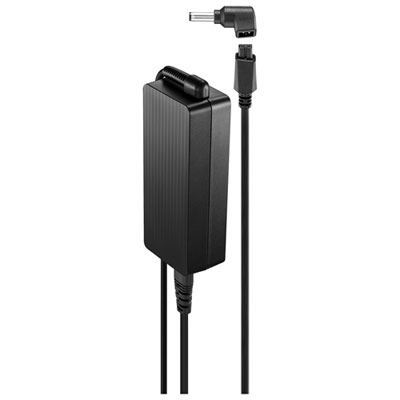 Your price for this item is $69.99
-
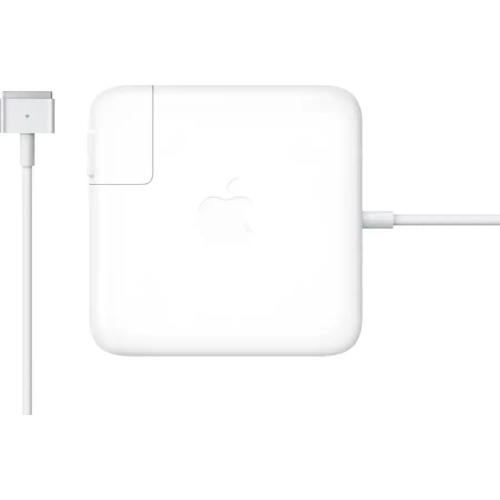 Your price for this item is $127.37
-
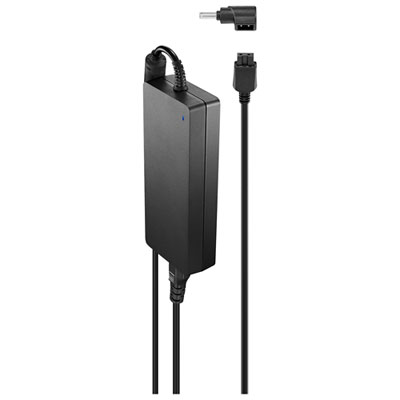 Your price for this item is $109.99
-
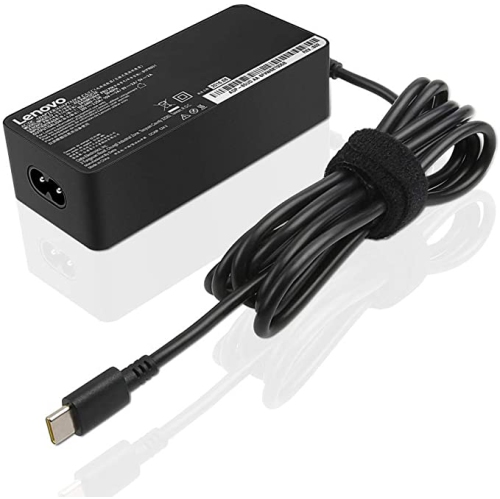 Your price for this item is $67
-
 Your price for this item is $71.99
-
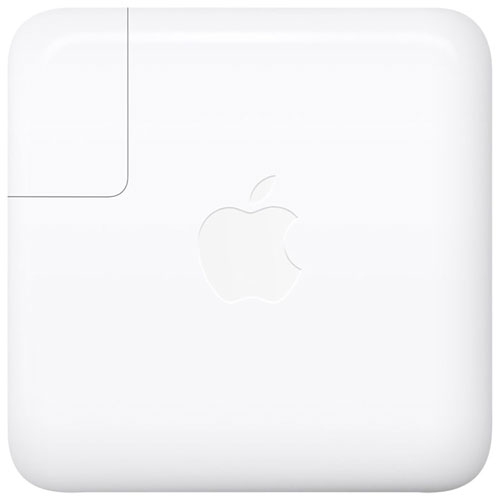 Your price for this item is $71
-
 Your price for this item is $51.99
-
 Your price for this item is $48
Discover more categories related to HP Laptop Chargers
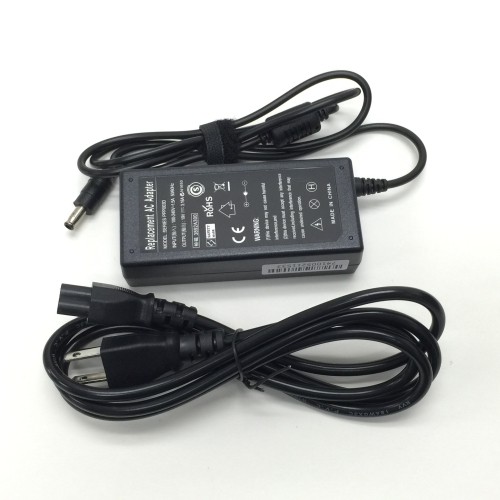
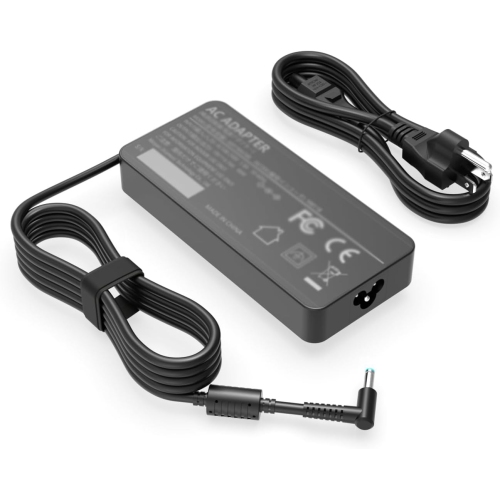
Top Collections:
Best Black Friday Deals This Year, Best Black Friday Deals On Electronics, Kindle Devices, Pokemon Centers, Best Black Friday Deals On Apple Products, Best Cameras for Sports Photography, Dyson Airwrap, Pokémon 30th Celebration Cards, Apple iPhone 17 Pro, Canon G7X Cameras
Some products may be subject to Environmental Handling Fees
(EHF) depending on your province.
Learn more about EHFs.