HP Laptops for Study Purpose
If you're a student, you know how important it is to have a laptop that can handle your coursework and keep up with your busy schedule. You want something that's lightweight, portable, and powerful enough to run all of your essential apps and programs. If you're looking for a laptop that can handle your schoolwork, here are some of the best options from HP.
Sort
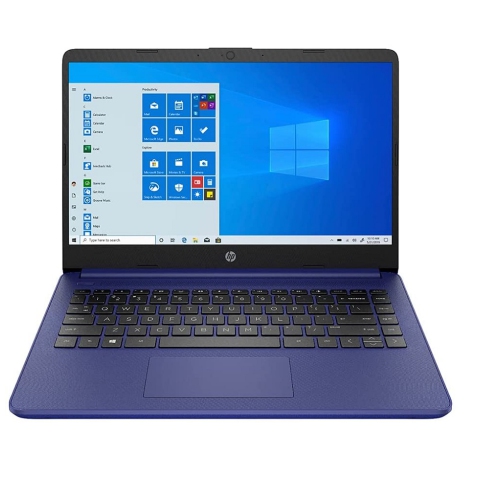
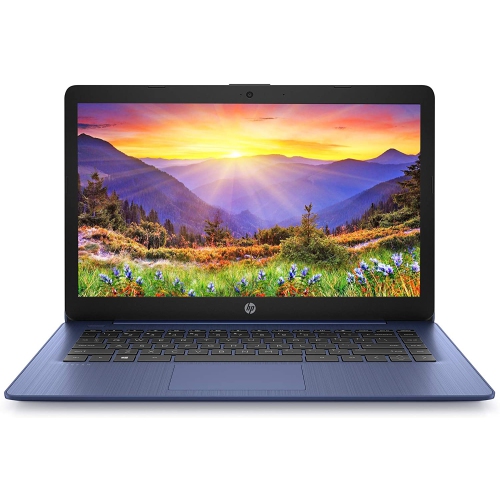
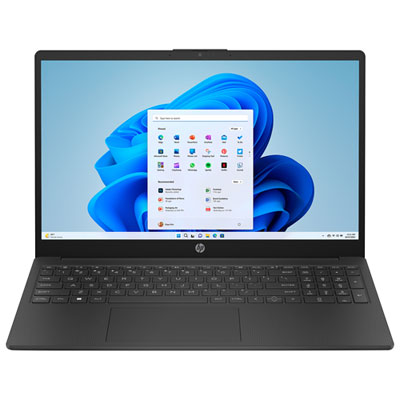
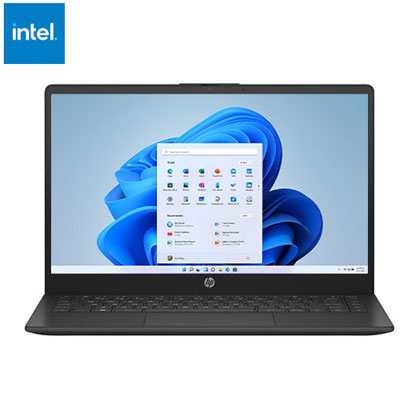
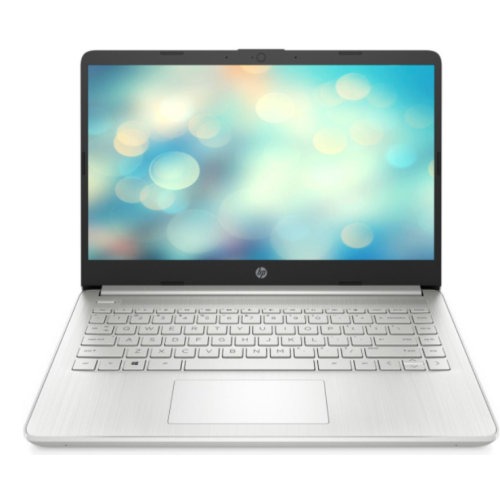
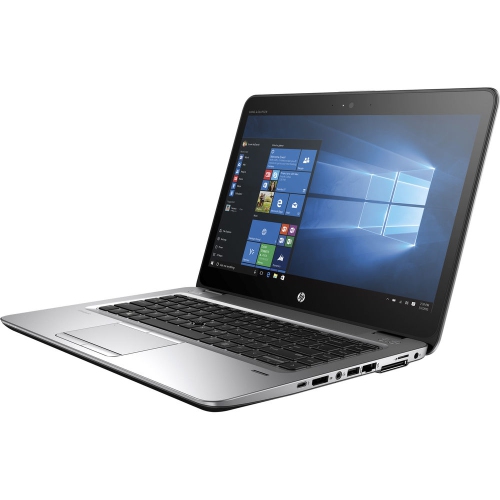
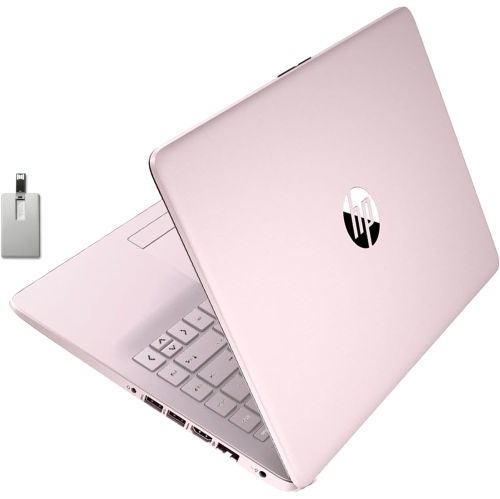
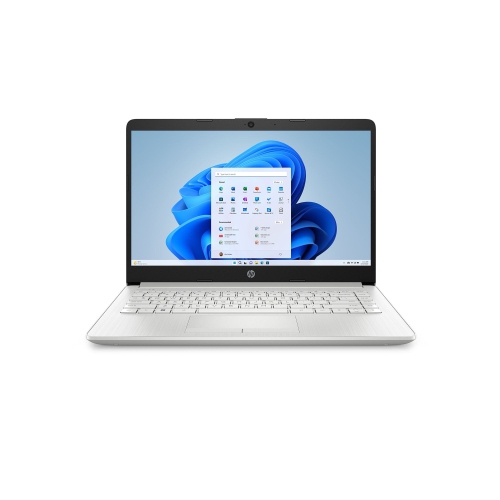
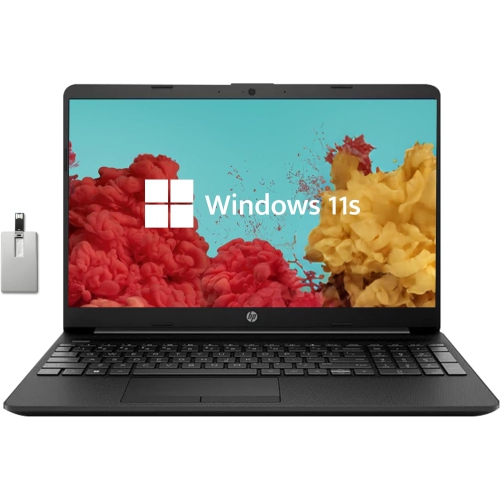
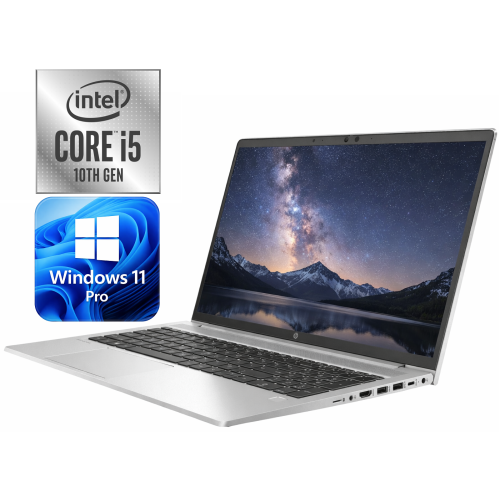
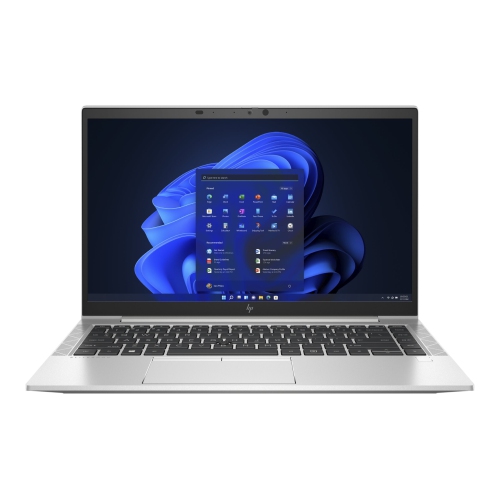
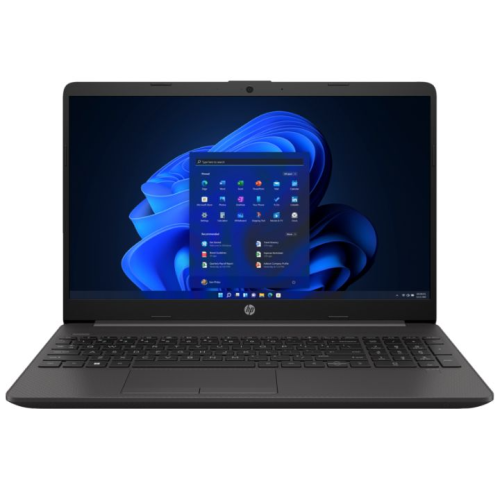
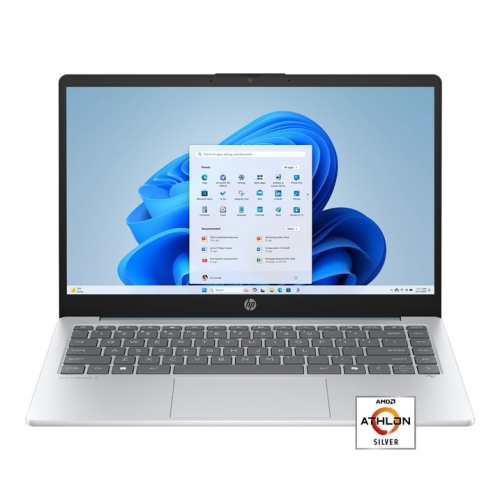
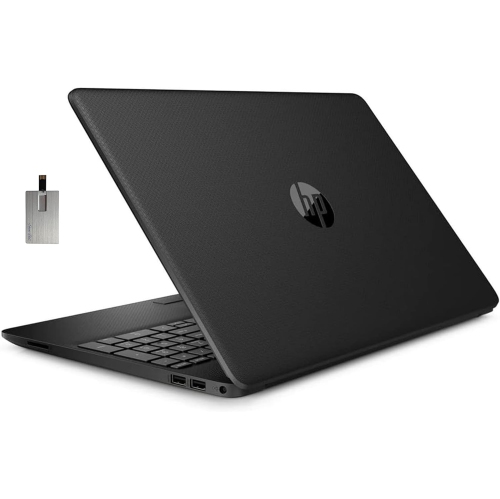
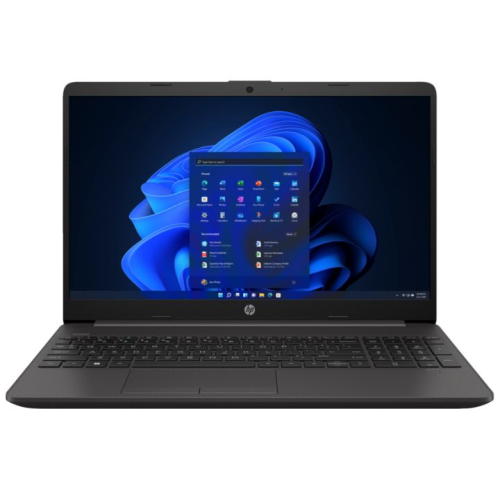
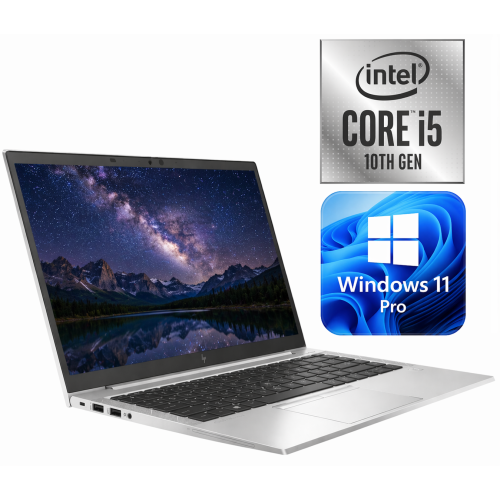
How portability, performance, and comfort support daily study
Students use their laptops for far more than typing assignments. A typical day may begin with checking a course portal over breakfast, move into a video lecture with headphones on, continue with research across several browser tabs, and end with a group presentation or discussion board post. Study-focused laptops are designed to support that changing routine with a practical balance of portability, speed, display quality, and battery life. A lightweight frame is helpful for carrying a computer between home, class, the library, and shared workspaces, while a battery that lasts through several lessons can reduce the need to search for an available outlet. For many learners, a 14-inch display offers a comfortable middle ground: it provides enough room for documents, spreadsheets, research pages, and online classes without making the laptop cumbersome in a backpack. Smaller screens can be convenient for commuting, while larger displays may suit students who spend long periods reviewing diagrams, editing media, or working with detailed tables. The right choice depends on the way each student studies, the software required for their programme, and how often they expect to move from one workspace to another. Families shopping for a graduation gift, a back-to-school present, or a practical upgrade for a student living away from home may find that a dependable laptop becomes one of the most frequently used items in a student’s daily routine. A comfortable keyboard, a responsive touchpad, a clear webcam, and reliable wireless connectivity can make a noticeable difference during long study sessions and virtual meetings.
Performance specifications are worth considering because academic work often involves more multitasking than it first appears. A student may have a word-processing document open beside a digital textbook, several research tabs, a video call, cloud storage, and music or note-taking software running together. For this type of use, 8 GB of RAM is a reasonable minimum, while 16 GB can provide smoother switching between applications and more room for demanding coursework over the life of the computer. A modern multi-core processor helps with everyday responsiveness, including opening large documents, attending online classes, creating presentations, and using introductory coding, design, or data-analysis tools. Students in programmes involving engineering, architecture, computer science, film, photography, or advanced creative applications may need more processing power, memory, or graphics capability than someone whose work centres on reading, writing, and web research. Storage is another important consideration. A solid-state drive, commonly called an SSD, allows the laptop to start quickly and helps applications open with less delay than older storage technologies. A 256 GB SSD may be sufficient for cloud-based coursework and essential files, while 512 GB or more provides additional room for downloaded readings, projects, photos, creative work, and offline media. Cloud storage can help keep files available across devices, but local storage remains useful when internet access is limited or when a student needs to work during travel. It is also wise to review the ports and connections before choosing a laptop. USB ports can support flash drives, external storage, a mouse, or presentation accessories, while HDMI or compatible display connections may be useful in classrooms and study areas. Wi-Fi compatibility, Bluetooth support, and a dependable webcam are especially valuable for students who participate in remote lectures, virtual office hours, or collaborative projects.
Comfort and flexibility can shape whether a laptop feels useful after the novelty of a new purchase has passed. A backlit keyboard can make it easier to work in a dim lecture hall or during a late-night review session, and a high-resolution display can keep text, charts, and video content crisp. A matte or low-glare screen may be more comfortable in rooms with overhead lighting, while touchscreen capability can be convenient for navigating notes, interacting with diagrams, or scrolling through readings. Convertible designs that open flat or fold into tablet-style positions may appeal to students who like to annotate material directly on the screen, though a traditional clamshell design can be the better fit for those who mainly type essays and complete browser-based coursework. Build quality matters for a computer that will be carried regularly, placed on library tables, and moved between rooms. A sturdy hinge, firm keyboard deck, and well-constructed chassis can contribute to a more reassuring everyday experience, while a protective sleeve or padded compartment can help safeguard the laptop in a backpack. Students should also consider the operating system and the applications required by their school, since some courses depend on specific desktop programs rather than browser-based tools. Those whose coursework relies mostly on online platforms, documents, email, and cloud storage may prefer a simple configuration, while students using specialized software should confirm compatibility and recommended specifications before purchasing. Whether it is used for quiet reading in a sunny corner, focused writing during the cooler months, or collaborative work with classmates, a well-matched laptop can help make study time more organized and less interrupted. Browse this selection alongside Laptops for Study to compare study-ready features and find a configuration suited to the student’s courses, habits, and everyday routine.
Performance specifications are worth considering because academic work often involves more multitasking than it first appears. A student may have a word-processing document open beside a digital textbook, several research tabs, a video call, cloud storage, and music or note-taking software running together. For this type of use, 8 GB of RAM is a reasonable minimum, while 16 GB can provide smoother switching between applications and more room for demanding coursework over the life of the computer. A modern multi-core processor helps with everyday responsiveness, including opening large documents, attending online classes, creating presentations, and using introductory coding, design, or data-analysis tools. Students in programmes involving engineering, architecture, computer science, film, photography, or advanced creative applications may need more processing power, memory, or graphics capability than someone whose work centres on reading, writing, and web research. Storage is another important consideration. A solid-state drive, commonly called an SSD, allows the laptop to start quickly and helps applications open with less delay than older storage technologies. A 256 GB SSD may be sufficient for cloud-based coursework and essential files, while 512 GB or more provides additional room for downloaded readings, projects, photos, creative work, and offline media. Cloud storage can help keep files available across devices, but local storage remains useful when internet access is limited or when a student needs to work during travel. It is also wise to review the ports and connections before choosing a laptop. USB ports can support flash drives, external storage, a mouse, or presentation accessories, while HDMI or compatible display connections may be useful in classrooms and study areas. Wi-Fi compatibility, Bluetooth support, and a dependable webcam are especially valuable for students who participate in remote lectures, virtual office hours, or collaborative projects.
Comfort and flexibility can shape whether a laptop feels useful after the novelty of a new purchase has passed. A backlit keyboard can make it easier to work in a dim lecture hall or during a late-night review session, and a high-resolution display can keep text, charts, and video content crisp. A matte or low-glare screen may be more comfortable in rooms with overhead lighting, while touchscreen capability can be convenient for navigating notes, interacting with diagrams, or scrolling through readings. Convertible designs that open flat or fold into tablet-style positions may appeal to students who like to annotate material directly on the screen, though a traditional clamshell design can be the better fit for those who mainly type essays and complete browser-based coursework. Build quality matters for a computer that will be carried regularly, placed on library tables, and moved between rooms. A sturdy hinge, firm keyboard deck, and well-constructed chassis can contribute to a more reassuring everyday experience, while a protective sleeve or padded compartment can help safeguard the laptop in a backpack. Students should also consider the operating system and the applications required by their school, since some courses depend on specific desktop programs rather than browser-based tools. Those whose coursework relies mostly on online platforms, documents, email, and cloud storage may prefer a simple configuration, while students using specialized software should confirm compatibility and recommended specifications before purchasing. Whether it is used for quiet reading in a sunny corner, focused writing during the cooler months, or collaborative work with classmates, a well-matched laptop can help make study time more organized and less interrupted. Browse this selection alongside Laptops for Study to compare study-ready features and find a configuration suited to the student’s courses, habits, and everyday routine.
Top selling and popular products
-
 Your price for this item is $449
 -
 Your price for this item is $3099
 -
 Your price for this item is $664.05
 -
 Your price for this item is $599.68
 -
 Your price for this item is $259
 -
 Your price for this item is $418.98
 -
 Your price for this item is $999.95
 -
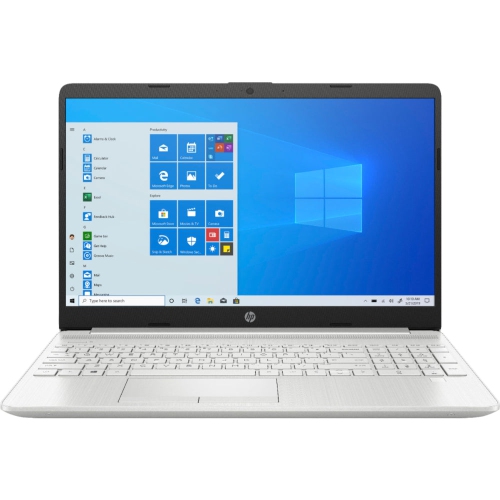 Your price for this item is $489
Discover more categories related to HP Laptops for Study Purpose

Top Collections:
Pokemon Centers, Budget 4K TVs, Best Budget Office Chairs, Kindle Devices, Canon G7X Cameras, Apple iPhones 16, iPhone 15 Apple, Laptops for Business Work, Xiaomi Phones, Flip Phones
Some products may be subject to Environmental Handling Fees
(EHF) depending on your province.
Learn more about EHFs.