HP Printer Power Cords
Looking for the perfect power cord for your HP printer? Look no further! Our wide selection of printer power cords is designed to keep your HP printer up and running smoothly. Whether you need a replacement cord or an extra one for convenience, we have got you covered. With high-quality materials and durable construction, our power cords are built to last. Say goodbye to tangled cables and hello to hassle-free printing with our range of HP printer power cords. Browse through our collection today and find the perfect fit for your printer.
Sort
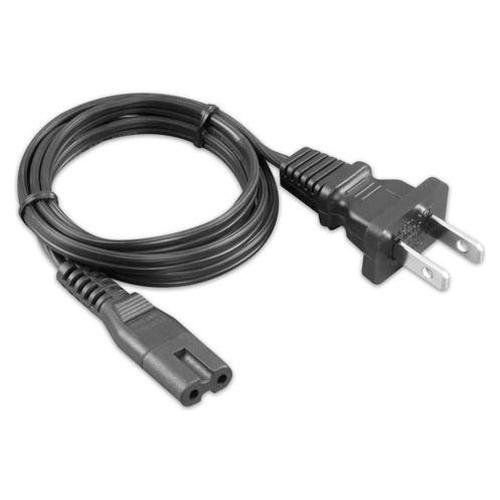
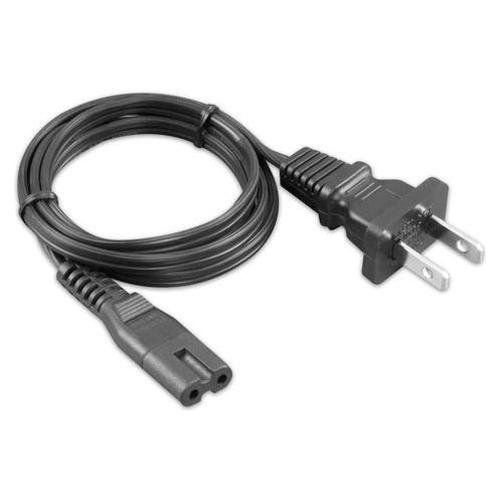
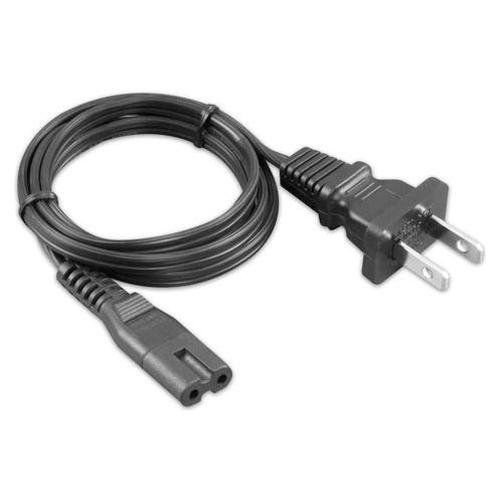
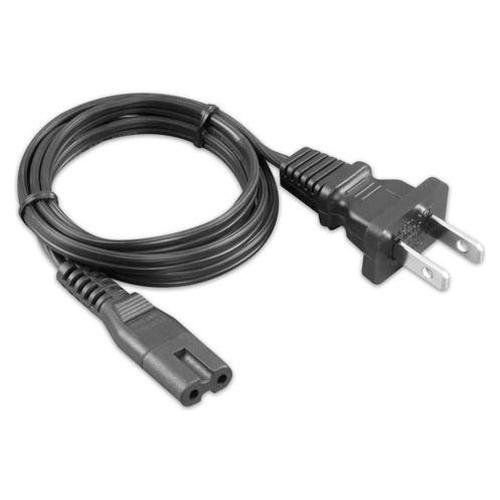

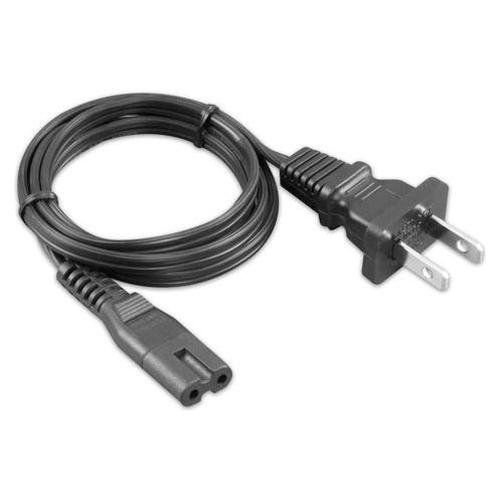
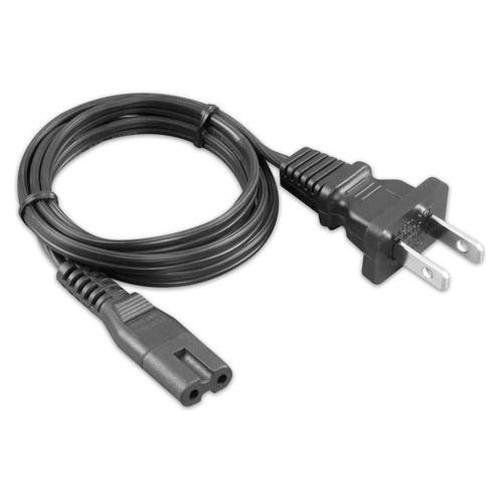
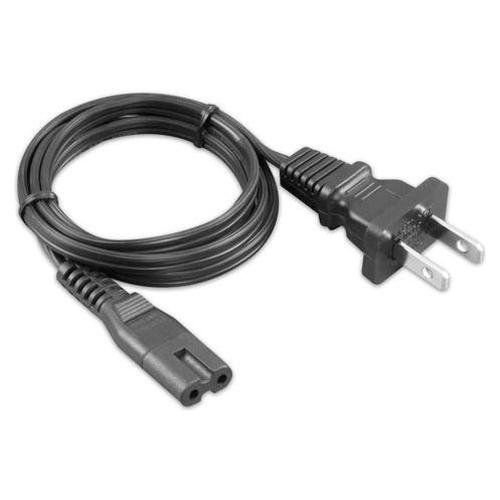
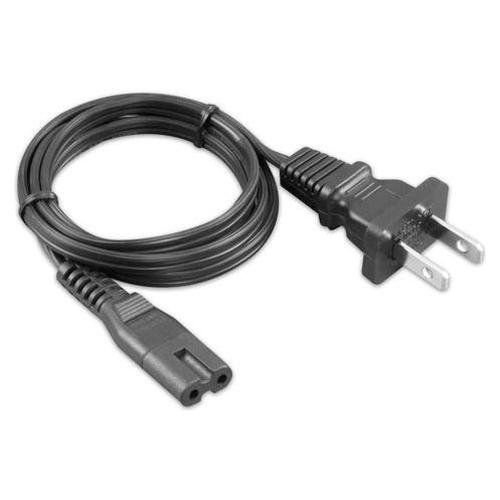
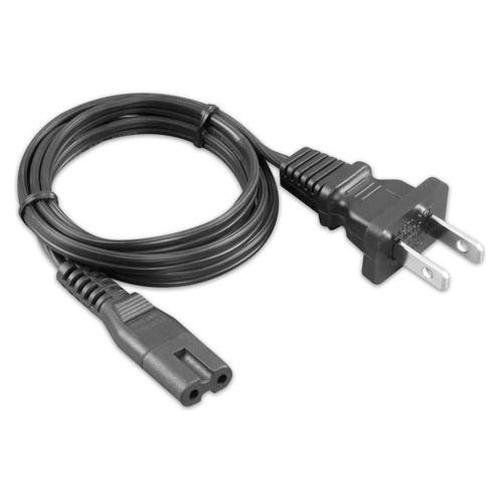
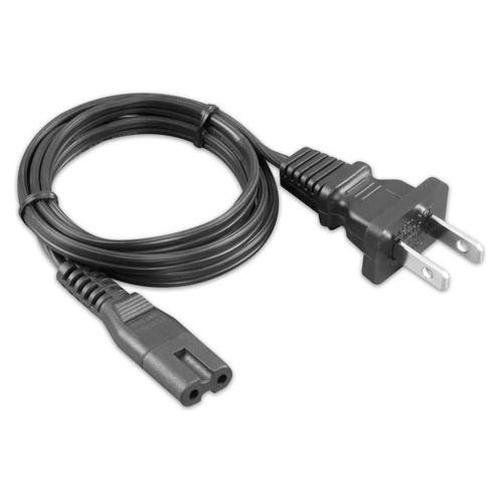
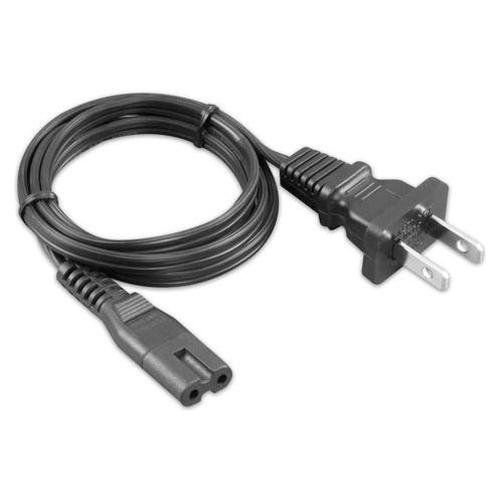
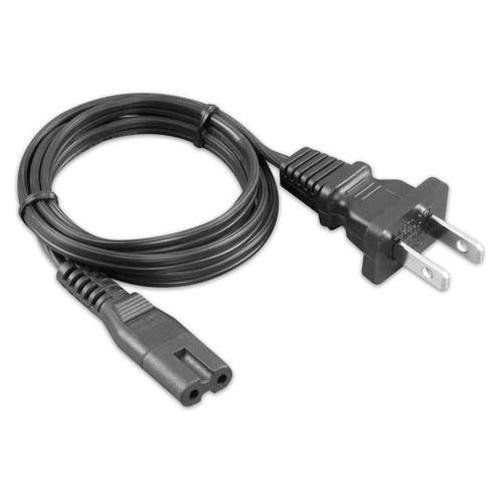

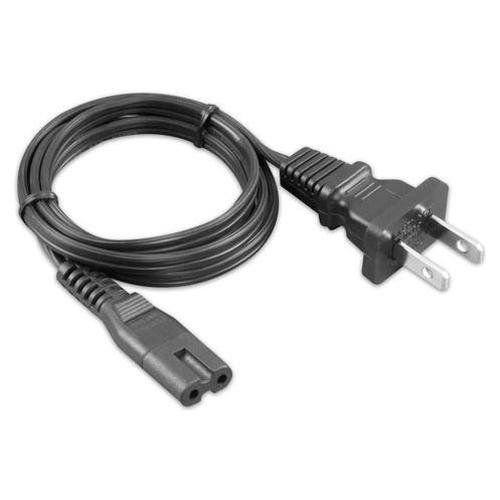
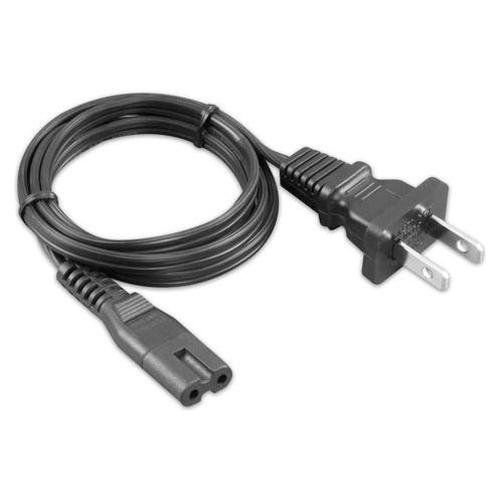
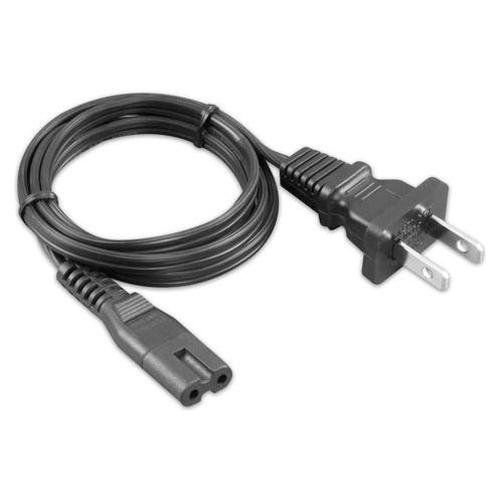
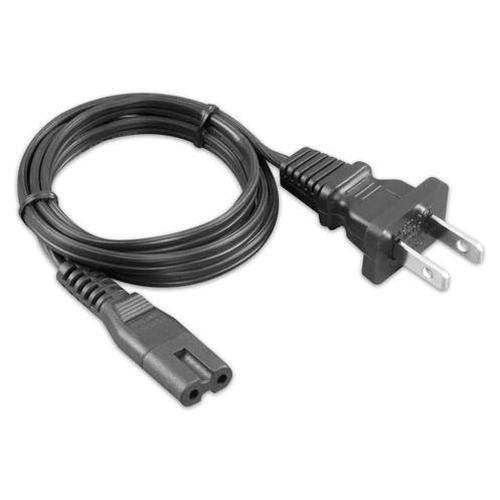
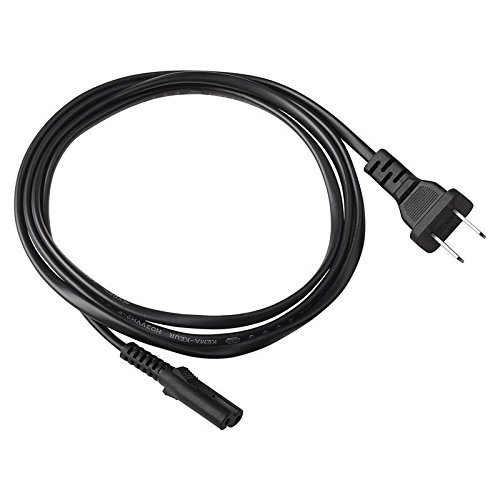
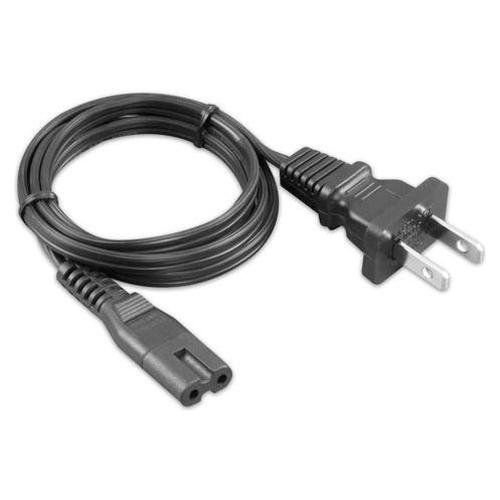
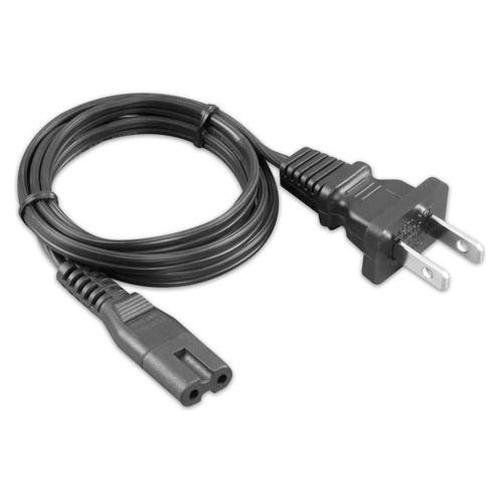
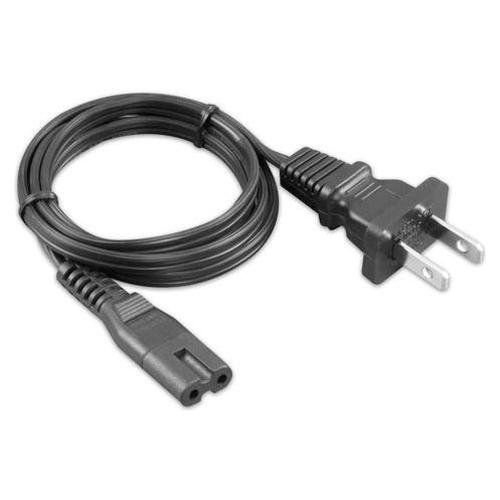
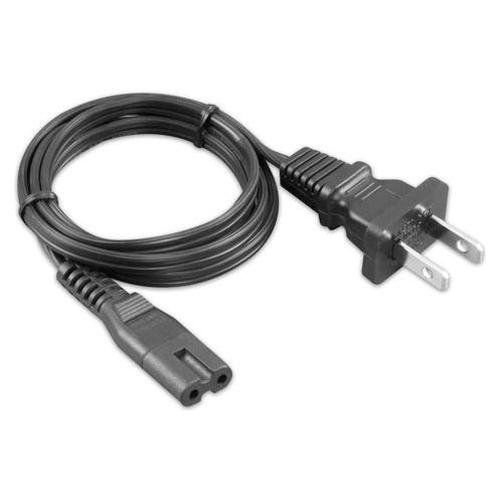
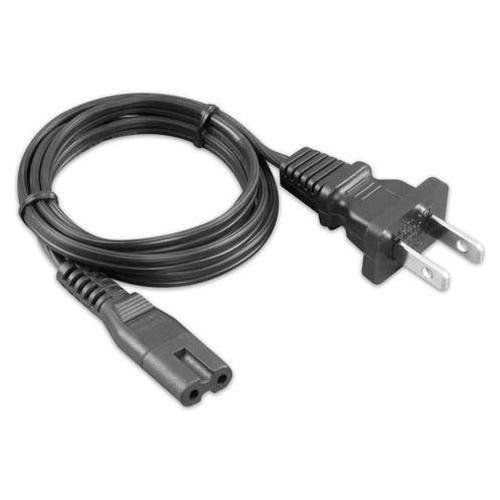
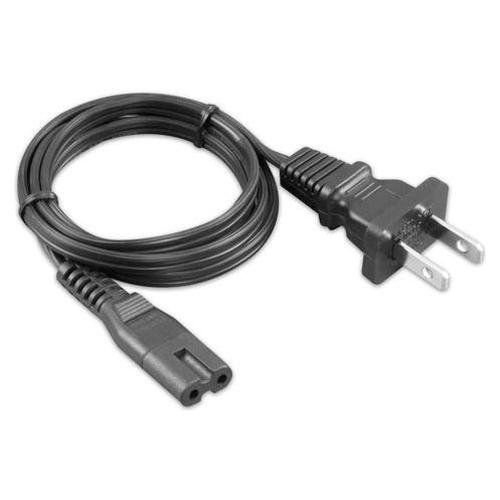
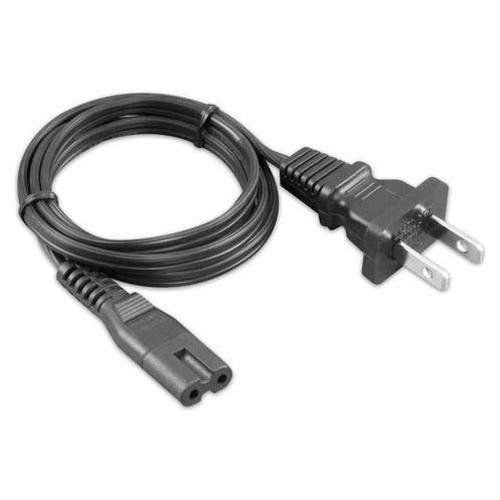
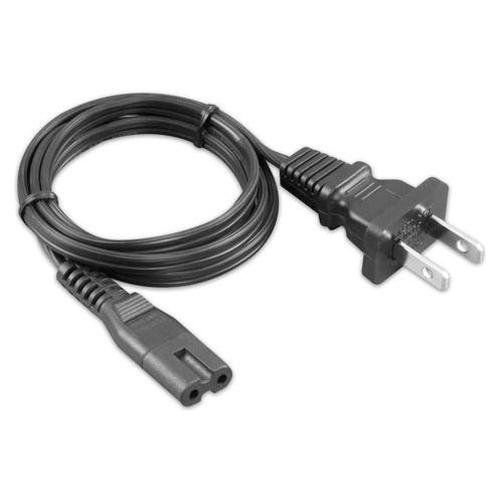

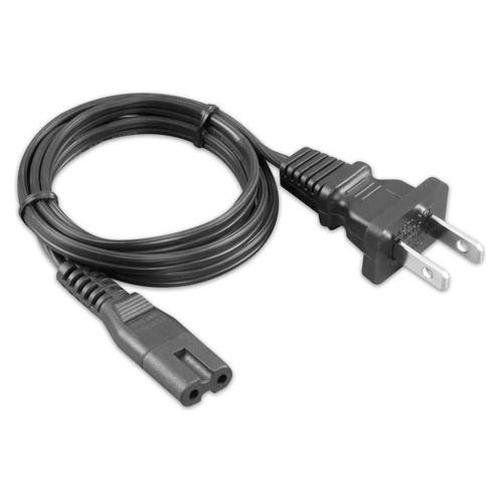
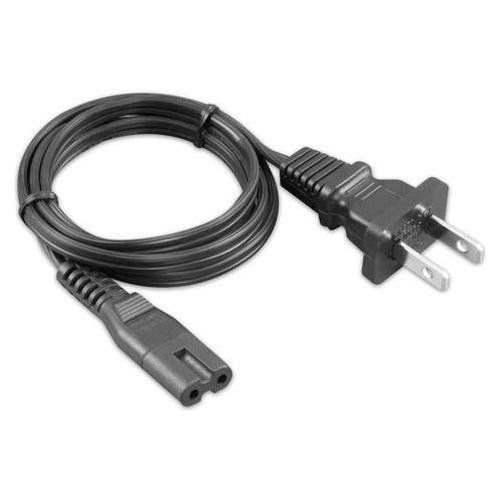
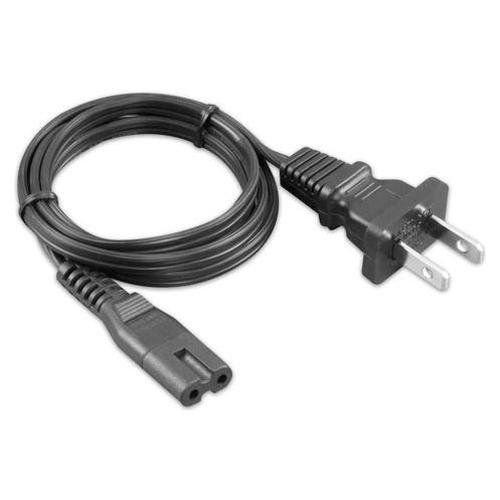

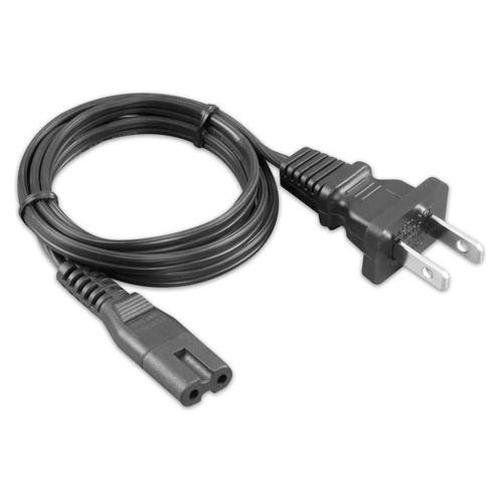
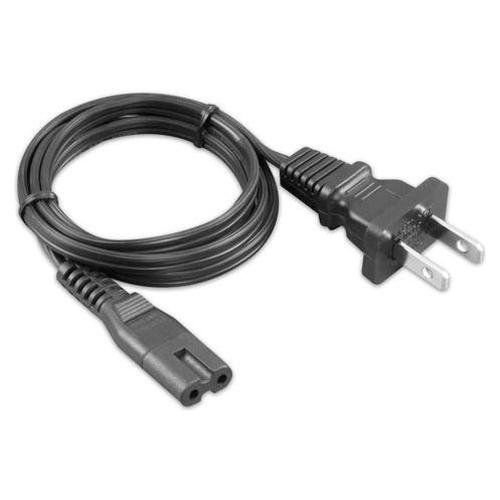
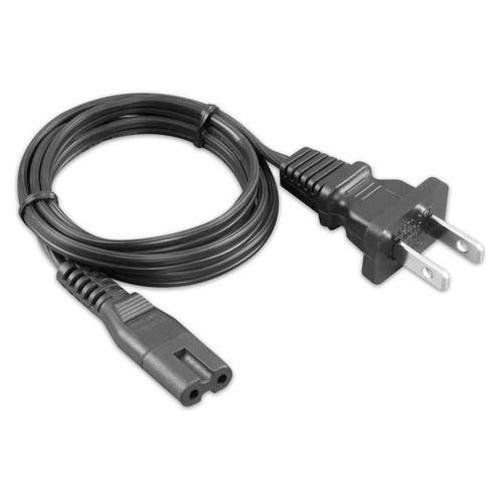

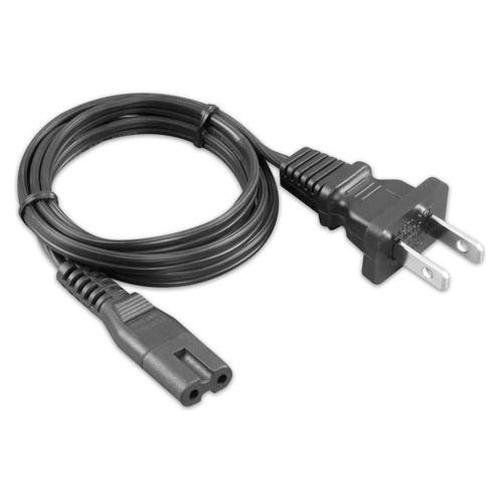
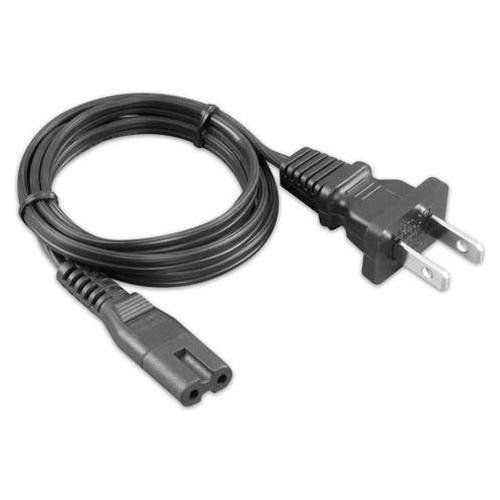
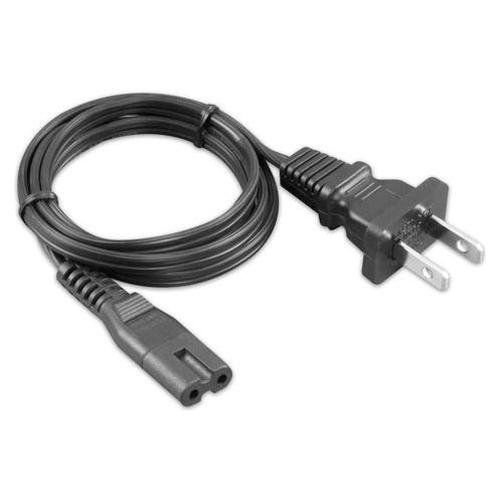
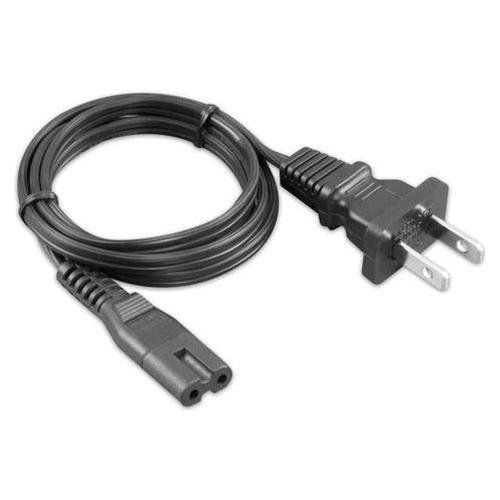
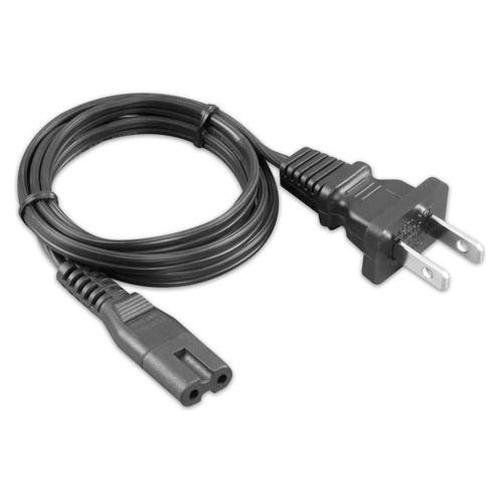
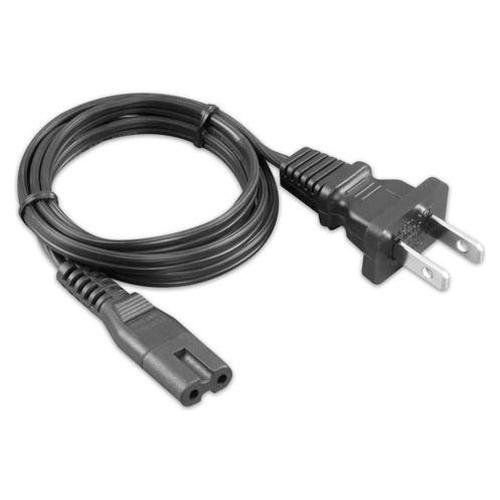

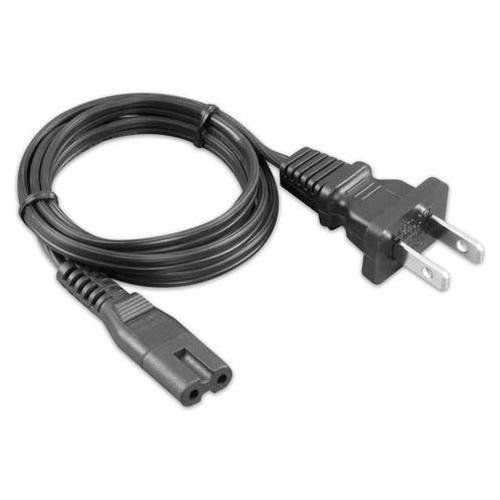
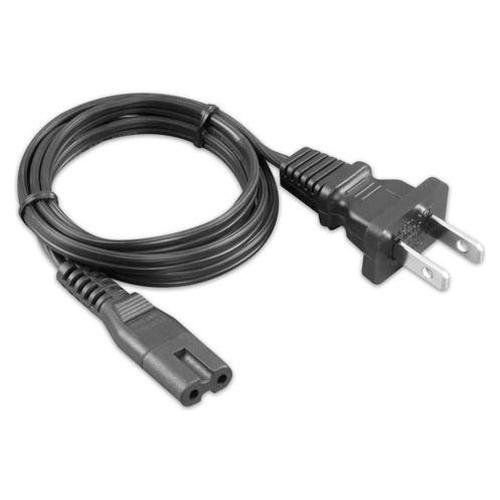
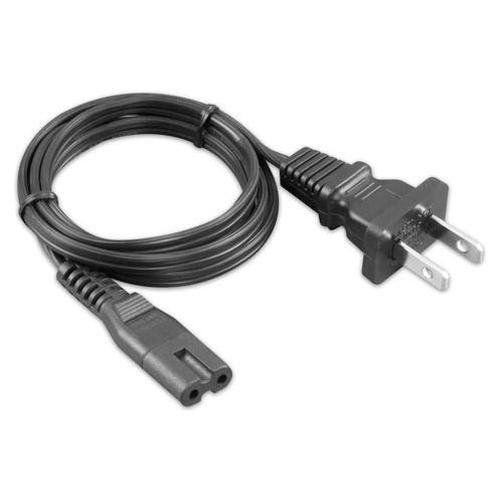
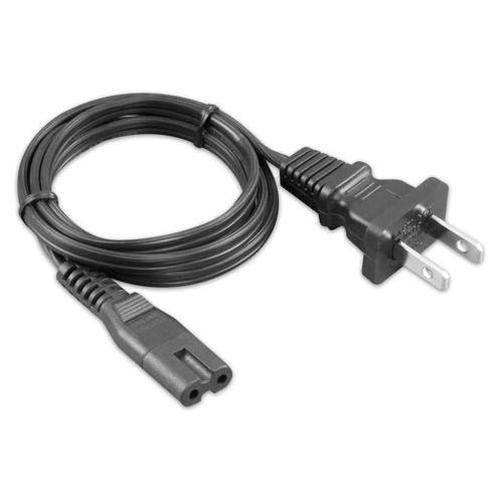
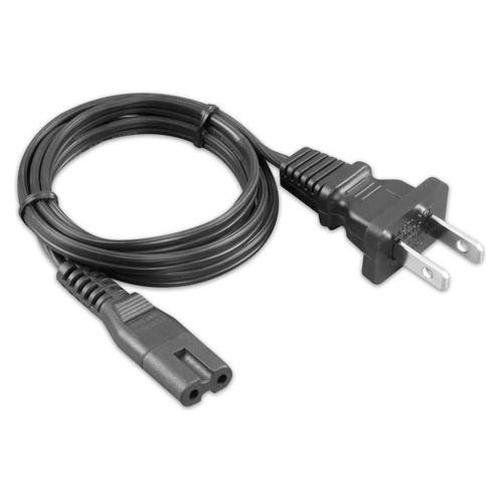
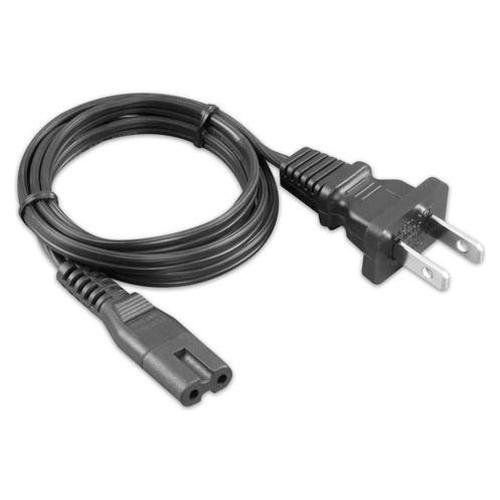
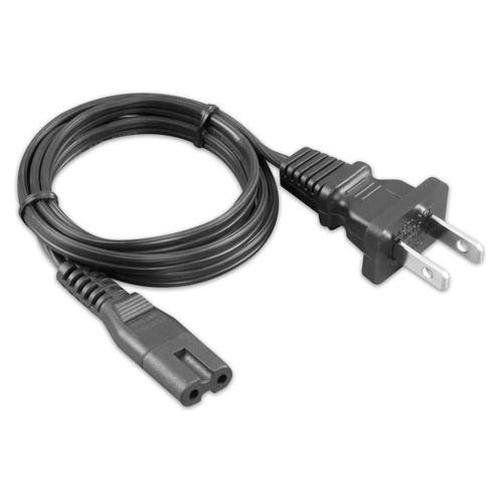
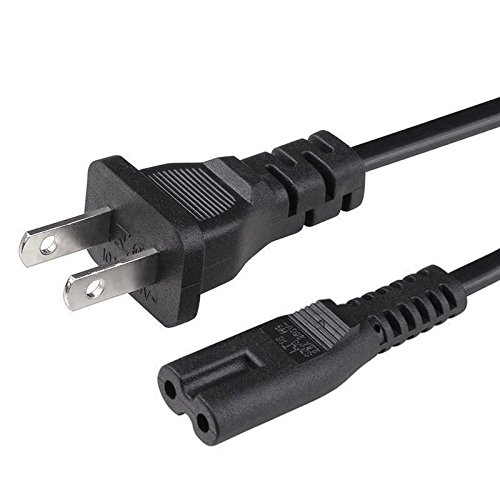

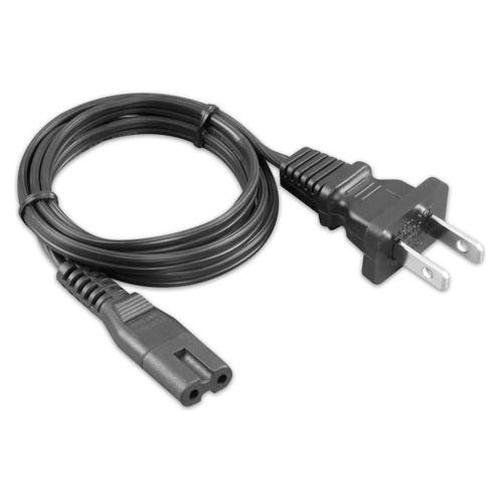
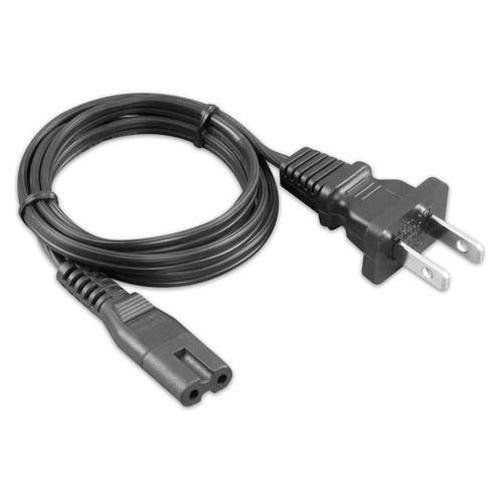
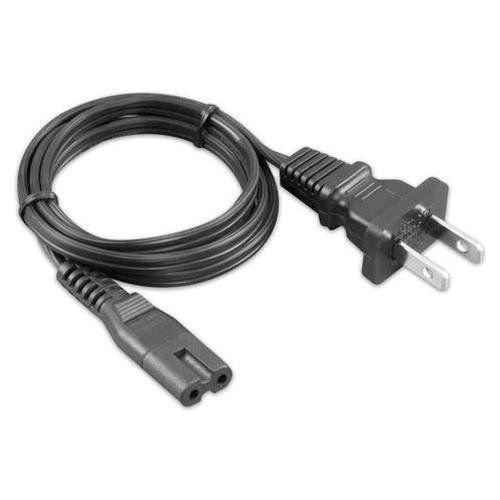
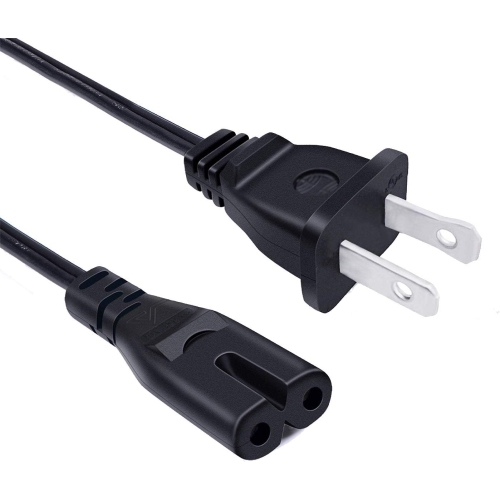
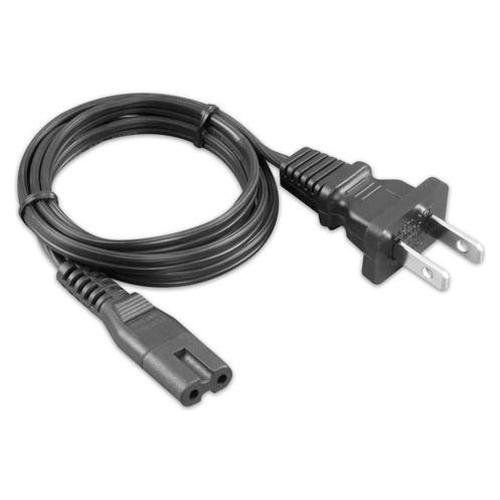
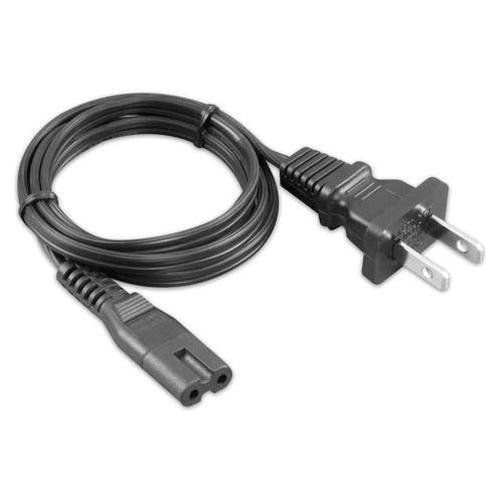
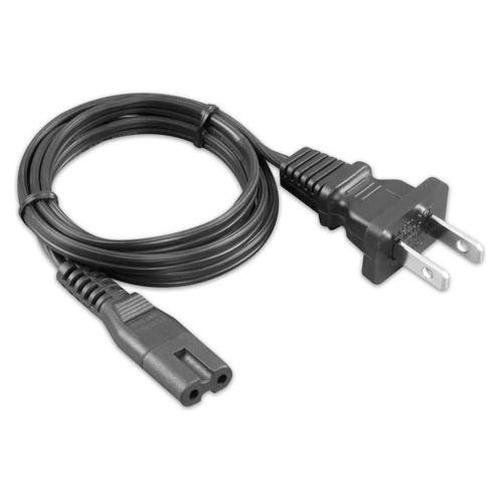

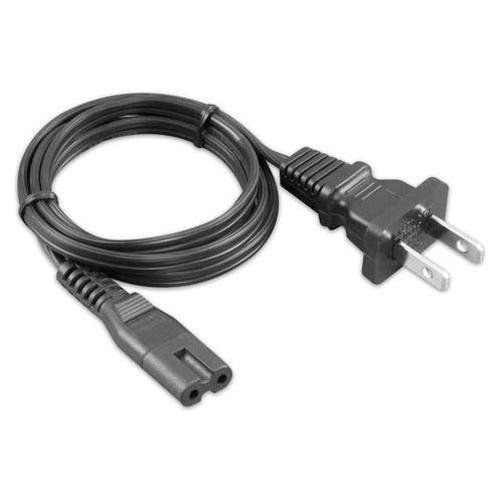
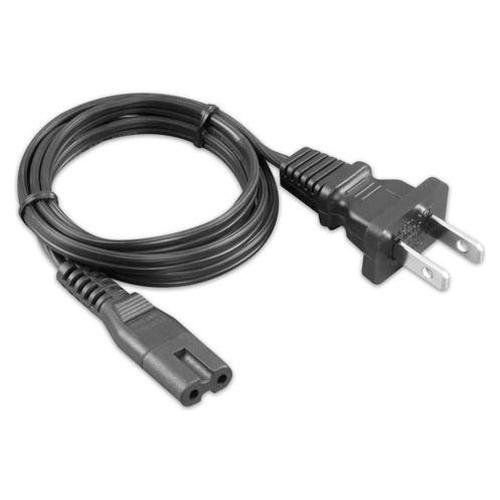
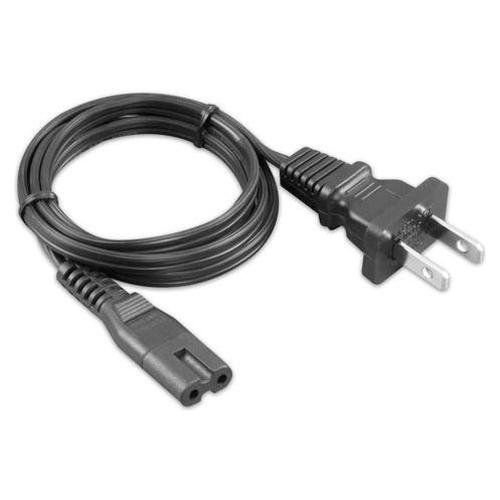
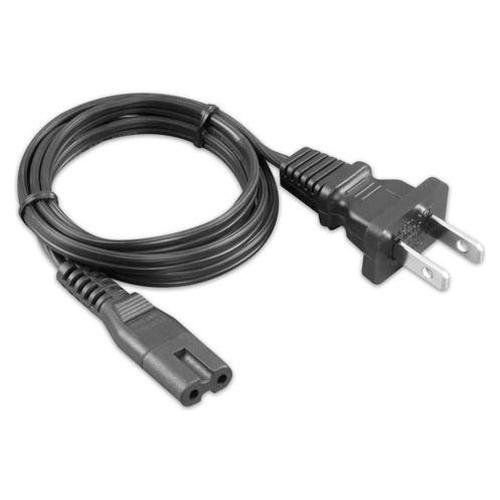
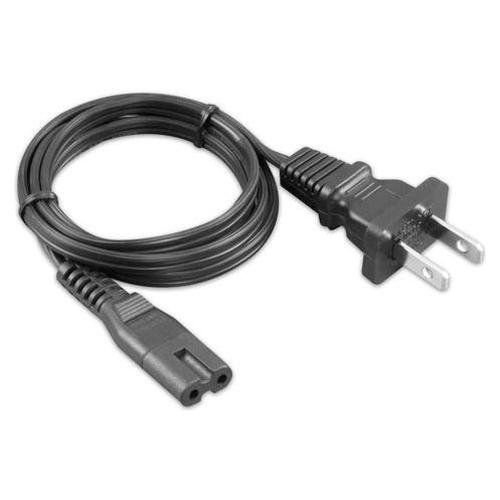
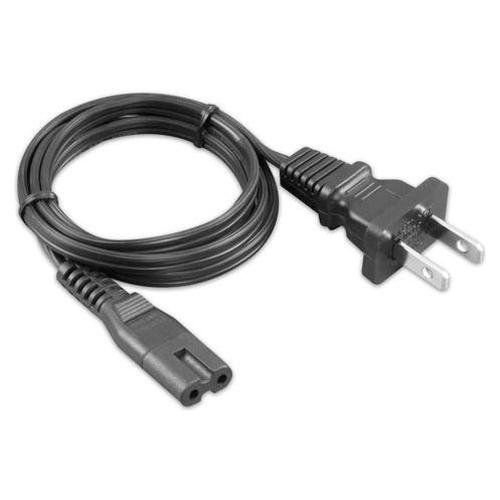
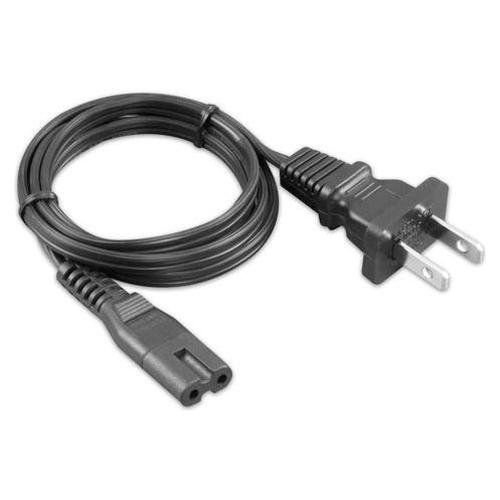


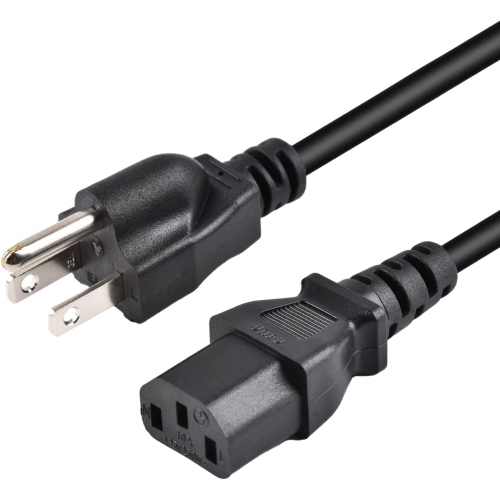


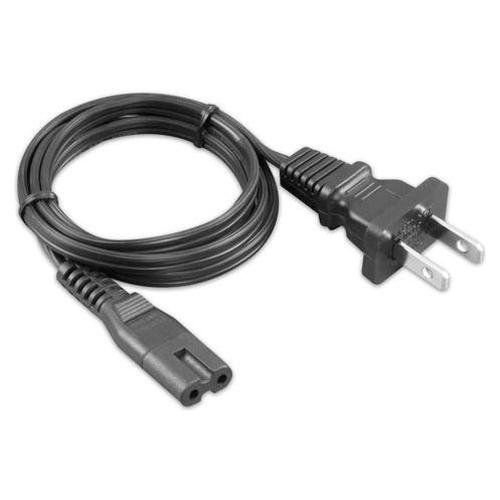
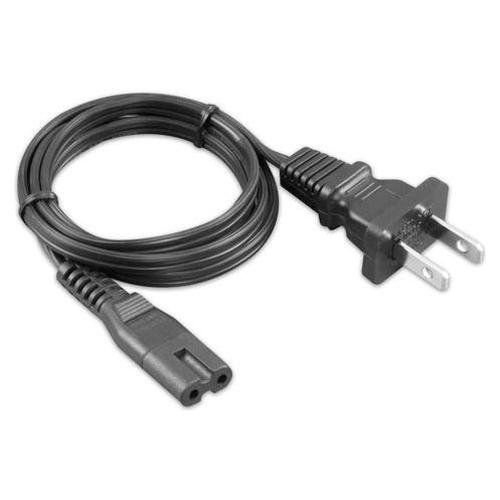
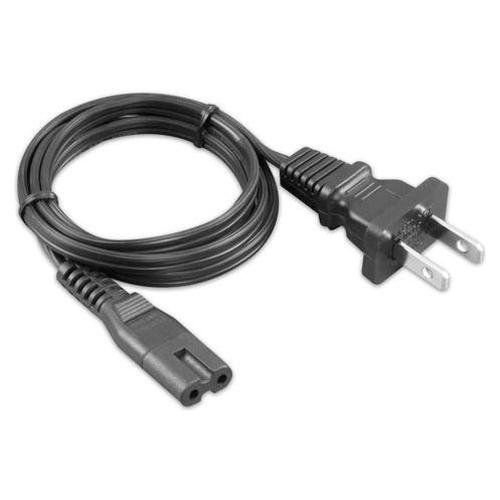
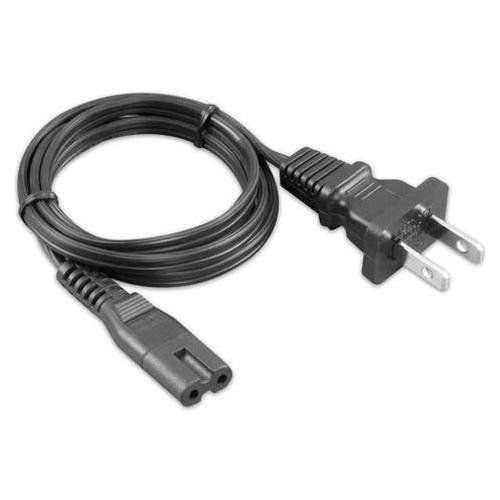
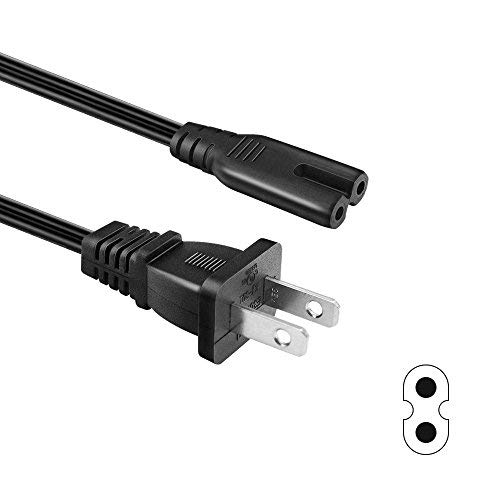
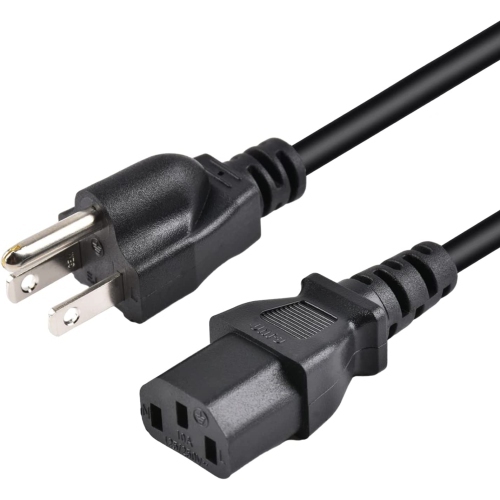

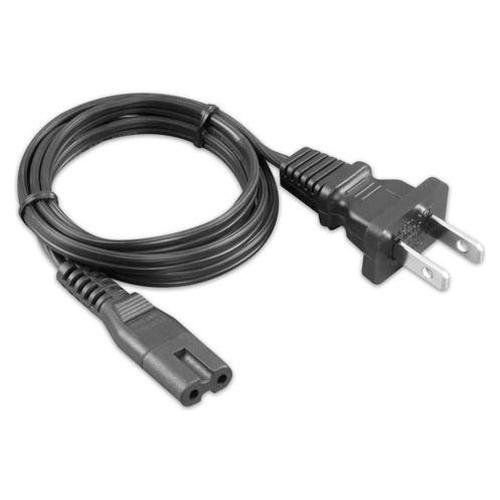

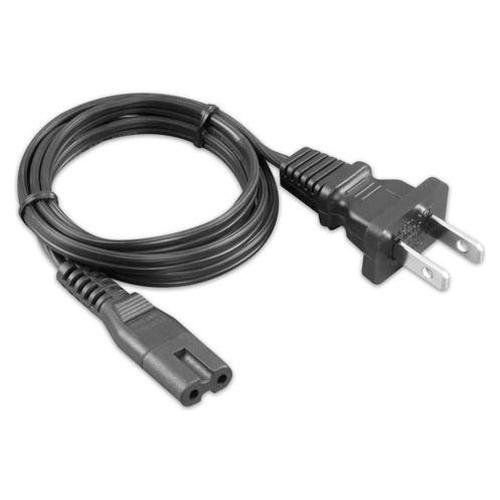
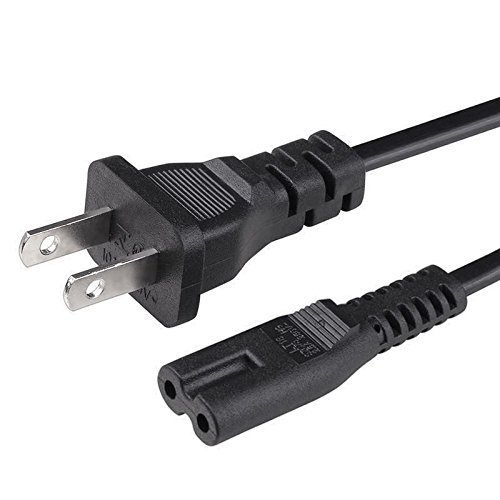
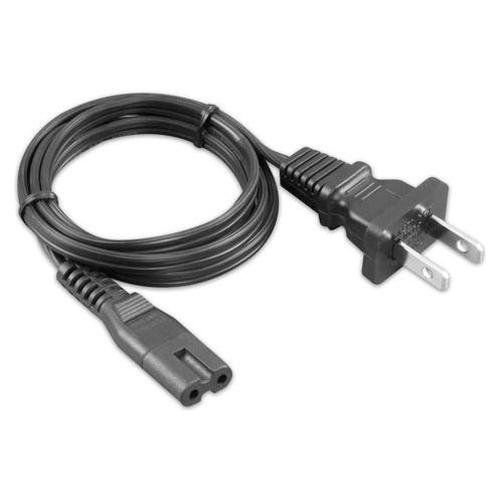
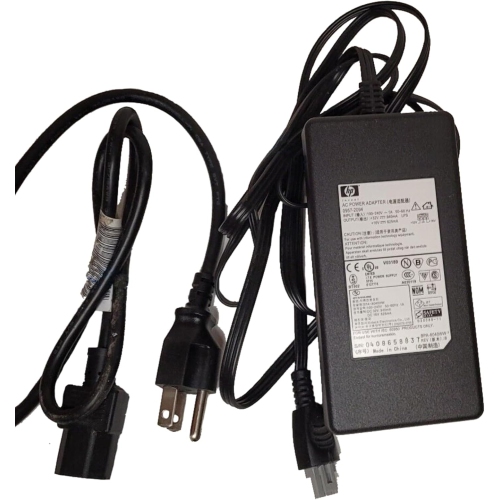
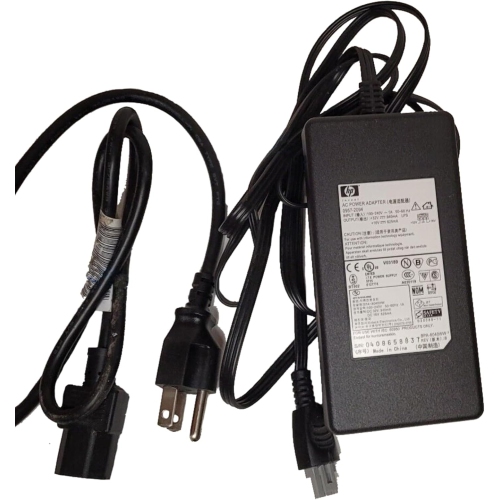
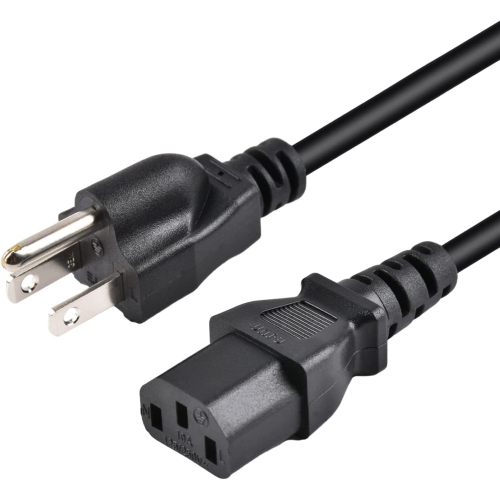
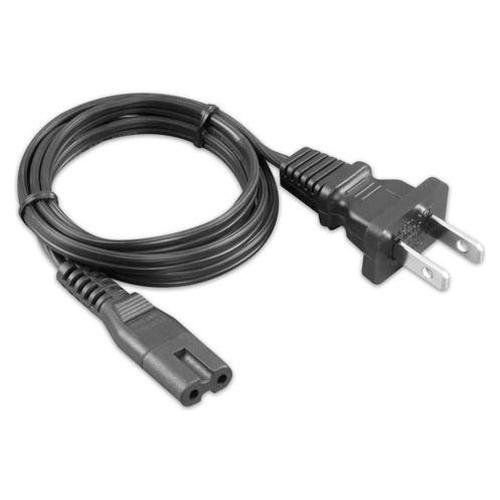
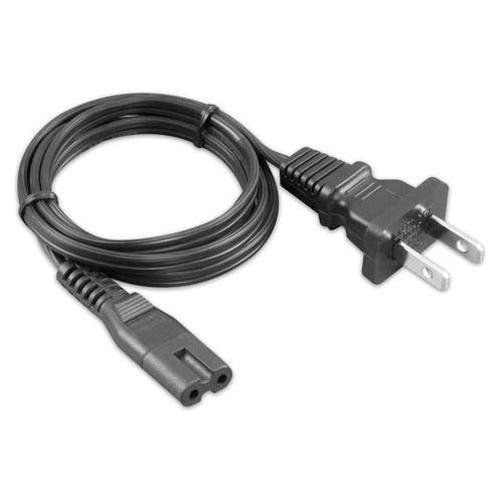
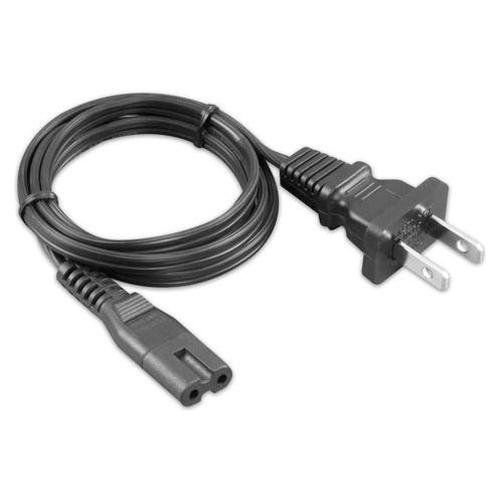
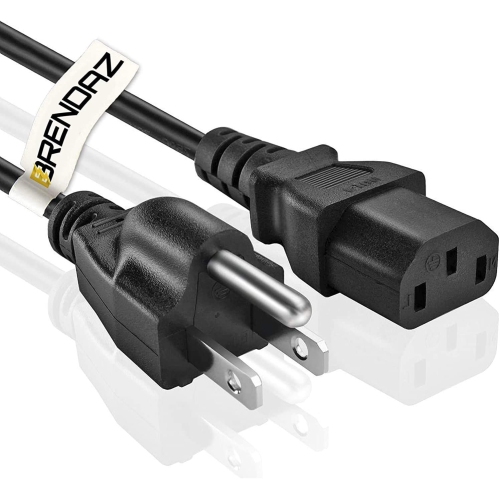
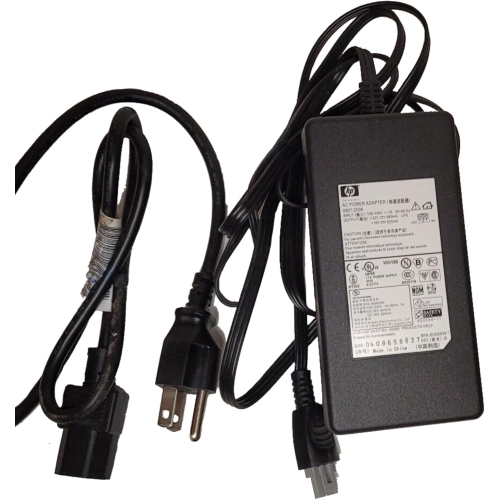
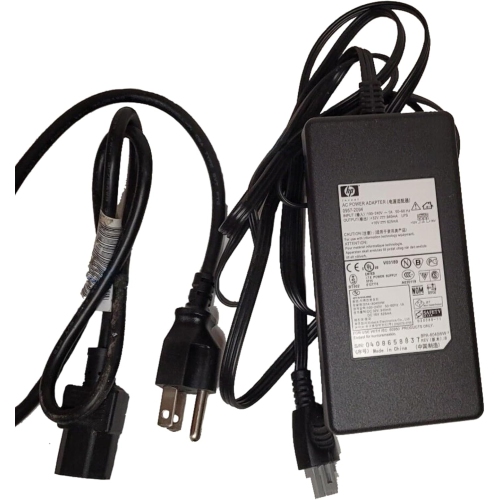
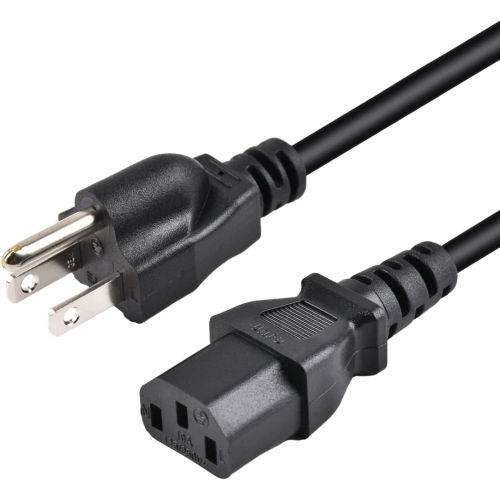
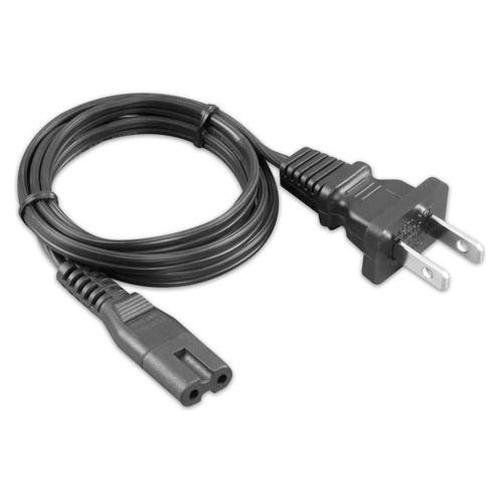
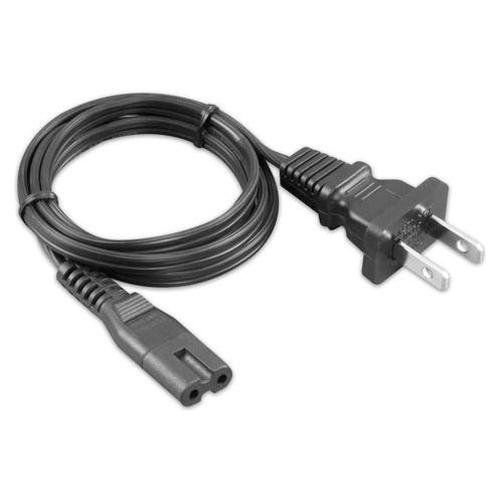
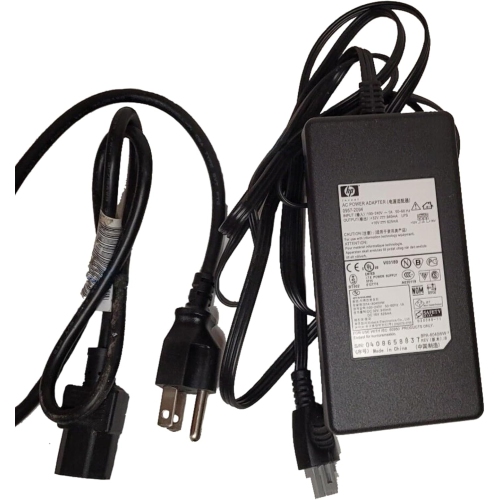
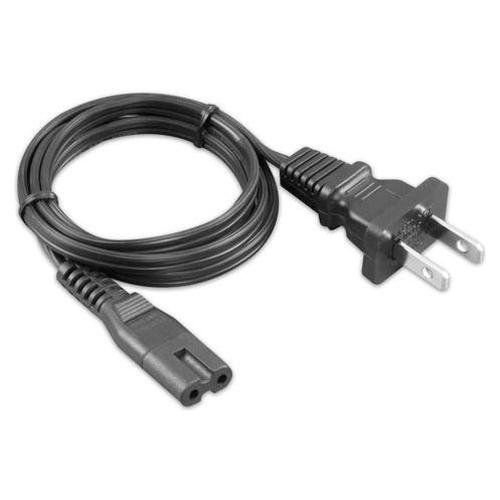
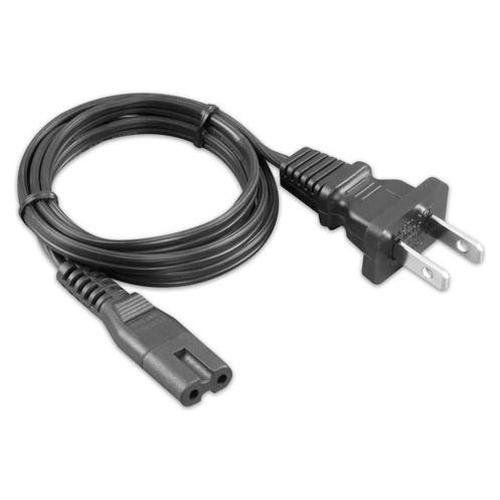
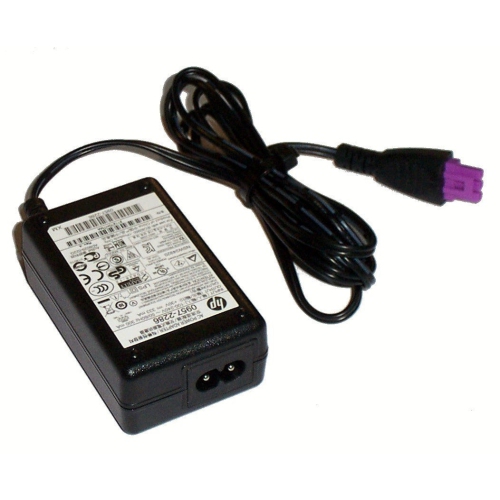
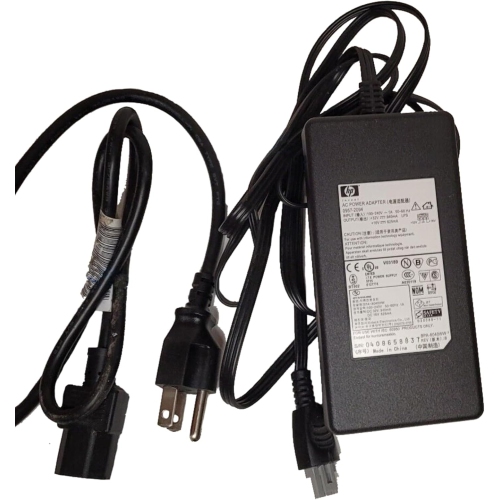
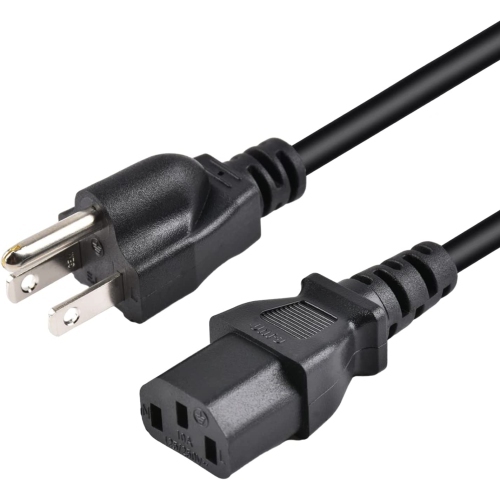



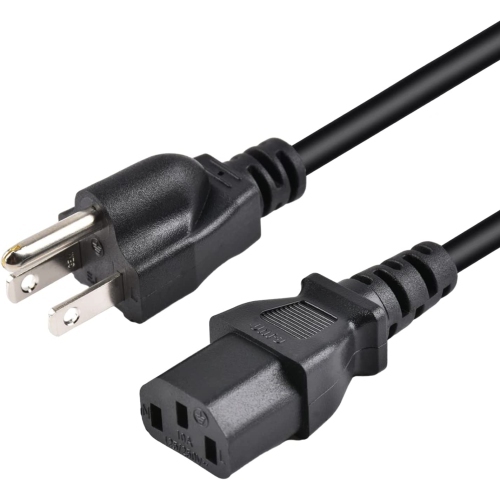
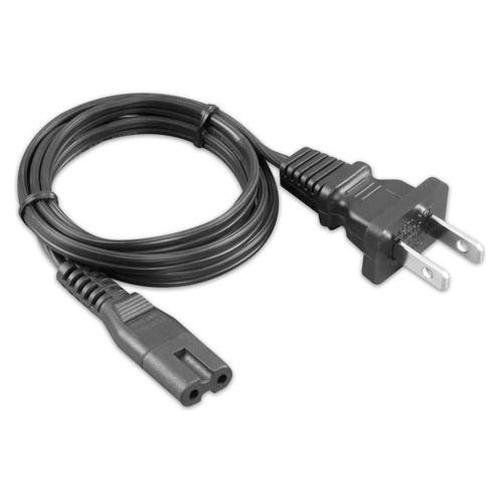
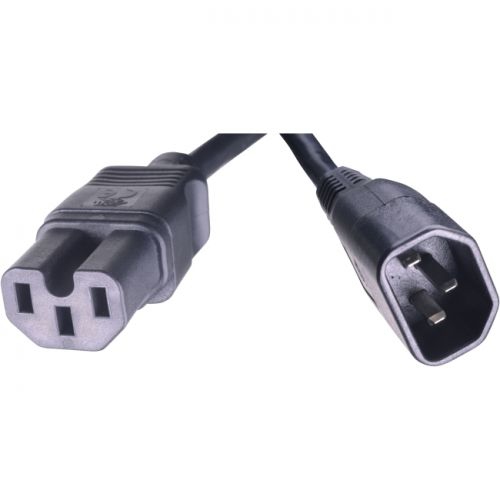

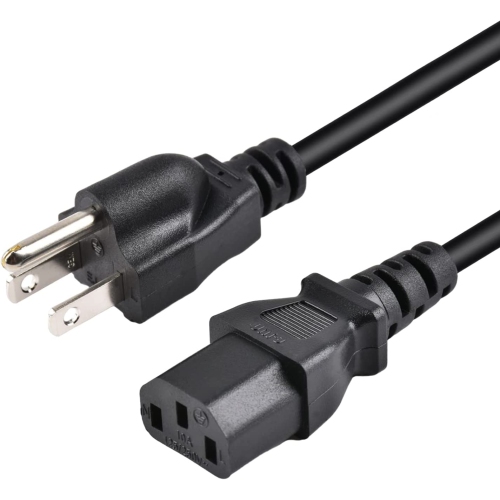


A matching plug is only part of printer compatibility
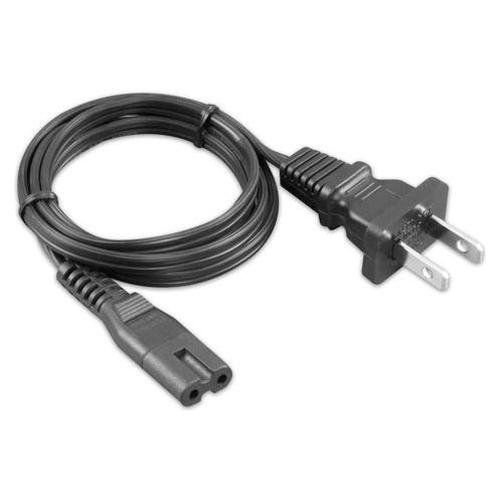
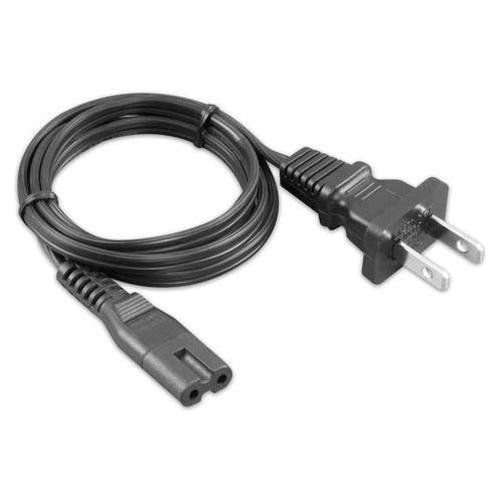
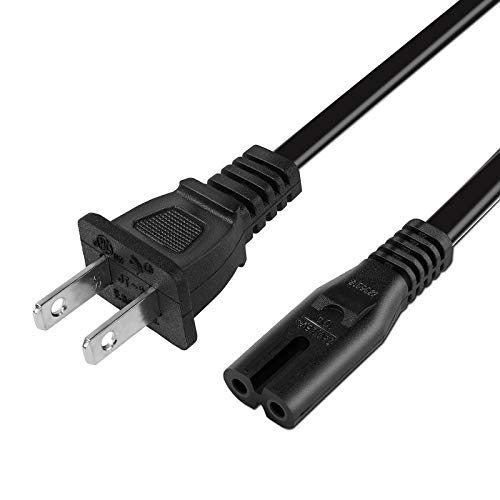
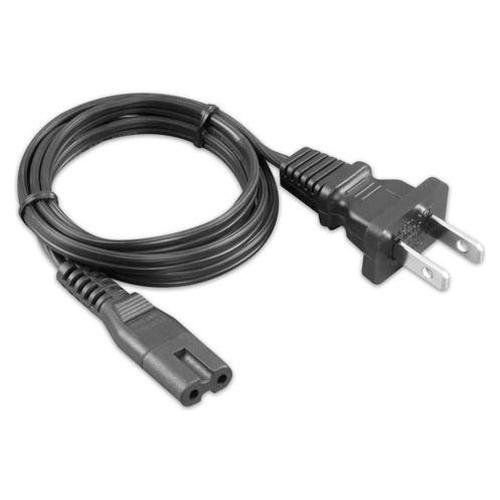
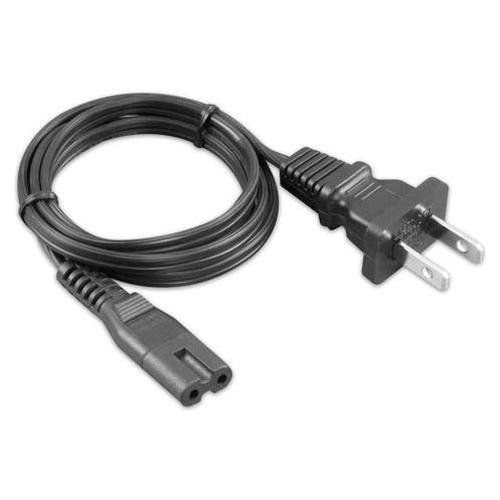
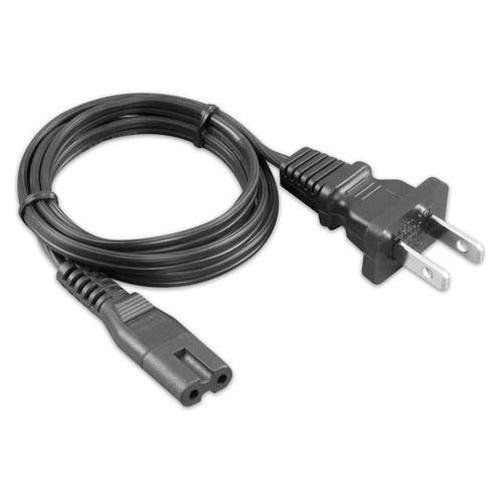
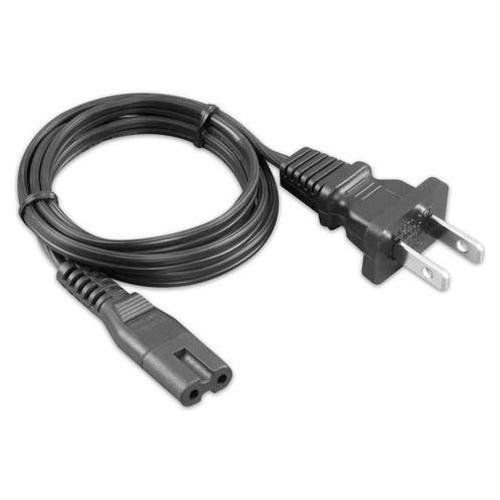
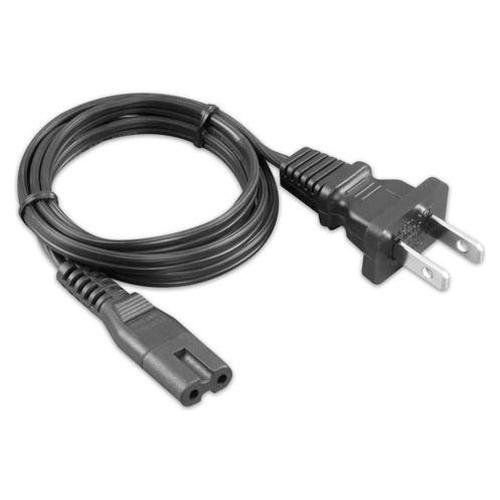
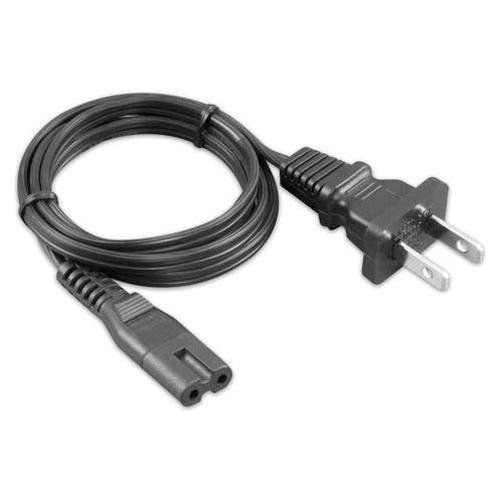
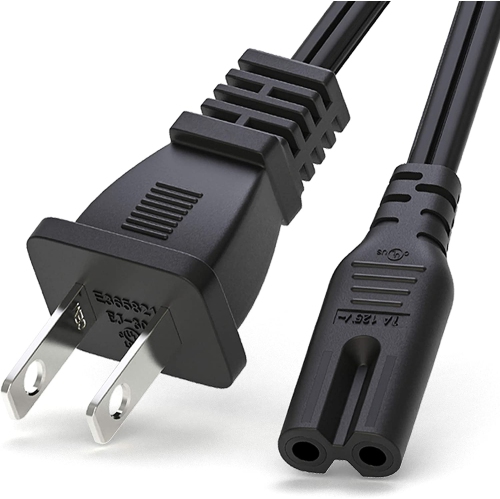
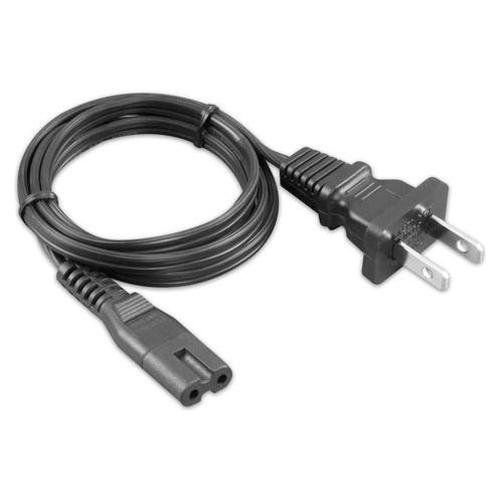
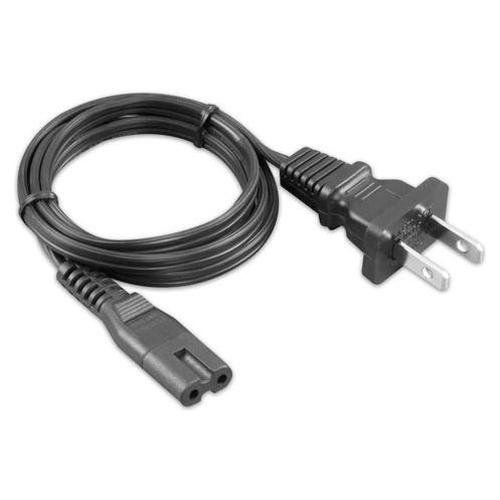
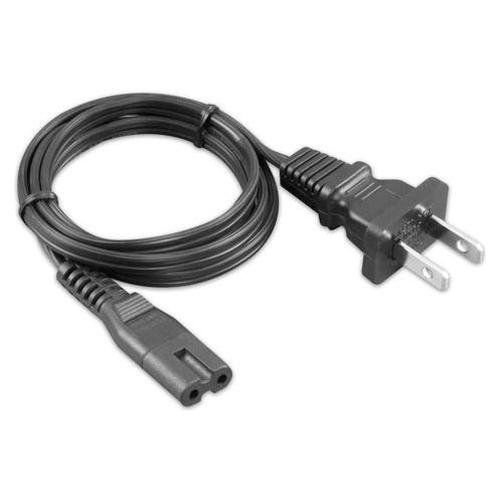
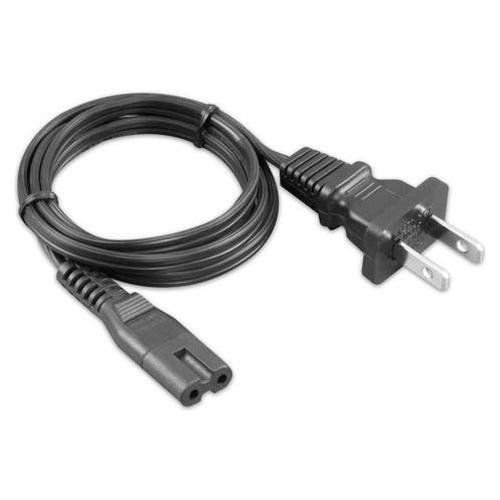
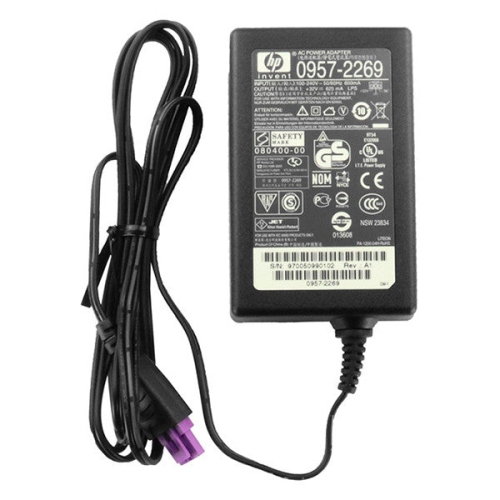
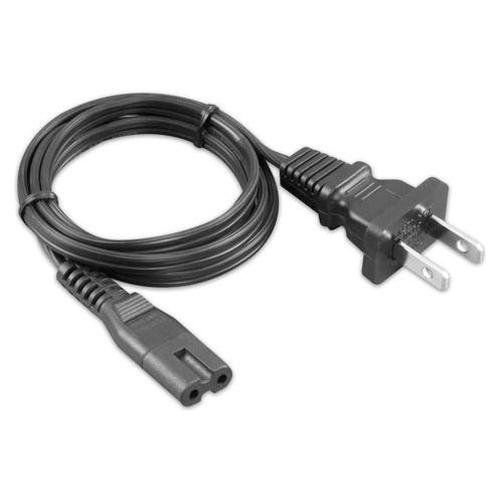
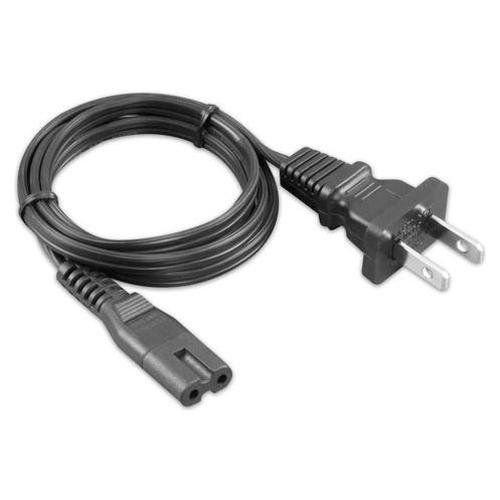
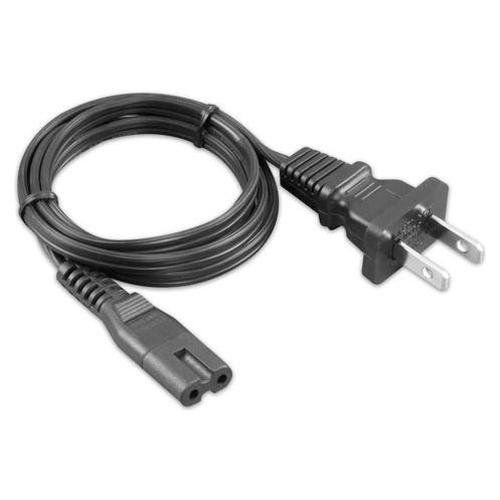
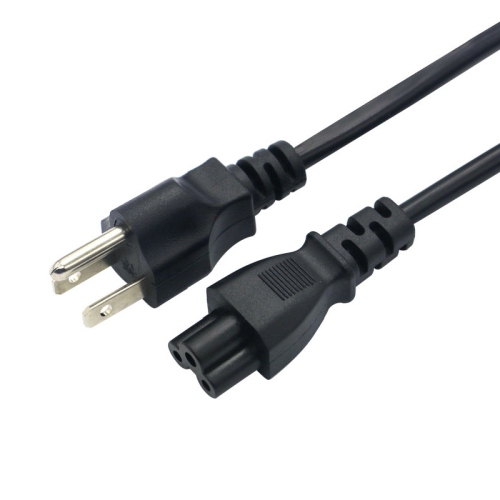
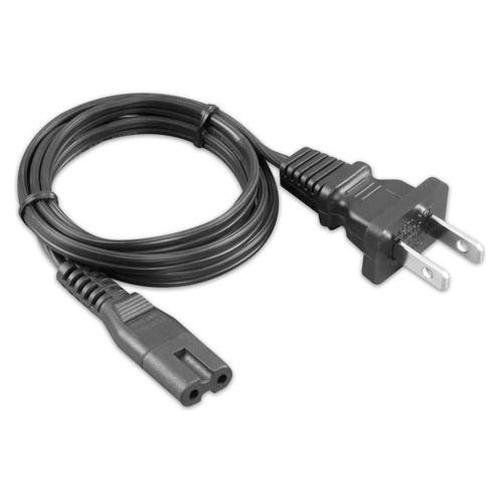
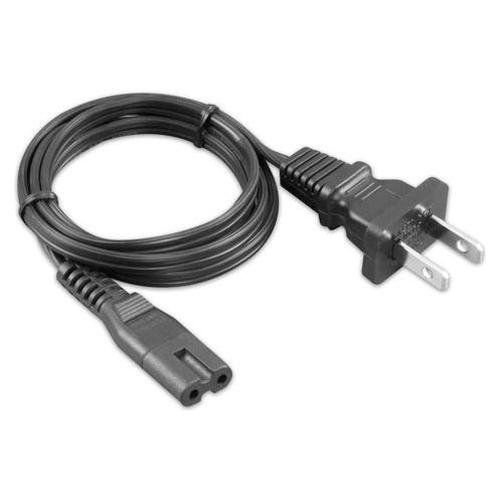
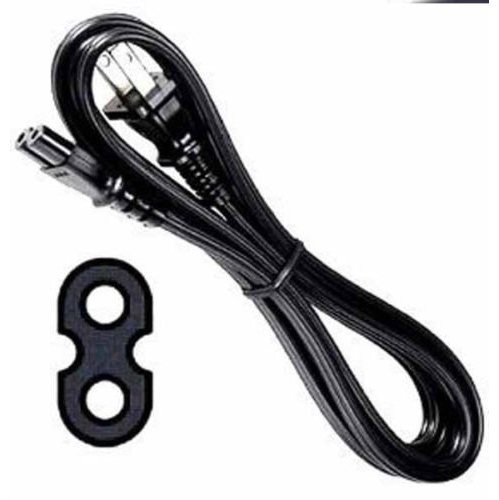
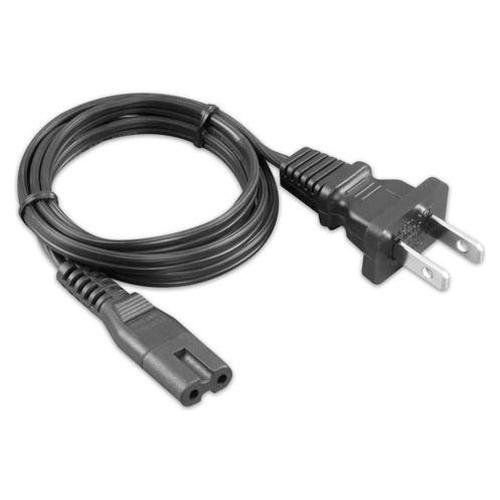
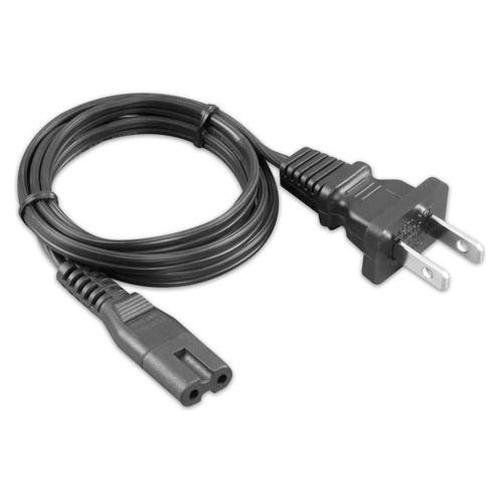
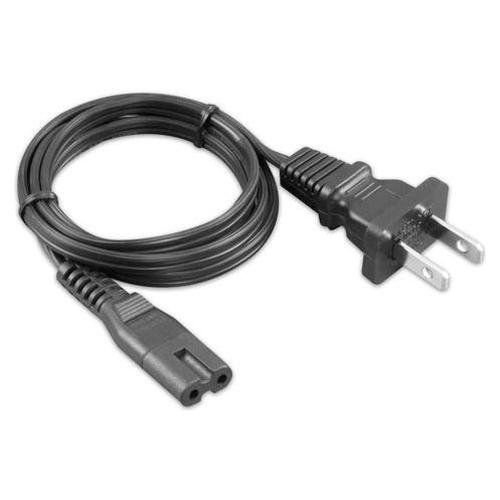
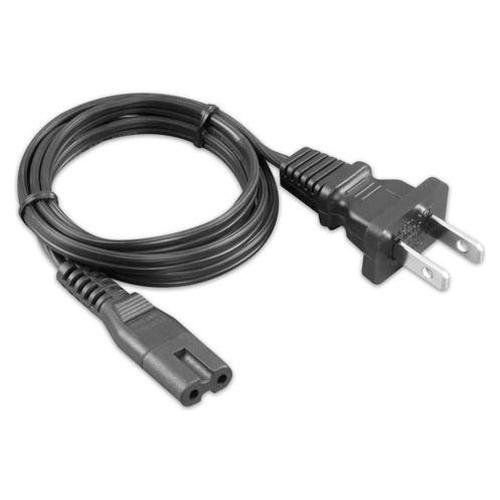
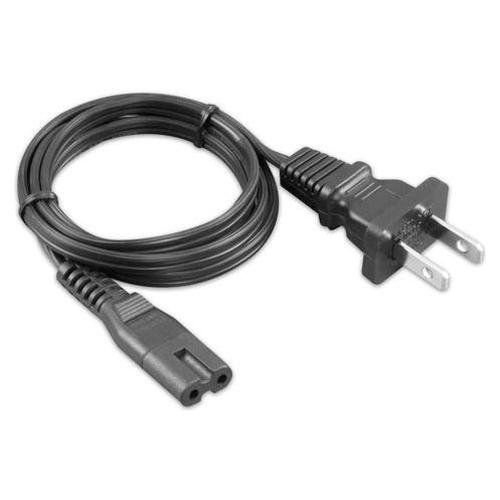
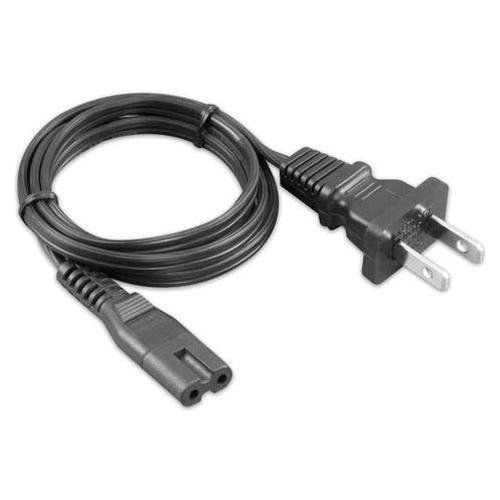
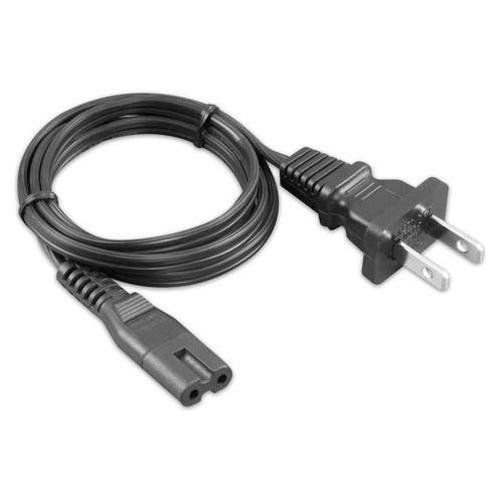
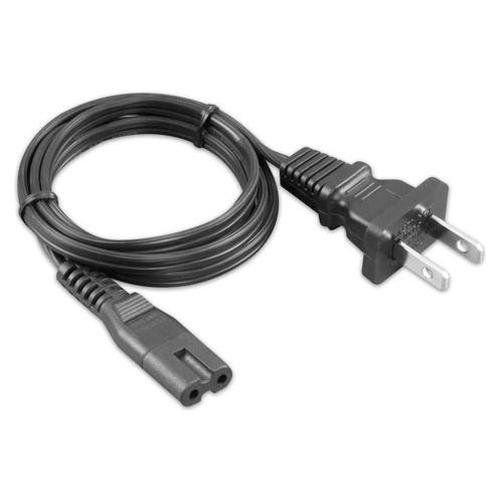
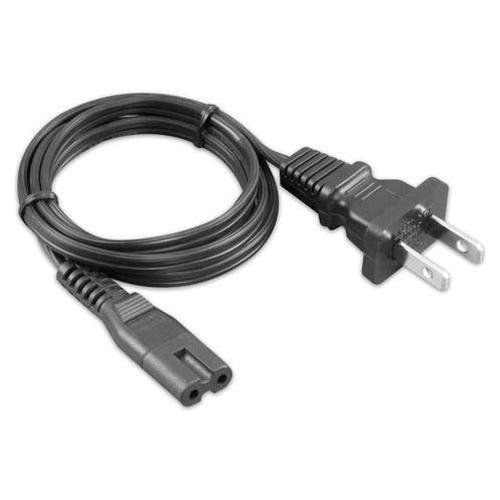
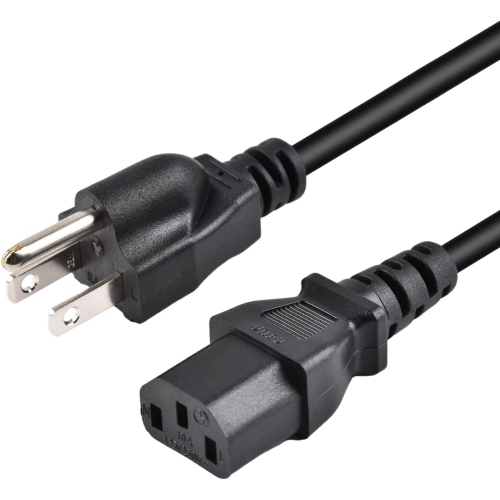
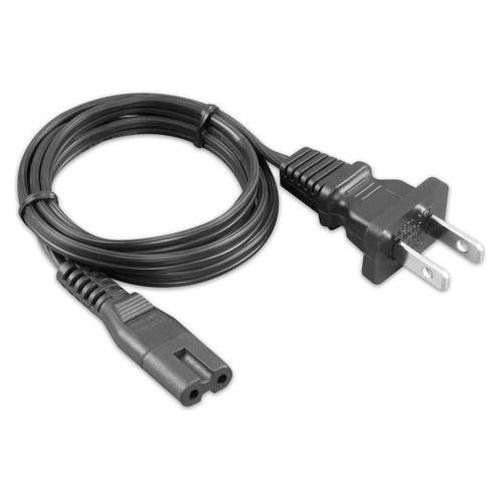
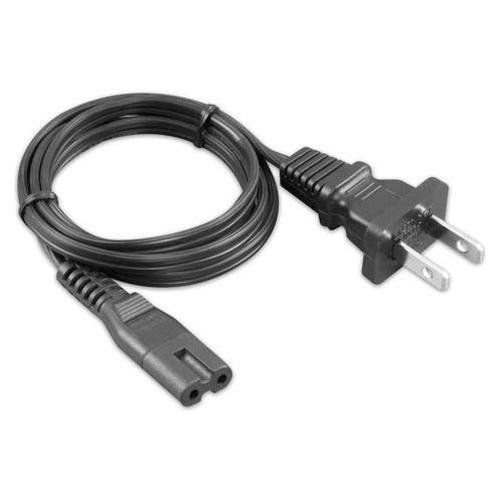
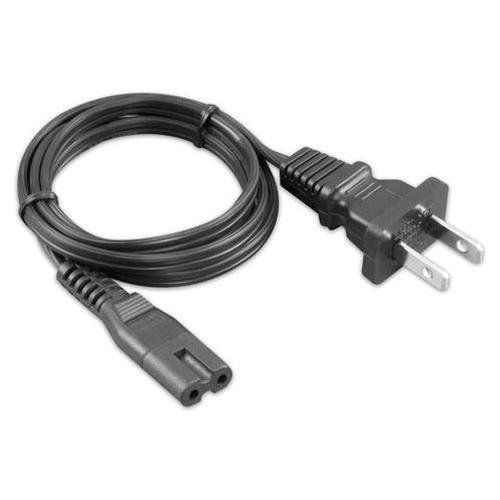
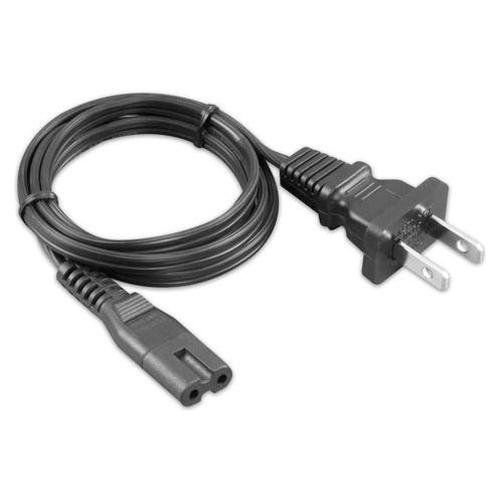
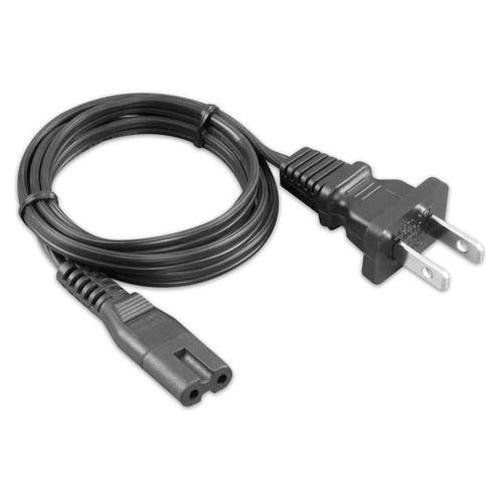
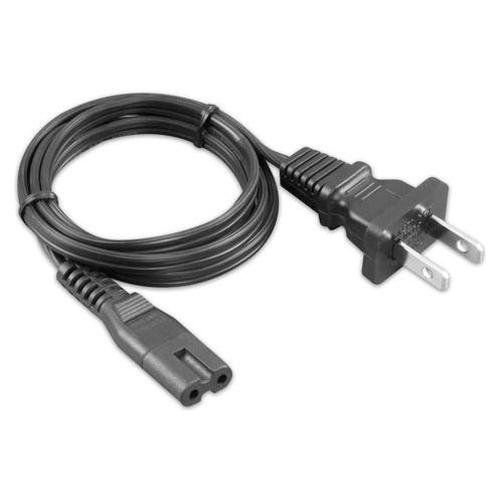
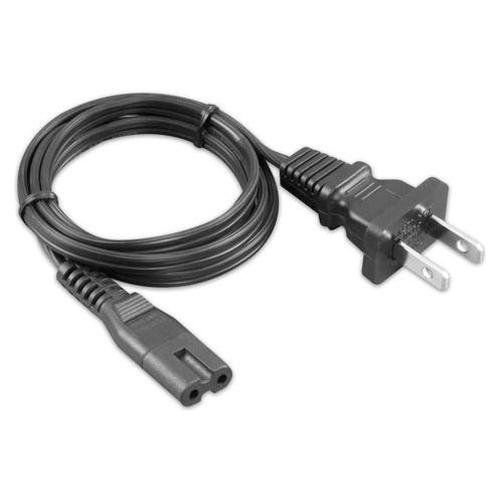
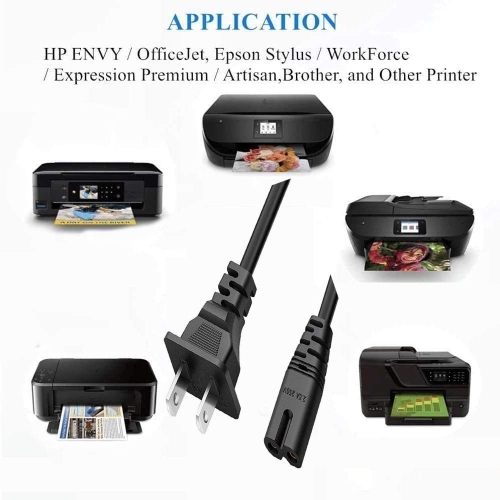
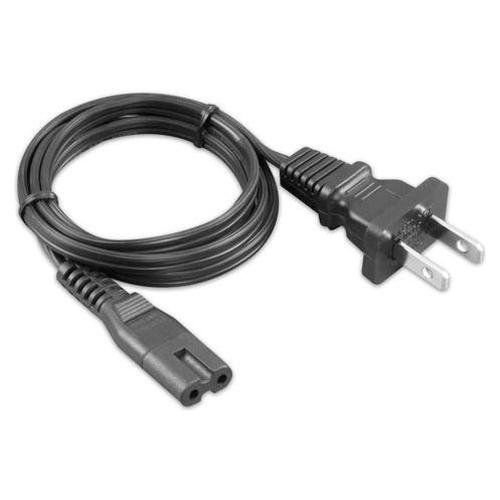
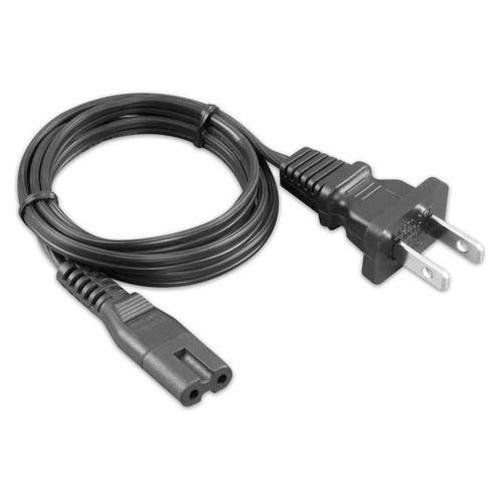
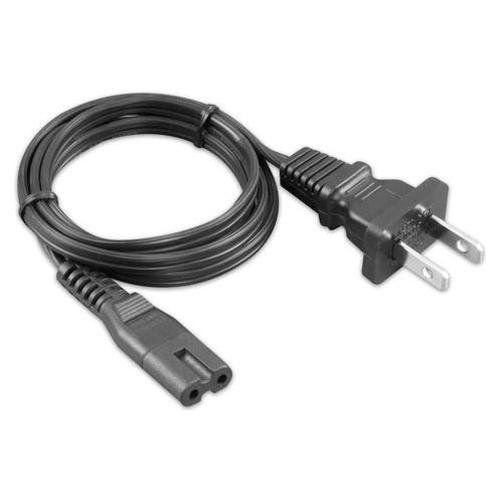
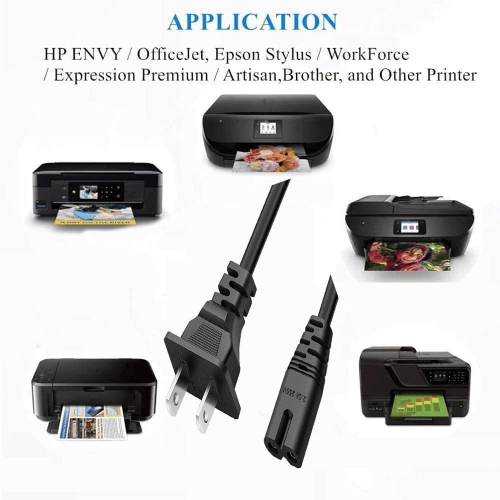
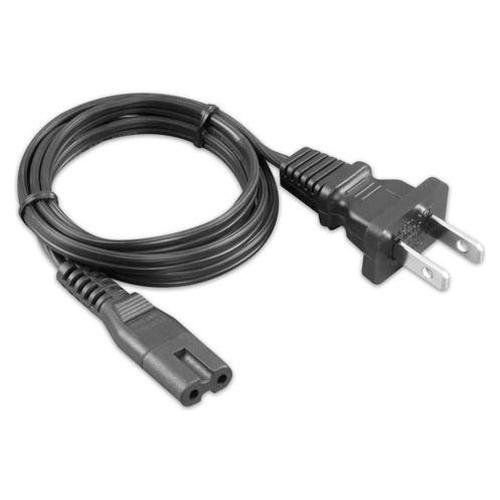
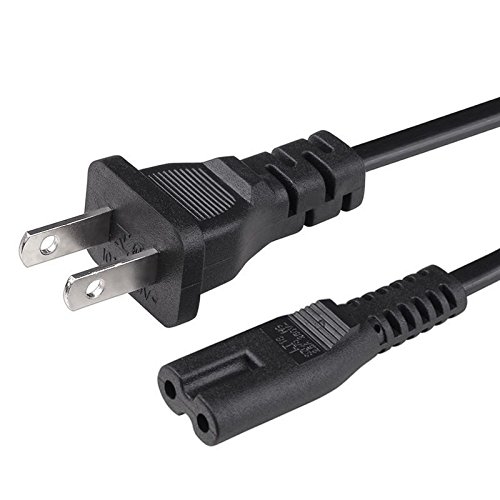
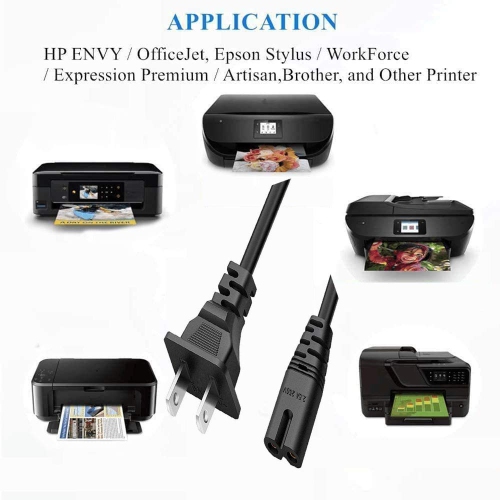
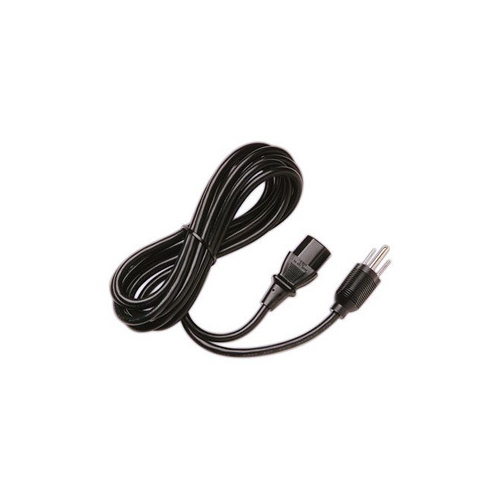
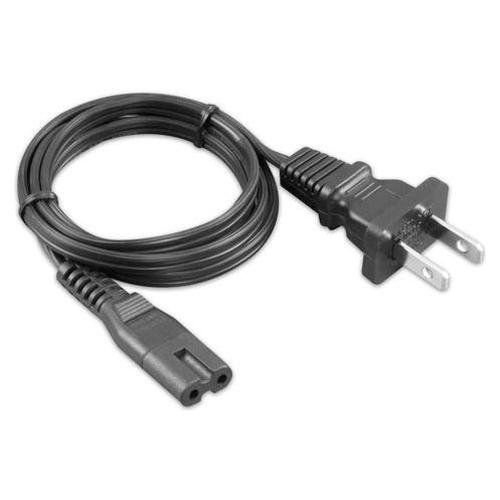
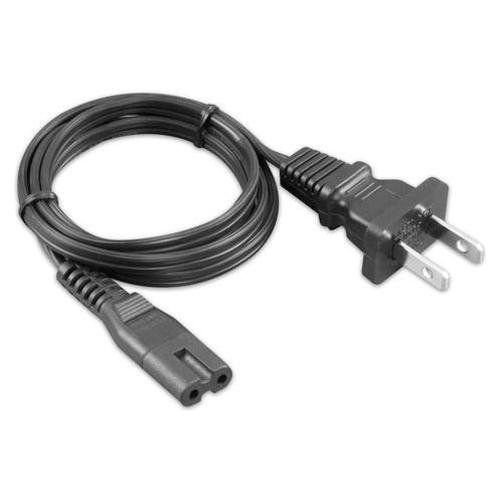
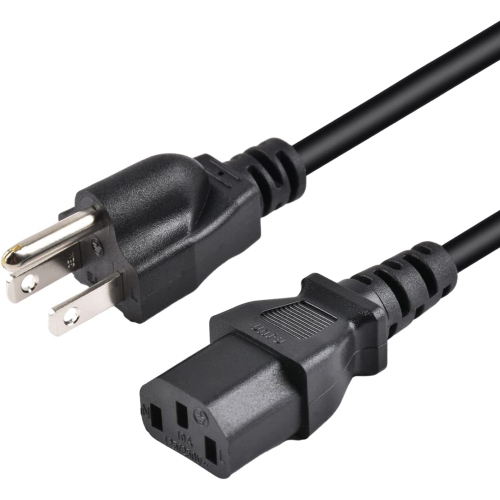
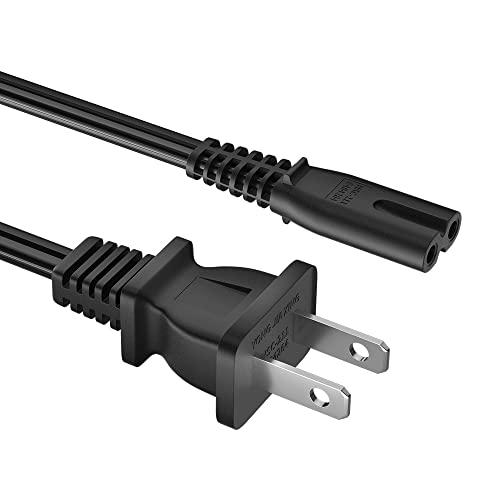
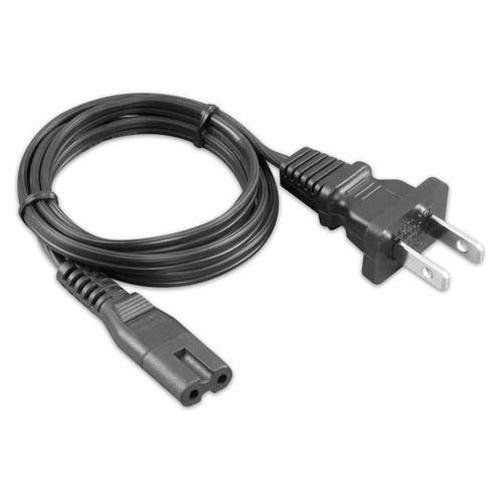
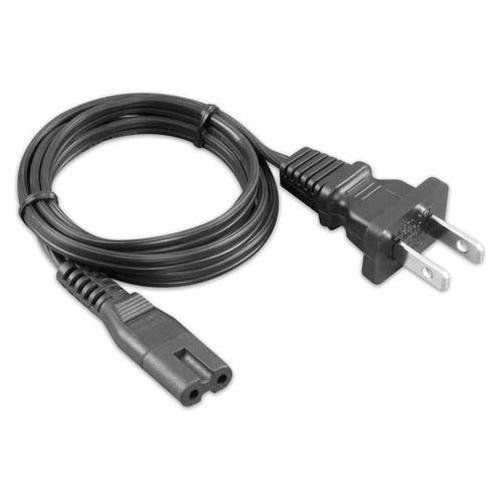
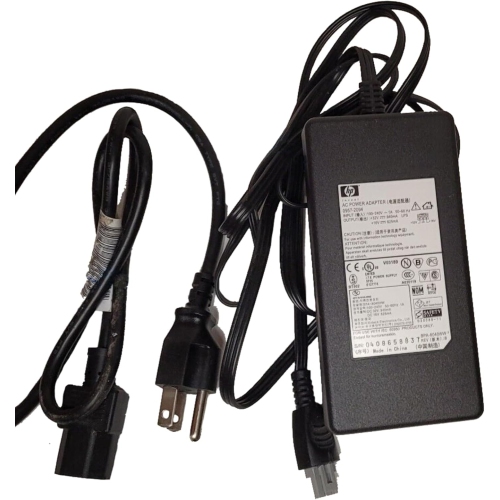
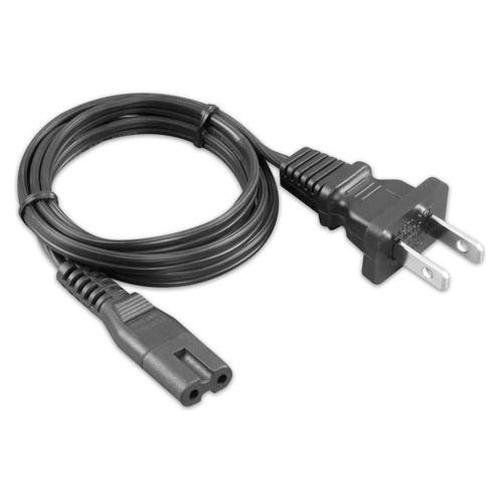
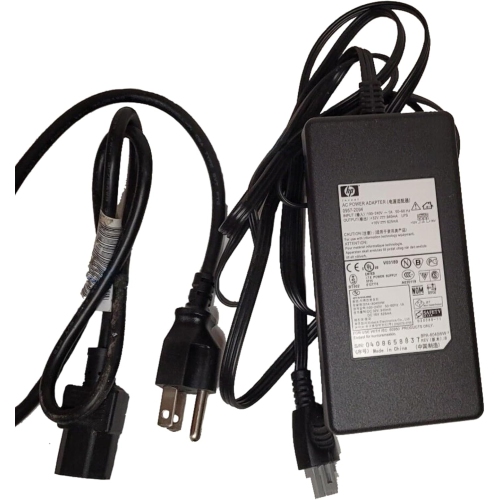
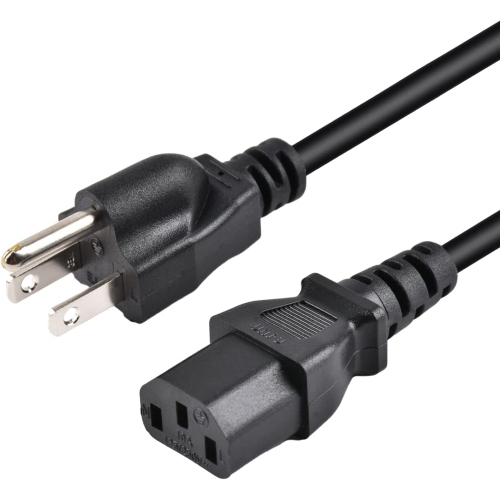
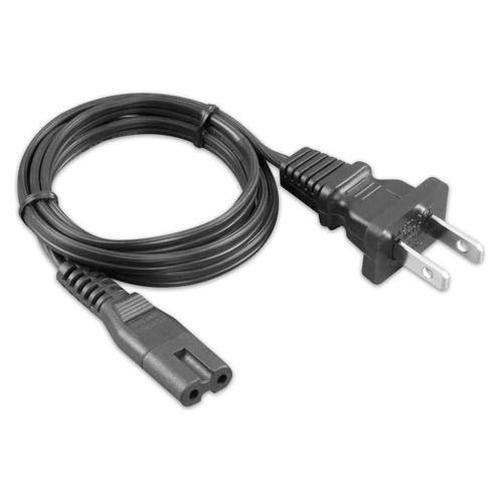
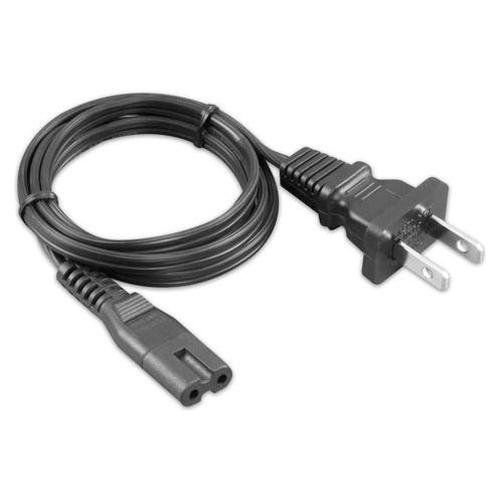
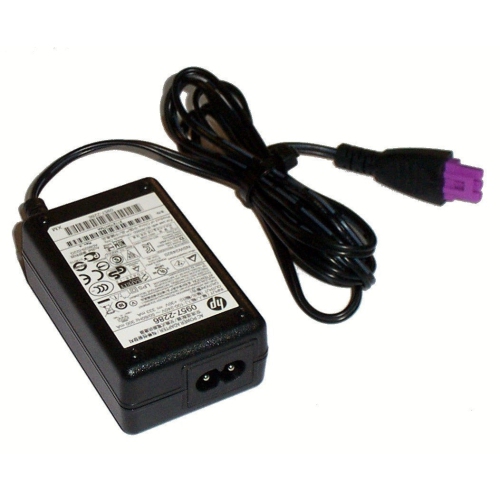
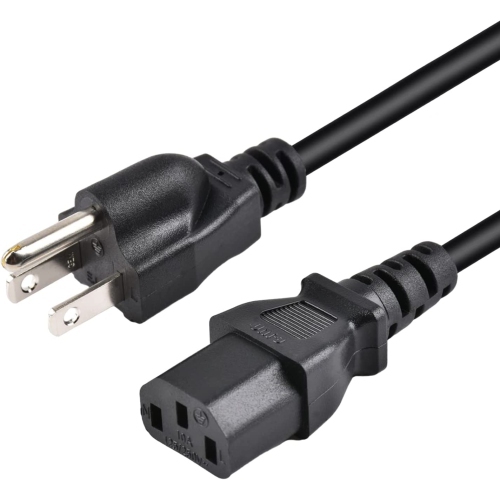
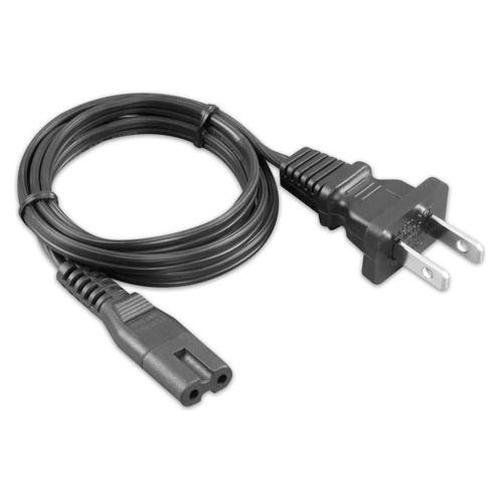
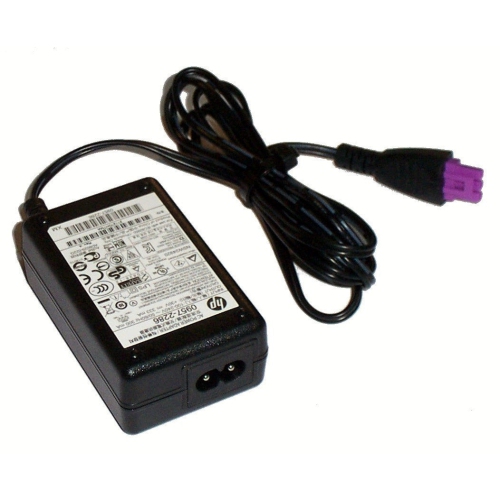
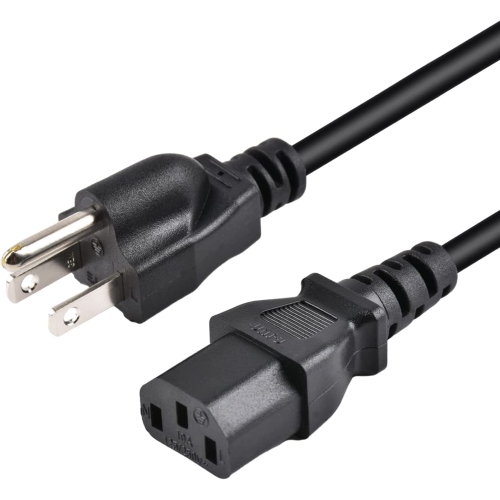
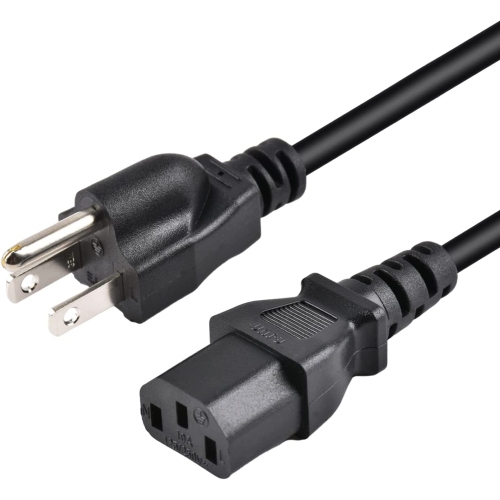
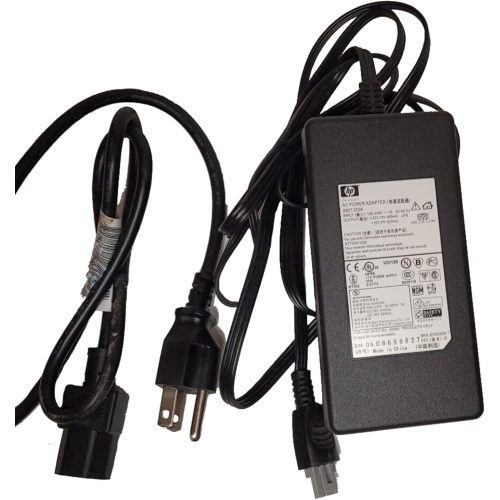
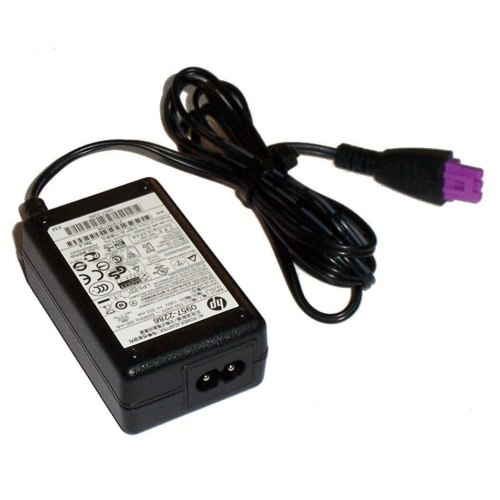
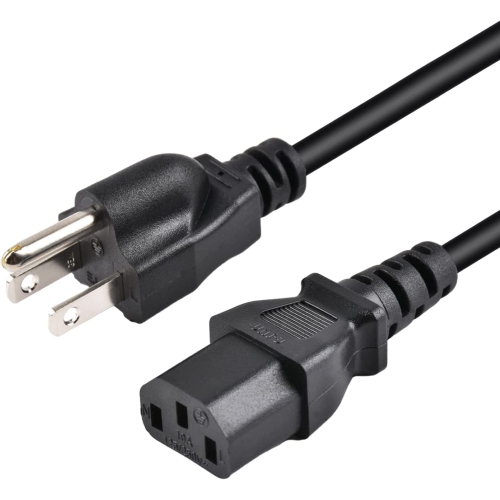
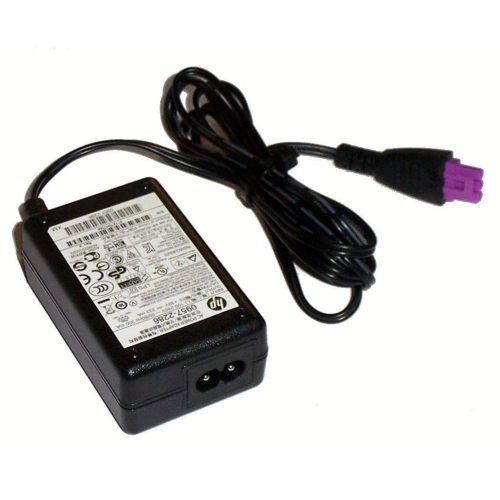
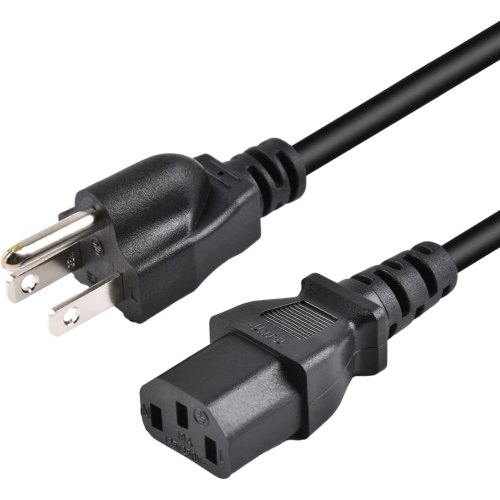
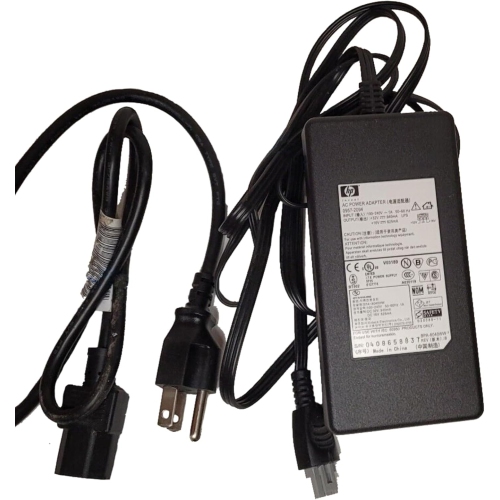
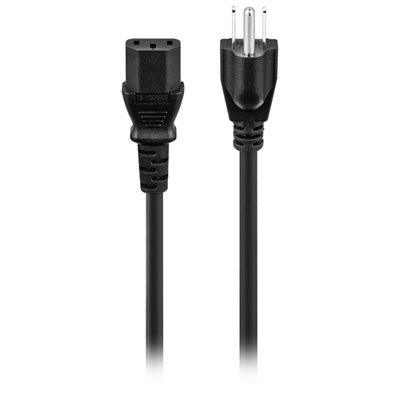
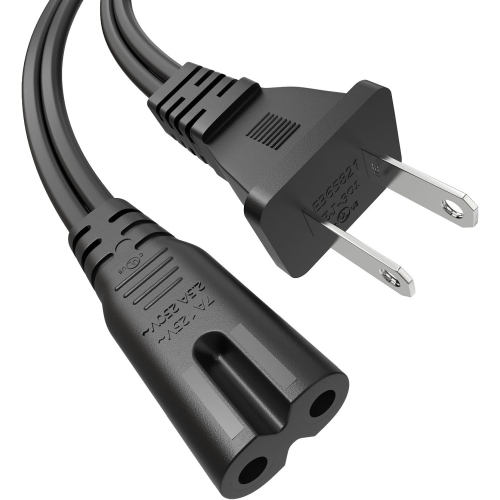
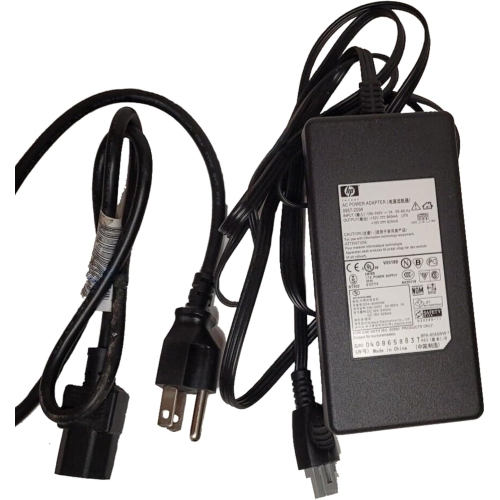
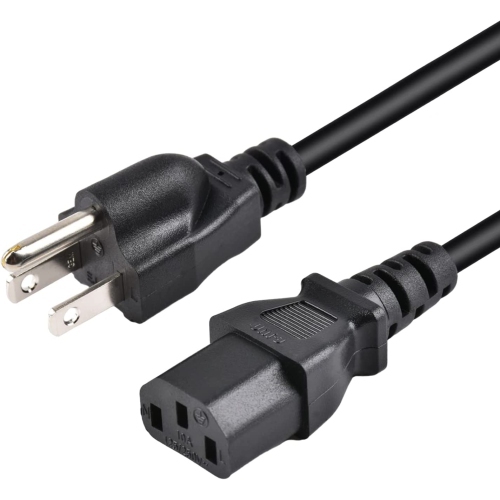
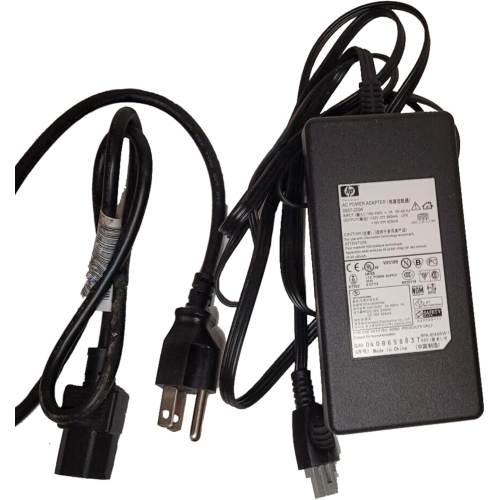
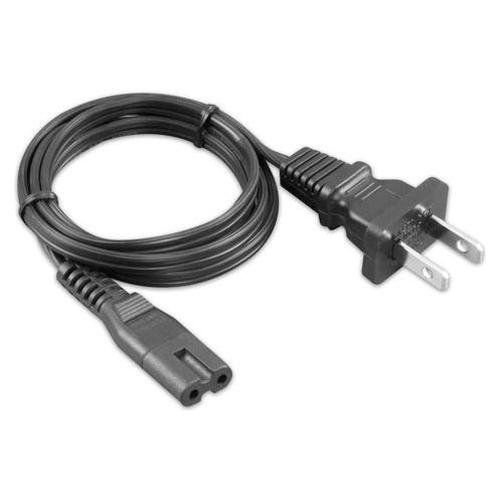
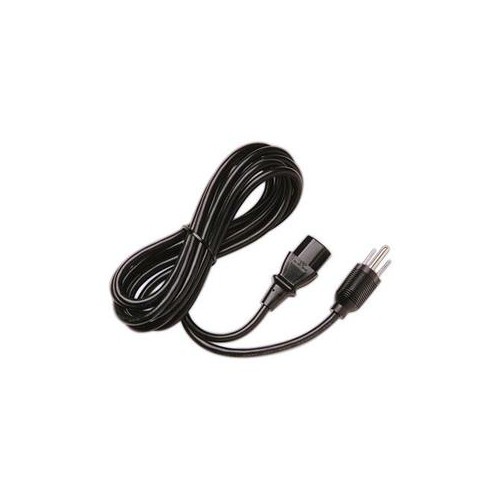
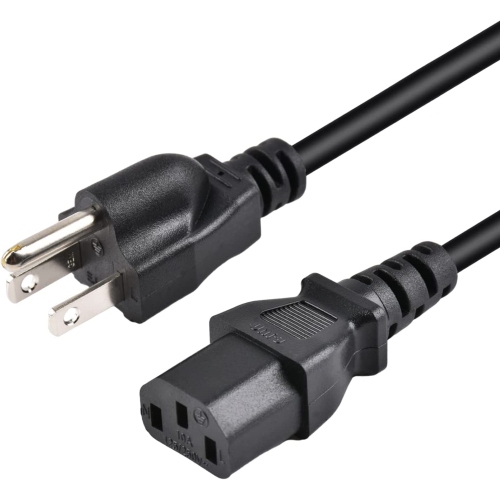
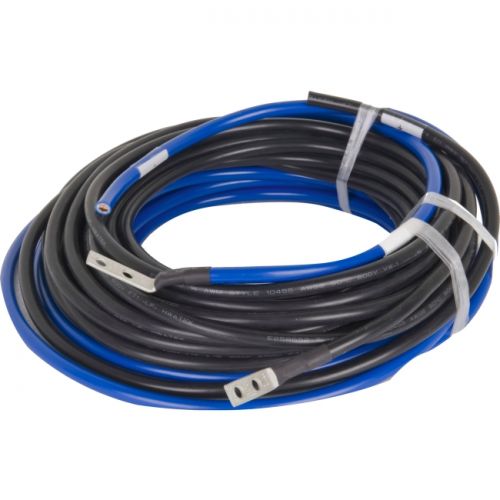
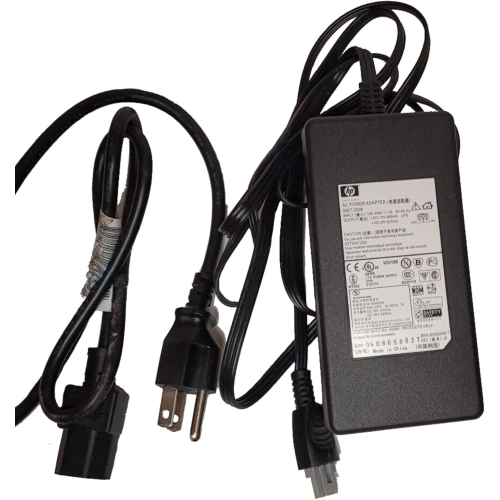
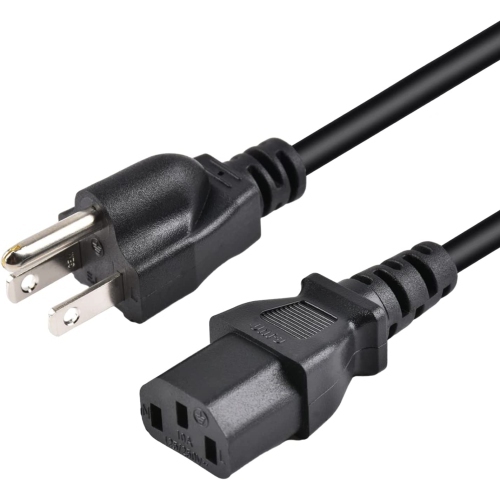
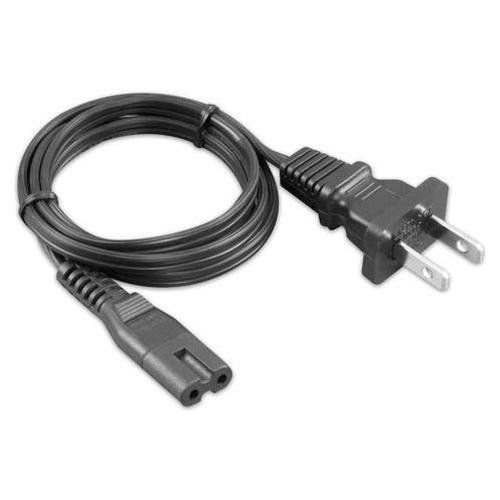
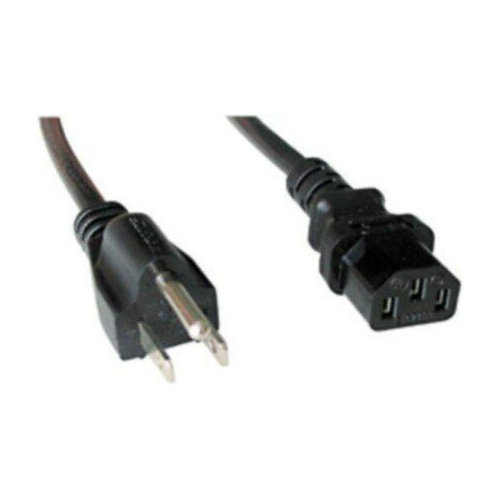
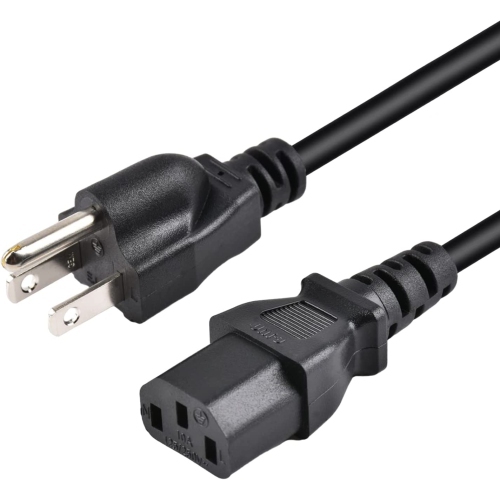
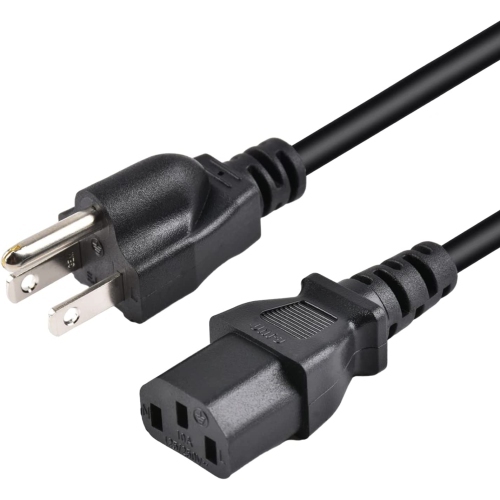
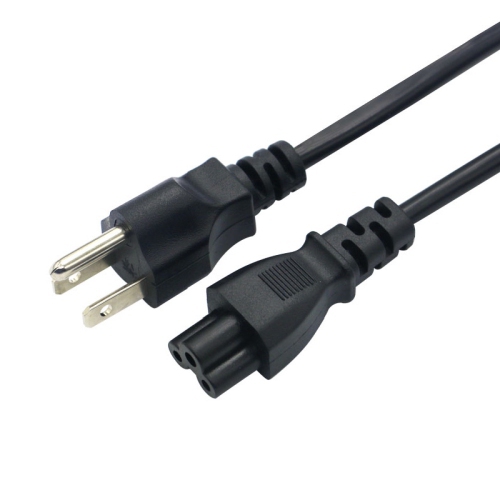
Printer power cords provide the electrical connection that keeps a home printer, shared office printer, or multifunction machine ready for everyday tasks. A replacement may be needed when a cable has been misplaced during a move, damaged behind a cabinet, or separated from the printer while a workspace was being rearranged. The right fit depends on the printer’s exact power connection and electrical requirements, not simply on whether a cable looks familiar. Two common connector styles are the IEC C7, often called a figure-8 connector, and the IEC C13, which has three rectangular openings and is used with a matching grounded inlet. Some printers accept a two-contact figure-8 cord directly, while others use a three-contact connection. These styles are not interchangeable, and a connector should fit securely without force or modification. Figure-8 connections can also differ in shape: a polarized version has a squared side rather than two rounded sides, making the precise inlet profile important. Other printers rely on an external AC adapter, sometimes called a power brick, that converts household AC power to the DC power required by the printer. In that arrangement, the wall-to-adapter cord and the adapter-to-printer lead serve different purposes. Replacing a missing wall cord does not replace a missing adapter, and an ordinary AC cable cannot take the place of the required power brick. The printer’s model information, power label, and manufacturer documentation provide a more reliable basis for compatibility than connector appearance alone. For an external adapter, the specified output voltage, current capacity, connector dimensions, and polarity all matter. For a detachable AC cord, the connector type, grounding arrangement, and voltage and current ratings must suit the equipment. These distinctions are useful whether the printer handles occasional boarding passes at home or a steady stream of invoices at a small business.
Cable length and construction affect how comfortably a printer fits into a room. A compact printer on a desk beside an outlet may need only a short cable, while a machine on a separate stand may require more reach. Enough length allows a relaxed route behind furniture without pulling against the printer’s socket, but unnecessary slack can collect around chair wheels or become tangled with other wiring. A cord that reaches along the back of a desk is generally easier to manage than one stretched across a walkway. The cable should not be pinched under a filing cabinet, trapped in a drawer, or sharply bent where it enters the connector. Flexible insulating jackets help protect the conductors inside, while moulded connector housings and strain reliefs support the points that experience movement during repositioning. The outer covering may be PVC or another insulating material, with flexibility and thickness varying by cable design. A thicker appearance alone does not establish suitability; the marked electrical rating and applicable Canadian safety certification are more meaningful. A grounded printer connection requires the correct grounded cord, with its grounding contact intact. Removing a grounding pin or using an improvised connector defeats an important part of the equipment’s protection. Canadian outlets also require an appropriate wall plug, so a cord intended for another country is not automatically suitable even if its printer-end connector fits. The printer or adapter must support the local electrical supply as well; a different plug or cable does not convert voltage. Larger office machines may have power requirements that differ substantially from compact home printers, making the manufacturer’s connection recommendations especially important. For equipment with an external adapter, its ventilation space also matters: the power brick should not be tightly wrapped in spare cable or buried beneath papers. A well-matched cord supports an orderly setup without placing strain on the plug, socket, or surrounding furniture.
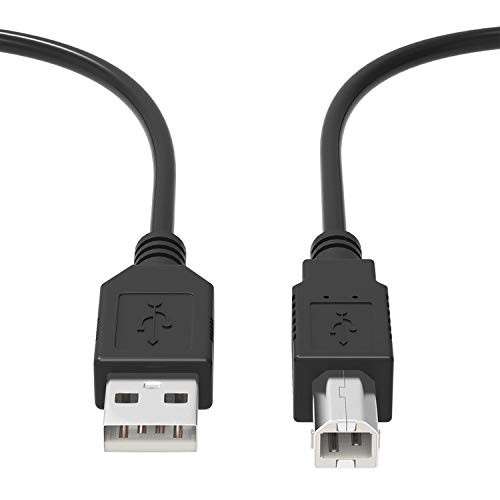
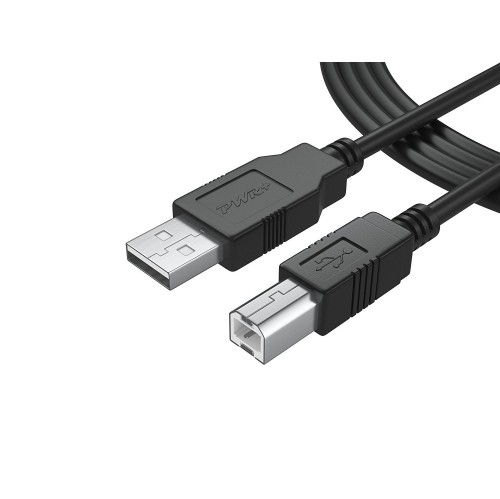
Everyday use gives printer power cords a practical role across many kinds of workspaces. A student printing assignments, a family keeping school forms organized, and a home-based business preparing shipping labels all benefit from a dependable connection that stays clear of the paper path and moving parts. In a shared office, clearly identifying which cable belongs to the printer can help prevent accidental unplugging when desks are rearranged. Power cables and data cables also have different jobs: a USB or network cable may connect the printer to another device, but it does not replace the printer’s required mains connection. A printer connected through Wi-Fi still needs the appropriate electrical supply unless its design specifically provides another power source. When several devices share a desk, their accessories should remain matched to their own requirements. Laptop accessories such as EliteBook Power Cords have separate compatibility considerations and should not be assumed to work with a printer simply because part of the connection looks similar. Care is straightforward but important: disconnect the cord before cleaning, handle the plug rather than tugging the cable, and keep liquids away from electrical connections. A soft, dry cloth can remove surface dust without introducing moisture into the connector. Loose coils are preferable to tight wrapping for storage, particularly around the ends where repeated bending can stress the internal conductors. Fraying, exposed wires, cracked insulation, scorched areas, or a plug that no longer holds securely are reasons to stop using the cable rather than cover the damage with tape. Keeping the printer’s model details with a stored spare can also prevent confusion later. Whether the goal is restoring a familiar printer to service or completing a newly arranged desk, a correctly specified power cord is a small but essential part of a reliable printing setup. It supports everyday use without making connector fit, electrical safety, or cable routing an afterthought.
Top selling and popular products
-
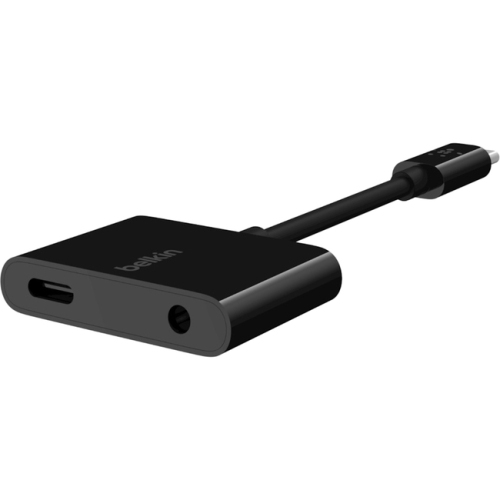 Your price for this item is $125.68
-
 Your price for this item is $111.68
-
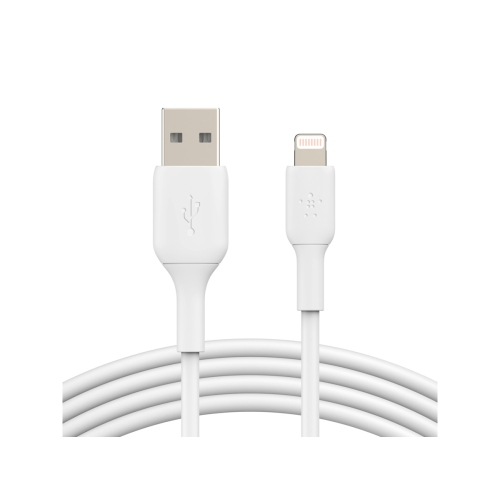 Your price for this item is $33.99
-
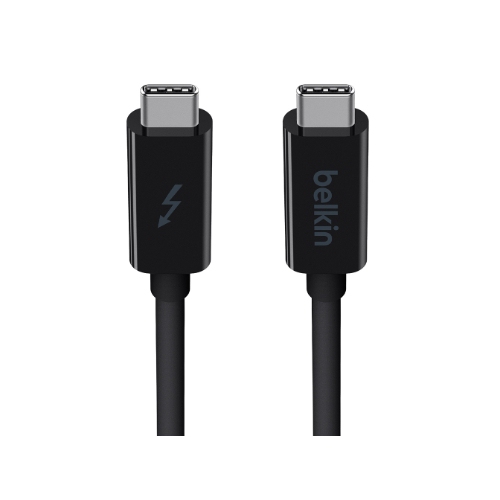 Your price for this item is $45.99
-
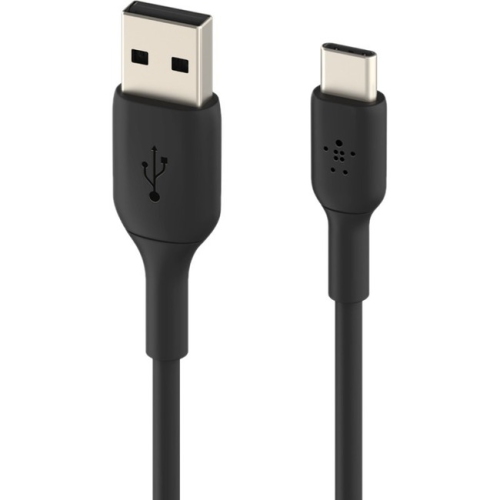 Your price for this item is $30.99
-
 Your price for this item is $105.68
-
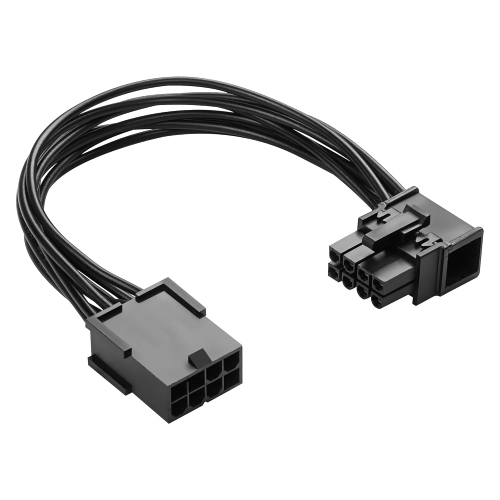 Your price for this item is $30
-
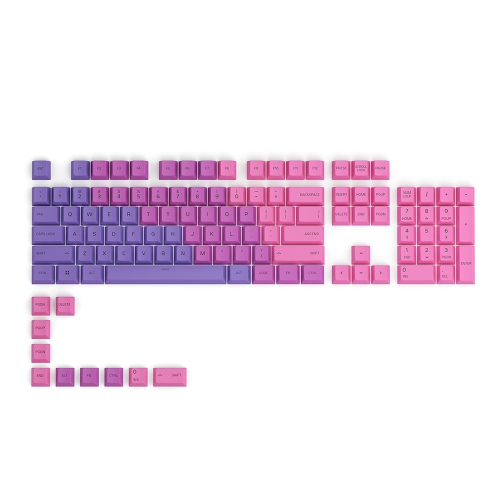 Your price for this item is $86.68
Discover more categories related to HP Printer Power Cords

Top Collections:
Best Black Friday Deals This Year, Best Black Friday Deals On Electronics, Kindle Devices, Pokemon Centers, Best Black Friday Deals On Apple Products, Best Cameras for Sports Photography, Dyson Airwrap, Pokémon 30th Celebration Cards, Apple iPhone 17 Pro, Canon G7X Cameras
Some products may be subject to Environmental Handling Fees
(EHF) depending on your province.
Learn more about EHFs.