I5 13th Gen
Discover the power and versatility of I5 13th Gen technology, designed to enhance your everyday computing experience. Whether you're tackling work projects, streaming your favorite content, or enjoying immersive gaming sessions, devices powered by I5 13th Gen processors deliver reliable performance to keep up with your demands. Explore a wide selection of laptops and desktops equipped with advanced capabilities, perfect for both personal and professional use. Find the ideal I5 13th Gen device to elevate productivity and entertainment at Best Buy.
Sort

Why performance depends on more than the processor badge
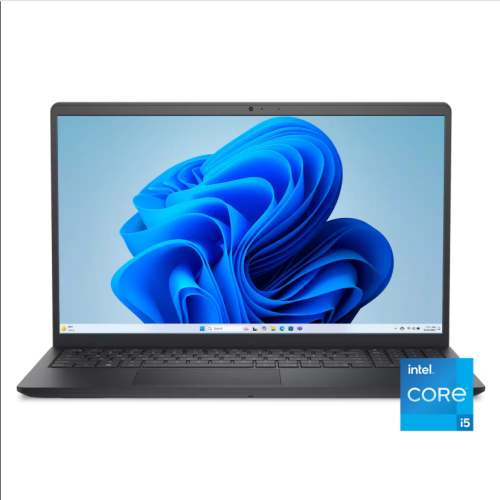
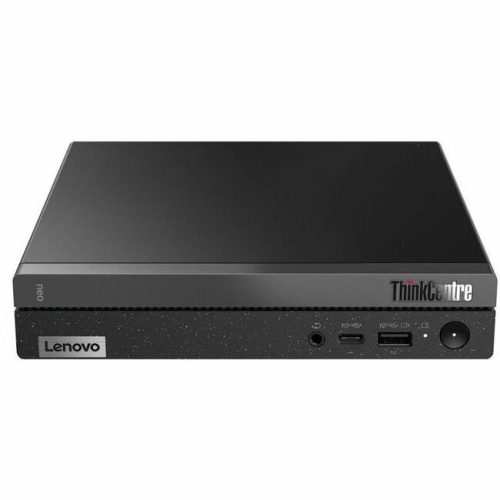
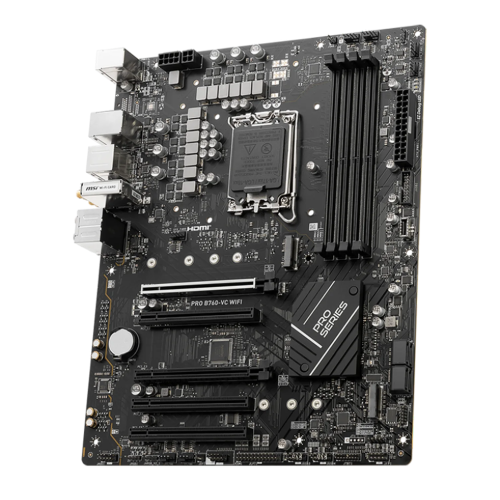
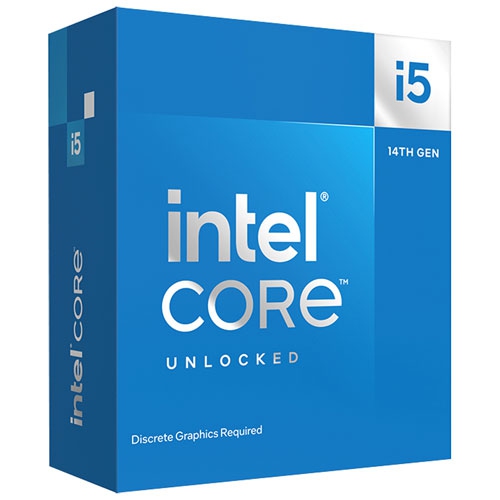
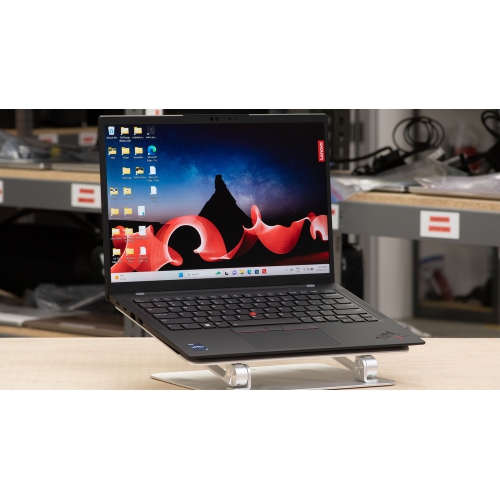
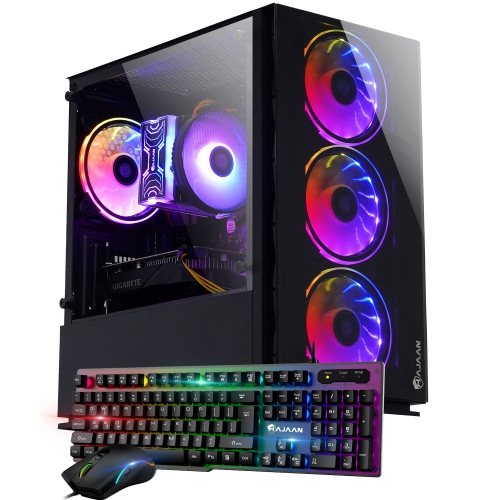
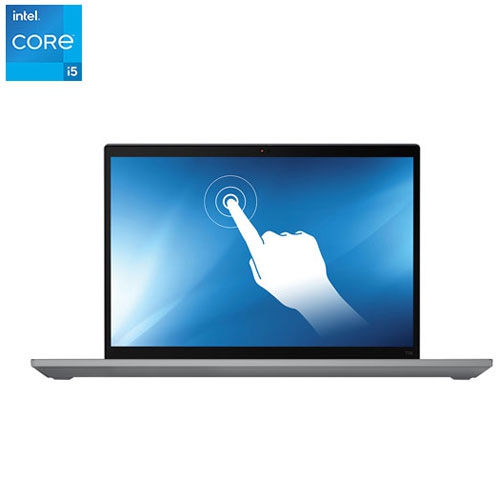
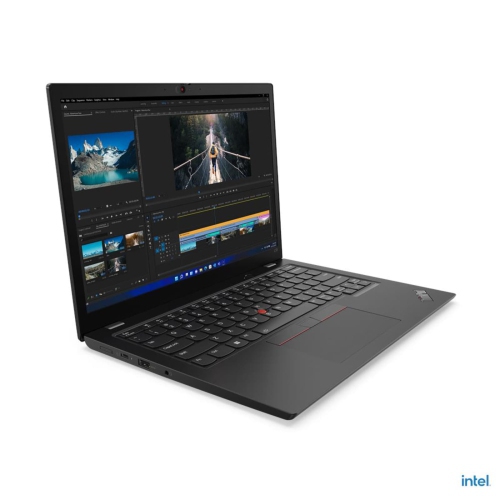
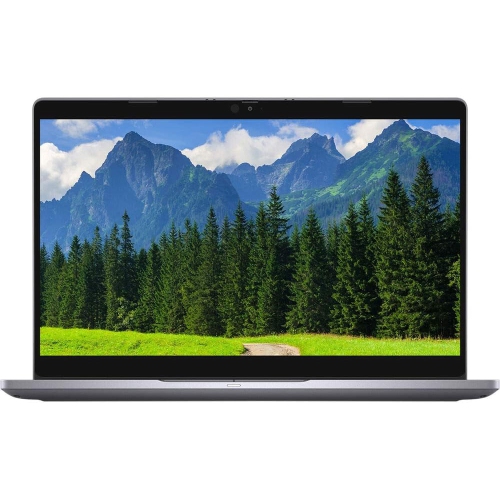
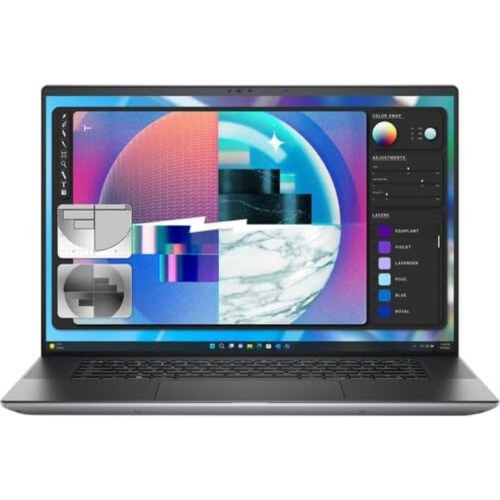
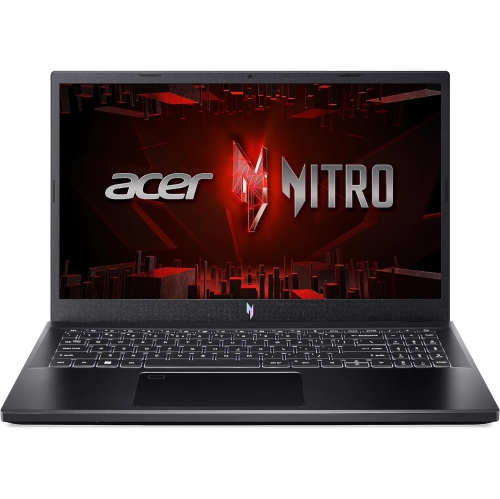
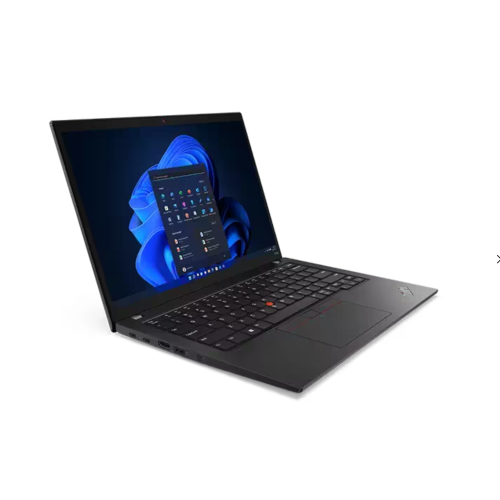
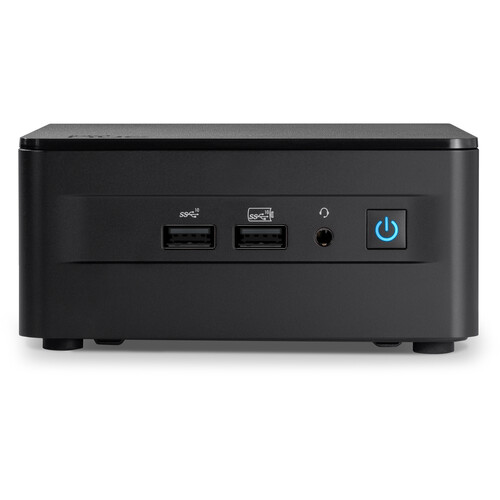
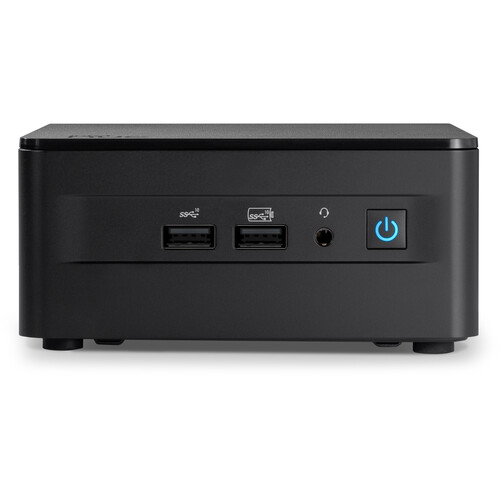
A 13th gen i5 processor sits at the centre of a capable everyday computer, supporting everything from spreadsheets and video calls to gaming, photo editing, and creative projects. The category includes standalone desktop processors as well as desktop computers and laptops built around them, so the same generation label can describe quite different setups. Many desktop configurations use a hybrid design that combines performance cores, which handle demanding foreground tasks, with efficient cores that help process background activity and parallel workloads. Depending on the processor, desktop versions can include 10 or 14 cores, with different thread counts, clock speeds, and power requirements. That makes the full specification more informative than the i5 name alone. A student working with research tabs, a large presentation, and a live lecture has different needs from someone recording gameplay or exporting a folder of edited photographs. Both can benefit from a responsive processor, but memory capacity, storage speed, graphics capability, and cooling also shape the experience. For everyday office work, browsing, and media playback, a balanced configuration can matter more than the highest advertised boost speed. For gaming, the processor works alongside the graphics card to prepare frames, manage game logic, and keep background applications running. For creative work, performance depends on whether the software relies mainly on processor cores, graphics acceleration, or a combination of both. Advertised boost frequencies describe speeds achievable under particular operating conditions, rather than a constant speed across every core. Laptop versions also have different core configurations and power limits from desktop versions, and two laptops carrying the same processor family name can perform differently because of their chassis and cooling designs. An i5 13th gen computer is therefore best understood as a complete system, not simply a processor badge. The most useful specifications connect directly to the work happening on screen: enough memory for open applications, fast storage for frequently used files, and graphics suited to the intended software or games.
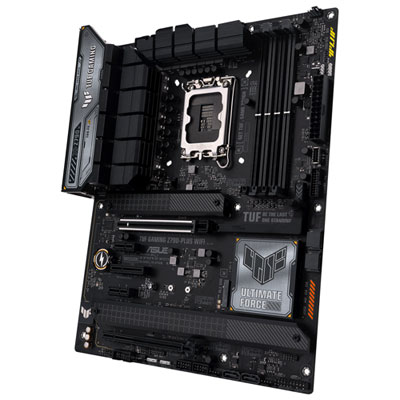
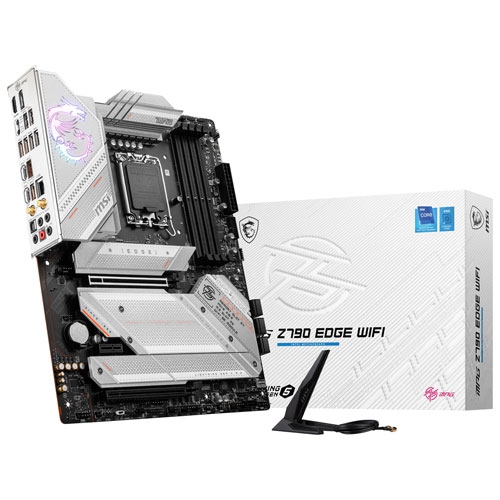
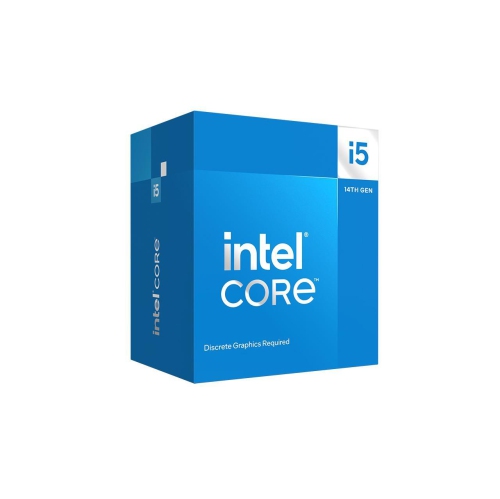
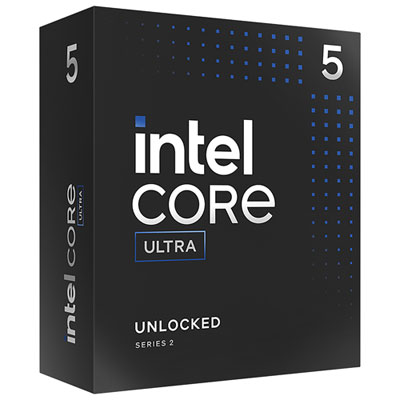
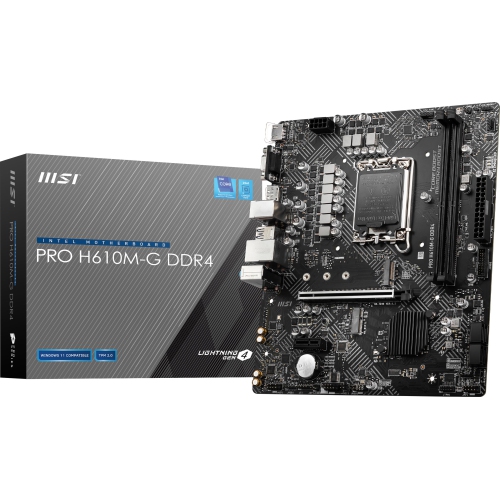
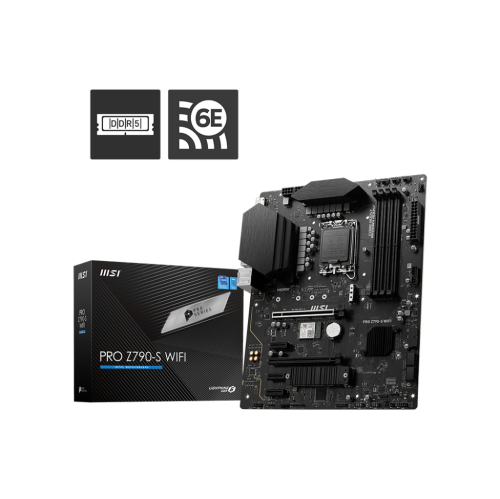
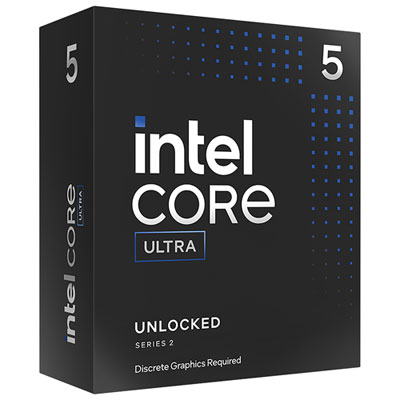
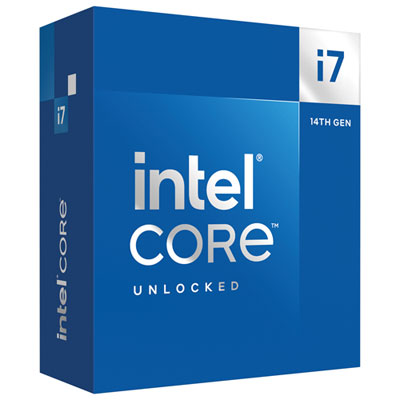
For a desktop build or upgrade, compatibility determines how a 13th gen i5 processor fits into the rest of the computer. Desktop processors in this family use the LGA 1700 socket and can work with compatible 600-series and 700-series motherboards, although support depends on the exact motherboard and its installed BIOS version. Matching the socket is only part of the process; a board may need a firmware update before it can recognize the processor. Memory compatibility also belongs to the motherboard specification. These desktop processors support configurations using either DDR4 or DDR5, but the board determines which type can be installed, and the two memory types are not interchangeable in the same slot. A standalone processor does not add memory, storage, or graphics hardware to an existing computer, so its role is different from that of a complete desktop system. Some variants include integrated graphics for everyday display output, while versions with an F suffix require a separate graphics card. A motherboard’s display connectors will not provide an image when the installed processor lacks integrated graphics. Unlocked variants offer additional tuning options with a suitable motherboard, but they can also place greater demands on power delivery and cooling. Cooler compatibility involves both the correct mounting hardware and sufficient capacity for the processor’s workload, along with clearance inside the case. Compact cases, tall memory modules, and large graphics cards can affect how easily components fit together. During assembly, careful handling protects the processor’s contact surfaces and the delicate socket pins on the motherboard. The cooler’s metal contact plate, thermal interface material, and secure mounting help transfer heat away from the processor during sustained use. Durability depends on the surrounding build as well as the chip itself: unobstructed airflow, an appropriate power supply, and periodic dust removal support dependable operation. Keeping motherboard firmware current is particularly important for this desktop generation because updates can include microcode changes addressing known voltage-related stability concerns on affected processors. Such updates are preventive measures and do not repair hardware that has already degraded.
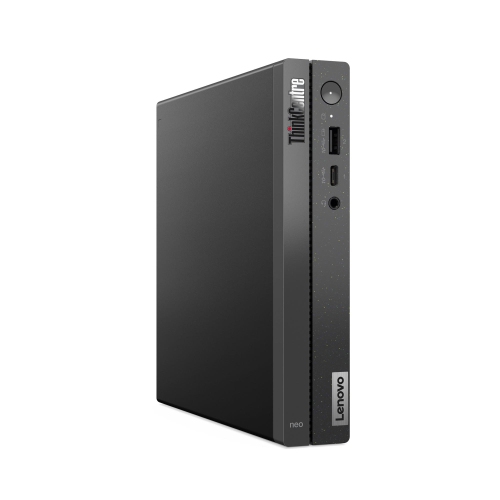
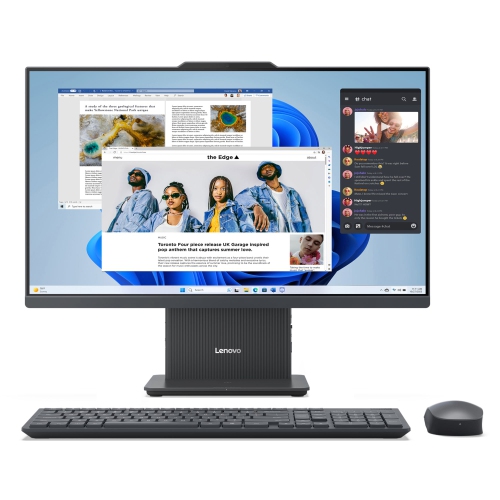
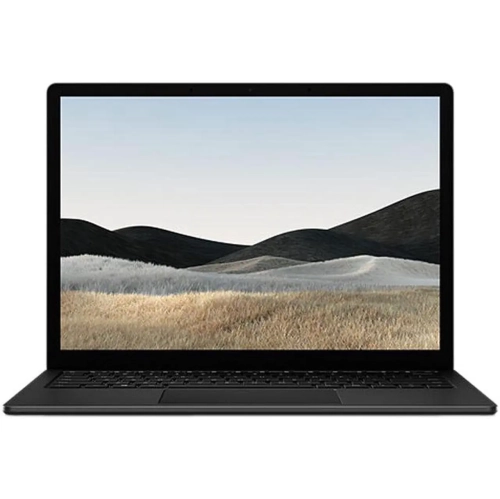
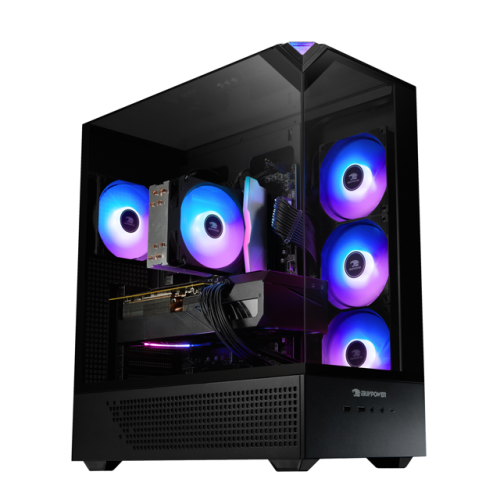
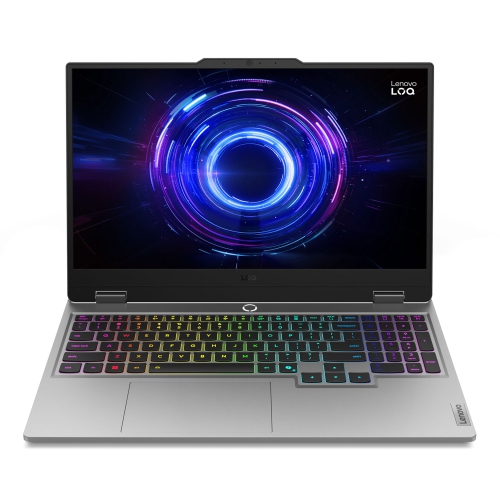
A complete i5 13th gen desktop or laptop brings those component choices together in a format suited to a particular routine. A desktop can provide room for additional storage, a larger graphics card, or future memory upgrades, though expansion options vary by case and motherboard. It suits a permanent workstation where a full-size keyboard, multiple displays, and accessible connections stay in place. A laptop puts the processor, screen, keyboard, and battery into one portable device, making chassis weight, hinge construction, port placement, and display quality part of the decision. A larger screen can make side-by-side documents easier to read, while a smaller chassis may be easier to carry between classrooms, meeting rooms, and home. Battery life depends on more than the processor generation: display brightness, battery capacity, graphics hardware, and the applications in use all contribute. For someone who edits photos, colour accuracy and sufficient memory deserve attention alongside processing power. For frequent video calls, the webcam, microphones, and speaker clarity affect daily use just as directly. A household computer may need enough storage for several people’s files, while a gaming setup benefits from a graphics card and display that complement each other. Wi-Fi capability, wired networking, and the number and type of USB connections also influence how neatly a system works with existing accessories. Care is straightforward but worthwhile: keeping vents clear, cleaning exterior surfaces according to the manufacturer’s directions, and transporting a laptop in a properly fitted sleeve help protect the device. Laptop memory and storage are not always replaceable, so upgrade access is worth checking before choosing a configuration intended for several years of use. As a gift for a student, home-office user, or PC enthusiast, a complete computer generally involves fewer compatibility questions than a standalone processor, which needs to match the recipient’s existing hardware. Shoppers comparing adjacent processor generations can also explore I5 14th Gen, while weighing the full system specifications rather than assuming a generation change tells the whole story. Across either format, the strongest match is a computer whose processing capability, physical design, and supporting components suit the tasks it will handle most often.
For a desktop build or upgrade, compatibility determines how a 13th gen i5 processor fits into the rest of the computer. Desktop processors in this family use the LGA 1700 socket and can work with compatible 600-series and 700-series motherboards, although support depends on the exact motherboard and its installed BIOS version. Matching the socket is only part of the process; a board may need a firmware update before it can recognize the processor. Memory compatibility also belongs to the motherboard specification. These desktop processors support configurations using either DDR4 or DDR5, but the board determines which type can be installed, and the two memory types are not interchangeable in the same slot. A standalone processor does not add memory, storage, or graphics hardware to an existing computer, so its role is different from that of a complete desktop system. Some variants include integrated graphics for everyday display output, while versions with an F suffix require a separate graphics card. A motherboard’s display connectors will not provide an image when the installed processor lacks integrated graphics. Unlocked variants offer additional tuning options with a suitable motherboard, but they can also place greater demands on power delivery and cooling. Cooler compatibility involves both the correct mounting hardware and sufficient capacity for the processor’s workload, along with clearance inside the case. Compact cases, tall memory modules, and large graphics cards can affect how easily components fit together. During assembly, careful handling protects the processor’s contact surfaces and the delicate socket pins on the motherboard. The cooler’s metal contact plate, thermal interface material, and secure mounting help transfer heat away from the processor during sustained use. Durability depends on the surrounding build as well as the chip itself: unobstructed airflow, an appropriate power supply, and periodic dust removal support dependable operation. Keeping motherboard firmware current is particularly important for this desktop generation because updates can include microcode changes addressing known voltage-related stability concerns on affected processors. Such updates are preventive measures and do not repair hardware that has already degraded.
A complete i5 13th gen desktop or laptop brings those component choices together in a format suited to a particular routine. A desktop can provide room for additional storage, a larger graphics card, or future memory upgrades, though expansion options vary by case and motherboard. It suits a permanent workstation where a full-size keyboard, multiple displays, and accessible connections stay in place. A laptop puts the processor, screen, keyboard, and battery into one portable device, making chassis weight, hinge construction, port placement, and display quality part of the decision. A larger screen can make side-by-side documents easier to read, while a smaller chassis may be easier to carry between classrooms, meeting rooms, and home. Battery life depends on more than the processor generation: display brightness, battery capacity, graphics hardware, and the applications in use all contribute. For someone who edits photos, colour accuracy and sufficient memory deserve attention alongside processing power. For frequent video calls, the webcam, microphones, and speaker clarity affect daily use just as directly. A household computer may need enough storage for several people’s files, while a gaming setup benefits from a graphics card and display that complement each other. Wi-Fi capability, wired networking, and the number and type of USB connections also influence how neatly a system works with existing accessories. Care is straightforward but worthwhile: keeping vents clear, cleaning exterior surfaces according to the manufacturer’s directions, and transporting a laptop in a properly fitted sleeve help protect the device. Laptop memory and storage are not always replaceable, so upgrade access is worth checking before choosing a configuration intended for several years of use. As a gift for a student, home-office user, or PC enthusiast, a complete computer generally involves fewer compatibility questions than a standalone processor, which needs to match the recipient’s existing hardware. Shoppers comparing adjacent processor generations can also explore I5 14th Gen, while weighing the full system specifications rather than assuming a generation change tells the whole story. Across either format, the strongest match is a computer whose processing capability, physical design, and supporting components suit the tasks it will handle most often.
Top selling and popular products
-
 Your price for this item is $449
 -
 Your price for this item is $3099
 -
 Your price for this item is $299.95
 -
 Your price for this item is $664.05
 -
 Your price for this item is $599.68
 -
 Your price for this item is $869.99
 -
 Your price for this item is $259
 -
 Your price for this item is $418.98
Discover more categories related to I5 13th Gen
Top Collections:
Pokemon Centers, Kindle Devices, Best Budget Office Chairs, Apple iPhones 16, Best Laptops for Writers, iPhone 15 Apple, Canon G7X Cameras, Refurbished Apple Laptops, Alarm Clock, Motorola Razr Phones
Some products may be subject to Environmental Handling Fees
(EHF) depending on your province.
Learn more about EHFs.