I5 12th Gen
Discover powerful performance and seamless multitasking with I5 12th Gen technology. Perfect for everyday computing, gaming, and creative projects, these processors deliver the speed and responsiveness you need to stay productive and entertained. Explore a wide selection of I5 12th Gen devices designed to fit your lifestyle, whether you’re working from home, streaming your favorite shows, or tackling demanding applications. Find the ideal option to elevate your experience and get more done with confidence.
Sort
Why computer performance goes beyond the processor name
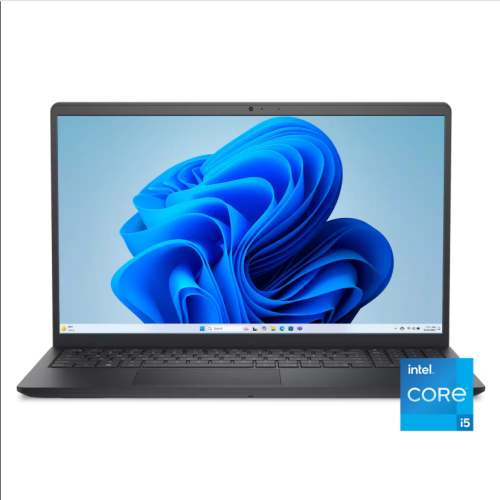
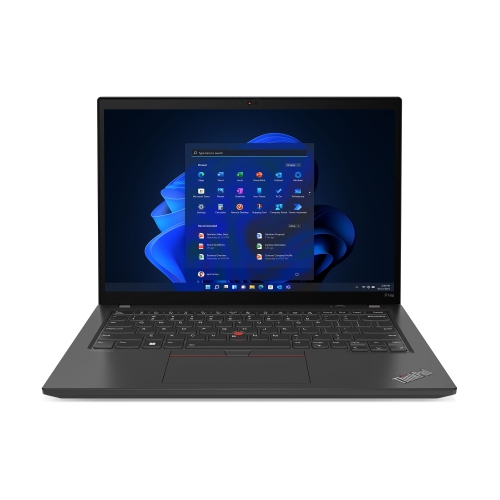
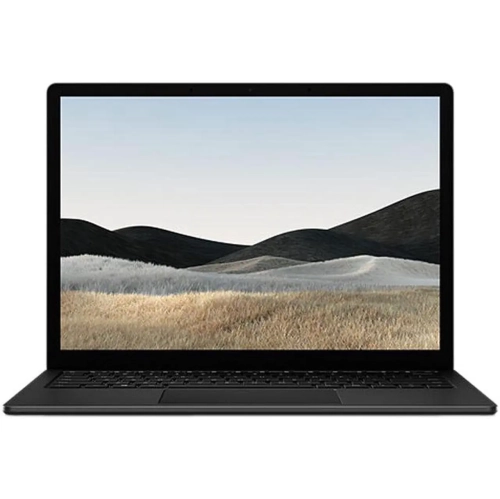
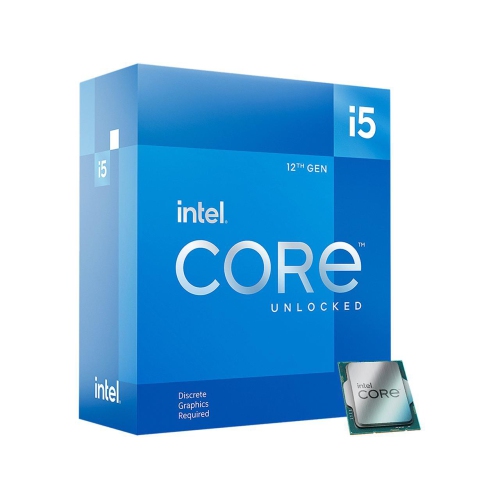
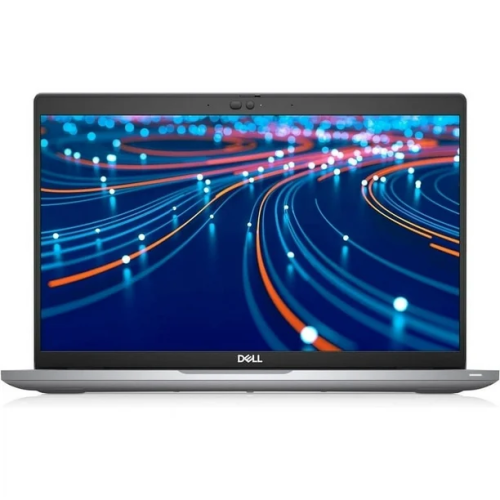
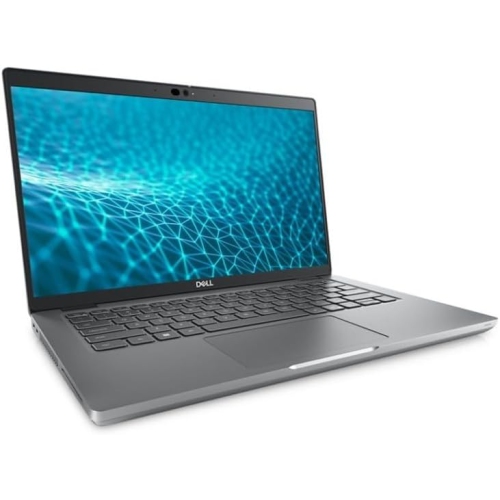
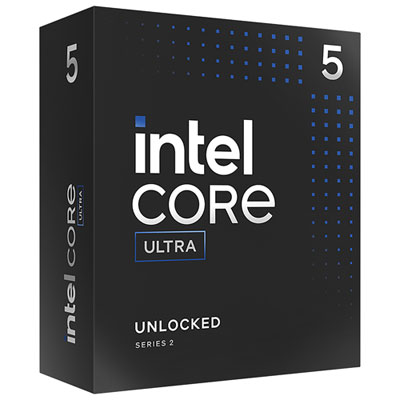
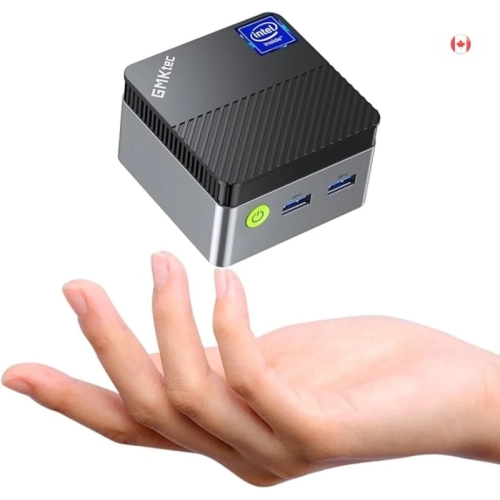
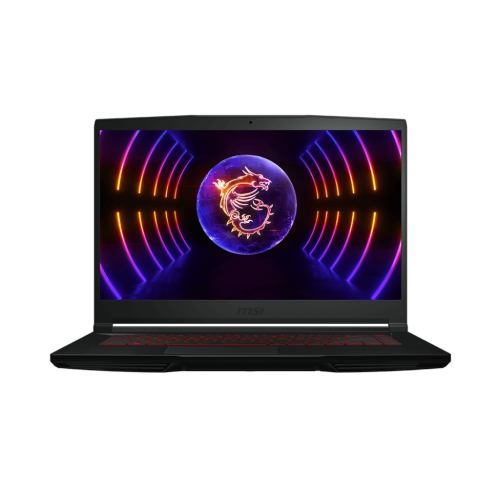
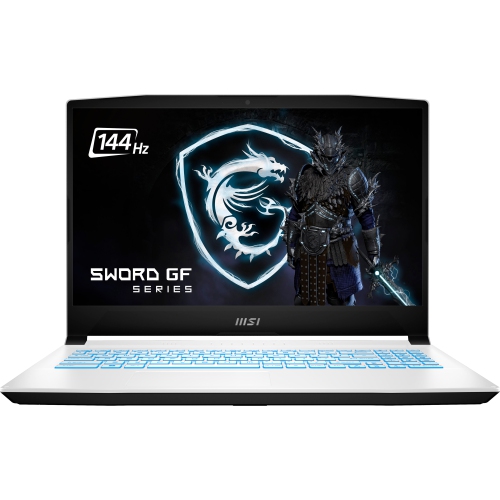
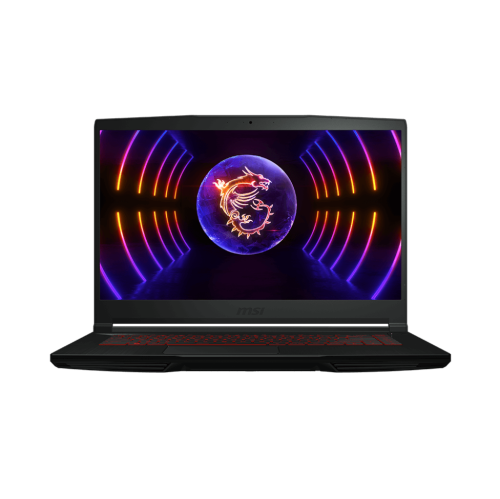
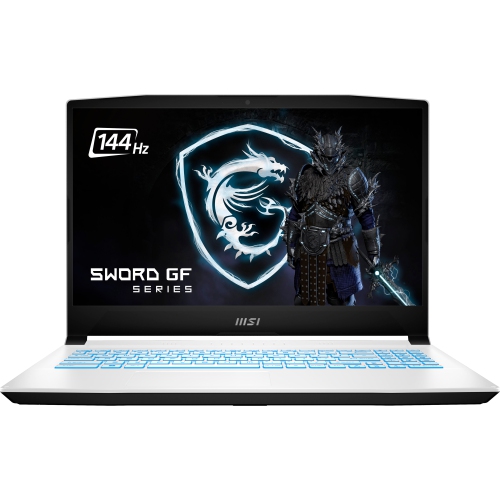
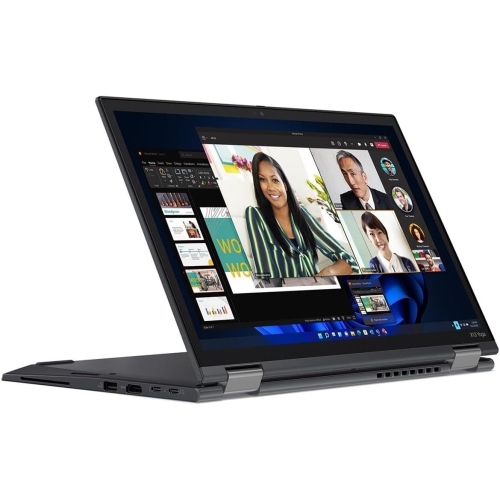
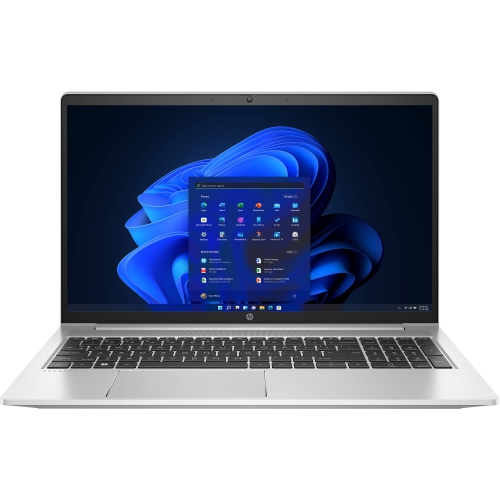
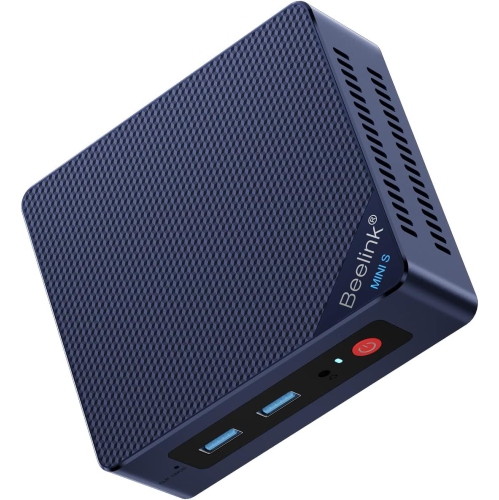
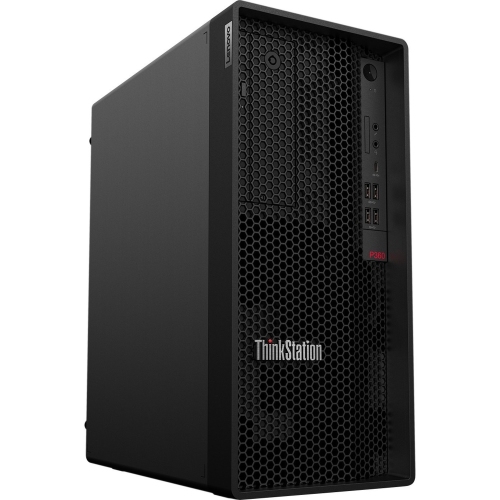
12th gen i5 computers and processors support a broad range of everyday tasks, from working across spreadsheets and browser tabs to gaming, streaming, and editing personal photos. The family includes processors for desktop and laptop computers, as well as standalone desktop CPUs used in compatible builds and upgrades. These formats serve different needs: a desktop suits a permanent workspace with room for separate displays and peripherals, while a laptop brings the screen, keyboard, and battery together for use between home, school, and work. A standalone processor is a component rather than a complete computer, making it relevant to someone assembling a system or replacing a CPU in a compatible machine. Performance varies within the generation, so the i5 name alone does not describe every computer’s capabilities. Core count, operating power, cooling, memory, and graphics all influence how a system feels in daily use. Some 12th gen i5 processors combine performance cores with efficient cores, allowing different types of work to be handled across the processor; others use performance cores only. That distinction matters when comparing machines for heavier multitasking, but the complete configuration remains just as important. A student might have lecture notes, a video call, and several research documents open at once, while a home office user may move between large spreadsheets, shared files, and presentation software. For either routine, sufficient memory and a responsive solid-state drive help applications open promptly and keep switching between tasks comfortable. These systems can also suit shared household use, including homework, online appointments, entertainment, and managing family photos. For someone giving a computer as a gift, the recipient’s software, preferred screen size, and need for portability are more useful starting points than the processor label by itself. A capable processor provides a foundation, but a comfortable keyboard, readable display, and suitable connections often make the bigger difference over hours of regular use.
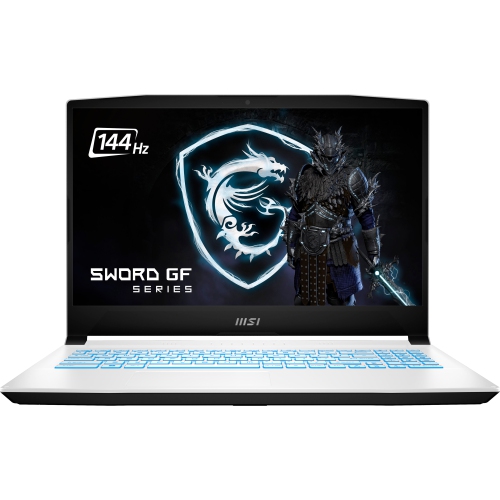
Gaming and creative work place additional demands on a 12th gen i5 system, particularly when several demanding applications run together. A computer used for games needs graphics hardware suited to the intended resolution, visual settings, and frame rate. Integrated graphics can handle everyday display duties and some lighter games, but a dedicated graphics card is generally more appropriate for demanding titles, detailed 3D scenes, and many video production workflows. Not every desktop i5 processor includes integrated graphics, so a build without a dedicated graphics card requires particular attention to that specification. The monitor also shapes the experience: a higher-resolution display asks more of the graphics hardware, while a high-refresh-rate screen is most useful when the system can produce enough frames to take advantage of it. For photo editing, design projects, and video work, memory capacity, storage space, display colour accuracy, and application support all deserve consideration alongside the CPU. A solid-state drive provides responsive storage for the operating system and frequently used software, while a larger additional drive can hold footage, project files, and game libraries. Keeping a separate backup protects important work if a drive fails or a file is accidentally deleted. Laptop shoppers may also notice differences in sustained performance between slim designs and larger models with more substantial cooling. A compact machine is easier to carry, but a chassis with greater airflow can be better suited to lengthy rendering sessions or extended gaming. Battery life depends on the complete system and workload rather than the processor generation alone. For a desktop, ventilation space, fan noise, and the position of the tower can affect comfort in a bedroom, study, or shared office. Connections matter in equally practical ways: enough USB ports for a webcam and external drive, suitable display outputs, and the right Wi-Fi or wired networking support help a computer fit into an existing setup without unnecessary adapters.
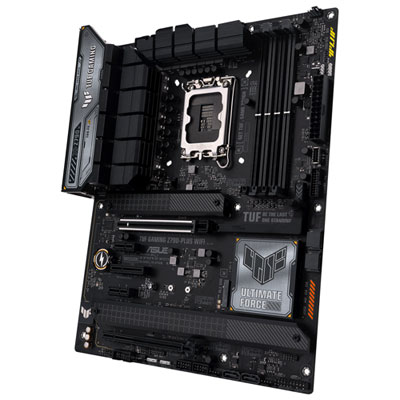
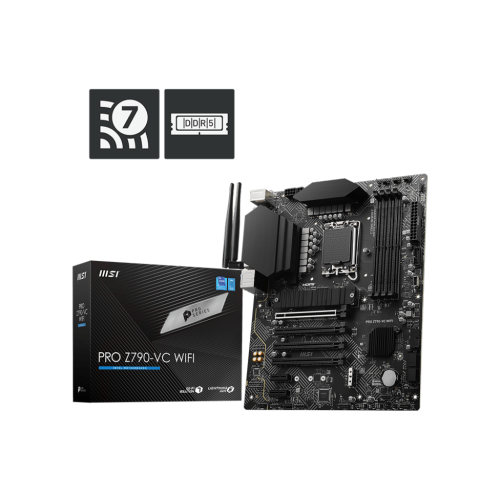
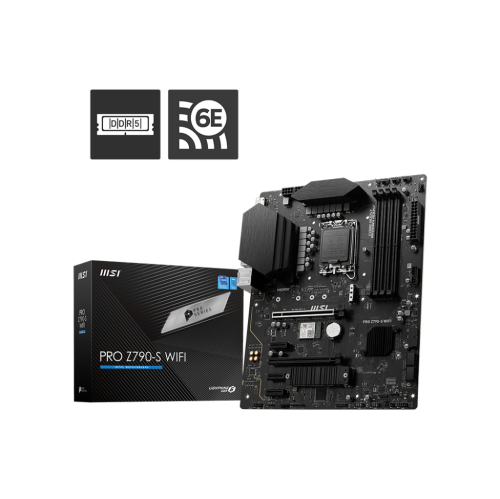
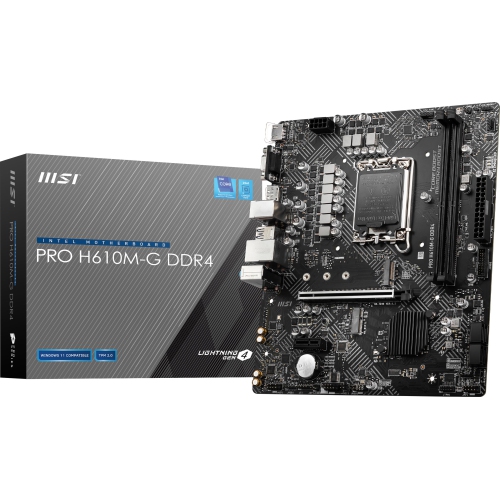
Compatibility is central to standalone 12th gen i5 desktop processors and to computers intended for later upgrades. These desktop CPUs use the LGA1700 socket, but a matching socket is only part of the requirement: the motherboard must also support the processor through its chipset and installed firmware. Desktop platforms in this generation may use DDR4 or DDR5 memory, depending on the motherboard. The two memory types are not interchangeable, so existing memory can only be reused when its type and specifications match the board. Cooling hardware must have the correct mounting support and enough capacity for the processor’s operating demands, and a separate cooler may be needed depending on what is included. Case dimensions, graphics card clearance, power supply capacity, and accessible drive connections also influence whether parts fit together properly. Prebuilt desktops can simplify the initial setup, although compact cases and custom internal layouts may limit future changes. In laptops, processors are generally not user-upgradeable, and memory or storage access varies by design. Materials and construction matter most in the parts handled every day: a rigid chassis, secure hinges, a stable keyboard deck, and well-supported ports can help a portable computer withstand regular travel. A padded sleeve adds protection when carried in a bag, while keeping drinks away from keyboards and allowing vents to remain unobstructed supports dependable use. Routine care includes removing dust from accessible vents according to the manufacturer’s directions, cleaning screens with suitable materials, and keeping software and security updates installed. For comparisons across processor generations, I5 14th Gen offers another point of reference, though generation alone does not determine which complete system best matches a workload. A well-matched 12th gen i5 configuration brings together processing capability, graphics, memory, storage, and physical design for its intended role, whether that is a focused study station, an adaptable home office computer, or a desktop built for games and creative projects.
Gaming and creative work place additional demands on a 12th gen i5 system, particularly when several demanding applications run together. A computer used for games needs graphics hardware suited to the intended resolution, visual settings, and frame rate. Integrated graphics can handle everyday display duties and some lighter games, but a dedicated graphics card is generally more appropriate for demanding titles, detailed 3D scenes, and many video production workflows. Not every desktop i5 processor includes integrated graphics, so a build without a dedicated graphics card requires particular attention to that specification. The monitor also shapes the experience: a higher-resolution display asks more of the graphics hardware, while a high-refresh-rate screen is most useful when the system can produce enough frames to take advantage of it. For photo editing, design projects, and video work, memory capacity, storage space, display colour accuracy, and application support all deserve consideration alongside the CPU. A solid-state drive provides responsive storage for the operating system and frequently used software, while a larger additional drive can hold footage, project files, and game libraries. Keeping a separate backup protects important work if a drive fails or a file is accidentally deleted. Laptop shoppers may also notice differences in sustained performance between slim designs and larger models with more substantial cooling. A compact machine is easier to carry, but a chassis with greater airflow can be better suited to lengthy rendering sessions or extended gaming. Battery life depends on the complete system and workload rather than the processor generation alone. For a desktop, ventilation space, fan noise, and the position of the tower can affect comfort in a bedroom, study, or shared office. Connections matter in equally practical ways: enough USB ports for a webcam and external drive, suitable display outputs, and the right Wi-Fi or wired networking support help a computer fit into an existing setup without unnecessary adapters.
Compatibility is central to standalone 12th gen i5 desktop processors and to computers intended for later upgrades. These desktop CPUs use the LGA1700 socket, but a matching socket is only part of the requirement: the motherboard must also support the processor through its chipset and installed firmware. Desktop platforms in this generation may use DDR4 or DDR5 memory, depending on the motherboard. The two memory types are not interchangeable, so existing memory can only be reused when its type and specifications match the board. Cooling hardware must have the correct mounting support and enough capacity for the processor’s operating demands, and a separate cooler may be needed depending on what is included. Case dimensions, graphics card clearance, power supply capacity, and accessible drive connections also influence whether parts fit together properly. Prebuilt desktops can simplify the initial setup, although compact cases and custom internal layouts may limit future changes. In laptops, processors are generally not user-upgradeable, and memory or storage access varies by design. Materials and construction matter most in the parts handled every day: a rigid chassis, secure hinges, a stable keyboard deck, and well-supported ports can help a portable computer withstand regular travel. A padded sleeve adds protection when carried in a bag, while keeping drinks away from keyboards and allowing vents to remain unobstructed supports dependable use. Routine care includes removing dust from accessible vents according to the manufacturer’s directions, cleaning screens with suitable materials, and keeping software and security updates installed. For comparisons across processor generations, I5 14th Gen offers another point of reference, though generation alone does not determine which complete system best matches a workload. A well-matched 12th gen i5 configuration brings together processing capability, graphics, memory, storage, and physical design for its intended role, whether that is a focused study station, an adaptable home office computer, or a desktop built for games and creative projects.
Top selling and popular products
-
 Your price for this item is $449
 -
 Your price for this item is $3099
 -
 Your price for this item is $664.05
 -
 Your price for this item is $599.68
 -
 Your price for this item is $418.98
 -
 Your price for this item is $999.95
 -
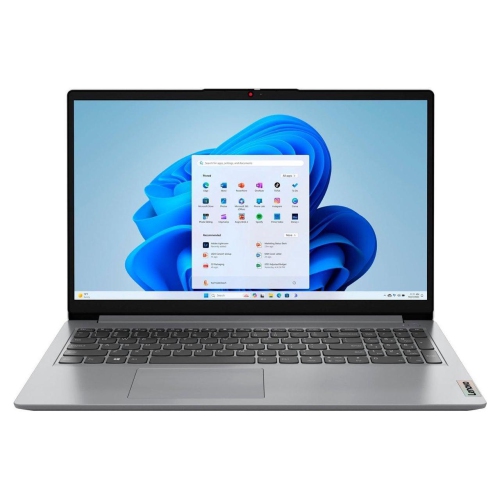 Your price for this item is $749.99
 -
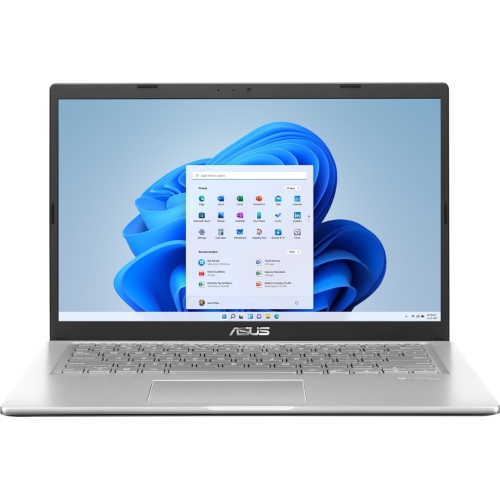 Your price for this item is $399.99
Discover more categories related to I5 12th Gen
Top Collections:
Pokemon Centers, Budget 4K TVs, Kindle Devices, Canon G7X Cameras, Apple iPhones 16, iPhone 15 Apple, Laptops for Business Work, Flip Phones, Xiaomi Phones, Refurbished Apple Laptops
Some products may be subject to Environmental Handling Fees
(EHF) depending on your province.
Learn more about EHFs.