Intel Core i5 6500 Processors
Upgrade your computing experience with the Intel Core i5 6500 Processor, designed to deliver reliable performance for a variety of everyday tasks. Whether you’re working, streaming, or enjoying your favorite games, this processor offers the speed and efficiency needed to keep your system running smoothly. Explore a selection of options and find the right fit to enhance your desktop’s capabilities with the Intel Core i5 6500 Processor.
Sort

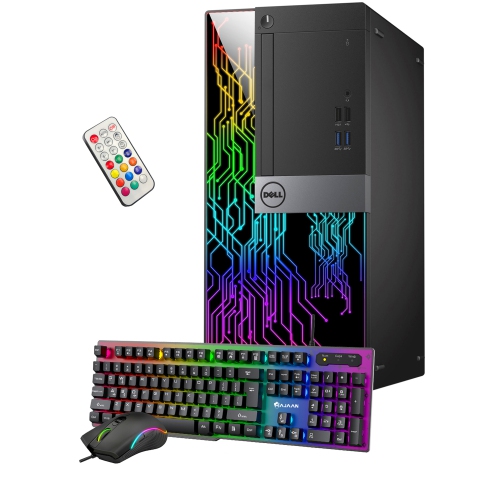
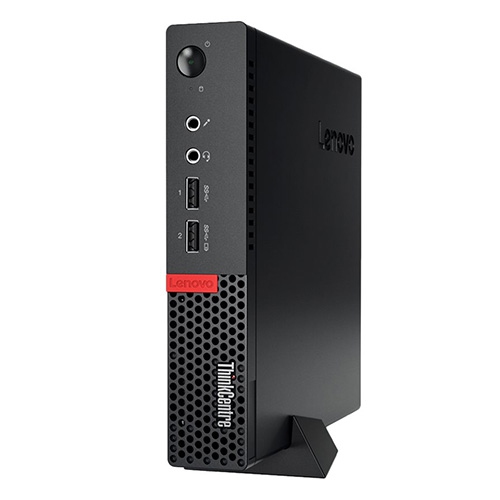
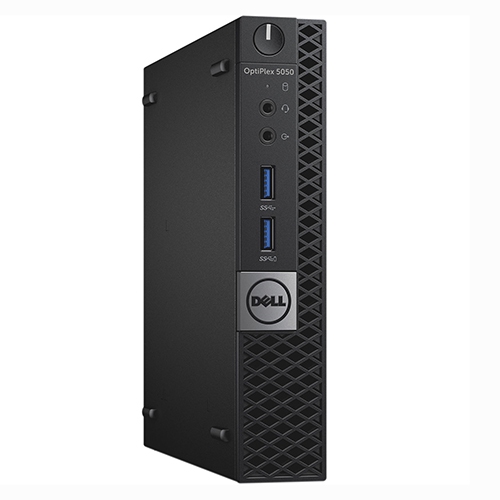
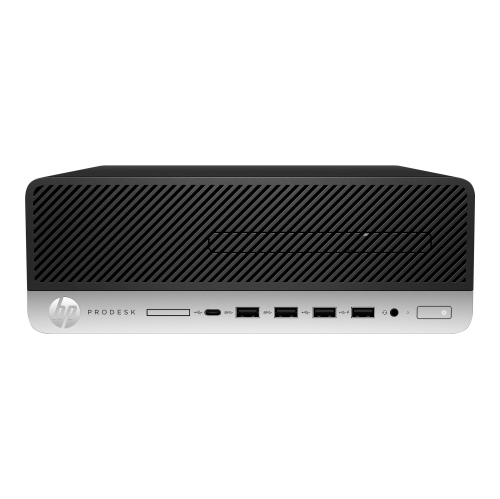
Where older quad-core processors still fit everyday computing
Sixth-generation quad-core desktop processors suit familiar computing tasks: writing documents, working in spreadsheets, browsing websites, playing music, and keeping a household computer ready for everyday use. Four cores and four threads provide a foundation for running several ordinary applications together, such as a word processor, a browser, and an email client. Within this processor class, specifications such as a 3.20 GHz base frequency, a maximum turbo frequency of 3.60 GHz, and 6 MB of shared cache help describe how the hardware handles workloads. Base frequency is a reference operating speed, while turbo frequency represents an attainable peak under suitable power and cooling conditions, rather than a speed maintained through every task. Cache gives the processor quick access to frequently needed data, although overall responsiveness also depends on memory capacity, storage speed, and the software being used. For a student preparing assignments, a home office handling invoices, or a family desktop used for online forms and video calls, a compatible quad-core configuration can still serve a practical purpose. Expectations matter with older hardware: large video exports, complex simulations, and demanding games place different demands on a system than everyday productivity does. A processor alone also cannot resolve every slowdown. A computer with limited memory or a slow mechanical drive may pause when switching applications even if its processor is adequate for the work. Integrated graphics can handle routine desktop visuals and suitable media playback without a separate graphics card, provided the motherboard offers compatible display outputs. Monitor resolution, refresh rate, and connection support depend on the complete setup, not just the processor. This makes these desktop components particularly relevant to owners maintaining an existing compatible computer, replacing a failed part, or assembling a straightforward workstation from hardware whose specifications are already known.
Physical and electrical compatibility are central considerations for desktop processors, especially when maintaining an older platform. The LGA 1151 socket designation describes the processor’s connection to the motherboard, but a matching socket name does not guarantee that every motherboard using it will work. Chipset support, firmware version, and the motherboard manufacturer’s processor compatibility list determine whether a particular pairing is supported. Some later processors use the same socket designation while requiring a different motherboard platform, so generation is just as important as physical fit. Memory compatibility needs similar attention. Relevant specifications for this sixth-generation desktop platform include support for DDR4-1866/2133 or DDR3L-1333/1600 memory, with configurations supporting up to 64 GB where the motherboard and system design permit. These memory types are alternatives determined by the board’s design, not interchangeable modules for the same slot. Standard higher-voltage DDR3 should not be treated as equivalent to low-voltage DDR3L. The motherboard’s supported module capacities, slot count, and firmware can further limit a system’s usable memory. A 65 W thermal design power rating provides a reference for cooling requirements; it is not a promise that the whole computer will draw 65 W from the wall. A suitable heatsink, correctly mounted fan, and unobstructed case airflow help the processor operate reliably during sustained work. Compact office desktops can have proprietary cooling assemblies, power connections, or firmware restrictions, making their original system documentation particularly useful. Anyone considering a move to a different platform can also explore Core I5 8500T processors, with motherboard support and cooling requirements assessed separately rather than assuming a direct replacement. For a repair project, confirming these details helps distinguish a compatible replacement from a component that merely looks similar. The same care applies when a processor is intended as a gift for a computer hobbyist: knowing the recipient’s exact motherboard and planned use makes the choice far more meaningful than choosing by clock speed alone.
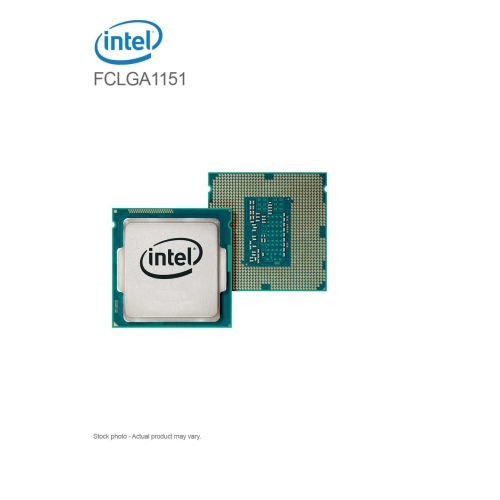
A desktop processor is a precision electronic component rather than a part that wears through ordinary movement. Its construction typically combines a silicon die, a supporting substrate, and a metal heat spreader that transfers heat to the cooler. The heat spreader can look sturdy, but the underside contacts and surrounding components require careful handling. On an LGA platform, the delicate socket pins are on the motherboard, where misalignment or pressure can cause damage. Holding the processor by its edges, avoiding contact with the electrical pads, and using appropriate protection against static discharge help preserve its condition during installation or storage. A protective carrier is preferable to leaving a loose processor in a drawer with screws, cables, and other parts. Correct cooler installation and suitable thermal compound are also important because reliable contact between the heat spreader and heatsink allows heat to move away effectively. Old thermal compound should be cleaned using a method appropriate for electronics before a cooler is refitted; adding fresh compound over a contaminated surface is not a substitute for preparation. Over time, dust removal from vents and heatsink fins, along with attention to fan operation, supports consistent performance throughout the computer. For previously used processors, useful condition details include evidence of physical damage, contact contamination, and whether functionality has been tested in a compatible system. Accessories deserve separate attention, since a processor does not necessarily include a cooler or mounting hardware. Beyond condition, long-term usefulness depends on software support and the rest of the desktop. An older processor may run established office applications comfortably while failing the official hardware requirements of a newer operating system, so supported security updates and application requirements remain important considerations. Light gaming also varies widely: older or less demanding titles may be suitable, while newer games can require a dedicated graphics card and substantially greater processing capability. Even with an added graphics card, processor performance can limit frame rates in busy scenes. These components are most appropriate when their role is clear, whether that means restoring a familiar desktop for schoolwork, keeping a dedicated document-scanning station in service, or building hands-on experience with compatible computer hardware. Matching the processor to that practical purpose produces a more dependable result than treating one specification as a measure of the entire system.
Physical and electrical compatibility are central considerations for desktop processors, especially when maintaining an older platform. The LGA 1151 socket designation describes the processor’s connection to the motherboard, but a matching socket name does not guarantee that every motherboard using it will work. Chipset support, firmware version, and the motherboard manufacturer’s processor compatibility list determine whether a particular pairing is supported. Some later processors use the same socket designation while requiring a different motherboard platform, so generation is just as important as physical fit. Memory compatibility needs similar attention. Relevant specifications for this sixth-generation desktop platform include support for DDR4-1866/2133 or DDR3L-1333/1600 memory, with configurations supporting up to 64 GB where the motherboard and system design permit. These memory types are alternatives determined by the board’s design, not interchangeable modules for the same slot. Standard higher-voltage DDR3 should not be treated as equivalent to low-voltage DDR3L. The motherboard’s supported module capacities, slot count, and firmware can further limit a system’s usable memory. A 65 W thermal design power rating provides a reference for cooling requirements; it is not a promise that the whole computer will draw 65 W from the wall. A suitable heatsink, correctly mounted fan, and unobstructed case airflow help the processor operate reliably during sustained work. Compact office desktops can have proprietary cooling assemblies, power connections, or firmware restrictions, making their original system documentation particularly useful. Anyone considering a move to a different platform can also explore Core I5 8500T processors, with motherboard support and cooling requirements assessed separately rather than assuming a direct replacement. For a repair project, confirming these details helps distinguish a compatible replacement from a component that merely looks similar. The same care applies when a processor is intended as a gift for a computer hobbyist: knowing the recipient’s exact motherboard and planned use makes the choice far more meaningful than choosing by clock speed alone.
A desktop processor is a precision electronic component rather than a part that wears through ordinary movement. Its construction typically combines a silicon die, a supporting substrate, and a metal heat spreader that transfers heat to the cooler. The heat spreader can look sturdy, but the underside contacts and surrounding components require careful handling. On an LGA platform, the delicate socket pins are on the motherboard, where misalignment or pressure can cause damage. Holding the processor by its edges, avoiding contact with the electrical pads, and using appropriate protection against static discharge help preserve its condition during installation or storage. A protective carrier is preferable to leaving a loose processor in a drawer with screws, cables, and other parts. Correct cooler installation and suitable thermal compound are also important because reliable contact between the heat spreader and heatsink allows heat to move away effectively. Old thermal compound should be cleaned using a method appropriate for electronics before a cooler is refitted; adding fresh compound over a contaminated surface is not a substitute for preparation. Over time, dust removal from vents and heatsink fins, along with attention to fan operation, supports consistent performance throughout the computer. For previously used processors, useful condition details include evidence of physical damage, contact contamination, and whether functionality has been tested in a compatible system. Accessories deserve separate attention, since a processor does not necessarily include a cooler or mounting hardware. Beyond condition, long-term usefulness depends on software support and the rest of the desktop. An older processor may run established office applications comfortably while failing the official hardware requirements of a newer operating system, so supported security updates and application requirements remain important considerations. Light gaming also varies widely: older or less demanding titles may be suitable, while newer games can require a dedicated graphics card and substantially greater processing capability. Even with an added graphics card, processor performance can limit frame rates in busy scenes. These components are most appropriate when their role is clear, whether that means restoring a familiar desktop for schoolwork, keeping a dedicated document-scanning station in service, or building hands-on experience with compatible computer hardware. Matching the processor to that practical purpose produces a more dependable result than treating one specification as a measure of the entire system.
Top selling and popular products
-
 Your price for this item is $1599
 -
 Your price for this item is $1629.79
 -
 Your price for this item is $1999.99
 -
 Your price for this item is $1459.79
 -
 Your price for this item is $879
 -
 Your price for this item is $1199.99
 -
 Your price for this item is $1839
 -
 Your price for this item is $879
Discover more categories related to Intel Core i5 6500 Processors
Top Collections:
Pokemon Centers, Kindle Devices, Best Budget Office Chairs, Apple iPhones 16, Best Laptops for Writers, iPhone 15 Apple, Canon G7X Cameras, Refurbished Apple Laptops, Alarm Clock, Motorola Razr Phones
Some products may be subject to Environmental Handling Fees
(EHF) depending on your province.
Learn more about EHFs.