Intel Core Ultra 9 Gaming Laptops
Intel Core Ultra 9 Gaming Laptops deliver the performance and power serious gamers demand for an immersive experience. Designed to handle the latest games and intensive multitasking, these laptops are built for speed and responsiveness. Whether you’re competing online or exploring vast virtual worlds, Intel Core Ultra 9 Gaming Laptops provide the advanced capabilities needed to stay ahead of the game. Discover a range of options to suit your gaming style and elevate your setup with cutting-edge technology.
Sort
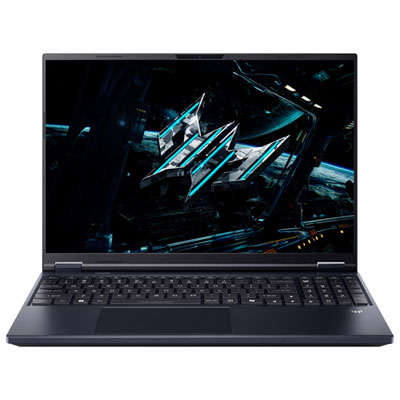
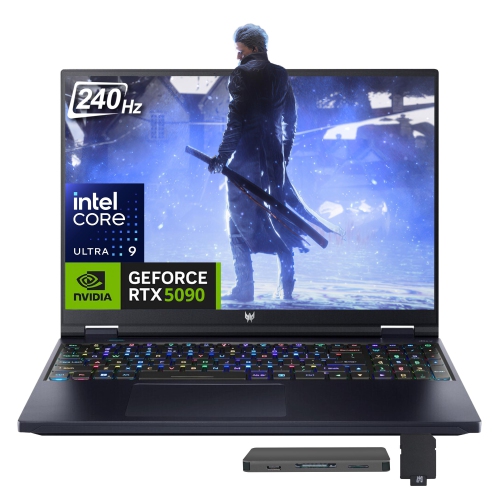
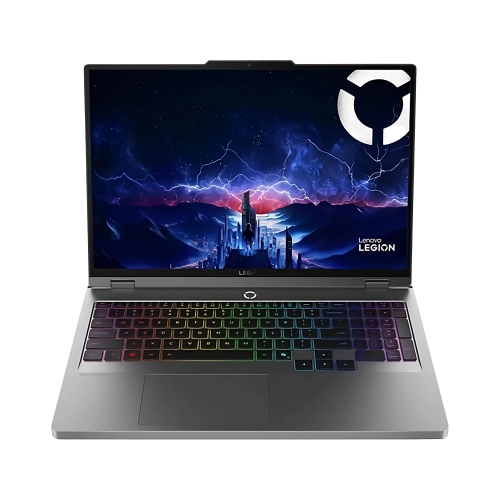
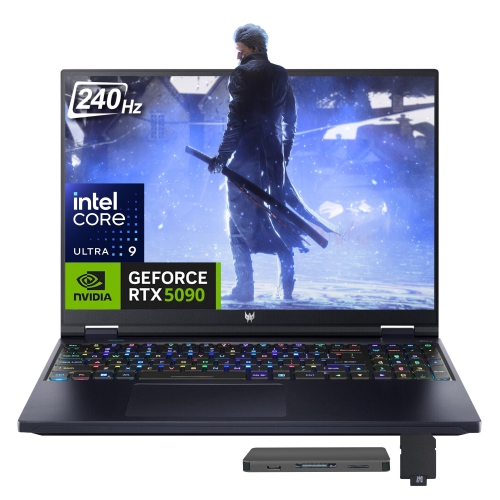
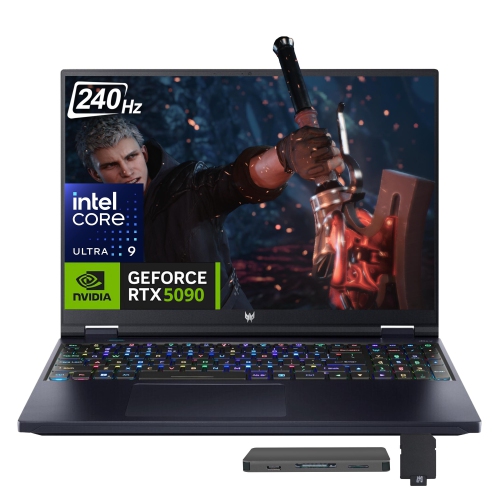
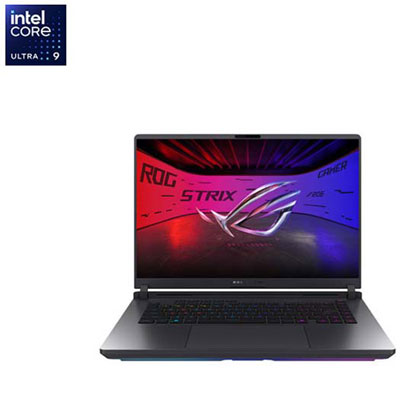
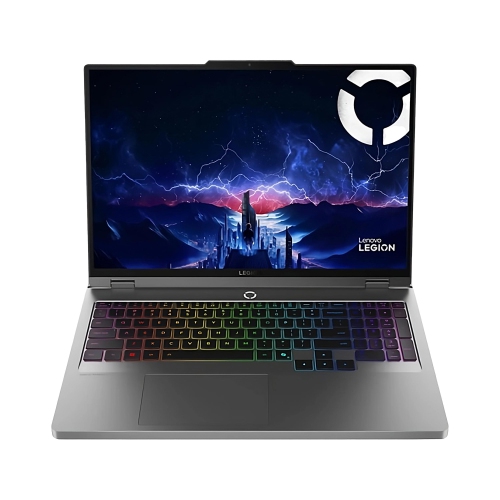
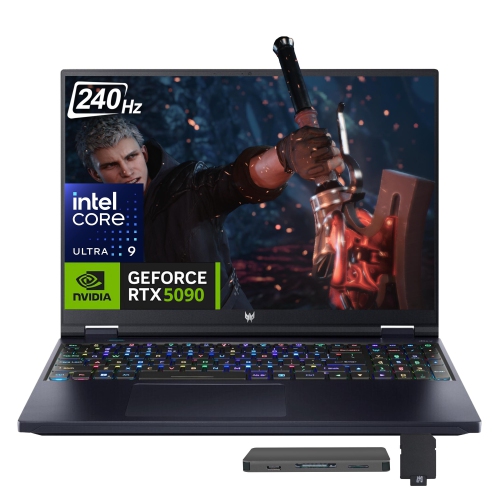
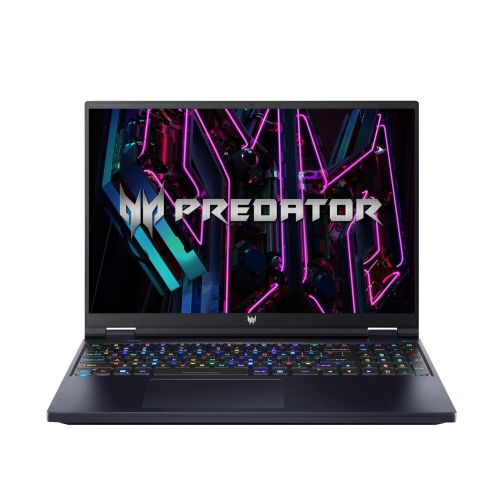
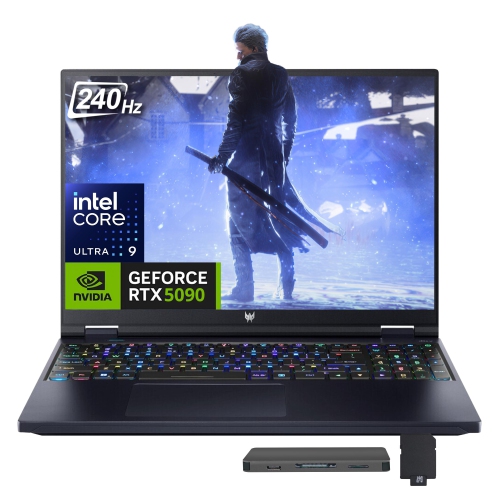
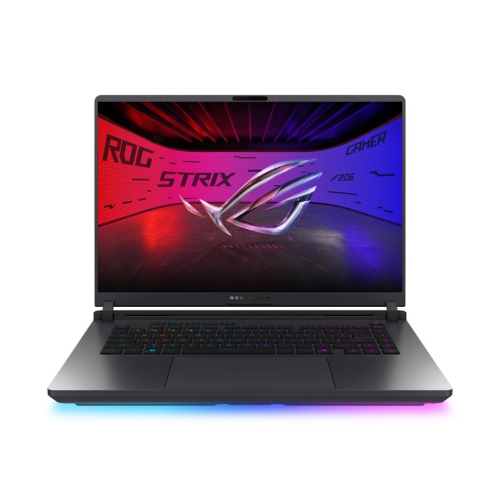
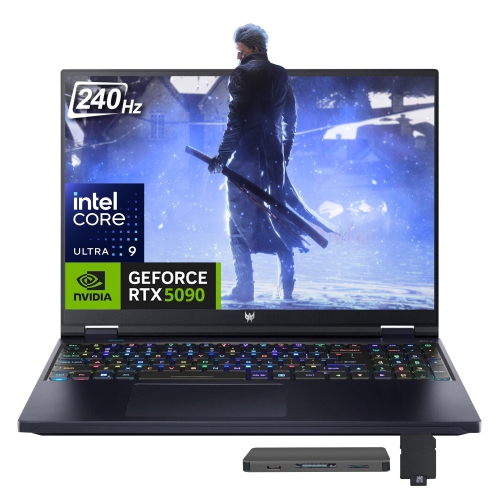
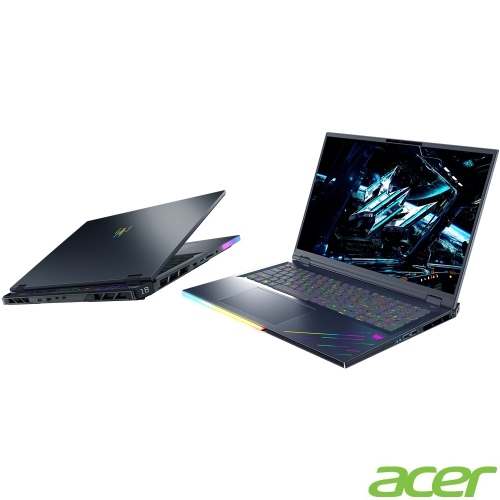
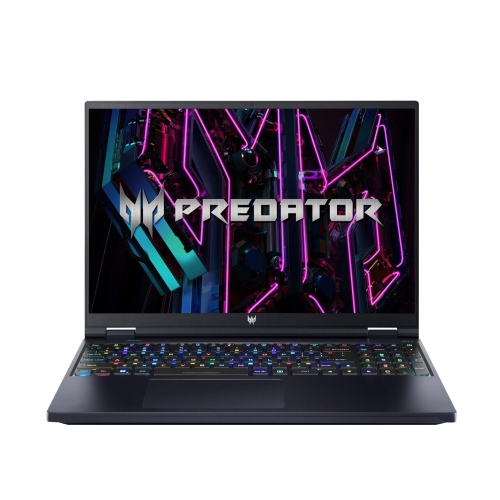
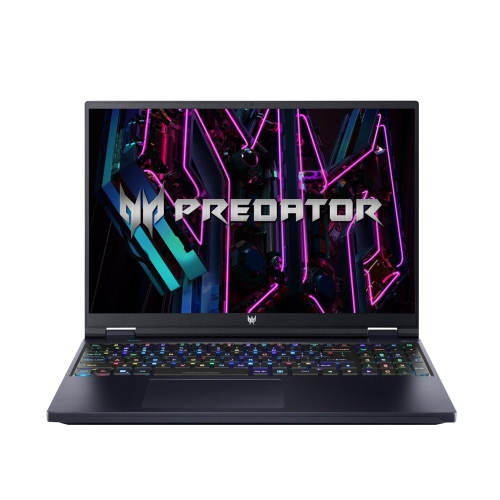
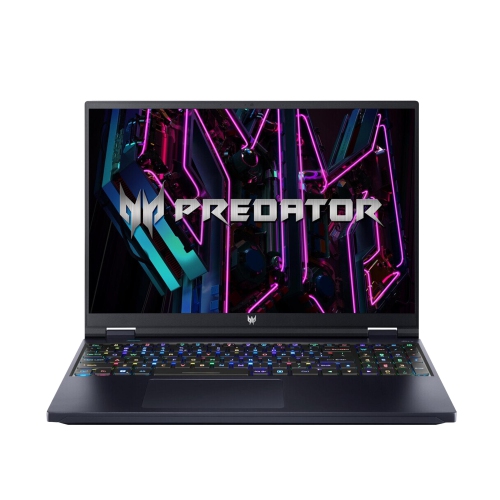
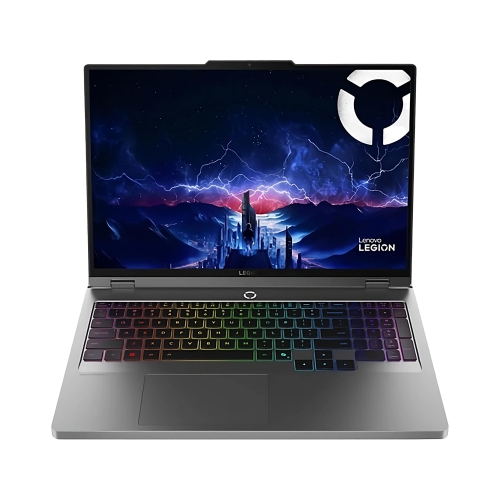
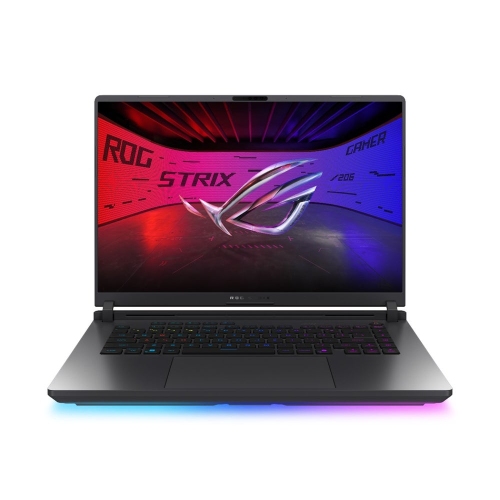
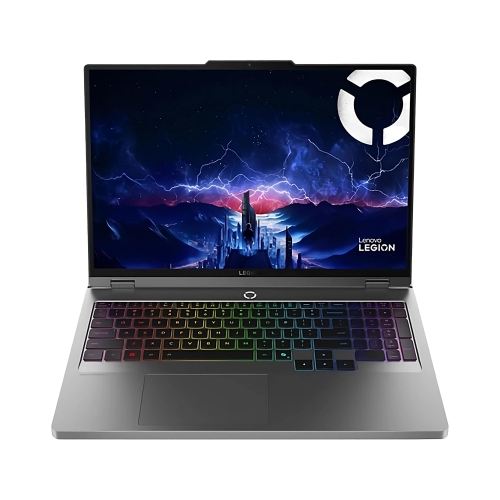
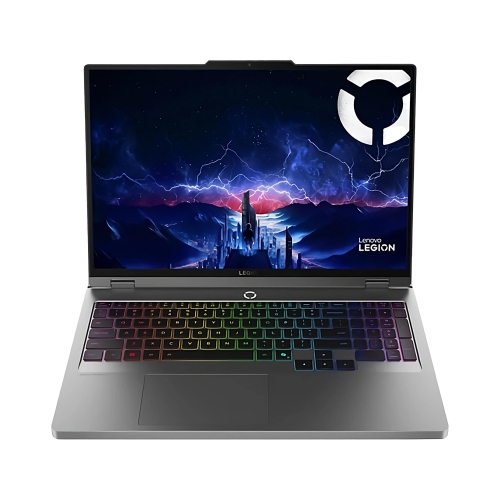
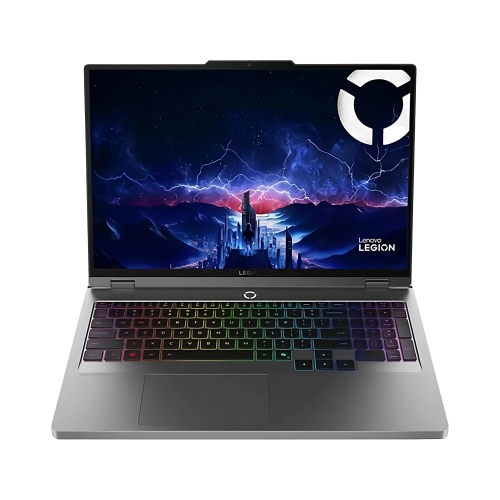
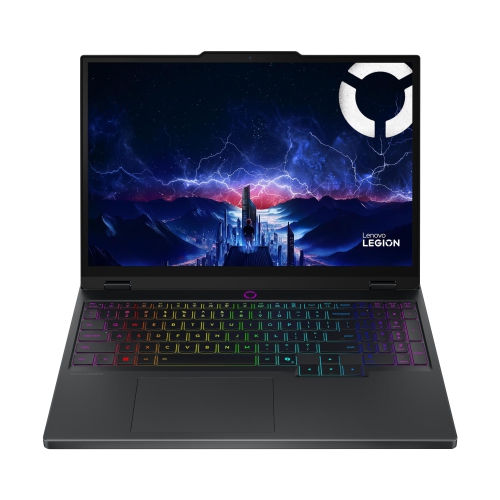
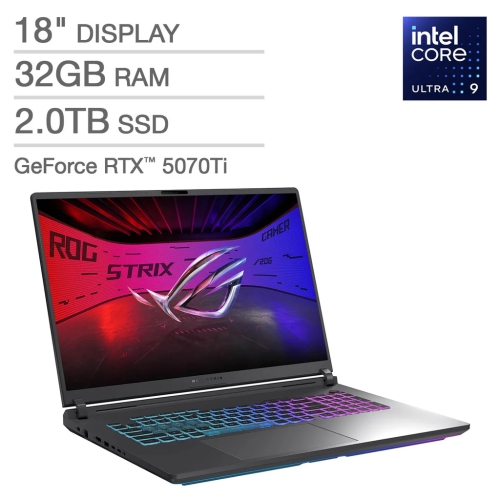
Gaming performance depends on more than the processor
Intel Core Ultra 9 gaming laptops combine high-performance mobile processing with the screen, controls, and connectivity needed for demanding games and everyday computing. They suit players who want a single machine for competitive matches, expansive role-playing games, streaming, and work between gaming sessions. The processor handles tasks such as game logic, simulation, and background applications, while the graphics processor does much of the work involved in rendering detailed scenes. That balance matters: the Core Ultra 9 name alone does not determine gaming performance. Processor generation, dedicated graphics, graphics memory, cooling design, and power settings all influence how a laptop performs during actual play. Two systems with the same processor tier can deliver different results, particularly when one has a slim chassis and the other has more room for cooling. Competitive players may value the ability to sustain high frame rates while running voice chat, whereas someone exploring a richly detailed single-player game may place greater emphasis on graphics quality and resolution. System memory also affects how comfortably these activities fit together. A configuration with 32GB of RAM can offer more headroom than 16GB for a game running alongside a browser, recording software, and other applications, although requirements vary by game and workload. Solid-state storage helps with system responsiveness, game launches, and loading screens; it should not be confused with the graphics hardware responsible for rendering frames. Storage capacity becomes especially relevant when several large games, downloadable content packs, and recorded sessions share the same drive. A 1TB SSD can fill more quickly than expected with a substantial game library, while a larger drive leaves additional space for creative projects and personal files. These laptops can also serve students, developers, and creators whose software benefits from strong processing capabilities, provided the full configuration matches the applications involved. Their appeal is the flexibility to move from a multiplayer session to editing a video or working through a complex project without changing computers.
The display and physical design shape the experience just as much as the internal components. A compact gaming laptop is easier to carry between a desk, a classroom, and a shared living space, while a larger screen provides more room for game interfaces, timelines, and side-by-side windows. The dimensions of the chassis matter alongside the advertised screen size, especially when fitting a laptop into a backpack or onto a shallow desktop. Higher screen resolutions can reveal finer detail, but they also ask more of the graphics processor when games run at native resolution. A high refresh rate can make movement appear smoother when the system produces enough frames to take advantage of it; the refresh-rate figure is not a promise that every game will run at that speed. Response time, brightness, contrast, and screen finish contribute to visibility and clarity as well. OLED panels can offer deep blacks and strong contrast, while other panel types have their own balance of viewing characteristics and care requirements. Reflections may be more noticeable on a glossy screen positioned opposite a bright window, making placement part of everyday comfort. Keyboard layout deserves similar attention because it affects everything from movement controls to typing an assignment. Key spacing, arrow-key placement, backlighting, and the presence or absence of a numeric keypad can make one layout feel more natural than another. A larger touchpad is useful away from the desk, even when a separate mouse handles most gaming. Metal panels and reinforced plastic are both used in gaming laptop construction, but material alone does not establish durability. Hinge stability, chassis rigidity, and careful handling also matter over time. A padded sleeve helps protect the finish during transport, and carrying the computer by its base rather than its display reduces unnecessary strain. For regular travel, the combined weight of the laptop, charger, headset, and other accessories gives a more realistic sense of portability than the laptop’s weight alone.
Long gaming sessions make cooling, power delivery, and connections particularly important. Fans need unobstructed airflow, so a firm desktop or suitable stand is a better operating surface than bedding or a soft cushion that can cover intake vents. Fan sound can rise under demanding workloads, and quieter operating modes may reduce performance in exchange for less noise. Gaming performance is often strongest with the correct power adapter connected; battery operation can involve lower power limits as well as shorter running time during intensive play. Battery-life claims for light tasks therefore do not describe how long a demanding game will run unplugged. Port selection influences how easily a laptop fits into an existing setup, whether that means an external display, wired network connection, controller, headset, or external storage drive. USB-C capabilities vary, so the connector’s shape alone does not confirm support for charging, display output, or a particular transfer speed. Wireless performance also depends on the router, network conditions, and distance from the access point, not simply the laptop’s wireless specification. For ownership over several years, accessible storage and memory can be useful, although some designs use soldered memory or have limited expansion options. Manufacturer documentation provides the relevant upgrade limits and cleaning instructions. Gentle exterior cleaning, clear vents, and a separate backup of important files support dependable everyday use without requiring complicated routines. For someone receiving a gaming laptop as a gift, the games they play, their preferred screen size, and whether they usually play at a desk are more useful starting points than appearance alone. A player who records matches has different storage and memory needs from someone who mainly enjoys less demanding games with friends. When everyday study, browsing, and general productivity are the main priorities instead, Intel Core Ultra 5 Laptops provide another processor category to explore, with gaming suitability still depending on the complete configuration. Intel Core Ultra 9 gaming laptops are best understood as complete systems: processor capability, graphics, display quality, cooling, and practical design all contribute to how well they fit the way someone plays and works.
Top selling and popular products
-
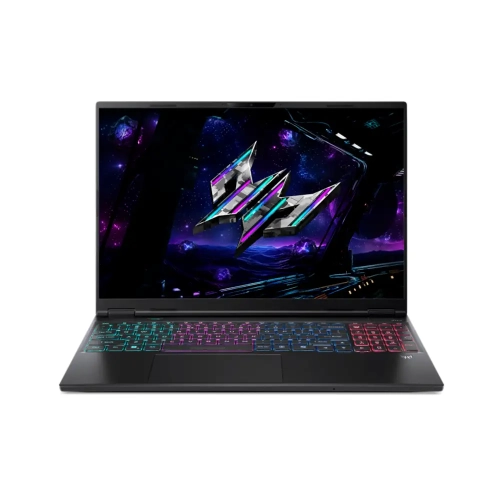 Your price for this item is $3699
-
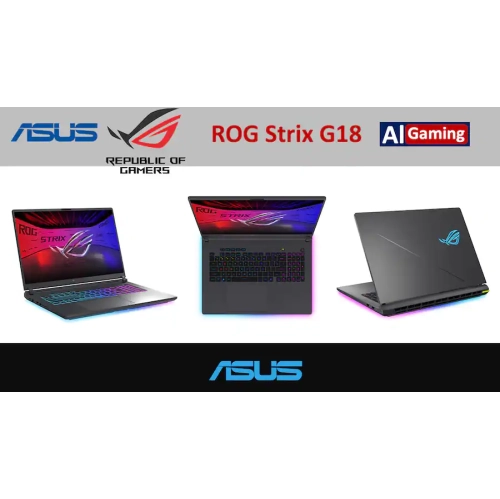 Your price for this item is $2899
-
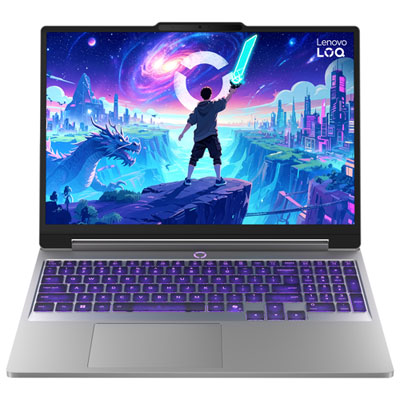 Your price for this item is $1499.99
-
 Your price for this item is $3449
-
 Your price for this item is $2999
-
 Your price for this item is $3649
-
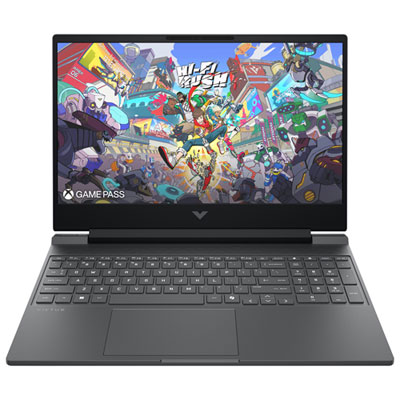 Your price for this item is $999.99
-
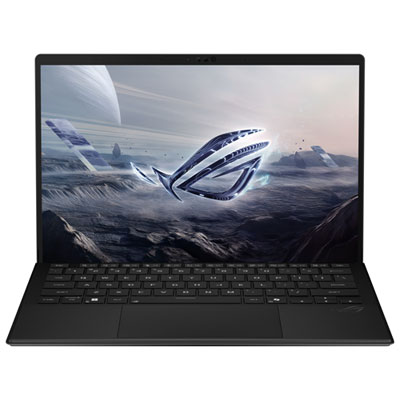 Your price for this item is $2699.99
Discover more categories related to Intel Core Ultra 9 Gaming Laptops
Top Collections:
Best Black Friday Deals This Year, Best Black Friday Deals On Electronics, Kindle Devices, Best Black Friday Deals On Apple Products, Best Budget Office Chairs, Best Cameras for Sports Photography, Dyson Airwrap, Canon G7X Cameras, Best Laptops for Writers, Samsung Galaxy Phones
Some products may be subject to Environmental Handling Fees
(EHF) depending on your province.
Learn more about EHFs.