iPads 10 9
Discover the versatility and convenience of the iPad 10 9, designed to fit seamlessly into your daily routine. Whether you're working, learning, or enjoying entertainment on the go, this device offers a reliable solution for a variety of needs. Explore a selection of options that combine sleek design with user-friendly functionality, making it easy to stay connected and productive wherever you are. Find the perfect iPad 10 9 to match your lifestyle and elevate your digital experience.
Sort







More screen space without a laptop’s bulk
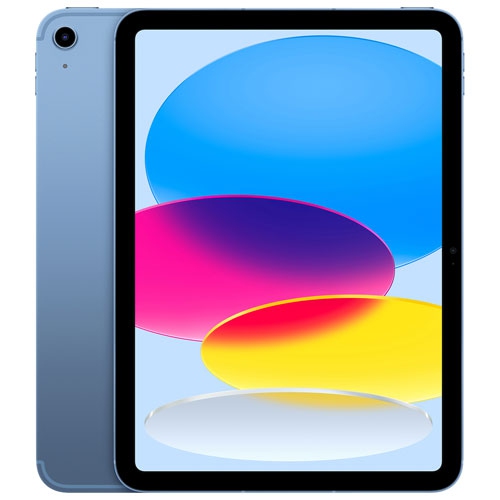
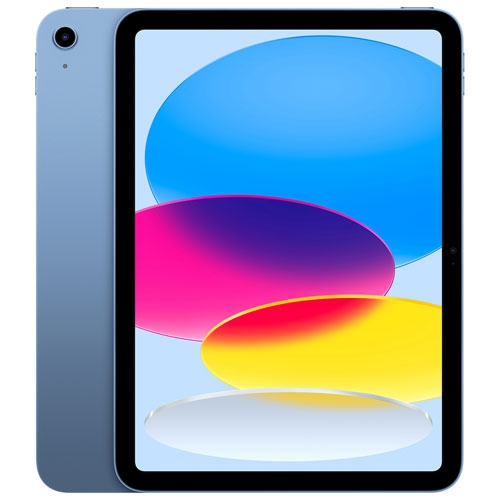
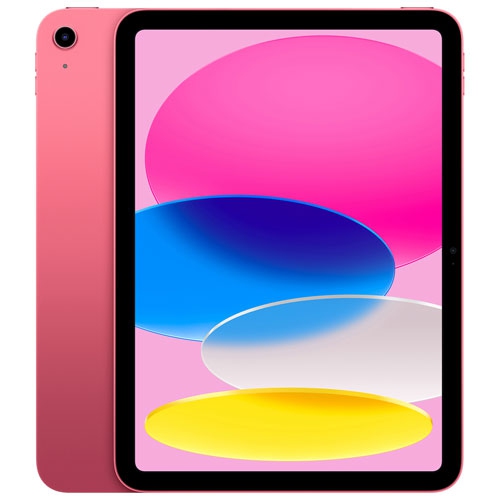
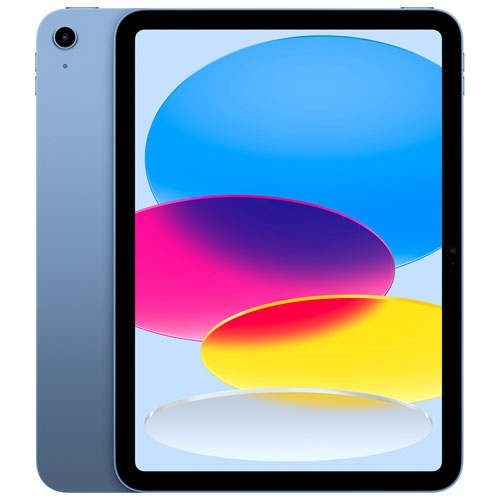
A 10.9-inch tablet offers a useful middle ground between a phone’s compact screen and a laptop’s larger workspace. The Apple iPad 10th Gen belongs to this screen-size category, with the measurement referring to the display’s diagonal rather than the width of the device. That distinction matters when judging how a tablet will fit into a backpack, sit on a kitchen counter or feel when held for reading. The screen provides room for textbooks, streaming video, illustrated recipes and handwritten notes without requiring the same setup as a full-size computer. For a student, it can serve as a place to annotate course material or review a presentation between classes. For someone working away from a desk, it can make email, documents and video calls easier to manage than on a phone. At home, the same size suits reading on the sofa, following a drawing tutorial or sharing photos across a table. A tablet’s suitability depends on more than its screen measurement, however. Overall dimensions, weight, bezel width and the placement of buttons all affect everyday comfort. Holding a device upright for a novel feels different from resting it horizontally in a stand for a film. Display brightness and reflections also influence how clearly text and images appear near a window or beneath overhead lighting. A larger text setting can improve reading comfort, while a well-positioned stand keeps the screen at a comfortable viewing angle during longer sessions. For creative work, a display of this size leaves space for a drawing canvas and on-screen tools, although the experience also depends on the app and any compatible input accessories. It is a versatile format for people who want a dedicated screen for everyday tasks, with the portability to move easily between a desk, a classroom and a comfortable chair.
Storage and connectivity are important differences between tablet configurations that otherwise look very similar. Built-in storage holds apps, downloaded films, games, photos and files, with some capacity reserved for the operating system and other essential software. Someone who mainly browses websites, streams music and reads online documents may have different needs from someone keeping large drawing projects, video files or a collection of games on the device. Downloads for travel can occupy more space than expected, especially when several people want different films or programmes. Cloud storage can help keep files accessible across devices, but access to files that have not been downloaded depends on an internet connection. Built-in storage should therefore suit the files that need to remain close at hand, not just those used occasionally. Wi-Fi connectivity works well where a suitable wireless network is accessible, such as at home, school or work. Cellular-capable configurations can connect through a compatible mobile network when supported and activated, with a separate data plan generally required. Cellular capability does not mean that every app or task needs a constant connection; downloaded books, saved documents and some creative tools can still be useful offline. Performance matters most in relation to the work being done. Reading, browsing and video calls place different demands on a tablet than editing layered artwork or handling large media files. Software compatibility is equally important, particularly when school or workplace tasks depend on a particular application. A tablet may handle many familiar activities without reproducing every feature of a desktop programme. Cameras, microphones and speakers deserve attention for regular calls, lessons and presentations, while headphone and charging connections affect the accessories needed for daily use. For note-taking or typing, compatibility should be confirmed by the exact device generation and accessory requirements, not by screen size alone. A keyboard case or stylus designed for another tablet with a similar display measurement may not fit or function correctly.
Materials, protection and everyday care help determine how comfortably a tablet fits into a routine. Glass screens and metal bodies can feel sturdy and refined, but neither makes a device immune to scratches, dents or damage from a fall. A case with covered corners offers a practical layer of protection when a tablet travels between rooms or rides alongside books in a bag. A folio-style cover can also protect the display when closed and provide a stand when open, although viewing angles and stability vary by design. For frequent typing, a stable base matters as much as the keyboard itself; a setup that feels secure on a table may be less comfortable on a lap. Screen protectors can help limit surface scratches, but their thickness and texture may change how touch input or a stylus feels. Cleaning should follow the device manufacturer’s directions, generally using a soft, lint-free cloth and keeping moisture away from openings. Grit trapped inside a case can rub against the finish, so occasionally removing the cover and clearing away debris is worthwhile. Charging cables also last better when unplugged by the connector rather than pulled by the cord. For shared household use, a secure passcode, suitable parental controls and clear sign-in habits help protect personal information and manage access to apps and purchases. Accessibility features such as larger text, spoken content and touch adjustments can make a tablet easier to use for different ages and abilities. As a gift, a 10.9-inch tablet can suit a reader, student, casual artist or someone who enjoys staying in touch through video calls, provided it supports the recipient’s preferred activities and accessibility needs. A protective cover, comfortable stand or compatible input accessory can make the gift more useful from the start. The strongest fit comes from matching the device’s storage, connections and physical setup to the tasks it will handle most often, whether that means marking up lecture notes, keeping family documents organized or settling in with a favourite book.
Storage and connectivity are important differences between tablet configurations that otherwise look very similar. Built-in storage holds apps, downloaded films, games, photos and files, with some capacity reserved for the operating system and other essential software. Someone who mainly browses websites, streams music and reads online documents may have different needs from someone keeping large drawing projects, video files or a collection of games on the device. Downloads for travel can occupy more space than expected, especially when several people want different films or programmes. Cloud storage can help keep files accessible across devices, but access to files that have not been downloaded depends on an internet connection. Built-in storage should therefore suit the files that need to remain close at hand, not just those used occasionally. Wi-Fi connectivity works well where a suitable wireless network is accessible, such as at home, school or work. Cellular-capable configurations can connect through a compatible mobile network when supported and activated, with a separate data plan generally required. Cellular capability does not mean that every app or task needs a constant connection; downloaded books, saved documents and some creative tools can still be useful offline. Performance matters most in relation to the work being done. Reading, browsing and video calls place different demands on a tablet than editing layered artwork or handling large media files. Software compatibility is equally important, particularly when school or workplace tasks depend on a particular application. A tablet may handle many familiar activities without reproducing every feature of a desktop programme. Cameras, microphones and speakers deserve attention for regular calls, lessons and presentations, while headphone and charging connections affect the accessories needed for daily use. For note-taking or typing, compatibility should be confirmed by the exact device generation and accessory requirements, not by screen size alone. A keyboard case or stylus designed for another tablet with a similar display measurement may not fit or function correctly.
Materials, protection and everyday care help determine how comfortably a tablet fits into a routine. Glass screens and metal bodies can feel sturdy and refined, but neither makes a device immune to scratches, dents or damage from a fall. A case with covered corners offers a practical layer of protection when a tablet travels between rooms or rides alongside books in a bag. A folio-style cover can also protect the display when closed and provide a stand when open, although viewing angles and stability vary by design. For frequent typing, a stable base matters as much as the keyboard itself; a setup that feels secure on a table may be less comfortable on a lap. Screen protectors can help limit surface scratches, but their thickness and texture may change how touch input or a stylus feels. Cleaning should follow the device manufacturer’s directions, generally using a soft, lint-free cloth and keeping moisture away from openings. Grit trapped inside a case can rub against the finish, so occasionally removing the cover and clearing away debris is worthwhile. Charging cables also last better when unplugged by the connector rather than pulled by the cord. For shared household use, a secure passcode, suitable parental controls and clear sign-in habits help protect personal information and manage access to apps and purchases. Accessibility features such as larger text, spoken content and touch adjustments can make a tablet easier to use for different ages and abilities. As a gift, a 10.9-inch tablet can suit a reader, student, casual artist or someone who enjoys staying in touch through video calls, provided it supports the recipient’s preferred activities and accessibility needs. A protective cover, comfortable stand or compatible input accessory can make the gift more useful from the start. The strongest fit comes from matching the device’s storage, connections and physical setup to the tasks it will handle most often, whether that means marking up lecture notes, keeping family documents organized or settling in with a favourite book.
Top selling and popular products
-
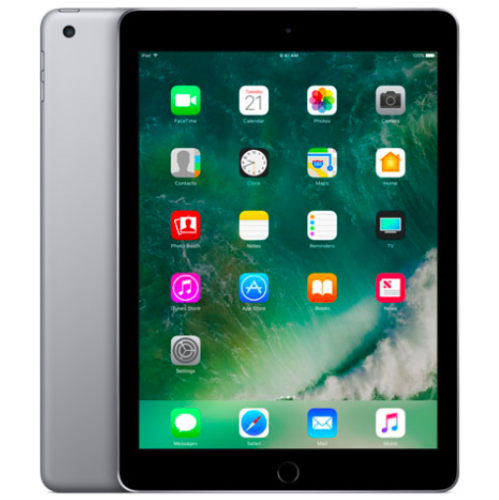 Your price for this item is $109.99
-
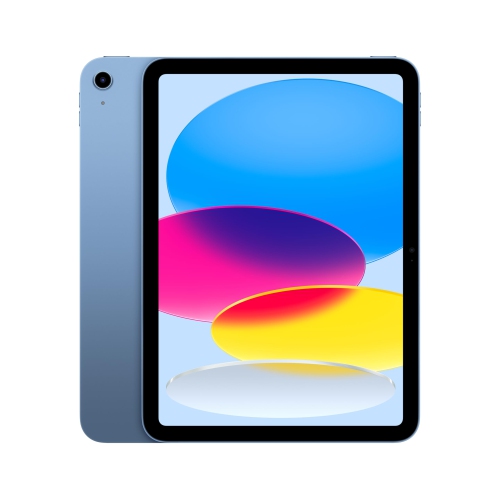 Your price for this item is $649
-
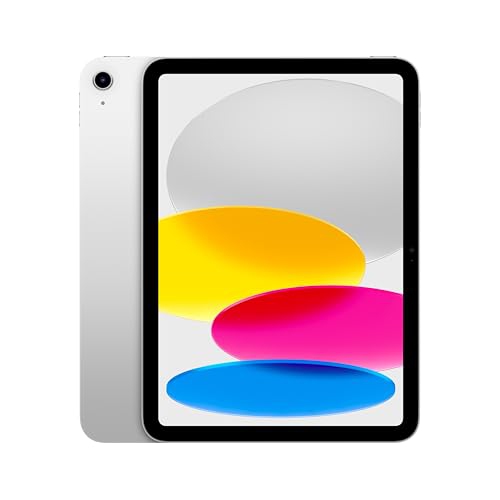 Your price for this item is $669.95
-
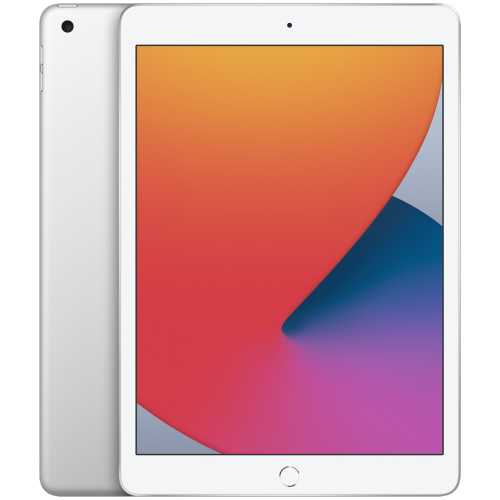 Your price for this item is $141.98
-
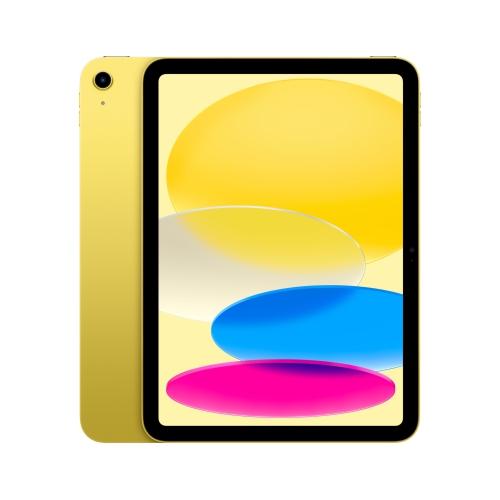 Your price for this item is $639.99
-
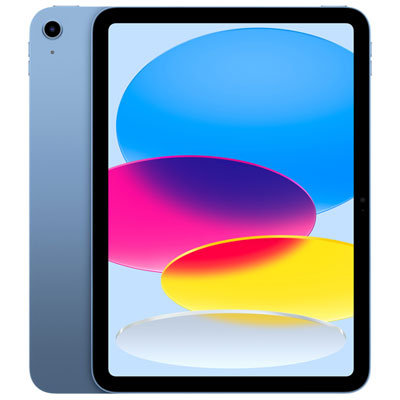 Your price for this item is $649.99
-
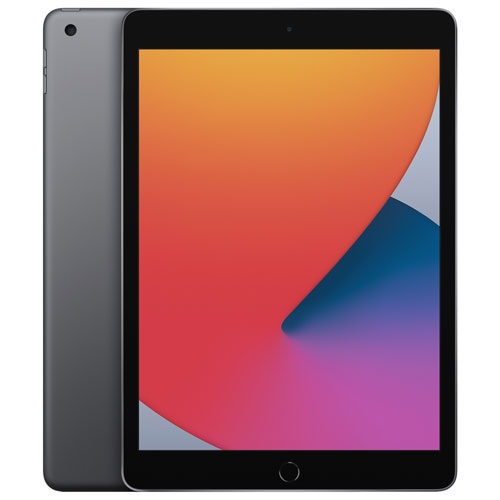 Your price for this item is $249.99
-
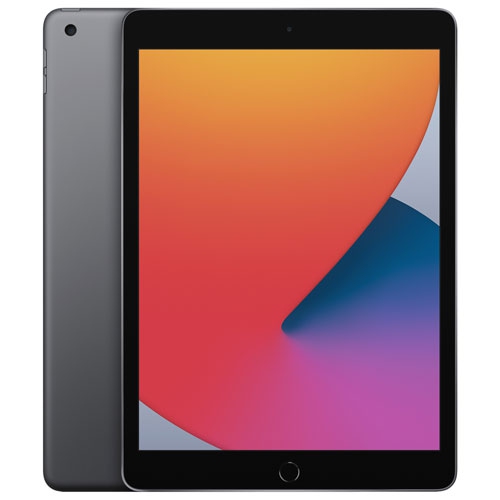 Your price for this item is $169.99
Discover more categories related to iPads 10 9
Top Collections:
Best Black Friday Deals This Year, Best Black Friday Deals On Electronics, Kindle Devices, Pokemon Centers, Best Black Friday Deals On Apple Products, Best Cameras for Sports Photography, Dyson Airwrap, Pokémon 30th Celebration Cards, Apple iPhone 17 Pro, Canon G7X Cameras
Some products may be subject to Environmental Handling Fees
(EHF) depending on your province.
Learn more about EHFs.