iPad Air 32GB
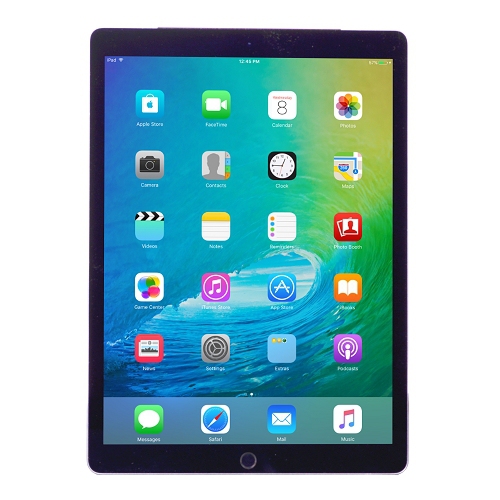
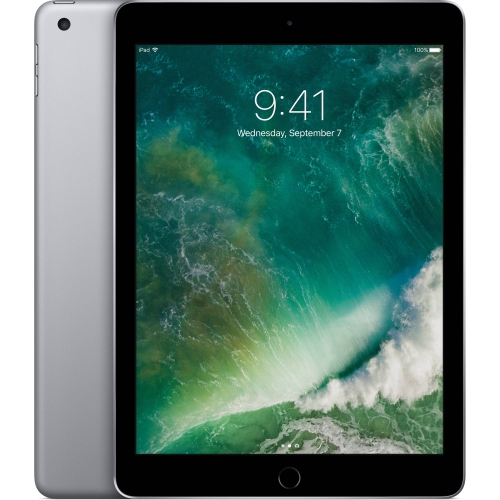
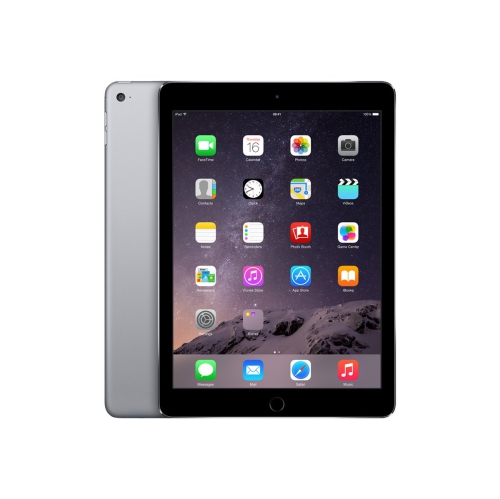
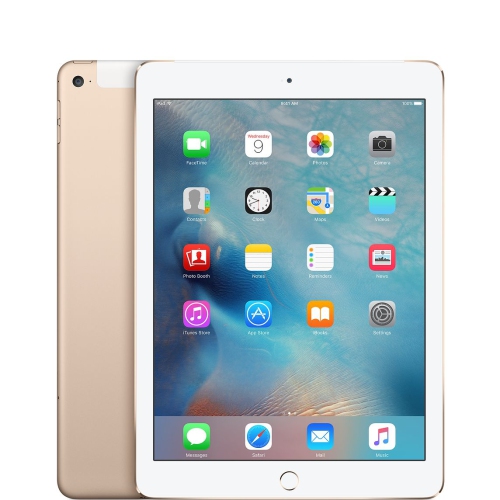
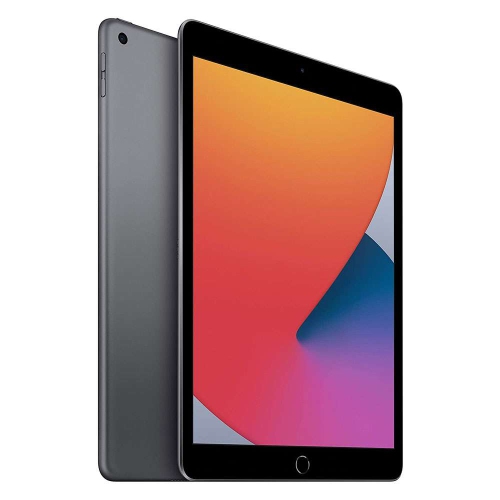
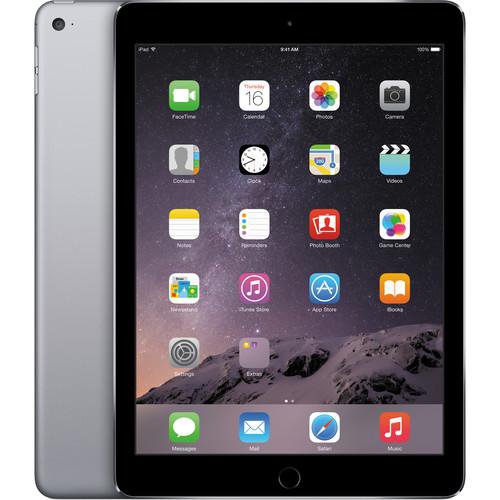
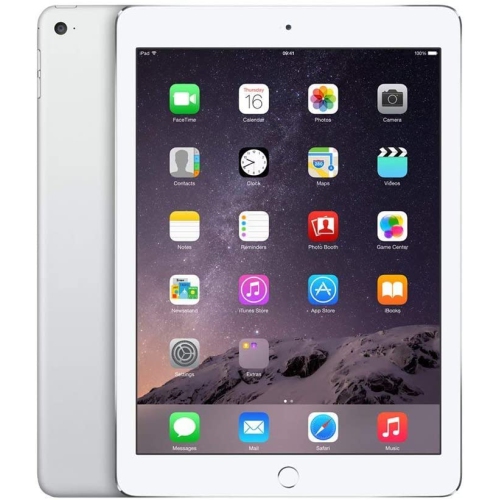
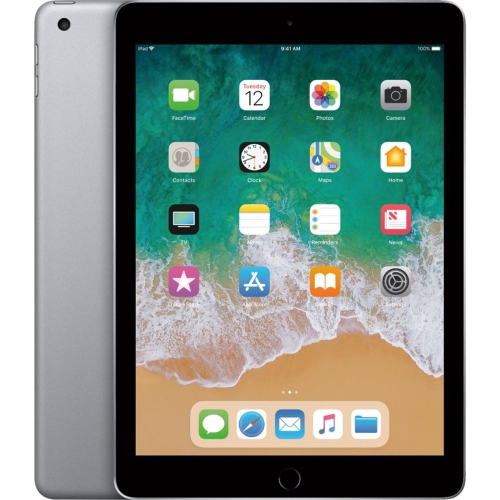
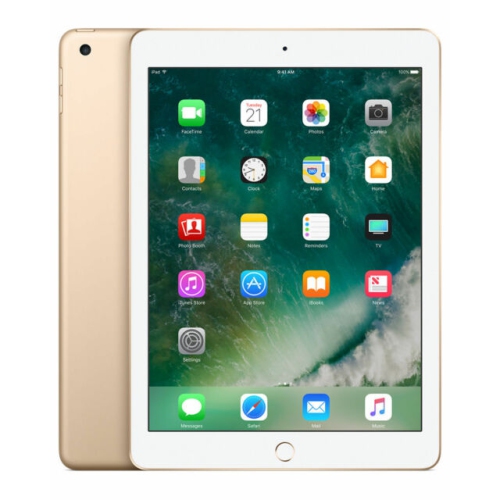
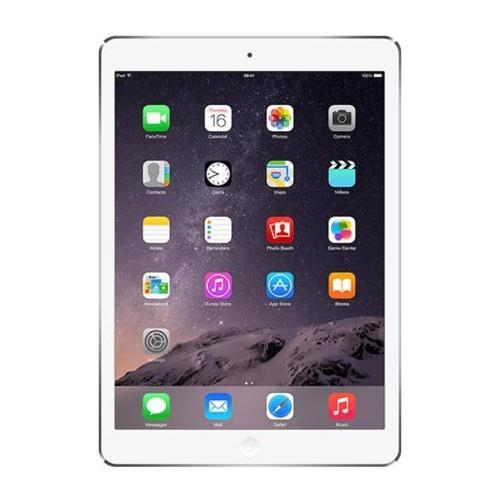
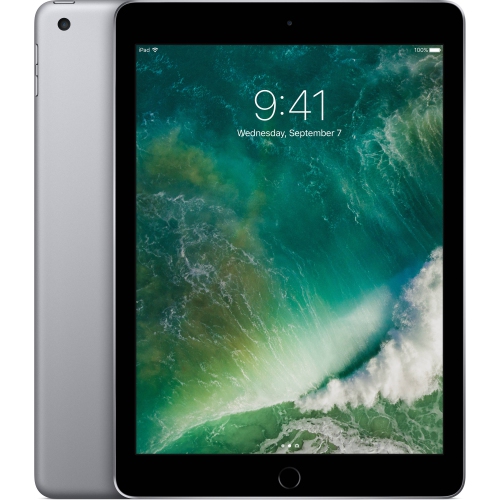
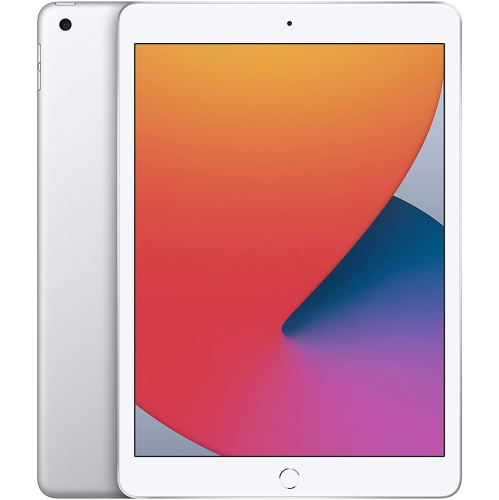
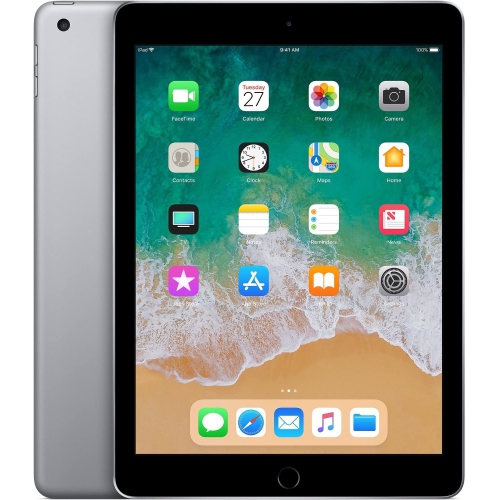
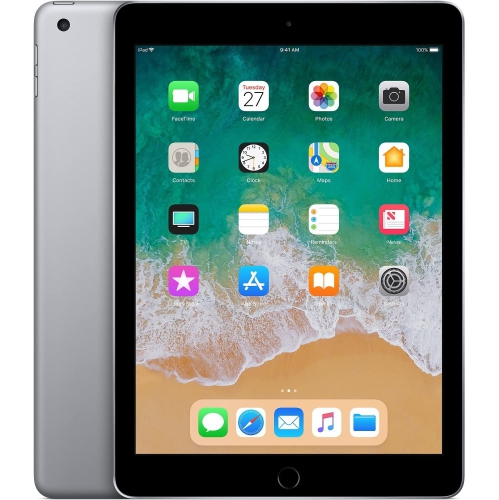
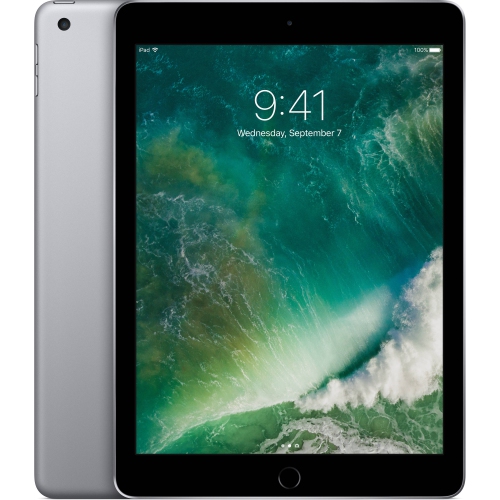
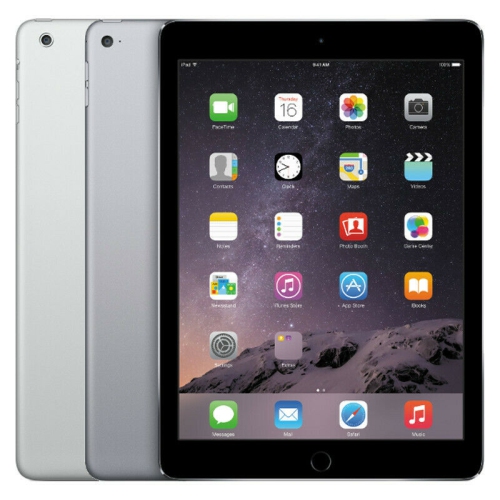
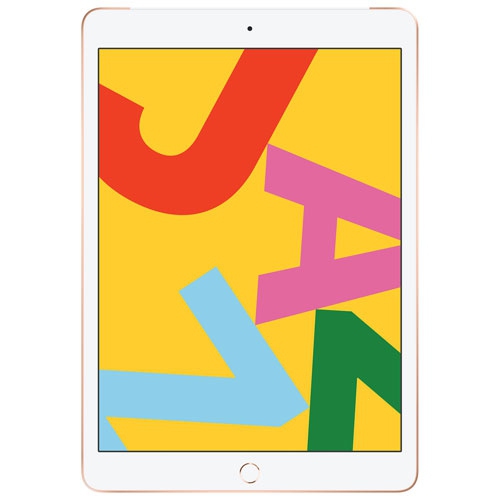
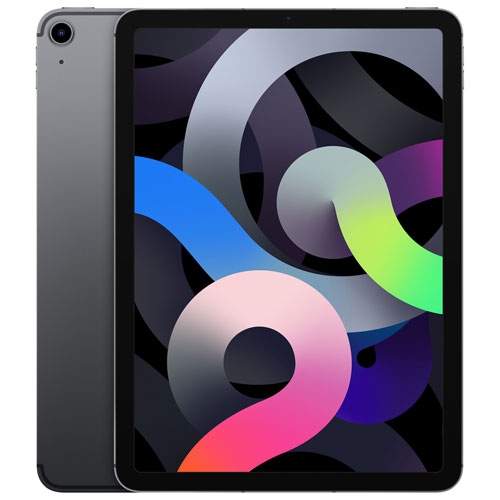
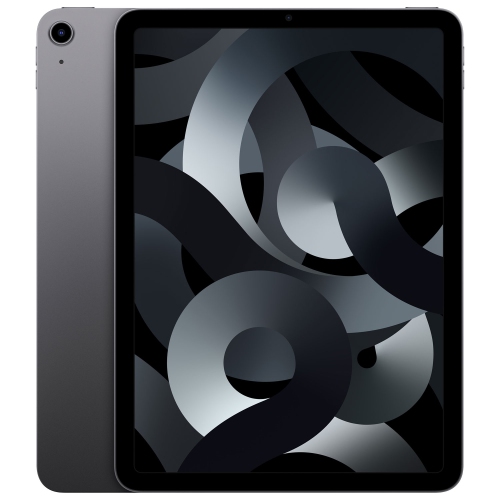
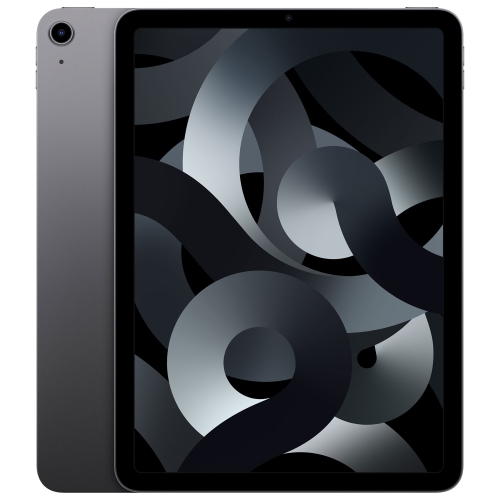
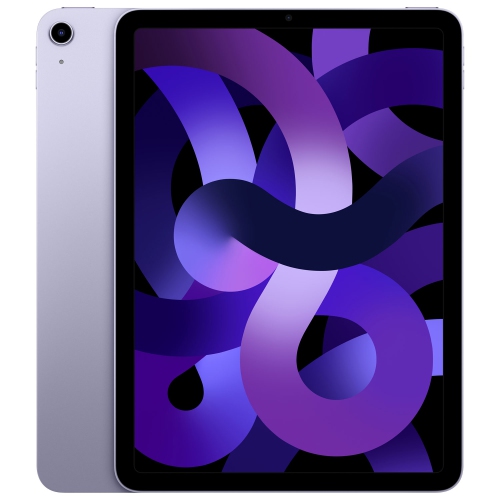
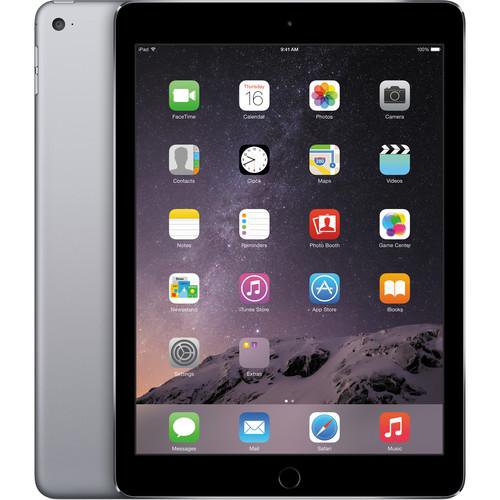
Looking for powerful tablets that combine sleek design with impressive performance? Look no further than iPad Air tablets with 32GB of memory. These cutting-edge devices offer a perfect balance of portability and functionality, making them an ideal choice for both work and play. Whether you're browsing the web, streaming your favorite shows, or tackling demanding tasks, iPad Air tablets with 32GB of memory deliver lightning-fast speeds and stunning visuals. With ample storage space, you can keep all your important files, photos, and apps right at your fingertips.
Sort
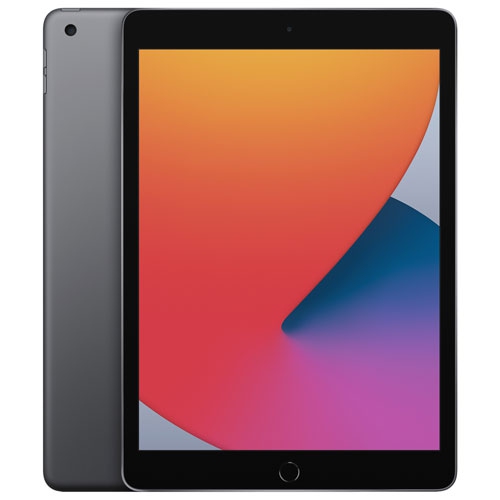
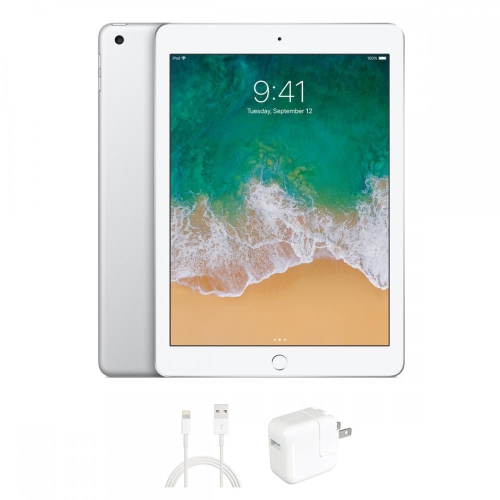
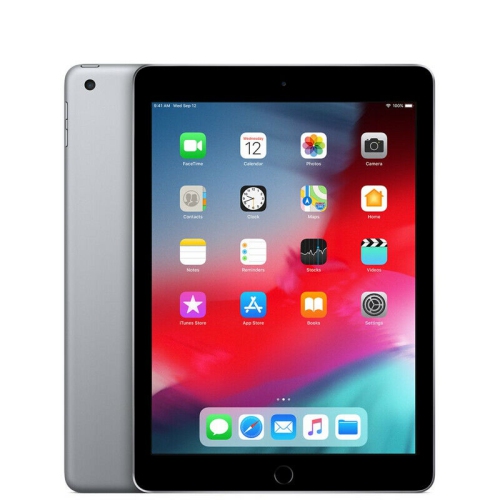
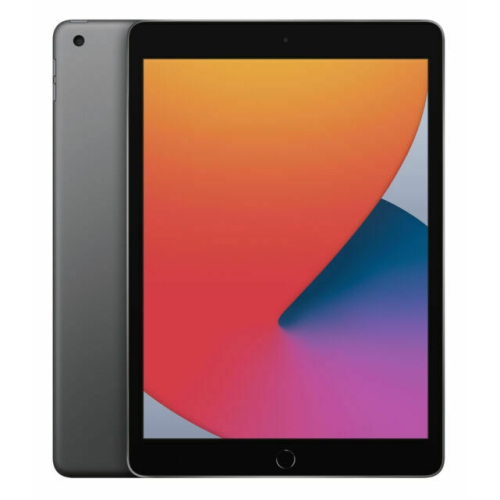
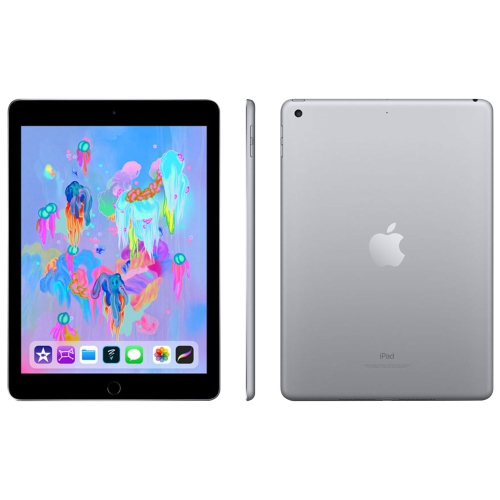
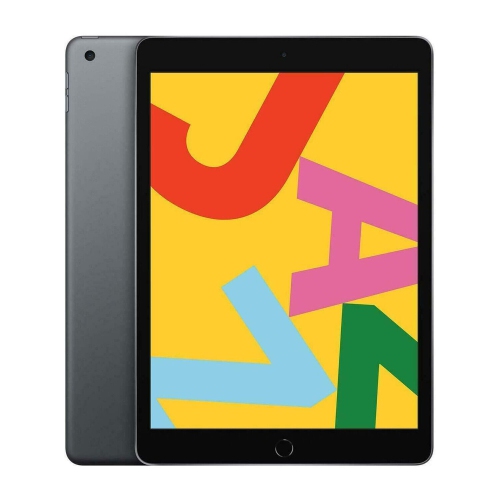
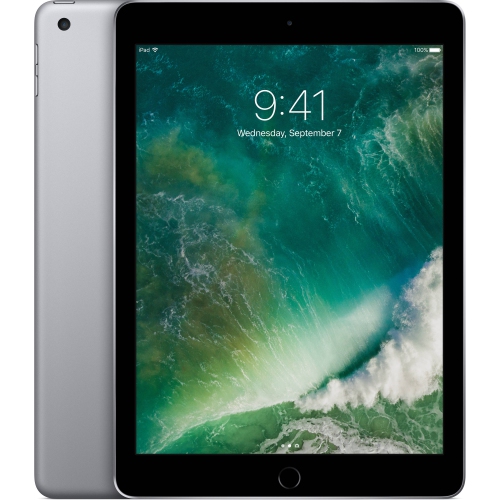
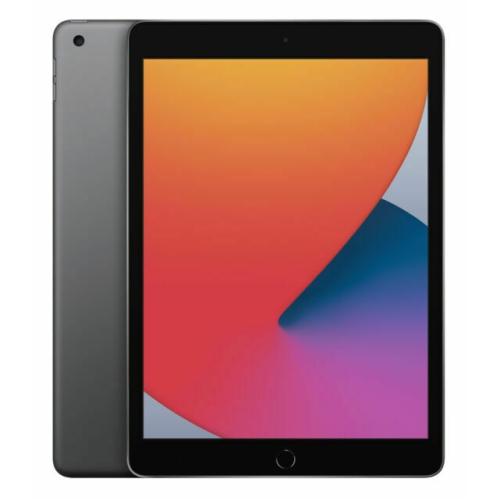
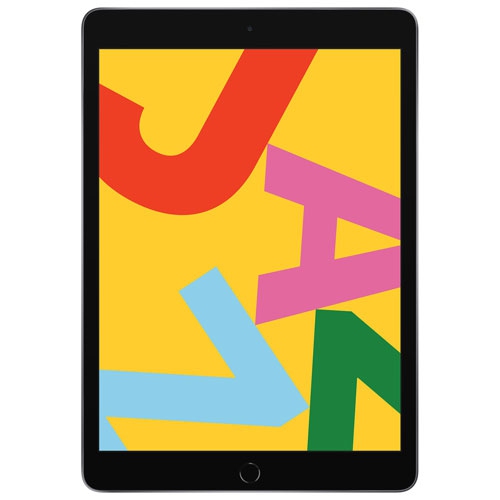
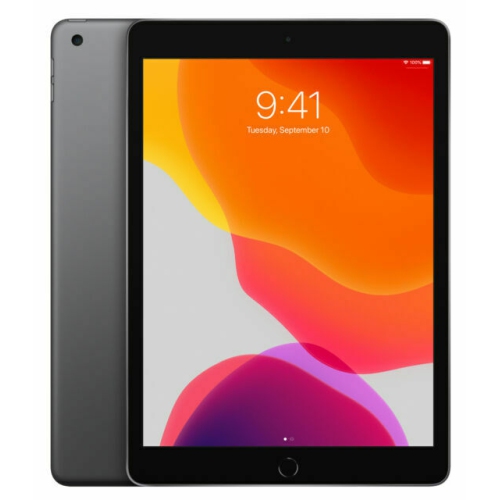
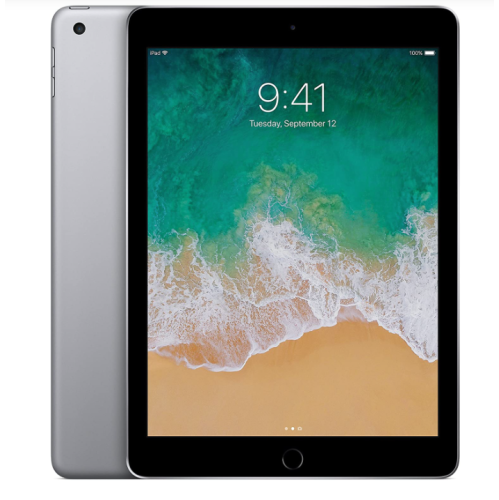
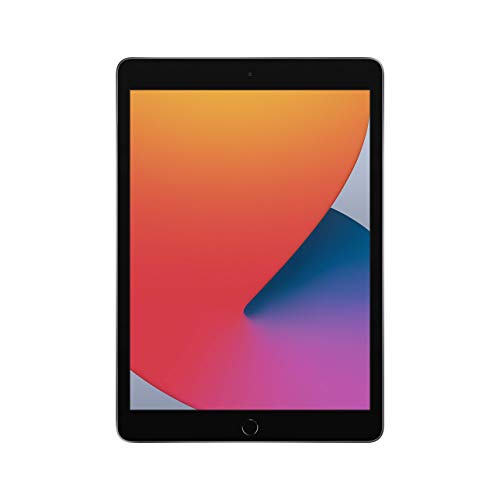

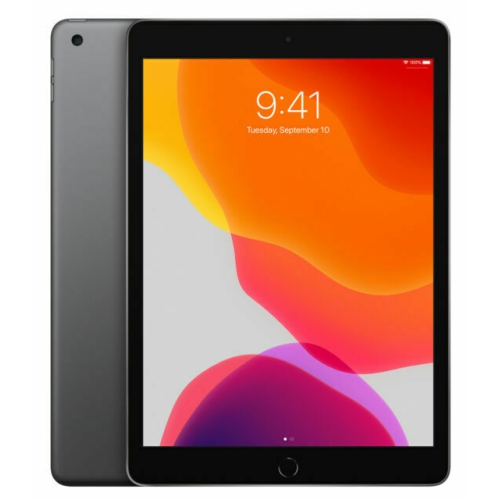
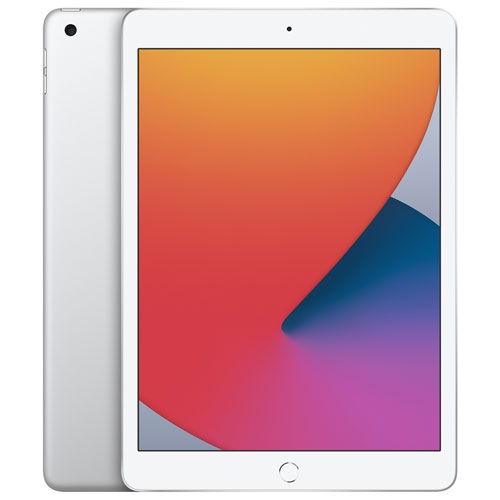
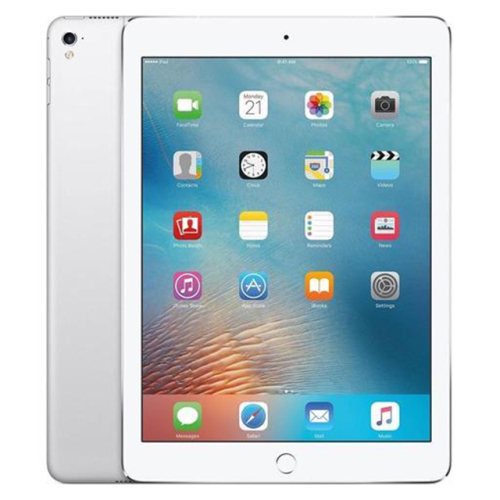
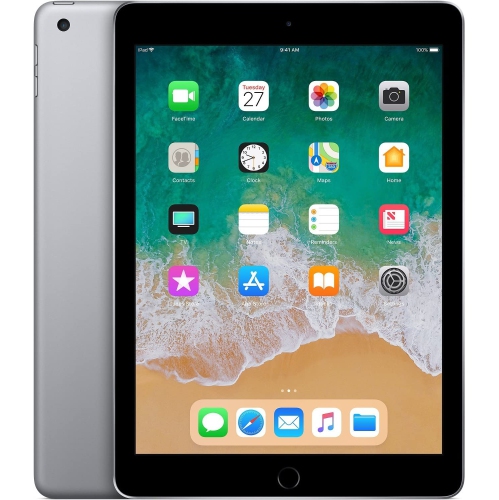

What 32GB means for everyday tablet use
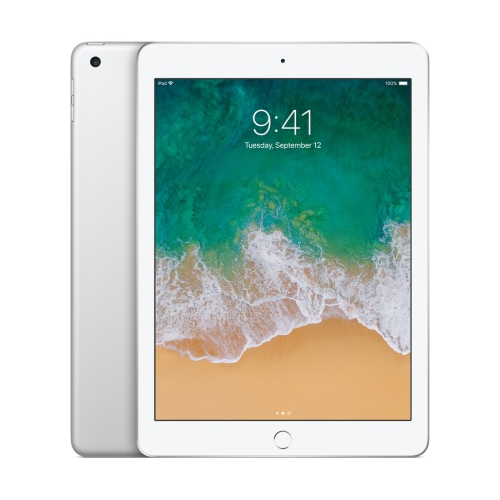
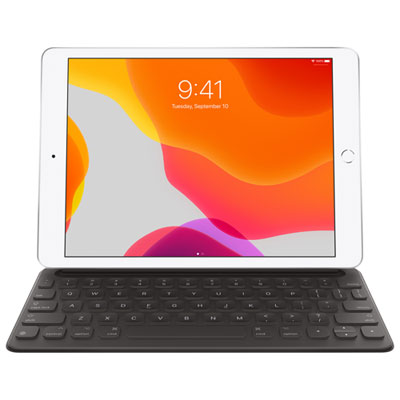
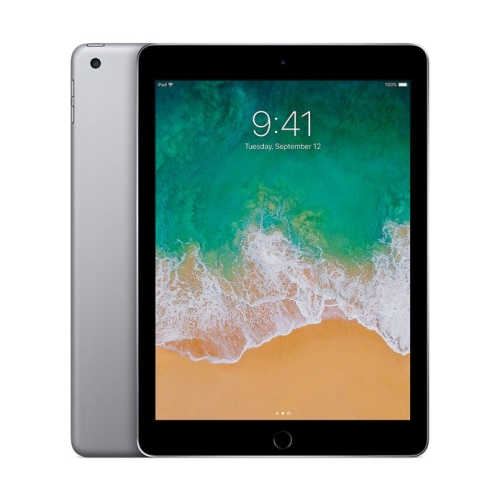
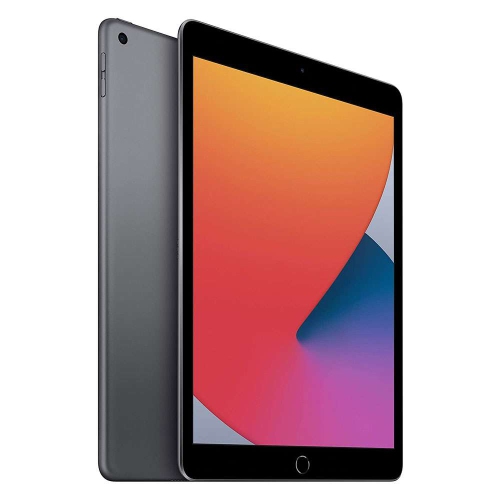
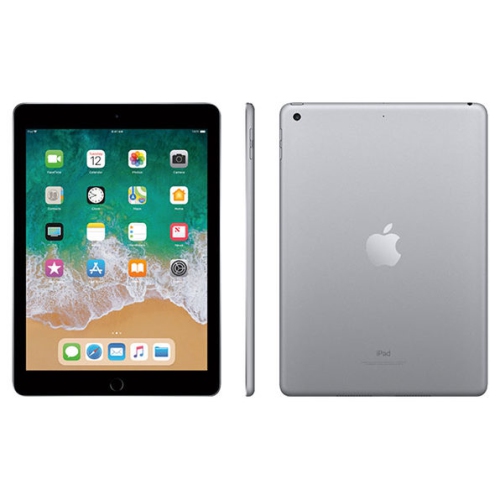
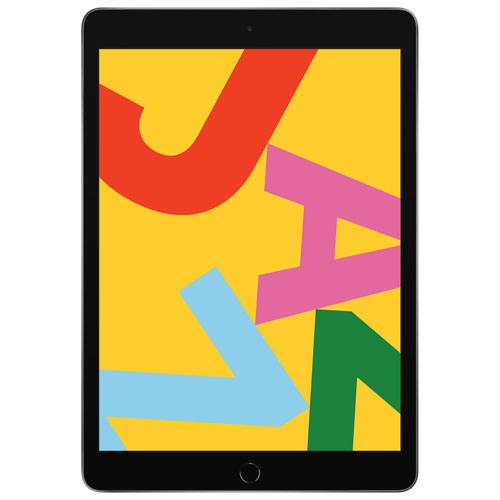
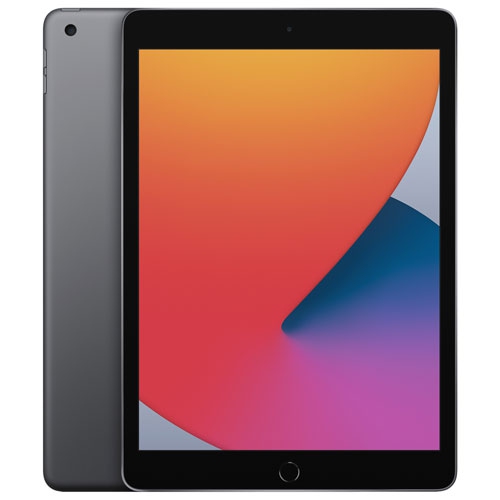
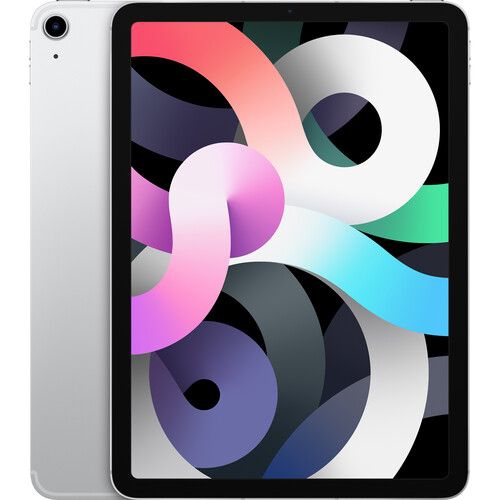
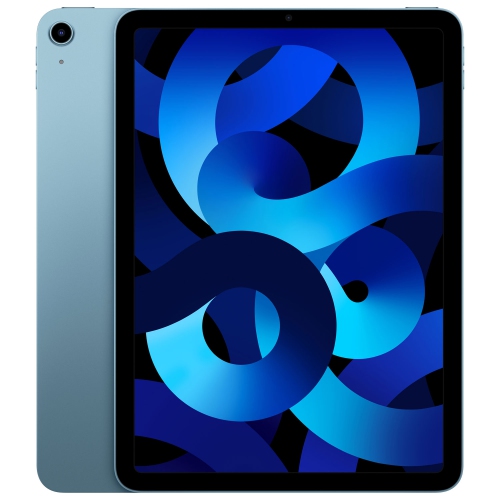
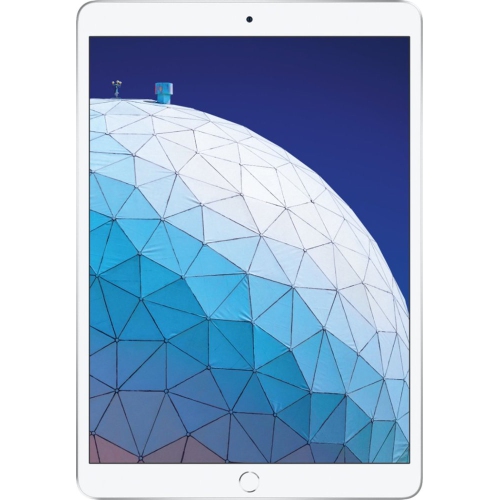
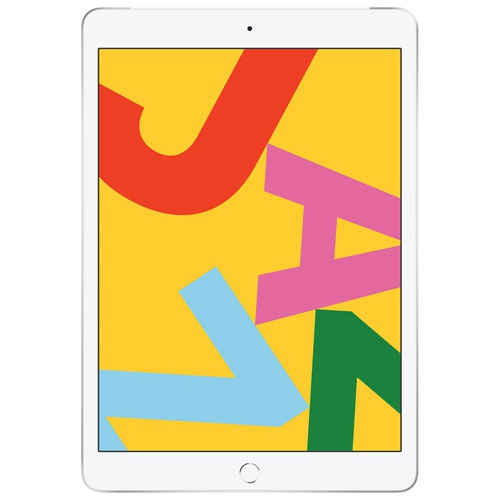
A 32GB tablet brings reading, web browsing, video calls, and casual entertainment into a portable touchscreen format that fits naturally into everyday routines. Its appeal is often straightforward: a screen with more room than a phone, without the size and setup of a laptop. For someone reading a library book on the sofa, following a recipe at the kitchen counter, or checking messages between appointments, a lightweight tablet can be a comfortable companion. The 32GB figure describes built-in storage rather than memory used to run applications, and some of that capacity is occupied by the operating system and essential files. The space left for personal content therefore matters more than the number alone. E-books, text documents, and a modest collection of photos generally make lighter demands than downloaded films, large games, or long video recordings. Streaming can reduce the need to keep media on the device, although it relies on a suitable internet connection and may use a mobile data allowance where applicable. Someone who mainly reads, browses, and watches online video may have different storage needs from a traveller who wants several films accessible without internet access. Built-in storage on tablets in this category generally cannot be increased with a memory card, so managing downloads is part of ownership. Cloud storage can help keep files accessible, but it does not increase the tablet’s internal capacity, and applications still need local space to install and operate. A 32GB capacity also does not identify a tablet’s generation, processing performance, or software compatibility. Those details affect everything from how quickly a webpage loads to whether a preferred video-calling application can be installed. For shoppers whose routines involve keeping more content on the device, the related iPad A16 Wi-Fi 128GB category offers a different storage capacity to consider alongside generation, connectivity, and intended use.
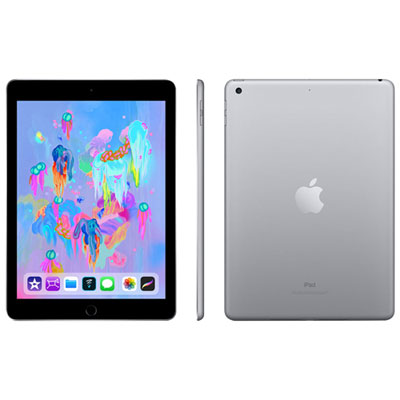
With older tablets, physical condition and software support deserve as much attention as screen size or storage. Refurbished and previously owned devices can differ in cosmetic appearance, battery condition, included accessories, and the testing or repairs completed before resale. A condition grade may describe scratches on the casing or marks around the edges, but it should not be treated as a complete statement about battery health or internal performance. Any stated testing standards, warranty terms, and return conditions help clarify what ownership involves. Rechargeable batteries lose capacity with age and use, so two tablets with similar specifications may deliver different amounts of time between charges. Someone who keeps a tablet on a desk for reading may be less affected by shorter battery life than a student carrying it between study sessions. Software compatibility is equally practical. An older operating system may still support some familiar tasks while no longer meeting the requirements of certain streaming platforms, school applications, or account sign-in features. Compatibility depends on the exact generation and the application’s requirements, not simply on the tablet’s outward appearance. Security update support also matters when a device will hold personal information or access important accounts. For a previously owned tablet, completion of a factory reset and removal of any previous owner’s account lock are important parts of a usable setup. Connectivity needs vary too: Wi-Fi access may be sufficient at home, while use away from familiar networks requires another suitable connection. Cellular capability, where present, depends on the model, service compatibility, and an appropriate plan; it should not be assumed from storage capacity. Charging connections and accessory support can also vary between generations. A charger, cable, keyboard, or stylus that works with one tablet may not work with another, even when their screens appear similar in size. Matching the exact model details helps prevent the frustration of an accessory that fits poorly or cannot connect.
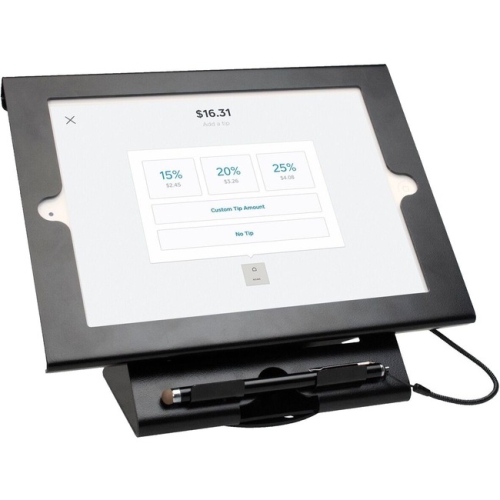
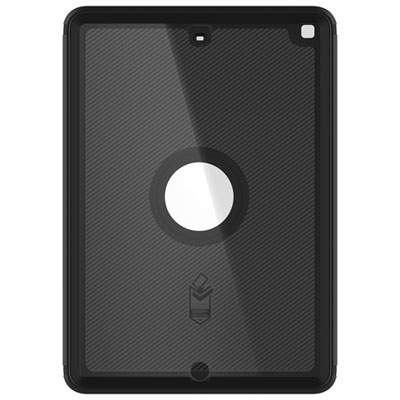
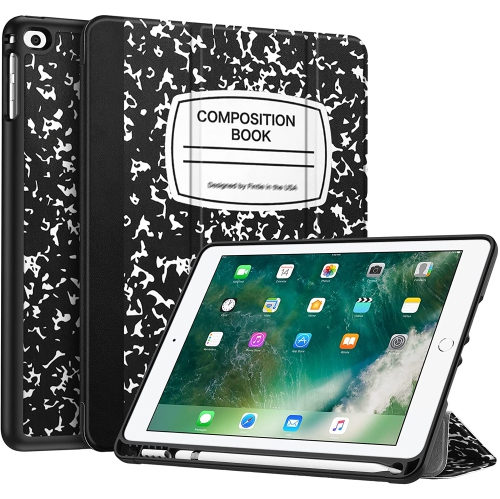
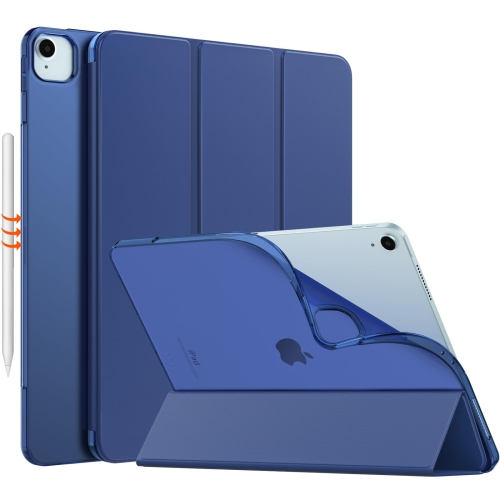
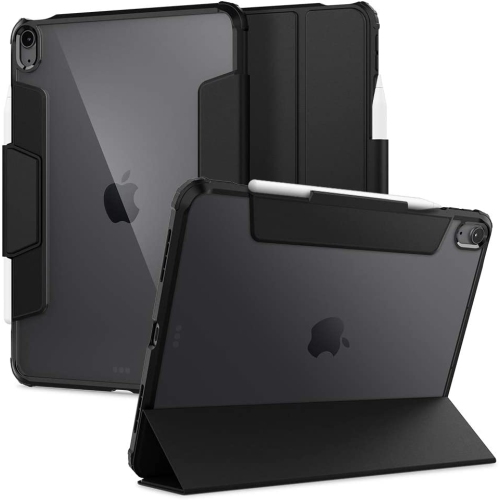
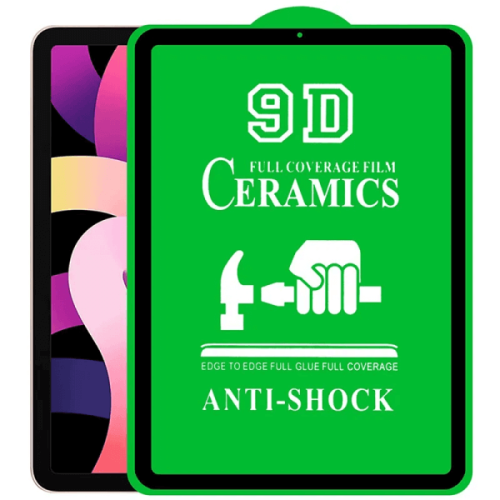
The physical design of a tablet shapes how pleasant it is to use over longer stretches. A glass touchscreen offers a smooth surface for swiping through articles and enlarging photographs, while a metal casing can provide a firm, slim structure. Neither material makes the device immune to damage: glass can crack after an awkward fall, and a casing can acquire dents or scratches in a crowded bag. A fitted case adds grip and helps protect exposed edges, while a folding cover or stand can hold the screen at a useful angle for watching a lesson or joining a family call. Fit depends on the exact generation, including the position of buttons, cameras, speakers, and charging ports. Screen size alone is not enough to establish compatibility. For someone reading in bed or holding the tablet during a commute, the combined weight of the device and its case can be more noticeable than expected. A stand is particularly useful for hands-free use at a table, and a compatible keyboard may make short emails or simple documents easier to type. Touchscreen typing remains convenient for quick searches, but longer writing tasks can expose the limits of a compact setup. Routine care is uncomplicated: a soft, lint-free cloth helps remove fingerprints, liquids should stay away from openings, and cleaning methods should follow the device maker’s directions. Carrying the tablet separately from keys and loose cables can help preserve the screen and finish. For children, a grippy protective case and appropriately configured parental controls can make shared use easier to manage, although application suitability and adult supervision remain important. For an older family member, adjustable text size and other supported accessibility settings may matter more than demanding game performance. As a gift, a tablet is most useful when its capabilities match the recipient’s actual habits, whether that means reading digital books, viewing family photos, or making video calls. A manageable selection of applications and enough free storage for updates can keep a modest-capacity device focused on the tasks its owner values most.
With older tablets, physical condition and software support deserve as much attention as screen size or storage. Refurbished and previously owned devices can differ in cosmetic appearance, battery condition, included accessories, and the testing or repairs completed before resale. A condition grade may describe scratches on the casing or marks around the edges, but it should not be treated as a complete statement about battery health or internal performance. Any stated testing standards, warranty terms, and return conditions help clarify what ownership involves. Rechargeable batteries lose capacity with age and use, so two tablets with similar specifications may deliver different amounts of time between charges. Someone who keeps a tablet on a desk for reading may be less affected by shorter battery life than a student carrying it between study sessions. Software compatibility is equally practical. An older operating system may still support some familiar tasks while no longer meeting the requirements of certain streaming platforms, school applications, or account sign-in features. Compatibility depends on the exact generation and the application’s requirements, not simply on the tablet’s outward appearance. Security update support also matters when a device will hold personal information or access important accounts. For a previously owned tablet, completion of a factory reset and removal of any previous owner’s account lock are important parts of a usable setup. Connectivity needs vary too: Wi-Fi access may be sufficient at home, while use away from familiar networks requires another suitable connection. Cellular capability, where present, depends on the model, service compatibility, and an appropriate plan; it should not be assumed from storage capacity. Charging connections and accessory support can also vary between generations. A charger, cable, keyboard, or stylus that works with one tablet may not work with another, even when their screens appear similar in size. Matching the exact model details helps prevent the frustration of an accessory that fits poorly or cannot connect.
The physical design of a tablet shapes how pleasant it is to use over longer stretches. A glass touchscreen offers a smooth surface for swiping through articles and enlarging photographs, while a metal casing can provide a firm, slim structure. Neither material makes the device immune to damage: glass can crack after an awkward fall, and a casing can acquire dents or scratches in a crowded bag. A fitted case adds grip and helps protect exposed edges, while a folding cover or stand can hold the screen at a useful angle for watching a lesson or joining a family call. Fit depends on the exact generation, including the position of buttons, cameras, speakers, and charging ports. Screen size alone is not enough to establish compatibility. For someone reading in bed or holding the tablet during a commute, the combined weight of the device and its case can be more noticeable than expected. A stand is particularly useful for hands-free use at a table, and a compatible keyboard may make short emails or simple documents easier to type. Touchscreen typing remains convenient for quick searches, but longer writing tasks can expose the limits of a compact setup. Routine care is uncomplicated: a soft, lint-free cloth helps remove fingerprints, liquids should stay away from openings, and cleaning methods should follow the device maker’s directions. Carrying the tablet separately from keys and loose cables can help preserve the screen and finish. For children, a grippy protective case and appropriately configured parental controls can make shared use easier to manage, although application suitability and adult supervision remain important. For an older family member, adjustable text size and other supported accessibility settings may matter more than demanding game performance. As a gift, a tablet is most useful when its capabilities match the recipient’s actual habits, whether that means reading digital books, viewing family photos, or making video calls. A manageable selection of applications and enough free storage for updates can keep a modest-capacity device focused on the tasks its owner values most.
Top selling and popular products
-
 Your price for this item is $109.99
 -
 Your price for this item is $617.99
 -
 Your price for this item is $639.99
 -
 Your price for this item is $645.55
 -
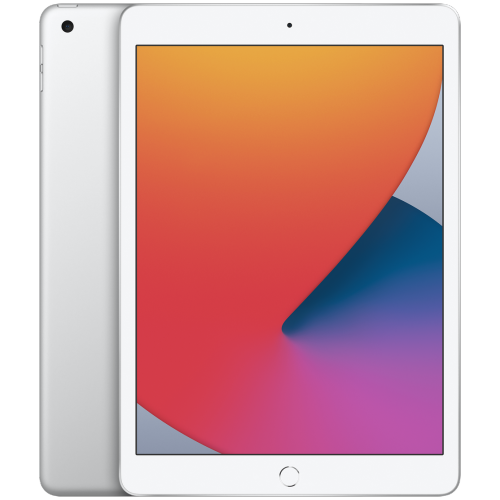 Your price for this item is $148.99
 -
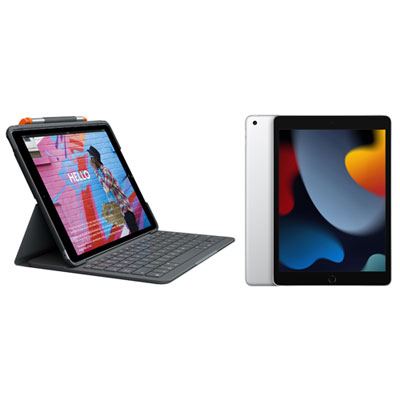 Your price for this item is $468.98
 -
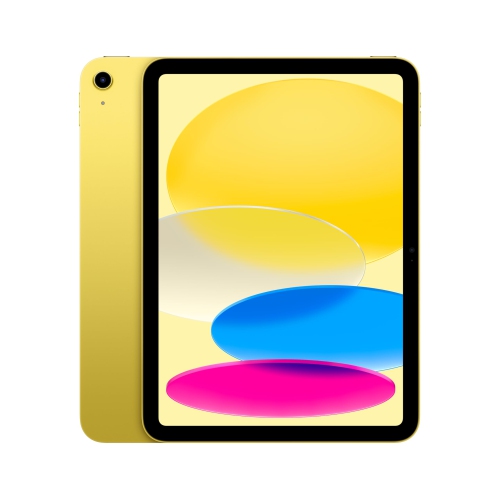 Your price for this item is $639.99
 -
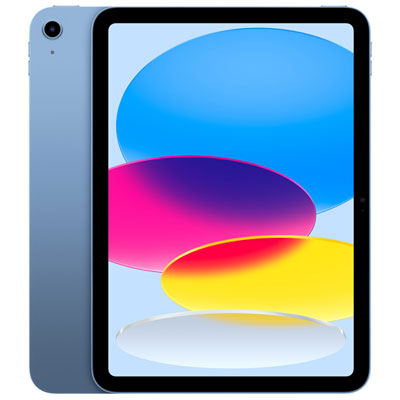 Your price for this item is $649.99
Discover more categories related to iPad Air 32GB
Top Collections:
Pokemon Centers, Kindle Devices, Best Budget Office Chairs, Apple iPhones 16, Best Laptops for Writers, iPhone 15 Apple, Canon G7X Cameras, Refurbished Apple Laptops, Alarm Clock, Motorola Razr Phones
Some products may be subject to Environmental Handling Fees
(EHF) depending on your province.
Learn more about EHFs.