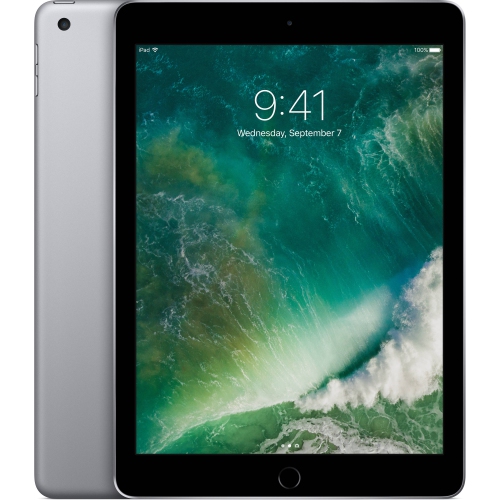
iPad Air 2 128GB
Explore the versatility and performance of the iPad Air 2 128GB, designed to keep up with your busy lifestyle. With ample storage space, this tablet is ideal for managing work, entertainment, and creative projects on the go. Its sleek design and intuitive interface make it a popular choice for users seeking both style and functionality. Discover how the iPad Air 2 128GB can enhance your daily routine, whether you're browsing, streaming, or staying productive wherever you are.
Sort
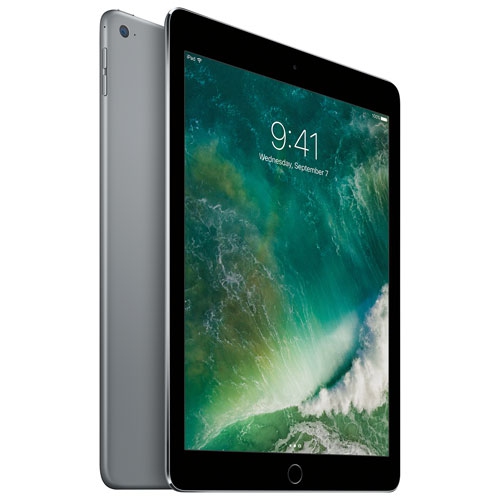

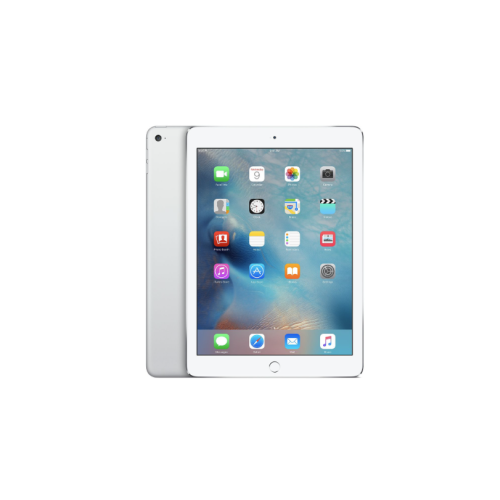
What 128GB can offer in an older tablet
An earlier-generation tablet with 128GB of storage can suit everyday reading, video viewing, music playback and light document work, provided its software supports the apps and services involved. This capacity gives personal files room alongside applications, making it useful for someone who likes to keep books, photos and downloaded entertainment close at hand. A 9.7-inch screen offers a comfortable middle ground between a phone and a laptop: large enough to display a recipe beside a mixing bowl, show a full page of an illustrated book or make a video conversation easier to follow, yet compact enough to slip into a small backpack. For reading on the sofa or watching a programme at a desk, screen proportions and a stable stand can matter as much as the storage figure. Text size, display brightness and glare also affect comfort, particularly when reading lengthy articles or viewing documents with small print. Slim tablets with aluminium bodies have a smooth, rigid feel, although their glass screens and exposed edges still need protection against knocks. A fitted case adds grip and helps keep the device steady on a table, while a folding cover can support a more comfortable viewing angle. Anyone planning to type longer emails or work on assignments may prefer a compatible wireless keyboard rather than relying entirely on the touchscreen. For occasional sketching or handwritten notes, stylus compatibility deserves particular attention because a touchscreen does not automatically support every type of digital pen. These tablets can be practical for casual home use, travel entertainment or a dedicated reading device, but demanding games, complex creative projects and extensive multitasking place greater demands on older hardware. The best fit comes from matching the device’s capabilities to the tasks it will actually handle, rather than treating storage capacity as a measure of overall speed.
The appeal of 128GB is the flexibility to keep a mix of content on the device without depending on a connection for every activity. Downloaded films for a long journey, a collection of digital magazines, family photos and reference documents all use that space differently. High-resolution video and large games can occupy substantially more room than ebooks or ordinary text files, so two people with the same capacity may have very different storage needs. Some space is reserved for the operating system and related files, meaning the full stated capacity is not available for personal content. Cloud storage can help keep documents accessible across devices, but it does not increase the tablet’s built-in storage, and files may need to be downloaded before they can be opened offline. Similarly, a streaming subscription does not guarantee that every title can be saved for later viewing; download permissions depend on the service and content. Connectivity is another important distinction within older tablet ranges. Wi-Fi-only versions connect through a suitable wireless network, while cellular-capable versions may also connect through a compatible mobile service. Cellular capability does not mean a mobile plan is included, and network compatibility depends on the device variant and service provider. For use at home, a reliable Wi-Fi connection may be sufficient for browsing and supported video calls. Away from a familiar network, downloaded content can be especially useful. Software compatibility remains a separate consideration from both storage and connectivity. Earlier-generation tablets may have reached the end of major operating-system updates, and some apps, websites or security features may require newer software than the device supports. A familiar app name alone does not establish compatibility, since its minimum requirements can change. This matters for school platforms, workplace tools, banking services and streaming applications. For someone who depends on a particular service, its supported software requirements are more meaningful than the amount of free storage on the tablet. Browser access may offer an alternative for some tasks, but it should not be assumed to reproduce every feature of a dedicated app.
With an older tablet, physical condition and battery health have a direct effect on daily enjoyment. A clean-looking casing does not necessarily reveal how long the battery will last between charges, and battery performance varies with age, use, screen brightness and the task being performed. Reading a downloaded book is different from holding a video call or running a graphics-heavy game. Descriptions such as used, refurbished and open-box can also refer to different product histories, so condition details, testing information, included accessories and warranty terms deserve attention. Screen scratches, worn charging connections, inconsistent touch response and damaged buttons can be more disruptive than minor marks on the back. Dimensions and cut-outs matter when pairing a tablet with a case: a cover made for a different generation may obstruct the camera, speakers or charging connection even when the screen size seems similar. Everyday care is straightforward. A soft, lint-free cloth helps remove fingerprints, while liquids should stay away from openings and the device should not be carried loose beside keys or other hard objects. A padded compartment protects it during transport, and a stable stand reduces the chance of it sliding from a counter or crowded desk. For a child, a grippy case and appropriately configured account settings can make shared use more manageable; for an adult receiving one as a gift, readable text, comfortable handling and access to familiar services may matter more than a long feature list. Someone keeping a modest library of books and entertainment may find 128GB well suited to that routine. For substantially larger offline collections, iPad Air 512GB options provide a higher-capacity comparison, though generation, software support and accessory compatibility remain separate specifications. A suitable tablet is ultimately one whose condition, screen, connectivity and supported applications work together for its intended role, whether that is reading in a favourite chair, following recipes in the kitchen or keeping entertainment within easy reach while travelling.
The appeal of 128GB is the flexibility to keep a mix of content on the device without depending on a connection for every activity. Downloaded films for a long journey, a collection of digital magazines, family photos and reference documents all use that space differently. High-resolution video and large games can occupy substantially more room than ebooks or ordinary text files, so two people with the same capacity may have very different storage needs. Some space is reserved for the operating system and related files, meaning the full stated capacity is not available for personal content. Cloud storage can help keep documents accessible across devices, but it does not increase the tablet’s built-in storage, and files may need to be downloaded before they can be opened offline. Similarly, a streaming subscription does not guarantee that every title can be saved for later viewing; download permissions depend on the service and content. Connectivity is another important distinction within older tablet ranges. Wi-Fi-only versions connect through a suitable wireless network, while cellular-capable versions may also connect through a compatible mobile service. Cellular capability does not mean a mobile plan is included, and network compatibility depends on the device variant and service provider. For use at home, a reliable Wi-Fi connection may be sufficient for browsing and supported video calls. Away from a familiar network, downloaded content can be especially useful. Software compatibility remains a separate consideration from both storage and connectivity. Earlier-generation tablets may have reached the end of major operating-system updates, and some apps, websites or security features may require newer software than the device supports. A familiar app name alone does not establish compatibility, since its minimum requirements can change. This matters for school platforms, workplace tools, banking services and streaming applications. For someone who depends on a particular service, its supported software requirements are more meaningful than the amount of free storage on the tablet. Browser access may offer an alternative for some tasks, but it should not be assumed to reproduce every feature of a dedicated app.
With an older tablet, physical condition and battery health have a direct effect on daily enjoyment. A clean-looking casing does not necessarily reveal how long the battery will last between charges, and battery performance varies with age, use, screen brightness and the task being performed. Reading a downloaded book is different from holding a video call or running a graphics-heavy game. Descriptions such as used, refurbished and open-box can also refer to different product histories, so condition details, testing information, included accessories and warranty terms deserve attention. Screen scratches, worn charging connections, inconsistent touch response and damaged buttons can be more disruptive than minor marks on the back. Dimensions and cut-outs matter when pairing a tablet with a case: a cover made for a different generation may obstruct the camera, speakers or charging connection even when the screen size seems similar. Everyday care is straightforward. A soft, lint-free cloth helps remove fingerprints, while liquids should stay away from openings and the device should not be carried loose beside keys or other hard objects. A padded compartment protects it during transport, and a stable stand reduces the chance of it sliding from a counter or crowded desk. For a child, a grippy case and appropriately configured account settings can make shared use more manageable; for an adult receiving one as a gift, readable text, comfortable handling and access to familiar services may matter more than a long feature list. Someone keeping a modest library of books and entertainment may find 128GB well suited to that routine. For substantially larger offline collections, iPad Air 512GB options provide a higher-capacity comparison, though generation, software support and accessory compatibility remain separate specifications. A suitable tablet is ultimately one whose condition, screen, connectivity and supported applications work together for its intended role, whether that is reading in a favourite chair, following recipes in the kitchen or keeping entertainment within easy reach while travelling.
Top selling and popular products
-
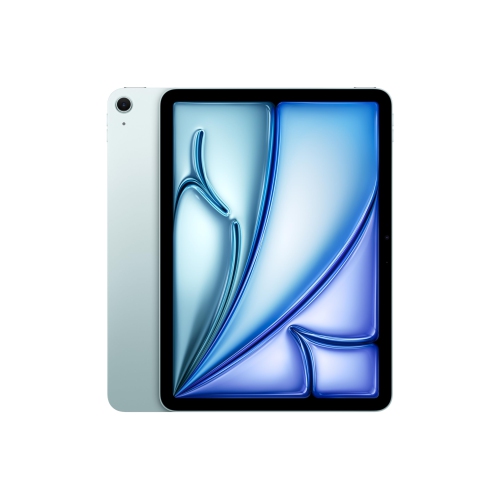 Your price for this item is $889.99
-
 Your price for this item is $949.97
-
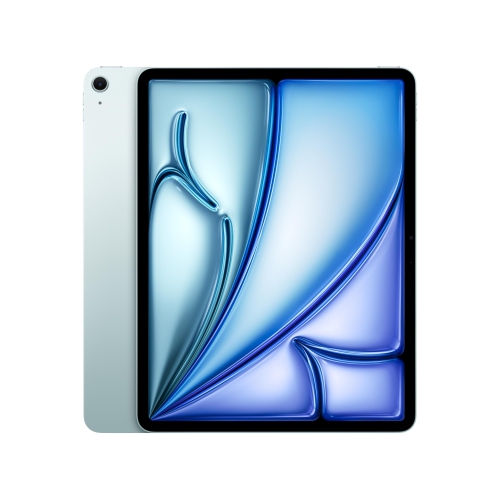 Your price for this item is $1549.99
-
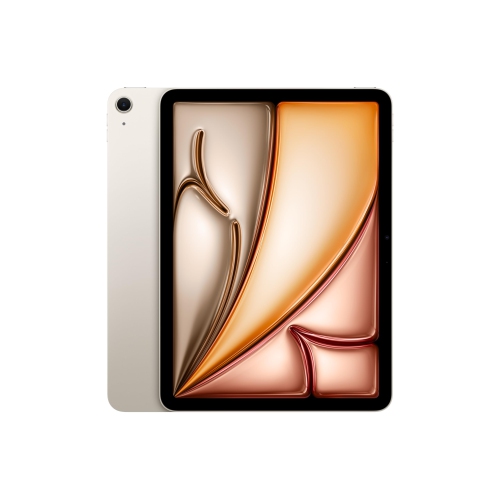 Your price for this item is $869.99
-
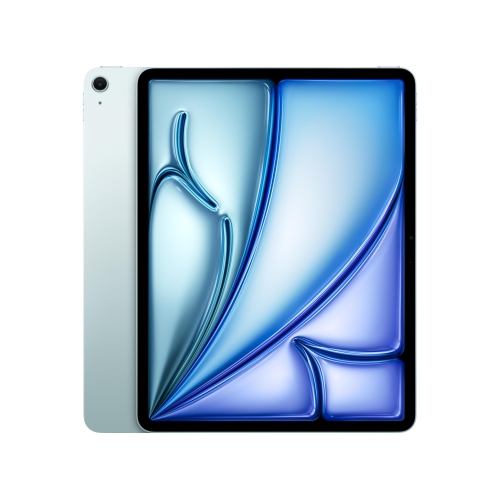 Your price for this item is $1195.99
-
 Your price for this item is $949.99
-
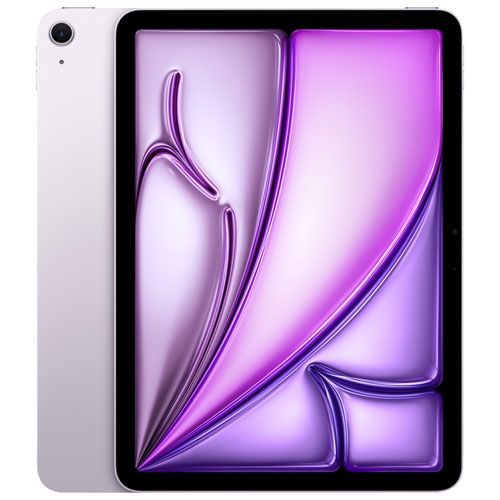 Your price for this item is $949.98
-
 Your price for this item is $979.99
Discover more categories related to iPad Air 2 128GB

Top Collections:
Best Black Friday Deals This Year, Best Black Friday Deals On Electronics, Kindle Devices, Pokemon Centers, Best Black Friday Deals On Apple Products, Best Cameras for Sports Photography, Dyson Airwrap, Pokémon 30th Celebration Cards, Apple iPhone 17 Pro, Canon G7X Cameras
Some products may be subject to Environmental Handling Fees
(EHF) depending on your province.
Learn more about EHFs.