Ipad Bundles
Explore our selection of iPad bundles designed to enhance your digital experience. Whether you're a student looking for a productivity boost, a creative professional seeking powerful tools, or simply in need of entertainment on the go, these bundles offer everything you need in one convenient package. From versatile accessories to must-have software, find the perfect combination to suit your lifestyle and make the most of your iPad.
Sort
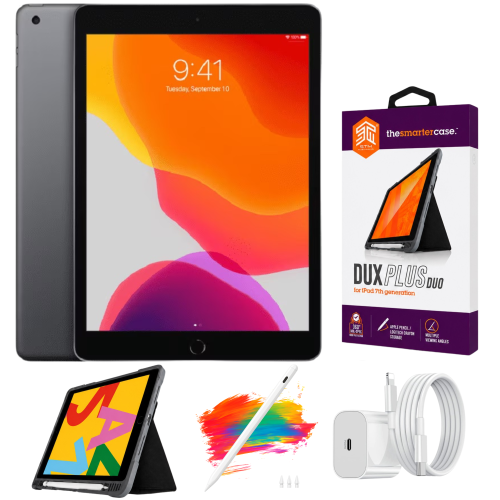
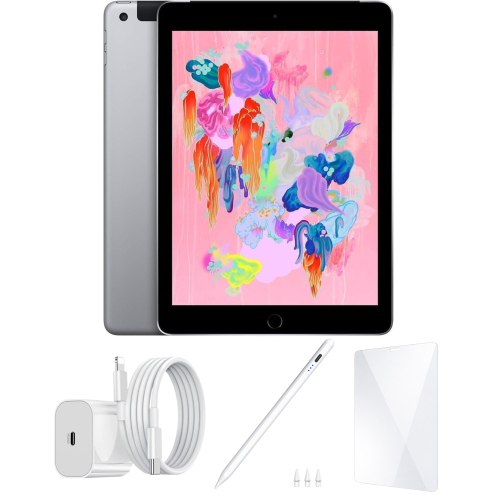
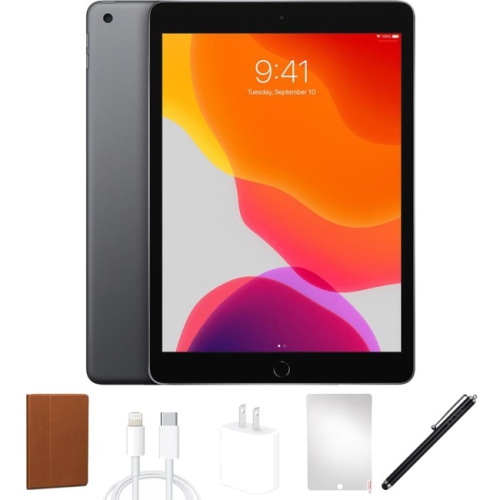
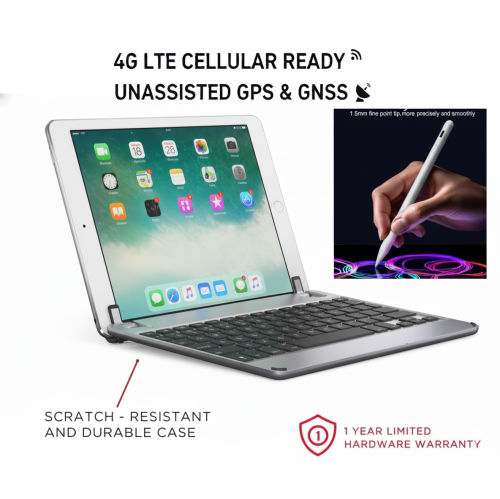
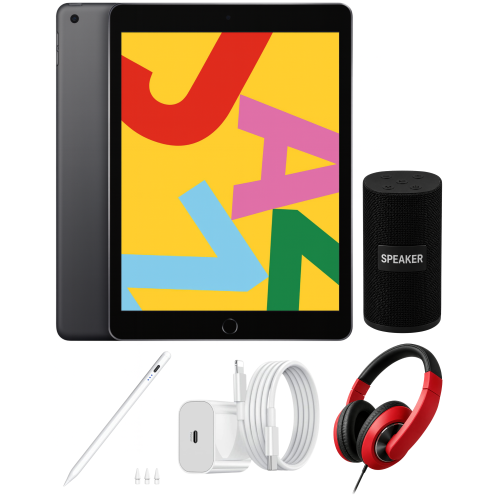
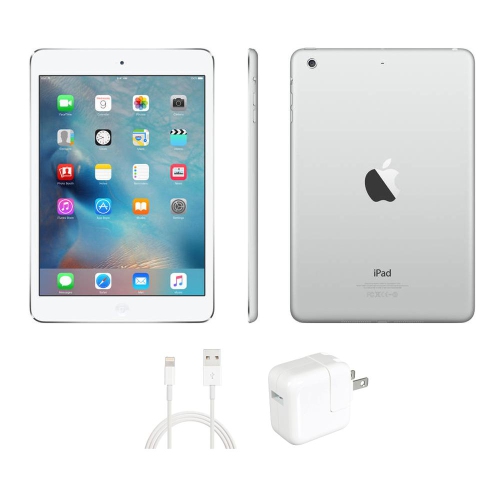
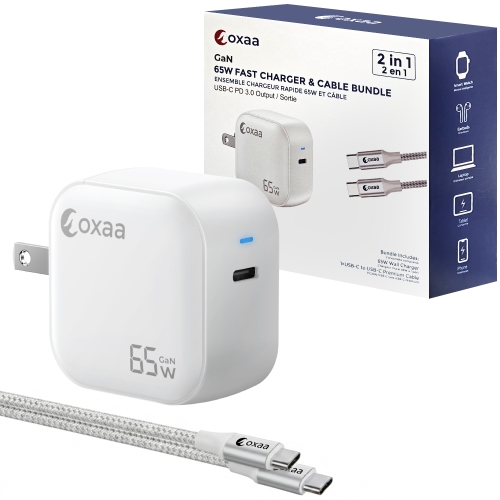
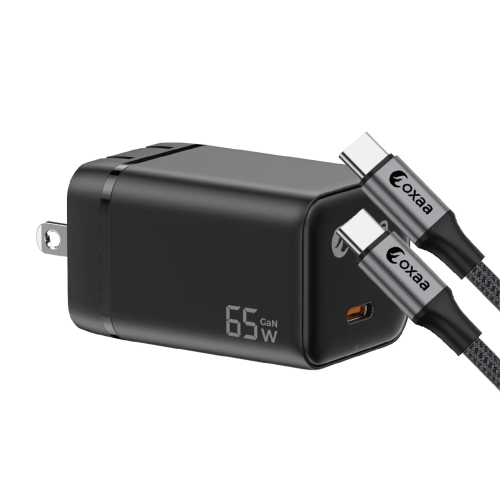
The right accessories make everyday iPad tasks easier
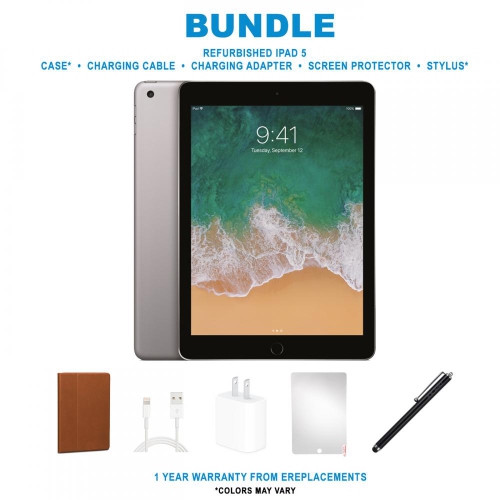
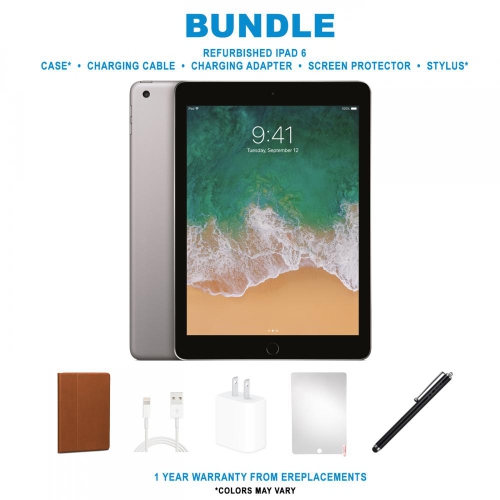
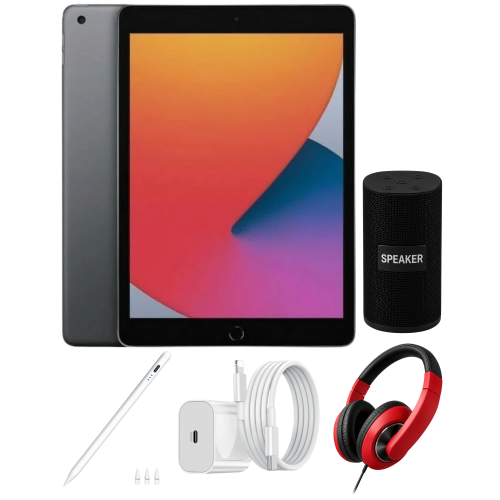
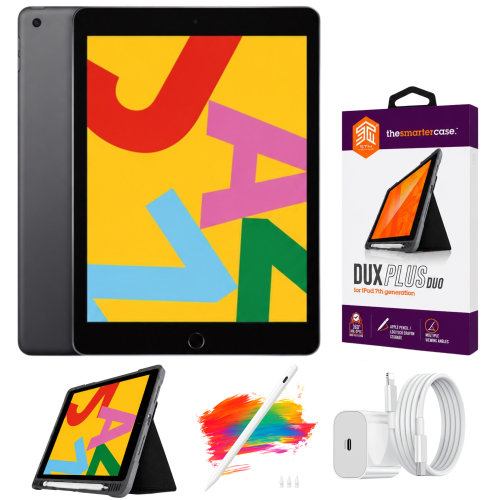
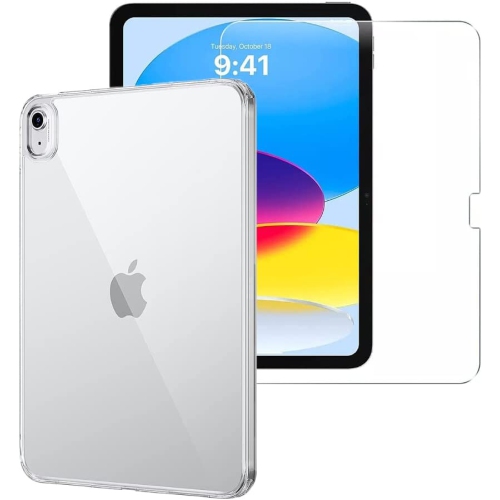
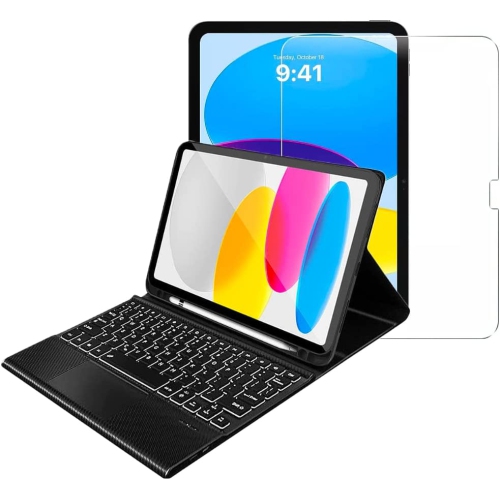
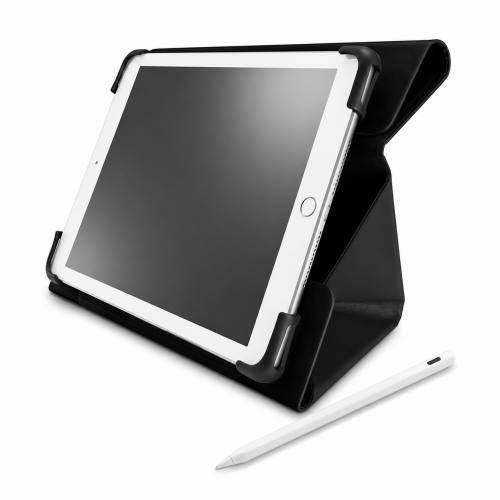
iPad bundles bring together a tablet and complementary accessories for everyday activities such as reading, studying, drawing, video calling, and working on the go. A bundle may pair the tablet with a protective case, keyboard, stylus, or charging accessories, with the exact combination defining how it fits into a daily routine. A case and stand can support hands-free viewing on a kitchen counter, while a keyboard can make longer emails and class assignments more comfortable to type. For someone who annotates documents or sketches ideas, a compatible stylus adds a more direct way to work on the screen. These combinations serve different purposes, so a bundle built around protection and portability has a different appeal from one focused on writing or creative work. The tablet itself remains central to that experience. Screen size affects how comfortably documents, videos, and apps fit on the display, as well as how easily the device slips into a bag. A smaller format can feel manageable when reading on transit or holding the tablet in one hand, while a larger display gives spreadsheets, handwritten notes, and drawing tools more room. Storage needs depend on what stays on the device: downloaded films, large games, photos, and creative projects take up space, while streamed content and online documents rely more heavily on a connection. Wi-Fi supports connected use at home, school, and other locations with a suitable network. Cellular-capable tablets can also support mobile data with an appropriate plan, although that capability should not be assumed to be part of every bundle. Battery life varies with screen brightness, apps, video calls, and other tasks. Together, these details shape whether a package feels suited to occasional entertainment, a full day of classes, or a mix of personal and professional use. The most useful combination is one whose accessories support those activities without adding unnecessary weight or complexity.
The fit and construction of the accessories matter just as much as the number of components. Cases and fitted keyboards need to match the tablet’s exact model and generation, not simply an approximate screen measurement. Camera openings, button positions, speaker cut-outs, and charging ports can differ between devices that look similar. Stylus compatibility also varies, including how the pen connects, charges, and attaches for storage. A protective cover may use a rigid shell to hold the tablet securely, flexible edges to make installation easier, or a fabric-like exterior for a comfortable grip. Materials have different care requirements, and a soft finish may show marks differently from a smooth surface. Raised edges can help keep the screen from resting directly against a table, while reinforced corners may provide additional cushioning; neither feature makes a tablet immune to damage. A folio cover that folds into a stand is useful for watching a lesson or following a recipe, but its viewing angles and stability affect everyday comfort. A stand that works well on a firm desk may feel less secure on a lap. Keyboard layouts, key spacing, and the presence of a trackpad can change how natural typing and navigation feel during longer sessions. Some keyboards draw power from the tablet through a compatible connector, while others use a separate battery and wireless connection. Charging arrangements deserve similar attention: the connector, cable, and power adapter need to work together, and a cable alone does not provide power from a wall outlet. For regular care, a clean, soft, lint-free cloth helps remove fingerprints without introducing abrasive particles. Cleaning methods should follow the device and accessory manufacturers’ directions, with moisture kept away from openings. A padded compartment protects against scratches inside a bag, and keeping loose keys and other hard objects away from the screen helps preserve its finish. Thoughtful handling, sound hinges, secure closures, and accessible ports all contribute to a setup that remains comfortable to use over time.
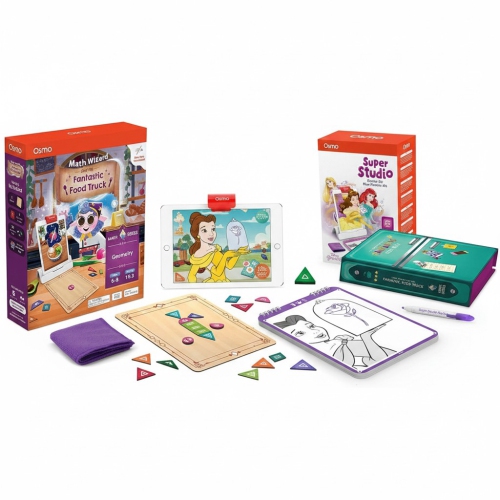
Different households and routines give iPad bundles their practical appeal. A student might move between handwritten lecture notes, typed assignments, and recorded presentations, making a keyboard, stylus, and stable stand useful in different parts of the same day. Someone who reads digital books and keeps in touch with family may prefer a lighter case and an adjustable viewing position rather than a full typing setup. Creative users can benefit from a compatible pen for sketching, marking up photographs, or planning a room layout, although the experience also depends on the apps and tools they use. For shared household use, an easy-to-clean cover, secure grip, and straightforward charging arrangement can matter more than extra accessories. Children may need a case designed for their age and handling habits, along with suitable content settings and adult supervision. During video calls, a stand that keeps the camera near eye level can make conversations more comfortable, while clear access to microphones and speakers helps avoid muffled sound. Accessibility preferences also influence the fit: touch controls, voice features, larger text, and keyboard navigation can each play a role, depending on the device and software. As a birthday or graduation gift, a tablet bundle is most personal when its contents reflect the recipient’s interests and the accessories they already own. Familiarity with their preferred screen size, typing habits, and charging setup helps prevent duplication or an awkward fit. A portable tablet arrangement serves a different purpose from Desktop Bundles, which suit a more permanent workspace, so the intended setting remains an important distinction. For tablet use, the strongest combination is not necessarily the one with the most pieces. It is the one that makes familiar activities easier, whether that means propping up a recipe beside a mixing bowl, reviewing notes at a library table, or settling into a favourite chair with a book.
The fit and construction of the accessories matter just as much as the number of components. Cases and fitted keyboards need to match the tablet’s exact model and generation, not simply an approximate screen measurement. Camera openings, button positions, speaker cut-outs, and charging ports can differ between devices that look similar. Stylus compatibility also varies, including how the pen connects, charges, and attaches for storage. A protective cover may use a rigid shell to hold the tablet securely, flexible edges to make installation easier, or a fabric-like exterior for a comfortable grip. Materials have different care requirements, and a soft finish may show marks differently from a smooth surface. Raised edges can help keep the screen from resting directly against a table, while reinforced corners may provide additional cushioning; neither feature makes a tablet immune to damage. A folio cover that folds into a stand is useful for watching a lesson or following a recipe, but its viewing angles and stability affect everyday comfort. A stand that works well on a firm desk may feel less secure on a lap. Keyboard layouts, key spacing, and the presence of a trackpad can change how natural typing and navigation feel during longer sessions. Some keyboards draw power from the tablet through a compatible connector, while others use a separate battery and wireless connection. Charging arrangements deserve similar attention: the connector, cable, and power adapter need to work together, and a cable alone does not provide power from a wall outlet. For regular care, a clean, soft, lint-free cloth helps remove fingerprints without introducing abrasive particles. Cleaning methods should follow the device and accessory manufacturers’ directions, with moisture kept away from openings. A padded compartment protects against scratches inside a bag, and keeping loose keys and other hard objects away from the screen helps preserve its finish. Thoughtful handling, sound hinges, secure closures, and accessible ports all contribute to a setup that remains comfortable to use over time.
Different households and routines give iPad bundles their practical appeal. A student might move between handwritten lecture notes, typed assignments, and recorded presentations, making a keyboard, stylus, and stable stand useful in different parts of the same day. Someone who reads digital books and keeps in touch with family may prefer a lighter case and an adjustable viewing position rather than a full typing setup. Creative users can benefit from a compatible pen for sketching, marking up photographs, or planning a room layout, although the experience also depends on the apps and tools they use. For shared household use, an easy-to-clean cover, secure grip, and straightforward charging arrangement can matter more than extra accessories. Children may need a case designed for their age and handling habits, along with suitable content settings and adult supervision. During video calls, a stand that keeps the camera near eye level can make conversations more comfortable, while clear access to microphones and speakers helps avoid muffled sound. Accessibility preferences also influence the fit: touch controls, voice features, larger text, and keyboard navigation can each play a role, depending on the device and software. As a birthday or graduation gift, a tablet bundle is most personal when its contents reflect the recipient’s interests and the accessories they already own. Familiarity with their preferred screen size, typing habits, and charging setup helps prevent duplication or an awkward fit. A portable tablet arrangement serves a different purpose from Desktop Bundles, which suit a more permanent workspace, so the intended setting remains an important distinction. For tablet use, the strongest combination is not necessarily the one with the most pieces. It is the one that makes familiar activities easier, whether that means propping up a recipe beside a mixing bowl, reviewing notes at a library table, or settling into a favourite chair with a book.
Top selling and popular products
-
 Your price for this item is $109.99
 -
 Your price for this item is $649.95
 -
 Your price for this item is $759.95
 -
 Your price for this item is $641.99
 -
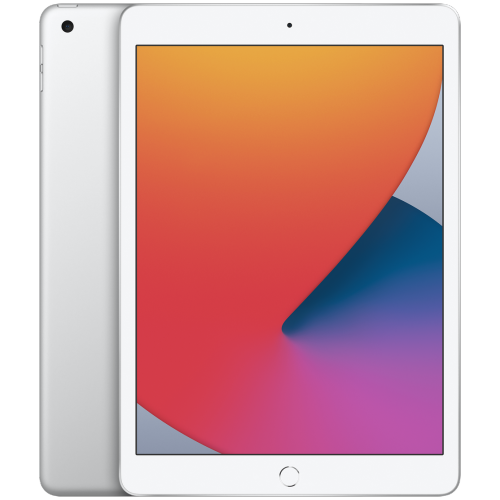 Your price for this item is $148.99
 -
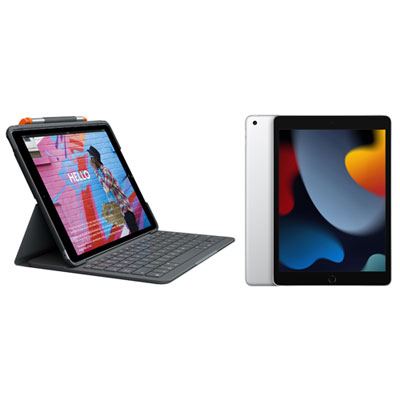 Your price for this item is $468.98
 -
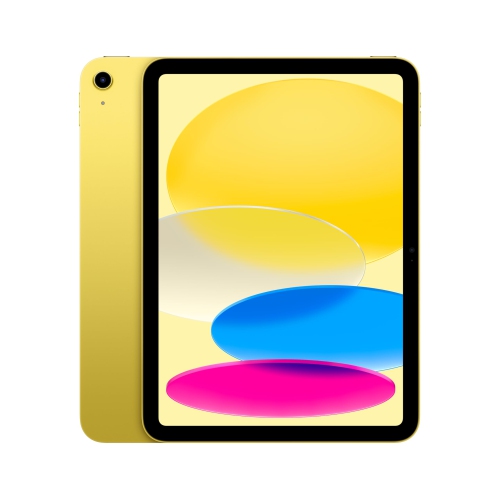 Your price for this item is $639.99
 -
 Your price for this item is $649.99
Discover more categories related to Ipad Bundles


Top Collections:
Pokemon Centers, Best Cameras for Sports Photography, Kindle Devices, Samsung Galaxy Phones, Canon G7X Cameras, Pokémon 30th Celebration Cards, Refurbished Apple Laptops, iPhone 15 Apple, Laptops for Students, Budget Smartphones
Some products may be subject to Environmental Handling Fees
(EHF) depending on your province.
Learn more about EHFs.