Ipad Mini 5th Generation
Looking for a compact and powerful tablet to enhance your on-the-go productivity and entertainment experiences? Explore our selection of 5th generation mini tablets that offer impressive performance in a sleek and portable design. Whether you're a student, professional, or simply looking to stay connected while traveling, these devices pack a punch with their advanced features and cutting-edge technology. Discover the perfect balance of performance and portability with our range of 5th generation mini tablets.
Sort




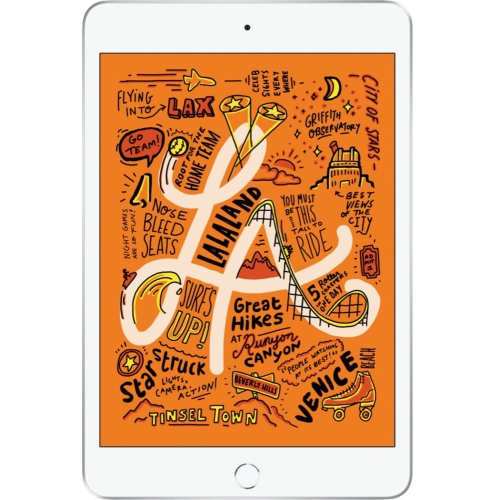

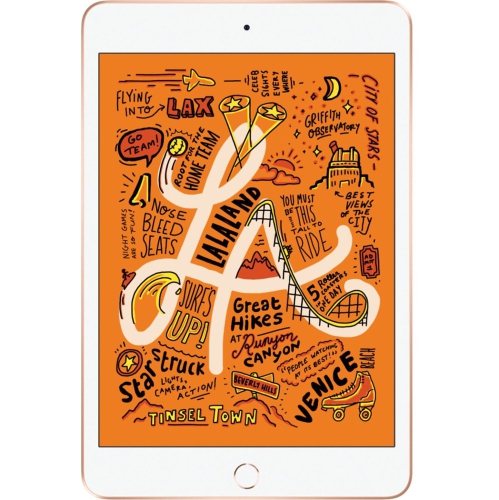

More room to read without the extra bulk
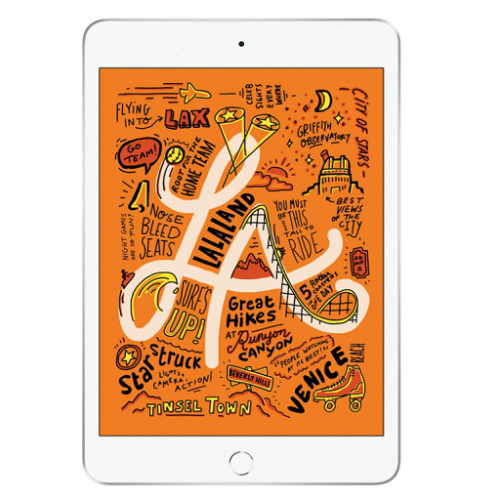
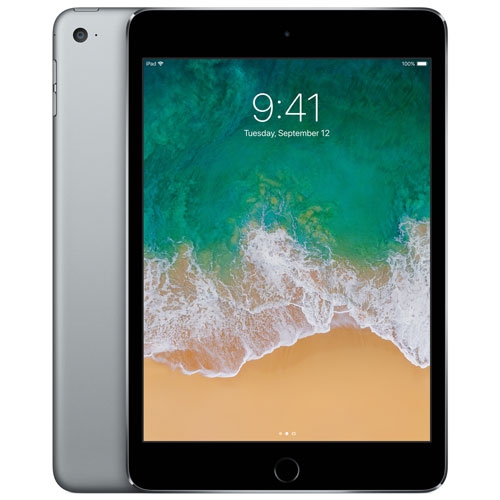
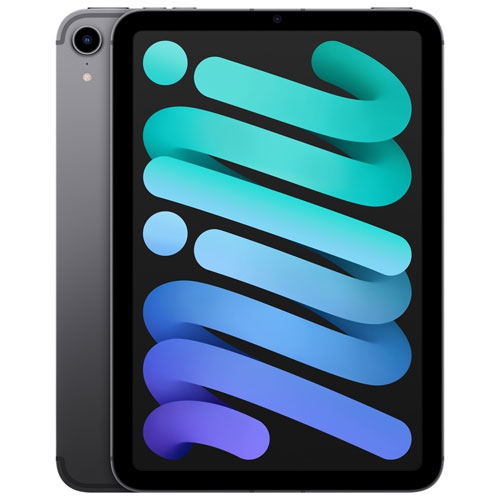
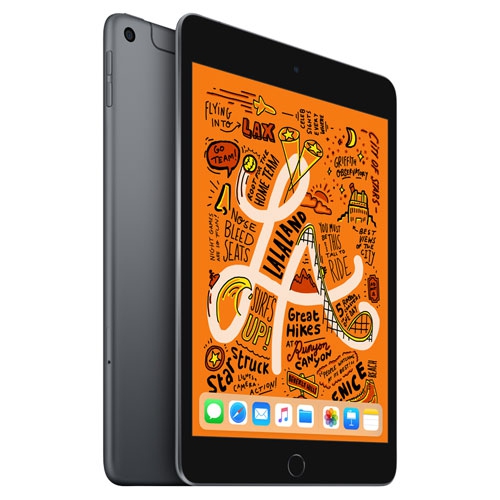
Compact tablets with a 7.9-inch display occupy a useful middle ground between a phone and a full-size tablet. The screen gives books, recipes, maps, and video more breathing room than a phone, while the smaller body slips into a handbag, backpack pocket, or bedside drawer without taking up much space. For someone who reads on the train, follows knitting patterns at the kitchen table, or keeps reference notes beside a laptop, portability can matter more than having the largest possible display. A compact screen is comfortable for reading a single page or watching a programme, although detailed spreadsheets and documents with small text may involve more zooming and scrolling. Screen proportions also affect the experience: a relatively square display provides useful width for reading and browsing, while widescreen video may leave unused space above and below the picture. Older-generation mini tablets can serve as dedicated reading devices, music players, or companions for everyday browsing, provided their software supports the apps being used. Storage is worth considering in terms of actual habits. Downloaded films, large games, photos, and illustrated textbooks take up space on the device, whereas streamed content depends more heavily on a reliable connection. Wi-Fi suits use around the home, at school, or anywhere a trusted network is accessible. Cellular capability, where supported, adds another way to connect away from Wi-Fi, but requires compatible service and does not come with every tablet. Battery life also varies with screen brightness, video calls, games, wireless connections, and the battery’s age. Someone using a tablet mainly for evening reading has different charging needs from a student carrying it between lectures. The appeal of this size is its flexibility: small enough to bring along without much thought, yet large enough to keep a recipe legible on a stand or display a chapter without the cramped feel of a phone.
Materials, fit, and everyday handling make a noticeable difference to how a compact tablet feels over time. A glass screen provides a smooth surface for tapping and writing, while an aluminium enclosure offers a firm, slim structure. Neither material makes a tablet immune to damage. A fall onto tile can damage glass, and grit trapped inside a case can mark the finish. A well-fitted cover should hold the corners securely without pressing on buttons or obstructing the camera, speakers, charging port, or headphone connection. Generation-specific sizing matters because tablets with similar screen measurements can have different body dimensions and control placements. A case intended for a different generation may appear close in size but leave an opening in the wrong place. Folio covers can protect the screen inside a bag and fold into a stand for reading or video calls; the most useful viewing angle depends on whether the tablet sits on a desk, kitchen counter, or lap. A screen protector adds a replaceable surface against everyday scratches, though it cannot guarantee protection from a hard impact. For handwritten notes or sketches, stylus compatibility needs to match the exact tablet generation. Similar-looking pens may use different pairing and charging methods, and support for palm rejection or pressure sensitivity varies. A compact keyboard can make longer messages easier to type, but it also adds another object to carry and charge. Accessories are most helpful when they solve a regular need rather than complicate a lightweight setup. Routine care is straightforward: a soft, lint-free cloth removes fingerprints, and any cleaning method should follow the device maker’s directions. Moisture should stay away from openings, and abrasive cleaners can damage surface finishes. Keeping the screen free of crumbs before closing a cover, checking a case for trapped debris, and carrying the tablet away from loose keys are small habits that help preserve its appearance.
With an older-generation tablet, physical condition and software compatibility deserve as much attention as screen size. A clean exterior does not reveal everything about battery health, charging reliability, or touch response. Details such as a loose charging connection, uneven screen brightness, an unreliable button, or weak speaker output can affect everyday use even when the device still turns on. For previously owned or refurbished tablets, the stated condition, included accessories, warranty terms, and return conditions help establish what to expect. Any account lock should be removed before another person sets up the device. Software requirements also change over time, so the operating system supported by the tablet needs to meet the requirements of essential apps. This is particularly important for school platforms, video meeting tools, banking apps, and workplace sign-in services. A tablet that works well for reading downloaded books may not suit someone who relies on a demanding drawing app or a particular classroom tool. Built-in cameras are useful for scanning a worksheet, sharing a quick photo, or joining a family call, but camera quality and microphone performance vary by generation. For children, parental controls, suitable account settings, and a protective case can make a compact tablet easier to manage; for an adult receiving one as a gift, familiar controls, readable text settings, and compatibility with existing headphones may matter more. People who prefer larger text should consider how much content remains visible after increasing the font size. Comparing compact formats with Apple iPad 6th Gen tablets can help put portability and screen space into perspective. A smaller tablet is particularly useful as a personal reading and viewing companion, while a larger display gives documents, on-screen keyboards, and side-by-side content more room. The strongest match is a device whose size, condition, connections, and supported apps fit the activities it will handle most often, whether that means reviewing class notes, practising drawing, following recipes, or settling into a favourite book.
Materials, fit, and everyday handling make a noticeable difference to how a compact tablet feels over time. A glass screen provides a smooth surface for tapping and writing, while an aluminium enclosure offers a firm, slim structure. Neither material makes a tablet immune to damage. A fall onto tile can damage glass, and grit trapped inside a case can mark the finish. A well-fitted cover should hold the corners securely without pressing on buttons or obstructing the camera, speakers, charging port, or headphone connection. Generation-specific sizing matters because tablets with similar screen measurements can have different body dimensions and control placements. A case intended for a different generation may appear close in size but leave an opening in the wrong place. Folio covers can protect the screen inside a bag and fold into a stand for reading or video calls; the most useful viewing angle depends on whether the tablet sits on a desk, kitchen counter, or lap. A screen protector adds a replaceable surface against everyday scratches, though it cannot guarantee protection from a hard impact. For handwritten notes or sketches, stylus compatibility needs to match the exact tablet generation. Similar-looking pens may use different pairing and charging methods, and support for palm rejection or pressure sensitivity varies. A compact keyboard can make longer messages easier to type, but it also adds another object to carry and charge. Accessories are most helpful when they solve a regular need rather than complicate a lightweight setup. Routine care is straightforward: a soft, lint-free cloth removes fingerprints, and any cleaning method should follow the device maker’s directions. Moisture should stay away from openings, and abrasive cleaners can damage surface finishes. Keeping the screen free of crumbs before closing a cover, checking a case for trapped debris, and carrying the tablet away from loose keys are small habits that help preserve its appearance.
With an older-generation tablet, physical condition and software compatibility deserve as much attention as screen size. A clean exterior does not reveal everything about battery health, charging reliability, or touch response. Details such as a loose charging connection, uneven screen brightness, an unreliable button, or weak speaker output can affect everyday use even when the device still turns on. For previously owned or refurbished tablets, the stated condition, included accessories, warranty terms, and return conditions help establish what to expect. Any account lock should be removed before another person sets up the device. Software requirements also change over time, so the operating system supported by the tablet needs to meet the requirements of essential apps. This is particularly important for school platforms, video meeting tools, banking apps, and workplace sign-in services. A tablet that works well for reading downloaded books may not suit someone who relies on a demanding drawing app or a particular classroom tool. Built-in cameras are useful for scanning a worksheet, sharing a quick photo, or joining a family call, but camera quality and microphone performance vary by generation. For children, parental controls, suitable account settings, and a protective case can make a compact tablet easier to manage; for an adult receiving one as a gift, familiar controls, readable text settings, and compatibility with existing headphones may matter more. People who prefer larger text should consider how much content remains visible after increasing the font size. Comparing compact formats with Apple iPad 6th Gen tablets can help put portability and screen space into perspective. A smaller tablet is particularly useful as a personal reading and viewing companion, while a larger display gives documents, on-screen keyboards, and side-by-side content more room. The strongest match is a device whose size, condition, connections, and supported apps fit the activities it will handle most often, whether that means reviewing class notes, practising drawing, following recipes, or settling into a favourite book.
Top selling and popular products
-
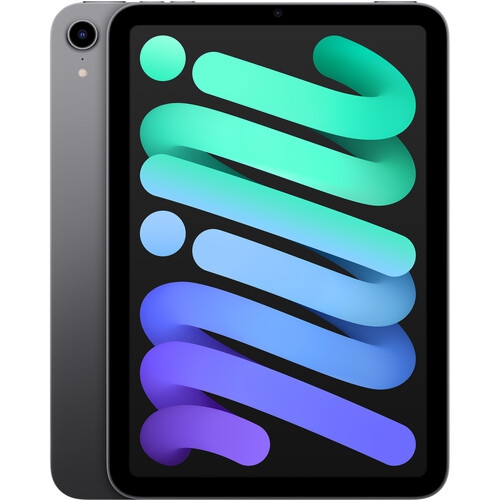 Your price for this item is $799.99
-
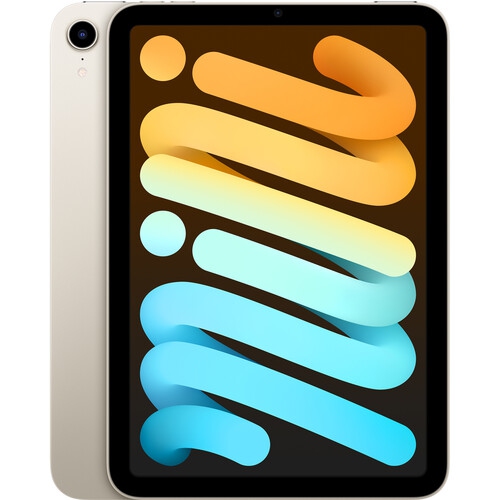 Your price for this item is $839.9
-
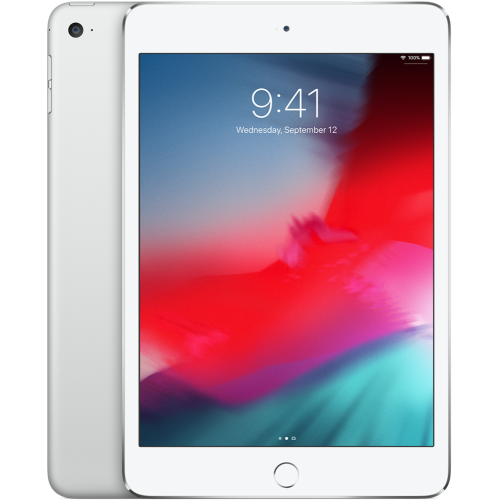 Your price for this item is $179.99
-
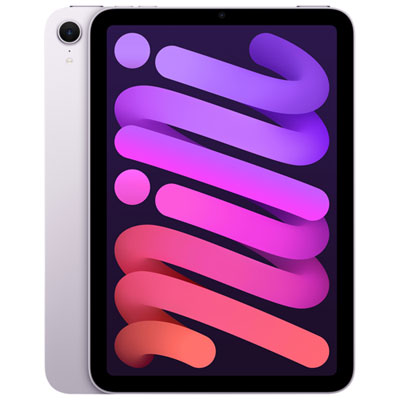 Your price for this item is $849.99
-
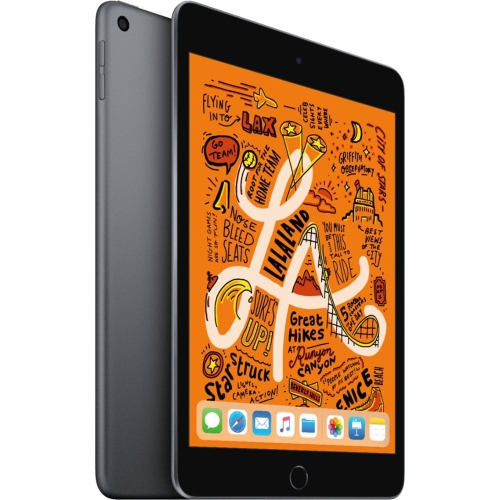 Your price for this item is $579.99
-
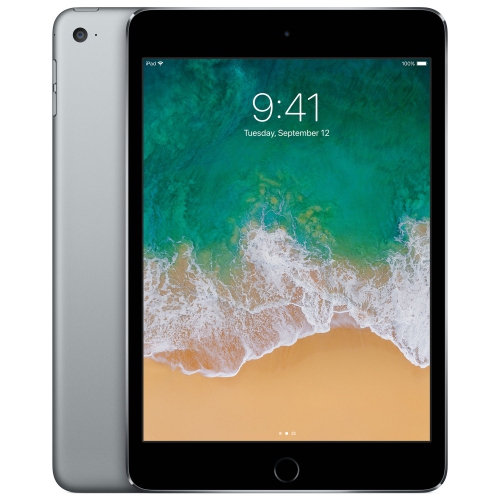 Your price for this item is $149.99
-
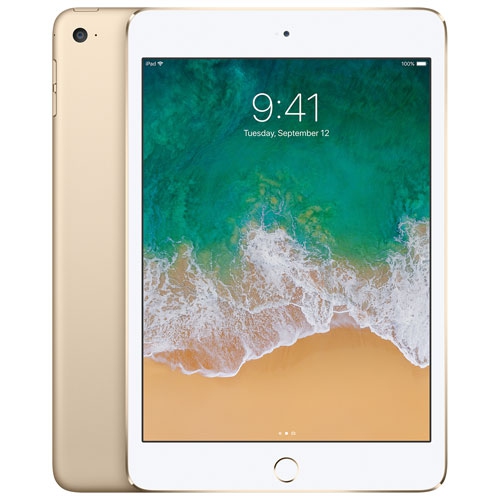 Your price for this item is $149.99
-
 Your price for this item is $544.99
Discover more categories related to Ipad Mini 5th Generation

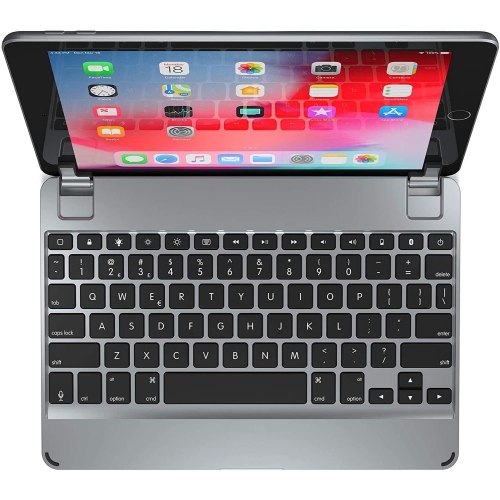
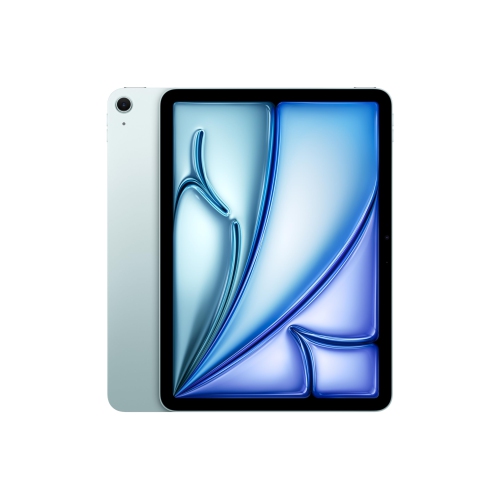
Top Collections:
Pokemon Centers, Kindle Devices, Best Cameras for Sports Photography, Pokémon 30th Celebration Cards, Apple iPhones 16, Canon G7X Cameras, iPhone 15 Apple, Flip Phones, Samsung Galaxy Phones, Alarm Clock
Some products may be subject to Environmental Handling Fees
(EHF) depending on your province.
Learn more about EHFs.