iPad Mini Stylus for Note Taking
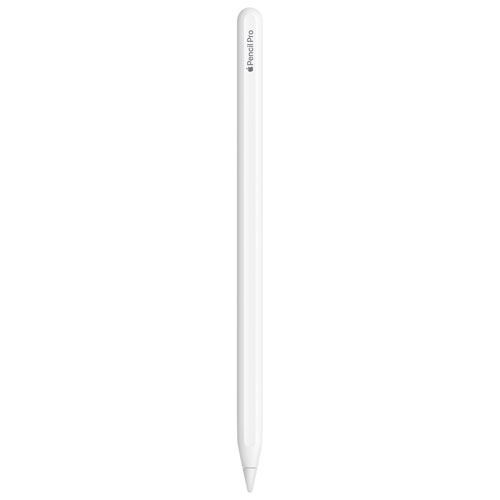
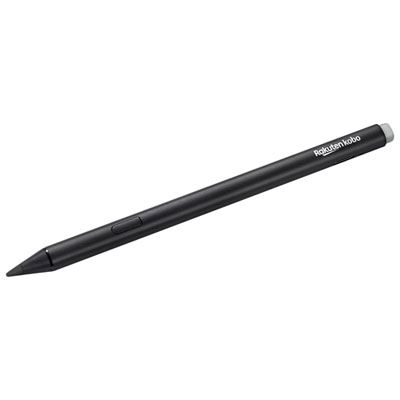
A stylus is a pen-shaped tool that you use to touch your screen and make selections. A stylus can be used for handwriting, drawing, and taking notes. It's also useful for playing games on your tablet, as you can use the stylus to tap on buttons or make selections. If you're looking for a stylus for your iPad Mini, here are some great options.
Sort
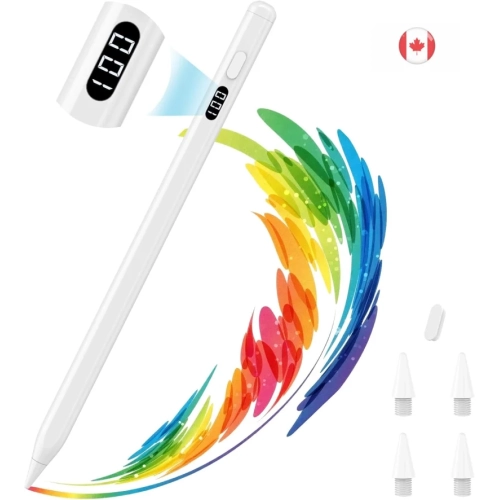
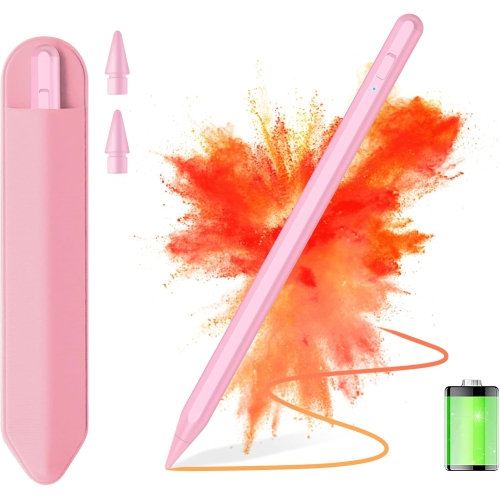

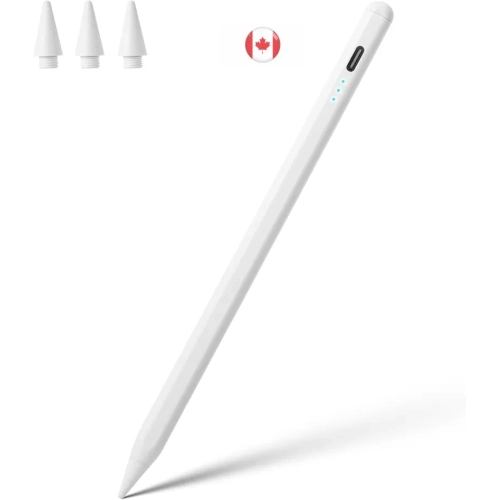
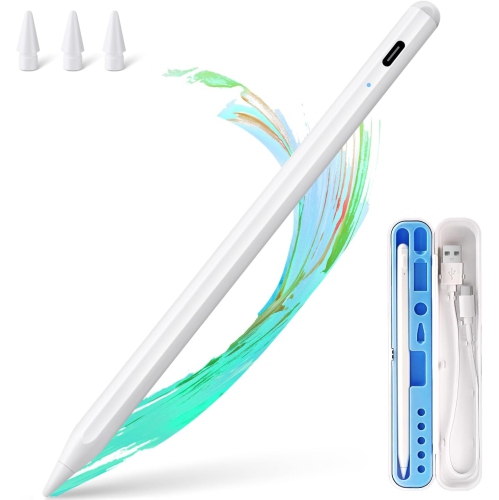

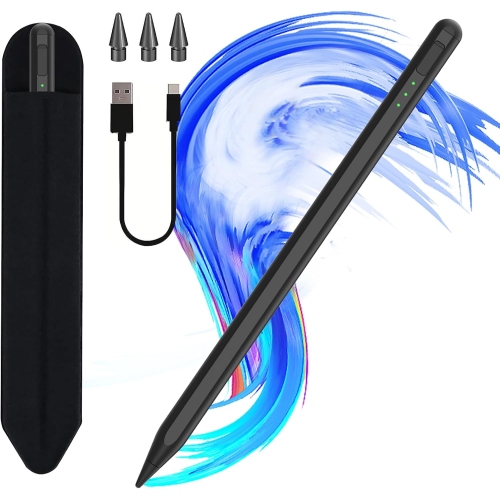
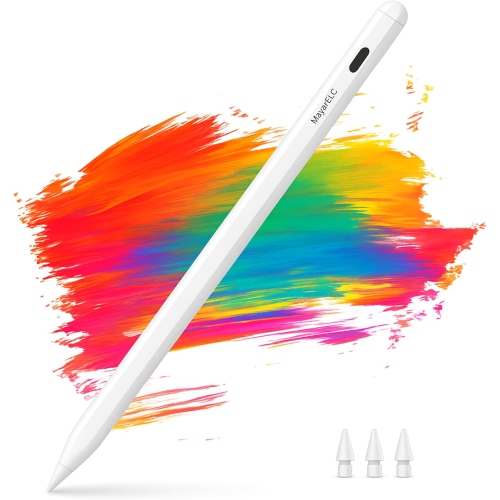
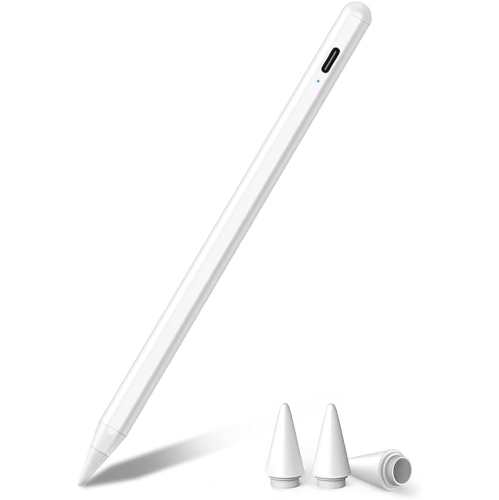
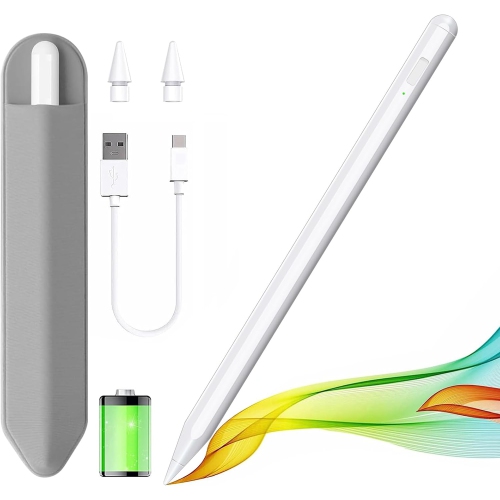
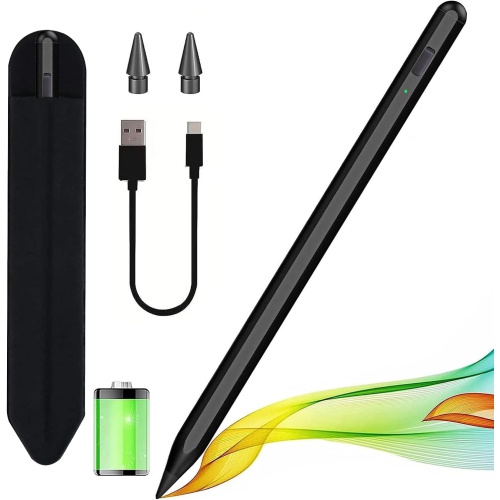
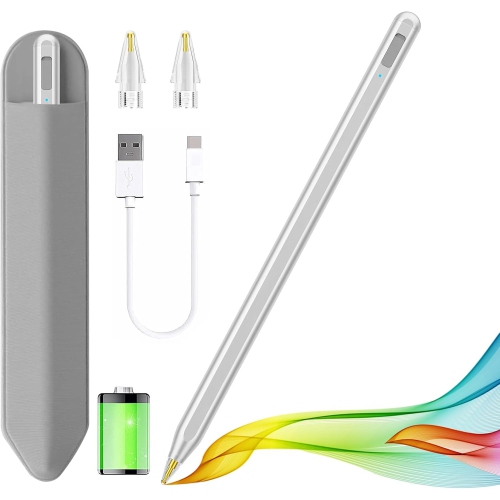
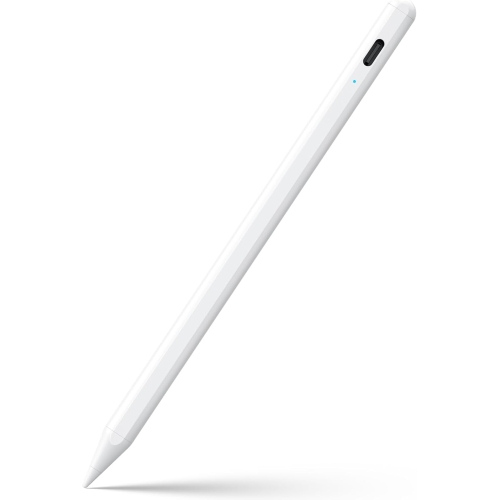
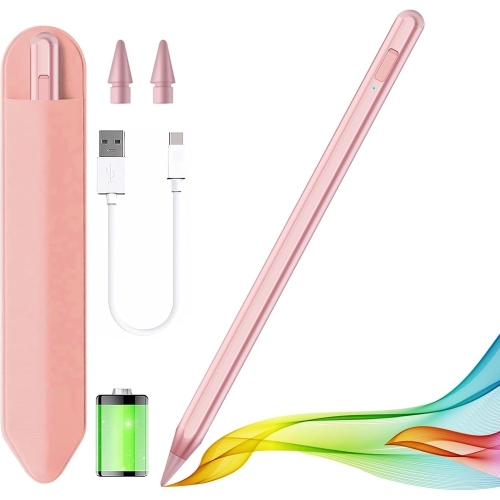

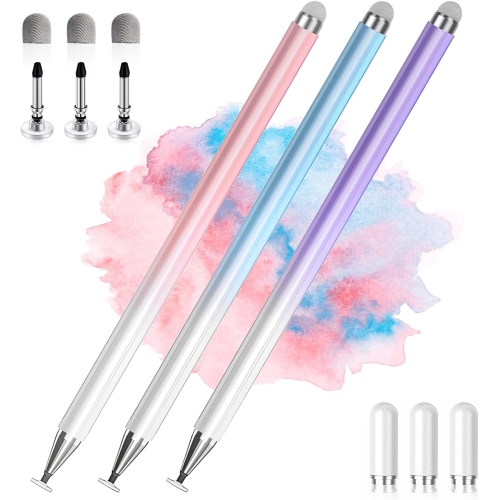
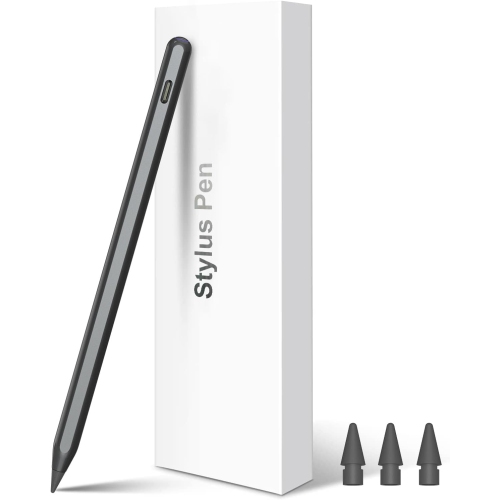
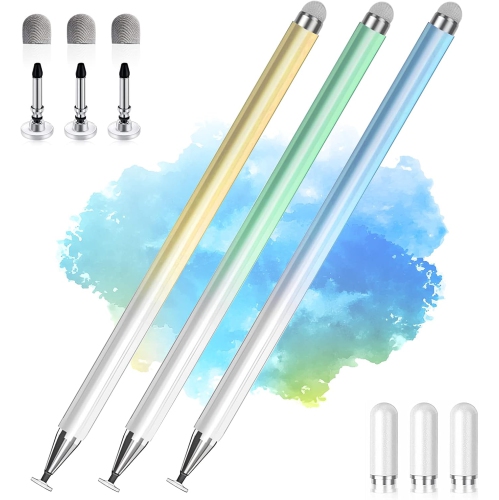
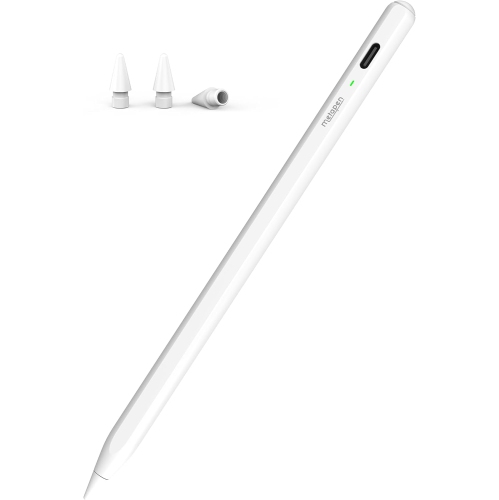
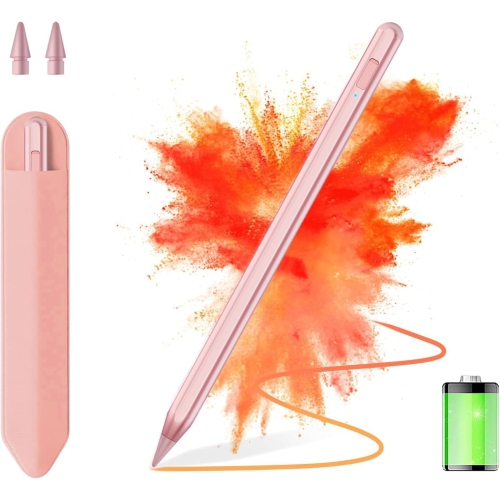
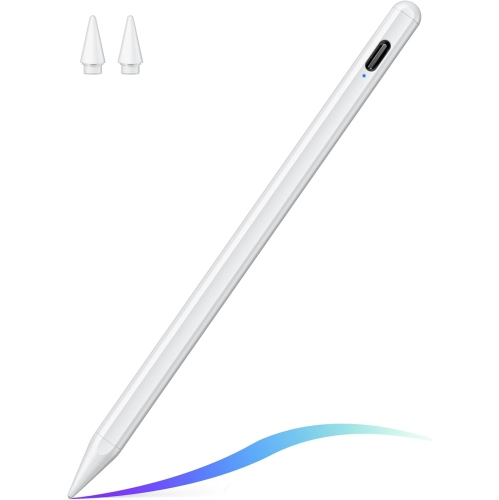
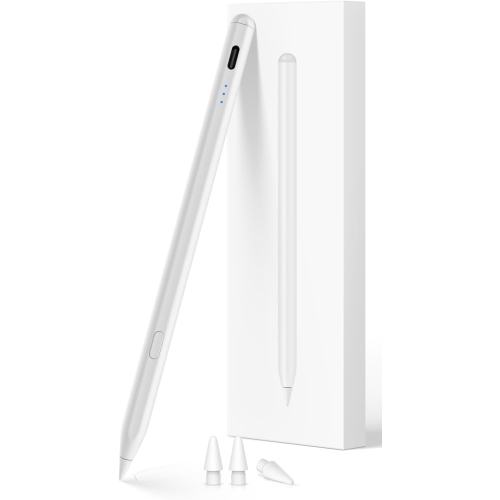
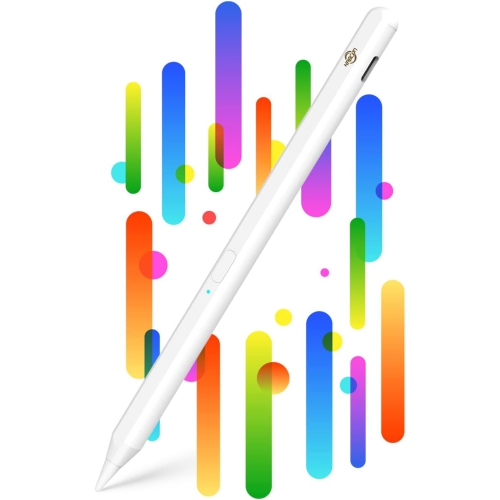
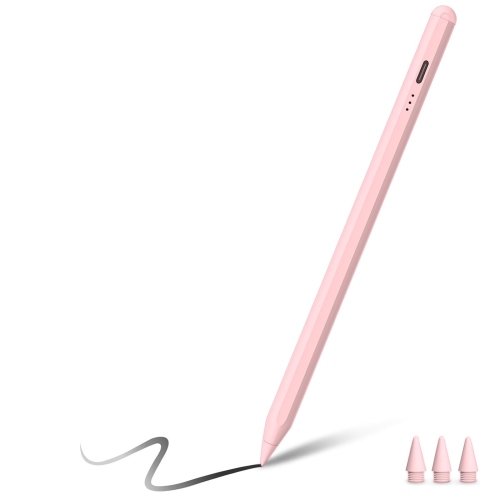
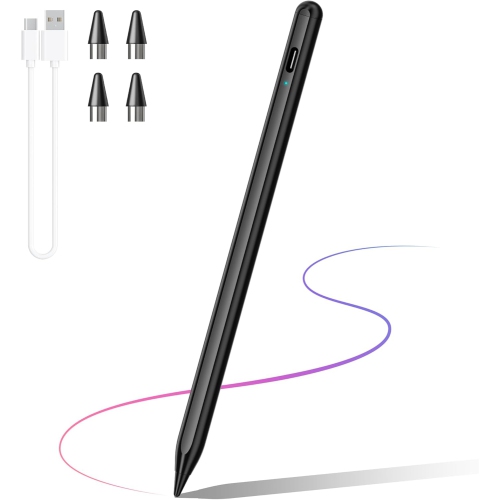
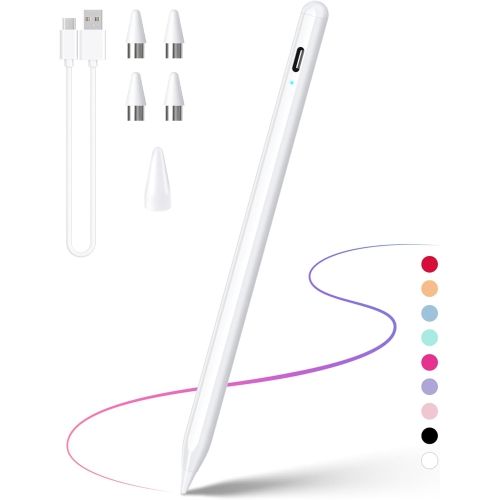

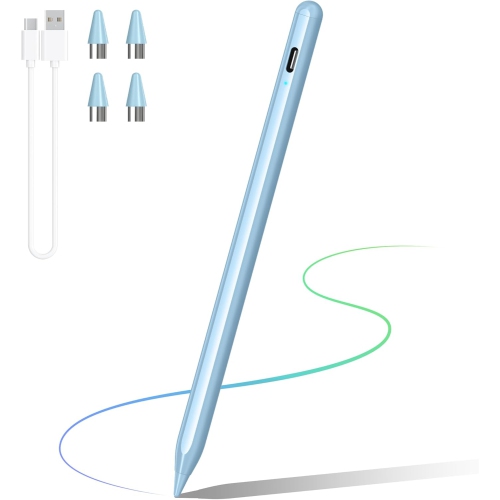
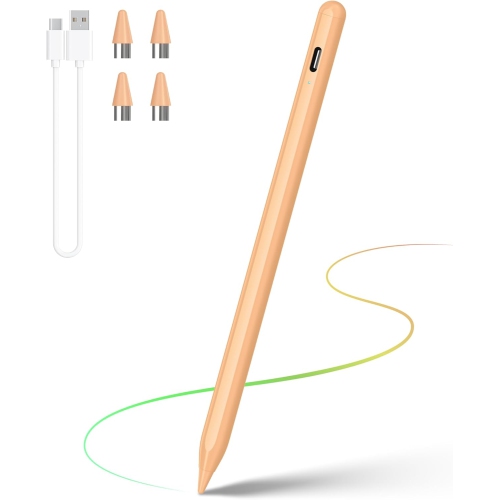
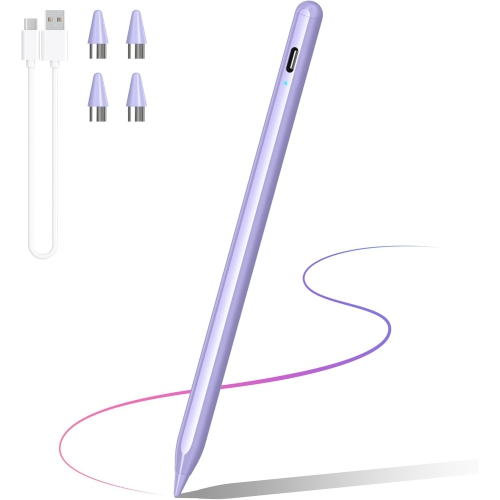
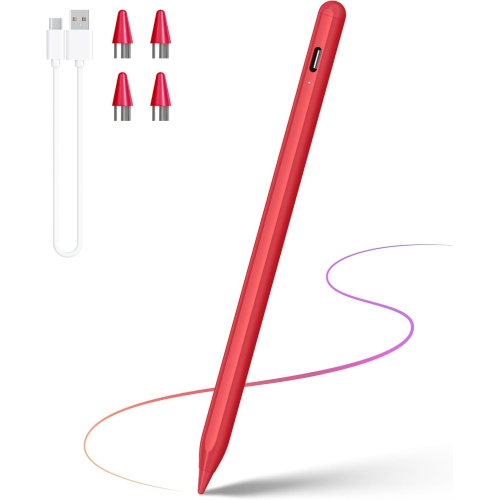

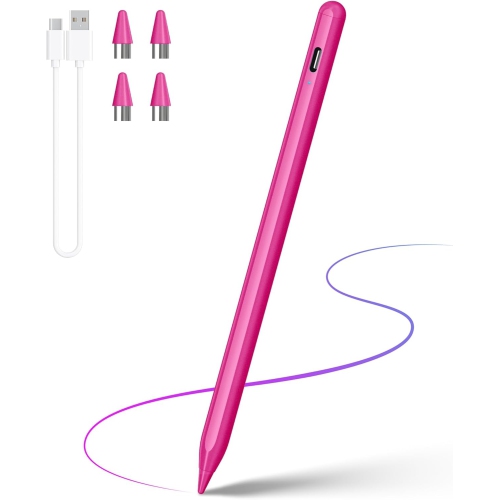
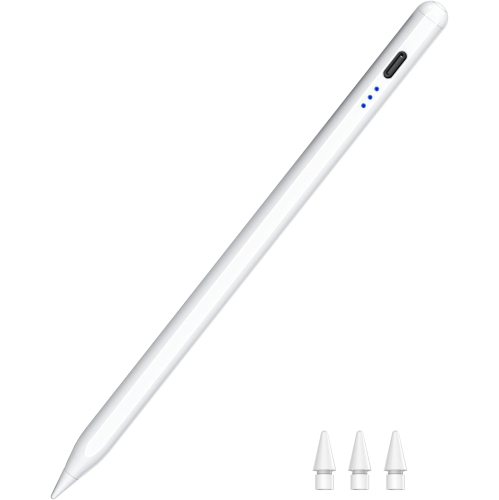
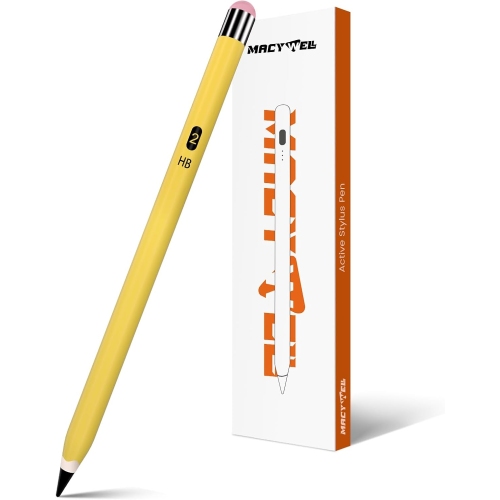
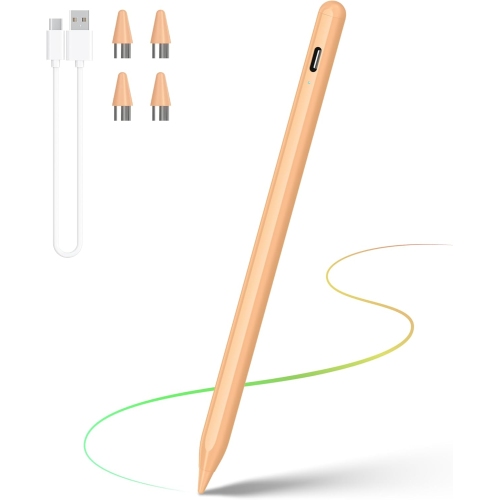
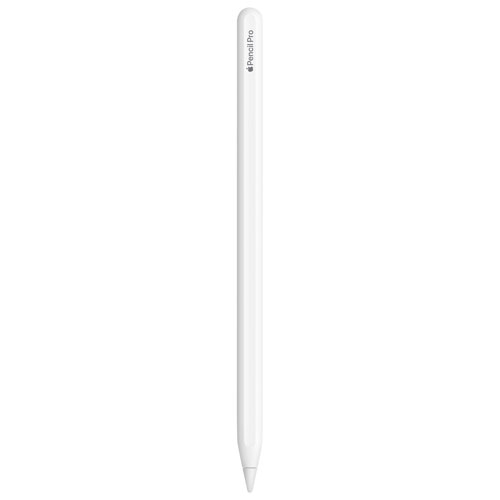
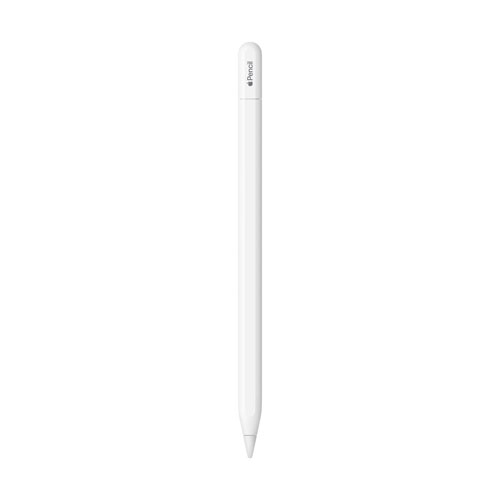



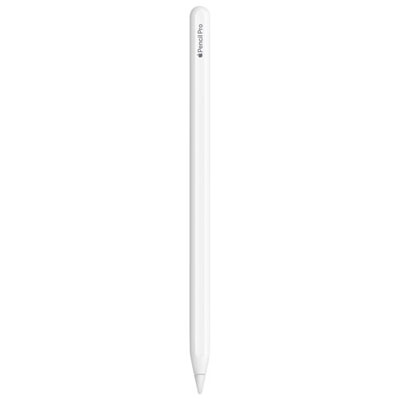
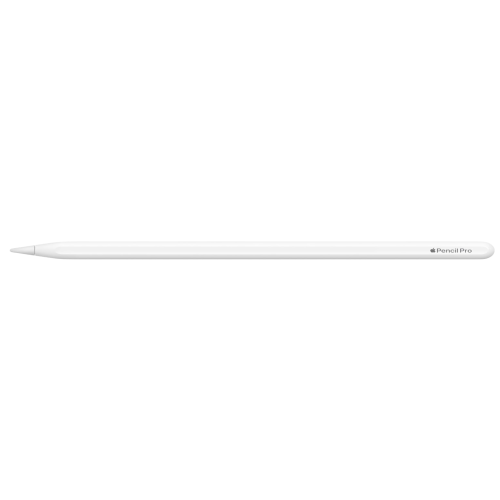
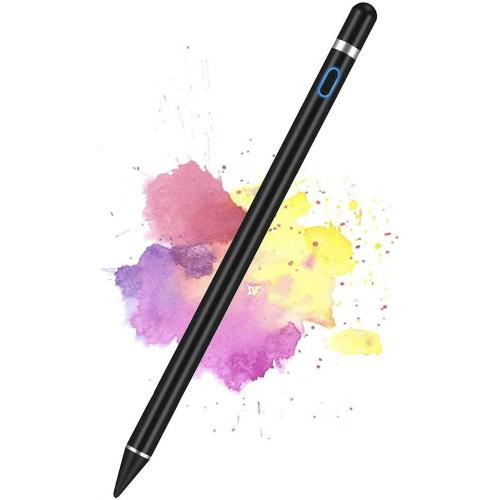
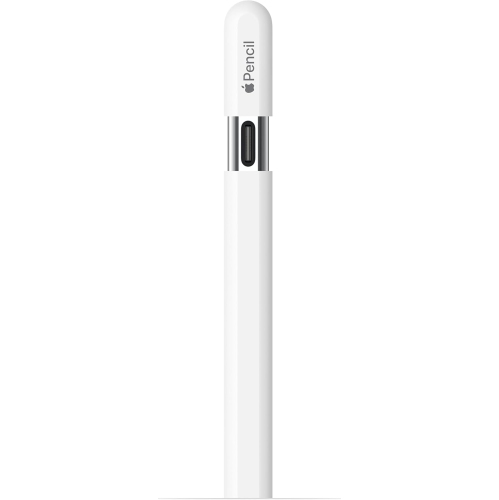
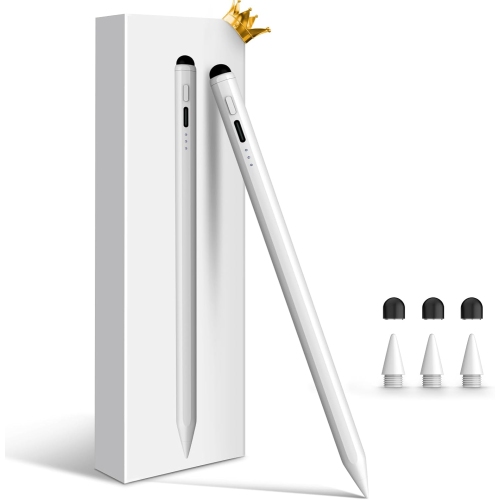
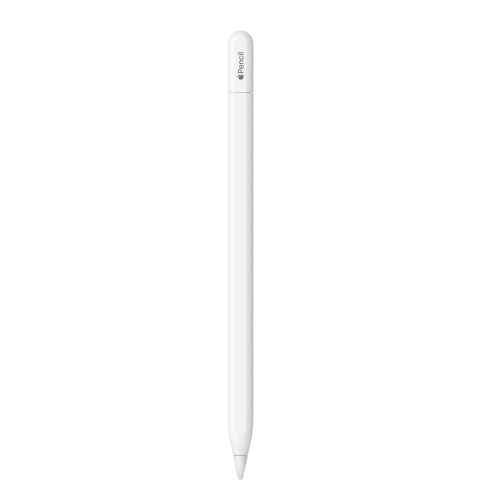
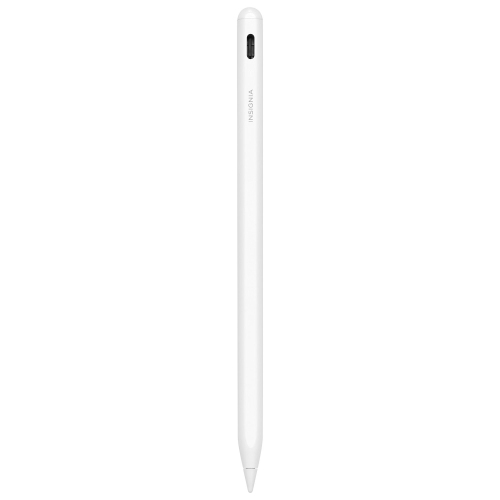
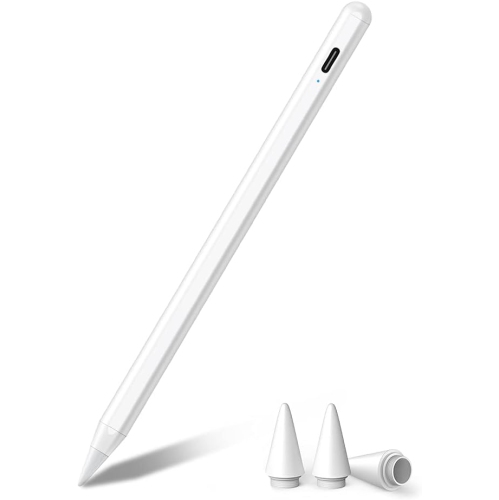
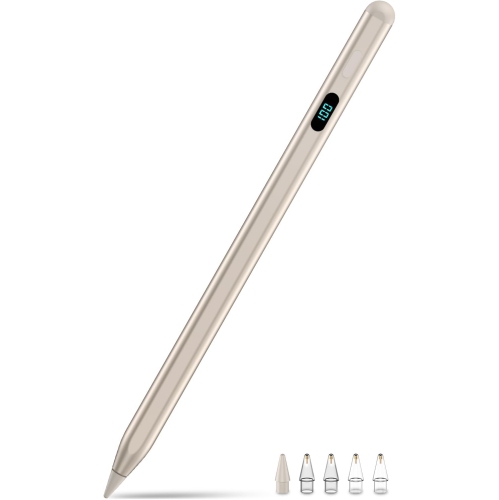
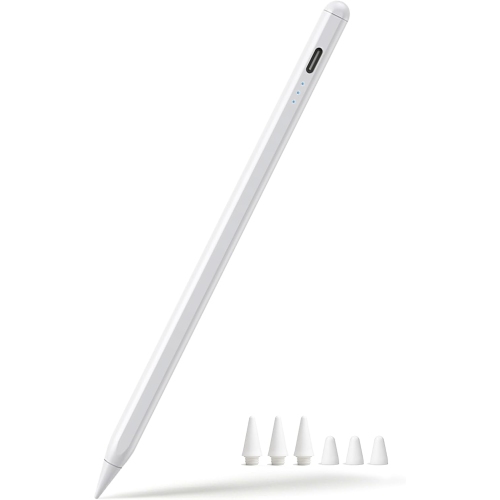
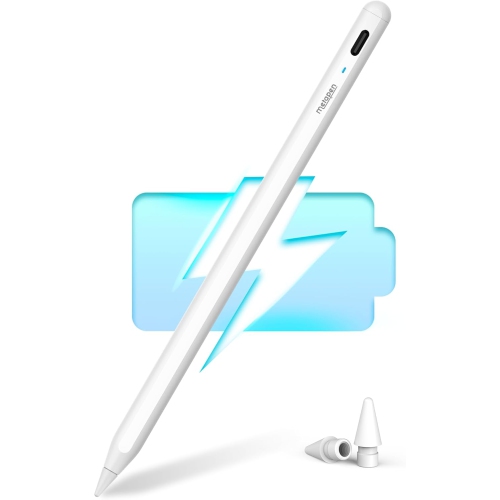
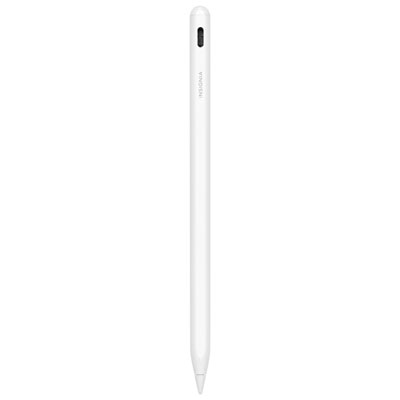
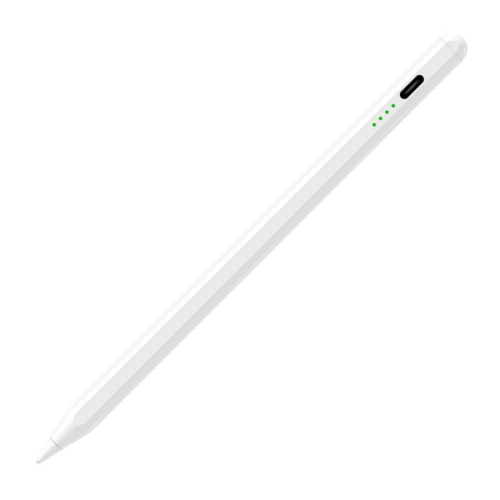
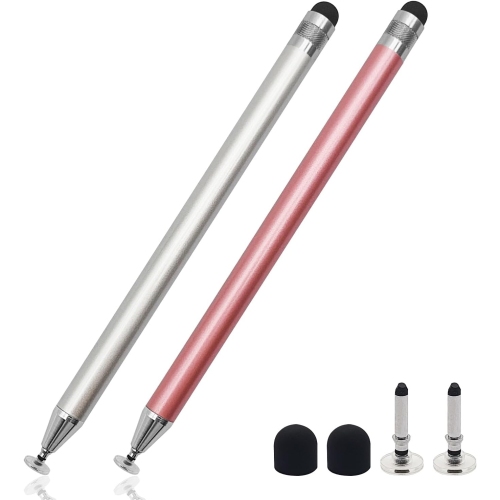

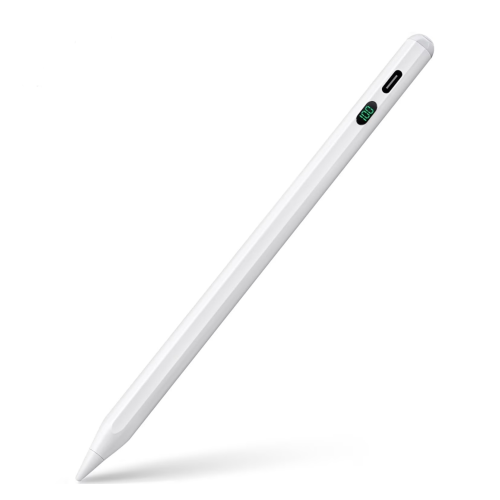
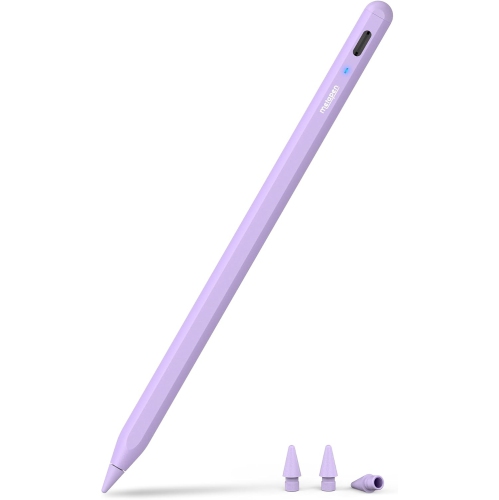
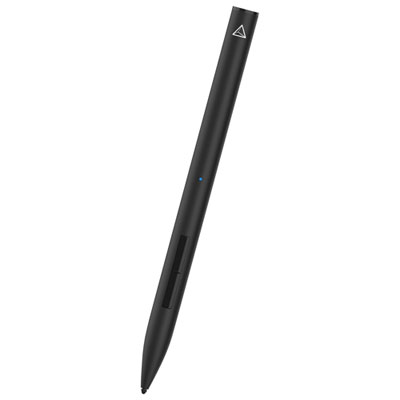
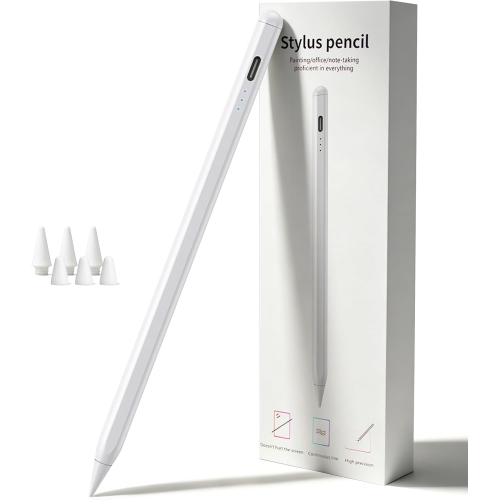
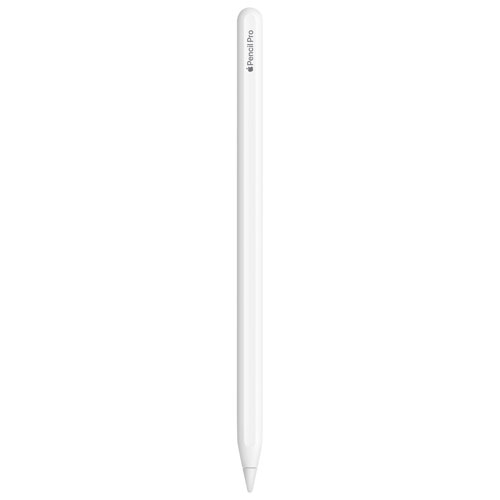
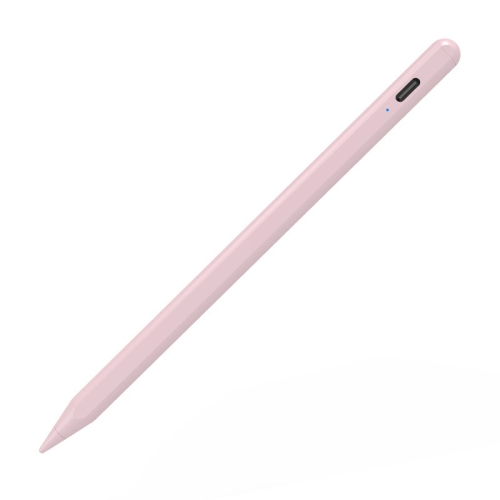
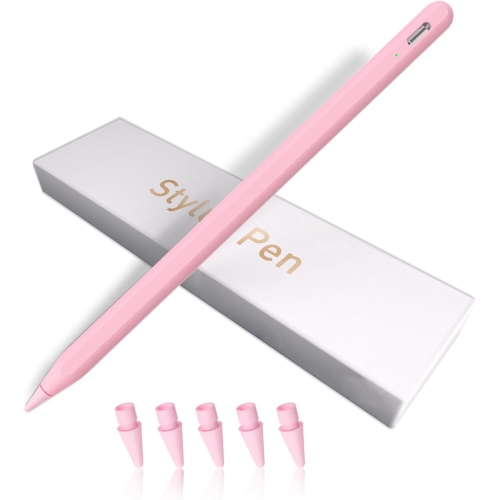
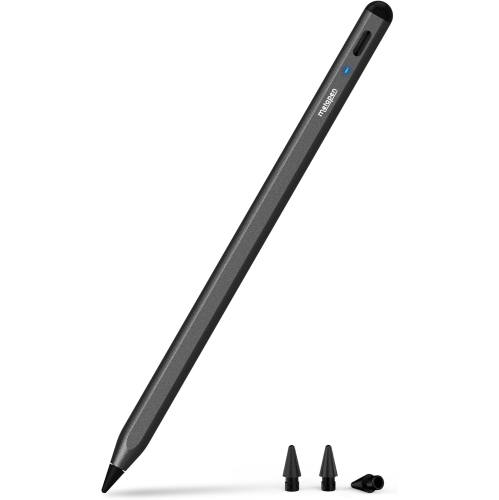
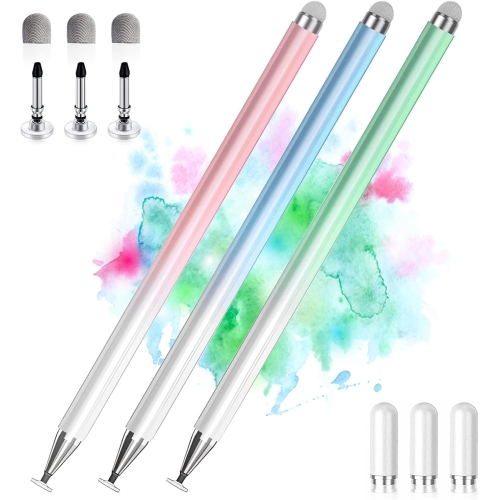
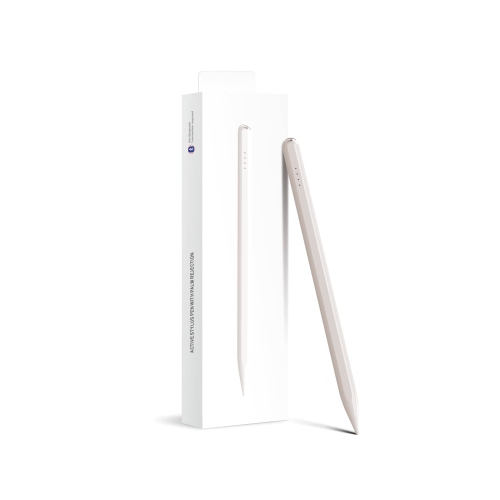

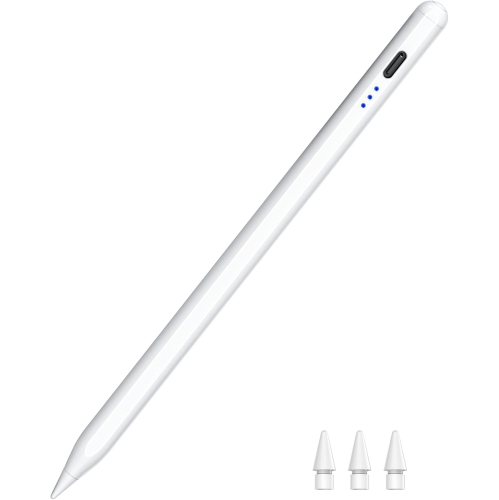
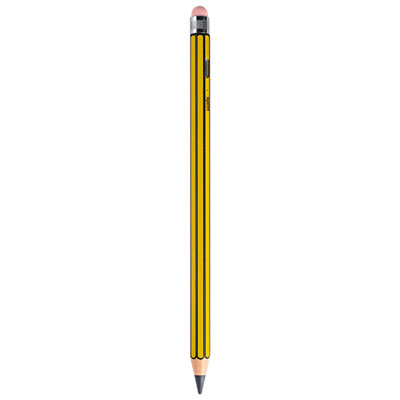
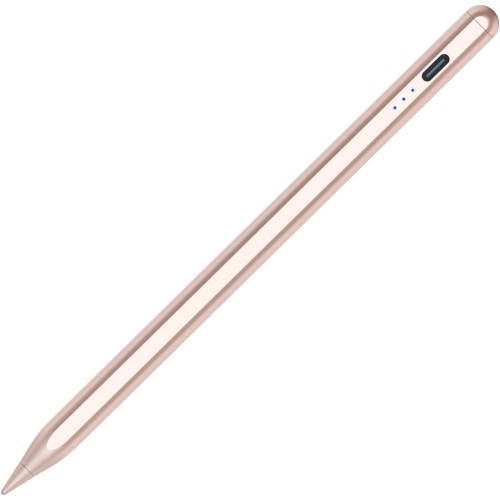
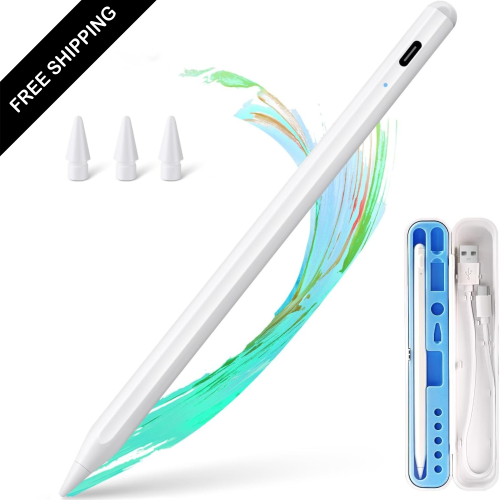
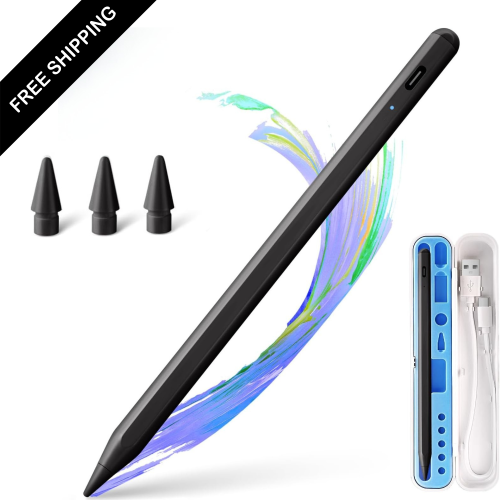
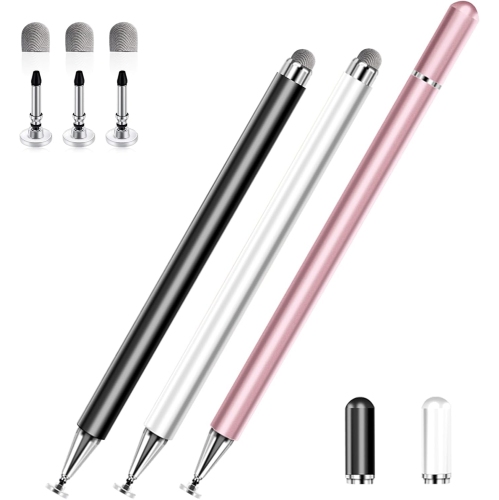
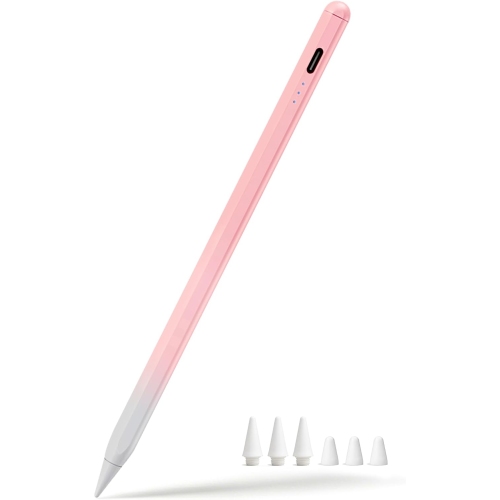
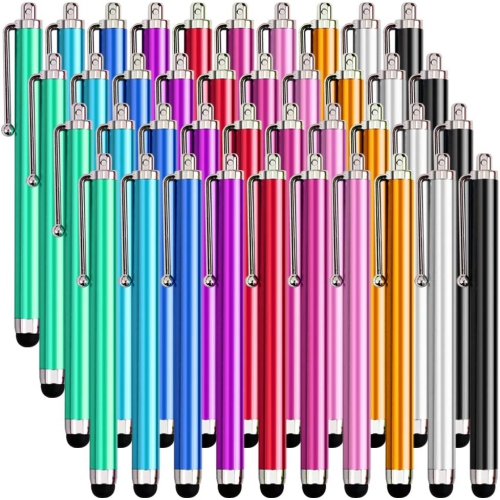
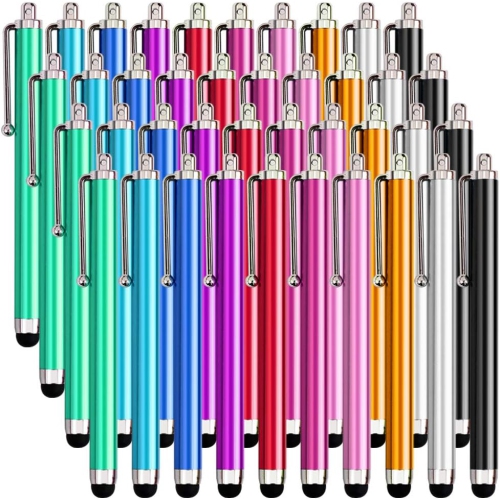
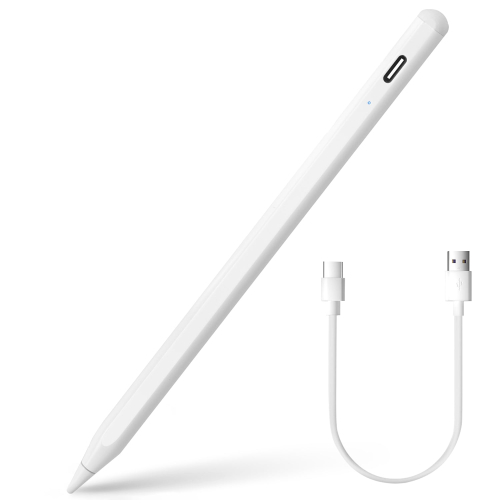
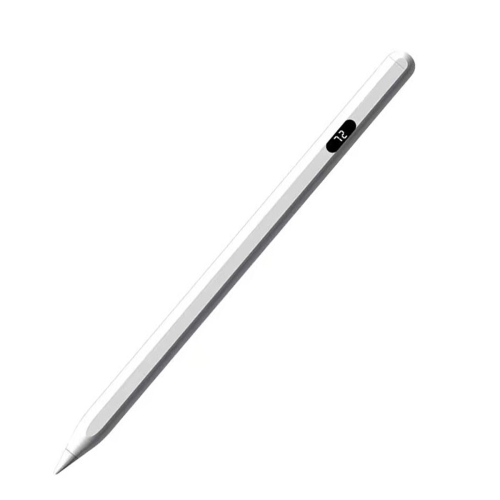
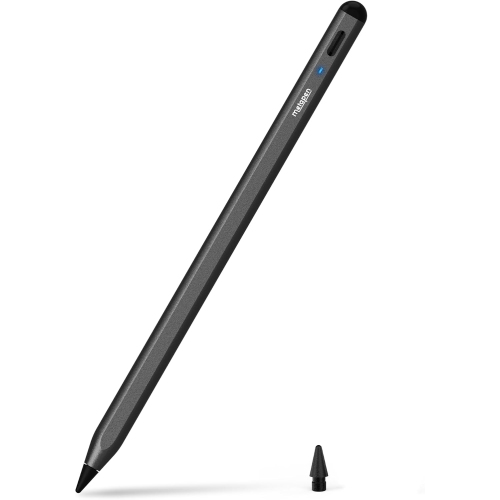
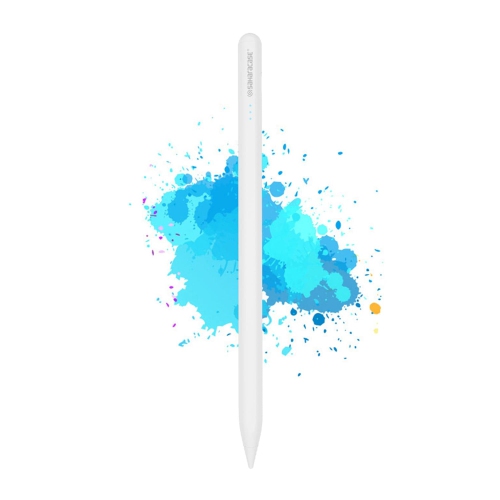
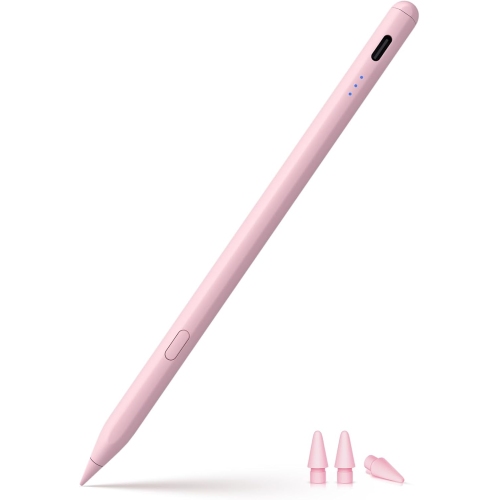
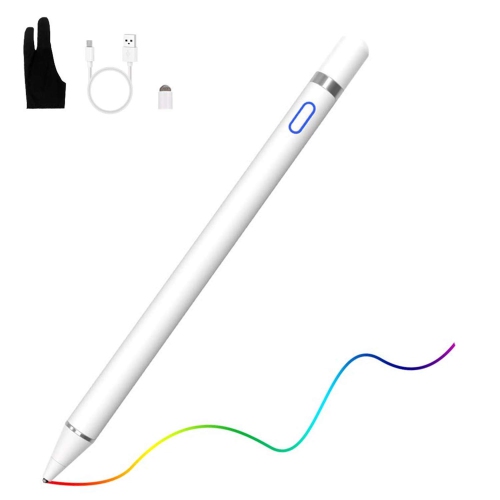
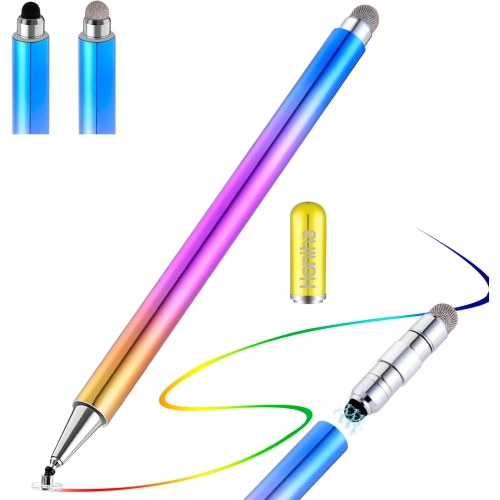
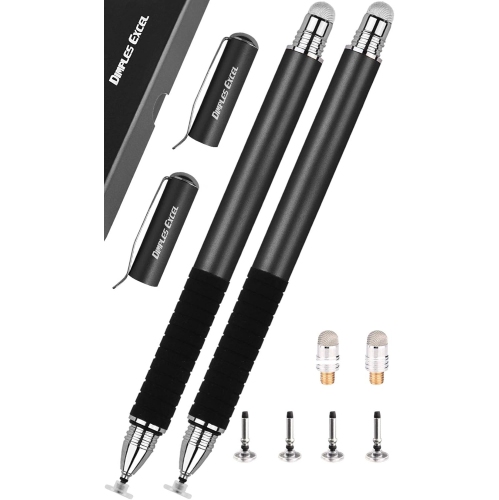
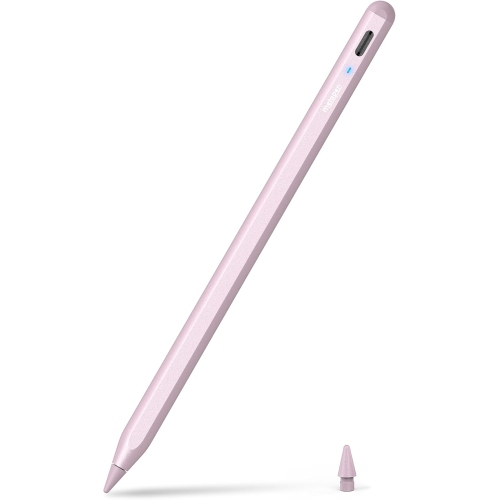
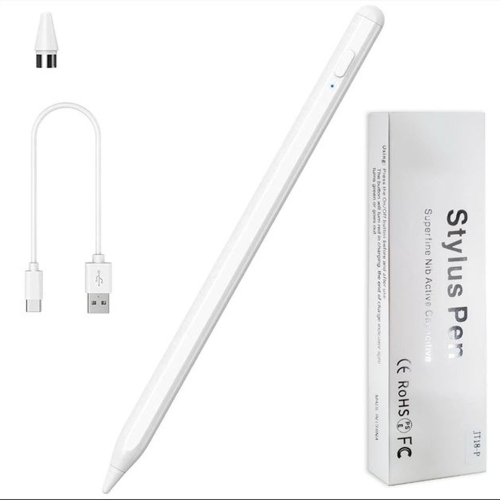
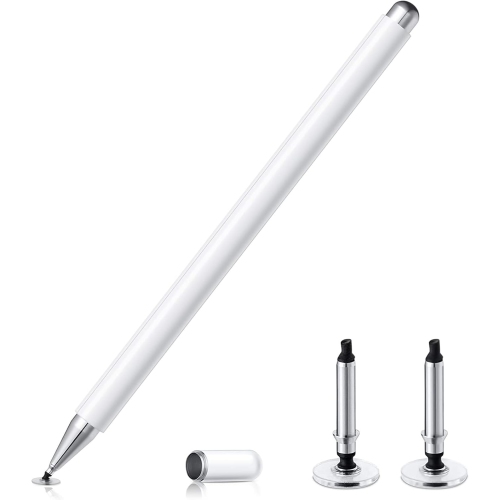



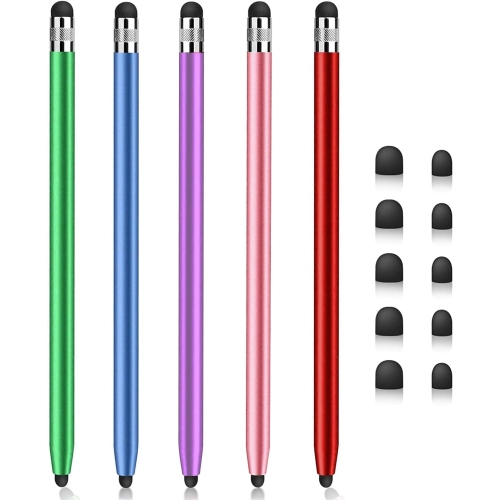
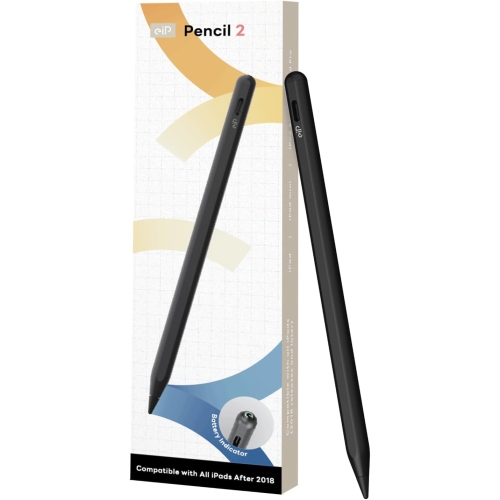
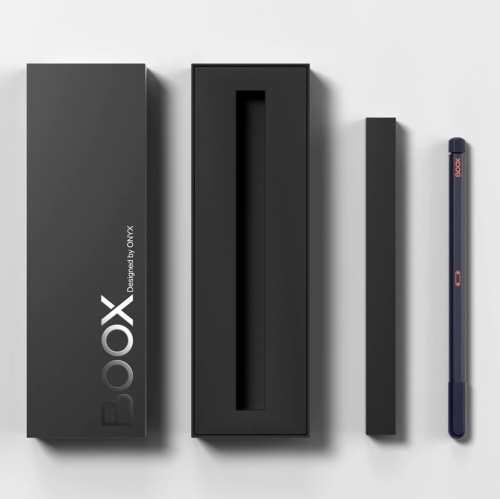
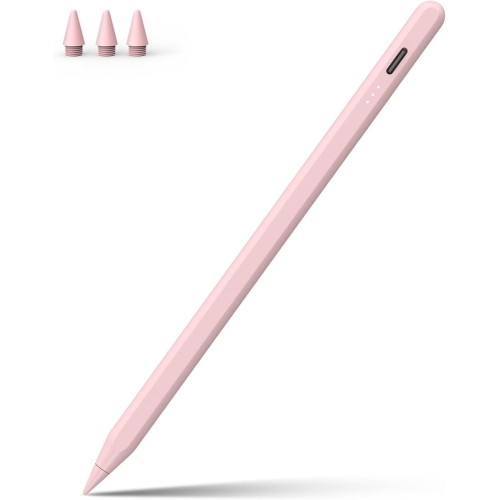

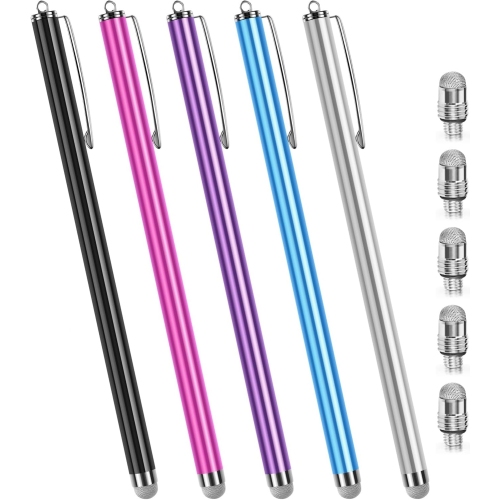
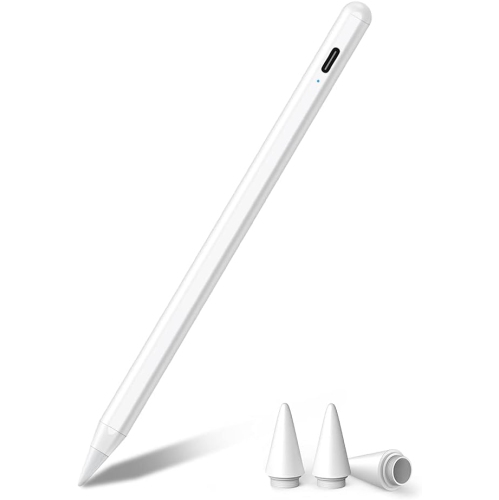


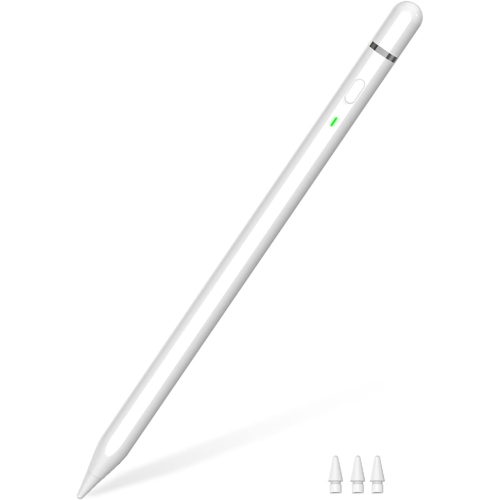
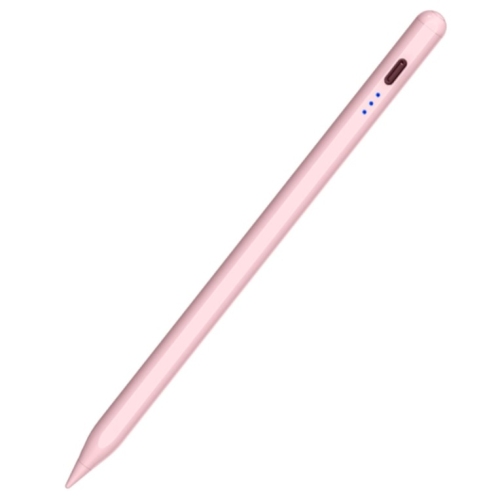

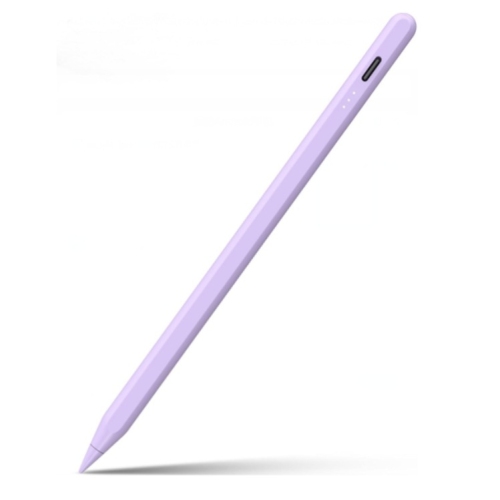
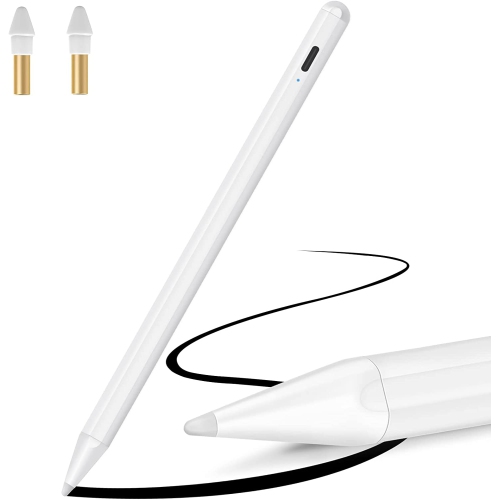

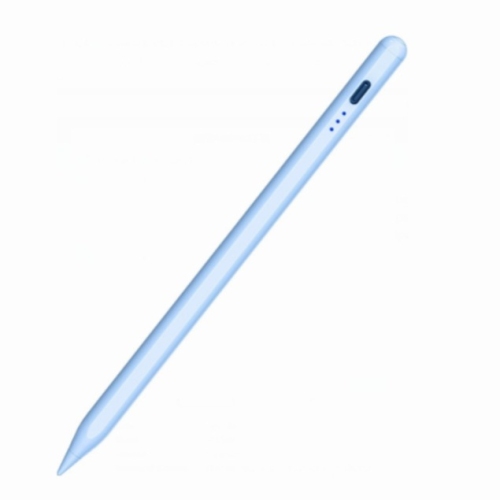
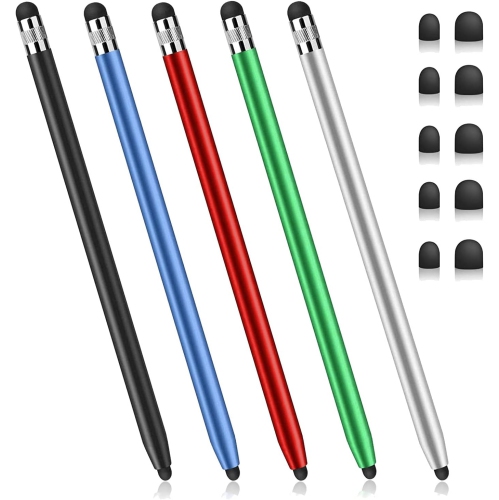
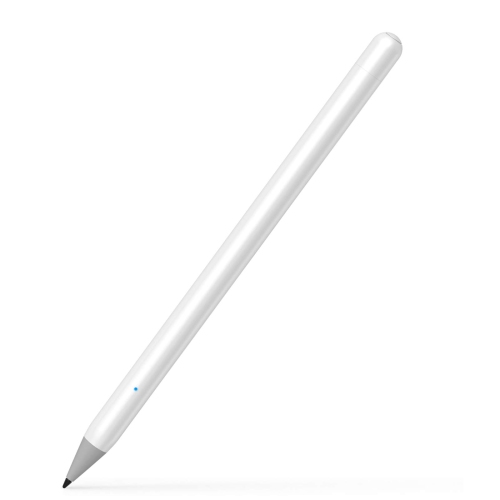
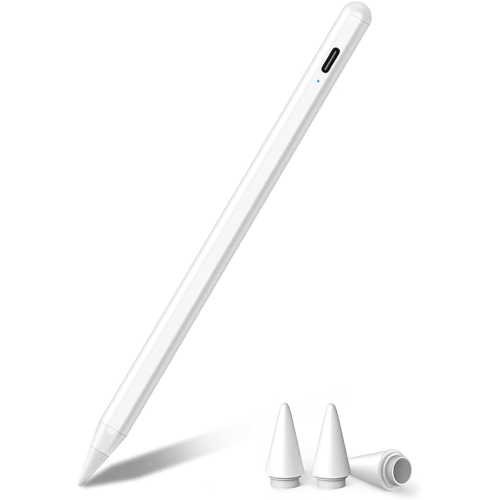

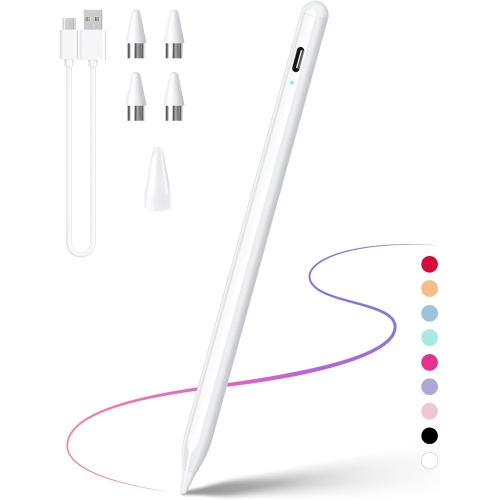
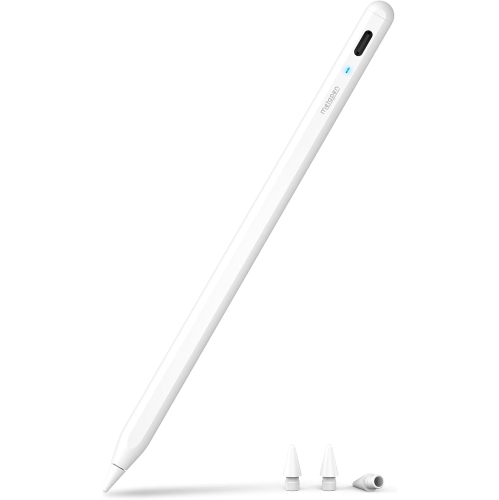
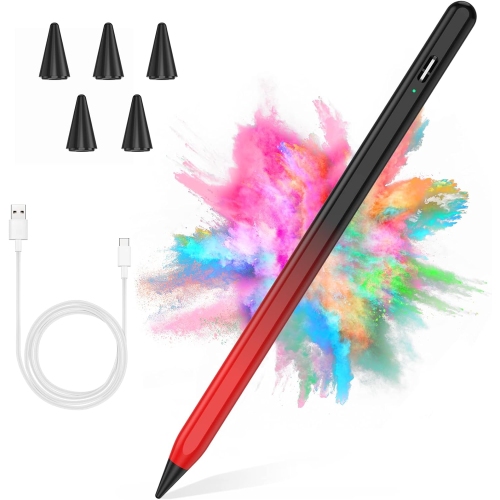
Compatibility, comfort, and charging shape everyday note taking
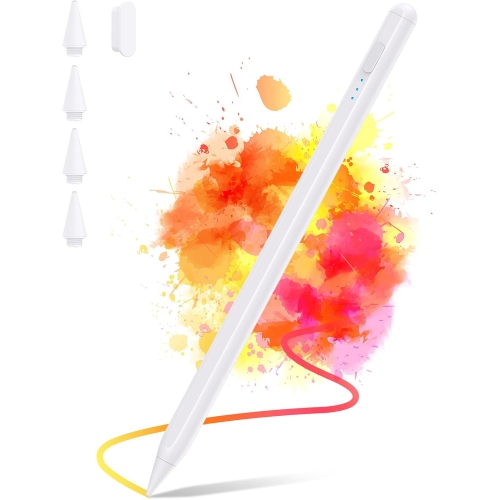
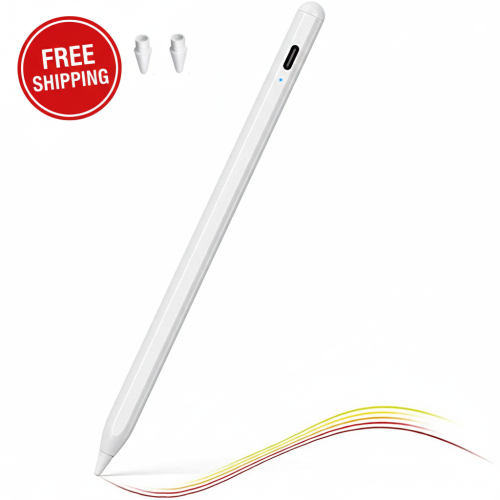
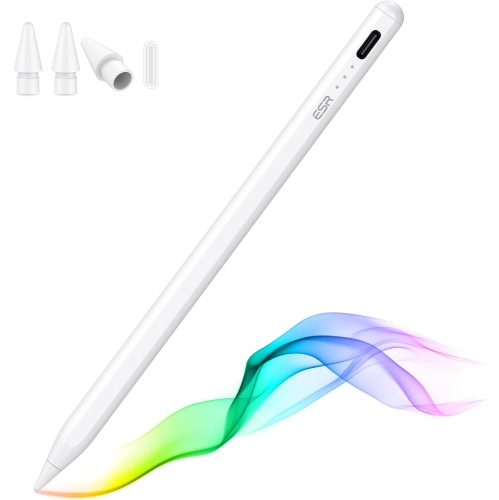
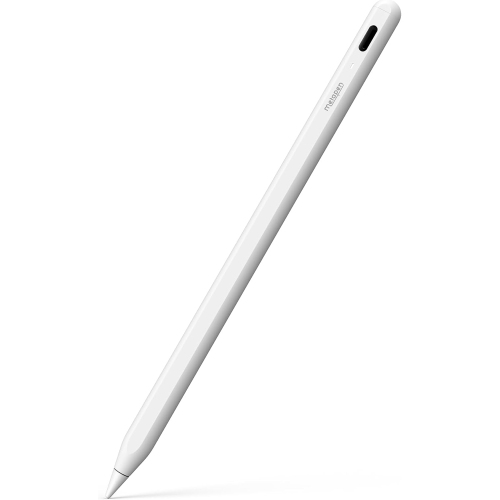
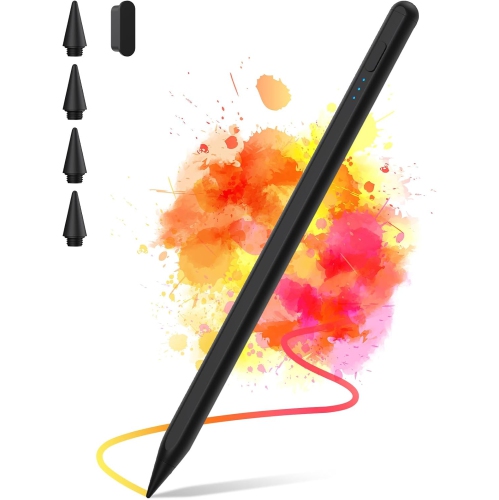
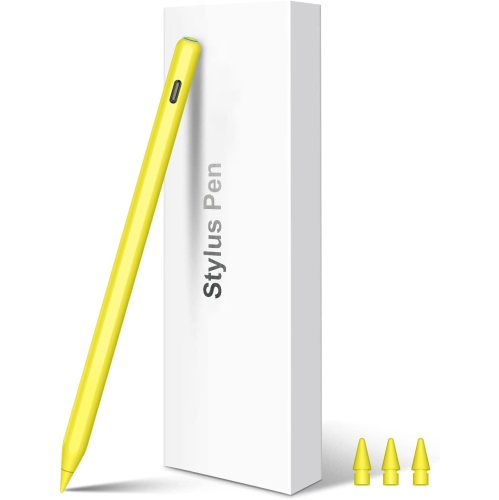
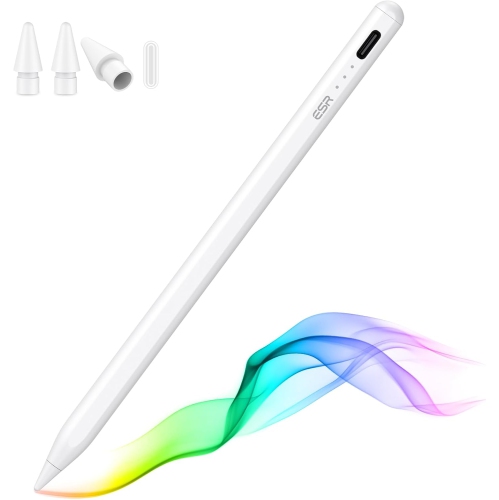
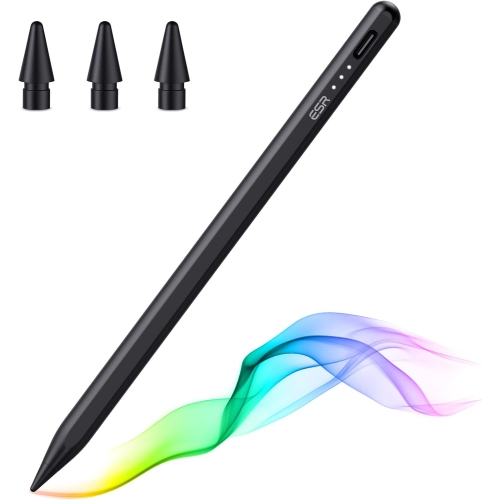
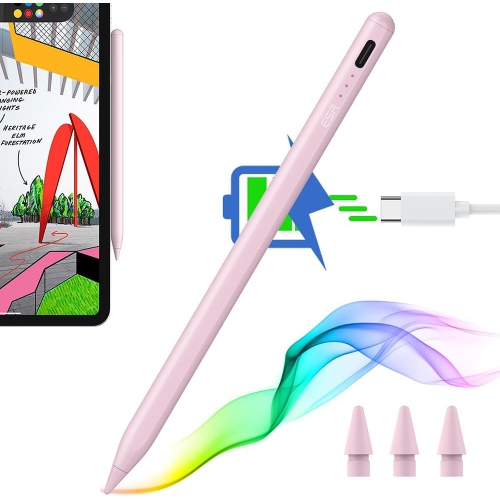
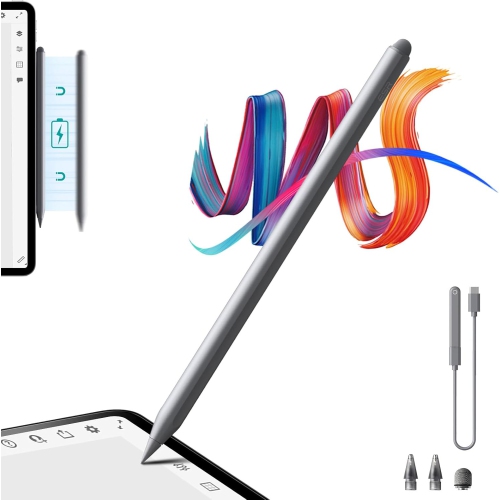
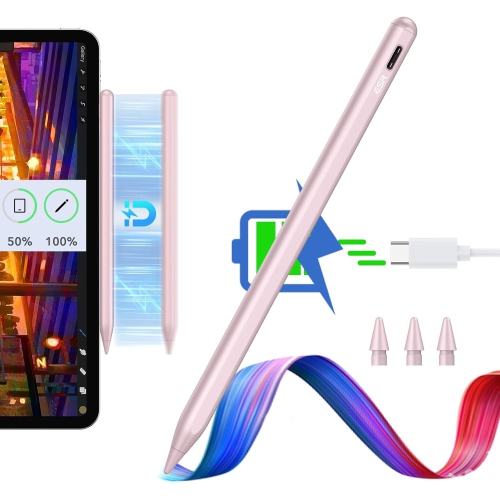
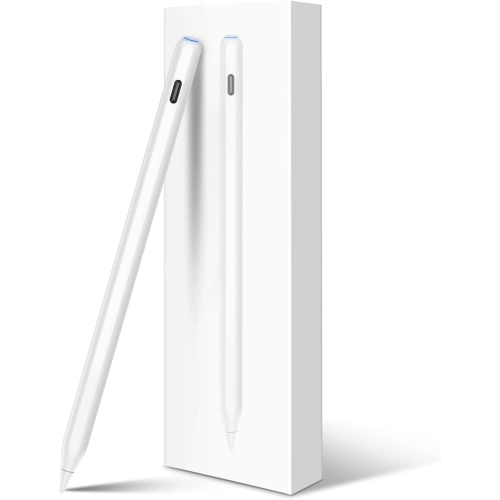
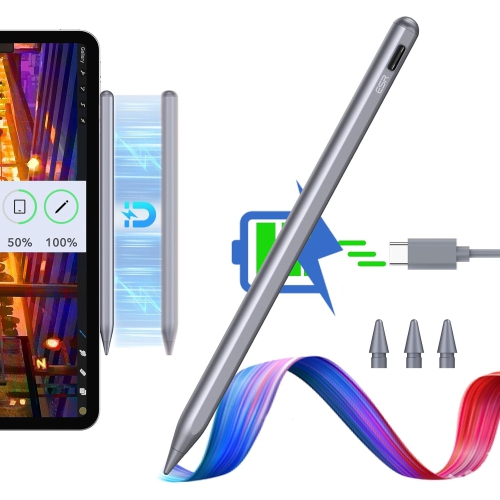
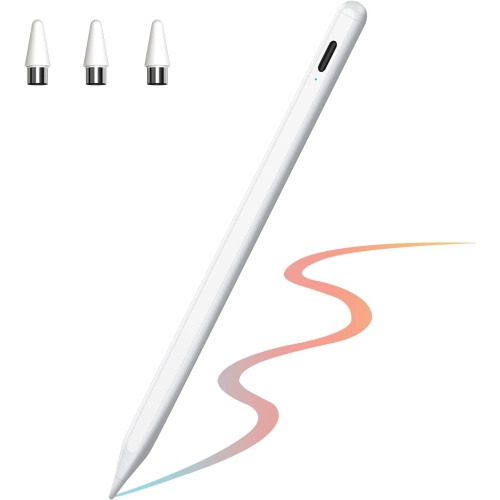
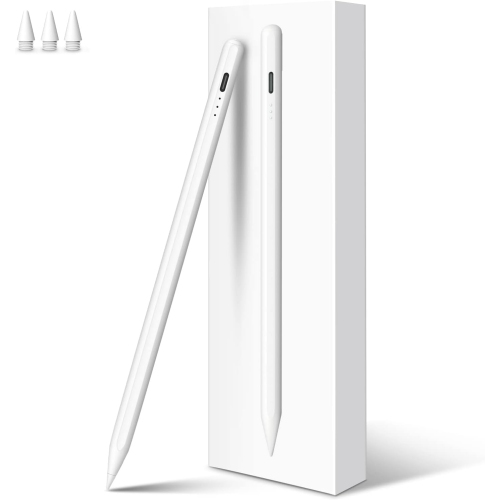
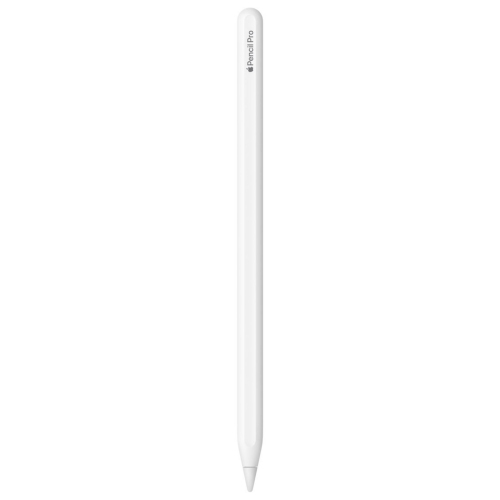
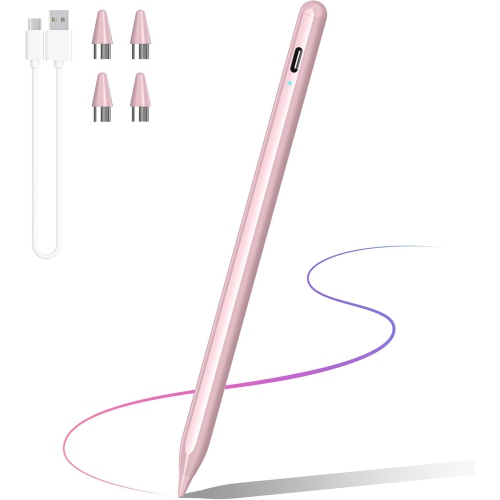
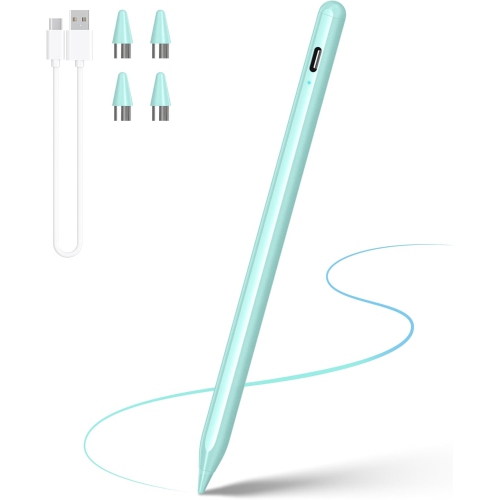
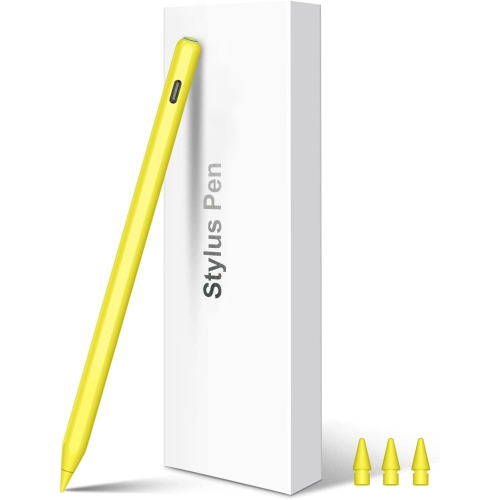
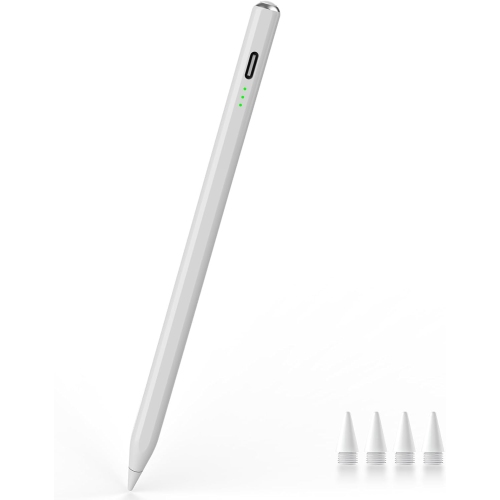
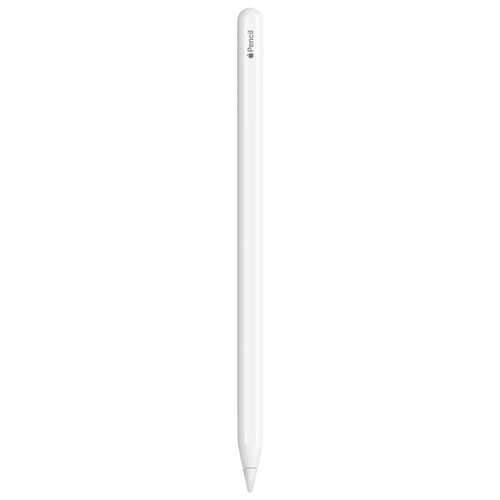
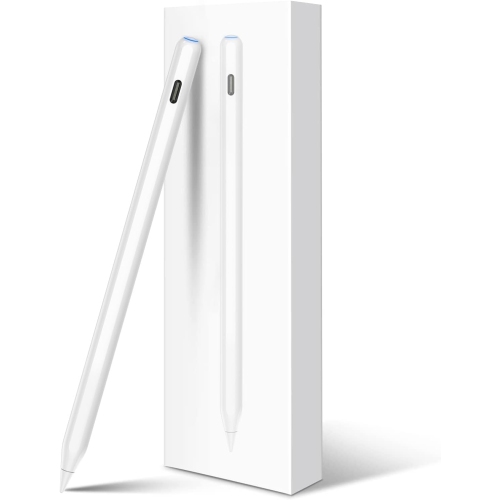
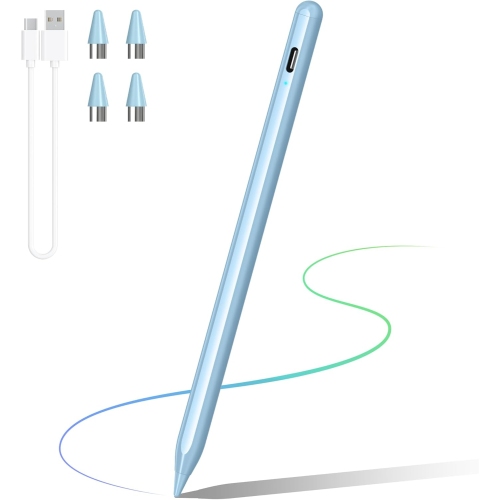
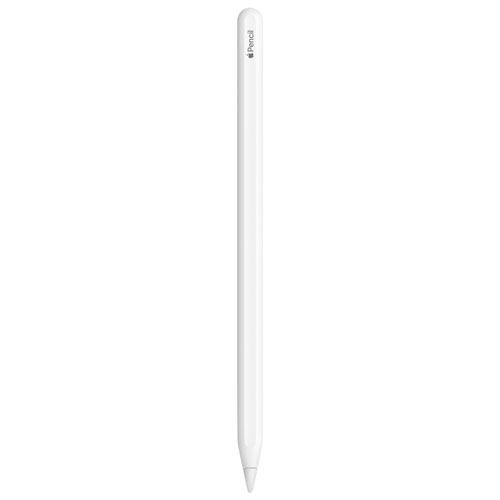
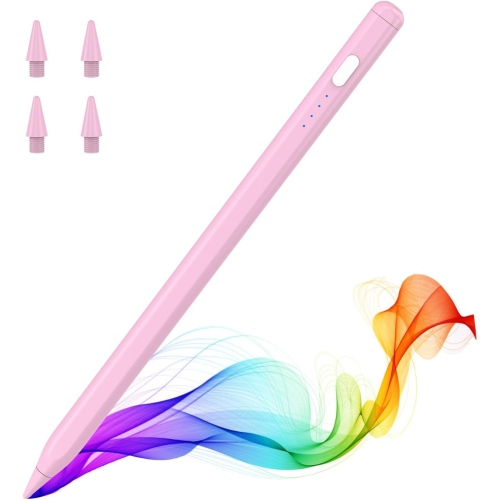
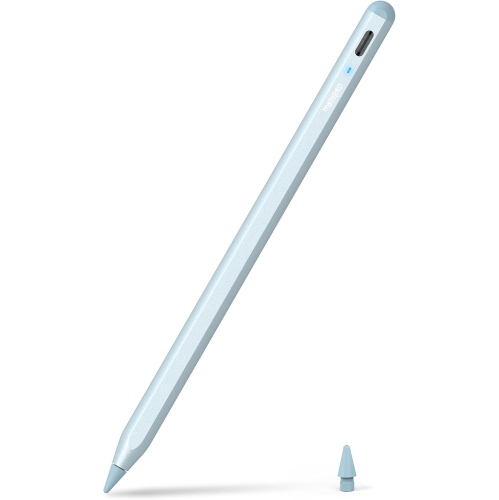
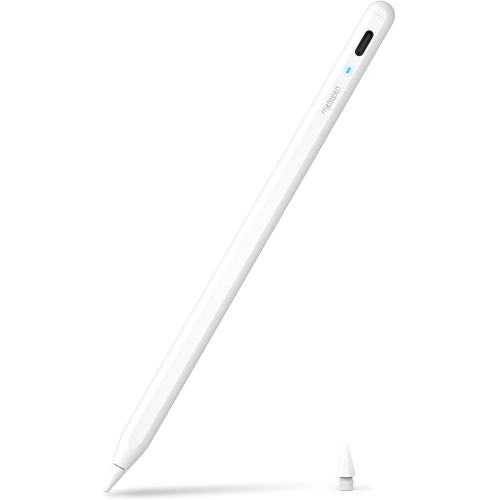
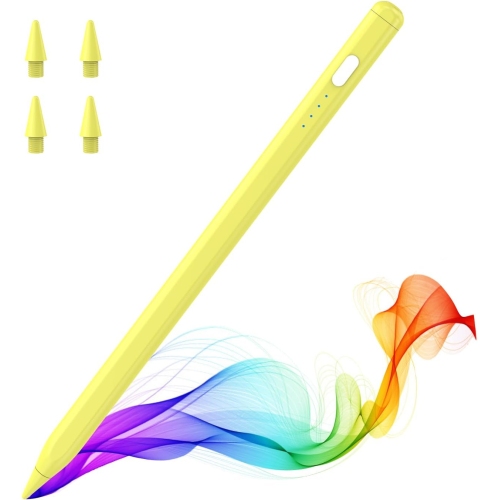
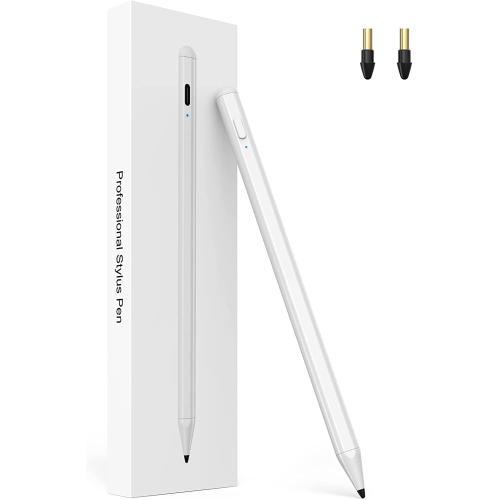
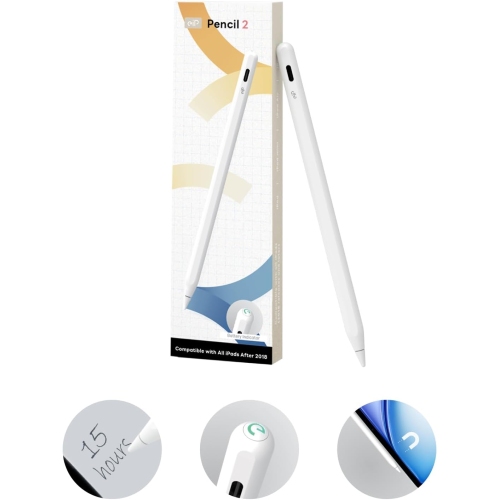
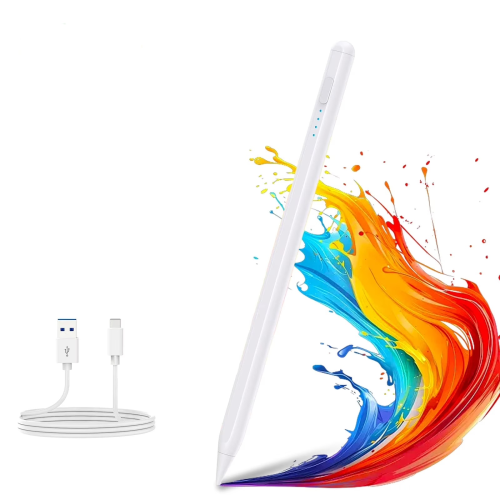
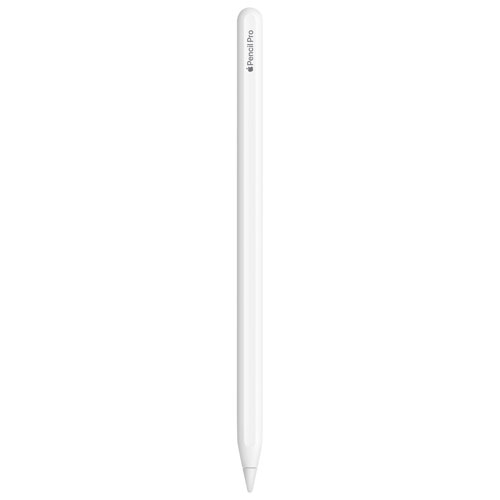
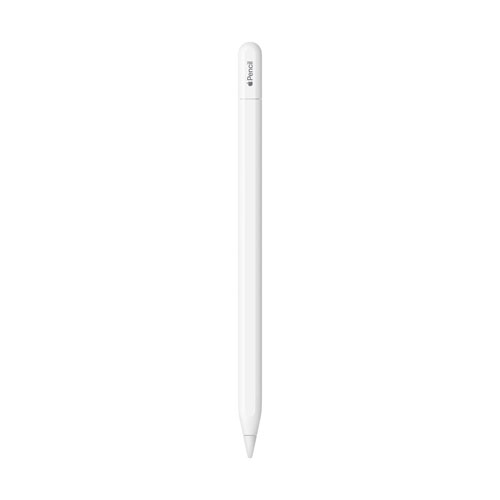
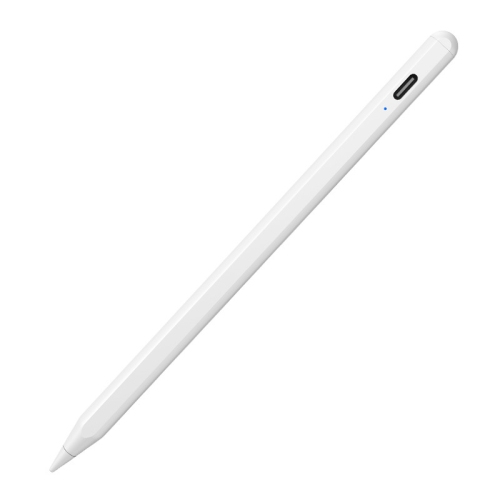
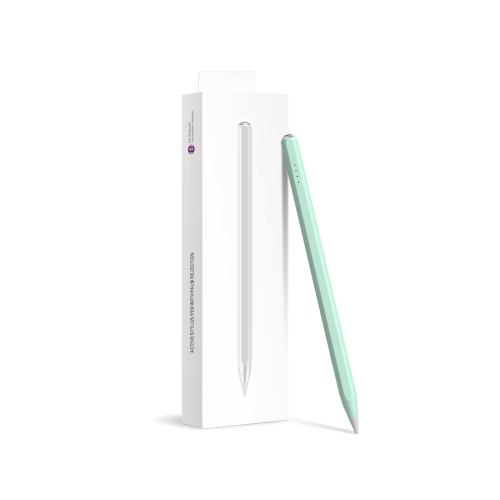
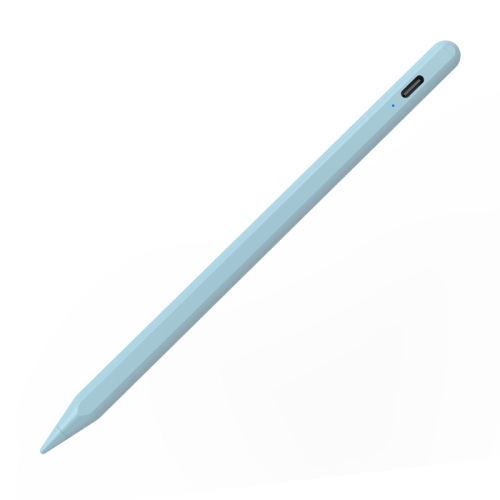
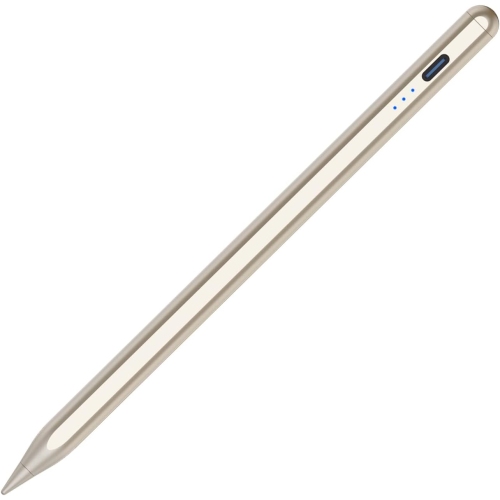
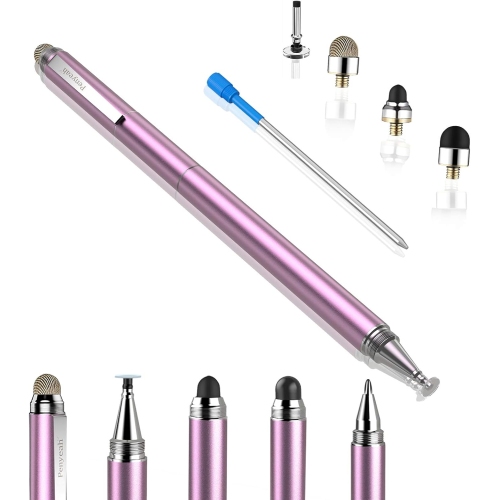
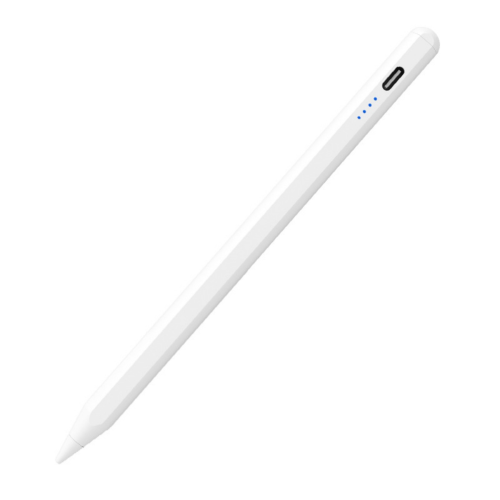
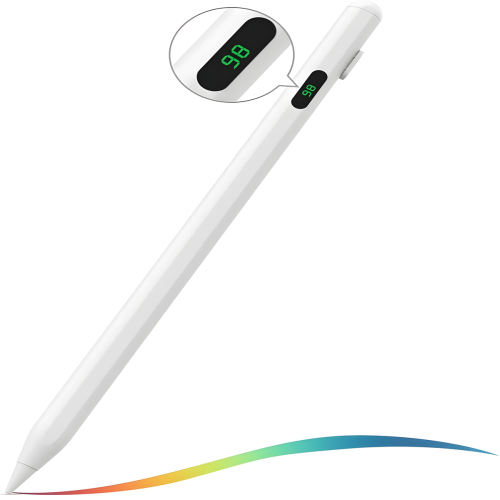
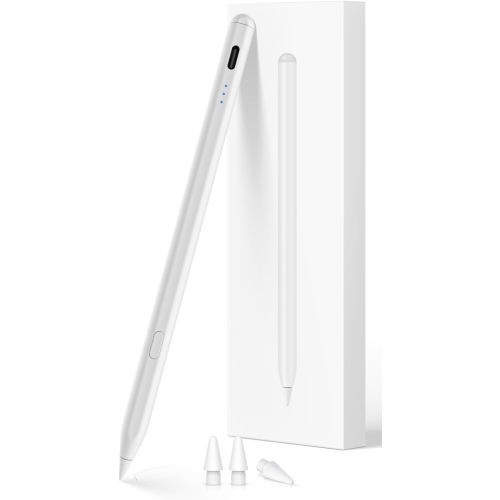
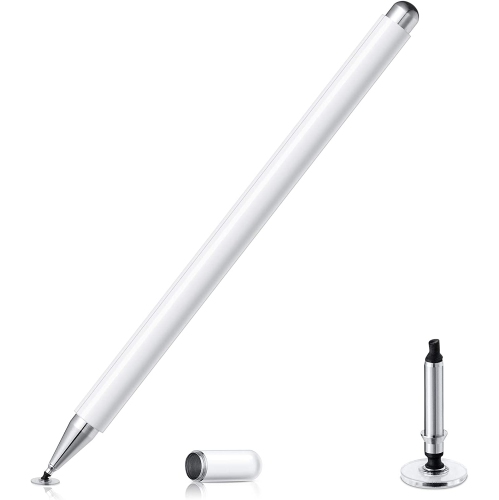
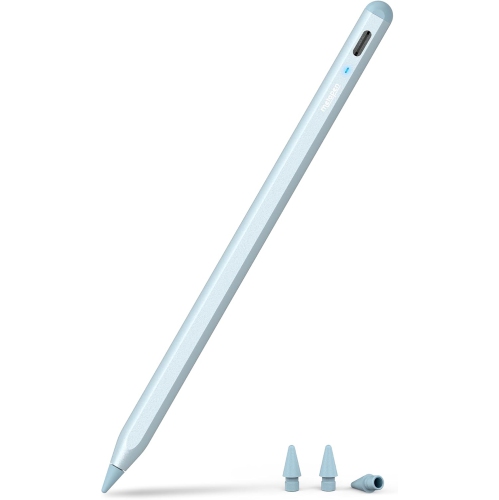
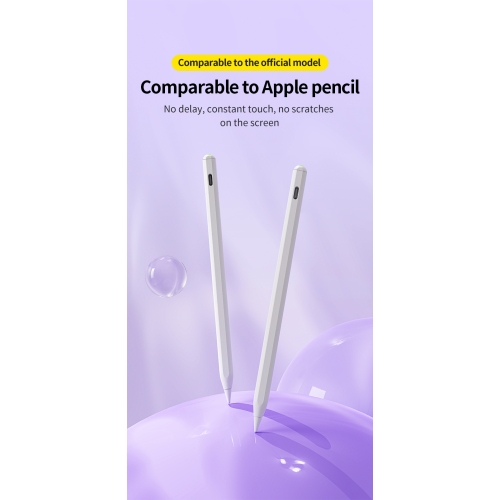
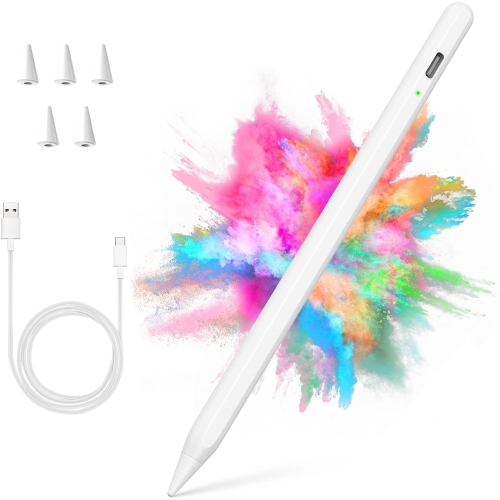
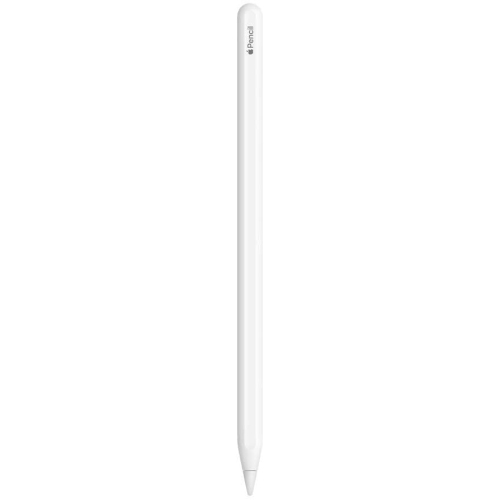
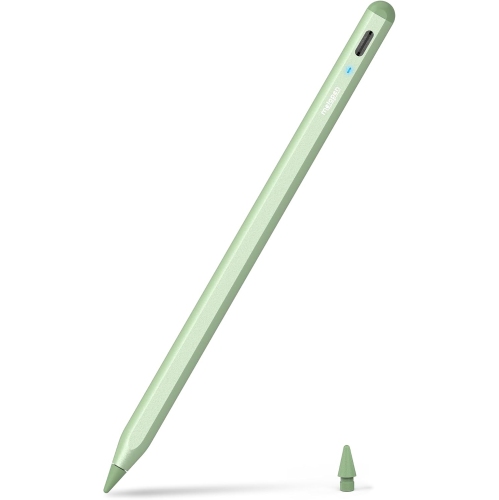
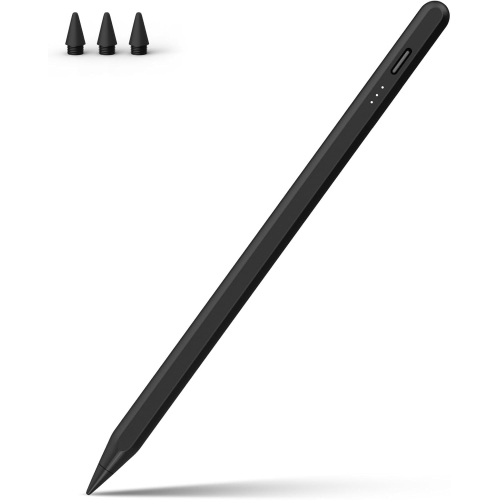
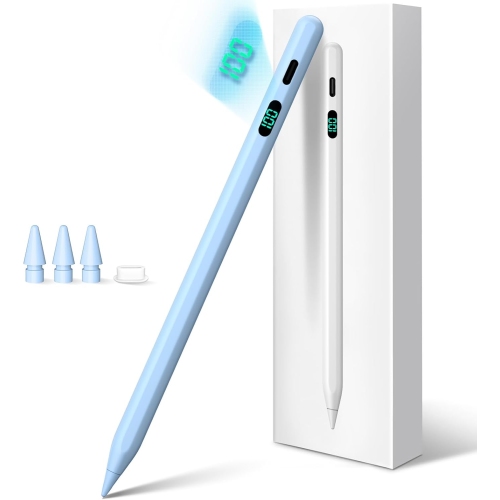
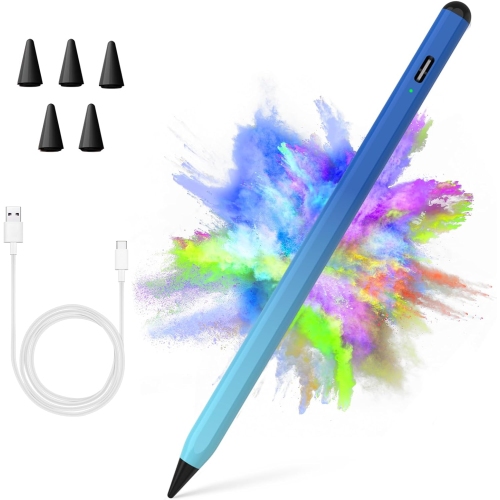
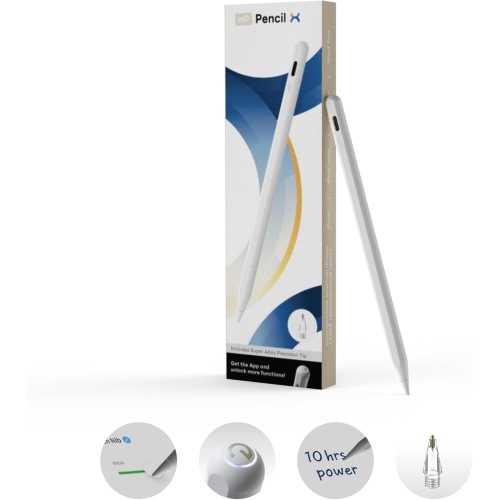
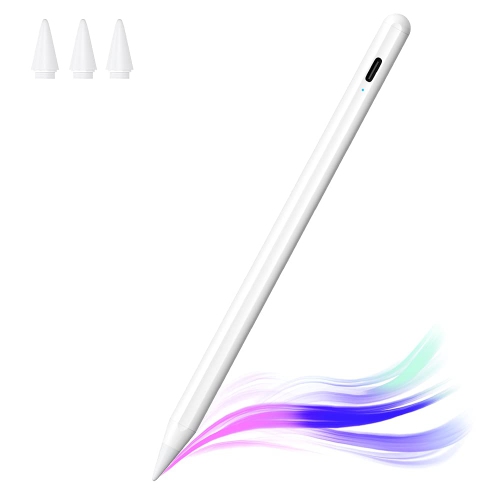
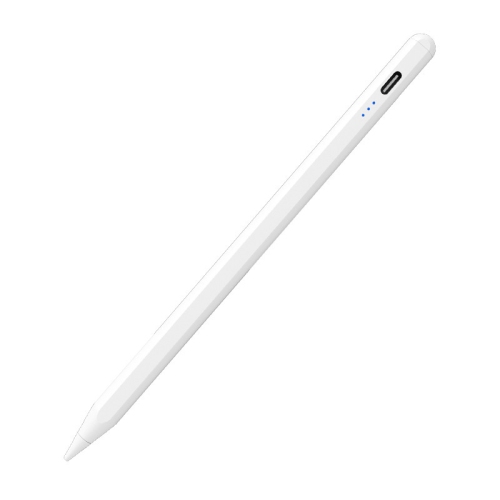
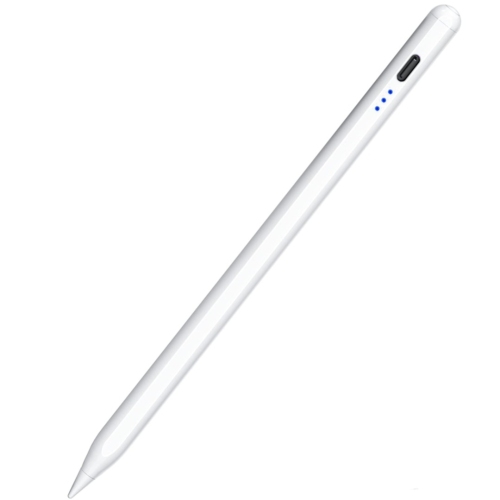
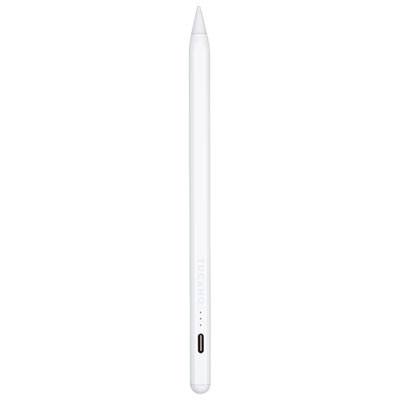
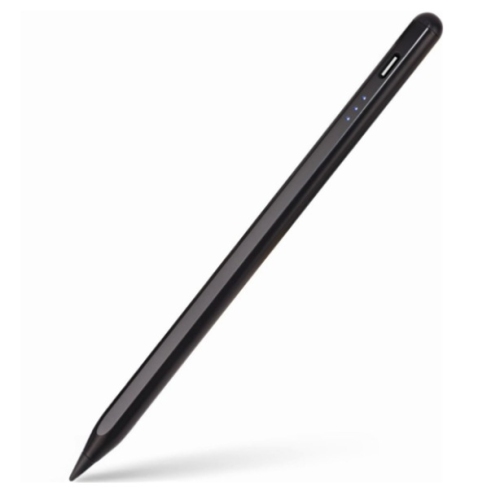
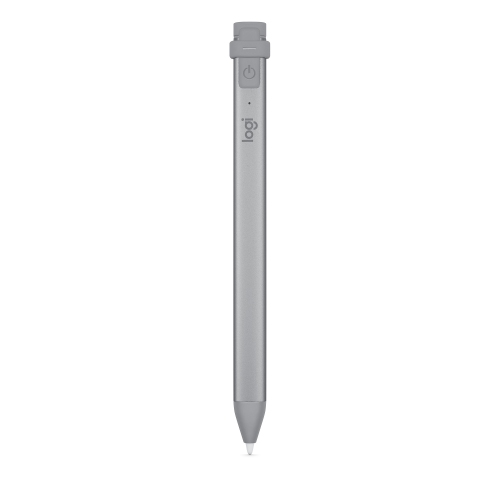
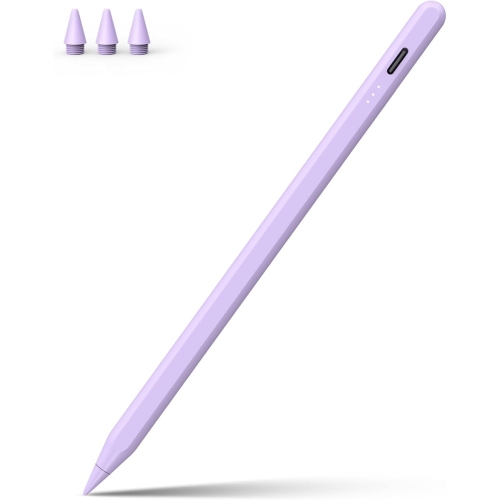
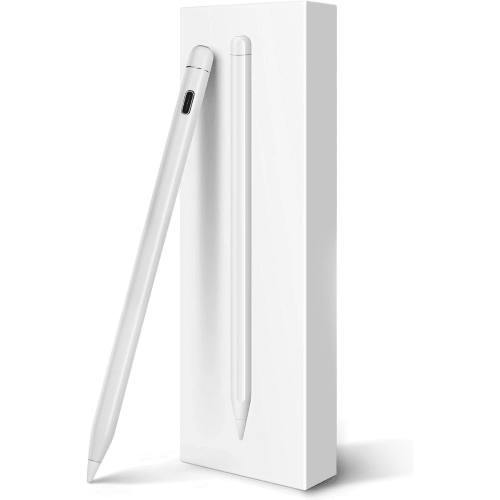
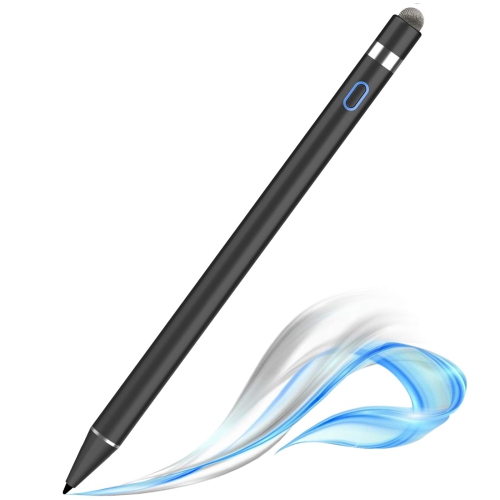
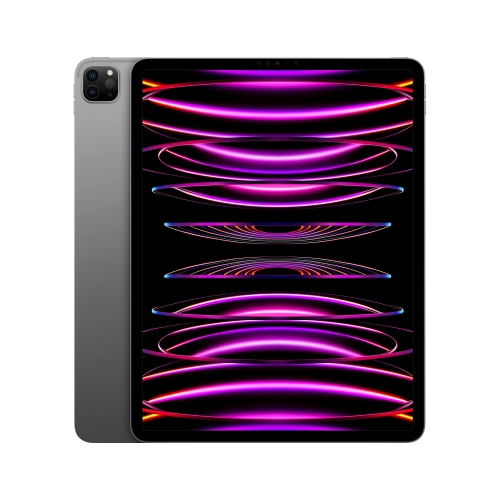
Choosing an iPad mini stylus for note taking starts with confirming compatibility. The iPad mini has been released in several generations, and styluses can differ in how they connect, charge, pair, and respond to the screen. Before placing an order, check the exact model of your tablet and compare it with the stylus specifications. The model name and generation can usually be found in the iPad settings or on the original packaging. Compatibility is especially important for features such as pressure sensitivity, palm rejection, magnetic attachment, wireless charging, and automatic pairing. A stylus designed for one generation may still appear to work with another, but advanced functions may not be available. Browsing a dedicated selection of iPad Mini Stylus options makes it easier to compare supported models, connection methods, charging requirements, and included features in one place. For straightforward note taking, low latency should be near the top of the list. Low latency keeps the digital line close behind the tip, creating a more natural writing experience when capturing a lecture, marking up a document, or jotting down a thought before it disappears. Palm rejection is also valuable because it allows the side of your hand to rest on the display while you write, much like it would on a paper notebook. Without it, stray marks can appear as your hand moves across the screen. Tilt support can add another layer of control, particularly for shading, highlighting, or making broad strokes, although it may be less important for someone who mainly writes text. A fine, firm tip can help with small handwriting on the compact iPad mini display, while a balanced body and comfortable grip make longer sessions easier on the fingers.
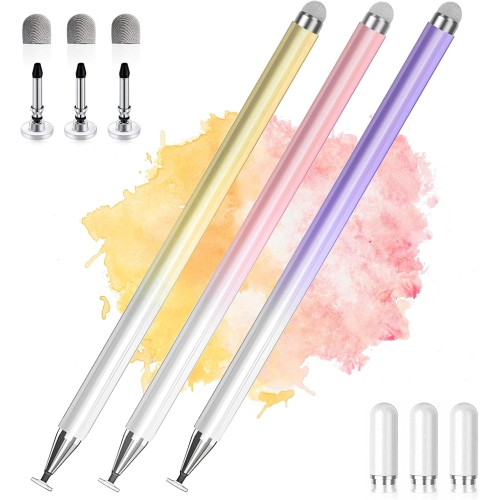
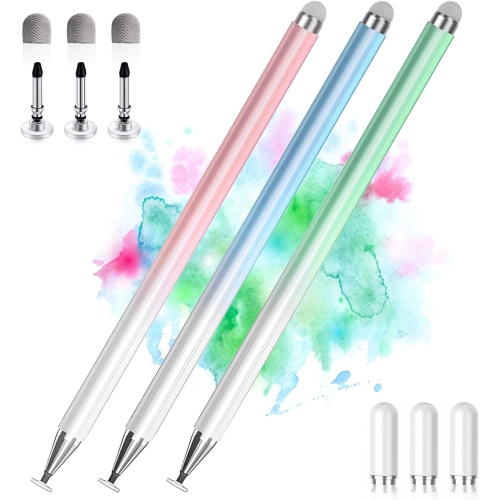
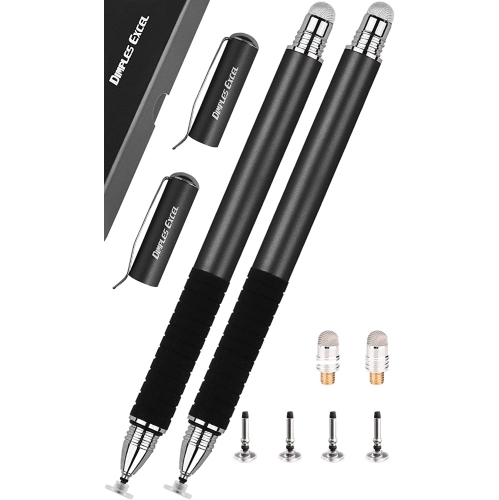
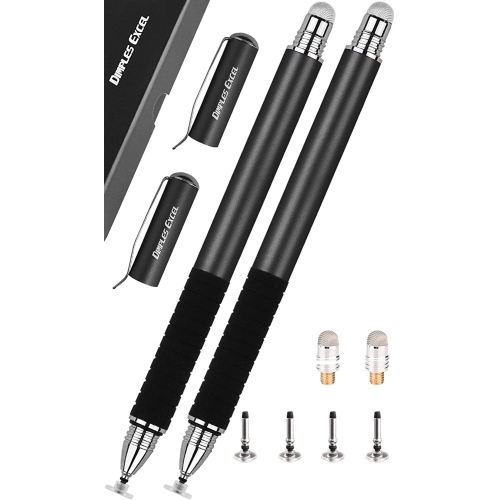
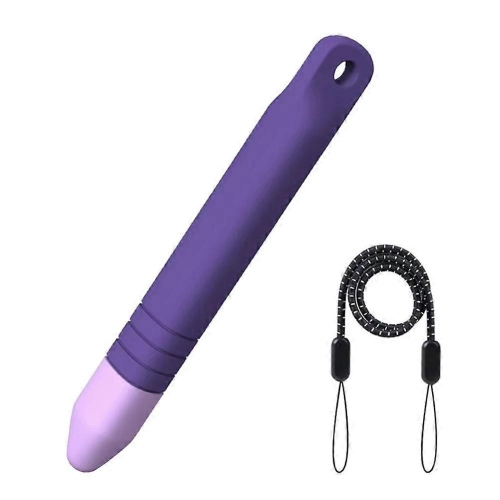
Think about the way the stylus will be used throughout an ordinary day. A student may use it to write short summaries beside digital course materials, sketch a quick diagram, solve calculations, or organize assignments in a handwritten planner. Someone working in an office may annotate meeting notes, sign forms, circle details in a presentation, and turn a rough idea into a simple flowchart while moving between rooms. At home, an iPad mini and stylus can be useful for grocery lists, recipe notes, travel plans, reading annotations, or a quiet creative break during the cooler months. The smaller tablet size makes it convenient to carry in a bag, and a stylus can help it feel more like a pocket-sized notebook than a general-purpose screen. Consider whether the person using it prefers a pen-like weight or a lighter design, as well as whether the tip feels smooth or offers a little friction against the glass. A very slick tip may glide quickly across the display, while a tip with more resistance can feel closer to writing on paper and may make small lettering easier to control. Button placement matters as well. A shortcut button can be useful for switching tools or opening a frequently used function, but an accidental press can be distracting if it sits beneath the fingers. Some styluses use a replaceable tip, which can be helpful for maintaining a consistent writing feel over time. Others use a sealed design that keeps operation simple. If the stylus will be shared by family members or carried between school and home, a protective cap, durable finish, and secure storage method can be just as practical as advanced drawing features.
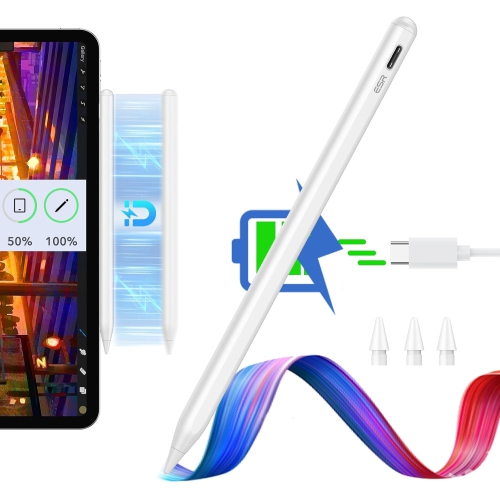
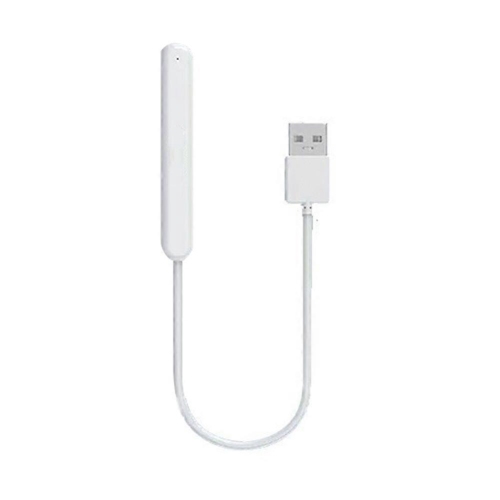
Charging and everyday convenience can determine whether a stylus becomes part of a routine or stays in a drawer. Look for a charging method that fits naturally into the user’s habits. Some models recharge through a cable, while others attach magnetically to a compatible iPad mini for charging or storage. Magnetic attachment can reduce the chance of misplacing the stylus in a backpack, although attachment and charging depend on the specific iPad mini generation and stylus combination. Battery life is worth considering for students, commuters, and professionals who may spend a full day away from an outlet. A quick-charge feature can be useful before a class, appointment, or meeting, while an automatic sleep function can help preserve power between uses. Pairing should be simple, with a stable connection that does not need to be reset each time the stylus is picked up. It is also wise to check which apps support the functions that matter most. Basic writing and drawing may work in many apps, but pressure response, tilt control, handwriting conversion, and shortcut actions can vary. For gifting, an iPad mini stylus is a thoughtful choice for a student, journal keeper, planner, traveller, artist, or anyone who enjoys handwritten notes without carrying several notebooks. Match the gift to the recipient’s tablet generation and habits: a frequent note taker may appreciate palm rejection and a comfortable grip, while a casual user may prefer simple setup and dependable battery life. Keep a spare tip or charging cable in mind if the stylus will travel often, and store it away from keys and other hard objects that could damage the tip. With the right combination of compatibility, comfort, precision, charging, and app support, a stylus can make the compact iPad mini a more practical tool for capturing ideas wherever the day leads.
Think about the way the stylus will be used throughout an ordinary day. A student may use it to write short summaries beside digital course materials, sketch a quick diagram, solve calculations, or organize assignments in a handwritten planner. Someone working in an office may annotate meeting notes, sign forms, circle details in a presentation, and turn a rough idea into a simple flowchart while moving between rooms. At home, an iPad mini and stylus can be useful for grocery lists, recipe notes, travel plans, reading annotations, or a quiet creative break during the cooler months. The smaller tablet size makes it convenient to carry in a bag, and a stylus can help it feel more like a pocket-sized notebook than a general-purpose screen. Consider whether the person using it prefers a pen-like weight or a lighter design, as well as whether the tip feels smooth or offers a little friction against the glass. A very slick tip may glide quickly across the display, while a tip with more resistance can feel closer to writing on paper and may make small lettering easier to control. Button placement matters as well. A shortcut button can be useful for switching tools or opening a frequently used function, but an accidental press can be distracting if it sits beneath the fingers. Some styluses use a replaceable tip, which can be helpful for maintaining a consistent writing feel over time. Others use a sealed design that keeps operation simple. If the stylus will be shared by family members or carried between school and home, a protective cap, durable finish, and secure storage method can be just as practical as advanced drawing features.
Charging and everyday convenience can determine whether a stylus becomes part of a routine or stays in a drawer. Look for a charging method that fits naturally into the user’s habits. Some models recharge through a cable, while others attach magnetically to a compatible iPad mini for charging or storage. Magnetic attachment can reduce the chance of misplacing the stylus in a backpack, although attachment and charging depend on the specific iPad mini generation and stylus combination. Battery life is worth considering for students, commuters, and professionals who may spend a full day away from an outlet. A quick-charge feature can be useful before a class, appointment, or meeting, while an automatic sleep function can help preserve power between uses. Pairing should be simple, with a stable connection that does not need to be reset each time the stylus is picked up. It is also wise to check which apps support the functions that matter most. Basic writing and drawing may work in many apps, but pressure response, tilt control, handwriting conversion, and shortcut actions can vary. For gifting, an iPad mini stylus is a thoughtful choice for a student, journal keeper, planner, traveller, artist, or anyone who enjoys handwritten notes without carrying several notebooks. Match the gift to the recipient’s tablet generation and habits: a frequent note taker may appreciate palm rejection and a comfortable grip, while a casual user may prefer simple setup and dependable battery life. Keep a spare tip or charging cable in mind if the stylus will travel often, and store it away from keys and other hard objects that could damage the tip. With the right combination of compatibility, comfort, precision, charging, and app support, a stylus can make the compact iPad mini a more practical tool for capturing ideas wherever the day leads.
Top selling and popular products
-
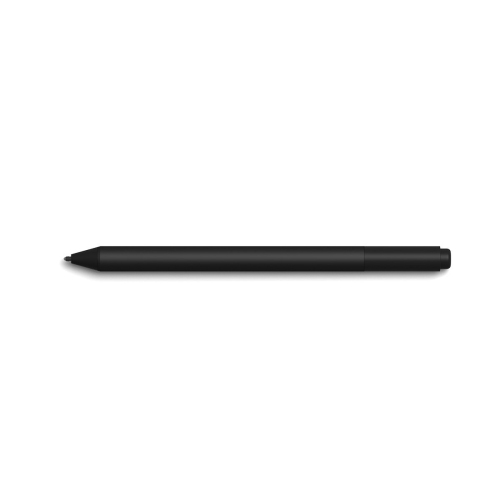 Your price for this item is $175.68
-
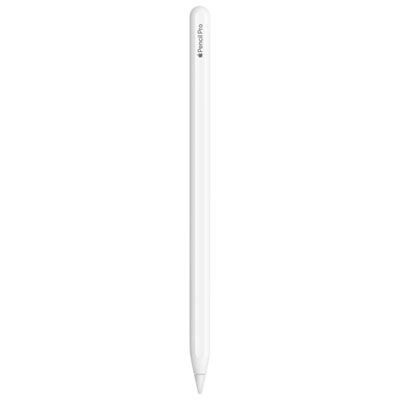 Your price for this item is $169
-
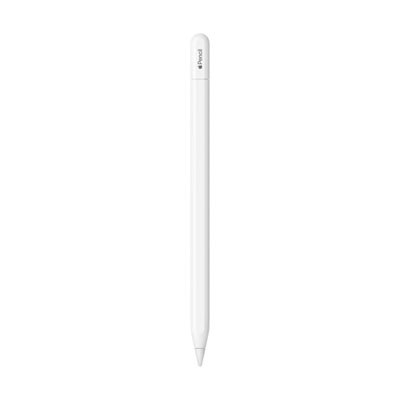 Your price for this item is $109
-
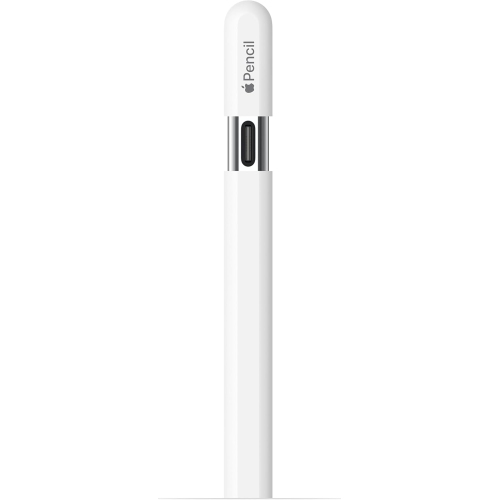 Your price for this item is $96.9
-
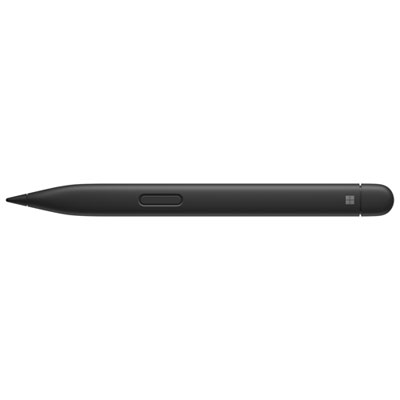 Your price for this item is $189.99
-
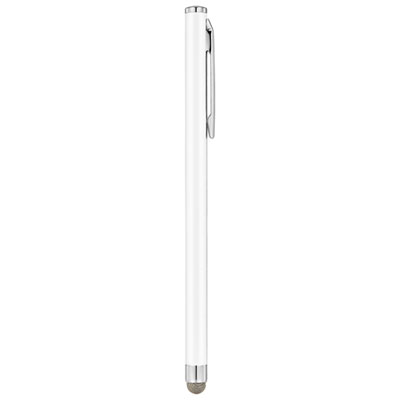 Your price for this item is $9.99
-
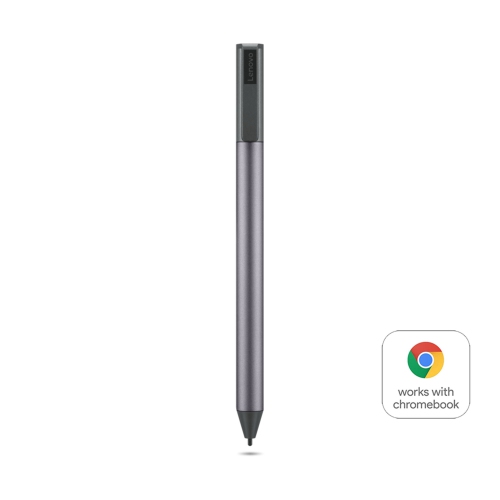 Your price for this item is $71.99
-
 Your price for this item is $21.99
Discover more categories related to iPad Mini Stylus for Note Taking
Top Collections:
Pokemon Centers, Kindle Devices, Best Cameras for Sports Photography, Pokémon 30th Celebration Cards, Apple iPhones 16, Canon G7X Cameras, iPhone 15 Apple, Flip Phones, Samsung Galaxy Phones, Alarm Clock
Some products may be subject to Environmental Handling Fees
(EHF) depending on your province.
Learn more about EHFs.