IPS Display Screens
IPS Display Screen technology brings exceptional visual clarity and vibrant color to your viewing experience, making it a popular choice for a wide range of applications. Whether you're upgrading your home office, enhancing your gaming setup, or seeking improved performance for creative projects, an IPS Display Screen delivers consistent quality from every angle. Explore the selection to find the ideal option that fits your needs and elevates your workspace or entertainment area.
Sort
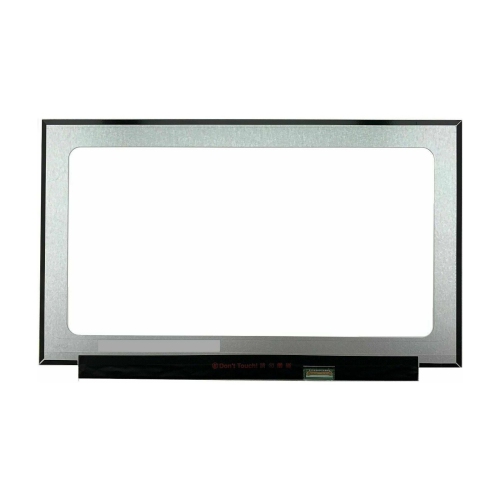
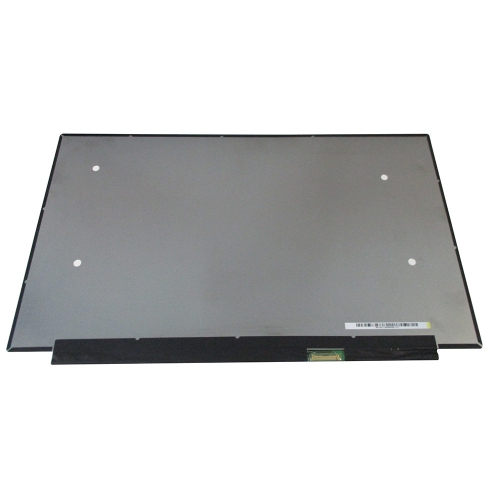
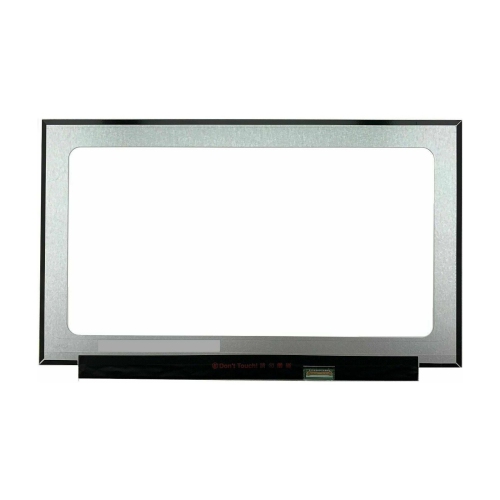
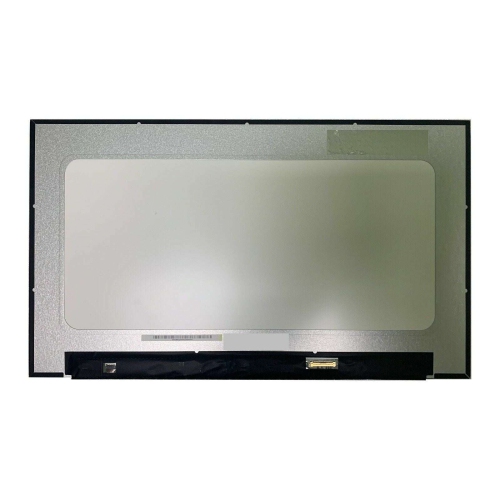
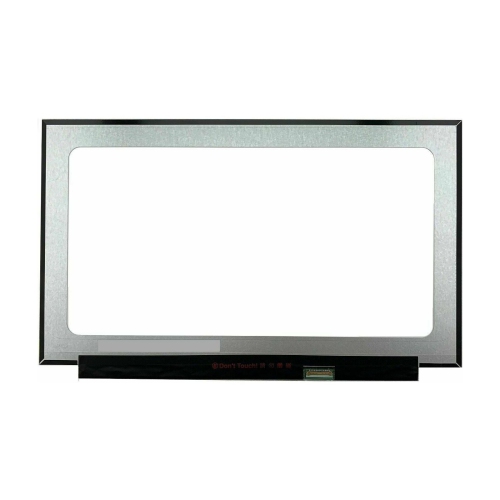
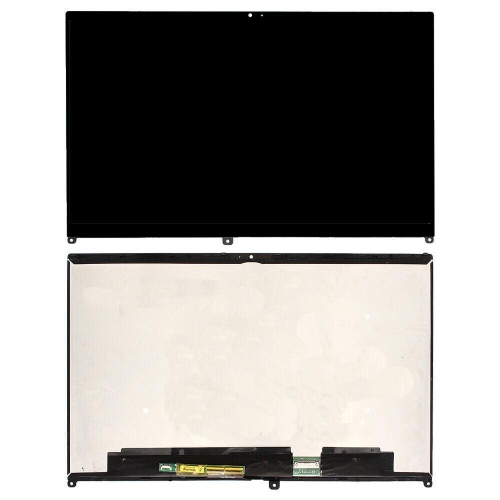
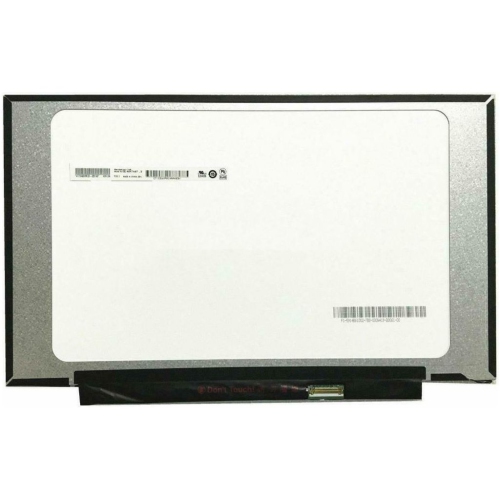
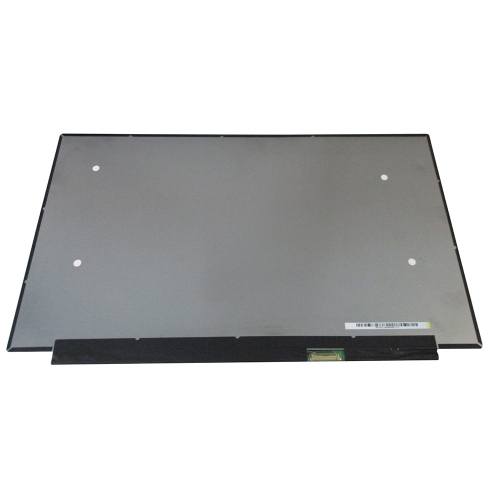
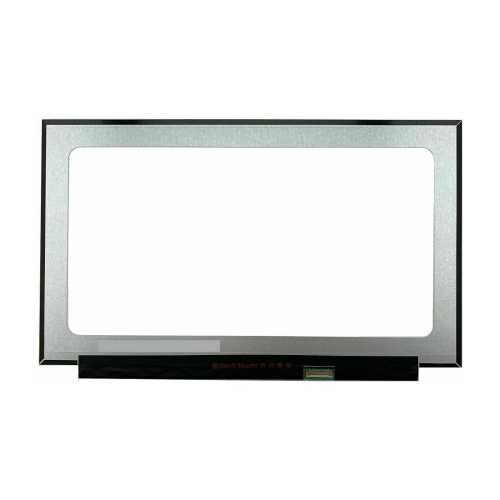

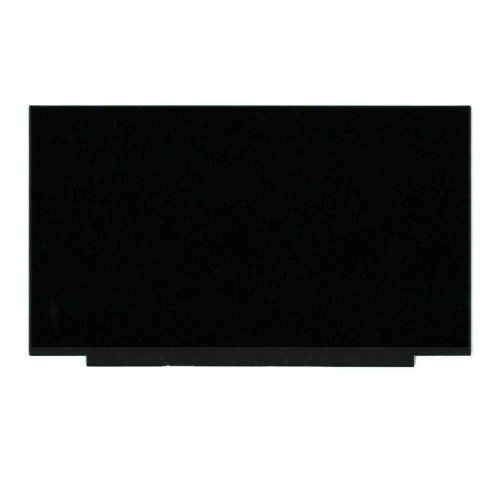
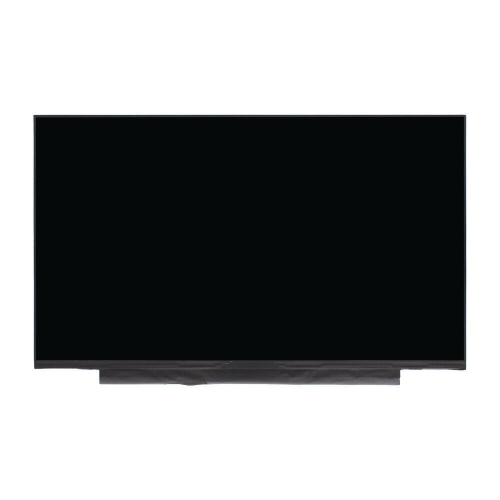
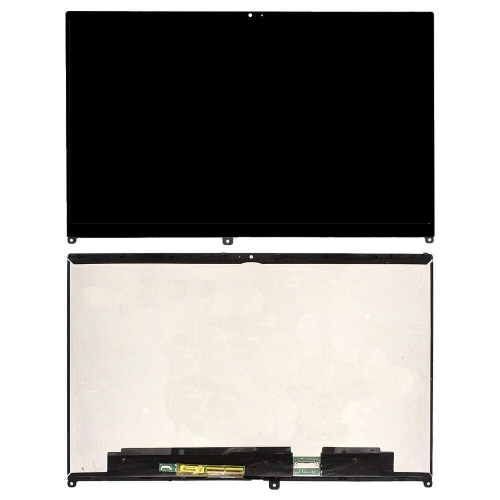
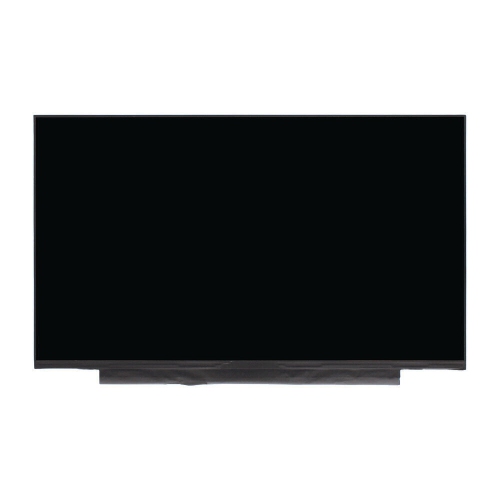
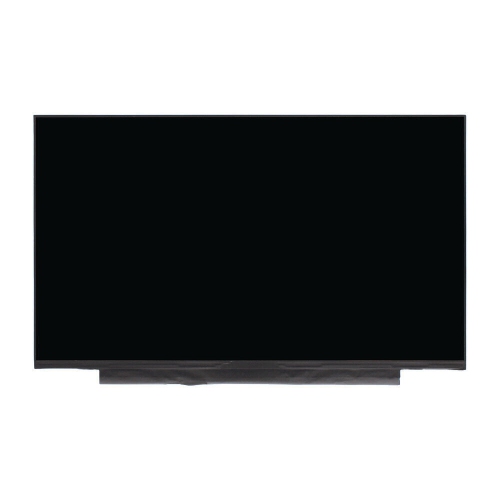
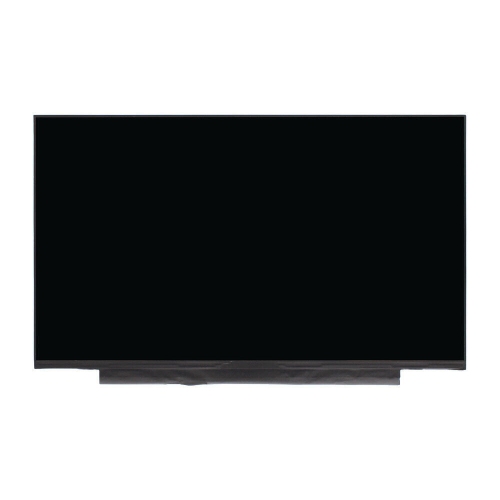
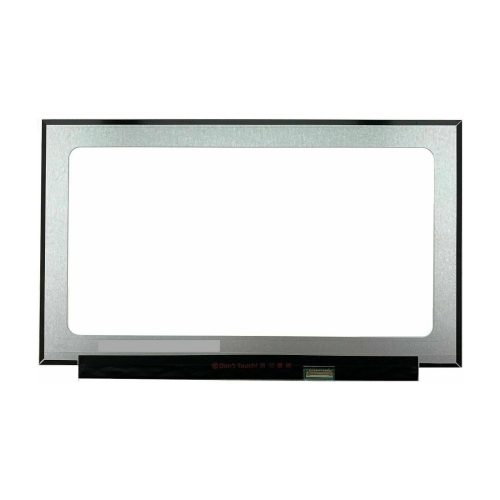
Why colours stay consistent as your view changes
IPS display screens use in-plane switching, a type of liquid crystal display (LCD) technology in which liquid crystals are aligned parallel to the screen and rotate within that plane to control light passing through each pixel. This arrangement helps colours remain consistent when the screen is viewed from different positions, making IPS panels well suited to everyday computing, creative work, gaming, and shared viewing. IPS and LED describe different parts of a display: IPS is the panel technology, while LED refers to the light-emitting diodes commonly used to illuminate it. A screen can therefore be both IPS and LED-backlit. Many IPS panels have advertised viewing angles of up to 178 degrees, though brightness and contrast can still vary when viewed far off-centre. The practical benefit is easy to appreciate when two people review a presentation side by side or a photographer leans across a desk without seeing colours shift dramatically. Colour performance still depends on the individual display, not simply its IPS designation. Coverage of the sRGB colour space is useful for everyday web content, while wider colour spaces such as DCI-P3 can matter for compatible video and creative workflows. Colour gamut describes the range of colours a display can reproduce; colour accuracy describes how faithfully it reproduces them. Factory calibration and support for hardware or software calibration can be important for work where consistent skin tones, product colours, or printed results matter. Resolution and screen size also shape the viewing experience. A 24-inch Full HD screen can suit document work and smaller desks, while a 27-inch QHD screen offers more room for spreadsheets, editing tools, and multiple windows. A 4K display can show finer detail, although text size may need adjustment through operating system scaling. For reading dense reports or retouching a photograph, the relationship between resolution, screen size, and viewing distance matters more than any one specification on its own.
For games and moving images, an IPS screen’s refresh rate and pixel response time deserve separate attention. Refresh rate, measured in hertz, indicates how often the screen can update each second; response time describes how quickly its pixels change between states. A higher refresh rate can make scrolling and motion look smoother when the connected computer can supply enough frames, while well-controlled pixel transitions help moving objects retain definition. Advertised response times may be measured under aggressive settings that introduce bright or dark trails, so the lowest quoted number does not always represent the clearest picture. Adaptive sync can reduce tearing and uneven motion when supported by both the display and the connected device. These characteristics are useful beyond competitive gaming: a smooth timeline, fluid cursor movement, and clear scrolling can make a screen pleasant for everyday work. IPS technology also has limitations worth understanding. Conventional IPS panels generally have lower native contrast than VA panels, so black areas may look dark grey in a dim room. IPS glow is an angle-dependent glow that can be visible in dark scenes, especially near the corners; backlight bleed is a separate issue involving uneven light leakage around the panel edges. Neither should be confused with reflections on the screen surface. Local dimming can improve contrast on displays equipped with that feature, but its effectiveness depends on the backlight design and control. Likewise, an HDR label alone does not guarantee bright highlights or detailed shadows: peak brightness, colour capability, and dimming performance all contribute. IPS LCD screens are generally less susceptible to permanent burn-in than OLED screens, although temporary image retention can still occur. For a mix of static toolbars, browser windows, video calls, and entertainment, IPS provides a practical balance of consistent colour and broad usability without making every panel equally capable.
The physical fit of an IPS display screen can matter as much as its picture specifications. A large panel needs enough desk depth to allow comfortable viewing without constant head movement, and the stand’s footprint may take up more space than the screen’s slim profile suggests. Height adjustment, tilt, swivel, and portrait rotation can help position the display for different users and tasks. Portrait orientation is particularly useful for long documents, coding, and reference material, while a compatible monitor arm can free desk space and make a two-screen arrangement easier to align. Mounting-hole compatibility, screen weight, and arm capacity need to match. Matte screen finishes help diffuse reflections from windows and overhead lighting; glossy finishes can give images a crisp appearance but make reflections more noticeable. Connectivity determines how smoothly the screen fits into an existing setup. HDMI and DisplayPort connections support different resolutions and refresh rates depending on their versions and the capabilities of the computer, display, and cable. Some USB-C connections carry video, data, and charging power through one cable, but a USB-C connector alone does not guarantee all three functions. Charging capacity also needs to suit the connected laptop. For computing away from a fixed desk, IPS Display Laptops bring the same panel technology into a portable format, with screen size, brightness, and surface finish influencing comfort in different workspaces. Display housings commonly use plastic, metal, or a combination of both, while the panel surface requires gentler handling than the outer casing. A soft, clean microfibre cloth helps remove dust without scratching; any cleaner should be approved for the screen and applied to the cloth rather than sprayed directly onto the panel. Pressure on the display, blocked ventilation, and tension on connected cables can shorten its useful life. Thoughtful positioning and routine care help an IPS screen remain a dependable part of a study area, home office, creative workspace, or gaming setup.
Top selling and popular products
-
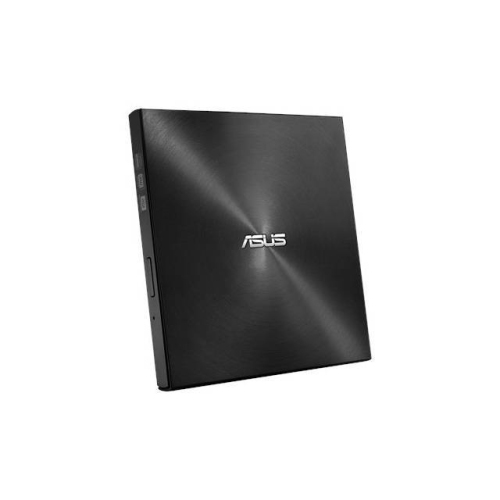 Your price for this item is $104.68
-
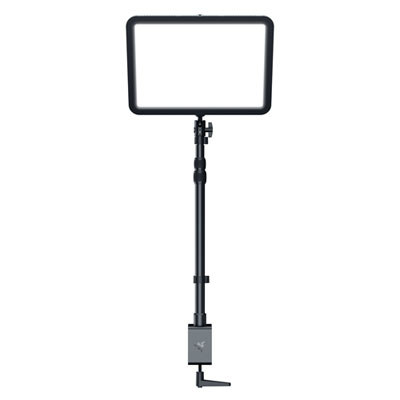 Your price for this item is $429.95
-
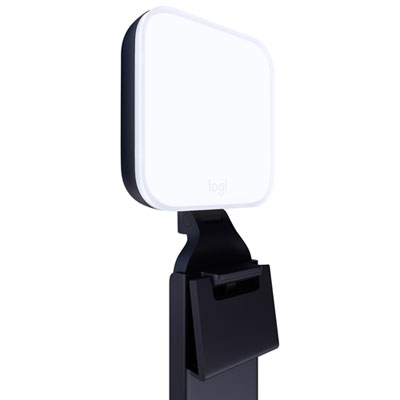 Your price for this item is $89.99
-
 Your price for this item is $72.49
-
 Your price for this item is $279.99
-
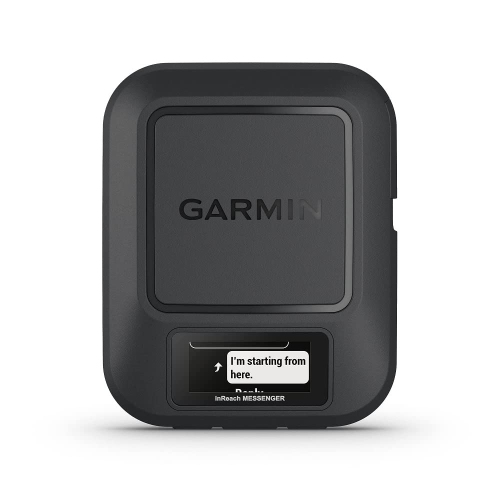 Your price for this item is $439
-
 Your price for this item is $102.68
-
 Your price for this item is $128.68
Discover more categories related to IPS Display Screens
Top Collections:
Best Black Friday Deals This Year, Best Black Friday Deals On Electronics, Kindle Devices, Pokemon Centers, Best Black Friday Deals On Apple Products, Best Cameras for Sports Photography, Dyson Airwrap, Pokémon 30th Celebration Cards, Apple iPhone 17 Pro, Canon G7X Cameras
Some products may be subject to Environmental Handling Fees
(EHF) depending on your province.
Learn more about EHFs.