Keyboards With Cherry MX Switches
Looking for a keyboard that delivers both style and substance? Look no further than our collection of keyboards with Cherry MX switches. These high-performance mechanical switches are known for their exceptional durability, precise keystrokes, and satisfying tactile feedback. Whether you're a gamer looking for lightning-fast response times or a professional seeking a comfortable typing experience, our selection of keyboards with Cherry MX switches has something to suit every need. With a range of switch options available, you can find the perfect keyboard to enhance your productivity and elevate your gaming sessions.
Sort
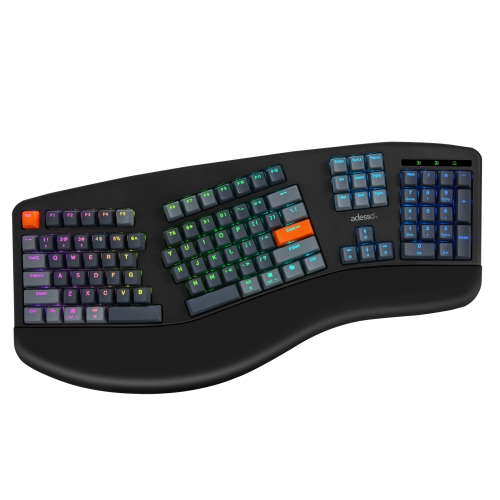
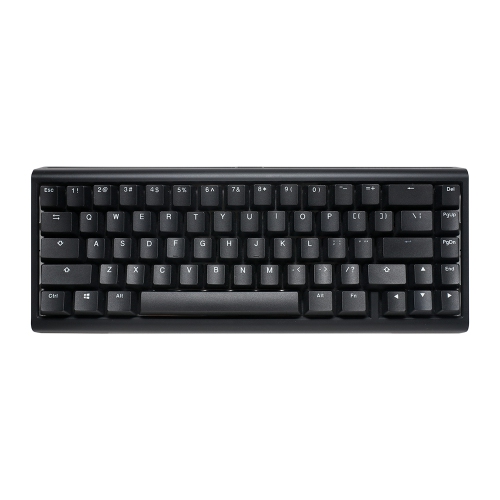
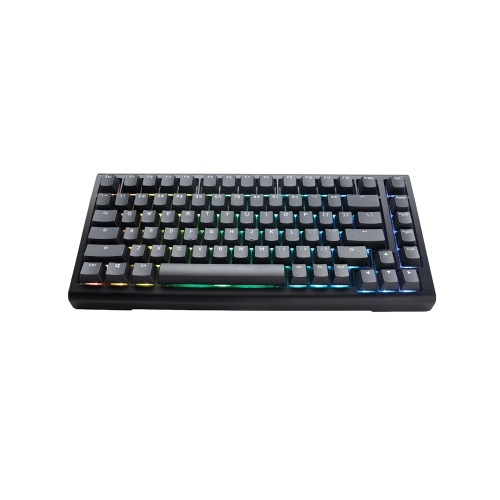
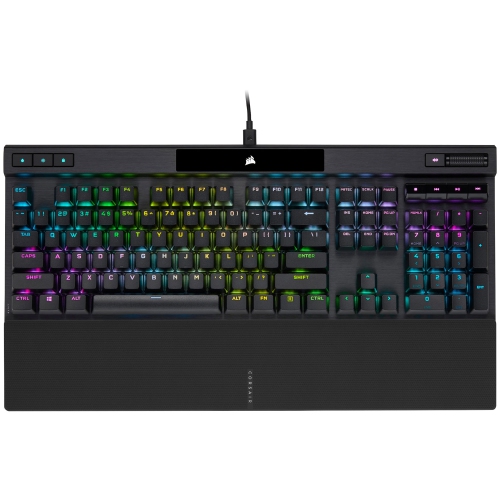
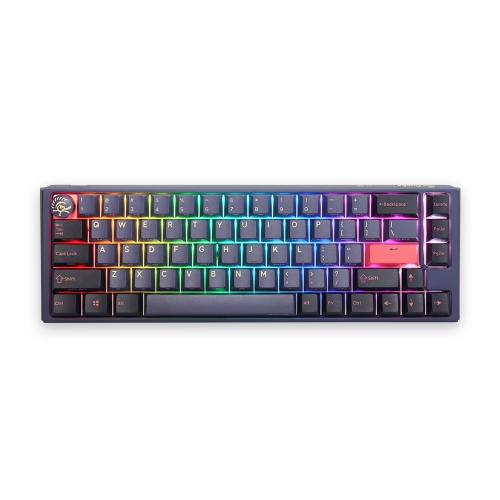
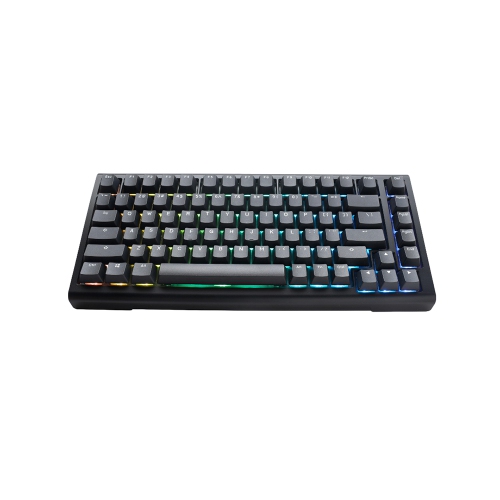
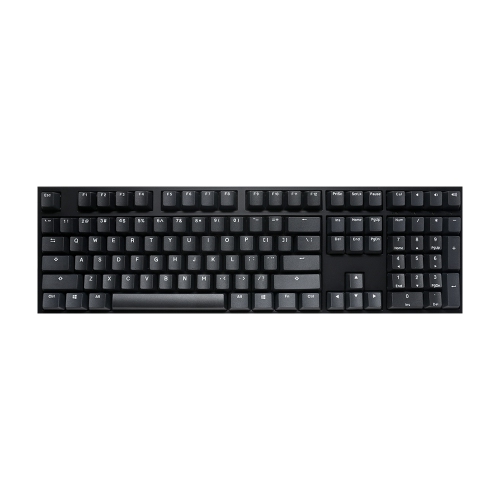
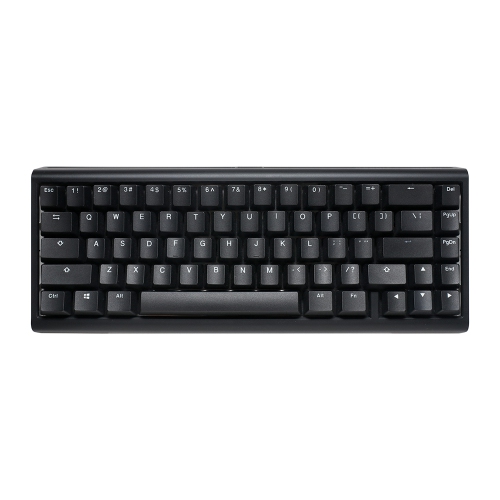
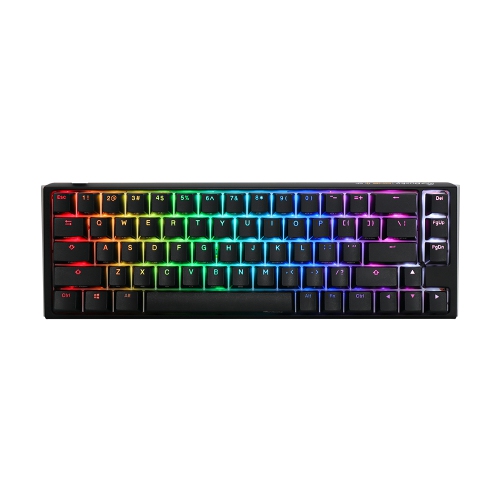
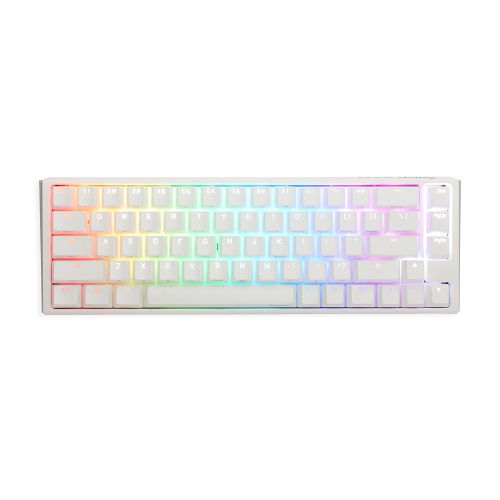
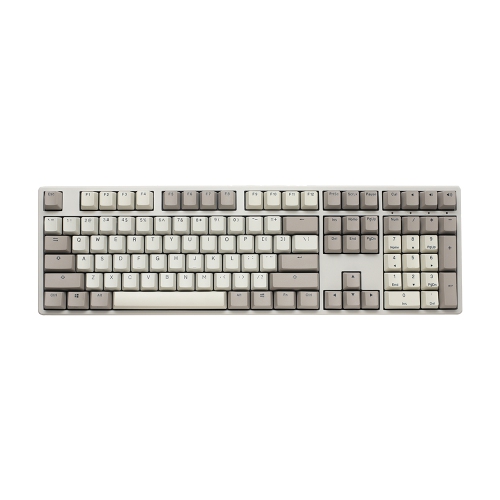
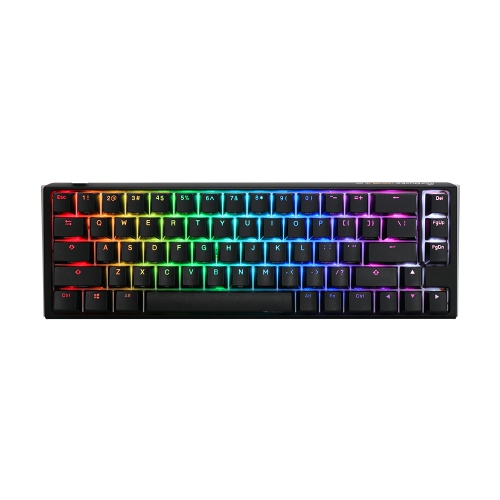
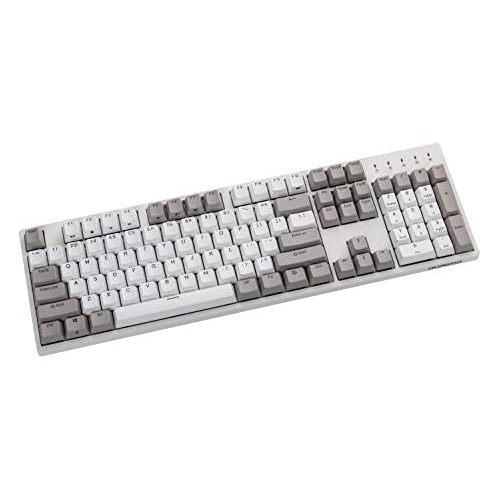
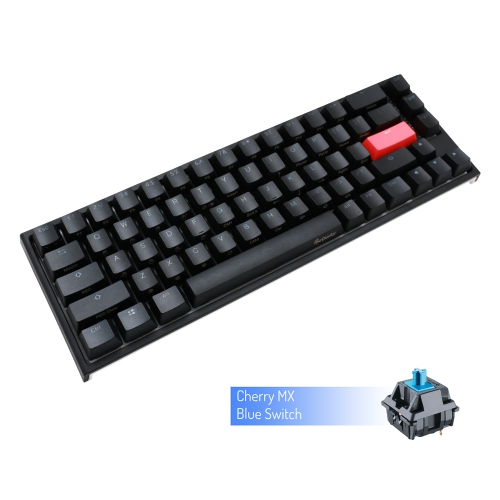
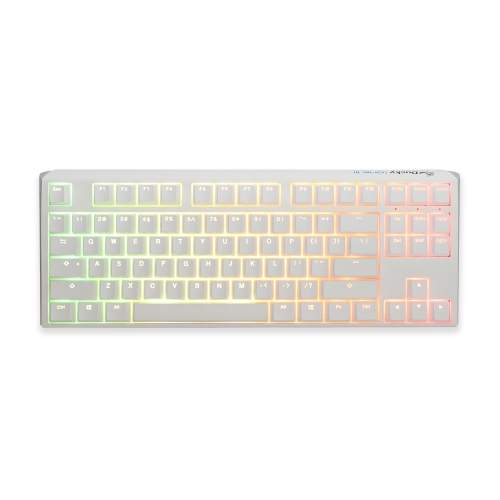
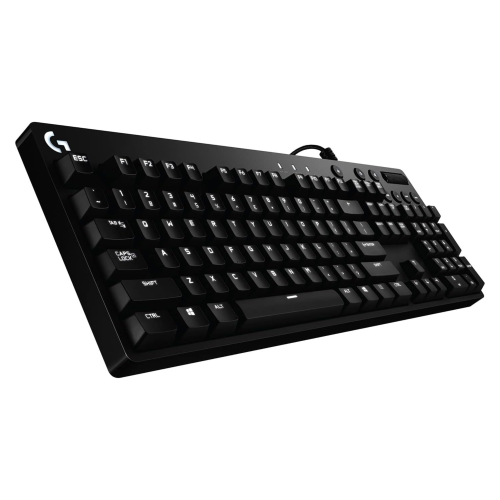
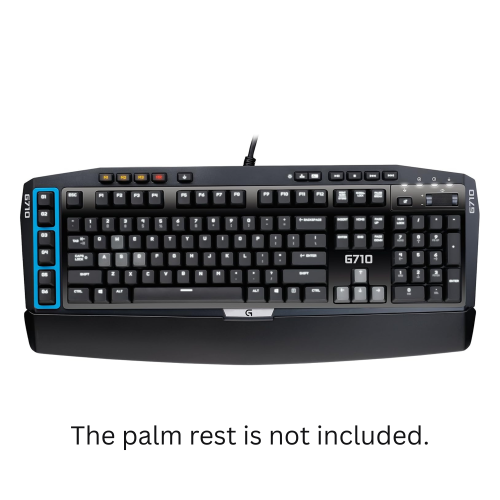
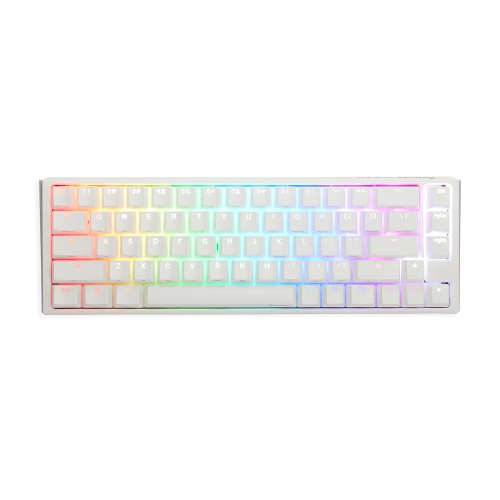
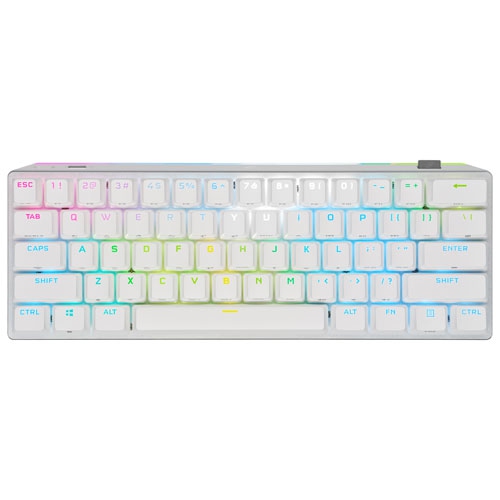
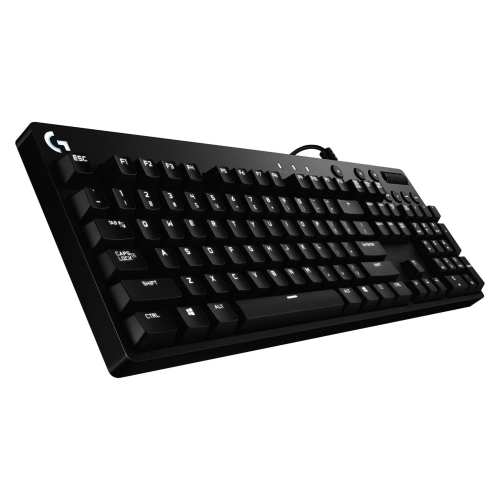


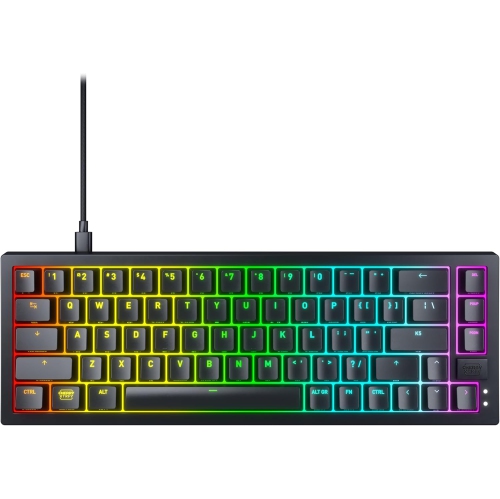
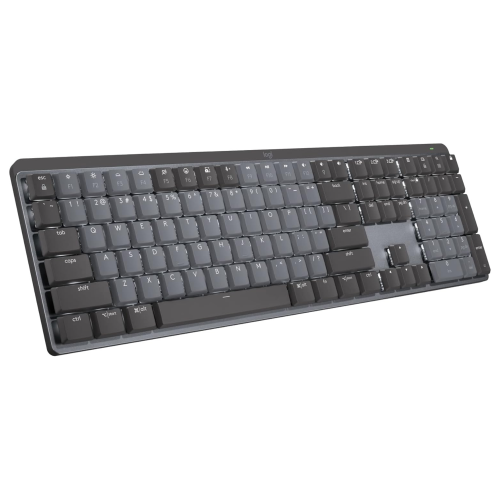
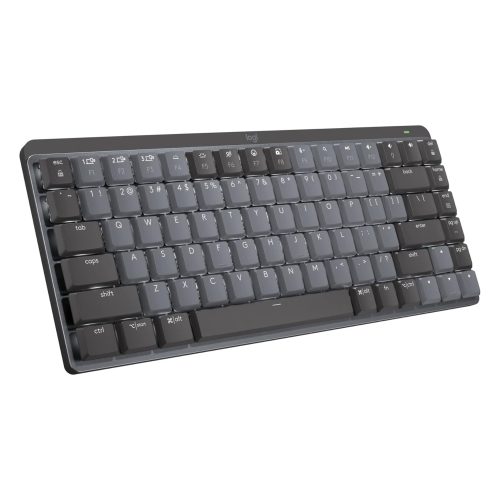

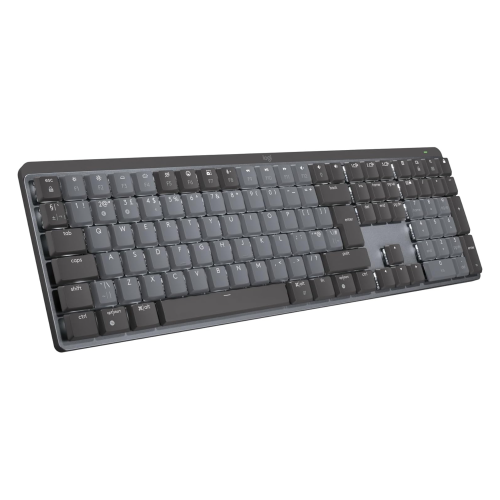

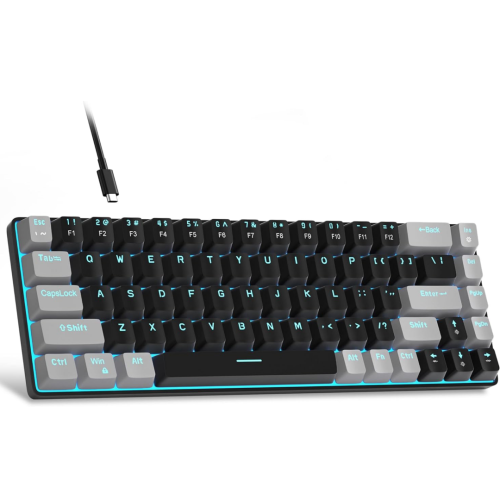
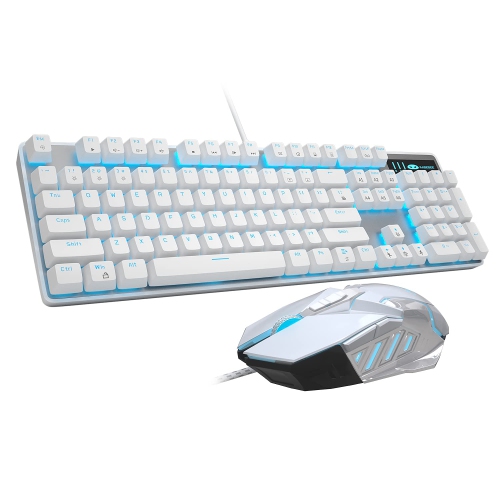

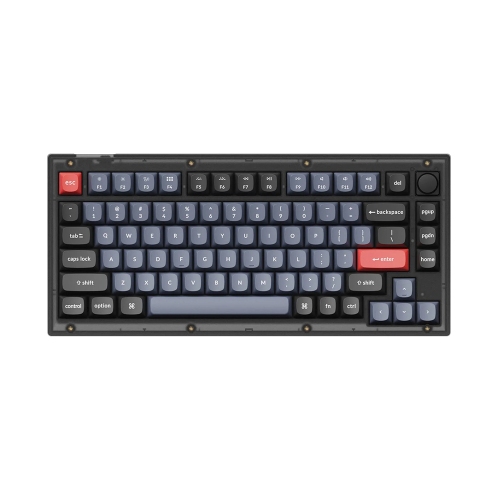
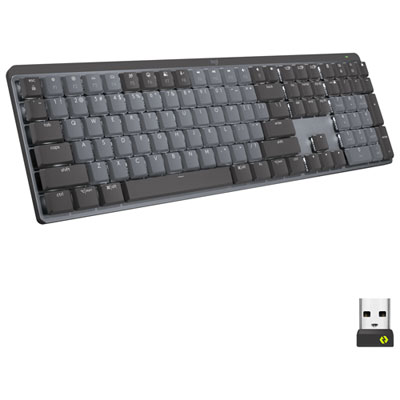
How switch feel and keyboard design shape everyday use
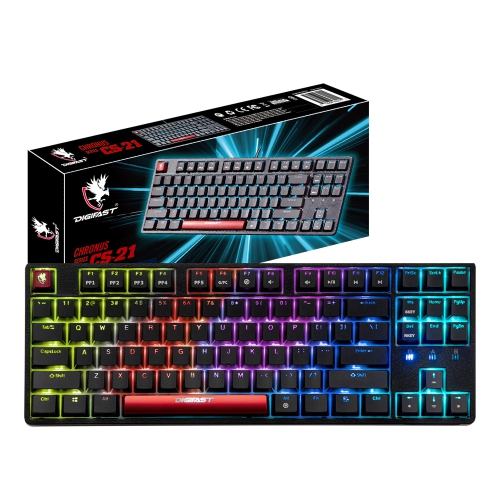
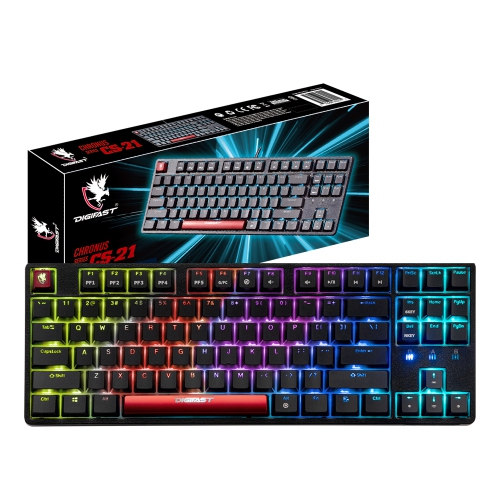
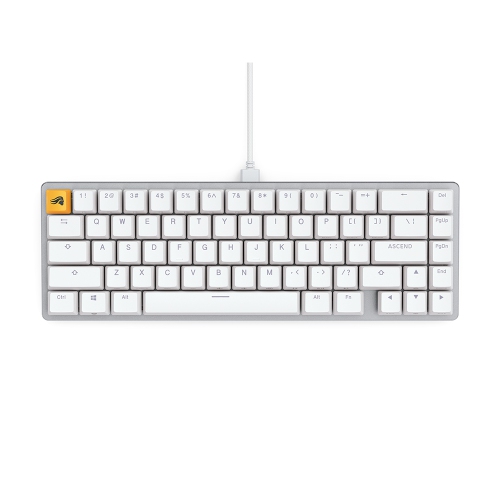
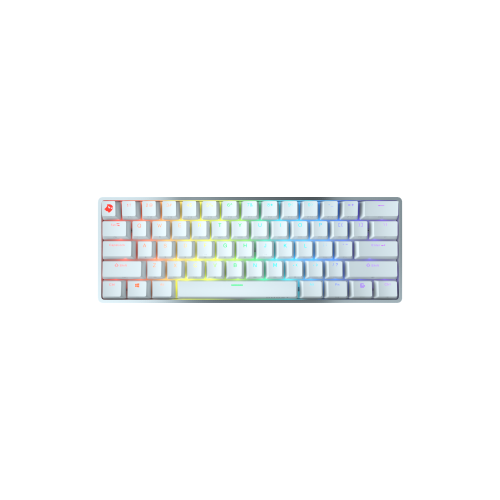
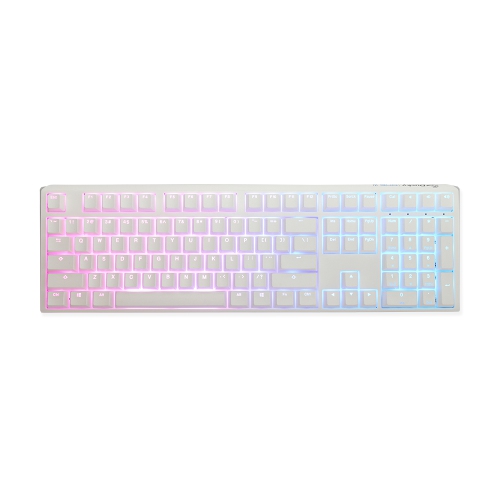
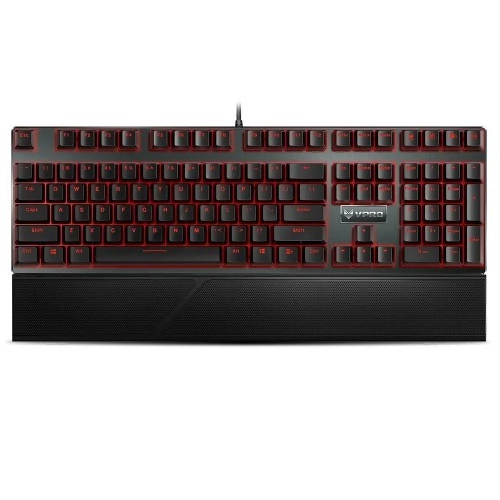
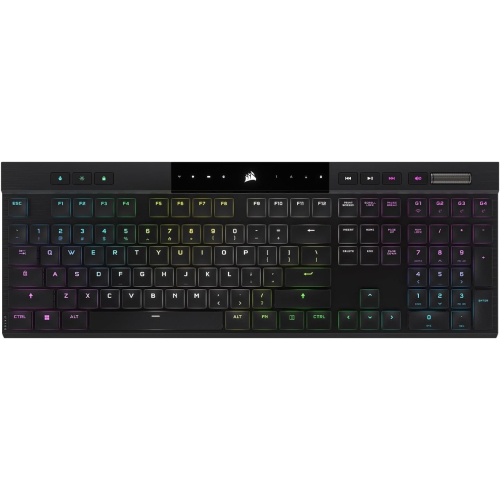
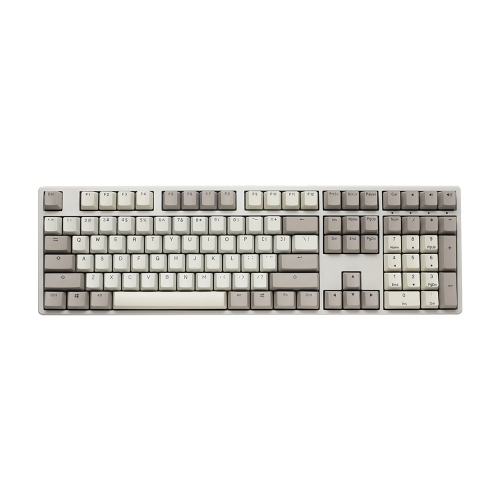
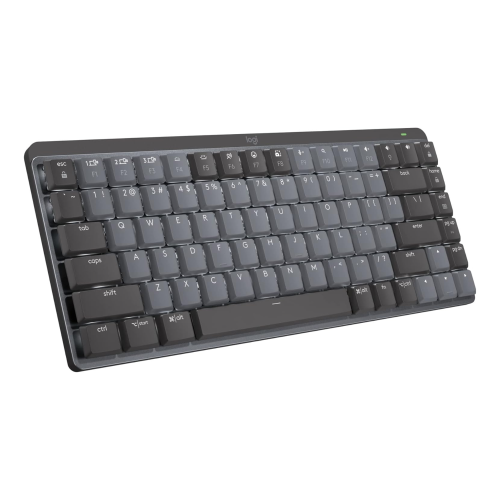
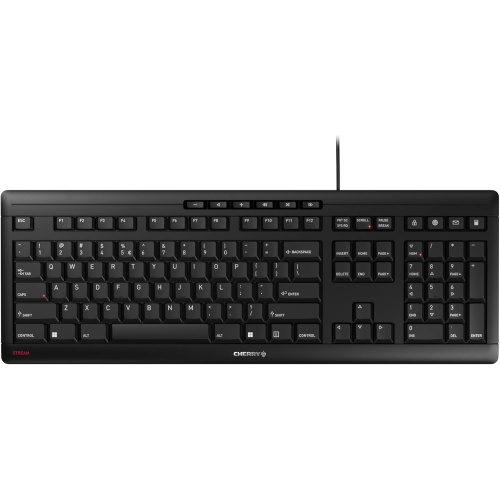
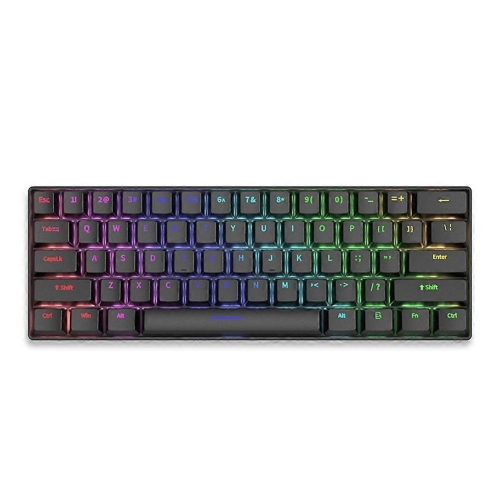
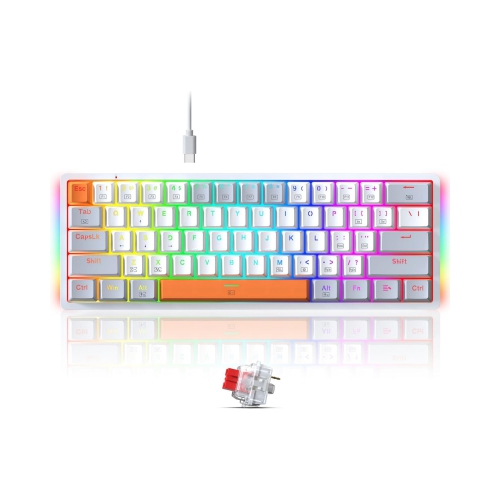
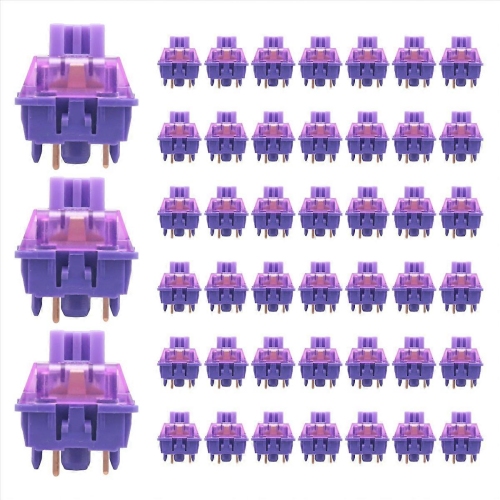
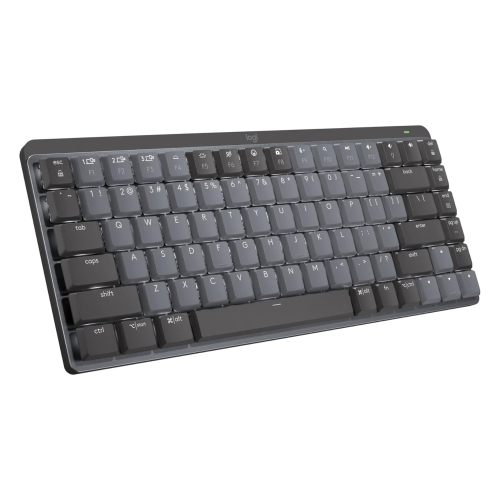
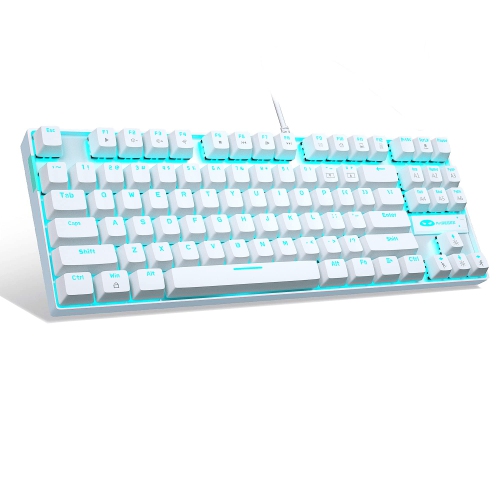
Keyboards with Cherry MX switches use individual mechanical switches beneath the keys, giving each keystroke a distinct feel determined by the switch mechanism. For typing, gaming, coding, and everyday computer use, the main differences come down to smoothness, feedback, resistance, and sound. Linear switches move through their travel without a deliberate tactile bump or click. Red variants have a relatively light press, while Black variants require more force, which can suit someone who prefers firmer resistance beneath their fingers. Speed Silver switches have a shorter actuation distance than standard variants, allowing an input to register with less downward movement. That sensitivity can appeal to gamers making repeated inputs, although it may take some adjustment for typists who tend to brush neighbouring keys. Tactile switches provide a noticeable bump during the press. Brown variants offer lighter tactile feedback, while Clear variants generally have a firmer feel and a more pronounced bump. Both can work well for someone moving between written assignments, spreadsheets, and games throughout the day. Clicky switches, including Blue and Green variants, add an audible click to tactile feedback, with Green variants typically feeling heavier. The crisp response can be satisfying when writing long passages, but it is more noticeable to people nearby or through a microphone during a call. Linear and tactile switches are not automatically quiet: keys can still make noise when pressed fully down and when they return. Dedicated silent variants use internal damping to reduce some of those sounds, while the keyboard case, keycaps, desk surface, and typing technique also affect what is heard. Actuation is the point where a press registers, rather than the end of the key’s travel, so pressing every key hard against the base is not necessary for input. Across Cherry Switch Keyboards, switch type is a useful starting point, but the complete keyboard determines how that mechanism feels in daily use.
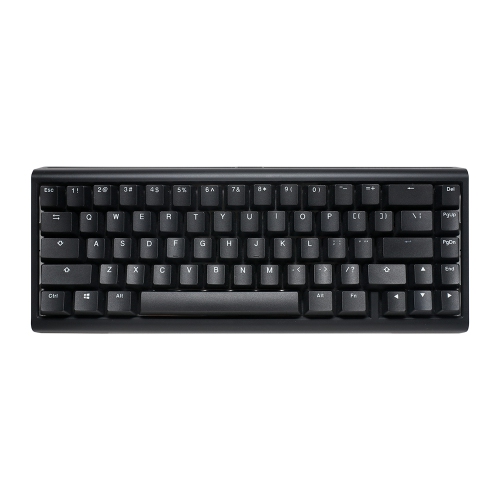
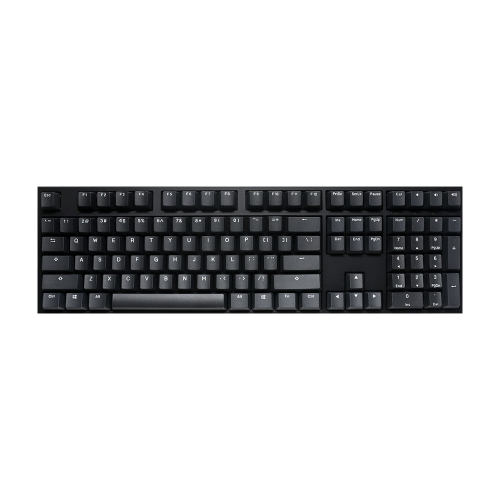
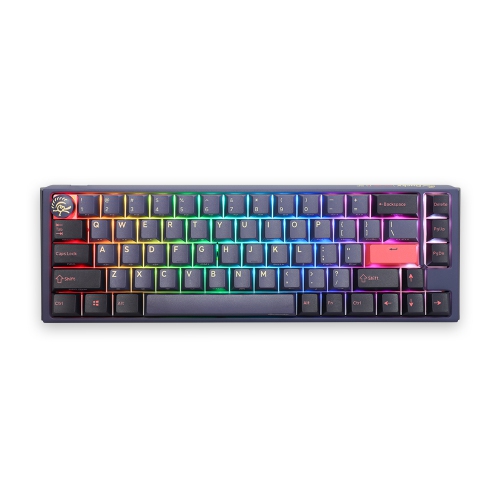
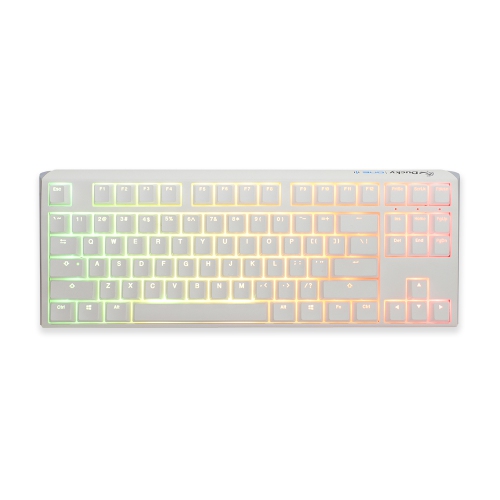
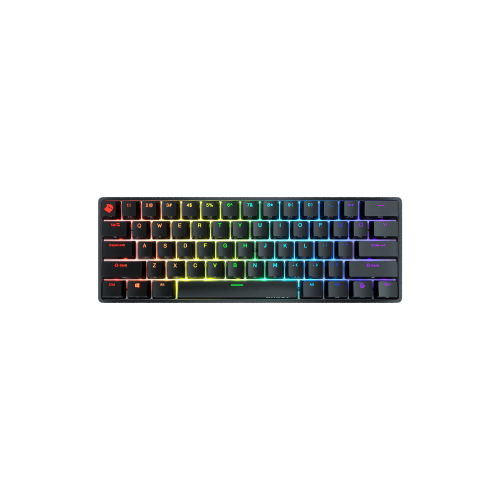
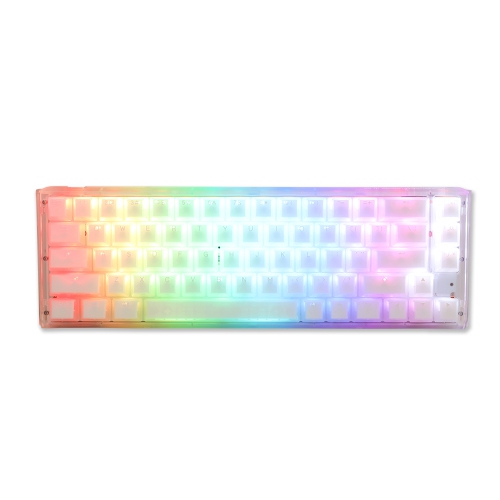
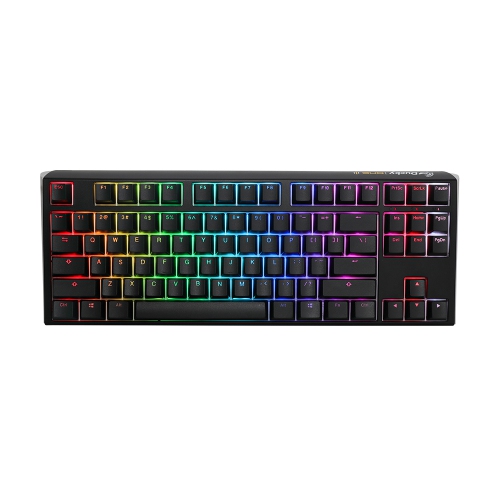
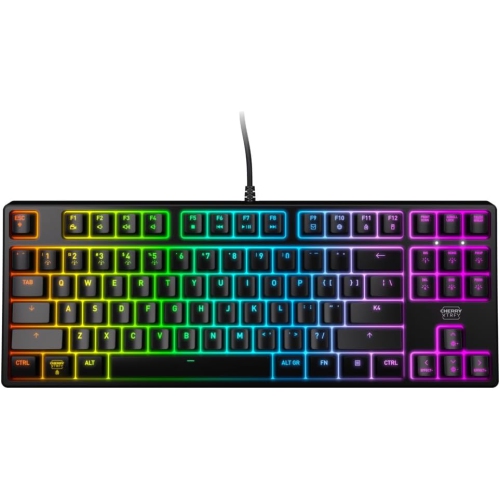
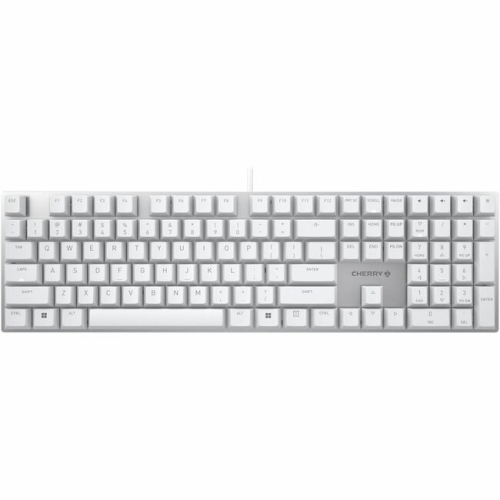
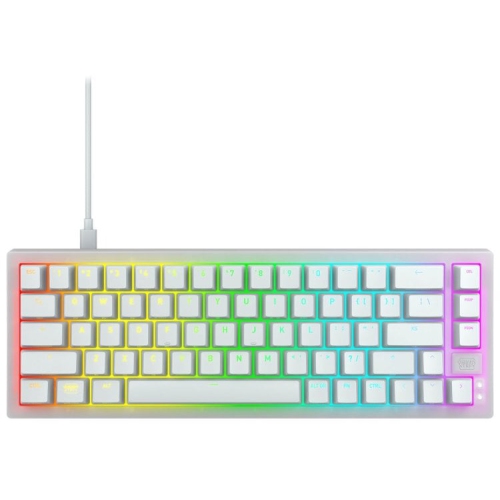
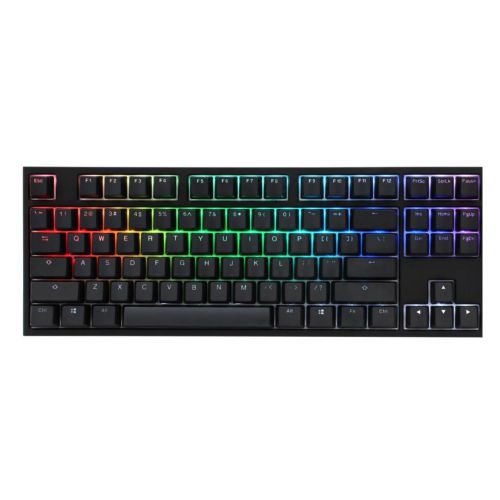
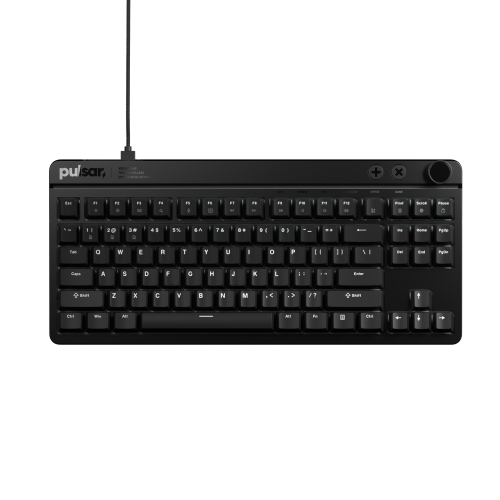
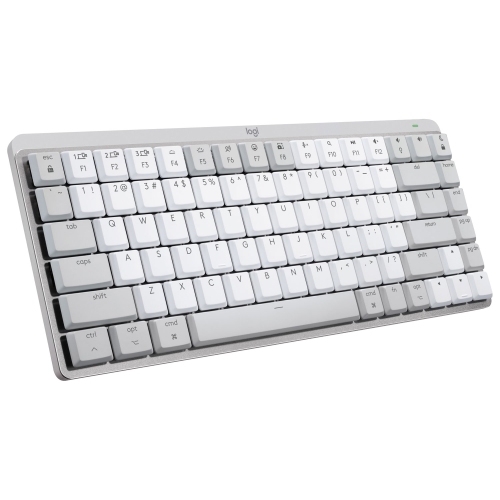
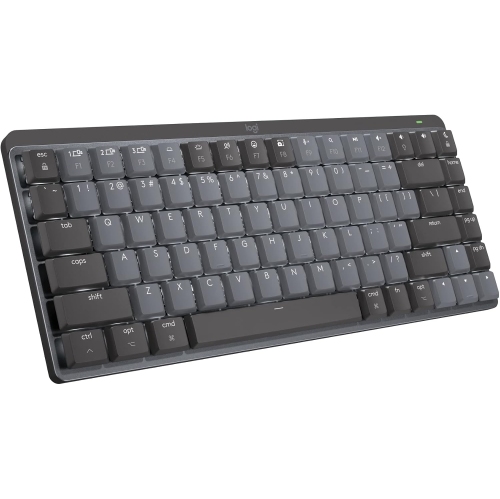
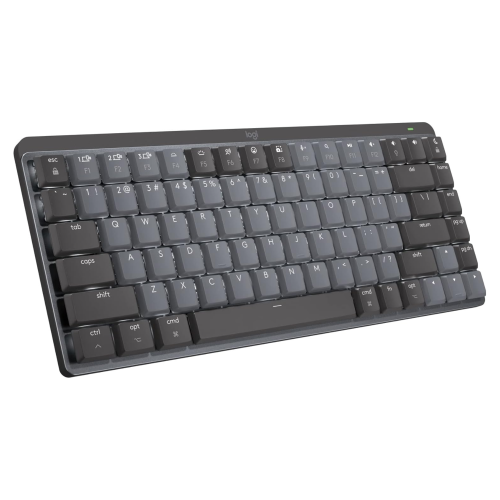
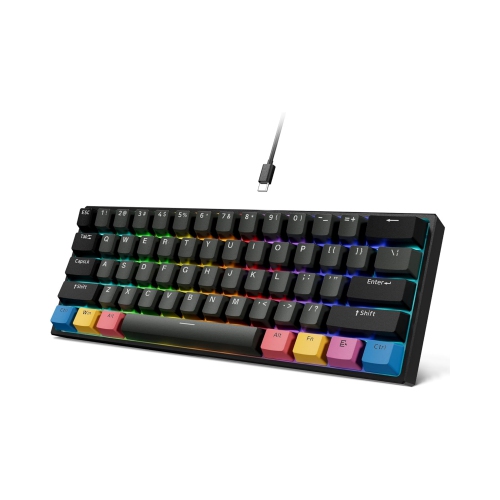
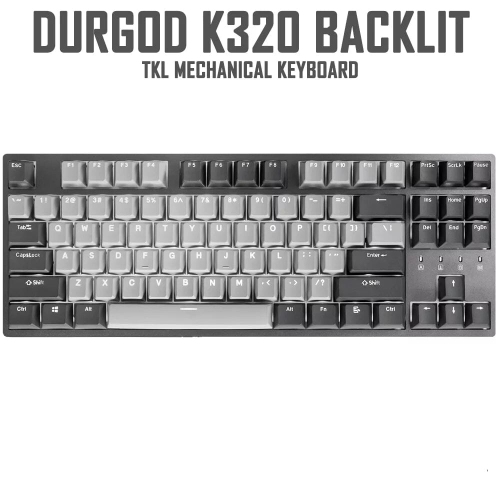
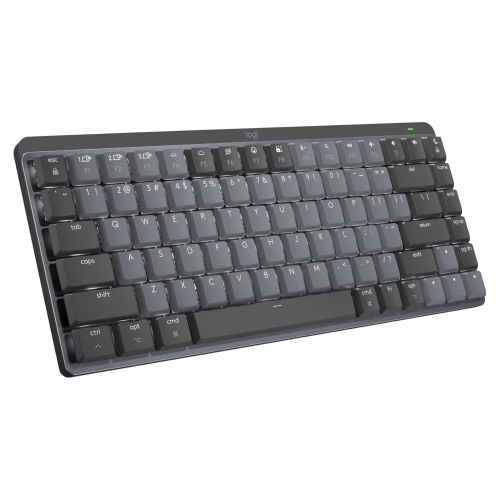
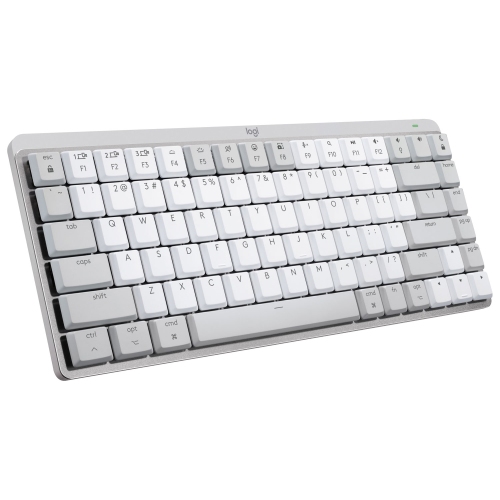
Layout and physical fit matter just as much as switch choice, especially when a keyboard shares a desk with a large mouse mat, laptop stand, or drawing tablet. A full-size layout includes a dedicated number pad, making it practical for entering figures, handling invoices, or working in calculation-heavy applications. Tenkeyless keyboards remove that number pad while generally retaining a separate navigation cluster and function row. The narrower footprint leaves more room for mouse movement and can bring the mouse closer to the typing position. Compact layouts reduce the footprint further, though the exact arrangement varies: some retain dedicated arrow keys, while smaller designs place navigation commands and function keys on secondary layers. Someone who frequently edits documents may value accessible Home, End, and Delete keys more than the smallest possible case. Printed legends and the physical key arrangement also deserve attention, particularly for users who type in both English and French or expect a specific Enter key shape. A keyboard’s height, front-edge profile, and adjustable feet influence hand position; a matching wrist rest can support the hands between typing sessions, but a steep angle does not necessarily feel better. Wired USB connections offer a straightforward setup without battery charging, while wireless models may use Bluetooth, a dedicated USB receiver, or both. Connection options, device switching, and charging arrangements depend on the keyboard rather than the switches. For a shared work-and-play setup, dedicated media controls and onboard shortcut storage can be convenient, provided those features are supported. Programmable keys may simplify repeated commands in editing software, while backlighting can make legends easier to distinguish in a dim room. Compatibility extends beyond whether the keyboard connects: configuration software, lighting controls, macros, and certain shortcuts may have different support across operating systems. For gaming, features such as multiple-key rollover can help register simultaneous presses, but switch colour alone does not establish latency or overall performance. Matching the layout and controls to familiar tasks often makes a greater everyday difference than adding functions that rarely get used.
Materials and construction shape both durability and the character of a mechanical keyboard. A plastic case can be light and practical for moving between desks, while an aluminium case usually adds weight and a more substantial feel. Neither material guarantees a particular sound or typing experience, since internal mounting, plate construction, and padding also influence vibration and firmness. Keycaps are another important contact point. ABS plastic can have a smooth finish and may develop shine with regular use; PBT plastic often has a more textured surface and tends to resist visible shine for longer, although results vary with the finish and use. Double-shot legends are formed from separate pieces of plastic, helping the lettering remain readable without relying on surface printing. Backlit keyboards need suitable light-transmitting legends if illuminated characters are a priority. Keycap shape and height affect how fingers move between rows, and replacement sets must match the keyboard’s layout, key sizes, and stem type. Wider keys such as the space bar use stabilizers, whose construction and adjustment can noticeably affect rattle and consistency. Mechanical switches are designed for repeated use, but the life of the complete keyboard also depends on its electronics, connectors, construction, and care. Hot-swappable sockets, where included, allow compatible switches to be replaced without soldering; having mechanical switches alone does not mean a keyboard supports that feature. Routine care starts with disconnecting the keyboard or switching it off, removing loose debris with a soft brush, and wiping suitable surfaces with a lightly dampened cloth according to the manufacturer’s instructions. Liquid should never be sprayed directly into the keys, and removable keycaps must be fully dry before refitting. Drinks kept away from the typing area and a protective sleeve for transport can help prevent avoidable damage. For students, frequent writers, programmers, and PC gamers, the appeal is a keyboard that feels predictable through repeated tasks. As a gift, a familiar layout and a sound profile suited to the recipient’s space are often safer choices than an unusually compact arrangement or very loud switches. A quiet shared office, a dedicated gaming desk, and a mobile laptop setup each place different demands on the same everyday tool.
Layout and physical fit matter just as much as switch choice, especially when a keyboard shares a desk with a large mouse mat, laptop stand, or drawing tablet. A full-size layout includes a dedicated number pad, making it practical for entering figures, handling invoices, or working in calculation-heavy applications. Tenkeyless keyboards remove that number pad while generally retaining a separate navigation cluster and function row. The narrower footprint leaves more room for mouse movement and can bring the mouse closer to the typing position. Compact layouts reduce the footprint further, though the exact arrangement varies: some retain dedicated arrow keys, while smaller designs place navigation commands and function keys on secondary layers. Someone who frequently edits documents may value accessible Home, End, and Delete keys more than the smallest possible case. Printed legends and the physical key arrangement also deserve attention, particularly for users who type in both English and French or expect a specific Enter key shape. A keyboard’s height, front-edge profile, and adjustable feet influence hand position; a matching wrist rest can support the hands between typing sessions, but a steep angle does not necessarily feel better. Wired USB connections offer a straightforward setup without battery charging, while wireless models may use Bluetooth, a dedicated USB receiver, or both. Connection options, device switching, and charging arrangements depend on the keyboard rather than the switches. For a shared work-and-play setup, dedicated media controls and onboard shortcut storage can be convenient, provided those features are supported. Programmable keys may simplify repeated commands in editing software, while backlighting can make legends easier to distinguish in a dim room. Compatibility extends beyond whether the keyboard connects: configuration software, lighting controls, macros, and certain shortcuts may have different support across operating systems. For gaming, features such as multiple-key rollover can help register simultaneous presses, but switch colour alone does not establish latency or overall performance. Matching the layout and controls to familiar tasks often makes a greater everyday difference than adding functions that rarely get used.
Materials and construction shape both durability and the character of a mechanical keyboard. A plastic case can be light and practical for moving between desks, while an aluminium case usually adds weight and a more substantial feel. Neither material guarantees a particular sound or typing experience, since internal mounting, plate construction, and padding also influence vibration and firmness. Keycaps are another important contact point. ABS plastic can have a smooth finish and may develop shine with regular use; PBT plastic often has a more textured surface and tends to resist visible shine for longer, although results vary with the finish and use. Double-shot legends are formed from separate pieces of plastic, helping the lettering remain readable without relying on surface printing. Backlit keyboards need suitable light-transmitting legends if illuminated characters are a priority. Keycap shape and height affect how fingers move between rows, and replacement sets must match the keyboard’s layout, key sizes, and stem type. Wider keys such as the space bar use stabilizers, whose construction and adjustment can noticeably affect rattle and consistency. Mechanical switches are designed for repeated use, but the life of the complete keyboard also depends on its electronics, connectors, construction, and care. Hot-swappable sockets, where included, allow compatible switches to be replaced without soldering; having mechanical switches alone does not mean a keyboard supports that feature. Routine care starts with disconnecting the keyboard or switching it off, removing loose debris with a soft brush, and wiping suitable surfaces with a lightly dampened cloth according to the manufacturer’s instructions. Liquid should never be sprayed directly into the keys, and removable keycaps must be fully dry before refitting. Drinks kept away from the typing area and a protective sleeve for transport can help prevent avoidable damage. For students, frequent writers, programmers, and PC gamers, the appeal is a keyboard that feels predictable through repeated tasks. As a gift, a familiar layout and a sound profile suited to the recipient’s space are often safer choices than an unusually compact arrangement or very loud switches. A quiet shared office, a dedicated gaming desk, and a mobile laptop setup each place different demands on the same everyday tool.
Top selling and popular products
-
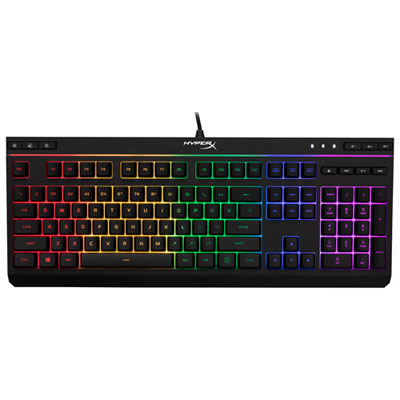 Your price for this item is $39.99
-
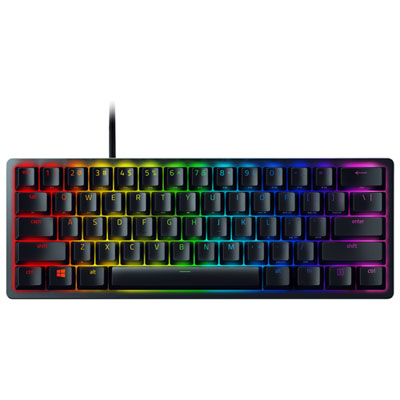 Your price for this item is $89.98
-
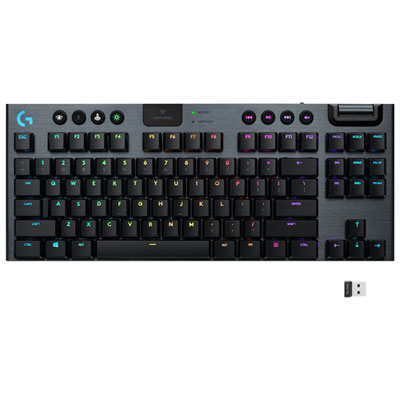 Your price for this item is $319.95
-
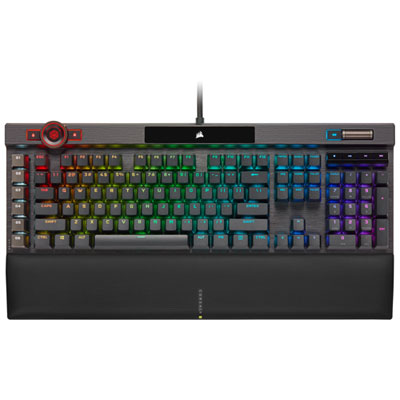 Your price for this item is $364.95
-
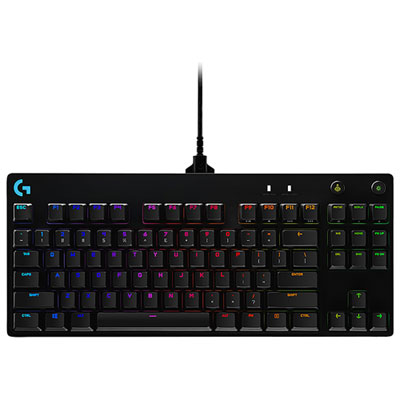 Your price for this item is $149.99
-
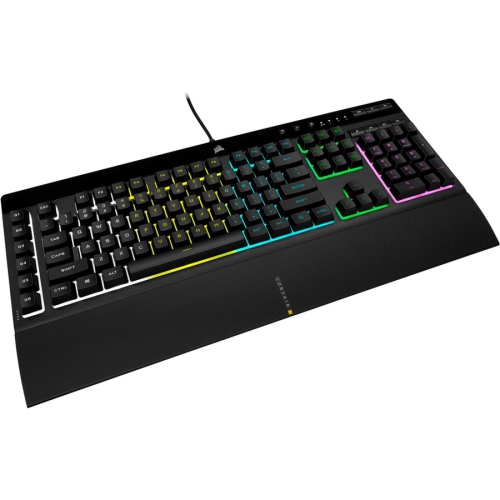 Your price for this item is $124
-
 Your price for this item is $94.99
-
 Your price for this item is $139.95
Discover more categories related to Keyboards With Cherry MX Switches
Top Collections:
Pokemon Centers, Kindle Devices, Best Cameras for Sports Photography, Pokémon 30th Celebration Cards, Apple iPhones 16, Canon G7X Cameras, iPhone 15 Apple, Flip Phones, Samsung Galaxy Phones, Alarm Clock
Some products may be subject to Environmental Handling Fees
(EHF) depending on your province.
Learn more about EHFs.