Keyboards With Volume Control
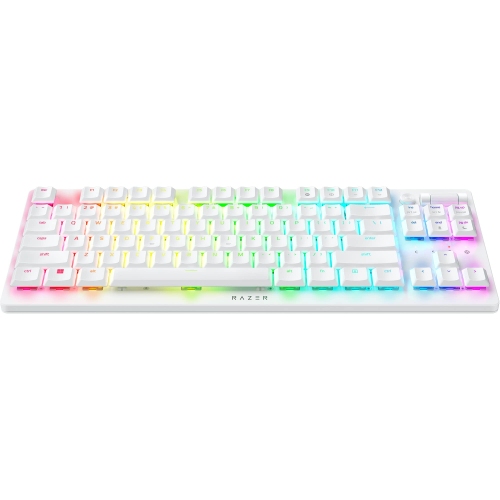
Elevate your typing experience with keyboards that offer the convenience of volume control. Perfect for multitaskers and music lovers alike, these keyboards provide seamless audio adjustments at your fingertips, ensuring you stay in the flow without missing a beat. Whether you're working on a project or enjoying your favorite tunes, having quick access to volume settings enhances both productivity and entertainment. Explore our selection of keyboards designed to offer intuitive control and enhance your workspace with style and functionality.
Sort


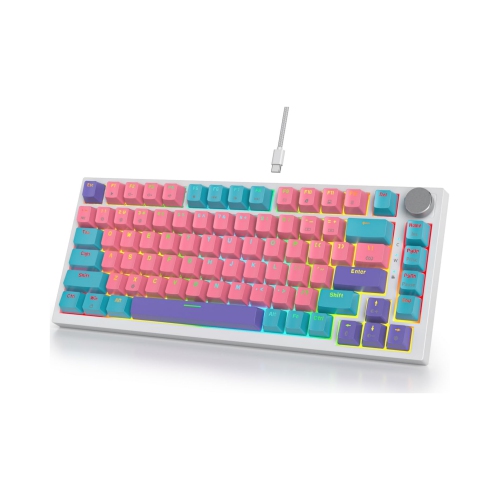
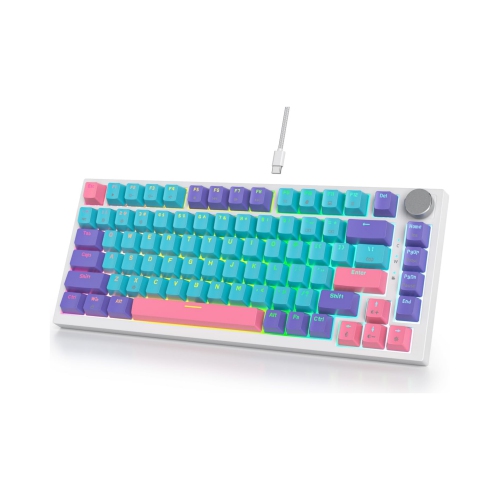
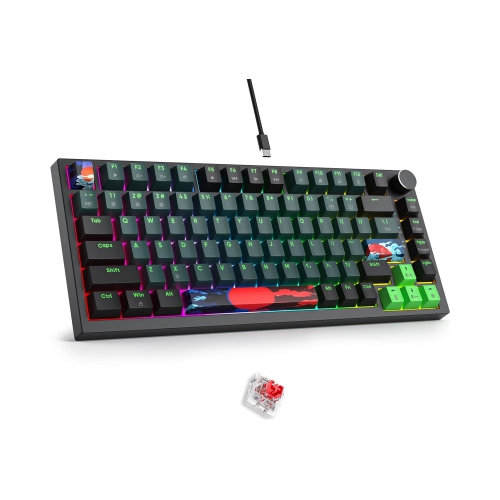

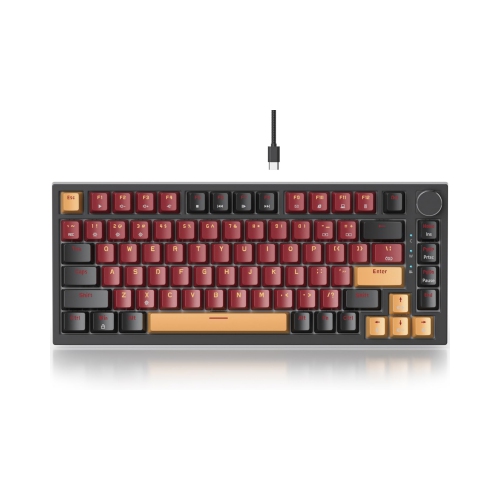
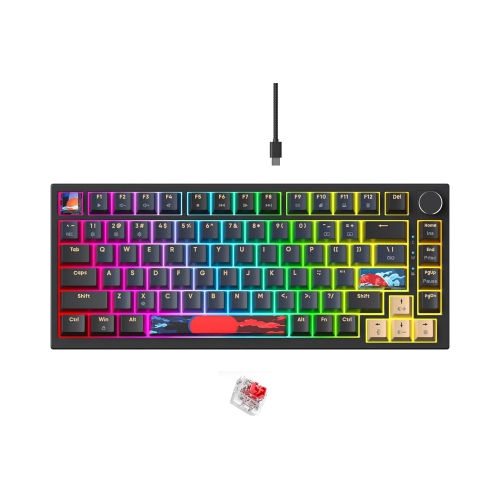
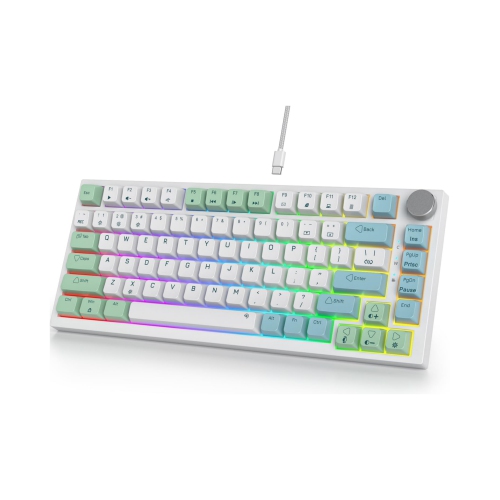

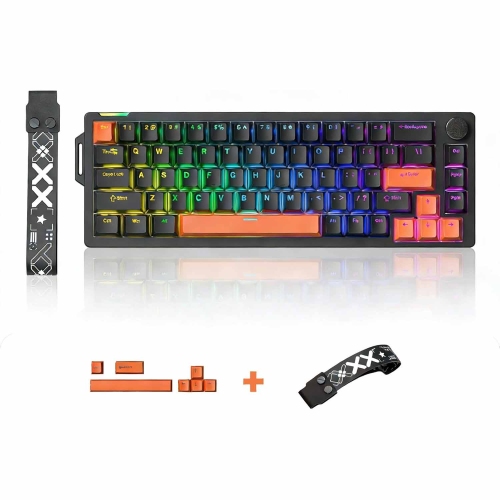
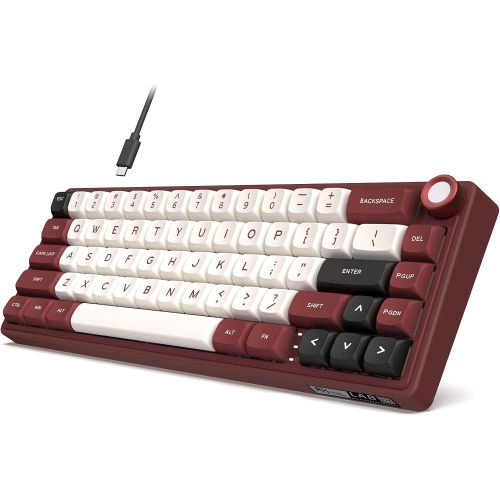
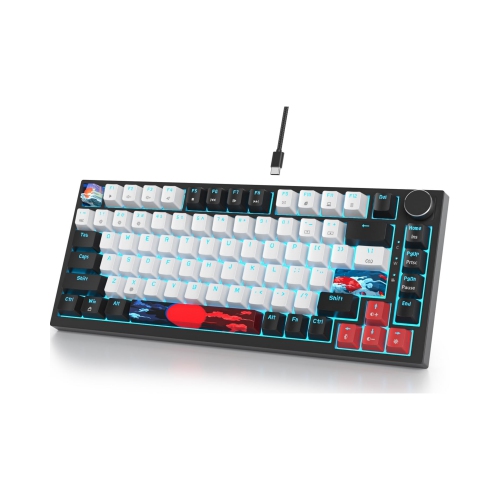
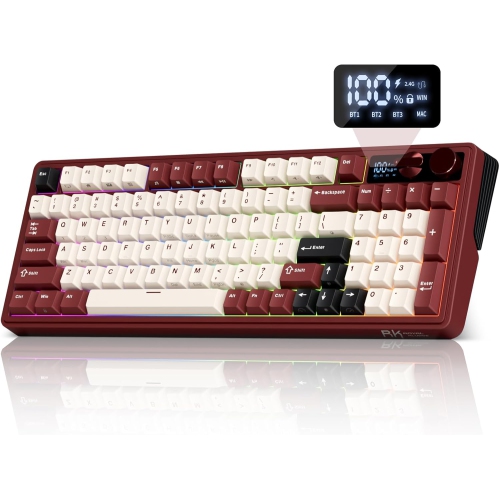
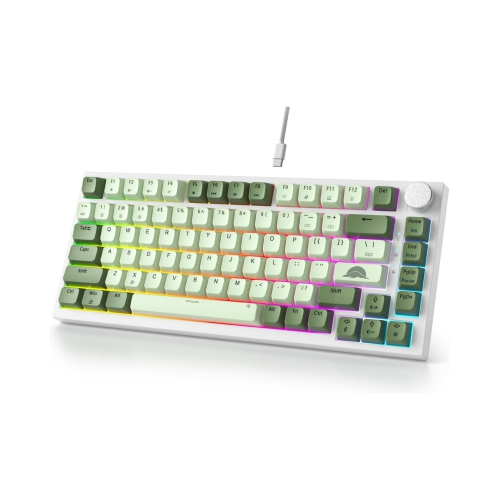
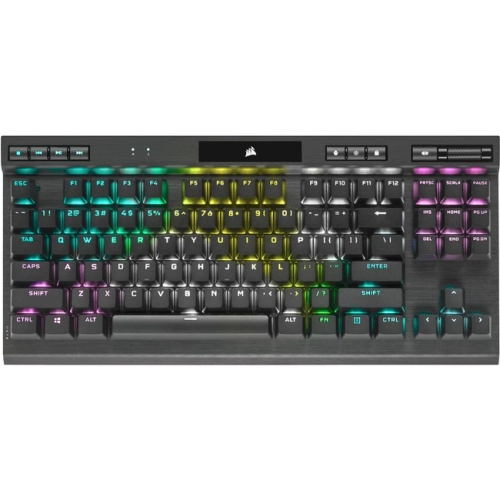
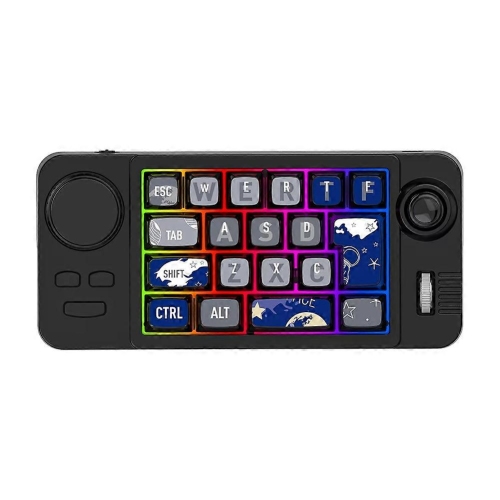
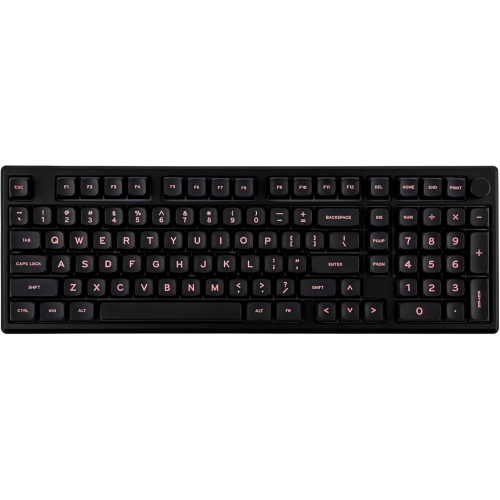
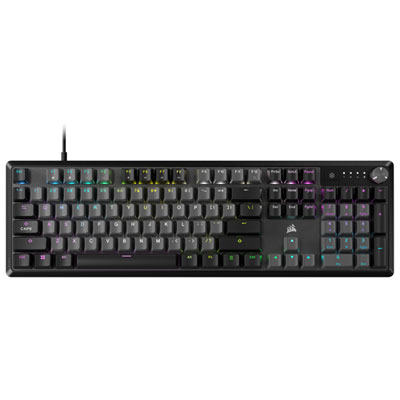
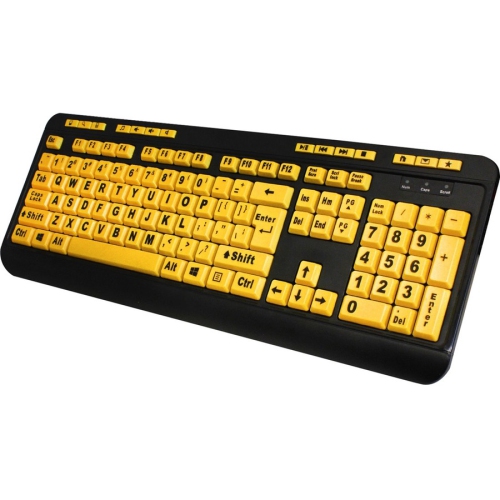
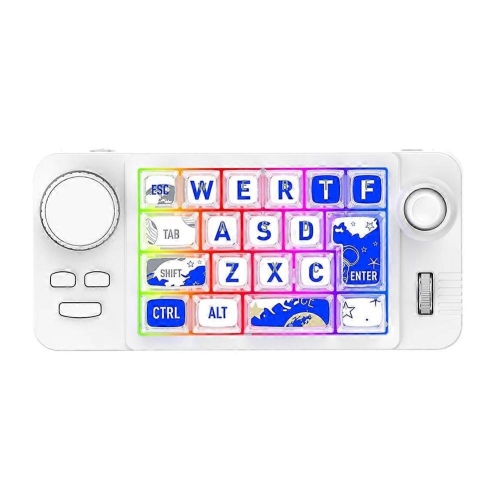

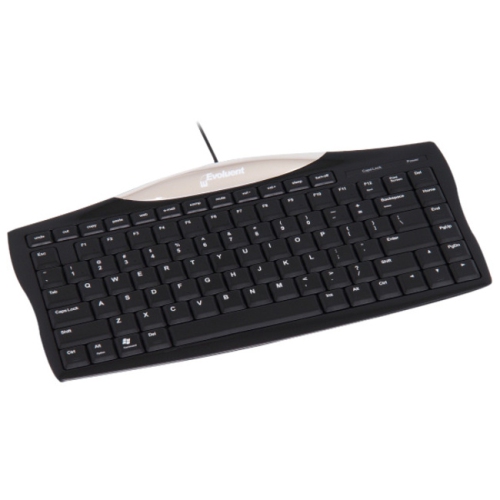
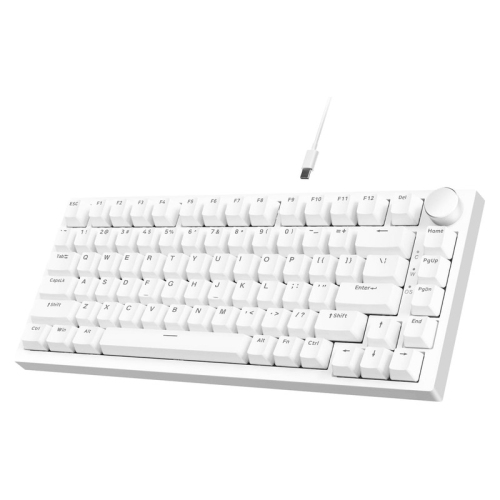
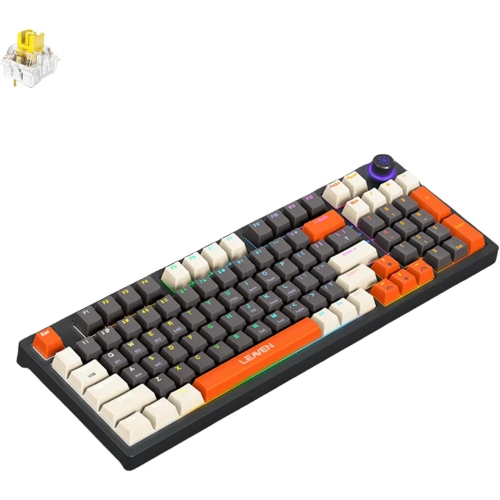


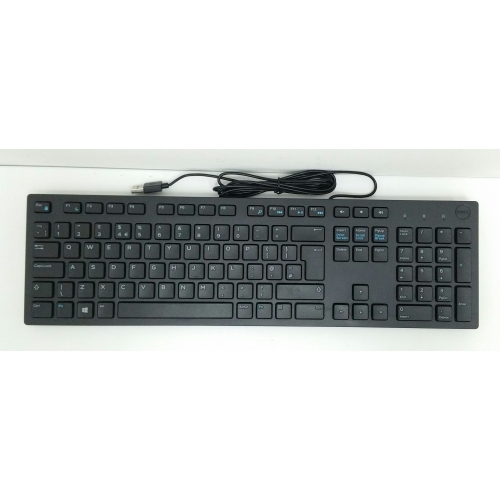
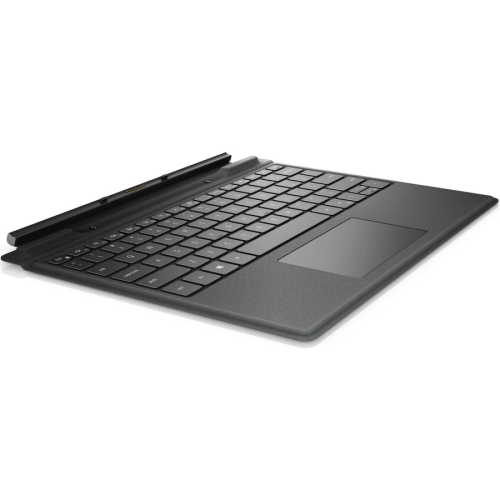
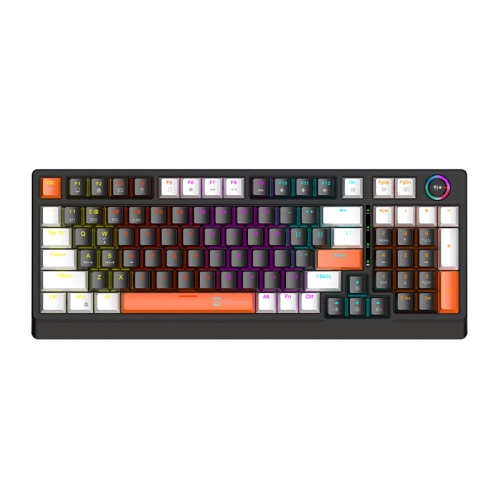
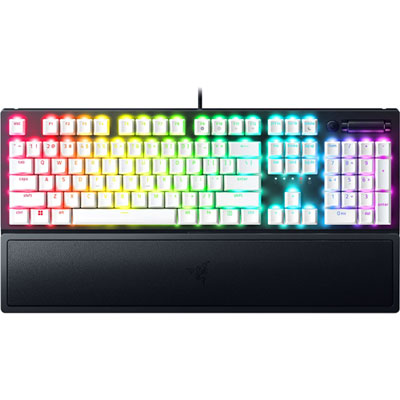
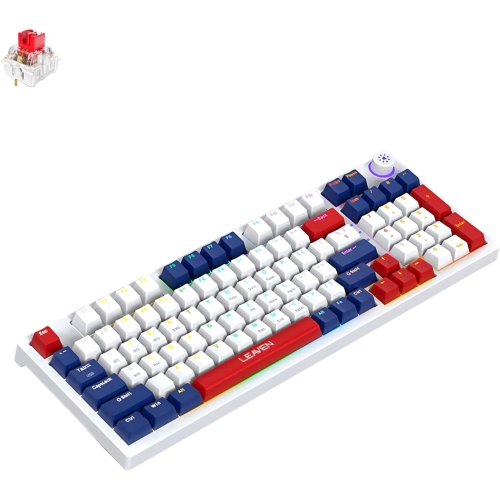
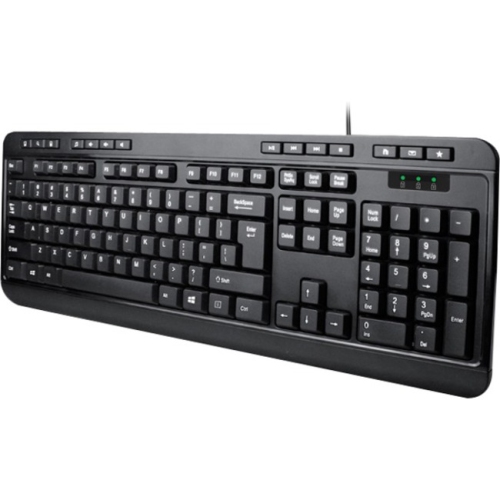

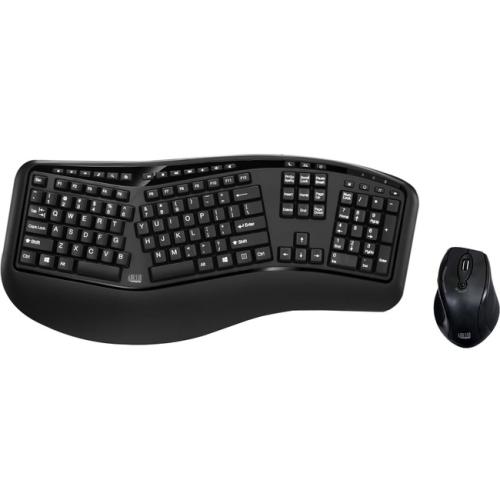
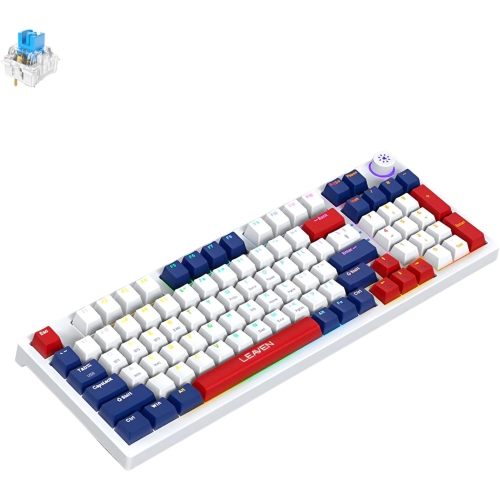
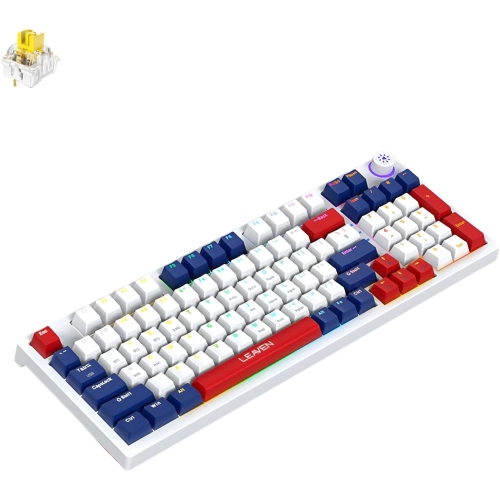
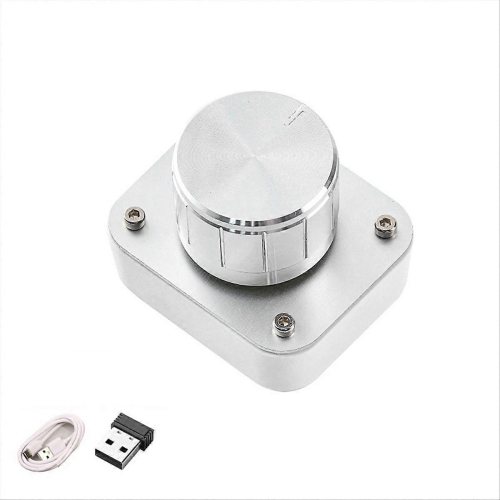

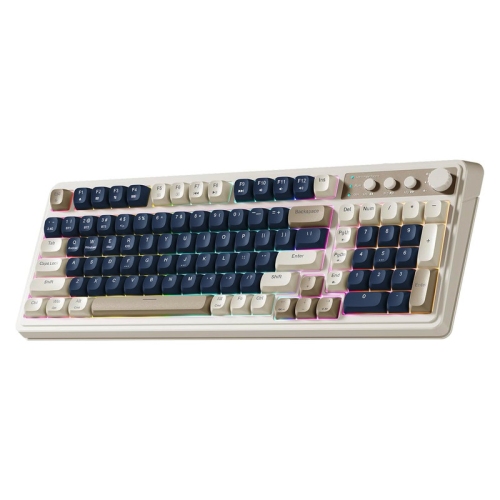
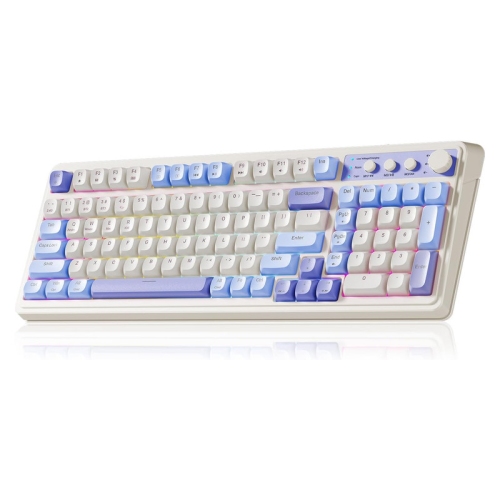
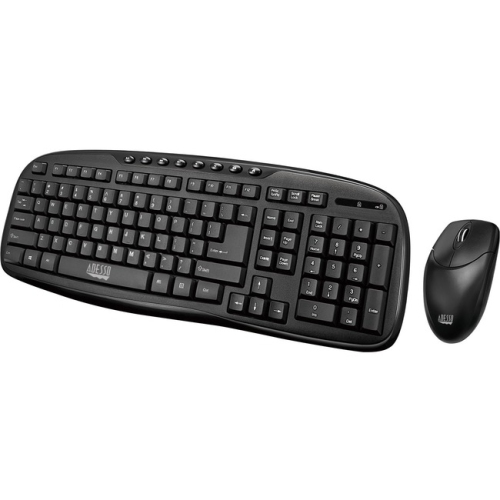
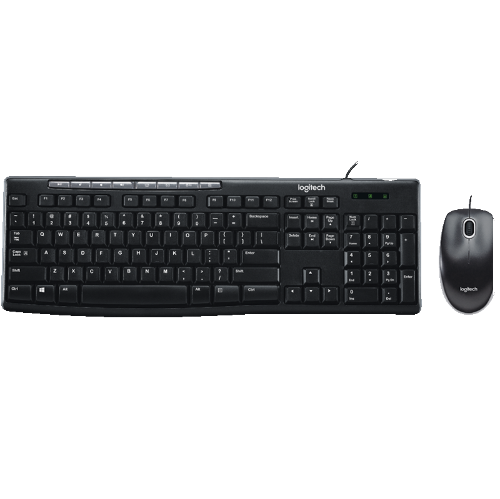
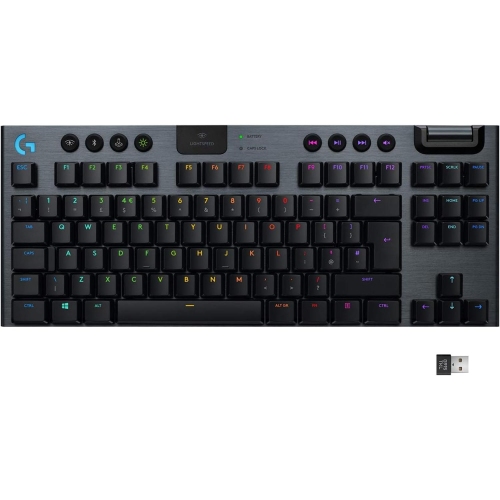
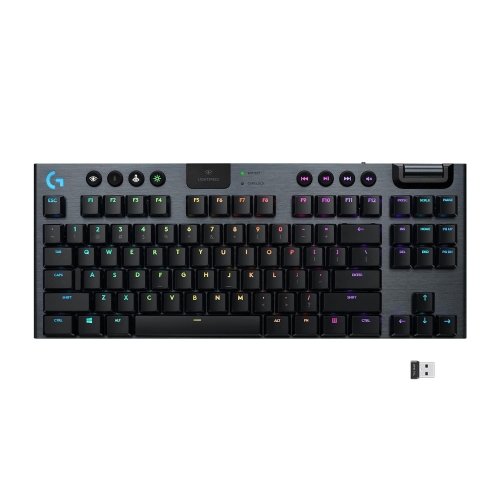
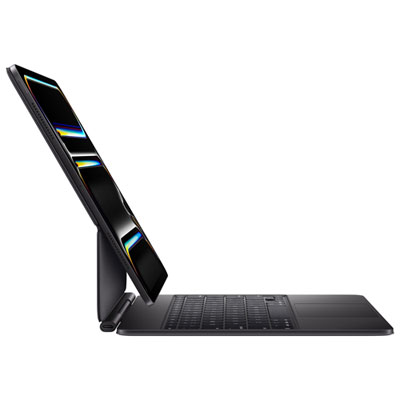
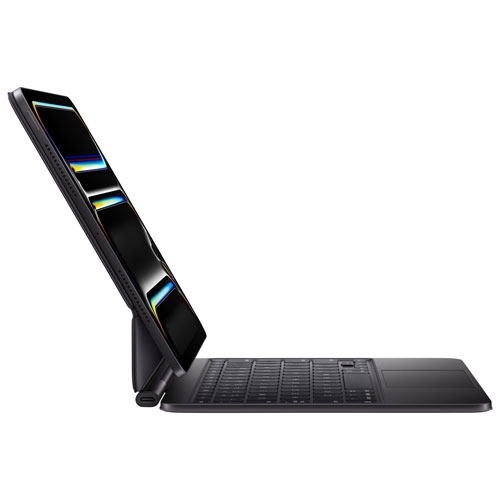
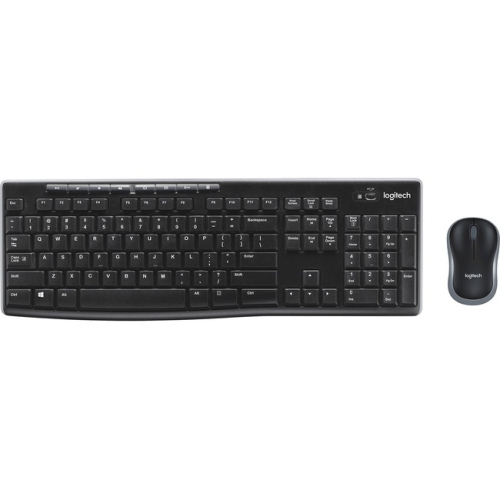
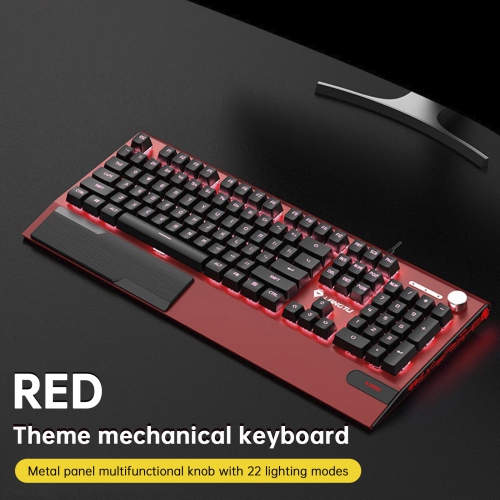
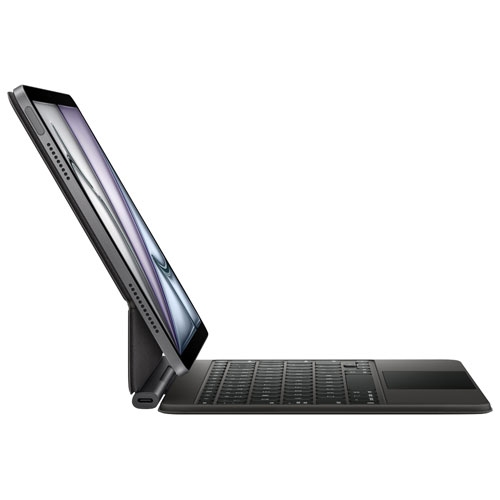
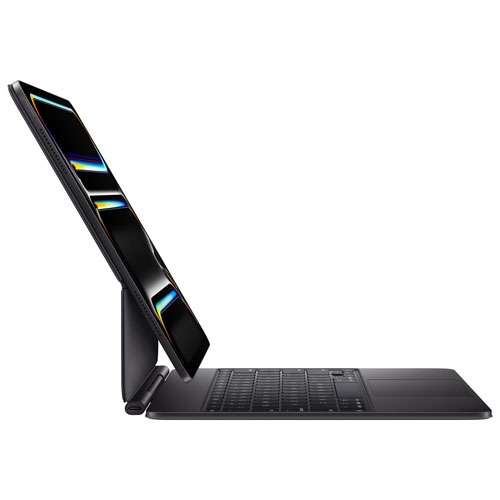
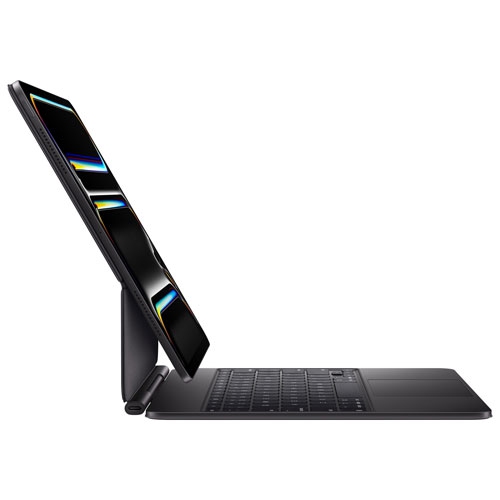
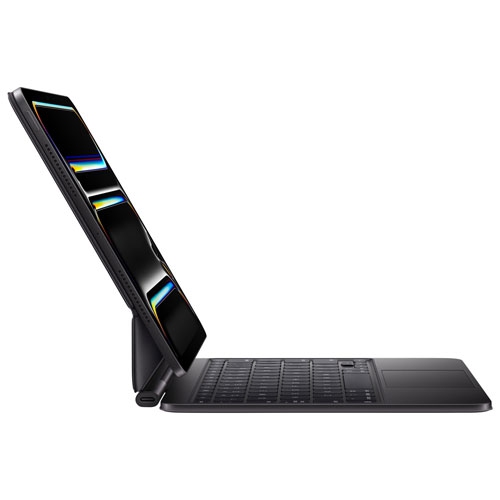
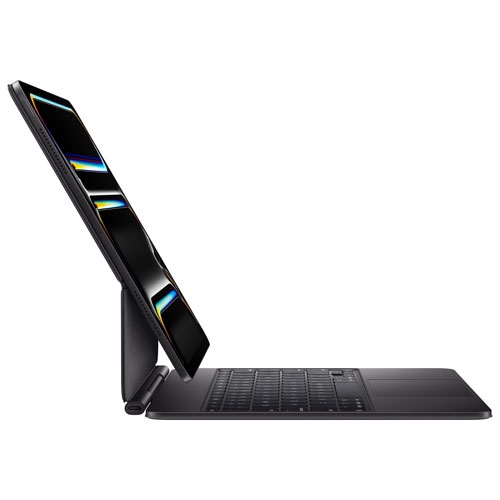
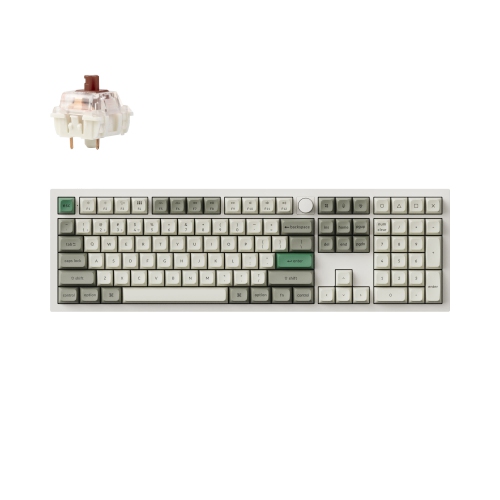
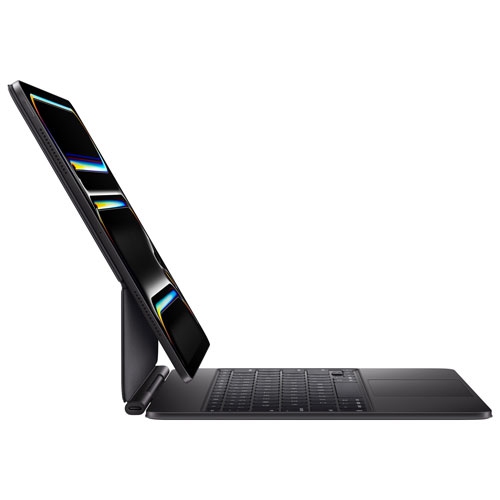
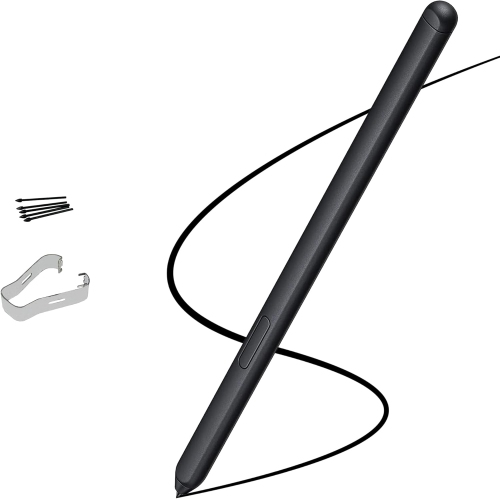
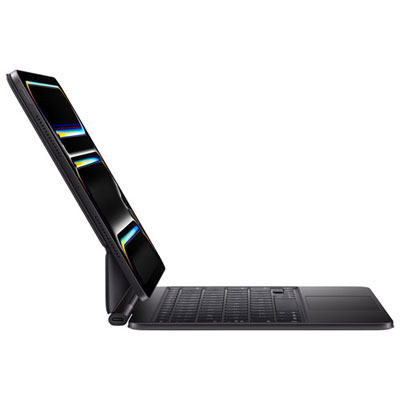
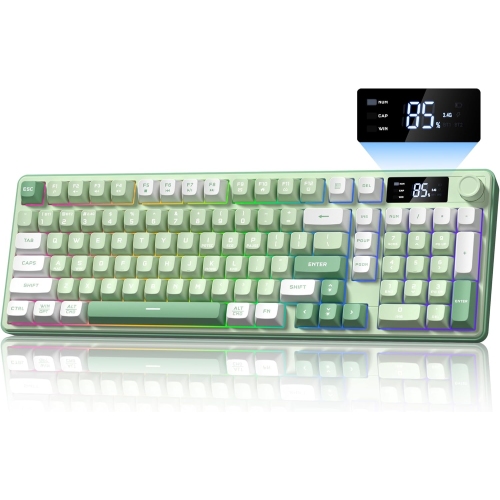
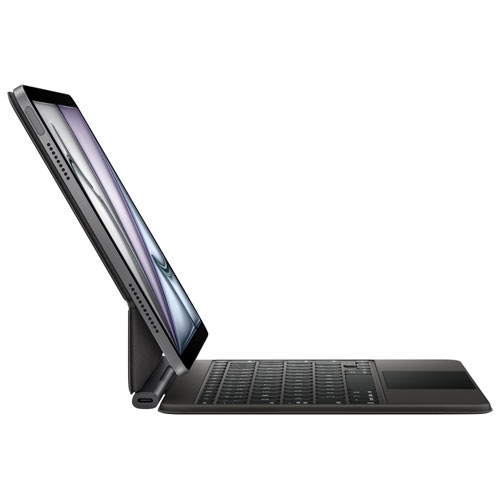
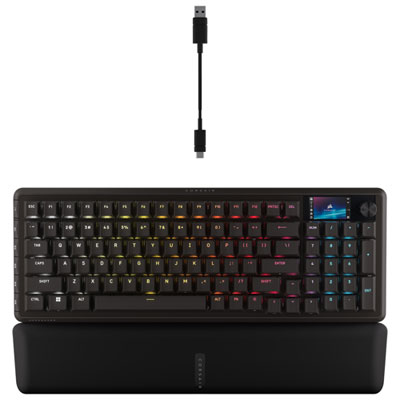
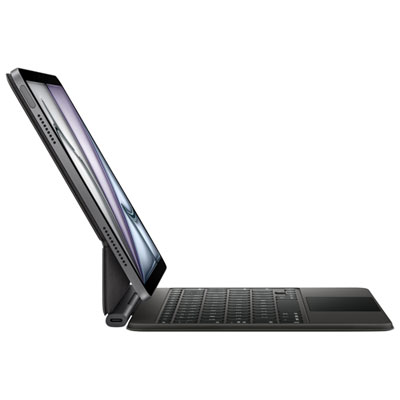
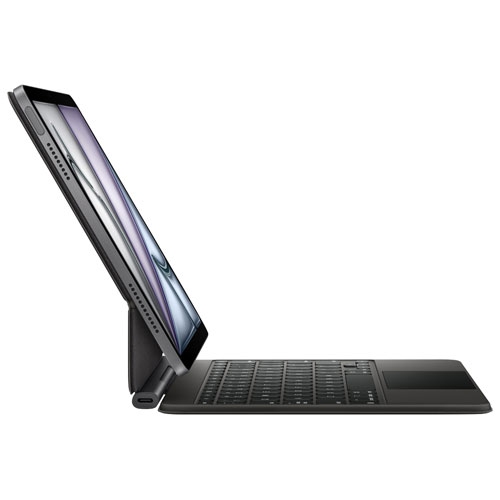
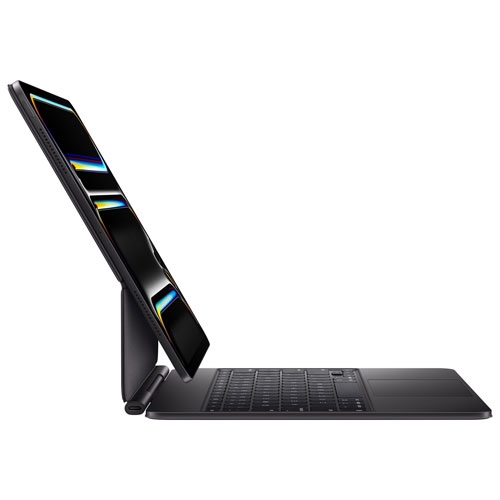
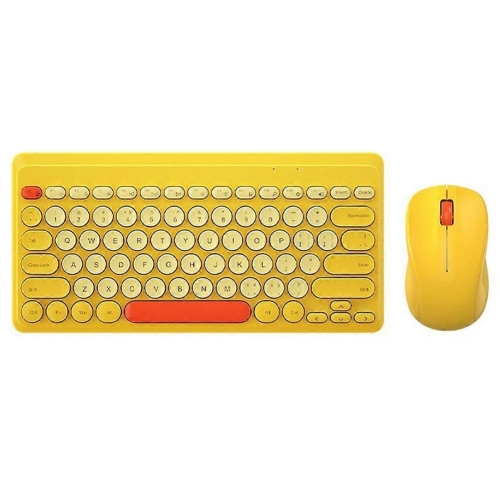
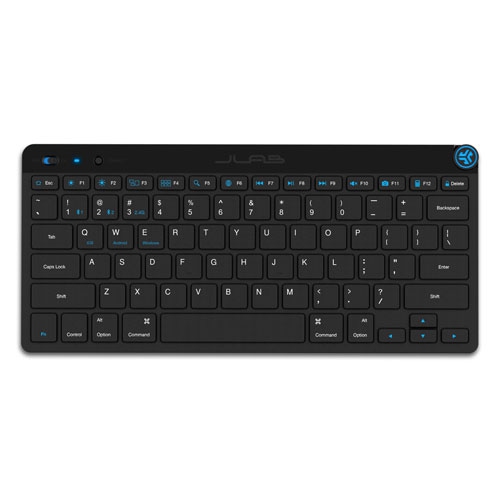
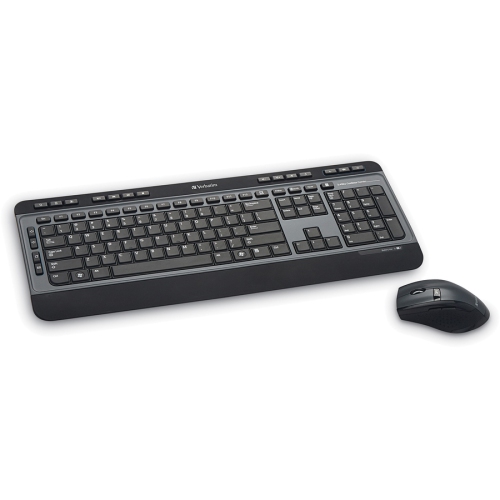
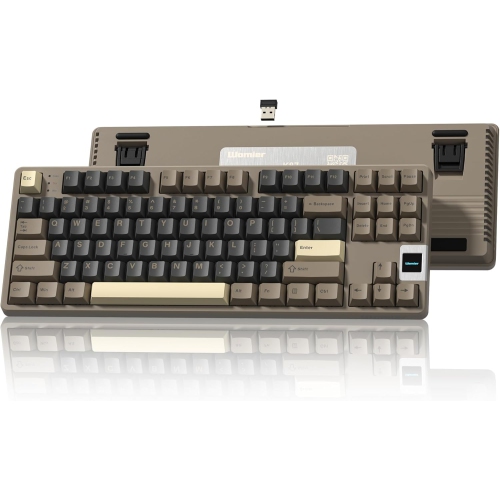
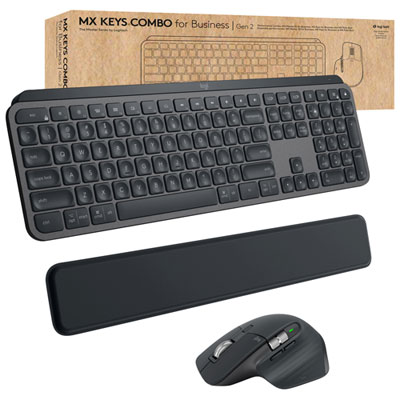
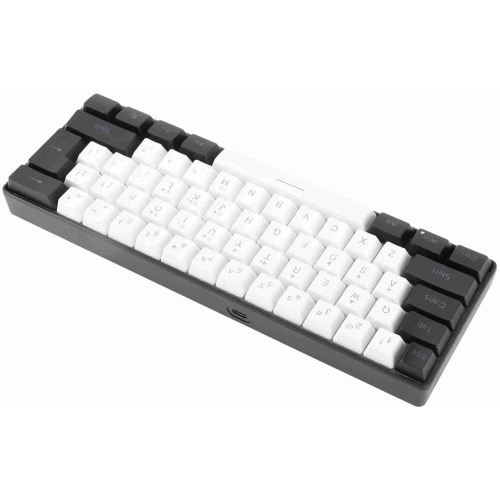
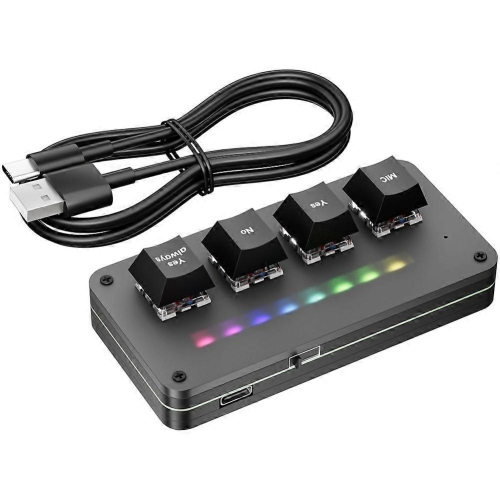
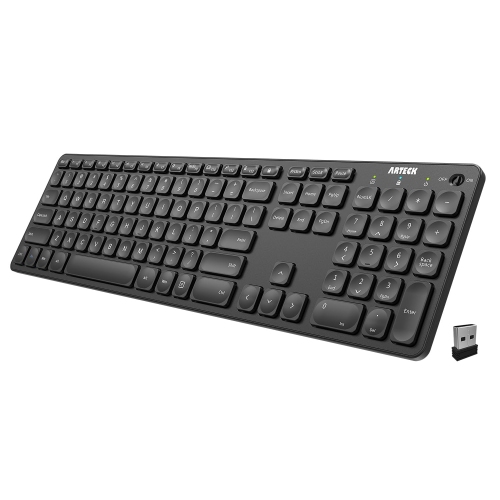


Convenient sound control for work, study, and play
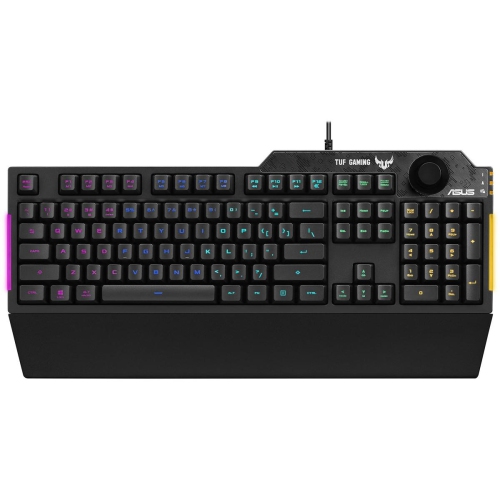
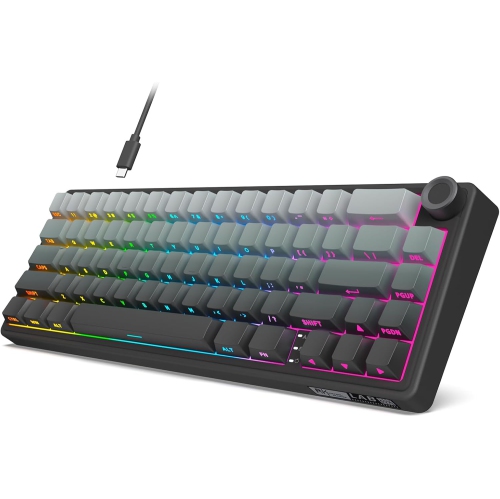
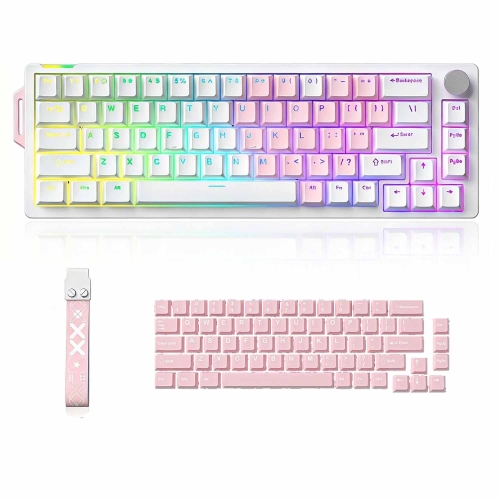
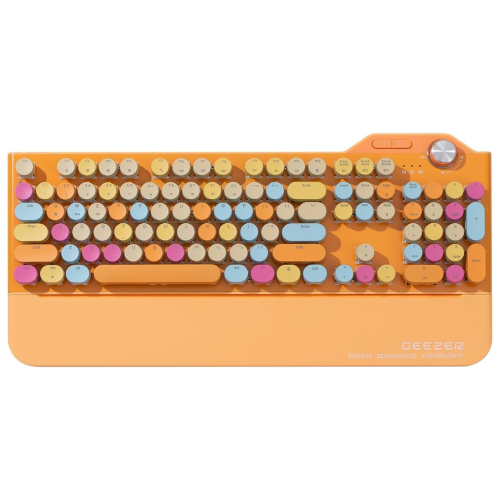
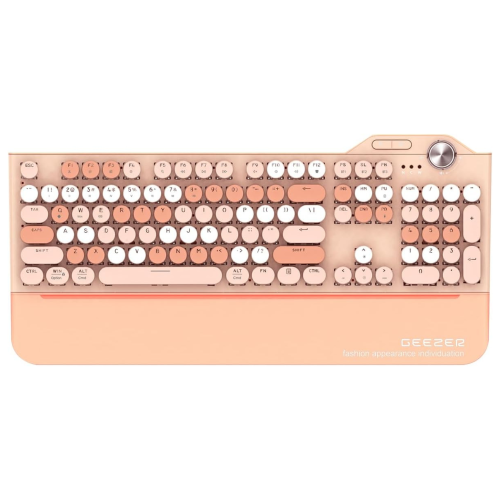
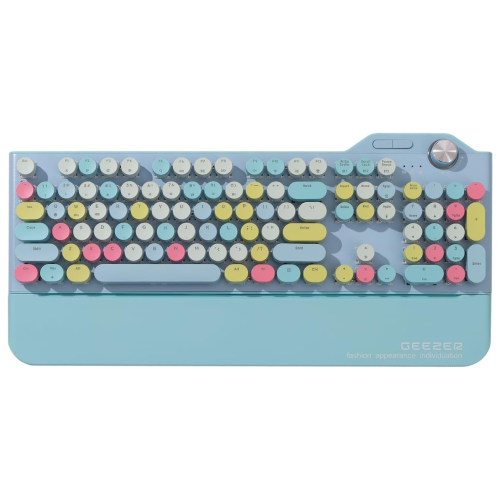
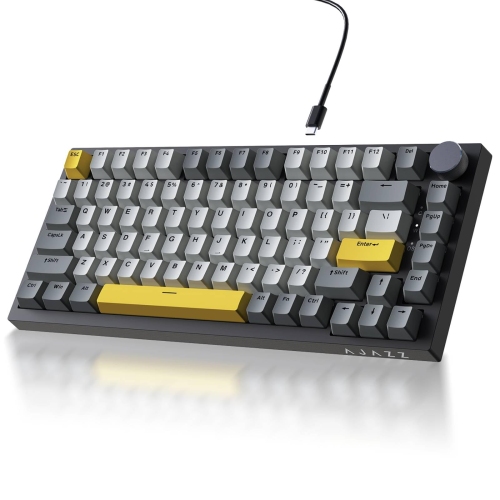
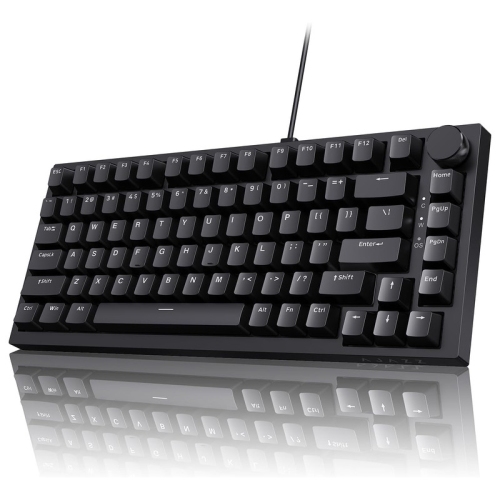
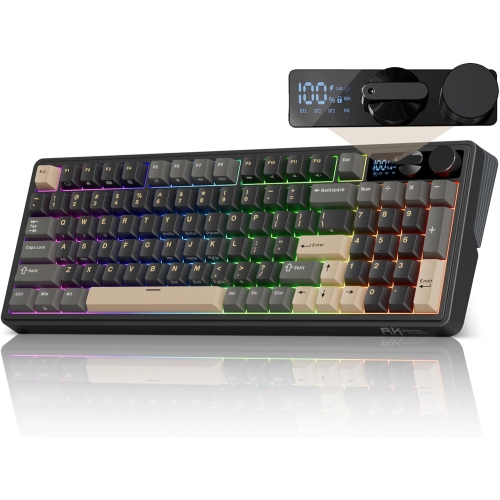
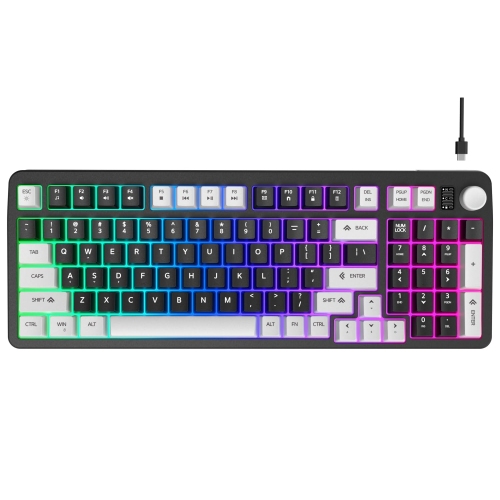
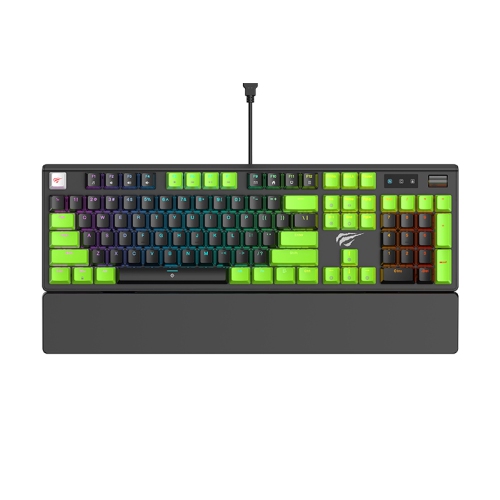
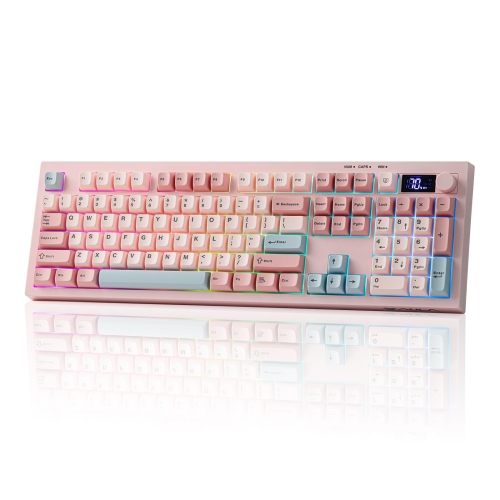
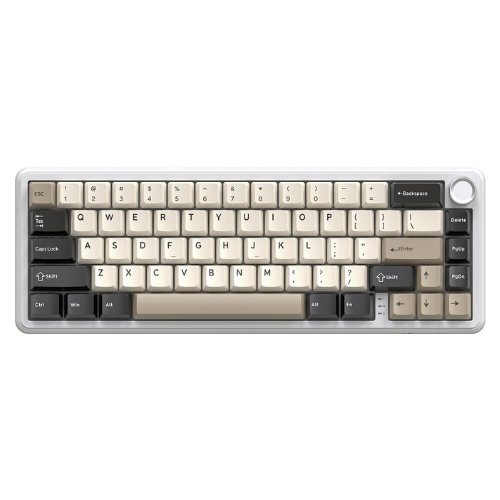
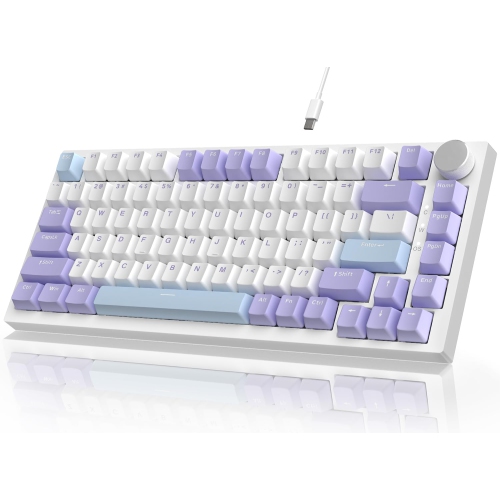
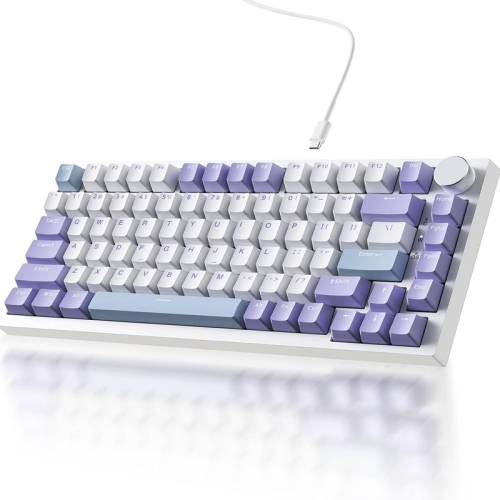
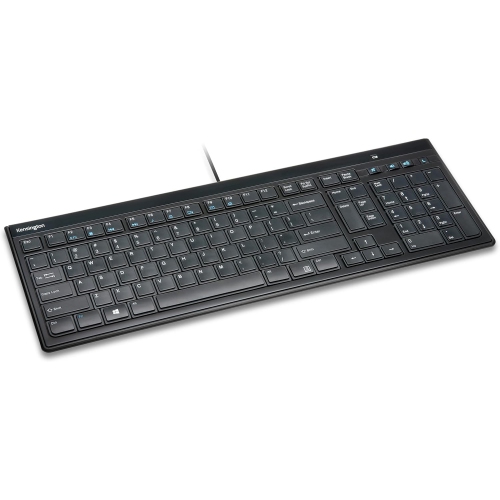
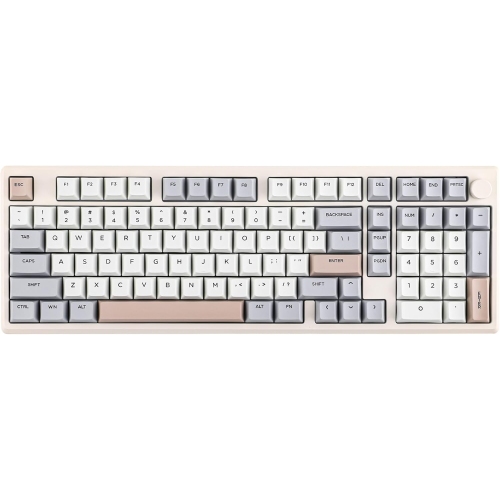
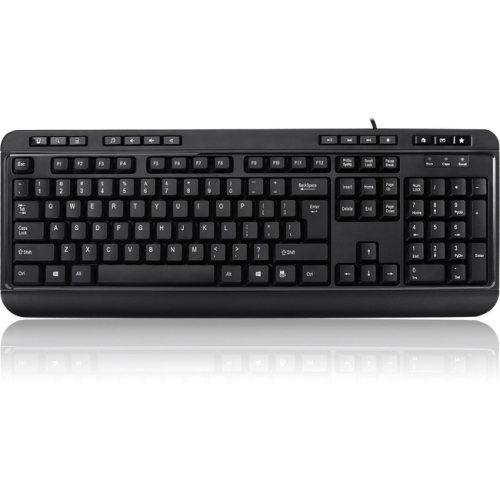
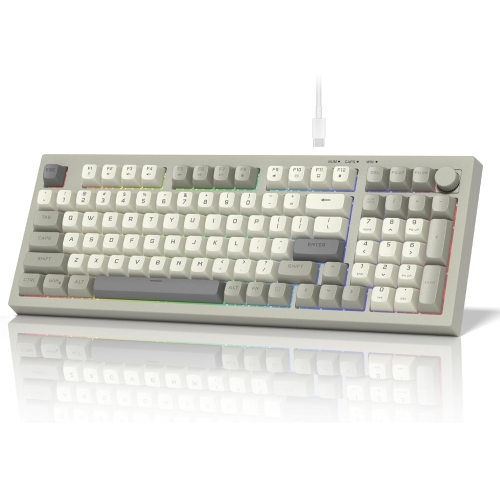
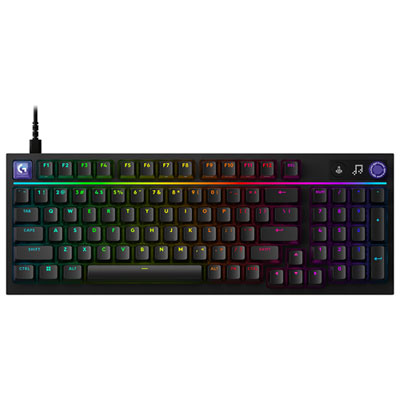
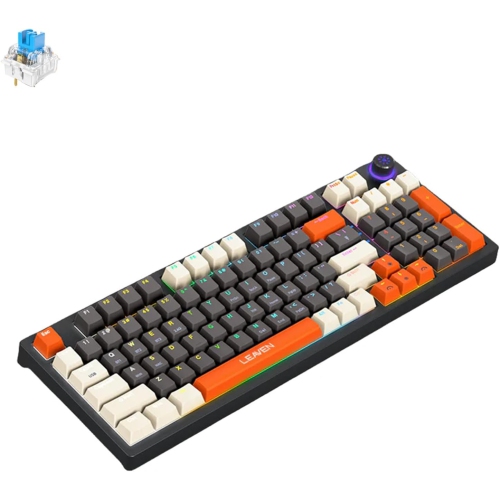
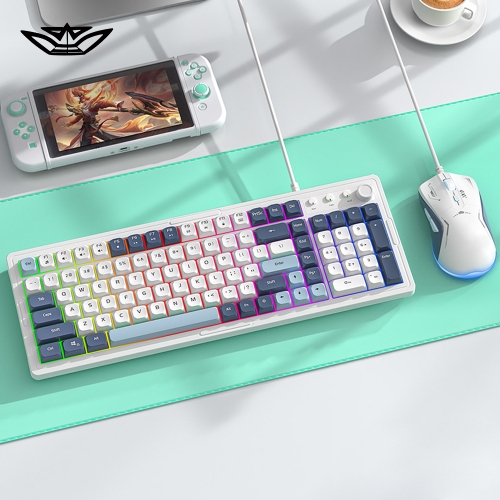
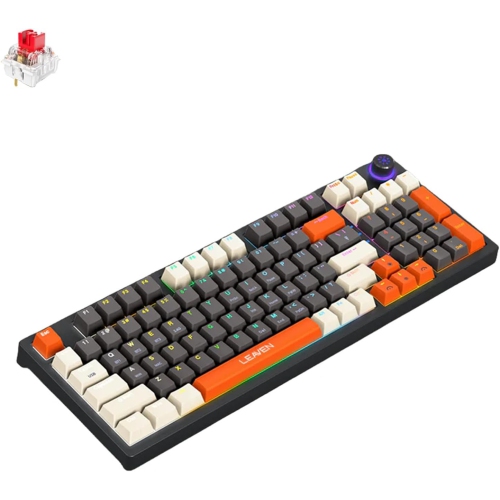
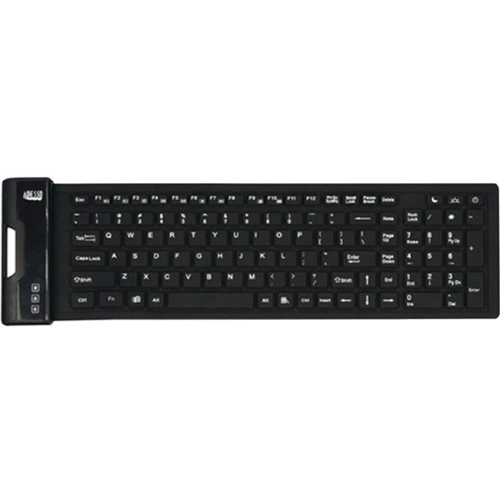
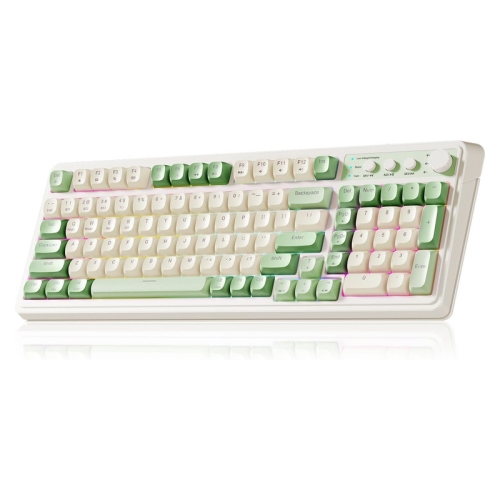
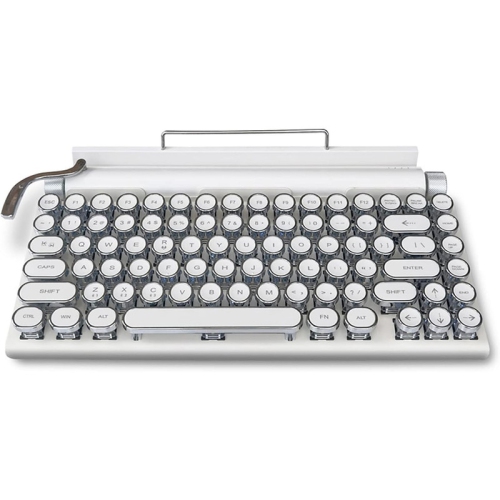
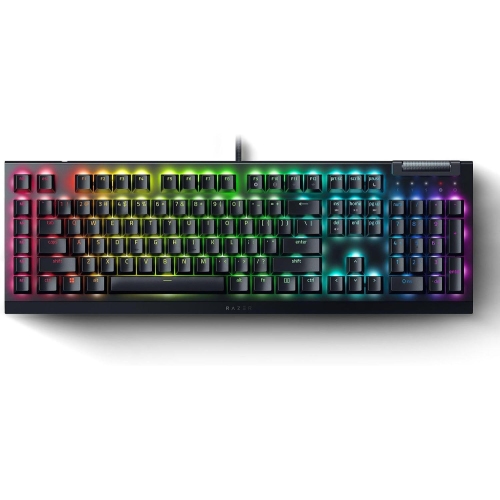
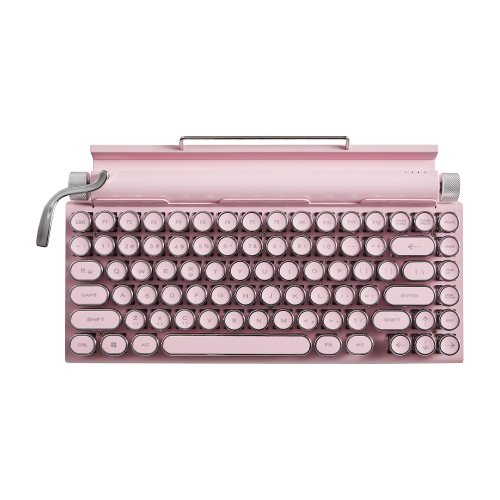
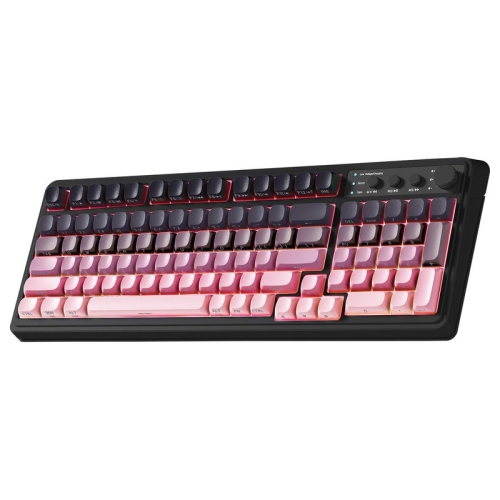
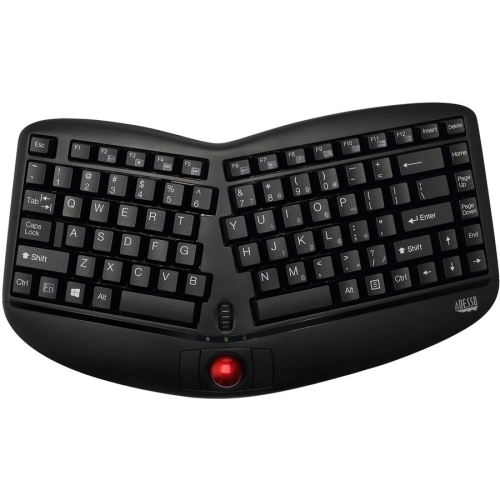
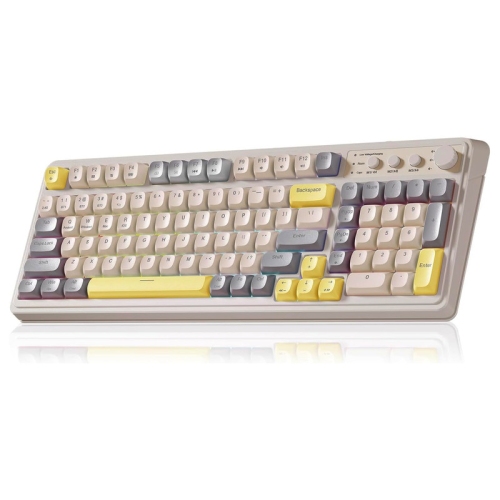
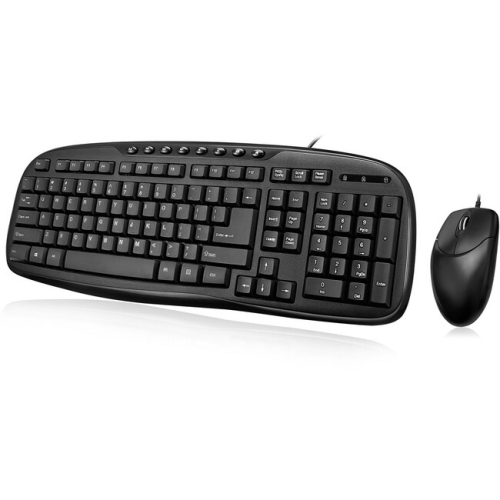
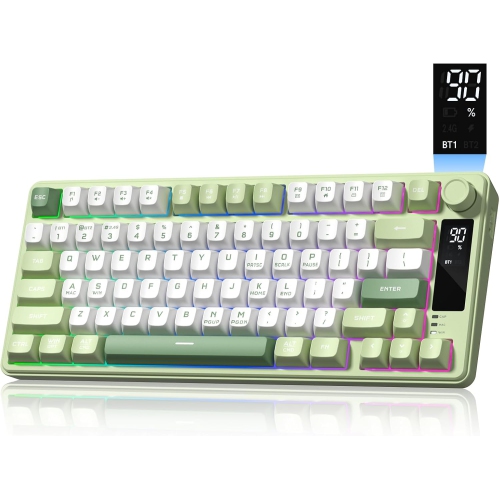
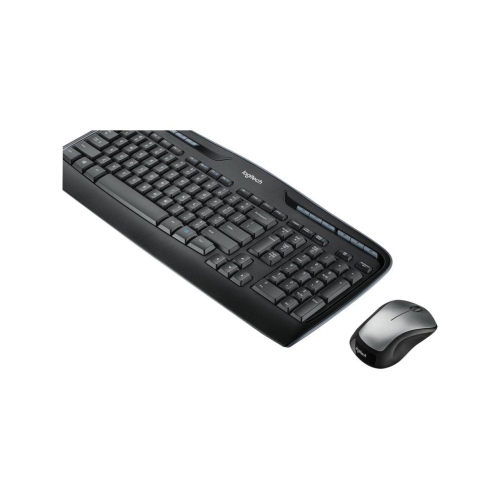
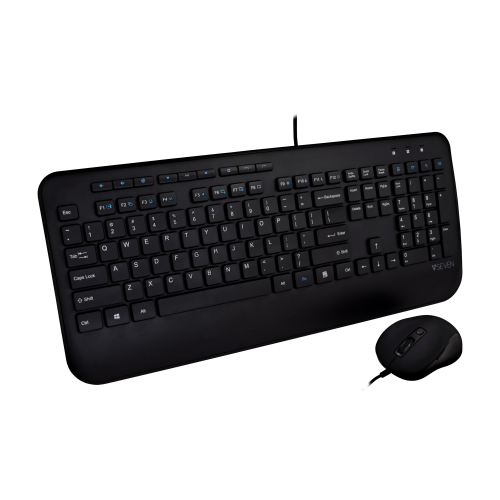
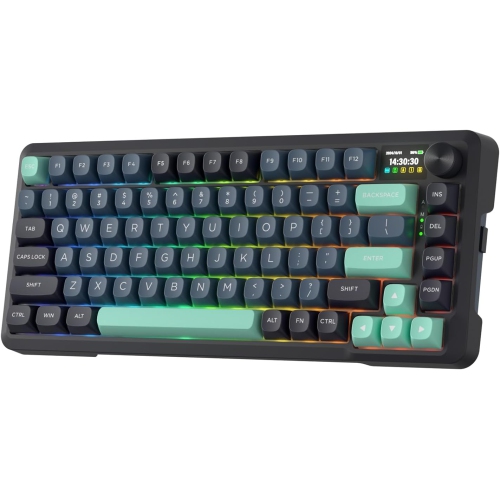
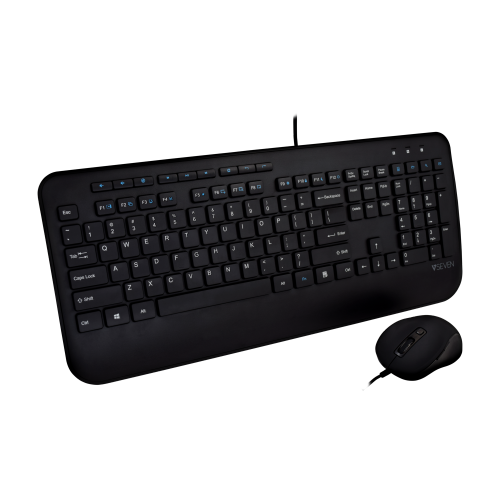
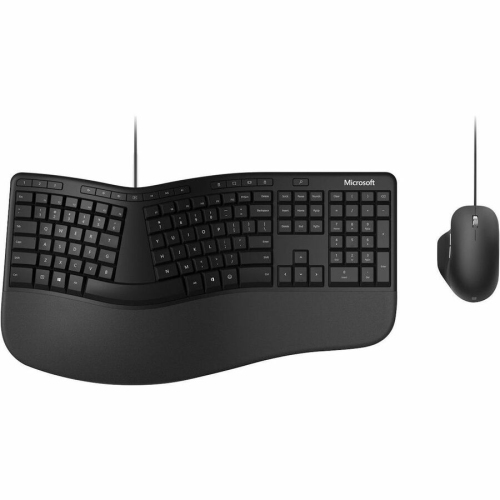
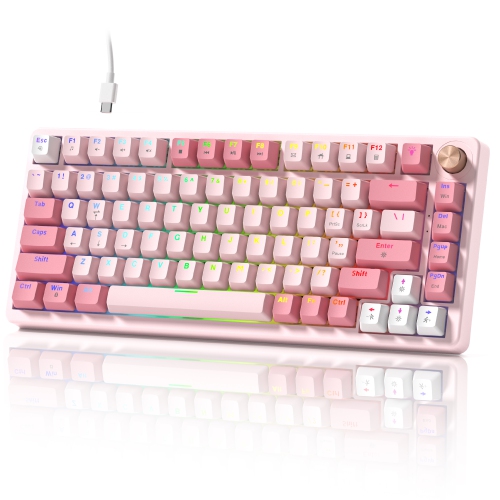
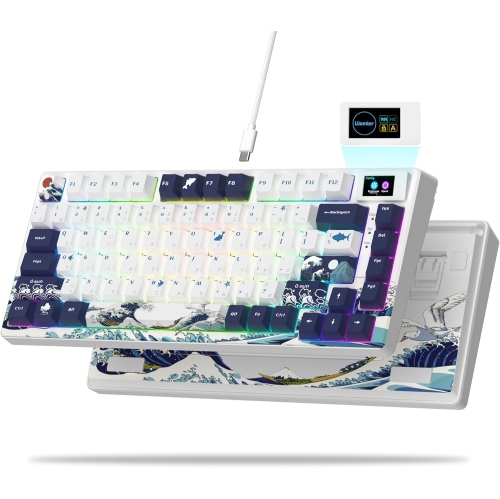
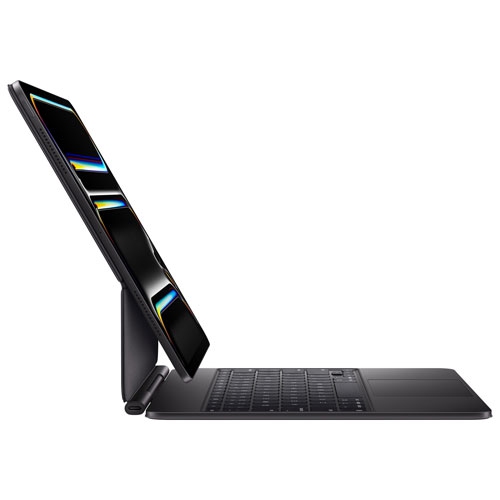
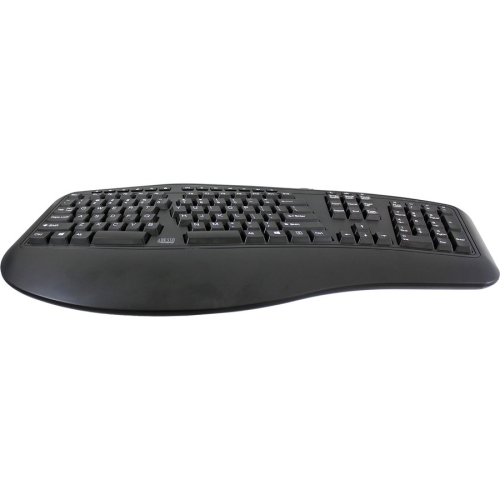
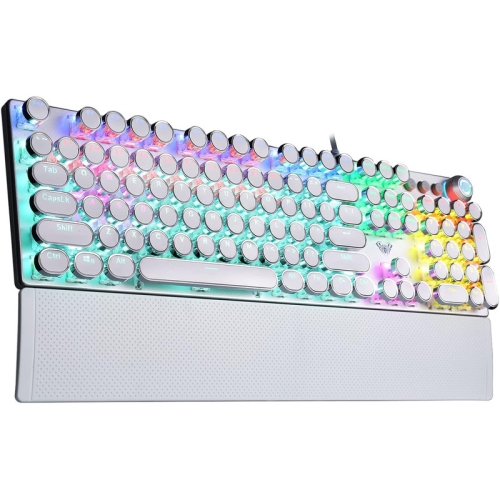
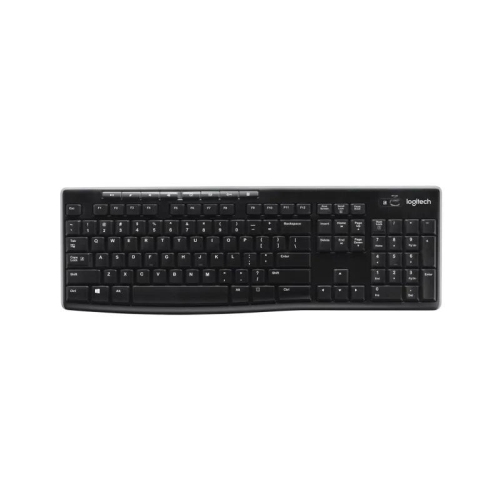
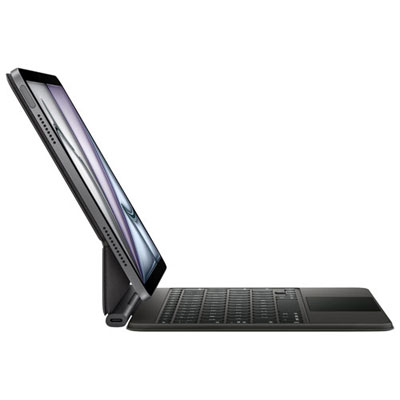
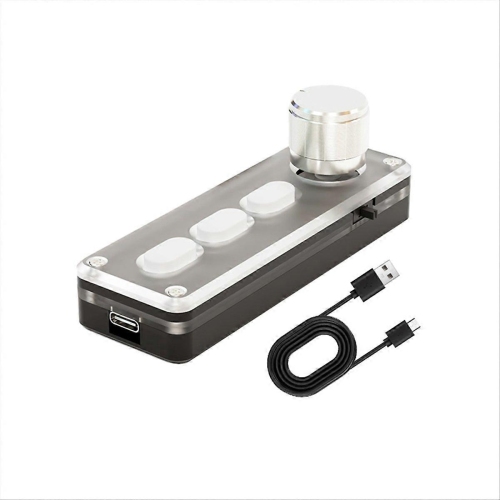
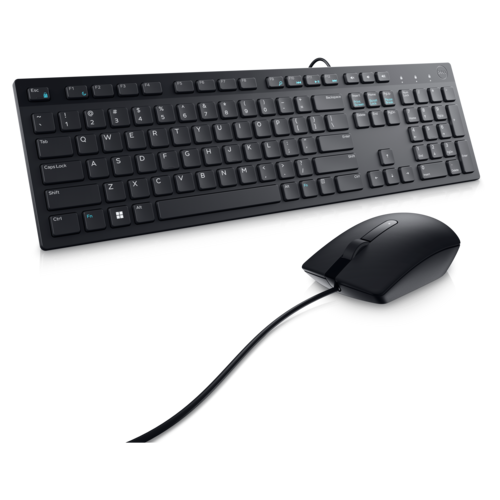
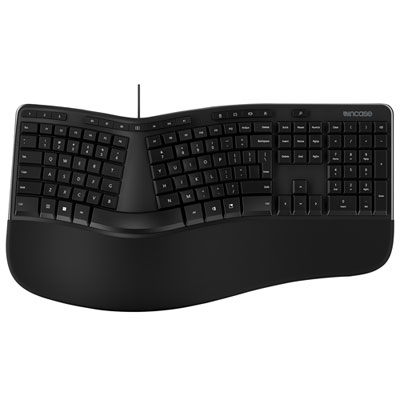
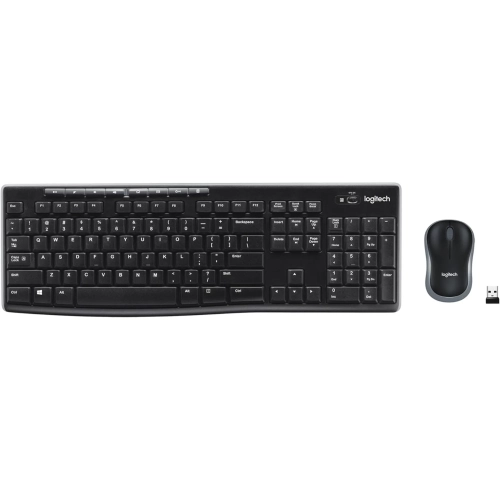
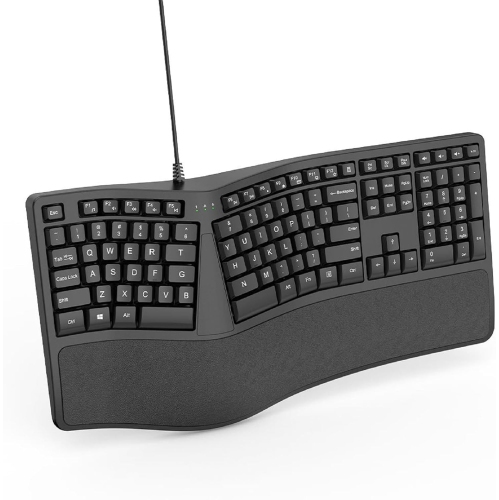
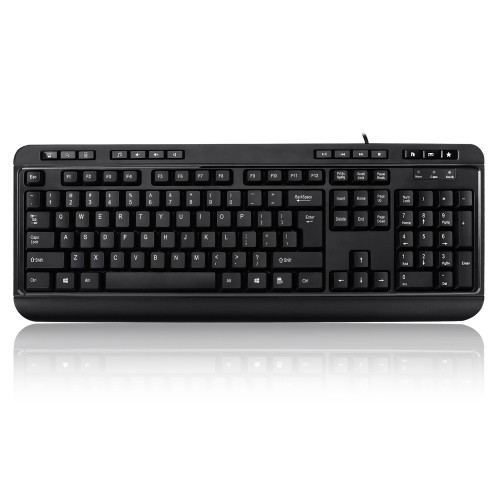
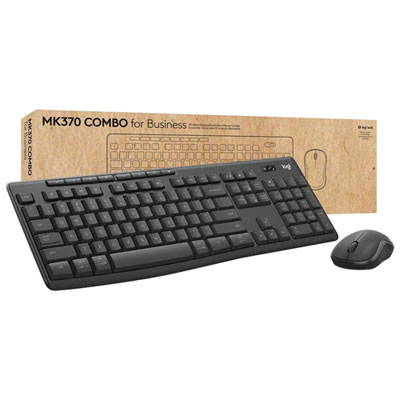
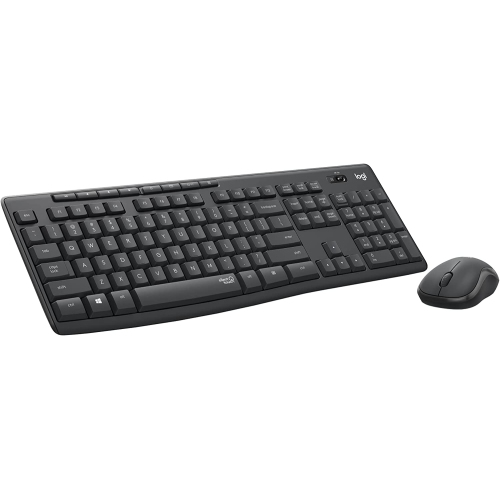
Keyboards with volume control bring a useful audio adjustment directly to the place where you are already working, playing, studying, or creating. Instead of reaching for speakers, headphones, a media player, or an on-screen control, you can turn a dial, press a dedicated key, or use a clearly marked shortcut to raise or lower sound. That small convenience can make a noticeable difference throughout the day. A keyboard with volume control may suit a home office where video calls and background music share the same desk, a gaming setup where quick adjustments help keep attention on the screen, or a family computer used for streaming, homework, and casual browsing. Some designs place volume controls along the top edge, while others use function keys, multimedia buttons, or a built-in dial that can be adjusted with a light turn of the fingers. The right layout depends on how you prefer to work and how much space is available beside your monitor. A full-size keyboard may provide a dedicated number pad for spreadsheets and accounting, while a compact or tenkeyless layout can leave more room for a mouse and reduce desk clutter. If you regularly move between a desktop and a laptop, a wireless keyboard can help create a cleaner setup and offer more flexibility around the room. Wired models can be a practical choice for a permanent workstation, with a direct connection that keeps the keyboard ready whenever the computer is in use. Look for a design that is comfortable to type on, with keys that match your preferred feel, spacing, and amount of travel. Quieter keys may be appreciated in a shared room or during early mornings, while a more tactile response can make longer typing sessions feel precise and satisfying. Backlighting can help with visibility during evening use, and an adjustable brightness setting lets you keep the keys easy to see without making them distracting in a darker room.
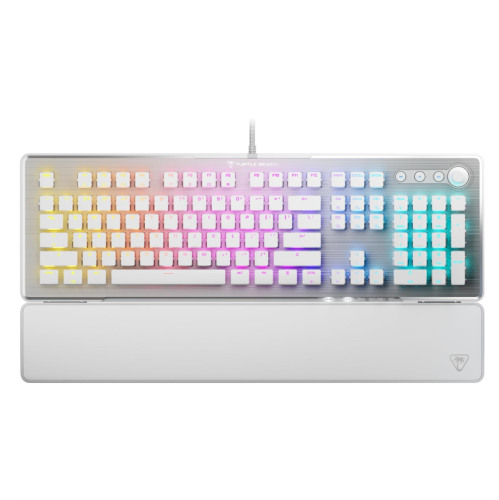
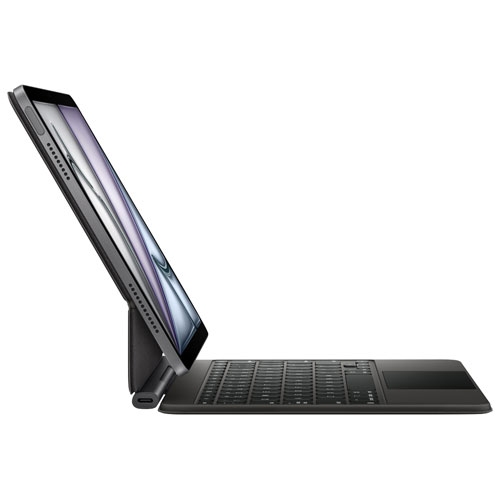
When comparing keyboards with volume control, consider the devices and operating systems you plan to use. Most multimedia controls are designed for common desktop and laptop environments, but the way certain shortcuts operate can vary between systems. Check whether the keyboard connects by USB, Bluetooth, or a wireless receiver, and think about whether you want to pair it with more than one device. Multi-device keyboards can be useful for a workstation that includes a computer, tablet, or second screen, especially when you switch between writing, browsing, and entertainment. A keyboard with a prominent volume dial may be convenient for adjusting sound gradually, such as lowering a podcast when someone starts speaking nearby. Dedicated mute buttons can be handy during online meetings, while play, pause, and track controls may simplify music playback without opening another window. For gaming, the most helpful arrangement may be one that keeps the volume controls easy to reach without interfering with movement keys or other frequently used commands. For schoolwork and general home use, a straightforward layout with familiar controls may be the best fit for multiple users. Pay attention to dimensions, wrist comfort, and the height of the keyboard, particularly if it will be used for several hours at a time. A detachable wrist rest, adjustable feet, or a gently angled profile can change how the keyboard feels over a long report, coding session, or evening of online entertainment. Families setting up a shared computer may appreciate spill-resistant construction or easy-to-clean surfaces, while anyone working in a dim room may value illuminated legends that remain legible without requiring a desk lamp. Volume control is the central feature, but the overall typing experience determines whether the keyboard becomes a daily favourite or simply another accessory on the desk. Matching the controls, connection type, size, and key feel to your routine helps ensure the product works naturally rather than requiring a change in established habits.
Keyboards with volume control can also make thoughtful gifts for students settling into a new study area, remote workers refining a home office, or PC users who are ready to replace an older keyboard with something more convenient. They are especially practical for people who spend time switching between work and entertainment, since the same controls can support a video meeting in the afternoon, music while organizing files, and a film during the cooler months. A relative who enjoys online courses may appreciate being able to adjust lecture audio without leaving the lesson, while a creative user can keep sound changes close at hand while editing video, recording audio, or working with music software. When giving one as a gift, consider the recipient’s workspace and habits: a compact wireless model may suit a small apartment desk, a full-size keyboard may be more comfortable for someone who enters numbers frequently, and backlit keys may help a late-night gamer or student see the layout clearly. If the keyboard will be used with a computer connected to external speakers or headphones, confirm that the volume controls are compatible with that setup and that the intended connection is available. For a broader audio setup, you can also explore Bluetooth Speakers With Volume Control to find another convenient way to manage sound. Whether it is placed beside a monitor in a focused office, shared at a kitchen workstation, or added to a dedicated gaming corner, a well-chosen keyboard with volume control keeps common audio adjustments within easy reach while maintaining a comfortable, capable typing surface. During busy days and relaxed evenings alike, that combination of familiar keys and accessible sound management can make everyday computer use feel smoother.
When comparing keyboards with volume control, consider the devices and operating systems you plan to use. Most multimedia controls are designed for common desktop and laptop environments, but the way certain shortcuts operate can vary between systems. Check whether the keyboard connects by USB, Bluetooth, or a wireless receiver, and think about whether you want to pair it with more than one device. Multi-device keyboards can be useful for a workstation that includes a computer, tablet, or second screen, especially when you switch between writing, browsing, and entertainment. A keyboard with a prominent volume dial may be convenient for adjusting sound gradually, such as lowering a podcast when someone starts speaking nearby. Dedicated mute buttons can be handy during online meetings, while play, pause, and track controls may simplify music playback without opening another window. For gaming, the most helpful arrangement may be one that keeps the volume controls easy to reach without interfering with movement keys or other frequently used commands. For schoolwork and general home use, a straightforward layout with familiar controls may be the best fit for multiple users. Pay attention to dimensions, wrist comfort, and the height of the keyboard, particularly if it will be used for several hours at a time. A detachable wrist rest, adjustable feet, or a gently angled profile can change how the keyboard feels over a long report, coding session, or evening of online entertainment. Families setting up a shared computer may appreciate spill-resistant construction or easy-to-clean surfaces, while anyone working in a dim room may value illuminated legends that remain legible without requiring a desk lamp. Volume control is the central feature, but the overall typing experience determines whether the keyboard becomes a daily favourite or simply another accessory on the desk. Matching the controls, connection type, size, and key feel to your routine helps ensure the product works naturally rather than requiring a change in established habits.
Keyboards with volume control can also make thoughtful gifts for students settling into a new study area, remote workers refining a home office, or PC users who are ready to replace an older keyboard with something more convenient. They are especially practical for people who spend time switching between work and entertainment, since the same controls can support a video meeting in the afternoon, music while organizing files, and a film during the cooler months. A relative who enjoys online courses may appreciate being able to adjust lecture audio without leaving the lesson, while a creative user can keep sound changes close at hand while editing video, recording audio, or working with music software. When giving one as a gift, consider the recipient’s workspace and habits: a compact wireless model may suit a small apartment desk, a full-size keyboard may be more comfortable for someone who enters numbers frequently, and backlit keys may help a late-night gamer or student see the layout clearly. If the keyboard will be used with a computer connected to external speakers or headphones, confirm that the volume controls are compatible with that setup and that the intended connection is available. For a broader audio setup, you can also explore Bluetooth Speakers With Volume Control to find another convenient way to manage sound. Whether it is placed beside a monitor in a focused office, shared at a kitchen workstation, or added to a dedicated gaming corner, a well-chosen keyboard with volume control keeps common audio adjustments within easy reach while maintaining a comfortable, capable typing surface. During busy days and relaxed evenings alike, that combination of familiar keys and accessible sound management can make everyday computer use feel smoother.
Top selling and popular products
-
 Your price for this item is $39.99
 -
 Your price for this item is $94.99
 -
 Your price for this item is $319.99
 -
 Your price for this item is $364.99
 -
 Your price for this item is $149.99
 -
 Your price for this item is $124
 -
 Your price for this item is $94.99
 -
 Your price for this item is $139.99
Discover more categories related to Keyboards With Volume Control
Top Collections:
Pokemon Centers, Best Cameras for Sports Photography, Kindle Devices, Samsung Galaxy Phones, Canon G7X Cameras, Pokémon 30th Celebration Cards, Refurbished Apple Laptops, iPhone 15 Apple, Laptops for Students, Budget Smartphones
Some products may be subject to Environmental Handling Fees
(EHF) depending on your province.
Learn more about EHFs.