Keychain Flash Drives
Looking for a convenient way to carry your important files with you wherever you go? Look no further than our selection of keychain flash drives. These compact and portable devices are designed to be attached to your keys, making it easy to access your documents, photos, music, and more on the go. With a range of storage capacities available, you can find the perfect keychain flash drive to suit your needs. Whether you're a student needing to transfer assignments between computers or a professional who requires quick access to important files, these handy gadgets are a must-have accessory. Explore our collection of keychain flash drives today and never be without your important data again.
Sort



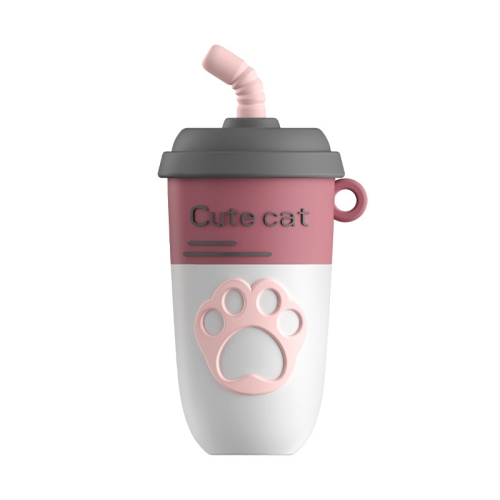
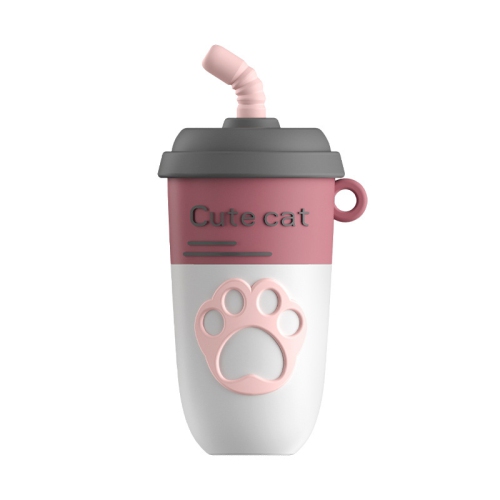
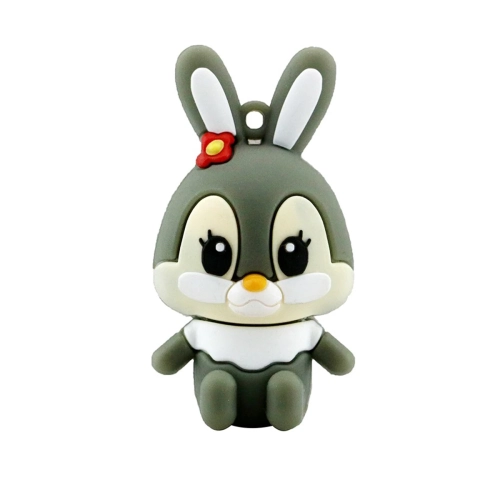
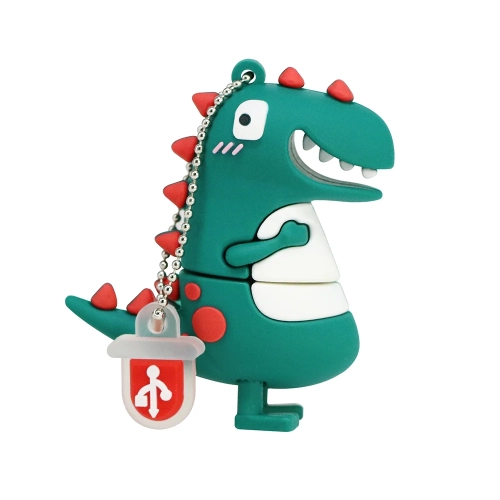
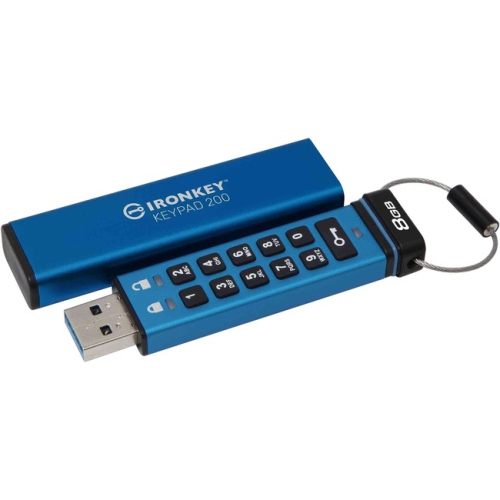
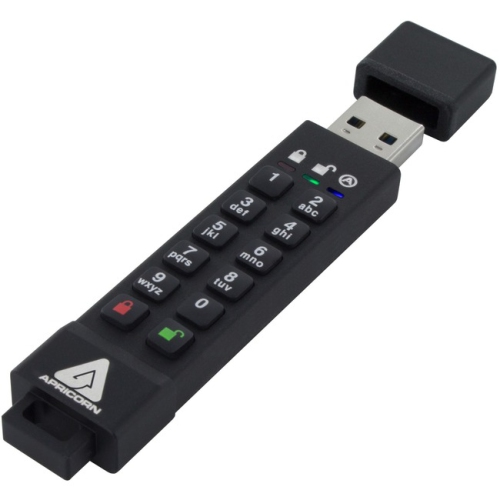
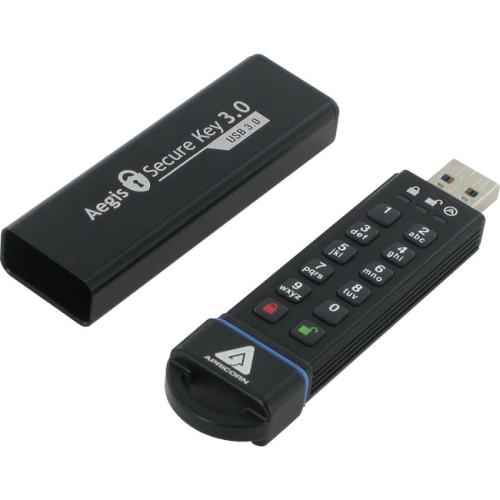
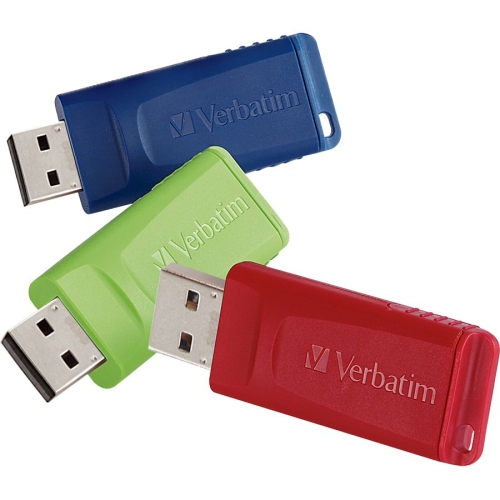

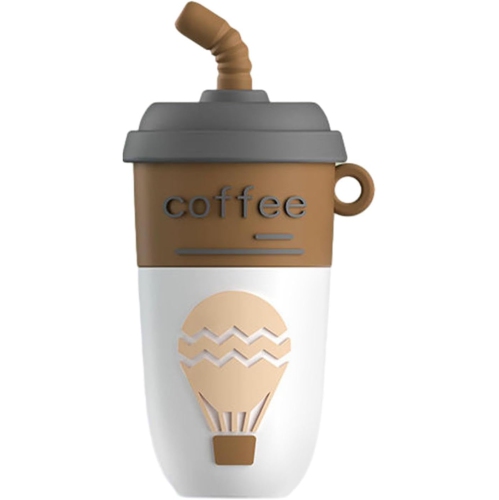
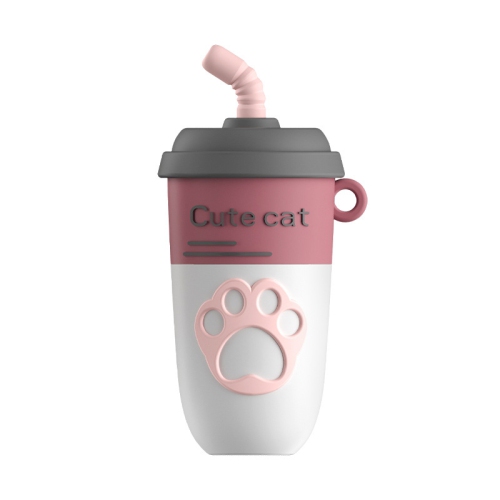
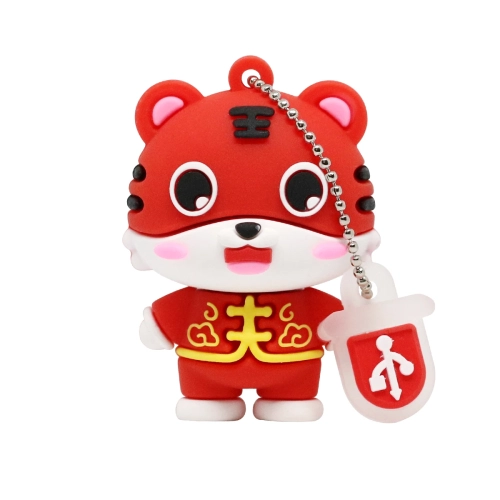
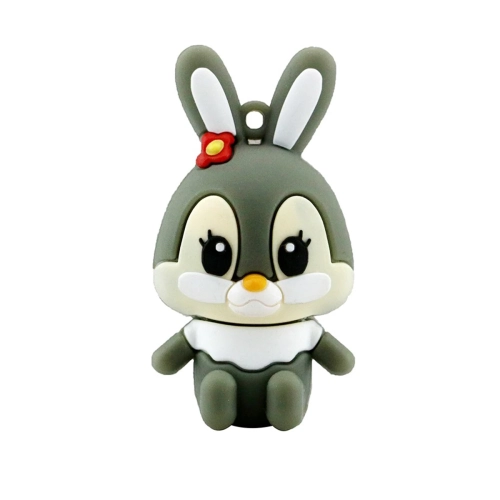
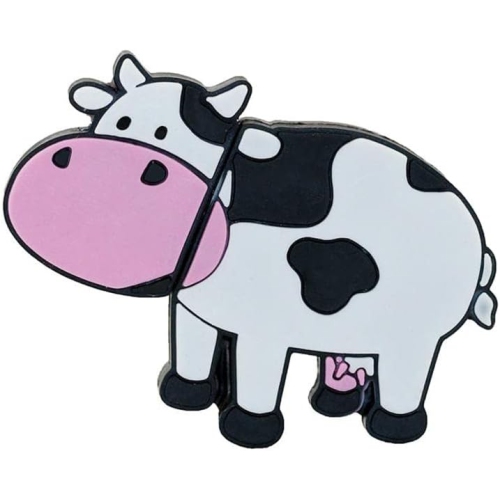
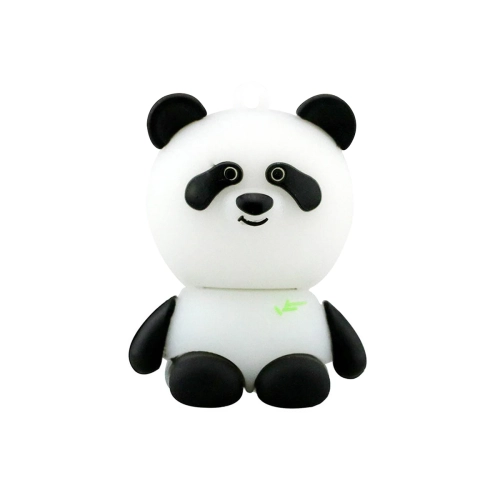
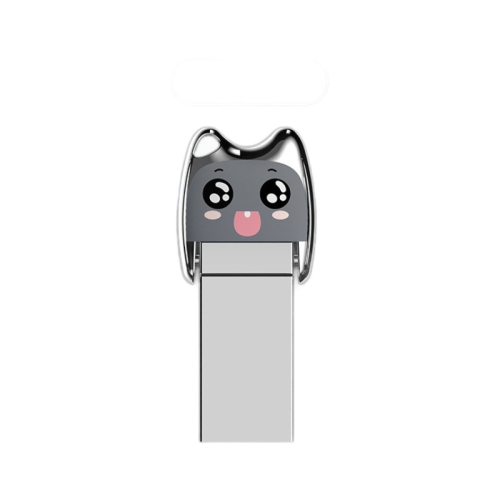
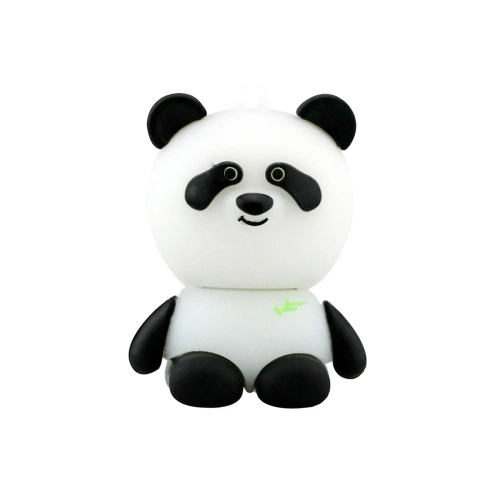
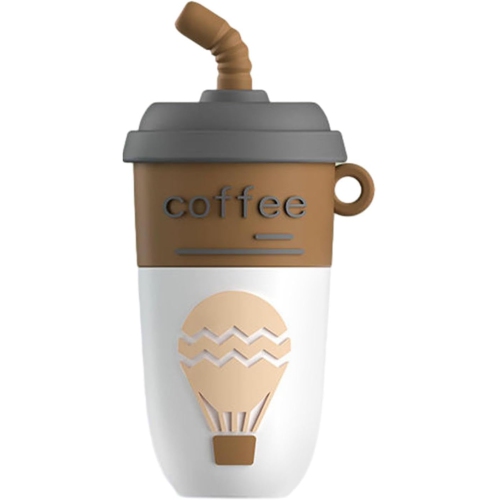

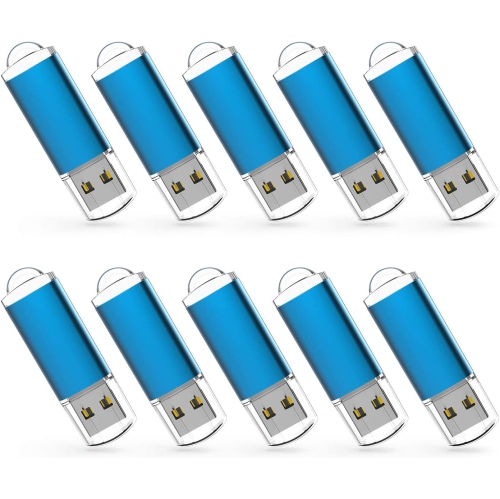
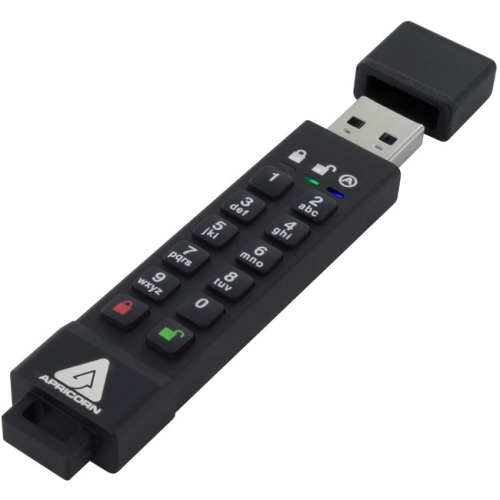
Portable storage keeps important files close at hand
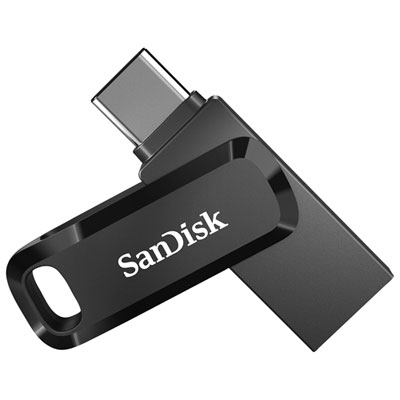
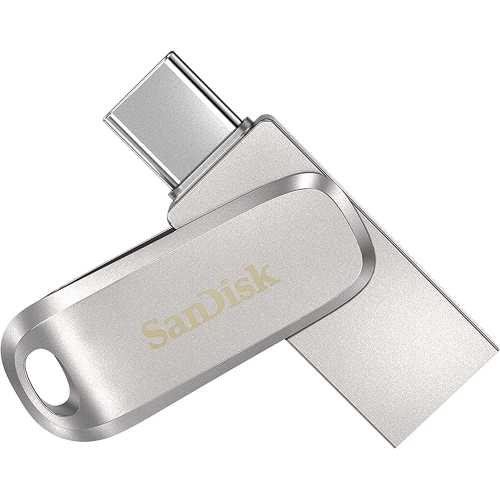
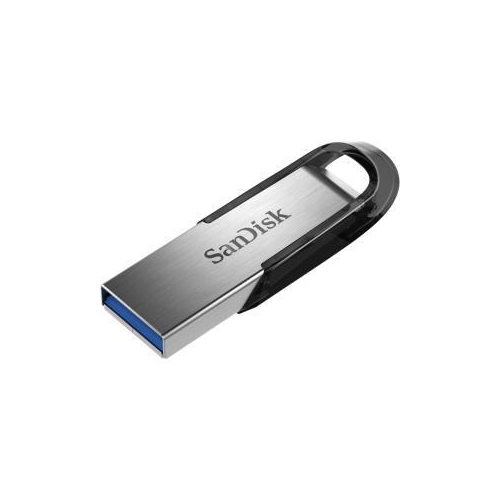
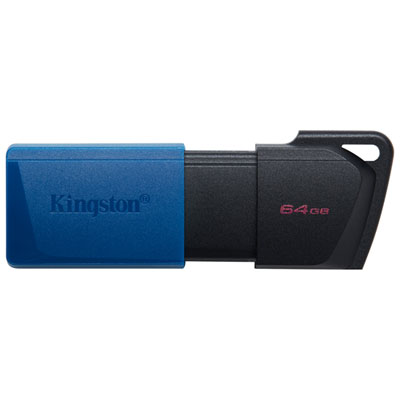
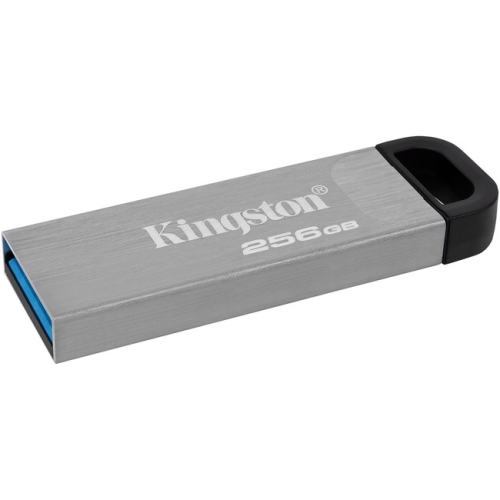
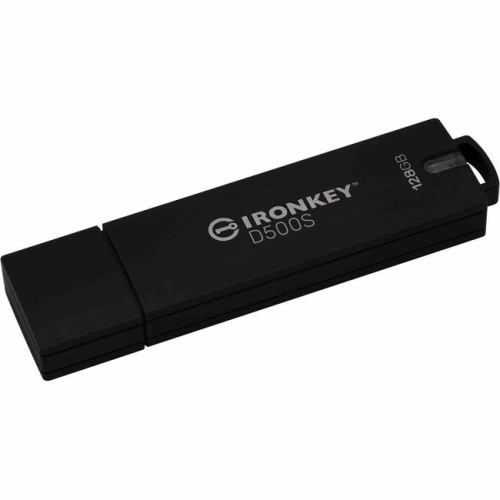
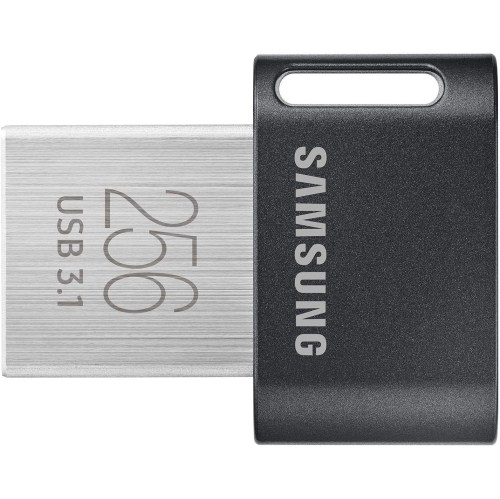
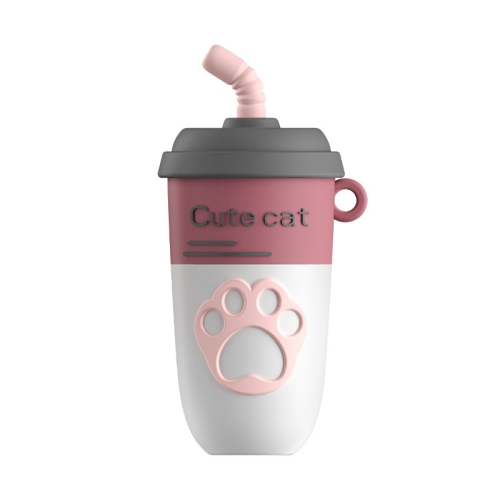
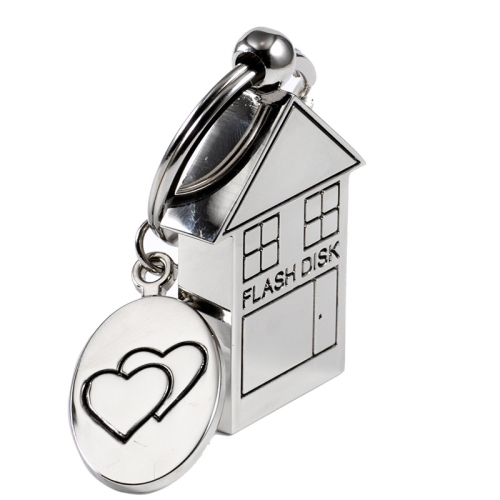
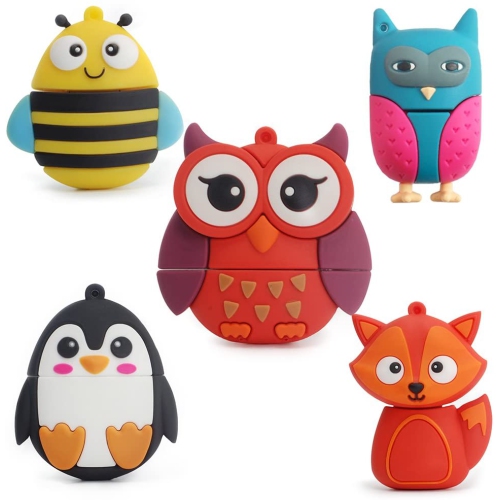
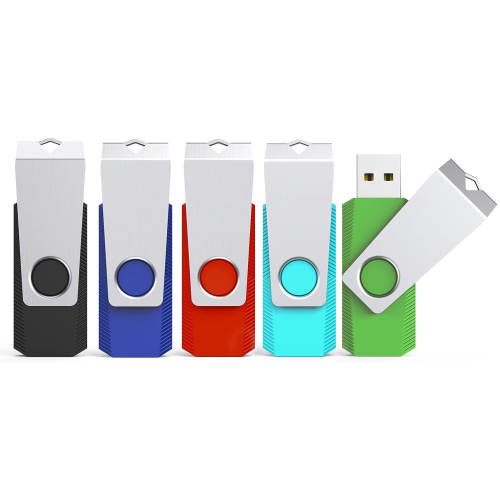
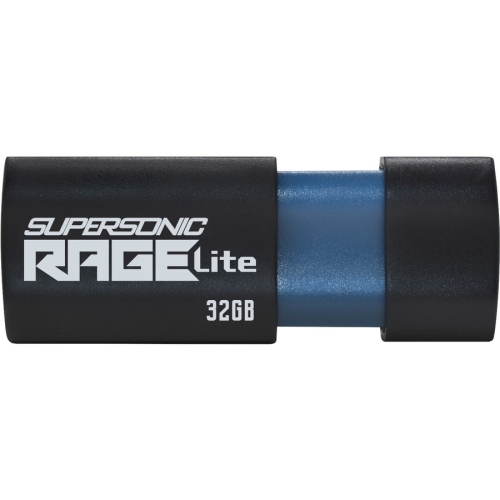
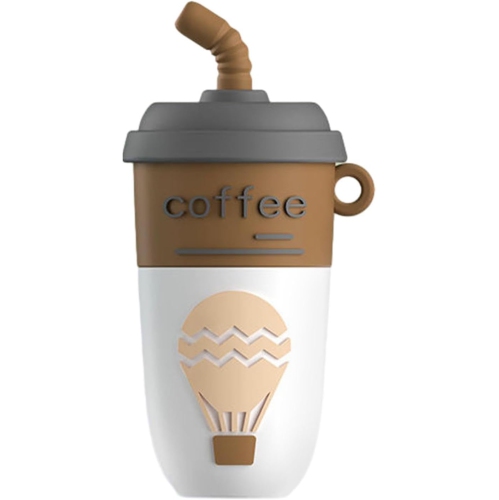
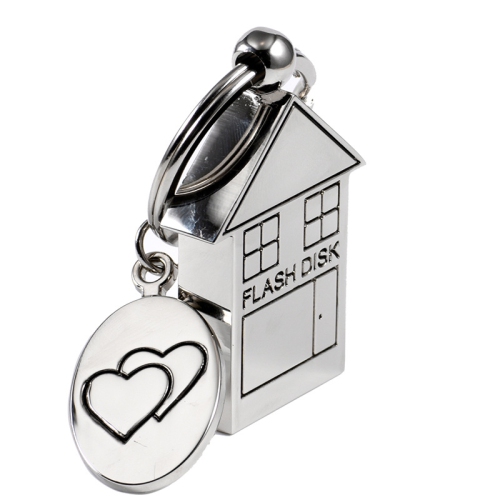
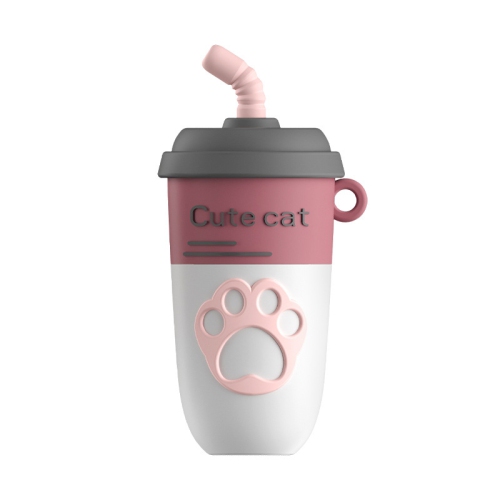
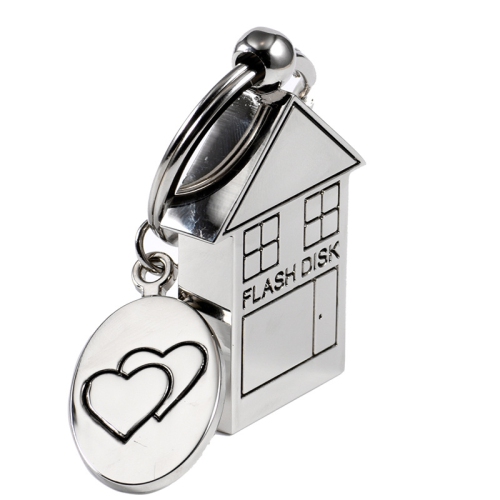
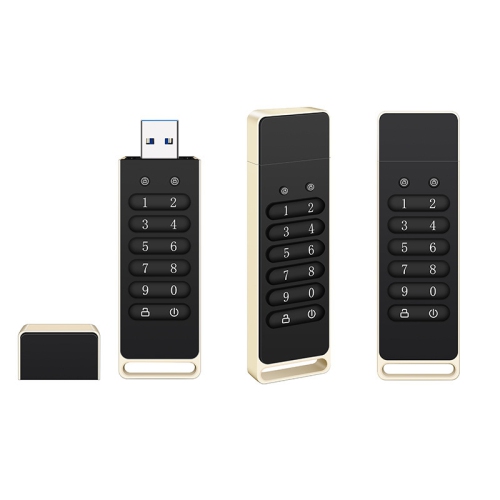
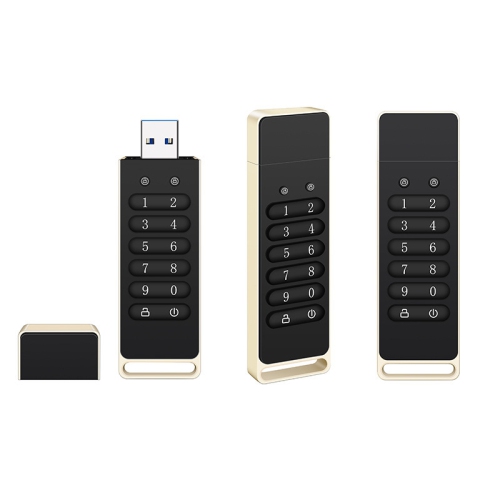
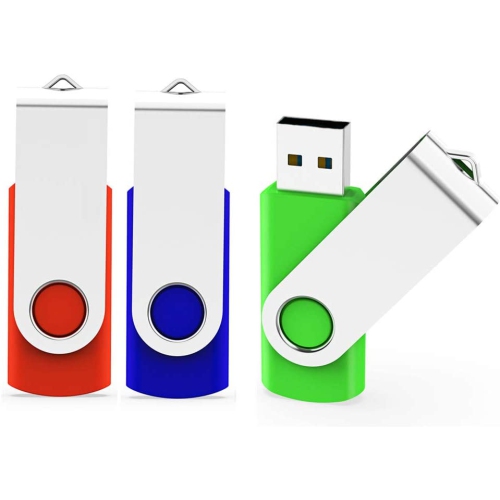
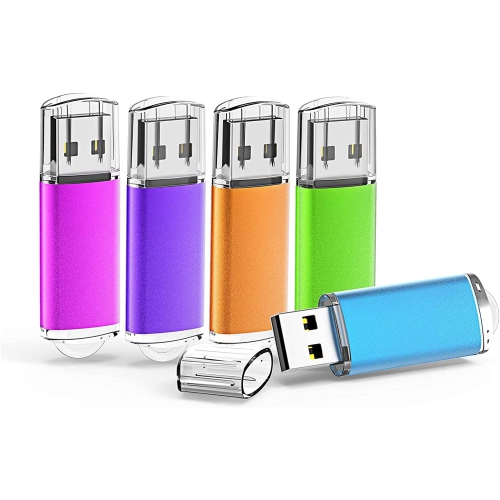
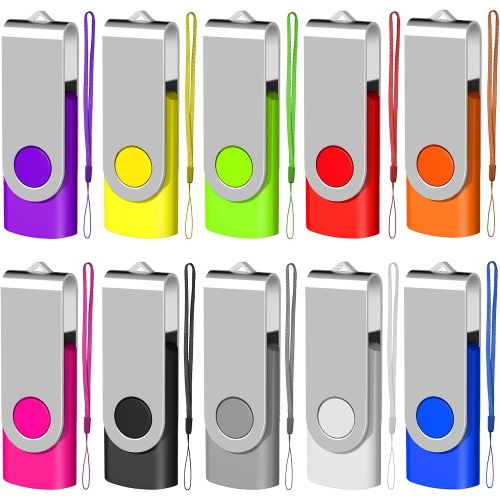
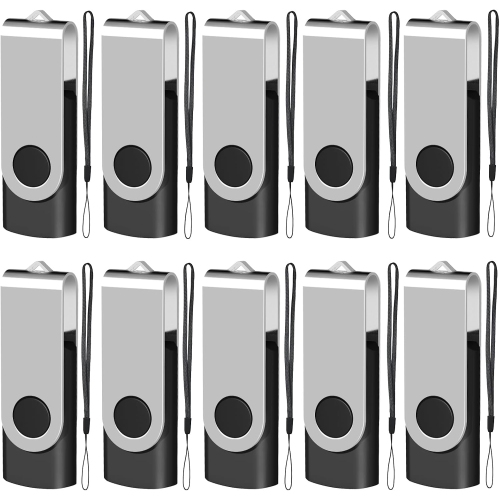
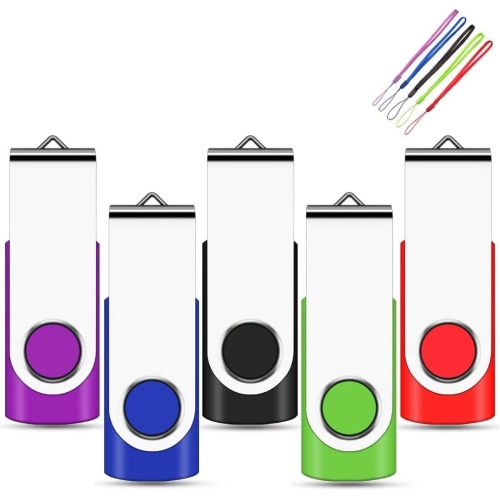
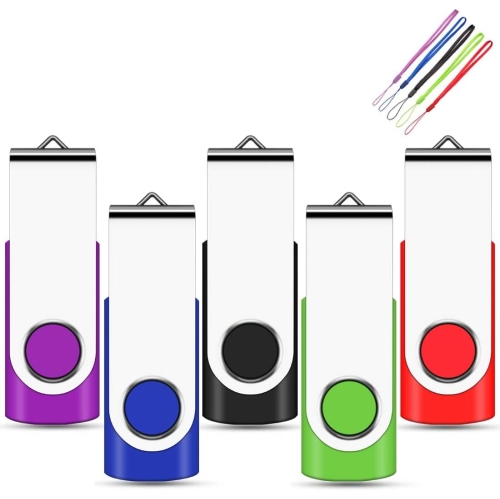
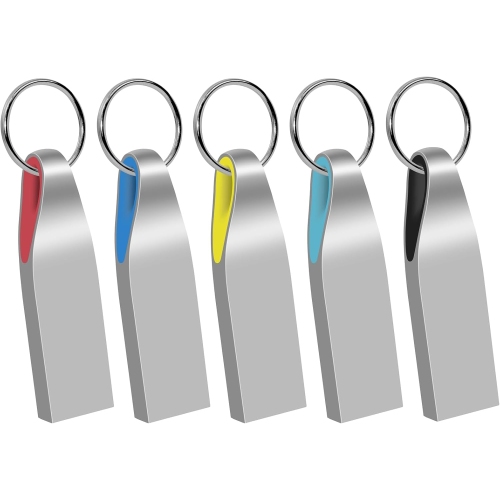
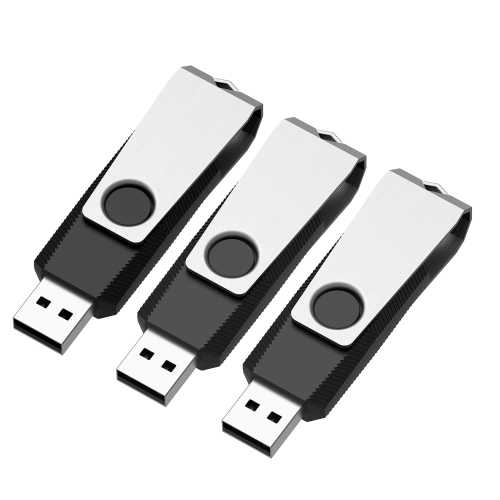
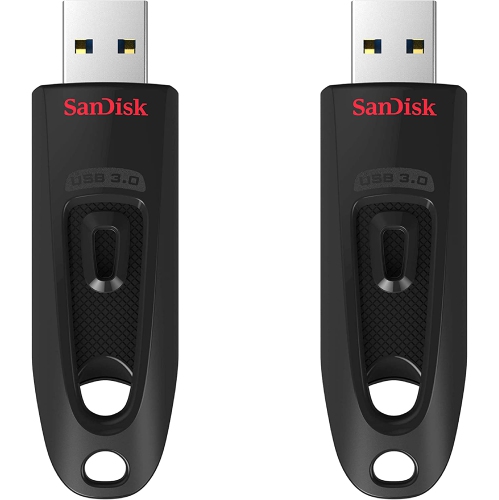
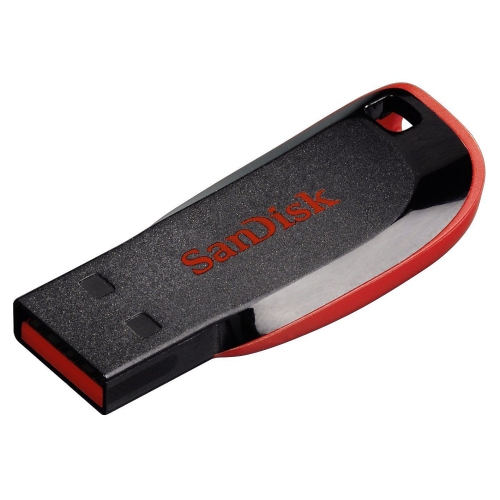
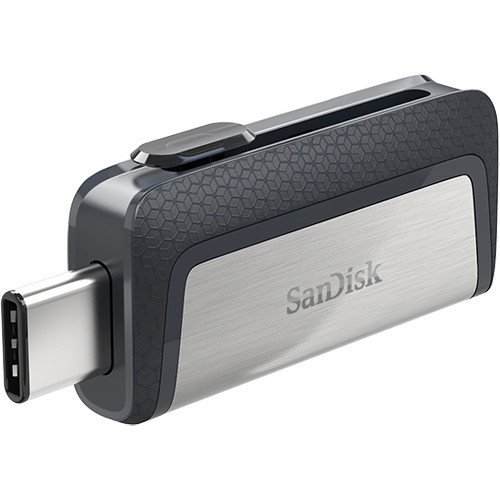
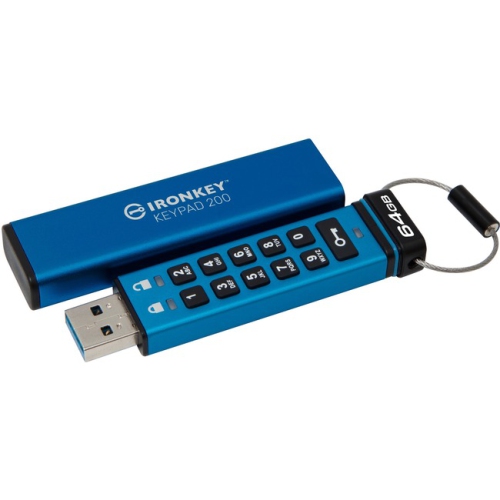
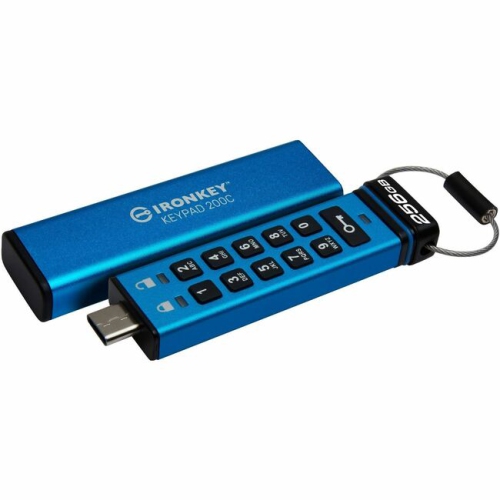
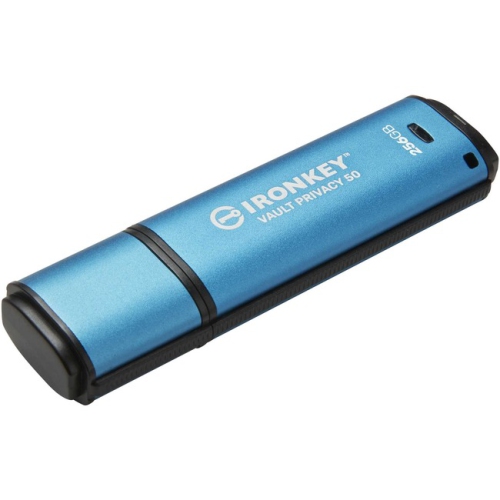
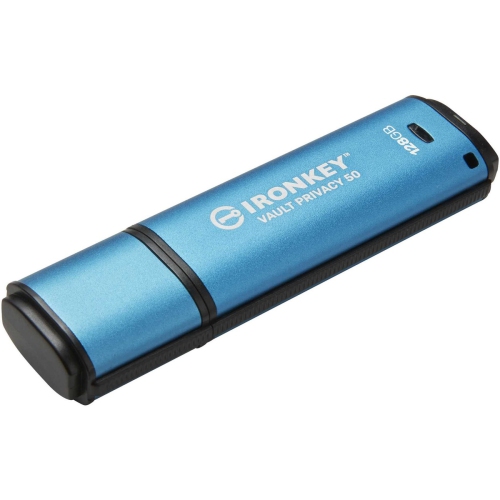
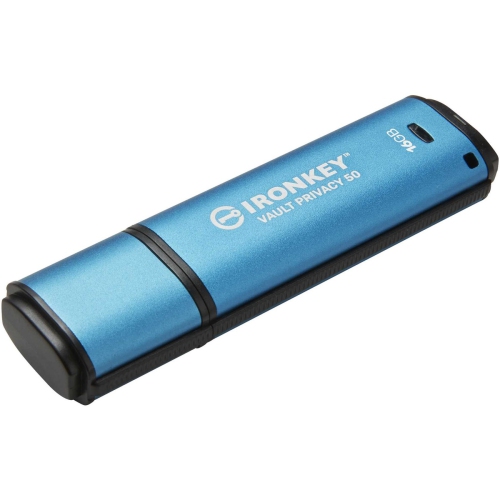
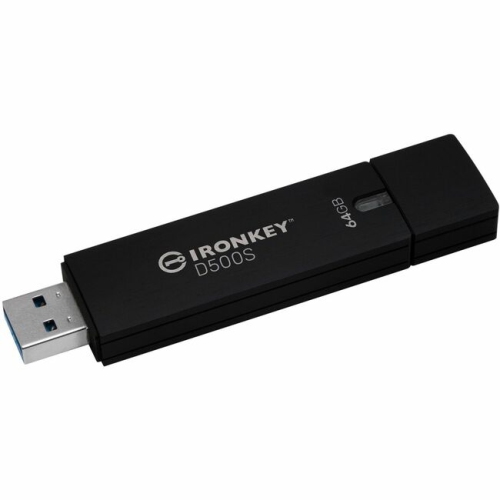
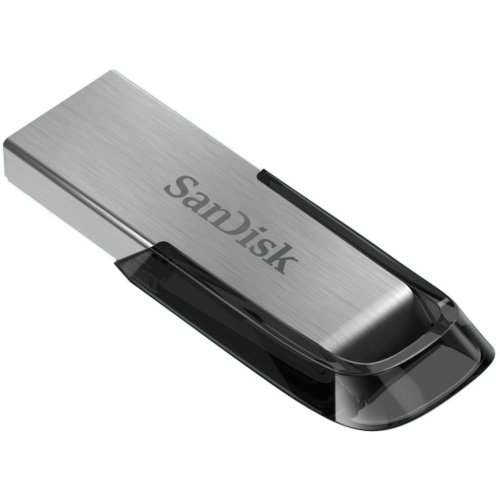
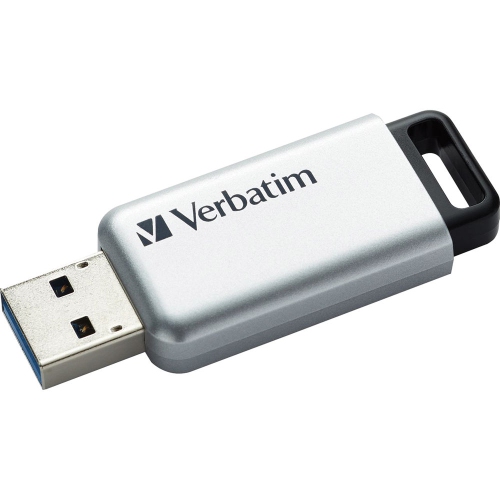
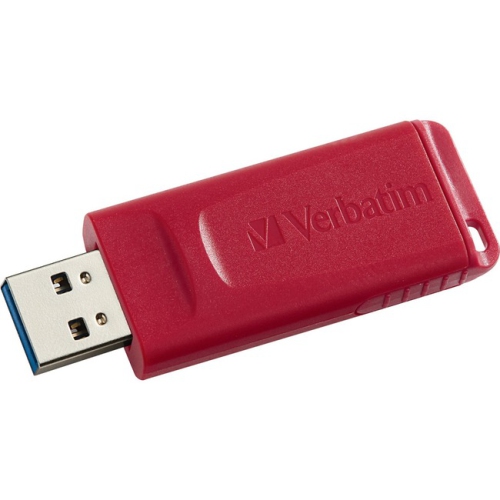
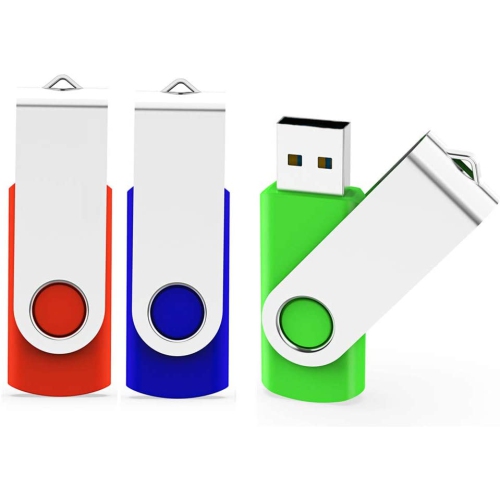
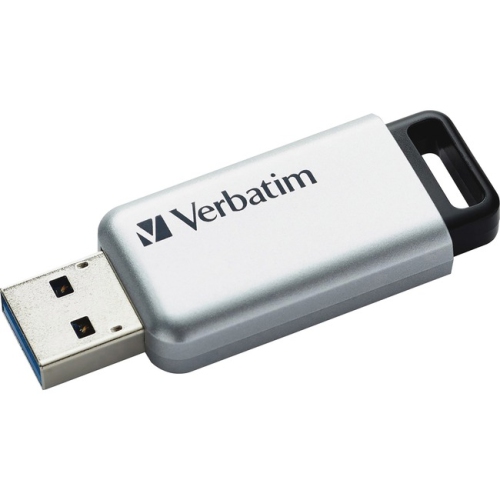
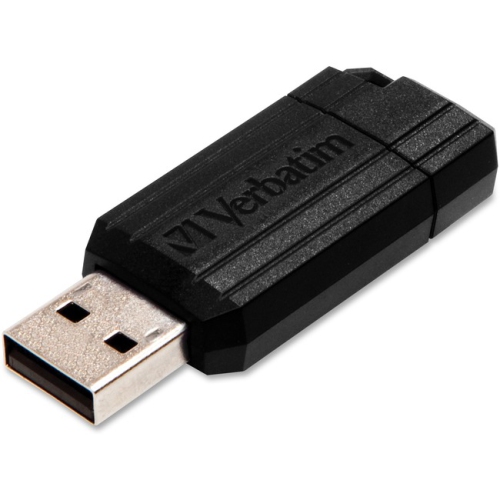
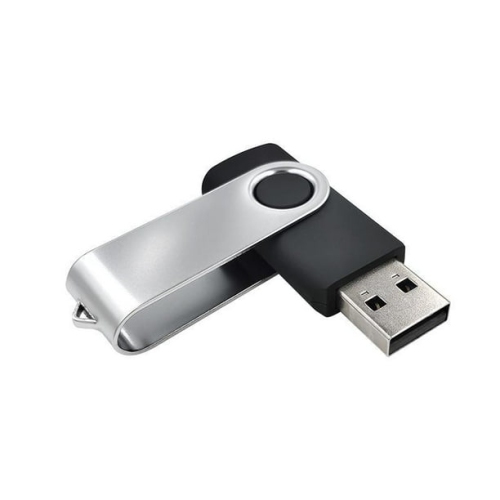
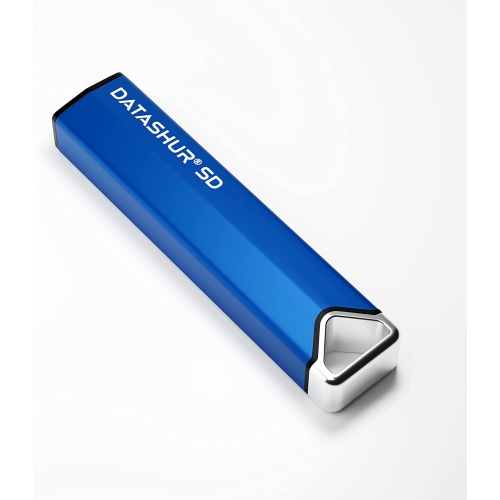
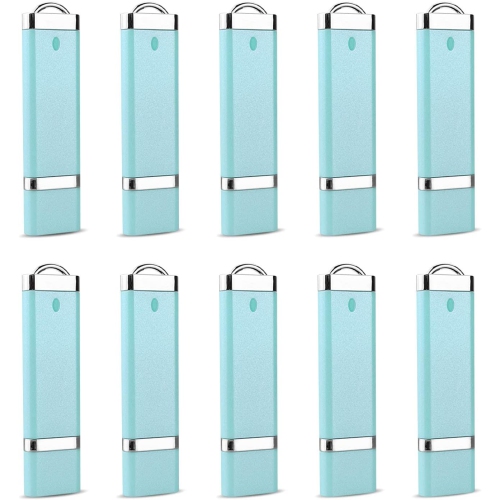
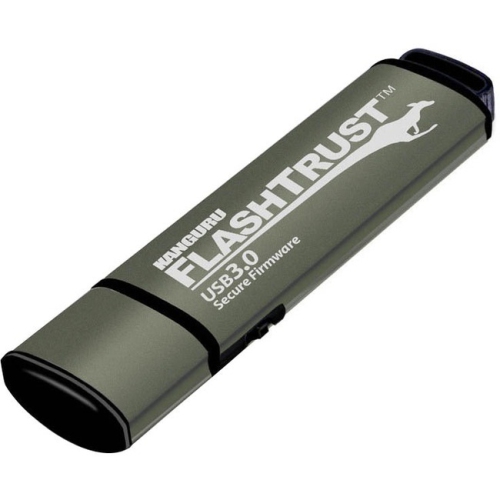
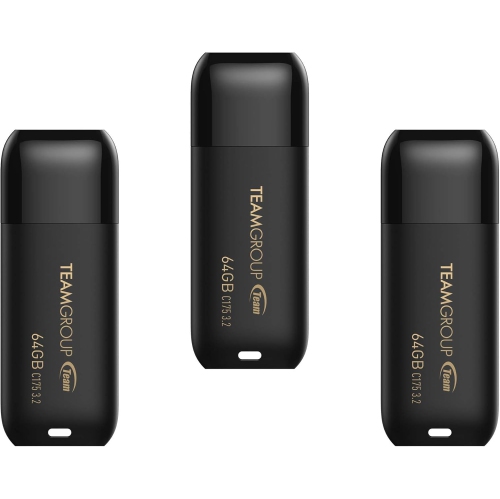
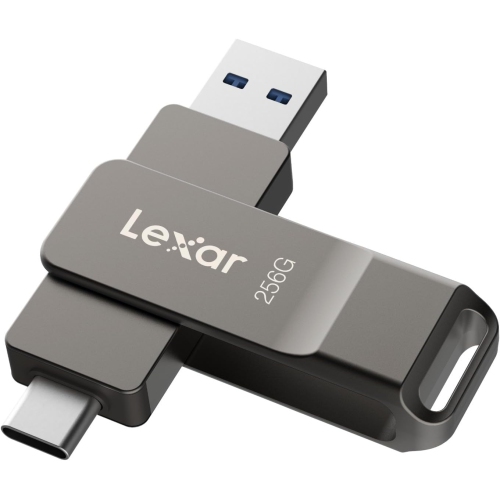
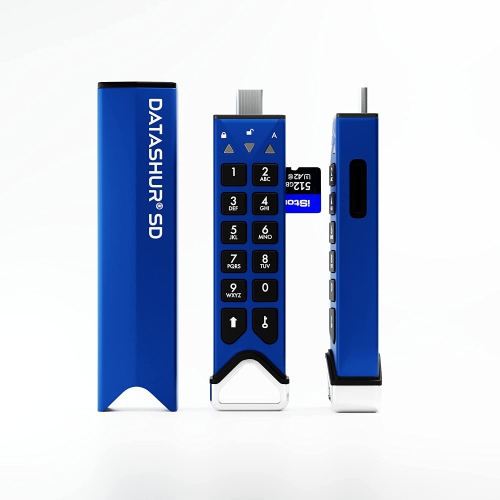
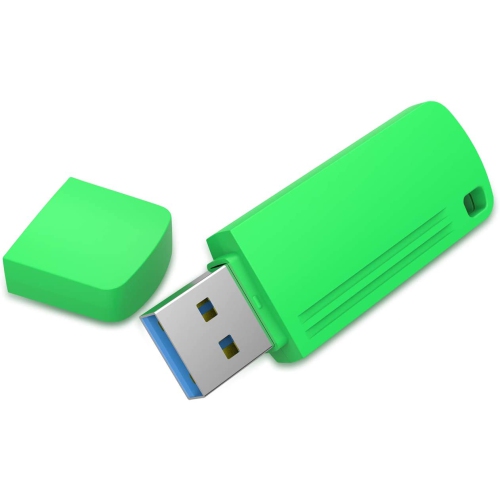
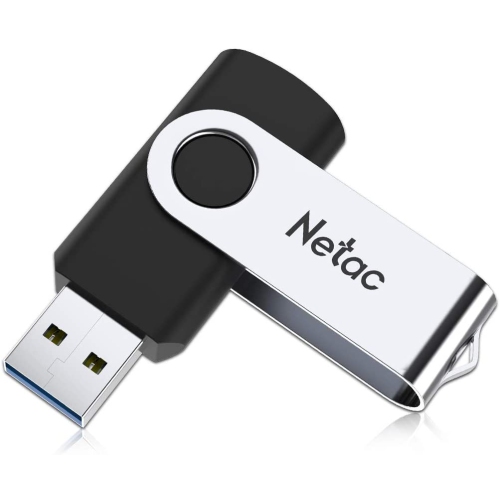
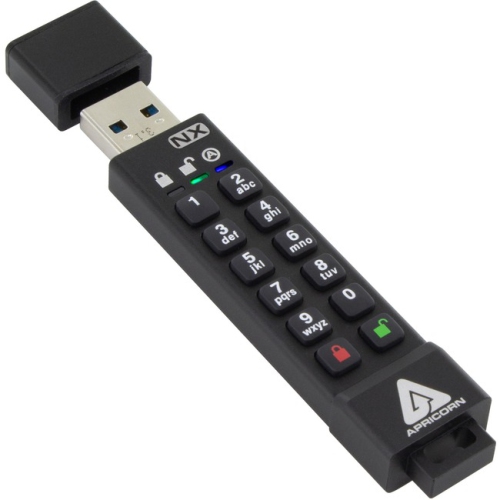
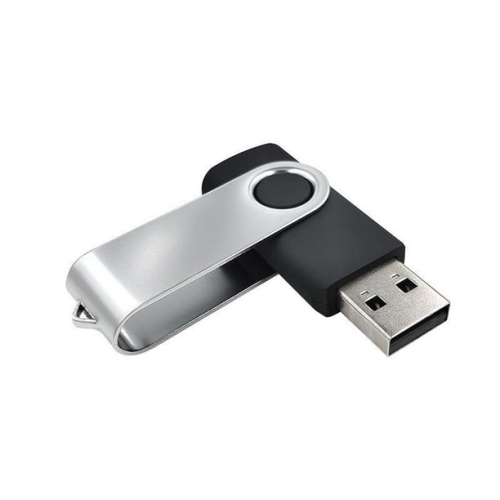
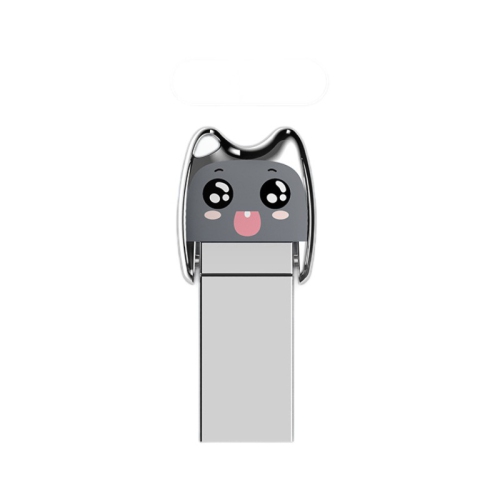
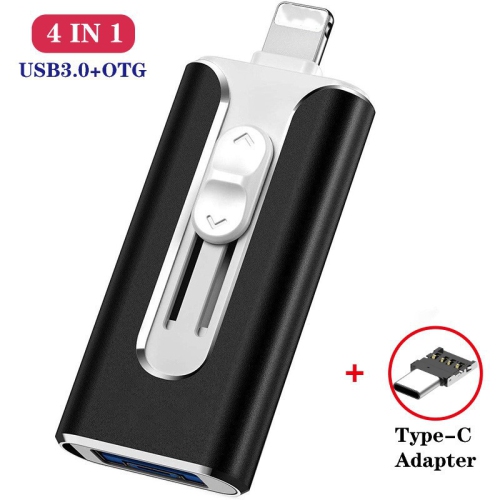
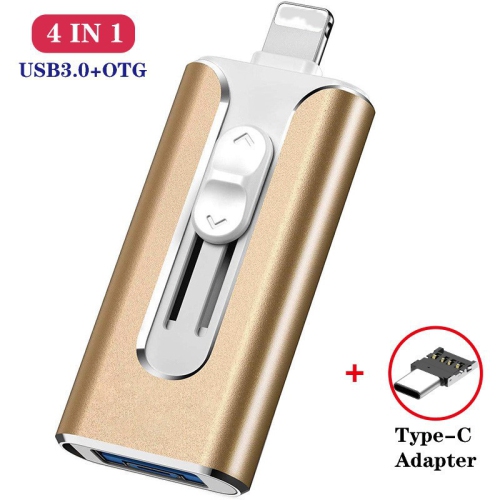
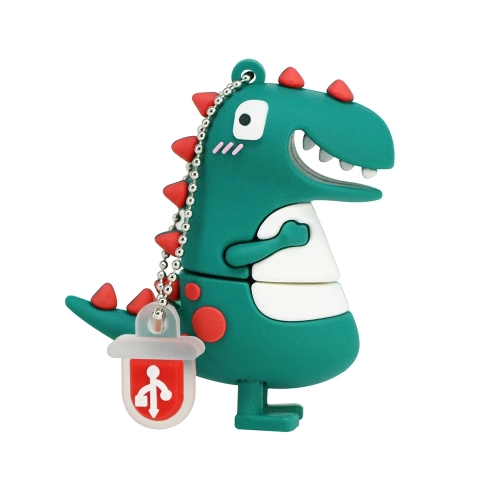
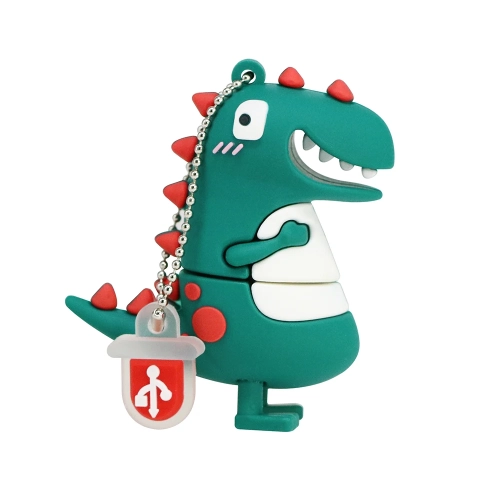
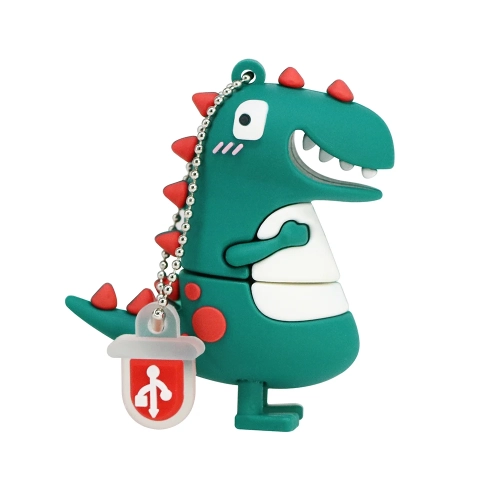
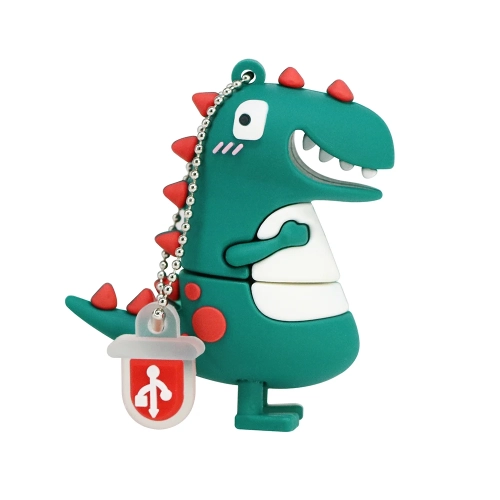
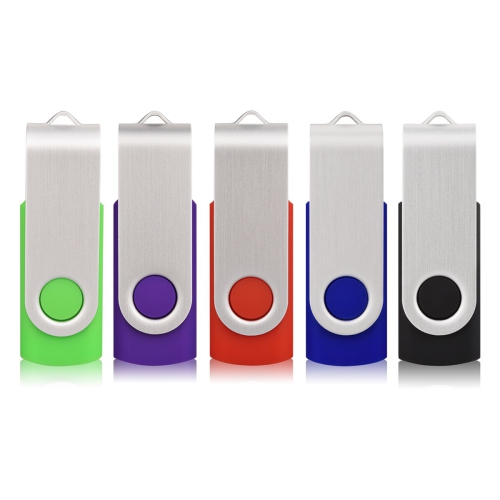
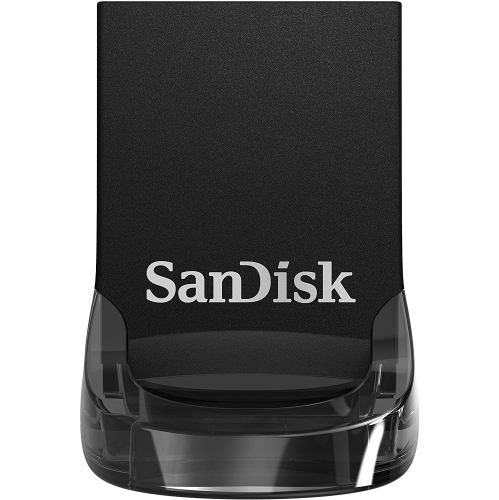
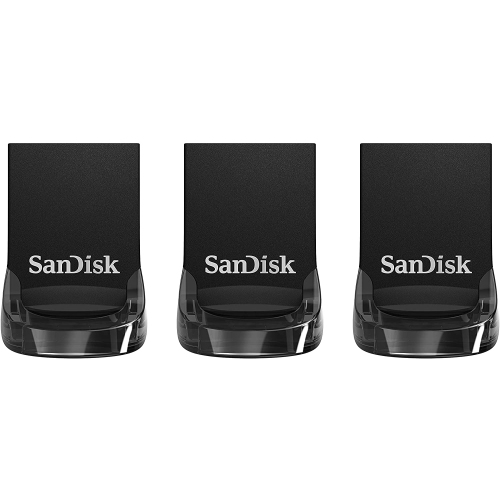
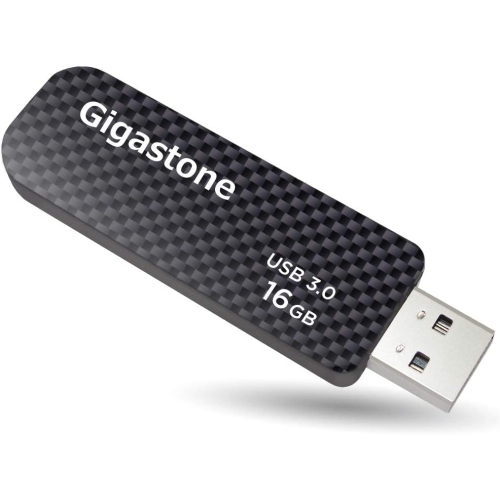
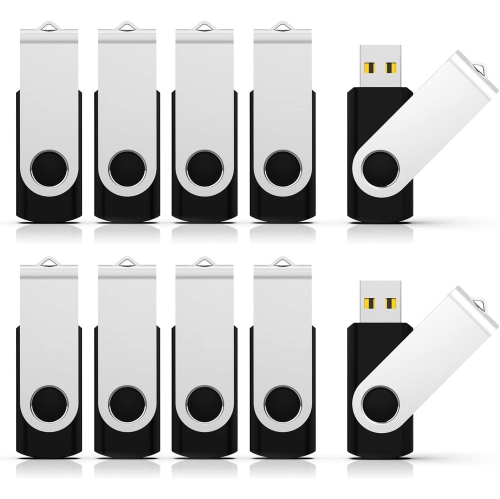
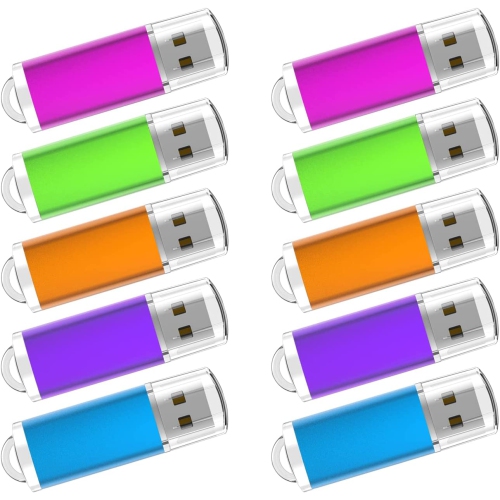
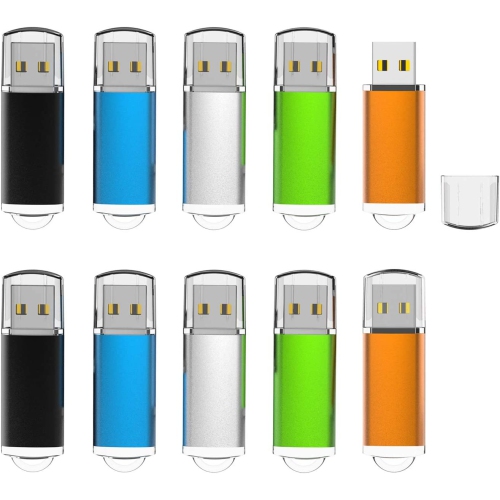
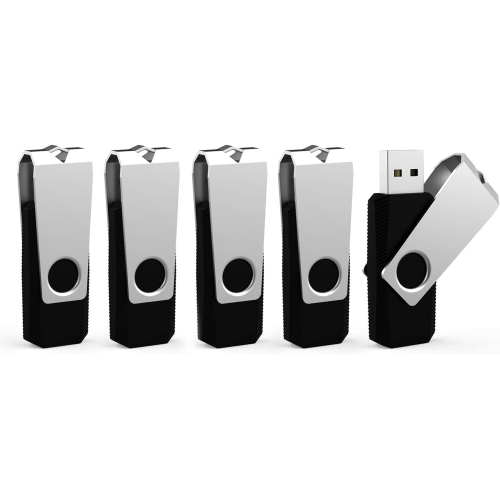
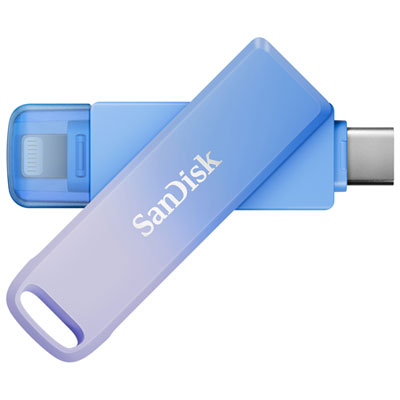
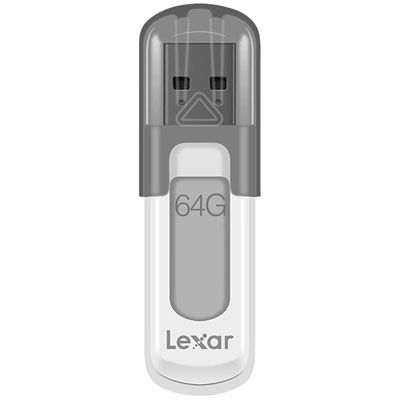
Keychain flash drives combine everyday convenience with a compact way to carry important files. Unlike a standard USB flash drive that can disappear into a desk drawer, a keychain model is designed to stay close at hand, attached to a key ring, bag clasp, lanyard, or compact organizer. That makes it useful for commuters, students, office workers, photographers, tradespeople, and anyone who regularly moves files between computers. A drive can hold presentation decks, scanned documents, school projects, photos, music, or copies of travel information without taking up much room in a pocket or purse. Many keychain flash drives use a metal frame, a rubberized exterior, or another reinforced casing to help withstand the bumps and scrapes of daily carry. A swivel or retractable design can be especially practical because it covers the connector without a separate cap that may be misplaced. Key-shaped profiles and other compact designs also offer a discreet, lightweight option for a key organizer. When choosing a keychain flash drive, start with the devices you use most often. USB-A remains common on desktop computers, laptops, car stereos, printers, and other accessories, while USB-C is increasingly found on newer computers, tablets, and mobile devices. A dual-connector drive can provide more flexibility when files need to move between older and newer hardware, although it is still important to confirm that the connectors match your devices and that mobile devices support external storage. Some phones and tablets may also require an adapter, an enabled file-management feature, or sufficient power for the attached drive.
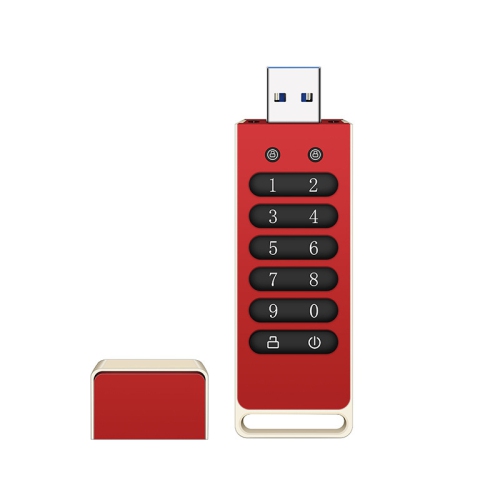
Storage capacity should match the type of content you plan to carry. Smaller capacities can be suitable for documents, spreadsheets, scanned receipts, forms, and a modest collection of photos, while larger capacities provide more room for high-resolution images, video clips, creative projects, presentations with embedded media, and multiple backups. It is helpful to leave some unused space rather than filling a drive completely, particularly when you expect to add files regularly. Transfer speed matters as well. Drives supporting USB 3.0, USB 3.1, or USB 3.2 can generally move large folders more quickly than older USB 2.0 models, but the actual performance depends on the drive, the computer or mobile device, the port, and the files being transferred. A folder containing many small documents may behave differently from one large video file. Look for clear information about connector type, interface standard, capacity, and compatibility before placing an order. A secure loop is another small detail worth checking, especially when the drive will be attached to keys that are handled throughout the day. The loop should accommodate your key ring or clip without putting strain on the housing. A capless swivel or sliding mechanism can reduce loose parts, while a removable cap may offer a snug seal around the connector when the drive is carried in a pocket or bag. For shared or sensitive files, consider whether the drive supports password protection or encryption, and remember to eject it properly before unplugging it. Keeping a second copy of irreplaceable files in another location is also wise; a keychain drive is convenient portable storage, but it should not be the only place important information exists.
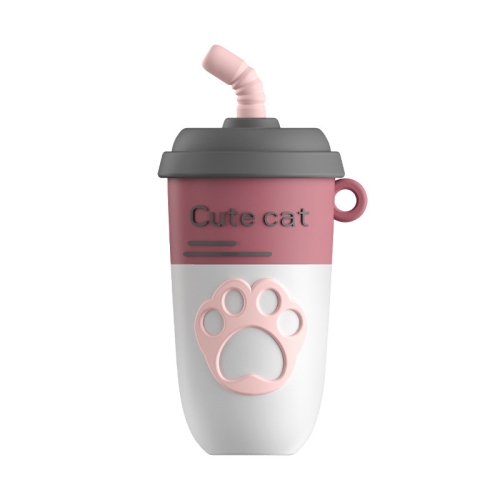
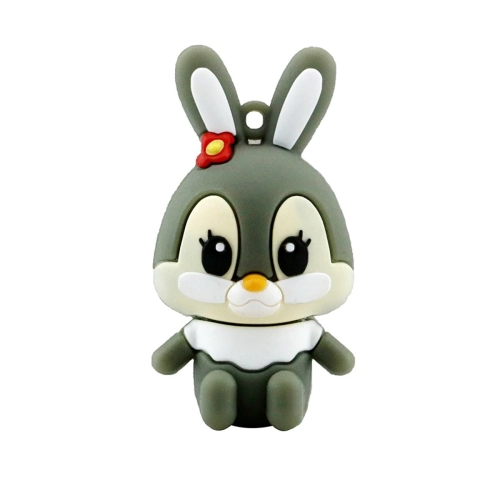
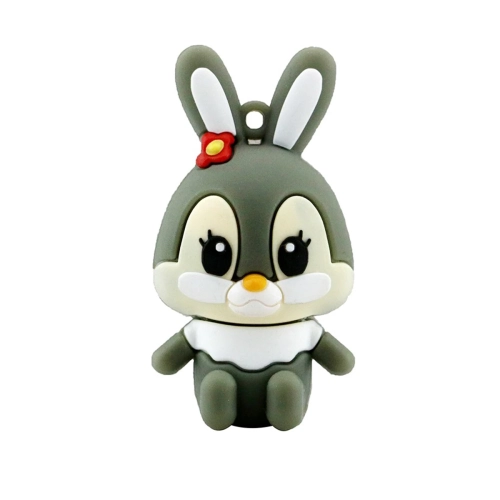
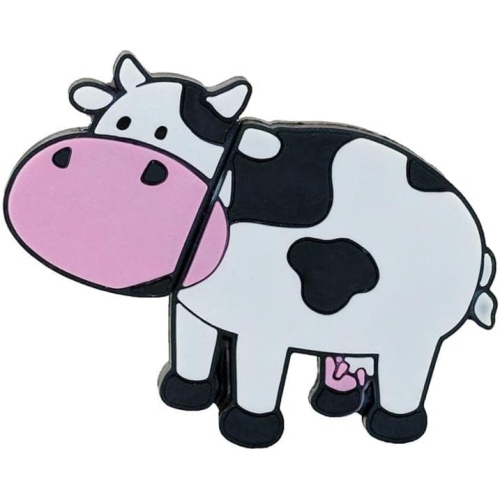
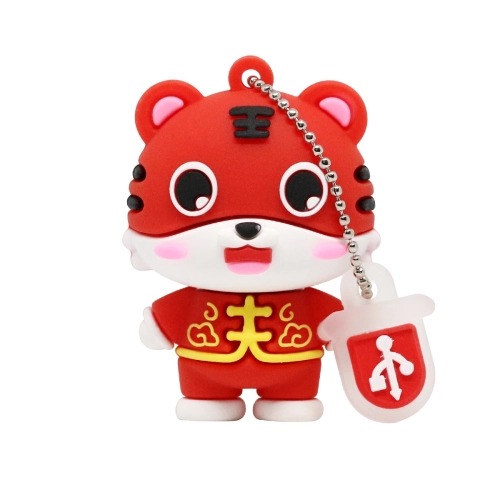
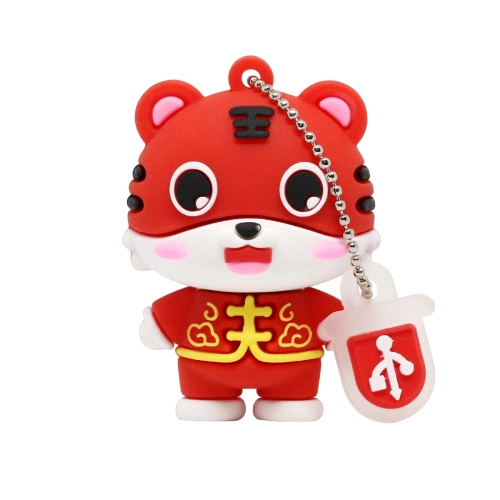
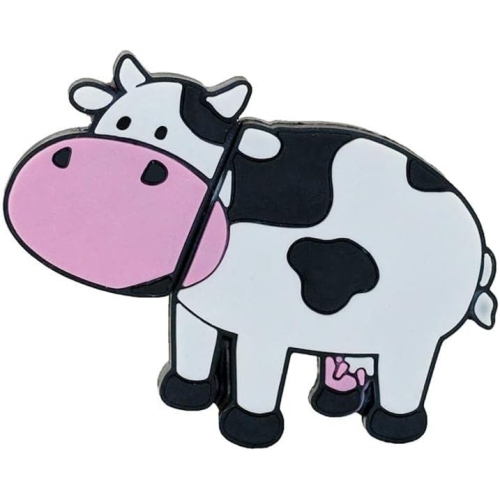
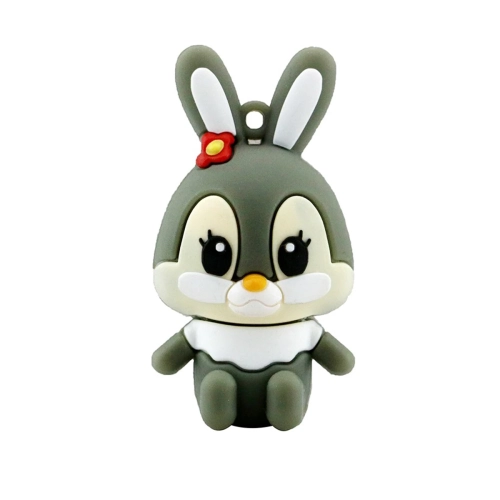
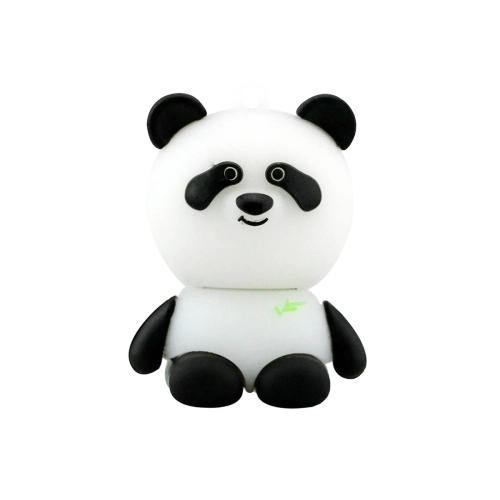
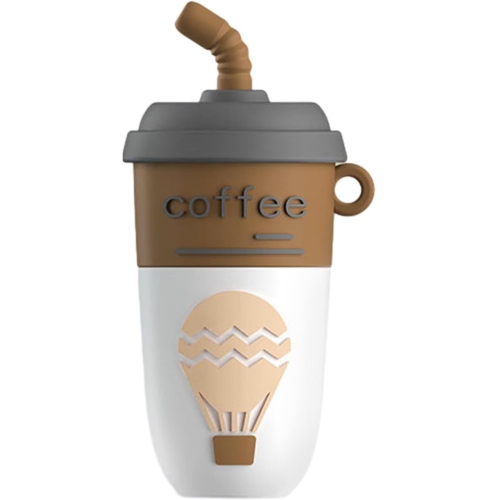
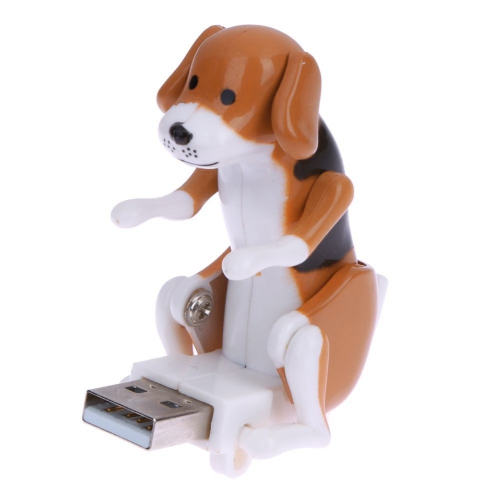
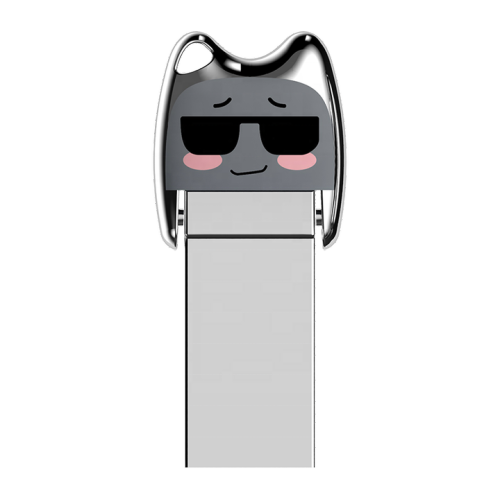
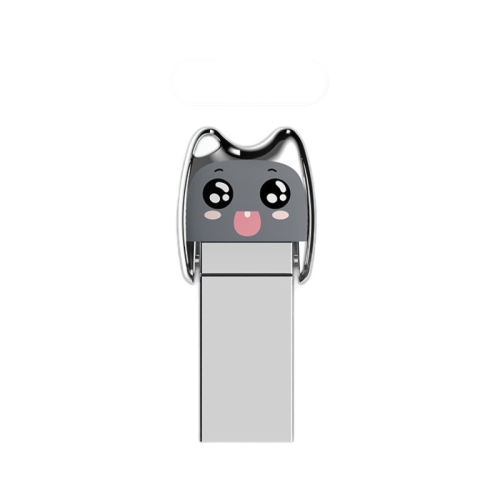
Keychain flash drives can make thoughtful gifts for students heading into a new term, new employees organizing work materials, family members who like to keep photos close, or travellers carrying itineraries and document copies. They are small enough to tuck into a card, stocking, pencil case, or desk drawer, yet useful long after the initial gift is opened. During the cooler months, when indoor work, school projects, and family gatherings often lead to more photo sharing and file transfers, a compact drive can become a reliable part of a daily routine. A student might keep a presentation and reference notes on the same drive used at home and in a campus computer lab. A photographer may use one to deliver a selection of images, while a small business owner can carry frequently updated forms, menus, invoices, or promotional material between locations. For a more playful gift style, explore Cute USB Flash Drives for compact designs that add personality to a useful accessory. Before buying, consider the recipient’s devices, preferred storage size, and typical file types rather than choosing by appearance alone. Someone who works mainly with documents may value a small, lightweight drive, while a person transferring videos or large photo libraries may appreciate higher capacity and faster performance. A durable housing, secure attachment point, and connector that fits the recipient’s equipment can make the difference between a drive that sits unused and one that becomes an everyday essential. Proper file organization also helps: labelled folders, clear file names, and regular deletion of outdated copies make portable storage easier to use when time is limited. With the right combination of capacity, speed, compatibility, and carry-friendly construction, keychain flash drives offer a practical way to keep digital essentials accessible wherever the day leads.
Storage capacity should match the type of content you plan to carry. Smaller capacities can be suitable for documents, spreadsheets, scanned receipts, forms, and a modest collection of photos, while larger capacities provide more room for high-resolution images, video clips, creative projects, presentations with embedded media, and multiple backups. It is helpful to leave some unused space rather than filling a drive completely, particularly when you expect to add files regularly. Transfer speed matters as well. Drives supporting USB 3.0, USB 3.1, or USB 3.2 can generally move large folders more quickly than older USB 2.0 models, but the actual performance depends on the drive, the computer or mobile device, the port, and the files being transferred. A folder containing many small documents may behave differently from one large video file. Look for clear information about connector type, interface standard, capacity, and compatibility before placing an order. A secure loop is another small detail worth checking, especially when the drive will be attached to keys that are handled throughout the day. The loop should accommodate your key ring or clip without putting strain on the housing. A capless swivel or sliding mechanism can reduce loose parts, while a removable cap may offer a snug seal around the connector when the drive is carried in a pocket or bag. For shared or sensitive files, consider whether the drive supports password protection or encryption, and remember to eject it properly before unplugging it. Keeping a second copy of irreplaceable files in another location is also wise; a keychain drive is convenient portable storage, but it should not be the only place important information exists.
Keychain flash drives can make thoughtful gifts for students heading into a new term, new employees organizing work materials, family members who like to keep photos close, or travellers carrying itineraries and document copies. They are small enough to tuck into a card, stocking, pencil case, or desk drawer, yet useful long after the initial gift is opened. During the cooler months, when indoor work, school projects, and family gatherings often lead to more photo sharing and file transfers, a compact drive can become a reliable part of a daily routine. A student might keep a presentation and reference notes on the same drive used at home and in a campus computer lab. A photographer may use one to deliver a selection of images, while a small business owner can carry frequently updated forms, menus, invoices, or promotional material between locations. For a more playful gift style, explore Cute USB Flash Drives for compact designs that add personality to a useful accessory. Before buying, consider the recipient’s devices, preferred storage size, and typical file types rather than choosing by appearance alone. Someone who works mainly with documents may value a small, lightweight drive, while a person transferring videos or large photo libraries may appreciate higher capacity and faster performance. A durable housing, secure attachment point, and connector that fits the recipient’s equipment can make the difference between a drive that sits unused and one that becomes an everyday essential. Proper file organization also helps: labelled folders, clear file names, and regular deletion of outdated copies make portable storage easier to use when time is limited. With the right combination of capacity, speed, compatibility, and carry-friendly construction, keychain flash drives offer a practical way to keep digital essentials accessible wherever the day leads.
Top selling and popular products
-
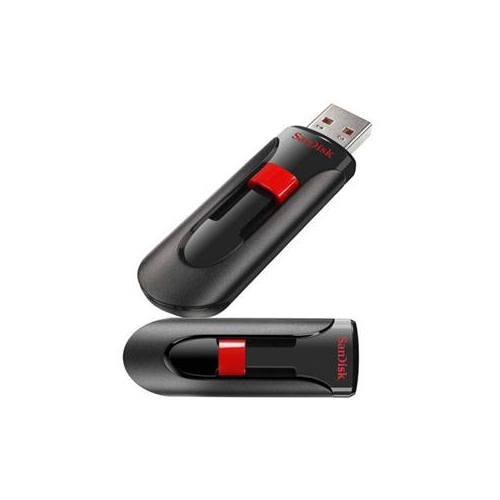 Your price for this item is $44.95
 -
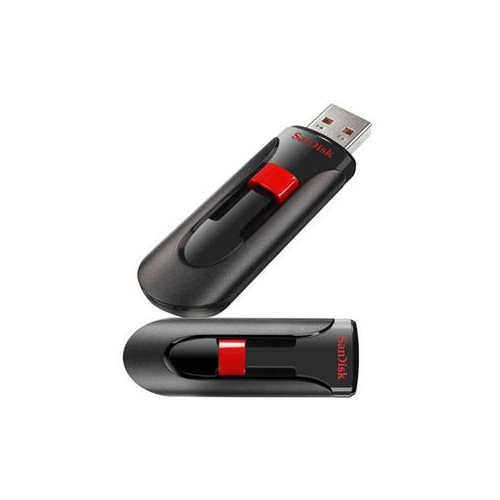 Your price for this item is $69.95
 -
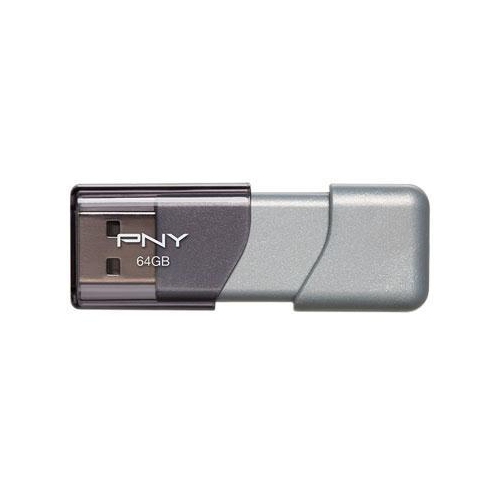 Your price for this item is $59.68
 -
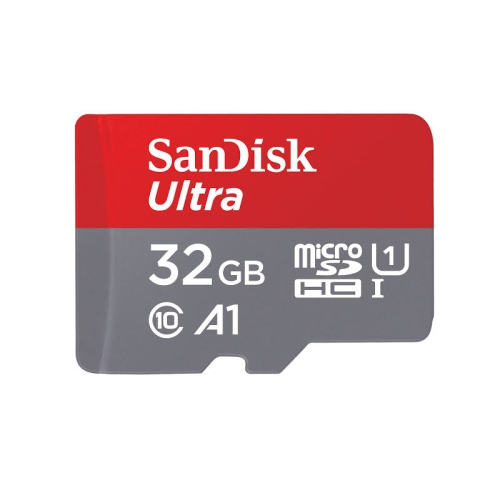 Your price for this item is $38.45
 -
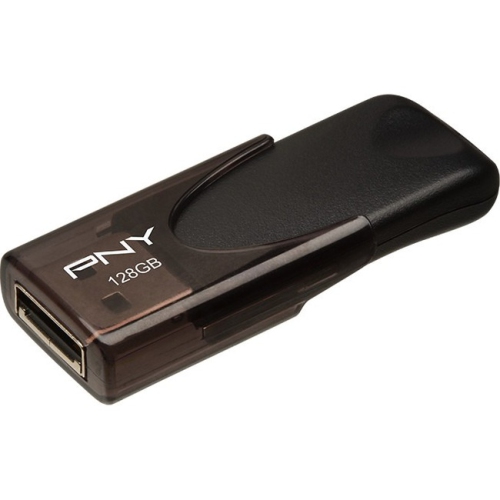 Your price for this item is $35.68
 -
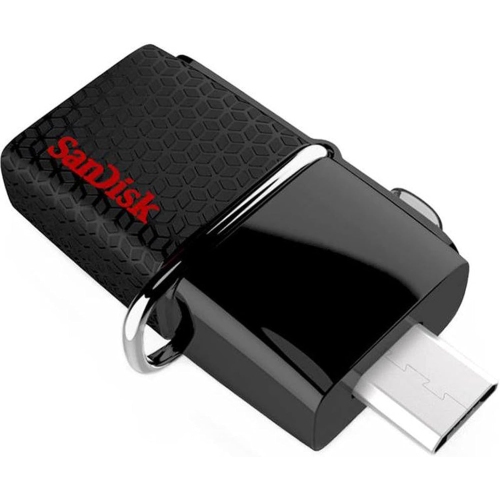 Your price for this item is $29.95
 -
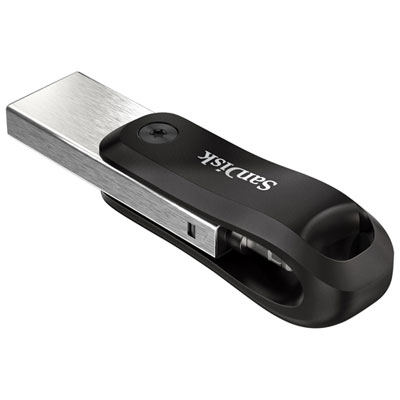 Your price for this item is $169.99
 -
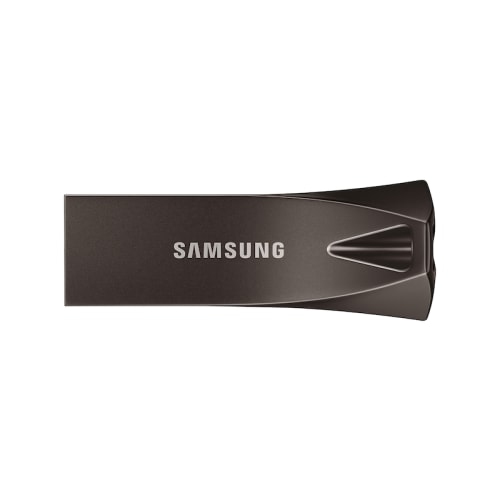 Your price for this item is $132.99
Discover more categories related to Keychain Flash Drives
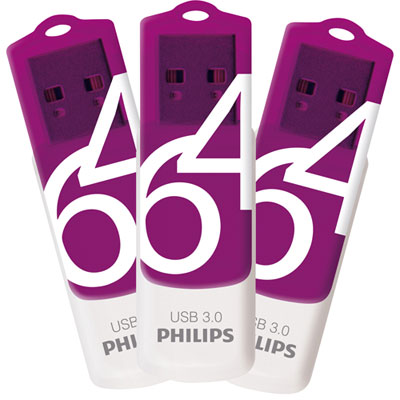
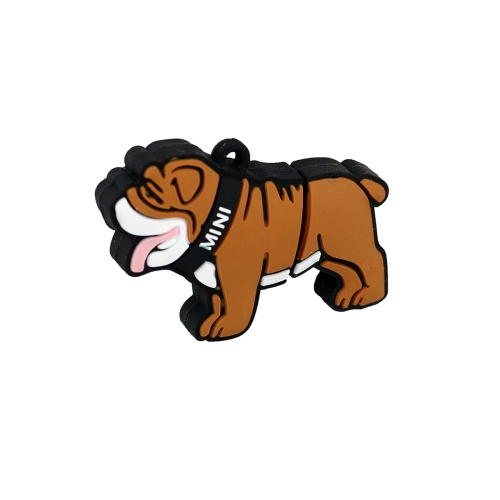
Top Collections:
Pokemon Centers, Kindle Devices, Best Budget Office Chairs, Apple iPhones 16, Best Laptops for Writers, iPhone 15 Apple, Canon G7X Cameras, Refurbished Apple Laptops, Alarm Clock, Motorola Razr Phones
Some products may be subject to Environmental Handling Fees
(EHF) depending on your province.
Learn more about EHFs.