Small USB Flash Drives
Small USB Flash Drives offer a convenient and portable way to store, transfer, and back up your important files. Perfect for students, professionals, and anyone on the go, these compact devices fit easily into your pocket or bag. Explore a wide selection of Small USB Flash Drives designed to help you keep your documents, photos, music, and videos accessible wherever you need them. Find the ideal storage solution to match your lifestyle and keep your digital essentials close at hand.
Sort
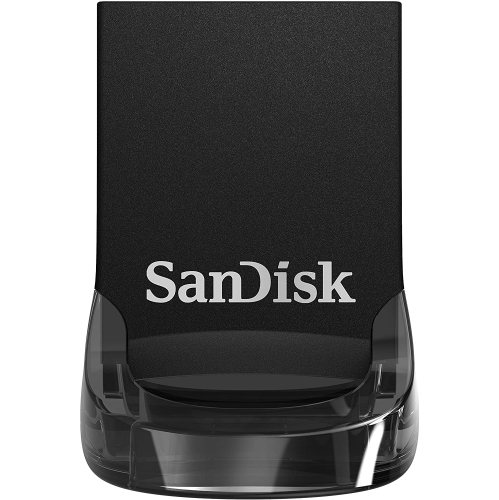
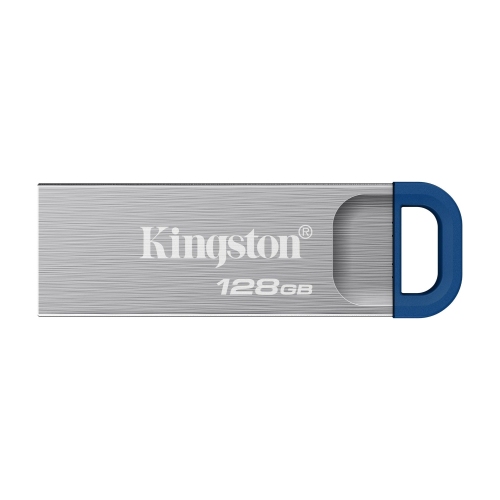
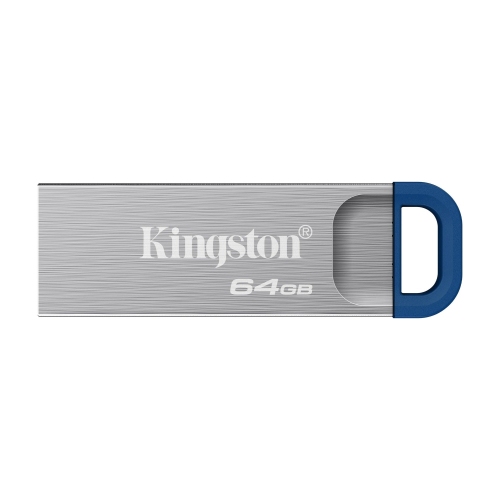
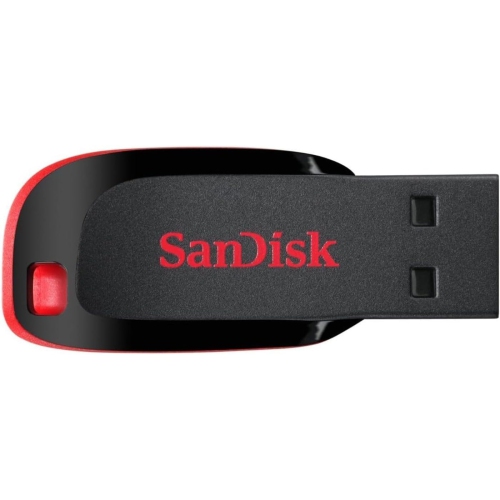
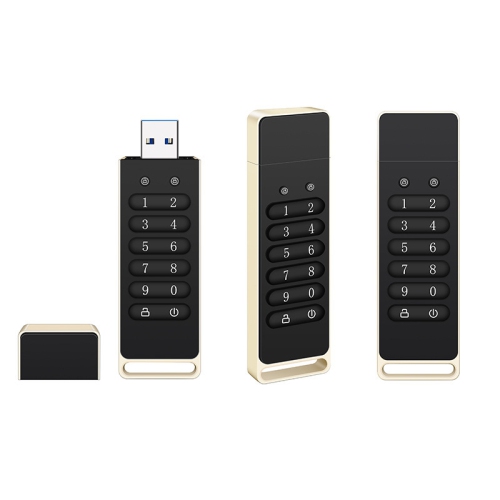
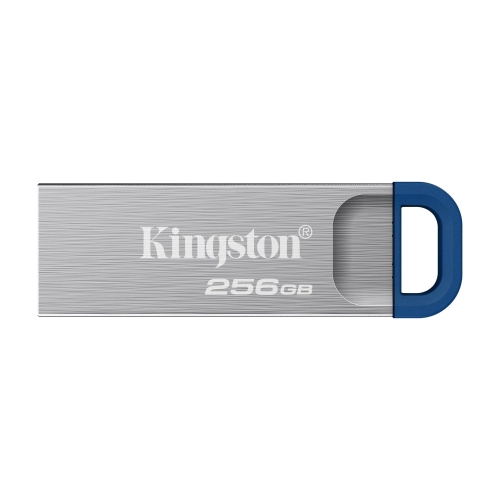
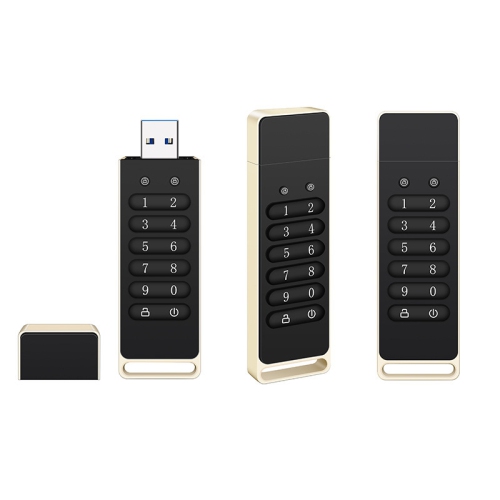
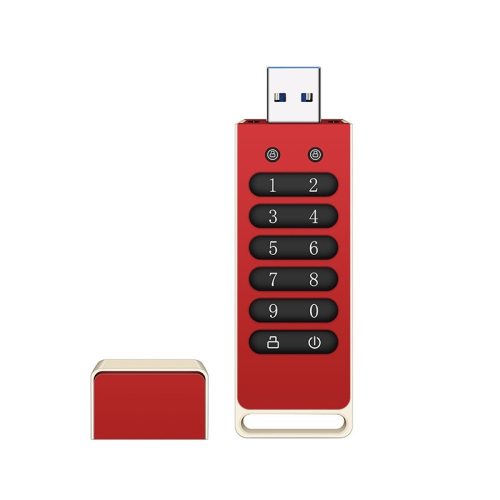
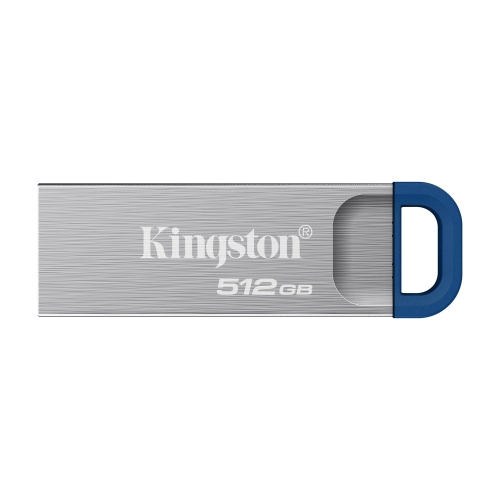
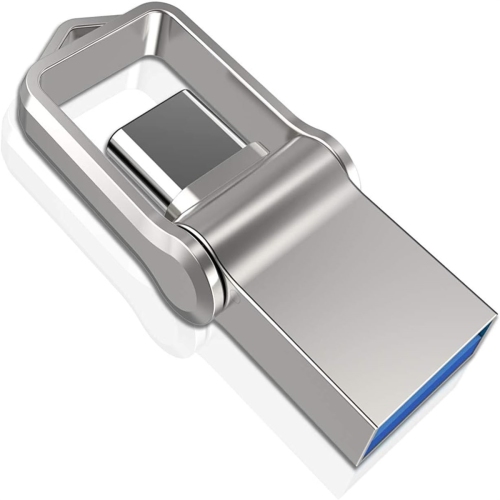
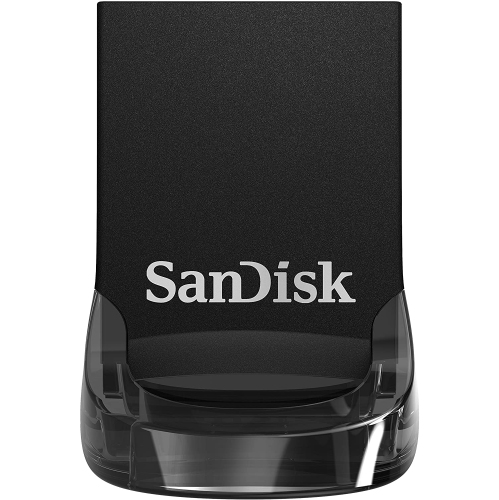
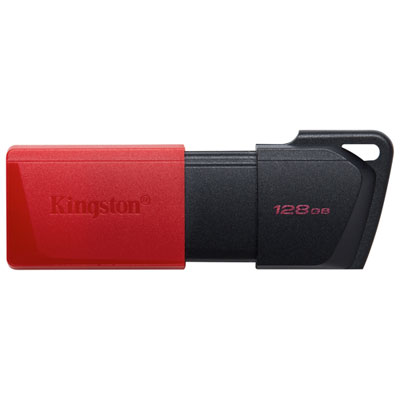

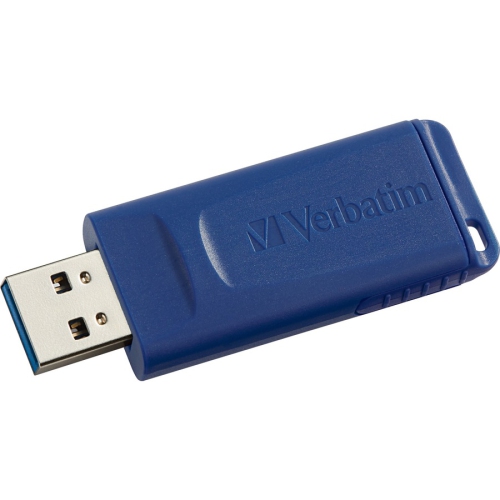


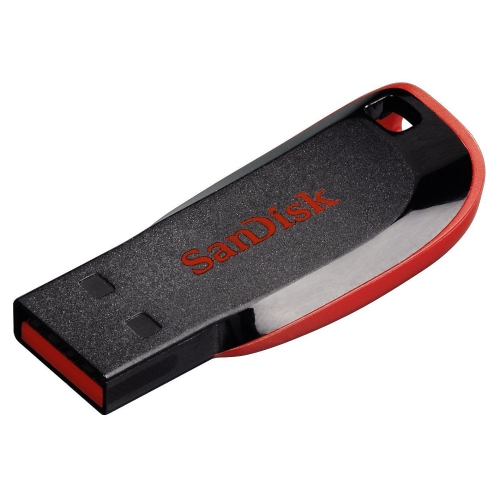
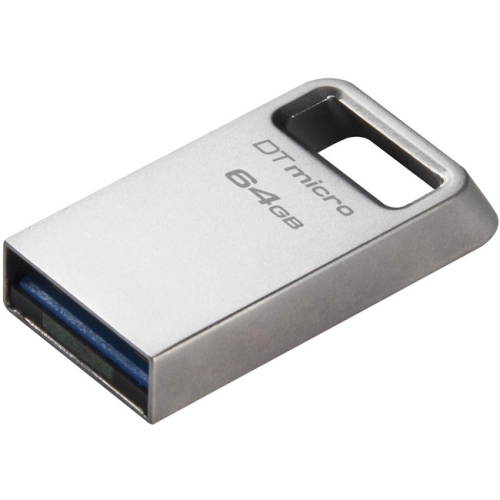
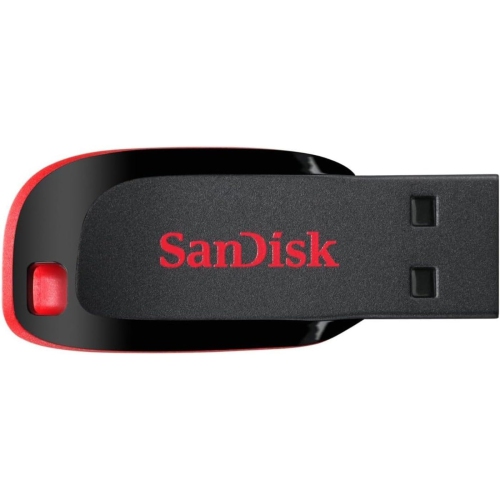
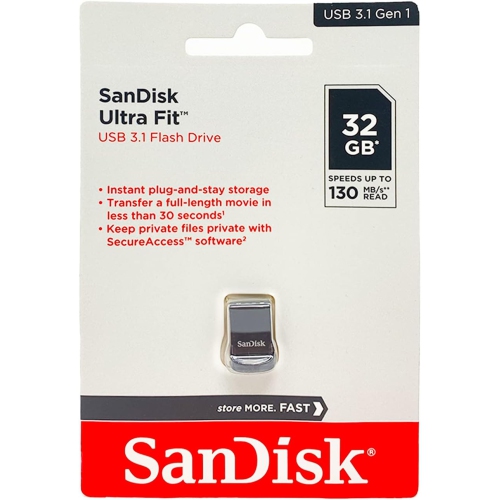
Pocket-sized storage with more to consider than capacity
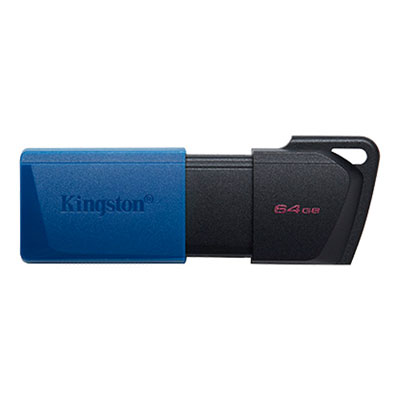
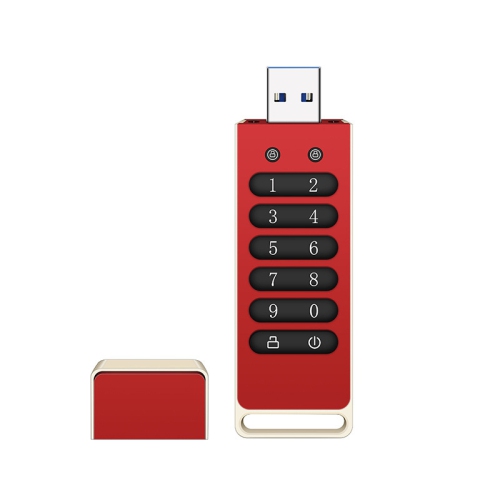
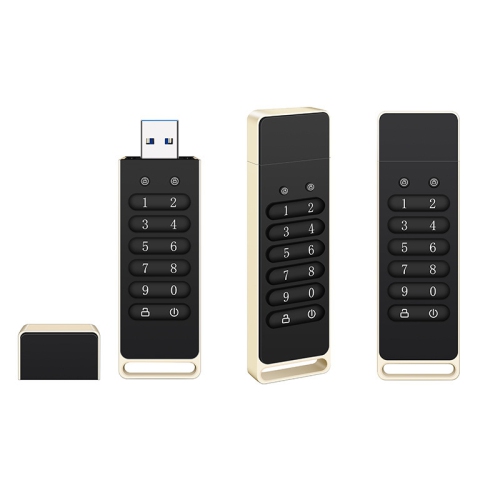
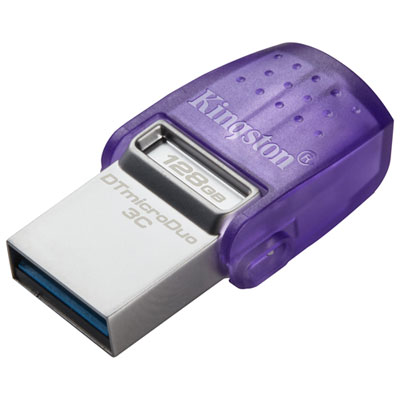
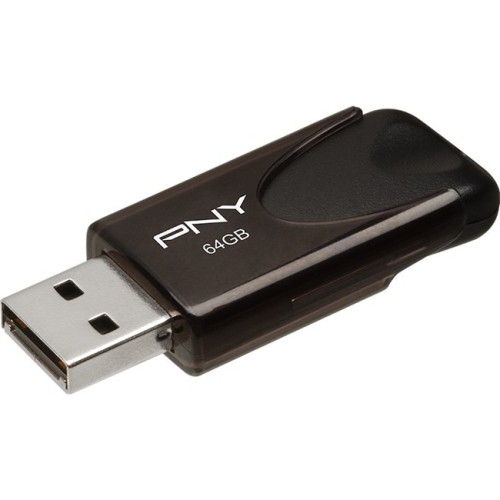
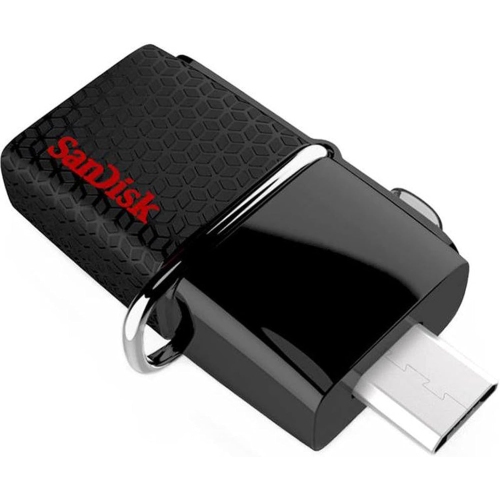
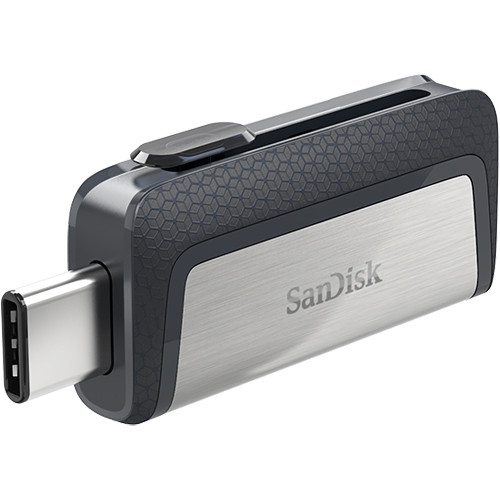
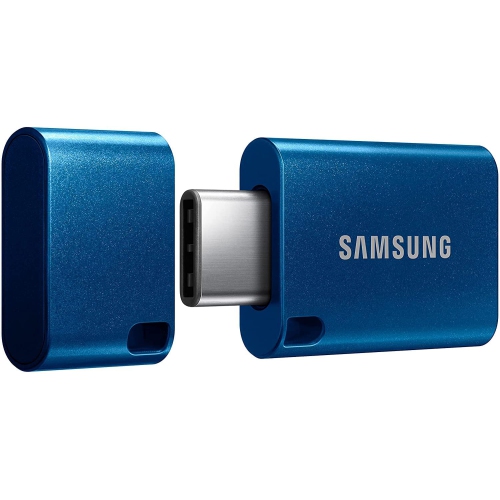
Small USB flash drives put portable storage into a compact form that fits easily beside a notebook, on a key ring, or inside a small accessory pouch. Their appeal is straightforward: they make it possible to carry documents, photos, presentations, and other files without adding much bulk to a daily bag. Within the broader category of USB Flash Drives, smaller designs range from short, low-profile bodies to narrow swivel styles and tiny capped models. A low-profile drive sits close to a device’s USB port, leaving less of its body exposed to accidental bumps, while a slightly longer design can be easier to grip and remove. That balance matters on a laptop with closely spaced ports, a desktop tucked beneath a work surface, or a compatible media player positioned near a wall. Connector type is just as important as physical size. USB-A connectors suit many established computers and accessories, while USB-C connectors work with compatible newer laptops, tablets, and phones. Some compact drives combine both connector types, making it easier to move files between supported devices without carrying a separate adapter. A matching connector alone does not guarantee that every device can read a drive; the device also needs to support USB storage and the files being transferred. For students moving an assignment between computers, presenters carrying a slide deck, or families sharing a folder of photos, a small drive offers a tangible way to keep selected files close at hand. Physical dimensions and storage capacity are separate considerations, so a tiny enclosure does not necessarily mean limited space. A modest collection of text documents has different storage needs from a library of high-resolution photos or video clips, and leaving room for future additions can keep a compact drive useful as those collections grow. An attachment loop or a body with a distinct colour can also make something so small easier to spot among cables and other accessories.
Storage capacity describes how much a drive can hold, while transfer performance affects how long copying takes. Those differences become noticeable when a quick document transfer turns into moving several large video files or thousands of photos. USB generation, the drive’s own hardware, and the connected device all influence the result; a newer connection standard does not mean every compact drive will perform alike. Advertised read speeds generally describe retrieving files from the drive, whereas write speeds describe saving files to it, and the two can differ considerably. Transferring many small files may also take longer than moving one large file of a similar total size. For everyday schoolwork and office documents, convenient access may matter more than maximum speed. For frequent transfers of large media folders, stronger sustained write performance can make a more meaningful difference. The capacity shown by a computer may be lower than the number on the packaging because storage is calculated and displayed differently, with some space also used by formatting. Compatibility extends beyond the connector and transfer standard to the file system used on the drive. FAT32 remains useful with many older devices, but it cannot store an individual file of 4 GB or larger. exFAT can accommodate larger individual files and is supported by many modern computers, although televisions, vehicle audio systems, printers, and other equipment may have narrower requirements. A compatible television might display photos from a USB drive yet support only certain image formats, while an audio system may require a particular folder structure for music playback. These details make the intended destination important, especially when a drive will move between several types of equipment. Reformatting can change the file system, but it erases the files already stored there. Keeping another copy before making that change protects against an avoidable loss, and checking a device’s storage requirements helps distinguish a file-format issue from a problem with the drive itself.
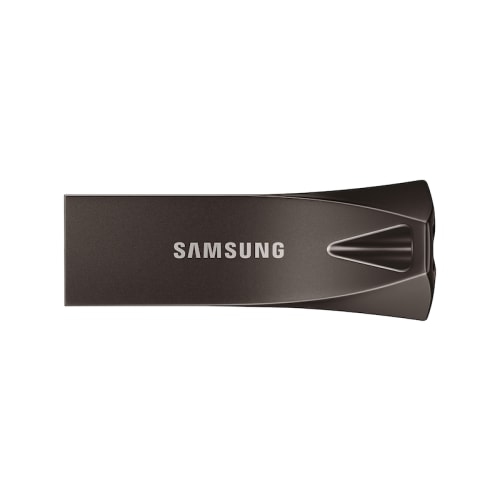
The enclosure and moving parts shape how a small USB flash drive feels in daily use. Plastic bodies can be light and easy to distinguish by colour, while metal housings offer a firm feel and may better resist everyday scuffs. Overall durability still depends on construction, connector protection, and handling rather than material alone. A cap shields the connector when the drive is loose in a bag, but a separate cap can be misplaced; swivel covers and retractable designs keep the protective mechanism attached. On especially small drives, a textured grip or raised edge can make removal easier without pulling on an attachment loop. Compact dimensions are useful around crowded ports, though the exposed portion still needs enough clearance for fingers and neighbouring cables. Carrying a laptop with a drive attached can place pressure on both the drive and the port, even when the body barely protrudes. Removing it before packing the computer reduces that risk. Routine care is simple: keep the connector dry and free of debris, avoid bending it, and store the drive where it will not be crushed by heavier accessories. Water resistance and impact protection vary, so a sturdy-looking shell should not be treated as proof of either. File care deserves equal attention. Allowing transfers to finish and using the operating system’s eject function before unplugging helps prevent interrupted writes. Important files belong in more than one location rather than on a single portable drive that could be lost. For personal records or work documents, encryption can add protection when it is supported and properly configured; a small body or hidden placement offers no substitute for access controls. As a practical gift, a compact drive can suit a student, a photographer sharing finished images, or someone who regularly carries presentations between locations. The most useful fit comes from matching the connector, capacity, and handling style to that person’s devices and routines, with enough grip to use comfortably and enough portability to stay close at hand.
Top selling and popular products
-
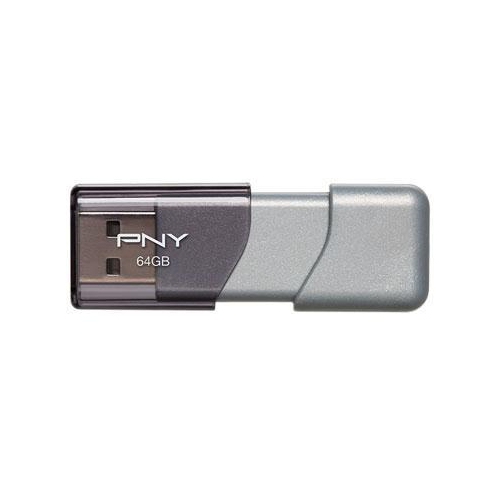 Your price for this item is $57.68
-
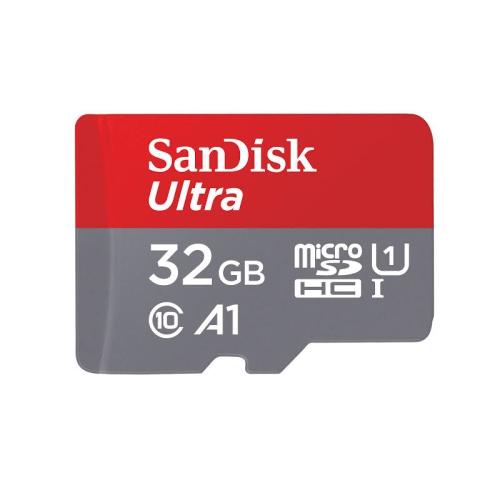 Your price for this item is $26
-
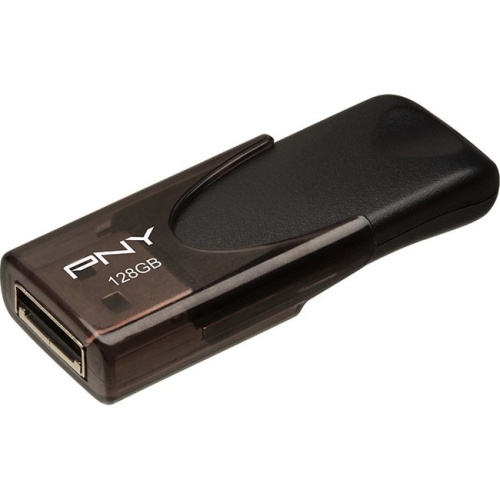 Your price for this item is $35.68
-
 Your price for this item is $52.68
-
 Your price for this item is $27.91
-
 Your price for this item is $186.68
-
 Your price for this item is $49.91
-
 Your price for this item is $92.2
Discover more categories related to Small USB Flash Drives
Top Collections:
Best Black Friday Deals This Year, Best Black Friday Deals On Electronics, Kindle Devices, Best Black Friday Deals On Apple Products, Best Budget Office Chairs, Best Cameras for Sports Photography, Dyson Airwrap, Canon G7X Cameras, Best Laptops for Writers, Samsung Galaxy Phones
Some products may be subject to Environmental Handling Fees
(EHF) depending on your province.
Learn more about EHFs.