Labor Day Desktop Computer Deals
Labor Day Desktop Computer Deals are here, making it the perfect time to upgrade your home office or gaming setup. Discover a wide selection of desktop computers at incredible prices, just in time for the holiday. Whether you’re working, studying, or enjoying your favorite entertainment, find the ideal desktop to match your needs and budget. Take advantage of limited-time savings and make the most of Labor Day with top deals on powerful desktops.
Sort


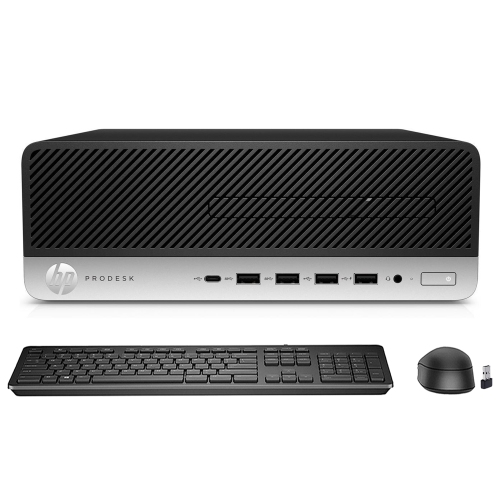


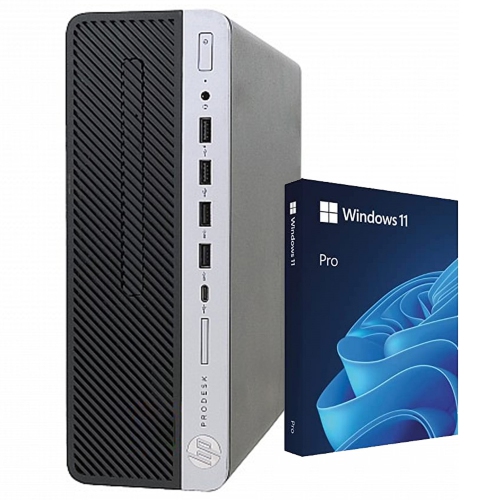
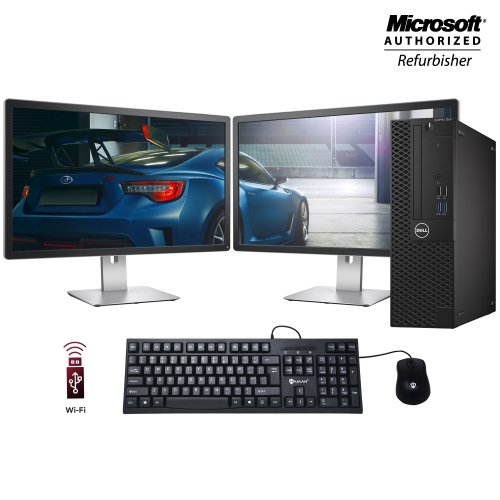

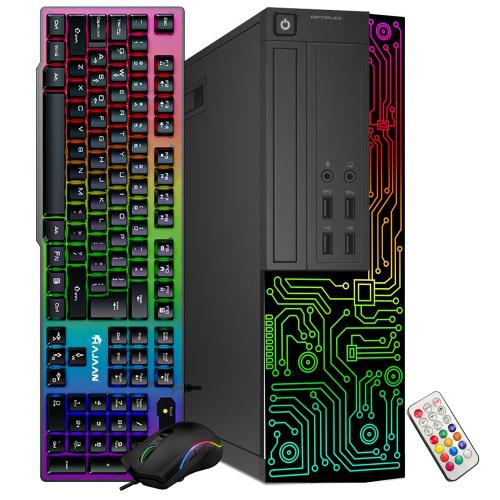

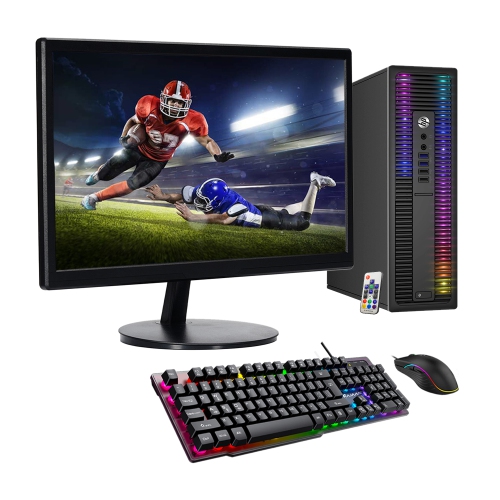
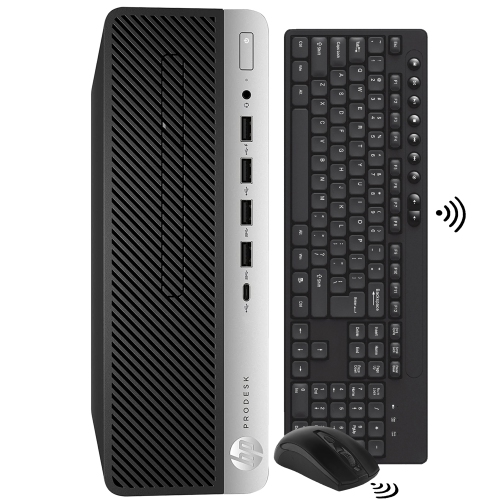
Desktop computers that fit your tasks and workspace
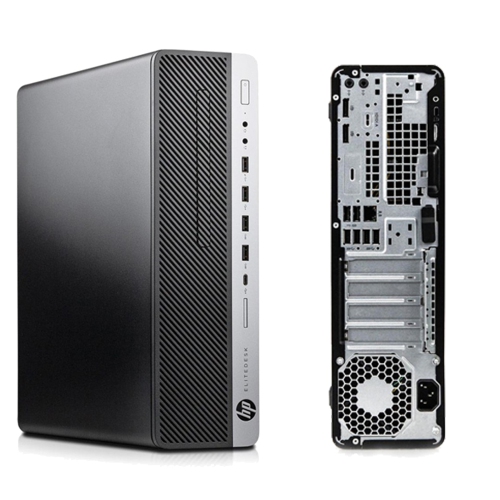
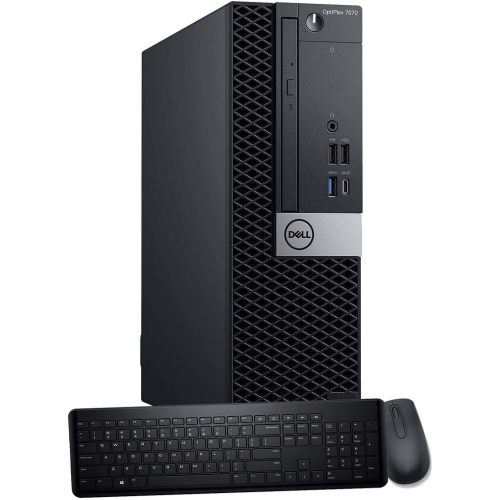
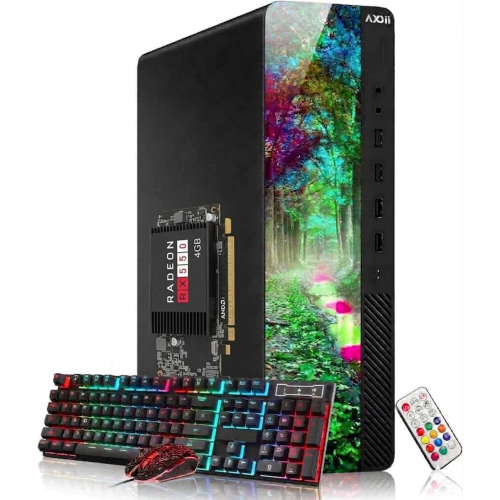
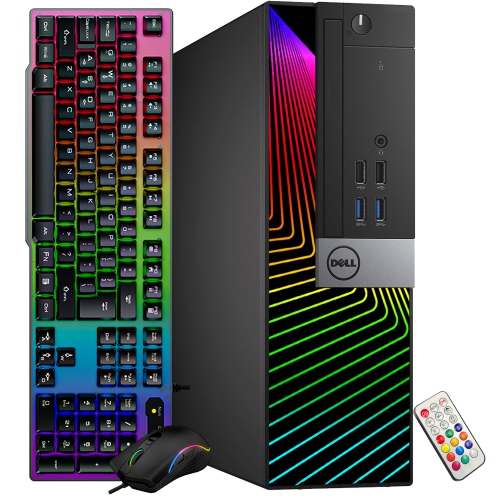
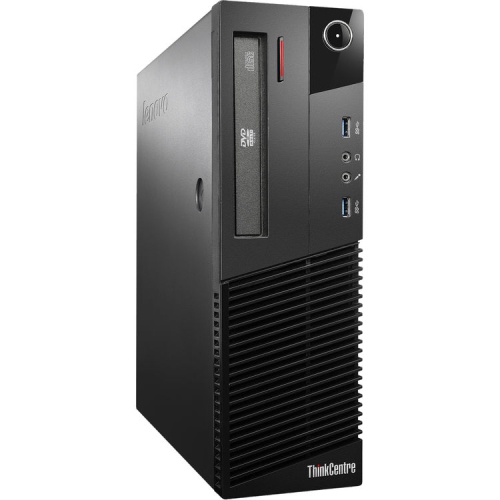
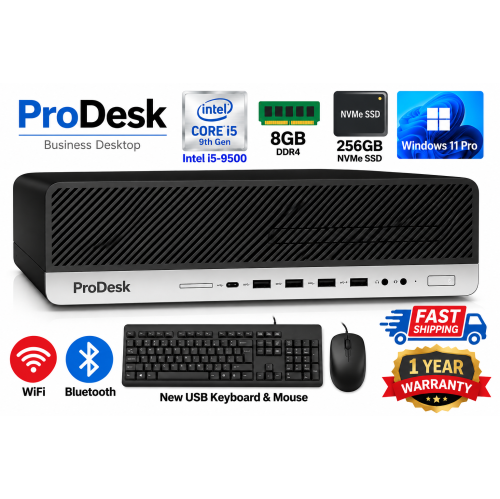
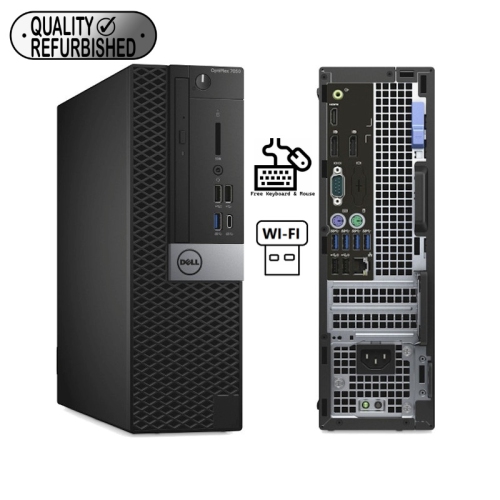
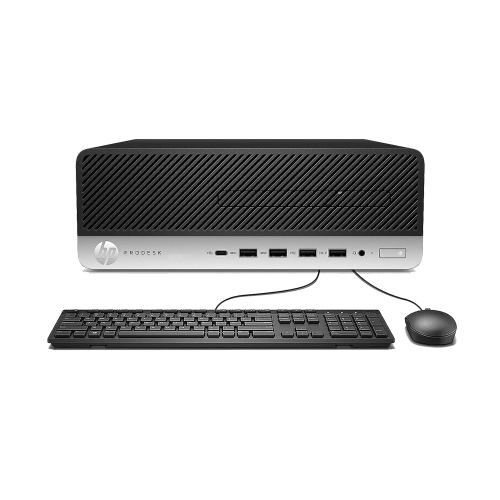
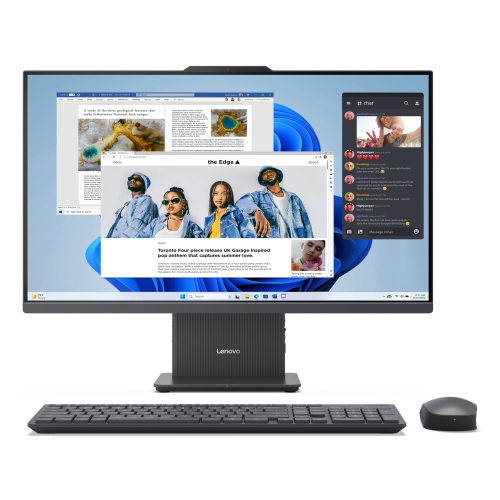
Choosing a desktop computer around Labour Day often starts with a familiar need: a dependable place to finish assignments, manage household paperwork, join video calls, or unwind with a favourite game. Desktop computers suit a dedicated workspace because they can accommodate a full-size keyboard, a comfortable mouse, and a display positioned at a useful viewing height. The main formats offer different ways to organize that space. A traditional tower keeps the computer separate from the monitor, making it possible to choose a screen that suits detailed spreadsheets, creative projects, or everyday browsing. Some towers also provide room for compatible hardware upgrades, although internal space and component support vary by design. Compact desktops take up less room and can fit neatly beside a monitor or on a shelf with adequate ventilation. All-in-one desktops combine the screen and computer in a single unit, reducing the number of separate pieces on a desk and creating a tidy setup for shared household use. That simplicity can be appealing in a living area, a smaller home office, or a student's room, while a larger tower may better suit someone who wants more expansion options. The best fit depends on how the computer will be used rather than its size alone. A family desktop might handle school portals, scanned documents, streaming, and several separate user accounts. A work-focused system may spend hours running browser tabs, spreadsheets, messaging apps, and online meetings together. Gaming and creative work can place greater demands on graphics performance, memory, and cooling. A student writing essays has different needs from someone editing large video files or building detailed three-dimensional models. Thinking about those everyday tasks gives meaning to the specifications and helps distinguish a straightforward household computer from a desktop intended for more demanding projects. Physical fit matters too: a case needs clearance around its vents, accessible ports, and enough room for cables without crowding the surface used for writing or other work.
Performance comes from several components working together, so a processor name alone does not describe the whole experience. The processor handles calculations and many day-to-day tasks, while memory gives active applications room to work. For light browsing and document editing, 8GB of RAM may be sufficient, but 16GB generally provides more breathing room when several applications and browser tabs are open together. Larger creative projects, demanding games, and specialized software may benefit from 32GB or more, depending on their requirements. Storage serves a different purpose: it holds the operating system, applications, photos, and files. A solid-state drive supports responsive startup and file access, while its capacity determines how much can be stored locally. A 512GB drive can suit a relatively modest collection of documents and applications; 1TB or more may be useful for larger photo libraries, game installations, or video projects. Actual usable space is lower than the stated capacity, and software requirements vary. Integrated graphics can handle many everyday tasks, while a dedicated graphics card may be important for demanding games, three-dimensional work, or certain editing workflows. Software compatibility is another consideration, especially for coursework or professional applications with specific operating system requirements. Connections shape daily convenience as well. Easily reached USB ports make it simpler to connect a headset, transfer photos, or attach an external drive, while display connections need to match the intended monitor setup. Multiple-screen support depends on the computer's hardware and available outputs, not simply the number of ports on its case. Built-in Wi-Fi offers flexibility in room placement, and an Ethernet connection can provide a dependable wired option where a network cable is practical. For video calls, a clear microphone, suitable speakers or headphones, and a webcam are part of the complete setup; these features are not built into every desktop or monitor. A separate monitor also deserves attention, since readable text, comfortable screen size, resolution, and adjustable positioning affect the experience long after the computer has finished starting up.
A desktop's construction and layout influence how comfortably it fits into everyday life. Metal and moulded plastic are common case materials, but durability also depends on secure placement, sensible cable routing, and protection from knocks or spills. A tower beneath a desk can free up workspace, provided it does not block legroom or sit where vents will be covered. A compact computer may be easier to position on a crowded surface, while an all-in-one needs a stable spot for its screen and stand. Fan noise can matter during meetings or study sessions, and cooling needs become more noticeable under heavier workloads. Keeping ventilation openings clear and removing surface dust according to the manufacturer's directions helps maintain airflow. Cleaning is best done with the computer powered off and unplugged, with liquids kept away from openings and screen-safe methods used for the display. Routine software updates and a regular backup plan are equally useful for protecting files and keeping a shared computer ready for daily use. Separate user accounts can give family members their own settings and document folders without mixing everyone's work together. For a student or family member receiving a desktop as a gift, compatibility with required software and the space where it will be used are more meaningful than an impressive specification that serves little purpose. Someone moving between classrooms, meetings, and home may instead find Labour Day refurbished laptops more suited to a portable routine. A desktop remains a strong match for people who prefer a fixed workstation with a larger display and comfortable peripherals. Whether the setup supports evening homework, a home business, shared family tasks, or creative hobbies, the most useful configuration balances processing power, memory, storage, connections, and physical space. That balance creates a computer station that feels practical in ordinary moments, from reviewing a document beside a notebook to keeping a reference window open while working on the main screen.
Performance comes from several components working together, so a processor name alone does not describe the whole experience. The processor handles calculations and many day-to-day tasks, while memory gives active applications room to work. For light browsing and document editing, 8GB of RAM may be sufficient, but 16GB generally provides more breathing room when several applications and browser tabs are open together. Larger creative projects, demanding games, and specialized software may benefit from 32GB or more, depending on their requirements. Storage serves a different purpose: it holds the operating system, applications, photos, and files. A solid-state drive supports responsive startup and file access, while its capacity determines how much can be stored locally. A 512GB drive can suit a relatively modest collection of documents and applications; 1TB or more may be useful for larger photo libraries, game installations, or video projects. Actual usable space is lower than the stated capacity, and software requirements vary. Integrated graphics can handle many everyday tasks, while a dedicated graphics card may be important for demanding games, three-dimensional work, or certain editing workflows. Software compatibility is another consideration, especially for coursework or professional applications with specific operating system requirements. Connections shape daily convenience as well. Easily reached USB ports make it simpler to connect a headset, transfer photos, or attach an external drive, while display connections need to match the intended monitor setup. Multiple-screen support depends on the computer's hardware and available outputs, not simply the number of ports on its case. Built-in Wi-Fi offers flexibility in room placement, and an Ethernet connection can provide a dependable wired option where a network cable is practical. For video calls, a clear microphone, suitable speakers or headphones, and a webcam are part of the complete setup; these features are not built into every desktop or monitor. A separate monitor also deserves attention, since readable text, comfortable screen size, resolution, and adjustable positioning affect the experience long after the computer has finished starting up.
A desktop's construction and layout influence how comfortably it fits into everyday life. Metal and moulded plastic are common case materials, but durability also depends on secure placement, sensible cable routing, and protection from knocks or spills. A tower beneath a desk can free up workspace, provided it does not block legroom or sit where vents will be covered. A compact computer may be easier to position on a crowded surface, while an all-in-one needs a stable spot for its screen and stand. Fan noise can matter during meetings or study sessions, and cooling needs become more noticeable under heavier workloads. Keeping ventilation openings clear and removing surface dust according to the manufacturer's directions helps maintain airflow. Cleaning is best done with the computer powered off and unplugged, with liquids kept away from openings and screen-safe methods used for the display. Routine software updates and a regular backup plan are equally useful for protecting files and keeping a shared computer ready for daily use. Separate user accounts can give family members their own settings and document folders without mixing everyone's work together. For a student or family member receiving a desktop as a gift, compatibility with required software and the space where it will be used are more meaningful than an impressive specification that serves little purpose. Someone moving between classrooms, meetings, and home may instead find Labour Day refurbished laptops more suited to a portable routine. A desktop remains a strong match for people who prefer a fixed workstation with a larger display and comfortable peripherals. Whether the setup supports evening homework, a home business, shared family tasks, or creative hobbies, the most useful configuration balances processing power, memory, storage, connections, and physical space. That balance creates a computer station that feels practical in ordinary moments, from reviewing a document beside a notebook to keeping a reference window open while working on the main screen.
Top selling and popular products
-
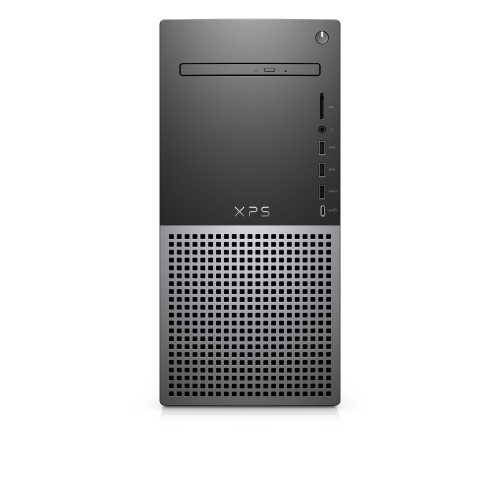 Your price for this item is $1599
-
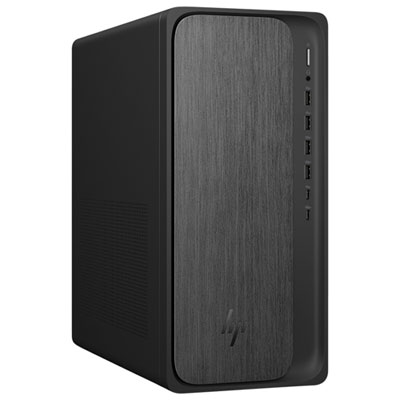 Your price for this item is $1999.99
-
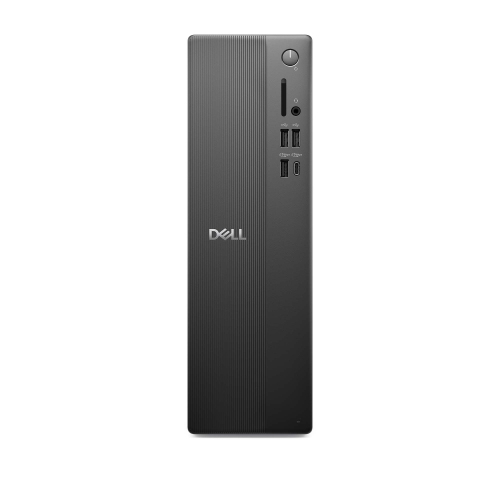 Your price for this item is $1629.79
-
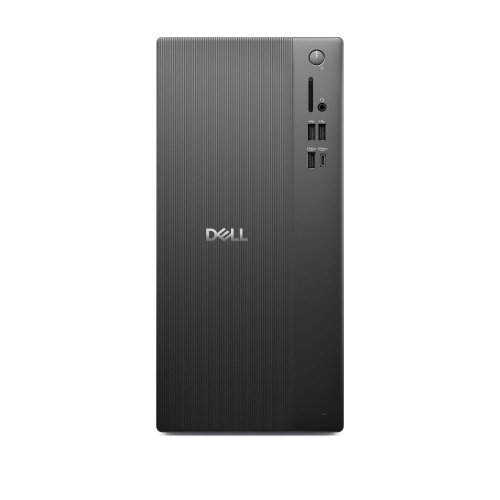 Your price for this item is $1459.79
-
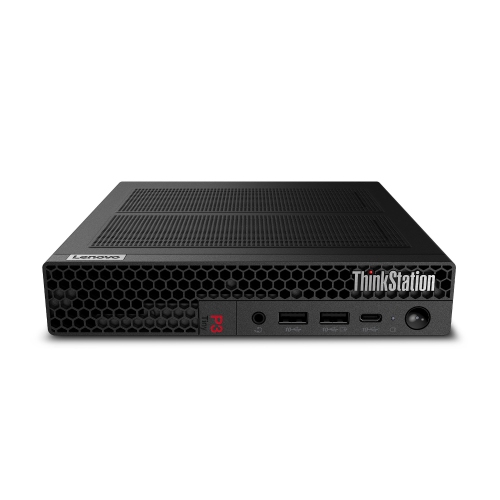 Your price for this item is $929
-
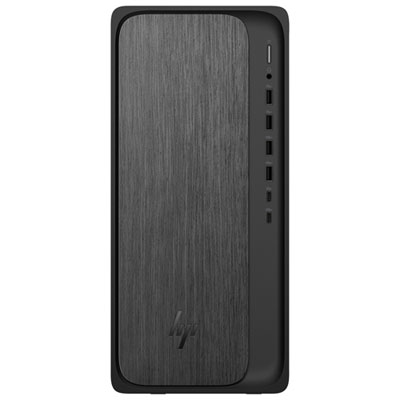 Your price for this item is $1299.99
-
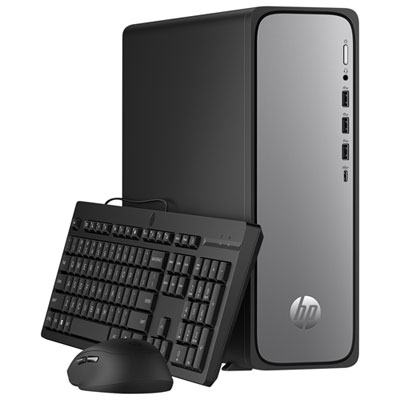 Your price for this item is $599.99
-
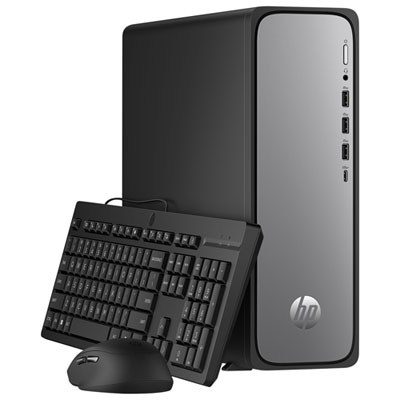 Your price for this item is $999.99
Discover more categories related to Labor Day Desktop Computer Deals
Top Collections:
Pokemon Centers, Kindle Devices, Best Cameras for Sports Photography, Pokémon 30th Celebration Cards, Apple iPhones 16, Canon G7X Cameras, iPhone 15 Apple, Flip Phones, Samsung Galaxy Phones, Alarm Clock
Some products may be subject to Environmental Handling Fees
(EHF) depending on your province.
Learn more about EHFs.