Laptop Backup Solutions
Laptop Backup Solutions offer peace of mind by helping you safeguard important files, photos, and documents. Whether you're a student, professional, or casual user, having a reliable backup system ensures your data stays protected from unexpected loss. Explore a wide range of options designed to make storing and recovering your information simple and convenient. With Laptop Backup Solutions, keeping your digital life secure has never been easier.
Sort
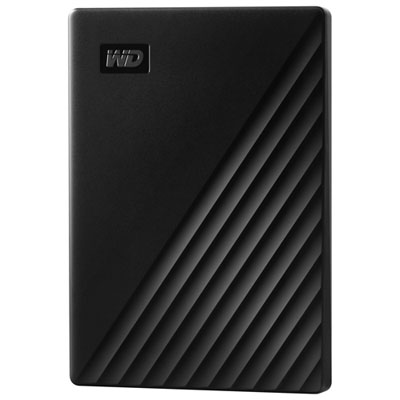
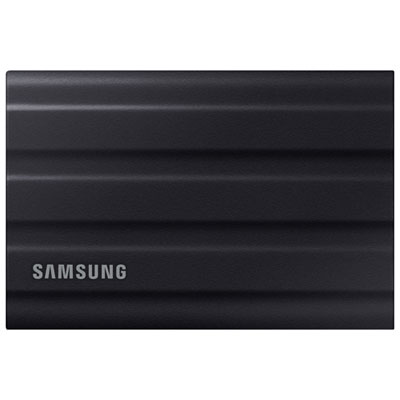
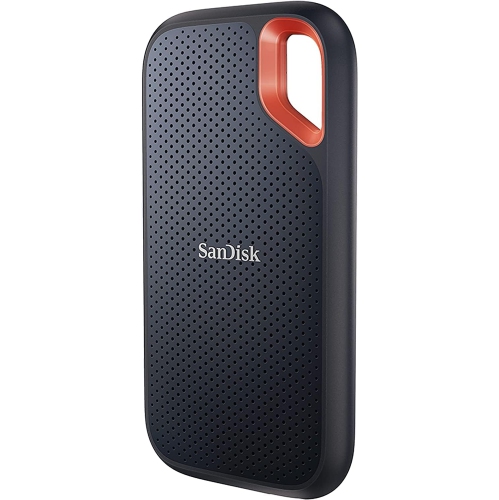
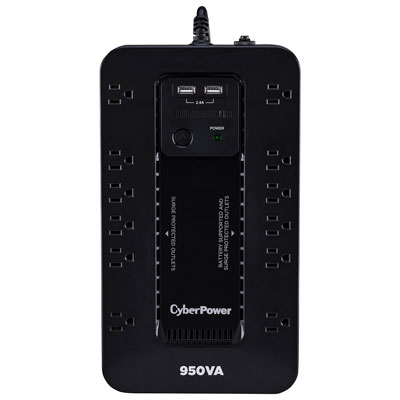
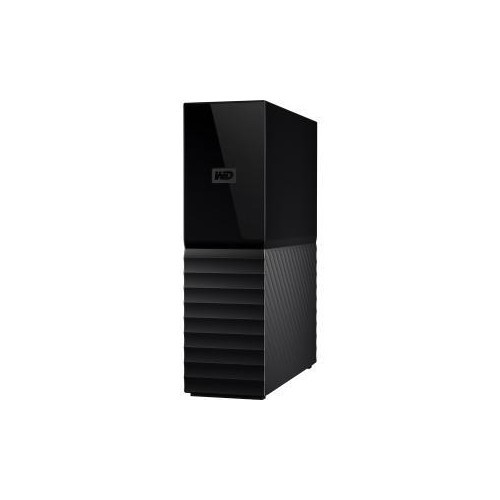
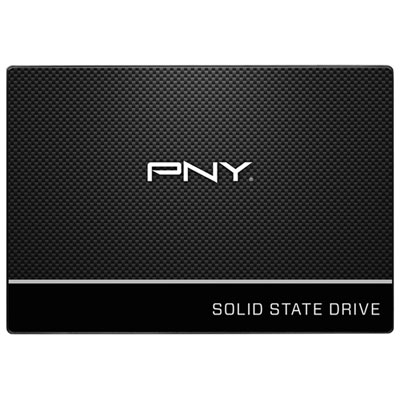
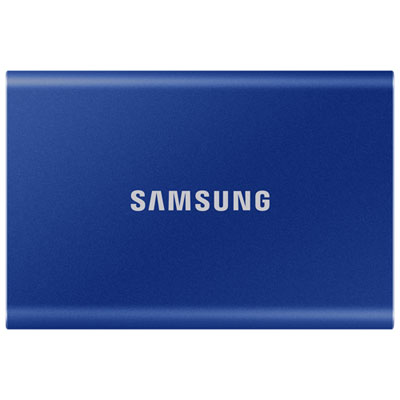
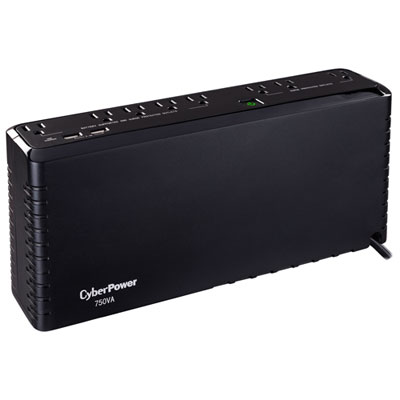
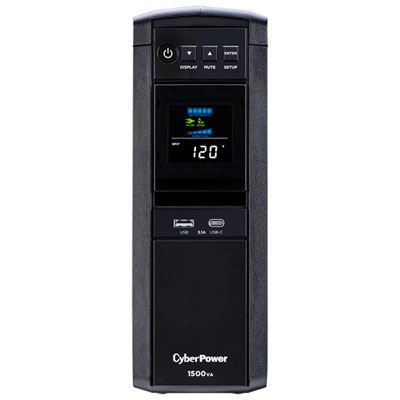
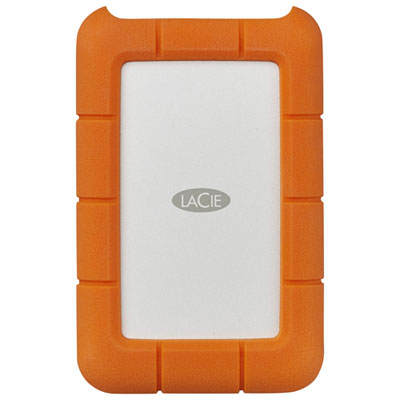
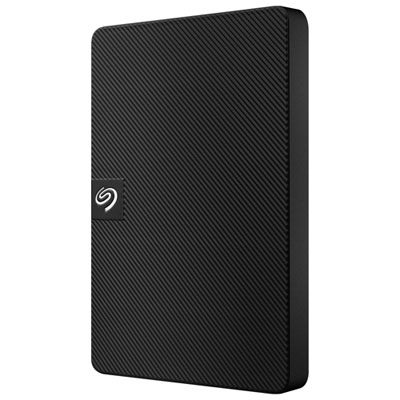
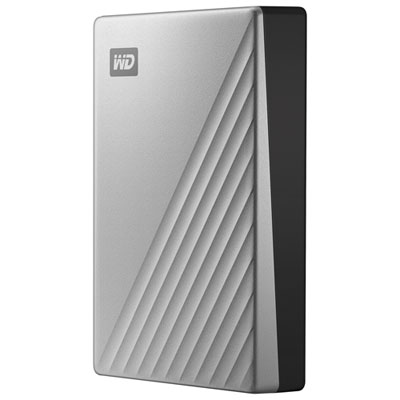
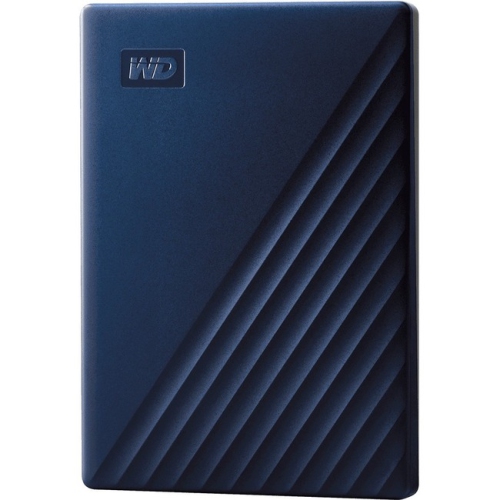
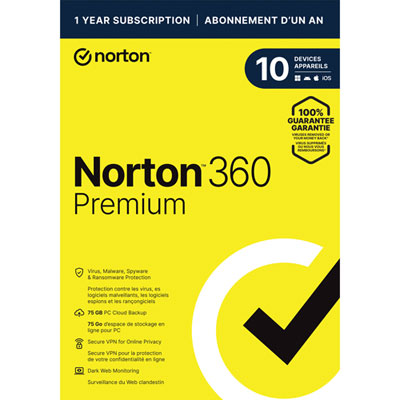
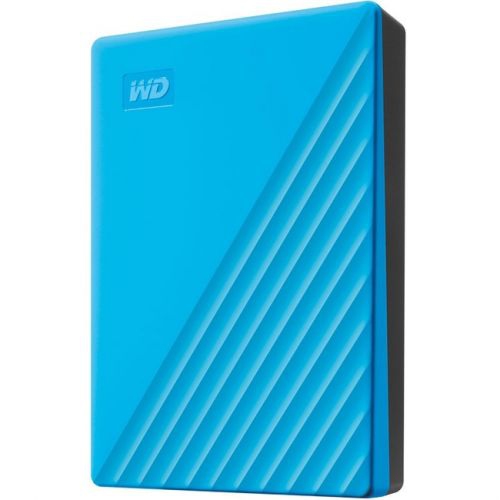
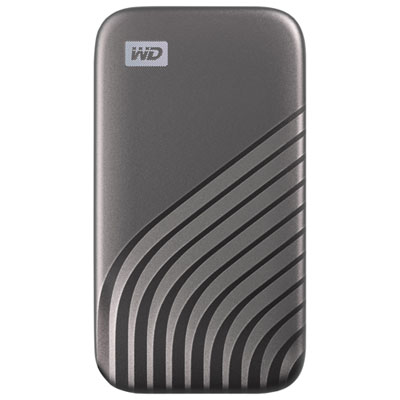
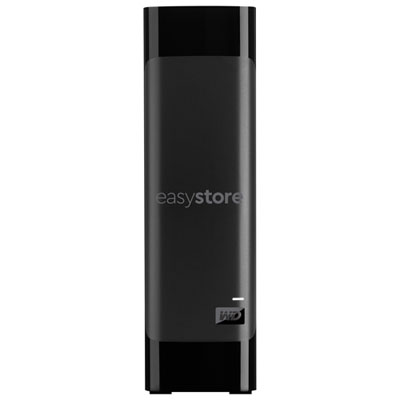
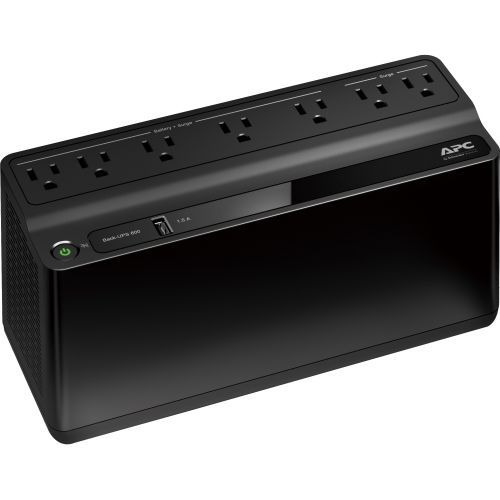
Peace of mind for important files and cherished memories
Backing up your laptop isn’t just a tech task—it’s the peace of mind that comes from knowing your important files, cherished photos, and vital work documents are protected against the unexpected. Whether you’re a student gearing up for final exams, a professional working from home, or a creative capturing memories and projects, having a reliable backup solution is essential. Springtime often brings a fresh start and a renewed focus on organization, making it the perfect season to review your digital safety net. With so many backup options available, it’s important to consider how you use your laptop and what you need to safeguard. If your laptop is home to irreplaceable family photos, tax documents, or the novel you’ve been working on for months, a comprehensive backup strategy is a smart investment. Parents may want to ensure their children’s schoolwork and digital art are secure, while frequent travellers or remote workers might prioritize solutions that offer both local and cloud-based storage for access and recovery from anywhere. Even as a thoughtful gift, a backup device or software can provide lasting value and reassurance—especially for graduates heading to university or loved ones starting a new job.
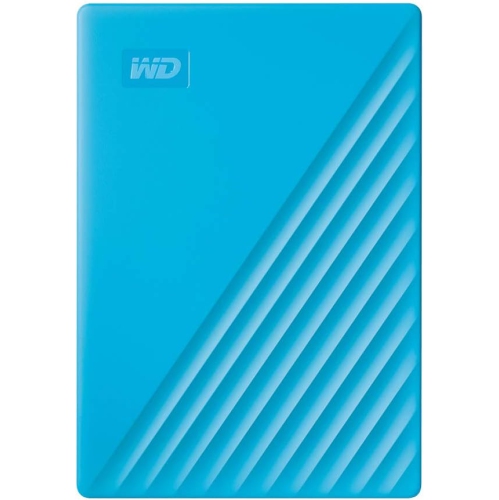
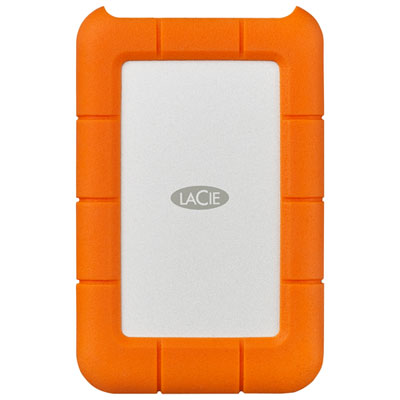
When choosing a laptop backup solution, think about the balance between speed, convenience, and security. External hard drives and SSDs are a popular choice for quick, local backups, letting you restore files rapidly if your laptop is lost or damaged. Many people keep one of these drives tucked in a desk drawer or laptop bag, ready for regular scheduled backups. For those who prefer a set-it-and-forget-it approach, cloud backup services run quietly in the background, automatically saving new files and changes as you work. This is especially helpful if you move between multiple devices or want the assurance of an offsite copy in case of theft or natural disaster. Combining both local and cloud storage—following the “3-2-1 rule” of three copies, two types of media, and one offsite backup—offers robust protection. It’s also wise to check your backup status periodically and set reminders for manual backups if you’re using portable drives. With today’s backup software, even full-system images can be created, allowing you to restore your laptop exactly as it was, right down to your desktop shortcuts and application settings. These solutions are ideal for anyone who relies on their laptop for work, study, or creative pursuits, and they make a practical, appreciated gift for tech-savvy friends or family members embarking on a new adventure. For more tips and a wider selection of options, explore our Home Office Backup Solutions page to find the right fit for your needs.
When choosing a laptop backup solution, think about the balance between speed, convenience, and security. External hard drives and SSDs are a popular choice for quick, local backups, letting you restore files rapidly if your laptop is lost or damaged. Many people keep one of these drives tucked in a desk drawer or laptop bag, ready for regular scheduled backups. For those who prefer a set-it-and-forget-it approach, cloud backup services run quietly in the background, automatically saving new files and changes as you work. This is especially helpful if you move between multiple devices or want the assurance of an offsite copy in case of theft or natural disaster. Combining both local and cloud storage—following the “3-2-1 rule” of three copies, two types of media, and one offsite backup—offers robust protection. It’s also wise to check your backup status periodically and set reminders for manual backups if you’re using portable drives. With today’s backup software, even full-system images can be created, allowing you to restore your laptop exactly as it was, right down to your desktop shortcuts and application settings. These solutions are ideal for anyone who relies on their laptop for work, study, or creative pursuits, and they make a practical, appreciated gift for tech-savvy friends or family members embarking on a new adventure. For more tips and a wider selection of options, explore our Home Office Backup Solutions page to find the right fit for your needs.
Top selling and popular products
-
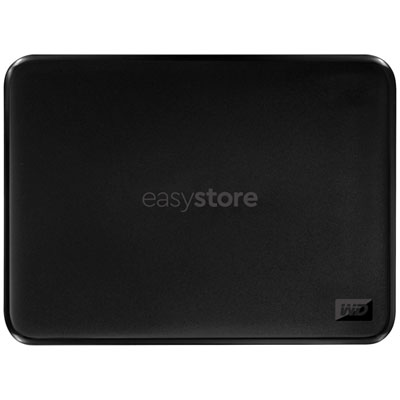 Your price for this item is $234.99
 -
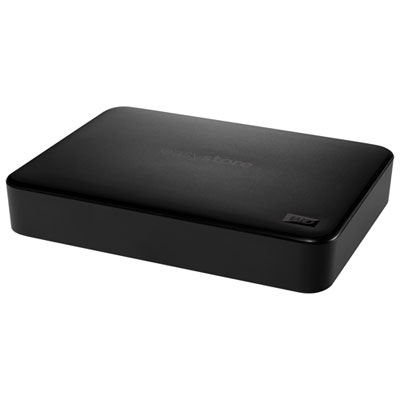 Your price for this item is $389.99
 -
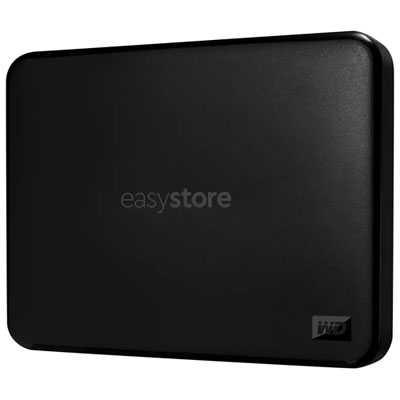 Your price for this item is $179.99
 -
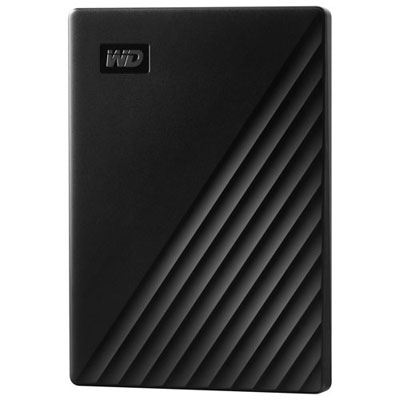 Your price for this item is $239.99
 -
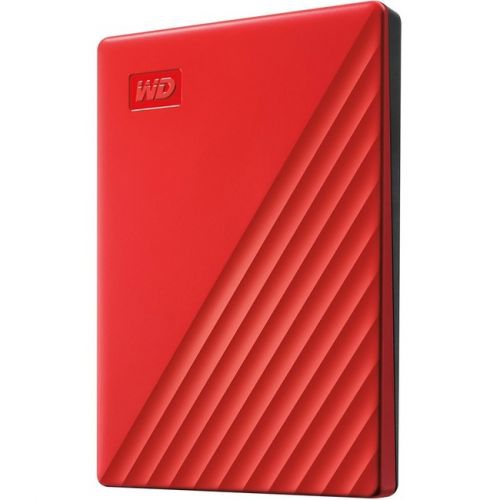 Your price for this item is $270.68
 -
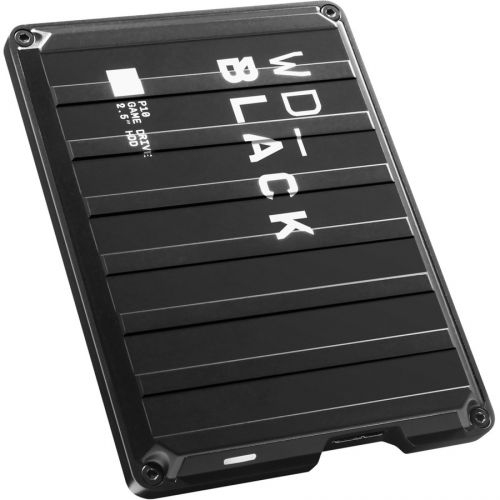 Your price for this item is $329.99
 -
 Your price for this item is $282.68
 -
 Your price for this item is $209.99
Discover more categories related to Laptop Backup Solutions
Top Collections:
Pokemon Centers, Kindle Devices, Best Budget Office Chairs, Apple iPhones 16, Best Laptops for Writers, iPhone 15 Apple, Canon G7X Cameras, Refurbished Apple Laptops, Alarm Clock, Motorola Razr Phones
Some products may be subject to Environmental Handling Fees
(EHF) depending on your province.
Learn more about EHFs.