Laptop Batteries for Toshiba
Looking to power up your Toshiba laptop? Look no further! Our wide selection of laptop batteries is here to keep you connected and productive wherever you go. Whether you're a student, professional, or simply a tech enthusiast, finding the perfect replacement battery for your Toshiba laptop has never been easier. With our high-quality and reliable options, you can say goodbye to unexpected shutdowns and hello to uninterrupted productivity. Explore our range of laptop batteries for Toshiba and find the perfect match for your device today!
Sort
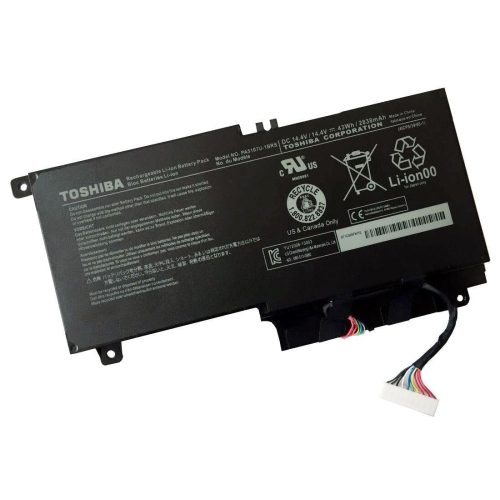
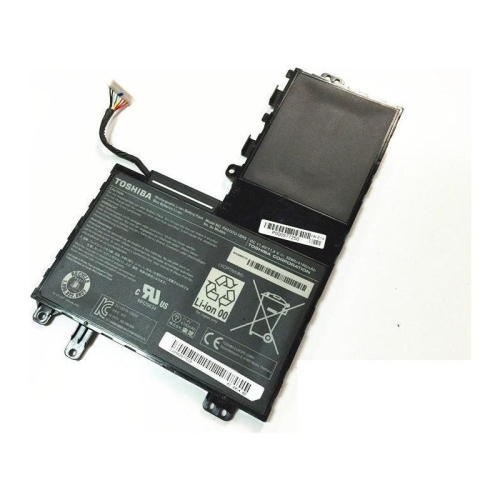
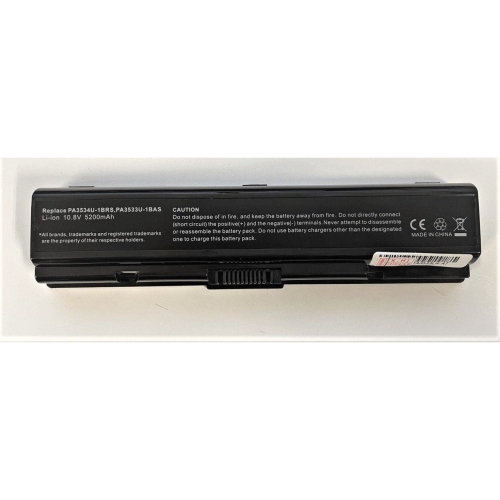
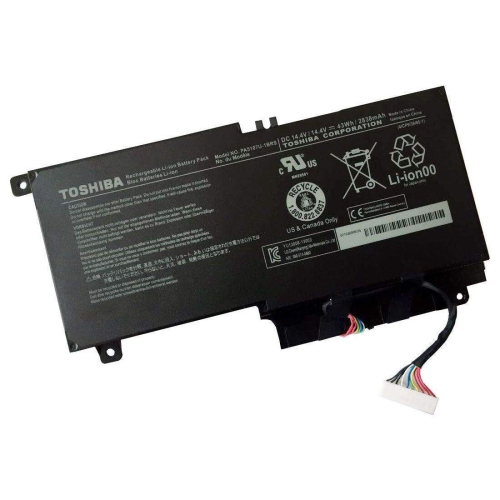
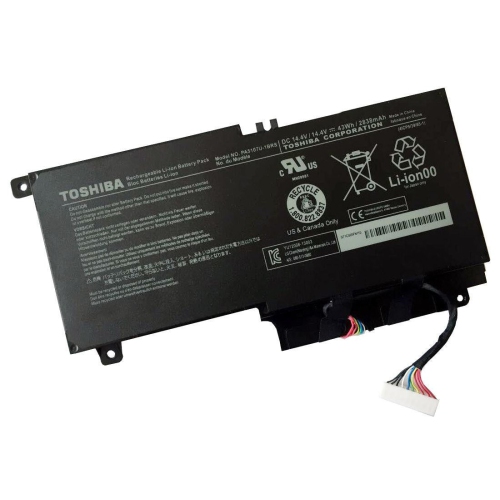
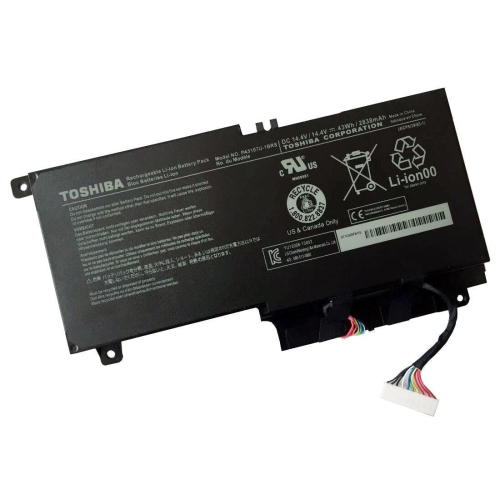
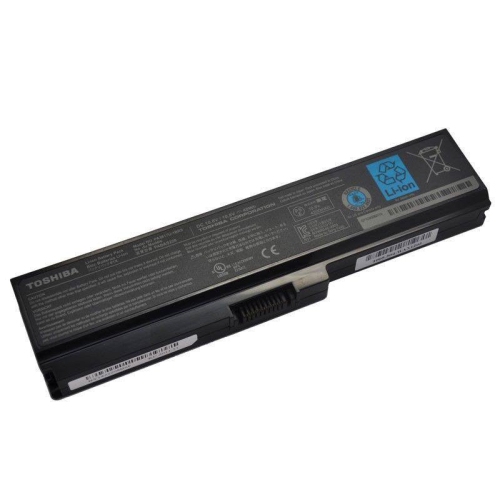
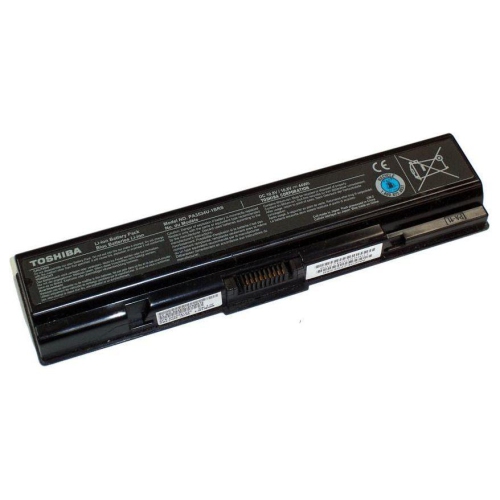
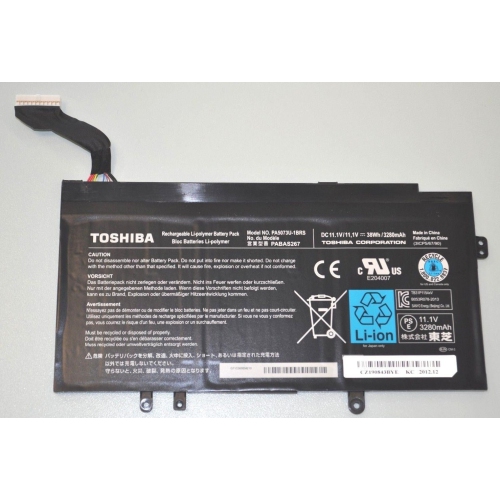
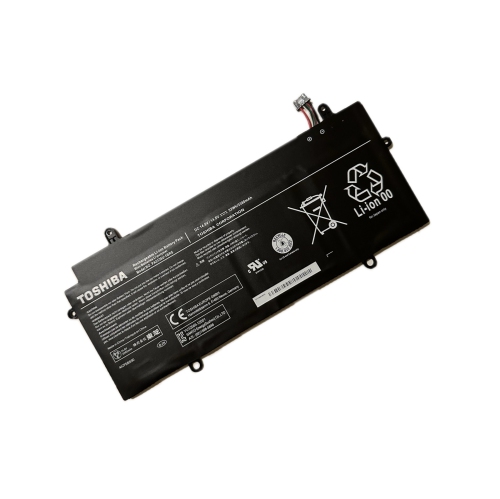
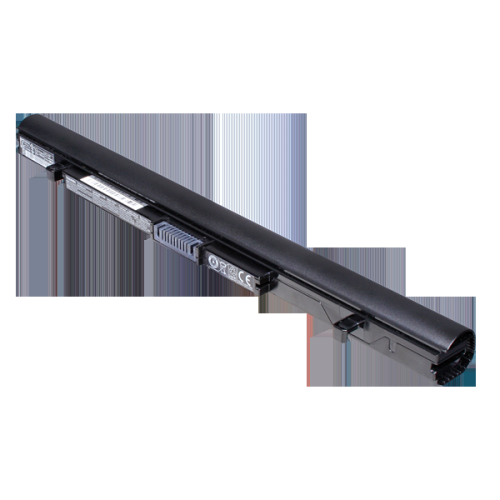
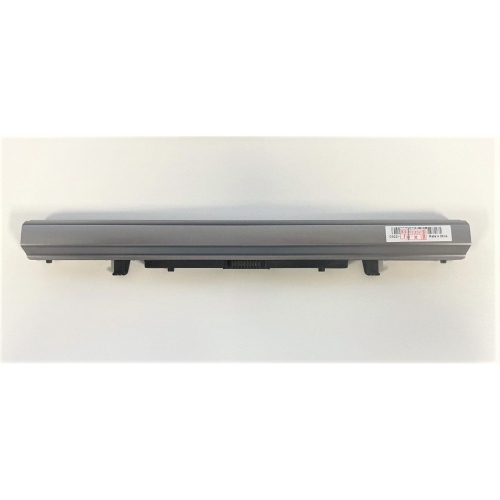
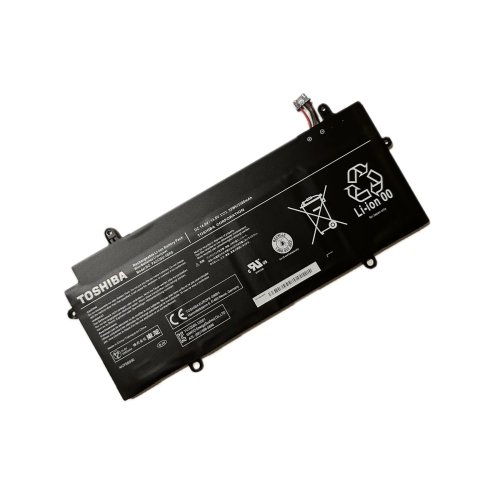
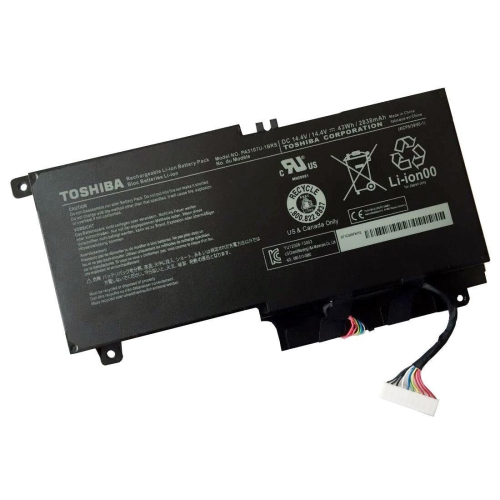
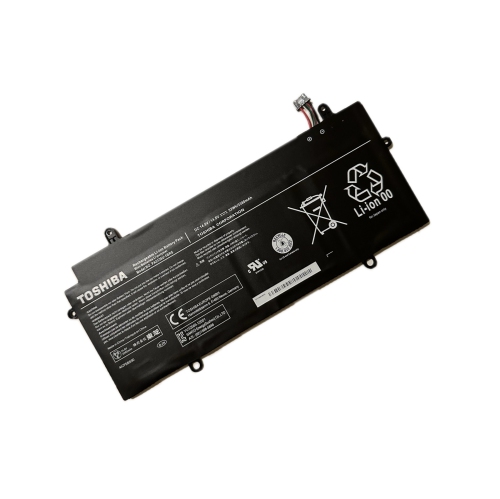
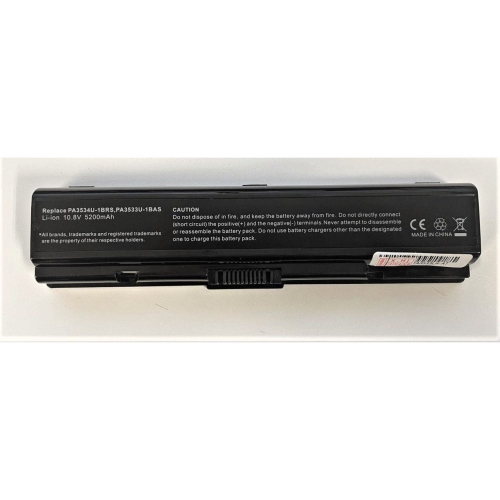
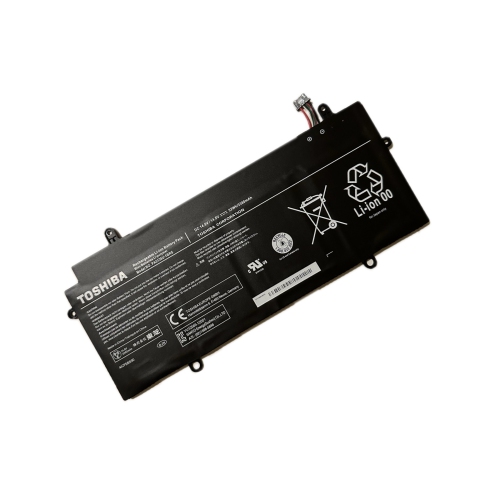
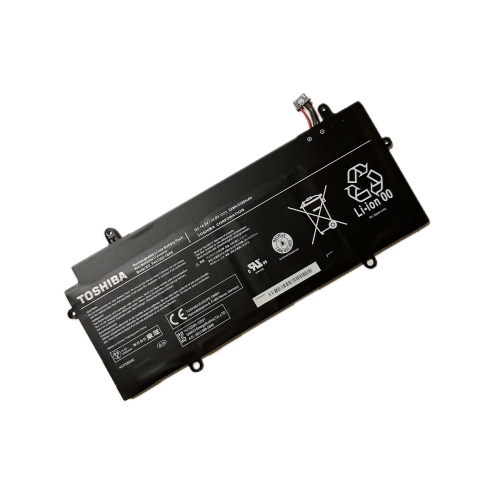
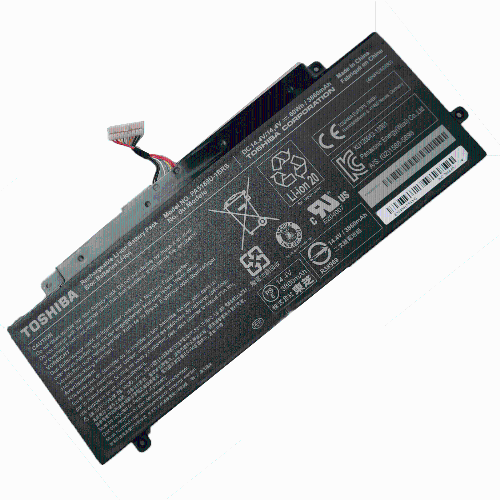
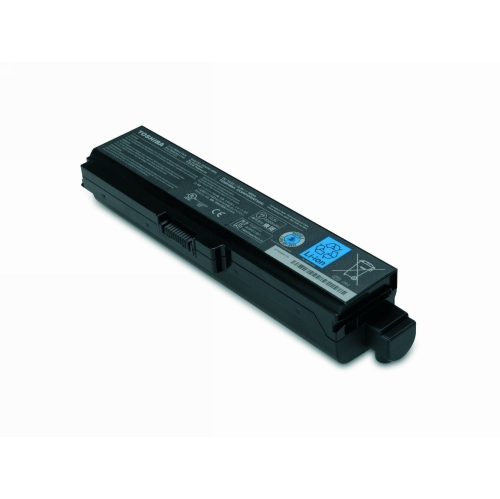
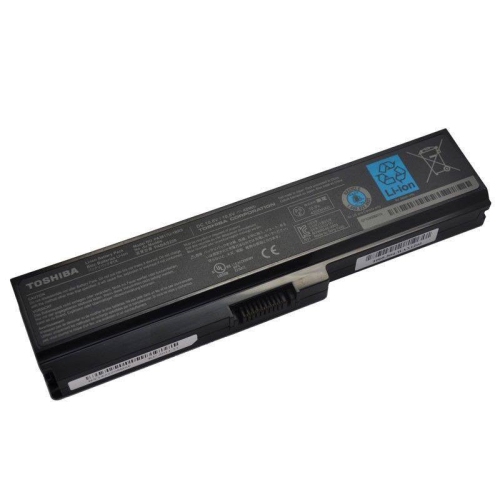
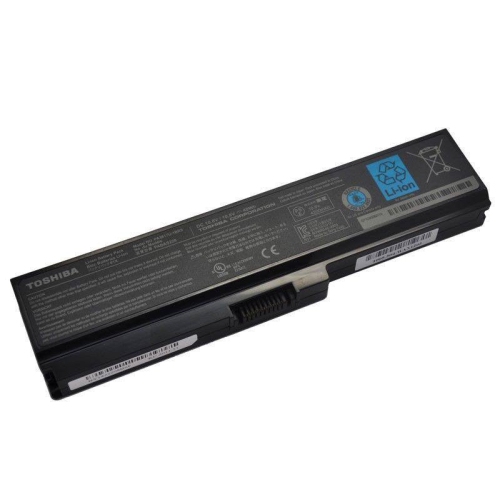
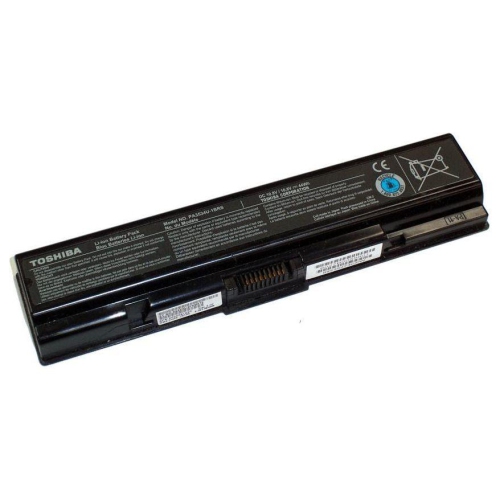
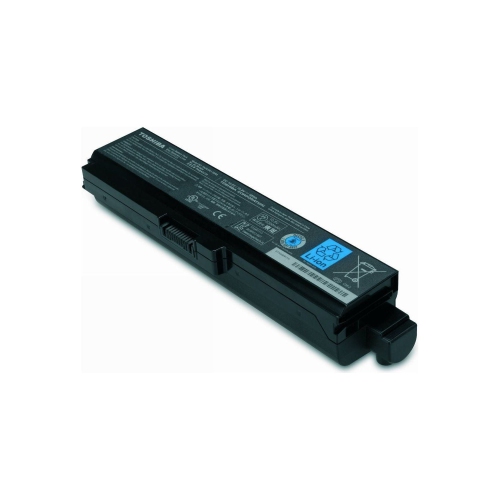


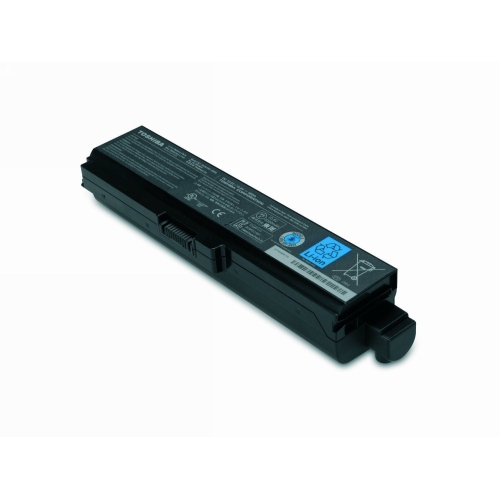
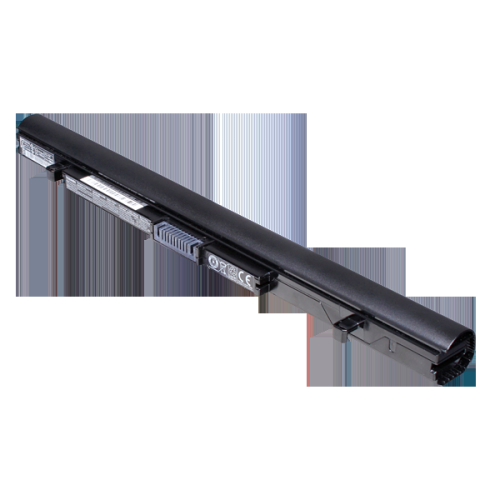
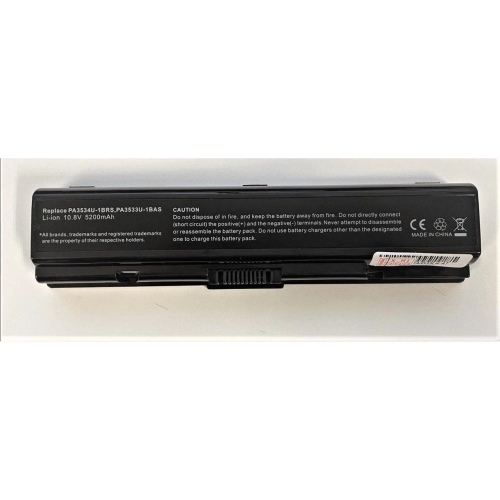
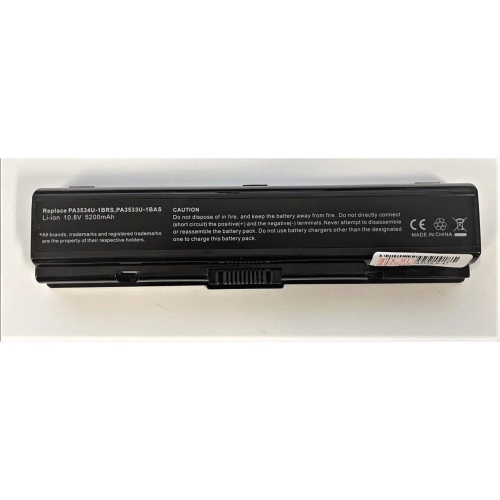
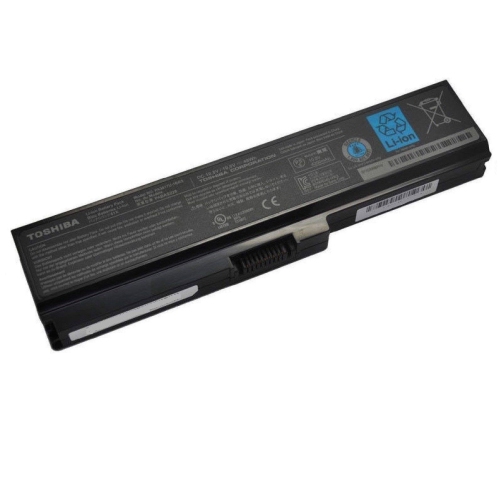
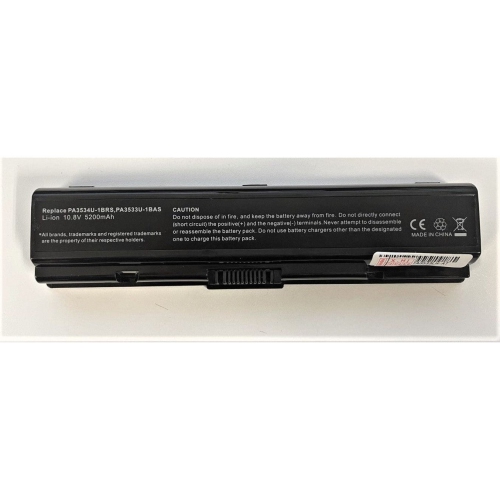
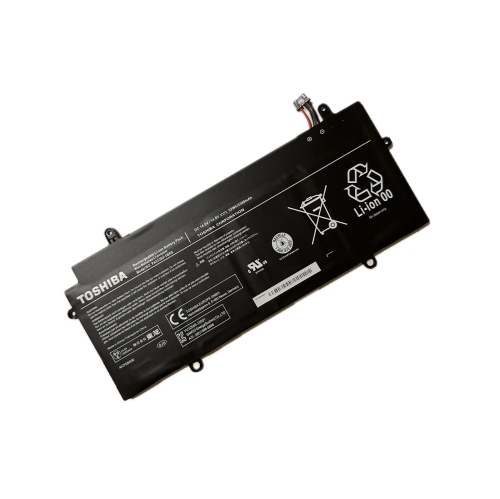

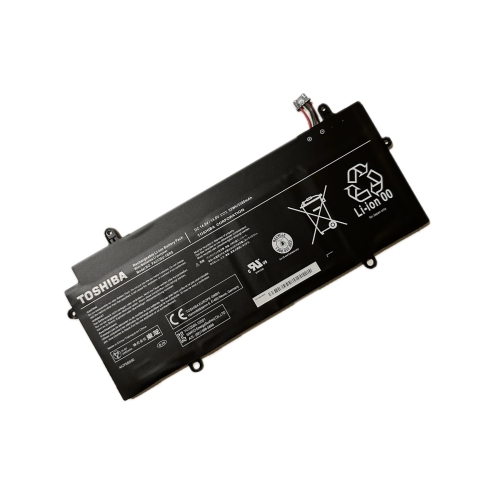
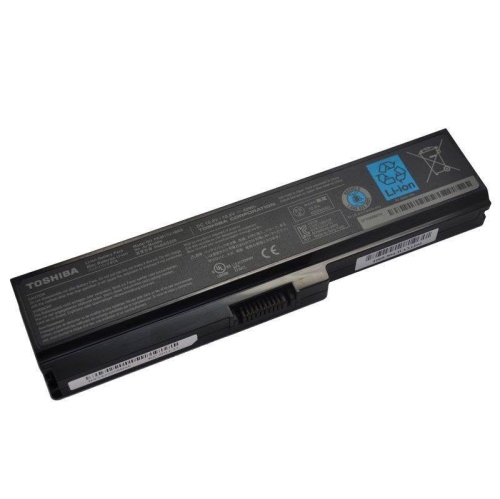
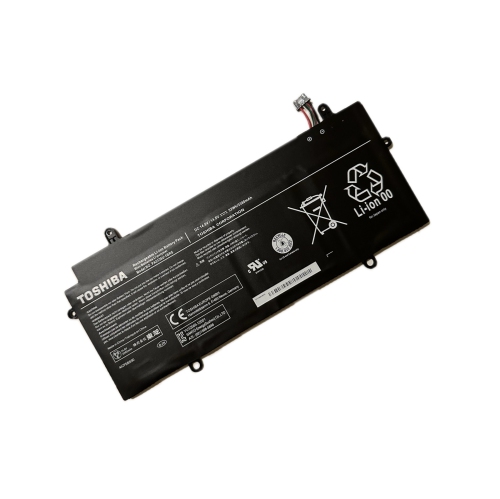
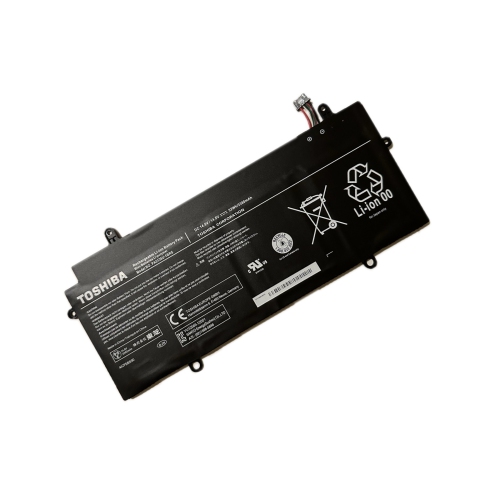
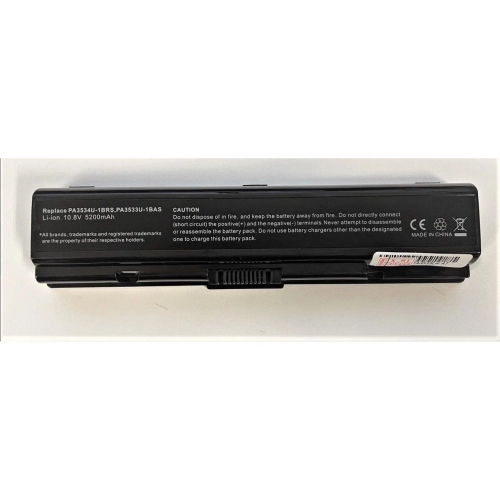
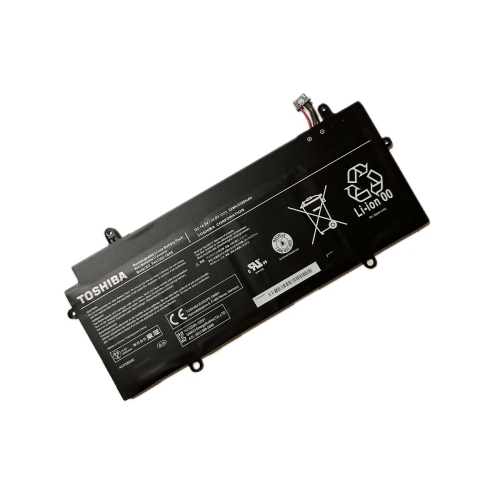
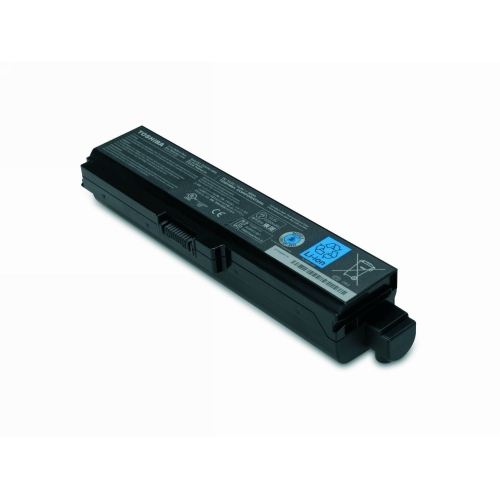
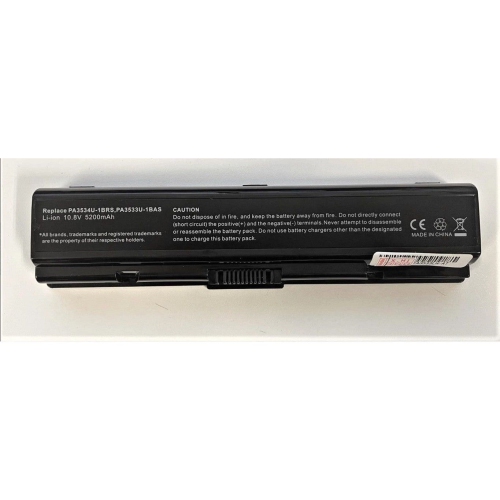
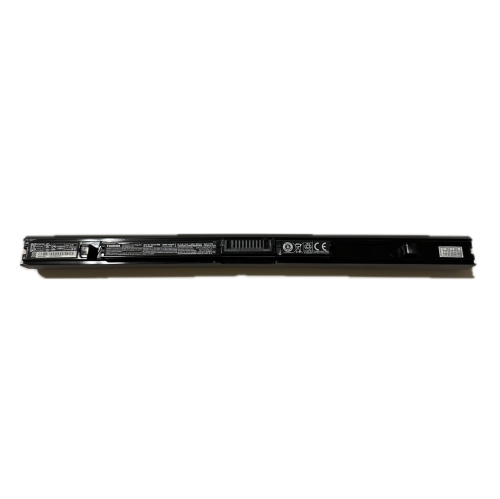
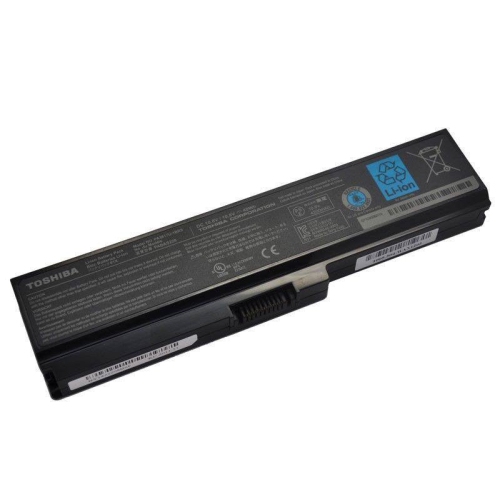
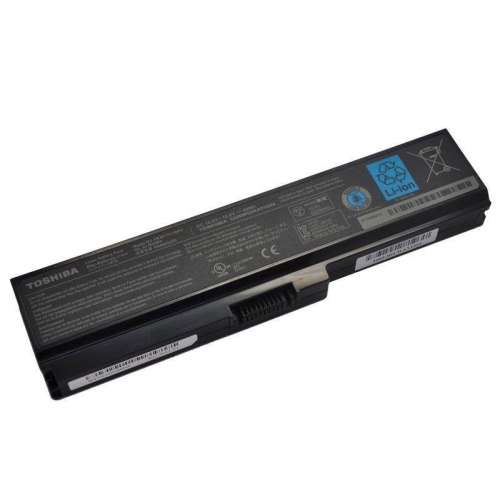
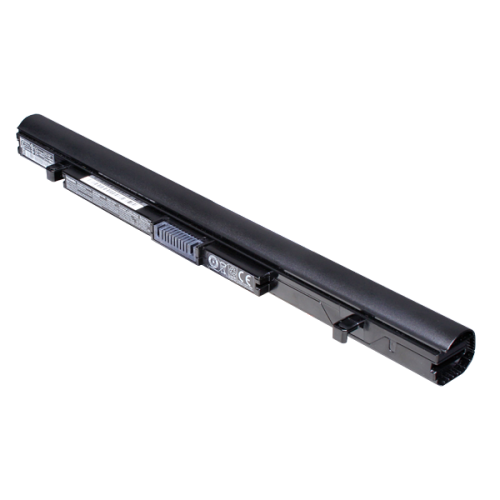

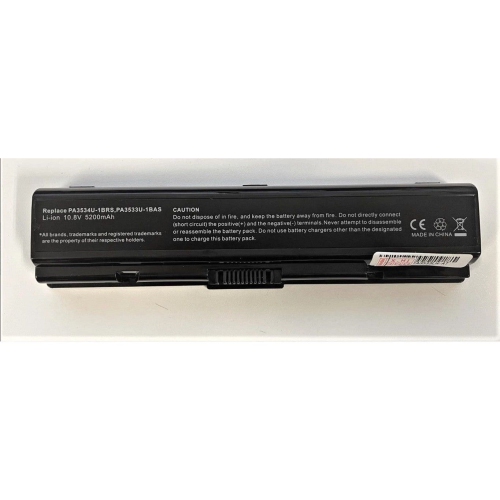
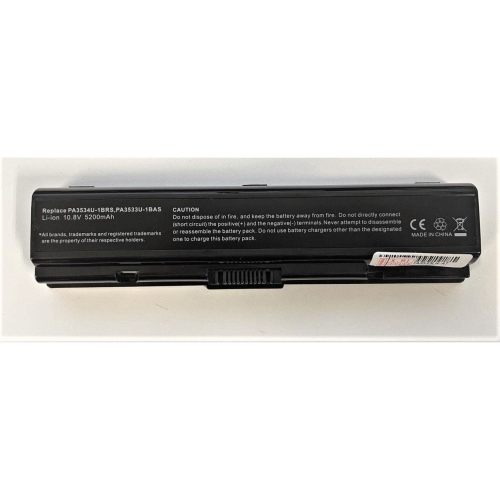
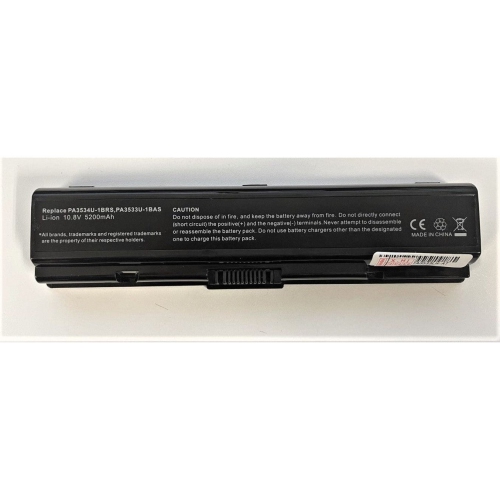
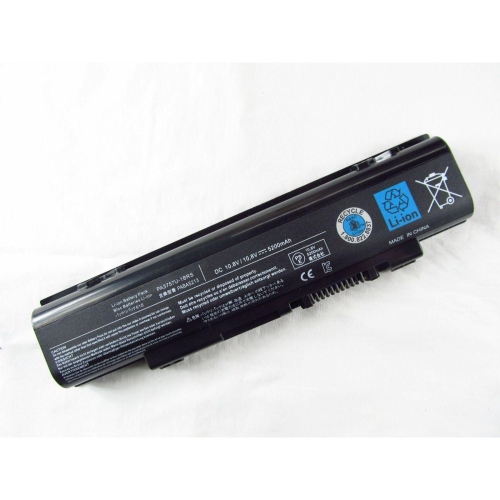
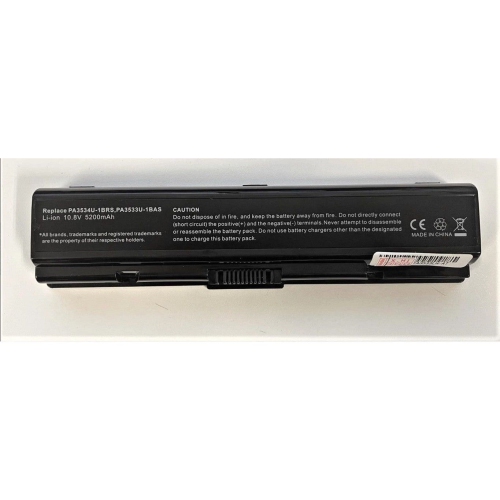
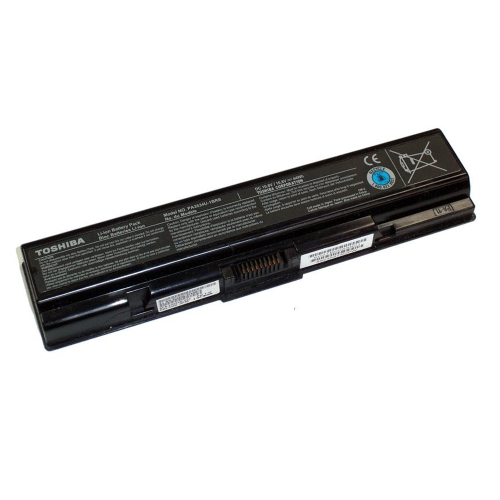
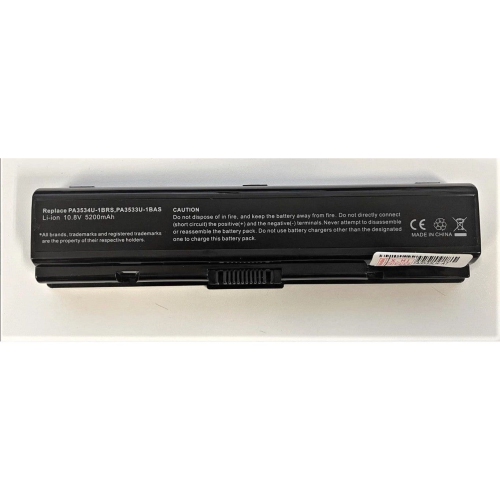
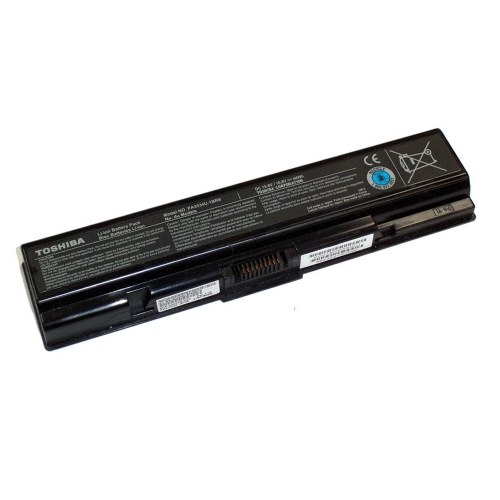
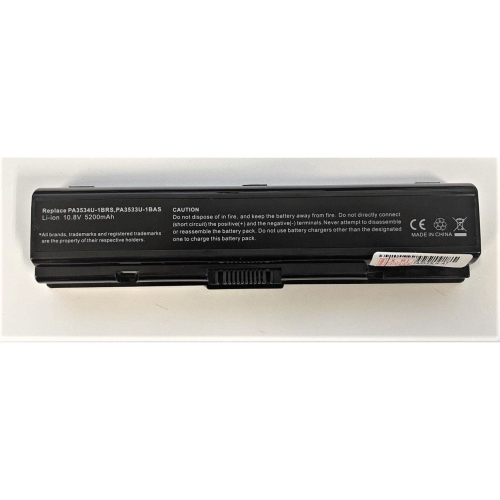
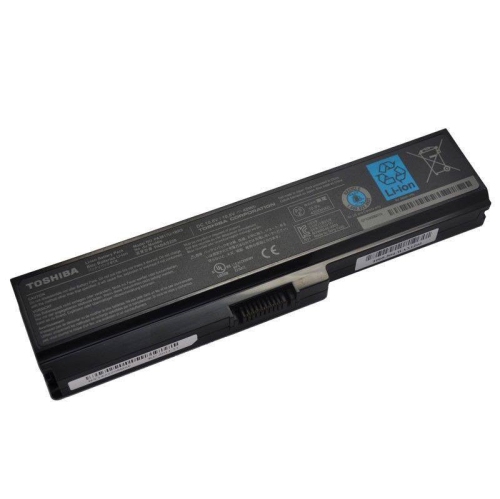
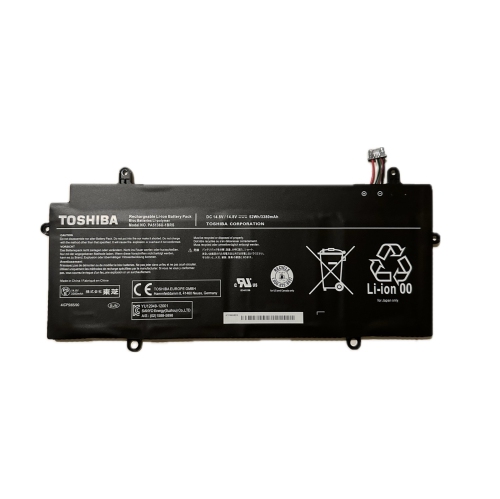
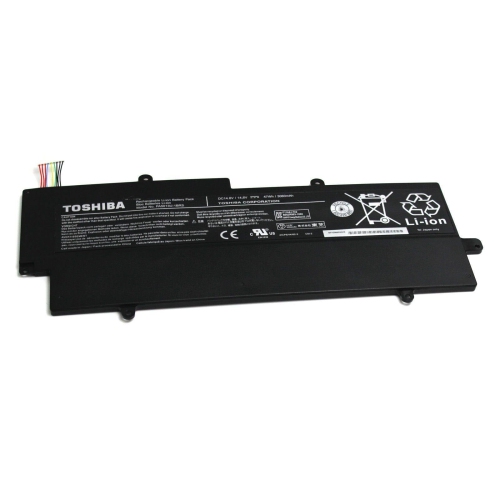
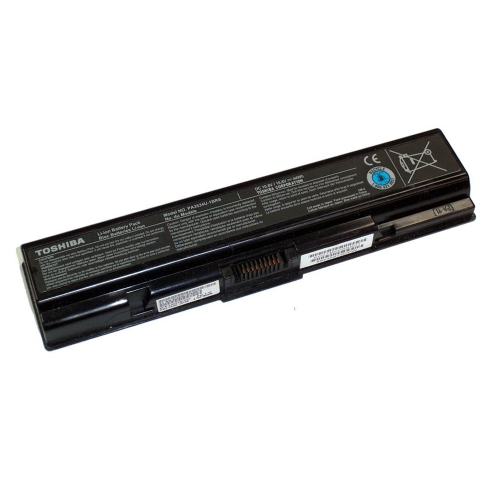
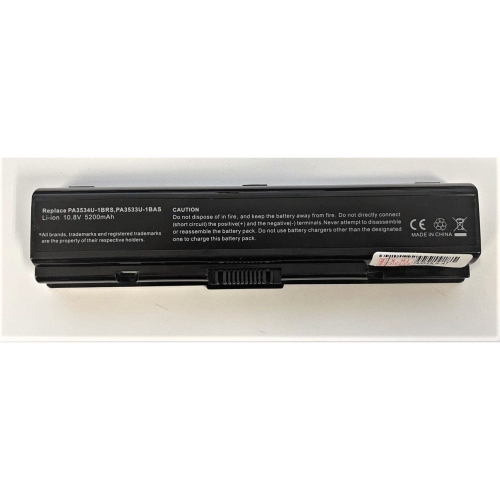
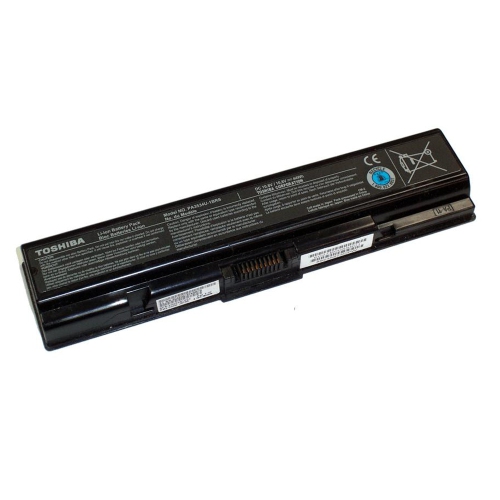
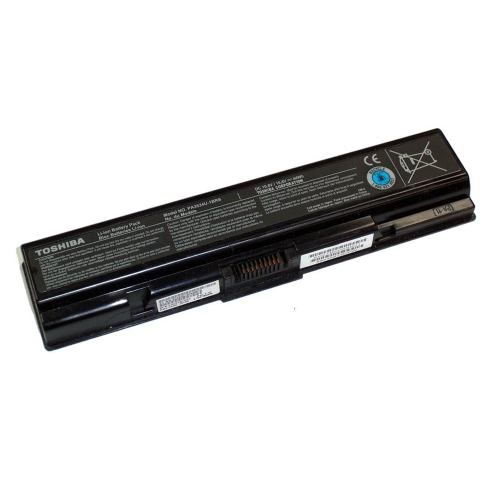
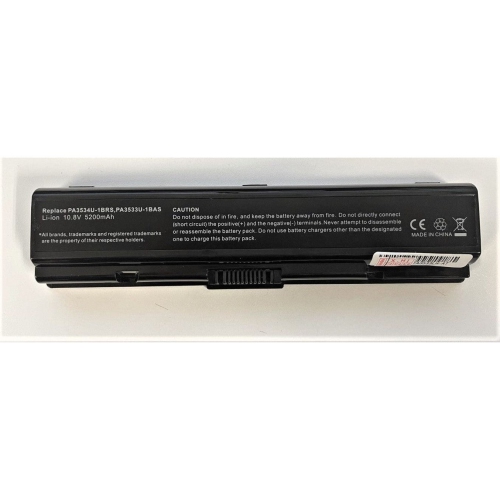
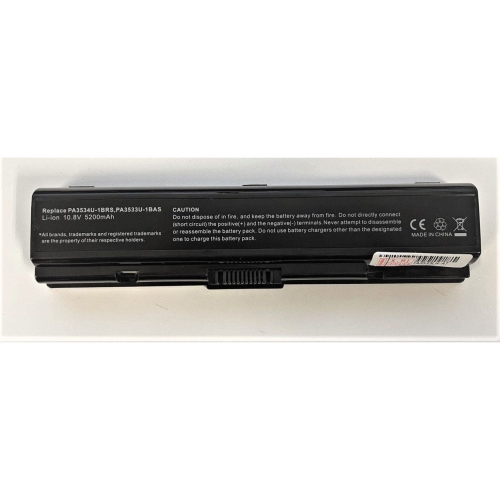
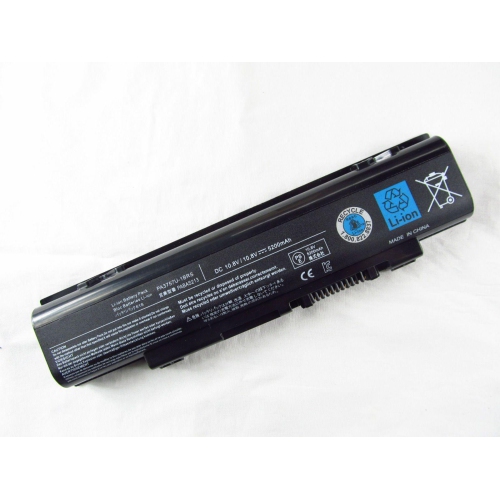
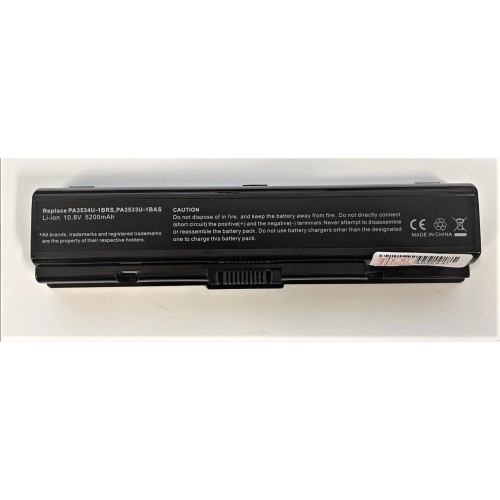
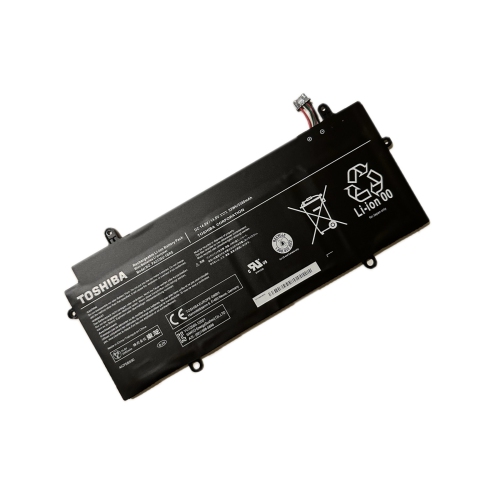
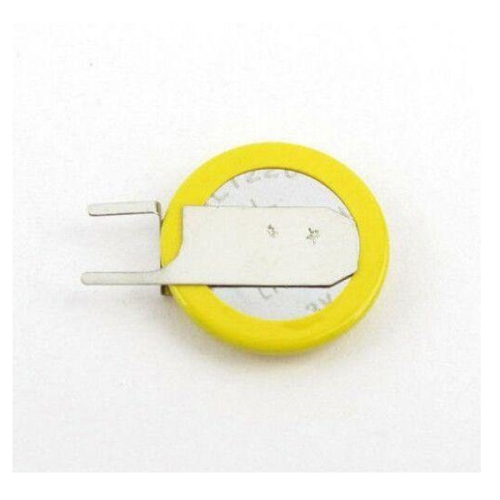
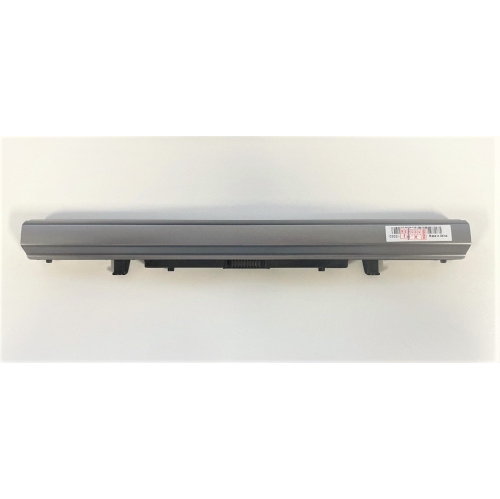
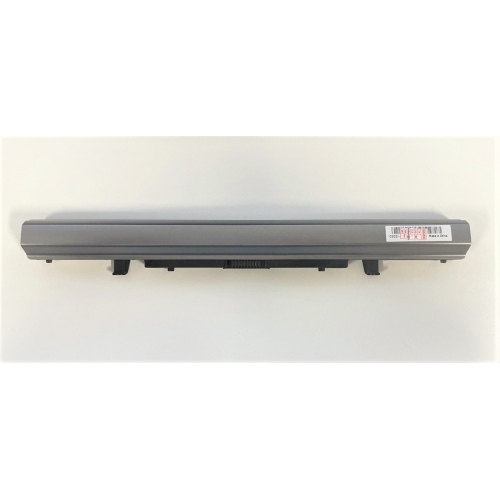
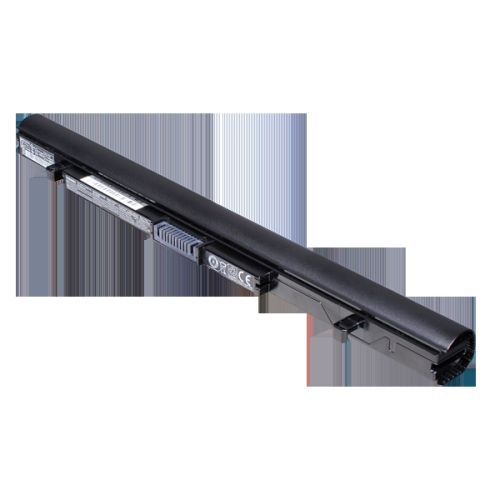
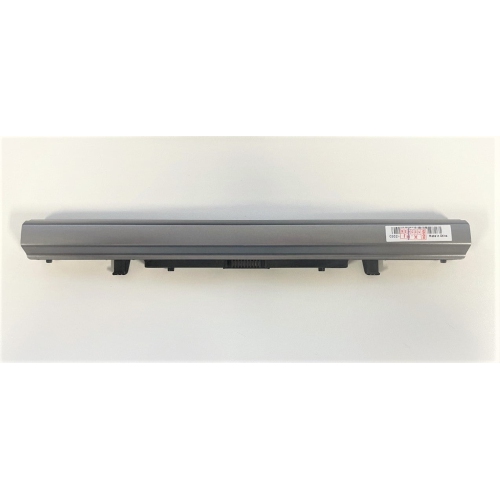
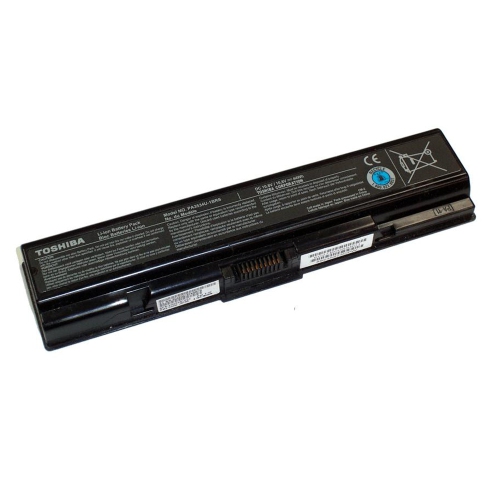
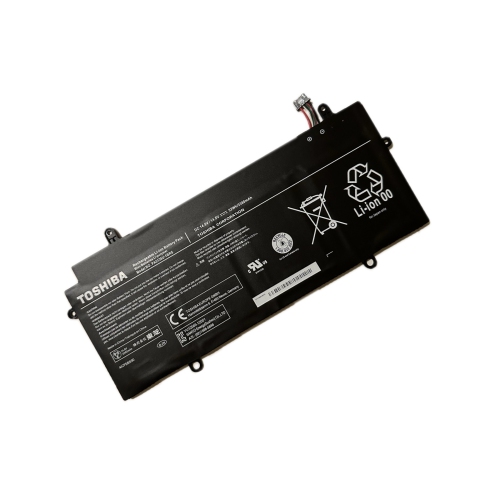
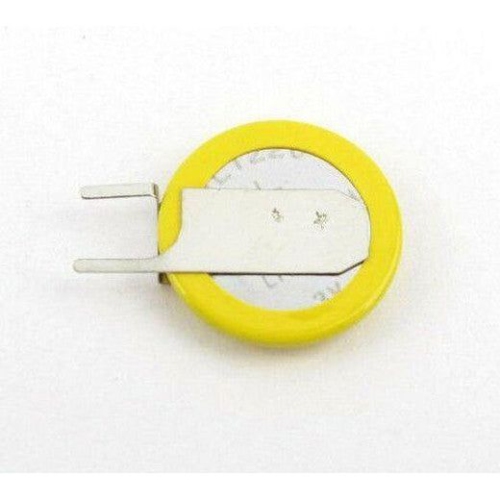
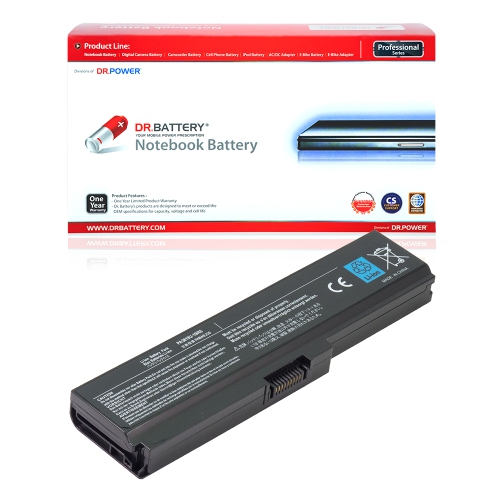
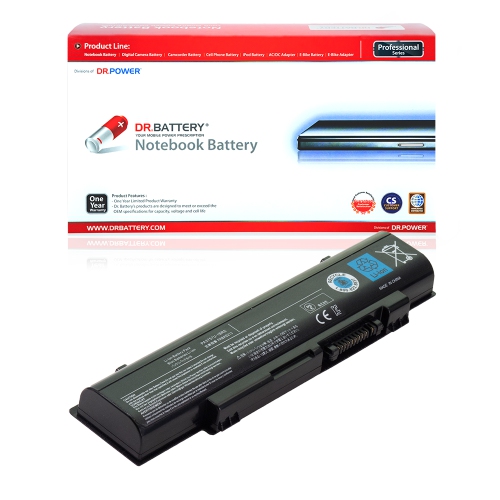
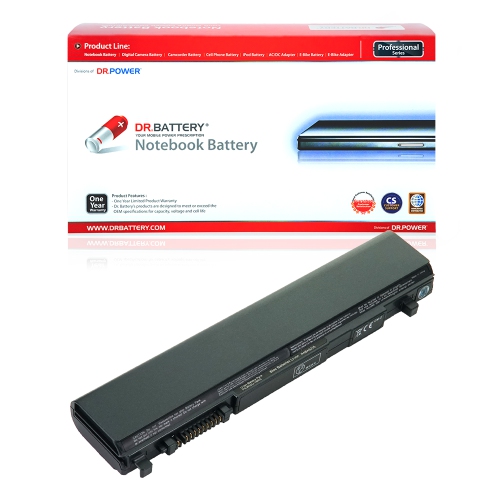
![DR. BATTERY - Replacement for Toshiba Satellite Pro L630 / L640 / L650 / L670 / Pa3817U-1Brs / Pa3818U-1Brs / Pa3819U-1Brs [10.8V / 4400Mah / 48Wh]](https://multimedia.bbycastatic.ca/multimedia/products/500x500/152/15224/15224161.jpeg)
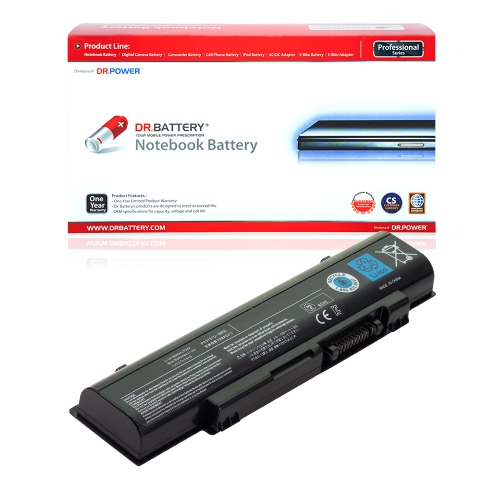
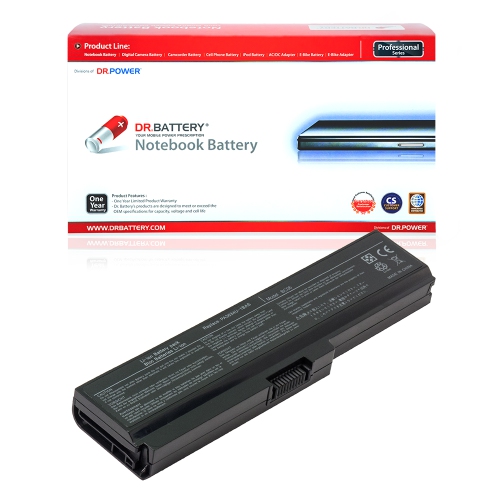
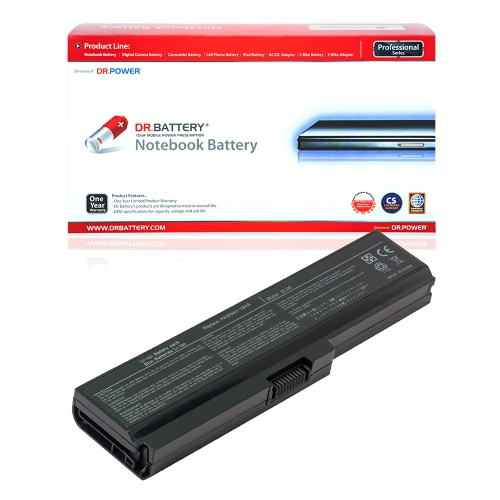
![DR. BATTERY - Replacement for Toshiba Satellite L755D / L770 / L770D / L775 / Pa3816U-1Bas / Pa3816U-1Brs / Pa3817U-1Bas [10.8V / 4400Mah / 48Wh]](https://multimedia.bbycastatic.ca/multimedia/products/500x500/152/15224/15224052.jpeg)
![DR. BATTERY - Replacement for Toshiba Satellite Pro L600 / L630 / L640 / L650 / Pa3817U-1Brs / Pa3818U-1Brs / Pa3819U-1Brs [10.8V / 4400Mah / 48Wh]](https://multimedia.bbycastatic.ca/multimedia/products/500x500/152/15224/15224103.jpeg)
![DR. BATTERY - Replacement for Toshiba Satellite L650 / L650D / L655 / L655D / Pa3816U-1Bas / Pa3816U-1Brs / Pa3817U-1Bas [10.8V / 4400Mah / 48Wh]](https://multimedia.bbycastatic.ca/multimedia/products/500x500/152/15224/15224077.jpeg)
![DR. BATTERY - Replacement for Toshiba Satellite Pro L640 / L650 / L670 / L600 / Pa3817U-1Brs / Pa3818U-1Brs / Pa3819U-1Brs [10.8V / 4400Mah / 48Wh]](https://multimedia.bbycastatic.ca/multimedia/products/500x500/152/15224/15224035.jpeg)
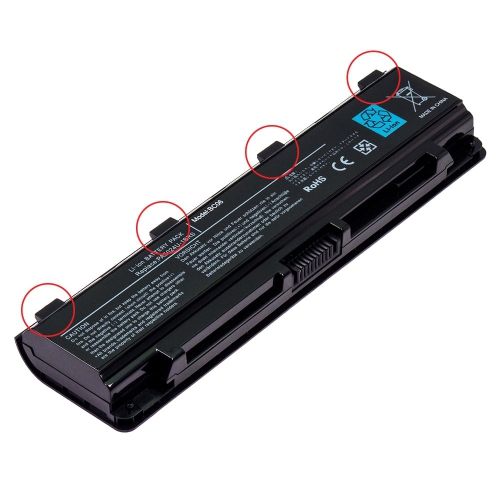
![DR. BATTERY - Replacement for Toshiba Satellite Pro L640 / L650 / L670 / L600 / Pa3817U-1Brs / Pa3818U-1Brs / Pa3819U-1Brs [10.8V / 4400Mah / 48Wh]](https://multimedia.bbycastatic.ca/multimedia/products/500x500/152/15224/15224091.jpeg)
![DR. BATTERY - Replacement for Toshiba Satellite L670 / L670D / L675 / L675D / Pa3816U-1Bas / Pa3816U-1Brs / Pa3817U-1Bas [10.8V / 4400Mah / 48Wh]](https://multimedia.bbycastatic.ca/multimedia/products/500x500/152/15224/15224055.jpeg)
![DR. BATTERY - Replacement for Toshiba Satellite L730 / L735 / L740 / L745 / Pa3816U-1Bas / Pa3816U-1Brs / Pa3817U-1Bas [10.8V / 4400Mah / 48Wh]](https://multimedia.bbycastatic.ca/multimedia/products/500x500/152/15224/15224073.jpeg)
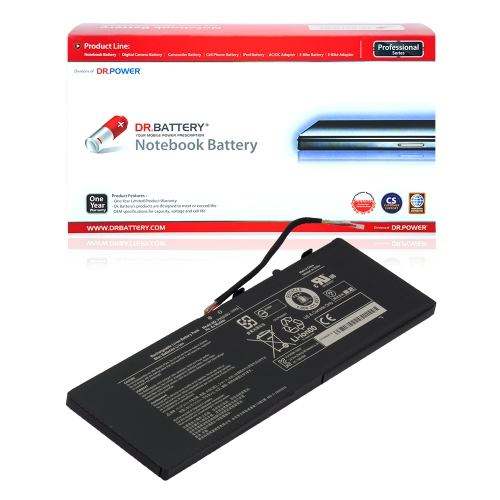
![DR. BATTERY - Replacement for Toshiba Satellite L670D / L675 / L675D / L700 / Pa3816U-1Bas / Pa3816U-1Brs / Pa3817U-1Bas [10.8V / 4400Mah / 48Wh]](https://multimedia.bbycastatic.ca/multimedia/products/500x500/152/15224/15224081.jpeg)
![DR. BATTERY - Replacement for Toshiba Satellite L745D / L750 / L750D / L755 / Pa3816U-1Bas / Pa3816U-1Brs / Pa3817U-1Bas [10.8V / 4400Mah / 48Wh]](https://multimedia.bbycastatic.ca/multimedia/products/500x500/152/15224/15224060.jpeg)
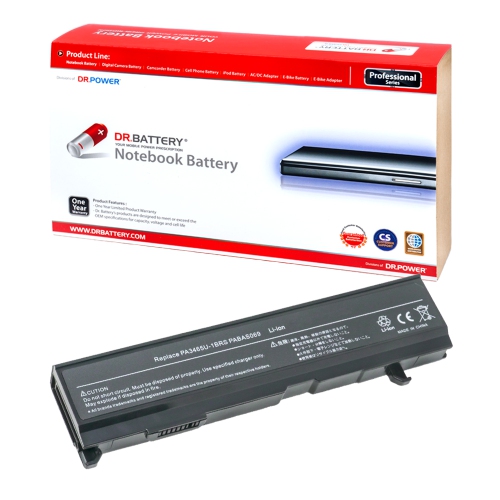
![DR. BATTERY - Replacement for Toshiba Satellite L640D / L645 / L645D / L650 / Pa3816U-1Bas / Pa3816U-1Brs / Pa3817U-1Bas [10.8V / 4400Mah / 48Wh]](https://multimedia.bbycastatic.ca/multimedia/products/500x500/152/15224/15224115.jpeg)
![DR. BATTERY - Replacement for Toshiba Satellite L600D / L630 / L635 / L640 / Pa3816U-1Bas / Pa3816U-1Brs / Pa3817U-1Bas [10.8V / 4400Mah / 48Wh]](https://multimedia.bbycastatic.ca/multimedia/products/500x500/152/15224/15224125.jpeg)
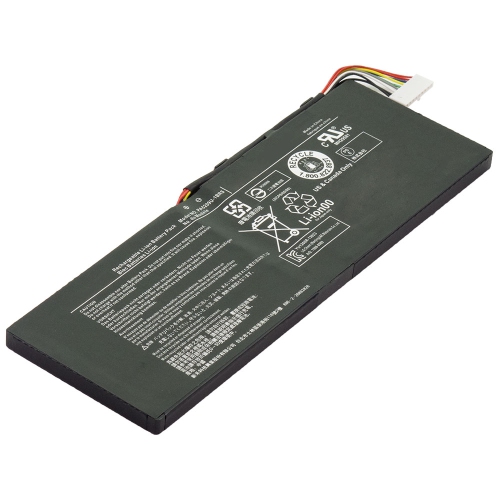
![DR. BATTERY - Replacement for Toshiba Dynabook Ax / 550Ls / Pa3465U-1Bas / Pa3465U-1Brs / Pa3465U-2Brs / Pa3465U-D0005 [10.8V / 4400Mah / 48Wh]](https://multimedia.bbycastatic.ca/multimedia/products/500x500/157/15779/15779053.jpeg)
![DR. BATTERY - Replacement for Toshiba Dynabook Uk / 24Mbl / Pa3782U-1Brs / Pa3783U-1Brs / Pa3784U-1Brs / Pa3785U-1Brs [10.8V / 4400Mah / 48Wh]](https://multimedia.bbycastatic.ca/multimedia/products/500x500/157/15760/15760252.jpeg)
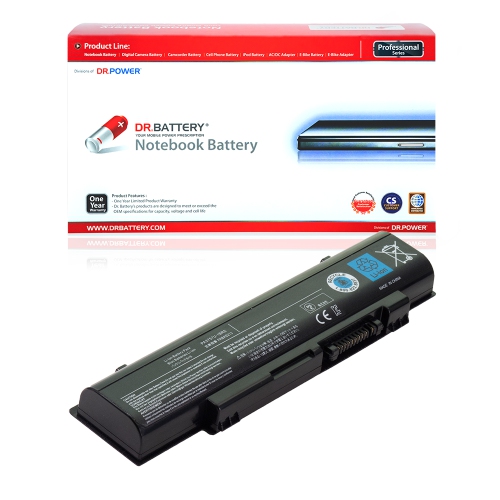
![DR. BATTERY - Replacement for Toshiba Satellite Pro L650 / L670 / L600 / L630 / Pa3817U-1Brs / Pa3818U-1Brs / Pa3819U-1Brs [10.8V / 4400Mah / 48Wh]](https://multimedia.bbycastatic.ca/multimedia/products/500x500/152/15224/15224135.jpeg)
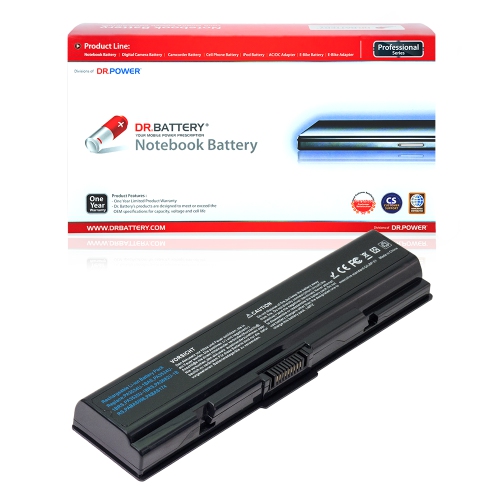
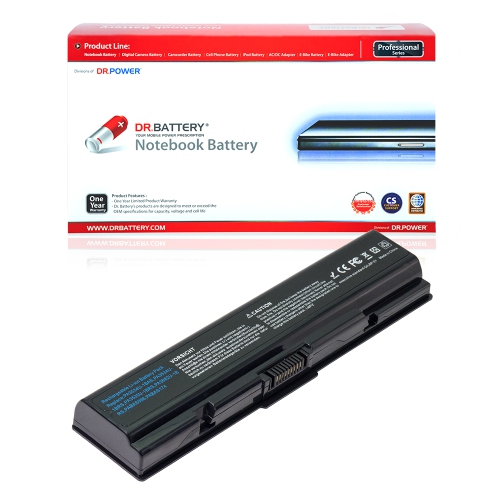
![DR. BATTERY Replacement for Toshiba Satellite P200D P205 P205D P300 Pa3536U-1Brs Pa3537U-1Bas Pa3537U-1Brs [10.8V / 48Wh]](https://multimedia.bbycastatic.ca/multimedia/products/500x500/157/15737/15737618.jpeg)
![DR. BATTERY - Replacement for Toshiba Satellite Pro L600 / L630 / L640 / L650 / Pa3817U-1Brs / Pa3818U-1Brs / Pa3819U-1Brs [10.8V / 4400Mah / 48Wh]](https://multimedia.bbycastatic.ca/multimedia/products/500x500/152/15224/15224075.jpeg)
![DR. BATTERY Replacement for Toshiba Satellite P205D P300 P300D X200 X205 L350 Pabas100 Pabas101 Pa3536U-1Bas [10.8V / 48Wh]](https://multimedia.bbycastatic.ca/multimedia/products/500x500/157/15737/15737862.jpeg)
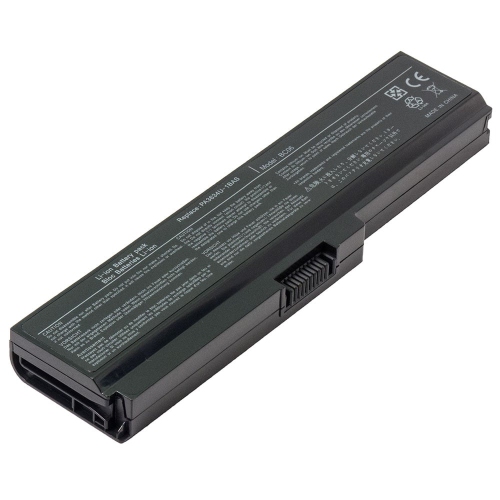
![DR. BATTERY - Replacement for Toshiba Dynabook Ax / 650Ls / Pa3457U / Pa3457U-1Bas / Pa3457U-1Brs / Pa3465 / Pa3465U [10.8V / 4400Mah / 48Wh]](https://multimedia.bbycastatic.ca/multimedia/products/500x500/157/15779/15779029.jpeg)
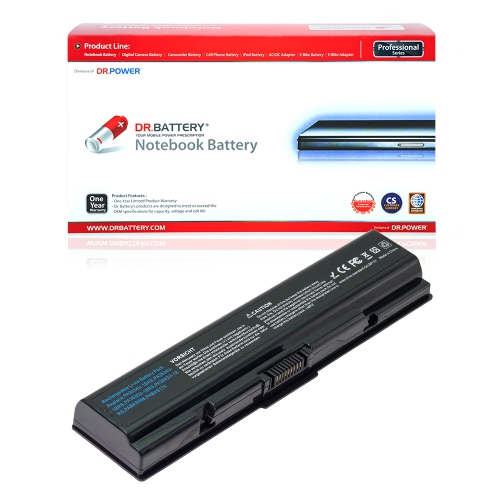
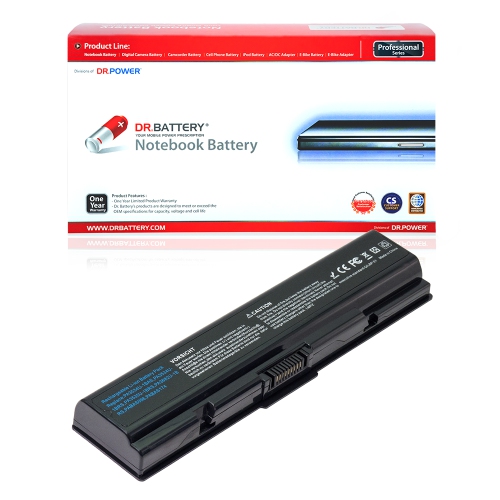
![DR. BATTERY - Replacement for Toshiba Satellite L745D / L750 / L750D / L755 / Pa3816U-1Bas / Pa3816U-1Brs / Pa3817U-1Bas [10.8V / 4400Mah / 48Wh]](https://multimedia.bbycastatic.ca/multimedia/products/500x500/152/15224/15224089.jpeg)
![DR. BATTERY - Replacement for Toshiba Satellite Pro L600 / L630 / L640 / L650 / Pa3817U-1Brs / Pa3818U-1Brs / Pa3819U-1Brs [10.8V / 4400Mah / 48Wh]](https://multimedia.bbycastatic.ca/multimedia/products/500x500/152/15224/15224084.jpeg)
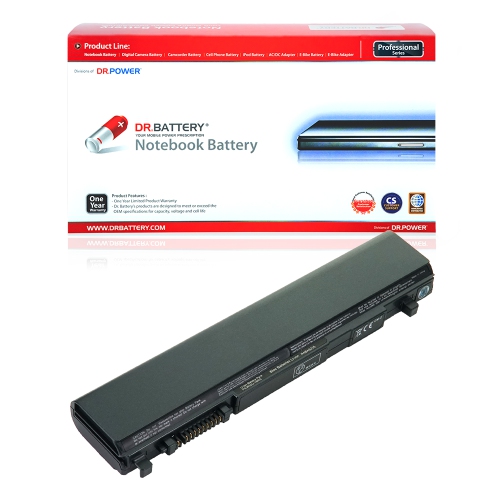
![DR. BATTERY - Replacement for Toshiba Satellite L650D / L655 / L655D / L670 / Pa3816U-1Bas / Pa3816U-1Brs / Pa3817U-1Bas [10.8V / 4400Mah / 48Wh]](https://multimedia.bbycastatic.ca/multimedia/products/500x500/152/15224/15224158.jpeg)
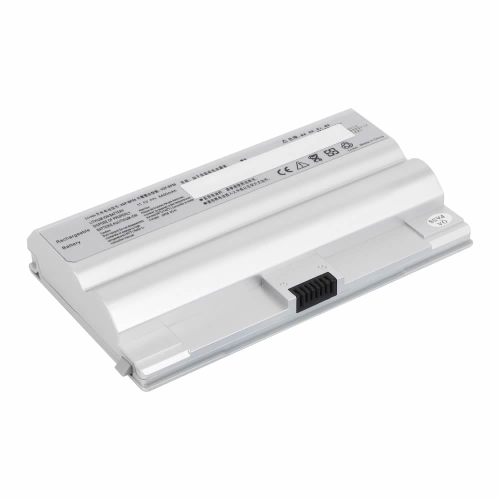
![DR. BATTERY Replacement for Toshiba Satellite P205 P205D P300 P300D Pa3536U-1Bas Pa3536U-1Brs Pa3537U-1Bas [10.8V / 48Wh]](https://multimedia.bbycastatic.ca/multimedia/products/500x500/157/15737/15737669.jpeg)

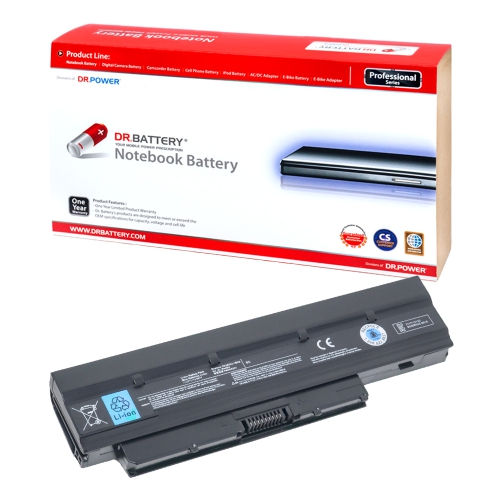
![DR. BATTERY Replacement for Toshiba Satellite L355D P200 P200D P205 Pa3536U-1Brs Pa3537U-1Bas Pa3537U-1Brs [10.8V / 48Wh]](https://multimedia.bbycastatic.ca/multimedia/products/500x500/157/15737/15737727.jpeg)
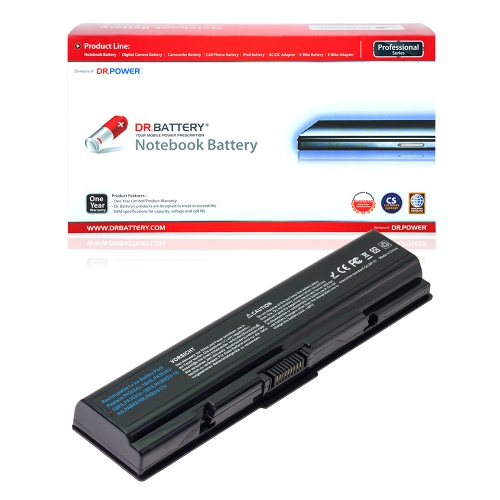
![DR. BATTERY - Replacement for Toshiba Dynabook Ax / 530Ll / B-5837 / Cl4353B.081 / K000029030 / K000031390 / K000031890 [10.8V / 4400Mah / 48Wh]](https://multimedia.bbycastatic.ca/multimedia/products/500x500/157/15779/15779050.jpeg)
![DR. BATTERY Replacement for Toshiba Satellite Pro L350 P200 P300 P300D Pa3536U-1Bas Pa3536U-1Brs Pa3537U-1Bas [10.8V / 48Wh]](https://multimedia.bbycastatic.ca/multimedia/products/500x500/157/15737/15737761.jpeg)
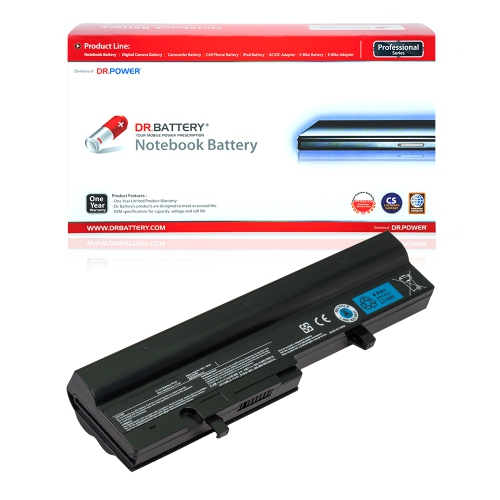
![DR. BATTERY Replacement for Toshiba Satellite L350D L355 L355D P200 P200D Pa3537U-1Bas Pa3537U-1Brs Pabas100 [10.8V / 48Wh]](https://multimedia.bbycastatic.ca/multimedia/products/500x500/157/15737/15737823.jpeg)
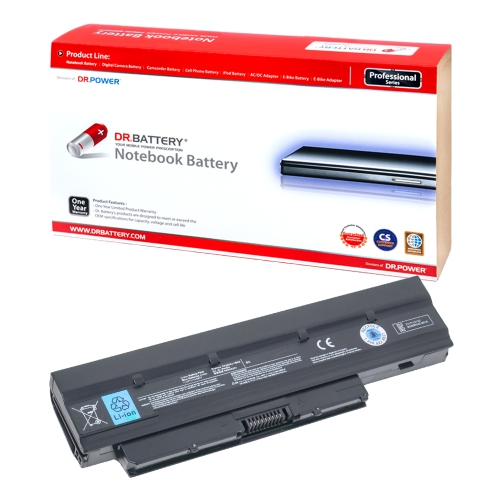
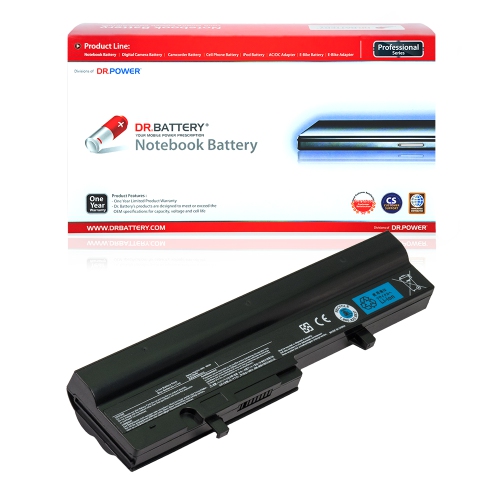
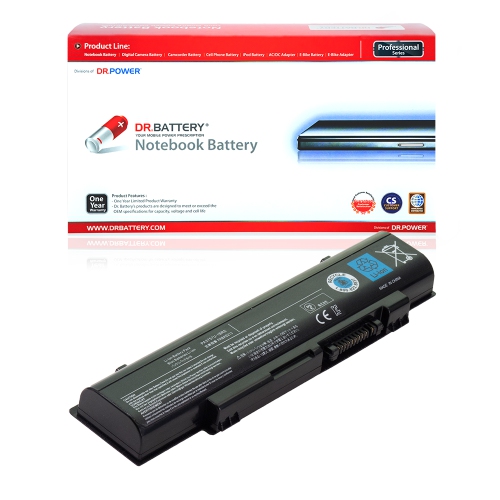
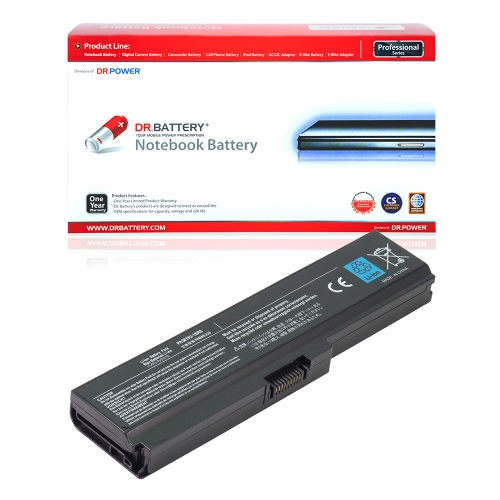
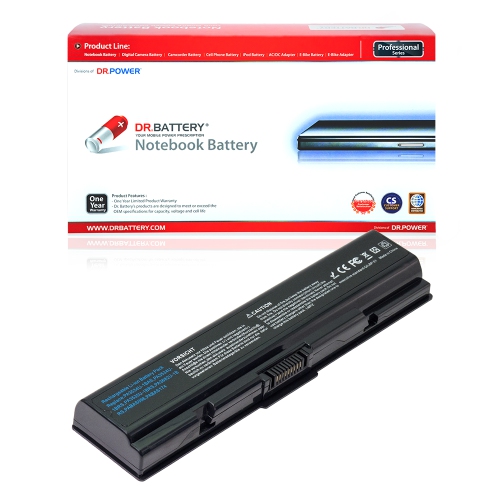
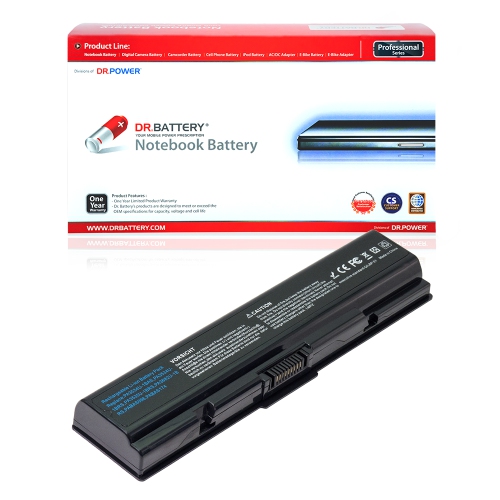
![DR. BATTERY - Replacement for Toshiba Dynabook Uk / 24Mbu / Pabas219 / Pabas220 / Pabas239 / Pa3782U-1Brs / Pa3783U-1Brs [10.8V / 4400Mah / 48Wh]](https://multimedia.bbycastatic.ca/multimedia/products/500x500/157/15760/15760316.jpeg)
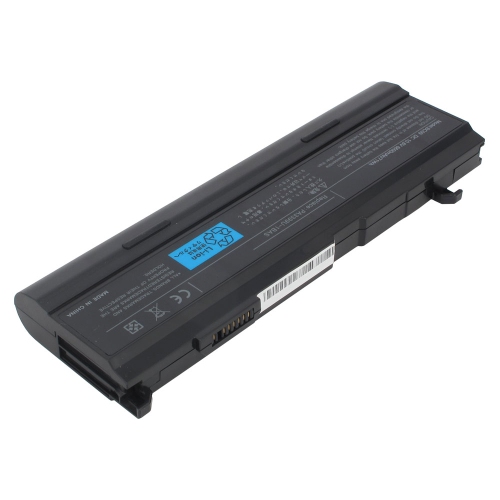
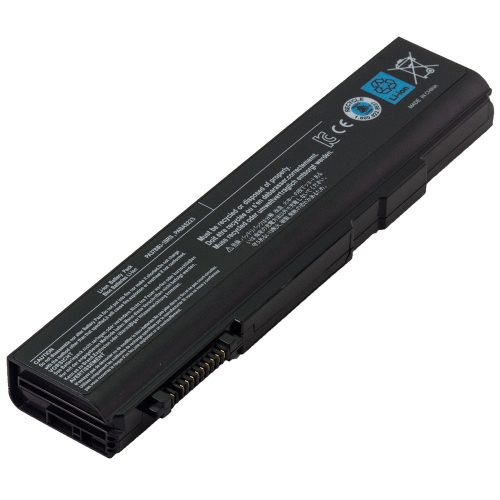
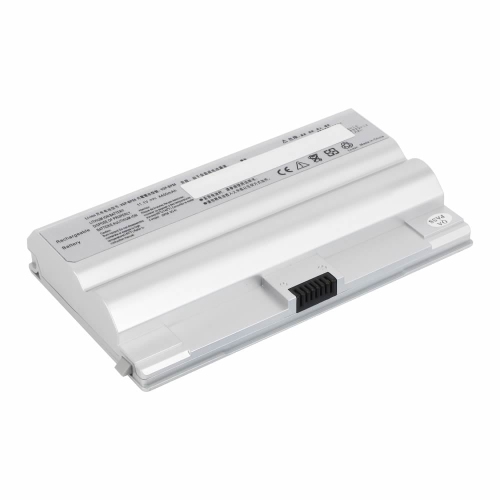
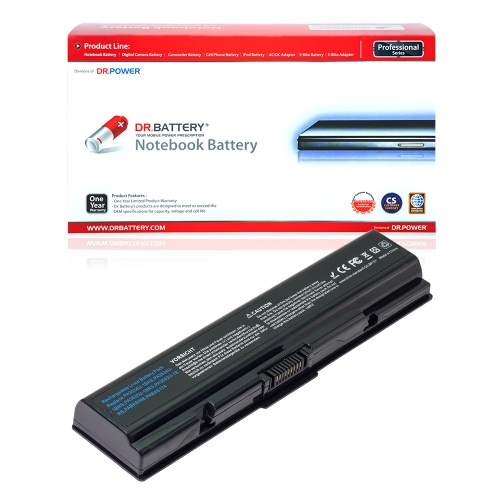
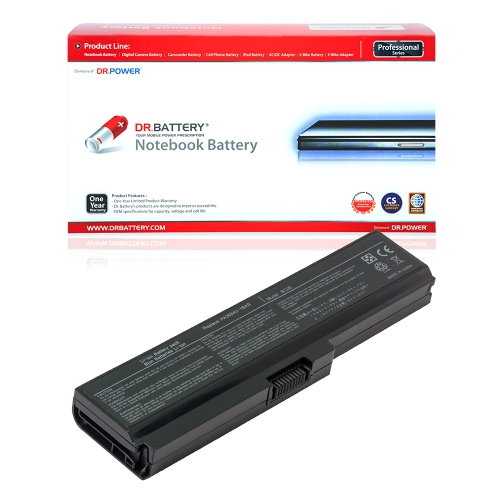
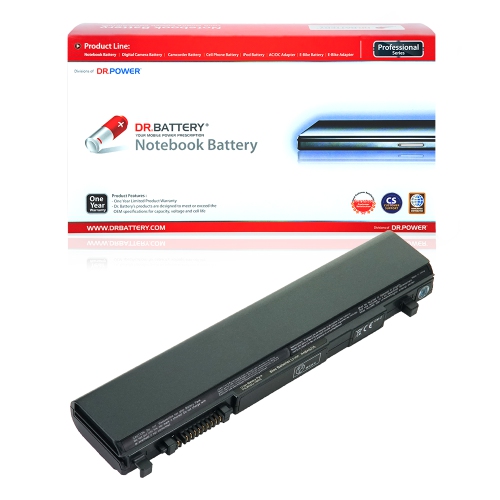
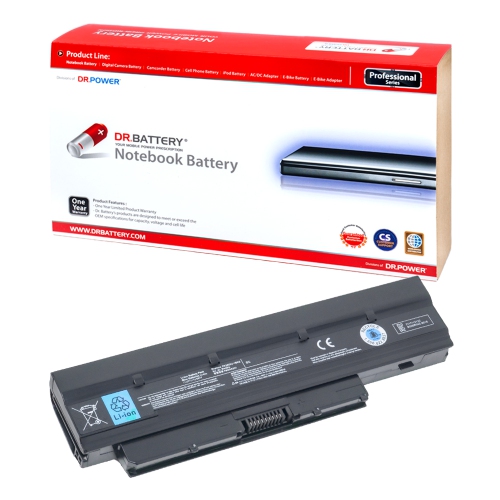
![DR. BATTERY Replacement for Toshiba Satellite Pro L350 P200 P300 P300D Pa3536U-1Bas Pa3536U-1Brs Pa3537U-1Bas [10.8V / 48Wh]](https://multimedia.bbycastatic.ca/multimedia/products/500x500/157/15737/15737783.jpeg)
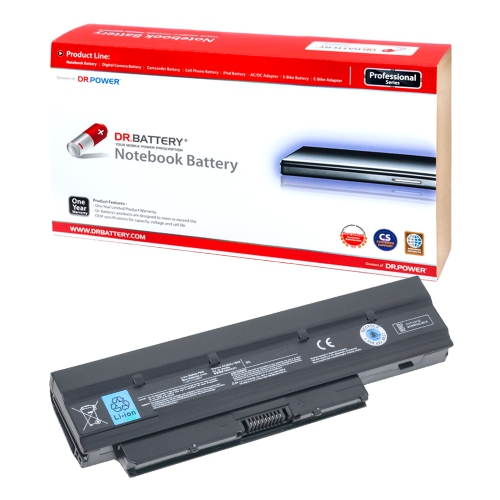
![DR. BATTERY - Replacement for Toshiba Satellite Pro A100 / M40 / M70 / Pa3457U-1Bas / Pa3457U-1Brs / Pa3465 / Pa3465U [10.8V / 4400Mah / 48Wh]](https://multimedia.bbycastatic.ca/multimedia/products/500x500/157/15779/15779042.jpeg)
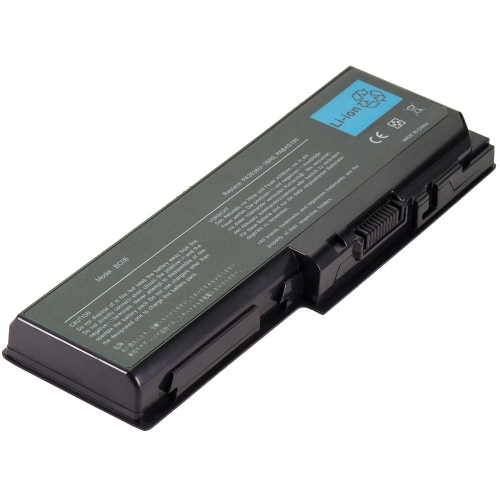
![DR. BATTERY Replacement for Toshiba Satellite P300D X200 X205 L350 Pabas100 Pabas101 Pa3536U-1Bas Pa3536U-1Brs [10.8V / 48Wh]](https://multimedia.bbycastatic.ca/multimedia/products/500x500/157/15737/15737800.jpeg)
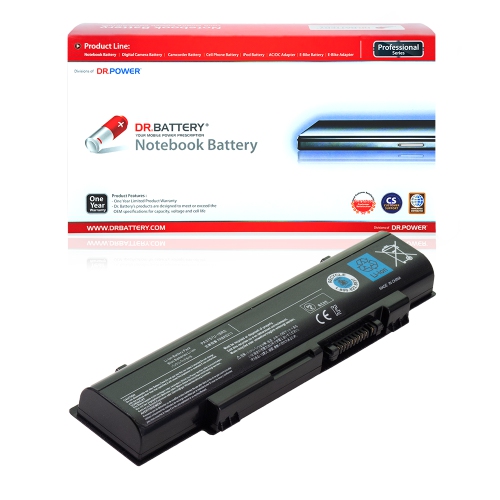
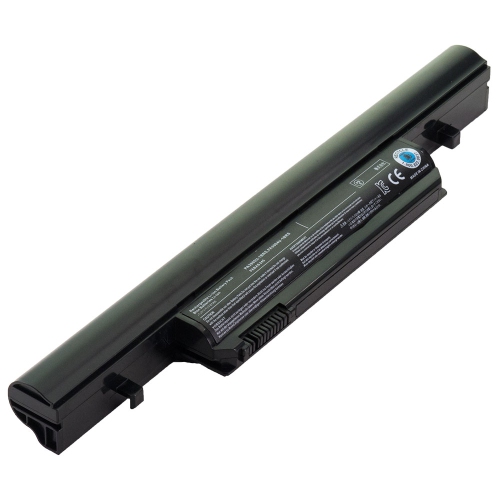
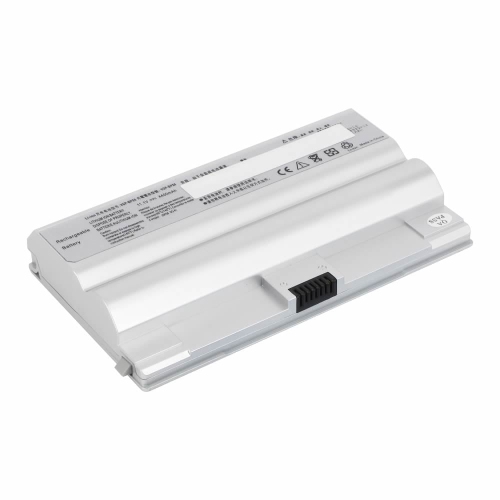
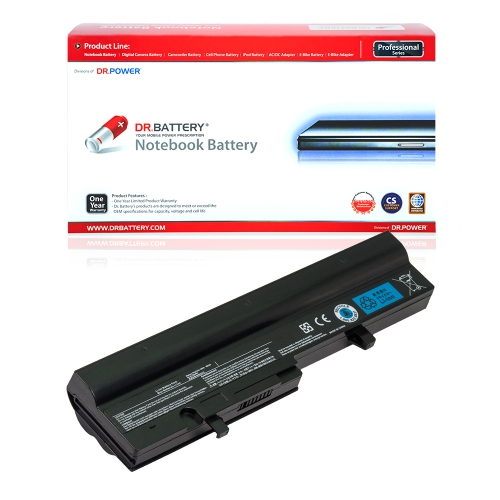
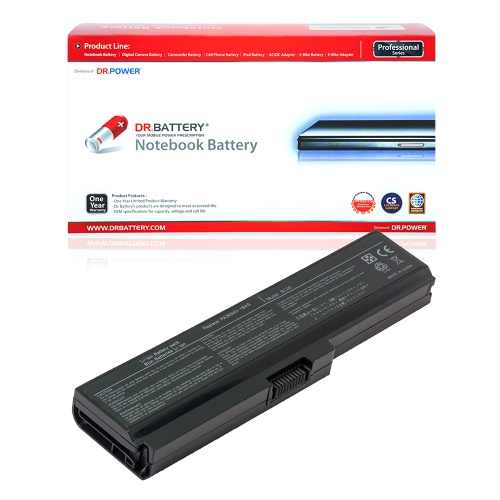
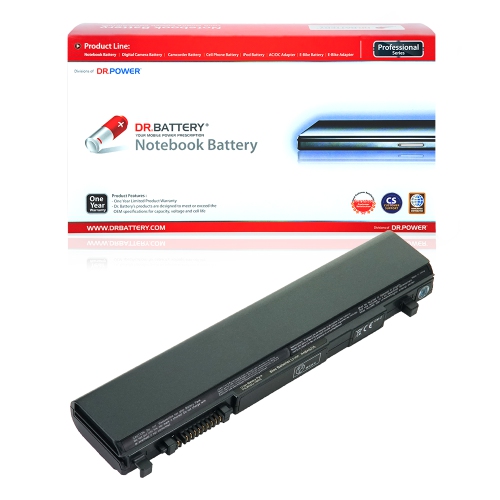
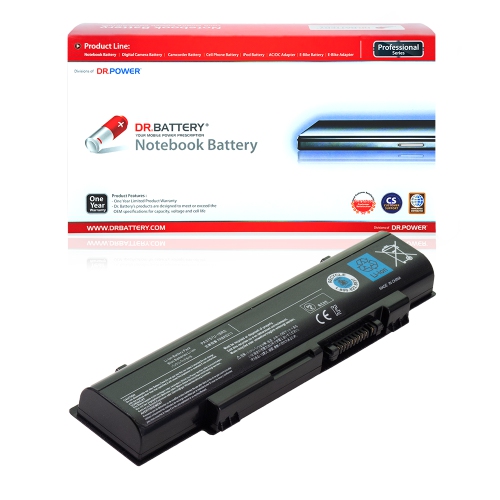
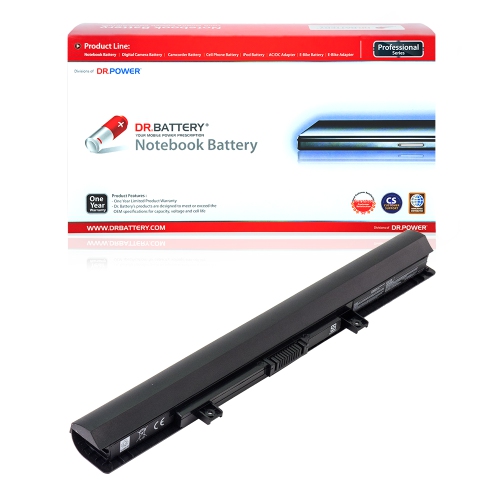
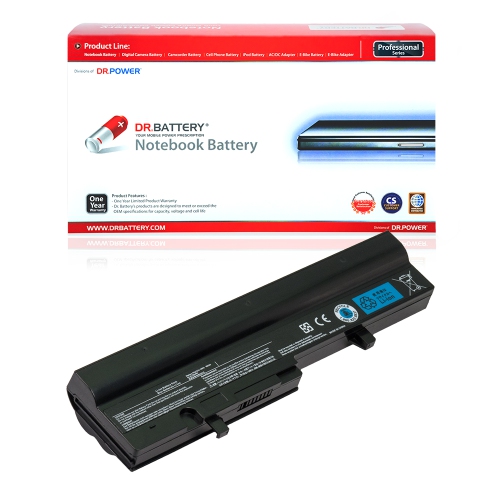
![DR. BATTERY Replacement for Toshiba Satellite X200 X205 L350 L350D L355 Pa3537U-1Brs Pabas100 Pabas101 [10.8V / 48Wh]](https://multimedia.bbycastatic.ca/multimedia/products/500x500/157/15737/15737870.jpeg)
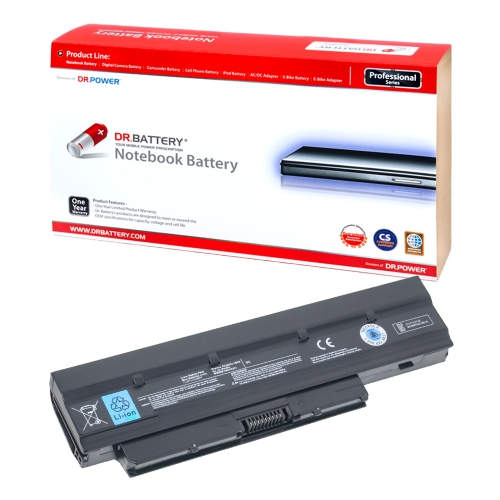
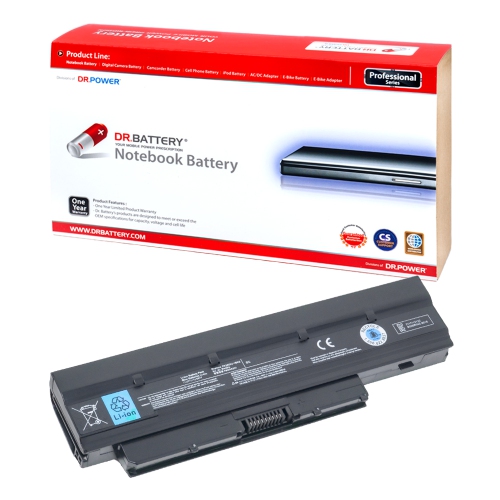
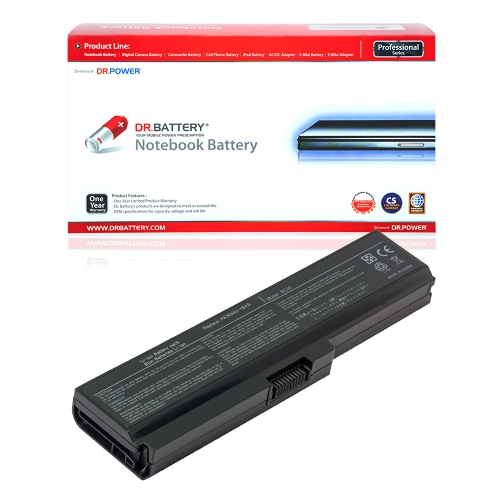
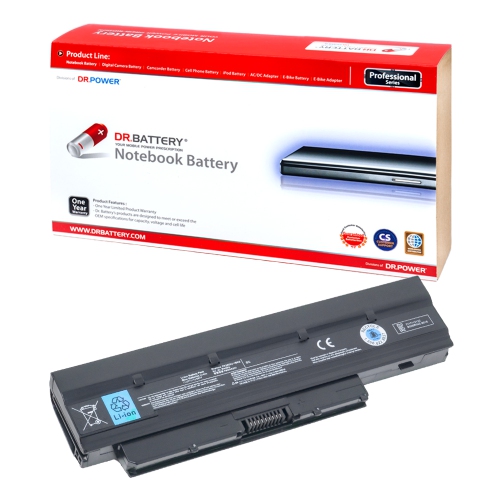
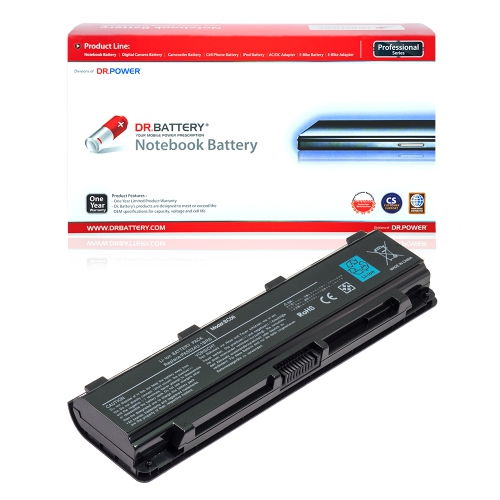
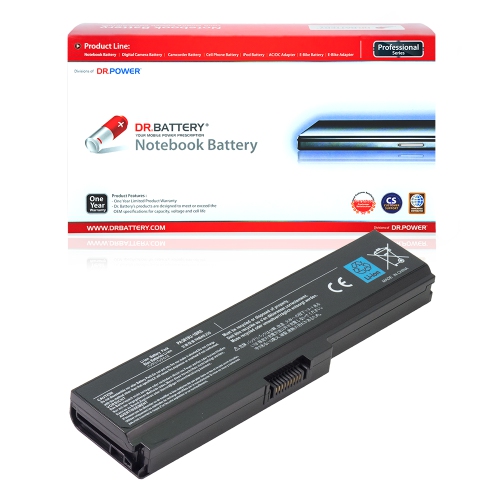
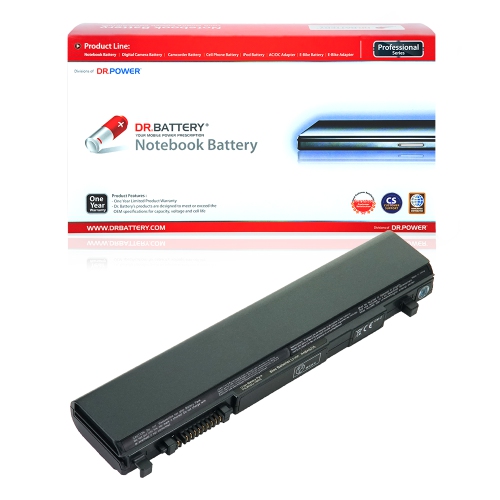
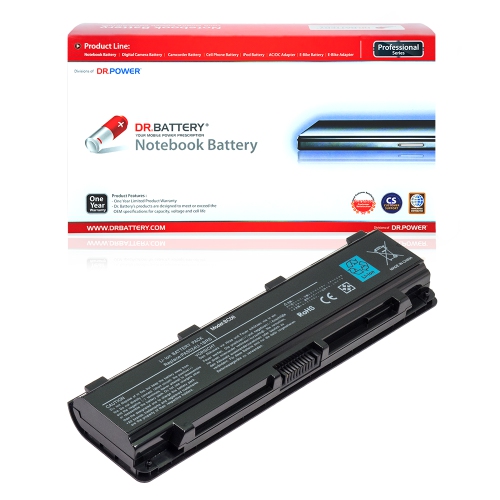
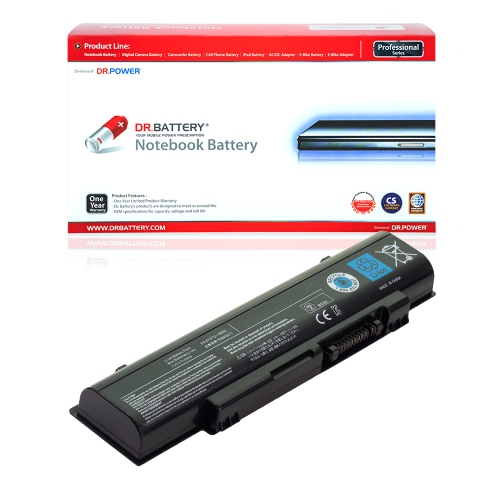
![BATTDEPOT New Laptop Battery for Toshiba Satellite S875D Pa5023U-1Brs Pa5024U-1Brs Pa5025U-1Brs [71Wh]](https://multimedia.bbycastatic.ca/multimedia/products/500x500/172/17257/17257698.jpeg)
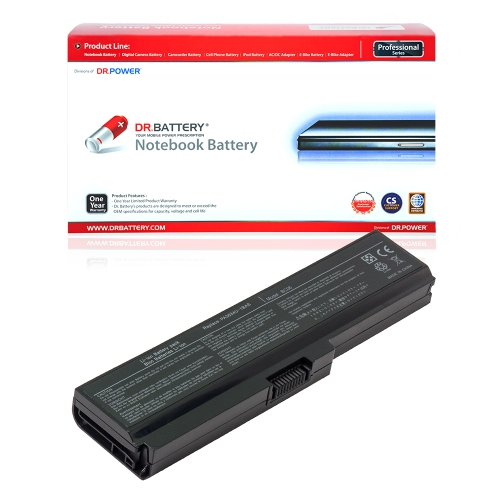
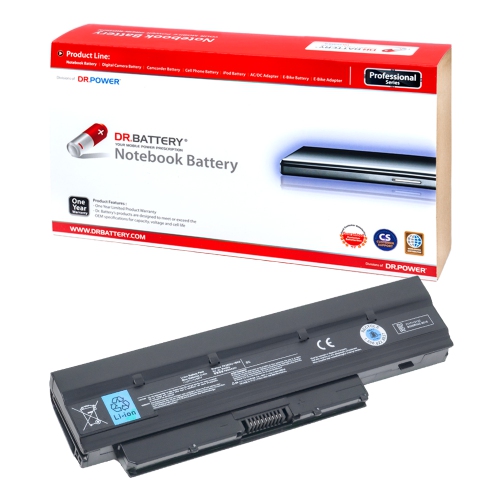
![DR. BATTERY - Replacement for Toshiba Dynabook Ax / 630Ll / V000055080 / V000061100 / V000061120 / V000062520 / B-5837 [10.8V / 4400Mah / 48Wh]](https://multimedia.bbycastatic.ca/multimedia/products/500x500/157/15779/15779030.jpeg)
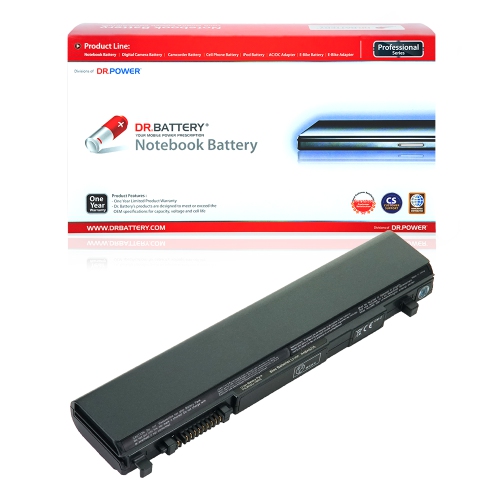
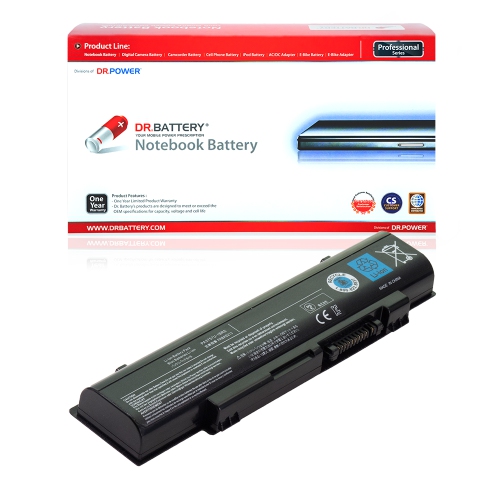
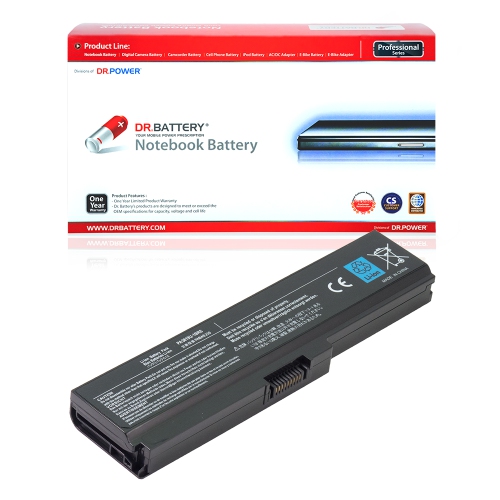
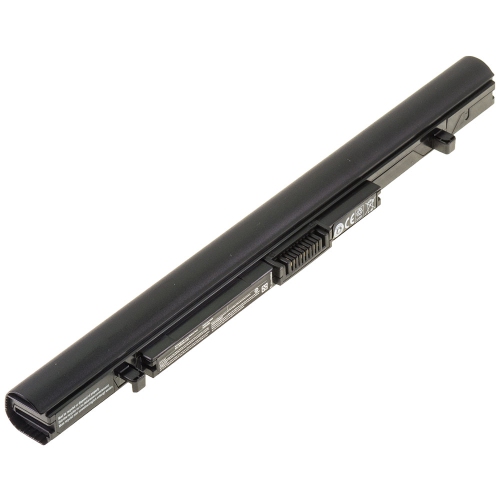
![BATTDEPOT New Laptop Battery for Toshiba Satellite C870D-117 Pa5023U-1Brs Pa5024U-1Brs Pa5025U-1Brs [71Wh]](https://multimedia.bbycastatic.ca/multimedia/products/500x500/172/17257/17257708.jpeg)
![DR. BATTERY - Replacement for Toshiba Satellite L10-B003 / L15W-B1302 / Pa5209U-1Brs [7.2V / 3684Mah / 28Wh]](https://multimedia.bbycastatic.ca/multimedia/products/500x500/158/15806/15806848.jpeg)
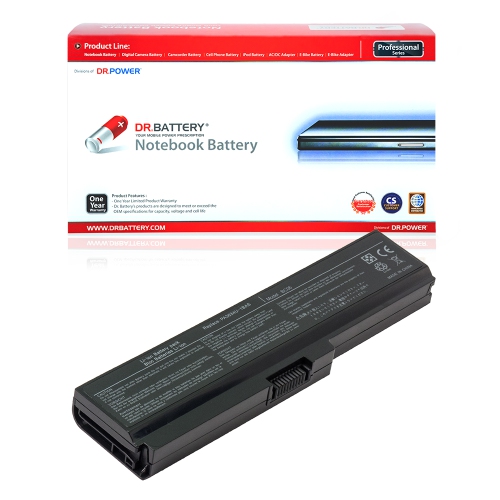
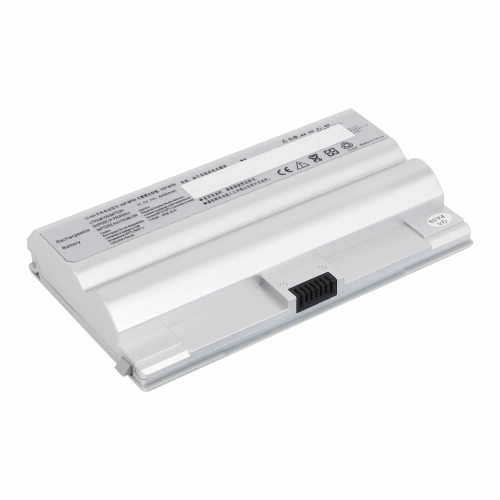
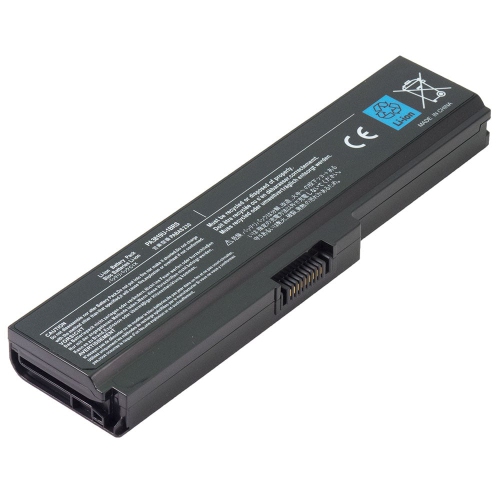
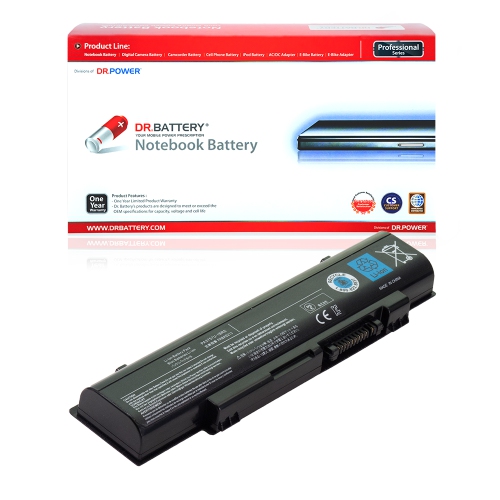
![DR. BATTERY - Replacement for Toshiba Satellite L10-B003 / L15W-B1302 / Pa5209U-1Brs [7.2V / 3684Mah / 28Wh]](https://multimedia.bbycastatic.ca/multimedia/products/500x500/158/15806/15806835.jpeg)
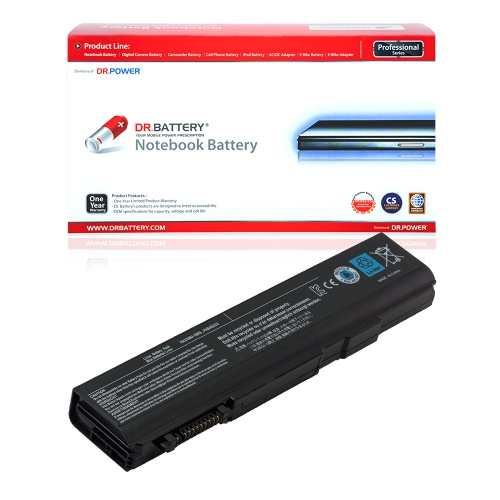
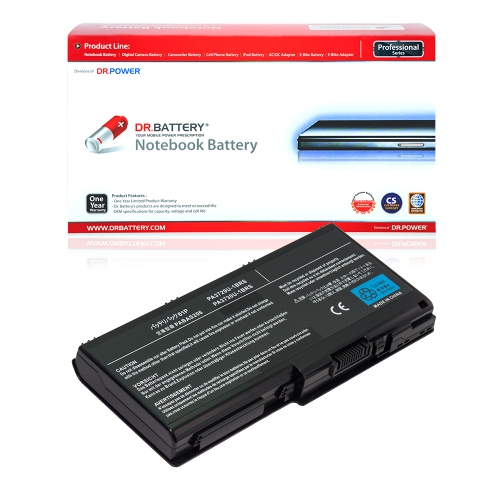
![DR. BATTERY Replacement for Toshiba Satellite L350 L350D L355 L355D P200 Pa3537U-1Brs Pabas100 Pabas101 [10.8V / 48Wh]](https://multimedia.bbycastatic.ca/multimedia/products/500x500/157/15737/15737637.jpeg)
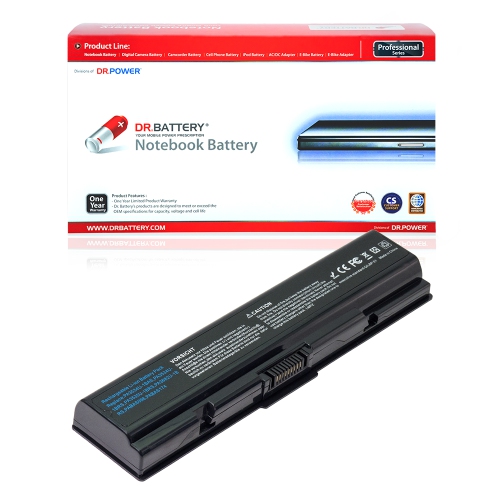
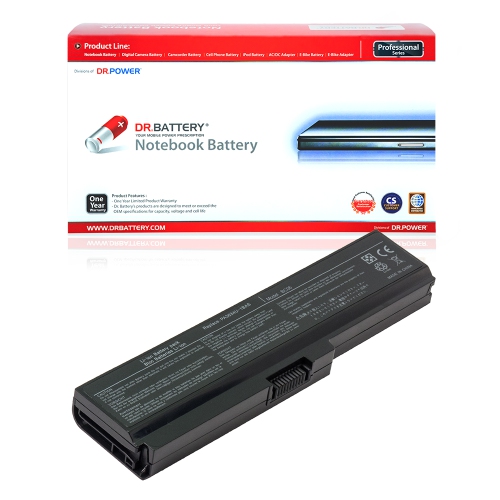
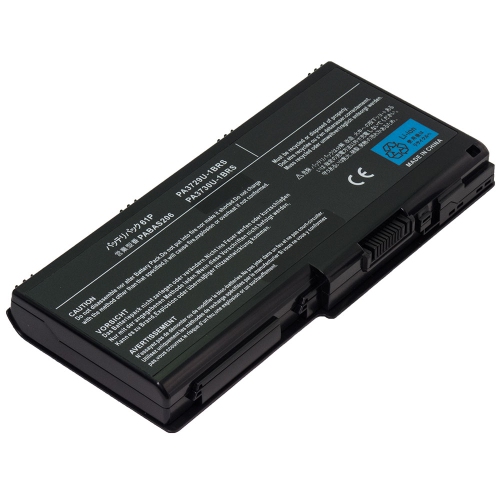
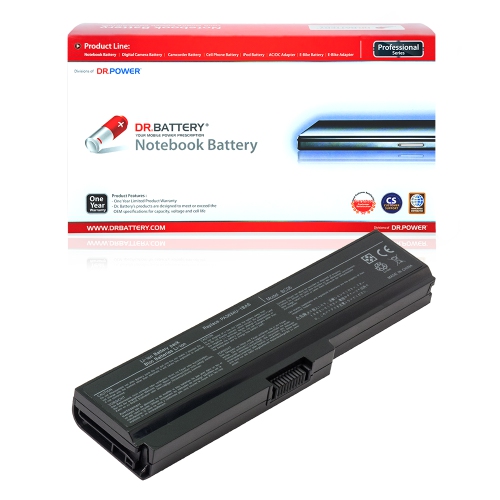
![BATTDEPOT New Laptop Battery Replacement for Toshiba Satellite L645-Sp4004M Pa3817U-1Brs Pa3818U-1Brs Pa3819U-1Brs [48Wh]](https://multimedia.bbycastatic.ca/multimedia/products/500x500/128/12853/12853904.jpeg)
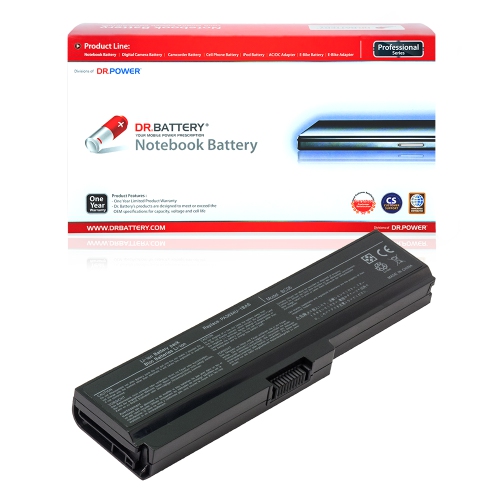
![DR. BATTERY Replacement for Toshiba Equium L350 L350D P200 P300 Pa3537U-1Bas Pa3537U-1Brs Pabas100 Pabas101 [10.8V / 48Wh]](https://multimedia.bbycastatic.ca/multimedia/products/500x500/157/15737/15737879.jpeg)
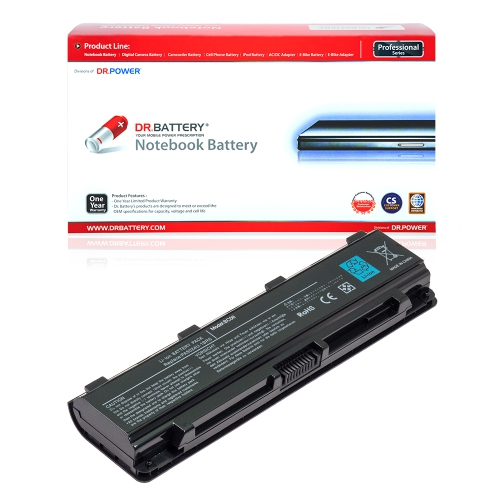
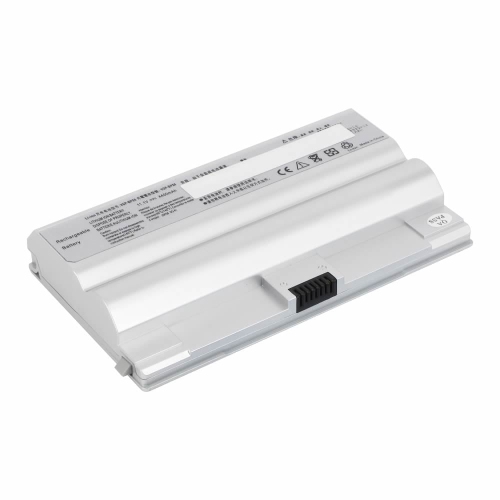
Reliable power starts with the right battery match
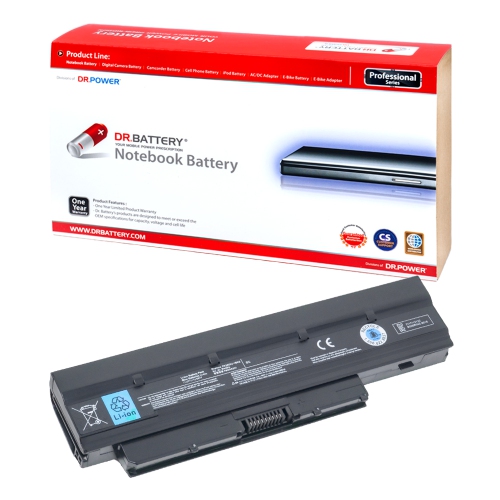
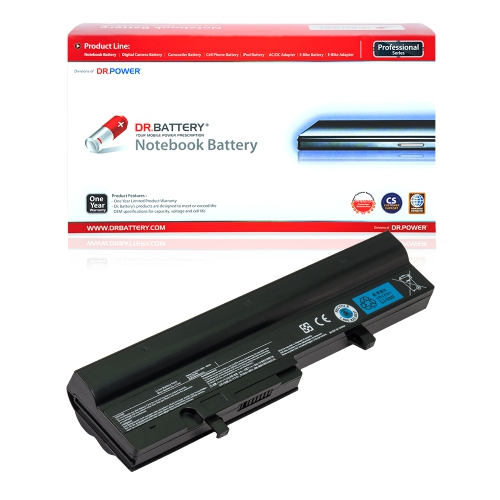
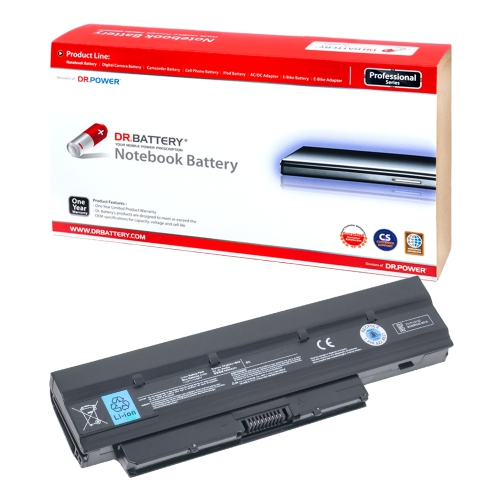
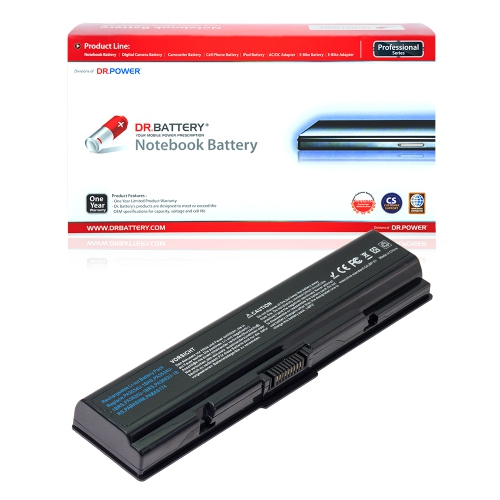
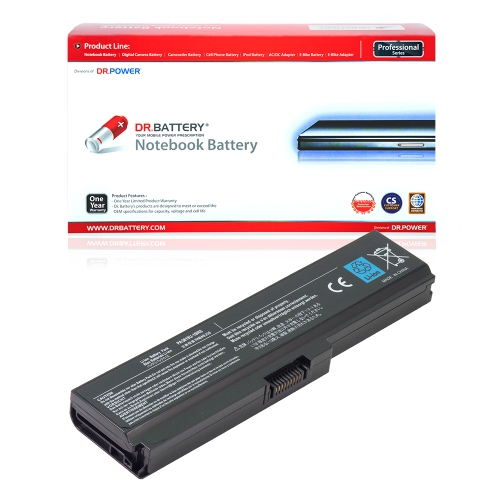
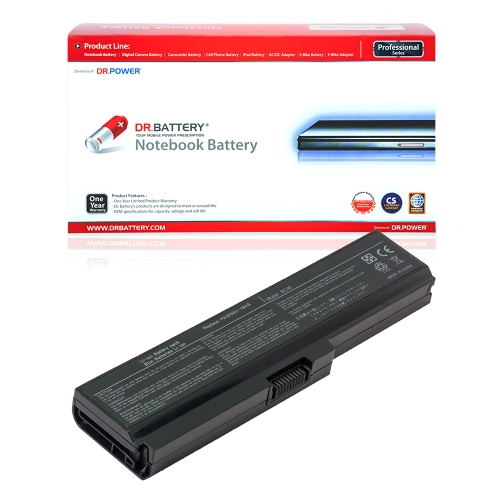
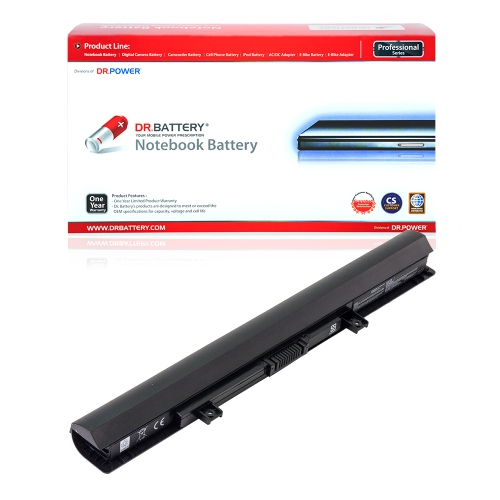
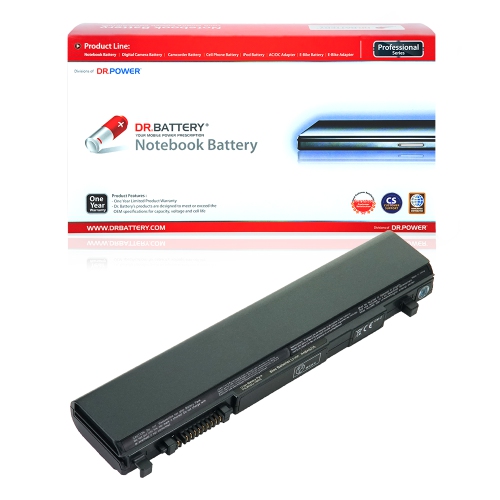
Replacing a worn laptop battery can restore the freedom that made a portable computer useful in the first place. A dependable battery lets you move from a desk to the kitchen table, take notes during a class, work in a quiet café, or keep a presentation running when a power outlet is out of reach. Over time, batteries naturally lose their ability to hold a charge. A laptop that once lasted through most of a workday may begin shutting down after a short video call, showing a low-battery warning soon after being unplugged, or refusing to start unless the charger is connected. A replacement battery can be a practical way to extend the useful life of a familiar computer, especially when the keyboard, screen, storage, and software still meet your needs. Shoppers comparing Batteries for Toshiba Laptop should begin with the exact laptop and battery information rather than relying on appearance alone. Check the label on the original battery for its part number, voltage, capacity, and cell configuration, and compare those details with the replacement specifications. The laptop’s model information, usually printed on the underside or shown in its system settings, can provide another useful reference, but the battery label is often the most direct way to confirm compatibility. Similar-looking batteries may have different connectors, dimensions, or electrical ratings, so matching the correct specifications helps support stable operation and a proper fit.
Voltage deserves particular attention because it should match the original battery’s rating exactly. Capacity may be listed in milliamp-hours or watt-hours, and a higher capacity can indicate longer potential runtime when the battery is compatible with the laptop. Runtime still varies according to screen brightness, wireless connections, video playback, applications, processor activity, and the age of the computer itself. A battery used for word processing and email may last considerably longer than one powering video calls, photo editing, streaming, or other demanding tasks. Cell count can also help describe a battery’s design, although it should not be used as the only selection factor. Look for an exact match across the part number, voltage, connector placement, shape, and supported laptop series. It is also useful to consider how the battery is installed. Some older laptops have an external battery that slides into a compartment and locks in place with latches, making replacement relatively straightforward. Other slim laptops use an internal battery secured beneath the bottom cover, where access may require removing screws and carefully disconnecting a cable from the motherboard. Before beginning, shut down the laptop, unplug the charger, and follow the manufacturer’s service instructions. If the battery is internal, or if the computer contains delicate clips and connectors, professional installation can help avoid damage. Never use a battery with swelling, cracks, exposed wiring, corrosion, unusual heat, or a strong chemical odour. A swollen battery should not be pressed, punctured, or placed back into the computer; it should be handled according to local battery disposal guidance.
These replacement batteries can suit a wide range of everyday users. A student may need reliable power while moving between lectures, libraries, and study spaces, while a remote worker may use a laptop in different rooms throughout the day instead of remaining beside a desk outlet. Travellers, commuters, and people who use an older laptop as a secondary computer can also benefit from having a fresh battery available. For families, a compatible battery may be a thoughtful practical gift for someone who relies on a trusted laptop for household planning, online learning, personal records, or keeping in touch with friends and relatives. It can also be useful for a home office during cooler months, when a laptop may be moved closer to a window for natural light or used in a room away from the main workstation. After installation, allow the computer to recognize the replacement battery and monitor its charging behaviour. Use the supplied or properly matched charger, keep ventilation openings clear, and avoid storing the laptop in a hot vehicle or damp area. For occasional use, store the computer and battery in a cool, dry location with an appropriate partial charge rather than leaving the battery completely empty for extended periods. Keeping brightness and background applications under control can help make each charge last longer, while carrying the charger remains sensible for intensive work or long journeys. The right replacement is ultimately the one that matches the laptop’s original electrical and physical requirements, fits securely, and supports the way the computer is used from day to day.
Voltage deserves particular attention because it should match the original battery’s rating exactly. Capacity may be listed in milliamp-hours or watt-hours, and a higher capacity can indicate longer potential runtime when the battery is compatible with the laptop. Runtime still varies according to screen brightness, wireless connections, video playback, applications, processor activity, and the age of the computer itself. A battery used for word processing and email may last considerably longer than one powering video calls, photo editing, streaming, or other demanding tasks. Cell count can also help describe a battery’s design, although it should not be used as the only selection factor. Look for an exact match across the part number, voltage, connector placement, shape, and supported laptop series. It is also useful to consider how the battery is installed. Some older laptops have an external battery that slides into a compartment and locks in place with latches, making replacement relatively straightforward. Other slim laptops use an internal battery secured beneath the bottom cover, where access may require removing screws and carefully disconnecting a cable from the motherboard. Before beginning, shut down the laptop, unplug the charger, and follow the manufacturer’s service instructions. If the battery is internal, or if the computer contains delicate clips and connectors, professional installation can help avoid damage. Never use a battery with swelling, cracks, exposed wiring, corrosion, unusual heat, or a strong chemical odour. A swollen battery should not be pressed, punctured, or placed back into the computer; it should be handled according to local battery disposal guidance.
These replacement batteries can suit a wide range of everyday users. A student may need reliable power while moving between lectures, libraries, and study spaces, while a remote worker may use a laptop in different rooms throughout the day instead of remaining beside a desk outlet. Travellers, commuters, and people who use an older laptop as a secondary computer can also benefit from having a fresh battery available. For families, a compatible battery may be a thoughtful practical gift for someone who relies on a trusted laptop for household planning, online learning, personal records, or keeping in touch with friends and relatives. It can also be useful for a home office during cooler months, when a laptop may be moved closer to a window for natural light or used in a room away from the main workstation. After installation, allow the computer to recognize the replacement battery and monitor its charging behaviour. Use the supplied or properly matched charger, keep ventilation openings clear, and avoid storing the laptop in a hot vehicle or damp area. For occasional use, store the computer and battery in a cool, dry location with an appropriate partial charge rather than leaving the battery completely empty for extended periods. Keeping brightness and background applications under control can help make each charge last longer, while carrying the charger remains sensible for intensive work or long journeys. The right replacement is ultimately the one that matches the laptop’s original electrical and physical requirements, fits securely, and supports the way the computer is used from day to day.
Top selling and popular products
-
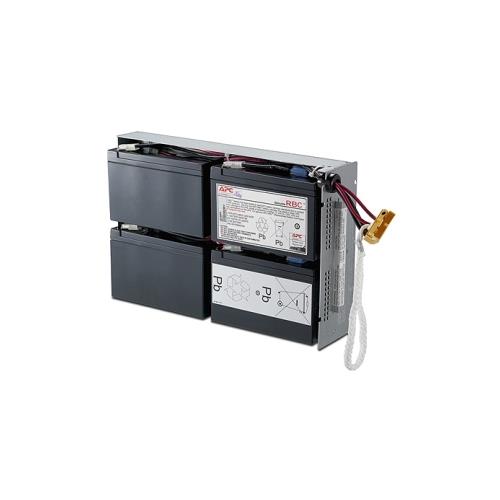 Your price for this item is $727.82
 -
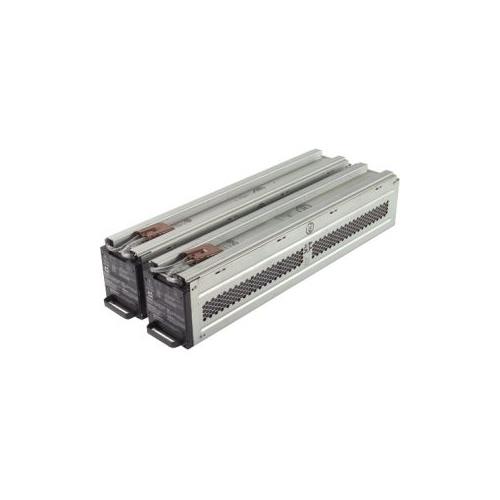 Your price for this item is $1116.68
 -
![DR. BATTERY Replacement for HP Probook 430 G6-5Pq40Ea G6-5Pq62Ea G6-5Pq75Ea L32407-541 L32407-Ac1 L32656-002 [11.55V / 40Wh]](https://multimedia.bbycastatic.ca/multimedia/products/500x500/154/15458/15458885.jpeg) Your price for this item is $69.99
Your price for this item is $69.99 -
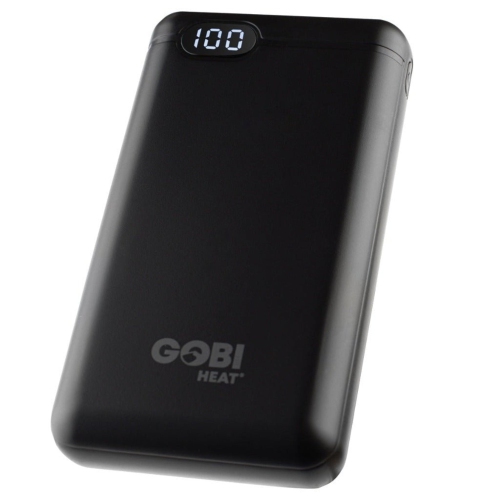 Your price for this item is $100
 -
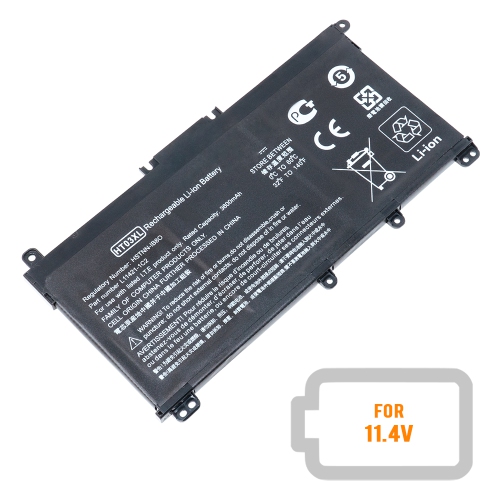 Your price for this item is $39.77
 -
 Your price for this item is $87.99
 -
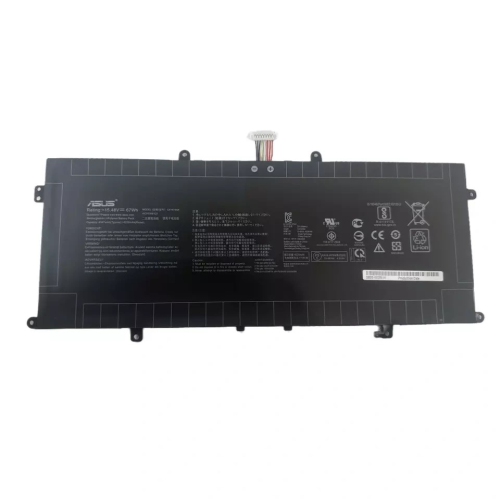 Your price for this item is $94.99
 -
 Your price for this item is $129
Discover more categories related to Laptop Batteries for Toshiba
Top Collections:
Pokemon Centers, Best Cameras for Sports Photography, Kindle Devices, Samsung Galaxy Phones, Canon G7X Cameras, Pokémon 30th Celebration Cards, Refurbished Apple Laptops, iPhone 15 Apple, Laptops for Students, Budget Smartphones
Some products may be subject to Environmental Handling Fees
(EHF) depending on your province.
Learn more about EHFs.