Laptop Carts On Wheels
Looking for a convenient and efficient way to transport and store your laptops? Laptop carts on wheels are here to make your life easier. Whether you're a teacher looking for a mobile solution for your classroom or a business professional in need of a portable workstation, these laptop carts are designed to meet your needs. With sturdy construction and smooth-rolling wheels, these carts provide the perfect combination of flexibility and durability.
Sort
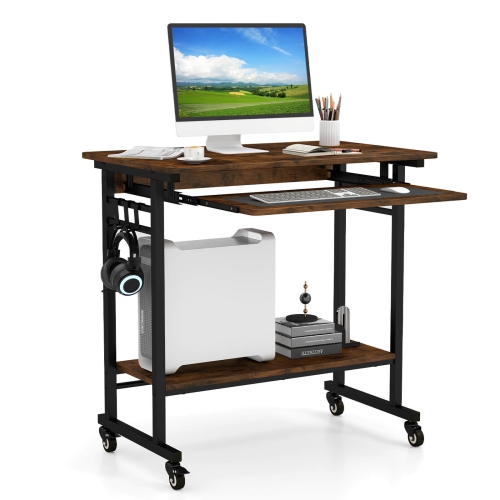
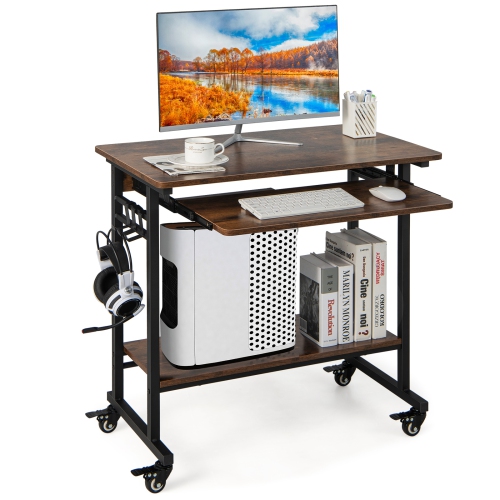
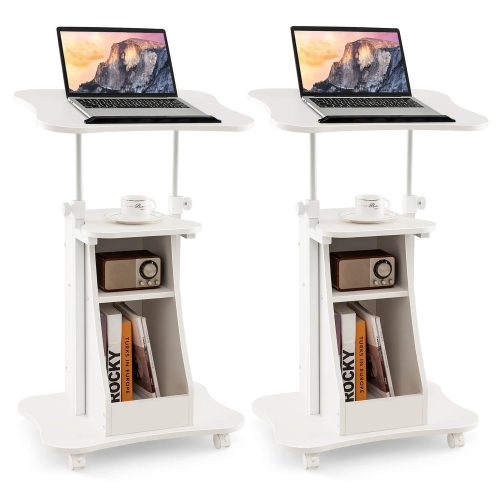
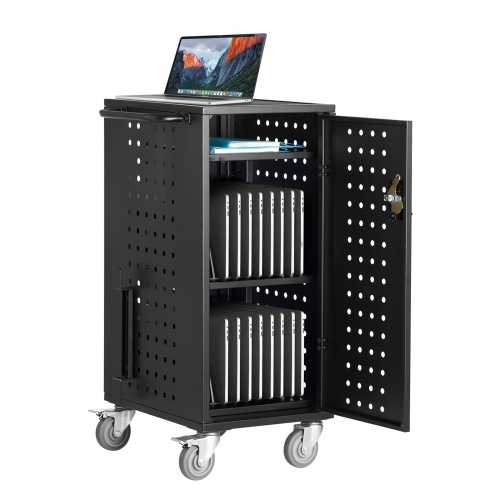

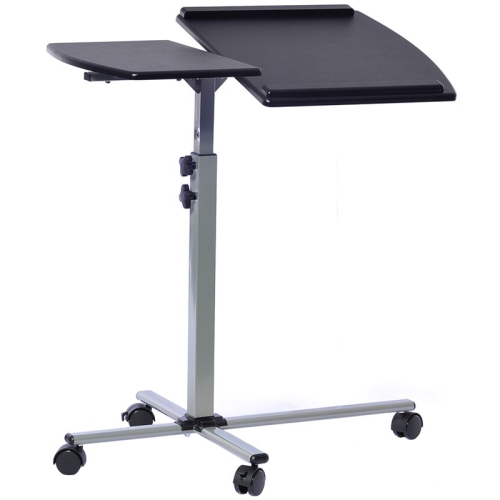
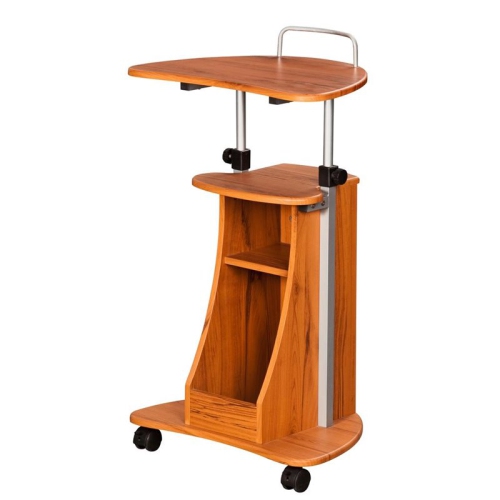
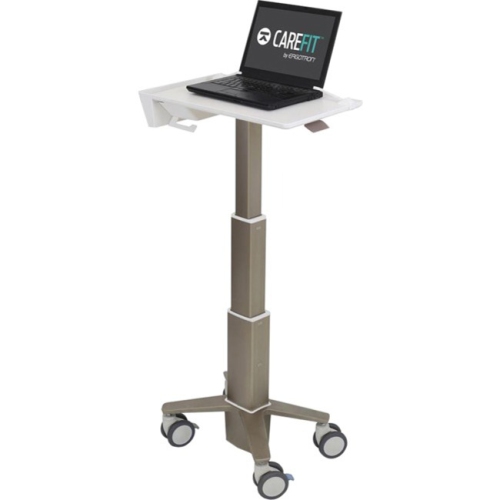
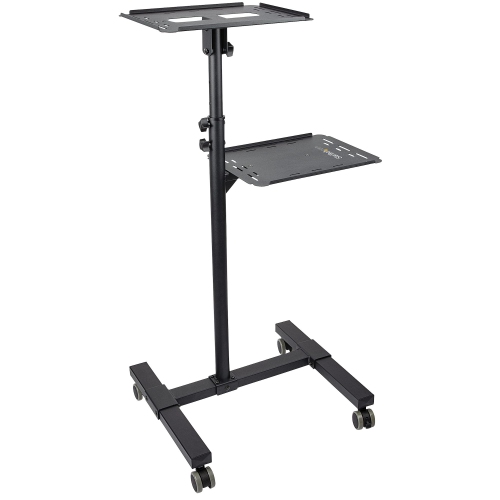
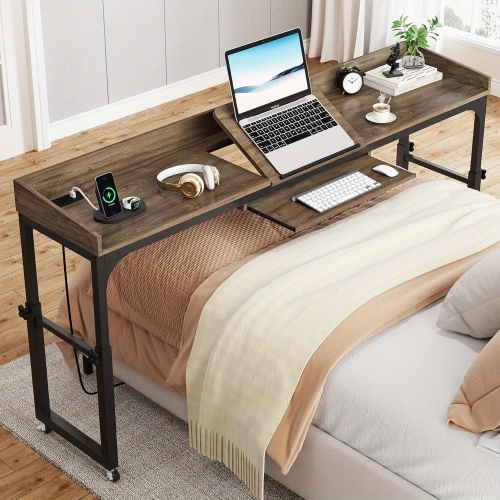
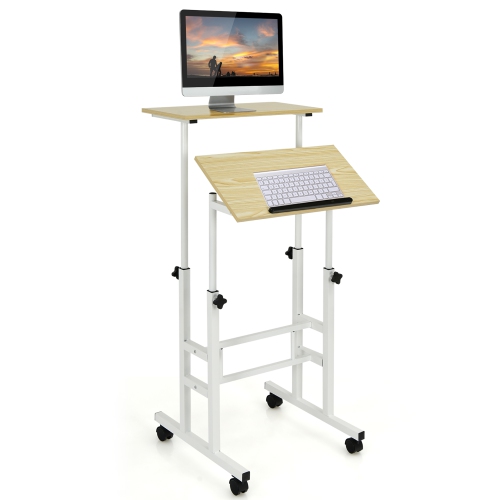
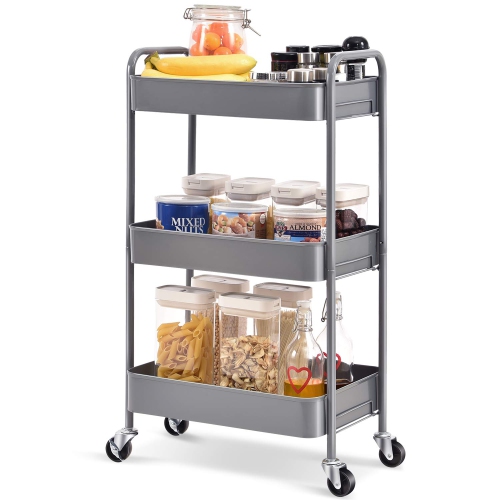
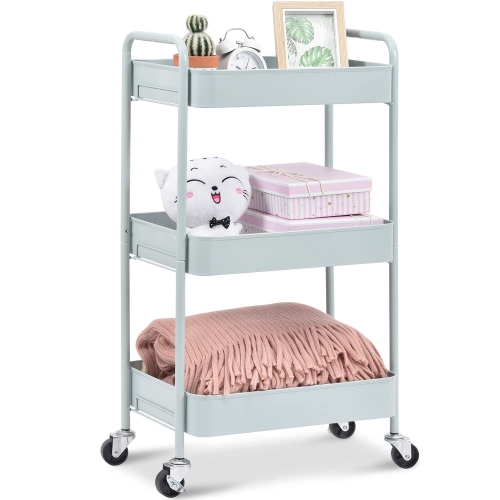
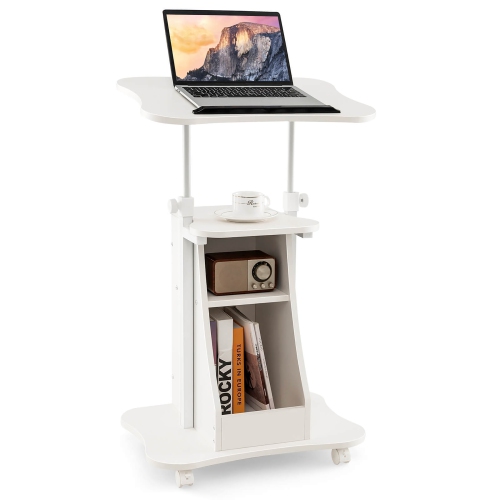

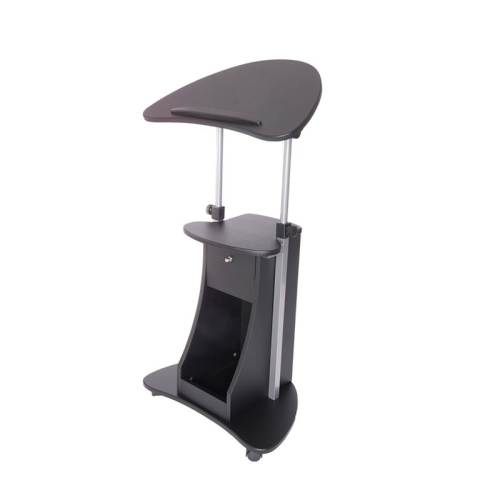
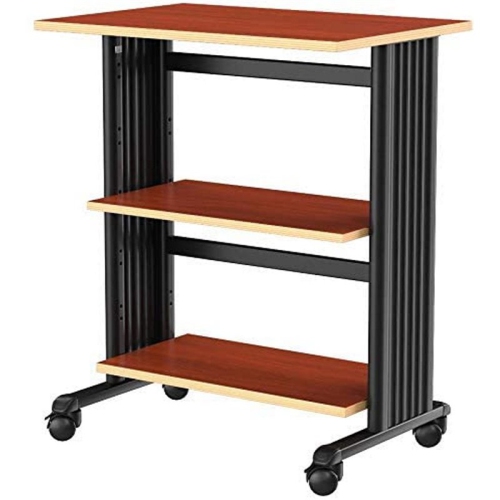

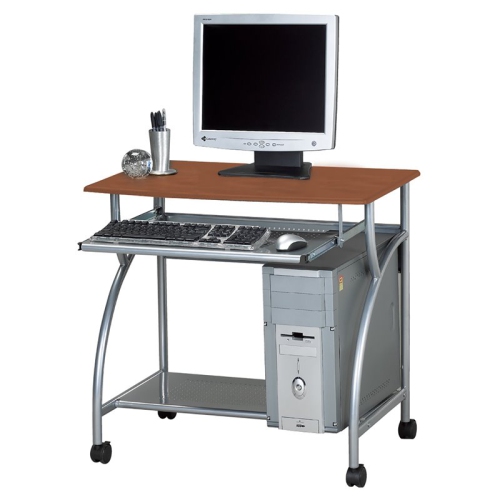
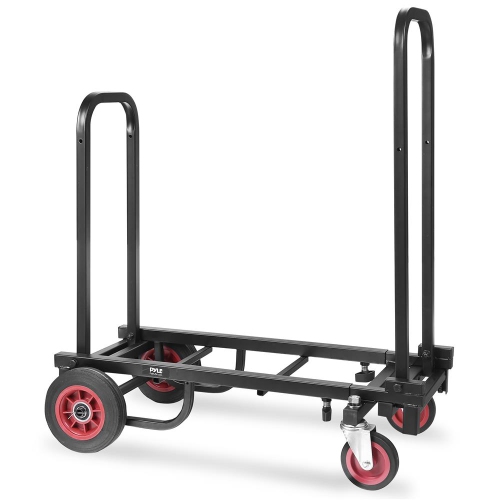
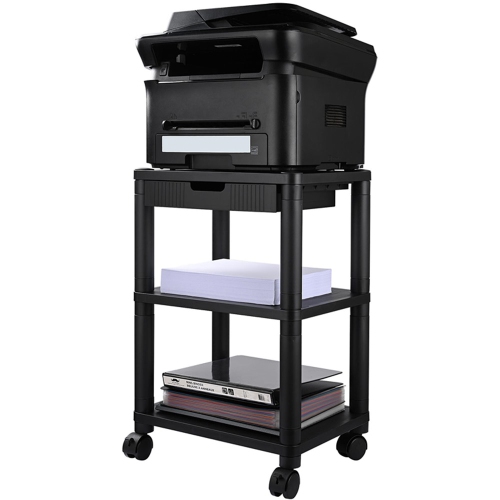
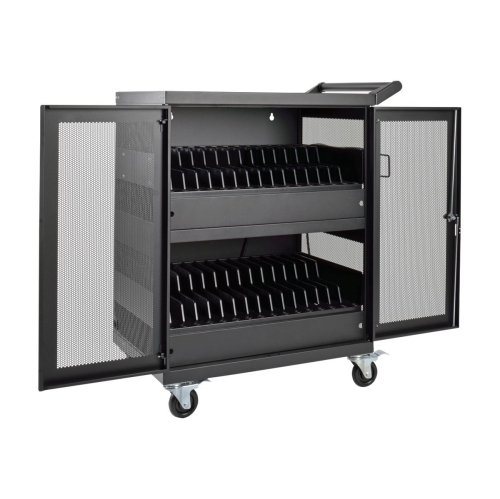
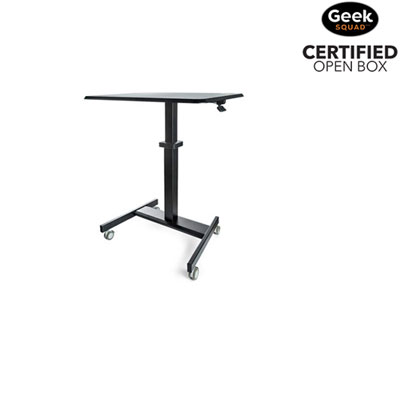

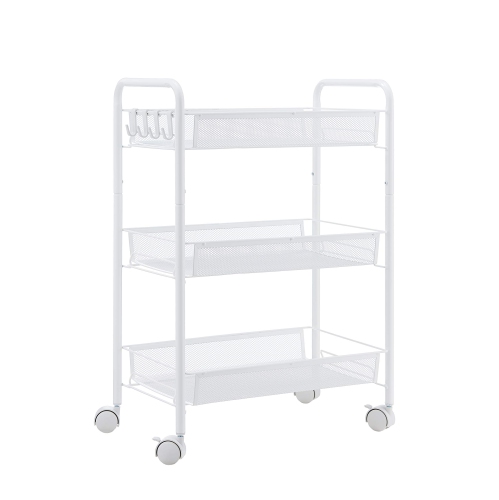
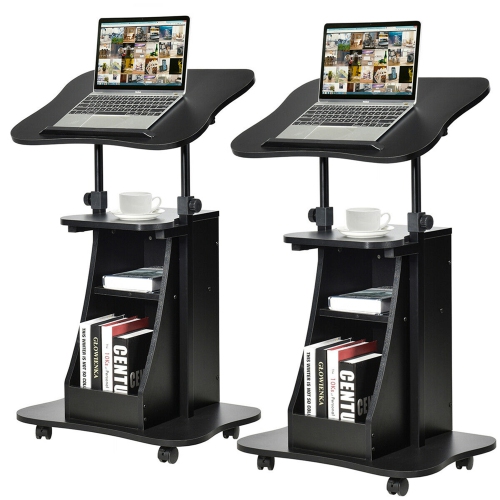
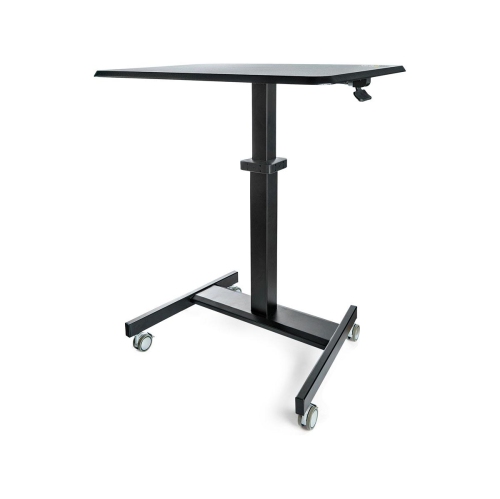
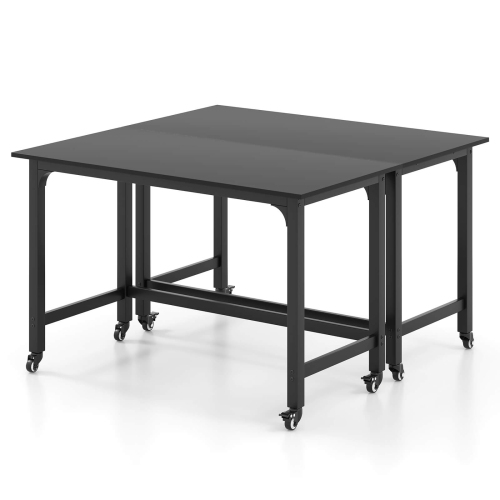
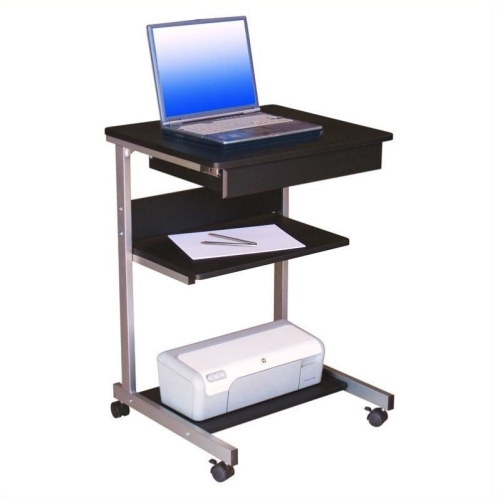
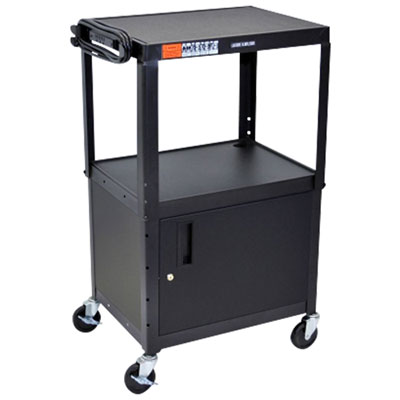

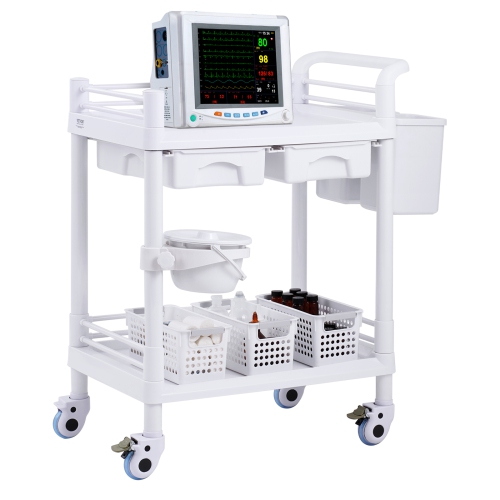
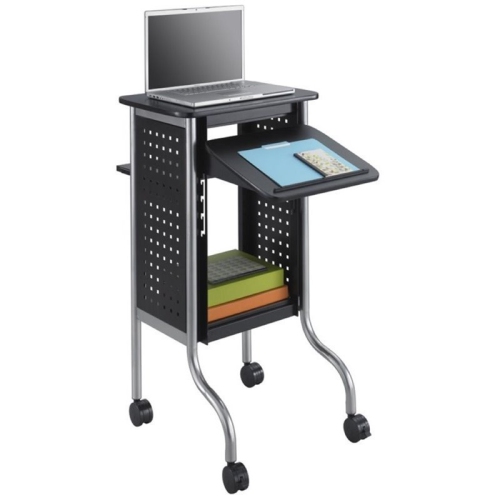
Flexible mobile workstations for changing spaces and routines
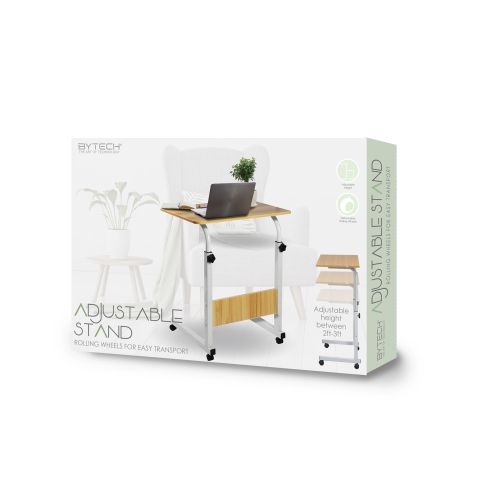
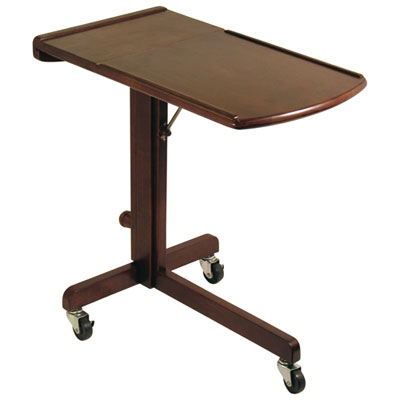
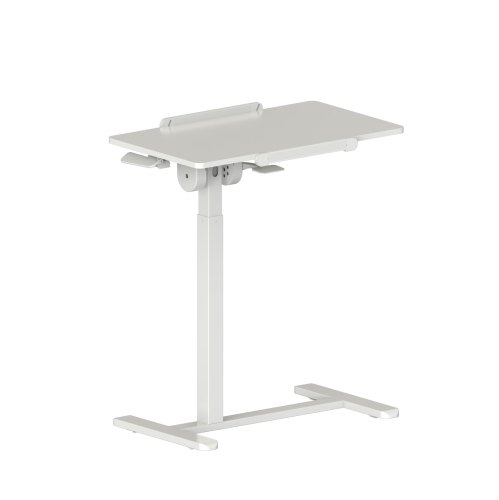
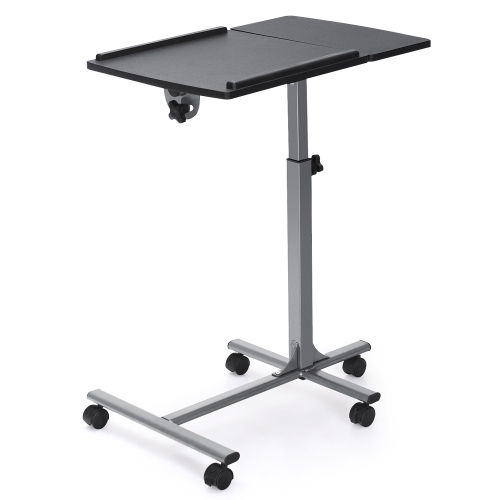
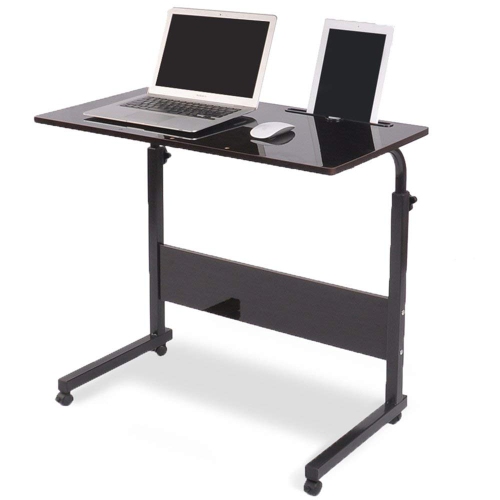
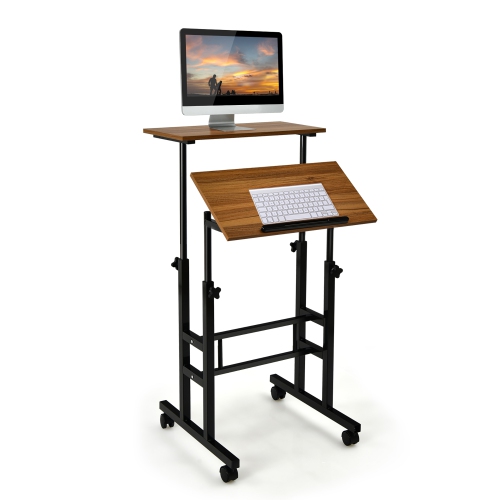
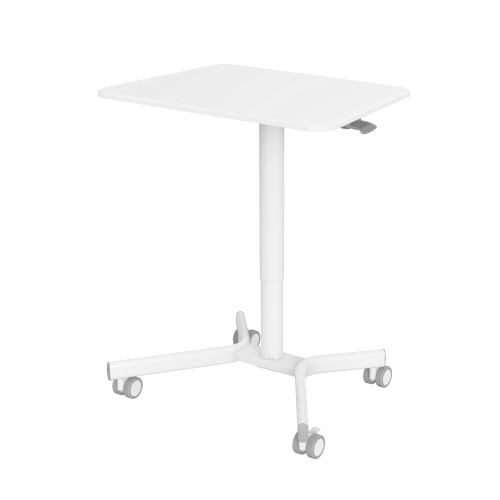
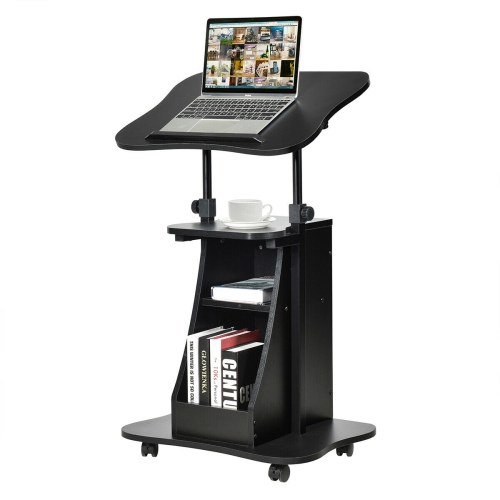
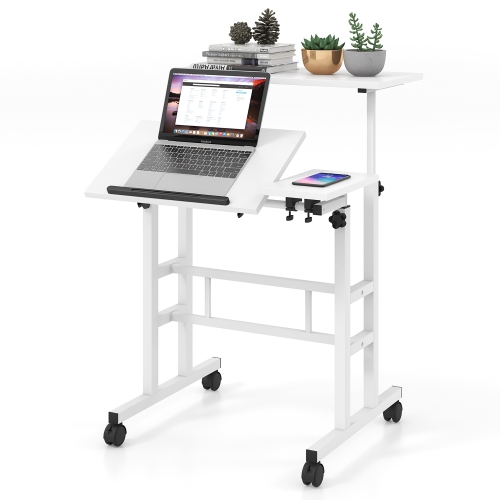
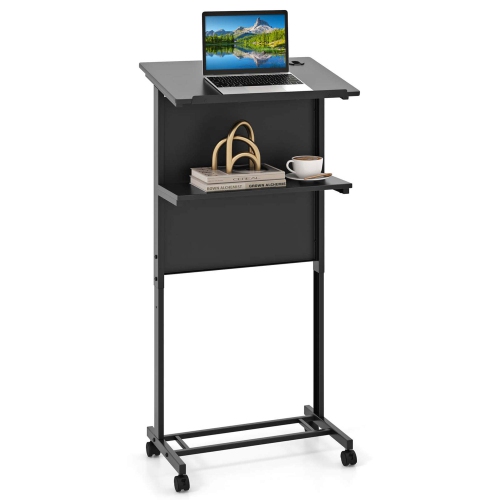
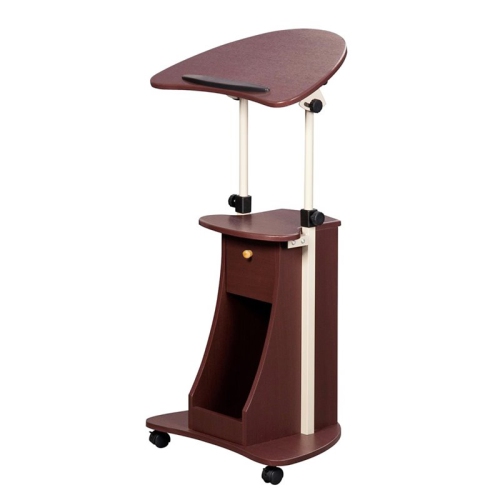
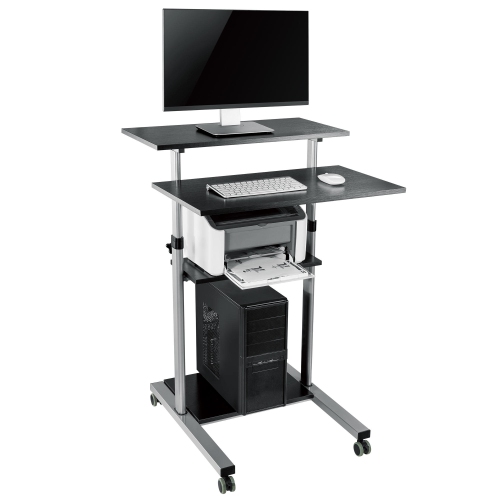
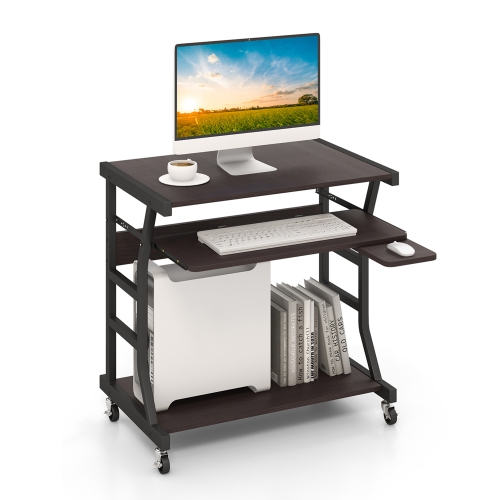
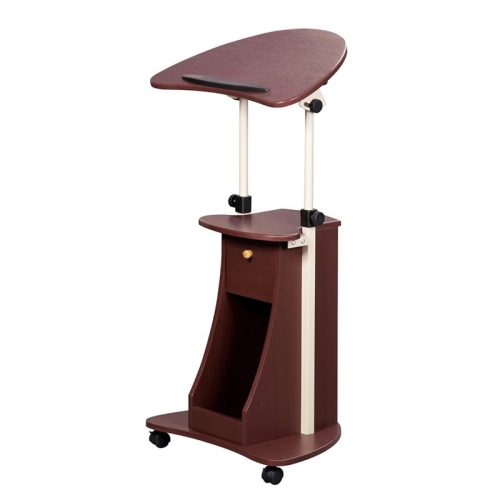
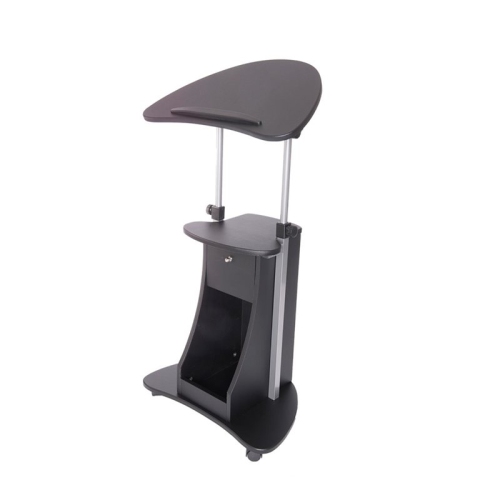
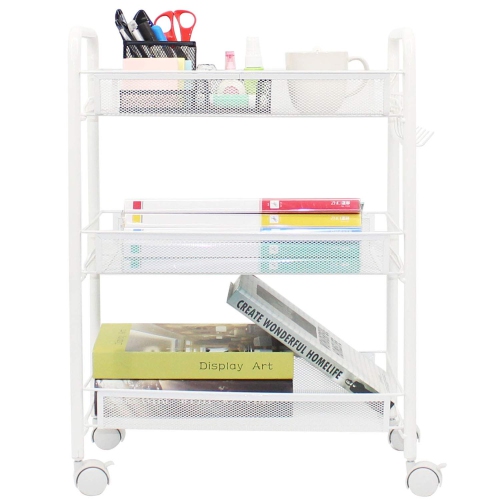
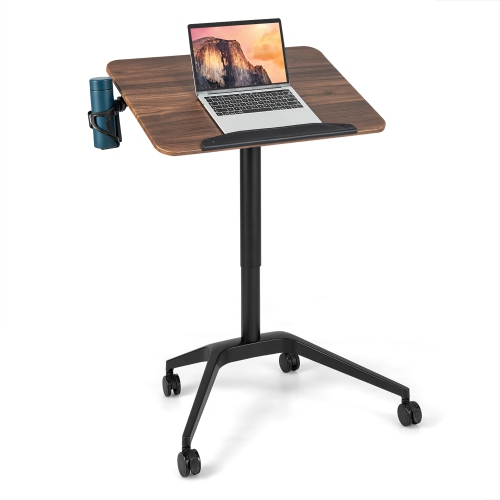
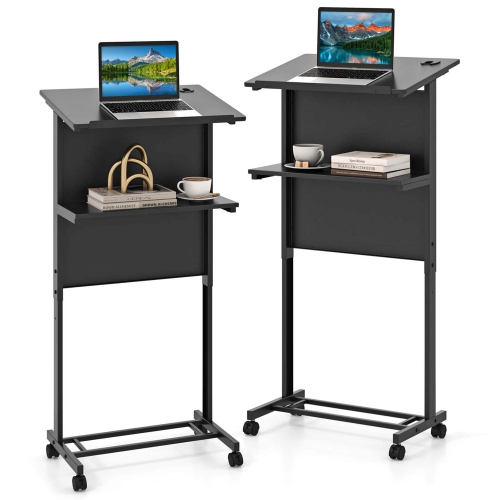
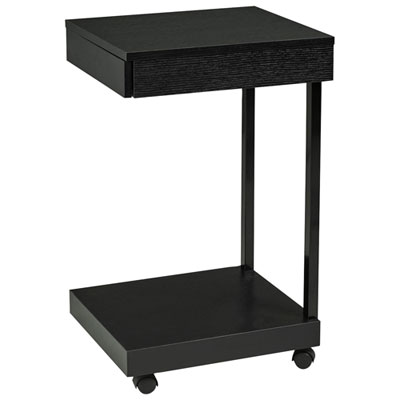
Laptop carts on wheels provide a practical way to bring a computer wherever work, teaching, care, or study takes place. Unlike a conventional desk, a mobile laptop cart can be repositioned around a room, moved between work areas, or tucked away when floor space is needed for another purpose. Many compact models are designed for one person and combine a laptop platform with a small work surface, making them useful in home offices, classrooms, reception areas, training rooms, workshops, libraries, and bedside settings. A wheeled cart can be especially helpful for people who alternate between sitting and standing throughout the day, since many models offer adjustable height settings controlled by a hand knob, lever, or pneumatic mechanism. A lower setting can suit seated work beside a sofa or chair, while a higher position can create a comfortable standing workstation during video calls, online lessons, or short periods of focused work. When comparing laptop carts on wheels, consider the size and weight of the computer, the available surface area, and whether there is enough room for a mouse, notebook, phone, or external keyboard. A raised lip or retaining edge can help keep a laptop in place as the cart moves, while a smooth surface is easier to wipe down after use. The base should feel balanced, particularly when the desk is raised or when accessories are placed on one side. Locking caster wheels are another important detail: they allow the cart to roll smoothly across suitable flooring, then stay securely positioned once it reaches the desired spot. Models with four casters may be easier to steer, while larger wheels can handle transitions between carpet and hard flooring more confidently. Check the listed height range, desktop dimensions, weight capacity, assembly requirements, and any warranty information before choosing a cart for a particular room.
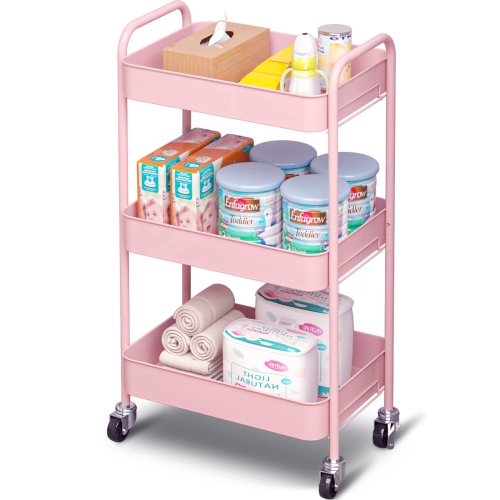
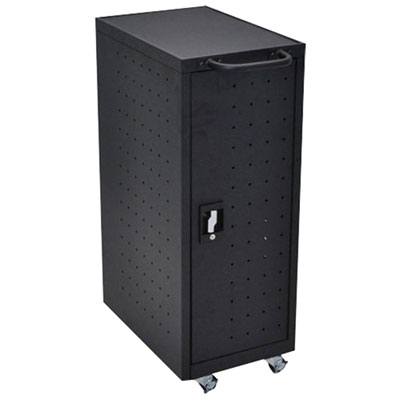
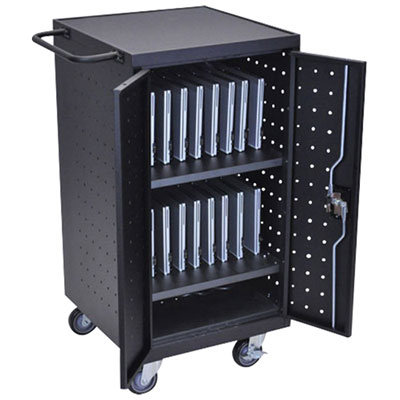
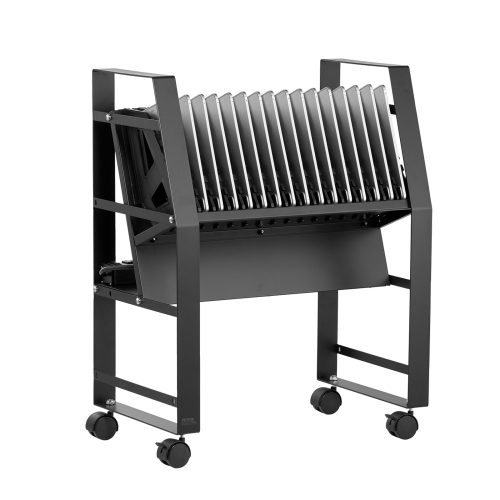
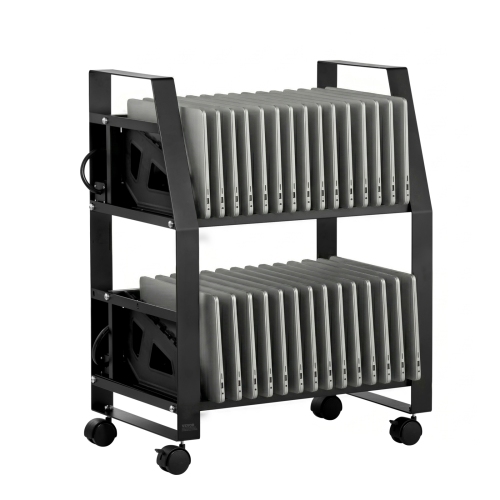
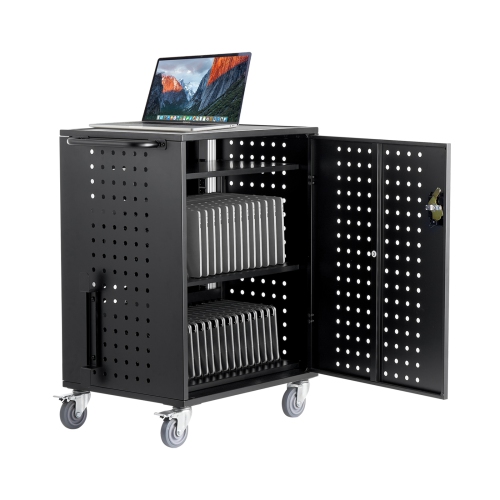
The right style depends largely on whether the cart is intended for individual work or shared device storage. A compact single-user workstation is a natural fit for a home office, a small apartment, a classroom presentation area, or anyone who prefers to move between rooms during the day. It can serve as a temporary desk for a visiting student, a convenient station for remote work, or a flexible surface for a laptop used beside a patient or family member. Some designs include a separate lower shelf for a printer, documents, headphones, or a small computer accessory, while others focus on a slim footprint that can fit beside a bed, armchair, or reception counter. For schools, libraries, offices, and training facilities that manage several computers, a larger charging cart may be more suitable. These cabinets generally include individual device compartments, integrated power strips, cable-management space, ventilation openings, and doors that can be secured when equipment is not in use. Capacity may range from a small number of laptops to approximately 12, 16, or 20 devices, depending on the cart’s internal layout and the size of the computers being stored. Before selecting a multi-device unit, measure the laptops, chargers, and protective cases together, since a narrow slot may not accommodate bulkier equipment. Also confirm whether the cart supports simultaneous charging, how power is distributed, and where the cables are routed. A dedicated collection of Laptop Charging Carts can help shoppers compare storage-focused options when charging several devices is a central requirement. In shared environments, look for sturdy construction, lockable doors, smooth-gliding casters, accessible power controls, and ventilation designed to manage heat during charging. A cart that is easy for staff to move but difficult for young children or unauthorised users to open can simplify daily routines without taking over the room.
Laptop carts on wheels can also support specialised work where information needs to travel with the person using it. In healthcare and clinical settings, mobile workstations are sometimes described as computers on wheels, or COWs, and workstations on wheels, or WOWs. These carts may be configured for point-of-care charting, records access, scheduling, or other computer-based tasks close to a patient room or service area. Requirements in these environments can be more exacting, so buyers should review the manufacturer’s intended use, cleaning guidance, height adjustment method, keyboard and monitor compatibility, battery or power provisions, and stability specifications rather than assuming that a general-purpose laptop cart will meet professional needs. In an office, a mobile cart may help create a flexible touchdown station for visiting employees or a temporary workstation during a room reconfiguration. In a classroom, it can make it easier to move a teacher’s laptop between presentation areas, while a charging cabinet can keep a shared set of student devices organised between lessons. At home, the same basic idea can make a thoughtful practical gift for a remote worker, student, caregiver, or anyone managing limited desk space. The most useful choice is usually determined by everyday habits: whether the cart will carry one laptop or many, whether it needs to move frequently or remain mostly stationary, whether standing work matters, and whether security or charging is essential. During the warmer and cooler parts of the year alike, a mobile workstation can adapt to changing routines, from a quiet indoor study area to a shared family workspace. Paying attention to wheel locks, frame strength, height range, surface size, storage, cable access, and device capacity will help ensure the cart feels steady and convenient rather than like an oversized table on casters.
The right style depends largely on whether the cart is intended for individual work or shared device storage. A compact single-user workstation is a natural fit for a home office, a small apartment, a classroom presentation area, or anyone who prefers to move between rooms during the day. It can serve as a temporary desk for a visiting student, a convenient station for remote work, or a flexible surface for a laptop used beside a patient or family member. Some designs include a separate lower shelf for a printer, documents, headphones, or a small computer accessory, while others focus on a slim footprint that can fit beside a bed, armchair, or reception counter. For schools, libraries, offices, and training facilities that manage several computers, a larger charging cart may be more suitable. These cabinets generally include individual device compartments, integrated power strips, cable-management space, ventilation openings, and doors that can be secured when equipment is not in use. Capacity may range from a small number of laptops to approximately 12, 16, or 20 devices, depending on the cart’s internal layout and the size of the computers being stored. Before selecting a multi-device unit, measure the laptops, chargers, and protective cases together, since a narrow slot may not accommodate bulkier equipment. Also confirm whether the cart supports simultaneous charging, how power is distributed, and where the cables are routed. A dedicated collection of Laptop Charging Carts can help shoppers compare storage-focused options when charging several devices is a central requirement. In shared environments, look for sturdy construction, lockable doors, smooth-gliding casters, accessible power controls, and ventilation designed to manage heat during charging. A cart that is easy for staff to move but difficult for young children or unauthorised users to open can simplify daily routines without taking over the room.
Laptop carts on wheels can also support specialised work where information needs to travel with the person using it. In healthcare and clinical settings, mobile workstations are sometimes described as computers on wheels, or COWs, and workstations on wheels, or WOWs. These carts may be configured for point-of-care charting, records access, scheduling, or other computer-based tasks close to a patient room or service area. Requirements in these environments can be more exacting, so buyers should review the manufacturer’s intended use, cleaning guidance, height adjustment method, keyboard and monitor compatibility, battery or power provisions, and stability specifications rather than assuming that a general-purpose laptop cart will meet professional needs. In an office, a mobile cart may help create a flexible touchdown station for visiting employees or a temporary workstation during a room reconfiguration. In a classroom, it can make it easier to move a teacher’s laptop between presentation areas, while a charging cabinet can keep a shared set of student devices organised between lessons. At home, the same basic idea can make a thoughtful practical gift for a remote worker, student, caregiver, or anyone managing limited desk space. The most useful choice is usually determined by everyday habits: whether the cart will carry one laptop or many, whether it needs to move frequently or remain mostly stationary, whether standing work matters, and whether security or charging is essential. During the warmer and cooler parts of the year alike, a mobile workstation can adapt to changing routines, from a quiet indoor study area to a shared family workspace. Paying attention to wheel locks, frame strength, height range, surface size, storage, cable access, and device capacity will help ensure the cart feels steady and convenient rather than like an oversized table on casters.
Top selling and popular products
-
 Your price for this item is $304.99
 -
 Your price for this item is $93.99
 -
 Your price for this item is $248.99
 -
 Your price for this item is $83.99
 -
 Your price for this item is $108.99
 -
 Your price for this item is $94.99
 -
 Your price for this item is $74.97
 -
 Your price for this item is $83.95
Discover more categories related to Laptop Carts On Wheels
Top Collections:
Pokemon Centers, Kindle Devices, Best Budget Office Chairs, Apple iPhones 16, Best Laptops for Writers, iPhone 15 Apple, Canon G7X Cameras, Refurbished Apple Laptops, Alarm Clock, Motorola Razr Phones
Some products may be subject to Environmental Handling Fees
(EHF) depending on your province.
Learn more about EHFs.