Laptops for Gaming And Work
Whether you're a gamer, a business professional, or just someone who likes to play games on the go, you've probably been looking for a laptop that can handle your needs. If you want to play games on your laptop, you'll want one with a high-quality graphics card and a fast processor. If you're a business professional, you'll want one that has enough power to run multiple programs at once and lastly, if you're just looking for something to play games on the go, you'll want one that's portable. Here are some great options for gaming laptops that you can also use at work.
Sort
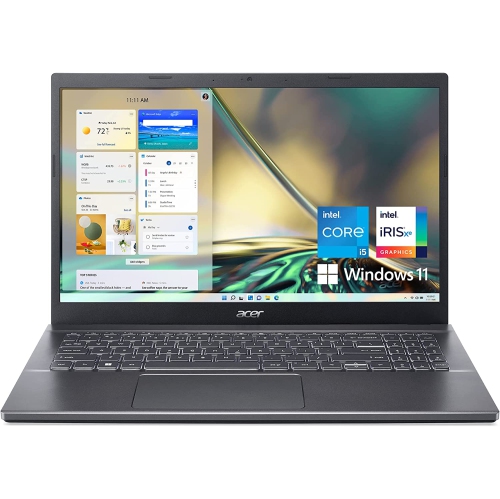
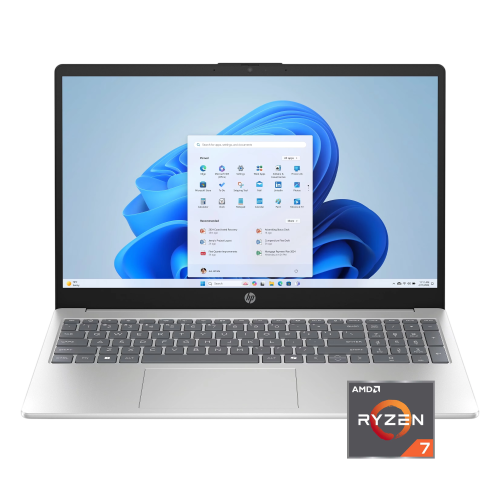
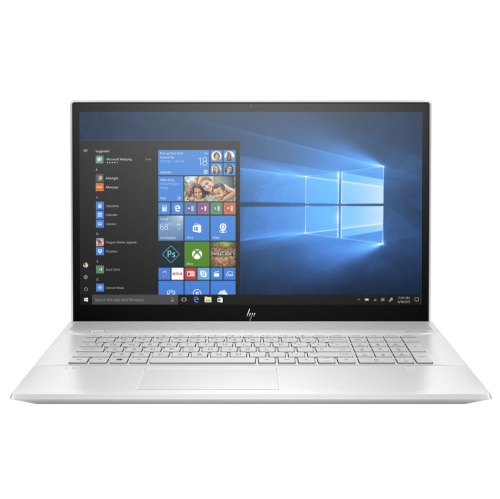
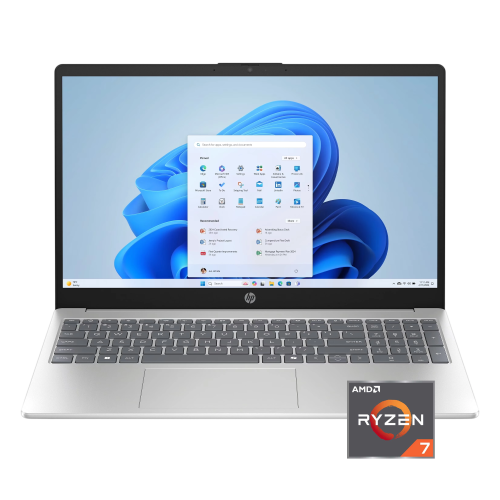
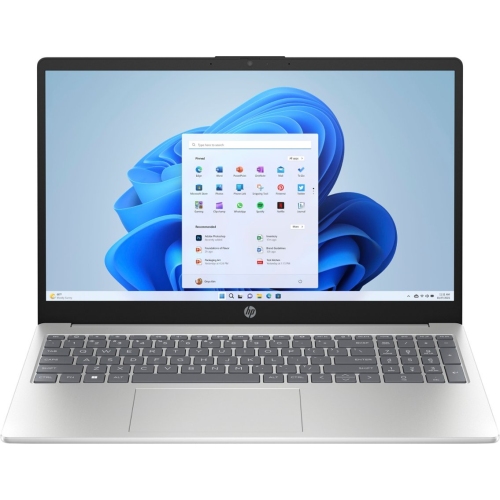
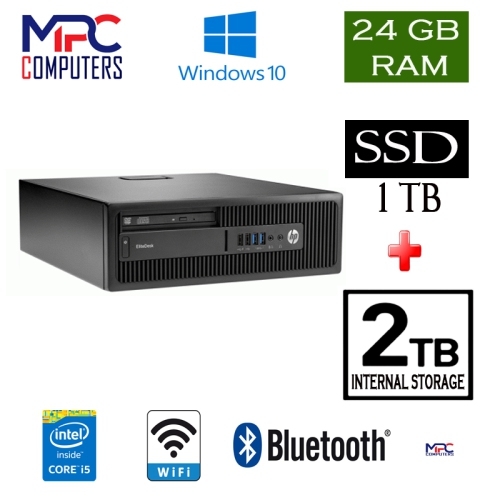
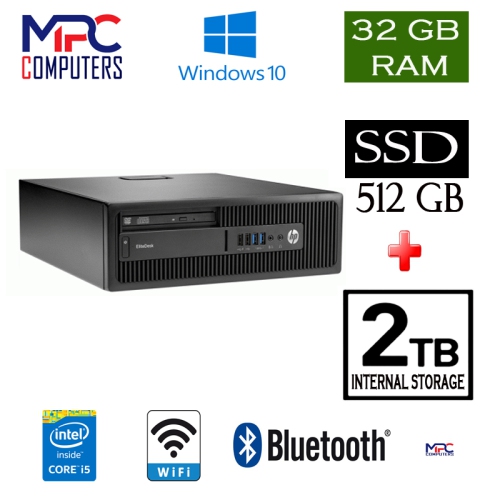
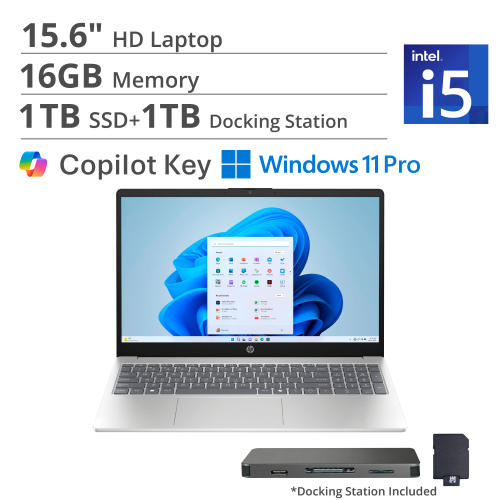
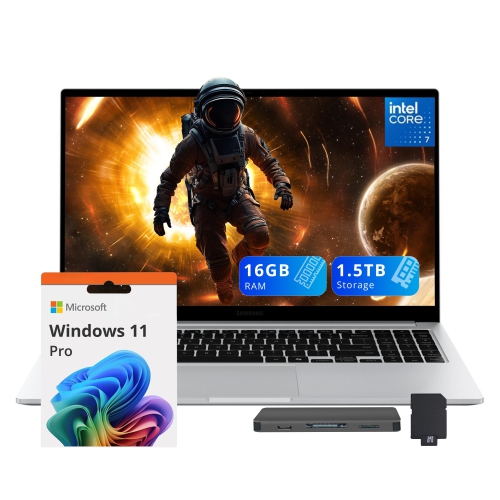
Productivity by day and gaming performance by night
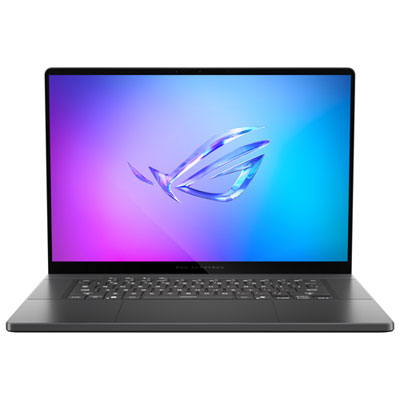
Laptops for gaming and work are designed for people who want one capable computer that can handle both a productive weekday and an evening of entertainment. A suitable model can support office applications, video calls, research, coding, large spreadsheets, creative projects and everyday browsing, while also delivering the graphics performance, cooling and display speed needed for modern games. This combination is especially useful for students, remote workers, freelancers, creators and anyone who does not want to maintain separate computers for work and play. A laptop with a dedicated graphics card can accelerate games and many demanding applications, while a strong multi-core processor keeps multiple programs responsive when documents, communication tools, browser tabs and media are open together. For most gaming and work setups, 16GB of RAM is a practical starting point, while 32GB is a better choice for virtual machines, advanced editing, software development, engineering applications or large spreadsheets. Storage also deserves careful consideration: a 1TB solid-state drive provides room for work files, applications and several large game installations, with fast start-up and loading times compared with older drive technology. Prices commonly range from about $1,400 to $2,500, depending on the processor, graphics hardware, memory, storage, display and overall design. Choosing a laptop in this category is less about finding the most powerful specification on the page and more about matching the configuration to the way it will be used. Someone working primarily with email, documents and web-based tools may be comfortable with a more affordable configuration, while a person editing high-resolution video, compiling code or playing visually demanding games will benefit from additional graphics power, memory and thermal capacity.
The display is one of the most noticeable differences between a gaming-and-work laptop and a standard everyday computer. A refresh rate of 144Hz or higher can make fast-moving games appear smoother, while a sharp resolution and good colour coverage help text, photos, design work and streaming content look clear and natural. A 15-inch or 16-inch screen often provides a comfortable balance between workspace and portability, although smaller models can be easier to carry between home, campus and the office. Larger screens may make timelines, spreadsheets and creative software easier to manage, but they can add weight and take up more room on a desk. Thin-and-light gaming laptops are appealing for commuters and travellers because they slip more easily into a bag and tend to look at home in a meeting room, library or café. More substantial performance laptops may offer stronger cooling, higher sustained performance and a wider selection of ports, making them a good fit for a permanent desk setup with an external monitor, keyboard, mouse or other accessories. Battery life varies widely because powerful processors and dedicated graphics can draw considerable energy, particularly during gaming or intensive work. For that reason, it is helpful to think about where the laptop will be used: a person moving between rooms may value lower weight and longer unplugged use, while a desktop replacement can prioritize performance, cooling and connectivity. Keyboard comfort, webcam quality, speaker clarity and port selection also matter during a long workday. A comfortable keyboard can make a difference when writing reports or programming, and a reliable webcam is useful for classes, interviews and team meetings. An external display can extend the desktop for work, while the laptop screen remains available for chat, notes or game controls.
A laptop for gaming and work can make a thoughtful gift for a student heading into a new term, a family member building a home office, or a gamer who also needs a dependable computer for school or professional tasks. It can serve as a versatile centrepiece for a study area, handling a morning video meeting, an afternoon presentation and an evening multiplayer session without requiring a change of device. Before choosing, consider the software the recipient uses, the games they enjoy, whether they travel regularly and how much storage they are likely to need over time. Competitive games benefit from a fast refresh rate and responsive graphics, while story-driven titles and creative applications may place greater emphasis on resolution, colour accuracy and graphics memory. People who use virtual machines, run development environments or work with large datasets should look for a higher-tier processor and at least 32GB of RAM where the budget allows. Those who mainly use office applications and play less demanding games may prefer to put more of the budget towards a lighter chassis, a brighter display or additional battery capacity. During the warmer season and into the cooler months, a flexible laptop can move easily from a home workspace to a shared room, campus, office or weekend trip, giving its owner a consistent setup wherever the day takes them. Buyers comparing options for a younger student or someone balancing classes with gaming may also want to explore Best Laptops for Gaming And School. With the right balance of processing power, dedicated graphics, memory, storage, screen quality and portability, a gaming-and-work laptop can remain useful well beyond a single task, adapting to changing projects, new games and everyday computing needs.
The display is one of the most noticeable differences between a gaming-and-work laptop and a standard everyday computer. A refresh rate of 144Hz or higher can make fast-moving games appear smoother, while a sharp resolution and good colour coverage help text, photos, design work and streaming content look clear and natural. A 15-inch or 16-inch screen often provides a comfortable balance between workspace and portability, although smaller models can be easier to carry between home, campus and the office. Larger screens may make timelines, spreadsheets and creative software easier to manage, but they can add weight and take up more room on a desk. Thin-and-light gaming laptops are appealing for commuters and travellers because they slip more easily into a bag and tend to look at home in a meeting room, library or café. More substantial performance laptops may offer stronger cooling, higher sustained performance and a wider selection of ports, making them a good fit for a permanent desk setup with an external monitor, keyboard, mouse or other accessories. Battery life varies widely because powerful processors and dedicated graphics can draw considerable energy, particularly during gaming or intensive work. For that reason, it is helpful to think about where the laptop will be used: a person moving between rooms may value lower weight and longer unplugged use, while a desktop replacement can prioritize performance, cooling and connectivity. Keyboard comfort, webcam quality, speaker clarity and port selection also matter during a long workday. A comfortable keyboard can make a difference when writing reports or programming, and a reliable webcam is useful for classes, interviews and team meetings. An external display can extend the desktop for work, while the laptop screen remains available for chat, notes or game controls.
A laptop for gaming and work can make a thoughtful gift for a student heading into a new term, a family member building a home office, or a gamer who also needs a dependable computer for school or professional tasks. It can serve as a versatile centrepiece for a study area, handling a morning video meeting, an afternoon presentation and an evening multiplayer session without requiring a change of device. Before choosing, consider the software the recipient uses, the games they enjoy, whether they travel regularly and how much storage they are likely to need over time. Competitive games benefit from a fast refresh rate and responsive graphics, while story-driven titles and creative applications may place greater emphasis on resolution, colour accuracy and graphics memory. People who use virtual machines, run development environments or work with large datasets should look for a higher-tier processor and at least 32GB of RAM where the budget allows. Those who mainly use office applications and play less demanding games may prefer to put more of the budget towards a lighter chassis, a brighter display or additional battery capacity. During the warmer season and into the cooler months, a flexible laptop can move easily from a home workspace to a shared room, campus, office or weekend trip, giving its owner a consistent setup wherever the day takes them. Buyers comparing options for a younger student or someone balancing classes with gaming may also want to explore Best Laptops for Gaming And School. With the right balance of processing power, dedicated graphics, memory, storage, screen quality and portability, a gaming-and-work laptop can remain useful well beyond a single task, adapting to changing projects, new games and everyday computing needs.
Top selling and popular products
-
 Your price for this item is $449
 -
 Your price for this item is $3099
 -
 Your price for this item is $664.05
 -
 Your price for this item is $599.68
 -
 Your price for this item is $869.99
 -
 Your price for this item is $259
 -
 Your price for this item is $499.99
 -
 Your price for this item is $418.98
Discover more categories related to Laptops for Gaming And Work

Top Collections:
Pokemon Centers, Kindle Devices, Apple iPhones 16, Samsung Galaxy Phones, Canon G7X Cameras, iPhone 15 Apple, Flip Phones, Apple Wired Earphones, Best Budget Office Chairs, Refurbished Apple Laptops
Some products may be subject to Environmental Handling Fees
(EHF) depending on your province.
Learn more about EHFs.