Laptop Maintenance Tools
Keep your device running smoothly and efficiently with the right laptop maintenance tools. Whether you’re looking to clean, repair, or upgrade your laptop, having the proper tools on hand makes all the difference. Explore a wide selection of options designed to help you maintain optimal performance and extend the life of your laptop. Find everything you need for at-home care and regular upkeep with these essential laptop maintenance tools.
Sort
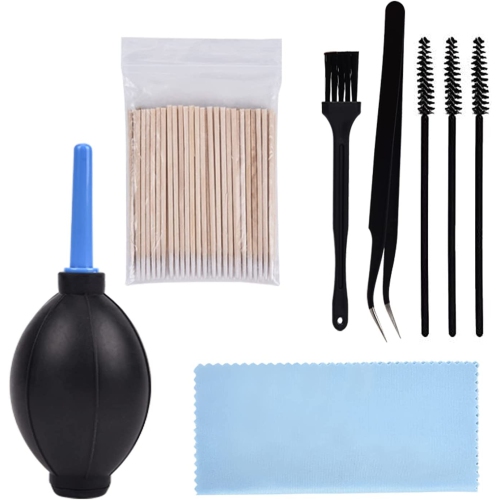
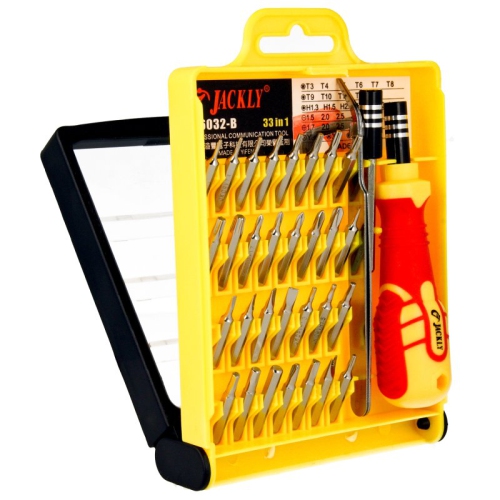
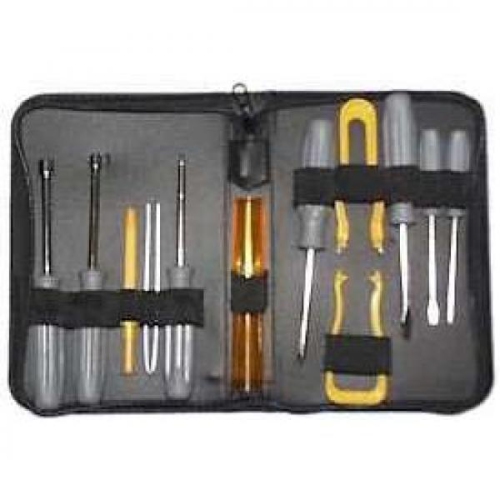
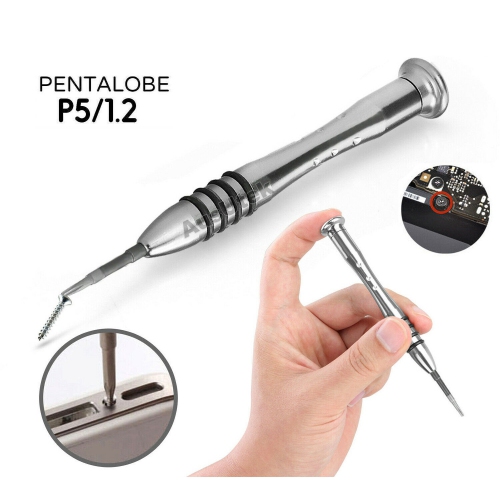
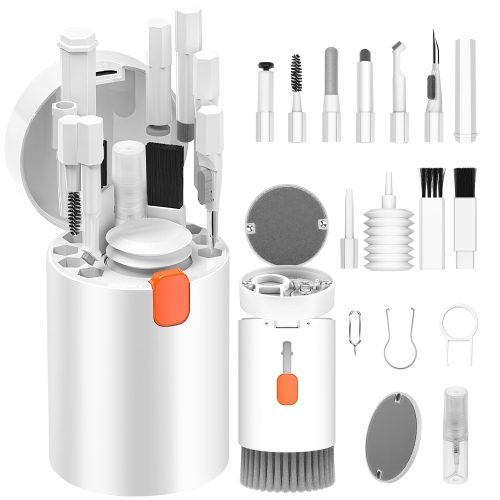
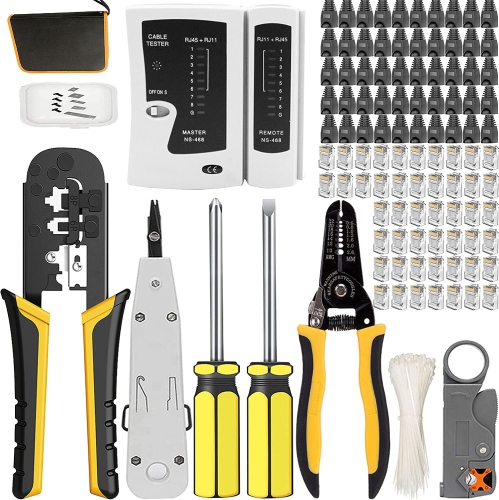

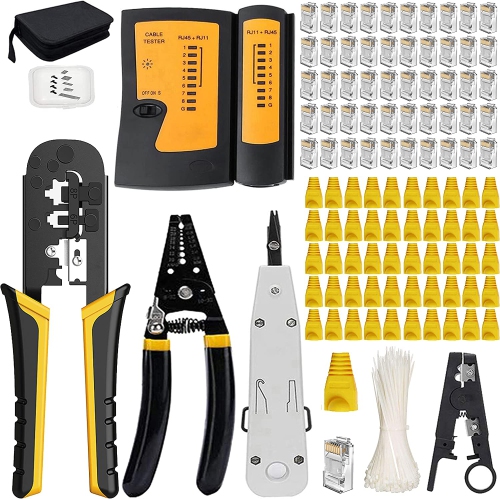
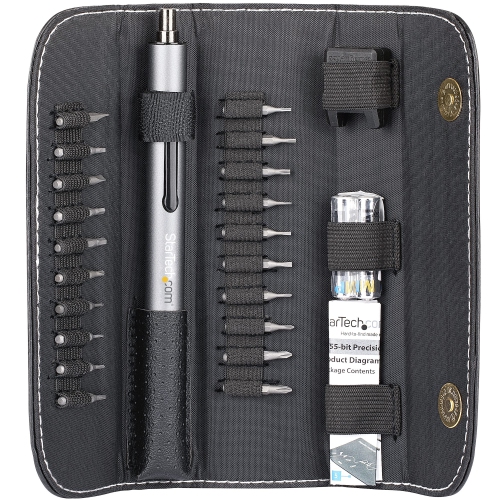
Small screws and delicate connections call for precision
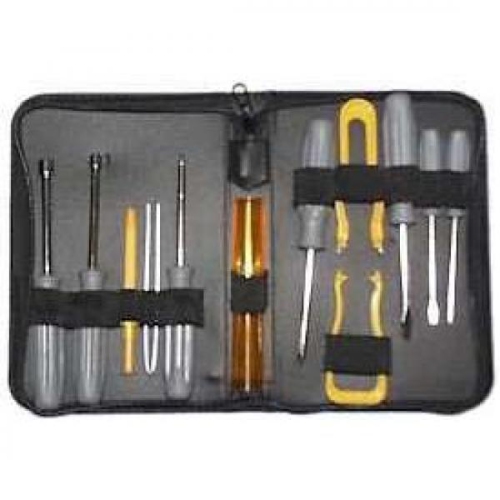
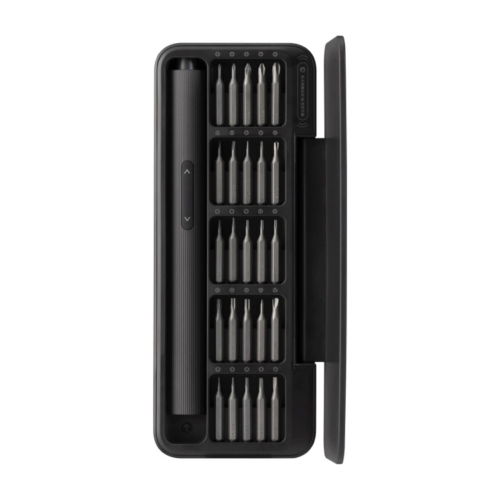
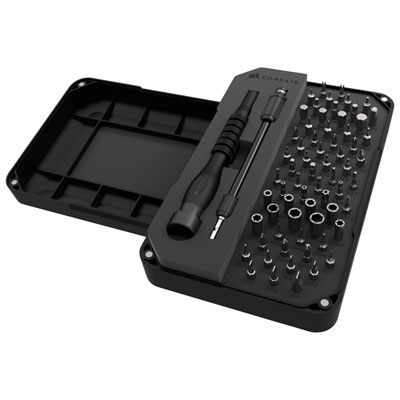
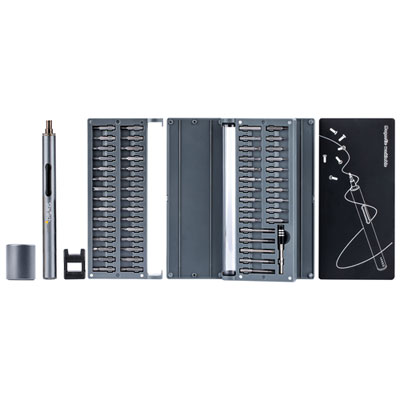
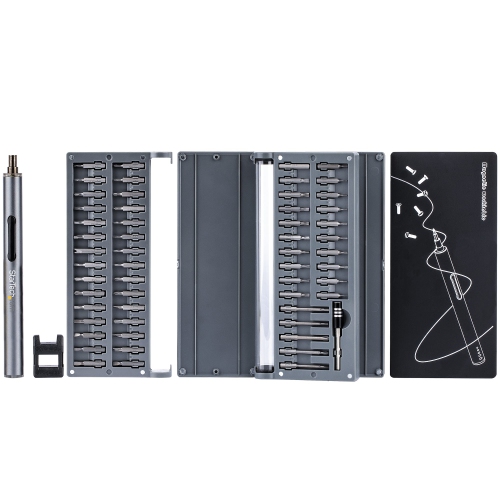
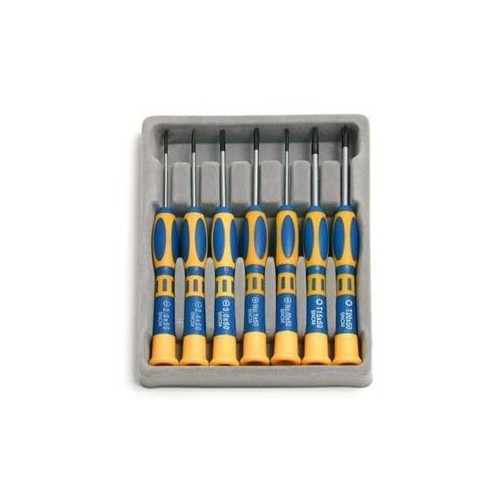
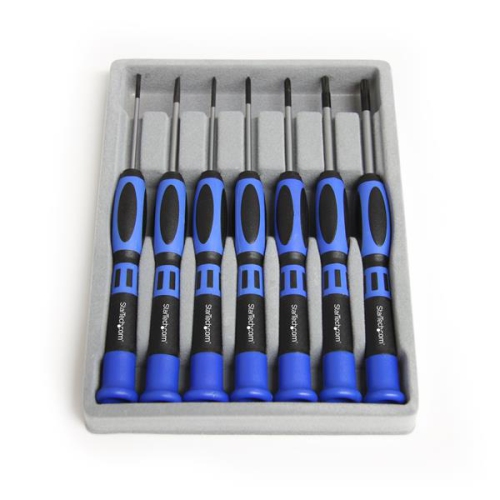
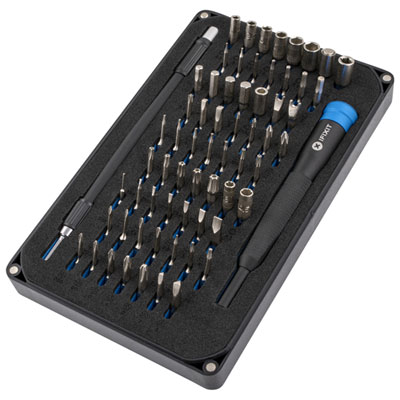
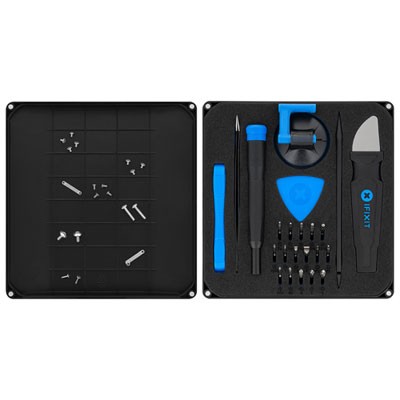
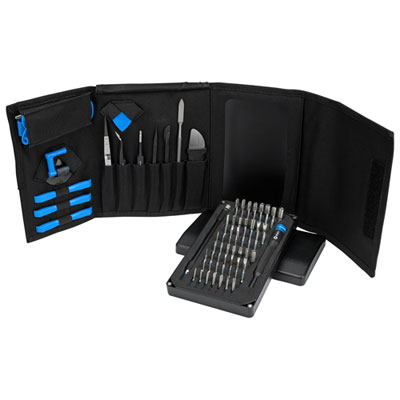
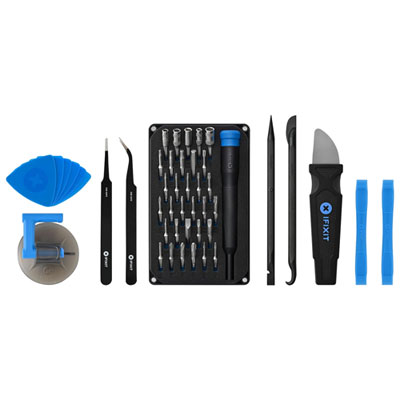
Laptop maintenance tools are designed for the small fasteners, closely fitted panels, delicate connections, and hard-to-reach spaces found in portable computers. The category includes precision screwdrivers, opening picks, nylon spudgers, fine-tip tweezers, cleaning supplies, and static-control accessories, with more specialized equipment suited to component servicing and electrical troubleshooting. For someone maintaining a laptop used for school, remote work, or everyday browsing, the most useful selection depends on whether the task is surface cleaning, access to a replaceable storage drive, or a repair that involves internal connections. A precision screwdriver set is a common starting point for hardware work, but compatibility matters more than the number of bits in the case. Laptop fasteners can use small Phillips, Torx, or pentalobe heads, and the correct profile and size help reduce slipping and damage to screw heads. The laptop manufacturer’s service documentation is the best reference for the required tools and whether a component is intended to be serviced. Hardened steel bits, clearly marked sizes, and a handle with a rotating end cap are useful features for controlled work around small screws. Magnetic bit holders can help retain loose fasteners, while divided trays keep screws from different locations separate; screws that look similar may have different lengths and should not be treated as interchangeable. Opening tools serve a different purpose from screwdrivers. Thin plastic picks can help release compatible enclosure clips, and nylon spudgers offer a less abrasive option than metal blades around many plastic surfaces. Neither makes a sealed or glued assembly automatically suitable for home repair. Rounded edges, comfortable grips, and a range of tip shapes can make tools easier to position without excessive force. Fine-tip tweezers can assist with small parts, although fragile ribbon cables and their locking connectors need particular care. A compact case that keeps these tools visible and separated is especially practical when the workspace is a shared desk rather than a dedicated repair bench.
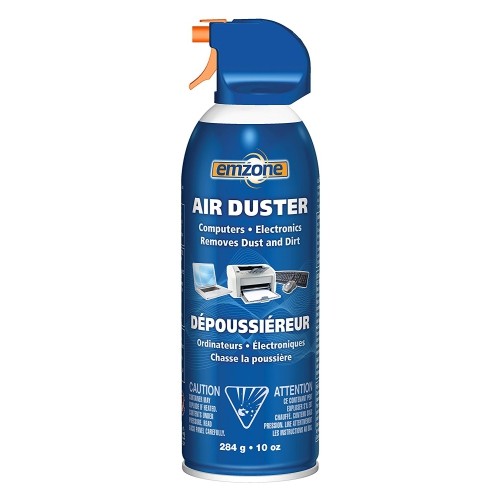
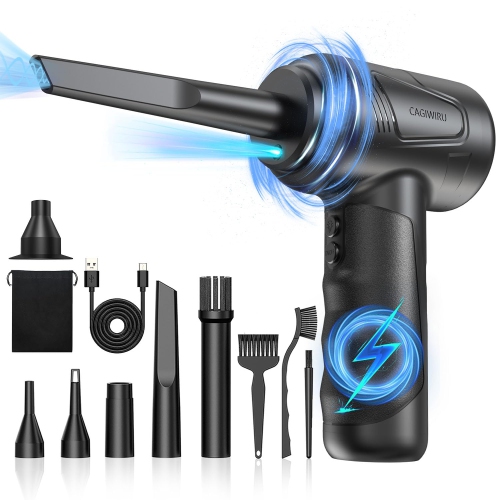
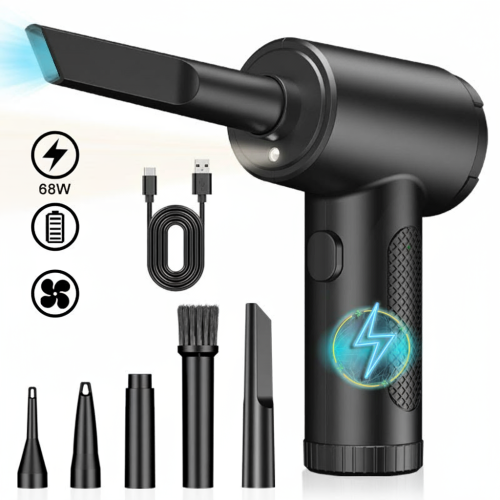
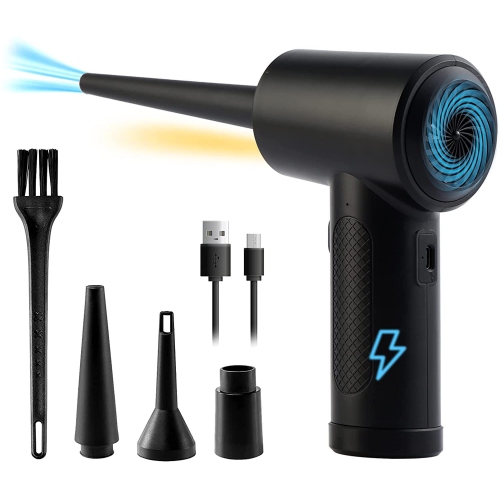
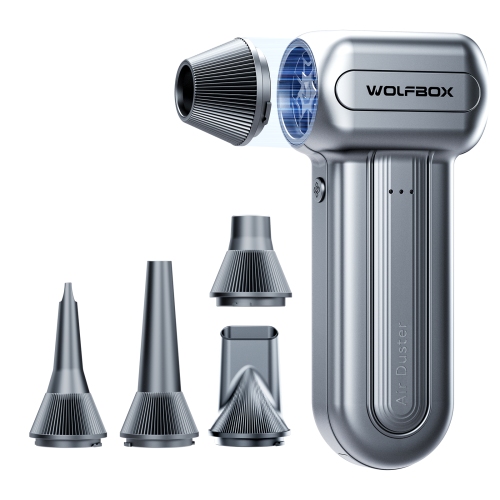
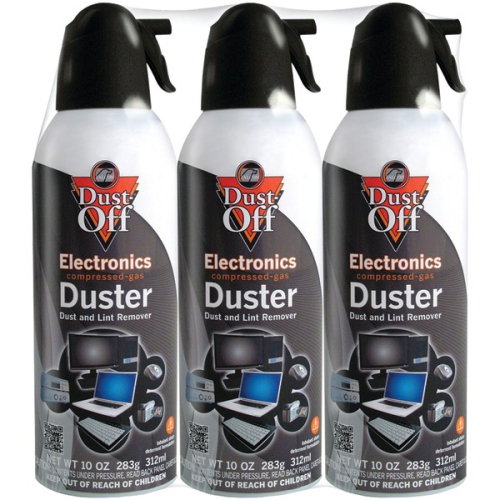
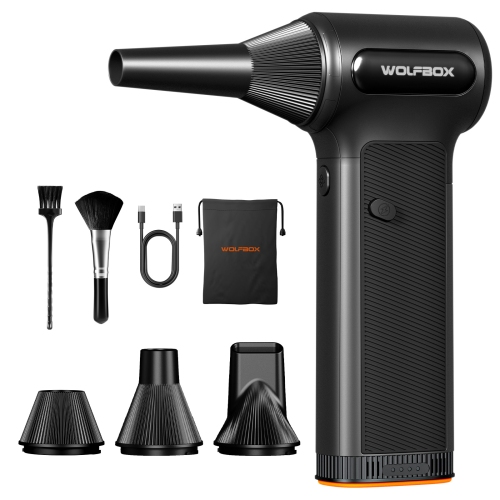
Cleaning supplies address the parts of laptop maintenance that do not necessarily require opening the computer. Fingerprints on a display, crumbs between keys, and dust around vent openings call for different materials, so a useful cleaning assortment is more considered than a single cloth and an all-purpose spray. Soft, clean microfibre cloths help lift surface dust and smudges without the rough texture of paper towels, while a small, soft brush can reach the edges of keys and other narrow spaces. A cloth that has collected grit can scratch a finish, making washable materials and separate cloths for screens and exterior surfaces worthwhile considerations. Screen-cleaning solutions should be explicitly compatible with the display and its coating, with the laptop manufacturer’s care instructions taking priority over broad claims on a cleaner’s label. Liquid belongs on the cloth rather than directly on the laptop, and excess moisture can enter keyboard gaps, ports, or display edges. Strong solvents, abrasive cleaners, and household glass-cleaning formulas are not universal substitutes for electronics cleaning supplies. High-purity isopropyl alcohol has a role in some internal servicing tasks, such as removing old thermal compound from compatible surfaces, but it is not suitable for every screen, plastic, adhesive, or exterior finish. Air dusters can help dislodge loose particles from accessible areas, with nozzle control and suitability for electronics more important than maximum force. Canned dusters require careful handling to avoid liquid discharge, and internal fans should not be allowed to spin freely under an air blast. Ordinary household vacuums and general-purpose blowers may introduce static or excessive force near delicate components. For work inside a laptop, an electrostatic discharge mat and a properly connected wrist strap can help manage static when used as part of a suitable setup. They do not replace powering down the computer, disconnecting external power, or following model-specific battery isolation instructions. Cleaning accessories are most useful when they match both the surface being treated and the level of access the laptop permits, rather than encouraging unnecessary disassembly.
More involved laptop maintenance calls for tools selected around a defined task, not simply a larger kit. Thermal compound is relevant when servicing a cooling assembly that uses paste, but thermal pads, putty, and liquid metal are not interchangeable with ordinary compound. Material type, required thickness where applicable, and the manufacturer’s specifications all affect suitability. Removing a heatsink can disturb an existing thermal interface, so this work is better suited to someone comfortable with the full service procedure. A digital multimeter may support certain diagnostic checks in experienced hands, although fine probe control and an understanding of the circuit are essential around closely spaced contacts. It is not a reason to open a charger, probe an unfamiliar powered board, or work on a damaged battery. Swollen batteries, damaged charging connectors, and faults involving soldered components are good reasons to seek qualified service rather than expand a home toolkit. For routine ownership, durability and organization often have more day-to-day value than specialist capabilities. Look for well-fitting bit storage, hinges and closures that tolerate repeated use, handles that remain comfortable during precise work, and replaceable accessories where applicable. Worn opening picks, bent tweezer tips, and damaged bits can undermine control, even when the rest of a kit is in good condition. A zipped pouch can suit someone who moves between workspaces, while a compartmented case or parts tray makes sense for a permanent desk setup. Students, home computer enthusiasts, and people who help family members with basic device upkeep may appreciate a thoughtfully chosen maintenance kit as a practical gift, provided its scope matches their experience and their laptop’s serviceability. Someone who also keeps a garage toolkit may browse Car Maintenance Tools for separate vehicle-related needs; laptop work benefits from its own clean, precision-focused tools rather than shared oily brushes or oversized drivers. Whether the goal is a clearer screen, a tidier keyboard, or access to a supported replacement part, a well-matched assortment offers the right balance of reach, control, surface compatibility, and orderly storage.
Cleaning supplies address the parts of laptop maintenance that do not necessarily require opening the computer. Fingerprints on a display, crumbs between keys, and dust around vent openings call for different materials, so a useful cleaning assortment is more considered than a single cloth and an all-purpose spray. Soft, clean microfibre cloths help lift surface dust and smudges without the rough texture of paper towels, while a small, soft brush can reach the edges of keys and other narrow spaces. A cloth that has collected grit can scratch a finish, making washable materials and separate cloths for screens and exterior surfaces worthwhile considerations. Screen-cleaning solutions should be explicitly compatible with the display and its coating, with the laptop manufacturer’s care instructions taking priority over broad claims on a cleaner’s label. Liquid belongs on the cloth rather than directly on the laptop, and excess moisture can enter keyboard gaps, ports, or display edges. Strong solvents, abrasive cleaners, and household glass-cleaning formulas are not universal substitutes for electronics cleaning supplies. High-purity isopropyl alcohol has a role in some internal servicing tasks, such as removing old thermal compound from compatible surfaces, but it is not suitable for every screen, plastic, adhesive, or exterior finish. Air dusters can help dislodge loose particles from accessible areas, with nozzle control and suitability for electronics more important than maximum force. Canned dusters require careful handling to avoid liquid discharge, and internal fans should not be allowed to spin freely under an air blast. Ordinary household vacuums and general-purpose blowers may introduce static or excessive force near delicate components. For work inside a laptop, an electrostatic discharge mat and a properly connected wrist strap can help manage static when used as part of a suitable setup. They do not replace powering down the computer, disconnecting external power, or following model-specific battery isolation instructions. Cleaning accessories are most useful when they match both the surface being treated and the level of access the laptop permits, rather than encouraging unnecessary disassembly.
More involved laptop maintenance calls for tools selected around a defined task, not simply a larger kit. Thermal compound is relevant when servicing a cooling assembly that uses paste, but thermal pads, putty, and liquid metal are not interchangeable with ordinary compound. Material type, required thickness where applicable, and the manufacturer’s specifications all affect suitability. Removing a heatsink can disturb an existing thermal interface, so this work is better suited to someone comfortable with the full service procedure. A digital multimeter may support certain diagnostic checks in experienced hands, although fine probe control and an understanding of the circuit are essential around closely spaced contacts. It is not a reason to open a charger, probe an unfamiliar powered board, or work on a damaged battery. Swollen batteries, damaged charging connectors, and faults involving soldered components are good reasons to seek qualified service rather than expand a home toolkit. For routine ownership, durability and organization often have more day-to-day value than specialist capabilities. Look for well-fitting bit storage, hinges and closures that tolerate repeated use, handles that remain comfortable during precise work, and replaceable accessories where applicable. Worn opening picks, bent tweezer tips, and damaged bits can undermine control, even when the rest of a kit is in good condition. A zipped pouch can suit someone who moves between workspaces, while a compartmented case or parts tray makes sense for a permanent desk setup. Students, home computer enthusiasts, and people who help family members with basic device upkeep may appreciate a thoughtfully chosen maintenance kit as a practical gift, provided its scope matches their experience and their laptop’s serviceability. Someone who also keeps a garage toolkit may browse Car Maintenance Tools for separate vehicle-related needs; laptop work benefits from its own clean, precision-focused tools rather than shared oily brushes or oversized drivers. Whether the goal is a clearer screen, a tidier keyboard, or access to a supported replacement part, a well-matched assortment offers the right balance of reach, control, surface compatibility, and orderly storage.
Top selling and popular products
-
 Your price for this item is $9.99
 -
 Your price for this item is $54.98
 -
 Your price for this item is $43.99
 -
 Your price for this item is $108.99
 -
 Your price for this item is $89.99
 -
 Your price for this item is $67.99
 -
 Your price for this item is $33.99
 -
 Your price for this item is $119.99
Discover more categories related to Laptop Maintenance Tools
Top Collections:
Pokemon Centers, Kindle Devices, Best Budget Office Chairs, Apple iPhones 16, Best Laptops for Writers, iPhone 15 Apple, Canon G7X Cameras, Refurbished Apple Laptops, Alarm Clock, Motorola Razr Phones
Some products may be subject to Environmental Handling Fees
(EHF) depending on your province.
Learn more about EHFs.