Laptop Parts
Explore a diverse selection of laptop parts designed to enhance your computing experience. Whether you're looking to upgrade your device's performance, replace a worn-out component, or customize your setup for specific needs, you'll find everything necessary to keep your laptop running smoothly. From essential components like batteries and chargers to advanced items such as graphics cards and memory modules, our collection caters to tech enthusiasts and casual users alike. Dive into the world of laptop parts and discover how easy it is to optimize your device for work, play, or anything in between.
Sort









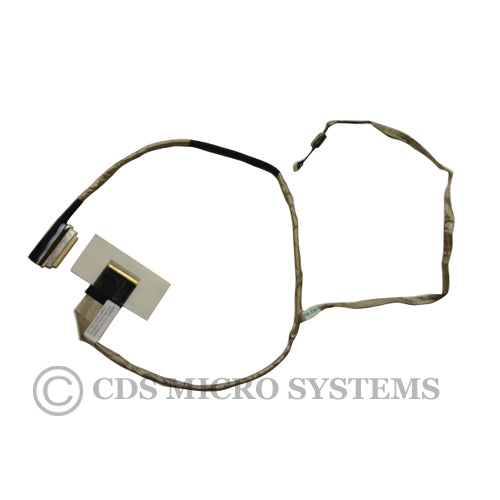
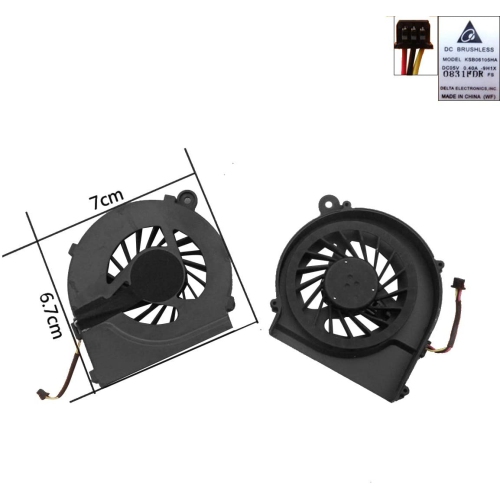
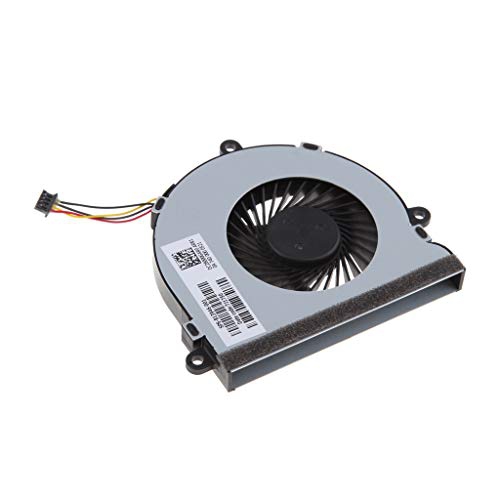
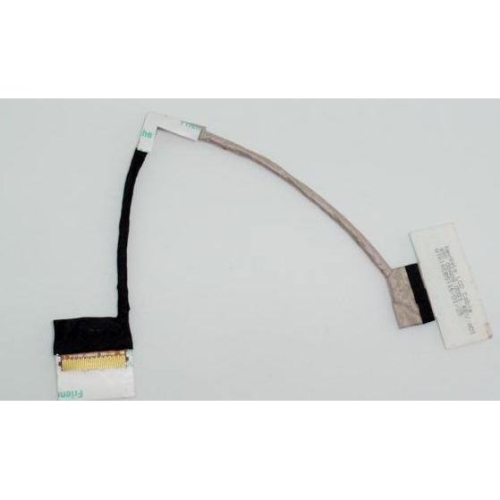
Why laptop repairs need more than a visual match
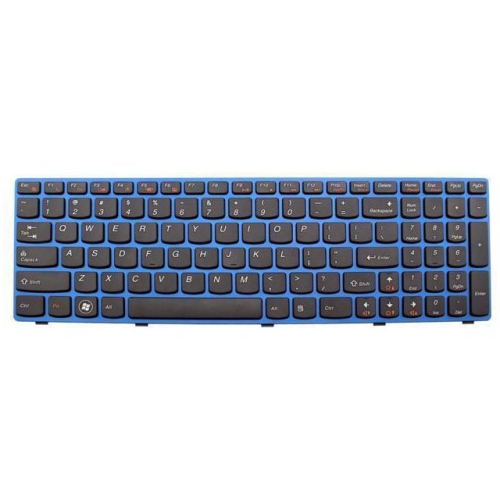
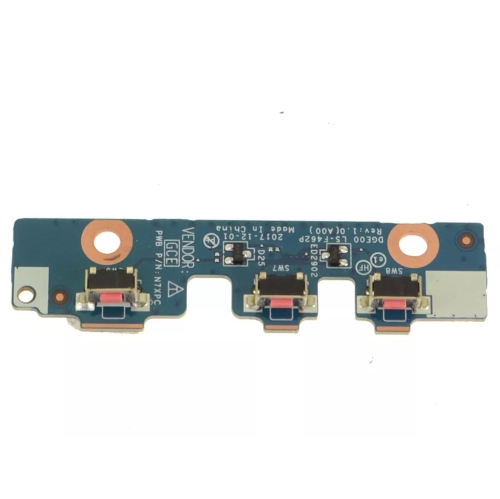
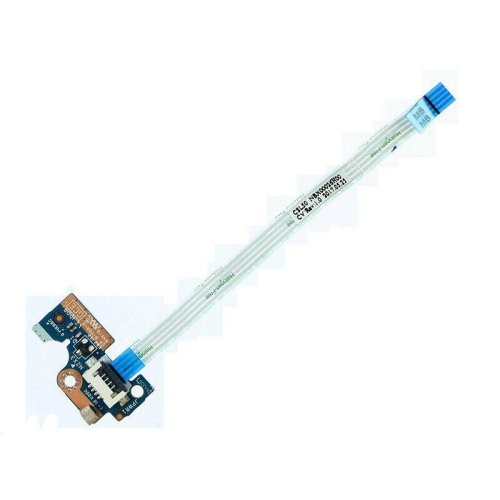
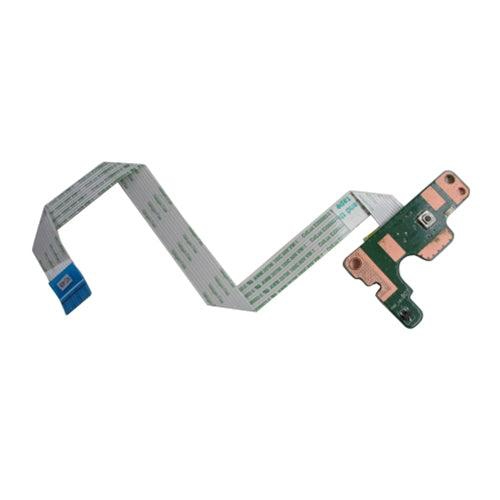
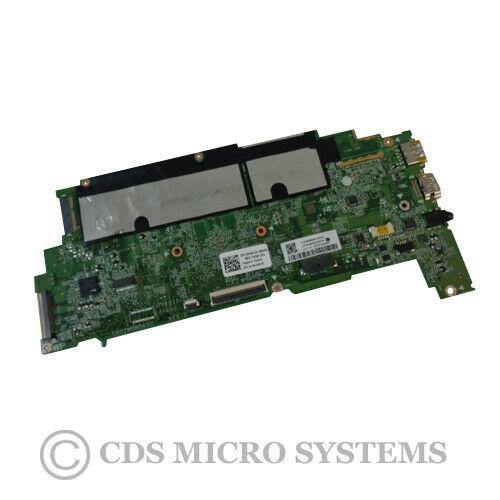
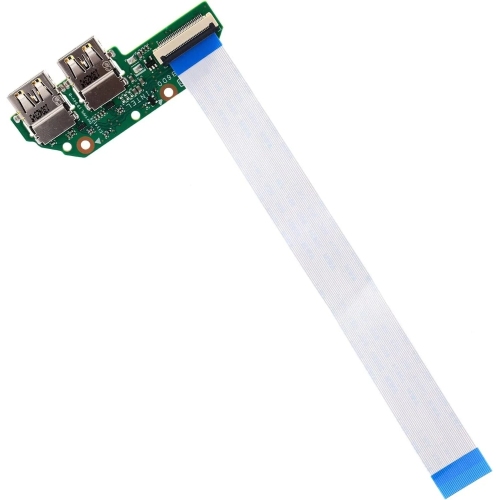
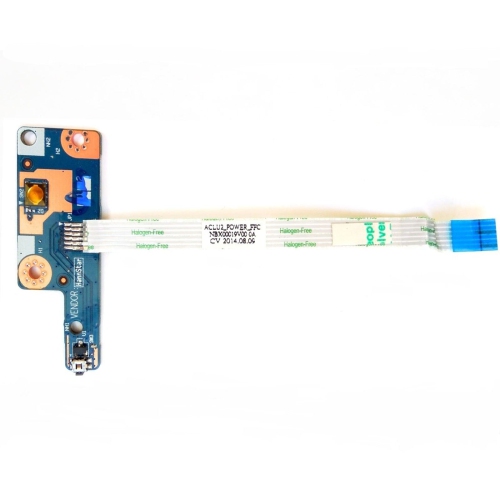
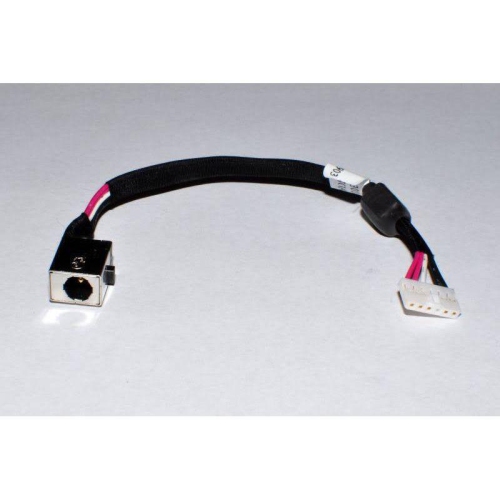
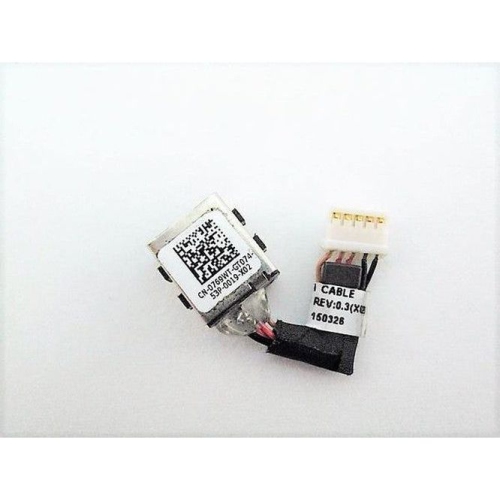
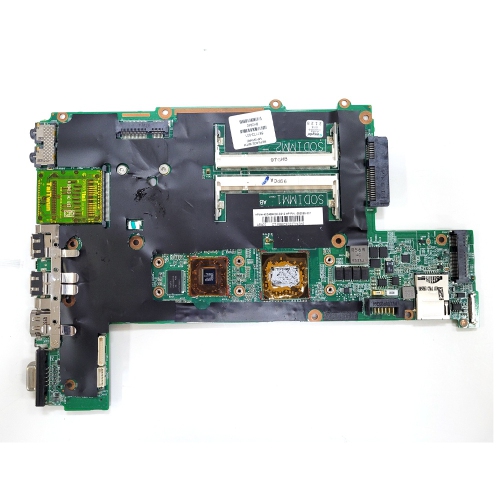
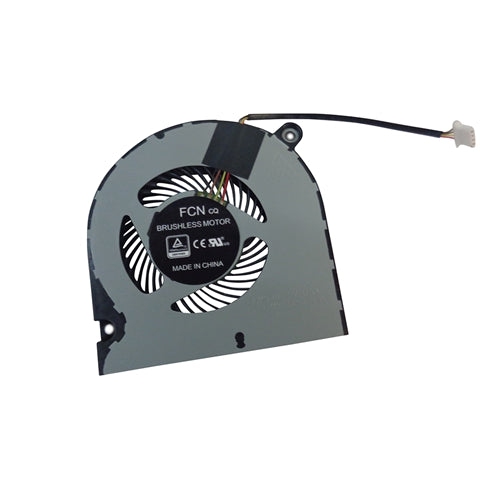
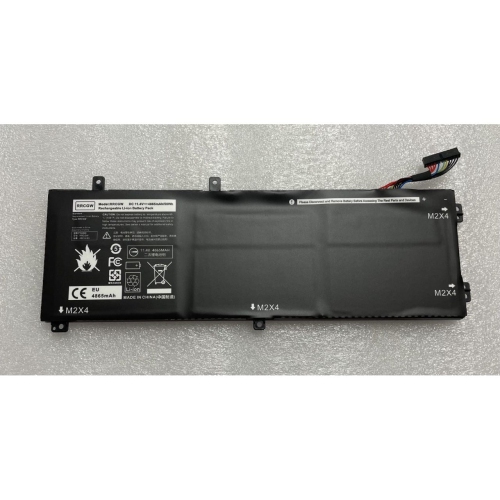
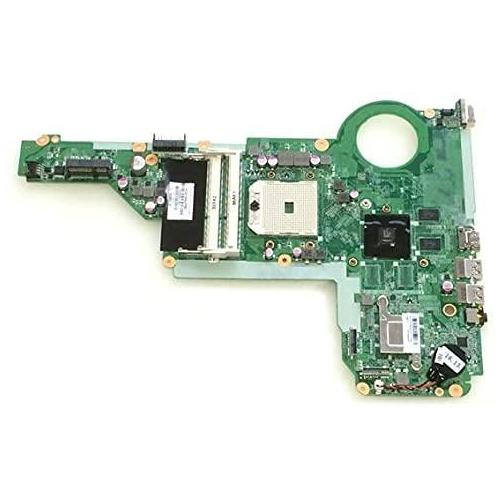
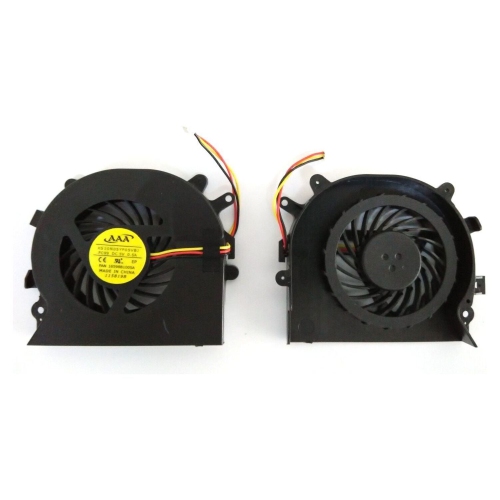
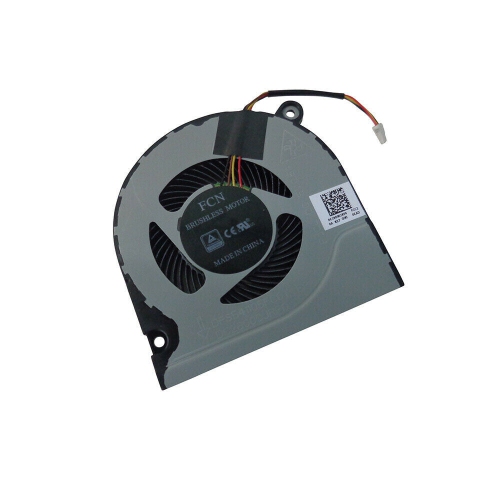
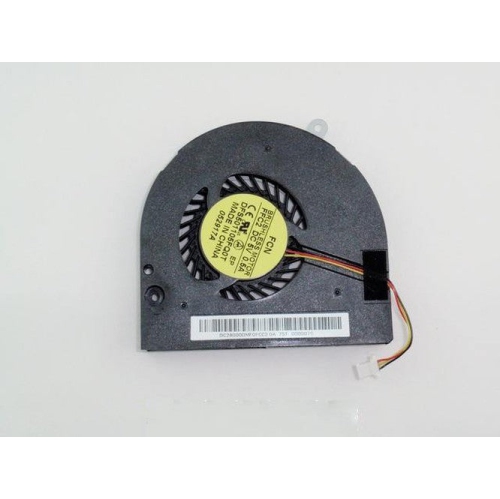
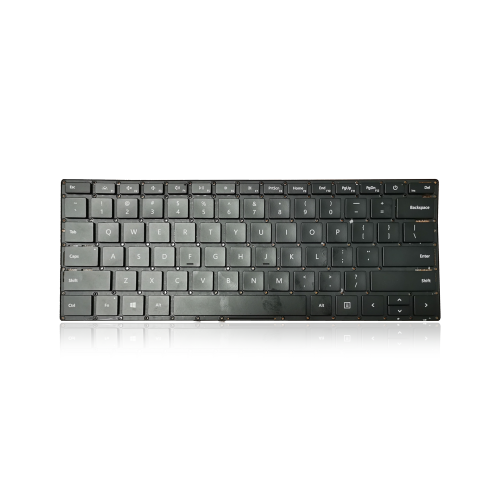
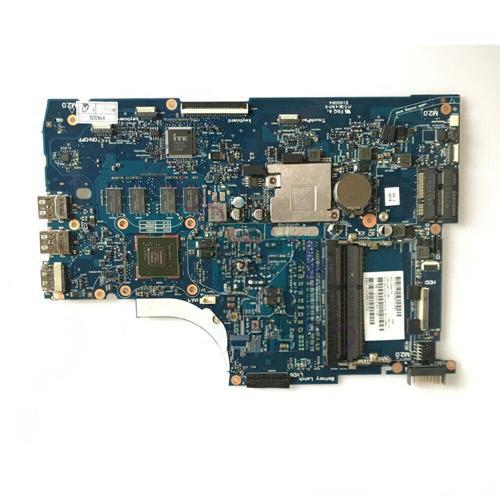
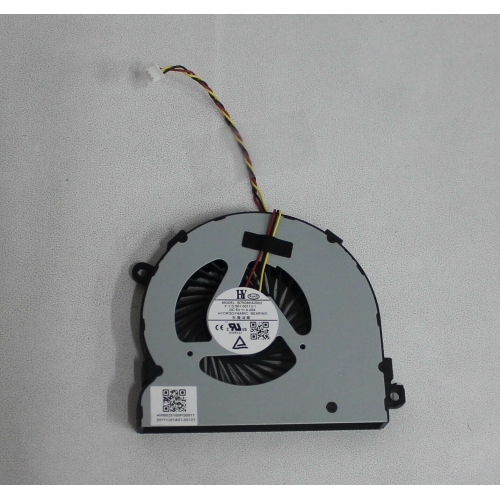
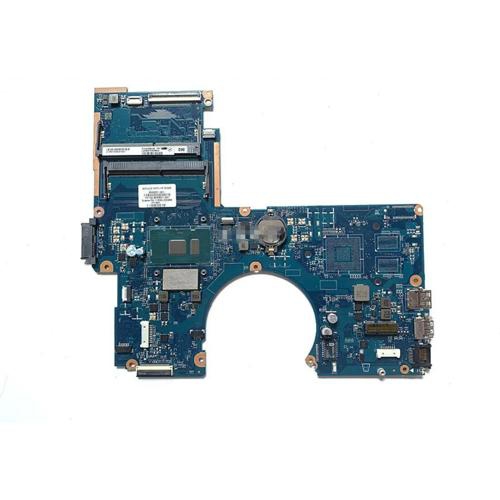
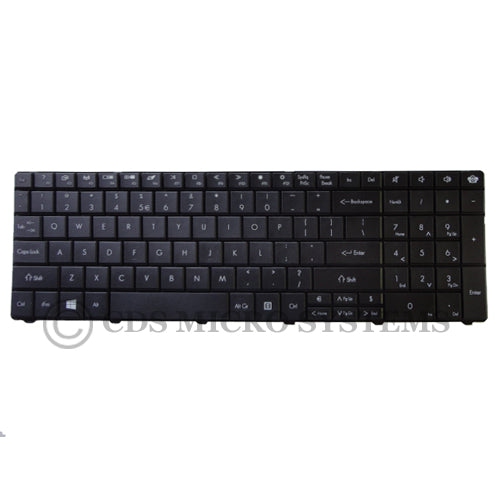
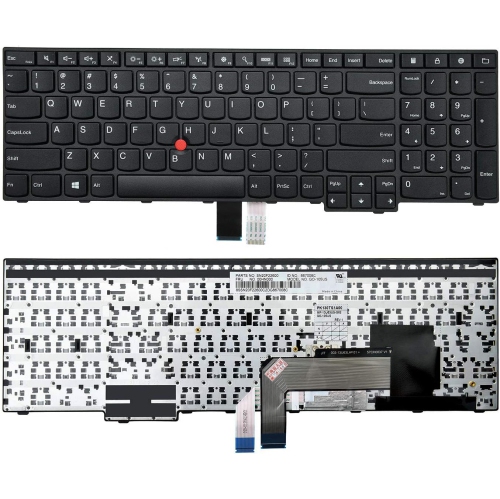
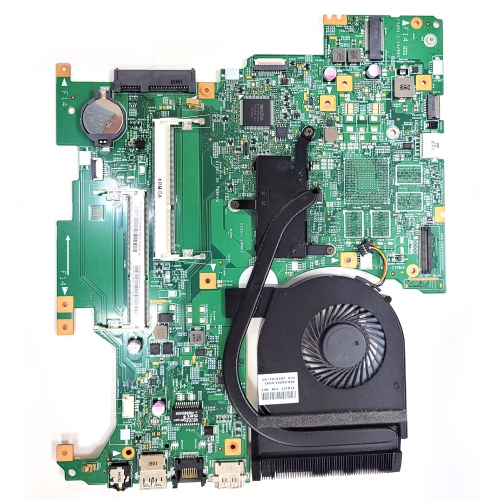
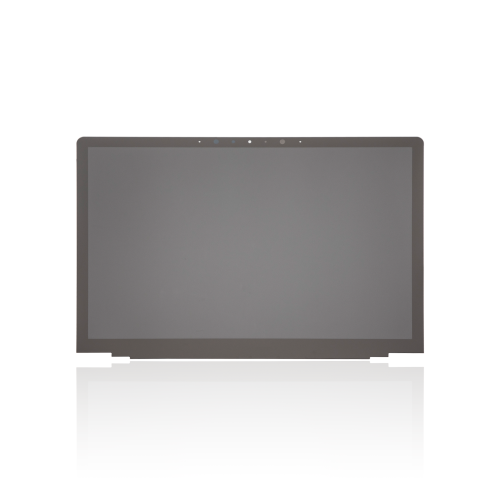
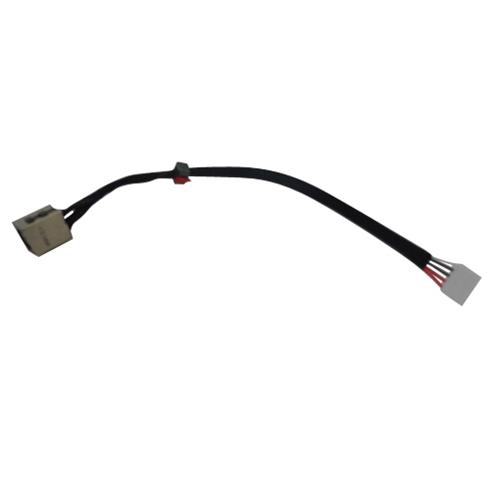
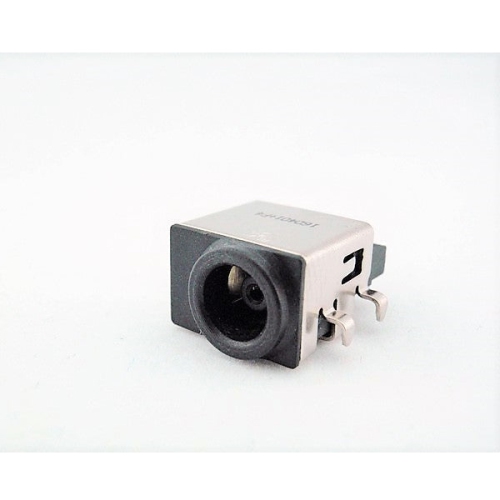
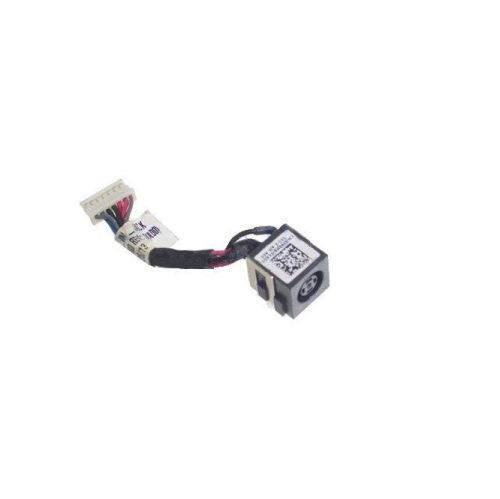
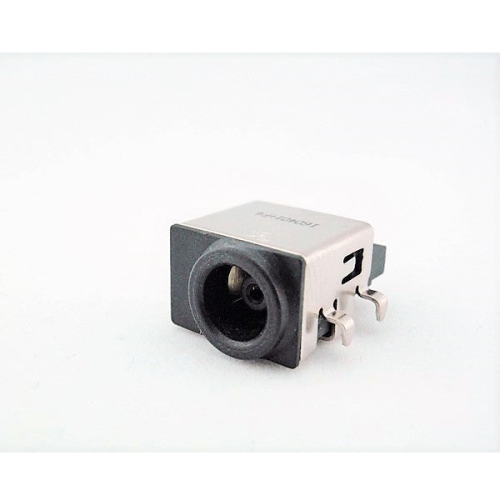
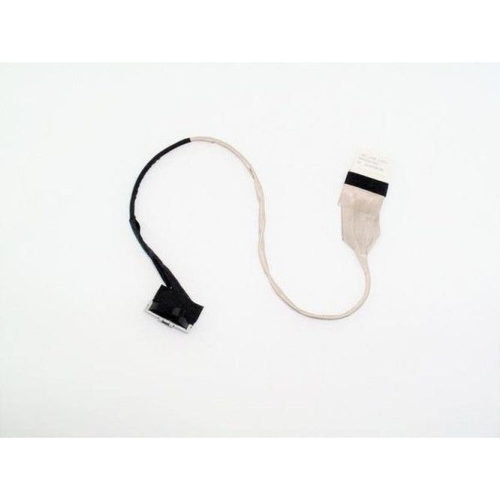
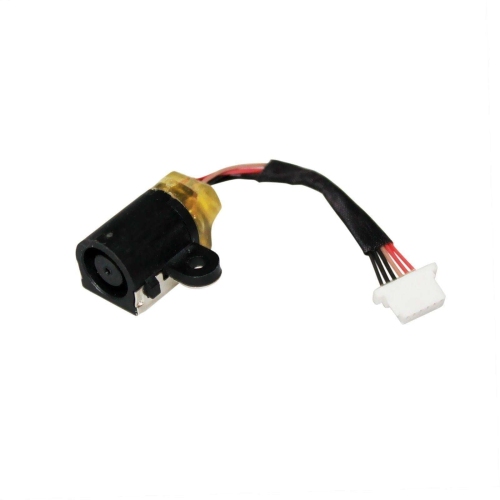
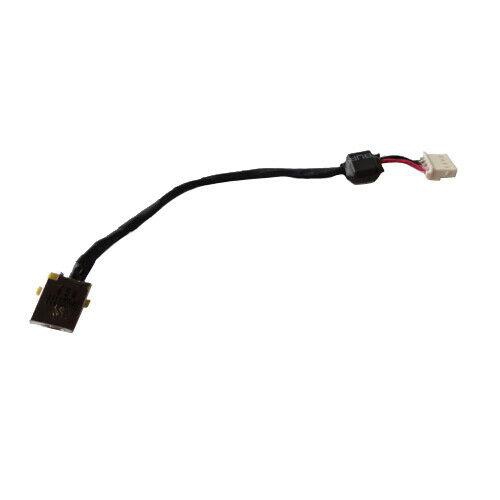
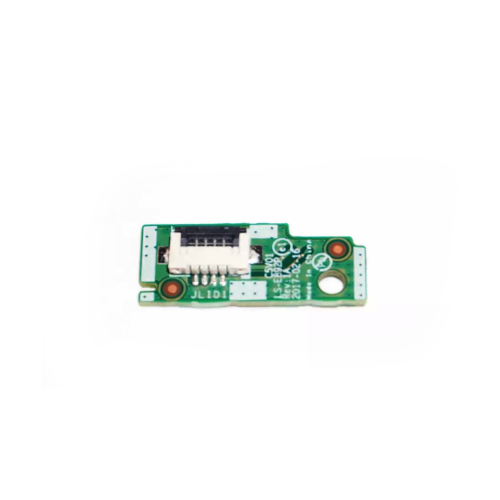
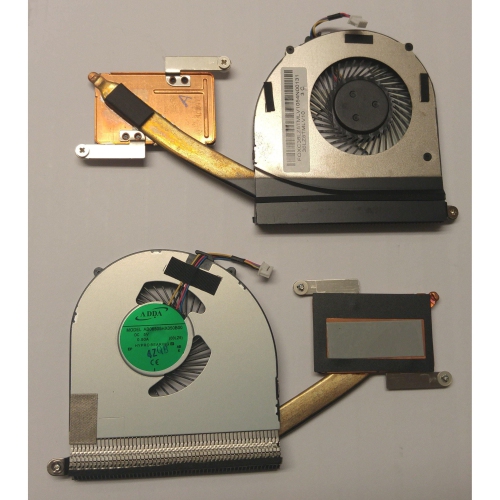
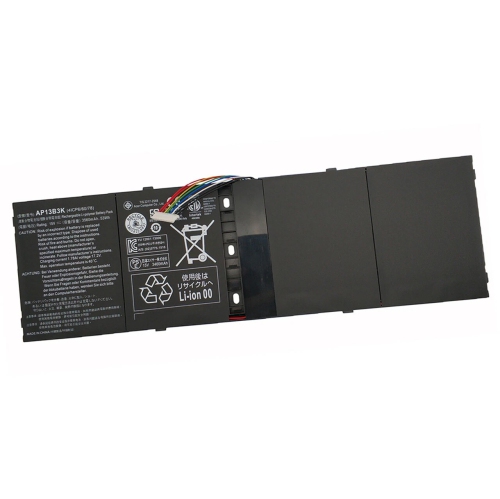
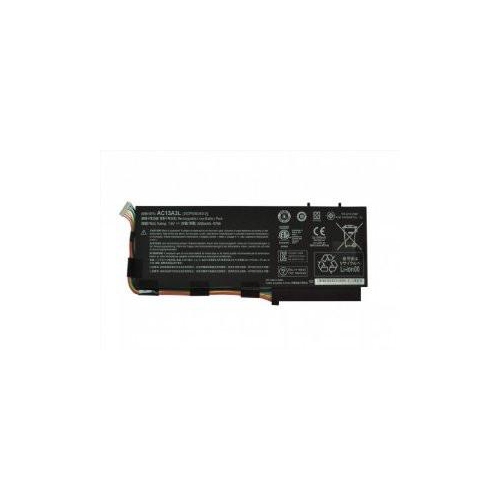
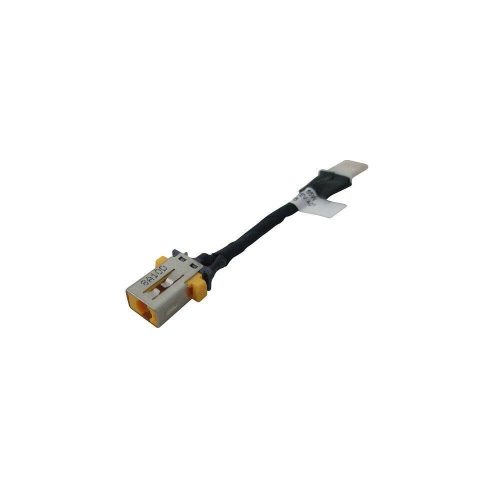
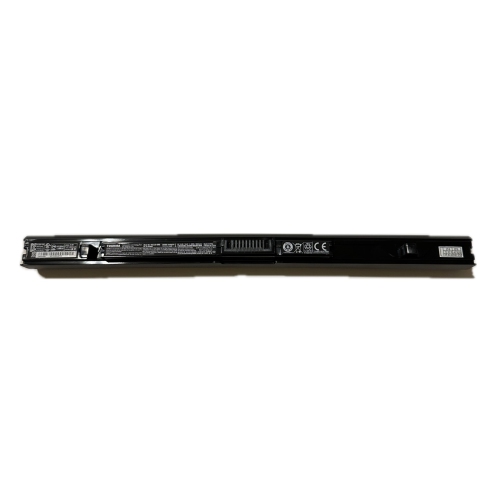
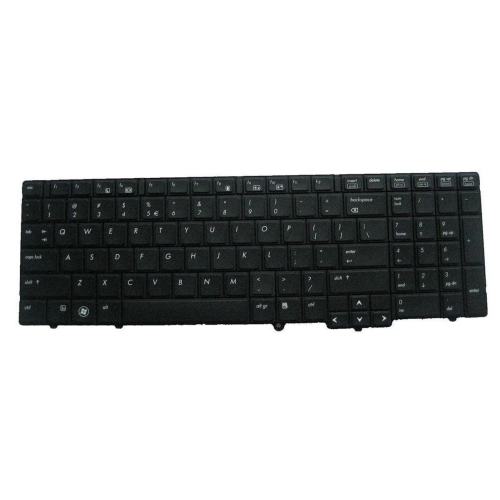
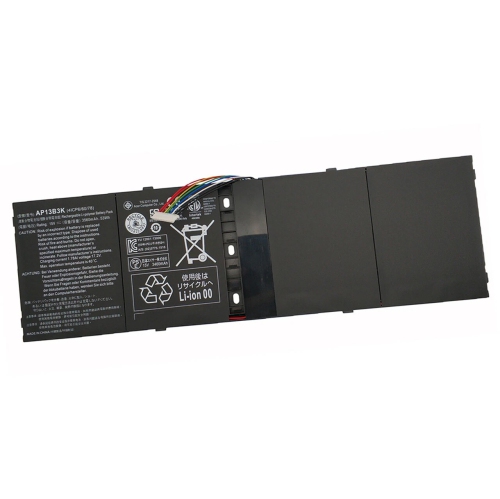
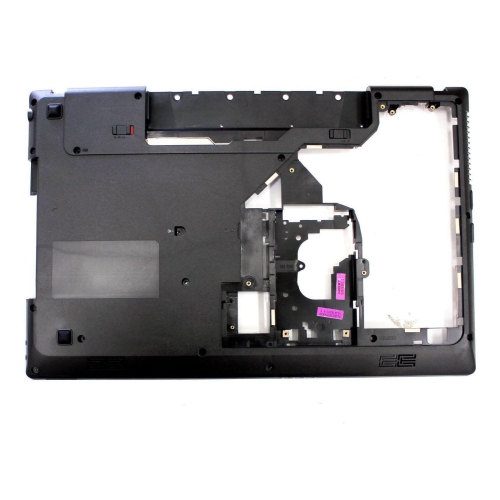
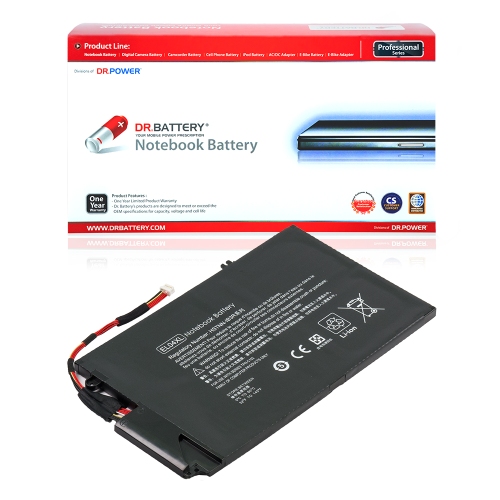
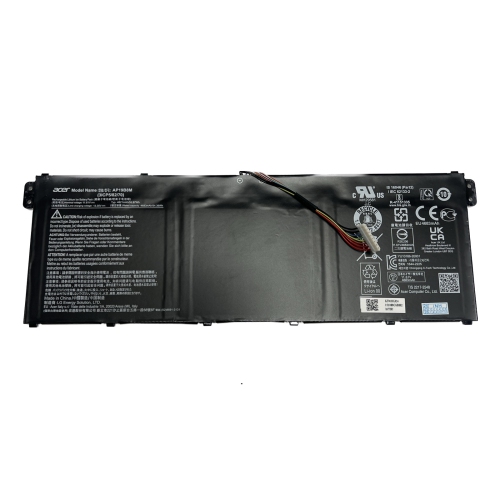
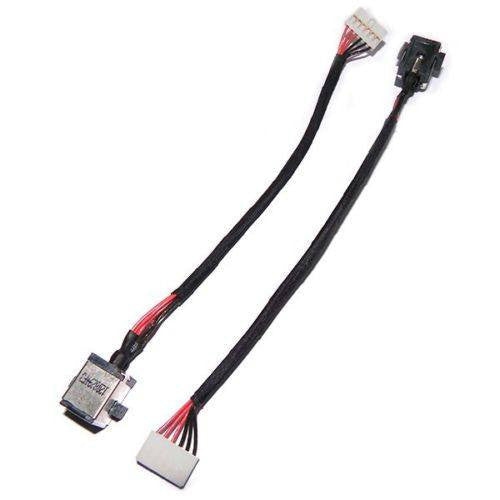
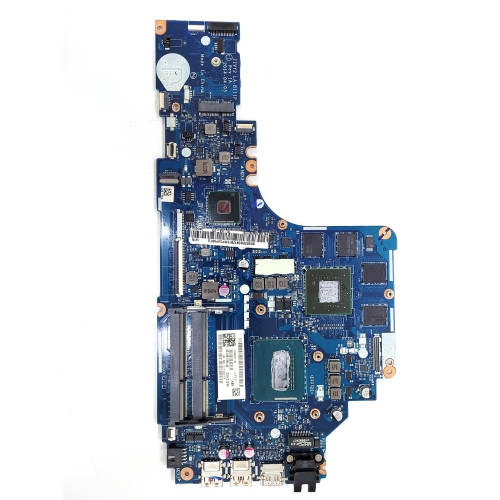
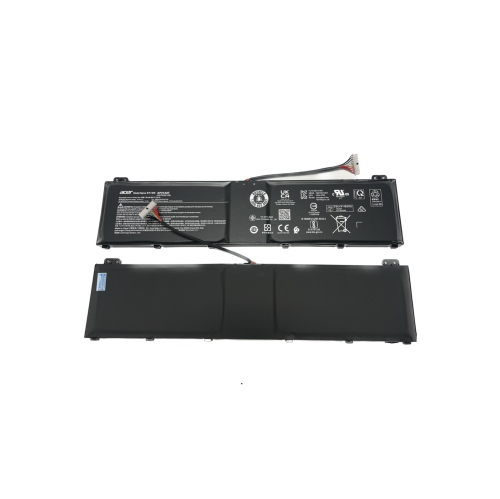
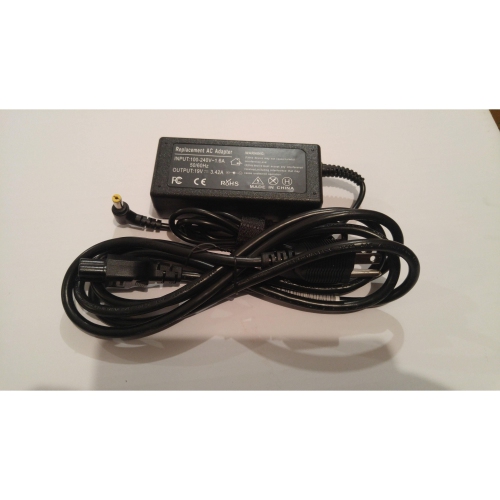
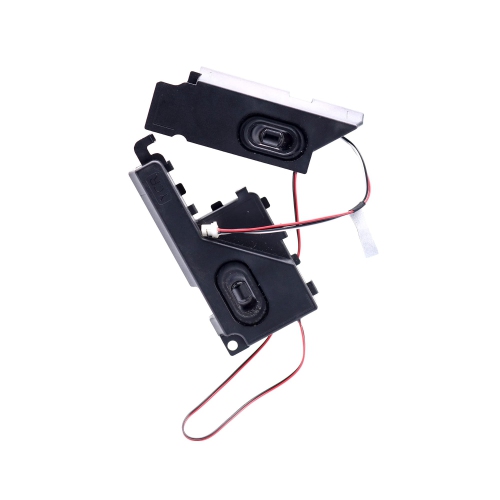
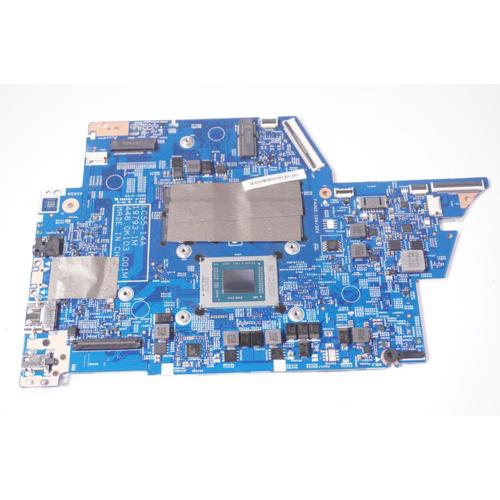
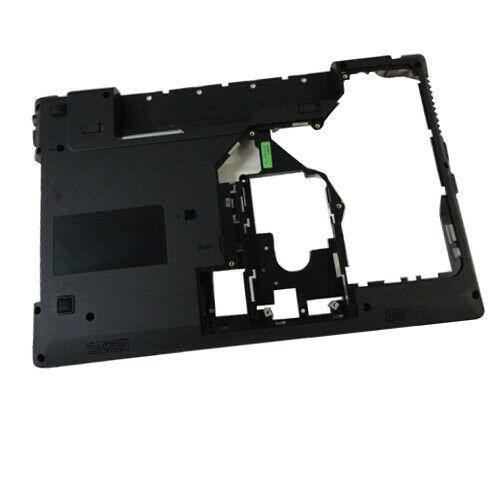
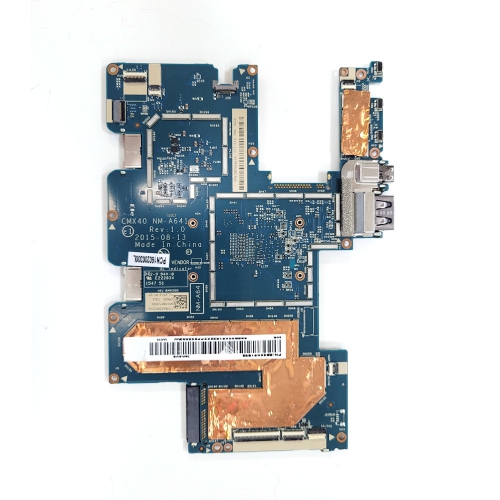
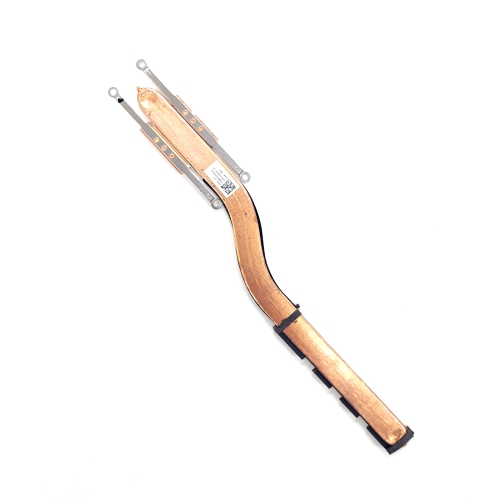
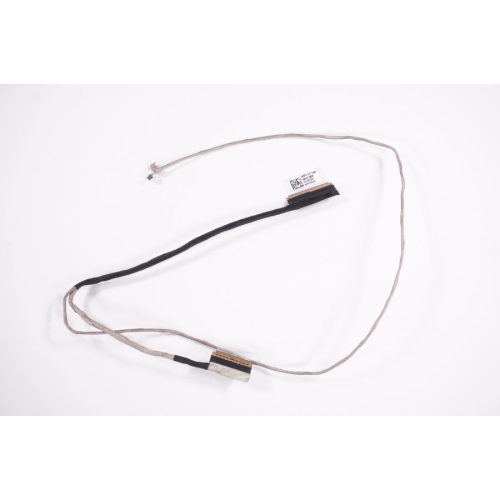
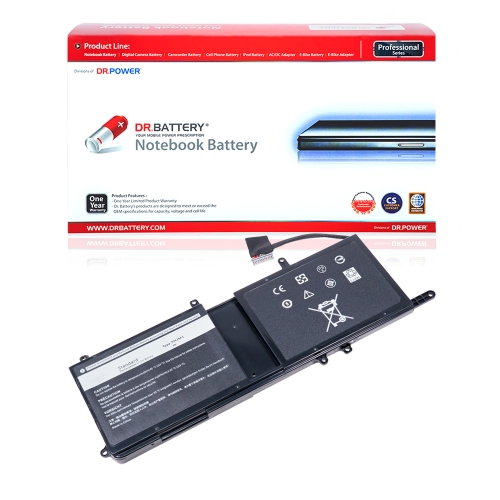
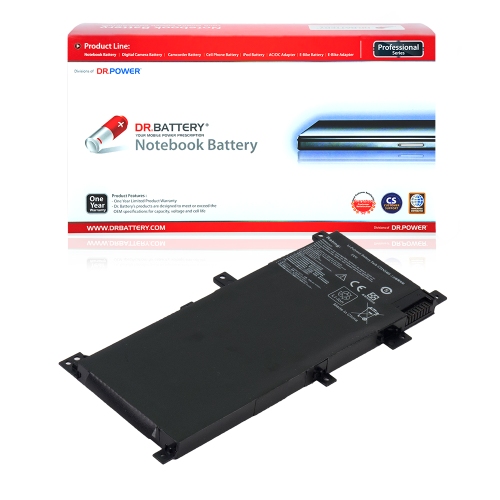
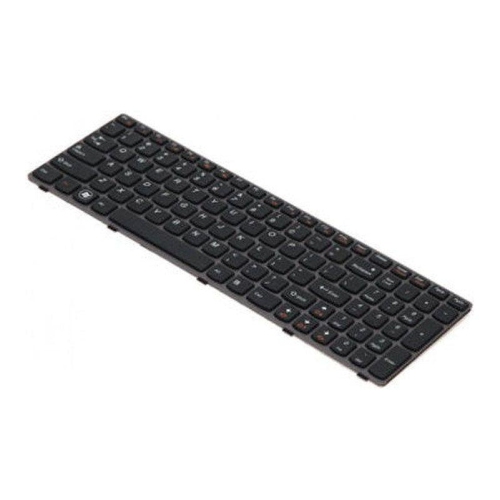
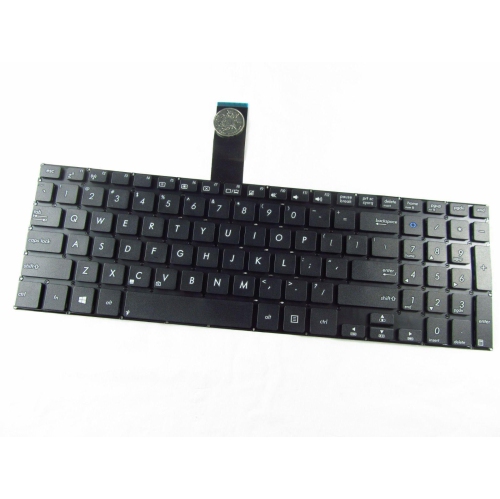
Laptop parts are the internal and external components that keep a portable computer powered, responsive, and comfortable to use. Replacement parts can address a worn keyboard, a cracked display, a loose hinge, or a battery that no longer holds a useful charge, while compatible upgrades can add storage space or help a laptop handle more active programs. The main categories include batteries, screens, keyboards, memory, storage drives, cooling assemblies, circuit boards, and chassis components. Each serves a different purpose: the battery supplies power away from an outlet; the screen displays text and images; the keyboard and touchpad provide input; and random access memory, or RAM, holds information that running applications need to access quickly. A solid-state drive or hard drive stores the operating system, applications, and personal files even when the computer is switched off. Fans and heatsinks move heat away from internal chips, while the motherboard connects and coordinates the laptop’s major functions. Choosing suitable laptop replacement parts starts with the exact model and, where applicable, its hardware revision or the original component’s part number. Two computers with almost identical cases can use different connectors, mounting points, or electrical specifications, so appearance alone is not enough to establish fit. Even within one model family, touch and non-touch displays, different keyboard layouts, or alternate battery configurations may require distinct parts. Manufacturer documentation and clearly stated compatibility information are more dependable than a broad match based only on screen size. These details matter whether the computer belongs to a student carrying coursework between classrooms, a professional working with large spreadsheets, or a household sharing a laptop for video calls and everyday browsing. A well-matched component preserves the features that make the computer useful, from readable text and reliable typing to enough storage for a growing photo library. For a repair enthusiast receiving a part as a gift, confirming the intended laptop and component specifications beforehand is especially important.
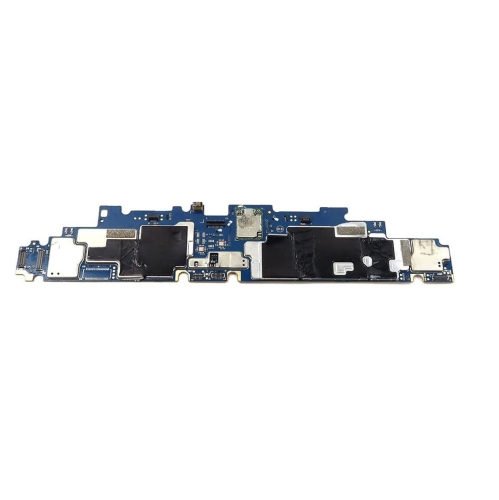
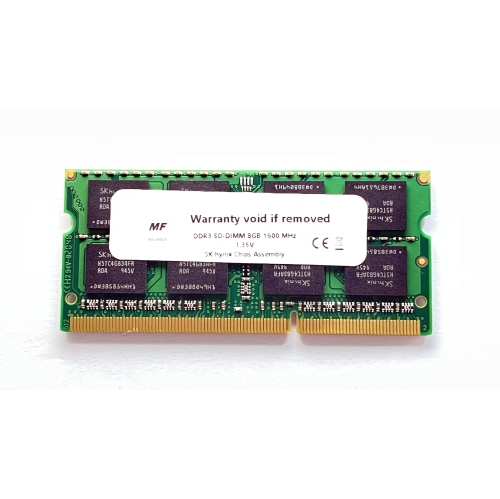
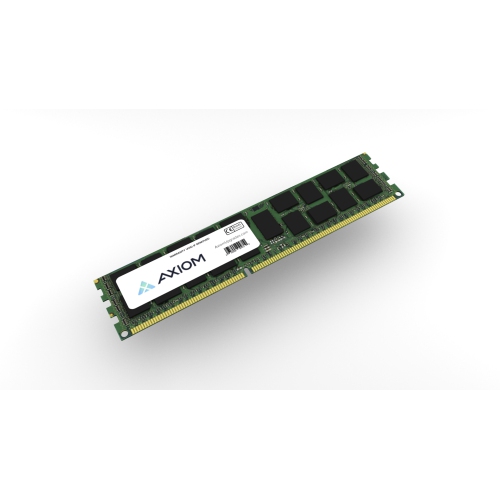
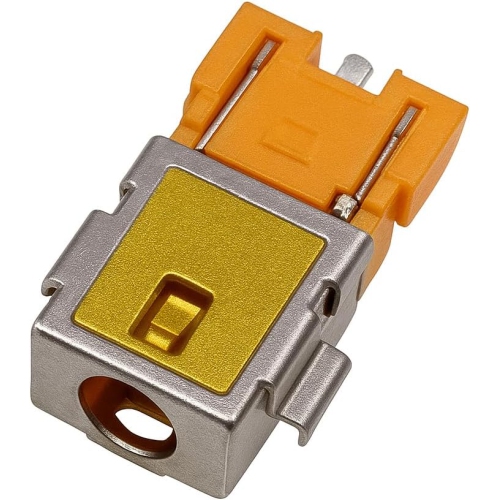
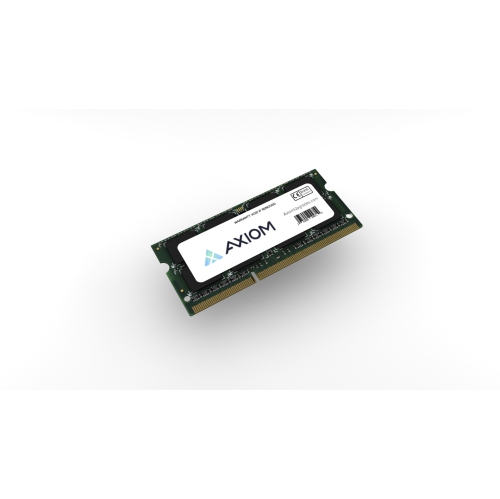
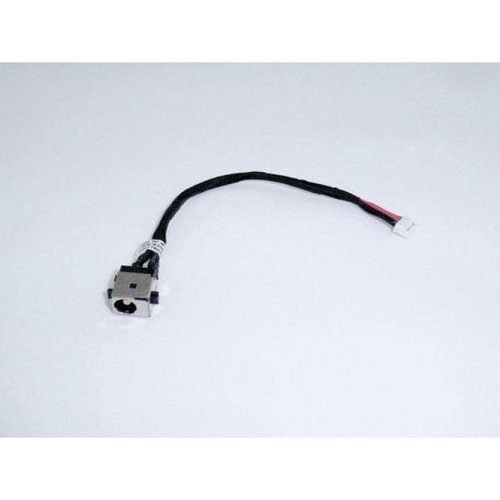
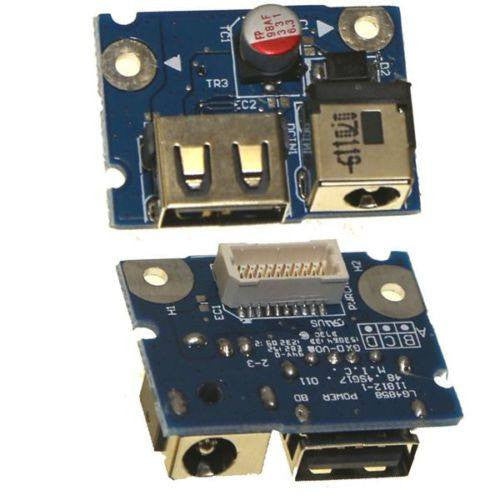
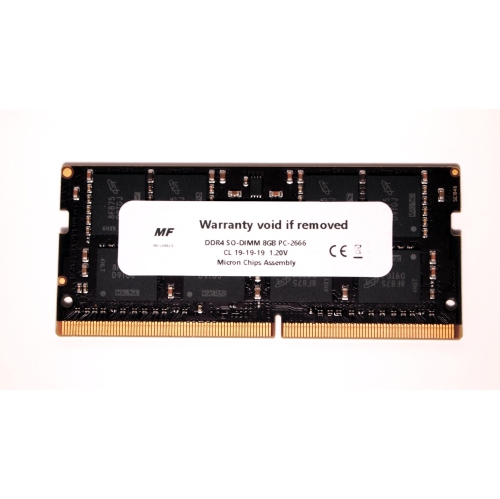
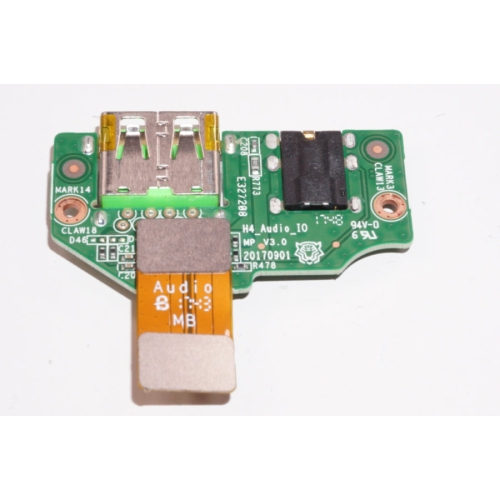
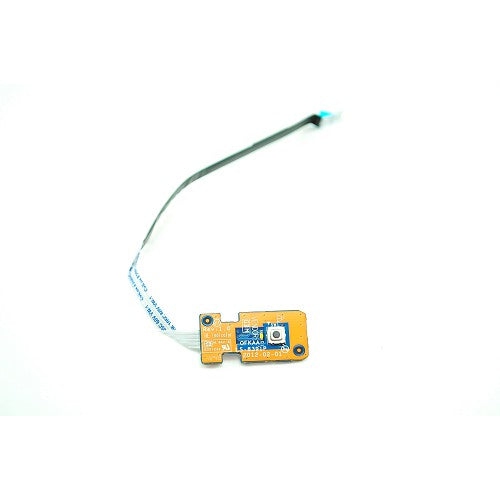
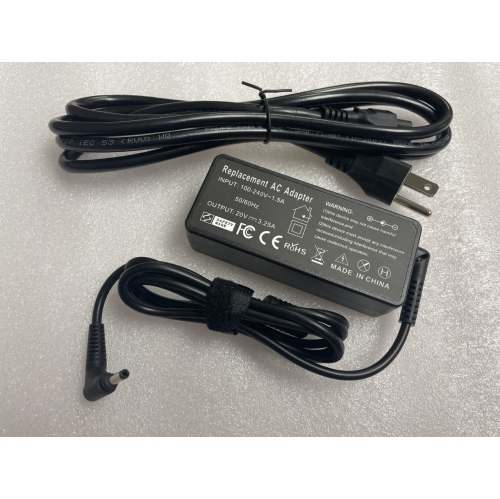
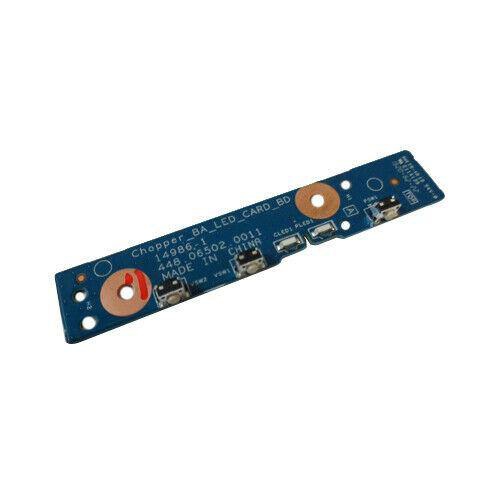
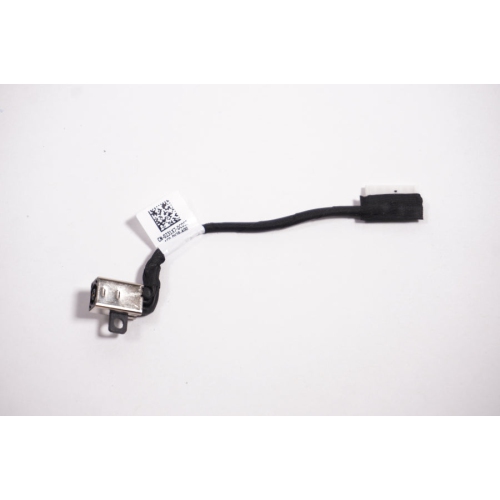
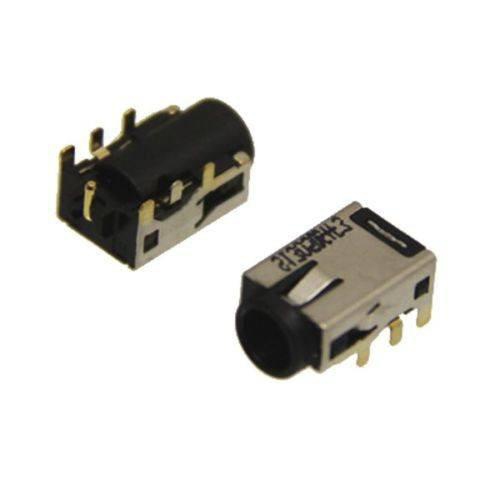
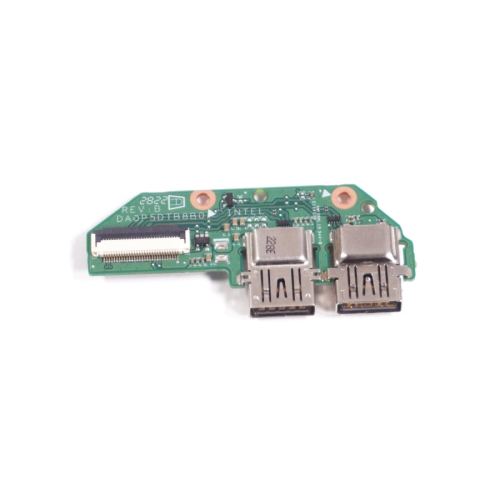
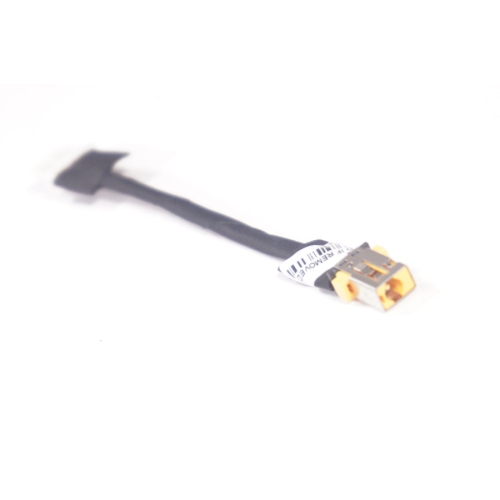
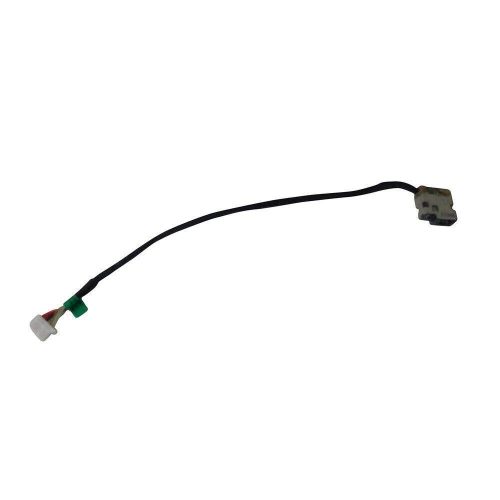
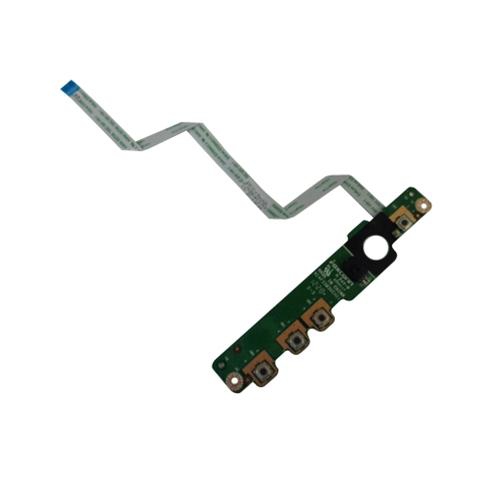
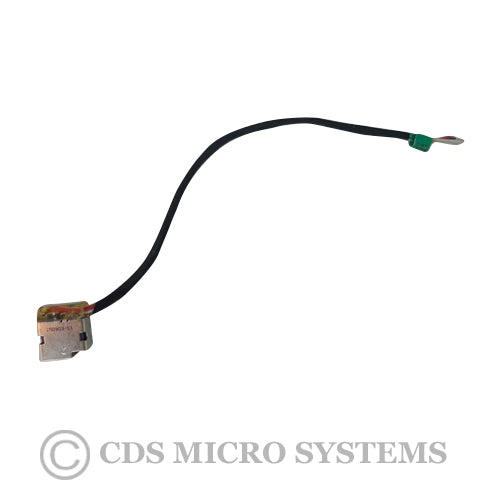
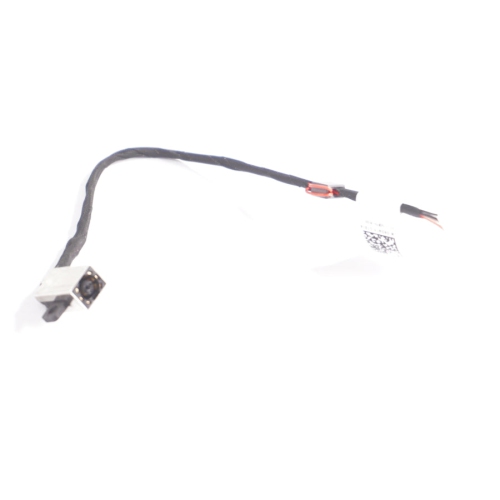
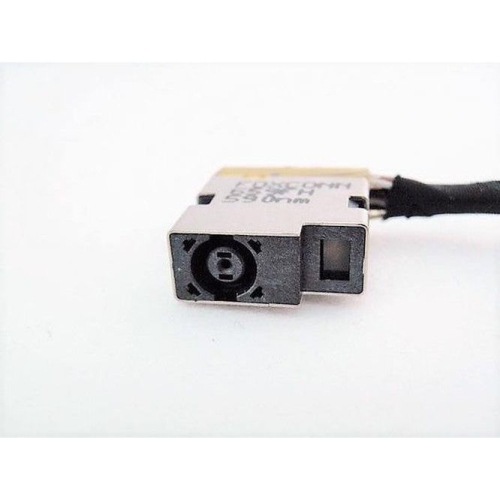
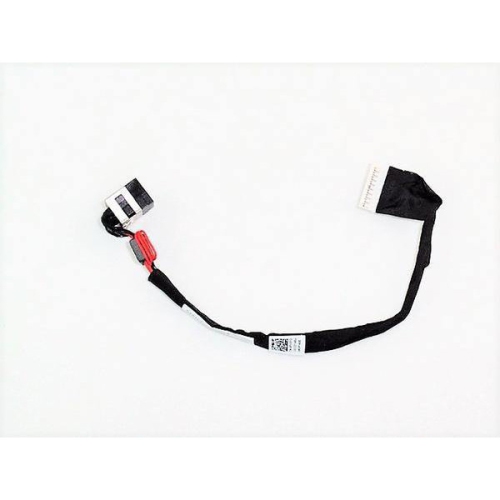
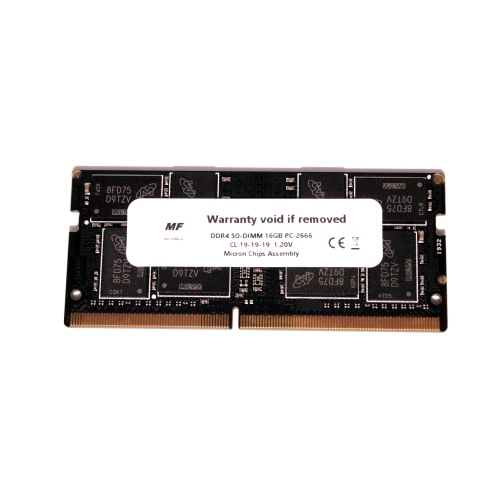
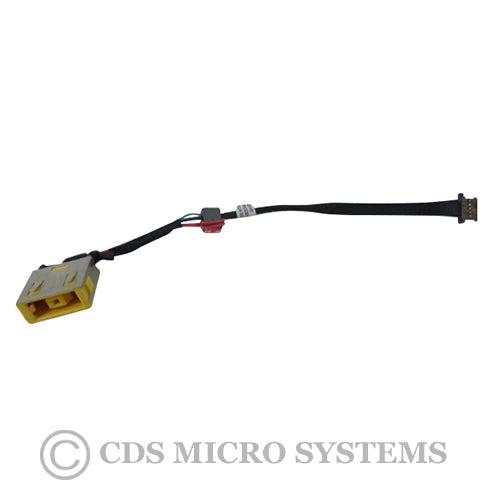
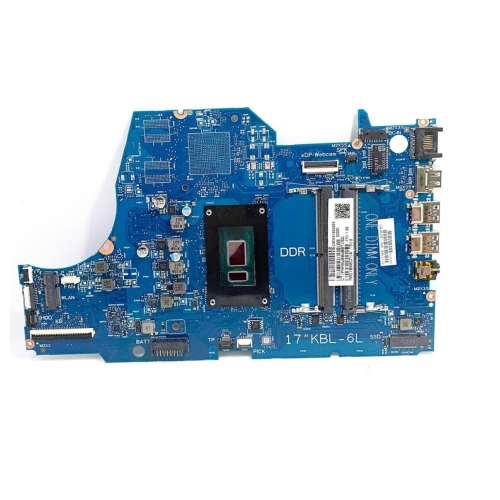
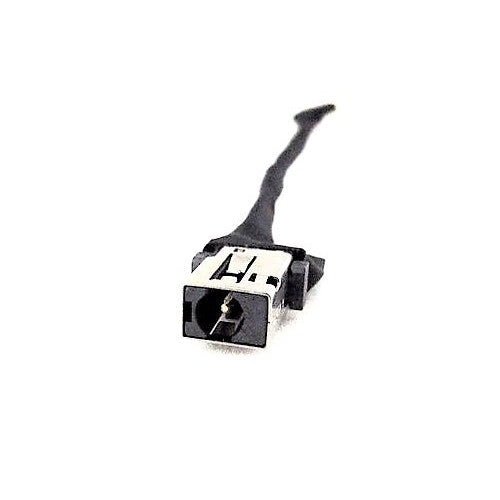
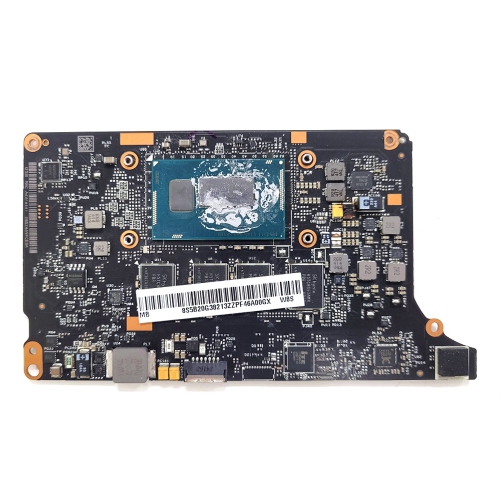
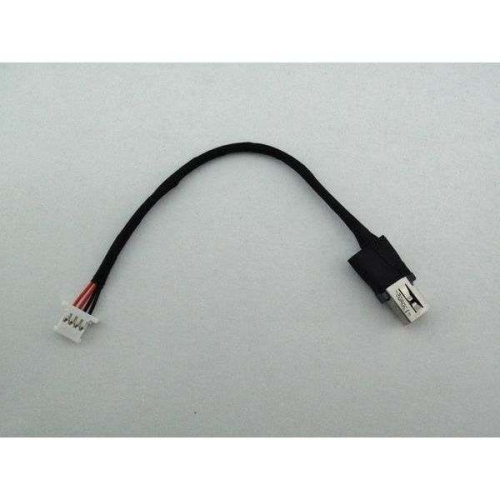
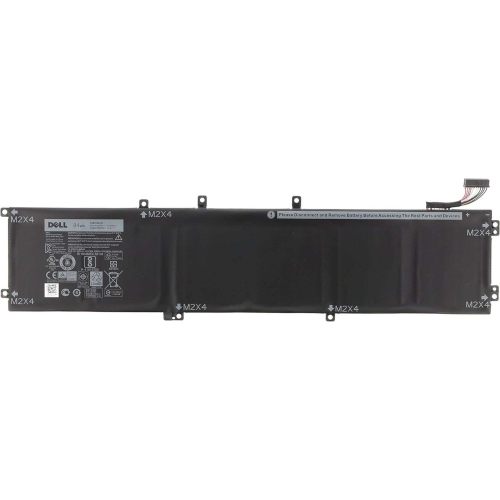
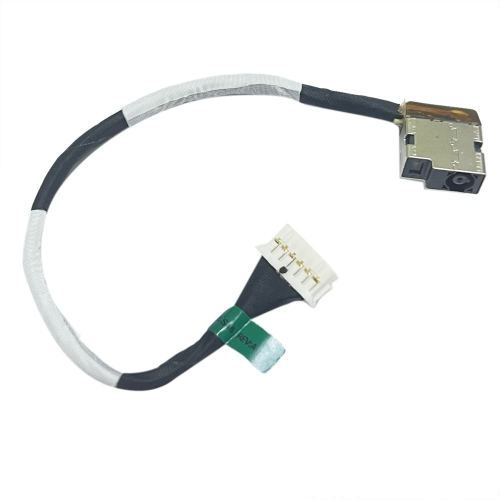
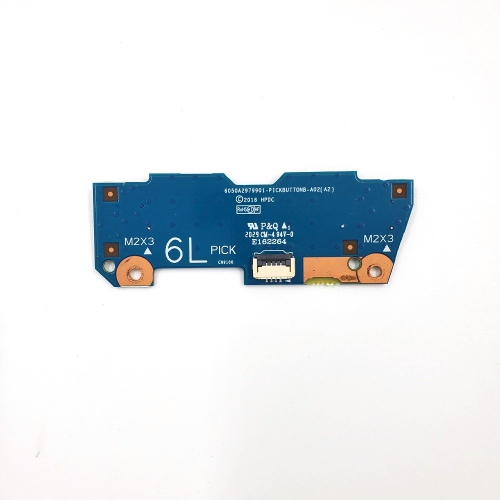
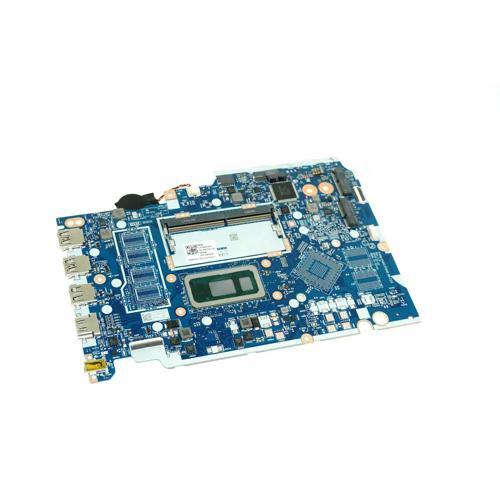
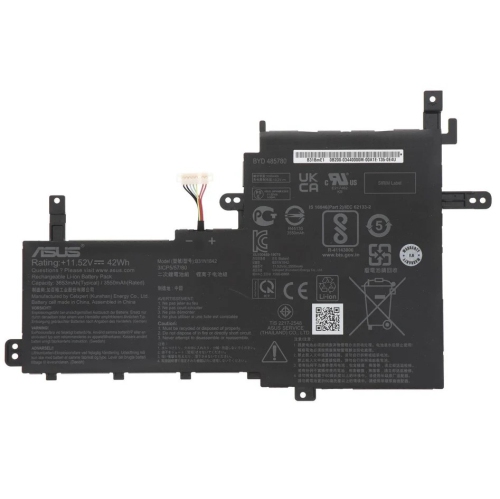
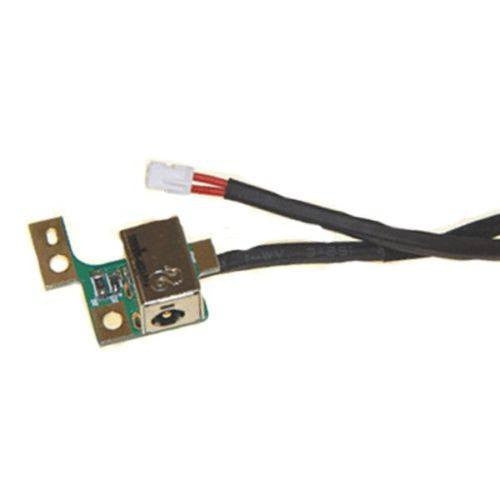
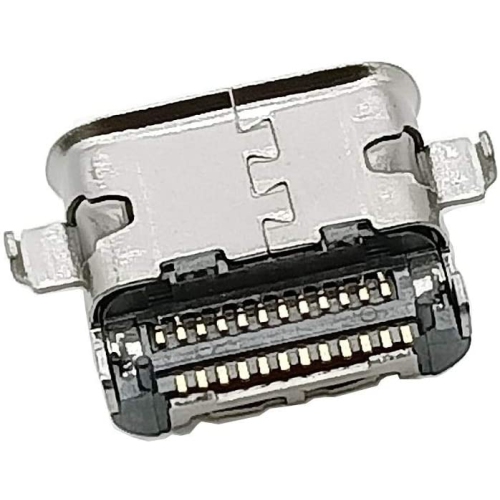
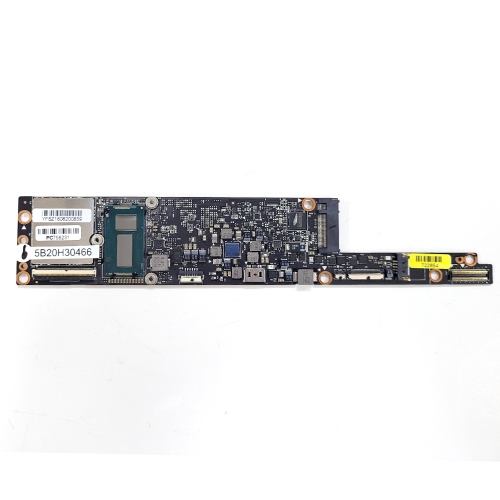
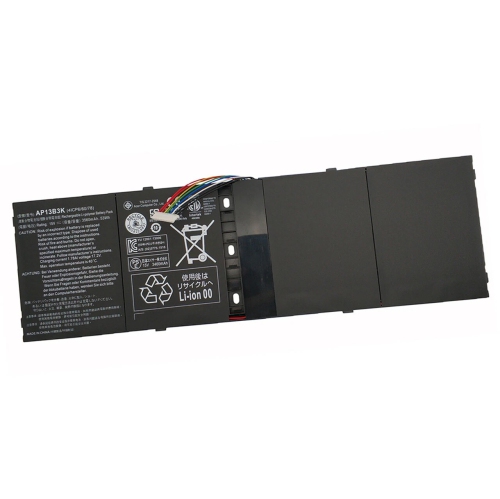
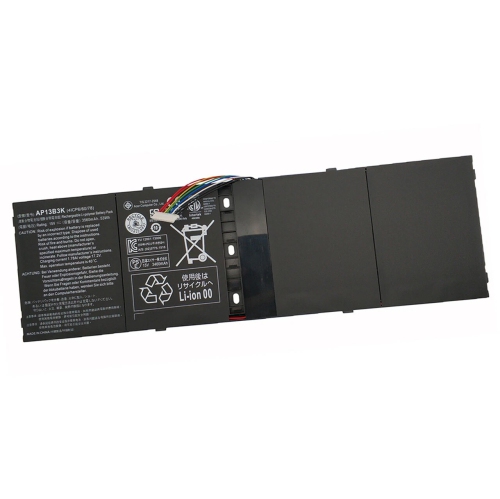
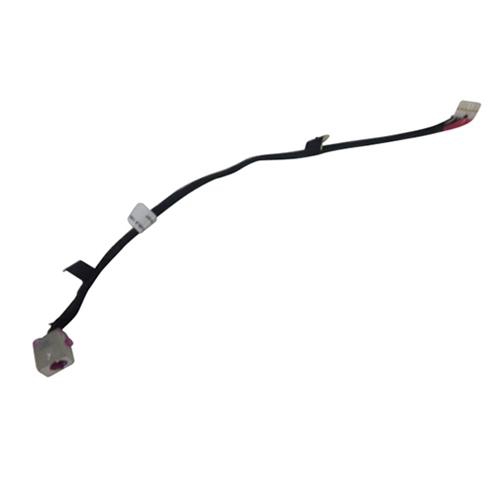
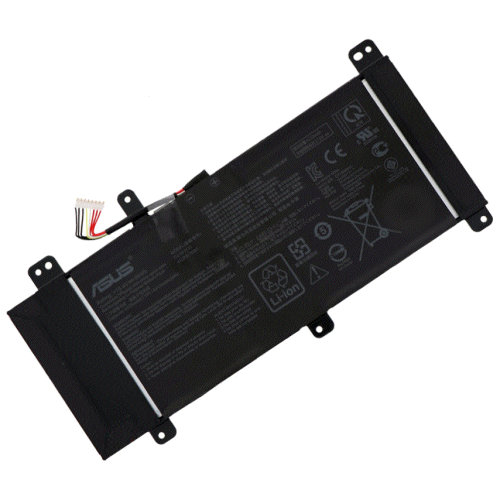
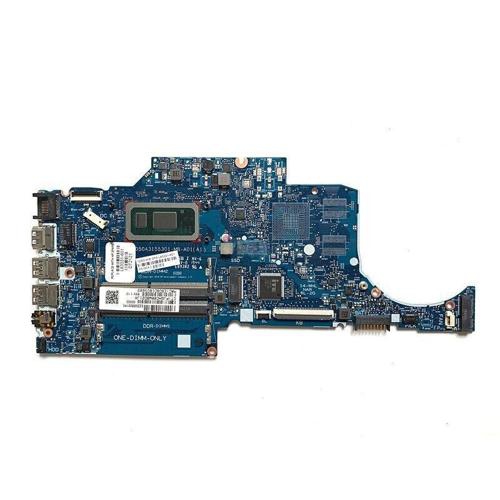
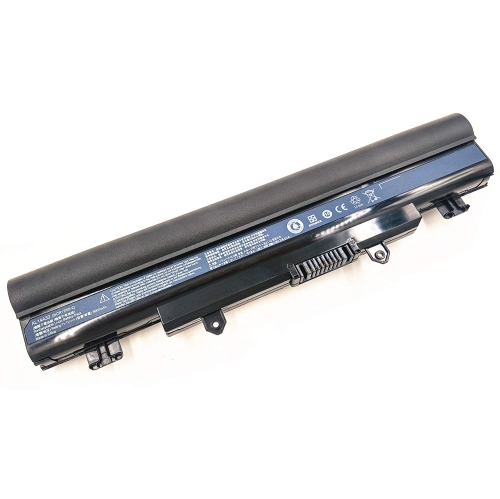
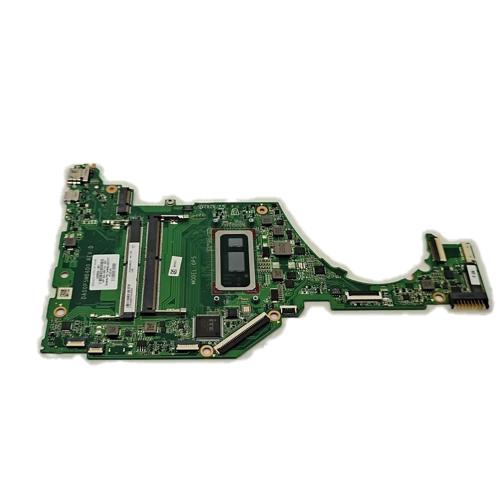
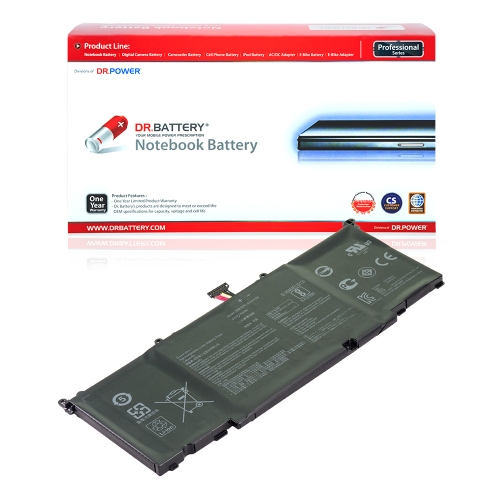
Memory and storage upgrades serve different needs, and the distinction helps set realistic expectations. More compatible RAM may make switching among a browser, a document editor, and a video meeting smoother when limited memory is the bottleneck. It does not automatically improve every task, and some laptops have memory soldered to the motherboard rather than removable modules. For systems with upgradeable memory, the supported generation, module format, capacity limit, and slot configuration all affect suitability. Different memory generations are not interchangeable. Storage capacity determines how much room is available for applications and files, while the drive interface and the computer’s capabilities influence transfer performance. A laptop with a compatible solid-state drive can feel more responsive when starting applications or opening files than one using a mechanical hard drive. However, a drive must match the supported connection and physical dimensions: M.2 describes a form factor, not a guarantee that every M.2 drive uses the same interface or fits the same slot. Moving to a replacement drive also requires a plan for the operating system and existing files, with a separate backup protecting important documents before work begins. Batteries require equally careful matching of the specified battery type, voltage, connector, and housing. Capacity is only one consideration; a battery must be explicitly compatible with the laptop, and actual runtime depends on workload, screen brightness, settings, and battery condition. Power adapters likewise need the correct electrical specifications and connection. A USB-C connector alone does not confirm that an adapter supports the charging requirements of a particular computer. For repairs involving power distribution, charging connections, or other board-level functions, Laptop Boards belong to a more model-specific category. Depending on the design, some functions sit on separate small boards, while others are integrated into the main motherboard. Processor and graphics components are also often soldered in place, making them unlike the interchangeable expansion parts found in many desktop computers. Understanding those design differences helps distinguish a practical component replacement from a repair that needs specialist assessment.
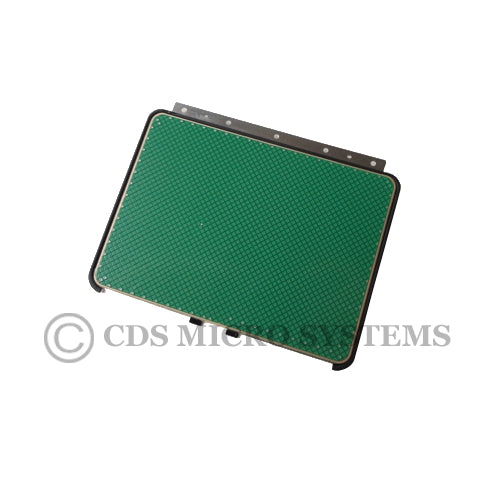
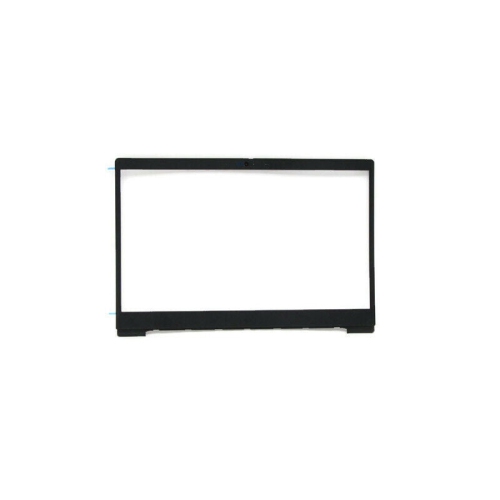
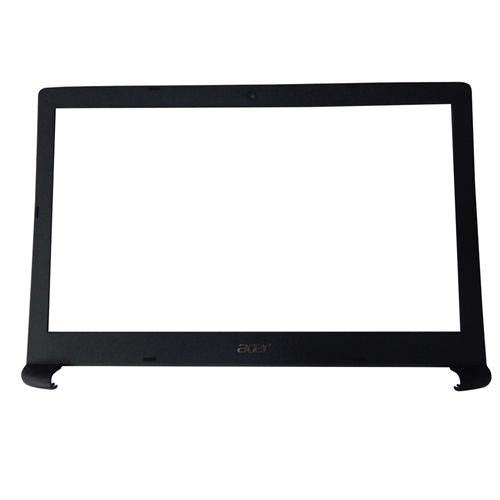
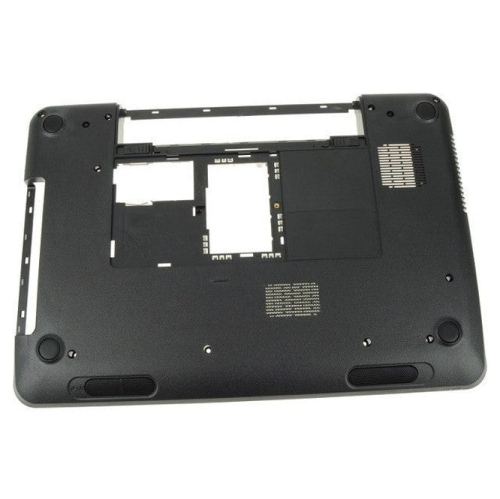
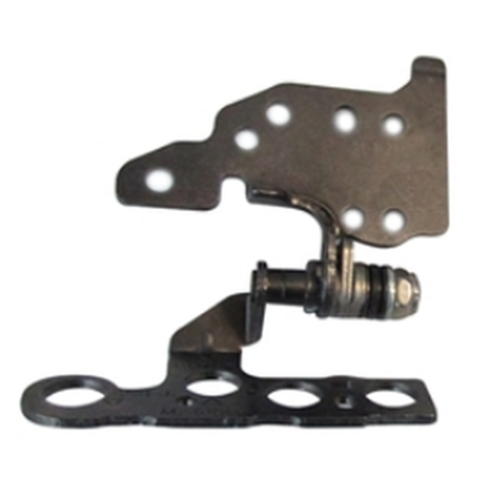
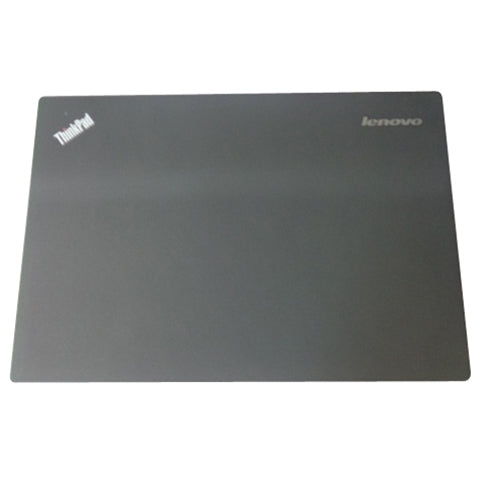
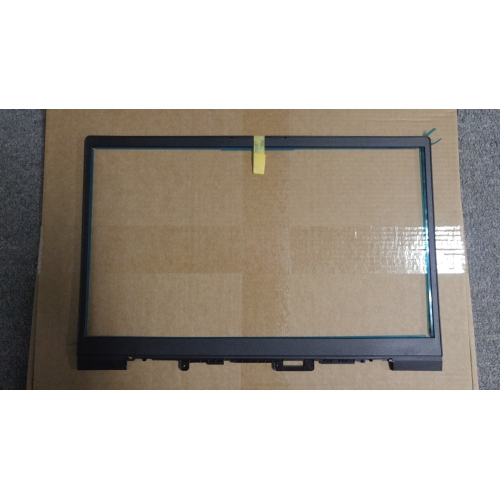
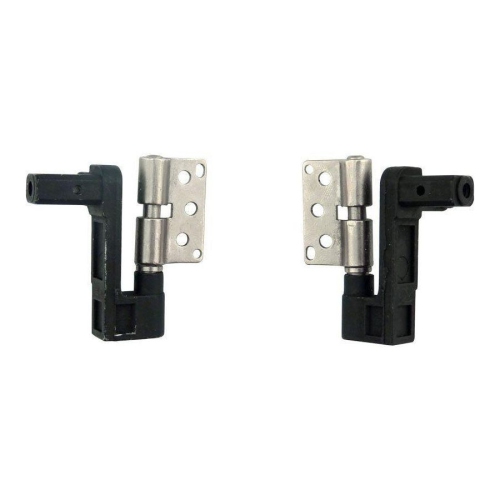
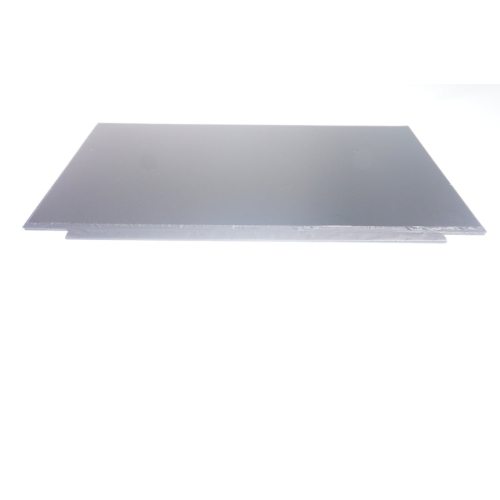
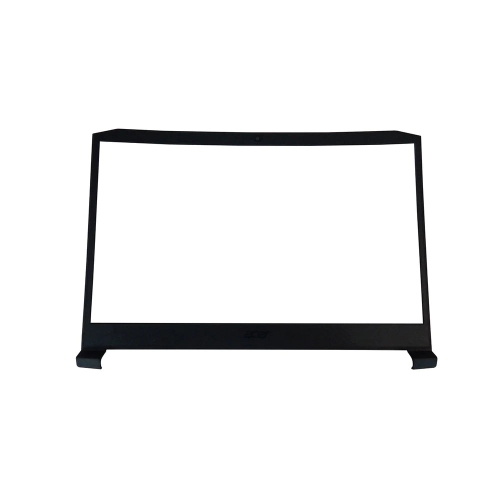
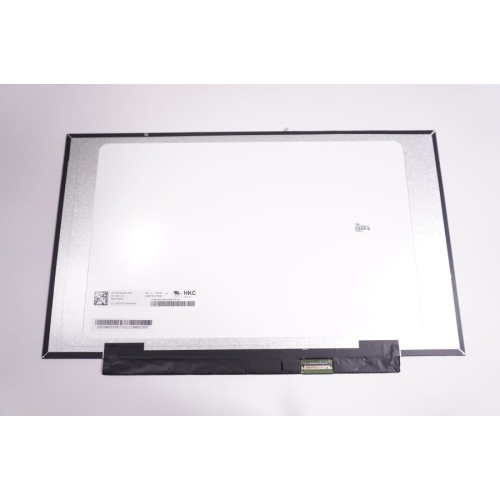
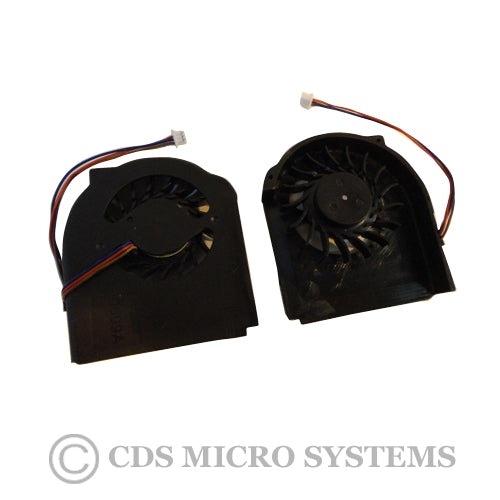
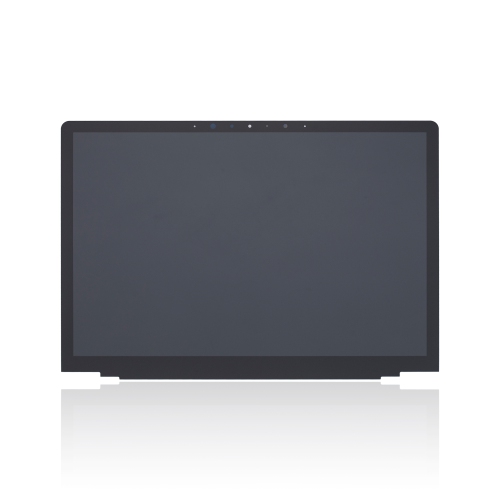
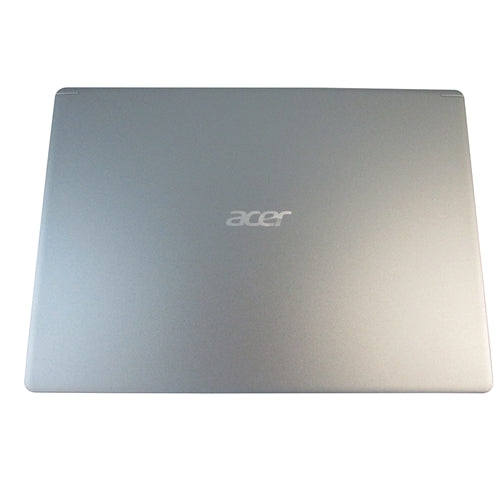
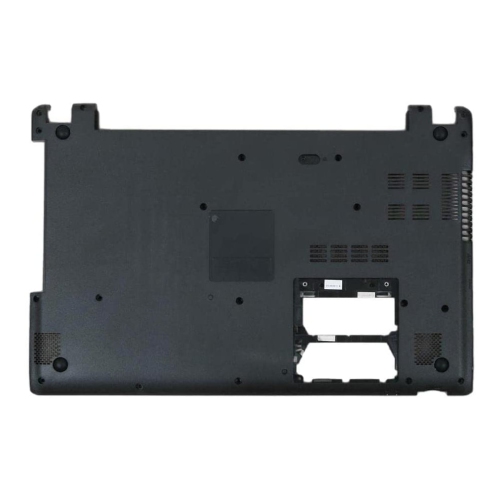
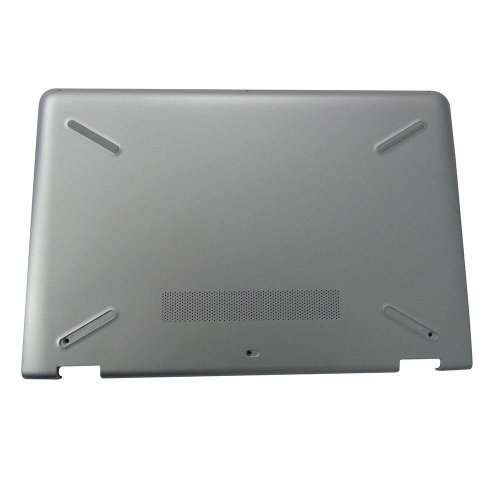
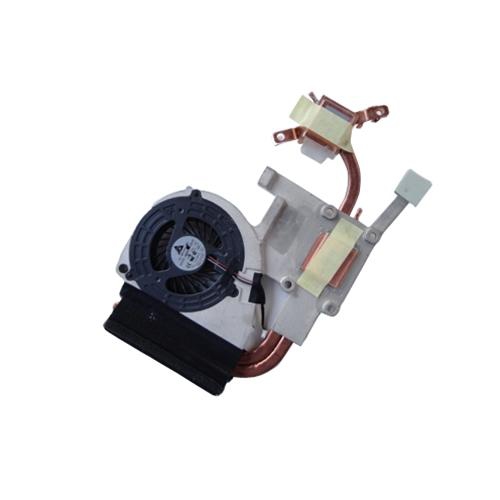
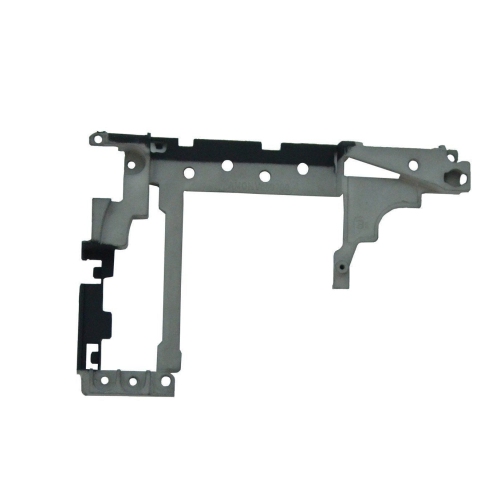
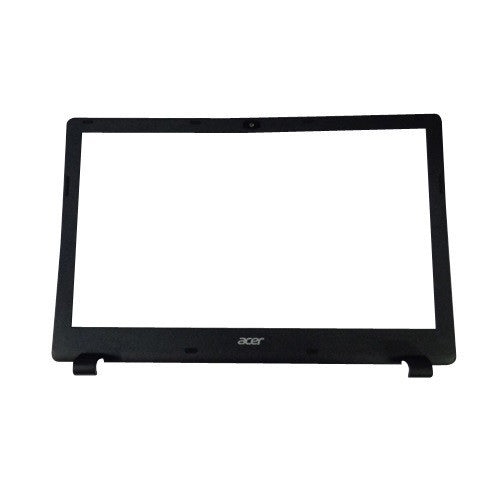
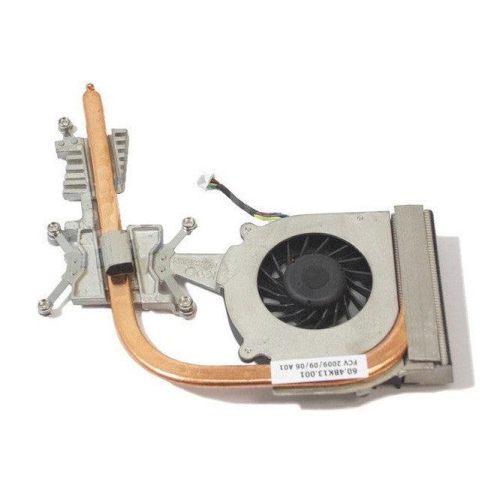
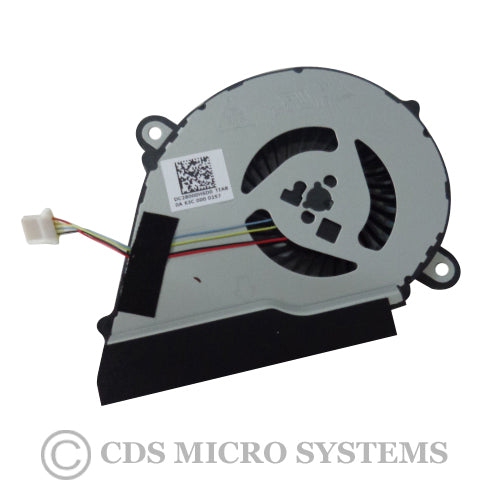
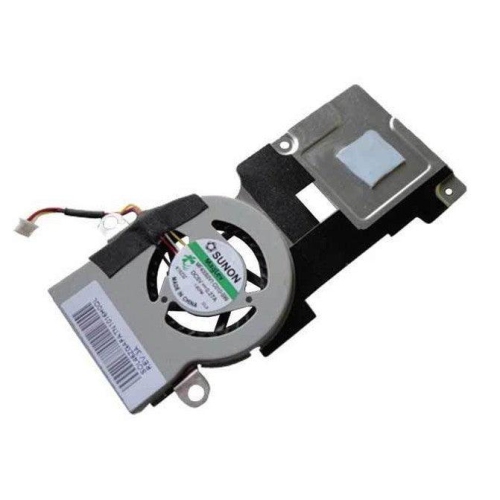
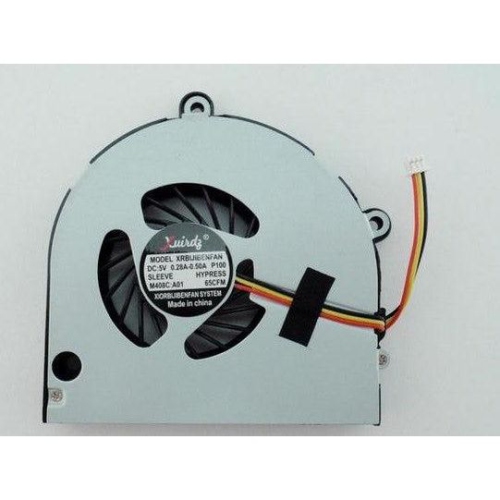
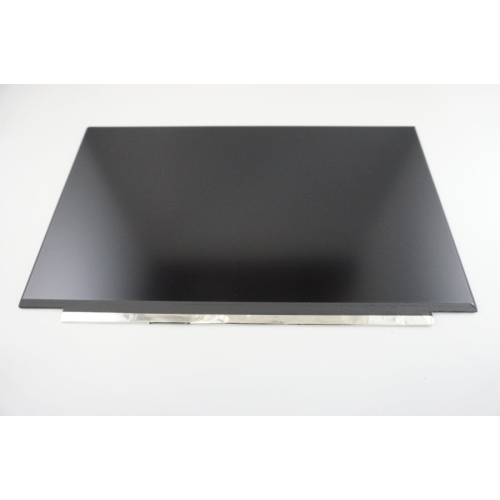
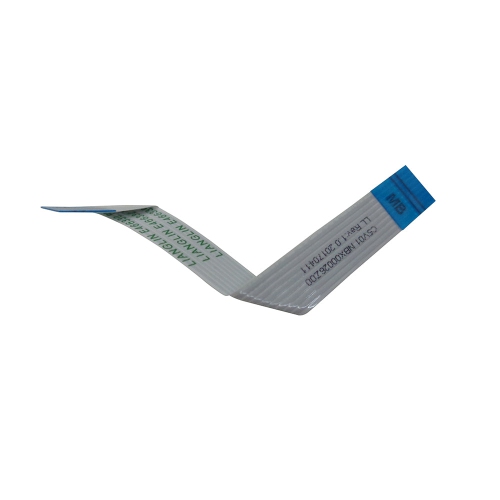
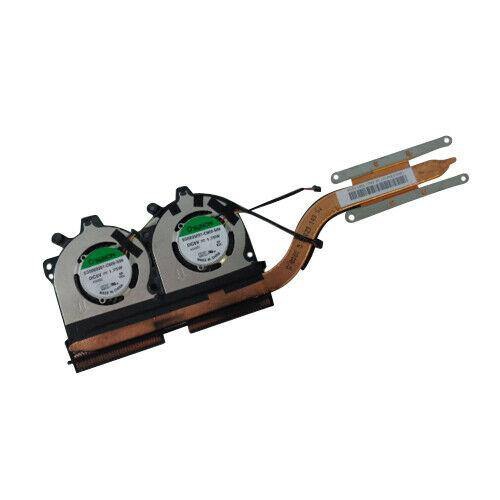
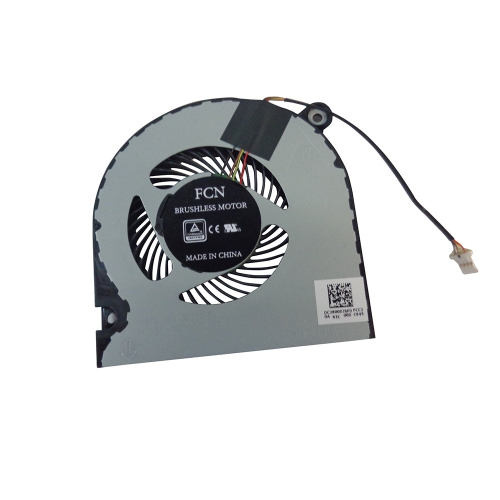
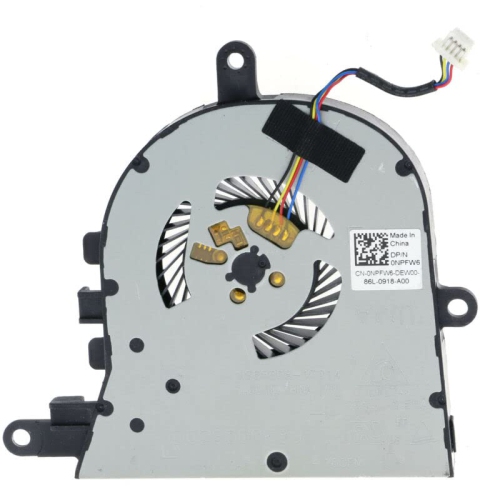
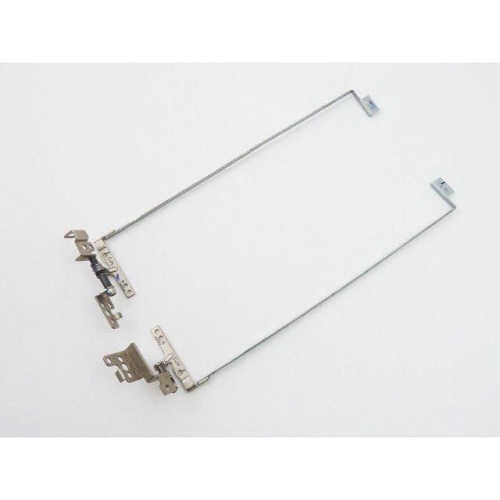
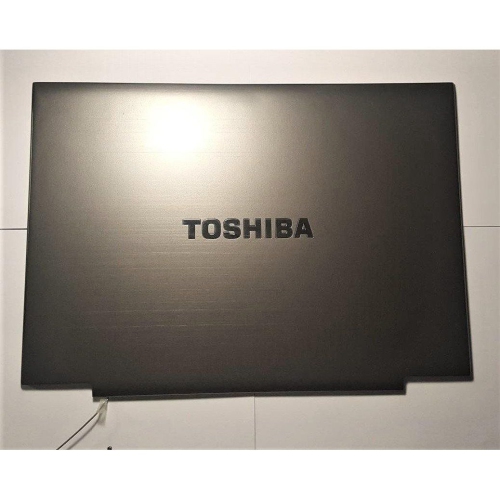
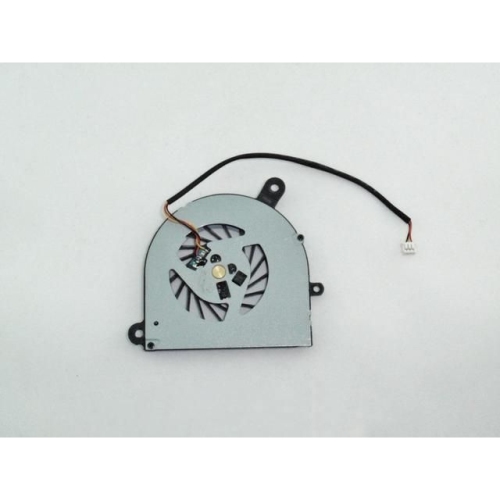
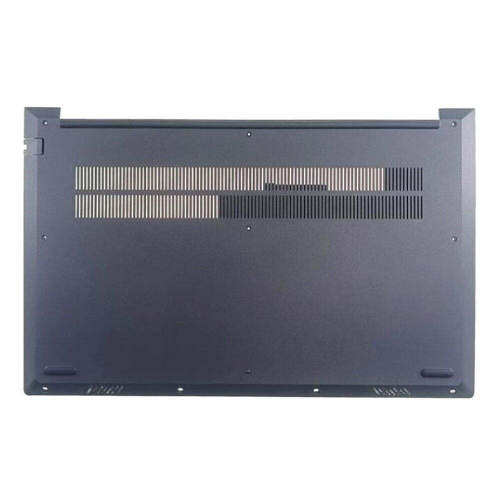
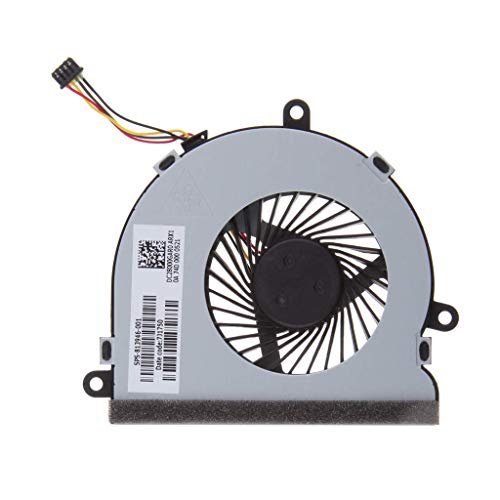
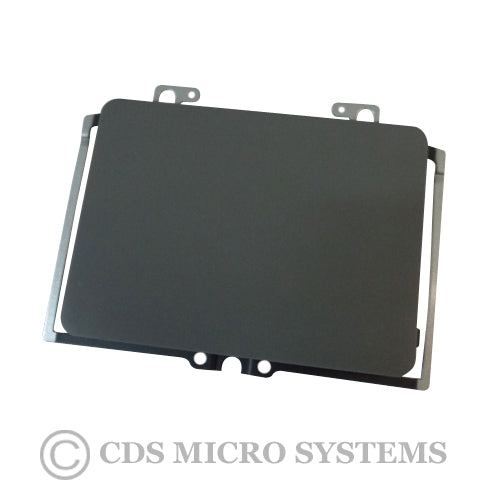
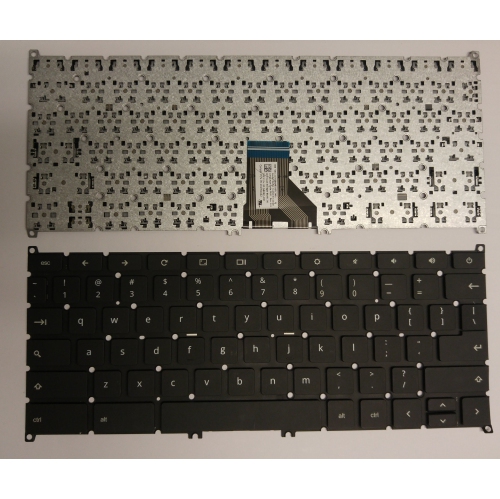
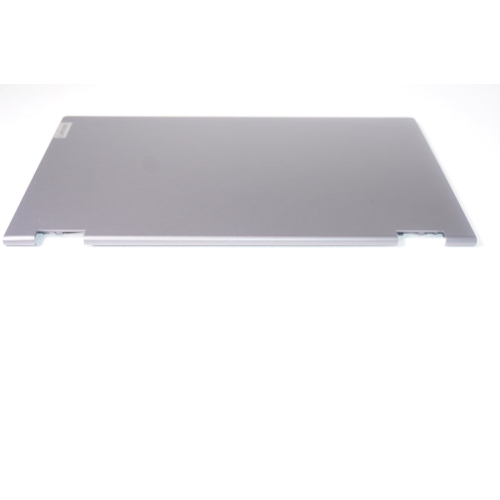
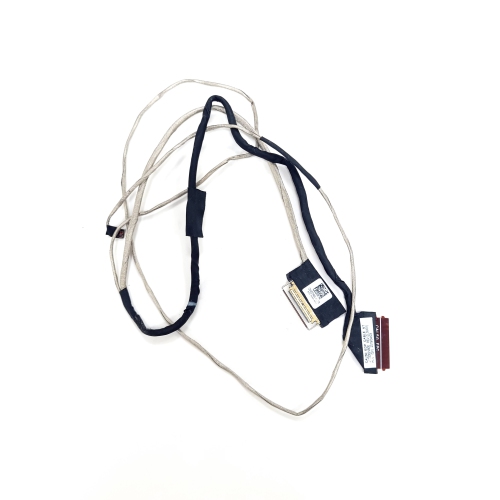
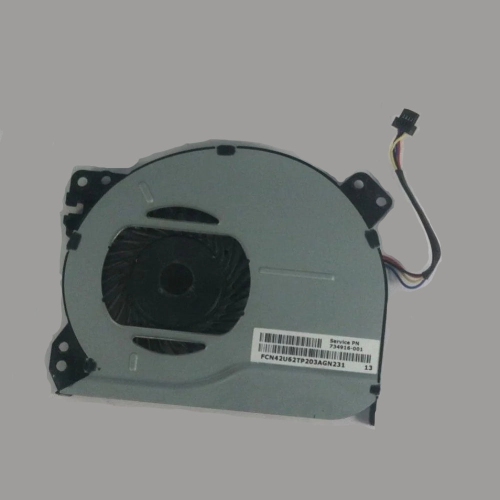
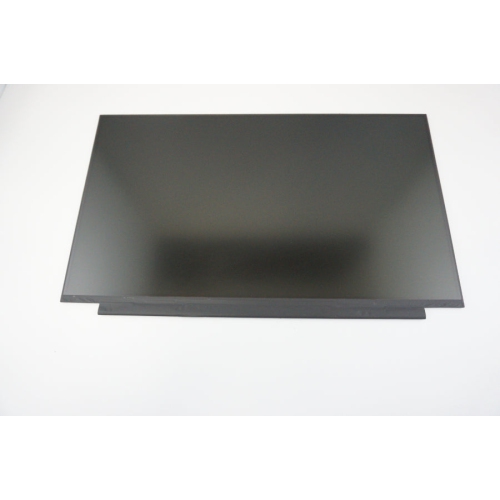
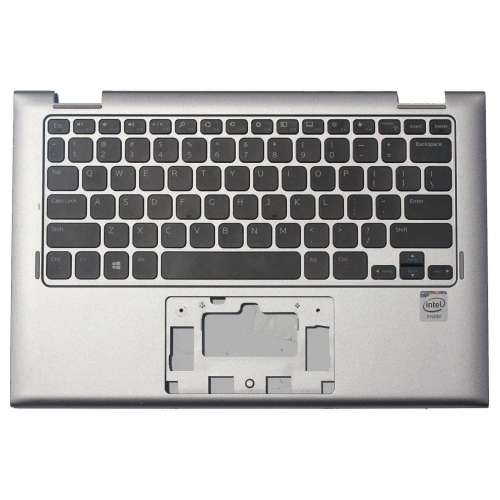
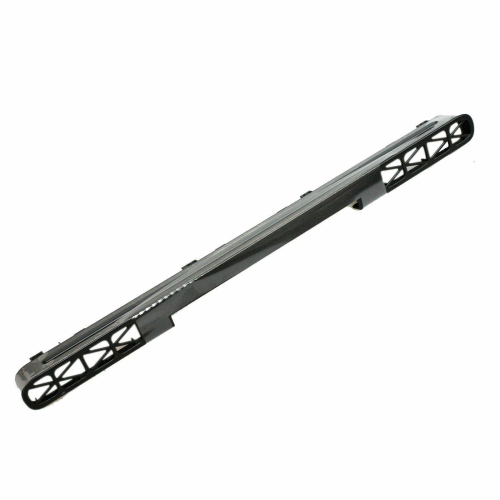
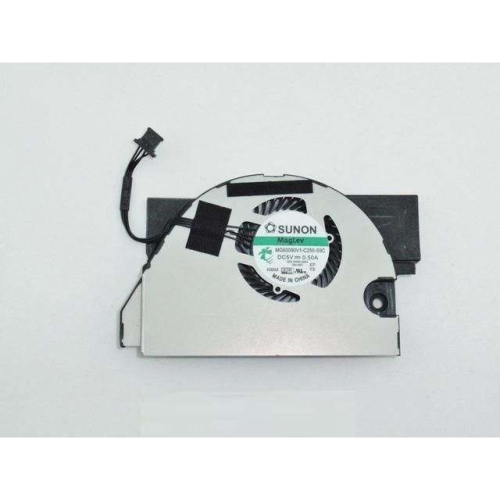
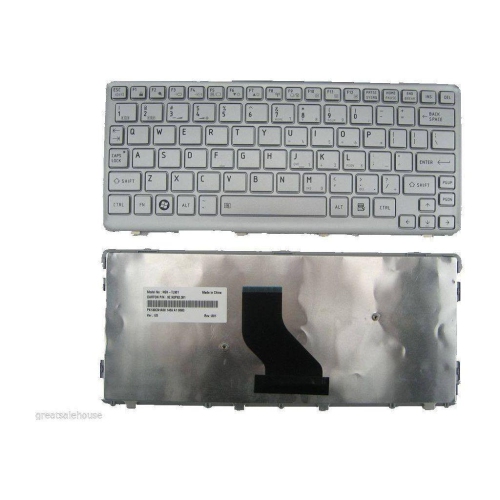
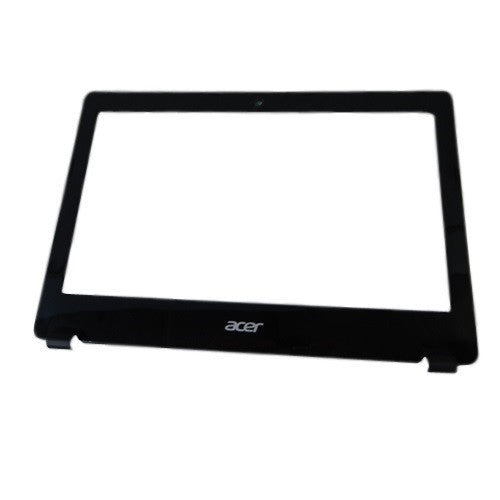
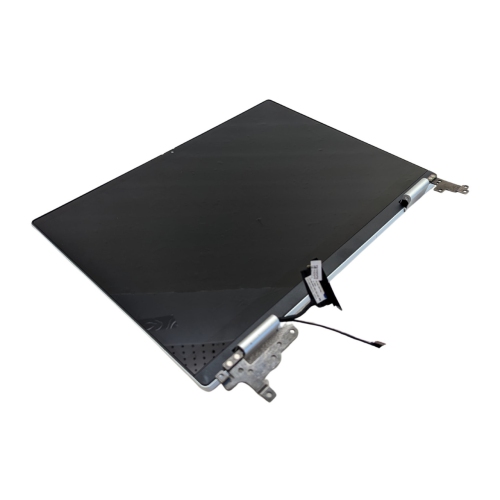
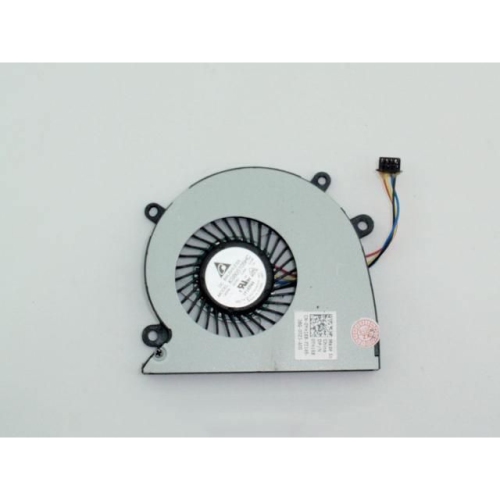
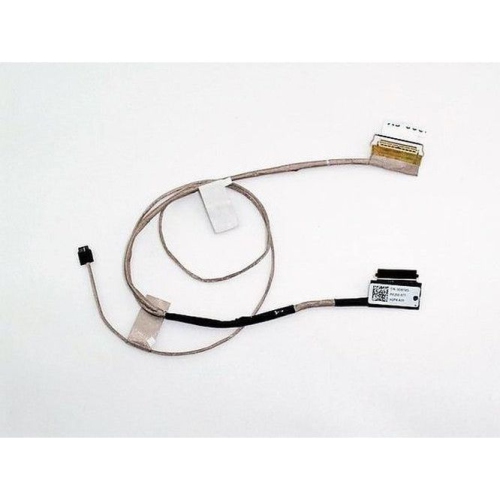
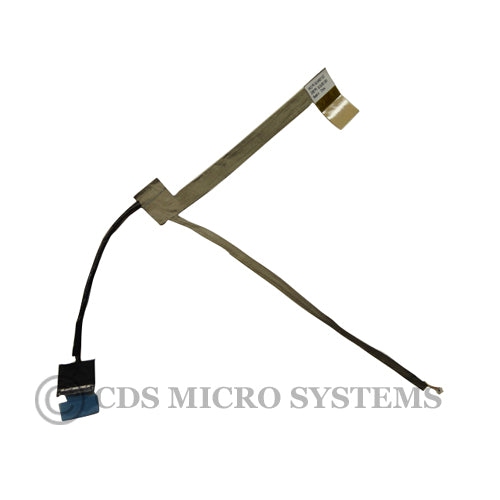
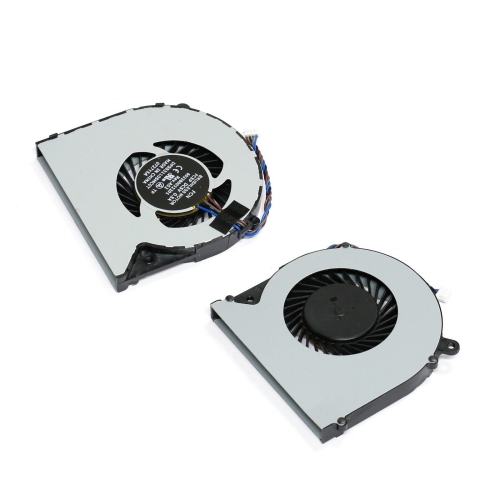
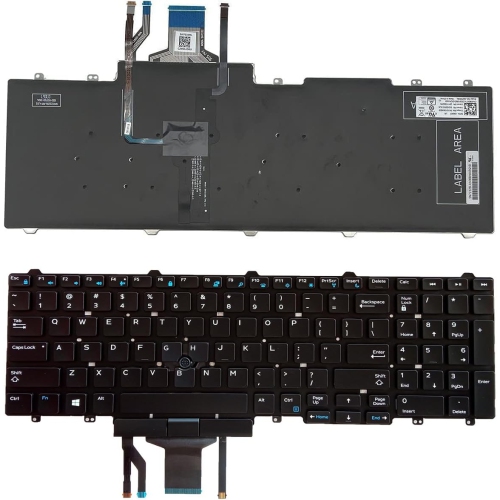
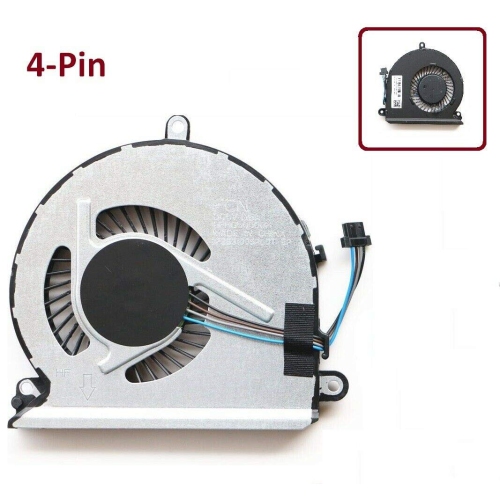
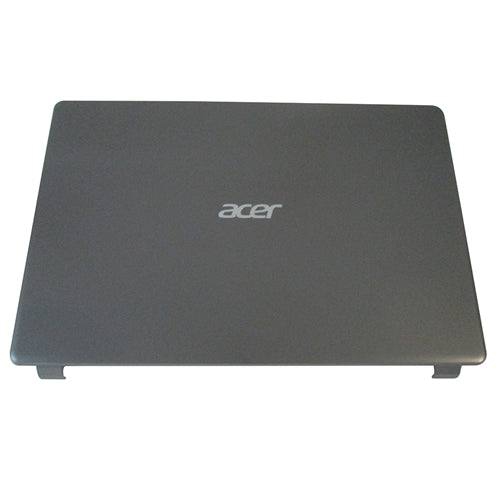
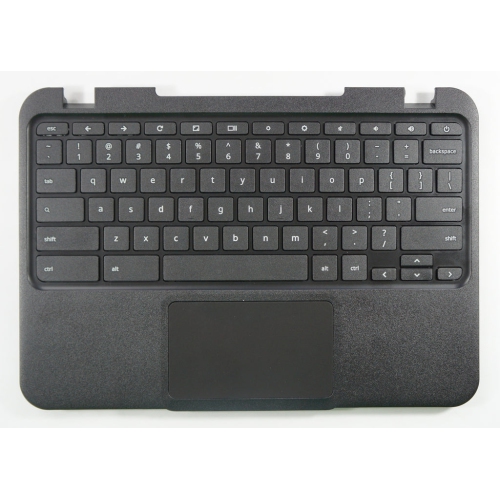
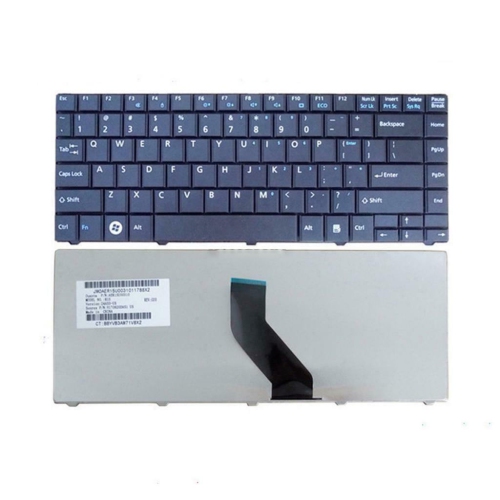
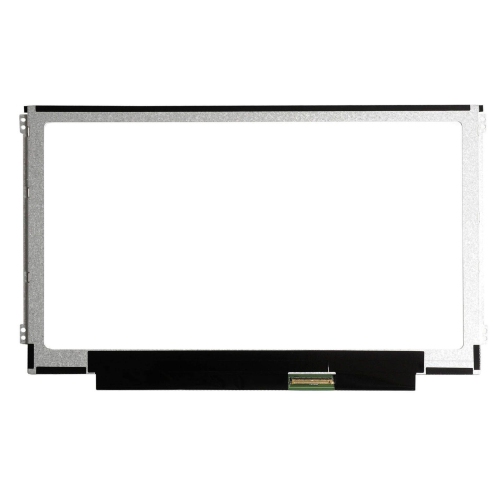
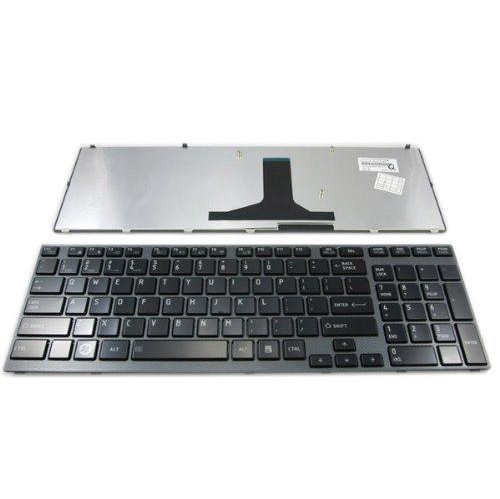
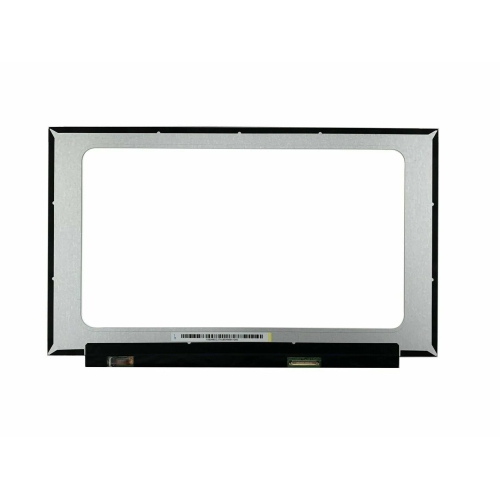
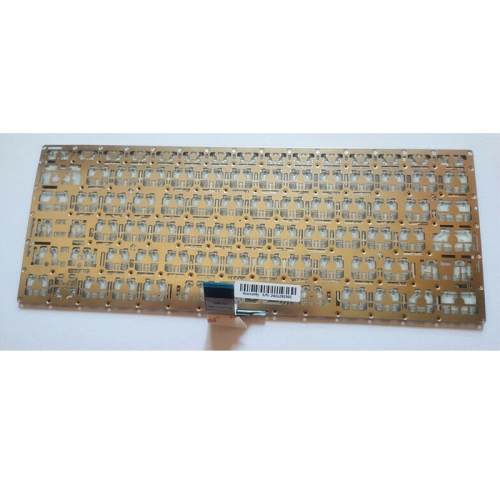
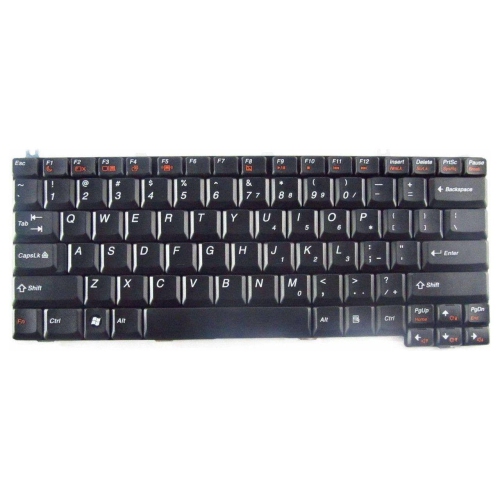
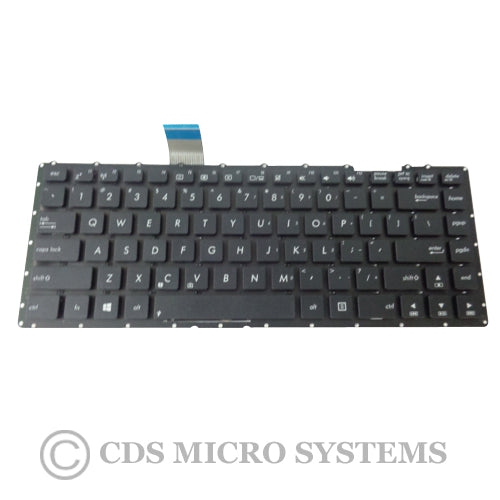
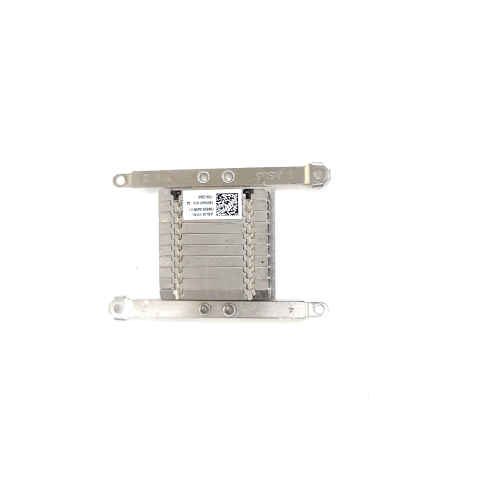
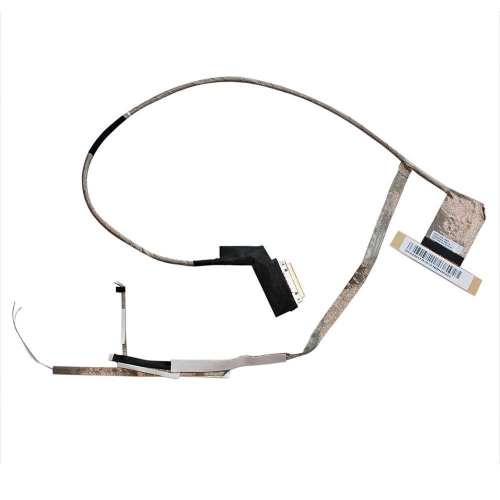
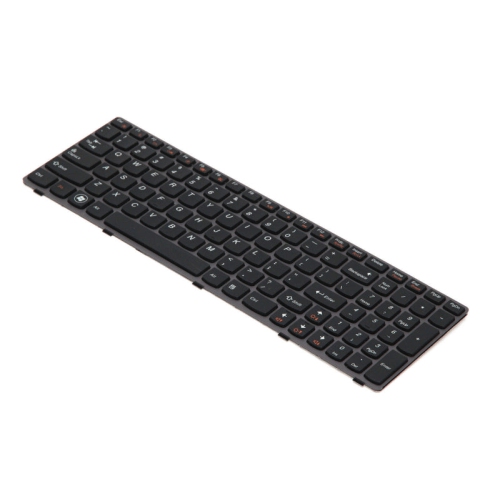
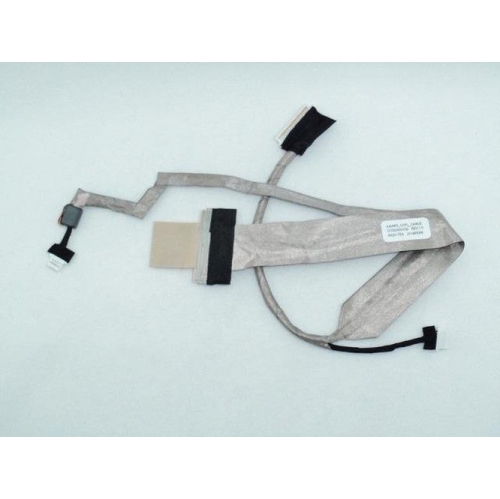
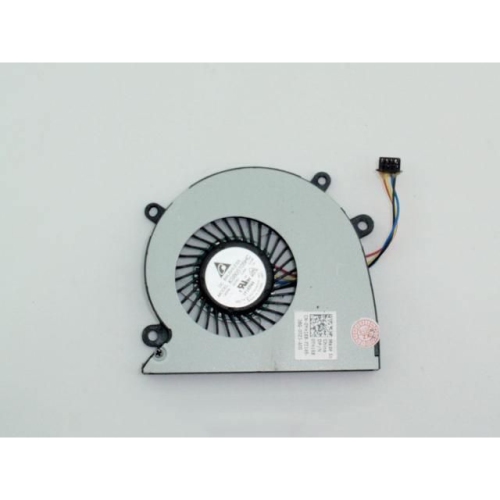
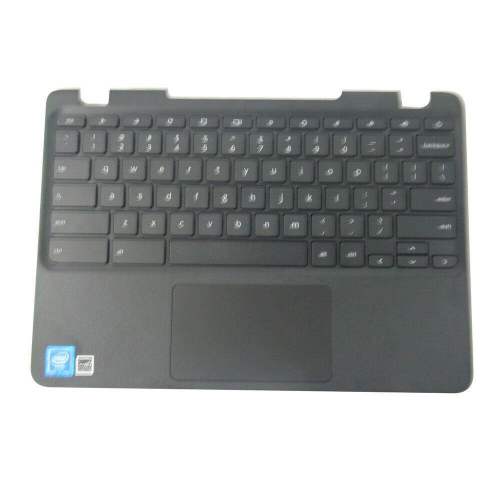
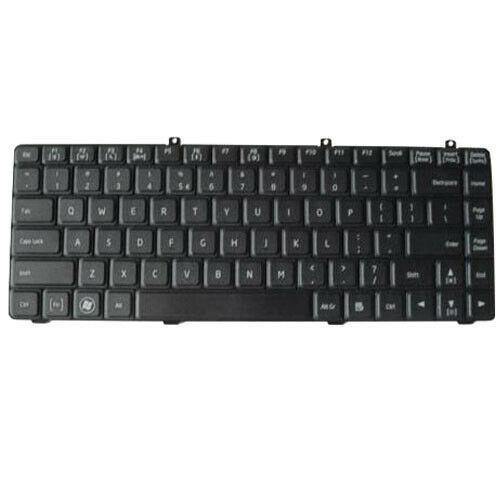
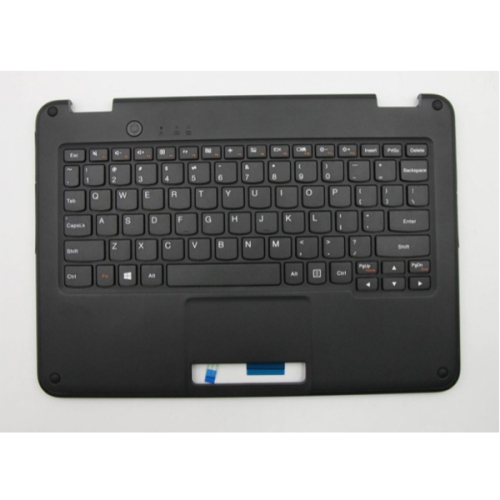
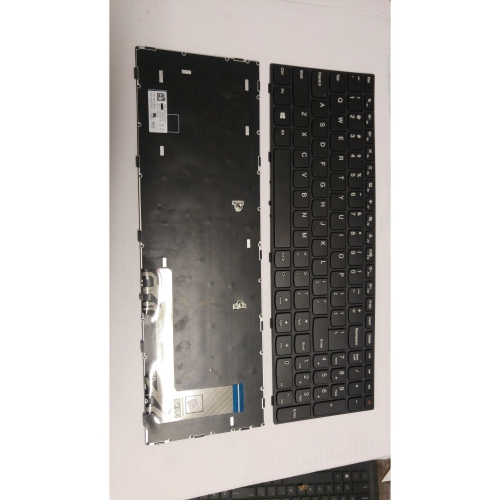
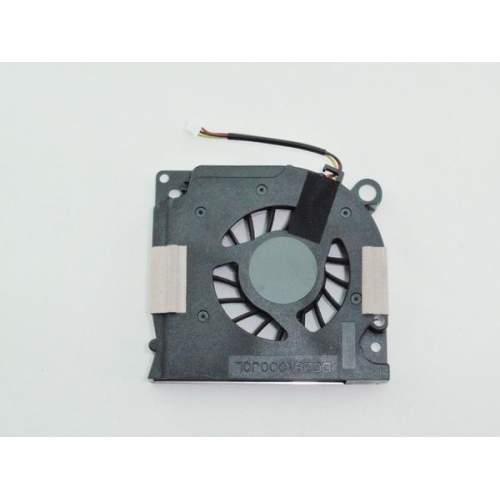
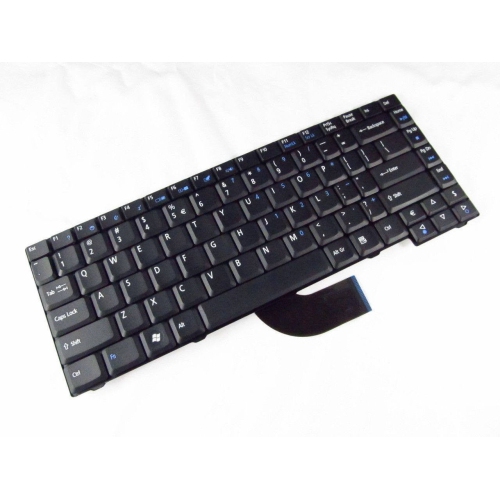
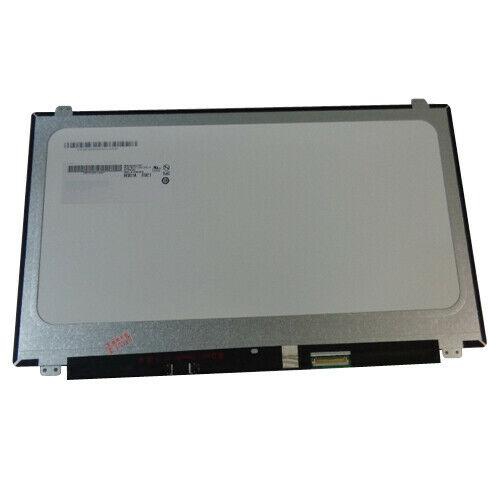
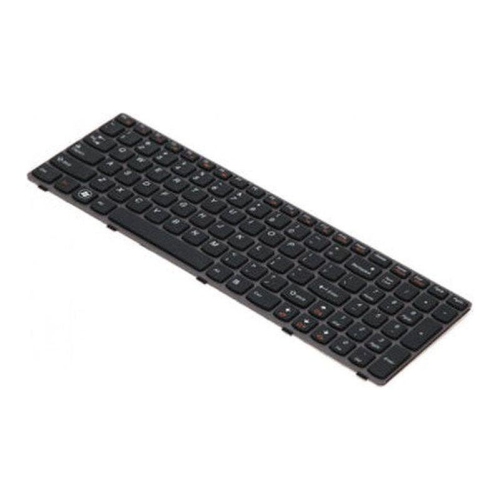
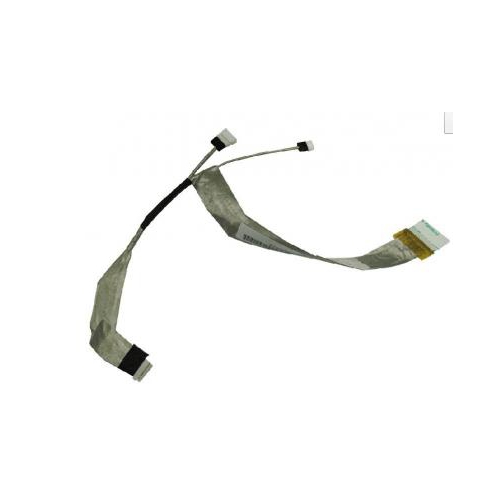
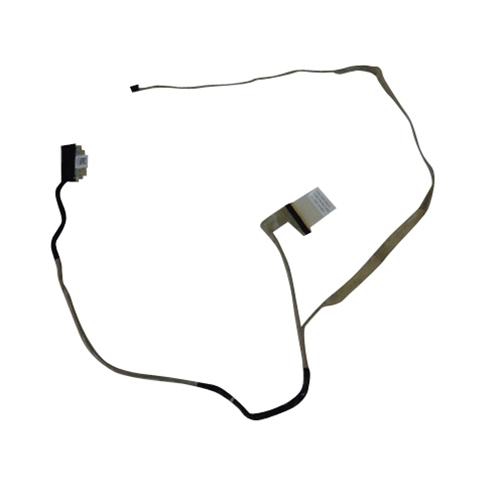
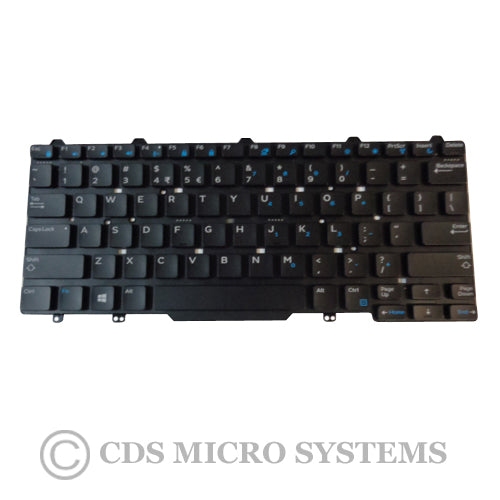
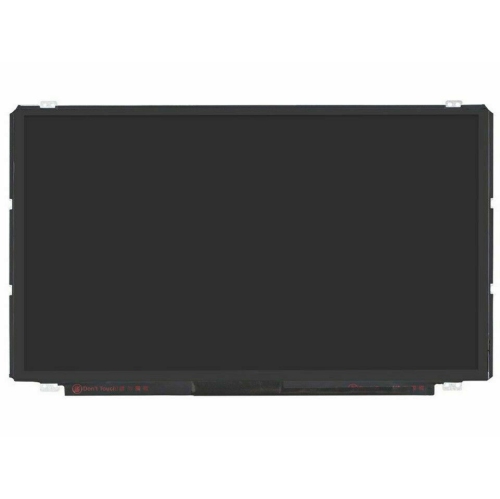
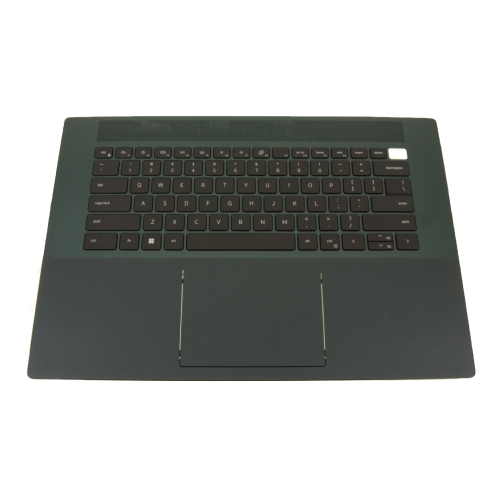
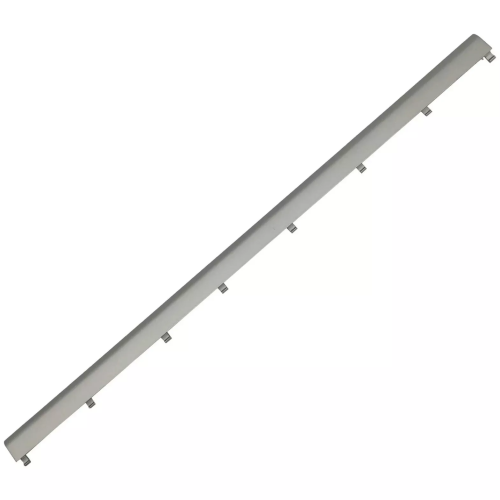
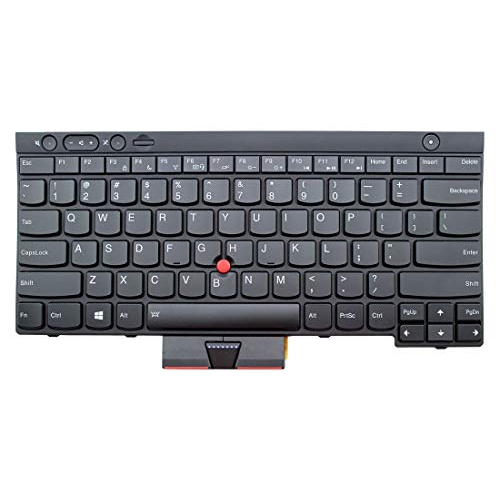
The parts touched and seen every day deserve as much attention as the components hidden underneath the case. A replacement laptop screen needs more than a matching diagonal measurement: resolution, connector type and position, mounting style, touch support, and compatibility with the original display assembly can all matter. A matte surface can reduce visible reflections, while a glossy finish has a different appearance under room lighting; neither finish overrides the need for an exact hardware match. Keyboard replacements should match the required language layout, key arrangement, backlighting support, and attachment method. On some laptops, the keyboard is part of a larger palm-rest assembly, which changes the scope of the repair. Touchpads, hinges, bottom covers, and display housings are similarly shaped around a specific chassis. Materials such as moulded plastic, aluminium, and steel contribute to weight, rigidity, and the feel of daily use, but durability also depends on intact mounting points and correct installation. A stiff or damaged hinge can strain the surrounding housing, so replacing a visibly broken cover without addressing the hinge may leave the underlying problem unresolved. Cooling parts also need to match the laptop’s internal layout, including the fan connector, heatsink shape, and any specified thermal pads or interface material. An unfamiliar noise or repeated shutdown can have several causes, so identifying the fault is more useful than replacing a component based on a symptom alone. Care after installation is generally straightforward: keep ventilation openings unobstructed, use an appropriate cleaning method for each surface, and avoid pressure on the display or strain on charging ports. Internal work calls for suitable tools, protection against electrostatic discharge, and the manufacturer’s service procedures. A swollen or visibly damaged battery should not be pressed, punctured, or treated as a routine repair. Professional service is a sensible option for delicate display cables, adhesive-mounted batteries, soldered connections, or uncertain diagnoses. Across repairs and upgrades, precise compatibility, sound construction, and careful handling matter more than selecting a part with the most impressive specifications.
Memory and storage upgrades serve different needs, and the distinction helps set realistic expectations. More compatible RAM may make switching among a browser, a document editor, and a video meeting smoother when limited memory is the bottleneck. It does not automatically improve every task, and some laptops have memory soldered to the motherboard rather than removable modules. For systems with upgradeable memory, the supported generation, module format, capacity limit, and slot configuration all affect suitability. Different memory generations are not interchangeable. Storage capacity determines how much room is available for applications and files, while the drive interface and the computer’s capabilities influence transfer performance. A laptop with a compatible solid-state drive can feel more responsive when starting applications or opening files than one using a mechanical hard drive. However, a drive must match the supported connection and physical dimensions: M.2 describes a form factor, not a guarantee that every M.2 drive uses the same interface or fits the same slot. Moving to a replacement drive also requires a plan for the operating system and existing files, with a separate backup protecting important documents before work begins. Batteries require equally careful matching of the specified battery type, voltage, connector, and housing. Capacity is only one consideration; a battery must be explicitly compatible with the laptop, and actual runtime depends on workload, screen brightness, settings, and battery condition. Power adapters likewise need the correct electrical specifications and connection. A USB-C connector alone does not confirm that an adapter supports the charging requirements of a particular computer. For repairs involving power distribution, charging connections, or other board-level functions, Laptop Boards belong to a more model-specific category. Depending on the design, some functions sit on separate small boards, while others are integrated into the main motherboard. Processor and graphics components are also often soldered in place, making them unlike the interchangeable expansion parts found in many desktop computers. Understanding those design differences helps distinguish a practical component replacement from a repair that needs specialist assessment.
The parts touched and seen every day deserve as much attention as the components hidden underneath the case. A replacement laptop screen needs more than a matching diagonal measurement: resolution, connector type and position, mounting style, touch support, and compatibility with the original display assembly can all matter. A matte surface can reduce visible reflections, while a glossy finish has a different appearance under room lighting; neither finish overrides the need for an exact hardware match. Keyboard replacements should match the required language layout, key arrangement, backlighting support, and attachment method. On some laptops, the keyboard is part of a larger palm-rest assembly, which changes the scope of the repair. Touchpads, hinges, bottom covers, and display housings are similarly shaped around a specific chassis. Materials such as moulded plastic, aluminium, and steel contribute to weight, rigidity, and the feel of daily use, but durability also depends on intact mounting points and correct installation. A stiff or damaged hinge can strain the surrounding housing, so replacing a visibly broken cover without addressing the hinge may leave the underlying problem unresolved. Cooling parts also need to match the laptop’s internal layout, including the fan connector, heatsink shape, and any specified thermal pads or interface material. An unfamiliar noise or repeated shutdown can have several causes, so identifying the fault is more useful than replacing a component based on a symptom alone. Care after installation is generally straightforward: keep ventilation openings unobstructed, use an appropriate cleaning method for each surface, and avoid pressure on the display or strain on charging ports. Internal work calls for suitable tools, protection against electrostatic discharge, and the manufacturer’s service procedures. A swollen or visibly damaged battery should not be pressed, punctured, or treated as a routine repair. Professional service is a sensible option for delicate display cables, adhesive-mounted batteries, soldered connections, or uncertain diagnoses. Across repairs and upgrades, precise compatibility, sound construction, and careful handling matter more than selecting a part with the most impressive specifications.
Top selling and popular products
-
 Your price for this item is $429.95
 -
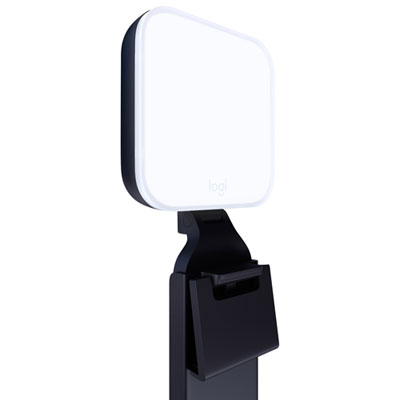 Your price for this item is $89.99
 -
 Your price for this item is $78.99
 -
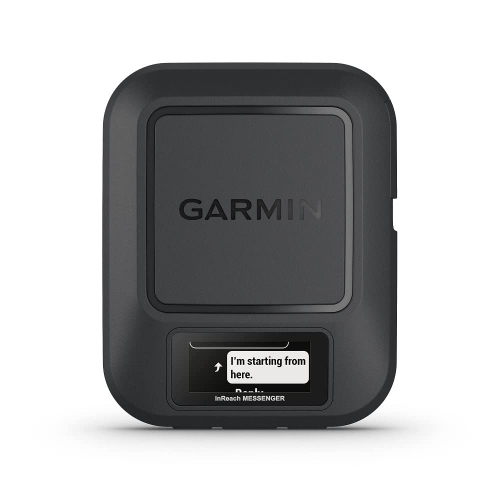 Your price for this item is $439
 -
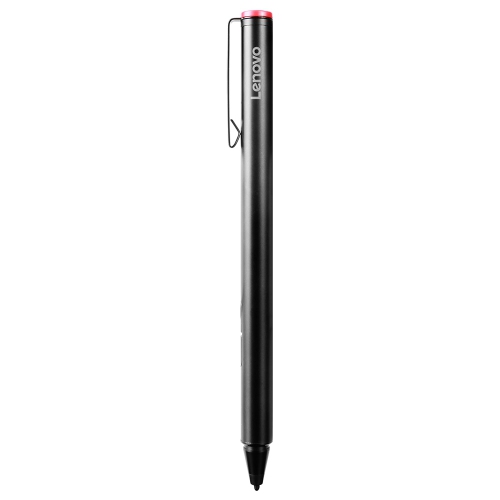 Your price for this item is $112.68
 -
 Your price for this item is $119.68
 -
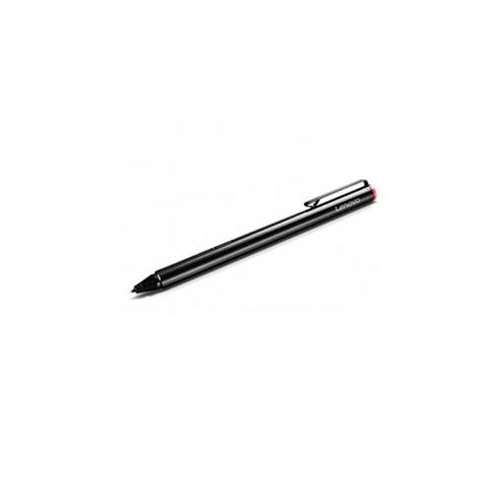 Your price for this item is $119.68
 -
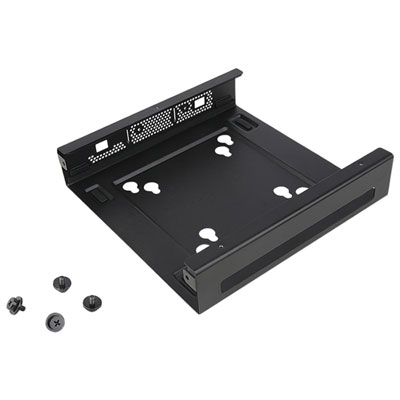 Your price for this item is $25.99
Discover more categories related to Laptop Parts
Top Collections:
Pokemon Centers, Best Budget Office Chairs, Kindle Devices, Best Cameras for Sports Photography, Pokémon 30th Celebration Cards, Best Laptops for Writers, Apple iPhones 16, Laptops for Business Work, Canon G7X Cameras, iPhone 15 Apple
Some products may be subject to Environmental Handling Fees
(EHF) depending on your province.
Learn more about EHFs.