Laptop Motherboard Replacements
Upgrade or repair your device with high-quality laptop motherboard replacements, designed to help restore performance and functionality. Whether you're addressing hardware issues or looking to extend the life of your laptop, finding the right motherboard is essential for a seamless experience. Explore a wide selection of reliable options to suit various models and technical requirements, making it easy to get your laptop back up and running efficiently.
Sort
Why motherboard compatibility matters more than screen size
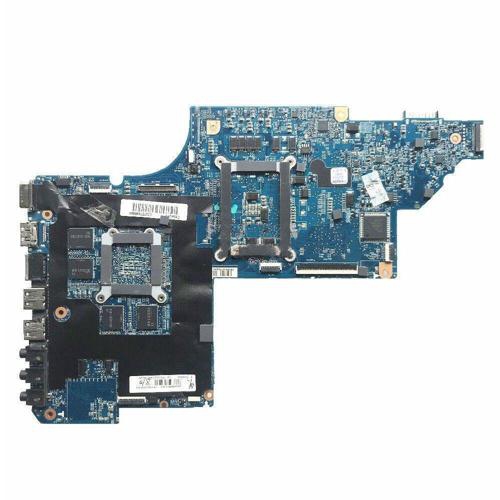
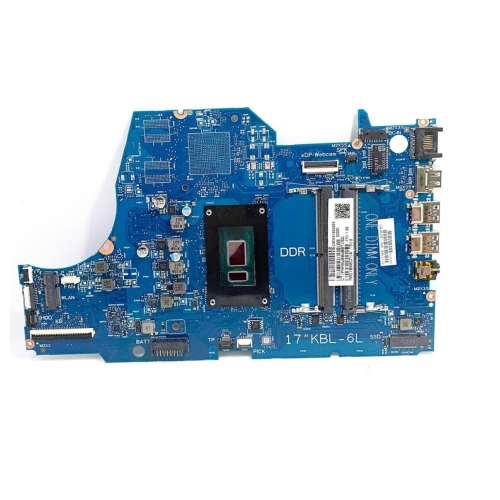
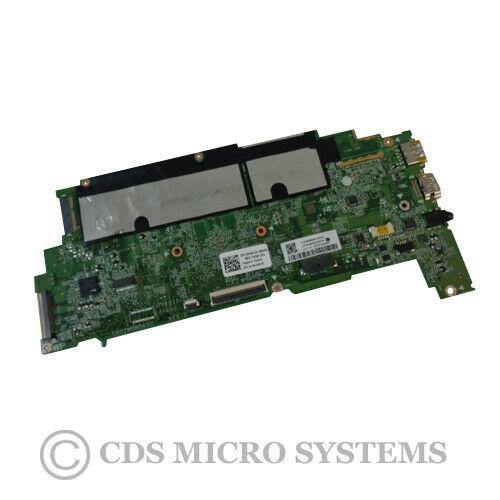
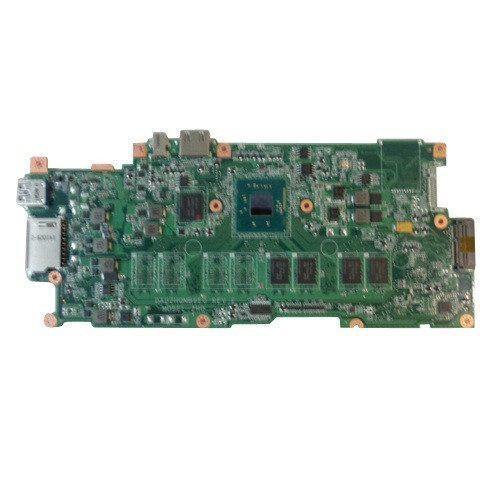
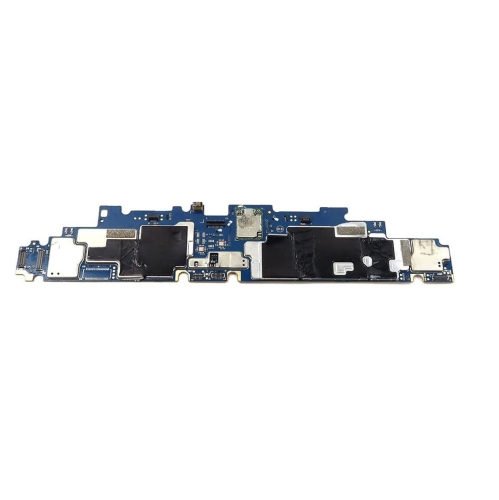
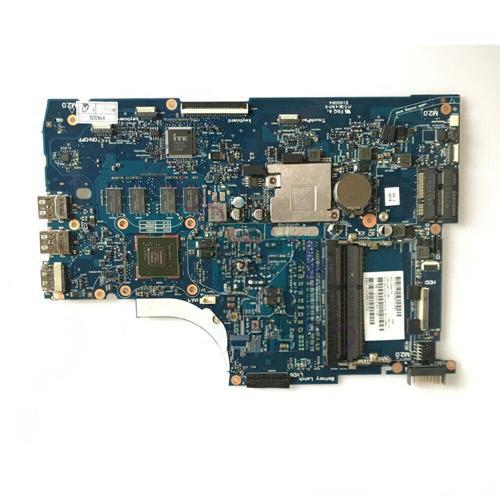
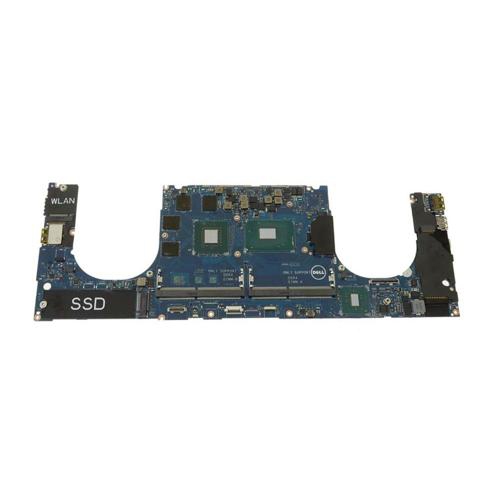
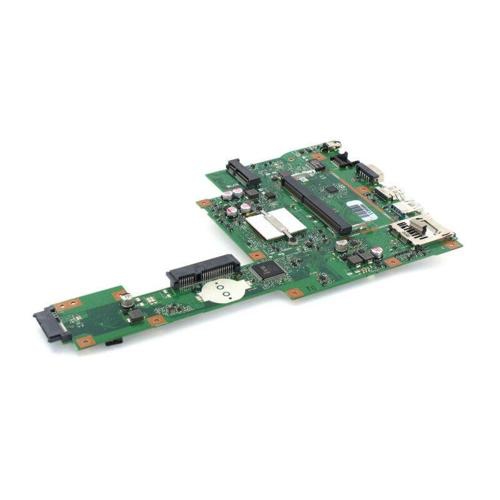
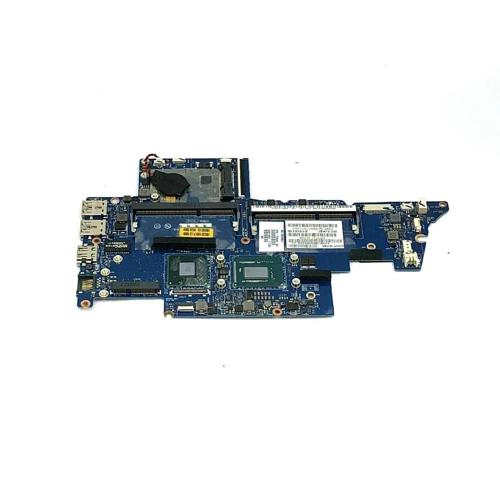
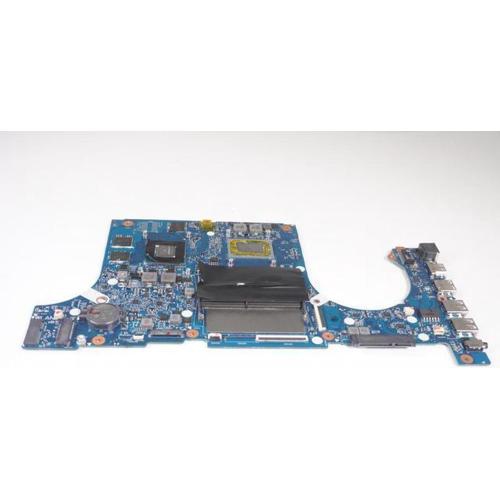
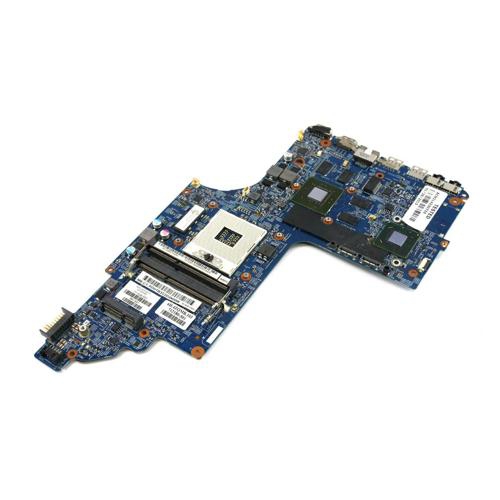
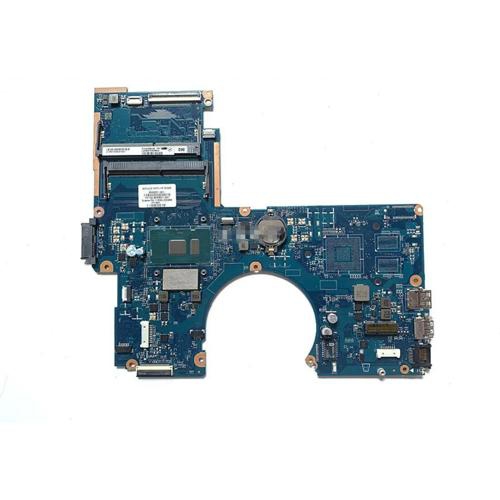
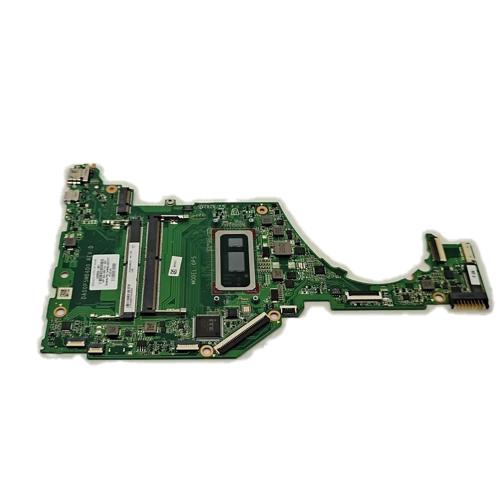
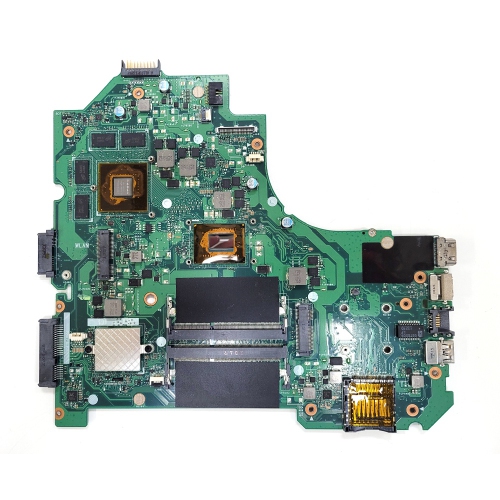
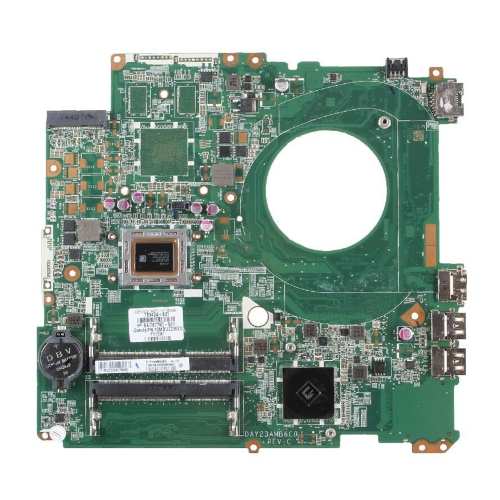
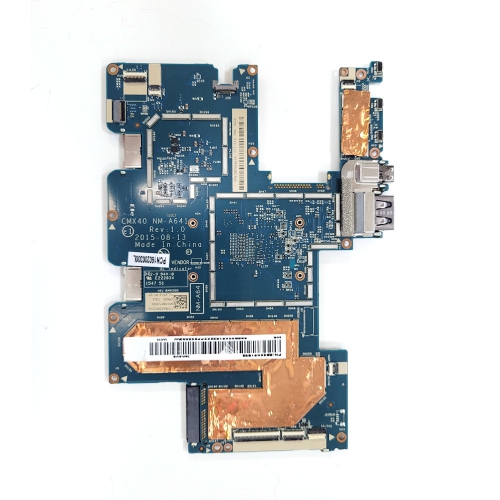
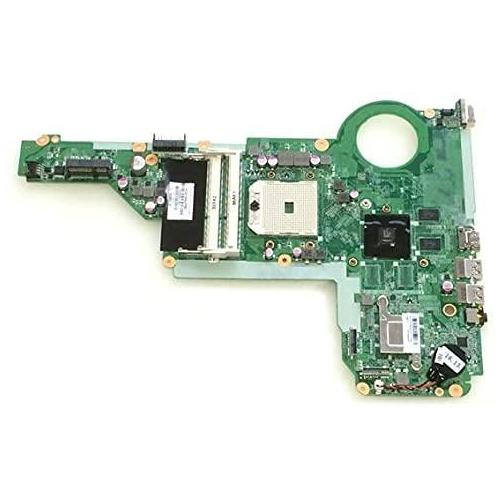
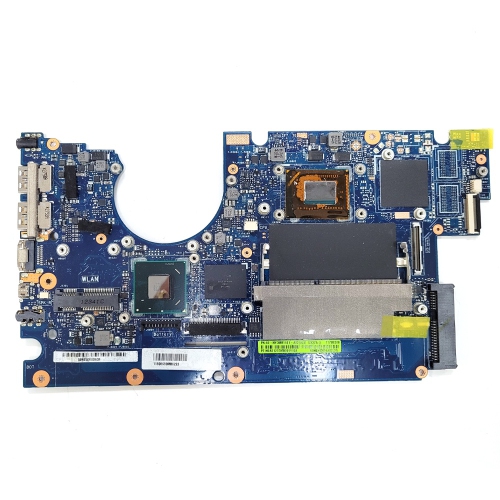
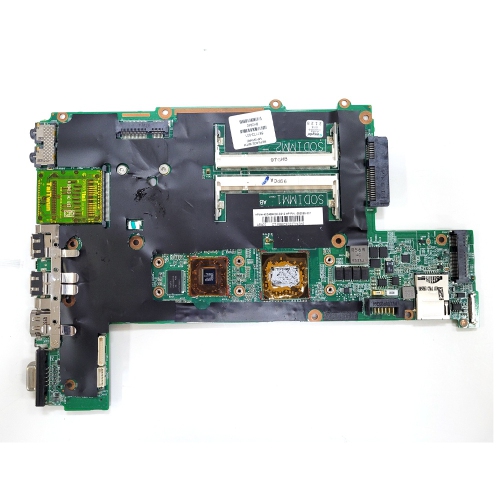
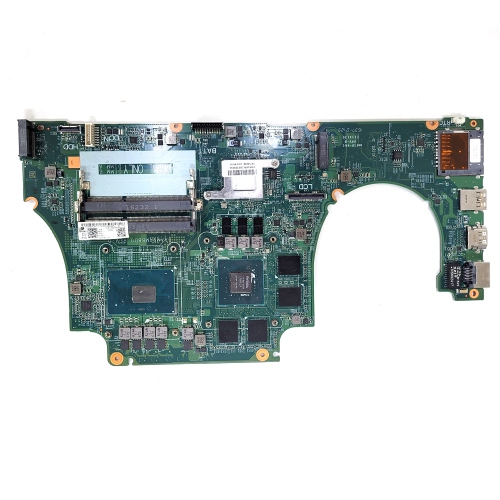
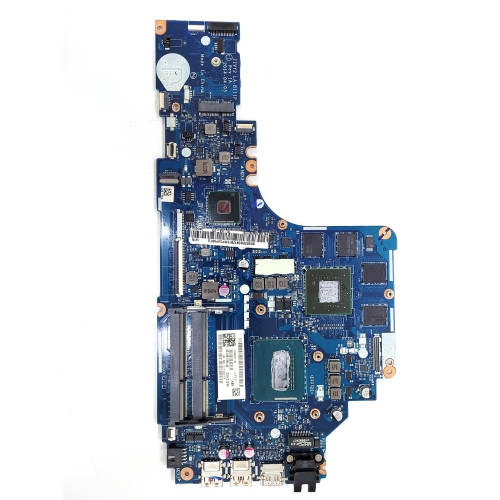
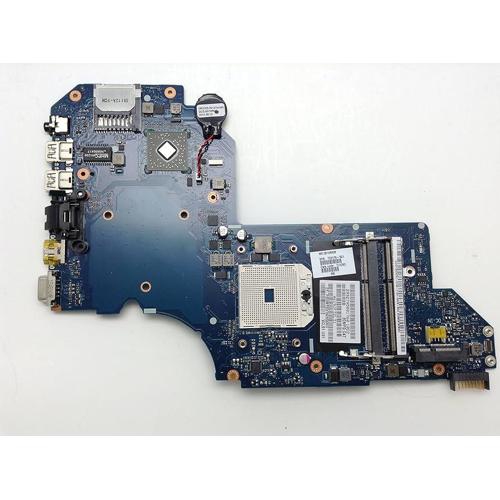
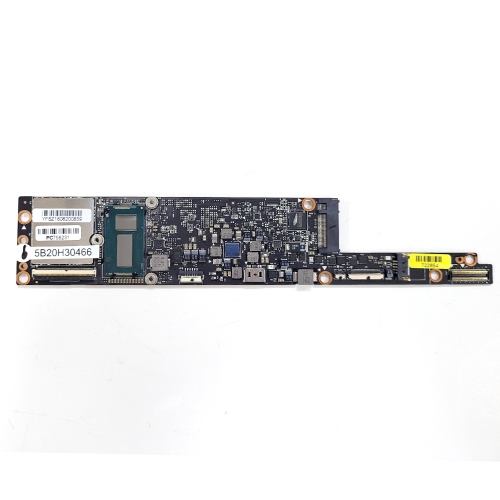
Laptop motherboard replacements are the main circuit boards used to replace a failed or damaged board inside a compatible laptop. Often called a mainboard or system board, this component connects the processor, memory, storage, charging circuitry, display, keyboard, and other internal hardware. A fault on the board can interrupt several functions at once, leaving a laptop unable to start, charge reliably, or communicate with attached components. Replacing it can restore a familiar computer when the screen, chassis, and other major parts remain suitable for use. Unlike many desktop motherboards, laptop boards usually have a shape and connector layout designed around a particular chassis. A board that looks similar in a photograph may have different mounting holes, charging connections, or display connectors, so physical resemblance alone is not enough to establish compatibility. The laptop’s full model designation, the original board’s part number, and its hardware configuration provide a more useful basis for comparison. Even laptops sold under the same model family can contain different board revisions or processor and graphics configurations. Replacement boards may also have different amounts of soldered memory, different memory slot arrangements, or support for different storage connections. For a student who needs a laptop for coursework, an office worker returning to a familiar workspace, or a technician completing a repair, those details matter more than a broad description such as “fits a 15-inch laptop.” Screen size does not establish motherboard fit. The intended replacement should also suit the existing cooling assembly, internal cables, and power requirements. Where the processor or graphics chip is soldered directly to the board, those components form part of the replacement configuration rather than separate parts that can simply move across. A motherboard replacement is therefore usually a compatibility-led repair, not a straightforward way to upgrade an older laptop to a newer processor generation. Matching the original configuration can help preserve expected performance, port functions, and compatibility with the laptop’s remaining hardware, while reducing uncertainty about how the finished computer will behave during everyday use.
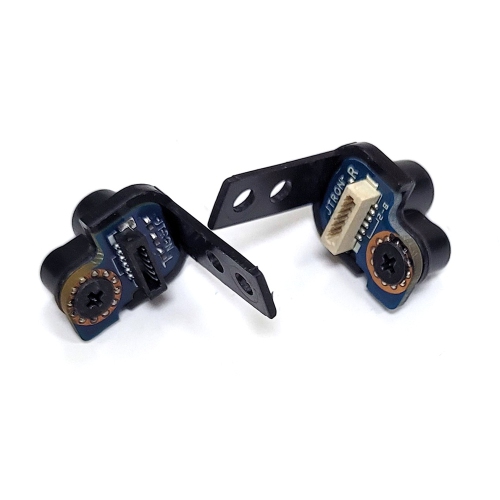
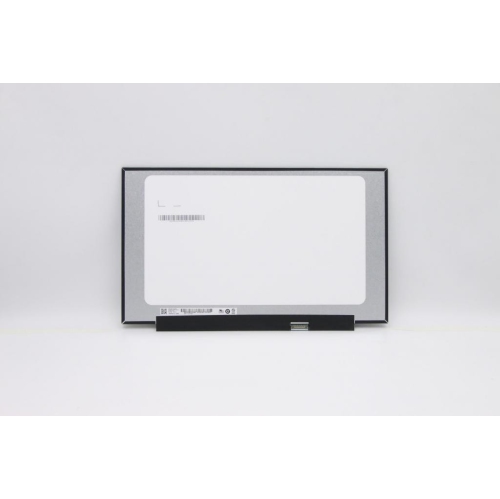
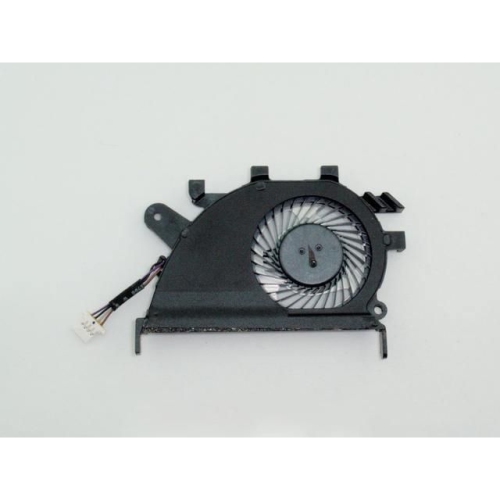
The construction and condition of a replacement motherboard deserve close attention because much of its work happens through tiny connections that are difficult to assess from appearance alone. Laptop boards typically use a rigid, multilayer circuit board containing copper pathways, with chips, sockets, power components, and connectors mounted across its surface. These parts handle everything from battery charging to the signals travelling between the processor and storage. Bent connector pins, damaged ribbon cable latches, missing components, or evidence of liquid exposure can affect reliability even when the board itself appears intact. Descriptions of testing and condition are particularly useful for refurbished or previously used boards, although a successful power-on test does not establish that every port and internal connection works correctly. Clear information about the included processor, graphics hardware, memory, and attached components helps distinguish the board assembly from parts that must be transferred separately. A heatsink, fan, wireless card, or charging daughterboard should not be assumed to form part of a motherboard assembly. Equally important is understanding whether the motherboard is actually responsible for the fault. A laptop that will not charge may have a battery, adapter, charging socket, or separate power board problem; a blank display may involve the screen, its cable, or another component. Visible panel damage may point towards Laptop Screen Replacements, while a machine that shows an image on an external monitor still needs further assessment before the mainboard is ruled in or out. Proper diagnosis helps avoid replacing a complex assembly when a smaller repair would address the problem. For laptops affected by a spill or impact, the surrounding components also need assessment: a replacement motherboard cannot correct a damaged battery, crushed cable, or faulty cooling fan. The most useful repair plan considers the laptop as a complete system, including the condition of its hinges, keyboard, display, and power connections, rather than treating the board as an isolated part.
Laptop motherboard replacements are generally suited to experienced repairers, computer service technicians, and owners arranging a professionally diagnosed repair. Installation involves delicate internal connections, electrical safety considerations, and correct reassembly, so it is more involved than fitting an external accessory. Thin ribbon cables, small locking tabs, and closely spaced connectors leave little room for force or guesswork. Appropriate handling includes protection against static discharge and keeping power sources disconnected during service; the correct service information for the laptop remains important because internal layouts vary. The cooling system also needs to fit and make proper contact with the replacement hardware, with suitable thermal interface materials used where required. After installation, meaningful checks extend beyond reaching the sign-in screen. Charging behaviour, keyboard and touchpad operation, audio, Wi-Fi, external ports, sleep functions, and display output all contribute to whether the laptop is ready for everyday use. Software and data considerations matter as well. A motherboard change can affect operating system activation, firmware settings, and security features tied to the original hardware. Encrypted storage may require a recovery key after the change, and replacing the board does not itself retrieve files from a failed drive. Where storage is soldered to the original board, access to personal files can be more complicated than transferring a removable drive. Keeping an accessible backup and recording essential account and encryption information can make a planned repair less disruptive. Once the laptop is working again, keeping ventilation openings clear, using a compatible power adapter, and avoiding strain on charging and accessory ports can help protect the repaired system. For someone whose laptop already suits their work, study, or home routine, a correctly matched replacement board can offer a practical way to retain its familiar screen, keyboard, and form factor. The strongest fit is a repair supported by a clear diagnosis, verified board compatibility, careful installation, and realistic expectations about the condition and capabilities of the rest of the computer.
The construction and condition of a replacement motherboard deserve close attention because much of its work happens through tiny connections that are difficult to assess from appearance alone. Laptop boards typically use a rigid, multilayer circuit board containing copper pathways, with chips, sockets, power components, and connectors mounted across its surface. These parts handle everything from battery charging to the signals travelling between the processor and storage. Bent connector pins, damaged ribbon cable latches, missing components, or evidence of liquid exposure can affect reliability even when the board itself appears intact. Descriptions of testing and condition are particularly useful for refurbished or previously used boards, although a successful power-on test does not establish that every port and internal connection works correctly. Clear information about the included processor, graphics hardware, memory, and attached components helps distinguish the board assembly from parts that must be transferred separately. A heatsink, fan, wireless card, or charging daughterboard should not be assumed to form part of a motherboard assembly. Equally important is understanding whether the motherboard is actually responsible for the fault. A laptop that will not charge may have a battery, adapter, charging socket, or separate power board problem; a blank display may involve the screen, its cable, or another component. Visible panel damage may point towards Laptop Screen Replacements, while a machine that shows an image on an external monitor still needs further assessment before the mainboard is ruled in or out. Proper diagnosis helps avoid replacing a complex assembly when a smaller repair would address the problem. For laptops affected by a spill or impact, the surrounding components also need assessment: a replacement motherboard cannot correct a damaged battery, crushed cable, or faulty cooling fan. The most useful repair plan considers the laptop as a complete system, including the condition of its hinges, keyboard, display, and power connections, rather than treating the board as an isolated part.
Laptop motherboard replacements are generally suited to experienced repairers, computer service technicians, and owners arranging a professionally diagnosed repair. Installation involves delicate internal connections, electrical safety considerations, and correct reassembly, so it is more involved than fitting an external accessory. Thin ribbon cables, small locking tabs, and closely spaced connectors leave little room for force or guesswork. Appropriate handling includes protection against static discharge and keeping power sources disconnected during service; the correct service information for the laptop remains important because internal layouts vary. The cooling system also needs to fit and make proper contact with the replacement hardware, with suitable thermal interface materials used where required. After installation, meaningful checks extend beyond reaching the sign-in screen. Charging behaviour, keyboard and touchpad operation, audio, Wi-Fi, external ports, sleep functions, and display output all contribute to whether the laptop is ready for everyday use. Software and data considerations matter as well. A motherboard change can affect operating system activation, firmware settings, and security features tied to the original hardware. Encrypted storage may require a recovery key after the change, and replacing the board does not itself retrieve files from a failed drive. Where storage is soldered to the original board, access to personal files can be more complicated than transferring a removable drive. Keeping an accessible backup and recording essential account and encryption information can make a planned repair less disruptive. Once the laptop is working again, keeping ventilation openings clear, using a compatible power adapter, and avoiding strain on charging and accessory ports can help protect the repaired system. For someone whose laptop already suits their work, study, or home routine, a correctly matched replacement board can offer a practical way to retain its familiar screen, keyboard, and form factor. The strongest fit is a repair supported by a clear diagnosis, verified board compatibility, careful installation, and realistic expectations about the condition and capabilities of the rest of the computer.
Top selling and popular products
-
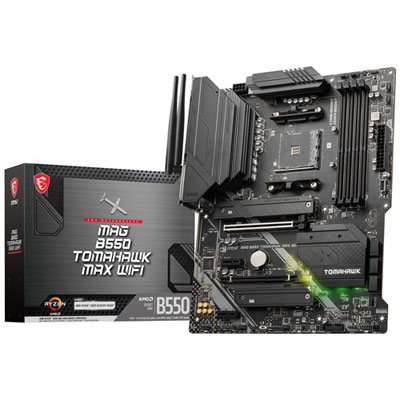 Your price for this item is $224.99
 -
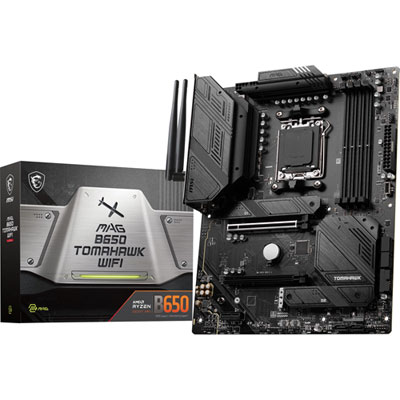 Your price for this item is $239.99
 -
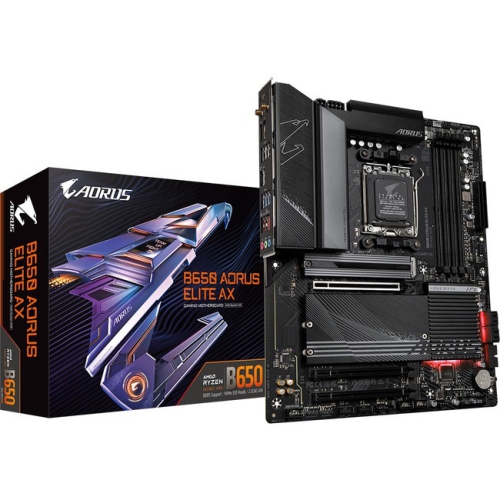 Your price for this item is $301.68
 -
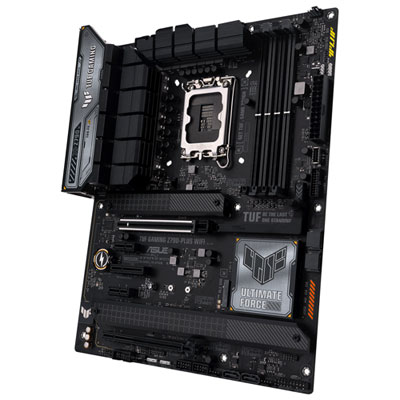 Your price for this item is $349.99
 -
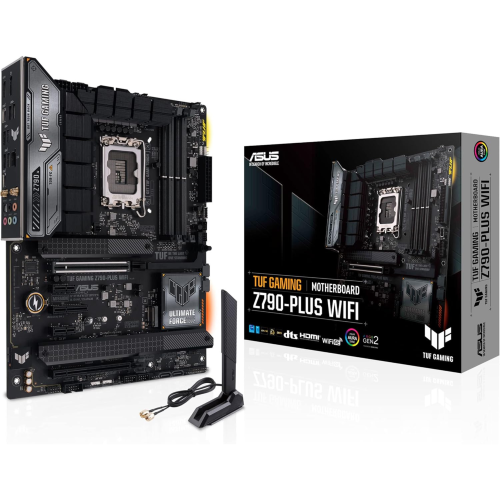 Your price for this item is $361
 -
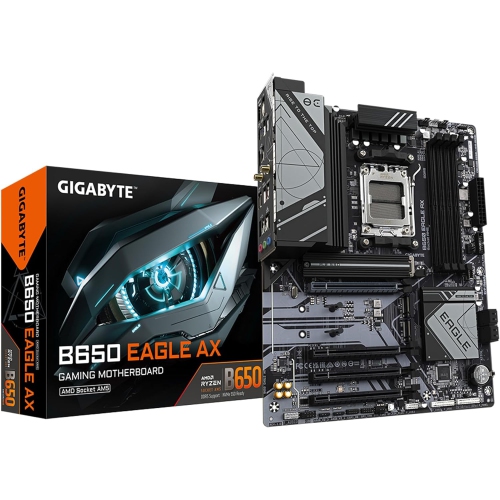 Your price for this item is $209.99
 -
 Your price for this item is $350
 -
 Your price for this item is $259.99
Discover more categories related to Laptop Motherboard Replacements
Top Collections:
Pokemon Centers, Best Budget Office Chairs, Kindle Devices, Best Cameras for Sports Photography, Pokémon 30th Celebration Cards, Best Laptops for Writers, Apple iPhones 16, Laptops for Business Work, Canon G7X Cameras, iPhone 15 Apple
Some products may be subject to Environmental Handling Fees
(EHF) depending on your province.
Learn more about EHFs.