Dell Laptop Parts
Explore a comprehensive selection of Dell laptop parts at Best Buy Canada, where quality meets convenience for all your tech needs. Whether you're looking to upgrade your device or replace a specific component, our range of Dell laptop parts ensures you find exactly what you need to keep your laptop running smoothly. From essential hardware components to specialized accessories, discover solutions that cater to every requirement and enhance your computing experience. Shop confidently knowing that you're investing in reliable parts designed to deliver performance and longevity.
Sort
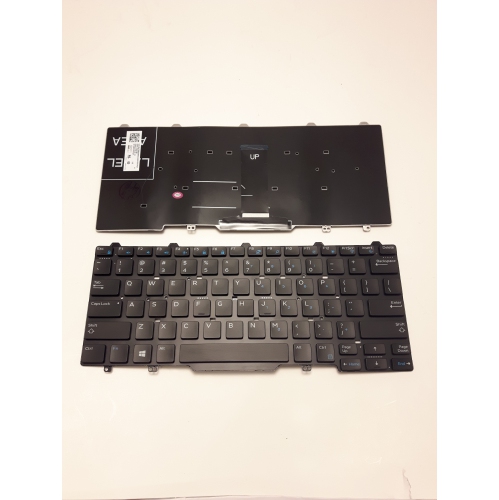
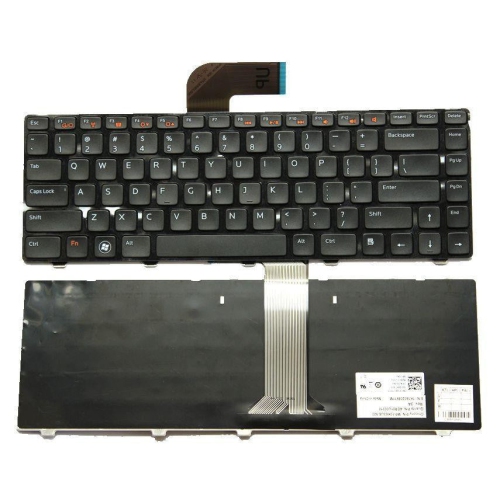
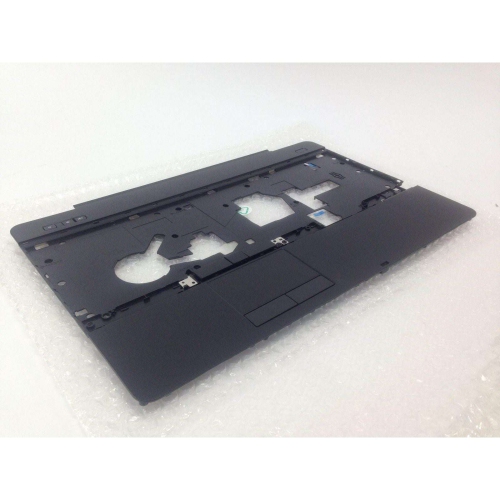
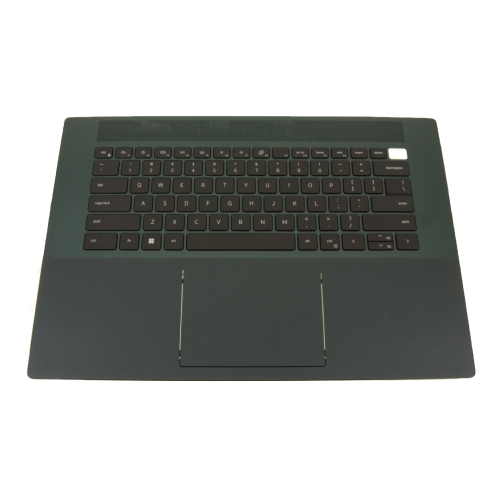
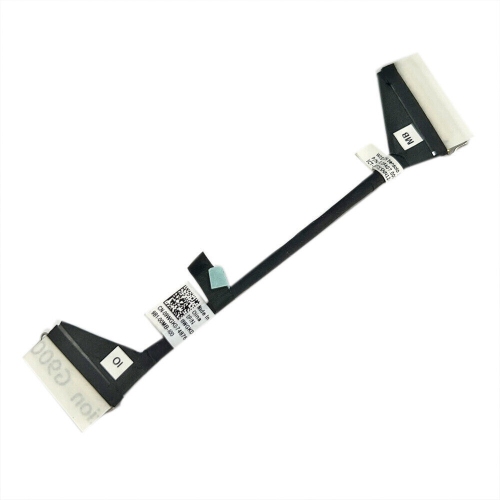
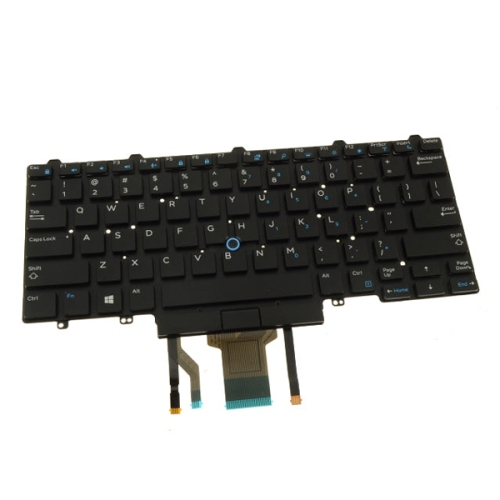
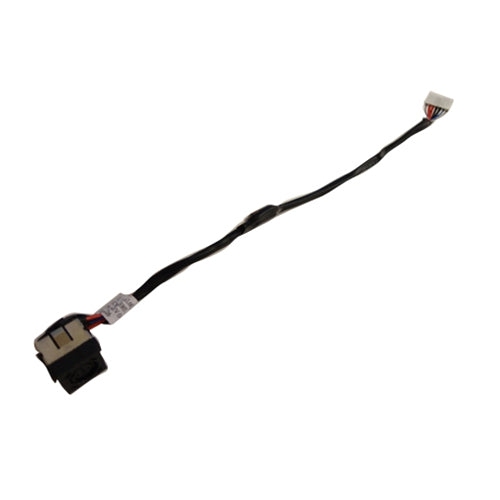
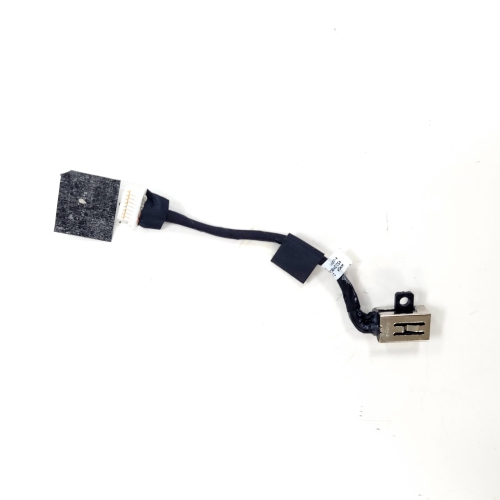
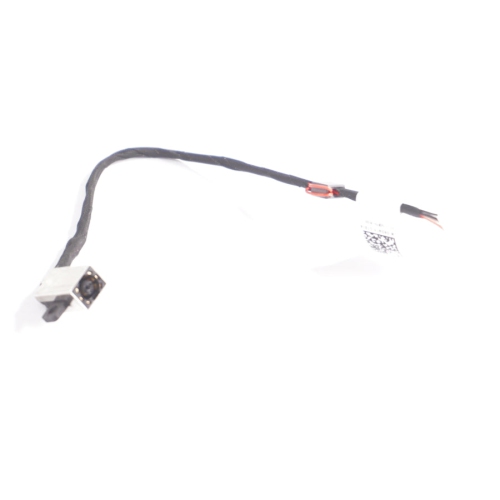
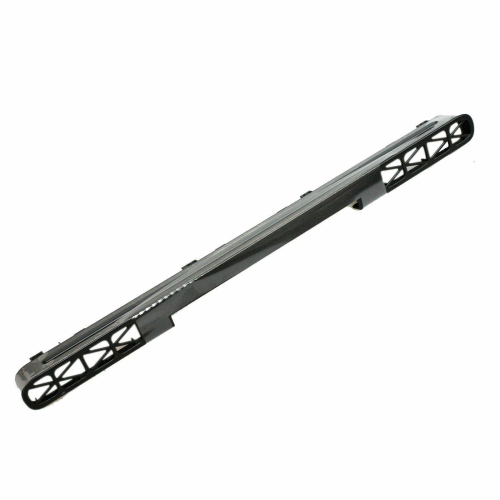
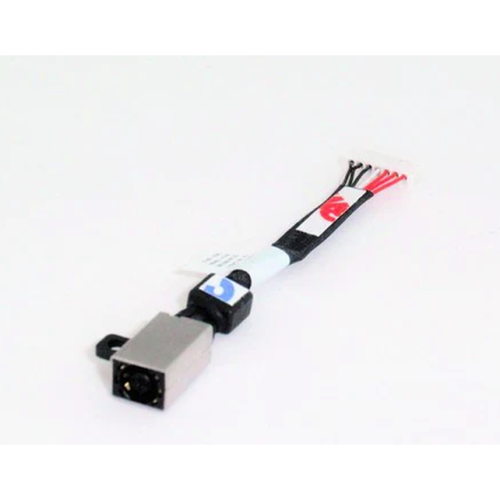
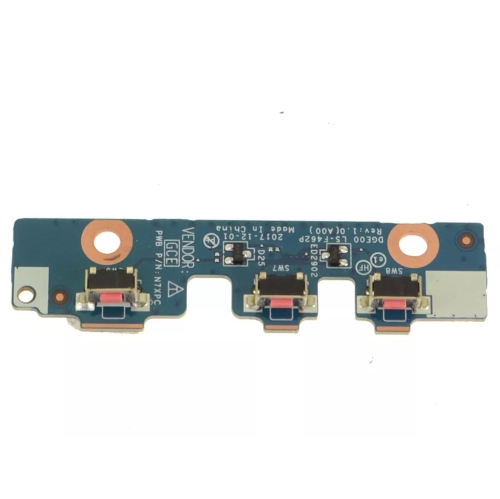
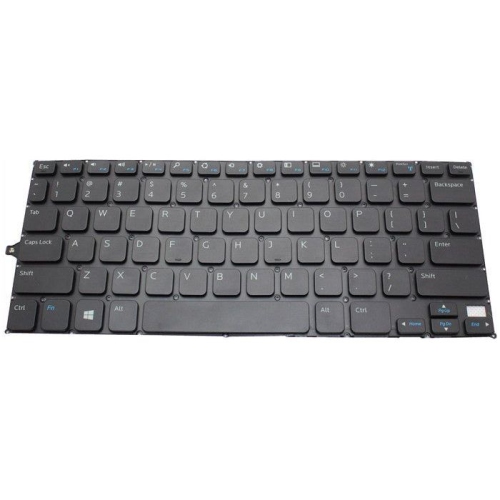
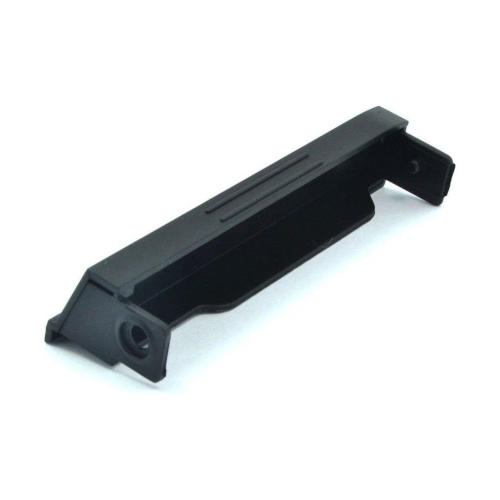
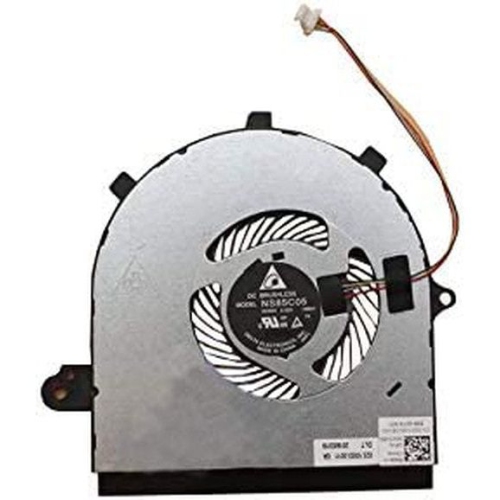
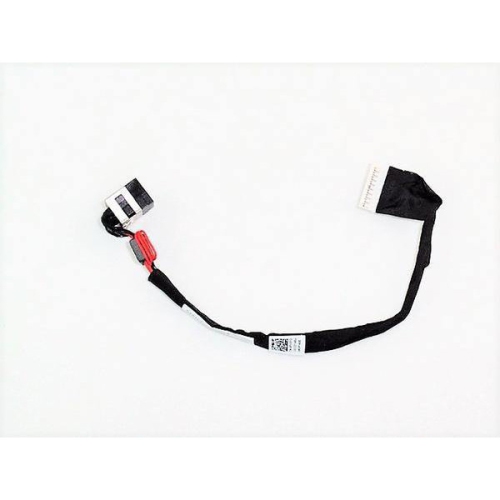
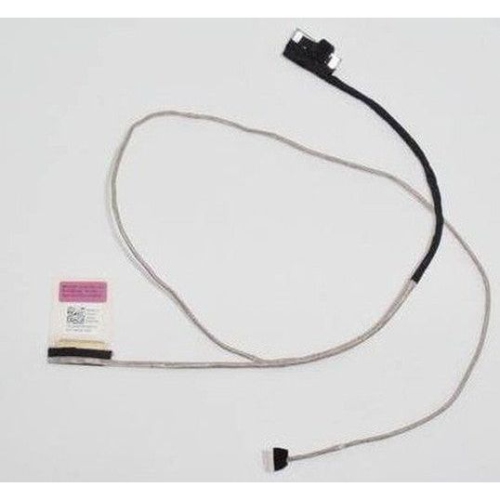
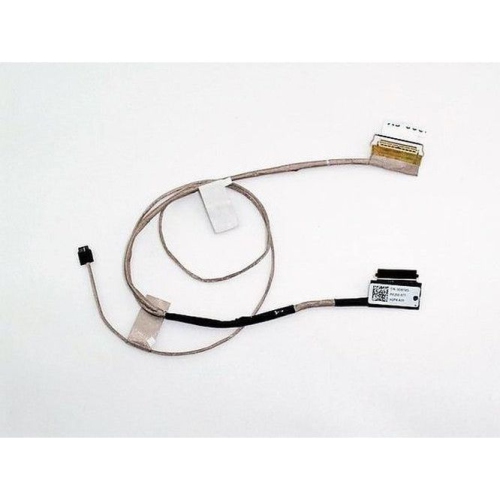
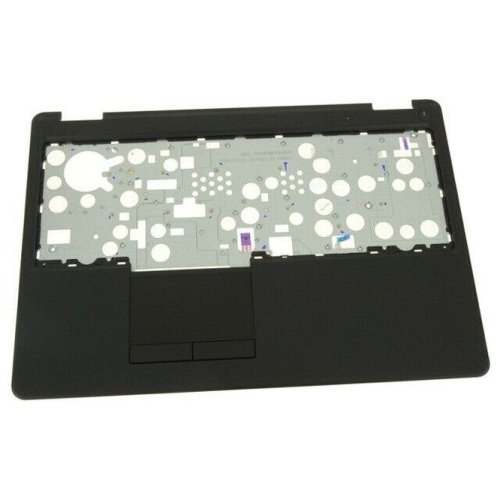
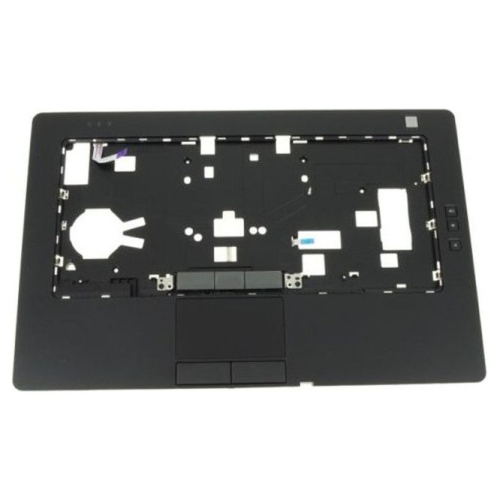
Service Tags help match components to the right computer
Finding the right Dell laptop parts starts with identifying the exact computer and the component that needs attention. Laptop designs can change between generations, screen sizes, configurations, and regional versions, so a part that looks similar may not fit or function properly in another system. Before ordering, locate the laptop’s Service Tag, model name, or model number, usually printed on the underside of the computer or available in the system settings. This information helps narrow the search and confirms details such as connector type, battery shape, display compatibility, memory specifications, and mounting points. It is also useful to note the symptoms that led to the replacement: a battery that drains quickly, a charger that cuts out when the cable moves, a cracked display cover, a worn keyboard, or a storage drive that has become slow or unreliable. Keeping these details nearby makes it easier to compare compatible parts and avoid the frustration of opening a laptop only to discover that the replacement has the wrong connector or dimensions. Shoppers looking for broader replacement and upgrade options can also browse Laptop Parts to explore components for different notebook configurations. For a part intended to restore an everyday computer, matching the manufacturer’s specifications is generally more important than choosing the lowest listed price. Check whether the part is original equipment, an officially compatible replacement, or a third-party component, and review the included hardware, warranty information, and installation requirements before making a decision.
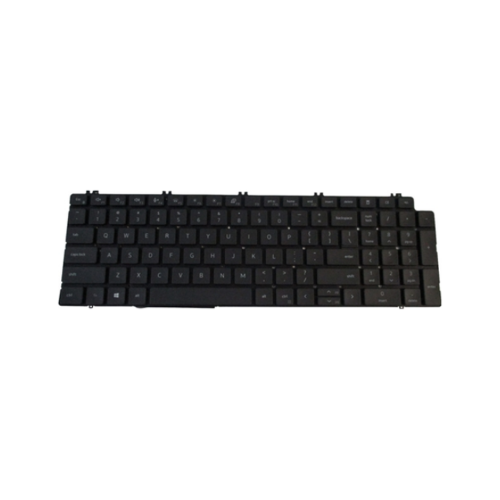
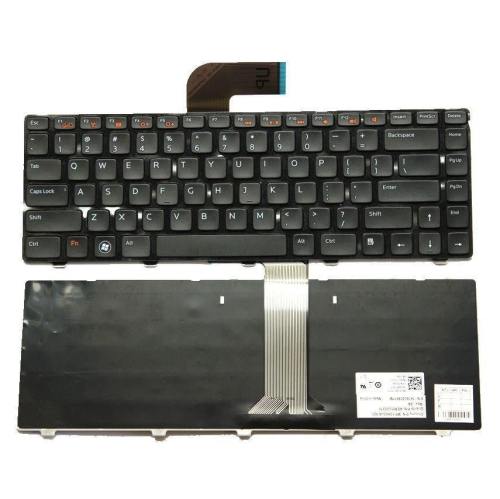
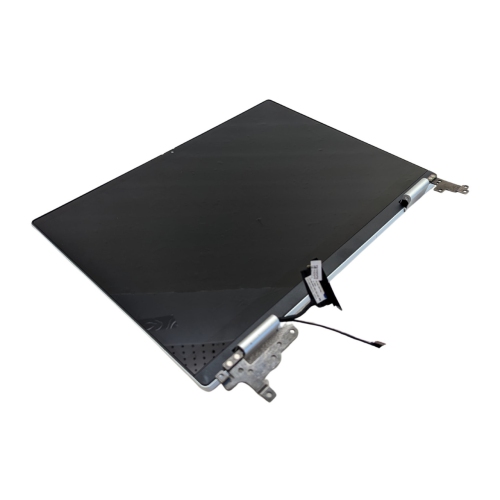
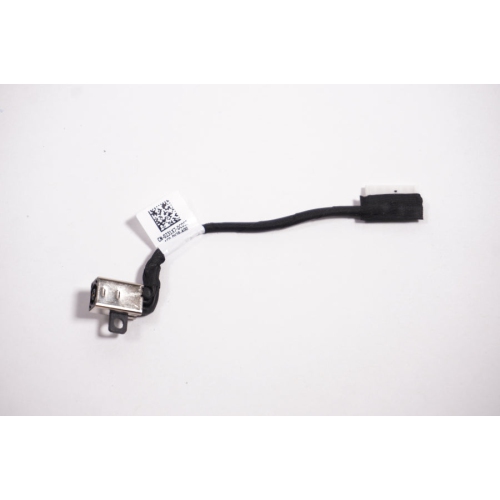
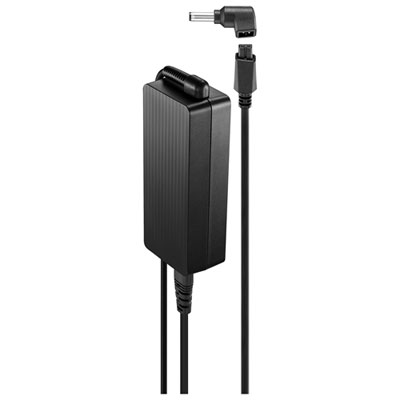
Dell laptop parts can help extend the useful life of a computer used for schoolwork, home administration, creative projects, travel, or work from home. Batteries and AC power adapters are among the most practical replacements, especially when a laptop has spent years being carried between a kitchen table, classroom, office, and living-room sofa. A replacement battery may help restore portable use when the computer shuts down soon after being unplugged, while a correctly rated power adapter can provide dependable charging at a desk or in a travel bag. Confirm the required wattage, plug dimensions, voltage, and connector style rather than assuming that every adapter with a similar appearance will work. Internal storage upgrades are another common choice. A solid-state drive can provide quicker start-up and file access than an older mechanical drive, while a replacement hard drive may be appropriate for a compatible system that needs additional capacity. Memory modules can also help a laptop handle more browser tabs, documents, video calls, and demanding software with less hesitation. Compatibility is especially important for memory, since laptops may support only certain capacities, speeds, module types, or maximum amounts. Exterior parts can be just as valuable as internal components. A replacement bottom cover, palm rest, keyboard, hinge, or display back cover may address damage from daily handling without requiring the entire computer to be replaced. Small cracks around a hinge, for example, can become more disruptive when the screen is opened and closed repeatedly, while a damaged palm rest can make an otherwise functional laptop uncomfortable to use. Replacement screens and related display parts require careful attention to resolution, connector placement, mounting points, touch capability, and finish. When ordering any component, compare the part description with the Service Tag and laptop model, and consider whether professional installation is appropriate for delicate work involving the display, battery, hinges, or internal cabling.
These parts may be useful for students preparing a dependable computer for classes, families repairing a shared laptop, or professionals keeping an essential work device available during the cooler months when more time may be spent indoors. They can also make practical gifts for someone who relies on a familiar laptop and would rather improve or repair it than learn a new system. A replacement charger for a frequent traveller, additional memory for a student managing research and video meetings, or a compatible storage upgrade for a home office can be a thoughtful choice when the recipient’s exact model and specifications are known. For gift-givers, the safest approach is to ask for the laptop’s Service Tag or model information discreetly, or to choose a general accessory only after confirming connector and power requirements. Anyone completing an installation should back up important files first, shut down and disconnect the computer, work on a clean surface, and follow the manufacturer’s service instructions. Internal repairs may involve delicate ribbon cables, small screws, clips, and static-sensitive components, so an organized workspace and patience can prevent additional damage. If the part involves a sealed battery, complex display assembly, or structural hinge repair, a qualified technician may be the better option. Keep the original component until the replacement has been tested, and check charging, display output, keyboard response, storage detection, wireless connectivity, and battery recognition before disposing of any packaging. With accurate model information, careful comparison of OEM and third-party choices, and attention to installation requirements, the right Dell laptop parts can restore comfort, performance, and reliability to a computer that still fits naturally into daily life.
Dell laptop parts can help extend the useful life of a computer used for schoolwork, home administration, creative projects, travel, or work from home. Batteries and AC power adapters are among the most practical replacements, especially when a laptop has spent years being carried between a kitchen table, classroom, office, and living-room sofa. A replacement battery may help restore portable use when the computer shuts down soon after being unplugged, while a correctly rated power adapter can provide dependable charging at a desk or in a travel bag. Confirm the required wattage, plug dimensions, voltage, and connector style rather than assuming that every adapter with a similar appearance will work. Internal storage upgrades are another common choice. A solid-state drive can provide quicker start-up and file access than an older mechanical drive, while a replacement hard drive may be appropriate for a compatible system that needs additional capacity. Memory modules can also help a laptop handle more browser tabs, documents, video calls, and demanding software with less hesitation. Compatibility is especially important for memory, since laptops may support only certain capacities, speeds, module types, or maximum amounts. Exterior parts can be just as valuable as internal components. A replacement bottom cover, palm rest, keyboard, hinge, or display back cover may address damage from daily handling without requiring the entire computer to be replaced. Small cracks around a hinge, for example, can become more disruptive when the screen is opened and closed repeatedly, while a damaged palm rest can make an otherwise functional laptop uncomfortable to use. Replacement screens and related display parts require careful attention to resolution, connector placement, mounting points, touch capability, and finish. When ordering any component, compare the part description with the Service Tag and laptop model, and consider whether professional installation is appropriate for delicate work involving the display, battery, hinges, or internal cabling.
These parts may be useful for students preparing a dependable computer for classes, families repairing a shared laptop, or professionals keeping an essential work device available during the cooler months when more time may be spent indoors. They can also make practical gifts for someone who relies on a familiar laptop and would rather improve or repair it than learn a new system. A replacement charger for a frequent traveller, additional memory for a student managing research and video meetings, or a compatible storage upgrade for a home office can be a thoughtful choice when the recipient’s exact model and specifications are known. For gift-givers, the safest approach is to ask for the laptop’s Service Tag or model information discreetly, or to choose a general accessory only after confirming connector and power requirements. Anyone completing an installation should back up important files first, shut down and disconnect the computer, work on a clean surface, and follow the manufacturer’s service instructions. Internal repairs may involve delicate ribbon cables, small screws, clips, and static-sensitive components, so an organized workspace and patience can prevent additional damage. If the part involves a sealed battery, complex display assembly, or structural hinge repair, a qualified technician may be the better option. Keep the original component until the replacement has been tested, and check charging, display output, keyboard response, storage detection, wireless connectivity, and battery recognition before disposing of any packaging. With accurate model information, careful comparison of OEM and third-party choices, and attention to installation requirements, the right Dell laptop parts can restore comfort, performance, and reliability to a computer that still fits naturally into daily life.
Top selling and popular products
-
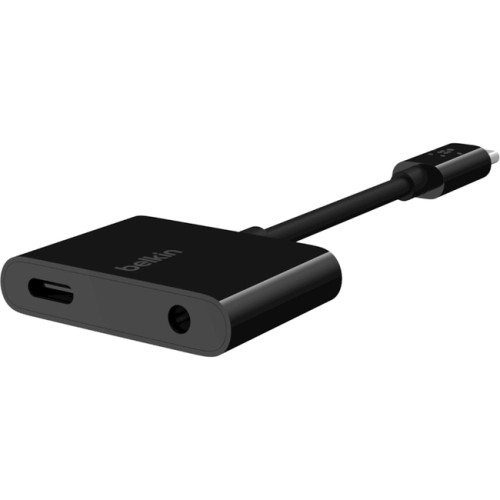 Your price for this item is $95.68
 -
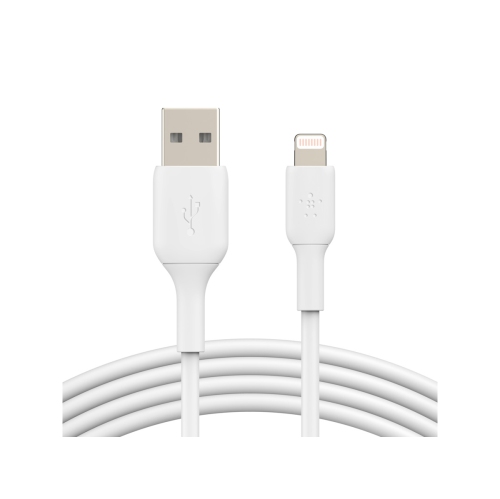 Your price for this item is $33.99
 -
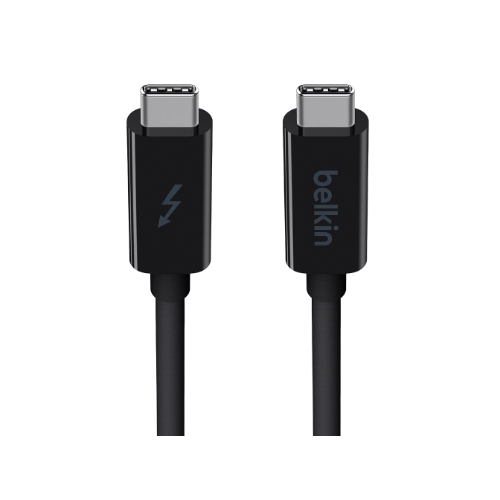 Your price for this item is $48.99
 -
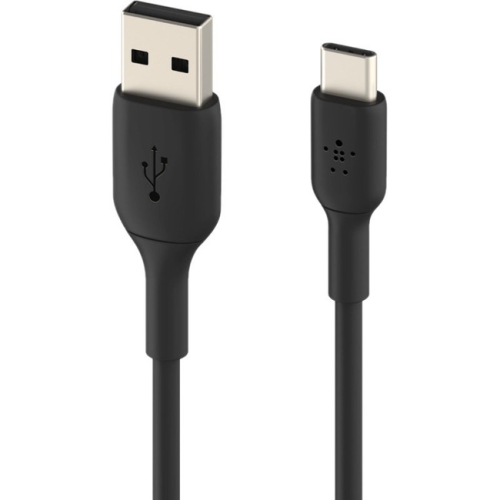 Your price for this item is $30.99
 -
 Your price for this item is $61.68
 -
 Your price for this item is $78.99
 -
 Your price for this item is $42.68
 -
 Your price for this item is $65.86
Discover more categories related to Dell Laptop Parts


Top Collections:
Pokemon Centers, Kindle Devices, Best Budget Office Chairs, Apple iPhones 16, Best Laptops for Writers, iPhone 15 Apple, Canon G7X Cameras, Refurbished Apple Laptops, Alarm Clock, Motorola Razr Phones
Some products may be subject to Environmental Handling Fees
(EHF) depending on your province.
Learn more about EHFs.